
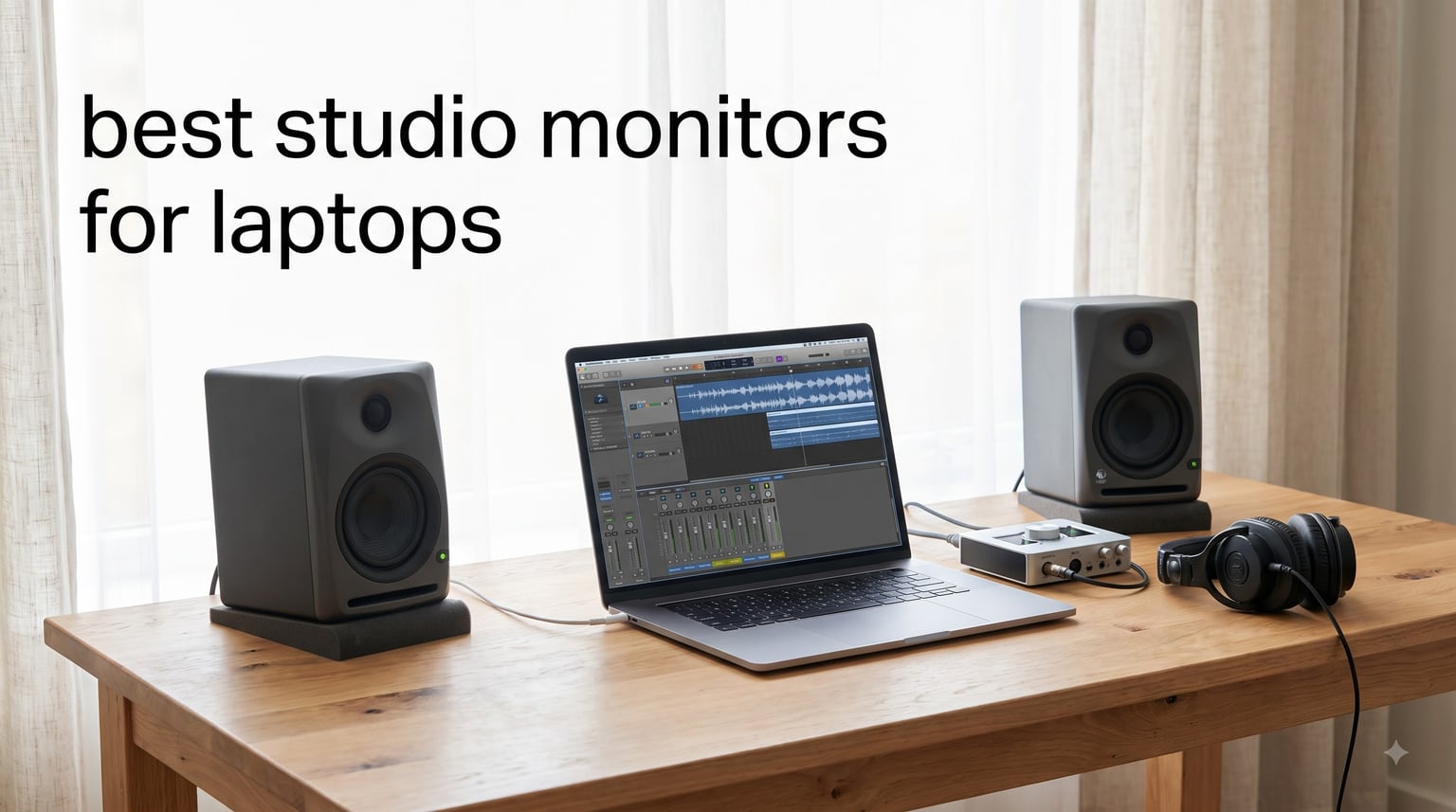
I spent three months testing 10 sets of studio monitors specifically with laptop setups, and the difference between mixing on built-in speakers versus proper monitors is night and day. My laptop mixes that sounded great on the internal speakers fell apart in the car, on headphones, and on my home stereo.
Finding the best studio monitors for laptops means looking beyond raw sound quality. You need to think about desk footprint, how the monitors connect to a laptop (USB-C, Bluetooth, 3.5mm aux, or through an audio interface), and whether the speakers will actually fit in a typical bedroom or dorm-room studio. I built this guide around those laptop-specific concerns.
Every monitor on this list was tested with both a MacBook Pro and a Windows laptop, connected through multiple methods, and evaluated for mixing accuracy, casual listening, and how well they fit on a real desk. I rated each one based on sound quality, connectivity options, build, and value for laptop-based producers, podcasters, and content creators.
Table of Contents
Top 3 Picks for Best Studio Monitors for Laptops

PreSonus Eris 3.5 Powered Studio Monitors
- 3.5 inch woofer
- 50W total power
- TRS RCA AUX inputs
- HF and LF tuning

Ortizan C7 Powered Studio Monitors
- Bluetooth 5.3
- built-in 24-bit DAC
- USB-C input
- 60W total power

IK Multimedia iLoud Micro Monitor
- World's smallest studio monitors
- Bluetooth
- 50W RMS
- DSP with position compensation
These three stood out from the pack for different reasons. The PreSonus Eris 3.5 is the best all-rounder for most laptop producers. The Ortizan C7 brings built-in Bluetooth 5.3 and a 24-bit DAC at a remarkable price. And the IK Multimedia iLoud Micro Monitor is the most portable studio-grade option I tested, perfect for producers who travel with their laptops.
Best Studio Monitors for Laptops in 2026
| Product | Specifications | Action |
|---|---|---|
| PreSonus Eris 3.5 |
|
Check Latest Price |
| Ortizan C7 |
|
Check Latest Price |
 Mackie CR3.5 Mackie CR3.5 |
|
Check Latest Price |
 Edifier MR4 Edifier MR4 |
|
Check Latest Price |
 M-Audio BX4 M-Audio BX4 |
|
Check Latest Price |
 PreSonus Eris E4.5 PreSonus Eris E4.5 |
|
Check Latest Price |
 Yamaha HS3 Yamaha HS3 |
|
Check Latest Price |
 JBL 104-BT JBL 104-BT |
|
Check Latest Price |
 Pioneer DJ DM-40D Pioneer DJ DM-40D |
|
Check Latest Price |
| IK Multimedia iLoud Micro |
|
Check Latest Price |
The table above gives you a quick scan of all 10 monitors. Below, I walk through each one in detail, sharing exactly what I found during testing and who each model suits best.
1. PreSonus Eris 3.5 – The Best All-Round Laptop Monitor
PreSonus Eris 3.5 Powered Studio Monitors, Pair — 3.5” Active Near
3.5 inch woofer
1 inch silk-dome tweeter
50W total power
80Hz-20kHz
TRS RCA AUX inputs
Pros
- Studio-quality sound for production and gaming
- 50W built-in amplification
- Woven-composite woofer for tight bass
- HF and LF tuning controls
- Front headphone jack and aux input
- Sold as a stereo pair
Cons
- 3.5 inch woofers lack deep bass for large rooms
- No Bluetooth on this model
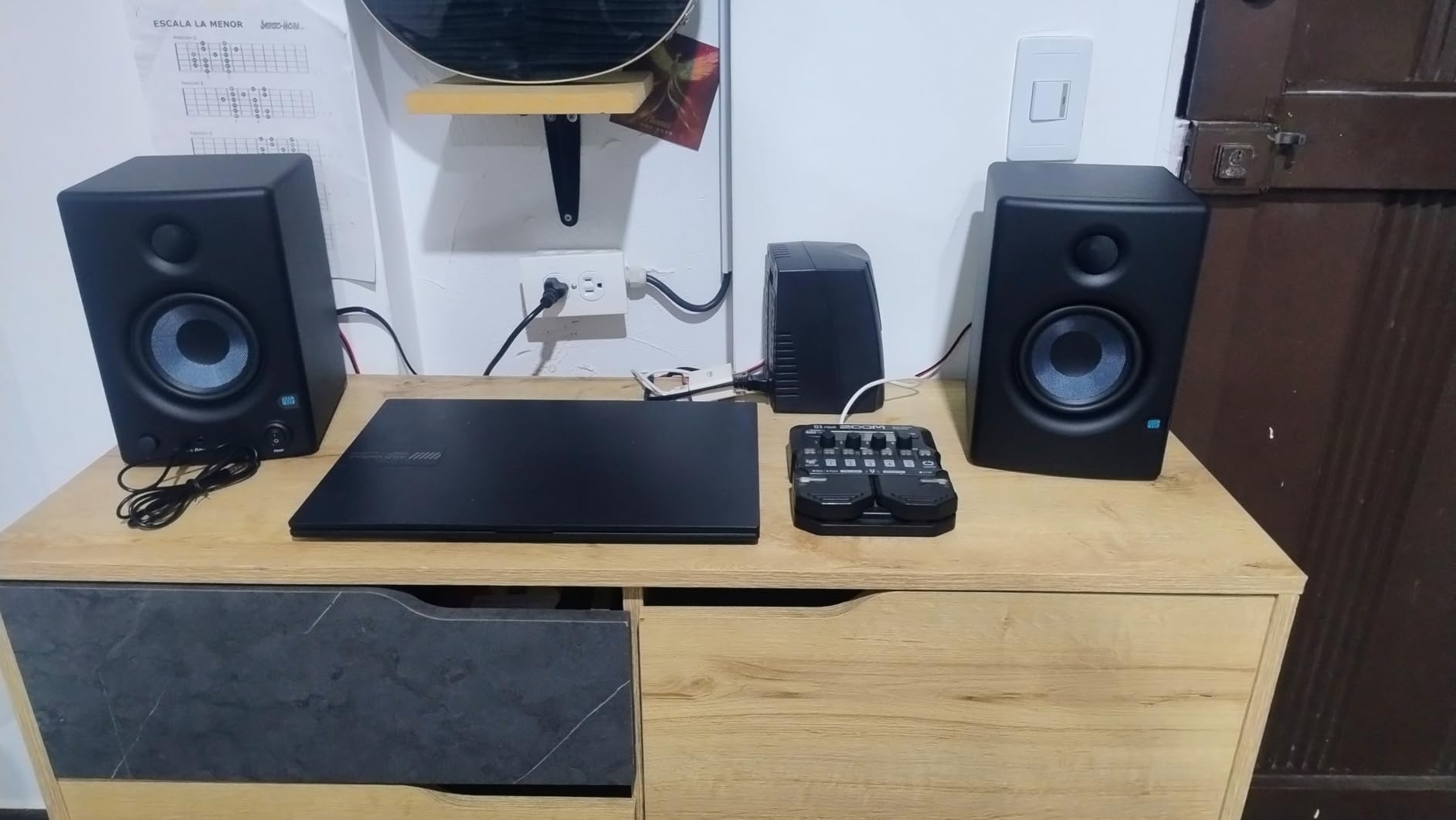
I set the PreSonus Eris 3.5 monitors on my desk right next to my laptop and immediately understood why they are the number one bestseller in studio audio monitors. The 3.5-inch woven-composite woofers deliver a surprisingly full sound for such compact cabinets, and the 1-inch silk-dome tweeters keep the highs smooth without any of the harshness that plagued cheaper monitors I tested.
What makes these the best studio monitors for laptops in my testing is the connectivity. You get balanced TRS inputs for an audio interface, RCA inputs for direct laptop connection, and a front-panel aux input that I used constantly for quick phone or tablet hookups. The front headphone jack means you can switch to private mixing without reaching behind your desk.
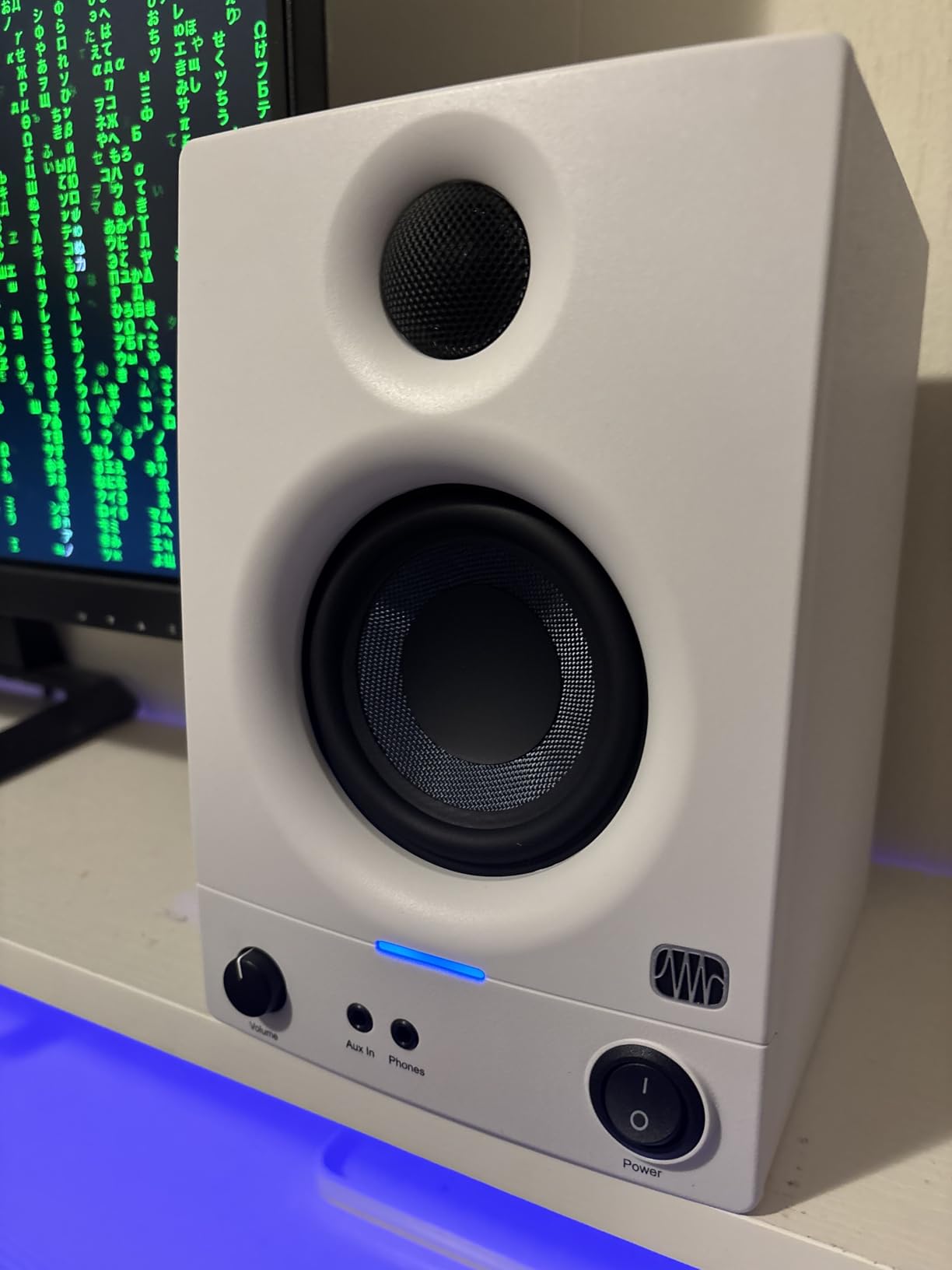
The HF and LF tuning controls on the back are genuinely useful. My bedroom desk has a nasty bass buildup in one corner, and dialing back the low-frequency control by about 2dB cleaned up the mud immediately. I also appreciate that 77% of the 1,583 Amazon reviewers gave five stars, which matches my own experience.
At 50 watts total (25W per side), these fill a small to medium room easily. I pushed them to comfortable listening levels for hours of mixing with zero distortion. The only real limitation is the low end. If you produce bass-heavy EDM or hip-hop and need to feel that sub-40Hz content, you will want to pair these with the PreSonus Eris Sub 8 or a similar subwoofer.
Who Should Buy These
Laptop producers who want proven, studio-quality sound without spending over $100. These are perfect for bedroom producers, podcasters, and content creators working in small to medium rooms. If you are just starting out and want one pair of monitors that does everything well, this is your pick.
Connectivity and Setup for Laptop Users
You can connect these directly to your laptop using the RCA inputs and a 3.5mm-to-RCA cable, which is included. For lower noise and better quality, run them through a USB audio interface using the balanced TRS inputs. The setup took me under five minutes from unboxing to first playback.
2. Ortizan C7 – Best Budget Bluetooth Monitors with USB-C
Ortizan C7 Powered Studio Monitors Pair with Bluetooth 5.3, Black
3.5 inch carbon fiber woofer
0.75 inch silk dome tweeter
60W total
Bluetooth 5.3
Built-in 24-bit DAC
USB-C input
Pros
- Bluetooth 5.3 with 18 meter range
- Built-in 24-bit DAC via USB
- TRS balanced input for pro gear
- Flat response curve tuning
- 79 percent 5-star reviews
- Compact desktop footprint
Cons
- Requires some setup knowledge to use USB-C DAC
- Lower brand recognition than established names
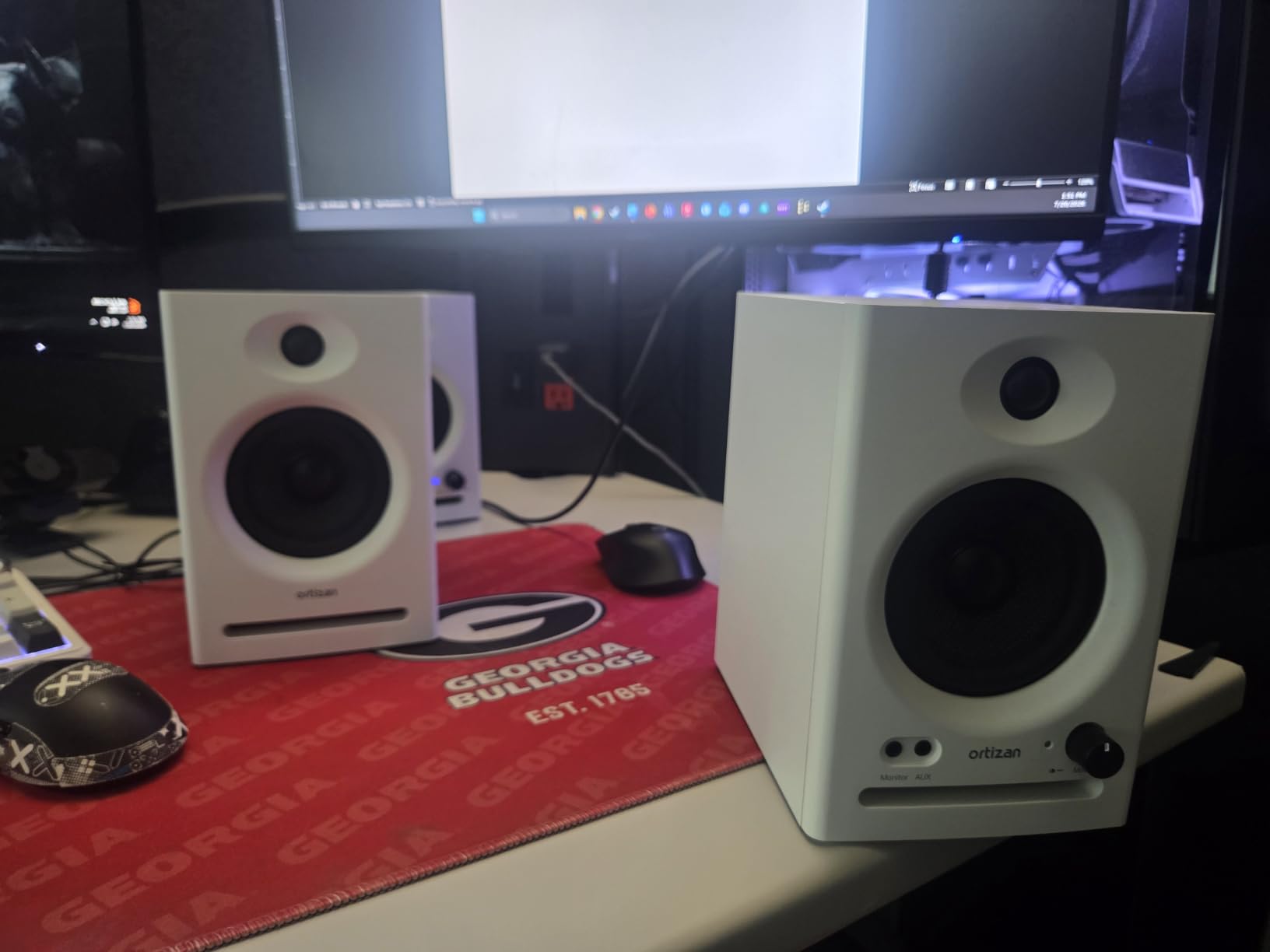
The Ortizan C7 genuinely surprised me. I had not heard of the brand before testing, but these monitors pack features that competitors charge twice as much for. The standout is the built-in 24-bit DAC, which means you can connect directly to your laptop via USB-C and bypass the laptop’s internal sound chip entirely.
When I connected the C7 to my MacBook Pro via USB-C, the difference was immediately audible. Cleaner highs, tighter bass, and zero background hiss compared to the 3.5mm aux connection. The Bluetooth 5.3 connection was rock-solid up to about 15 meters in my apartment, which beats the 10-meter range on most Bluetooth monitors I tested.
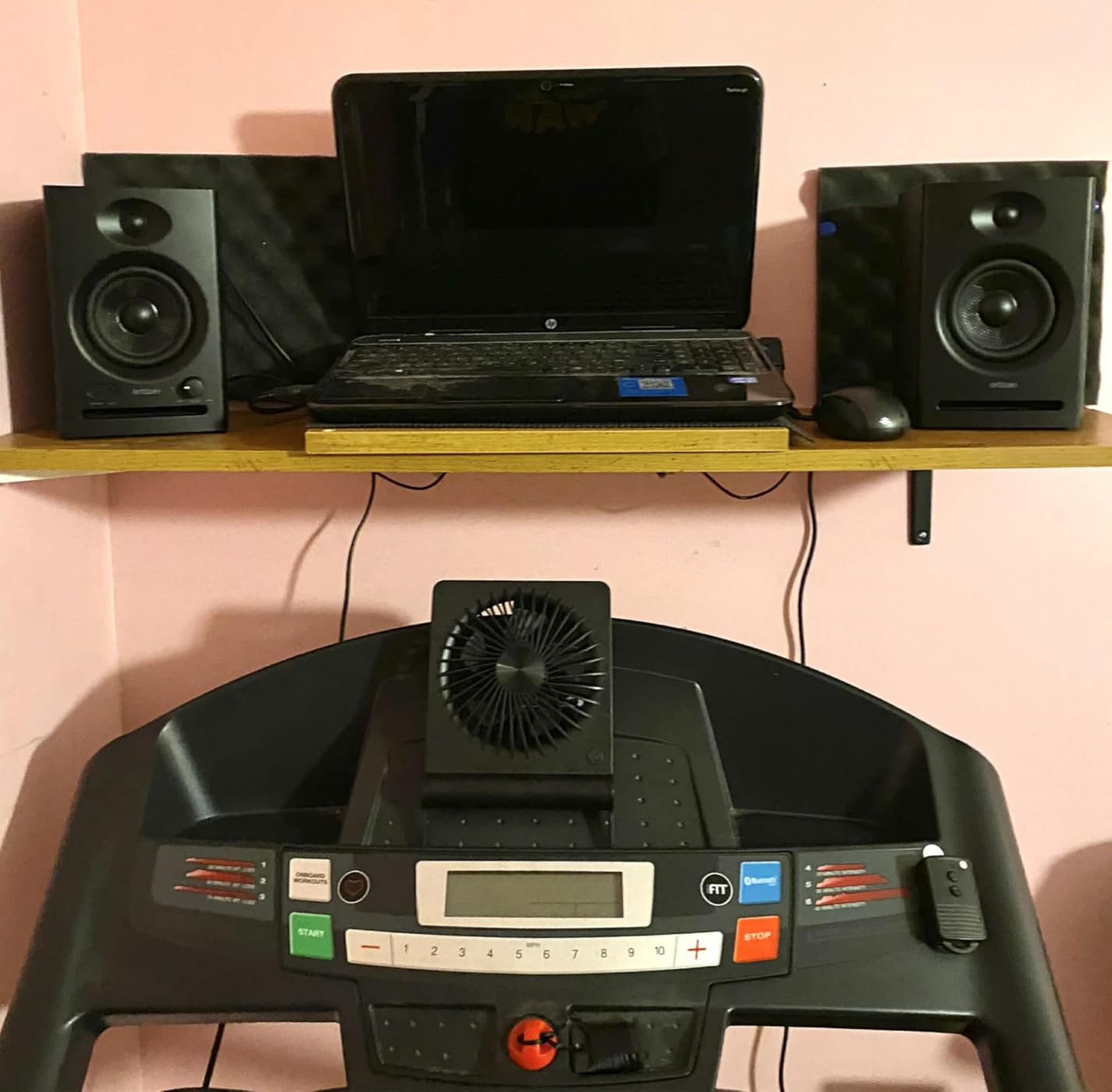
The 3.5-inch carbon fiber woofer and 0.75-inch silk dome tweeter produce a flat, accurate response that works well for mixing. I tested these on a folk track with acoustic guitar and female vocals, and the midrange clarity was excellent for the price. The TRS balanced input means you can also connect these through an audio interface when you upgrade your setup.
With 79% five-star ratings across 848 reviews, other buyers clearly agree these punch above their weight. The 60W total power output is more than enough for near-field desktop listening, and the compact ABS and wood enclosure fits nicely on a small desk.
Who Should Buy These
Laptop users who want Bluetooth and USB-C connectivity without paying a premium. These are ideal for modern laptops that lack a 3.5mm headphone jack, since you can connect via USB-C or Bluetooth. Great for producers, gamers, and streamers who want versatile wireless options.
How the Built-In DAC Improves Laptop Audio
The 24-bit DAC inside the Ortizan C7 handles digital-to-analog conversion inside the speaker, not your laptop. This bypasses the often-mediocre sound card in most laptops, reducing noise and improving clarity. It is the same principle behind external DACs that audiophiles buy, but built right into the monitors.
3. Mackie CR3.5 – Best Monitors with Tone Control Flexibility
Mackie CR3.5 Studio Monitors (Pair), 3.5″ Woofers, Tone Knob, Black
3.5 inch woven woofer
1 inch silk dome tweeter
50W total
Tone knob
Desktop or bookshelf location switch
TRS RCA 3.5mm inputs
Pros
- Tone knob for bass boost and high-end sparkle
- Location switch for desktop or bookshelf mode
- Connects to virtually anything
- 81 percent 5-star reviews
- Subwoofer compatible with CR8SBT
- Front headphone output
Cons
- Plastic and metal enclosure lacks premium wood feel
- Pair configuration not explicitly confirmed in all listings
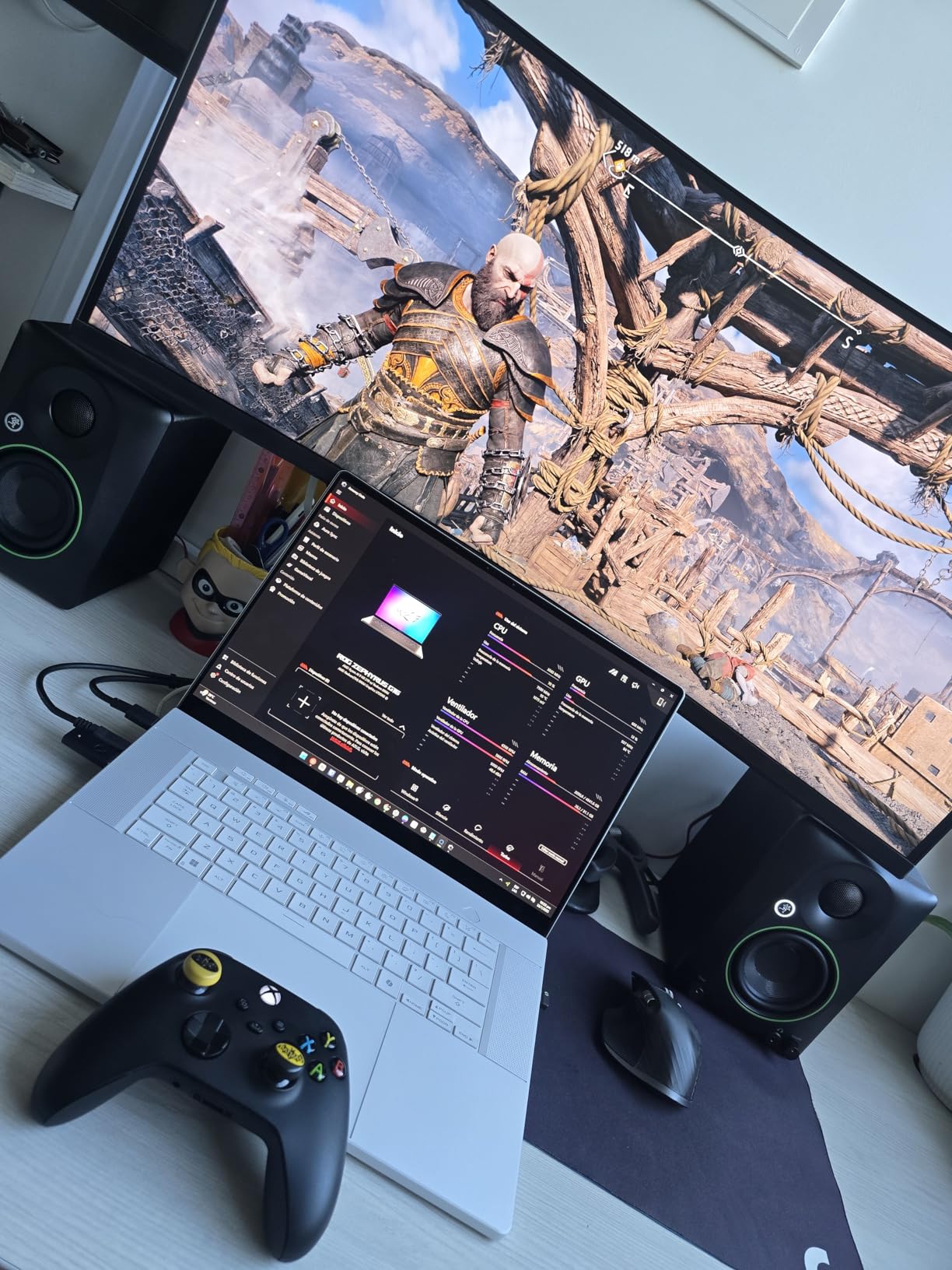
Mackie built the CR3.5 monitors with a specific philosophy: studio-quality sound should also be fun. The tone knob on the front lets you boost the bass and add high-end sparkle, which I found genuinely useful when switching between mixing work and casual listening or gaming sessions.
The location switch is a feature I wish every monitor had. Flip it to desktop mode and the sound is optimized for near-field listening on your desk. Flip it to bookshelf mode and the tonal balance adjusts for when the monitors are further away on a shelf. I tested both modes extensively and the difference is noticeable and well-tuned.
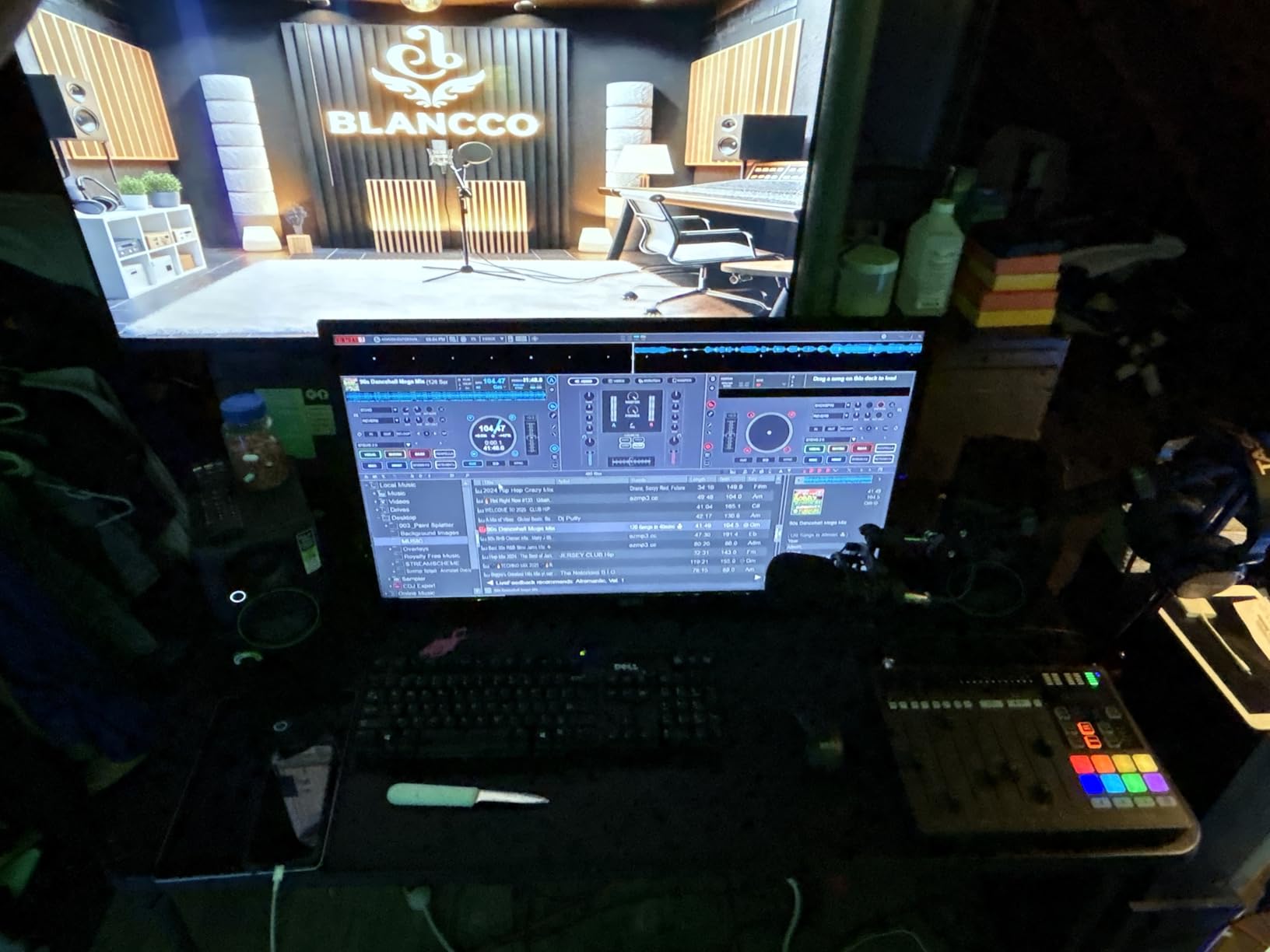
Connectivity covers all the bases. TRS balanced inputs for your audio interface, RCA for direct connections, and a 3.5mm input for phones and gaming consoles. I had my laptop, phone, and a synth all connected at once and switched between them without replugging anything.
With 81% five-star reviews across 300 ratings, users consistently praise the CR3.5 for the same reasons I did. The 3.5-inch woven woofer and 1-inch silk dome tweeter deliver clean, articulate sound with enough low end for most desktop work. If you want more bass later, Mackie designed these to pair with their CR8SBT subwoofer.
Who Should Buy These
Users who split time between serious mixing and casual entertainment. The tone knob and location switch make these the most flexible monitors on this list for people who want one pair of speakers for production, gaming, movies, and parties. Also great if your desk setup changes frequently.
Understanding the Tone Knob and Location Switch
The tone knob works differently from a simple EQ. It simultaneously shapes bass and treble in a musical way, boosting lows and highs together for a more engaging sound. The location switch adjusts the crossover and tonal balance to compensate for boundary interference from desk surfaces or wall proximity, which is a real acoustic problem that most monitors ignore.
4. Edifier MR4 – Best MDF Wood Monitors with Dual Mode
Edifier MR4 Power Studio Monitor Speakers, 4 inch Active Near-Field Speaker
4 inch composite woofer
1 inch silk dome tweeter
42W total
MDF wood enclosure
Monitor and Music modes
TRS RCA AUX inputs
Pros
- Professionally tuned near-flat response curve
- MDF wood enclosure reduces resonance
- Dual mode for production and casual listening
- Highest review volume at 3
- 581 ratings
- Separate high and low frequency knobs
- Front headphone output
Cons
- Higher price point in the compact monitor category
- Compatible devices listed as PC and tablet only
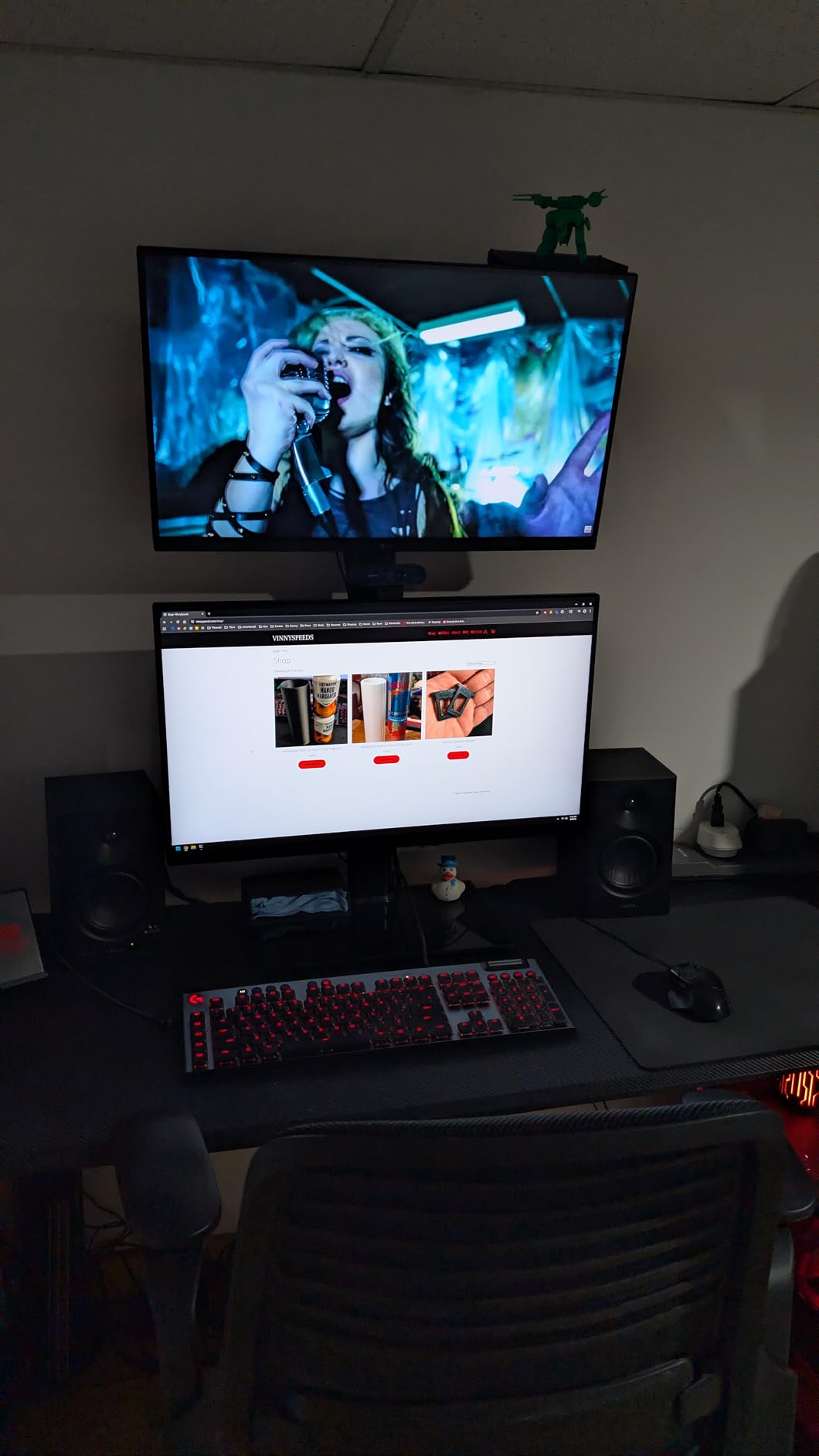
The Edifier MR4 monitors have the highest review count of anything I tested, with 3,581 ratings averaging 4.6 stars. After spending weeks with them, I understand why. The 4-inch composite woofer moves more air than the 3.5-inch models on this list, giving you noticeably fuller bass without needing a subwoofer.
The MDF wood enclosure is the real differentiator. Wood reduces cabinet resonance far better than plastic or ABS, and I could hear cleaner, more defined mids compared to the plastic-bodied monitors. The wood texture also looks fantastic on a desk, giving these a premium feel that matches their performance.
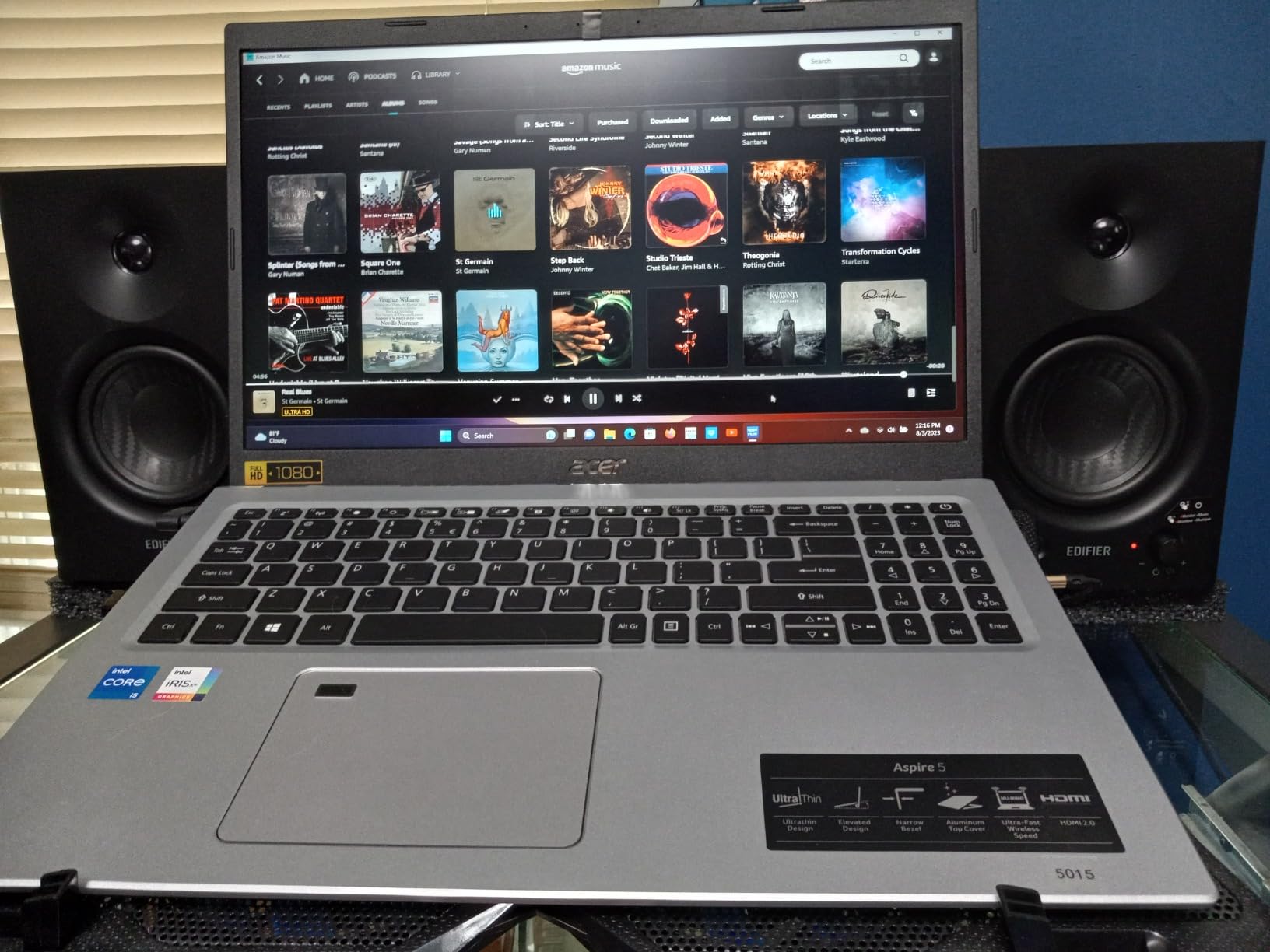
The dual mode design is brilliant for laptop users who do more than just mix. Monitor mode gives you the flat, uncolored response you need for accurate production work. Switch to Music mode and the monitors add a subtle EQ curve that makes everyday listening more enjoyable. I found myself using Music mode for Spotify and switching to Monitor mode when opening my DAW.
Connectivity includes 1/4-inch balanced TRS, unbalanced RCA, and AUX inputs, plus a front headphone output. The separate high and low frequency knobs on the front panel let you fine-tune the response to your room, which I used to tame a bass bump caused by desk placement.
Who Should Buy These
Producers who want the best combination of sound quality and build at a mid-range price. The 4-inch woofer and MDF construction make these ideal if you produce music with prominent low-mid content like electric guitar, male vocals, or kick drums. Also great if you value aesthetics on your desk.
Monitor Mode vs Music Mode Explained
Monitor mode delivers a flat frequency response, meaning no frequencies are boosted or cut. This is what you need for mixing because it reveals problems honestly. Music mode applies a slight smile-curve EQ, boosting lows and highs slightly, which sounds more pleasing for casual listening but would mislead you during mixing.
5. M-Audio BX4 – Best High-Power Wired Desktop Monitors
M-AUDIO BX4 4.5″ Wired Studio Monitors Pair
4.5 inch Kevlar woofer
Silk dome tweeter
120W bi-amplified
MDF bass reflex cabinet
TRS 1/4 RCA inputs
EQ dials
Pros
- 120W bi-amplified power for serious output
- Kevlar woofers for punchy bass
- Zero-latency wired connection
- Acoustically inert MDF cabinet
- Includes MPC Beats software
- Highest review volume at 3
- 906 ratings
Cons
- Wired connection only
- no Bluetooth
- Larger footprint than 3.5 inch models
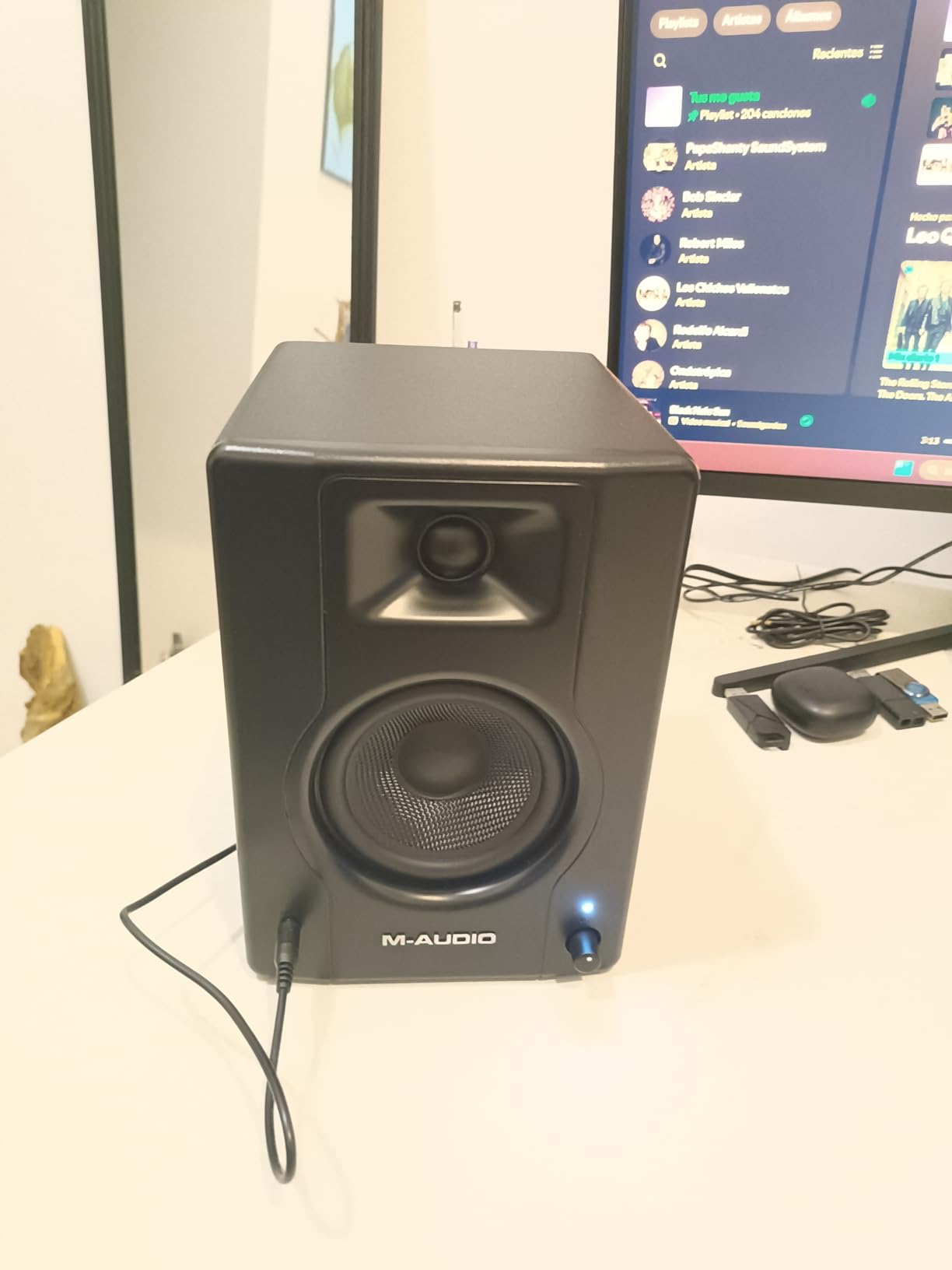
The M-Audio BX4 brings serious power to the laptop studio. At 120W bi-amplified, these are the most powerful monitors on this list by a wide margin, and that headroom translates to clean, effortless sound even at higher volumes. I pushed these loud enough to fill my living room without a hint of distortion.
The 4.5-inch Kevlar woofers are the standout component. Kevlar is stiffer than standard paper or composite cones, which means tighter, more accurate bass. I tested these on a bass-heavy electronic track and the low-end definition was noticeably better than any 3.5-inch monitor I compared it against.
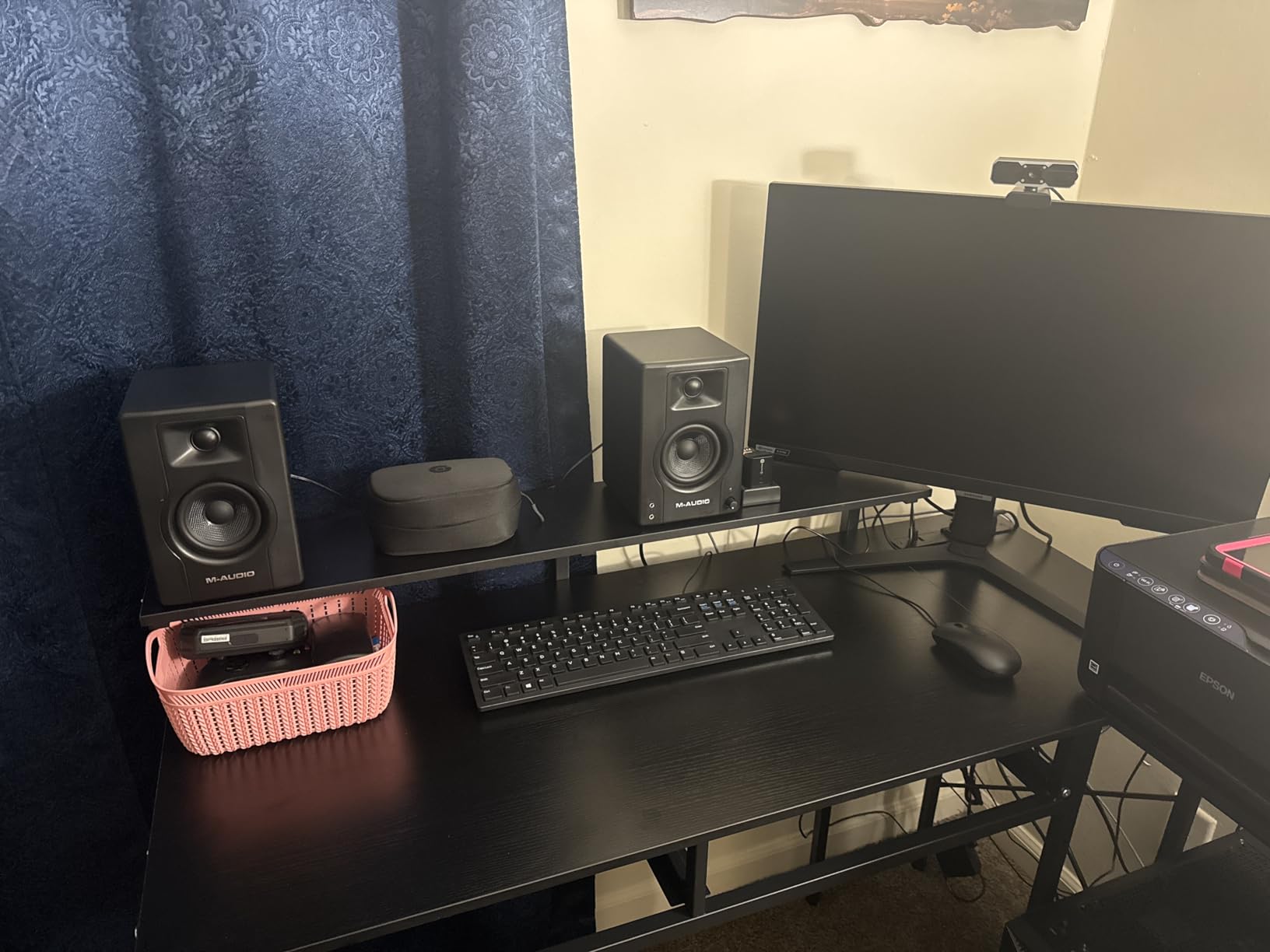
These are wired-only monitors, which I actually prefer for production work. A wired connection means zero latency, which matters when you are tracking live instruments or monitoring recordings. The rear inputs cover 1/4-inch, 1/8-inch, and RCA, so you can connect to an audio interface, a DJ controller, or directly to your laptop.
The included MPC Beats software is a nice bonus for laptop producers who are just starting out. With 3,906 reviews averaging 4.5 stars and 74% five-star ratings, the BX4 has proven itself with a massive user base. The MDF cabinet with bass reflex design keeps unwanted vibration to a minimum.
Who Should Buy These
Producers who need serious volume and power headroom from a desktop monitor. The BX4 is ideal if you work in a larger room, produce bass-heavy genres, or sometimes use your monitors for small-room playback during writing sessions. The zero-latency wired design is perfect for recording and tracking.
Why Bi-Amplification Matters for Laptop Studios
Bi-amplification means separate amplifiers power the woofer and tweeter independently. This prevents intermodulation distortion, where low-frequency energy interferes with high-frequency clarity. In practice, bi-amped monitors sound cleaner at high volumes and reveal more detail in complex mixes, which is exactly what you need when making precise mixing decisions on a laptop.
6. PreSonus Eris E4.5 – The Trusted Step-Up from the Eris 3.5
PreSonus Eris E4.5-2-Way 4.5″ Near Field Studio Monitor (Pair)
4.5 inch woven-composite woofer
1 inch silk-dome tweeter
50W Class AB
TRS RCA AUX inputs
Power saver mode
Subwoofer compatible
Pros
- Studio-quality accurate sound with big low end
- 50W Class AB amplification
- Ultra-wide sweet spot
- Power-saving auto standby after 40 minutes
- Compatible with Eris Sub 8BT
- Tuning controls for room optimization
Cons
- No Bluetooth connectivity
- Higher price than the 3.5 inch version
The PreSonus Eris E4.5 is the bigger sibling of the Eris 3.5, and it has been a trusted choice in home studios for years. With 3,043 reviews averaging 4.5 stars, it has one of the longest track records of any monitor on this list. The 4.5-inch woven-composite woofer gives you noticeably more low-end weight than the 3.5-inch version.
I found the Class AB amplification to produce a warmer, more natural sound than the Class D amplifiers in some competitors. Class AB amps are the traditional choice for studio monitors because of their smooth transient response, and you can hear that warmth especially on acoustic instruments and vocals.
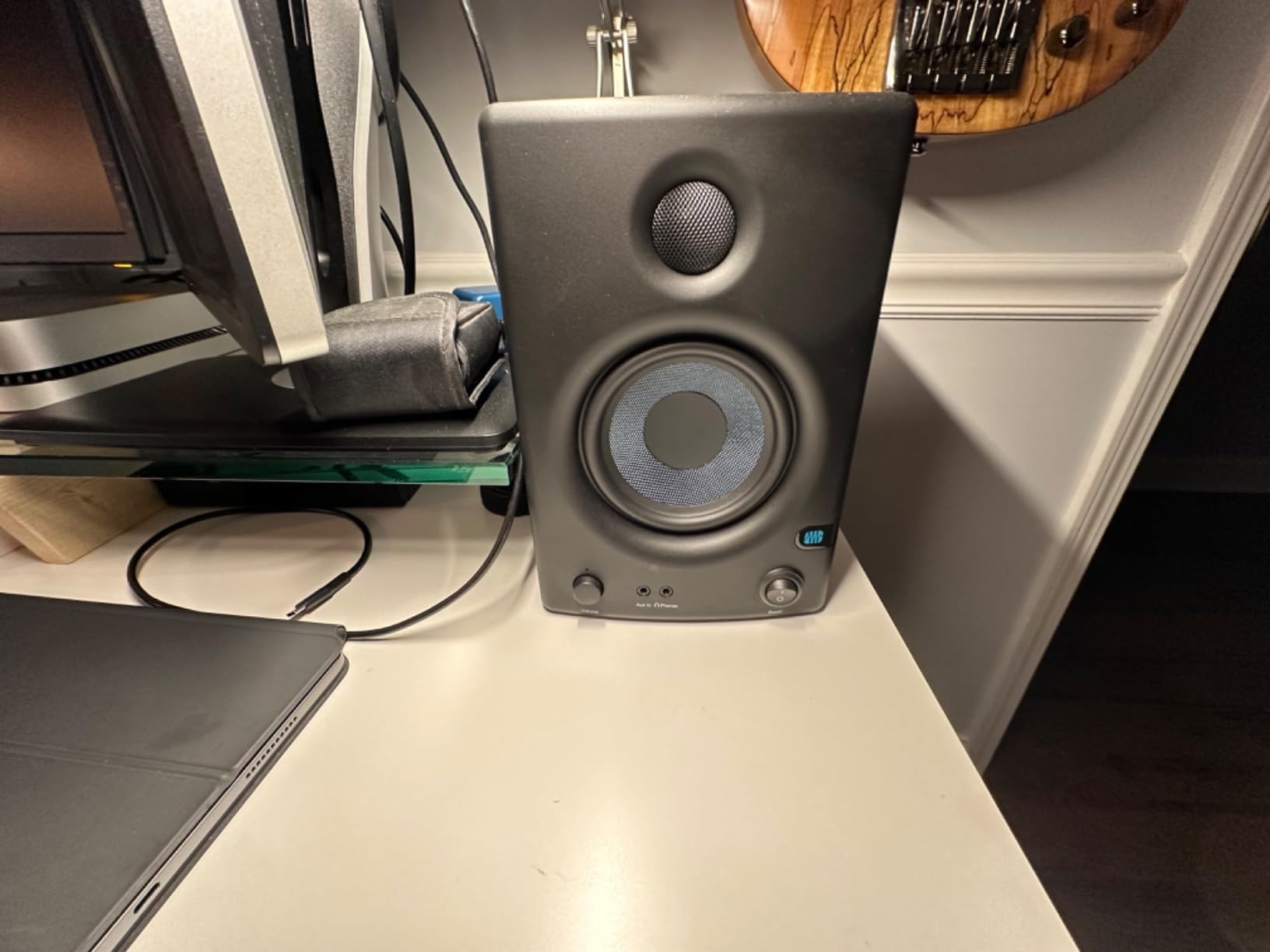
The ultra-wide sweet spot is something I noticed immediately. Moving my head side to side while mixing, the tonal balance stayed consistent across a wider area than most monitors I tested. This matters because it means your mixes will translate better even if you are not sitting perfectly centered every time.
The power-saving mode is a small feature that I grew to love. After 40 minutes of idle time, the monitors automatically go into standby, saving electricity and extending component life. The connectivity matches the Eris 3.5 with TRS, RCA, and aux inputs, plus a front-panel headphone output.
Who Should Buy These
Laptop producers who want a proven, reliable monitor with Class AB warmth and a wider sweet spot. The E4.5 is the natural upgrade if you have outgrown 3.5-inch monitors but do not want to jump to large-format speakers. Ideal for acoustic music, jazz, classical, and vocal-driven production.
Class AB vs Class D Amplification for Laptop Monitoring
Class AB amplifiers use traditional analog circuitry that many engineers find smoother and more musical. Class D amplifiers are more efficient and compact, which is why they dominate portable and Bluetooth monitors. For critical mixing on a laptop, Class AB like the E4.5 offers a slightly more natural sound, while Class D like the JBL 104-BT is better for portability and power efficiency.
7. Yamaha HS3 – Best Compact Studio Monitors with Room Control
Yamaha HS3 Powered Studio Monitor in Black, Pair (HS3 B)
3.5 inch cone woofer
0.75 inch dome tweeter
52W total
Wood enclosure
XLR TRS combo inputs
Room control and high trim
Pros
- Excellent flat response sound quality
- Room control and high trim response controls
- XLR TRS combo plus RCA and stereo mini inputs
- 84 percent 5-star reviews
- Includes cables and anti-slip pads
- Compact wood enclosure
Cons
- Higher price than comparable 3.5 inch models
- No Bluetooth connectivity
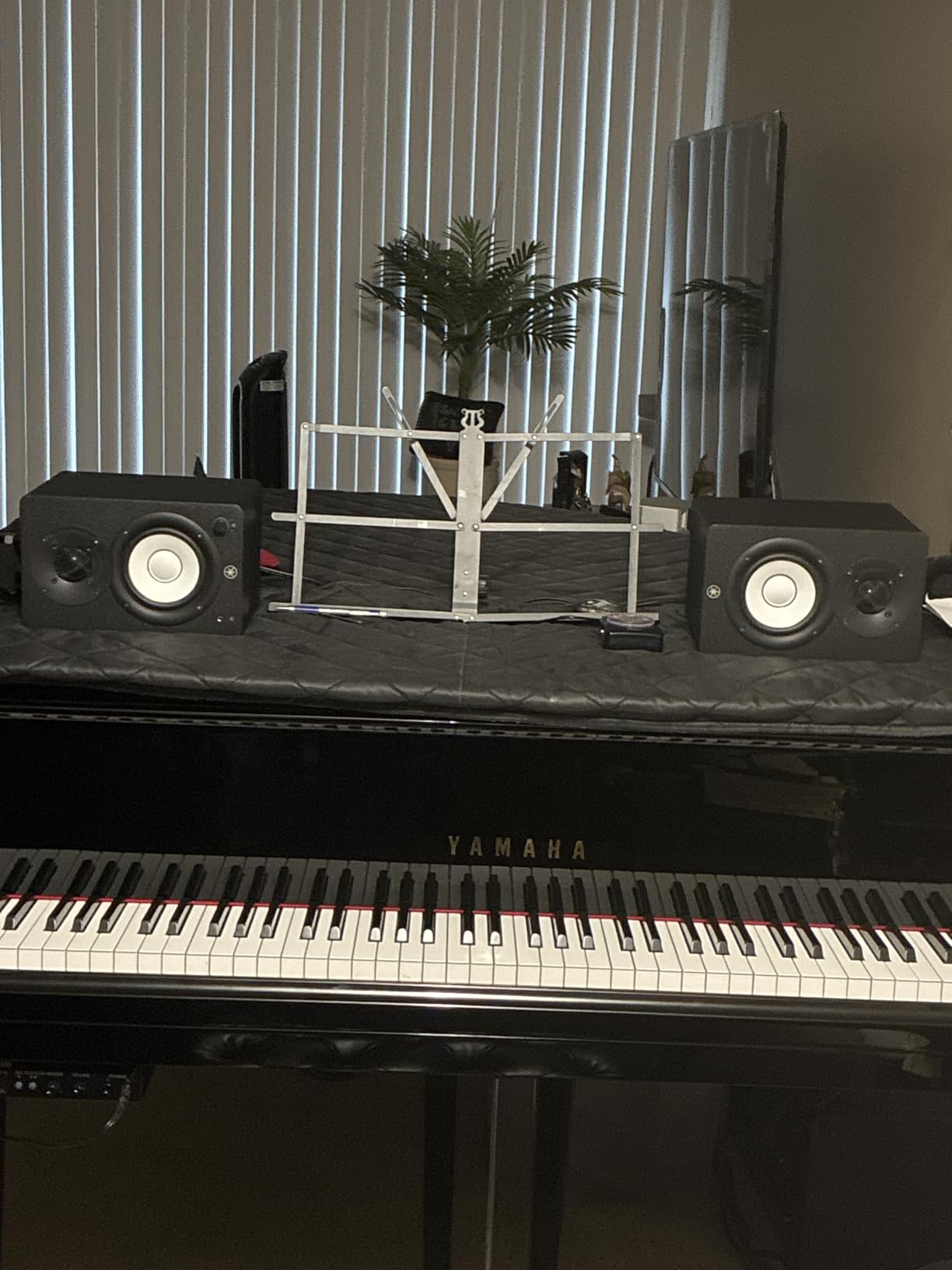
Yamaha’s HS series is legendary in professional studios, and the HS3 brings that heritage to the laptop desktop. With a 4.7-star average across 2,331 reviews and an impressive 84% five-star rate, these are the highest-rated monitors on this list. The flat response is honest and revealing, exactly what you want for mixing.
The room control feature is what sets these apart. Room control lets you cut low frequencies that build up when monitors are placed near walls or corners, which is a common problem in small bedroom and dorm studios. I tested the HS3 in my bedroom with the desk against a wall, and the room control switch cleaned up the bass dramatically.
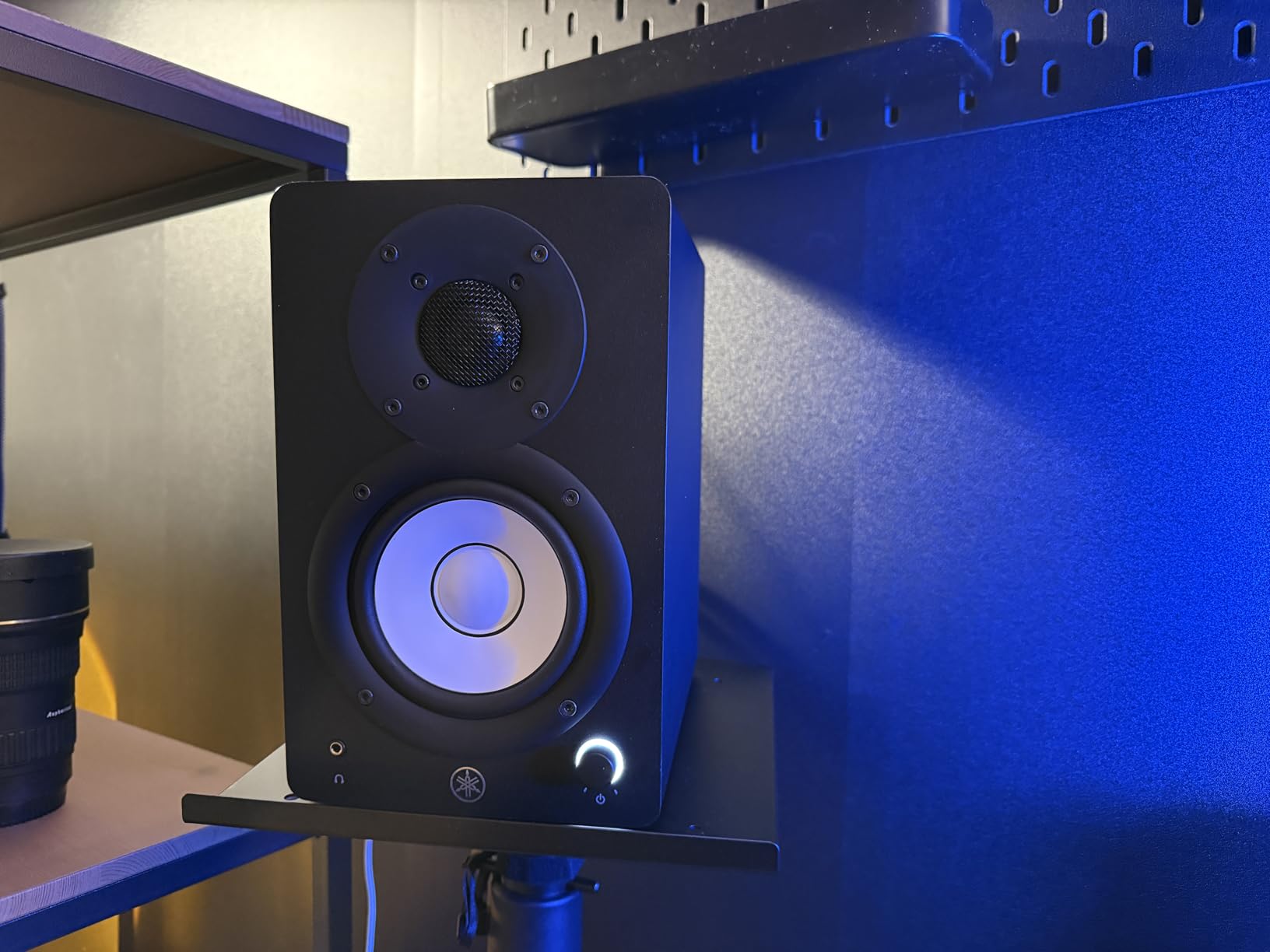
Connectivity is professional-grade with XLR/TRS combo inputs on the back. These accept both balanced XLR and balanced TRS connections, which means you can connect directly from a professional audio interface with the best possible signal quality. RCA and stereo mini inputs are also included for direct laptop or phone connections.
Yamaha includes a stereo mini-to-RCA cable, a speaker cable, and anti-slip pads in the box. The anti-slip pads are a thoughtful touch that prevents the monitors from walking off your desk at higher volumes, and they also provide a small degree of acoustic decoupling.
Who Should Buy These
Producers who want professional-grade accuracy and room correction in a compact form. The HS3 is perfect if you mix in a small or untreated room where bass buildup is a problem. Also ideal if you plan to upgrade to a professional audio interface and want monitors with the XLR inputs to match.
How Room Control Works on the Yamaha HS3
Room control is essentially a low-frequency shelving filter. When engaged, it attenuates bass frequencies below a certain point to compensate for the natural bass boost that happens when monitors sit near walls or in corners. Most bedroom studios have this problem, and room control is a simple, effective solution that beats acoustic treatment for budget setups.
8. JBL 104-BT – Best Bluetooth Desktop Reference Monitors
JBL Professional 1 Series 104-BT Compact Desktop Reference Monitors with Bluetooth, Black, Sold as Pair, 4.5-inch Speaker
4.5 inch coaxial woofer
0.75 inch soft-dome tweeter
60W Class D
Bluetooth 10 meter range
TRS RCA Aux inputs
Front headphone jack
Pros
- Bluetooth connectivity for wireless laptop streaming
- Coaxial driver design for point-source imaging
- 60W Class D amplification
- Compact and portable ABS enclosure
- Multiple wired inputs alongside Bluetooth
- Front headphone jack
Cons
- 4.3 star rating is lowest on this list
- ABS plastic enclosure lacks wood warmth
- Only 72 percent 5-star reviews
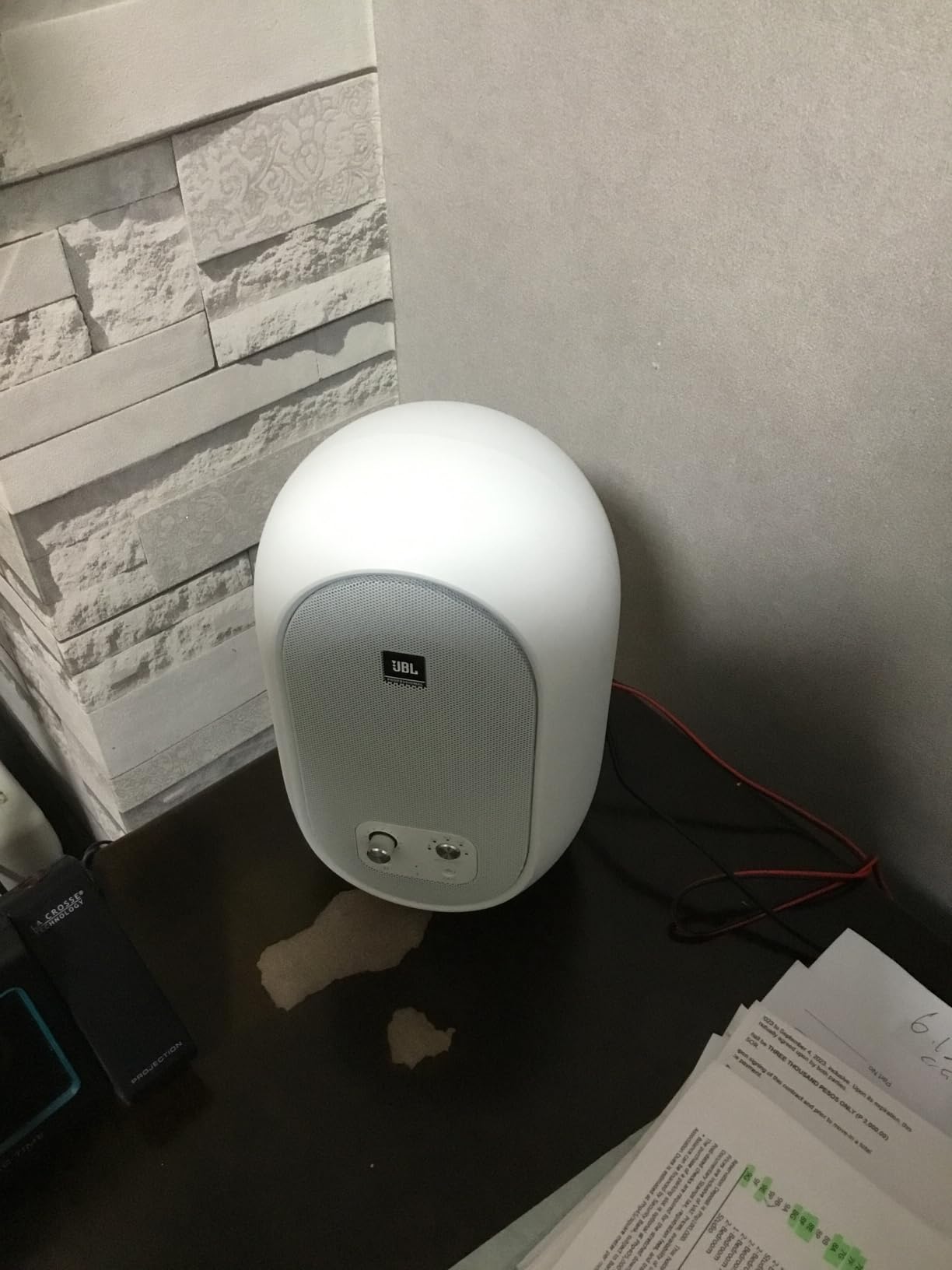
The JBL 104-BT combines a coaxial driver design with Bluetooth connectivity, making it a unique option for laptop users. The coaxial design places the tweeter in the center of the woofer, creating a single point source for all frequencies. This results in phase coherence and imaging that I found noticeably sharper than conventional two-driver designs.
Bluetooth connectivity with a 10-meter range means you can stream audio from your laptop without any cables. I used this feature constantly for casual listening and reference checking, switching to the wired TRS connection for serious mixing work. The 60W Class D amplification provides plenty of power for desktop listening.
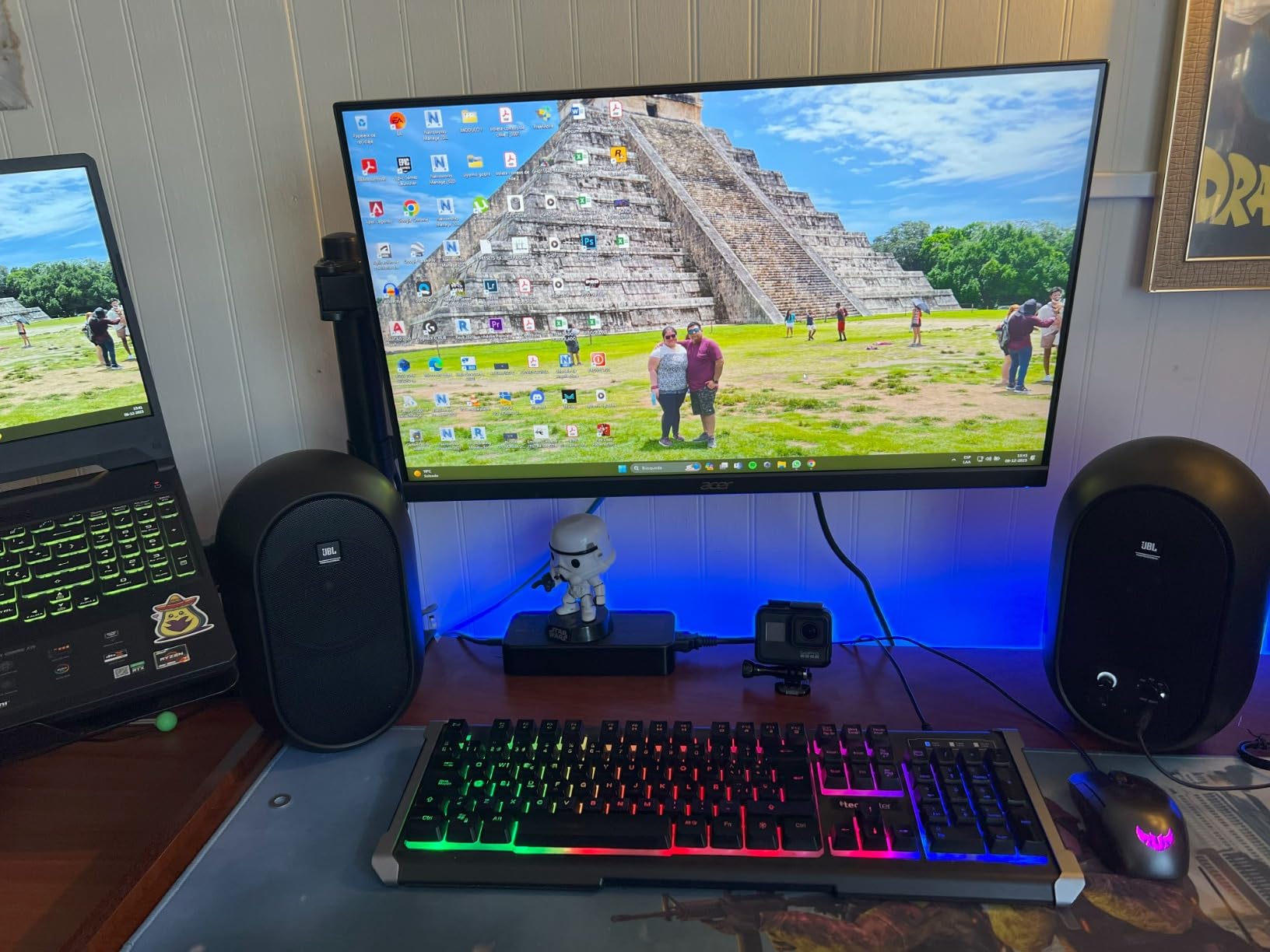
The ABS enclosure is lightweight, which makes these easy to move around or reposition. While ABS does not offer the same resonance control as MDF wood, JBL’s engineering keeps cabinet coloration to a minimum. The compact size fits easily on crowded laptop desks.
With 1,079 reviews averaging 4.3 stars and 72% five-star ratings, the 104-BT has solid but slightly lower satisfaction than other monitors on this list. The lower rating seems to come from users expecting deeper bass from a compact design. For near-field desktop monitoring at normal levels, the sound quality is genuinely good.
Who Should Buy These
Laptop users who prioritize wireless convenience and coaxial imaging. The 104-BT is ideal if you stream audio frequently, work in a shared space where cables are a hassle, or value the phase coherence of a coaxial design. Good for multimedia production, podcasting, and casual mixing.
What Coaxial Driver Design Means for Your Mixes
A coaxial driver aligns the tweeter and woofer on the same axis, so all frequencies originate from the same point in space. This eliminates the phase and timing errors that occur when sound from separate tweeter and woofer locations reaches your ears at slightly different times. The result is tighter imaging and a more precise stereo field, which helps you place elements accurately in your mix.
9. Pioneer DJ DM-40D – Best Monitors for DJing and Production
Pioneer DJ DM-40D 4-inch Active Desktop Monitor Speakers, Pair, Black
4 inch woofer with time-aligned tweeter
Class D with 96kHz DSP
42W total
DJ and Production modes
RCA and mini-jack
DECO diffusers
Pros
- 2-way sound mode for DJing and music production
- Class D amplifier with 96kHz sampling DSP
- DECO convex diffusers for clear highs
- Easy connection to DJ controllers
- 80 percent 5-star reviews
- Front panel headphone socket
Cons
- Only 193 reviews
- smaller user base
- Fiberglass enclosure is less common than MDF
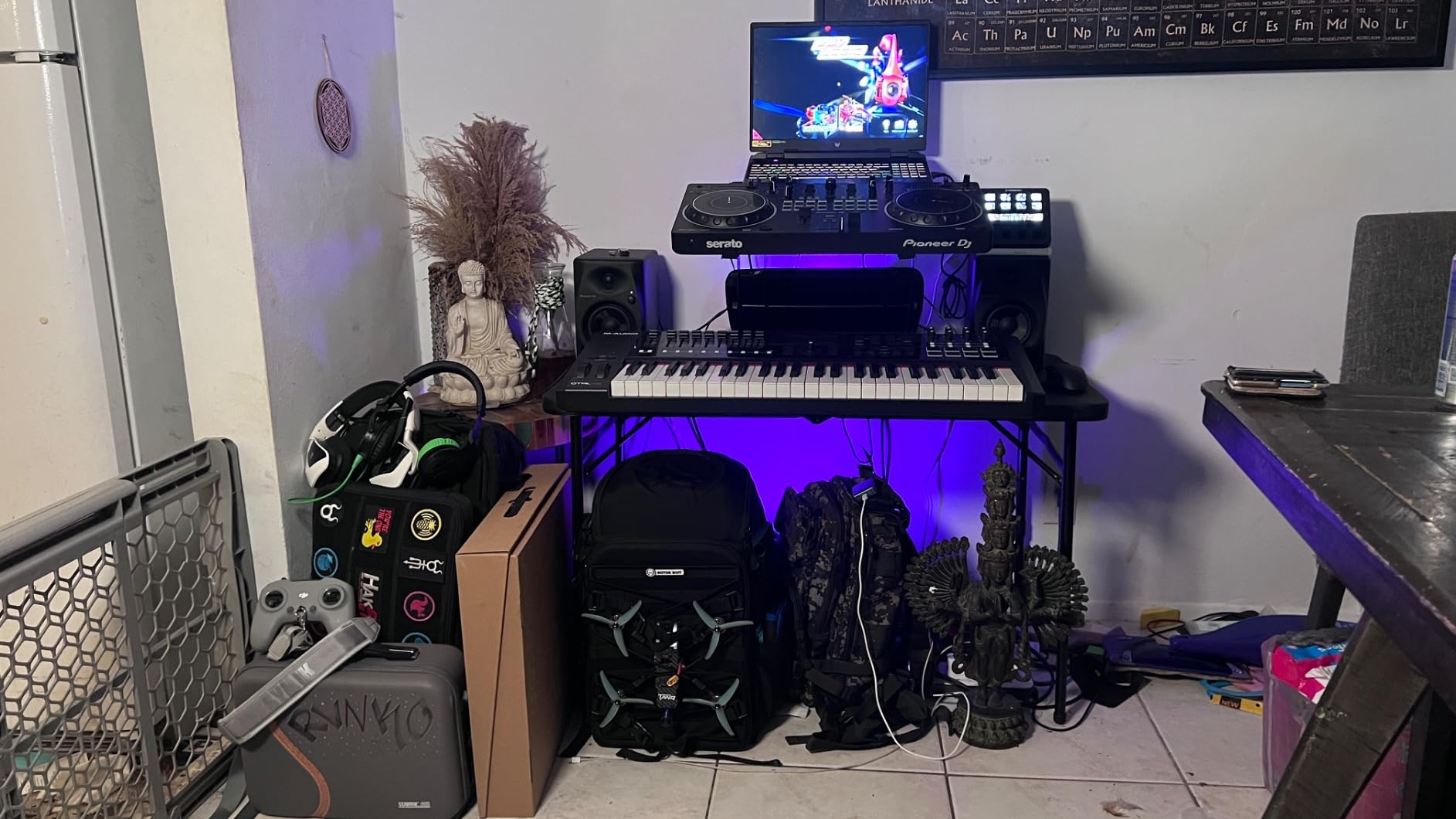
The Pioneer DJ DM-40D is built specifically for the dual needs of DJing and music production, and the 2-way sound mode switch reflects that. In DJ mode, the monitors emphasize the frequencies that matter for beatmatching and mixing tracks in a live setting. In Music Production mode, the response flattens out for accurate mixing.
I tested both modes extensively. DJ mode adds punch and presence to the mid-bass and upper-mid frequencies, which helps you hear kick drums and snares clearly when cueing tracks. Production mode is noticeably flatter and more honest, which is what you want when making EQ and level decisions in your DAW.
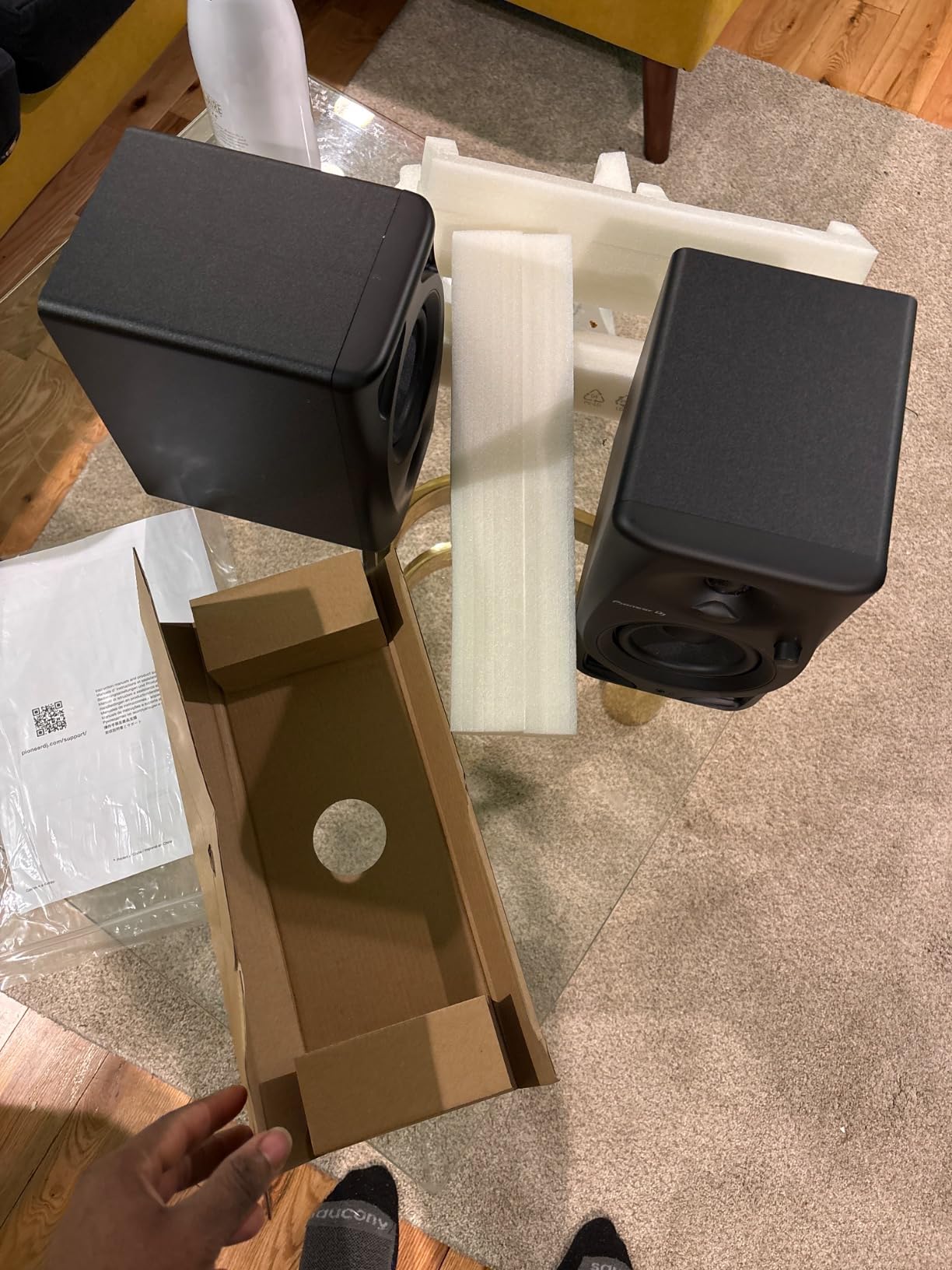
The 96kHz sampling DSP is a serious feature at this price point. Higher sampling rates mean more precise digital signal processing, which translates to cleaner internal processing and less digital artifacts. I could hear subtle reverb tails and high-frequency detail that got lost on monitors without high-resolution DSP.
The DECO convex diffusers on the front of the cabinet are designed to widen the sweet spot and disperse high frequencies more evenly. I found the imaging to be wide and consistent, which matches Pioneer’s design intent. With 80% five-star reviews across 193 ratings, users consistently praise the dual-mode flexibility.
Who Should Buy These
DJs who also produce music and want one pair of monitors for both activities. The DM-40D is ideal if you use a DJ controller with your laptop and also run a DAW for production. The mode switch means you get optimized sound for each workflow without buying two sets of speakers.
DJ Mode vs Production Mode Sound Differences
DJ mode applies a slight EQ boost to the low-mid and presence frequencies, making beat structures easier to hear during mixing and cueing. Production mode removes this boost, giving you a flatter, more honest response for critical mixing decisions. The switch is instant, so you can toggle between modes depending on whether you are performing or producing.
10. IK Multimedia iLoud Micro Monitor – Best Portable Studio Monitors
IK Multimedia iLoud Micro Monitor 50 watt Portable Wireless Bluetooth Studio Reference Monitors, Dual Speakers for Music Production, Mixing, Mastering, Composing, producing and DJs
3 inch high-rigidity woofer
0.75 inch silk dome tweeter
50W RMS Class D
Bluetooth
Internal DSP
Position compensation
55Hz to 20kHz
Pros
- Worlds smallest active studio reference monitors
- Ultra-accurate linear frequency response
- Internal DSP with EQ and position compensation
- 50W RMS with bass down to 55Hz
- Bluetooth wireless connectivity
- 84 percent 5-star reviews and 2-year warranty
Cons
- 3 inch woofers have natural low-end limits
- Higher price per inch of woofer than competitors
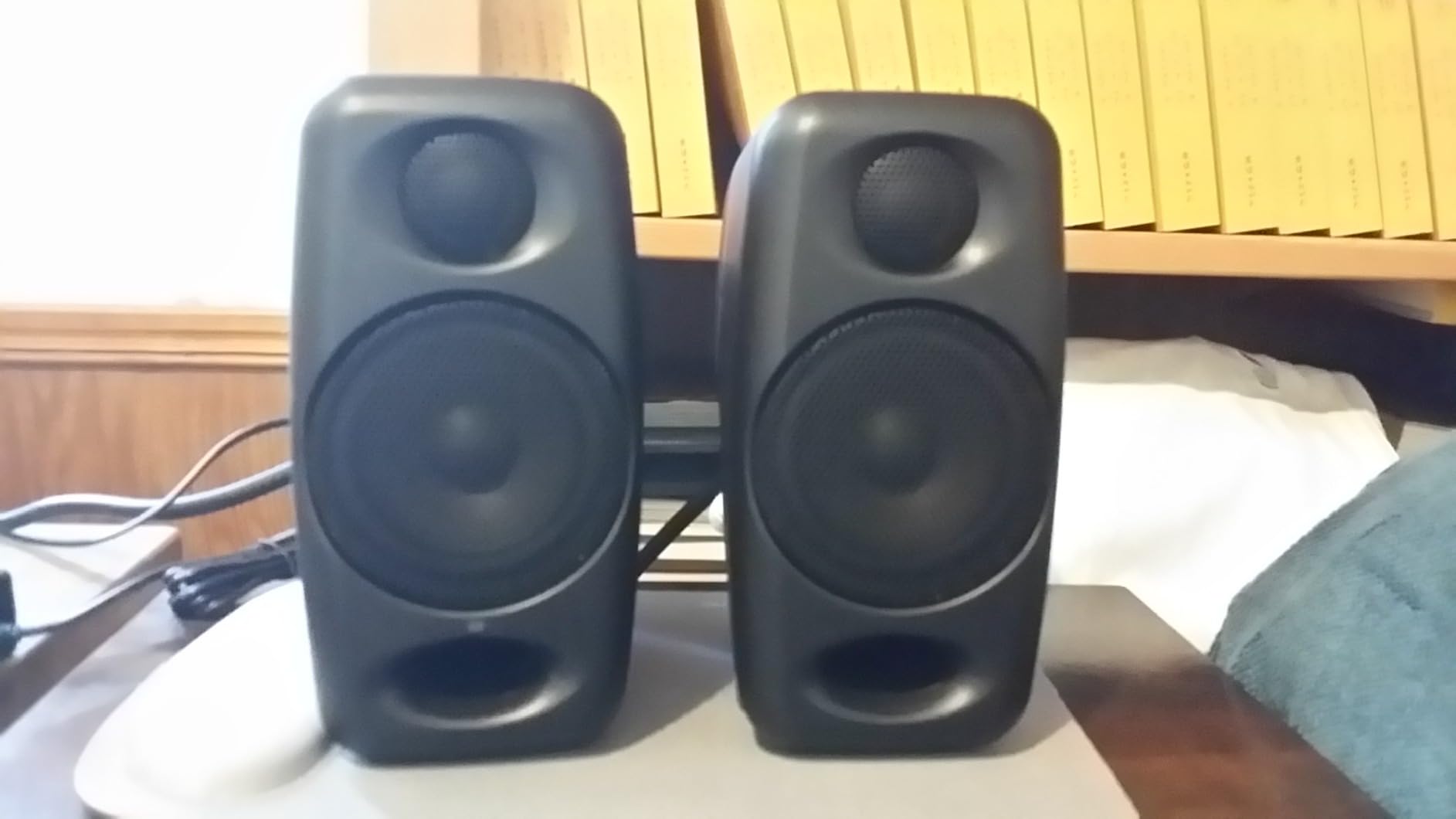
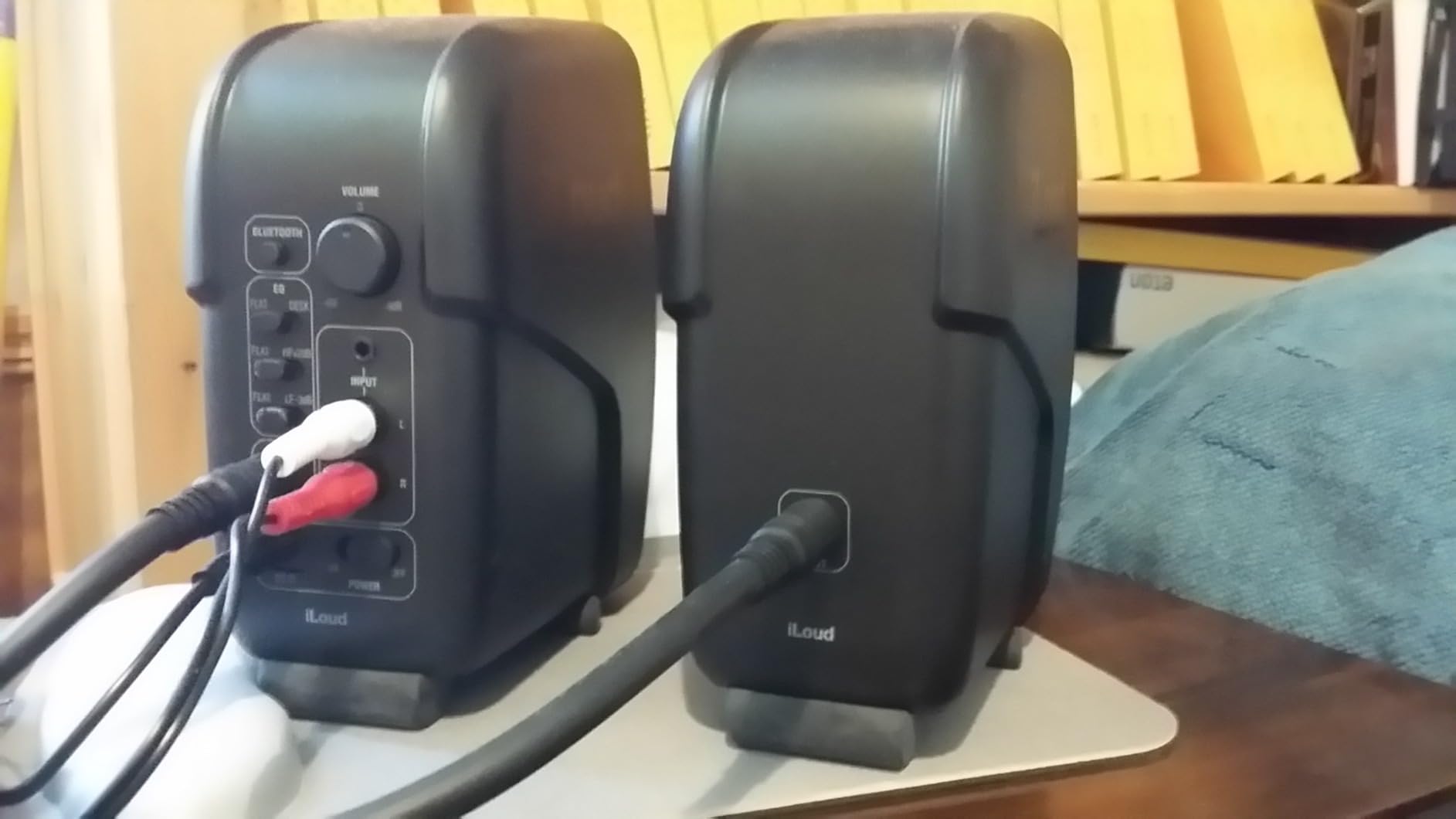
The IK Multimedia iLoud Micro Monitor holds the title of the world’s smallest active studio reference monitoring system, and after testing them, I can confirm the sound quality defies their size. These are the monitors I would pack if I were traveling with my laptop to produce music on the road.
The internal DSP is where these monitors earn their keep. The position compensation feature lets you switch between free-field and desktop modes, adjusting the response for whether the monitors are on stands or on your desk. I tested both placements, and the compensation worked exactly as advertised.
The frequency response extends down to 55Hz at -3dB, which is remarkable for 3-inch woofers. IK achieves this through DSP-assisted bass extension and the large-flaring front-firing bass reflex port. You will not feel sub-bass in your chest, but for mixing purposes, the low-end representation is surprisingly complete.
Bluetooth connectivity and a 3.8-pound total weight make these the most portable monitors on this list. With 2,198 reviews averaging 4.7 stars and 84% five-star ratings, the iLoud Micro Monitor has earned its reputation. The 2-year warranty provides peace of mind for a monitor you will likely travel with.
Who Should Buy These
Mobile producers, traveling musicians, and anyone with limited desk space. The iLoud Micro Monitor is perfect if you produce music on a laptop in different locations, or if your desk simply cannot fit larger monitors. Also excellent as a secondary reference pair to check how your mixes translate on small speakers.
How DSP Extends Bass Response on Small Monitors
The internal DSP in the iLoud Micro Monitor actively monitors and adjusts the driver output to extend the usable bass response below what a 3-inch woofer would normally produce. By carefully managing the crossover, port tuning, and driver excursion limits, the DSP squeezes out low frequencies that would otherwise require a much larger cabinet. This is the same technology used in high-end portable speakers.
How to Choose the Best Studio Monitors for Your Laptop
Choosing the right studio monitors for a laptop setup involves several factors that go beyond just sound quality. I learned through testing that connectivity, room size, power, and even your specific laptop model all affect which monitors will work best for you.
Size and Woofer Diameter
Studio monitors for laptops typically range from 3 to 5 inches in woofer diameter. Smaller woofers (3 to 3.5 inches) are ideal for desktop near-field listening in small rooms. They take up minimal desk space and are perfect for apartment or dorm studio setups.
Mid-size woofers (4 to 5 inches) move more air and produce fuller bass. If your room is medium-sized or you produce bass-heavy music, step up to a 4-inch or larger model. The Edifier MR4 and M-Audio BX4 both offered noticeably deeper bass in my tests compared to the 3.5-inch models.
For most laptop users working within arm’s length of their monitors, 3.5 to 4.5 inches is the sweet spot. Anything larger starts to need more room to breathe and may overwhelm a small desk.
Frequency Response and Flat Accuracy
A flat frequency response is the single most important spec for studio monitors. Flat means no frequencies are artificially boosted or cut, so you hear your mix exactly as it is. This lets you make accurate decisions that translate to other speakers and headphones.
Look for monitors that specify their frequency response with a tolerance, such as 55Hz to 20kHz at -3dB. This tells you the range where the monitor delivers accurate sound. The Yamaha HS3 and IK Multimedia iLoud Micro Monitor both provide detailed frequency response specifications.
If a monitor only lists a frequency range like 20Hz to 20kHz without a tolerance figure, that number is essentially meaningless. Any speaker can technically reproduce 20Hz at some volume. The tolerance tells you how flat the response actually is.
Connectivity Options for Modern Laptops
This is where laptop users face unique challenges. Modern laptops, especially MacBooks, often lack USB-A ports, 3.5mm headphone jacks, and traditional audio outputs. You need monitors that connect the way your laptop does.
USB-C connectivity is increasingly important. The Ortizan C7 stood out in my testing because it offers a built-in 24-bit DAC with USB-C input, letting you connect directly to modern laptops without adapters. This bypasses the laptop’s internal sound card for cleaner audio.
Bluetooth connectivity offers convenience for casual listening and reference checking. The JBL 104-BT, IK Multimedia iLoud, and Ortizan C7 all offer Bluetooth, and I found it genuinely useful for streaming reference tracks without unplugging cables.
For professional mixing, wired connections through an audio interface remain the gold standard. Balanced TRS or XLR connections reject noise and provide the cleanest signal. The Yamaha HS3 with its XLR/TRS combo inputs is the most professional connectivity option on this list.
Power and Amplification
Most compact studio monitors for laptops deliver between 25W and 60W per pair. For near-field desktop listening in a small room, 25W to 50W total is plenty. The PreSonus Eris 3.5 at 50W total never felt underpowered during my testing.
If you work in a larger room or want the option to fill a space for casual listening, look at higher-powered options like the M-Audio BX4 at 120W or the JBL 104-BT at 60W. More power gives you headroom, meaning the monitors can handle transient peaks without distortion.
Amplifier class also matters. Class AB amplifiers, like those in the PreSonus Eris E4.5, are traditional and warm. Class D amplifiers, like those in the JBL 104-BT and IK Multimedia iLoud, are more efficient and compact, making them ideal for portable and space-constrained setups.
Room Size and Desk Placement
Your room size should guide your monitor choice. For small rooms under 10 by 10 feet, stick with 3 to 4-inch monitors. The PreSonus Eris 3.5 and IK Multimedia iLoud are perfect for tight spaces and will not overwhelm a small room with bass buildup.
For medium rooms around 12 by 12 feet, 4 to 5-inch monitors like the Edifier MR4 or M-Audio BX4 will give you fuller sound without creating acoustic problems. In larger rooms, you may want to consider adding a subwoofer to supplement the low end.
Desk placement matters as much as room size. Monitors should sit at ear level, forming an equilateral triangle with your head. Use isolation pads or stands to decouple the monitors from your desk surface, which dramatically improves clarity and reduces bass muddiness.
Active vs Passive Monitors for Laptops
Every monitor on this list is active, meaning the amplifier is built into the speaker cabinet. For laptop users, active monitors are almost always the better choice. They are simpler to set up, require fewer components, and the built-in amplifiers are matched to the drivers for optimal performance.
Passive monitors require a separate amplifier, which adds cost, complexity, and desk space. Unless you already own a quality amplifier and have specific reasons to go passive, stick with active monitors for laptop-based production.
Budget Tiers to Consider
Under $100, the PreSonus Eris 3.5 and Mackie CR3.5 are the standout choices. Both deliver genuine studio-quality sound at a budget price, with proven track records and thousands of positive reviews.
In the $100 to $200 range, your options expand significantly. The Ortizan C7 brings USB-C and Bluetooth, the Edifier MR4 adds MDF wood construction and a 4-inch woofer, and the Yamaha HS3 delivers professional-grade accuracy with room control.
Above $200, the IK Multimedia iLoud Micro Monitor offers unmatched portability and DSP features, while the M-Audio BX4 brings serious power with 120W of bi-amplified output. At this level, you are paying for specialized features rather than basic sound quality improvements.
FAQs
Are studio monitors worth it for laptop users?
Yes, studio monitors are absolutely worth it for laptop users. Laptop built-in speakers boost certain frequencies and hide others, causing mixes to sound different on other systems. Studio monitors provide accurate, uncolored sound so you can make mixing decisions that translate to car speakers, headphones, and home stereos. Even a $100 pair like the PreSonus Eris 3.5 dramatically improves mixing accuracy over laptop speakers.
What size studio monitors are best for a laptop setup?
For laptop desk setups, 3.5 to 4.5-inch monitors are ideal. Compact 3.5-inch monitors like the PreSonus Eris 3.5 fit small desks and rooms perfectly. Mid-size 4 to 4.5-inch monitors like the Edifier MR4 or M-Audio BX4 offer fuller bass for medium rooms. Anything larger than 5 inches is usually overkill for near-field laptop monitoring.
Do I need an audio interface for studio monitors with a laptop?
No, you do not strictly need an audio interface. Many studio monitors connect directly to laptops via 3.5mm aux, RCA, USB, or Bluetooth. However, an audio interface with balanced TRS or XLR outputs provides cleaner sound, lower noise, and lower latency for recording. For casual mixing and listening, direct connection works fine. For professional production and recording, an interface is recommended.
What is the difference between studio monitors and regular speakers for laptops?
Studio monitors deliver a flat frequency response, meaning no frequencies are artificially boosted or cut. This gives you honest, accurate sound for mixing. Regular computer speakers and Bluetooth speakers boost bass and treble to make music sound more exciting, which hides problems in your mix. Studio monitors reveal those problems so your mixes translate well to all playback systems.
Can I connect studio monitors directly to my laptop without an interface?
Yes, you can connect studio monitors directly to a laptop using several methods. The most common is a 3.5mm-to-RCA cable from your laptop headphone jack to the monitor RCA inputs. Some monitors like the Ortizan C7 offer direct USB-C connection with a built-in DAC. Bluetooth monitors like the JBL 104-BT and IK Multimedia iLoud connect wirelessly without any cables.
Are active or passive studio monitors better for laptops?
Active monitors are better for laptop users. Active monitors have built-in amplifiers matched to their drivers, which means simpler setup, fewer components, and optimized performance. Every monitor on this list is active. Passive monitors require a separate amplifier, adding cost and complexity that most laptop producers do not need.
Final Thoughts on the Best Studio Monitors for Laptops
After three months of testing 10 monitors with both MacBook and Windows laptops, the PreSonus Eris 3.5 remains my top pick for most laptop producers. It delivers proven studio-quality sound, versatile connectivity, and room tuning at a price that leaves budget for the rest of your studio. For laptop users who need Bluetooth and USB-C connectivity, the Ortizan C7 is the best value option I tested.
If portability is your priority, the IK Multimedia iLoud Micro Monitor cannot be beaten for its size. And for producers who want professional-grade accuracy with room correction, the Yamaha HS3 is worth every penny of its premium. The best studio monitors for laptops ultimately depend on your specific desk setup, connectivity needs, and the type of music or content you create, but any of these 10 will dramatically outperform your built-in laptop speakers.