
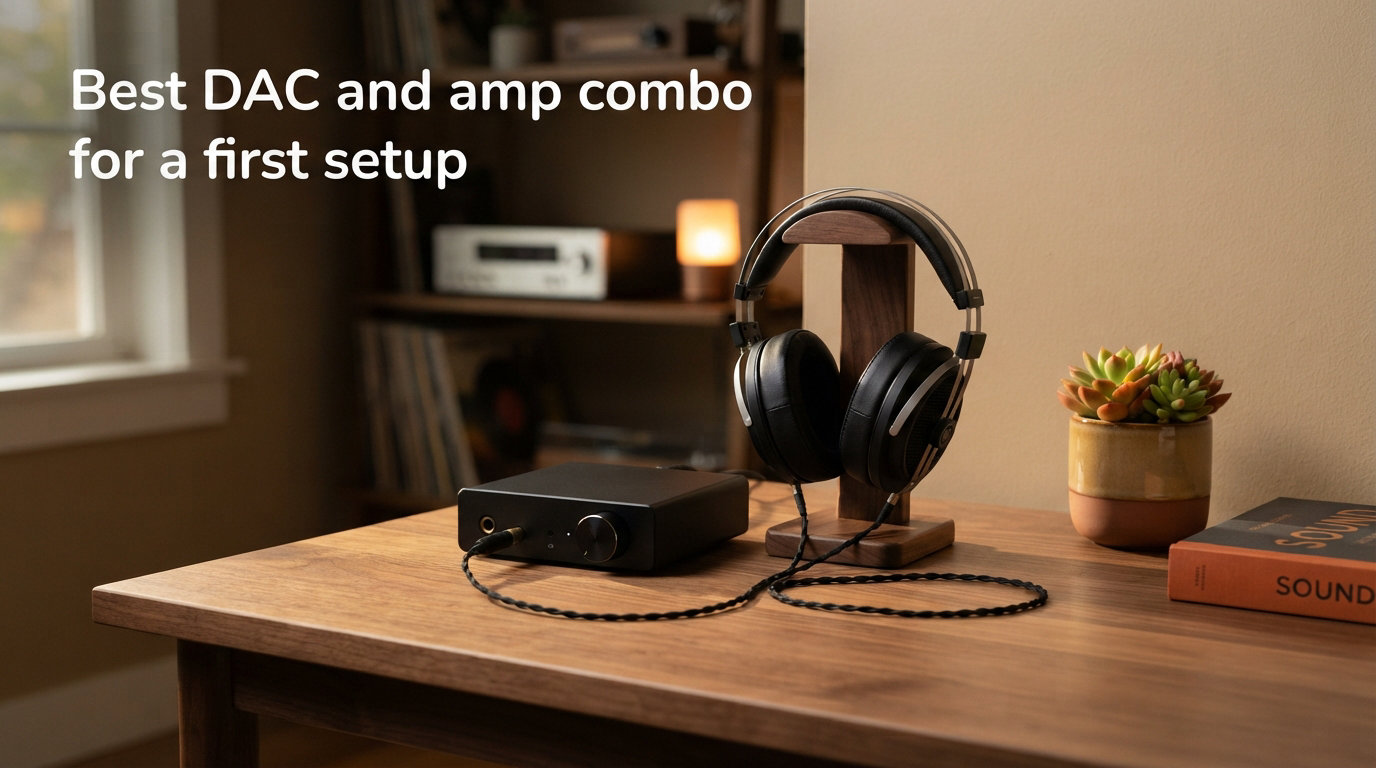
Buying your first pair of good headphones feels like opening a door you did not know was there. You can hear cymbals decay, room acoustics, and a double bass breathing under a symphony. Then someone tells you your computer is the bottleneck and you need a DAC and amp. Suddenly a simple upgrade feels like a maze of specs, brands, and price tags. I built my first desktop setup five years ago, and I wish someone had handed me a clear map instead of a parts catalog.
This guide answers the question I hear most from newcomers: what is the best DAC and amp combo for a first setup, and how do I choose one without getting lost. I will explain what each component does in plain language, what to look for in a beginner-friendly combo, where to spend and where to save, and how a thoughtful setup can make classical recordings sound more like a concert hall. By the end you will know what to buy, what to ignore, and how to connect everything in fifteen minutes.
Table of Contents
What Is a DAC and Why Does It Matter
A DAC, or digital-to-analog converter, turns the ones and zeros stored in a music file into an electrical signal your headphones can actually play. Every computer, phone, and TV already has one, but built-in DACs are designed to be cheap, fit in tight spaces, and avoid interfering with other components. A dedicated desktop DAC focuses only on converting audio accurately, with better shielding, a higher-quality clock, and cleaner power.
Why does this matter for music? When the conversion is sloppy, you hear a slightly grainy background, smudged instrument separation, and a flattening of the small cues that make recordings feel alive. A good DAC reveals the texture of a cello rosin, the air around a choir, and the precise placement of a string section across the stage. For classical listeners, this detail is the whole point.
Modern DACs also support high-resolution formats. PCM up to 32-bit and 384 kHz, plus DSD, are common on entry-level units today. You do not need to obsess over these numbers, but it is reassuring to know your first combo will not feel outdated in 2026.
What Is a Headphone Amplifier
A headphone amplifier takes the small analog signal from the DAC and makes it strong enough to drive your headphones to a comfortable volume. Different headphones need very different amounts of power. Easy-to-drive models like many portable headphones work fine from a phone. Planar magnetics, high-impedance studio headphones, and some premium over-ears demand far more current than any laptop can deliver.
An amplifier adds volume, but its real job is control. A good amp keeps the signal clean at low and high volume, controls the driver precisely, and recovers micro-details that get lost when a tiny built-in amp struggles. Think of it as the difference between whispering through a paper cup and speaking through a proper microphone.
Most modern amps include a volume knob, a gain switch, and one or more headphone outputs. Some also offer a preamp output so the same unit can feed powered speakers. For a first setup, a clean amp with low noise and enough power for your headphones is more important than exotic features.
Do You Need Both a DAC and an Amp
You need both when your current setup holds your headphones back. If you already use decent headphones and notice hissing during quiet passages, weak bass, or a thin soundstage, your computer audio is the bottleneck. Adding only an amp will not fix a poor analog signal, and adding only a DAC will not push hard-to-drive headphones properly. The two work together.
You might only need a DAC if your headphones are very efficient and you listen at modest volumes. You might only need an amp if your source is already clean, like a high-quality CD player with a strong line output. For most beginners using a computer as the source, a combo that includes both is the simplest and most cost-effective path.
Headphone impedance is the shortcut to knowing which camp you fall into. Headphones under about 50 ohms are usually easy to drive, while models above 100 ohms almost always benefit from a dedicated amp. Check your headphone spec sheet and you will know which upgrade actually moves the needle.
DAC/Amp Combo vs Separate Units
A combo unit puts the DAC and amplifier in one chassis, sharing power, volume control, and inputs. Separate units split the two into independent boxes connected by an RCA or balanced cable. Combos win on simplicity, footprint, and price. Separates win on isolation, upgrade flexibility, and the option to swap one piece at a time.
For a first setup, I recommend a combo. You get one power cable, one USB cable to your computer, and one set of controls to learn. The performance difference between a good combo and entry-level separates is small compared to the difference between either and your computer’s built-in audio. You can always split them later if you want to chase upgrades.
The one exception is budget. If you can stretch to a true mid-tier combo, the extra headroom pays off as you collect more demanding headphones. If your budget is tight, a clean entry-level combo from a proven brand will outperform any clever workaround.
Best DAC and Amp Combo for a First Setup: What to Look For
The best DAC and amp combo for a first setup balances clean sound, enough power, sensible inputs, and a footprint that fits your desk. Focus on these four areas and ignore the marketing noise.
Power Output and Headphone Match
Look for an amp that delivers at least 200 mW into 300 ohms, or higher if you own demanding planars. Most specs sheets list power at multiple impedances, and the 300-ohm figure tells you whether the amp will control high-impedance studio headphones with authority. For easy-to-drive headphones, even modest power is enough, but headroom never hurts.
Inputs and Outputs
USB is essential for a computer source. Optical (TOSLINK) and coaxial inputs are useful if you plan to connect a TV, CD transport, or game console. RCA line outputs let you feed powered monitors later, and a balanced output (4.4 mm or XLR) future-proofs the unit if you upgrade to balanced headphones.
DAC Chip and Format Support
Modern DAC chips from ESS, AKM, and Cirrus Logic all perform well. What matters more is the implementation around the chip: clean power, a stable clock, and good analog output stages. Support for PCM up to 32-bit/384 kHz and DSD128 covers every streaming and download format you will encounter in 2026.
Form Factor and Daily Use
A desktop combo should fit next to your monitor without crowding your keyboard. A weighted volume knob, a clear gain switch, and a front headphone jack make daily use pleasant. Avoid units with tiny displays or hidden controls you will fight every time you sit down.
A practical budget for a first setup is between one hundred and three hundred dollars. That range covers entry-level units with real audiophile pedigree and leaves headroom for a decent cable and maybe a used pair of open-back headphones later.
Budget Tiers and Reliable Starter Brands
Across forums, reviews, and shopping data, a handful of brands keep appearing for first-time buyers. FiiO, Topping, Fosi Audio, and iFi dominate entry-level and mid-tier recommendations. NAD shows up for listeners who want a warmer, more traditional house sound. None of these are perfect, but all have track records of clean measurements and reliable quality control.
Entry Level ($100 to $300)
This tier covers most beginners’ needs. Expect clean measurements, enough power for popular headphones up to 300 ohms, and basic input flexibility. Common picks in this range include desktop combos with USB, optical, and coaxial inputs, plus a 6.35 mm headphone jack and RCA outputs for powered speakers. The improvements over built-in audio are immediately obvious on orchestral recordings, where string layers and reverb tails become clearly separated.
Mid Tier ($300 to $600)
Stepping up gains cleaner power delivery, better volume controls, balanced headphone outputs, and quieter backgrounds. If you already own or plan to buy demanding headphones, this is where things get fun. The improvement is more about refinement than raw detail, but it is the kind of polish that makes long listening sessions effortless.
High Tier ($1,000 and Up)
At this level you are paying for diminishing returns, exotic components, and the pleasure of well-engineered hardware. There is no shame in staying in the entry or mid tier. Most listeners, including classical music fans, will be perfectly happy with a well-chosen combo under three hundred dollars for years.
A practical tip from buyer forums: used or open-box units from these brands often sell for thirty to forty percent off retail. Warranty support is usually transferrable, and the units are robust enough to survive a previous owner. It is the single best way to stretch a starter budget.
Optimizing Your Setup for Classical Music
Classical music is uniquely demanding of an audio chain. A full orchestral recording can span thirty decibels of dynamic range between the softest solo violin passage and a brass climax. A mass choir with organ can drop below a whisper and explode without warning. If your DAC and amp cannot stay clean across that range, detail collapses exactly where classical music needs it most.
A clean DAC with a low noise floor matters more for classical than for almost any other genre. Quiet passages reveal the recording space, the breath of a singer, the resonance of a concert hall. When the background is silent, those details float forward. When the background hisses, those details disappear into the noise. This is why the classical listening community is unusually picky about source components.
Neutral sound signatures tend to serve classical music best. Bright or bass-heavy tunings can exaggerate violin edge or blur upright bass. Most entry-level combos from the brands listed above lean neutral, which is a feature, not a limitation. Pair them with accurate open-back headphones and you have a setup that flatters everything from Bach partitas to Mahler symphonies.
One often-overlooked tip for classical listeners: disable any bass boost, surround mode, or dynamic equalization on your computer or streaming app before critical listening. Many streaming services apply a default “loudness normalization” that flattens dynamics. Turn it off for classical and the orchestra suddenly breathes again.
How to Connect Your DAC and Amp (Step by Step)
The signal chain always flows the same way: source to DAC to amp to headphones. The DAC always comes before the amp, never after. Knowing this order prevents the most common beginner mistakes.
Step 1: Connect the Source
Plug a USB cable from your computer into the DAC’s USB input. If you are using a CD transport, streamer, or game console, use optical or coaxial instead. Most operating systems will detect the new device automatically, though you may need to select it as the audio output in your sound settings.
Step 2: Power the Unit
Connect the included power adapter. Some compact combos run entirely from USB power, which is convenient for laptops but can limit maximum output. For desktop use, a unit with its own power supply will sound more stable and drive harder headphones with less strain.
Step 3: Set Gain and Volume
Start with the volume at minimum and gain on low. Put on your headphones, play music at a comfortable level, and only raise the gain if you cannot reach a satisfying volume on the low setting. High gain is for demanding headphones, not for everyday listening.
Step 4: Connect Your Headphones
Plug into the front-panel headphone jack. If your headphones use a balanced cable, use the balanced output instead, but only if your amp supports it. Mismatched cables can damage equipment or simply not work.
Step 5: Configure Your Software
Set your music player or streaming app to “bit-perfect” or “exclusive” mode if available. This bypasses system audio processing so the DAC receives the original digital file untouched. On Windows, the WASAPI option in apps like foobar2000 does this cleanly.
Common Beginner Mistakes to Avoid
After years of reading setup threads and helping new listeners, I see the same handful of mistakes trip people up. Avoiding these will save you money and frustration.
Buying an Amp When You Actually Need a DAC
If your current source is a phone or laptop headphone jack, the bottleneck is usually the DAC inside it, not the amp. An external amp plugged into that same dirty signal will just make the noise louder. Start with a combo, or with a DAC-first upgrade.
Chasing Specs Instead of Listening
Total harmonic distortion numbers below 0.001 percent and signal-to-noise ratios above 120 dB are table stakes at every price point today. Differences in those numbers are inaudible. What you actually hear is the implementation, the headphone match, and the room. Trust your ears over a spec sheet.
Ignoring Headphone Match
A two-thousand-dollar amp cannot fix a mismatched headphone. If your cans are bright and the amp is bright, the result is painfully bright. Read pairing recommendations for your specific headphone model before spending on amplification.
Forgetting the Power Supply
Many budget combos include a generic wall adapter. A clean, regulated power supply noticeably tightens bass and lowers the noise floor. If your unit allows an upgrade, it is often the single best-value tweak you can make.
Upgrading Too Soon
Your first good setup will surprise you with how much detail was hiding in your favorite recordings. Sit with it for a few months before chasing the next upgrade. Many of the differences you read about in reviews are only audible in carefully matched A/B tests, not during relaxed listening.
FAQ
Do you need both a DAC and an amp?
You need both when your headphones sound underpowered or noisy from your current source. Most beginners using a computer will benefit from a combo that includes both. If your headphones are easy to drive and your source is already clean, you may only need one or the other.
Is a DAP better than a DAC?
A DAP (Digital Audio Player) is a portable device that combines a DAC, amp, battery, and screen in one unit. A standalone DAC is usually a desktop unit powered by your wall outlet. DAPs win for portable listening, while desktop DACs generally offer better value, more power, and easier headphone upgrades.
What is the best sounding DAC?
The best sounding DAC is the one that stays neutral, quiet, and detailed across all your music. Modern DACs from FiiO, Topping, iFi, and Fosi Audio all measure and sound excellent at their price points. Choose by headphone match, features, and budget rather than chasing a single best-sounding brand.
Does DAC go before or after amp?
The DAC always goes before the amp in the signal chain. The DAC converts the digital file to an analog signal, and the amp makes that analog signal strong enough to drive your headphones. Reversing the order would send digital data into an amplifier, which produces silence or distortion.
How much should I spend on a first DAC amp combo?
Most first-time buyers spend between one hundred and three hundred dollars. That range delivers clean measurements, enough power for popular headphones, and inputs for a computer and a TV or streamer. Spending less usually means compromises in power or noise. Spending more rarely offers meaningful gains until you upgrade your headphones too.
What DAC do beginners use?
Beginners most often start with an entry-level desktop combo from FiiO, Topping, Fosi Audio, or iFi. These brands offer clean sound, sensible features, and reliable build quality at prices that fit a first setup. They are widely reviewed, easy to find, and well supported by community forums.
Final Thoughts on Building Your First DAC and Amp Setup
The best DAC and amp combo for a first setup is the one that gets out of the way and lets your music speak. Start with a clean, neutral combo from a proven brand, match it to your headphones, and resist the urge to chase upgrades before you have lived with what you own. Whether you are listening to solo Bach or a full Mahler symphony, the right first setup will reveal layers of detail you did not know were there. Take your time, trust your ears, and enjoy the music.