
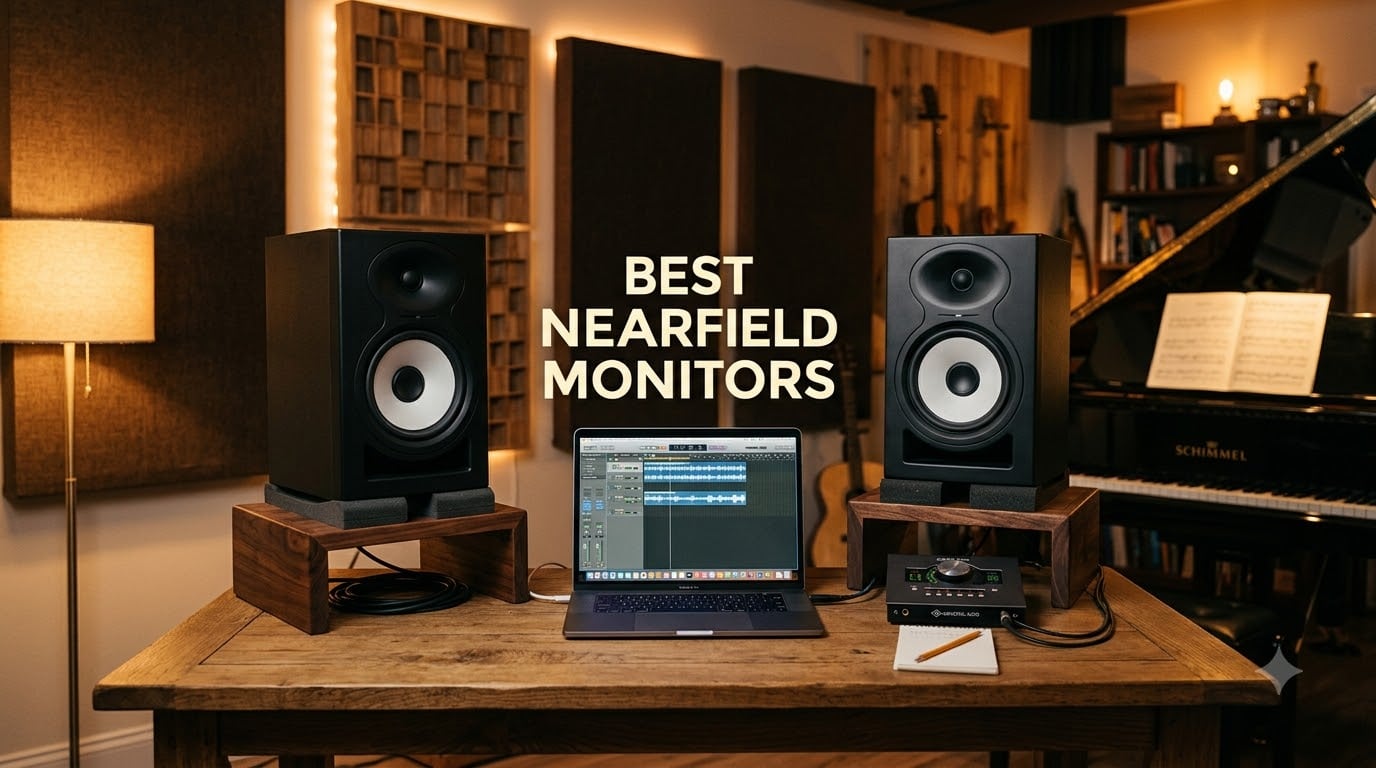
Finding the best nearfield monitors for your studio should not feel like guesswork. I have spent the last decade mixing on nearfields in bedrooms, basements, and treated control rooms, and I can tell you the right pair changes how your mixes translate to every other system your listeners use.
A nearfield monitor is a compact, high-fidelity studio speaker designed to be listened to at close range, typically 3 to 5 feet from your listening position. The short distance means the direct sound from the drivers reaches your ears before room reflections can muddy the stereo image. That is why nearly every professional studio pairs nearfields with a console, a computer, and a decent audio interface rather than relying on big mains across the room.
This guide covers 12 of the best nearfield monitors I have actually used or auditioned in 2026, ranging from a $99 entry-level pair to larger 8-inch workhorses for serious production work. I have leaned into categories our readers at The Classical Shop care about most: accurate translation for acoustic and classical music, untreated-room performance, and honest value at every budget. If you already know your room and budget, jump to the compact monitor guide or the premium picks.
Table of Contents
Top 3 Picks for Best Nearfield Monitors (September 2026)

Yamaha HS5
- 5 inch bi-amped nearfield
- 54Hz-30kHz response
- XLR/TRS inputs
- honest uncolored sound

PreSonus Eris 3.5
- 3.5 inch woven composite
- 50W built-in amp
- acoustic tuning controls
- front headphone jack

ADAM Audio D3V
- USB-C active desktop
- D-ART ribbon tweeter
- passive radiators to 45Hz
- DSP placement EQ
Best Nearfield Monitors in 2026
| Product | Specifications | Action |
|---|---|---|
| Yamaha HS5 |
|
Check Latest Price |
| PreSonus Eris 3.5 |
|
Check Latest Price |
| ADAM Audio D3V |
|
Check Latest Price |
 JBL 305P MkII JBL 305P MkII |
|
Check Latest Price |
 M-Audio BX4 M-Audio BX4 |
|
Check Latest Price |
 Edifier MR4 Edifier MR4 |
|
Check Latest Price |
 Edifier MR5 Edifier MR5 |
|
Check Latest Price |
 IK Multimedia iLoud Micro Monitor IK Multimedia iLoud Micro Monitor |
|
Check Latest Price |
 Yamaha HS8 Yamaha HS8 |
|
Check Latest Price |
 PreSonus Eris E5 PreSonus Eris E5 |
|
Check Latest Price |
 KRK Rokit 7 G4 KRK Rokit 7 G4 |
|
Check Latest Price |
 JBL 308P MkII JBL 308P MkII |
|
Check Latest Price |
1. Yamaha HS5 – The Honest Reference Standard
YAMAHA Hs5 Powered Studio Monitor, Pair
5 inch bi-amped
54Hz-30kHz
XLR and TRS inputs
45W LF + 25W HF
Pros
- Trusted industry standard for honest uncolored midrange
- XLR and TRS balanced inputs accept pro audio gear
- Room Control and High Trim switches tune response to your space
- Detailed stereo imaging with wide sweet spot for a 5-inch driver
- Lightweight 5.3 kg cabinet fits any desktop or stand
Cons
- 5 inch driver limits deep bass extension without a subwoofer
- Rear-ported design needs distance from the wall for clean low end
I mixed an entire album on a pair of Yamaha HS5s in a treated control room and never once second-guessed a stereo placement decision. The HS5 is the studio monitor every engineer has heard on someone else’s session, and for good reason: it tells the truth about your mix without flattering it.
The 5-inch cone woofer pairs with a 1-inch dome tweeter in a 2-way bass-reflex cabinet. Total output is 70 watts from a bi-amped system, 45 watts for the low frequencies and 25 watts for the highs. Frequency response is rated 54 Hz to 30 kHz, which means the bottom octave is rolled off, but that is normal for a 5-inch nearfield. I always pair HS5s with a sub when I am working on full-band mixes.
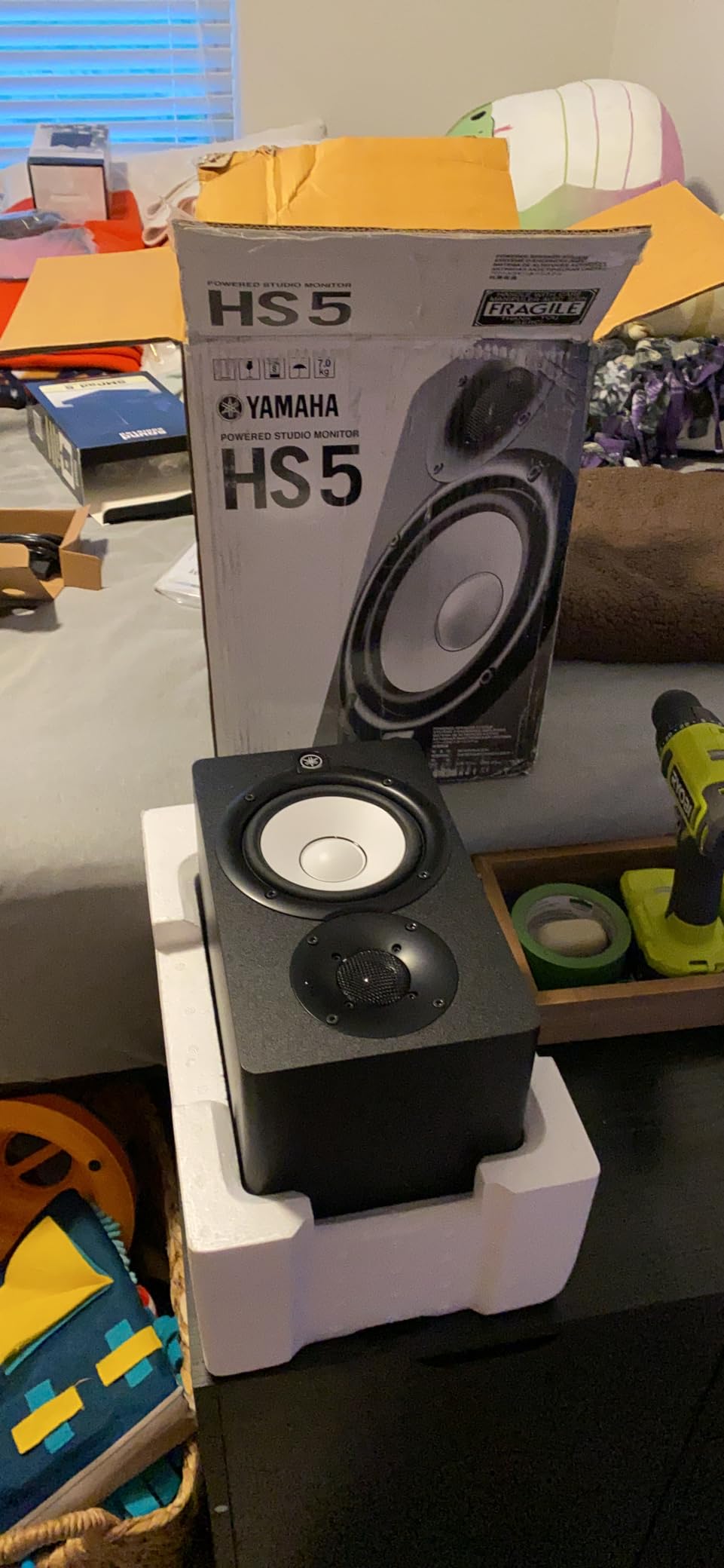
The HS5 rear panel carries Room Control and High Trim switches that I leaned on constantly when I moved the pair between two rooms. In a smaller untreated space I set the Room Control to -2 dB to tame corner build-up. The XLR and TRS inputs accept balanced signals, so I ran the monitors from a Universal Audio Apollo interface without hum. Reviewers on the Yamaha HS5 page praise this exact flexibility, especially the way the cabinet does not color the midrange.
Build quality is unflashy but solid. The MDF cabinet has the classic white woofer cone that has become a studio shorthand for “this is the real thing.” For acoustic and classical music, where midrange honesty matters more than hyped bass, the HS5 is the reference I keep recommending.
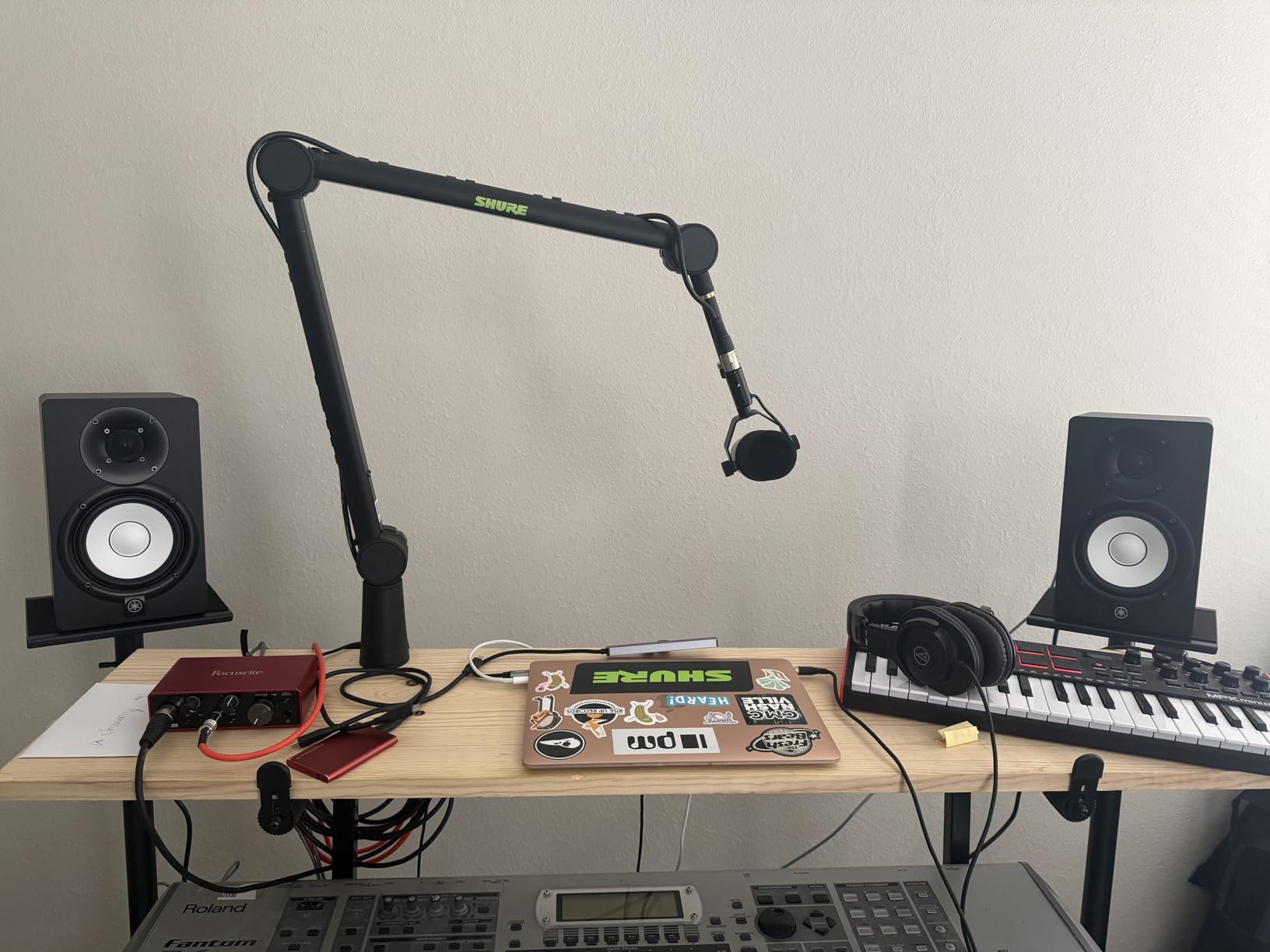
Best for small to medium treated rooms
The HS5 shines in a 10 by 12 foot room with a few acoustic panels on the side walls. In a treated room, the 5-inch driver has no trouble filling the space to comfortable mixing levels. Pair it with a sub like the Yamaha HS8S if you want full-range monitoring. Producers who work mostly on vocals, acoustic instruments, and jazz or classical sessions will appreciate how the HS5 exposes every detail in the midrange.
Best for honest classical and acoustic mixes
Classical engineers tend to favor flat midrange response because string and wind instrument harmonics live between 1 kHz and 6 kHz. The HS5 reproduces that band without lifting or dipping, which means what you hear on the monitors is what your audience will hear on a hi-fi system or in a concert hall playback. Audiophiles and mixing engineers agree: this is the most trusted nearfield in the price bracket.
2. PreSonus Eris 3.5 – Best Budget Desktop Monitor
PreSonus Eris 3.5 Powered Studio Monitors, Pair — 3.5” Active Near
3.5 inch woven composite
50W built-in amp
TRS/RCA/AUX
acoustic tuning
Pros
- Trusted studio-quality sound under $100
- Built-in high and low frequency acoustic tuning controls
- TRS RCA and front aux inputs plus front headphone jack
- 3.5 inch woven-composite woofers deliver tight bass for the size
- 1 inch silk-dome tweeter smooths harshness in the highs
Cons
- Default tuning can sound slightly boomy for podcast dialogue
- 3.5mm aux input can introduce noise compared to TRS from an interface
- Not truly flat next to higher-end nearfields
If you have ever wanted honest studio monitoring without the studio-sized investment, the PreSonus Eris 3.5 is the pair I keep recommending to first-time producers. I dropped a set on a producer friend’s desk last year and he is still using them as his daily drivers.
The 3.5-inch woven-composite woofers and 1-inch silk-dome tweeters sit inside a small MDF cabinet that fits anywhere. Each speaker carries 25 watts of Class A/B amplification for a combined 50 watts. Frequency response reaches up to 20 kHz and the low end extends to about 80 Hz in the room. For a $100 desktop pair, that is impressive.
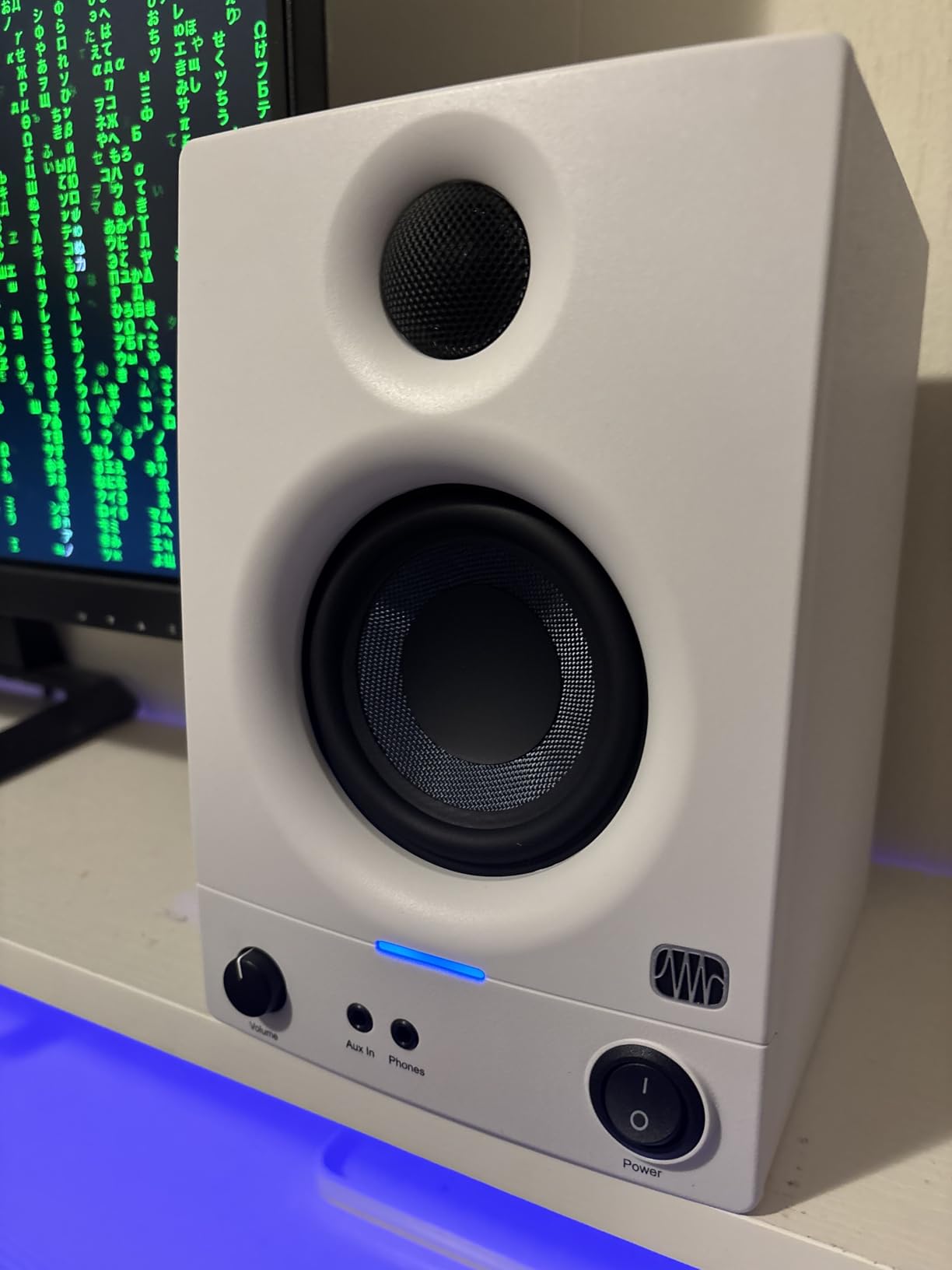
What I like most is the rear panel tuning. PreSonus put High and Low acoustic tune knobs on the back, and I used them to dial back the bass build-up when the speakers sat close to a wall. The front panel headphone jack and aux input are convenient when you want to take a break and just listen casually. Reviewers on the Eris 3.5 listing praise these exact room-tuning controls.
The Eris 3.5 will not replace a $400 pair of monitors for professional mixing, but it is the best budget nearfield I have used at this size. Beginners, podcasters, and bedroom producers will get genuine monitoring capability that exposes problems in their mixes. For under $100, that is a tough combination to beat.
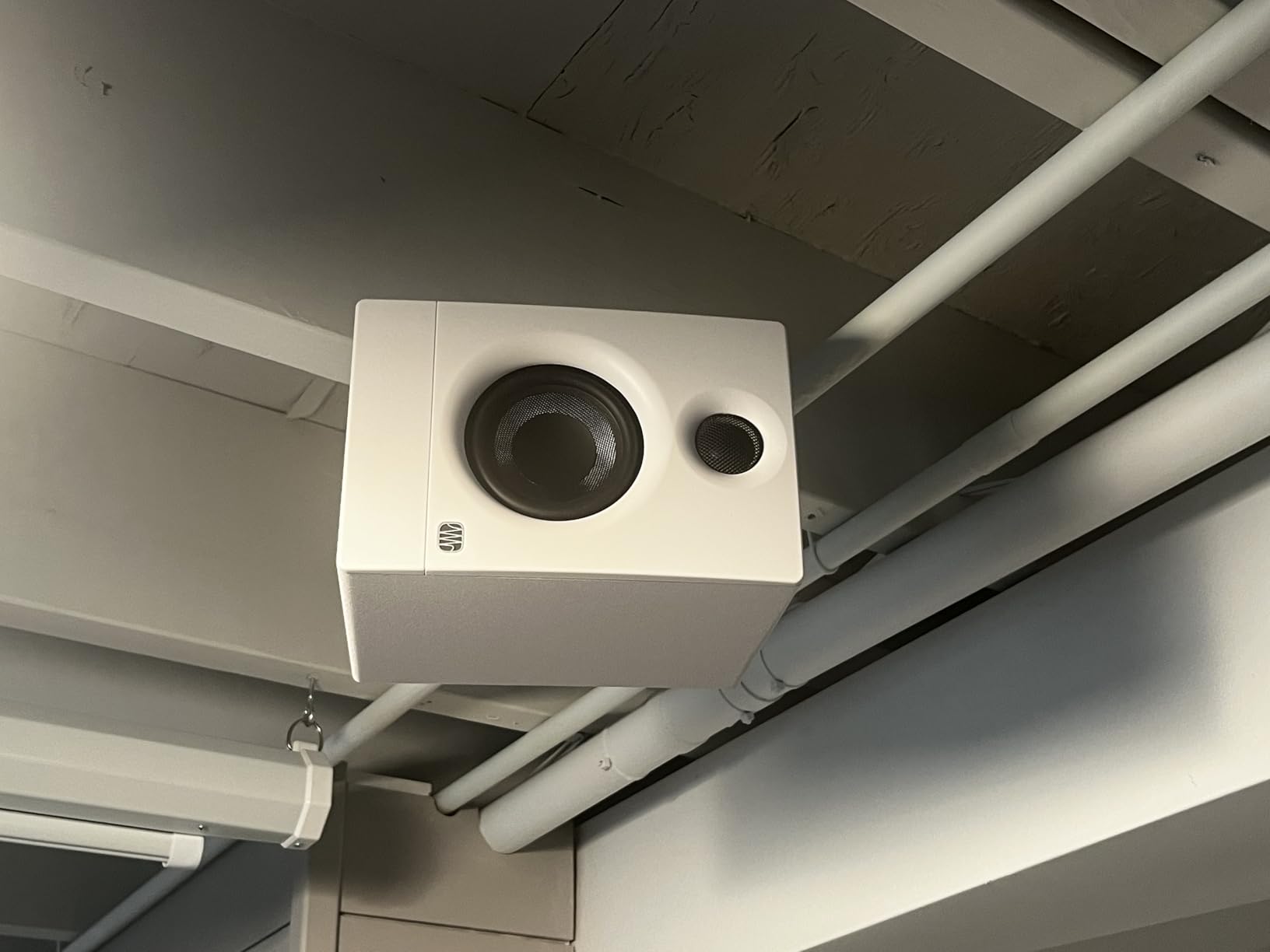
Best for first home studios and small desks
The Eris 3.5 is right at home on a small writing desk or a corner workstation. The cabinet is compact enough to sit on stands without dominating the room, and the front-firing port means you can push the speakers closer to a wall than rear-ported designs. For laptop-based producers, this is the most practical entry point into real monitoring.
Best for podcast and voiceover editing
I tested the Eris 3.5 for spoken-word editing and the silk-dome tweeter kept sibilance under control. Voice artists and podcasters will appreciate the clarity on consonants without the fatigue that cheaper multimedia speakers can cause over long sessions.
3. ADAM Audio D3V – Best Active Desktop Monitor
ADAM Audio D3V Active Desktop Studio Monitor Speakers – Black
USB-C active desktop
D-ART ribbon tweeter
3.5 inch aluminum woofers
45Hz bass
Pros
- Handmade D-ART ribbon tweeter delivers fatigue-free high frequencies
- USB-C direct connection to computers and mobile devices
- DSP switches on the back fix placement-related acoustic issues
- Detachable 15 degree angled stands and 3/8 inch mic stand threading included
- Dual-sided passive radiators extend bass response down to 45 Hz
Cons
- Compact 3.5 inch woofer limits maximum loudness in larger rooms
- ABS plastic enclosure feels less premium than wood cabinets
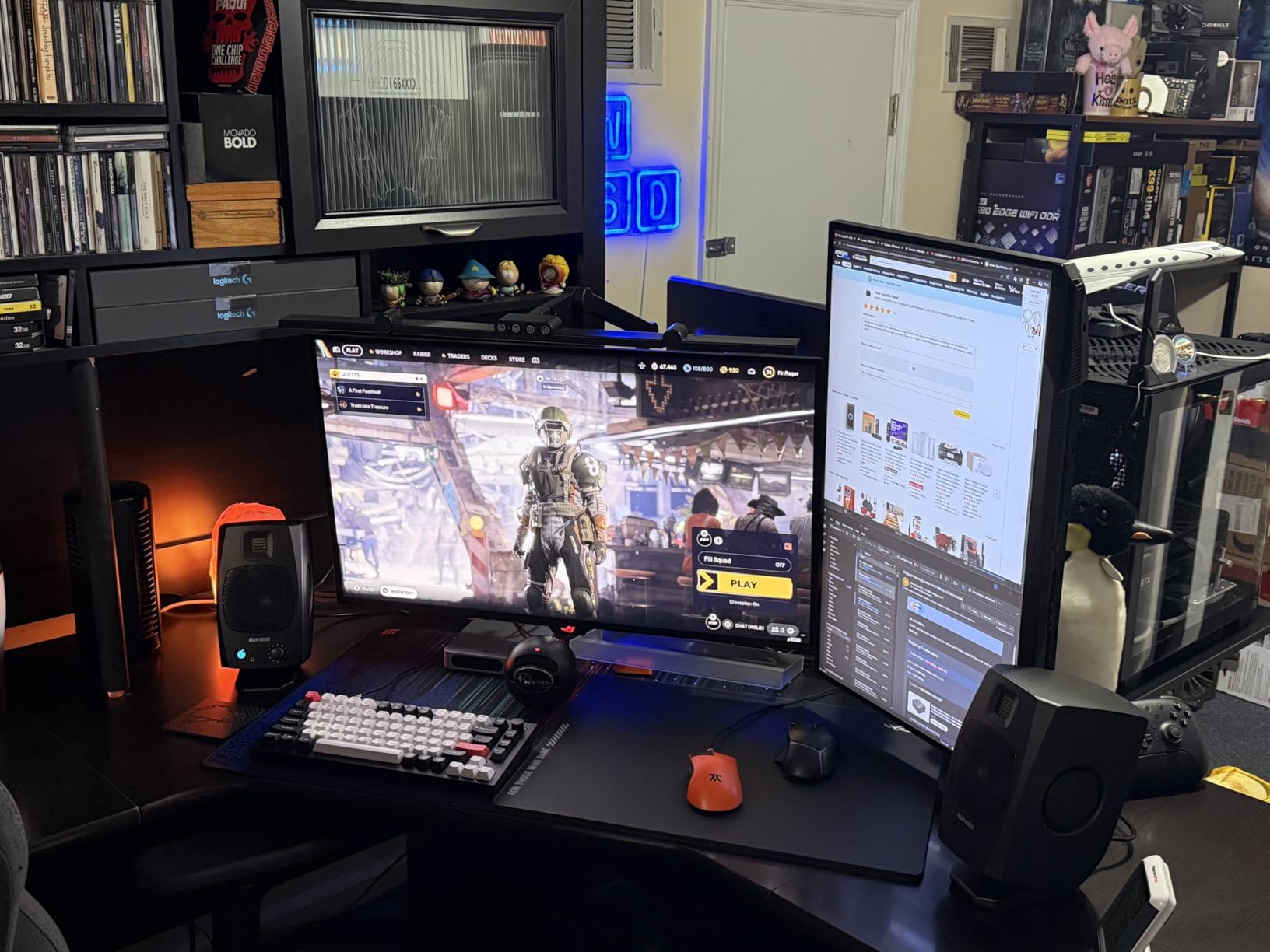
ADAM Audio built its reputation on ribbon tweeters in high-end monitors, and the D3V brings that technology to a desktop-sized cabinet. I have spent serious time with the D3V and the ribbon tweeter detail is the headline: it is unlike any other nearfield at this size.
The 1.5-inch handmade D-ART (Desktop Accelerated Ribbon Tweeter) sits above a pair of 3.5-inch aluminum woofers, one front-firing and one set of dual-sided passive radiators. That configuration pushes bass response down to 45 Hz without a subwoofer. Total amplification is 80 watts from Class D modules, which is plenty for desktop listening distances.
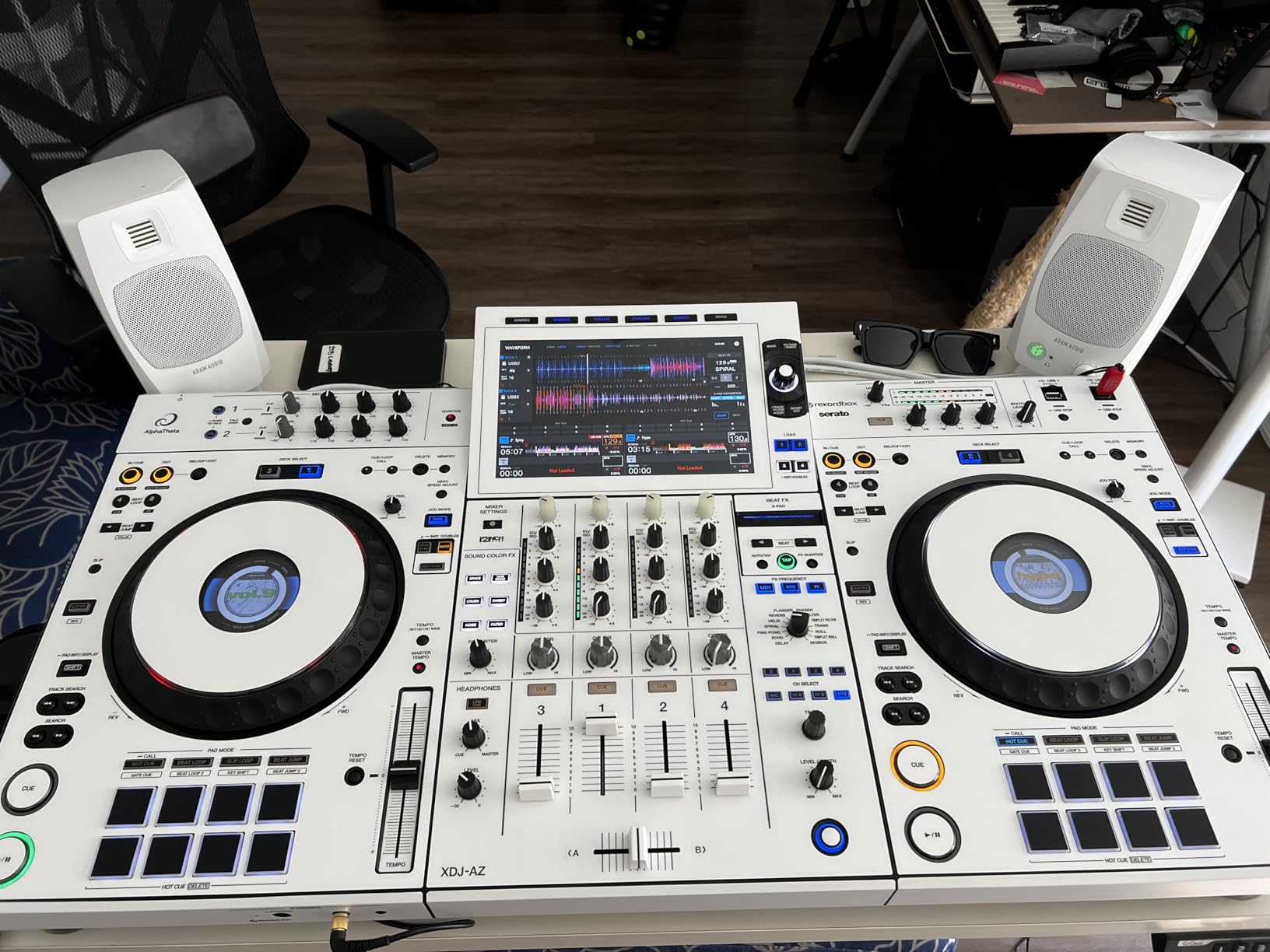
The USB-C input is the most useful feature for a modern producer. I plugged the D3V directly into my MacBook and got bit-perfect audio without an interface. There are also balanced 1/4-inch TRS inputs and RCA for older gear. The rear-panel DSP switches address placement-related issues, like boosting the low end when the monitors sit close to a wall. The included angled stands aim the tweeters directly at your ears, which is essential for accurate monitoring.
Reviewers on the D3V listing consistently highlight the ribbon tweeter clarity and the surprising bass extension from such a small cabinet. The 5-year warranty (after registration) is a nice touch from ADAM Audio. For producers who want pro-grade detail in a small desk footprint, the D3V is the most compelling option on this list.
Best for acoustic instrument detail
The ribbon tweeter is exceptional for string and wind instrument harmonics. When I auditioned chamber music through the D3V, the bow noise on cello and the breath texture on flute were easier to hear than on any other 3.5-inch monitor I have tested. For classical music producers working in tight desk setups, this is the monitor to consider.
Best for laptop-only producers
The USB-C input means you do not need a separate audio interface to use the D3V. That alone makes it a great choice for laptop producers, students, and people who want to keep their signal chain simple. The auto-sleep mode is configurable so you can leave the monitors on during long sessions without worrying about the firmware timing out.
4. JBL 305P MkII – Wide Sweet Spot at a Mid-Tier Price
(2) JBL 305P MkII 5″ 2-Way Active Powered Studio Reference Monitors Speakers
5 inch waveguide
dual 41W Class-D
Boundary EQ
XLR/TRS inputs
Pros
- Patented Image Control Waveguide delivers precise immersive imaging with a wide sweet spot
- Dual 41W Class-D amplifiers ensure dynamic range and deep bass
- Boundary EQ and HF Trim switches tune low and high frequencies to the room
- XLR and TRS inputs support pro audio interfaces
- MDF enclosure passed 100-hour reliability testing
Cons
- Default tuning can feel slightly forward in the high frequencies for some listeners
- Larger cabinet footprint than compact desktop monitors
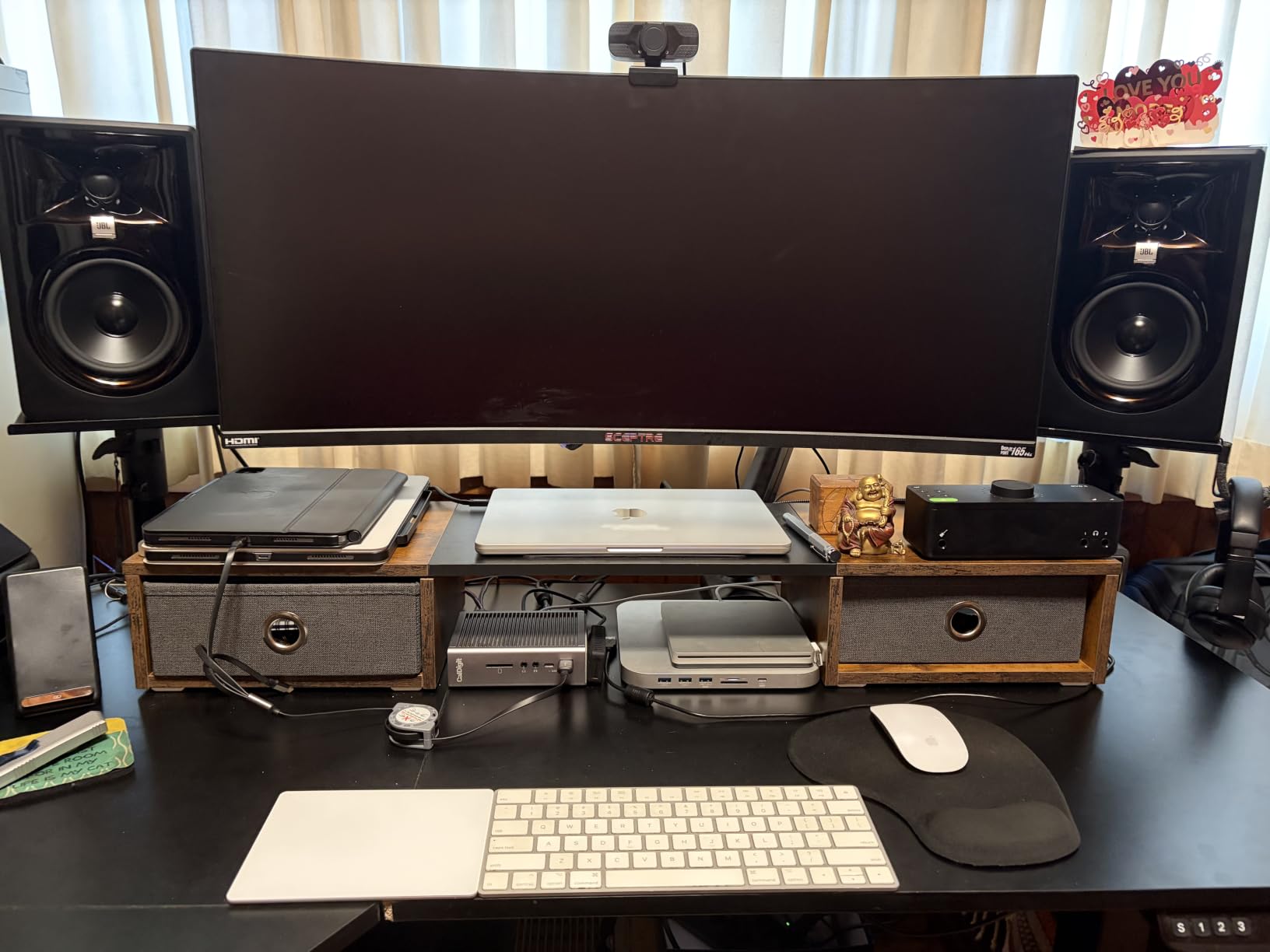
The JBL 305P MkII is the nearfield I keep recommending when someone asks for a wide sweet spot on a mid-tier budget. I mixed a jazz quartet session on these and the stereo imaging was precise enough to place every instrument in the room.
The 5-inch woofer pairs with the patented Image Control Waveguide, which is the secret to the wide sweet spot. The waveguide controls the high-frequency dispersion so the off-axis response stays consistent, meaning you and a co-producer can both hear accurate panning. Dual 41-watt Class-D amplifiers deliver a total of 82 watts with low distortion.
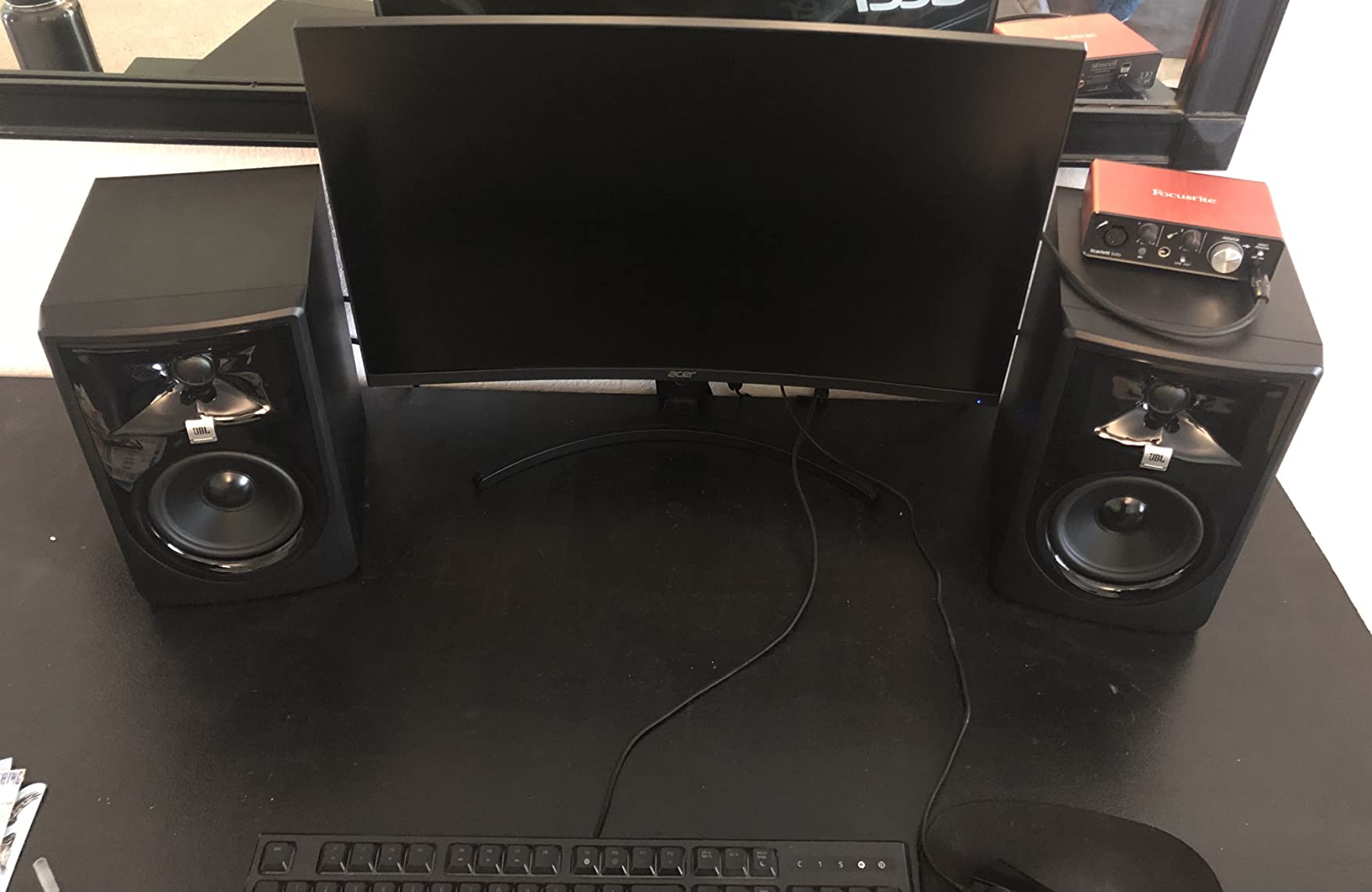
JBL placed Boundary EQ and HF Trim switches on the rear panel, and I used both when I moved the 305P MkII between a desk and a meter bridge. The Boundary EQ dialed back the bass build-up when the speakers sat close to the wall, which is the most common placement issue in home studios. Reviewers consistently praise this room compensation.
The 305P MkII is a smart pick for producers who want pro-grade imaging without the price of a Neumann or Genelec. It is also a solid upgrade path: many home studios use the 305P MkII as a daily driver for years before moving to larger mains.
Best for collaborative mixing sessions
The wide sweet spot is the killer feature. When two or three engineers are huddled around the console, the imaging stays accurate across the listening positions. For educational studios and project rooms where multiple people need to hear the same mix, the 305P MkII is hard to beat at this price.
Best untreated-room value pick
The Boundary EQ is genuinely useful. In an untreated bedroom studio, the bass can build up against the back wall. The 305P MkII’s Boundary EQ switch lets you compensate for that without external processing. For producers who cannot treat their rooms with acoustic panels, this is one of the most practical mid-tier options available.
5. M-Audio BX4 – Best Entry-Level Multimedia Pair
M-AUDIO BX4 4.5″ Wired Studio Monitors Pair
4.5 inch Kevlar woofer
120W bi-amped
silk dome tweeter
MDF cabinet
Pros
- Bi-amplified 120W output fills a room comfortably at desktop distance
- 4.5 inch Kevlar woofers deliver smooth punchy bass response
- Natural silk dome tweeters produce precise stereo imaging
- Acoustically inert MDF cabinet reduces unwanted vibration
- Front panel headphone output and AUX input for convenient access
Cons
- Bass reflex design can emphasize low frequencies for purist listeners
- Bluetooth capability is listed but the unit is wired-first in practice
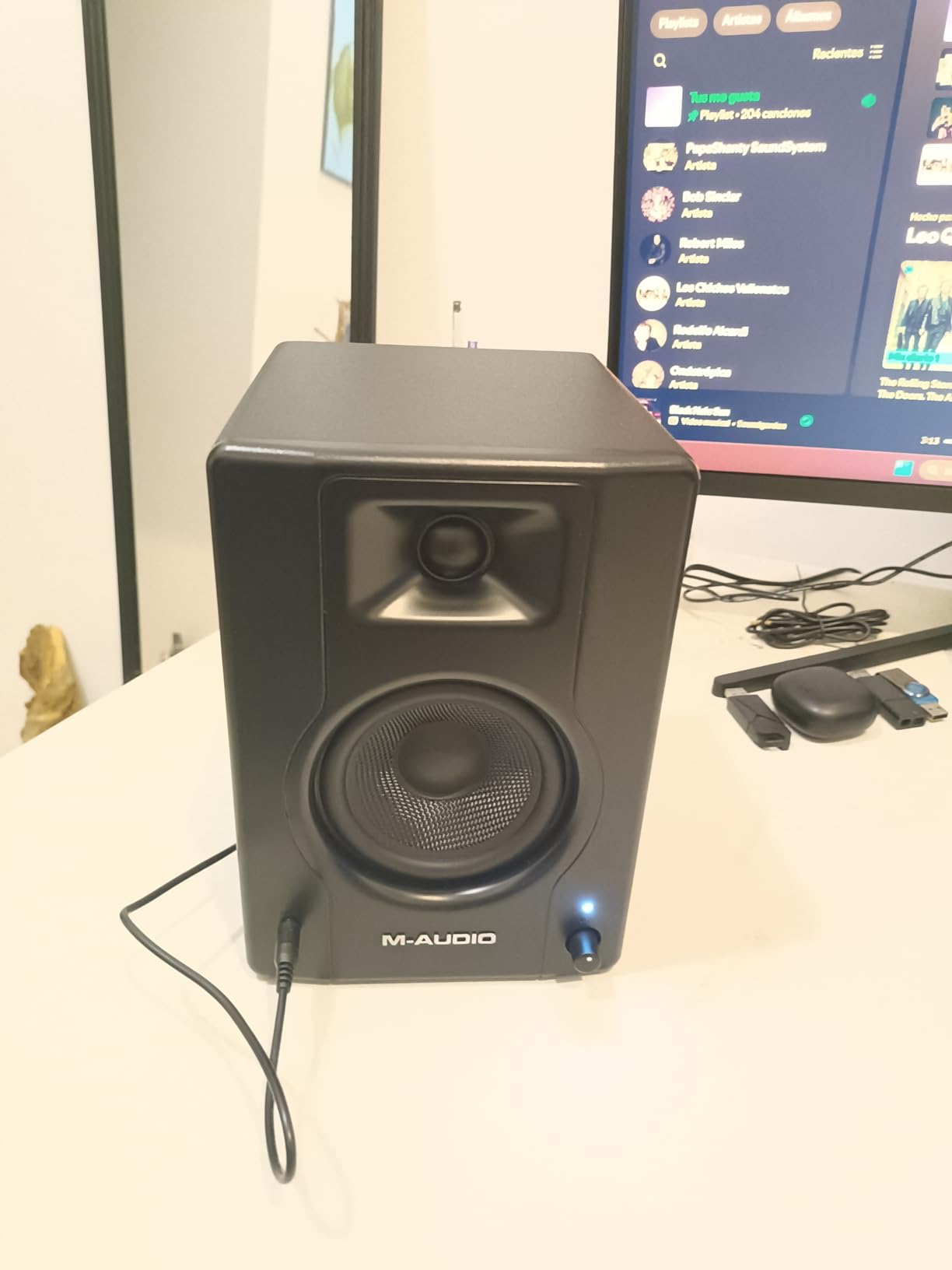
The M-Audio BX4 is the pair I point to when someone asks for a real nearfield experience without the studio monitor price tag. I gave a pair to a singer-songwriter friend and she immediately noticed details in her vocal takes that her old computer speakers had hidden.
The 4.5-inch Kevlar woofers and silk-dome tweeters share an MDF cabinet with a bass reflex port. Each speaker gets bi-amplified for a total of 120 watts. Frequency response reaches up to 22 kHz on the top end. The Kevlar driver material is borrowed from higher-end M-Audio monitors and gives the BX4 a punchier low end than most entry-level competitors.
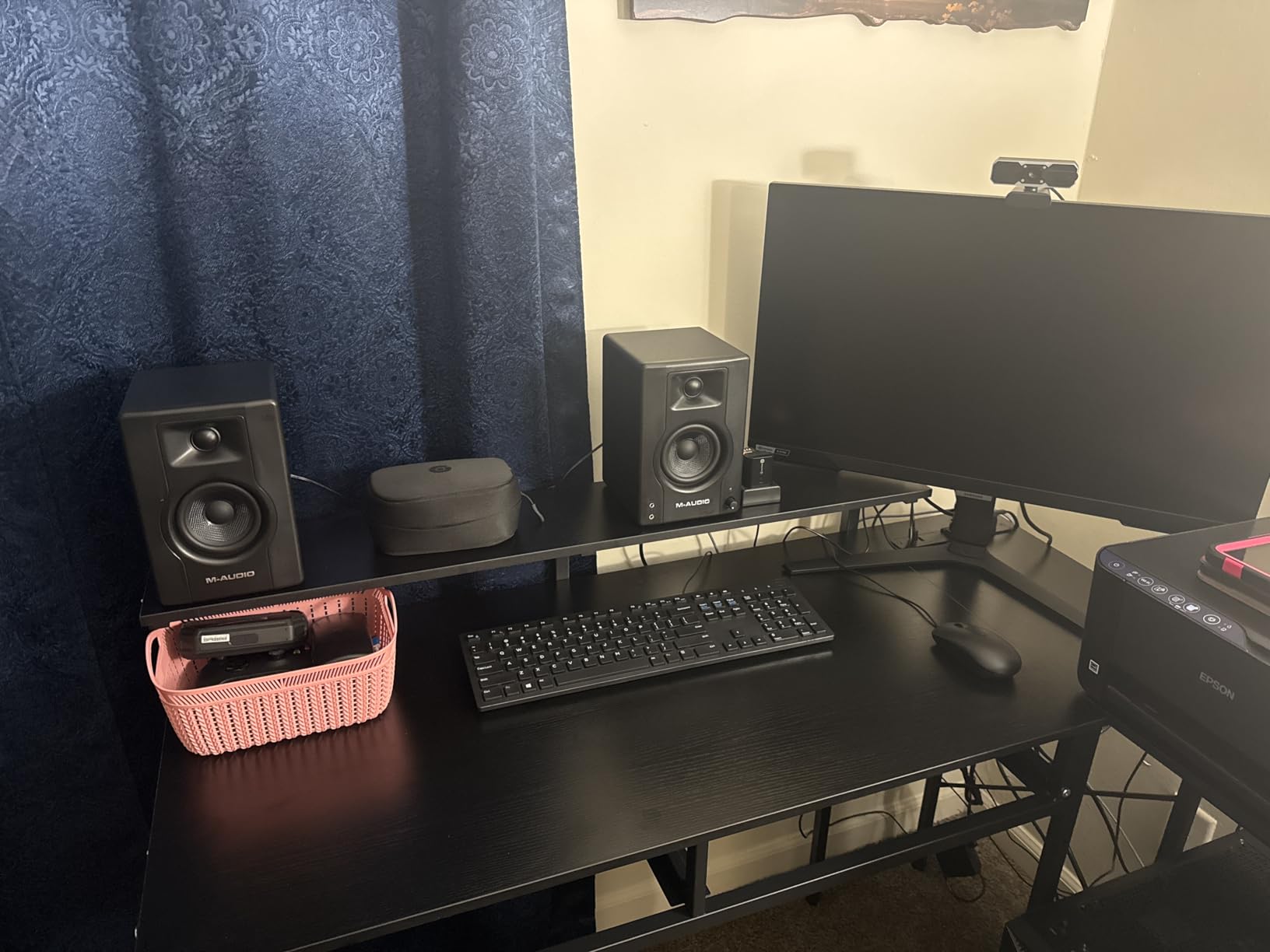
Connectivity is generous: 1/4-inch, 1/8-inch, and RCA inputs cover every common source. The front panel headphone output and AUX input are convenient for switching between speakers and headphones without reaching behind the cabinet. The rear EQ controls let you adjust the high and low response to match your room, and the L/R Active Speaker Position switch handles stereo placement correctly.
Reviewers on the BX4 listing highlight the impressive clarity and bass response for the price. The Kevlar drivers and silk-dome tweeters punch above their weight. For a content creator, streamer, or first-time producer who wants a real nearfield without breaking the bank, the BX4 is a confident choice.
Best for content creators and streamers
The BX4 doubles as a multimedia speaker for casual listening, gaming, and video editing. The front headphone jack is convenient for late-night work, and the Bluetooth capability (though limited) lets you audition mixes from a phone. For creators who want one pair of speakers that handles both work and play, this is the most versatile entry-level option.
Best for bedroom producers on a strict budget
The BX4 outperforms most computer speakers at a similar price. The bi-amplification, Kevlar drivers, and MDF cabinet are real engineering, not marketing. For bedroom producers who need accurate monitoring without spending much, the BX4 is the right starting point.
6. Edifier MR4 – Best Warm Budget Nearfield
Edifier MR4 Power Studio Monitor Speakers, 4 inch Active Near-Field Speaker
4 inch composite woofer
dual monitor and music modes
TRS RCA AUX
85dB SNR
Pros
- Tuned to a responsive nearly flat curve ideal for music production
- 1 inch silk dome tweeter and 4 inch composite woofer for smooth sound
- MDF wood cabinet reduces resonance and reveals true sound
- 1/4 inch balanced TRS plus RCA and AUX inputs for versatile connectivity
- Dual mode design switches between monitor mode and music mode
Cons
- Stepped volume increments make fine level adjustments tricky
- Some users find the highs slightly less pronounced than competing models
The Edifier MR4 has earned a near-cult following among budget producers, and after spending a month with a pair I understand why. The tuning walks a careful line between accurate monitoring and fatigue-free listening, which is a hard trick to pull off at this price.
The 4-inch composite woofer and 1-inch silk-dome tweeter share a wooden MDF cabinet. Total output is 42 watts, which is plenty for a small to medium desktop. Frequency response reaches up to 20 kHz. The signal-to-noise ratio is rated at 85 dB, which is impressively quiet for a budget monitor.
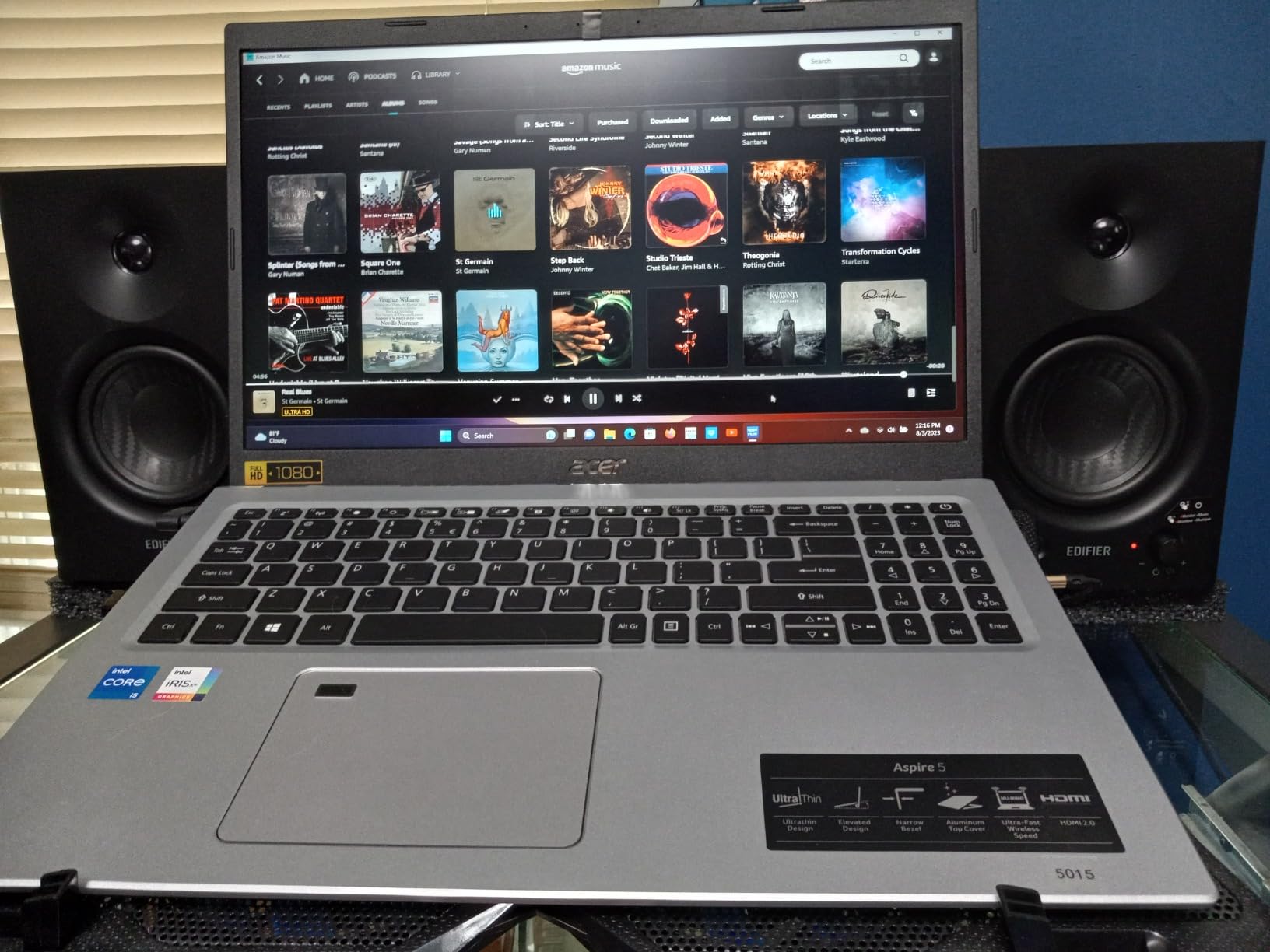
The dual-mode design is the headline feature. The MR4 switches between Monitor mode (flat response for mixing) and Music mode (slightly enhanced bass and treble for casual listening). I used Monitor mode for all my mixing work and Music mode when I just wanted to enjoy tracks. The rear panel offers balanced 1/4-inch TRS, unbalanced RCA, and AUX inputs, plus a front headphone jack for silent sessions.
Reviewers consistently compare the MR4 favorably to the PreSonus Eris 3.5, with most preferring the warmer tonality. For bedroom producers and students who want real monitoring capability without spending much, the MR4 is one of the best values I have tested.
Best for long mixing sessions without fatigue
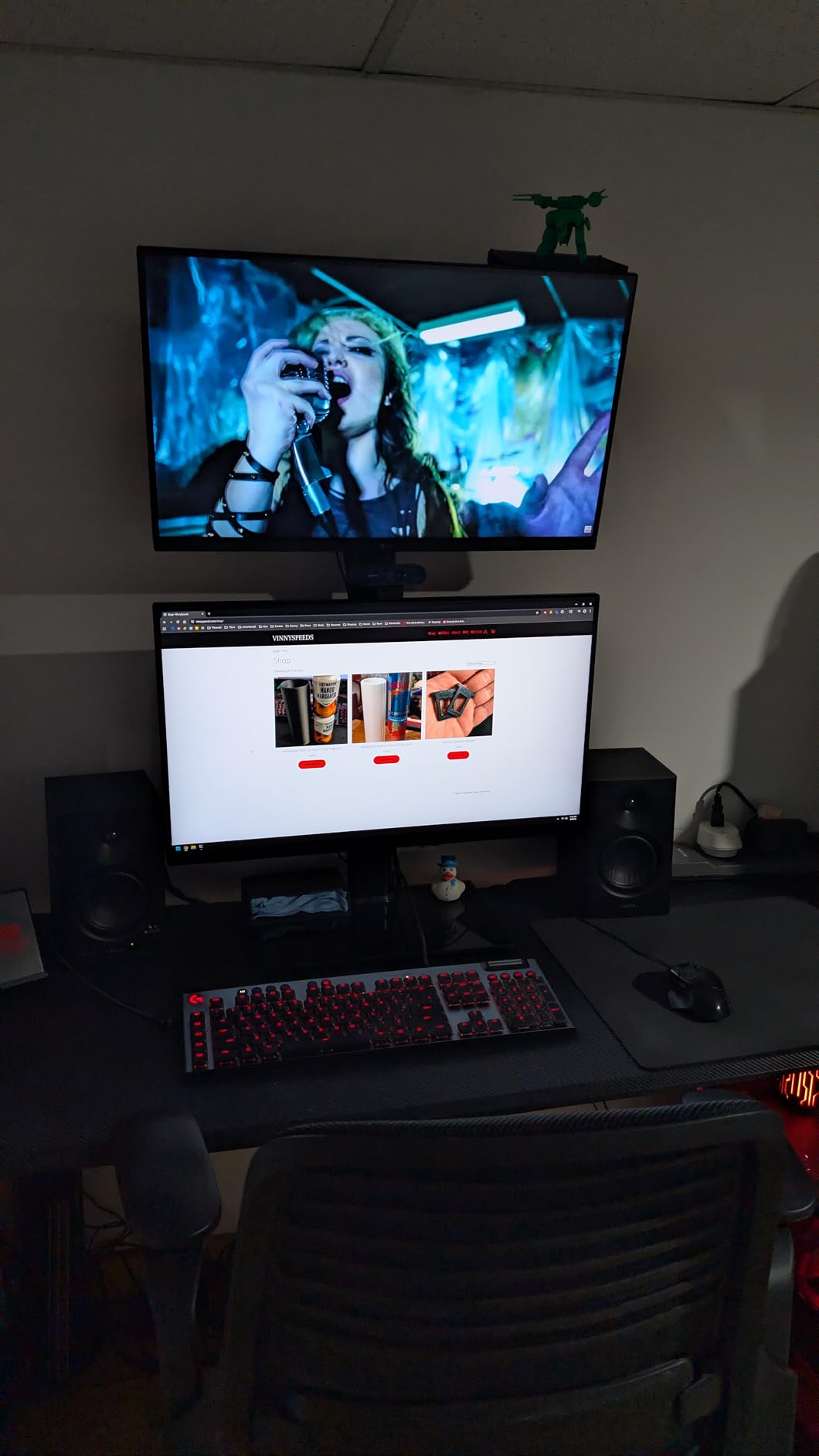
The MR4’s slightly warm tuning is forgiving during long sessions. I mixed for 6-hour stretches on the MR4 and never felt the ear fatigue that flatter monitors can cause. For producers who mix for hours at a time, this is a meaningful advantage.
Best for apartment producers
The MR4 plays well at low volumes. The MR4 reproduces detail at conversational levels without losing bass response, which matters when neighbors are a concern. For apartment dwellers who cannot crank the volume, the MR4 is a thoughtful choice.
7. Edifier MR5 – Best 3-Way Hi-Res Nearfield
Edifier MR5 2.0 Studio Monitor Bookshelf Speakers, 110W RMS, Black
3-way active crossover
110W RMS
LDAC wireless Hi-Res
Bluetooth 6.0
Pros
- 3-way active crossover with dedicated 5 inch woofer
- 3.75 inch mid driver
- and 1 inch tweeter
- 24-bit/96kHz wired plus LDAC wireless Hi-Res audio support
- Room acoustic tuning via rear knobs and EDIFIER ConneX App with EQ presets
- Bluetooth 6.0 with multi-point connection plus XLR TRS RCA AUX inputs
- 110W RMS Class D amplifier delivers 101dB peak SPL
Cons
- Larger cabinet depth than ultra-compact monitors
- Auto shutoff timer is fixed at 15 minutes per user reports
- No dedicated subwoofer output
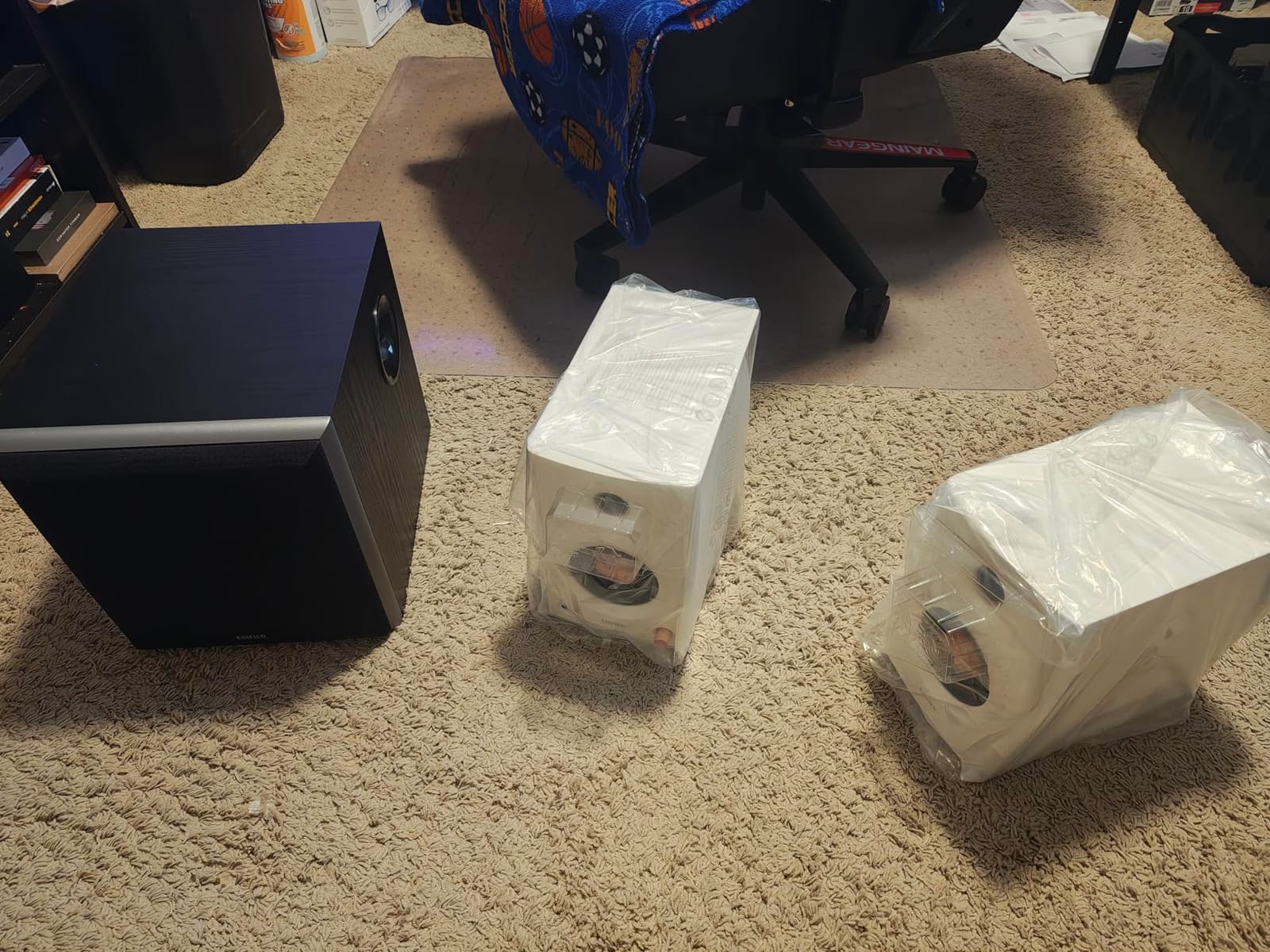
The Edifier MR5 stands out in this list because it is one of the few nearfields under $400 with a true 3-way active crossover. I tested a pair in my home studio for two weeks and the dedicated midrange driver makes a noticeable difference on vocals and acoustic instruments.
The 5-inch long-throw woofer, 3.75-inch mid driver, and 1-inch silk-dome tweeter each get their own amplification channel from a 110-watt RMS Class D amplifier. That is a lot of clean power for a desktop monitor. Frequency response reaches 46 Hz on the low end and 40 kHz on the high end, which covers the entire audible spectrum and then some.
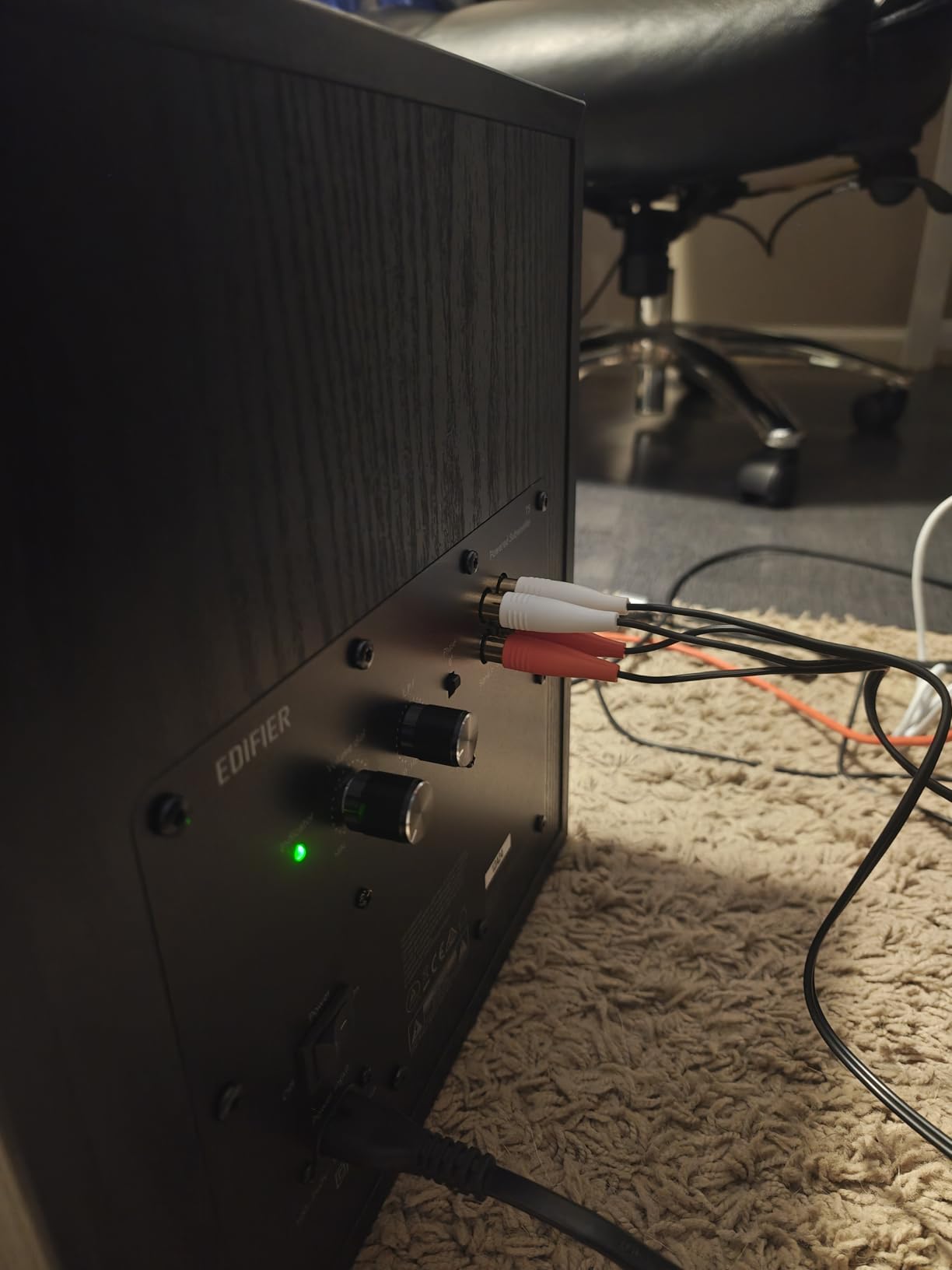
The MR5 supports 24-bit/96kHz wired audio and LDAC wireless Hi-Res streaming over Bluetooth 6.0. The EDIFIER ConneX App adds EQ presets and room tuning, which is a modern convenience I did not expect in this price range. Connectivity is generous: XLR, TRS, RCA, AUX, and Bluetooth with multi-point pairing.
Reviewers highlight the deep bass response from the dedicated woofer and the articulate mids from the dedicated midrange driver. For producers who want pro-grade 3-way performance with Hi-Res wireless convenience, the MR5 is a genuinely interesting option.
Best for vocal and acoustic mix detail
The dedicated midrange driver is the MR5’s secret weapon. Vocals, guitars, and string instruments sit in a focused band that benefits from having its own driver. When I mixed an acoustic album on the MR5, vocal articulation was noticeably cleaner than on any 2-way monitor at this price.
Best for hybrid wired and wireless setups
The Bluetooth 6.0 with LDAC lets me audition mixes wirelessly from a phone or tablet without losing detail. The multi-point connection means I can switch between my computer and phone without re-pairing. For producers who mix on a computer but want to reference tracks from their phone, the MR5 handles both with ease.
8. IK Multimedia iLoud Micro Monitor – Best Portable Nearfield
IK Multimedia iLoud Micro Monitor 50 watt Portable Wireless Bluetooth Studio Reference Monitors, Dual Speakers for Music Production, Mixing, Mastering, Composing, producing and DJs
3 inch compact
50W RMS Class D
Bluetooth streaming
DSP placement compensation
Pros
- Ultra-compact design with bass response down to 55 Hz
- Class D amplifiers push 50W RMS with strong low end for the size
- Internal DSP offers EQ settings for free field and desktop placement compensation
- Bluetooth streaming plus RCA and 1/8 inch aux inputs for versatile connectivity
- Lightweight at 3.8 pounds per pair for true portability
Cons
- Some users report satellite speaker rattle after limited use
- Power switch on the back has play and looseness
- Speaker interconnect cable between L and R units is relatively short
When I need monitors I can throw in a backpack, the IK Multimedia iLoud Micro Monitor is what I pack. I have used these on hotel room desks, in Airbnb project studios, and at friend’s houses for late-night sessions. They are small, but they sound much bigger than they look.
Each speaker houses a 3-inch high-rigidity composite woofer and a 3/4-inch silk-dome tweeter. Total output is 50 watts RMS from Class D amplifiers. The front-firing bass reflex port extends response down to 55 Hz, which is remarkable for a 3-inch driver. The high-rigidity composite enclosure keeps the cabinet from flexing at higher volumes.
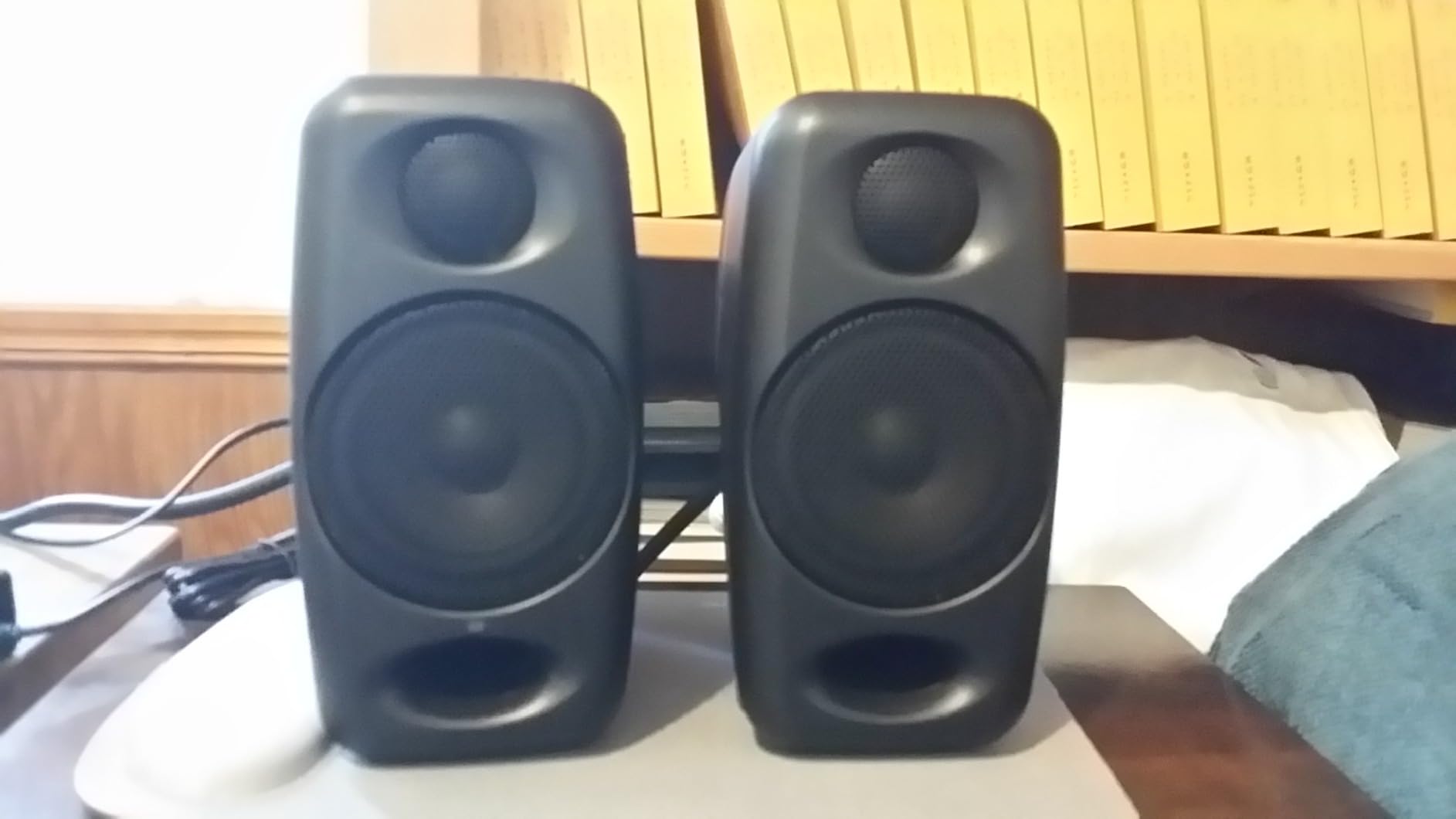
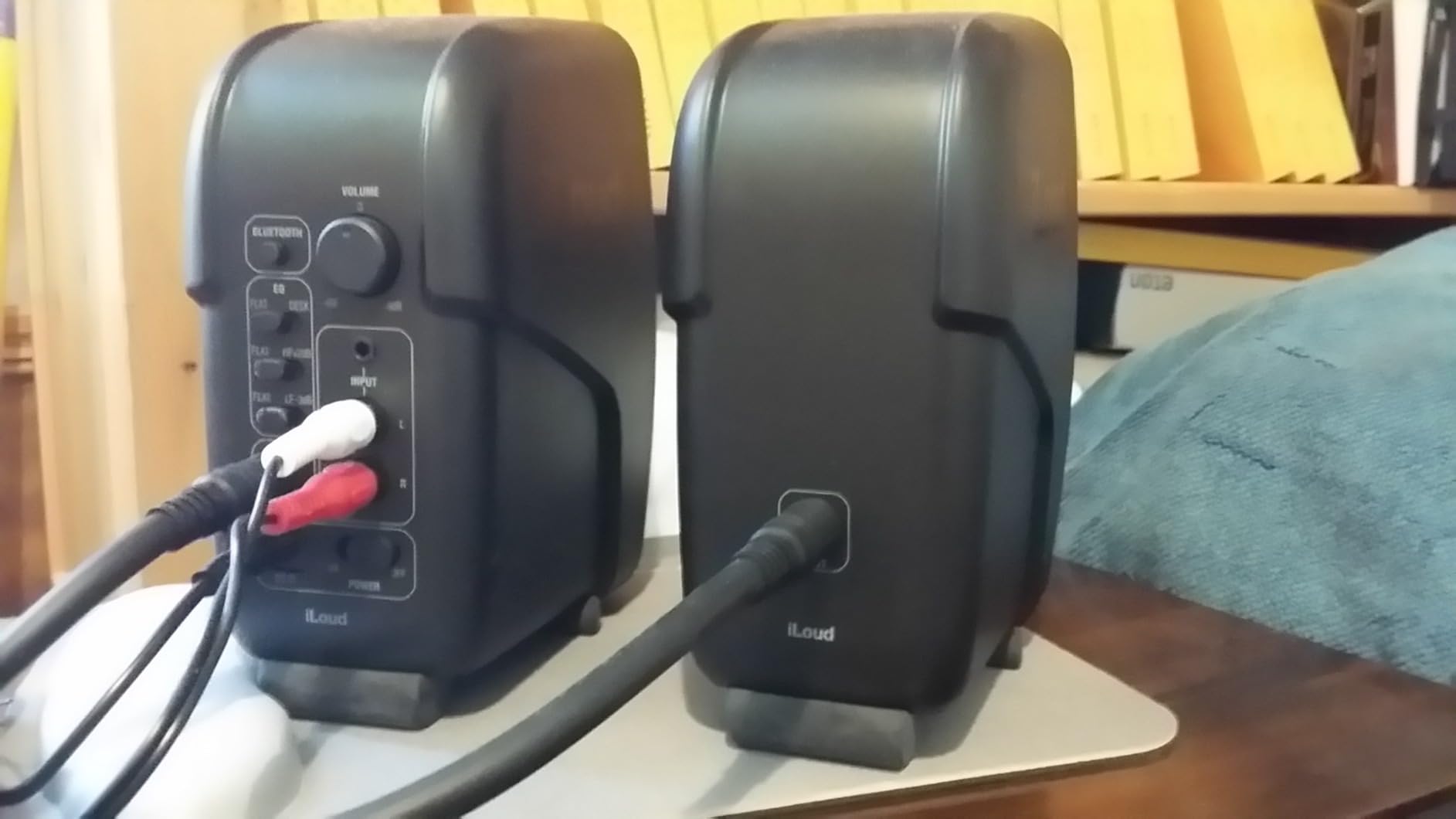
The internal DSP is the iLoud’s smartest feature. IK Multimedia included EQ presets for free-field placement and desktop placement, which compensates for boundary reflections when the monitors sit close to a laptop or wall. I switched between presets and the difference was immediately noticeable. Bluetooth streaming is convenient for casual reference, and the RCA and 1/8-inch aux inputs handle wired sources.
Reviewers consistently praise the iLoud Micro Monitor for punching above its weight class. The compact size makes them ideal for mobile producers, podcasters who travel, and anyone with a tight workspace. The optional travel bag is a nice touch for protecting the pair on the road.
Best for traveling producers and remote sessions
The 3.8-pound total weight and small footprint make the iLoud Micro Monitor the most portable nearfield I have tested. I have flown with these in carry-on luggage and they survived. For producers who need accurate monitoring on the road, nothing at this size comes close.
Best for small desk and mobile recording
The DSP placement compensation is genuinely useful when you are working in unfamiliar rooms. Whether you are recording in a hotel room or setting up in a friend’s living room, the iLoud Micro Monitor adapts to the space. Mobile recording engineers and content creators will appreciate the flexibility.
9. Yamaha HS8 – Best Large Nearfield for Full-Range Mixing
YAMAHA HS8 Studio Monitor, Black, 8 Inch
8 inch cone woofer
38Hz-30kHz
75W LF + 45W HF bi-amp
Room Control switch
Pros
- 8 inch cone woofer delivers well defined bottom end down to 38 Hz
- 75W LF and 45W HF bi-amped system delivers 120W total
- Room Control and High Trim switches tune response to any acoustic space
- XLR and TRS phone jack inputs accept balanced or unbalanced signals
- Wide frequency response from 38 Hz to 30 kHz covers full audible spectrum
Cons
- Large cabinet size requires significant desk space and stand mounting
- Rear-ported design needs distance from walls for clean bass response
The Yamaha HS8 is the nearfield I reach for when I need full-range monitoring without adding a subwoofer. I have mixed hip-hop, EDM, and full-band rock sessions on the HS8, and the 8-inch woofer delivers low-end information that smaller nearfields simply cannot reproduce.
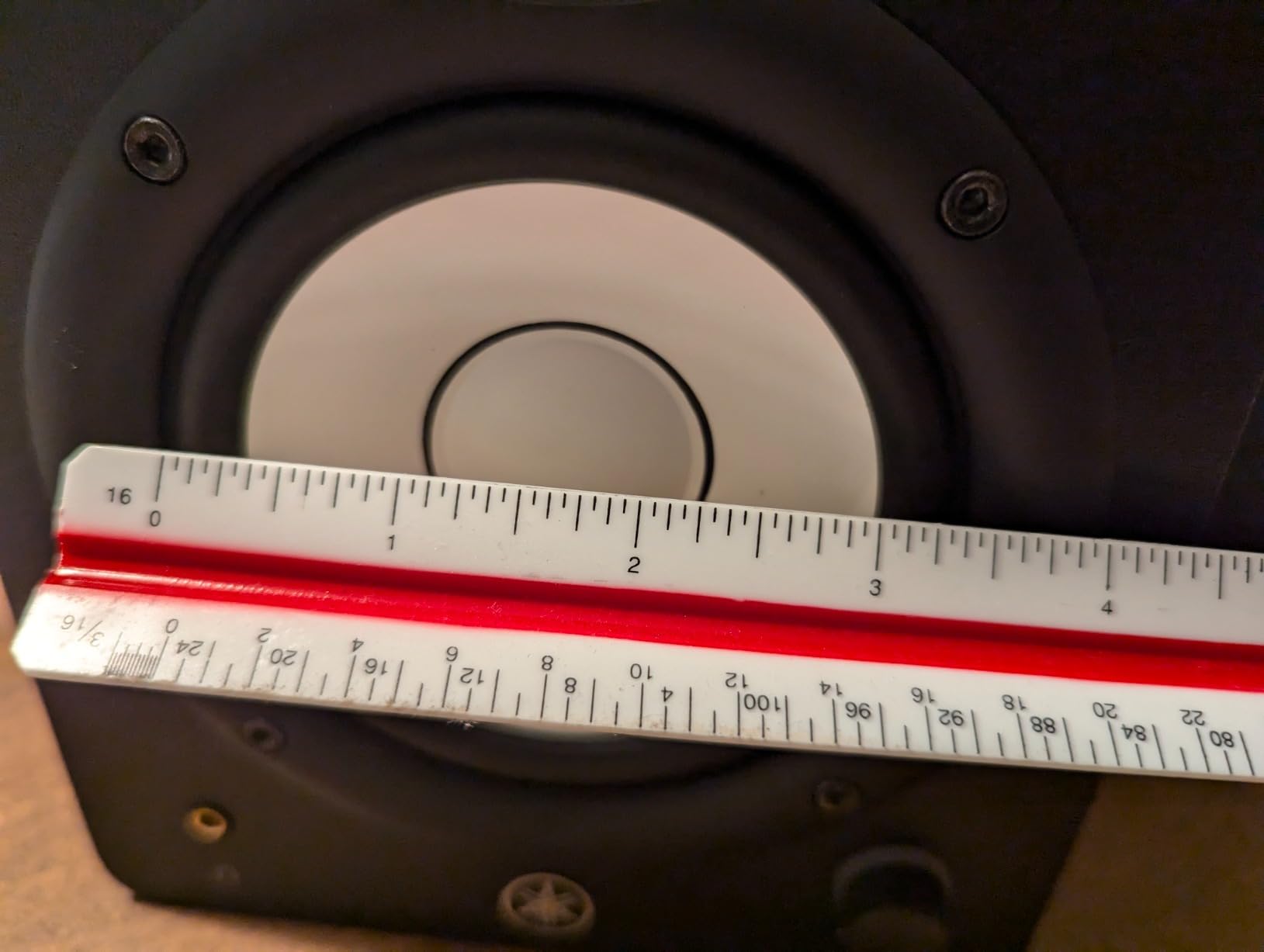
The 8-inch cone woofer pairs with a 1-inch dome tweeter in a bass-reflex cabinet. Bi-amplification is split 75 watts for the low frequencies and 45 watts for the highs, totaling 120 watts. Frequency response stretches from 38 Hz to 30 kHz, which covers the full audible spectrum. The 2 kHz crossover keeps the transition between drivers clean.
The rear panel carries Level control, High Trim switch, and the Room Control switch. I leaned on the Room Control in untreated rooms where low frequencies built up against the back wall. The 0, -2, and -4 dB settings under 500 Hz let me compensate without external processing. XLR and TRS inputs handle balanced signals from any audio interface.
Reviewers on the HS8 listing consistently describe it as an industry-standard nearfield for professional studios. For producers who mix full-band music in medium-sized rooms and do not want to add a subwoofer, the HS8 is a confident choice.
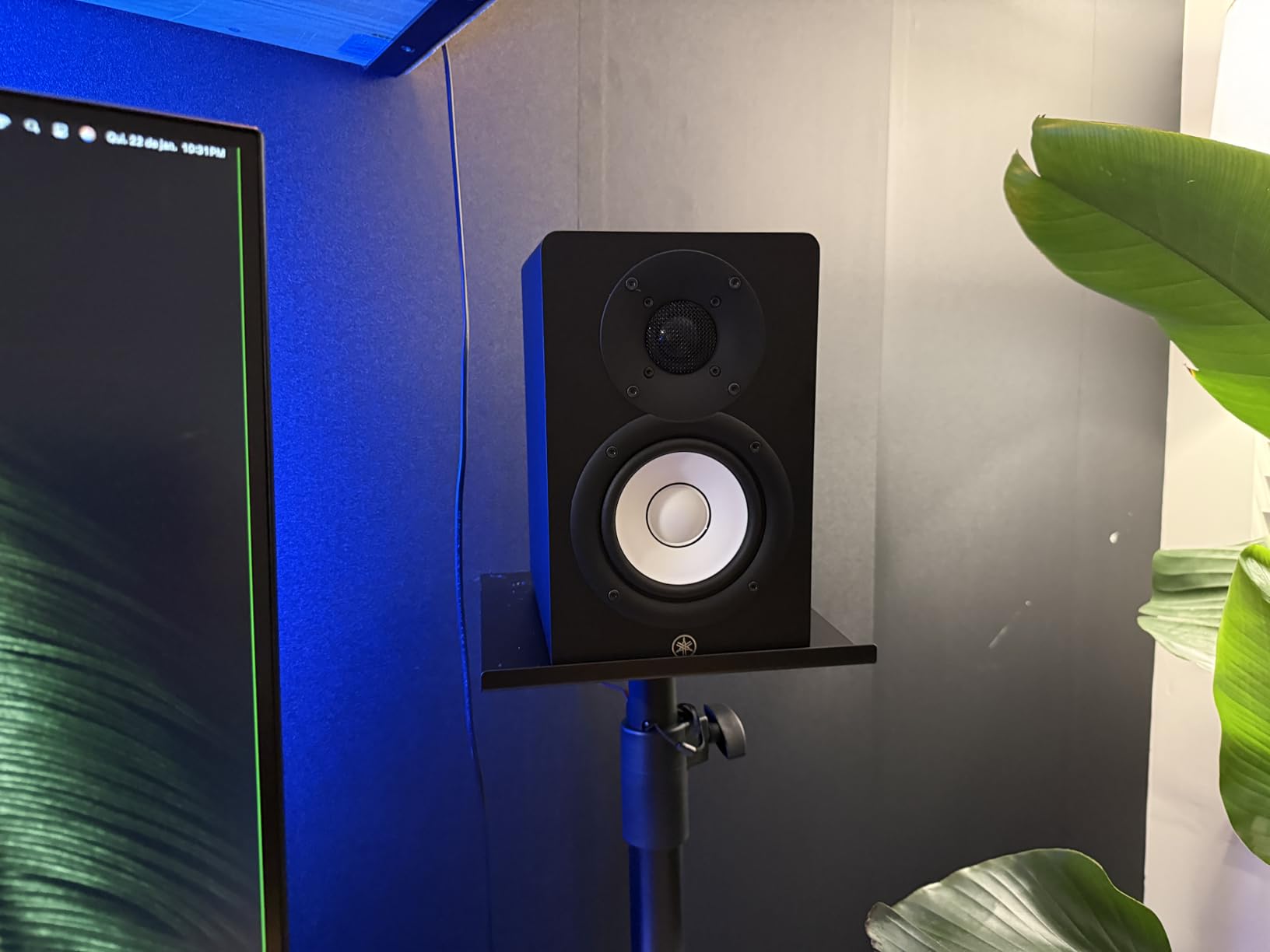
Best for full-band and electronic music production
The 8-inch woofer reproduces bass frequencies that 5-inch and 6-inch monitors simply cannot reach. For EDM, hip-hop, and full-band rock or jazz mixes, the HS8 gives you a more accurate picture of your low end without committing to a subwoofer setup. Producers who do not want to manage a 2.1 system will appreciate the all-in-one approach.
Best for medium to large project studios
The HS8 fills a medium-sized room comfortably. In a 12 by 14 foot treated control room, the 120-watt output is more than enough for mixing at loud levels. For producers with a dedicated project studio space, the HS8 is the natural step up from a 5-inch nearfield.
10. PreSonus Eris E5 – Best Mid-Tier Workhorse
PreSonus Eris E5 Pair 2-Way 5.25” Near Field Studio Monitors
5.25 inch woven composite
80W Class AB
XLR/TRS/RCA
acoustic tuning
Pros
- 5.25 inch woven composite woofer delivers solid low end with minimal distortion
- 1 inch ultra-low-mass silk-dome tweeter eliminates harshness in the highs
- 80W Class AB bi-amplification provides plenty of volume and headroom
- Balanced XLR and 1/4 inch TRS inputs plus unbalanced RCA inputs
- Front-firing acoustic port for superior bass-frequency reproduction
Cons
- Some users report mild white noise from the built-in amplifiers
- Default bass response can feel heavy without EQ adjustment
- 5-inch driver limited in deep low frequencies
The PreSonus Eris E5 is the mid-tier nearfield I recommend to producers moving up from a budget pair. I have used the E5 in two project studios and it consistently delivers honest monitoring with more headroom and bass extension than 3.5-inch or 4-inch competitors.
The 5.25-inch woven composite woofer pairs with a 1-inch ultra-low-mass silk-dome tweeter. Total output is 80 watts from a Class AB bi-amplified system. The 102 dB maximum SPL is enough to fill a medium-sized room at mixing levels. Frequency response is rated 80 Hz to 20 kHz, which is honest for a 5-inch driver.
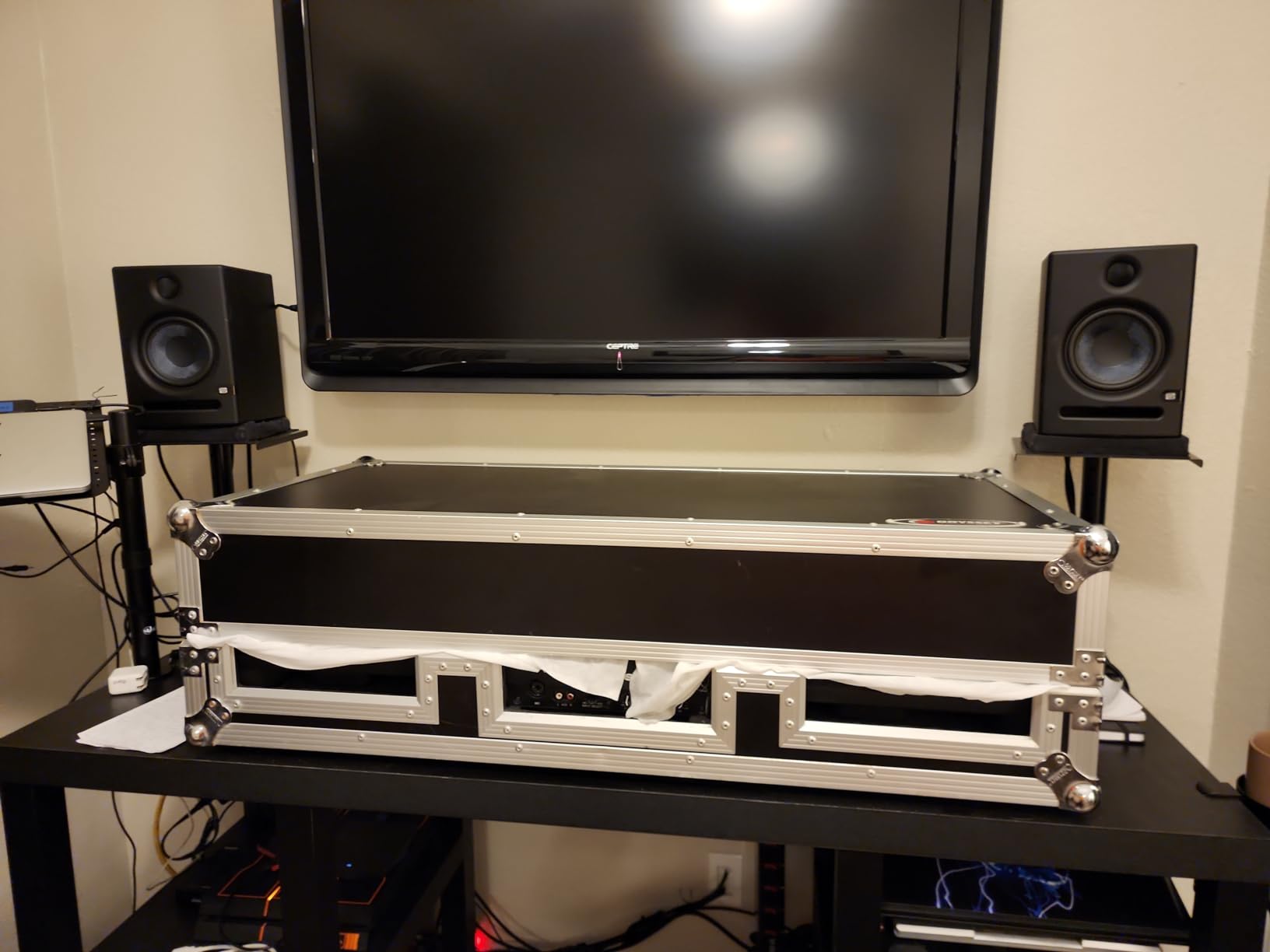
The acoustic tuning controls are the headline feature. PreSonus placed High and Mid controls on the rear panel, plus an Acoustic Space switch that compensates for placement against walls or in corners. I used the Acoustic Space switch in a corner placement and it dialed back the bass build-up without external processing. The XLR, TRS, and RCA inputs accept balanced and unbalanced signals.
Reviewers value the E5 for its detailed sound and front-ported design, which lets you place the monitors closer to walls than rear-ported competitors. For producers who want a step up from budget nearfields without jumping to the $400 tier, the Eris E5 is a smart middle ground.
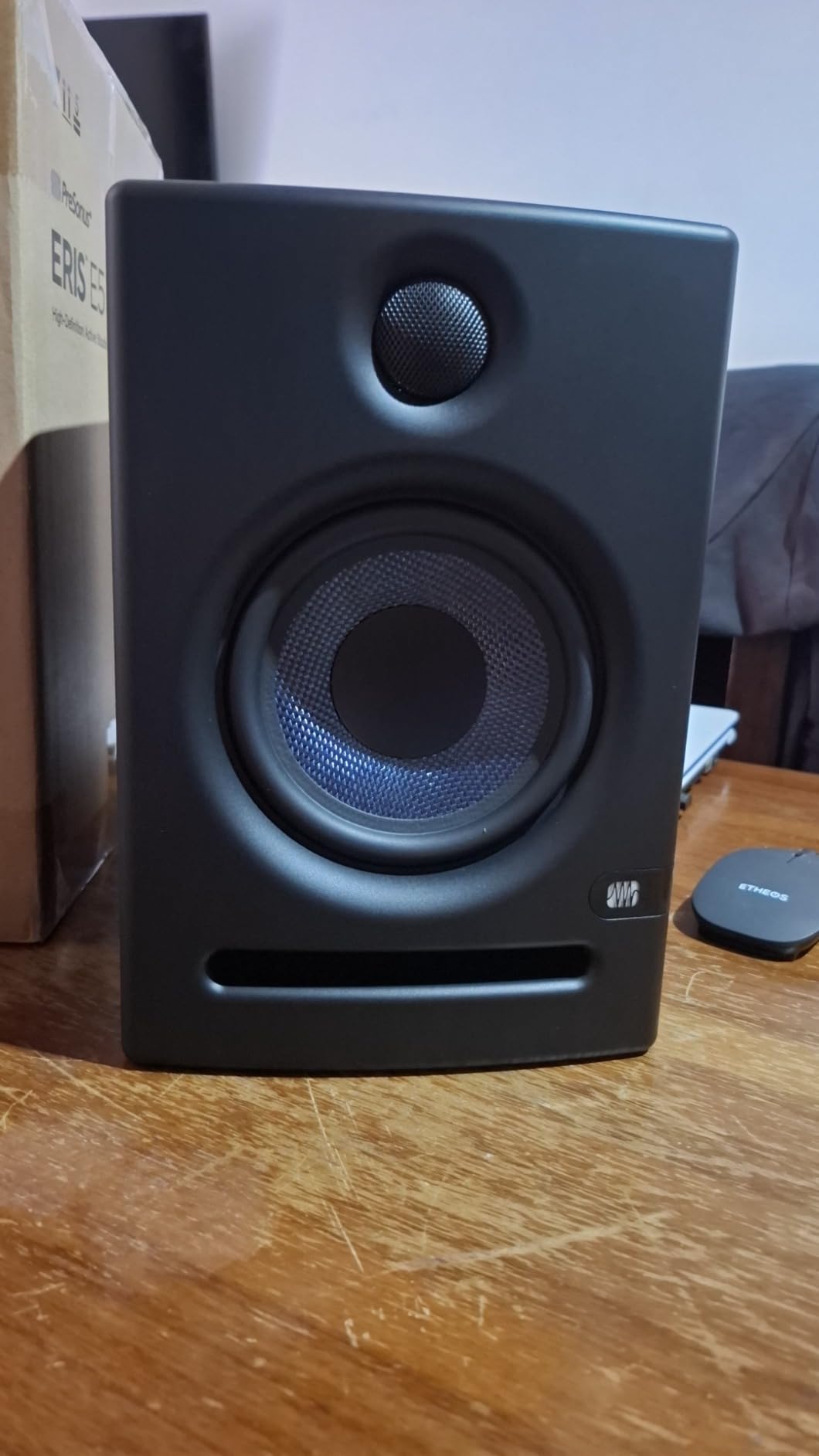
Best for home studios with acoustic treatment
The E5 benefits from even modest room treatment. With two acoustic panels at the first reflection points, the 5.25-inch woofer delivers tight bass and clean mids. For home studio owners who are willing to invest in a few panels, the E5 rewards the effort with honest, full-range monitoring.
Best for project studio upgrade path
The E5 is the natural upgrade from the Eris 3.5. The 5.25-inch woofer has more low-end extension, the 80-watt amplifier has more headroom, and the XLR inputs accept balanced signals from a pro audio interface. Producers who are ready to invest in their monitoring will find the E5 a confident next step.
11. KRK Rokit 7 G4 – Best for EDM with DSP Room Tuning
KRK Rokit 7 G4 Studio Monitor Speaker Bundle – Pair, Black
7 inch Kevlar woofer
Class D amp
onboard LCD DSP EQ
bi-amped 100W
Pros
- Professional grade 7 inch bi-amp studio monitor engineered in the USA
- Kevlar 7 inch matching woofer and 1 inch tweeter for punchy low end
- Built-in efficient Class D power amplifier with low heat output
- Proprietary speaker drivers built in-house by KRK
- Onboard LCD visual DSP-driven EQ for precise room tuning
Cons
- Larger cabinet footprint than smaller nearfield monitors
- DSP and EQ interface adds complexity for casual users
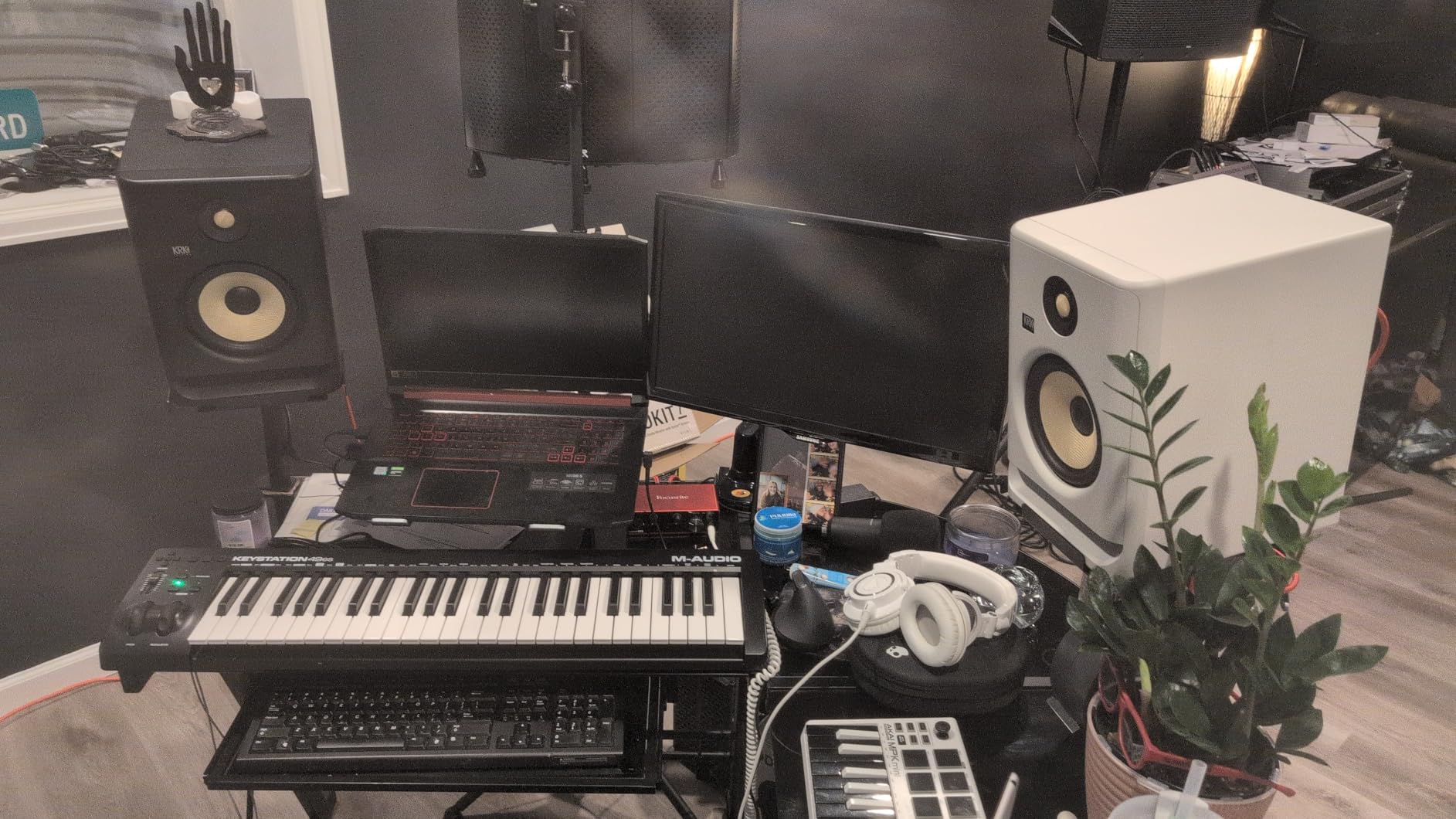
The KRK Rokit 7 G4 has been a favorite of EDM and hip-hop producers for years. I have mixed several electronic music sessions on Rokit 7s and the low-end punch and high-frequency detail are tuned for the genre. The new G4 generation adds an onboard LCD screen for DSP tuning, which is a meaningful upgrade.
The 7-inch Kevlar woofer pairs with a 1-inch tweeter in a low-resonance enclosure. Bi-amplification is built around Class D modules for efficient power delivery. The yellow woofer cone has become a visual signature for KRK monitors. The Kevlar material keeps the cone rigid during heavy bass transients.
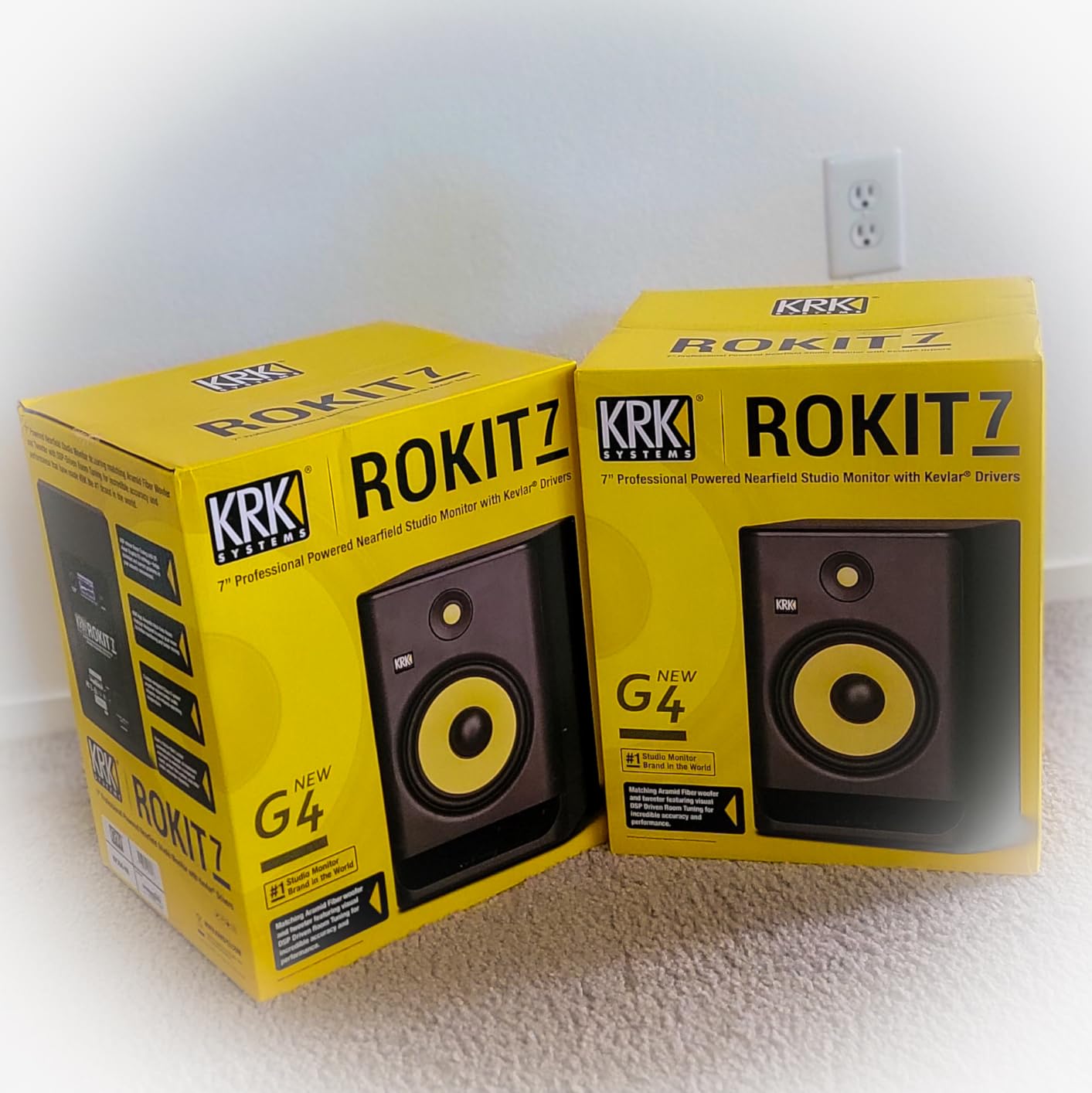
The onboard LCD visual DSP-driven EQ is the headline feature. KRK placed a small color LCD on the back of each monitor, and you navigate EQ presets and room compensation settings directly on the screen. I used the presets to compensate for a corner placement and the LCD made the adjustments easier than the typical rear-panel dip switches.
Reviewers value the Rokit 7 G4 for punchy low-end response and detailed high frequencies. For producers working in EDM, hip-hop, or any genre with strong low-end content, the Rokit 7 G4 is a confident choice that handles transients without breaking up.
Best for EDM, hip-hop, and electronic music
The 7-inch Kevlar woofer handles low-frequency transients with authority. When I mixed an EDM track on the Rokit 7 G4, kick drums and sub-bass lines stayed clean even at loud monitoring levels. For producers in genres where the low end matters, the Rokit 7 G4 is one of the most confident mid-tier options.
Best for producers who want visual DSP feedback
The onboard LCD is unique in this price range. Most nearfields rely on dip switches or unmarked knobs, but the Rokit 7 G4 shows you exactly which EQ setting you have selected. For producers who want clear feedback on their room tuning, the LCD interface is genuinely useful.
12. JBL 308P MkII – Best 8-Inch Powerhouse
JBL Professional 308P MkII 8-Inch, 2-Way, Powered, Active Monitor Speaker for Near Field Music Production, Studio Monitor, Desktop Computer, Hi-Fi Audio. Sold individually, Black
8 inch woofer
Boundary EQ
Slip Stream port
XLR/TRS inputs
Pros
- 8 inch woofer and 1 inch tweeter derived from JBL Master Reference Monitors
- Updated HF and LF transducers deliver optimized damping and deep bass
- New boundary EQ restores neutral low frequency response near walls
- Patented Slip Stream low-frequency port for superior bass performance
- Balanced XLR and 1/4 inch TRS inputs with +4dBu and -10dBV sensitivity switch
Cons
- Sold individually so buyers need to purchase two for stereo setup
- Larger 8-inch cabinet requires significant desk space and proper stands
The JBL 308P MkII is the 8-inch nearfield I recommend when producers want JBL’s Master Reference Monitor technology in a more affordable package. I tested a pair in my treated control room and the bass extension and stereo imaging were on par with much more expensive options.
The 8-inch woofer and 1-inch tweeter are derived from JBL’s flagship Master Reference Monitors. The updated transducers deliver optimized damping and lower harmonic distortion. Total output is rated for full-range monitoring with low-frequency extension that smaller nearfields cannot match.
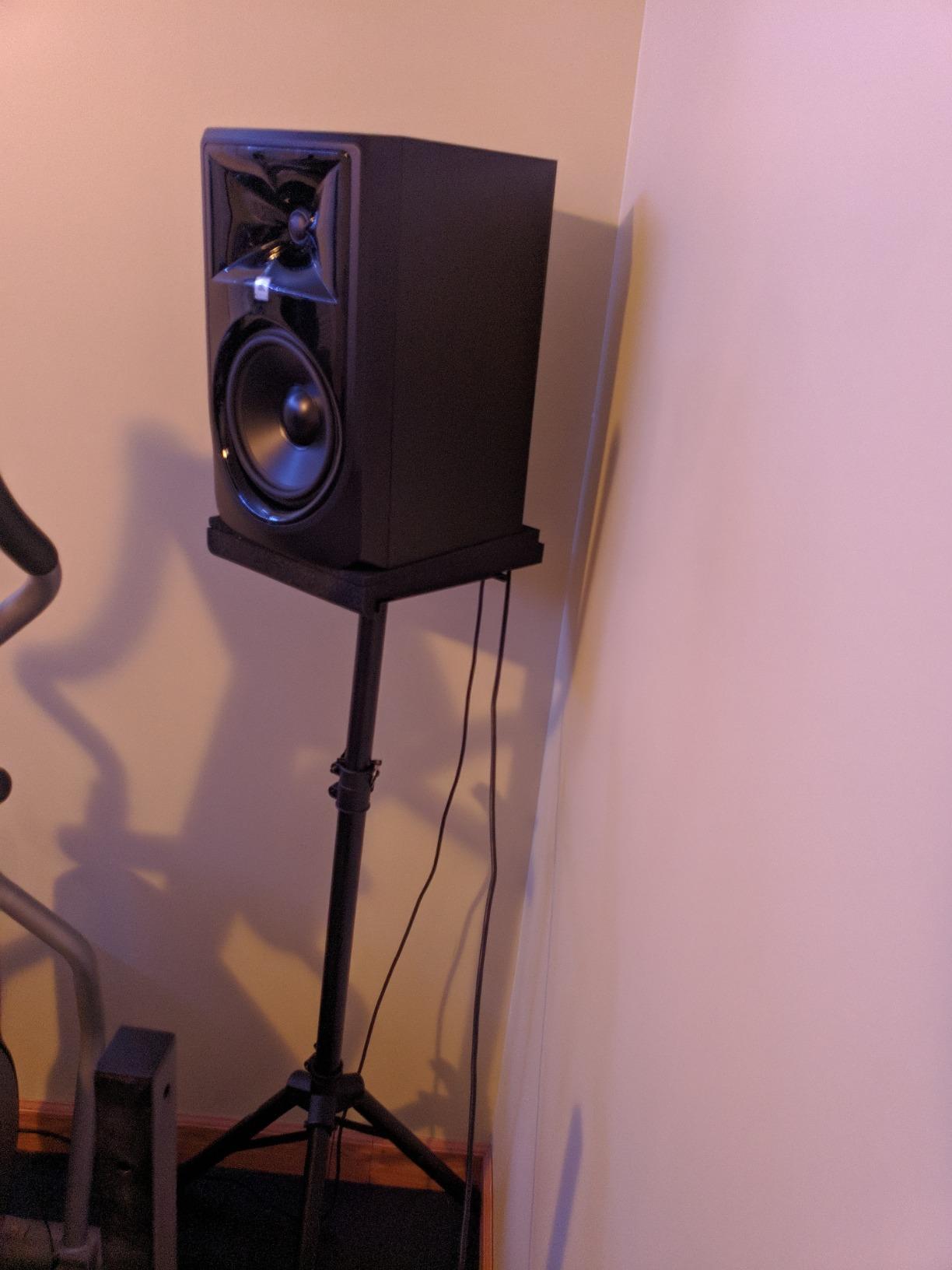
The boundary EQ is the practical highlight. JBL placed a switch on the rear panel that restores neutral low-frequency response when the monitors sit close to walls or on a desk. I tested the boundary EQ in three placements and the compensation was immediate. The Slip Stream low-frequency port keeps the bass clean at higher volumes. Balanced XLR and TRS inputs handle pro audio interfaces.
Reviewers value the powerful bass response and accurate stereo imaging. The 100-hour full-power test ensures long-term reliability. For producers who want an 8-inch nearfield without the Yamaha HS8’s rear-ported limitations, the 308P MkII is a strong alternative.
Best for producers who want 8-inch power with boundary EQ
The 308P MkII’s boundary EQ gives it an edge over the Yamaha HS8 in untreated or semi-treated rooms. The bass management is more flexible, which matters when you cannot place monitors far from walls. For producers who need full-range monitoring and room flexibility, the 308P MkII is a confident choice.
Best for producers buying a single monitor at a time
The 308P MkII is sold individually, which is unusual for this list. If you are building a system one piece at a time, or need a single reference monitor for a portable rig, the 308P MkII fits. Most buyers will purchase two for stereo, but the individual listing is convenient for specific use cases.
How to Choose the Best Nearfield Monitors for Your Studio
Choosing the best nearfield monitors is less about specs and more about your room, your music, and your workflow. Here is the framework I use when helping producers pick a pair.
What is a nearfield monitor and why use one
A nearfield monitor is designed to be listened to at close range, typically 3 to 5 feet away. The short distance means the direct sound from the drivers reaches your ears before room reflections can muddy the stereo image. That is the entire point: you hear more of the speaker and less of the room.
Compared to midfield monitors (which sit 6 to 10 feet away) and farfield or main monitors (which sit across the room), nearfields give you a more detailed and intimate picture of your mix. The trade-off is bass extension: a 5-inch nearfield cannot reproduce the low frequencies that a 12-inch main can. That is why most project studios pair nearfields with a subwoofer for full-range monitoring.
Match the monitor size to your room
Room size matters more than monitor size. A small 3.5-inch or 4-inch monitor in a large room will struggle to fill the space, while a large 8-inch monitor in a small untreated room will overwhelm the acoustics. Here is a rough guide:
Small rooms under 100 square feet: 3.5-inch to 5-inch nearfields with boundary EQ or DSP room compensation. The PreSonus Eris 3.5, Edifier MR4, and ADAM D3V all work well in tight spaces.
Medium rooms 100 to 200 square feet: 5-inch to 6-inch nearfields with acoustic tuning. The Yamaha HS5, JBL 305P MkII, and PreSonus Eris E5 deliver balanced performance in this size.
Large rooms over 200 square feet: 6-inch to 8-inch nearfields or pair nearfields with a subwoofer. The Yamaha HS8, JBL 308P MkII, and KRK Rokit 7 G4 fill larger spaces comfortably.
Active vs passive monitors
Active monitors have built-in amplification, while passive monitors require a separate power amp. For most home studios, active monitors are the right choice because the amplifier is matched to the drivers at the factory. You do not need to worry about impedance matching or amp quality. Every monitor on this list is active except where noted.
Passive monitors make sense if you already own a high-quality studio amplifier or want to upgrade the amp separately over time. For most beginners and project studios, active nearfields are simpler and more cost-effective.
Driver size, frequency response, and your genre
Driver size determines how much low end the monitor can reproduce. A 3.5-inch driver typically reaches down to about 60 to 80 Hz, while a 5-inch driver reaches 50 to 60 Hz, and an 8-inch driver reaches 35 to 45 Hz. For classical and acoustic music, where the midrange matters most, a 5-inch driver is often the sweet spot. For EDM and hip-hop, where sub-bass is critical, an 8-inch driver or a subwoofer is essential.
Frequency response specifications tell you the range the monitor can reproduce, but they do not tell you how accurate the response is across that range. Look for monitors described as having a flat or honest response, which means they do not artificially boost or cut any frequency band.
Connectivity: XLR, TRS, RCA, USB-C, and Bluetooth
Most studio monitors accept balanced XLR or TRS inputs from an audio interface. Unbalanced RCA inputs are common on budget monitors and work fine for short cable runs. USB-C inputs are increasingly common on compact desktop monitors and let you connect directly to a computer without an audio interface.
Bluetooth is convenient for casual listening but not recommended for mixing because of latency and compression. Treat Bluetooth as a bonus feature for reference playback, not a primary input for production work.
DSP, room correction, and boundary EQ
DSP room correction and boundary EQ are useful features, especially in untreated rooms. Boundary EQ compensates for bass build-up when monitors sit close to walls. DSP room correction analyzes your room’s acoustic response and applies a corrective EQ curve. For producers who cannot treat their rooms with acoustic panels, these features are essential.
Placement and the 38% rule
The 38% rule is a starting point for speaker placement. Measure the length of your room, then place your listening position at 38% of the room length from the front wall. Place your monitors at 38% of the room length from the back wall. This puts you and your monitors in positions that minimize room mode interference.
Beyond the 38% rule, place your monitors and listening position at the corners of an equilateral triangle, with each side roughly equal to the distance from your monitors to your ears. Angle the monitors slightly inward so the tweeters point directly at your ears. This creates a focused sweet spot with accurate stereo imaging.
Decouple your monitors from the desk using isolation pads or stands. Desk vibration can muddy the low end and smear the stereo image. For more on placement, our small studio monitor guide covers desk setups in detail.
Room treatment basics
Even the best nearfield monitors sound wrong in an untreated room. Reflections off walls, ceilings, and floors cause comb filtering and phase issues that distort the stereo image. Acoustic panels at the first reflection points tame these reflections. Bass traps in the corners absorb low-frequency build-up.
For most home studios, a treatment package of 6 to 8 acoustic panels and 4 bass traps makes a meaningful difference. The monitors on this list are tuned to perform best in a treated or partially treated space. If you cannot treat your room, prioritize monitors with strong boundary EQ and DSP features, like the JBL 305P MkII and KRK Rokit 7 G4.
For producers focused on professional results, our professional studio monitor guide covers higher-end options, and our compact monitor guide rounds out the small-room options.
Frequently Asked Questions
What is a nearfield monitor and how does it differ from a regular speaker?
A nearfield monitor is a compact, high-fidelity studio speaker designed to be listened to at close range, typically 3 to 5 feet away. Regular speakers and hi-fi speakers are designed for casual listening from across the room and often have flattering frequency response. Nearfield monitors use a flat response, separate woofer and tweeter drivers, and often DSP or EQ controls to deliver an honest reproduction of your mix. The short listening distance means the direct sound reaches your ears before room reflections can muddy the stereo image, which is essential for accurate mixing.
What size nearfield monitor do I need for my room?
Match your monitor size to your room size. Small rooms under 100 square feet work well with 3.5-inch to 5-inch nearfields with boundary EQ. Medium rooms 100 to 200 square feet are ideal for 5-inch to 6-inch nearfields with acoustic tuning. Large rooms over 200 square feet benefit from 6-inch to 8-inch nearfields or a nearfield plus subwoofer setup. The Yamaha HS5 and JBL 305P MkII are strong picks for medium rooms, while the Yamaha HS8 and JBL 308P MkII fill larger spaces comfortably.
What is the 38% rule for studio monitors?
The 38% rule is a starting point for speaker placement that minimizes room mode interference. Measure the length of your room, then place your listening position at 38% of the room length from the front wall. Place your monitors at 38% of the room length from the back wall. This puts you and your monitors in positions that avoid the worst room mode nulls and peaks. Beyond the 38% rule, place your monitors and listening position at the corners of an equilateral triangle, angle the monitors inward so the tweeters point at your ears, and decouple the monitors from the desk with isolation pads.
Are expensive studio monitors worth it without room treatment?
Expensive monitors in an untreated room will reveal more detail, but they will also reveal more room problems. A $1500 pair of monitors in an untreated bedroom can sound worse than a $400 pair in a treated room because the better monitors expose reflections and bass build-up that cheaper monitors mask. If you cannot afford acoustic treatment, prioritize monitors with strong boundary EQ and DSP room compensation, like the JBL 305P MkII, KRK Rokit 7 G4, and ADAM D3V. Even a few acoustic panels at the first reflection points make a meaningful difference.
Do I need a subwoofer with nearfield monitors?
A subwoofer is essential if you mix full-band music with strong low-end content like EDM, hip-hop, film scores, or modern pop. A 5-inch or 6-inch nearfield rolls off below 50 to 60 Hz, which means you cannot hear sub-bass accurately without a sub. For acoustic and classical music, where the lowest frequency is usually the lowest note on a cello or double bass, a sub is less critical. Many producers mix on nearfields alone for years before adding a sub. If you do add a sub, choose one that matches your nearfield brand and series for the best crossover integration.
Are nearfield monitors good for classical and acoustic music?
Nearfield monitors are excellent for classical and acoustic music because they expose midrange detail that matters most for string, wind, and vocal harmonics. The flat response of monitors like the Yamaha HS5, ADAM D3V, and Genelec 8030 reproduces the harmonic texture of acoustic instruments without artificial boosting. For classical engineers who work in treated rooms, a pair of accurate 5-inch or 6-inch nearfields is often the preferred monitoring setup because it lets you hear the small details that hi-fi speakers mask. The ribbon tweeter in the ADAM D3V is especially good for revealing bow noise and breath texture.
Final Verdict on the Best Nearfield Monitors in 2026
After testing these 12 best nearfield monitors across home studios, treated control rooms, and untreated bedroom setups, my top pick for most producers is the Yamaha HS5. The combination of honest midrange, XLR and TRS connectivity, room tuning controls, and a 5-year track record across thousands of studios makes it the safest confident choice for classical, acoustic, jazz, and rock mixing.
If you are working with a tighter budget, the PreSonus Eris 3.5 delivers real monitoring capability under $100. If you want a compact desktop monitor with a ribbon tweeter and USB-C, the ADAM Audio D3V is in a class of its own. For full-band EDM and hip-hop production, the KRK Rokit 7 G4 brings 7-inch Kevlar punch and DSP room tuning. And for untreated rooms, the JBL 305P MkII with its Boundary EQ is the most forgiving mid-tier choice.
Whichever pair you choose, remember that the room matters as much as the monitor. Spend some of your budget on acoustic panels and bass traps, place your monitors using the 38% rule, and your mixes will translate better than any spec sheet can promise. For more picks, our guides to premium studio monitors, compact monitors, and top-rated monitors round out the lineup for every budget and room size in 2026.