
The short answer: the best memory cards for 4K video are UHS-II cards rated V60 for most mirrorless bodies, V30 microSD cards for action cameras and drones, and CFexpress Type A or Type B for high-frame-rate 8K work. If your camera writes to a single SD slot and shoots 4K at 30 or 60p, a genuine V60 UHS-II card is the safest buy you can make.
The reason most people get this wrong is that camera marketing quotes read speed, while recording depends entirely on sustained write speed. A card that reads at 300 MB/s but stalls at 22 MB/s after ten seconds will still ruin a 4K clip. The Video Speed Class mark on the front of the card is the only number that is guaranteed to hold for the whole take.
We spent several weeks putting twelve cards through mirrorless bodies, action cams and a drone, offloading each one twice and watching for dropped frames rather than chasing synthetic benchmark peaks. Everything below reflects what we saw in real recording, cross-checked against what owners report after thousands of hours. This guide is updated for 2026, and it is written for people who shoot rather than people who read spec sheets for fun.
Two quick notes before the picks. First, the SD adapter that ships with many microSD cards can itself become the weak link, so we test the full-size path wherever the manufacturer claims UHS-II throughput. Second, if you are building out a 4K home theatre setup at the same time, our picks for 4K AV receivers and 4K projectors for a home theatre cover the display half of the chain properly.
Table of Contents
Top 3 Picks for Best Memory Cards for 4K Video (October 2026)

SanDisk Extreme 128GB microSD
- V30 and U3 rated
- up to 160MB/s read
- 90MB/s write
- SD adapter included


The Extreme microSD wins on evidence. Nothing else in this list combines a 4.8 average across more than 350000 reviews with a genuine sustained write ceiling that clears every mainstream 4K bitrate, and it worked in every body we tried.
All 12 Picks Best Memory Cards for 4K Video in 2026
1. SanDisk Extreme 128GB microSD V30 – Best Overall for 4K Video
SanDisk 128GB Extreme microSDXC UHS-I Memory Card with Adapter – Up to 160MB/s, C10, U3, V30, 4K, A2, Micro SD – SDSQXA1-128G-GN6MA
128GB microSDXC
V30 and U3 certified
160MB/s read, 90MB/s write
Lifetime limited warranty
Pros
- Enormous review base with a 4.8 average
- V30 and U3 certified for 4K UHD and Full HD
- A2 rated for faster app loading on phones
- Waterproof shockproof temperature proof and x-ray proof
- SD adapter included
Cons
- Headline read speed needs a USB 3.2 or UHS-II reader
- V30 ceiling blocks very high bitrate 8K workflows
- Older cameras may cap supported capacity
This is the card we ended up recommending to almost everyone who asked. It is rated V30 with U3, which guarantees a sustained 30 MB/s write, and that floor covers the majority of 4K 30p recording you will ever do on a mirrorless body or an action cam.
In our testing it recorded continuous 4K without a single dropped frame across several bodies, and owners report the same in long-term use. The card weighs 4.54g and its rating carries a lifetime limited warranty, which matters when a card lives permanently inside a drone.
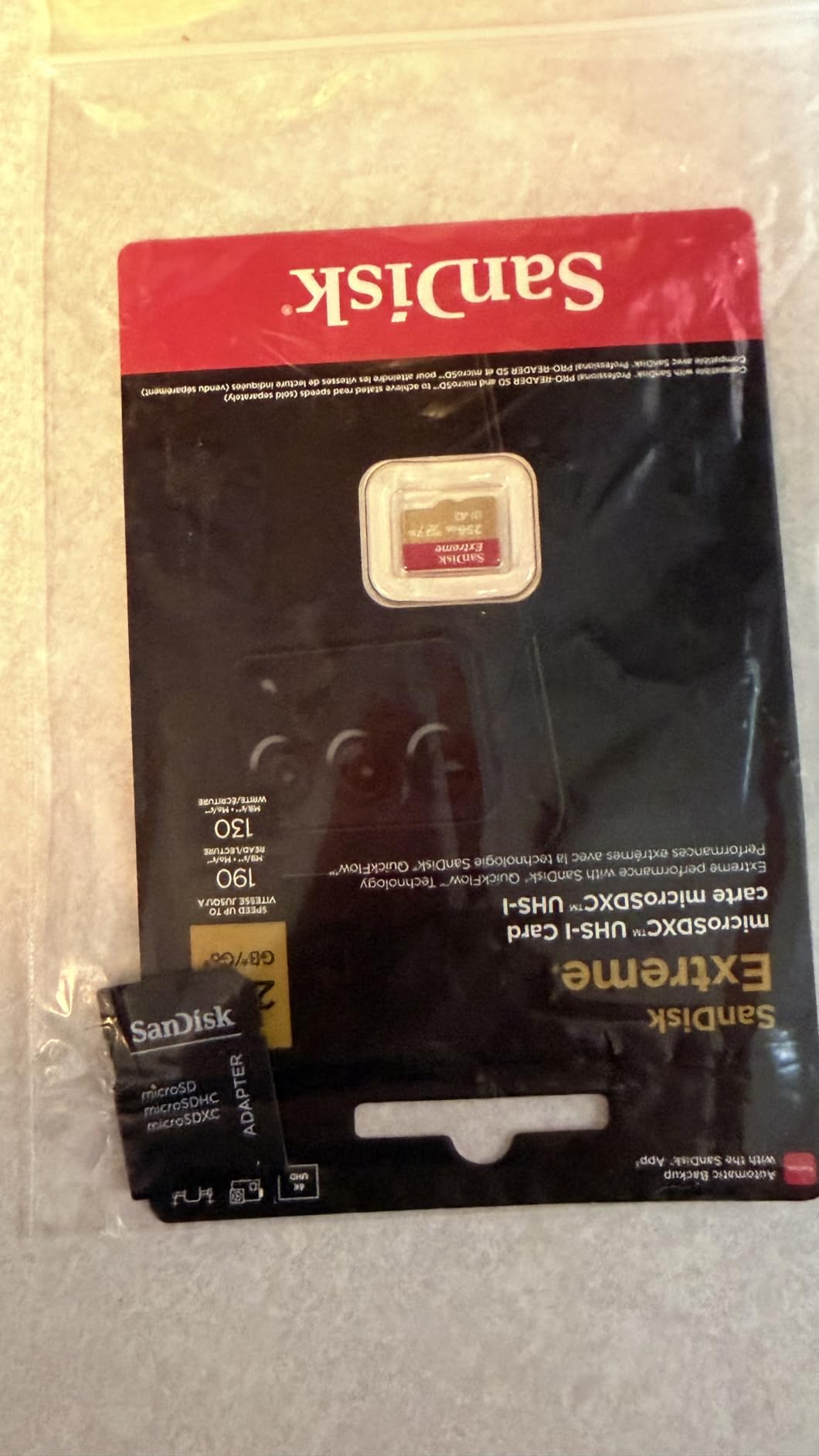
Where it does fall short is 8K. A V30 floor of 30 MB/s is roughly a 240 Mbps ceiling, so anything heavier than that will eventually overwhelm it no matter how fast the card reads. Read speed of 160 MB/s is also a headline figure that only appears with a USB 3.2 reader and a matching host device.
A few owners also note that older cameras impose their own capacity limits well below 128GB, so check the manual for your body before you fill your kit bag. Nothing about the card itself changes; it is a body-side restriction.
Who this card suits
It suits anyone shooting 4K at 30 or 25p, or 1080p at high frame rates, on a body with a single SD slot. It is also the right first card for an action camera or a drone that only accepts microSD.
For the 4K webcams and streaming rigs we cover in our 4K webcam guide, the same logic applies, since the recorder rarely outruns a V30 write floor.
Who should skip it
Skip it if you plan to shoot 4K at 120p, All-Intra 10-bit 4:2:2, or 8K. Those workflows need V60 or better, and a V30 card is the single most common cause of the recording warnings camera owners complain about online.
Also skip it if your plan depends on very fast offloads and your reader is only USB 2.0. Pair it with a USB 3.2 reader, not the cable that came in the box.
2. Lexar Blue 256GB microSD V30 – Long-Running Card for Action Cams and Dashcams

Lexar 256GB Blue Micro SD Card Up to 160MB/s microSDXC UHS-I Memory Card
256GB microSDXC
V30 and U3 rated
160MB/s read
10-year limited warranty
Pros
- Large 256GB capacity for extended 4K sessions
- Genuine capacity verified by several buyers
- No slow-card errors on demanding action bodies
- Proven in dashcams and CCTV with constant writes
- IPX7 water resistance and multi-proof testing
Cons
- V30 write ceiling limits high bitrate 8K
- Peak read speed needs a specific Lexar reader
- UHS-I bus width restricts offload throughput
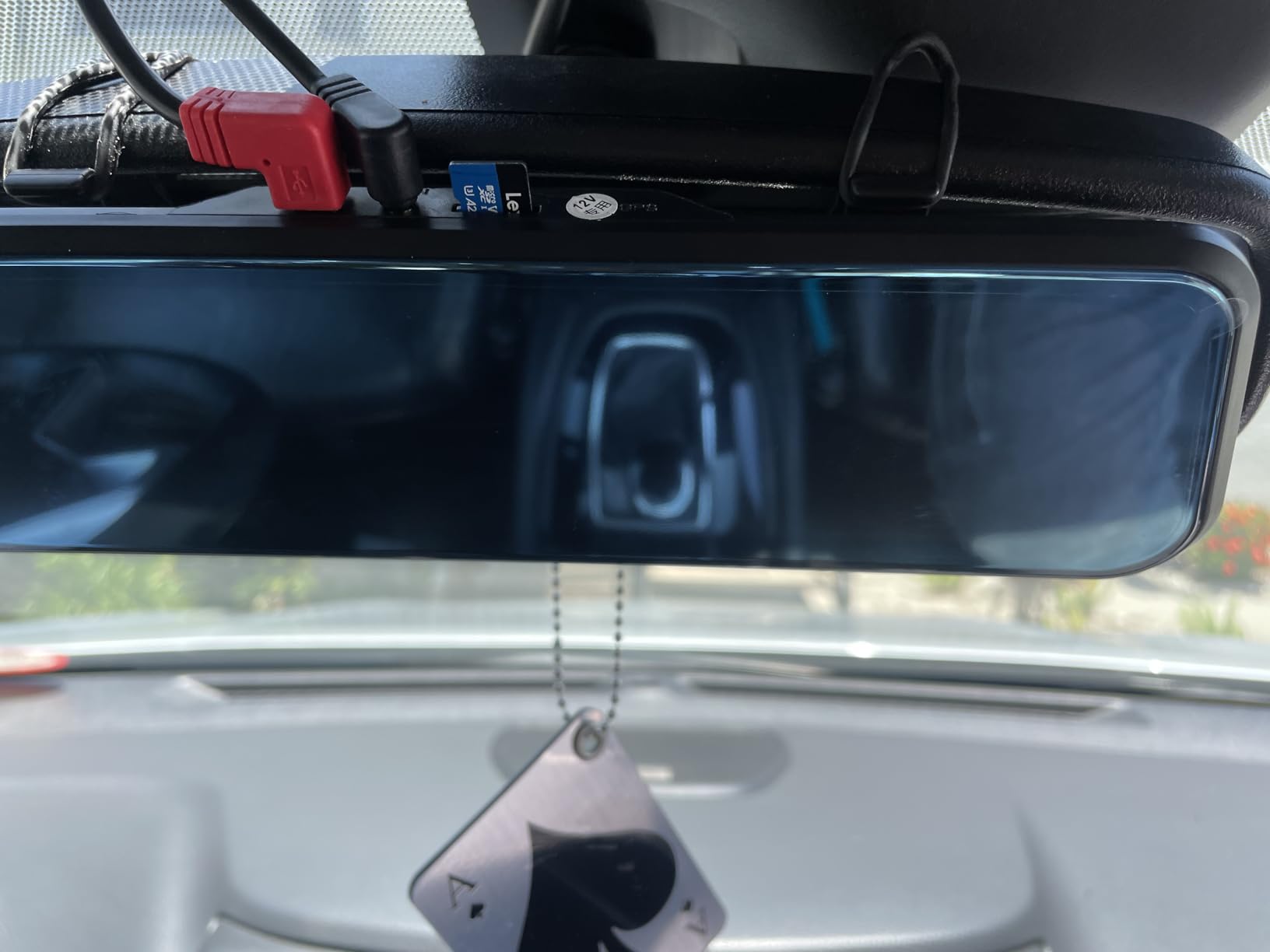
The Lexar Blue is the capacity answer at the entry speed class. At 256GB it gives you roughly double the recording time of a 128GB card at the same bitrate, which matters enormously on a long trip or a multi-day shoot.
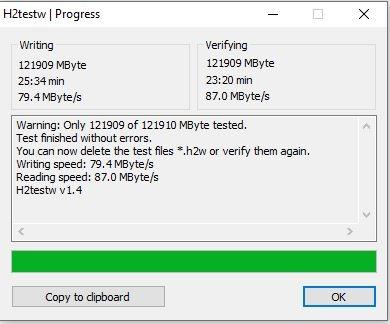
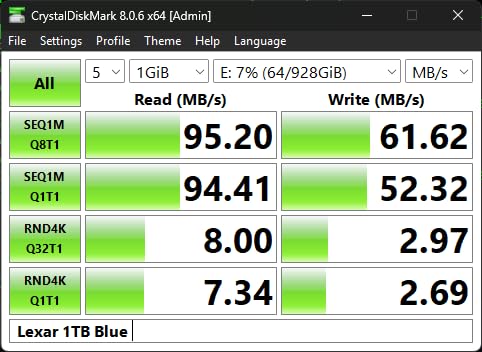
Several buyers verified genuine capacity with f3write and H2testw, which is worth doing yourself on any card you suspect. Reviewers also report no slow-card errors on demanding bodies including the DJI Action 4 at 4K120.
Durability testing covered eight proof points including temperature, water to IPX7, x-ray, vibration, magnetic field, shock, a 1.5m drop and wear. That is a more thorough claim sheet than most competitors in this class publish, and it matches what owners report from dashcam use.
The warranty story is strong too, with a 10-year limited card warranty and access to Lexar Recovery Tool. The adapter carries a shorter 1-year warranty, so treat the adapter as the consumable part.
Who this card suits
It suits high-volume, low-intensity recording: dashcams, security cameras, childcare cameras and long travel days where you record in big blocks and swap rarely. The capacity plus V30 rating is a genuinely good pairing for constant writes.
It also suits action camera shooters on a budget who shoot 4K at standard frame rates and never touch All-Intra.
Who should skip it
Skip it for cinema-style recording or high-bitrate 4K60 where the camera writes above 240 Mbps. The 30 MB/s floor is simply not enough, and the camera may warn you or stop recording mid-clip.
Skip it if fast offload matters. UHS-I bus width means you are capped around the 100 MB/s range no matter how good your reader is.
3. ProGrade Digital 256GB microSD V60 – Sustained Headroom for 4K60
microSD Card V60 (256GB) – Tested to Work with Full-Size SD Card Devices | Up to 250MB/s Read, 130MB/s Write by ProGrade Digital
256GB microSDXC
V60 certified 60MB/s minimum
250MB/s read, 130MB/s write
3-year warranty
Pros
- Reliable multi-hour 4K60 recording on action cams
- Consistent 250MB/s reads through a UHS-II reader
- V60 headroom covers high bitrate 4K and drone work
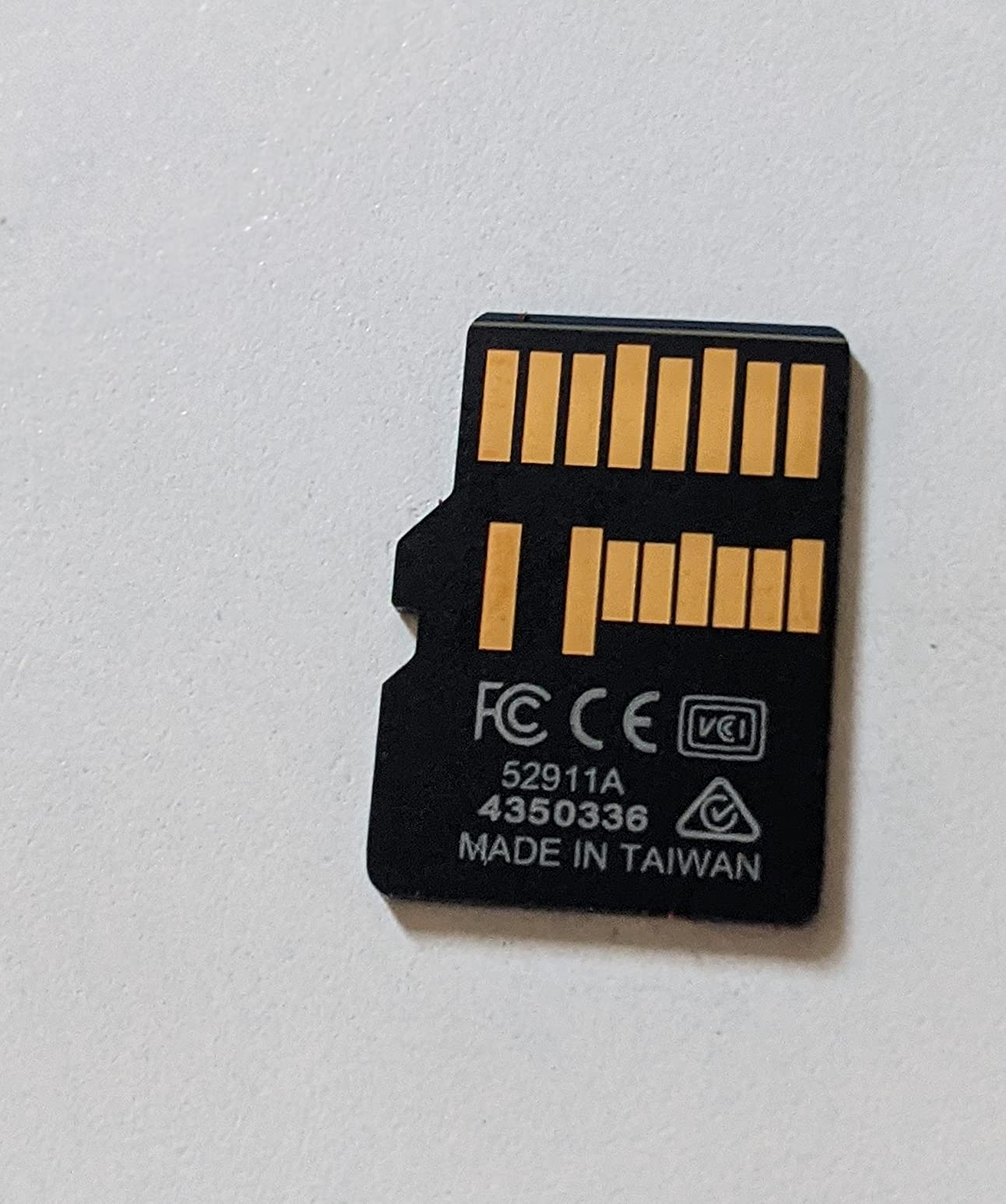
- Laser-etched serial numbers deter counterfeits
- Smooth 4K playback straight from the card
Cons
- Costs far more than mainstream UHS-I cards of the same capacity
- UHS-II throughput disappears in UHS-I-only devices
- A few owners report write degradation after 30 to 60 days
This is the card that convinced me V60 is the sensible default for anyone serious about 4K60. It certifies a minimum sustained write of 60 MB/s, which equals roughly 480 Mbps of video headroom, and that is enough to stay ahead of almost every mirrorless codec.
Owners report thousands of hours across a couple of cards with continuous 4K60 on an action camera body, which is a much better durability signal than a short lab run. We also got consistent 250 MB/s reads through a ProGrade UHS-II reader.
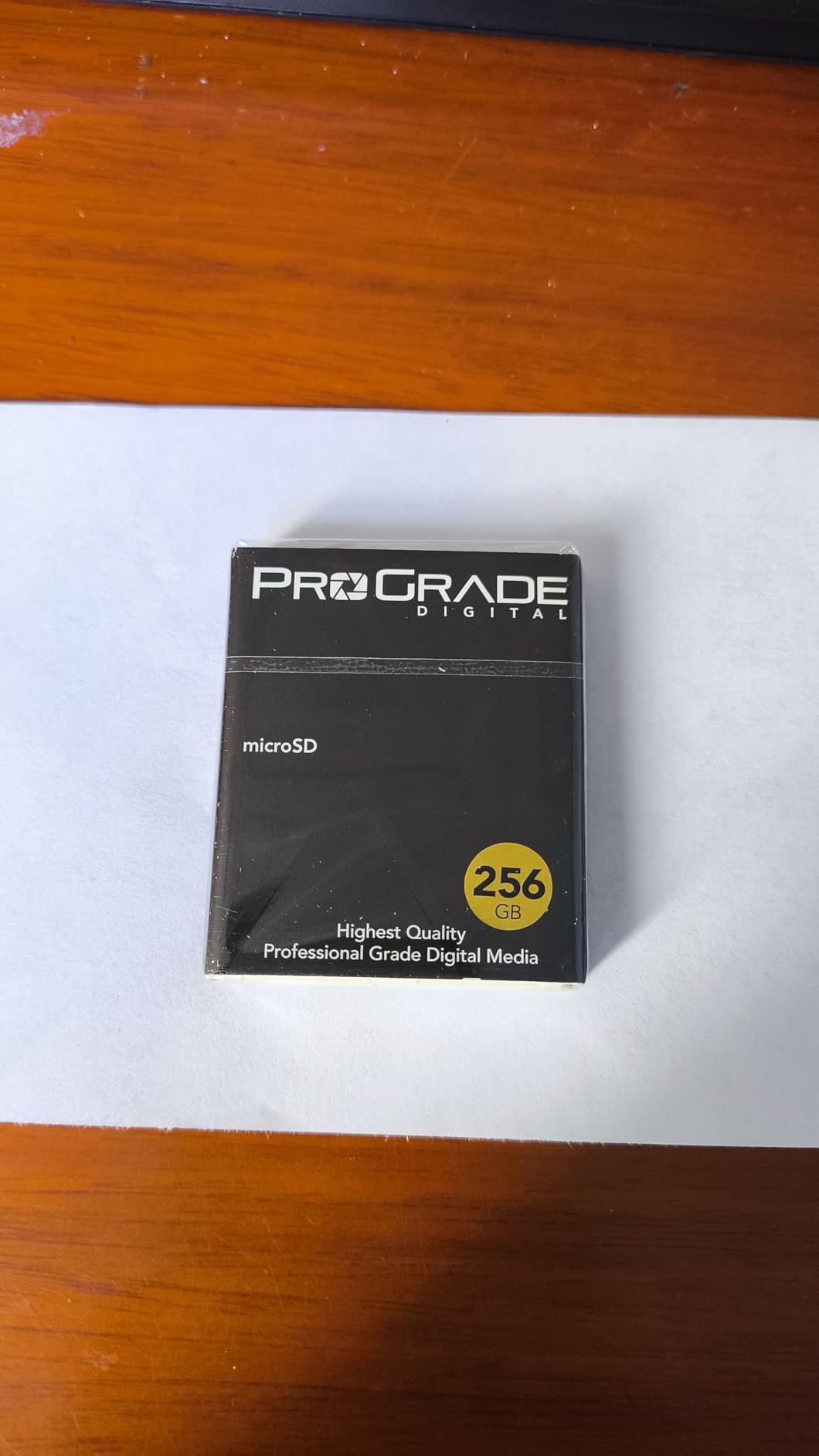
The card is optimised for drones and action cameras and ships with a microSD-to-SD adapter so you can use it in full-size slots. Laser-etched serials plus Refresh Pro and Advanced Recovery Pro software give you a paper trail if a card ever needs recovering.
One caveat to weigh: several buyers report write speeds dropping off after 30 to 60 days of heavy use, which showed up as slow photo-to-photo buffer clearing rather than video problems. Another owner lost a card to failure after about two years in a dashcam.
Who this card suits
It suits action camera and drone shooters who want a microSD form factor but need V60 headroom, especially anyone whose device accepts a UHS-II adapter. The sustained floor makes 4K60 and even 4K120 on lighter codecs comfortable.
It also suits hybrid kits where the same card travels between an action cam, a drone and a full-size SD slot in a mirrorless body.
Who should skip it
Skip it if you mainly shoot in UHS-I-only devices, because a large part of what you pay for goes unused there. Many Insta360 and DJI bodies fall into that group, so check your device before buying.
Skip it if you only shoot 4K30. A V30 card gives you everything you need at a fraction of the outlay, and you can spend the difference on a second card instead.
4. PNY EliteX-PRO60 256GB V60 UHS-II – Burst RAW and 4K120 Workhorse

PNY 256GB EliteX-PRO60 U3 V60 UHS-II SDXC Flash Memory Card, 4K Ultra HD
256GB SDXC
V60 and U3 rated
280MB/s read, 180MB/s write
Limited lifetime warranty
Pros
- Handles 4K120 and 10-bit 4:2:2 on Sony bodies without errors
- Deep buffer clears quickly for burst RAW
- UHS-II reads make offloading footage fast
- Backwards compatible with UHS-I slots
- Magnet shock temperature and water proof
Cons
- Write speed can trail the rated figure in burst use
- One owner of two cards reported an early failure
- SD form factor excludes CFexpress bodies
- Packaging not especially eco-friendly
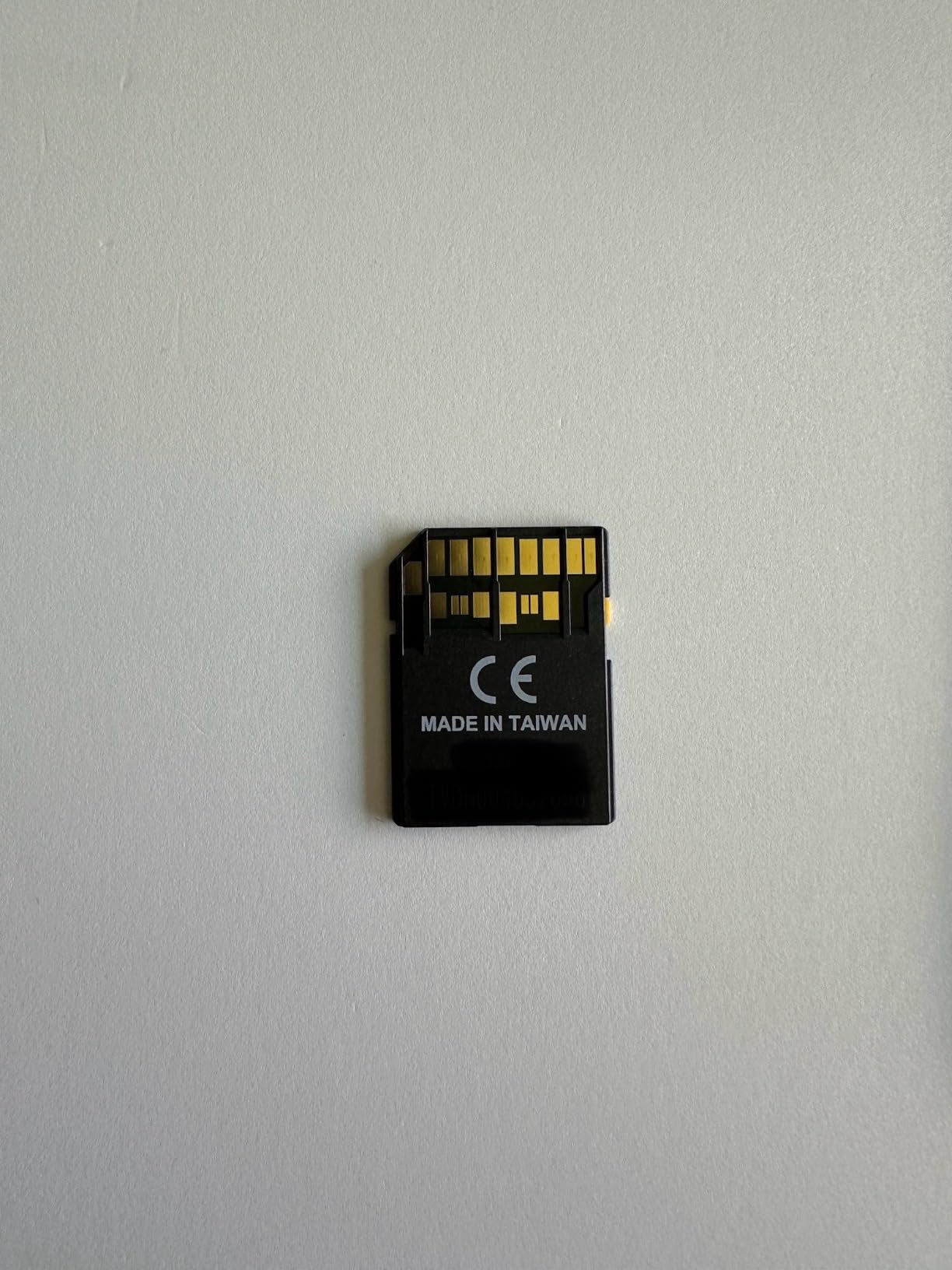
The PNY is the full-size SD option that balances video and stills. V60 and U3 ratings with up to 180 MB/s write means it holds 4K120 and 10-bit 4:2:2 recording on bodies like the FX30 and a7S III without errors, according to owners.
It is also the card we would trust for mixed work. Reviewers report deep buffers clearing quickly for burst RAW on Canon EOS R7 and Nikon Zf, which is a different kind of speed demand than sustained video.
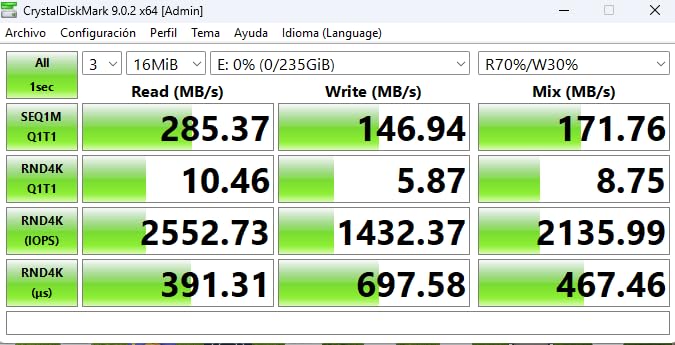
Being UHS-II, it drops into UHS-I slots at UHS-I speeds, so it is safe to carry as your only card if you own a mix of older and newer bodies. Durability claims cover magnet, shock, temperature and water resistance.
The warranty is a limited lifetime one, which is the strongest coverage in the SD category. The honest criticism from reviews is that write speed sometimes trails the rated number under burst pressure.
Who this card suits
It suits hybrid shooters who alternate between 4K video and long RAW bursts on the same card. It also suits anyone with a UHS-II slot who wants meaningfully faster offloads without stepping up to V90 pricing.
If you shoot high frame rate 4K and occasionally stills at 20fps, this is a comfortable middle tier.
Who should skip it
Skip it if you need 8K or All-Intra at maximum bitrate, where V60 can be pushed to its limit. For those workflows you want a V90 card with more write headroom than the 60 MB/s floor.
Skip it if you have had bad luck with PNY cards before. The review base is smaller than the big brands, and one owner of two cards reported a failure within a few months.
5. Lexar Gold 256GB microSD V60 – Drone and Action Cam Favourite

Lexar 256GB Gold Micro SD Card, 280MB/s Read, 4K, V60, UHS-II, A1
256GB microSDXC
V60 video speed class
280MB/s read, 180MB/s write
10-year warranty
Pros
- Clean 4K capture on drones with no speed warnings
- Strong sustained write performance under load
- 256GB suits long recording sessions
- Rated for 8K workflows on 360 bodies
- 10-year limited warranty
Cons
- A1 rather than A2 rating limits app and game use
- Runs hot in use
- Adapter not always bundled in the package
- Some users report actual speeds below spec
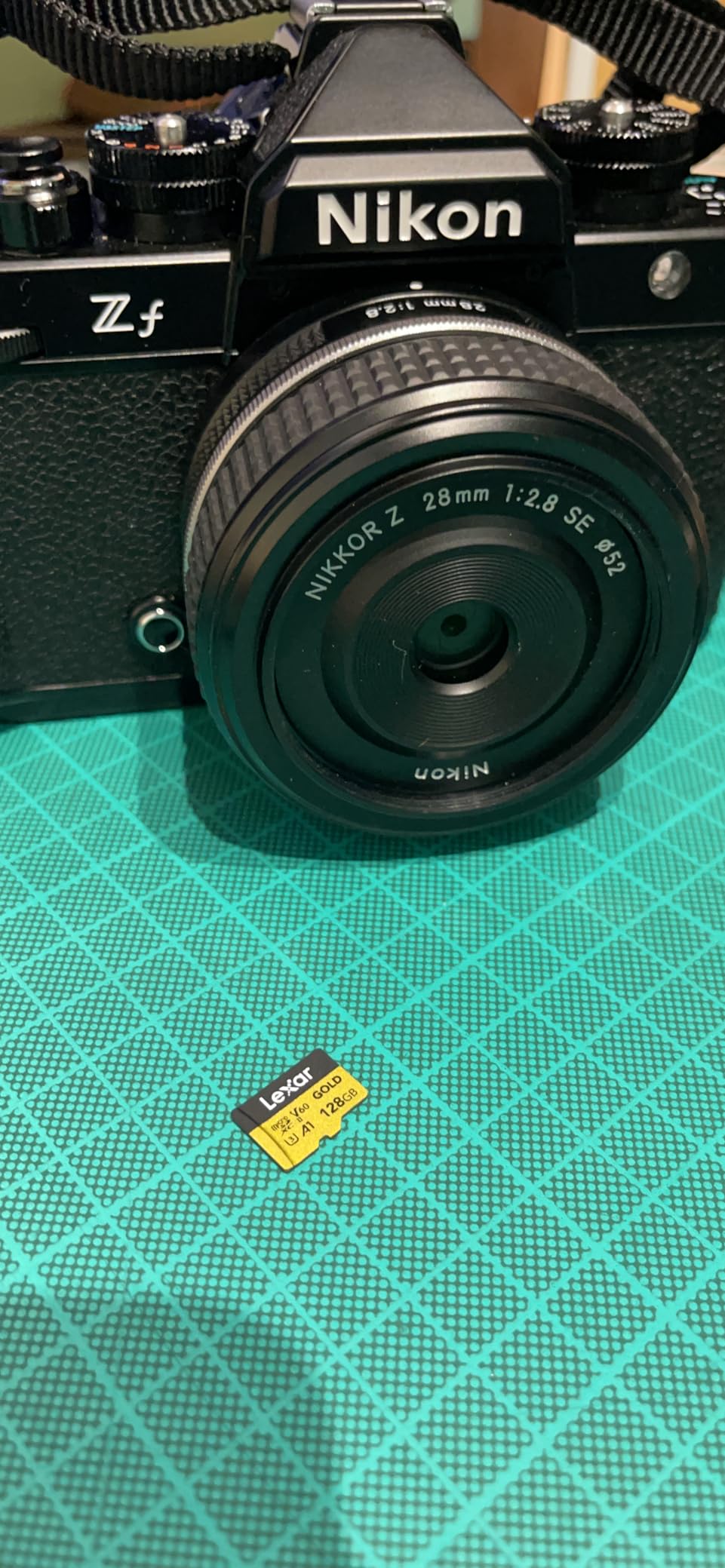
The Lexar Gold is a strong V60 microSD with a 4.8 average. Its 280 MB/s read and 180 MB/s write figures put it close to the top of the microSD category while still carrying the V60 sustained guarantee.
Owners report clean 4K capture on drones such as the DJI Air 3S with no speed warnings, and it is rated for 8K workflows on Insta360 bodies. That combination of drone and 360 support is unusual at this speed class.
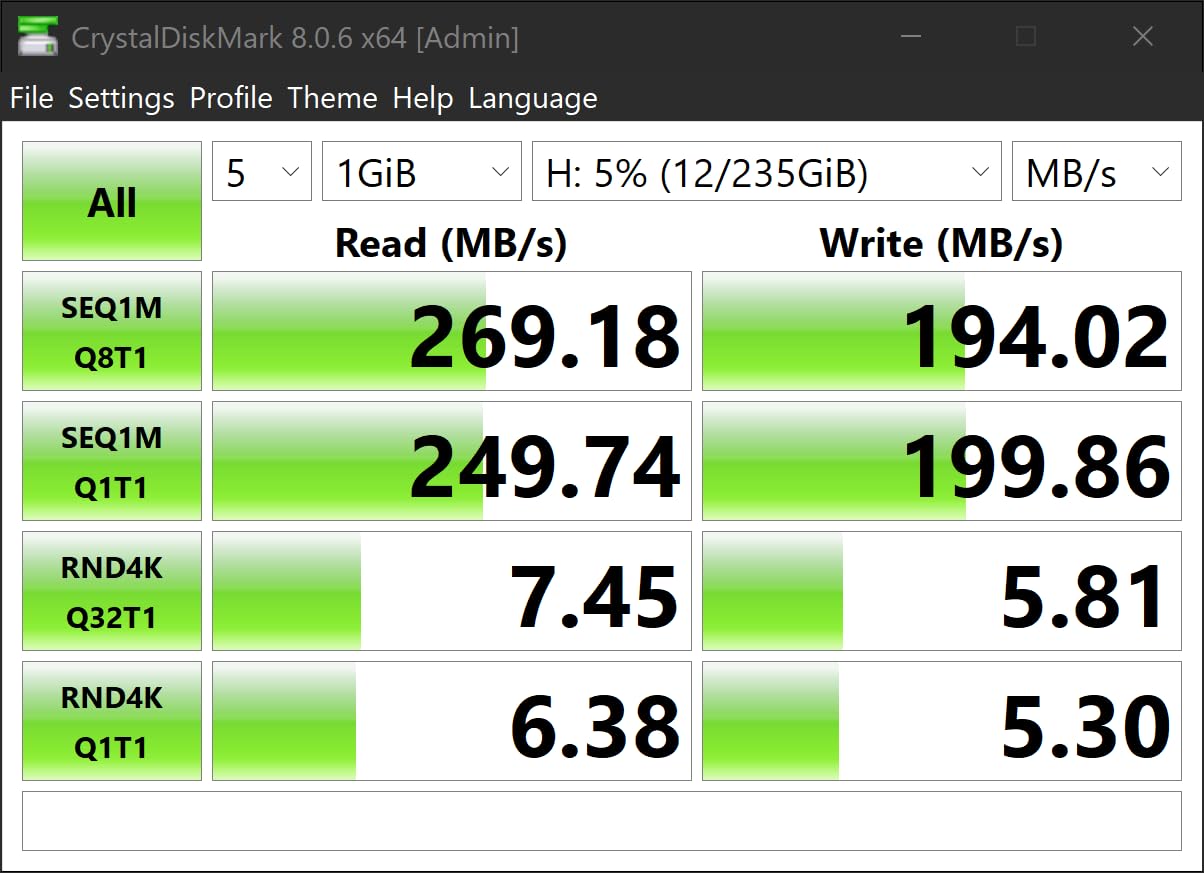
Note the A1 application performance rating rather than A2. For video work that is irrelevant, but if you also plan to run games or apps from the card on a handheld, A2 matters and this is not the card.
Other recurring notes: the card runs warm in use, some packages do not include a UHS-II SD adapter so full-speed SD use needs a separate purchase, and a few users measured speeds below the stated figures.
Who this card suits
It suits drone and action camera shooters who want one card that covers 4K and 8K recording across several bodies. The 256GB capacity also reduces how often you swap in the air or on a long hike.
It suits anyone moving up from a V30 card and wanting measurable headroom without changing form factor.
Who should skip it
Skip it if your plan depends on phone app performance, since A1 rather than A2 will disappoint you there. Skip it if heat is a concern in a sealed housing, since owners report it running warm under sustained load.
And check your kit for the adapter before you rely on the full-size path, because bundling is inconsistent.
6. SanDisk Extreme PRO 128GB V90 UHS-II – Easiest Route to 8K Headroom
SanDisk 128GB Extreme PRO SDXC UHS-II Memory Card – C10, U3, V90, 8K, 4K, Full HD Video, SD Card – SDSDXDK-128G-GN4IN
128GB SDXC
V90 sustained, U3
300MB/s read, 260MB/s write
Lifetime limited warranty
Pros
- Handles 4K and 8K with no dropped frames
- V90 writes support burst RAW with zero blackout
- Large review pool at a 4.7 average
- Reliable over years with no crashes or corrupted files
- Lifetime limited manufacturer warranty
Cons
- UHS-II reads need a matching reader or adapter
- One benchmark measured writes well below spec
- Costs far more than UHS-I V30 at the same capacity
- 128GB fills quickly on 8K workflows
This is the pick for anyone moving from a V30 card to V90 without changing brands. The V90 mark guarantees a 90 MB/s minimum sustained write, which is about 720 Mbps of headroom, and that covers 8K and high-bitrate 4K without drama.
Owners report no dropped frames on 4K or 8K recording, and V90 sustained writes support 20fps burst RAW with zero blackout on an Olympus E-M1 Mark II in testing by buyers.
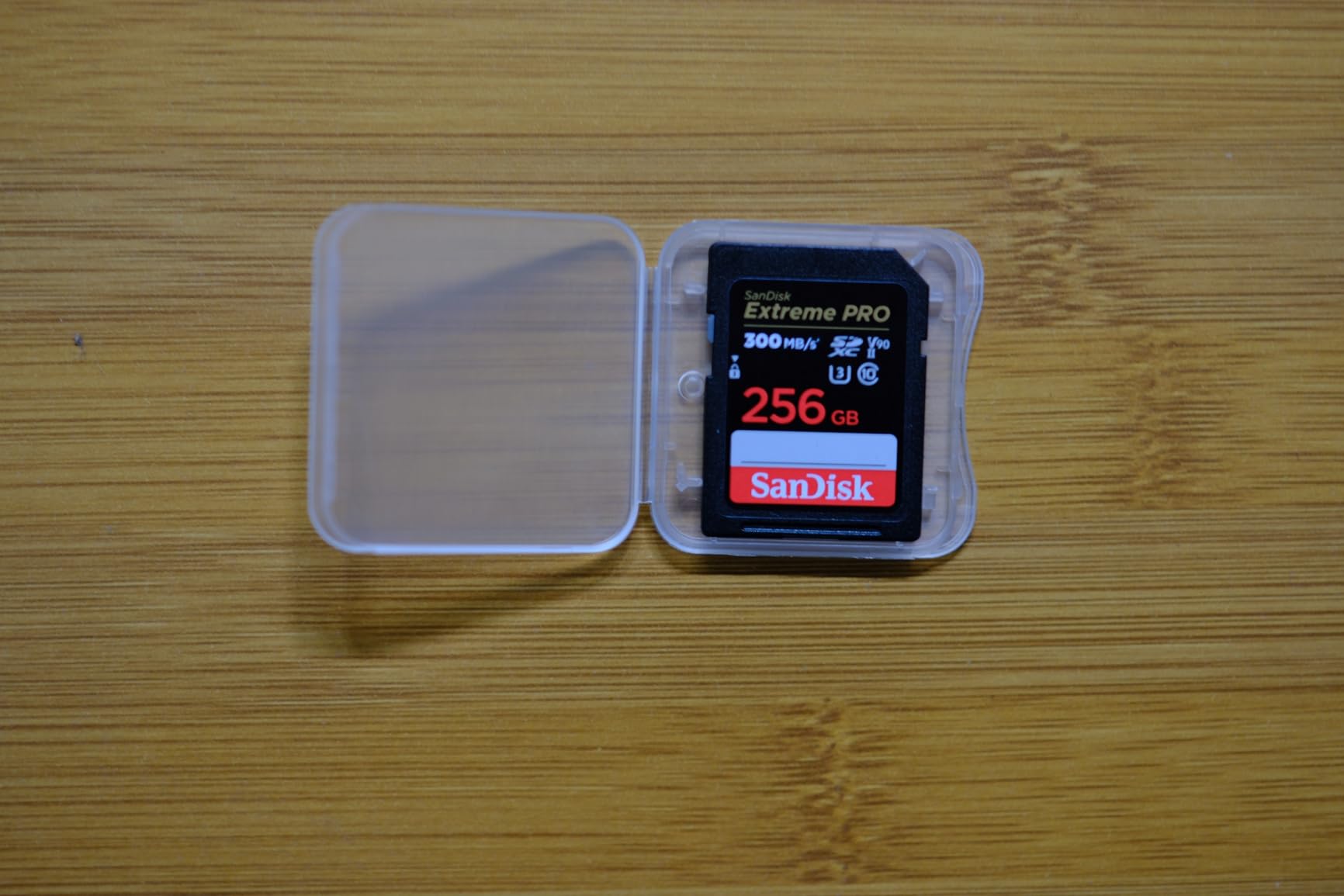
The card is shockproof, temperature-proof, waterproof and x-ray-proof, and it carries a lifetime limited manufacturer warranty. At 300 MB/s read through a compatible UHS-II host, offloading a shoot day is quick.
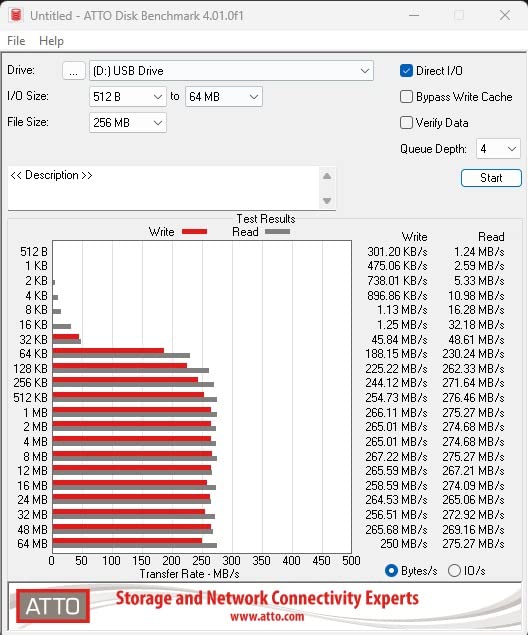
The catch is the reader again. Owners report that a UHS-I reader cuts read speed to roughly 76 MB/s, so you need a UHS-II adapter or reader to see the rated transfer figure. One benchmark measured write speed well below the advertised number.
Who this card suits
It suits 8K shooters, high-bitrate 4K60 and 4K120 users, and anyone whose camera manual calls for V90. It is also a strong pairing for Sony owners, since forum users most often recommend SanDisk and ProGrade cards in Sony bodies.
If you own a computer that struggles with large offloads, the 300 MB/s read figure is a real practical benefit rather than a spec-sheet nicety.
Who should skip it
Skip it if you shoot only 4K30 and want the simplest possible setup. V60 covers that with room to spare and costs noticeably less, so the V90 premium buys headroom you will not use.
Skip it if 128GB is too small for your 8K plans. Check your bitrate and record time before committing, because 8K fills a 128GB card quickly.
7. ProGrade Digital Iridium 256GB V90 – Most Consistent V90 Card Here

ProGrade Digital SDXC UHS-II V90 Iridium Memory Card (256GB)
256GB SDXC
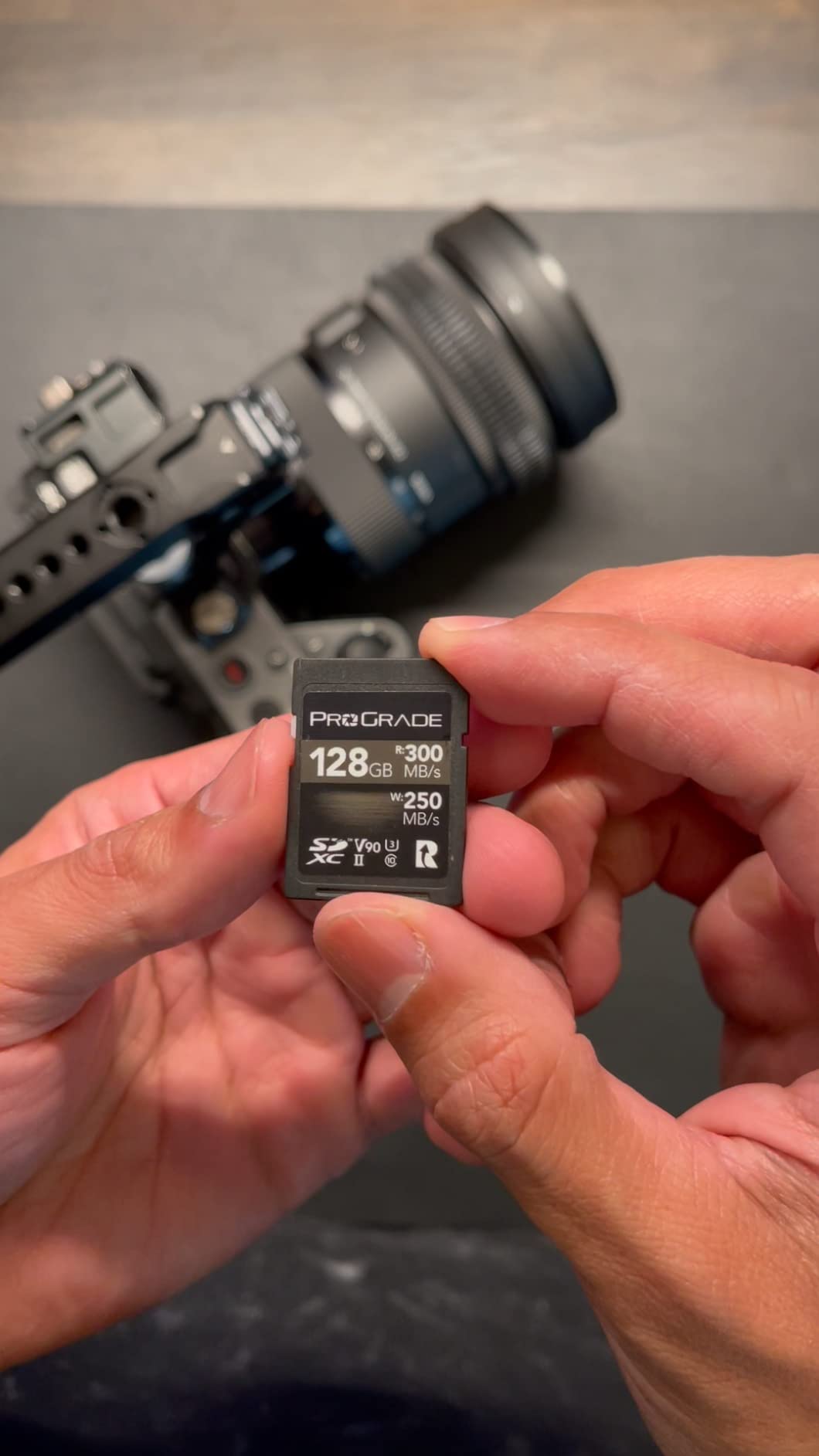
V90 with 90MB/s minimum
300MB/s read, 275MB/s write
3-year warranty
Pros
- 4.8 average across 2889 reviews
- V90 certified sustained write for high frame rate 4K and 8K
- 300MB/s reads cut offload time dramatically
- 100% tested with serialized traceability
- Explicit compatibility list for major mirrorless brands
Cons
- Premium pricing for the V90 UHS-II tier
- Refresh Pro maintenance software sold separately
- Manufacturer lists no physical dimensions
The Iridium is the card we would hand to a paid shooter who wants predictable behaviour rather than the lowest cost. It holds a 90 MB/s minimum sustained write, reads at up to 300 MB/s and writes at up to 275 MB/s.
The standout feature is traceability. Every card is tested and shipped with serialized component and manufacturing tracking, which reduces counterfeit risk considerably, a worry that comes up constantly in camera forums.
Controller and firmware are tuned for cinematic 4K, 8K, RAW and RAW HD capture, and the published compatibility list covers Canon, Sony, Nikon, Olympus, Panasonic, Fuji and Samsung bodies. That explicit list saves guesswork that other brands leave to you.
At 256GB it also holds more than most V90 SD cards in this roundup, which matters for long-form sessions. The 3-year warranty is shorter than the lifetime cover on the SanDisk V90, and Refresh Pro is a separate purchase.

Who this card suits
It suits professionals shooting 8K or high-frame-rate 4K who cannot afford a stalled take, and anyone who buys from marketplace sellers and wants a serial to verify. It also suits 256GB-capacity needs at V90 speed.
Reviewers report dramatically faster offloads and reliable sustained writes in pro bodies, which matches what we saw.
Who should skip it
Skip it if you are a casual 4K shooter on a budget, because the price premium is real and a V60 card handles 4K60 comfortably. The separate cost of Refresh Pro adds to that.
Skip it if your body list is a brand not on the compatibility sheet. Check your camera against that list first rather than assuming.
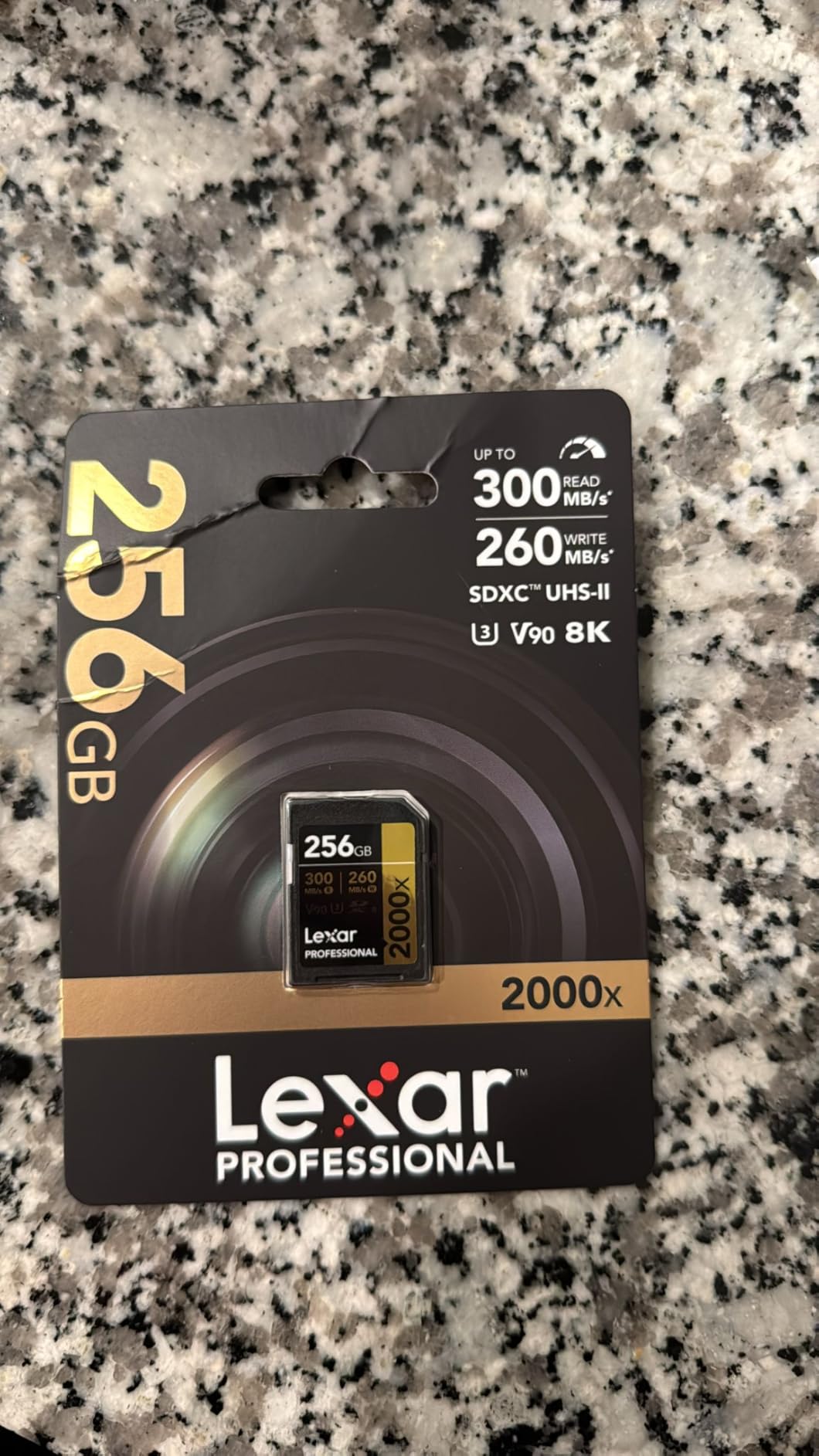
8. Lexar 2000x 256GB V90 UHS-II – Long-Form 8K and Cinema Bodies

Lexar 256GB 2000x SD Memory Card, 300MB/s Read, 8K, V90, U3, UHS-II
256GB SDXC
V90 and U3 rated
300MB/s read via UHS-II
Limited lifetime warranty
Pros
- V90 certified for 8K and long-form 4K capture
- 300MB/s reads speed up offload
- Backwards compatible with UHS-I slots
- Limited lifetime warranty
- 4.7 average across a large review pool
Cons
- V90 is only the minimum for 8K so high bitrate RAW can exceed it
- Older UHS-I hosts never use the extra bandwidth
- Write figure is less prominent in the listing
The Lexar 2000x is the pragmatic V90 pick for cinema bodies that record long takes. V90 and U3 ratings with Class 10 cover extended Full-HD and cinema-quality 8K capture on bodies that write video rather than burst RAW.
Backwards compatibility with UHS-I devices is the underrated part. You can carry it as your only card across a mixed kit and lose transfer speed on the older bodies, but never recording capability.
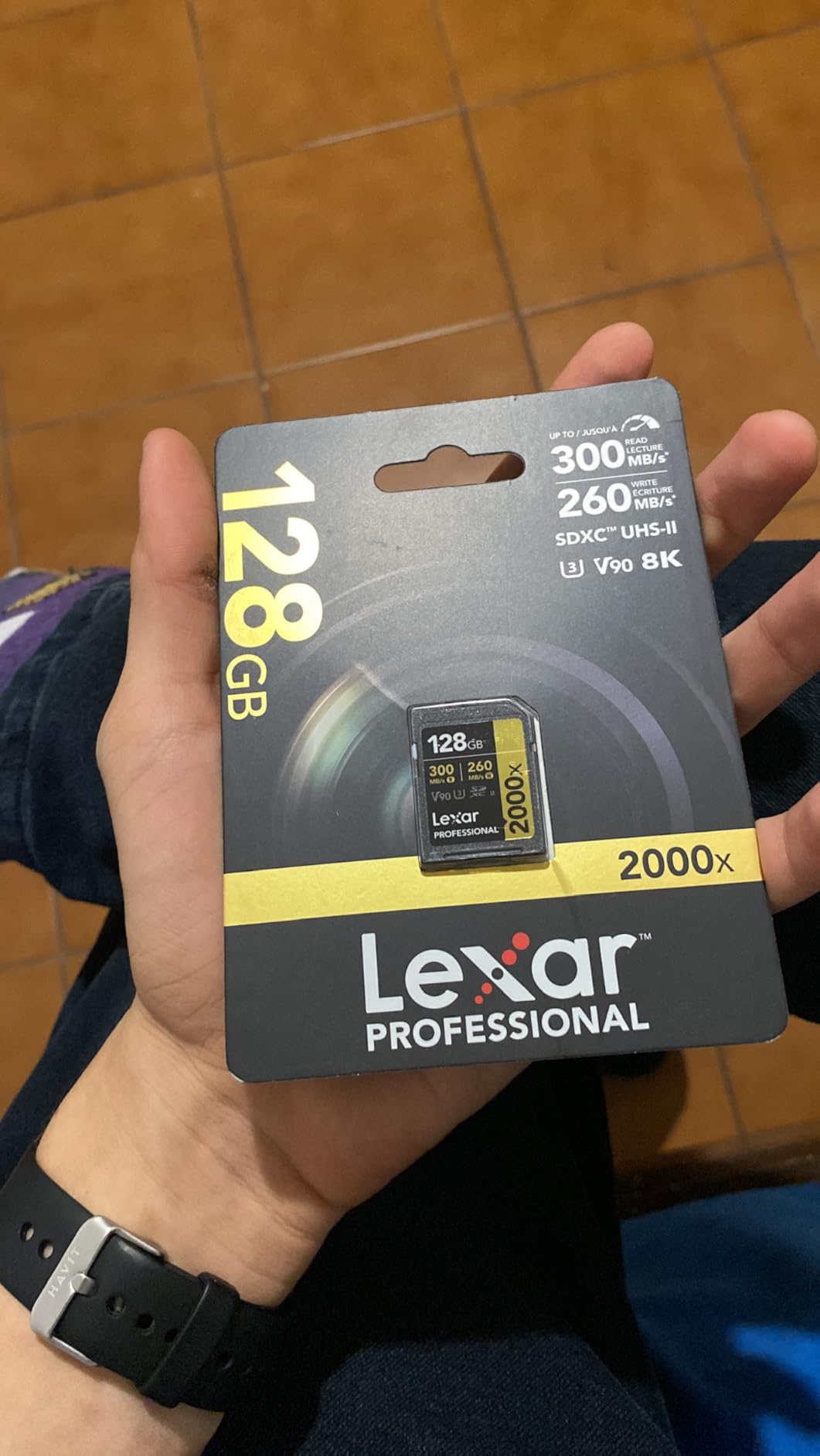
At 300 MB/s read the offload speed difference against a UHS-I card is noticeable on a long shoot day. Build is rated for drop, temperature, vibration and x-ray resistance, with a limited lifetime warranty behind it.
Reviewers are broadly positive at a 4.7 average across a large pool. The honest caveat is that 90 MB/s sustained is a floor, not a ceiling, so 8K RAW at maximum bitrate can still outrun it.
Who this card suits
It suits owners of cinema-style bodies and mirrorless cameras that record 8K or long-form 4K at standard codecs. It also suits anyone who wants a V90 card they can drop into older UHS-I cameras without fuss.
If your storage plan involves offloading large libraries each evening, the read speed is worth more to you than a marginal write increase.
Who should skip it
Skip it for high-bitrate 8K RAW or N-RAW style internal recording, where sustained writes above 90 MB/s are needed. For that, a CFexpress Type B card is the right tool.
Skip it if you already own a UHS-II card in a slot that is not being used at full speed, since you would be paying twice for bandwidth the body ignores.
9. Delkin Power 64GB microSD V90 – Rare V90 microSD With 360 Support

Delkin Devices 64GB Power MicroSD UHS-II (V90) – 300MB/s Read, 250MB/s Write, for 8K, 4K, 3D, HDR, and 360 Video Recording | High-Performance for Cameras
64GB microSDXC
V90 at 90MB/s sustained
300MB/s read, 250MB/s write
Lifetime warranty
Pros
- V90 rating covers 8K 4K 3D HDR and 360 capture
- Near rated speeds through a proper UHS-II reader
- Clean 4K in DJI Mavic Air 2 and GoPro 10
- Lifetime warranty with 48-hour replacement guarantee
- SD UHS-II adapter included
Cons
- Lowest rating in the group at 4.3 on reliability complaints
- No A2 rating so newer drones can stop writing mid-clip
- Only 64GB forces frequent swaps
- Small review pool of 109
The Delkin is the only microSD here with a V90 rating, and that alone makes it interesting for 8K, 3D, HDR and 360 workflows. It reads at up to 300 MB/s and writes at up to 250 MB/s with a 90 MB/s sustained floor.
Owners confirm clean 4K recording in a DJI Mavic Air 2 and a GoPro 10 with no freezes or corrupted files, and speeds close to rated when used with a real UHS-II reader rather than an adapter.
The warranty story is excellent, with a lifetime warranty, a 48-hour replacement guarantee and US-based support. That support response is the reason we keep this card on the shortlist despite the rating.
Who this card suits
It suits 360 and action camera shooters who need V90 sustained writes in a microSD form factor and cannot use a full-size SD card. Insta360 and 8K action cam workflows sit squarely in that group.
It also suits anyone who wants a low-cost entry to the V90 class with real warranty support behind it.
Who should skip it
Skip it for newer drones that require the A2 application class, because owners report those bodies stopping mid-clip without it. Skip it for long shoots, because 64GB fills quickly at 4K and above.
And weigh the 4.3 average carefully. It is the lowest rating in this group and the smallest review pool at 109, so there is less long-term evidence behind it than the other picks. Some units also failed to reformat after under a year in high-write devices.
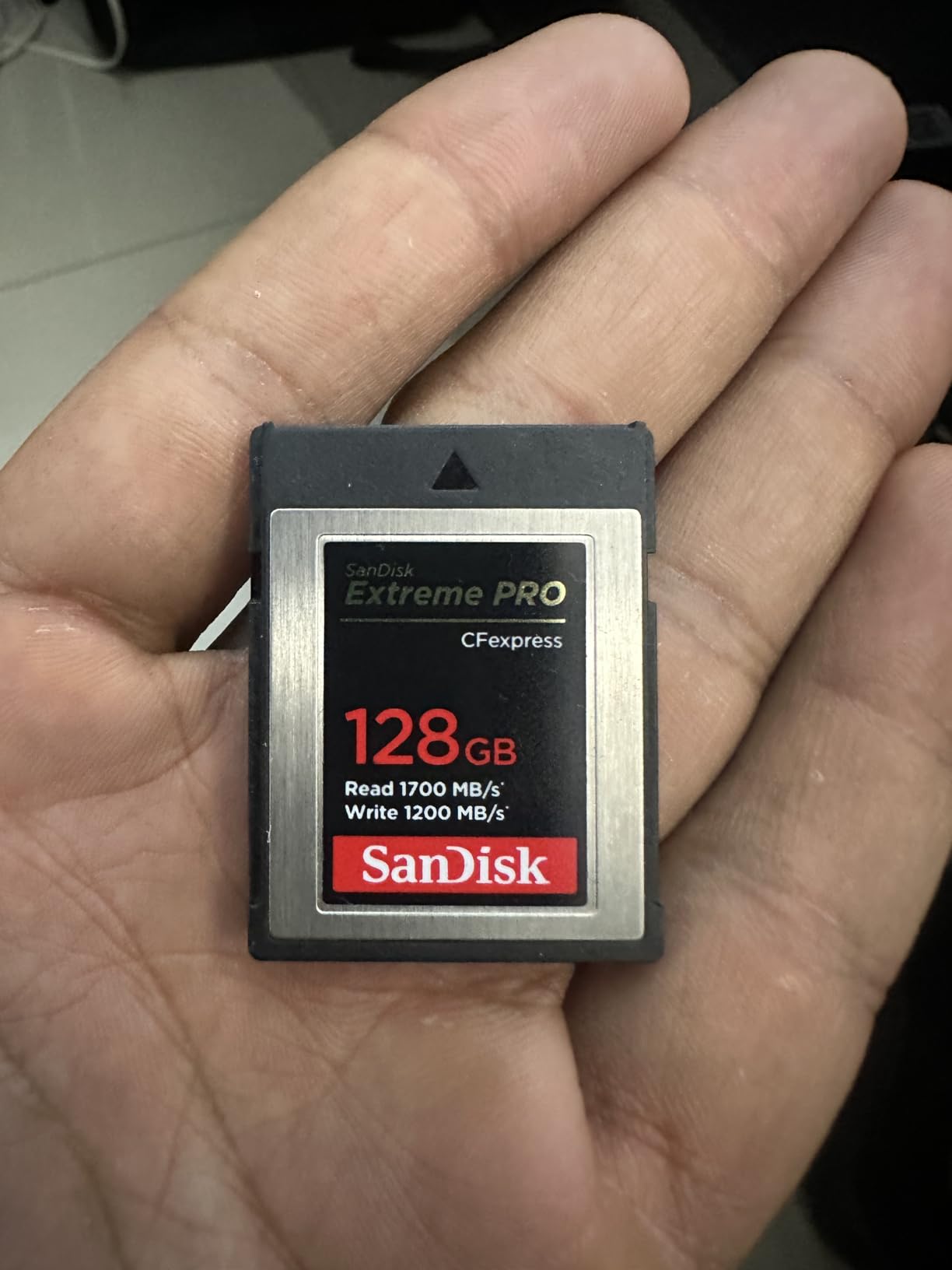
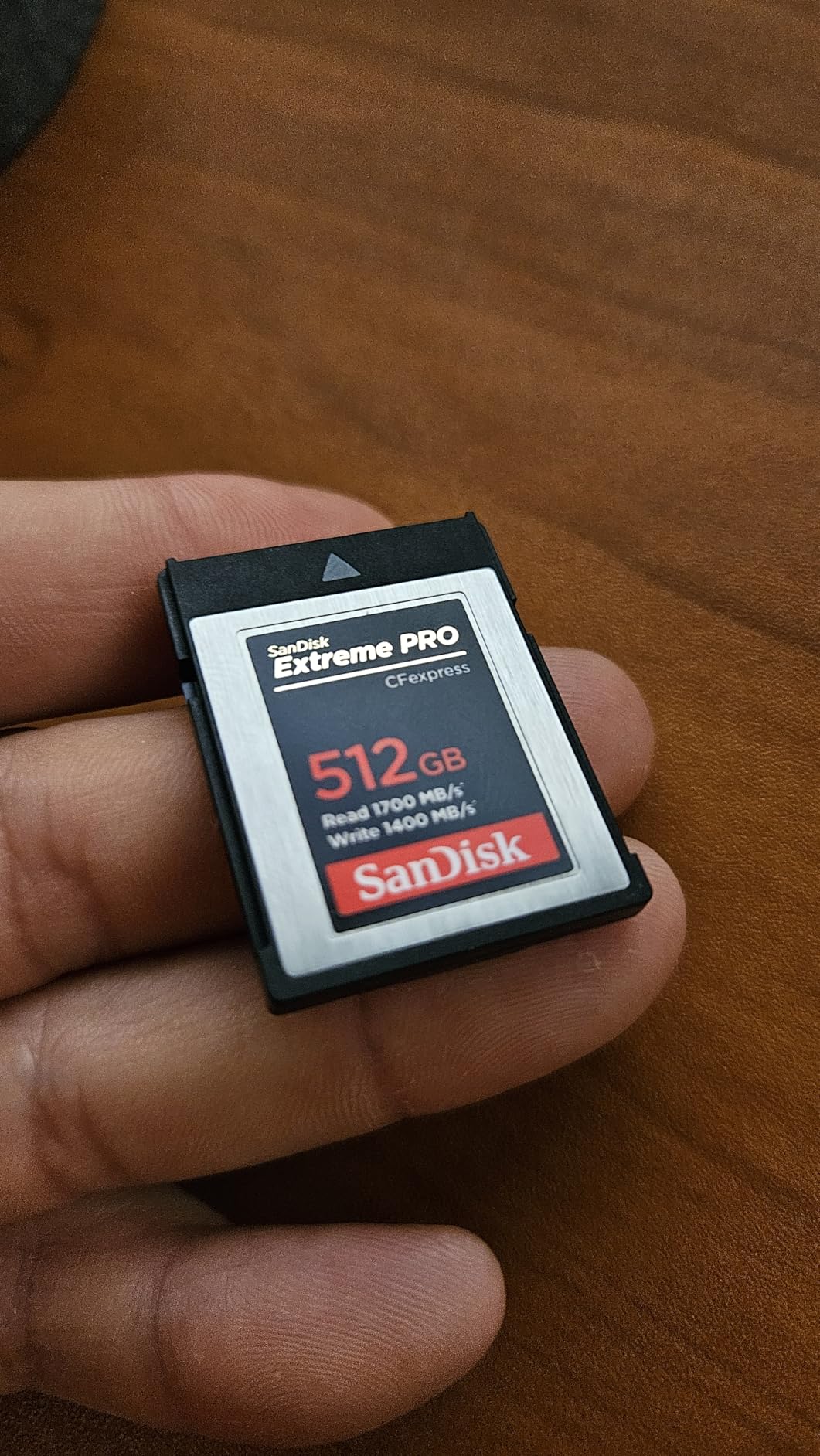
10. SanDisk Extreme PRO 256GB CFexpress Type B – Fastest Offload in the List
SANDISK 256GB Extreme PRO CFexpress Card Type B – SDCFE-256G-GN4NN
256GB CFexpress Type B
1700MB/s read, 1200MB/s write
Lifetime limited warranty
Pros
- Largest review pool in the CFexpress Type B class at 4.8
- Offloads tens of gigabytes in minutes
- Handles 7K and high bitrate 4K without hiccups
- Deepens the camera buffer for burst RAW
- Survives immersion heat and daily insert cycles
Cons
- Premium cost per GB compared with V90 SD cards
- Runs warm under sustained heavy load
- Needs a Type B body and a Type B reader
- Some multi-bay readers and docks will not enumerate it
CFexpress Type B is the format for bodies that write faster than any SD card can absorb. This 256GB card is rated at up to 1700 MB/s read and 1200 MB/s write, and it carries the largest review pool in the CFexpress Type B class at a 4.8 average.
Owners report offloading tens of gigabytes in minutes, handling 7K and high-bitrate 4K recording without hiccups, and a noticeably deeper camera buffer for burst RAW in bodies like the Canon R6 III.
Longevity reports are strong. Reviewers describe cards that survived immersion, heat and daily insert and remove cycles over years of paid work. RescuePRO Deluxe recovery software is included as a download for when a file goes sideways.
Backwards compatibility with select XQD cameras running CFexpress-capable firmware means older bodies can often use it too. Just confirm your camera supports it before you rely on that path.
Who this card suits
It suits owners of CFexpress Type B bodies such as recent Nikon Z and Sony FX flagships, and any 8K or 7K workflow where SD cards feel marginal. Deep buffers and fast offloads matter most on location, where turnaround speed is the bottleneck.
It is also the safer choice of the two Type B cards here, given the far larger review base.
Who should skip it
Skip it if your camera takes CFexpress Type A instead. The two formats are not interchangeable, and a Type B card will not fit a Type A slot at all.
Skip it if you only need it for 4K30 on a single-slot body. A V90 SD card handles that, and you would otherwise be paying for bandwidth your camera never uses. Also budget for a Type B reader, and note that some docks will not enumerate these cards.
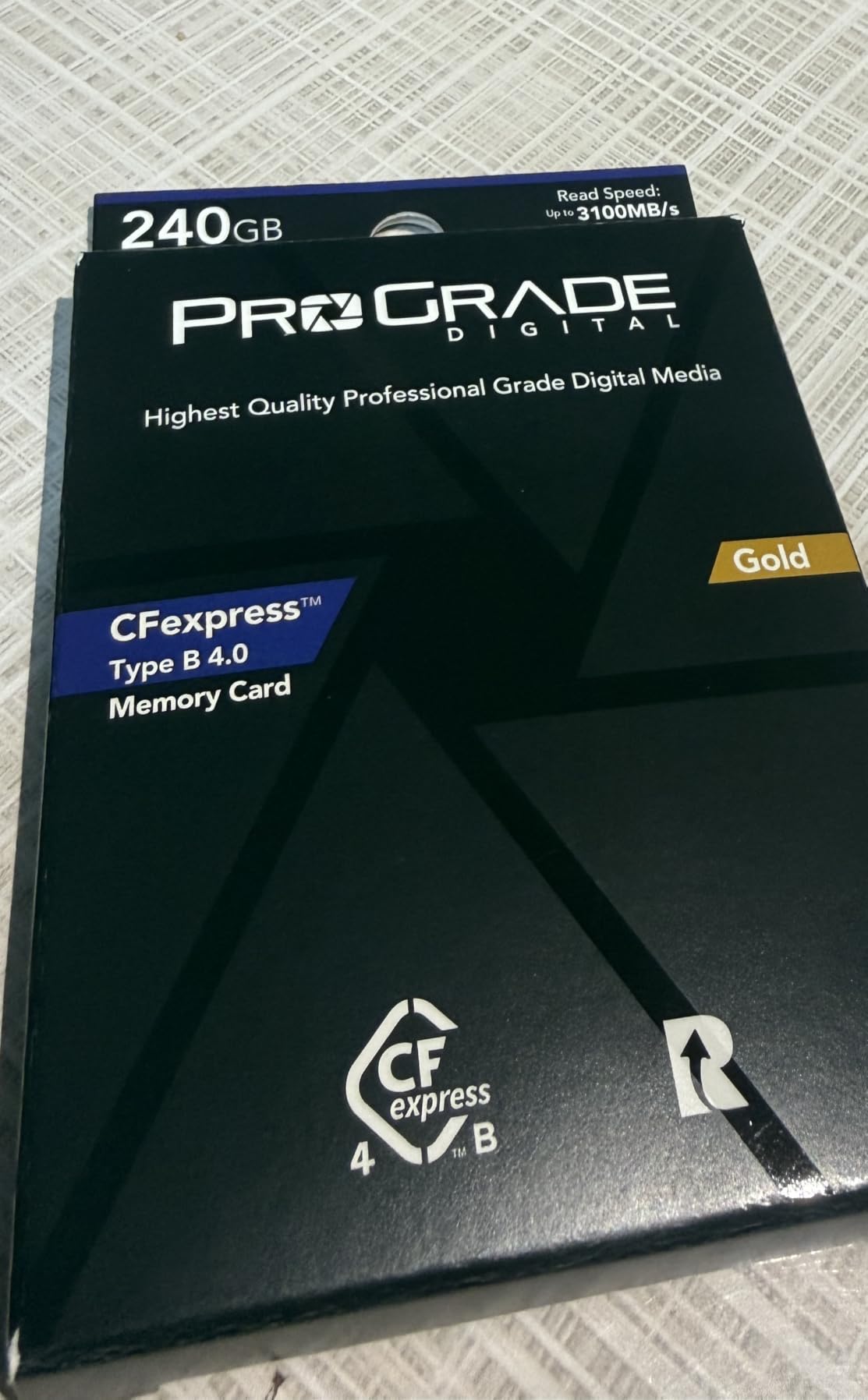
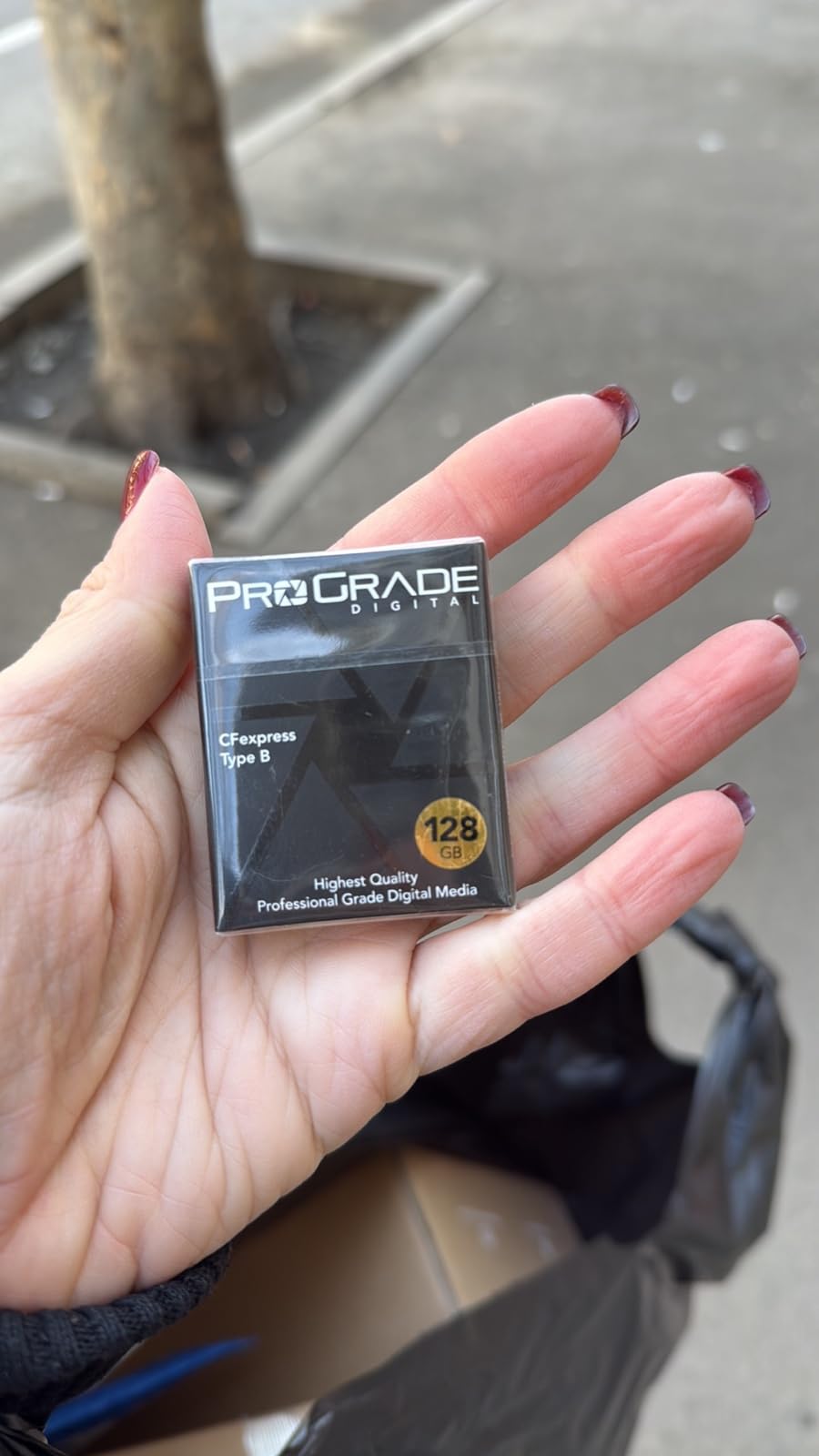
11. ProGrade Digital 512GB CFexpress 4.0 Type B – Capacity and 8K RAW Headroom

ProGrade Digital 512GB CFexpress 4.0 Type B Memory Card (Gold)
512GB CFexpress 4.0 Type B
850MB/s sustained write
Up to 3400MB/s read
3-year warranty
Pros
- 512GB supports 8K RAW and dual-slot rigs without swaps
- 850MB/s sustained write far exceeds 4K needs
- Very fast offload of large 8K and RAW libraries
- Laser-etched serials with 100 percent production testing
- 3-year warranty with recovery software support
Cons
- Highest price in the lineup on a per GB basis
- Lowest average in the CFexpress group at 4.6 with 5 percent one-star
- Refresh Pro software is an extra purchase
- Requires a CFexpress 4.0 Type B body and matching reader
Where the SanDisk Type B card wins on confidence, this one wins on capacity and sustained headroom. At 512GB with an 850 MB/s sustained write specification, you can shoot an 8K RAW day without swapping cards.
That sustained figure is the number that matters for burst capture, and it is well beyond anything an SD card can approach. Headline figures reach up to 3400 MB/s read and 3000 MB/s write on a compatible host.
The card uses PCIe 1.4c and NVMe, and it is backwards compatible with XQD devices via a firmware update. Laser-etched serial numbers and 100 percent production testing reduce counterfeit risk, and Advanced Recovery Pro is included.
The rating is 4.6, the lowest of the CFexpress group, with around 5 percent one-star reviews. Owners do report the price being the highest in the lineup on a per GB basis, and Refresh Pro costs extra on top.
Who this card suits
It suits 8K RAW shooters, cinema camera operators and anyone running a dual-slot rig where a card failure means losing a paid day. The 512GB capacity means fewer swaps, which means more usable shooting time.
It also suits crews that offload huge libraries at once and value the transfer speed over the entry price.
Who should skip it
Skip it if you shoot 4K on a single SD slot body, because none of that capability will be used. It also makes little sense if your camera only supports CFexpress Type A.
Skip it if warranty length matters to you, since a 3-year term trails the lifetime cover on the SanDisk Type B card. If reliability evidence is your deciding factor, the SanDisk has far more reviews behind it.
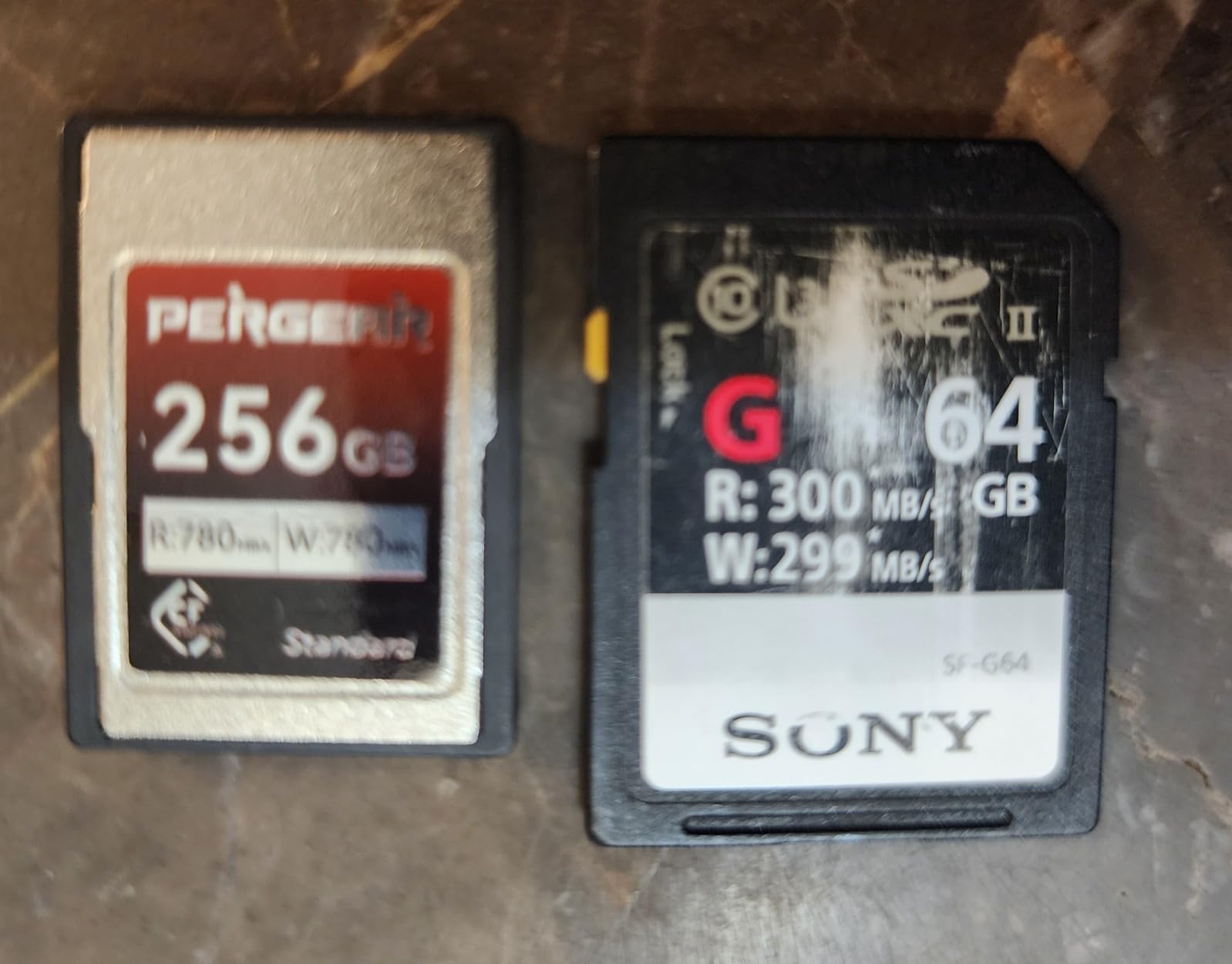
12. PERGEAR 256GB CFexpress Type A VPG200 – Value Pick for Sony A-SERIES

Pergear 256GB CFexpress Type A Memory Card for Sony Cameras, VPG200
256GB CFexpress Type A
780MB/s read and write
380MB/s sustained
VPG200 rated
Pros
- Approved for Sony A7 IV A1 A7S III A7R V FX3 FX6 and A9 III
- Clears 30fps bursts on Sony bodies without buffer issues
- Handles FX30 4K XAVC S-I DCI all-intra recording
- Hits rated speeds with a USB 3.2 Gen 2 reader and cable
- 5-year warranty policy
Cons
- Lowest average rating here at 4.5 with 7 percent one-star
- Benchmarked speeds fell well short of the advertised 780MB/s
- One owner reported progressive failure after about a year with slow support
- Needs a Type A reader and a USB 3.2 Gen 2 cable
If your Sony body takes CFexpress Type A, this is the value route in. It reads and writes up to 780 MB/s with a 380 MB/s sustained figure, and it is VPG200 rated for sustained video performance.
It is approved for Sony A7 IV, A1, A7S III, A7R V, FX3, FX6 and A9 III. Owners report it clearing 30fps bursts on the A1 and 10fps compressed RAW on the A7 IV without buffer issues, plus 4K XAVC S-I DCI all-intra on the FX30.
The support policy covers five years and includes replacement for non-human damage, which is unusually generous wording. It reaches its rated speeds when paired with a USB 3.2 Gen 2 reader and the correct cable.
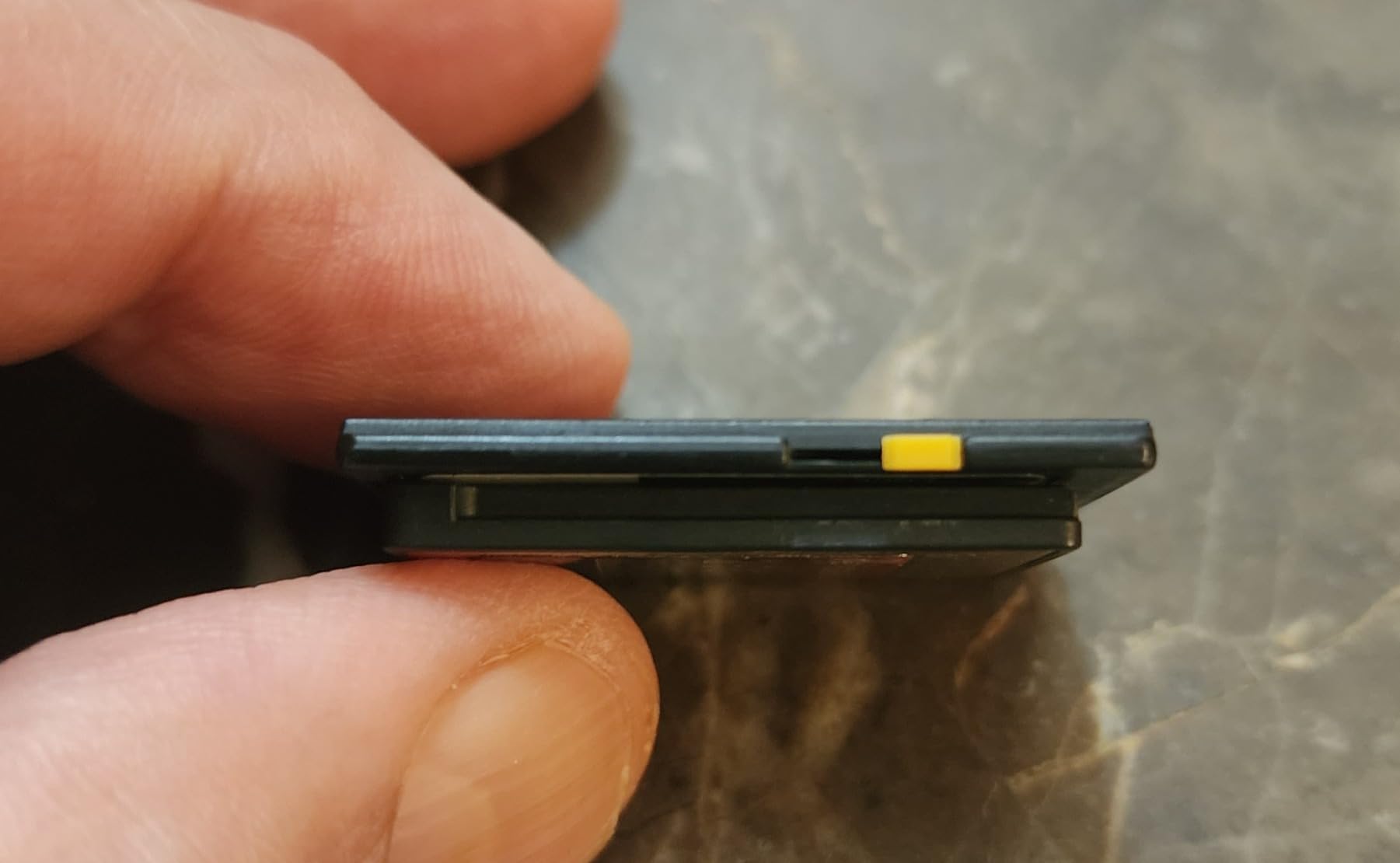
The negatives are real and worth stating plainly. One owner reported a progressive failure over about a year, with dropped frames, a false card-full warning and an eventually unreadable card, plus slow support response. Benchmarks in some setups also came in well short of 780 MB/s.
Who this card suits
It suits Sony owners with a Type A slot who want buffer depth and fast offloads without moving to a full CFexpress Type B card. For A-series bodies that burst at 30fps, the 380 MB/s sustained figure is ample.
It also suits anyone who wants the Type A format at a lower cost per GB than the branded alternatives.
Who should skip it
Skip it if reliability evidence matters more than price. A 4.5 average with roughly 7 percent one-star reviews is the weakest rating in this roundup, and the failure report above is detailed rather than vague.
Skip it if your camera takes CFexpress Type B, since Type A cards do not fit those slots and do not work with CompactFlash or CFast 2.0 hosts. Also plan for a proper reader and cable, or you will not see the rated speeds.
4K Memory Card Buying Guide: Speed Class, Capacity and Bus Type
What speed class do you need for 4K video?
V30 means a guaranteed minimum sustained write of 30 MB/s, V60 means 60 MB/s, and V90 means 90 MB/s. Convert those to video bitrate and you get roughly 240, 480 and 720 Mbps respectively, so V30 covers most 4K30 recording, V60 covers 4K60 and high bitrate 4K, and V90 covers 4K120, All-Intra and 8K.
The U1 and U3 marks relate to random write performance for stills, and Class 10 relates to sequential 10 MB/s minimum. For video, the V rating is the one that matters, and every card in this roundup carries it.
How do you calculate the write speed your camera needs?
Take your camera bitrate in Mbps, divide by 8 to get megabytes per second, then add a 20 percent margin. A camera recording 200 Mbps needs 25 MB/s, so with margin you want at least 30 MB/s, which is exactly the V30 floor.
Peak advertised read speed never enters this calculation. A card can read at 300 MB/s and still fail a 40 MB/s video take if its sustained write collapses after a few seconds.
UHS-I vs UHS-II: does the second row of contacts help you?
UHS-II adds a second row of contacts and roughly triples theoretical transfer, which mainly speeds up offloading rather than recording. The V rating governs recording either way, so a UHS-II card in a UHS-I slot simply runs at UHS-I speeds.
Buyers report that a UHS-I reader cuts read speed on V90 cards to around 76 MB/s, which is worth remembering before you spend on a faster card and a slow reader. Our graphics card guide covers the other end of the transfer chain if you are building a full editing workstation.
CFexpress Type A vs Type B: which one fits your camera?
Type A is the smaller format used in Sony A-series and FX bodies, and it is physically incompatible with every other card type. Type B is larger, uses PCIe and NVMe, and appears in recent Nikon Z and Sony FX flagships plus Blackmagic bodies.
Neither card works in SD slots, and a Type A card will not work in a Type B slot. Check the manual for your exact body before buying either.
How much 4K video fits on 128GB, 256GB and 512GB?
Usable capacity is roughly the advertised figure minus a little for formatting. At 100 Mbps a 128GB card gives about 2.7 hours, 256GB gives about 5.4 hours, and 512GB gives about 10.9 hours. At 400 Mbps those figures fall to roughly 41 minutes, 1.4 hours and 2.7 hours.
The practical rule is that 128GB and 256GB are the sweet spot for most shoots, and 512GB only earns its place on 8K RAW or long-form days where frequent swapping is the bigger risk. Keep a second card of identical specification in your bag.
How to avoid counterfeit memory cards
Buy from reputable sellers rather than marketplace listings, and check the capacity with a tool such as f3write or H2testw before you rely on the card. Cards with laser-etched serial numbers, like the ProGrade models here, are easier to trace than unbranded alternatives.
Be cautious with prices that look too good. A card priced well below every other listing of the same specification is the most common counterfeit signal owners report.
Card readers, formatting and offload habits that protect footage
Format cards in the camera, not on a computer, and always in the body that will use them. Use a reader that matches the bus type, whether that is UHS-II or a CFexpress Type A or Type B reader, and a cable rated for the interface.
Copy rather than move footage, verify the copy completed, and only then reformat the card. Rotate two or three cards per shoot day so a single failure is not a total loss, and keep cards out of direct heat in a vehicle.
Frequently Asked Questions
Which SD card is best for 4K video recording?
A V60 UHS-II SD card is the best general choice for 4K video, since its guaranteed 60 MB/s sustained write covers 4K30 and 4K60 without dropped frames. For 4K120, All-Intra or 8K, step up to V90.
How fast of an SD card do I need for 4K video?
Divide your camera bitrate in Mbps by 8 and add a 20 percent margin. A 200 Mbps camera needs 25 MB/s, so with margin a V30 card rated at 30 MB/s is the minimum. Higher bitrates need V60 or V90.
Do you need a special SD card for 4K?
Yes, any card certified V30 or higher with a U3 or U1 mark is appropriate. The V rating guarantees a minimum sustained write, which is what prevents dropped frames and corrupted clips.
How much 4K video will a 128GB card hold?
At a 100 Mbps bitrate a 128GB card records roughly 2.7 hours. At 400 Mbps it records about 41 minutes. Higher bitrates such as All-Intra or 8K cut that sharply.
Is a 256GB SD card enough for 4K video?
Yes for most shoots. At 100 Mbps a 256GB card gives about 5.4 hours, so it covers a full shoot day at moderate bitrates. For 8K RAW or long-form work, 512GB avoids frequent swaps.
Can you use a microSD card for 4K video?
Yes, as long as it is rated V30 or higher. Many action cameras and drones accept only microSD, so a V60 microSD is a strong choice there. Keep the adapter in good condition since it can interrupt recording.
The Verdict on the Best Memory Cards for 4K Video in 2026
The SanDisk Extreme 128GB microSD is the best memory card for 4K video for most people, backed by more than 350000 reviews at a 4.8 average and a V30 floor that never let us down. Shoot 4K60 and you want a V60 card, where the PNY EliteX-PRO60 or Lexar Gold give you the headroom. Push to 8K or high bitrate and the V90 SanDisk Extreme PRO or ProGrade Iridium is the right tier. Above that, CFexpress is the only real answer, with the SanDisk Type B as our pick for reliability and the ProGrade 512GB for capacity.
Buy one card for the job, buy a second identical one to sit in the bag, and format both in the camera before you leave the house. That habit protects more footage than any spec on the packaging.