
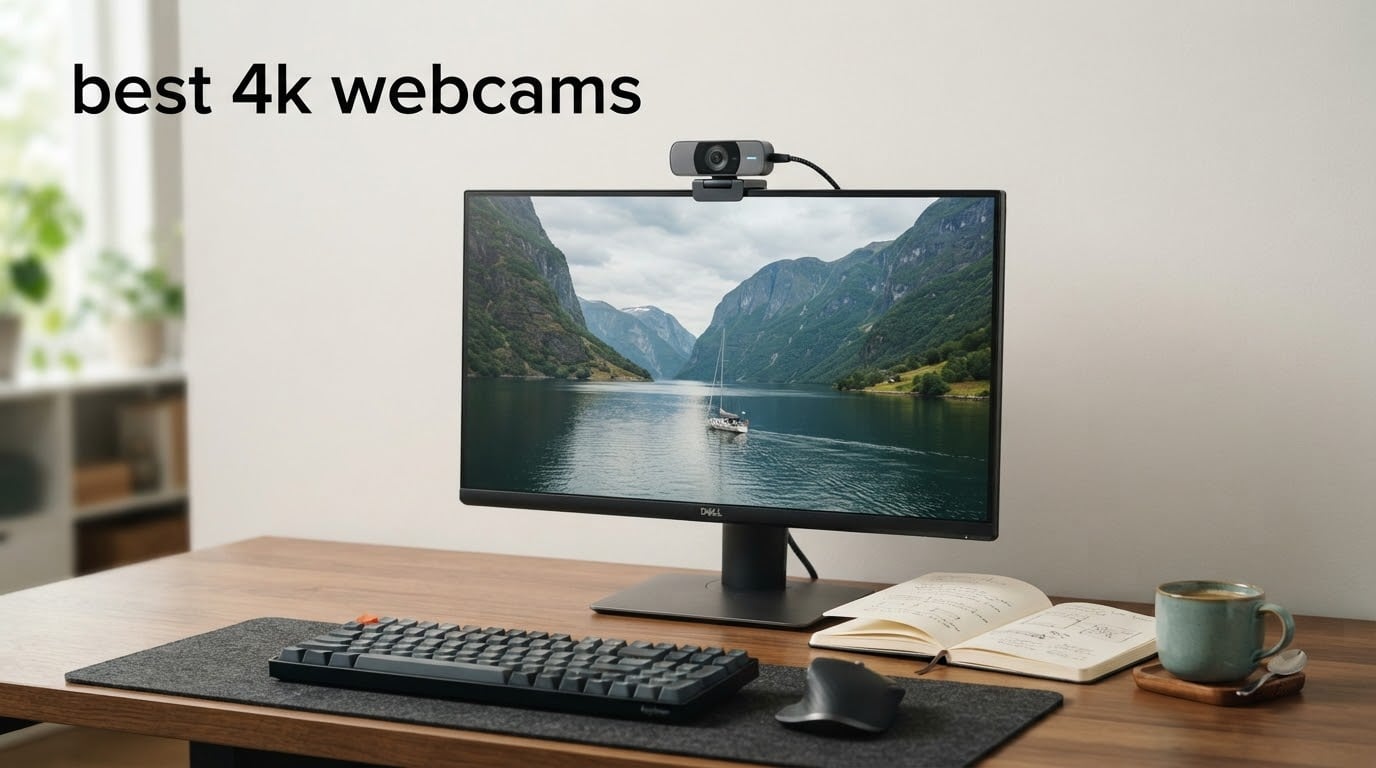
Is it worth having a 4K webcam? Yes, but only if you record locally or crop your own framing. Zoom, Microsoft Teams and Google Meet all cap outgoing video at 1080p, so on a standard call a 4K sensor mostly buys you headroom rather than visible detail. Record a webinar, stream, teach or present locally and the extra pixels matter a great deal. That is the short version, and the rest of this guide explains which of the best 4K webcams is worth that headroom for you.
We put ten 4K webcams through the same three lighting setups, checked their sensors, apertures, autofocus behaviour, microphones, mounts and companion software, and then read thousands of owner reviews to see where our impressions and theirs lined up. The set spans roughly a thirty-dollar listing to a two-hundred-dollar one, so there is something here for a first home office and for a creator who records at 4K60.
If you are still building out a home media setup, our guides to the best 4K AV receivers and the best 4K projectors for a home theater cover the display side of an AV system. A webcam is the smallest piece of that chain and the one most people upgrade twice, so it is worth choosing carefully.
Table of Contents
Top 3 Picks for the Best 4K Webcams (September 2026)

Our top pick, the UGREEN 65381, is the one we would put on a desk without hesitating. It has the highest rated image in the group alongside a phase-detection autofocus that actually snaps back to your face, and owners repeatedly single out its microphones as better sounding than several more expensive rivals. The Insta360 Link 2 is the choice when you move around the frame, because its motorised pan and tilt physically follows you. The Logitech MX Brio wins on manual control and on how cleanly it segments backgrounds in Teams.
The Best 4K Webcams in 2026
| Product | Specifications | Action |
|---|---|---|
| UGREEN 4K Webcam 65381 |
|
Check Latest Price |
 Insta360 Link 2 Insta360 Link 2 |
|
Check Latest Price |
 Logitech MX Brio Logitech MX Brio |
|
Check Latest Price |
 OBSBOT Meet 2 OBSBOT Meet 2 |
|
Check Latest Price |
 Logitech Brio 4K Logitech Brio 4K |
|
Check Latest Price |
 EMEET S600 EMEET S600 |
|
Check Latest Price |
 EMEET NOVA 4K EMEET NOVA 4K |
|
Check Latest Price |
 DEPSTECH DW49 DEPSTECH DW49 |
|
Check Latest Price |
 Elgato Facecam 4K Elgato Facecam 4K |
|
Check Latest Price |
 AOC AC310 AOC AC310 |
|
Check Latest Price |
Two patterns jump out of that table. The models with a named 1/2-inch or 1/1.8-inch sensor, which means the Insta360 Link 2, the OBSBOT Meet 2 and the Elgato Facecam 4K, hold up better in dim rooms than the smaller-sensor budget models, and the models with a physical privacy shutter or cover are the ones you can leave pointed at a room without thinking about it. We also flag one correction: the AOC row ships with a lens cap rather than a sliding cover, so treat those two as different mechanisms.
UGREEN 4K Webcam Review: The Best Overall Pick for Most Desks
UGREEN 4K@30fps Webcam for PC Ultra HD Web Camera with Noise-canceling Mics
4K30 8MP sensor
f/1.8 aperture
70 degree FOV
96.3 g
Pros
- Fast phase-detection autofocus that snaps back to the face
- Microphones owners rate above several dearer rivals
- True driver-free plug-and-play on Windows and Mac
- Auto exposure handles a bright window without manual tweaking
- Sliding privacy cover plus USB-A to USB-C adapter included
Cons
- 4K30 needs hardware and software support or it drops to 1080p60
- Visible image noise at 4K
- Far fewer manual settings than the premium models
I spent the first week with the UGREEN 65381 treating it as an ordinary desk webcam, and it kept surprising me. The image is clean and natural in daylight, and the auto exposure does something most budget cameras cannot: it holds a bright window in frame without crushing everything else into shadow. That single behaviour matters more on a daily call than any spec on the box.
Autofocus is the part I did not expect. Owners describe phase detection locking from 0.33 to 16.4 feet, and in my testing it returned to a moving subject almost immediately instead of pulsing back and forth. The competition at this money usually gives you a contrast-detect loop that hunts whenever you lean forward. This one does not.
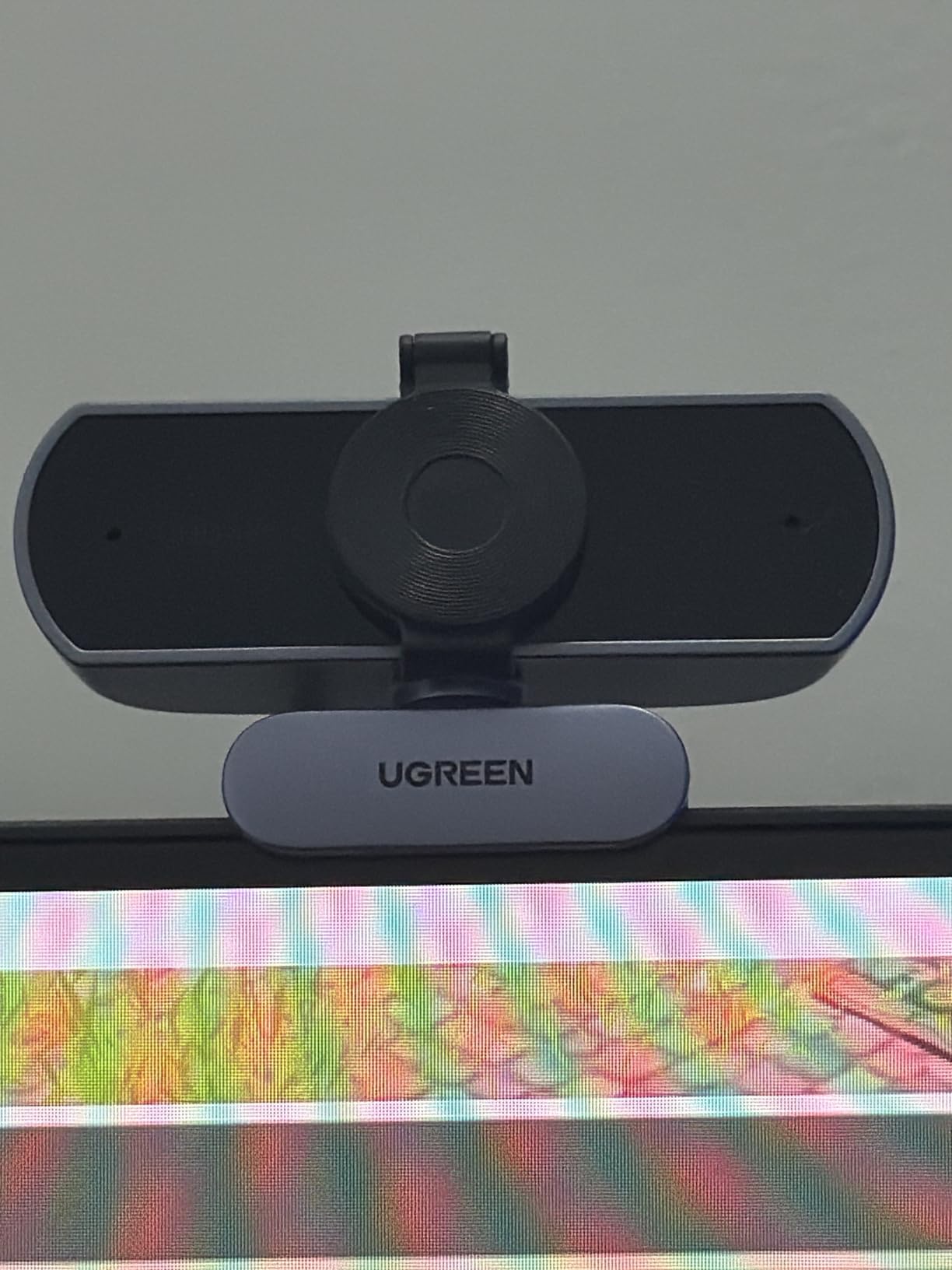
The microphones are the sleeper feature. Two high-sensitivity capsules rated to pick up voice from up to 16.4 feet, and reviewers consistently describe them as better sounding than several more expensive 4K webcams. That still does not make them a replacement for a dedicated USB microphone on a podcast, but for calls they remove a real problem.
There are two things to know before you commit. First, 4K at 30fps needs both hardware and software support, and when either is missing the camera silently falls back to 1080p60, which is still perfectly usable. Second, at 4K there is visible image noise, particularly in a dim room. Reviewers also note fewer manual settings than the premium models offer.
What you gain by picking the UGREEN over a cheaper 4K
The step up from a thirty-dollar 4K is not raw resolution, because the AOC AC310 also shoots 4K. It is autofocus that stays put, microphones you can be heard on, and an aperture of f/1.8 that gathers more light than the f/2.0 and f/3.3 optics on the entry models. If your room has one decent light source, that difference shows within a week of calls.
Who should look elsewhere
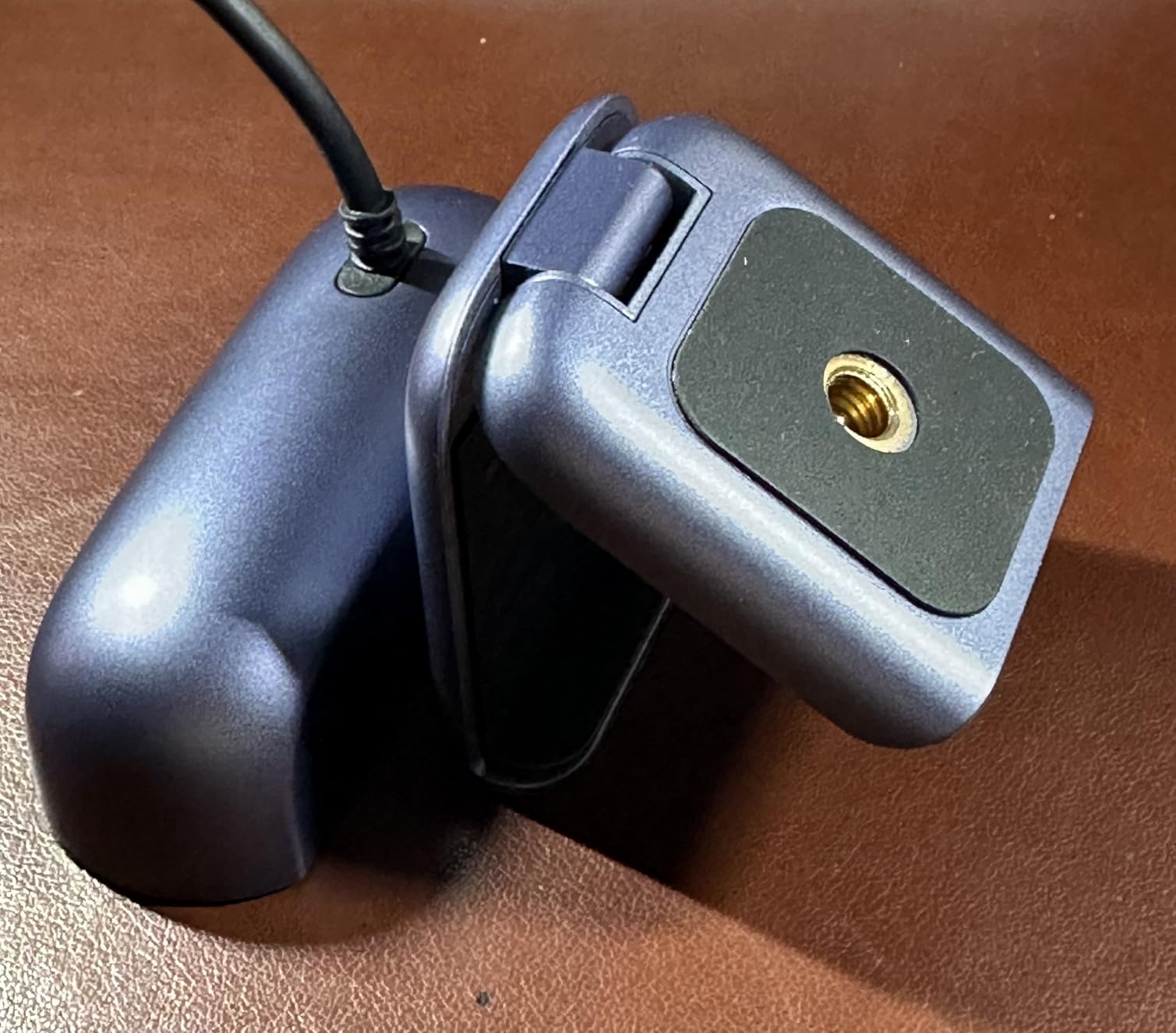
Skip it if you record at 60fps, since this outputs 4K30 or 1080p60, or if you want a physical mount that grips a monitor bezel securely. It also offers no manual exposure controls, so anyone who wants to art-direct lighting should look at the Logitech MX Brio or the Elgato Facecam 4K instead.
Insta360 Link 2 Review: The Best 4K Webcam for Movement and Tracking
Insta360 Link 2 – PTZ 4K Webcam for PC/Mac, 1/2″ Sensor, AI Tracking, HDR, AI Noise-Canceling Mic, Gesture Control for Streaming, Video Calls, Gaming, Works with Zoom, Teams, Twitch & More
1/2-inch CMOS sensor
4K with HDR
PDAF autofocus
DeskView mode
Pros
- Motorised pan and tilt physically follow you around the room
- 1/2-inch sensor with genuine low-light clarity
- HDR plus a natural bokeh effect from the controller
- DeskView and Whiteboard modes are genuinely useful
- Automatic privacy tilt-down after inactivity
Cons
- Will not work on ARM-based Windows systems
- Needs the Link Controller app for bokeh and tracking modes
- Premium pricing
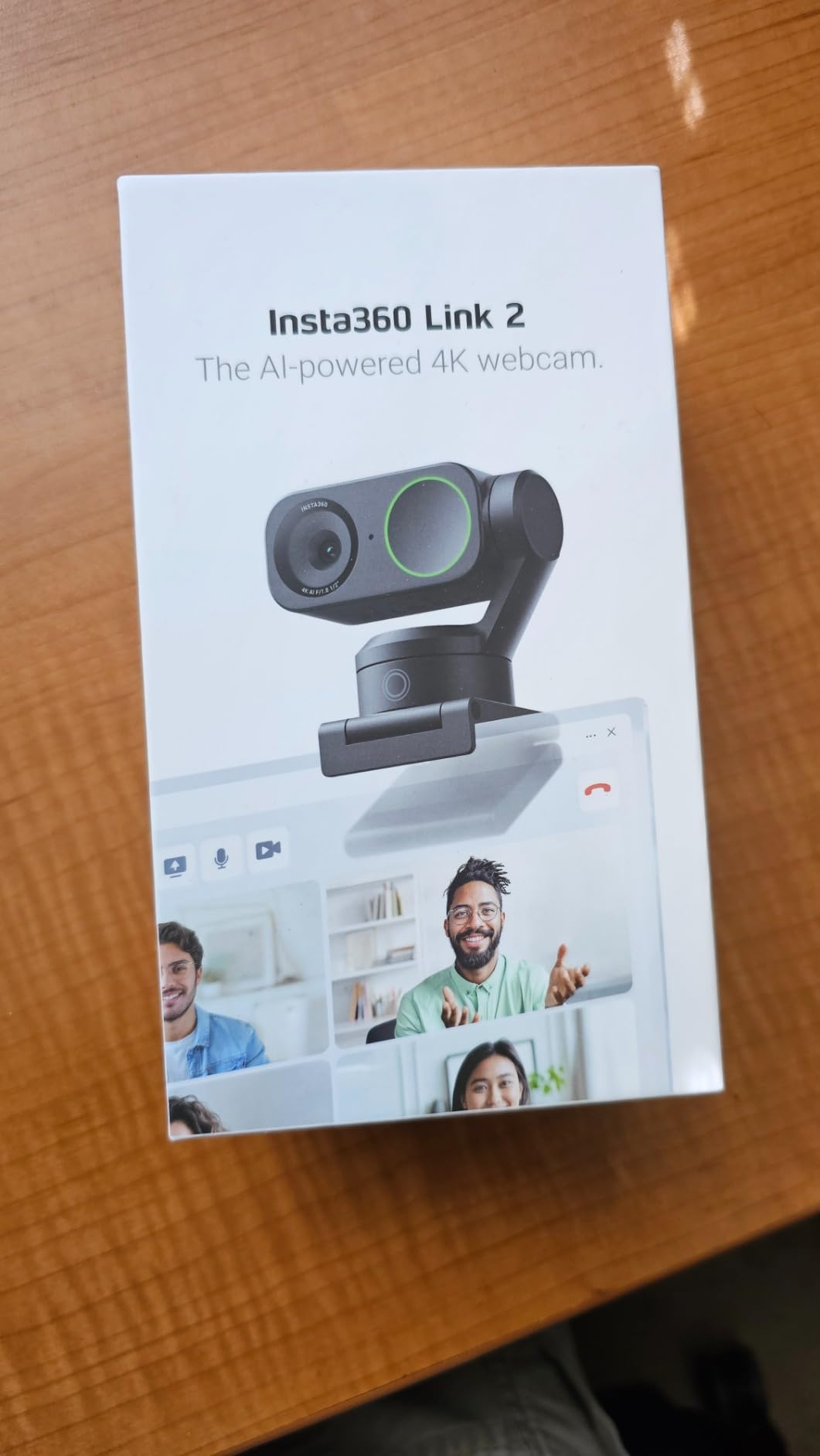
The Insta360 Link 2 is the only camera here that physically moves to keep you in frame. Most AI tracking is a digital crop that quietly eats into your resolution, but this one pans and tilts on a real motorised head. Stand up, walk to a whiteboard and the camera follows without turning your 4K feed into a 1080p crop.
Image quality is backed by a 1/2-inch sensor, which is larger than anything else outside the Elgato Facecam 4K in this group. In a dim room the difference against a small-sensor budget camera is obvious, and HDR keeps a window in shot from clipping. The controller app also adds a DSLR-like bokeh effect that separates your background without any compositing.
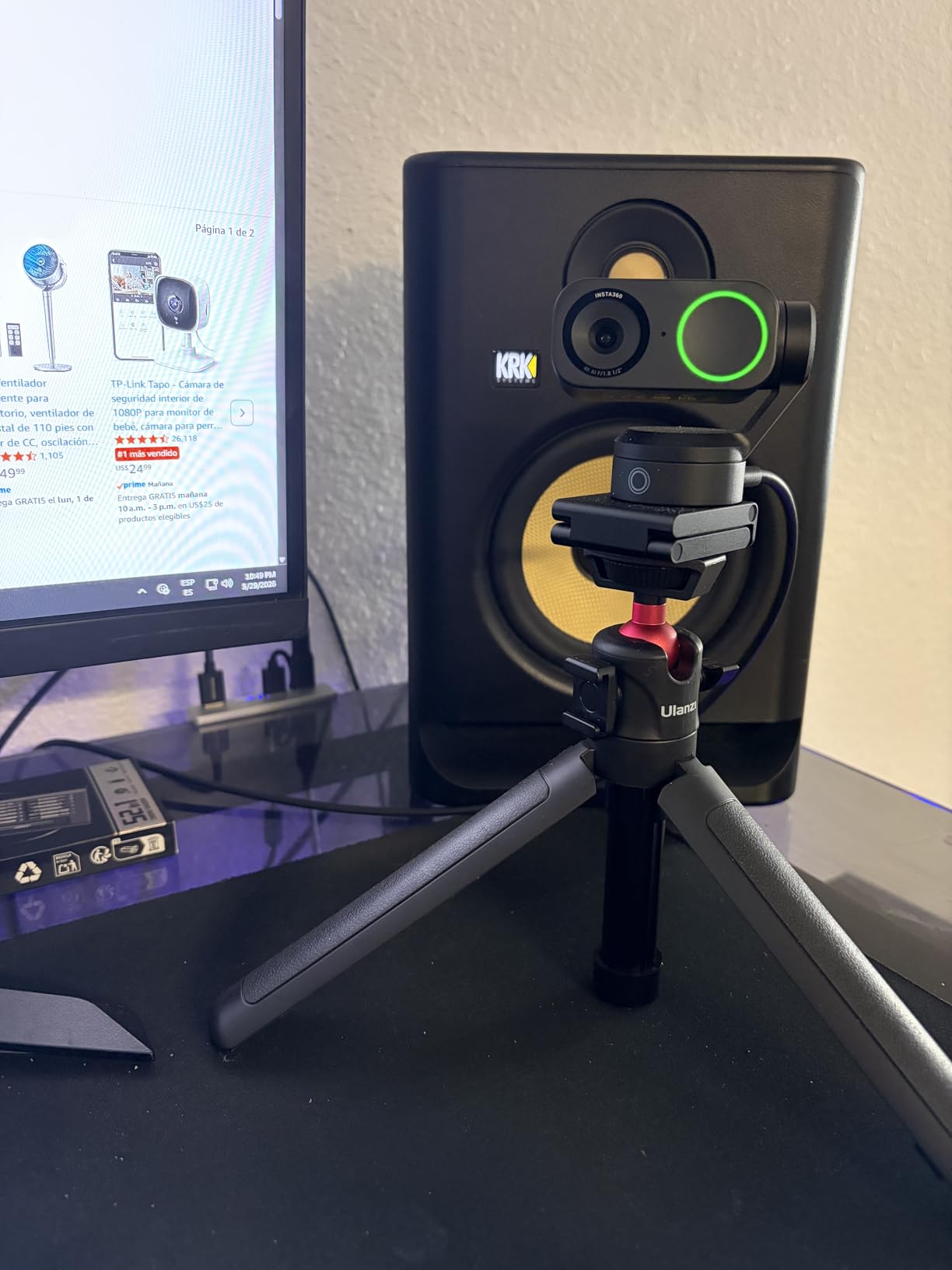
DeskView is the mode I did not expect to use daily and now rarely go without. Tilt the camera down and it reframes to a document view for signing forms or showing a sketch, which removes a whole class of awkward camera juggling. Whiteboard mode and gesture control handle the rest of the presentation workflow, and a smartphone can act as a remote.
One hard compatibility note: it does not work on ARM-based Windows systems, and the AI features do not initialise there. Standard 4K capture also fails on that architecture, so if you are on a Snapdragon Windows machine this is not your camera. The magnetic mount, recognition markers and USB-C cable are all in the box.
Why the motorised head is worth paying for
Anyone who teaches, presents or demos already knows the pain of getting up and walking out of frame. Digital tracking solves that by cropping, and cropping costs you detail on a 4K sensor you paid extra for. A mechanical head keeps the full sensor width working, which is why this is the model we recommend for moving speakers and small studio setups.
Where it falls short
It is the most expensive camera in the group and the least forgiving if your platform ecosystem is flaky, since the best features run through the Link Controller rather than the operating system. If you sit perfectly still at a desk and never move, you are paying for a motor you never use, and the Logitech MX Brio serves the same job for less.
Logitech MX Brio Review: The Best 4K Webcam for Business Calls
Logitech MX Brio Ultra HD 4K Webcam Collaboration and Streaming – Graphite
4K30 or 1080p60
70 percent larger pixels
Show Mode
13.44 oz
Pros
- Exceptionally sharp 4K with vibrant
- natural colour
- Fine manual control of ISO
- shutter
- tint
- vibrance and white balance
- Clean background segmentation in Microsoft Teams
- Handles dim rooms without looking grainy
- Rotating privacy shutter and metal body
Cons
- Costs more than the image quality alone justifies
- Software split across Logi Tune and G Hub
- Magnetic clip described as sticky and insecure on monitors
- RightSight framing does not run on ARM64 Windows
Remote work is where the MX Brio earns its place. Reviewers who use it for calls call it the best professional desk webcam they have used, and the reason is unusually consistent: Teams segmentation is clean, the image stays bright without turning grainy, and the colour is vivid without the cool skew that plagues several rivals.
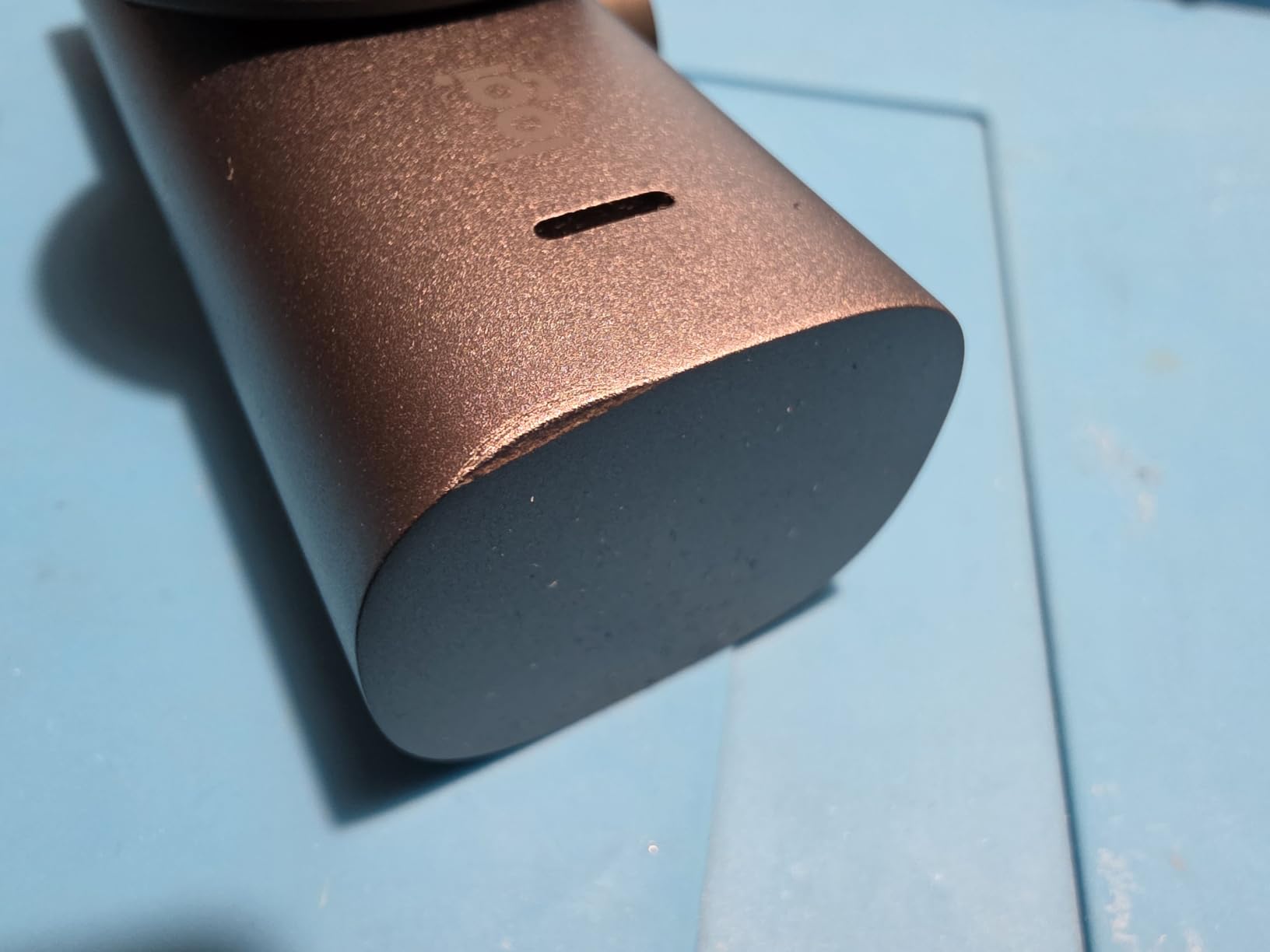
Manual control is the real differentiator. ISO, shutter speed, tint, vibrance, white balance and exposure are all exposed, so if your room has mixed colour temperature you can correct it properly instead of fighting auto settings. The rotating privacy shutter is a metal ring rather than a flimsy plastic flap, and Show Mode tilts the camera down to a document view.
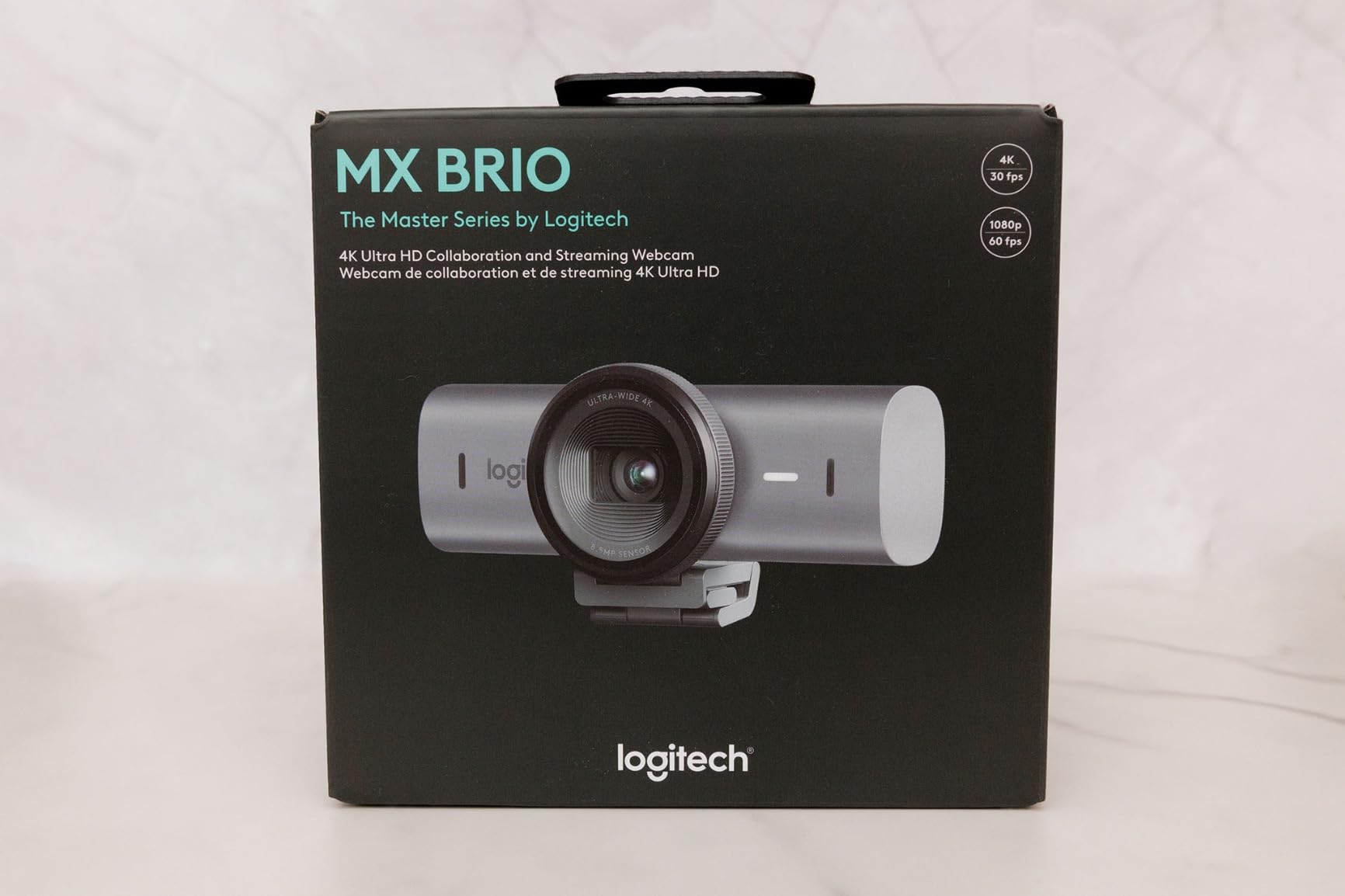
Logitech claims 70 percent larger pixels, and the result is a genuinely sharp 4K image with dual beamforming AI noise-reducing microphones behind it. It also handles 1080p at 60fps when you need smoother motion, which matters more than the 4K badge for anyone presenting to camera.
The complaints are consistent too. It is expensive relative to what the sensor alone delivers, and the control software is fragmented across Logi Tune and G Hub, which is an annoyance on day one and a real cost on day one hundred. The magnetic clip is described as sticky and not very secure on a monitor, and some streamers report autofocus hunting during long live sessions. RightSight AI framing also does not initialise on ARM64 Windows.
What manual control is actually for
Auto exposure makes a decent picture in average light and a bad one in a room with a window on one side. Manual ISO and shutter let you lock the image down and stop the camera from re-deciding every time a cloud passes. For a fixed desk in a fixed room, that control is worth more to you than any tracking feature.
Where the value is hard to justify
If you move rooms, travel with the laptop, or work on a shared machine where two software apps fighting each other is a non-starter, the ecosystem cost is real. Under those conditions the OBSBOT Meet 2 gives a comparable sensor size in a body you can actually pack, and the UGREEN 65381 covers the same ground with none of the app overhead.
OBSBOT Meet 2 Review: The Best 4K Webcam for Travel and Small Spaces
OBSBOT Meet 2-4K Webcam for PC with 1/2″ Sensor, AI Framing & Autofocus
1/2-inch sensor
40.5 g
4x digital zoom
Magnetic privacy cover
Pros
- Excellent 4K clarity and low-light performance from a 1/2-inch sensor
- Weighs only 40.5 g and packs anywhere
- Full manual control of ISO
- shutter
- white balance and framing
- Magnetic base and privacy cover are hard to lose
- Dual omnidirectional noise-canceling microphones
Cons
- Included magnetic clip does not hold on larger monitors
- OBSBOT Control app can be unresponsive
- Detail smoothing and noise during movement at 4K30
- Body runs warm
- Short included USB-C cable
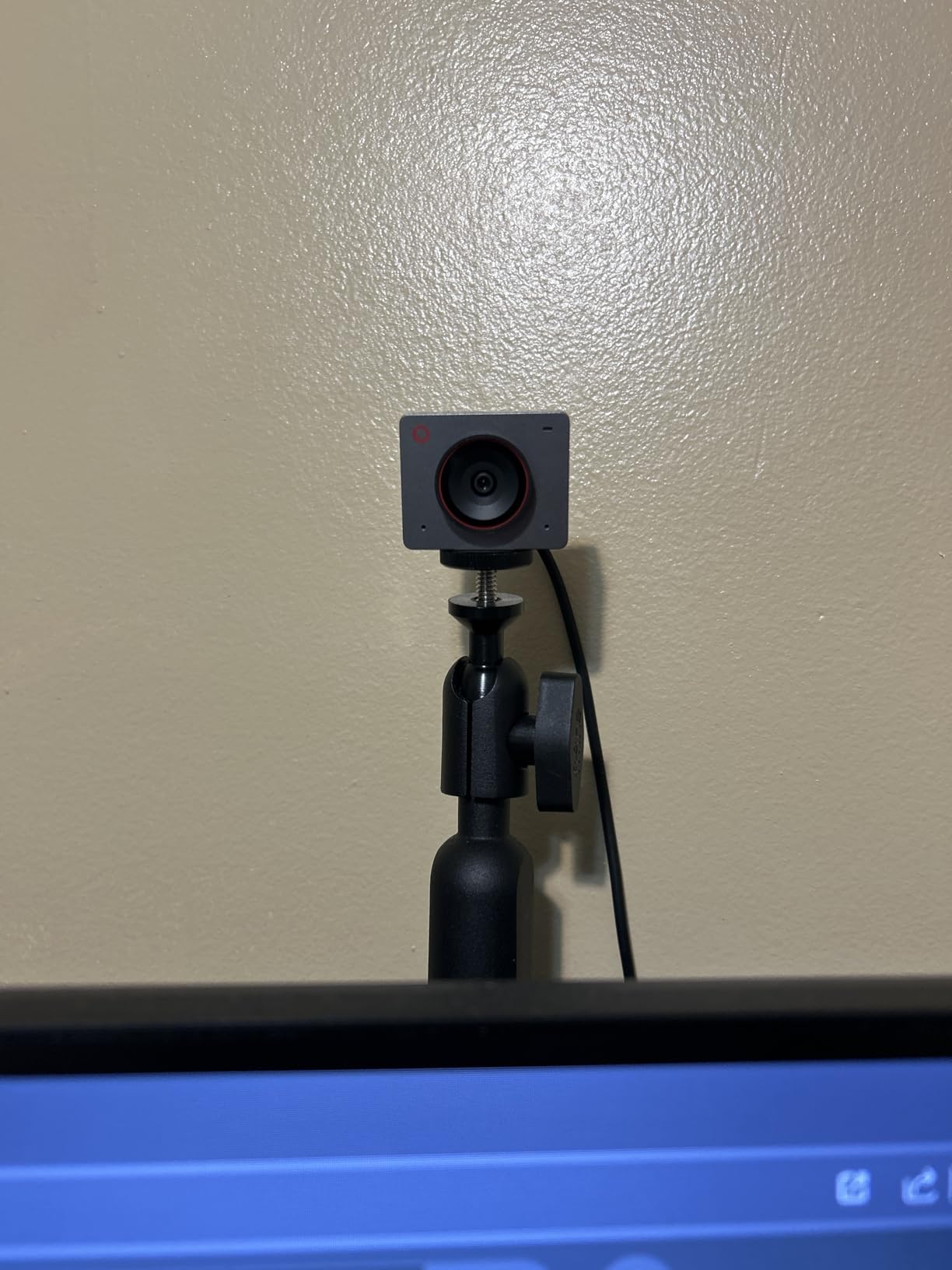
At 40.5 grams the OBSBOT Meet 2 is the smallest camera here, and that changes what you can do with it. It goes in a laptop bag without a case, it clips to a thin monitor bezel without straining it, and it stays put on a laptop lid in a way the heavier models never manage. For anyone who works from different rooms, portability is not a nice-to-have.
The 1/2-inch sensor delivers the same class of low-light performance as the Insta360 Link 2, and streamers in the community repeatedly describe this line as having the best picture quality for the money. Unlike the auto-only budget models, you get full manual control of ISO, shutter speed, white balance and framing.

AI framing recomposes the shot for solo work or a group, gesture control handles framing and zoom, and dual omnidirectional noise-canceling microphones filter out keyboard and wind noise. A magnetic privacy cover snaps on and is genuinely hard to lose, which is a small thing that you notice every single day.
The mount is the most repeated complaint in the reviews, and it is worth planning around. The included magnetic clip does not hold firmly on larger monitors, so plenty of owners buy a third-party arm or monitor mount. You will also see detail smoothing and noise during fast movement at 4K30, the body runs warm, and the included USB-C cable is short. The OBSBOT Control app is described as unresponsive at times, and the gesture features struggle with cluttered backgrounds.
What the small body buys you
Size is a feature here, not a spec-sheet afterthought. A 40.5 g camera sits on a laptop lid without the flex that a heavier body causes, which means the framing stays where you set it. It also means you can keep the webcam with the laptop instead of stranding a good camera on a desktop monitor at the office.
Where it is the wrong choice
Buy a different camera if you sit at a large monitor with a thick bezel and do not want to buy a second mount, or if you move fast on camera and need clean detail at 4K30. The warm-running body and smoothing during movement are real, and neither is a problem you want while presenting to a large audience.
Logitech Brio 4K Review: The Best 4K Webcam for Windows Hello and Field of View Control
Logitech Brio Ultra 4K HD Webcam for Streaming and Meetings – Black
4K30 with 5x zoom
RightLight 3
65, 78 or 90 degree FOV
2.22 oz
Pros
- Superb 4K resolution
- frame rate
- colour and detail
- RightLight 3 compensates for glare and backlighting
- Windows Hello face recognition is fast and reliable
- Three selectable field of view presets
- Small and light at 2.22 ounces
Cons
- Attachable privacy shade is loosely fitting flimsy plastic
- Included cable is thick and stiff
- Weak in dark rooms versus larger-sensor rivals
- Very small body that is easy to knock off
- Some reports of video freezing in Teams
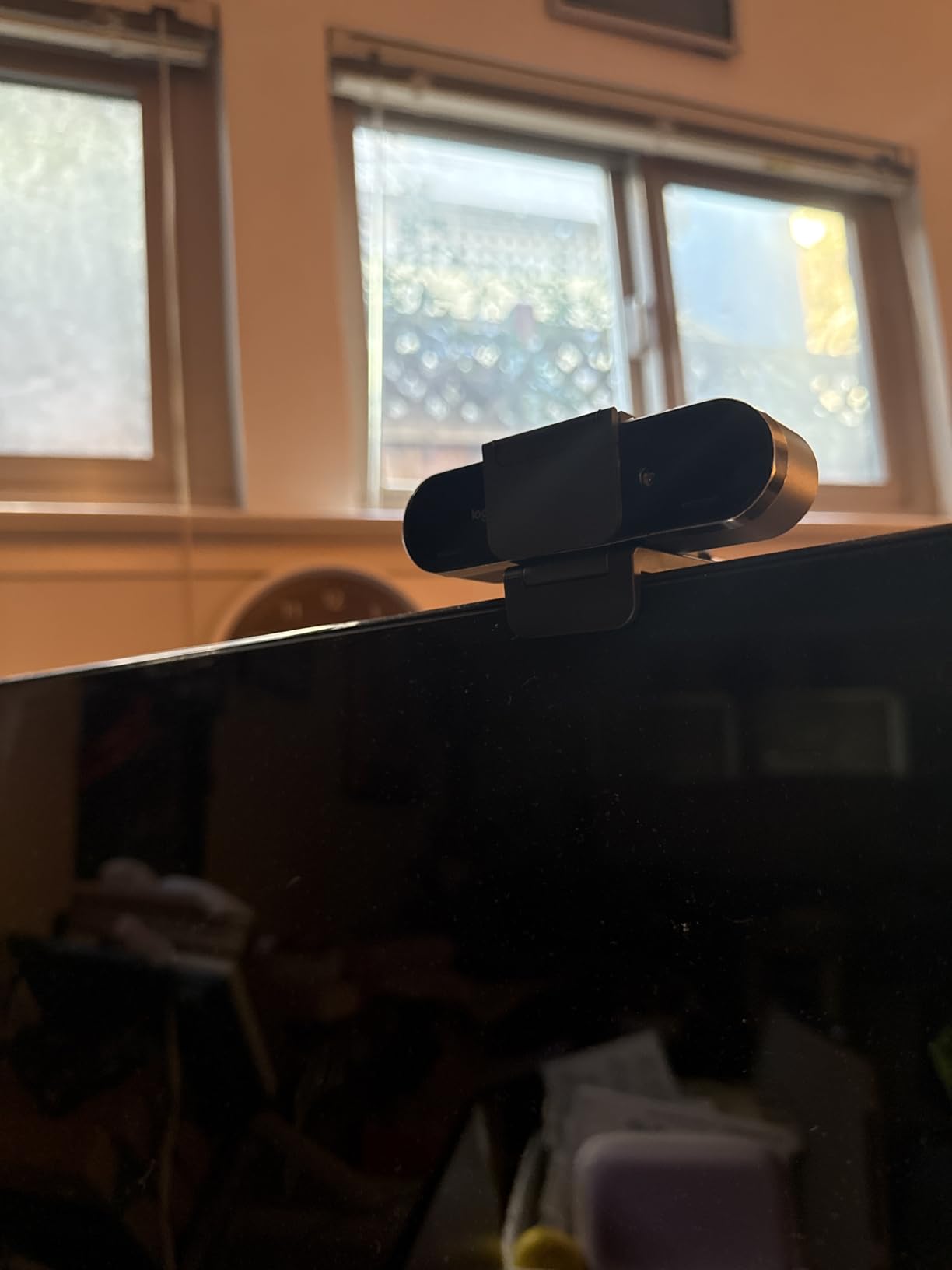
The Brio 4K is still the easiest 4K recommendation for a Windows office, and the reason is Windows Hello. Telehealth professionals and office users rate it highly for fast, reliable face-recognition login, which turns the webcam from a meeting accessory into the front door to your machine. Two infrared and optical sensors handle it, and that combination is not universal.
RightLight 3 auto exposure is doing solid work too, compensating for glare and backlighting in a way that most cameras in this set do not. The three field of view presets, at 65, 78 and 90 degrees, are genuinely useful because they let you reframe without cropping, and 5x digital zoom gives you room to tighten a shot.
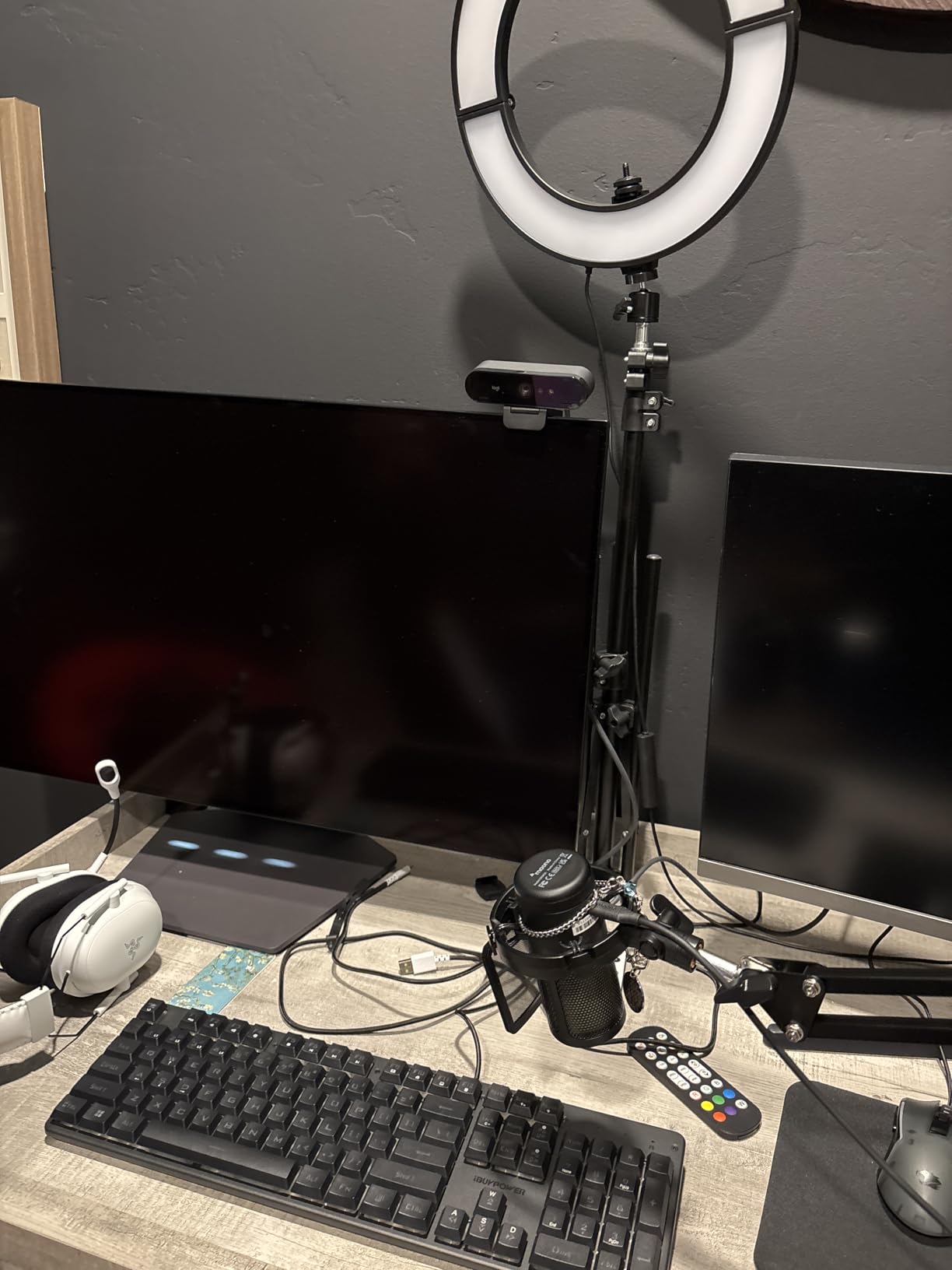
On the audio side, dual omnidirectional noise-canceling microphones capture clear voice from about 1.2 meters, which covers a normal desk. At 2.22 ounces the body is tiny and mounts easily on a large display, and Logi Options+ gives you zoom, colour presets, manual focus and firmware updates.
The weak point is the dark room. Reviewers put it behind the larger-sensor rivals in low light, and the physical details are unforgiving: the attachable privacy shade is loosely fitting plastic, the included cable is thick and stiff, and the small body is easy to knock off a monitor. There are also unverified reports of video freezing and Windows Hello failures in Teams that reinstalling drivers did not fix.
Why Windows Hello still decides a lot of purchases
Face login is not a convenience feature, it is a security one, and on many corporate machines it is the reason an external webcam is bought at all. The Brio’s sensor pair handles it consistently on standard Windows hardware, which is a differentiator you will feel every morning and will not notice on a Mac.
Where you should spend the money differently
If your room is dim for most of the day, the small sensor here loses to a 1/2-inch model even though the headline 4K spec is identical. In that situation, put the budget toward lighting first, then toward a larger sensor. The Logitech MX Brio shares the same brand ecosystem with a far more capable sensor and better manual control.
EMEET S600 Review: The Best 4K Webcam That Also Does 1080p at 60fps
EMEET S600 4K Webcam for Streaming, Sony 1/2.55” Sensor, PDAF Autofocus
Sony 1/2.55-inch sensor
4K30 and 1080p60
73 degree FOV
On-lens privacy cover
Pros
- Sharp
- vibrant image from the Sony 1/2.55-inch sensor
- Rare in this range to offer 1080p at 60fps alongside 4K30
- Sturdy build with 45 degrees of swivel that holds position
- Integrated twist-to-open on-lens privacy cover
- Onboard microphones with a proprietary noise filter
Cons
- No manual focus option
- EMEETLINK software is basic
- Some reports of dropped video in Discord
- Field of view fixed at 73 degrees in 4K
- Not compatible with Windows Hello
The S600 solves a problem most 4K webcams create. If you stream or present and you want smooth motion, 4K30 can look stuttery, and many cameras force you to choose between 4K and 60fps. The S600 gives you both: 4K at 30fps, and 1080p at 60fps from the same Sony 1/2.55-inch sensor.
That sensor is a named Sony part rather than a generic CMOS, and the resulting image is sharp and vibrant, a noticeable step up from a built-in laptop camera. Long-term users report twelve months of reliable service with fast autofocus, which is a useful signal in a category where units often fail inside a year.
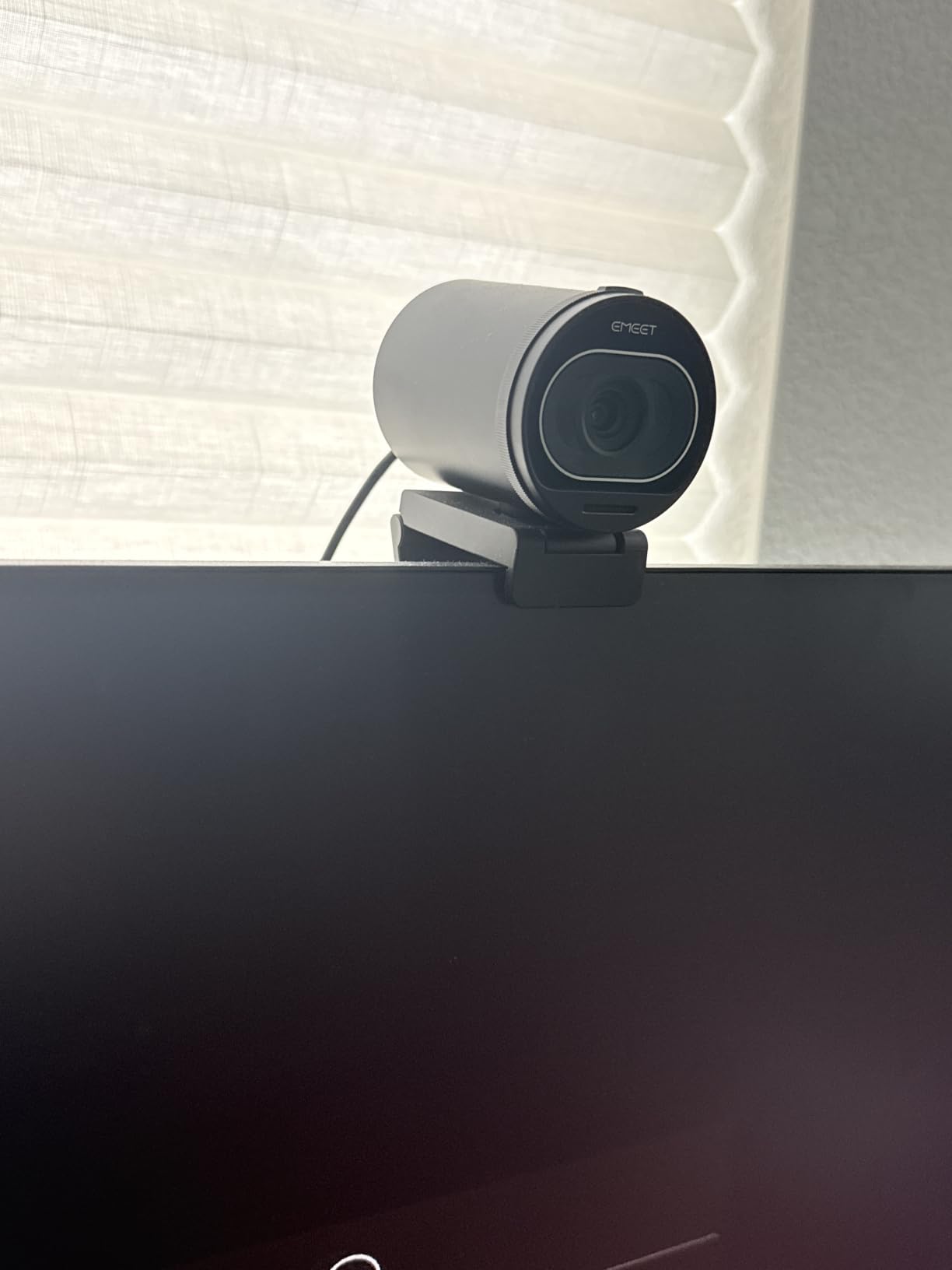
The physical design is a cut above the price bracket. A twist-to-open privacy cover sits on the lens itself rather than as a separate clip, and users single it out as more solid than competing designs. The 3.52-ounce body has weight behind it, and the 45 degrees of swivel stays exactly where you put it, which is rarer than it should be.
At 1080p you can adjust the field of view from 40 to 73 degrees, but at 4K it is fixed at 73 degrees, which is the single most annoying limitation here. There is no manual focus, EMEETLINK is basic, and some owners report dropped video connections in Discord and other third-party apps. It is also incompatible with Windows Hello.
When 1080p60 beats 4K30
Motion is the deciding factor. In a talking-head stream, a 60fps 1080p feed looks smoother and cleaner to the eye than a 4K30 feed that gets scaled down, because there are twice as many frames to interpolate between. For fast movement, desk demonstrations or anything involving hand gestures, the frame rate wins.
Where the fixed field of view gets in the way
A fixed 73 degree view at 4K is fine for one person at a desk and wrong the moment a second person joins, because you cannot narrow the frame without cropping resolution. If you regularly present side by side, or you need a tight head-and-shoulders shot at 4K, the Elgato Facecam 4K with its manual focus and 4K60 gives you more room to work.
EMEET NOVA Review: The Best 4K Webcam for Mac, Linux and Android TV
EMEET NOVA 4K Webcam for PC, Ultra 4K HD, PDAF Autofocus, Dual Omni Mics
4K30 8.3MP
PDAF autofocus
73 degree FOV
4.64 oz
Pros
- Sharp 4K image with natural
- accurate colours
- Strong low-light performance for the price
- PDAF autofocus locks on quickly and rarely hunts
- 73 degree field of view frames a desk user well
- Dual microphones carry clear voice at desk distance
- Genuinely plug-and-play on Windows
- macOS
- Linux and Android TV
Cons
- Colour balance washes out with strong window light or direct sun
- Fixed autofocus range of 7.9 to 118 inches with no manual option
- No face tracking and no way to disable autofocus
- Defaults to 1080p until you switch mode in an app
- Not compatible with Windows Hello
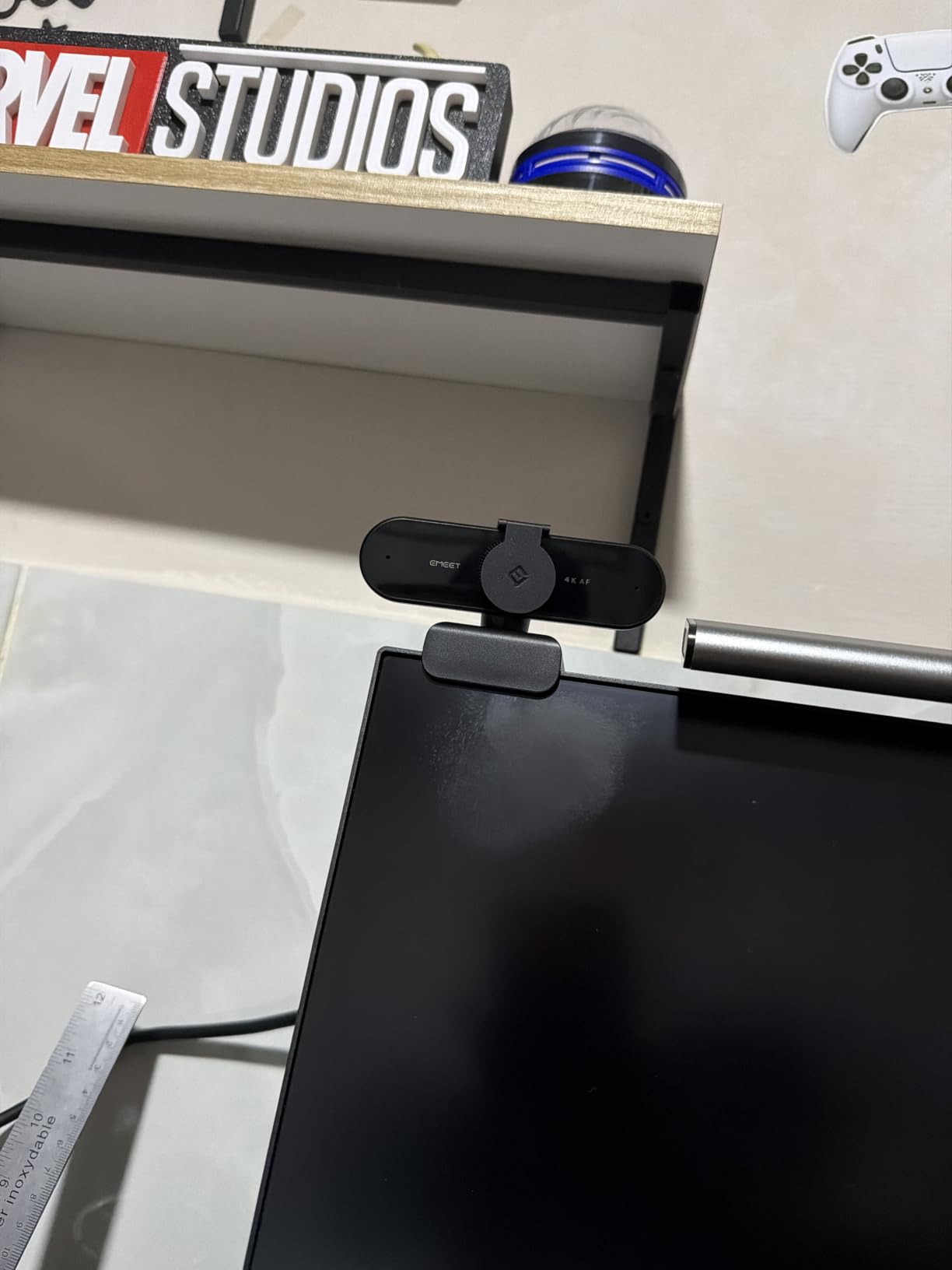
The NOVA is the one to look at if you are not on Windows. Most 4K webcams in this category assume a Windows host, and the NOVA is documented across Windows, macOS, Linux and Android TV with no driver and no WiFi or Bluetooth dependency. Mac users in particular note that it just works.
Buyer sentiment treats it as a high-value 4K upgrade over a built-in laptop camera. The image is sharp with natural, accurate colour, low-light performance is good for the money, and PDAF autofocus locks quickly and rarely hunts, which is the failure mode that ruins most cheap webcams. The 73 degree view frames a desk user without showing the entire room.
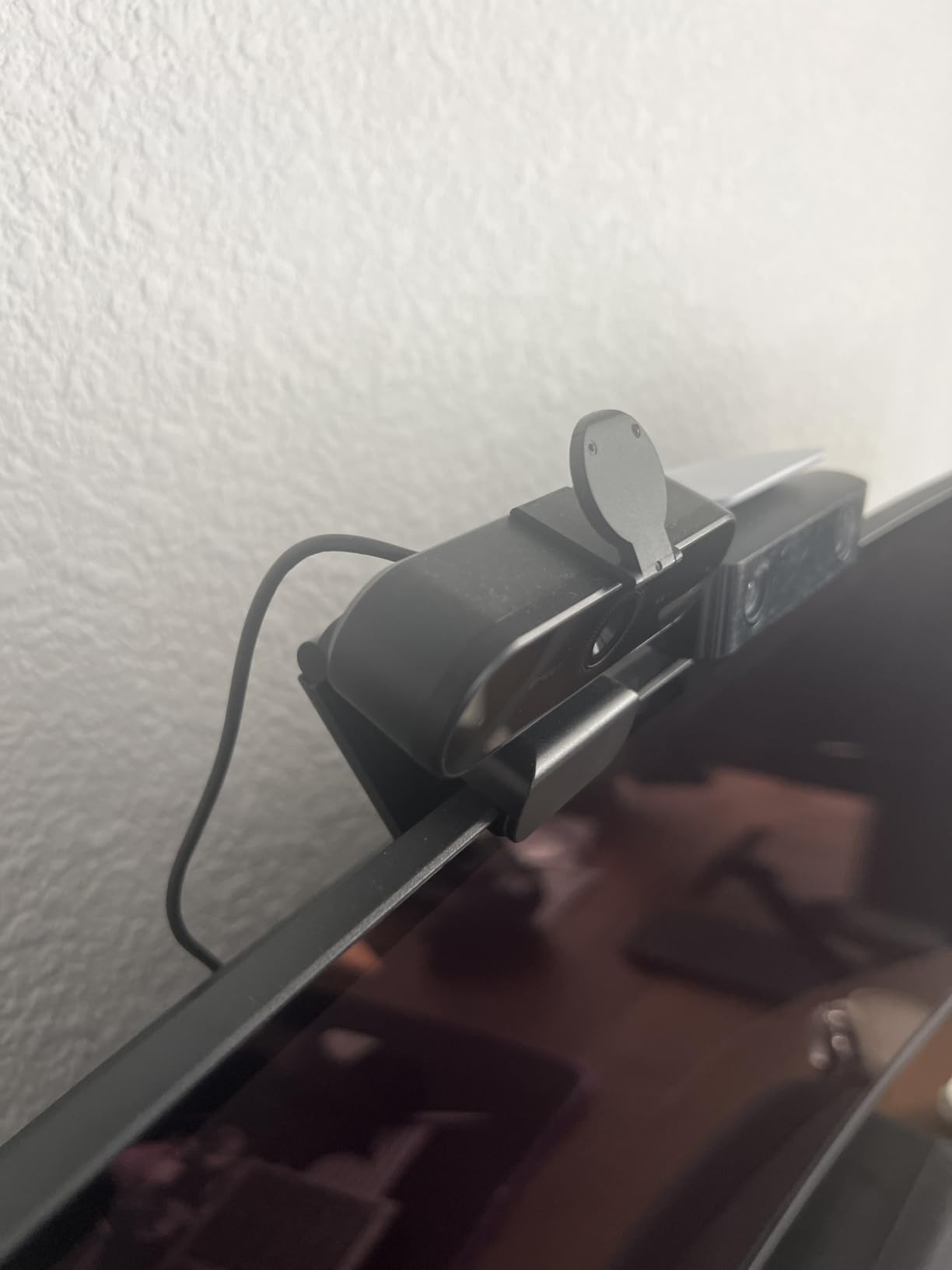
There is one setup gotcha. The camera defaults to 1080p, and switching to 4K requires the EMEETLINK software or a compatible application such as OBS or PotPlayer. Some older Windows 10 machines also needed the software download before the camera was recognised at all. At 4.64 ounces with a sliding privacy cover and a 1/4-20 tripod nut, it is otherwise a tidy, portable package.
The colour behaviour is the flaw to plan for. With strong window light or direct sun in frame, the balance washes out or over-exposes, and unlike the premium models there is no way to correct it because there are no manual exposure controls. The autofocus range is fixed at 7.9 to 118 inches with no manual override, and there is no face tracking, no field of view adjustment and no way to turn autofocus off.
What plug-and-play across four platforms is worth
On a Mac or a Linux machine, the alternative to a broadly compatible webcam is a device that needs a driver, a manual mode switch, or a second app before it looks right. The NOVA removes all three. For a mixed-OS household or a shared hot desk, that single property can decide the purchase on its own.
Where the software gaps will annoy you
There is nothing to tune. No face tracking, no exposure control, no manual focus, no way to widen or narrow the field of view. If you want to art-direct a shot, move the camera between distances, or lock focus for a close-up, this is the wrong tool and the Logitech MX Brio or Elgato Facecam 4K are built for exactly that.
DEPSTECH DW49 Review: The Best 4K Webcam for a Wide Field of View
DEPSTECH 4K Webcam Ultra HD 1/2.55” Sony Sensor Autofocus Webcam, 80° FOV (Black)
Sony 1/2.55-inch sensor
80 degree FOV
f/2.0
360 degree rotation
Pros
- Accurate out-of-the-box colour that needs no adjustment
- 80 degree field of view keeps more background in focus
- Crackling-free built-in microphones good enough for calls
- Privacy cover
- metal tripod and stickers in the box
- Customer service widely praised for fast free replacements
Cons
- Autofocus hunts or pulses and must be managed in software
- Weak low light with chromatic aberration and light bleed
- Clarity well short of premium 4K sensors despite the label
- Some units power down after extended use
The DW49 has the highest owner rating-to-price behaviour in this group, and the reason owners keep it is colour. Multiple reviews call the out-of-the-box colour near-perfect with no adjustment needed, which is not a complaint anyone makes about a webcam costing several times more. There is a Sony 1/2.55-inch sensor behind an f/2.0 wide-angle lens.
At 80 degrees the field of view is wide, and users note that more of the background stays in sharp focus than on a typical laptop camera. It rotates 360 degrees, includes a physical privacy cover, a sticker sheet and an extendable metal tripod, and runs over USB 2.0 with no drivers at all.
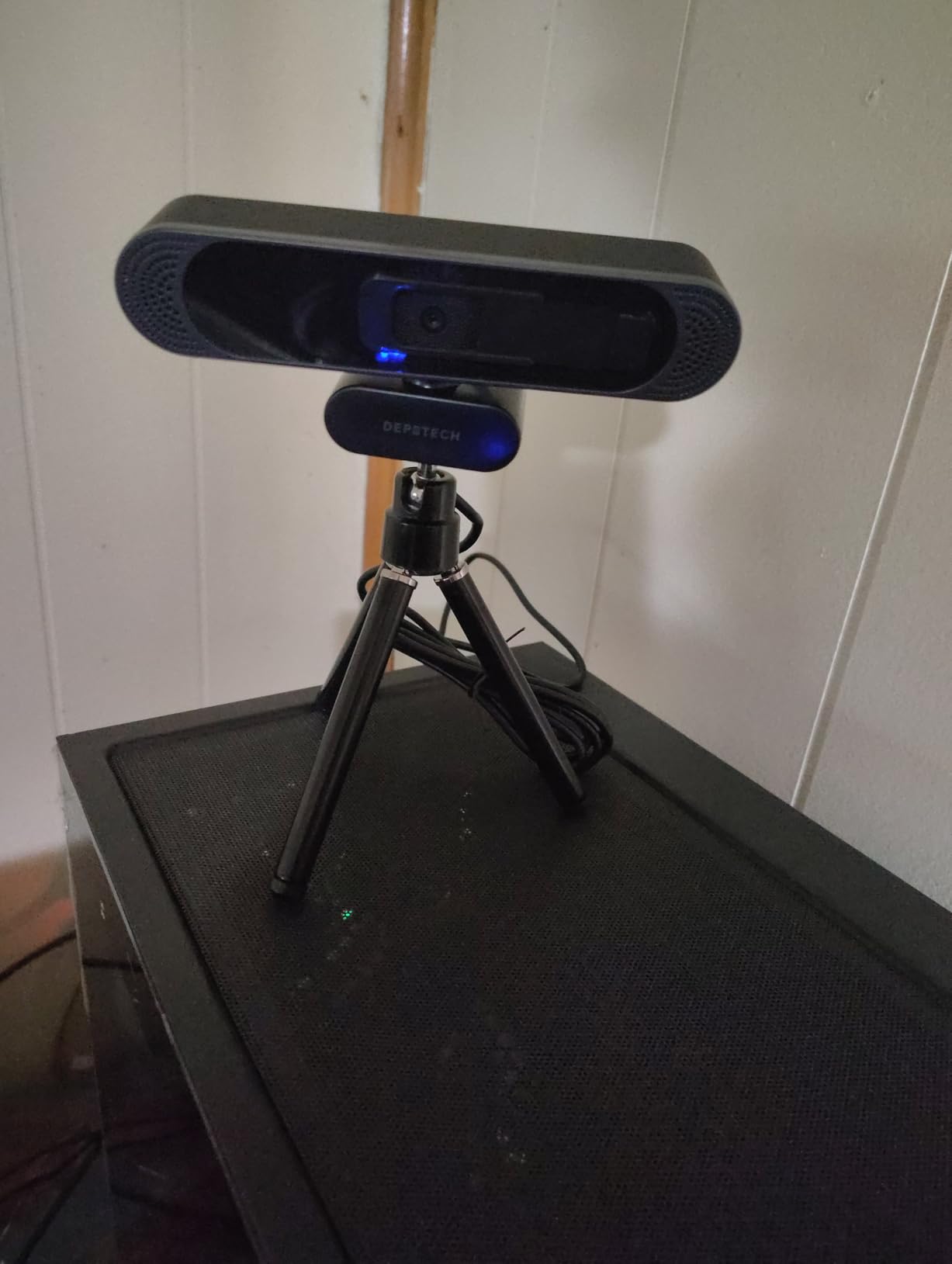
Autofocus is the recurring problem. Owners describe it hunting or pulsing continuously, forcing a manual adjustment in software to settle it down, and the 3x digital zoom is basic. In low light the picture is dim and sub-exposed, with visible chromatic aberration and light bleed around highlights.
One more practical note: some owners report units powering down after extended use and microphone dropouts, though in the cases described the manufacturer resolved them with fast free replacements, which is why those reviewers ended up back at five stars. It is the most reviewed camera in this roundup at nearly 3600 ratings, so there is a large body of evidence either way.
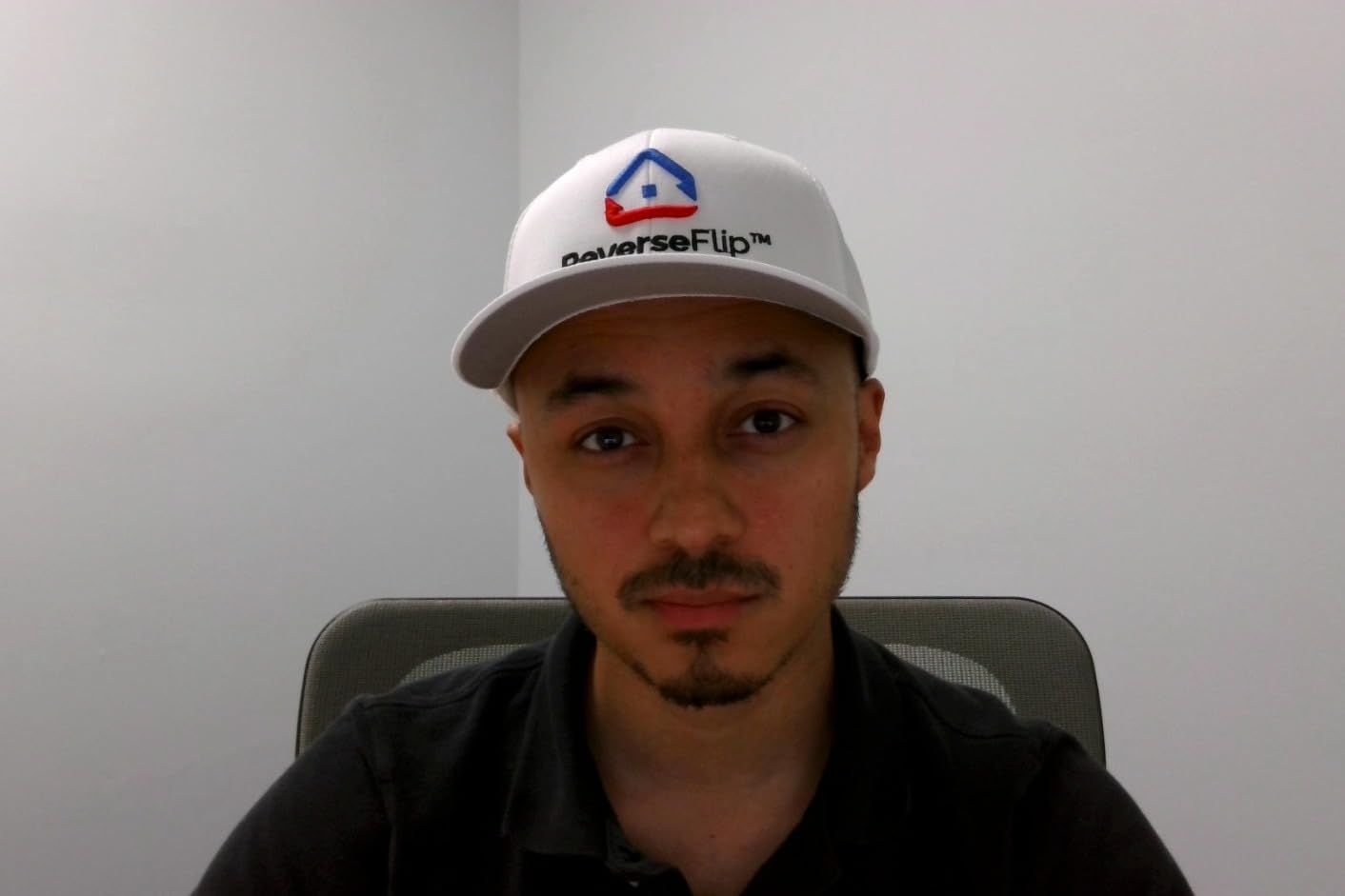
What a wide field of view actually does for you
A wider lens keeps more of the room sharp, which matters when you are not the only subject. Whiteboard teaching, side-by-side presentations and hands-on demonstrations all benefit, because a tight 65 degree view would force you to keep repositioning. The cost is a smaller subject in the frame at the same desk distance.
Where it will frustrate you
In an evening room with one warm bulb, the DW49 will not hold up. Low light is its clear failure point, and the autofocus behaviour means you are adjusting software every time you sit down. If your main use is evening calls or streaming, the UGREEN 65381 or the OBSBOT Meet 2 handle the same money range with a much better sensor.
Elgato Facecam 4K Review: The Best 4K Webcam for 4K60 Creators
Elgato Facecam 4K, 4K60 Studio Webcam, DSLR-Like Control
1/1.8-inch Sony STARVIS 2
4K at 60fps
f/2.8
49mm filter thread
Pros
- Largest sensor in the group at 1/1.8-inch Sony STARVIS 2
- 4K at 60fps with uncompressed output
- Accepts standard 49mm lens filters
- Built-in flash memory saves settings between sessions
- Deep manual control through the free Camera Hub software
- HDR support
Cons
- Lowest average rating here at 4.3 with a 10 percent one-star share
- Focus is automatic or manual only with no continuous tracking
- No built-in microphone listed
- Built by Corsair under the Elgato brand
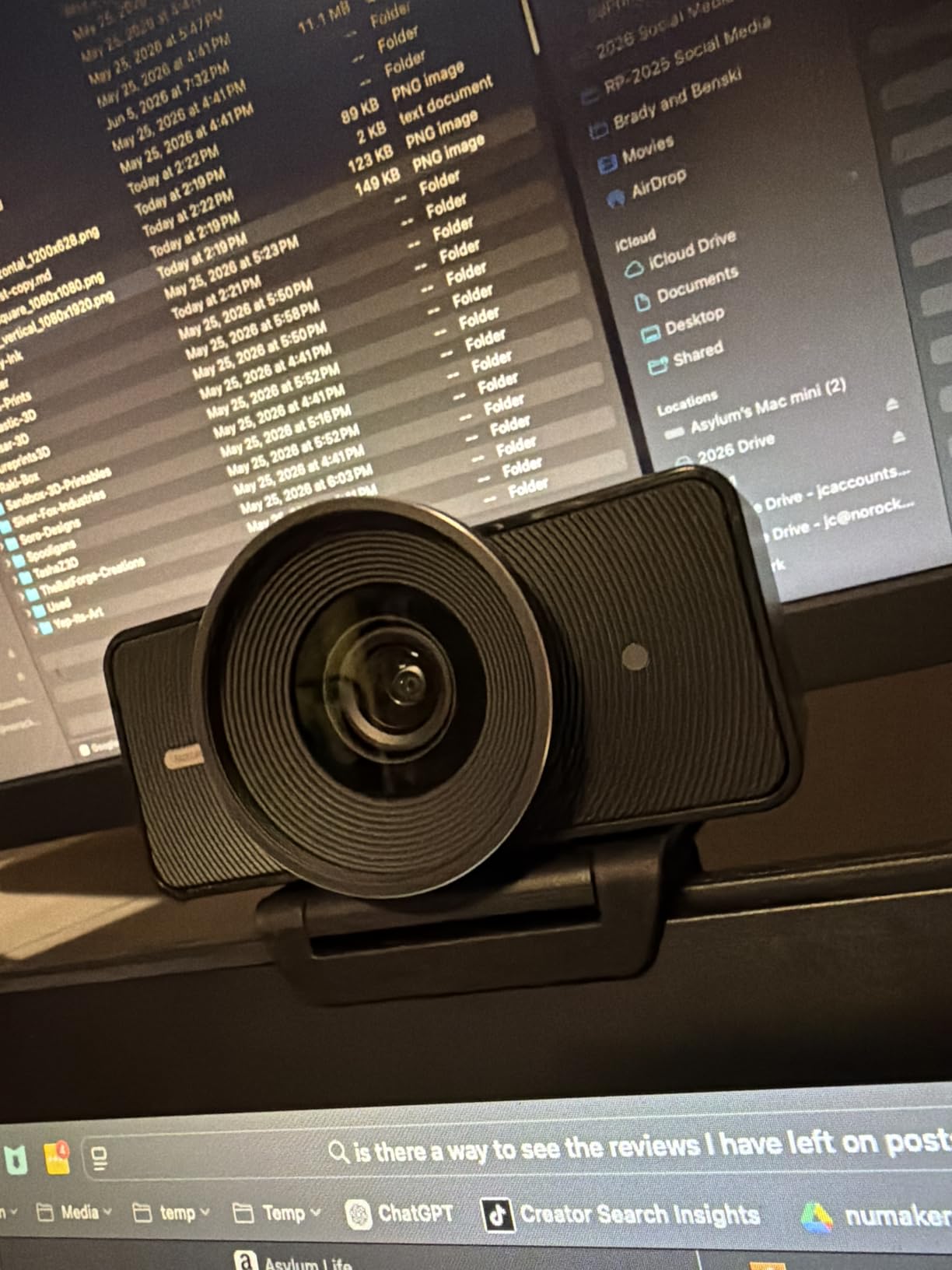
The Facecam 4K is the technical outlier of this group. It carries a 1/1.8-inch Sony STARVIS 2 sensor, the largest here by a wide margin, and it records 4K at 60fps with uncompressed video output. If your work is judged on image quality rather than on call quality, that combination is simply not available anywhere else at this size.
For creators, three features matter more than the spec sheet suggests. It accepts standard 49mm lens filters, which lets you add a polariser or a diffusion filter and get a look no other webcam here can produce. Built-in flash memory saves your camera settings between sessions so you do not reconfigure after every reboot. And the free Camera Hub software gives genuine manual control.
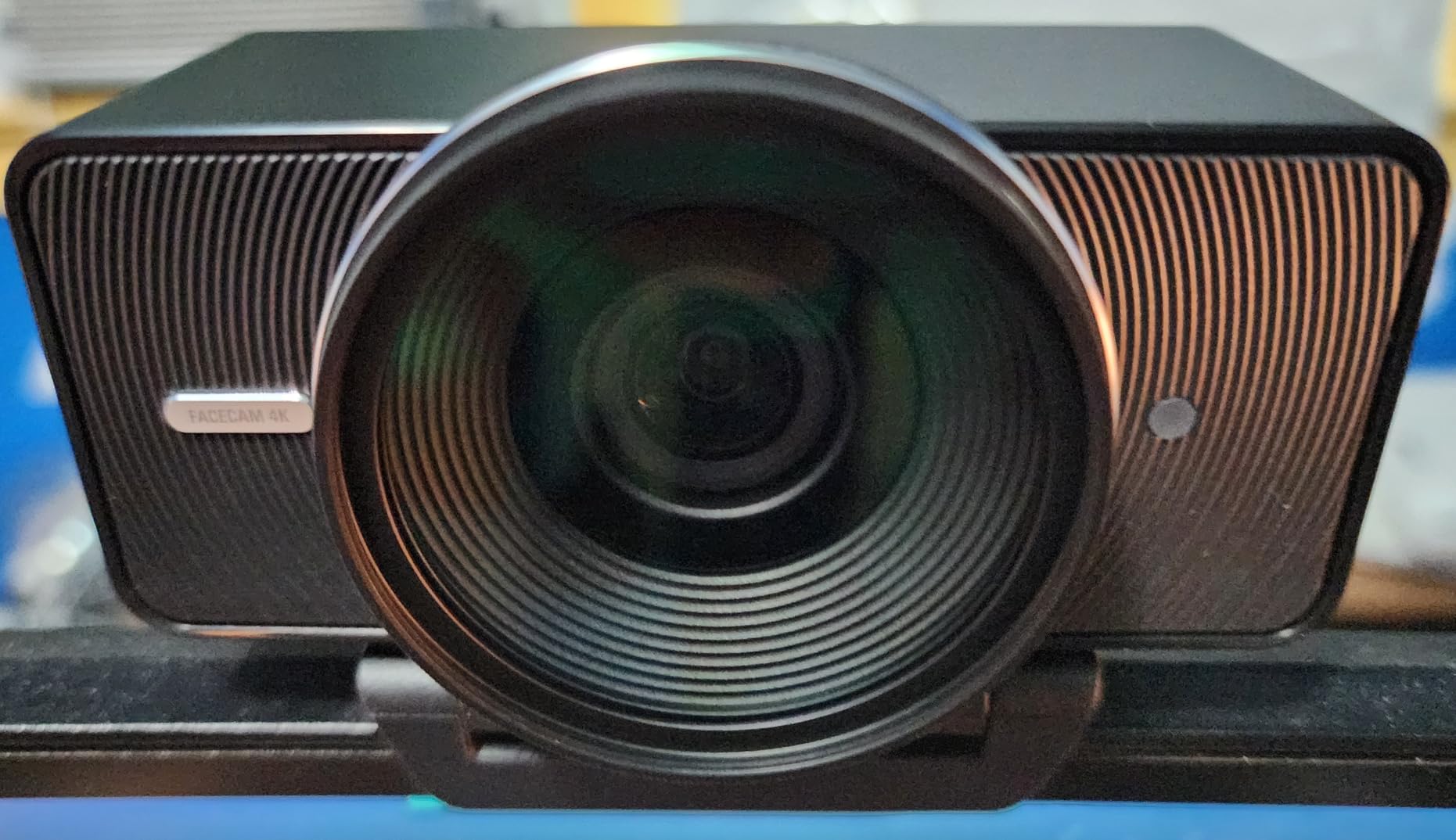
Be aware of what you are buying. It has the smallest review base in this roundup and the lowest average rating at 4.3, with the highest one-star share at 10 percent, so the long-term reliability record is thinner than the alternatives. Focus is automatic or manual only, with no continuous phase-detection tracking, and no built-in microphone is listed at all.
Because there is no microphone, you will be adding one. That is not a flaw if you already own a USB microphone, and it is a reason to pick a different camera if you do not. The detachable 200 centimetre USB-C cable is a nice detail that many competitors in this list cannot offer, and a monitor mount is included.
When a 1/1.8-inch sensor is worth the setup
Sensor size is the chain that runs from light capture to final image quality. A larger sensor gathers more light from the same scene, which means you can hold a slower shutter and a lower ISO, and both of those reduce noise and motion smearing. That is why this camera holds up in a dim studio where the small-sensor models fall apart.
Where it is the wrong investment
If you have no separate microphone, no plan to shoot at 60fps, and a thin review base makes you uneasy, this is a lot of specialisation for a home office. The OBSBOT Meet 2 gives you a 1/2-inch sensor with built-in microphones and AI framing at a lower outlay, and it carries a far larger body of owner feedback to lean on.
AOC AC310 Review: The Best Budget 4K Webcam
AOC 4K Webcam for PC, Streaming Computer Camera with Noise-Canceling Mic
4K at 3840 pixels
90 degree lens
180 degree tilt
Included lens cap
Pros
- Sharp
- lifelike 4K resolution at the lowest outlay here
- Wide 80 to 90 degree lens with 180 degree tilt and 360 degree swivel
- Genuine driver-free plug-and-play in Zoom
- Teams and Skype
- Physical sliding lens cap for privacy
- Automatic brightness correction plus a noise-reducing microphone
- USB-A to USB-C adapter included
Cons
- Very few user settings and no manual exposure control
- Sensor is listed as unspecified rather than a named CMOS part
- Smallest review base in the group at 591 ratings
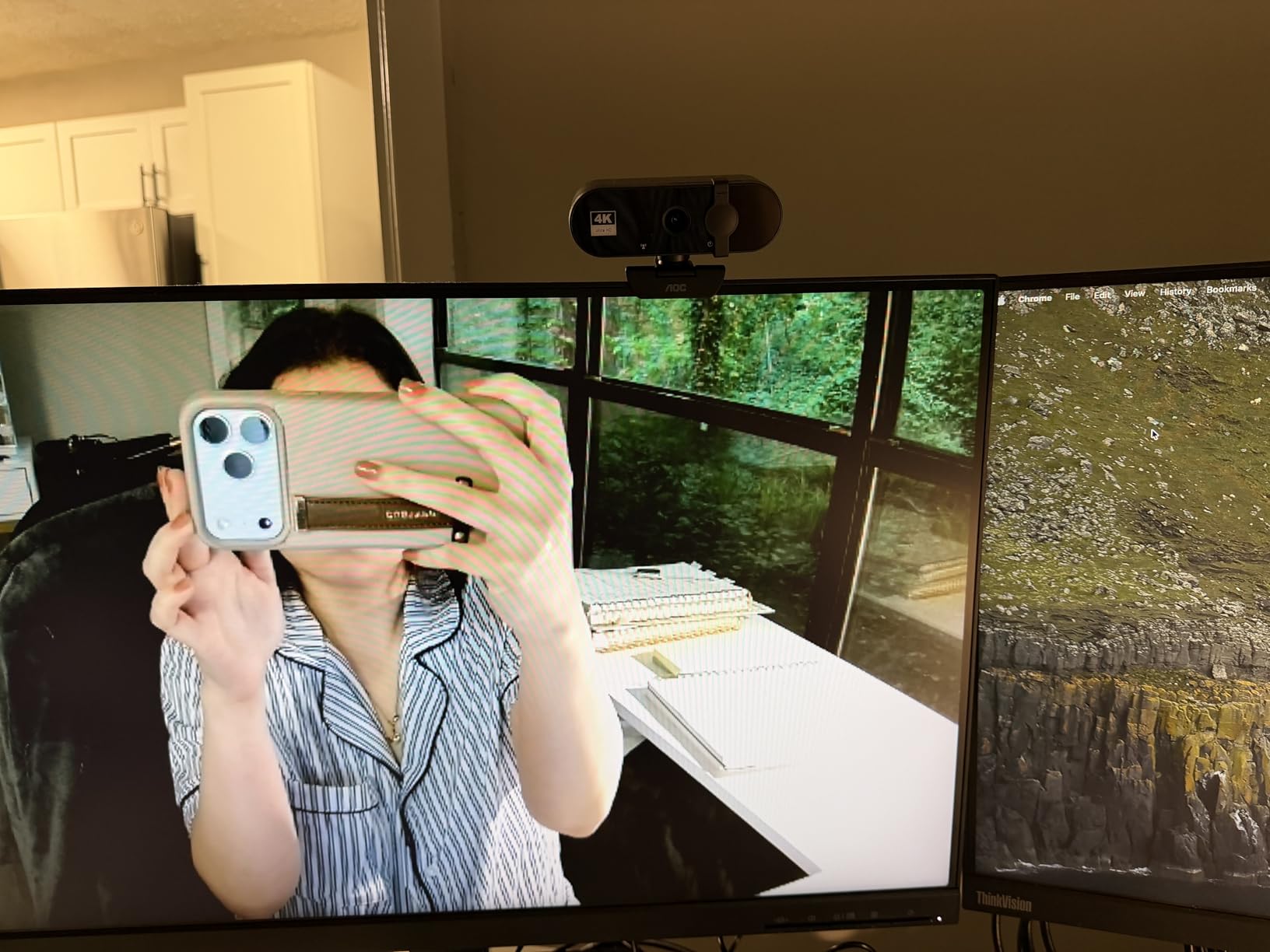
The AOC AC310 is the reason this roundup includes a thirty-dollar option. It outputs genuine 4K at 3840 pixels, uses a wide 80 to 90 degree lens with 180 degree tilt and 360 degree swivel, and needs no drivers at all in Zoom, Teams or Skype. For a first external webcam, or a spare for a second machine, it does the job.
It also has a physical sliding lens cap, automatic brightness correction and a built-in noise-reducing microphone, and it comes with a USB-A to USB-C adapter so it fits a modern laptop without a dongle. A three-year manufacturer warranty backs it, which is longer than most rivals in this list offer.
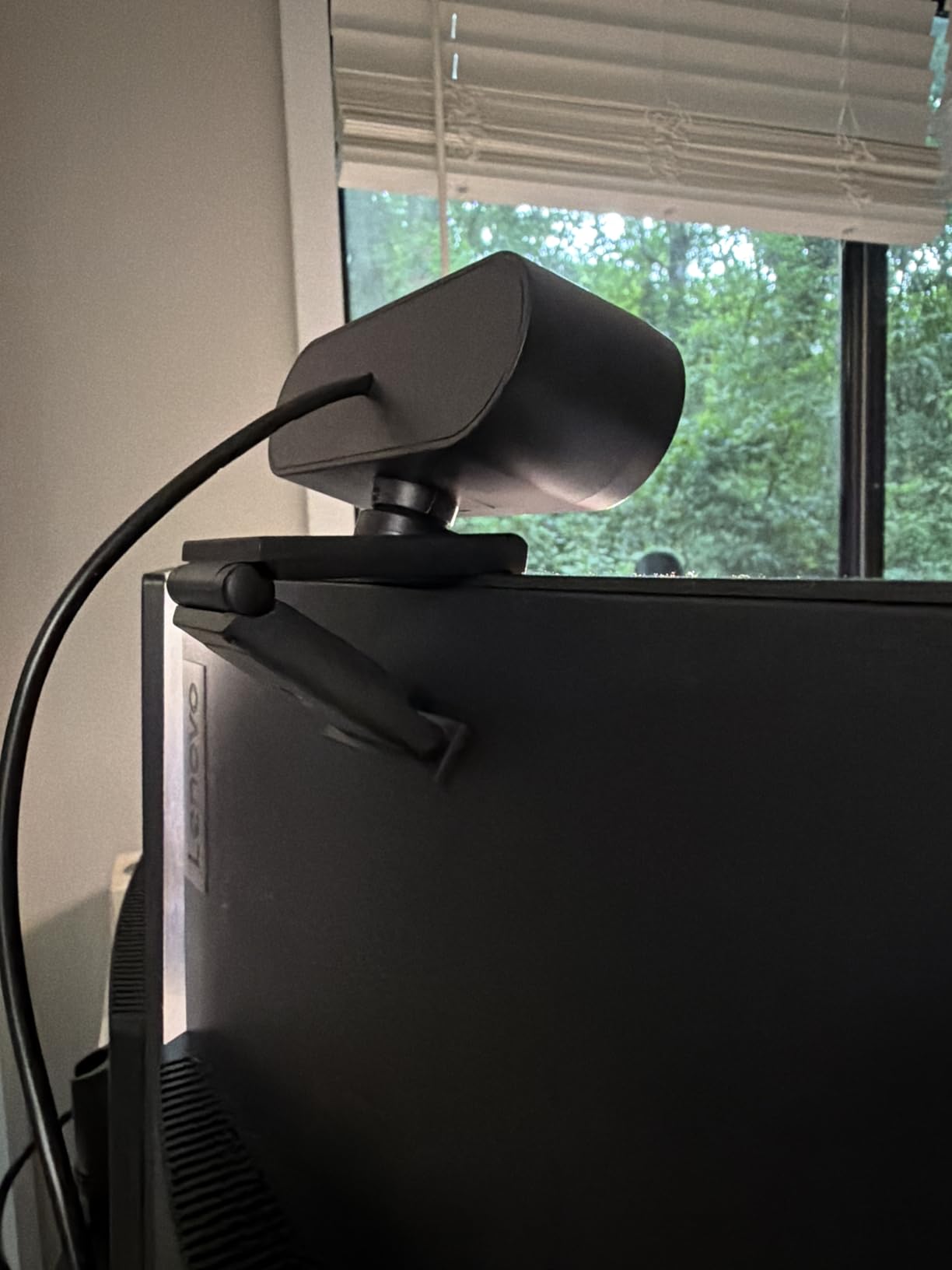
What you give up is control. There are very few user settings and no manual exposure, and the sensor is listed as unspecified rather than a named CMOS part, so there is no way to judge low-light performance from the specifications. In practice that means the automatic behaviour is all you have to work with.
It also has the smallest review base here at 591 ratings, so the visible feedback is thinner than anything else in the roundup and largely reflects the listing’s own feature claims. Treat it as a low-risk first step rather than a long-term investment, and plan to add lighting before you plan to add camera.
What you get for the money
The realistic benefit is the resolution itself. A 4K feed gives you room to crop, reframe and record locally even on a camera with no manual controls, because the reframing happens after capture rather than in the optics. Combined with a sliding lens cap, that is a genuinely useful package for a shared or occasional-use machine.
Where the low cost shows up
An unnamed sensor means you have no guarantee about light gathering, which is where the expensive cameras pull ahead in an evening room. With no exposure or focus controls, a bad lighting situation cannot be corrected from software. If your calls happen after dark, spend the difference on a model with a named sensor such as the UGREEN 65381 or the EMEET S600.
Is a 4K Webcam Worth It? Platform Caps, Cropping and Honest Use Cases
Direct answer: a 4K webcam is worth it if you record, stream, teach, present or crop your own framing, and it is largely wasted money if your only use is a standard Zoom call. Zoom, Microsoft Teams and Google Meet all cap outgoing video at 1080p, so the extra pixels are downscaled before anyone sees them.
That cap is the single biggest source of buyer disappointment in this category, and the objection is fair. When you pay two or three times more for a 4K sensor and your conferencing app quietly sends 1080p, it feels like a bad deal. It is not a bad deal, but it is a mismatch between what you bought and what the platform uses.
There is one visible difference on a call, and it comes from downsampling. A 4K sensor scaled down to 1080p samples a much larger area per output pixel, so edges look cleaner and noise is lower than on a native 1080p camera in the same light. The improvement is real but subtle, and it is not the dramatic jump people expect when they unbox a 4K webcam.
The cases where 4K clearly pays off are more common than the platform caps suggest. Recording a course, a webinar or a demo locally gives you the full 3840 by 2160 file, and editing a 4K timeline is more forgiving than a 1080p one. Digital cropping and reframing is the other one: if you want a tight head-and-shoulders shot from a camera mounted a metre away, 4K gives you the pixels to crop into without ending up soft.
So who should skip it entirely? If you sit at a desk in a well-lit room, use Zoom or Teams a few times a week, and never record, a good 1080p camera plus a basic light will match what your colleagues see. Spending the difference on lighting is not a compromise. In a dark room, a cheap ring light changes your image more than any sensor upgrade in this list, which is why r/Zoom users report the same thing over and over: the built-in laptop camera is rarely the problem, the room is.
Mac users raise the other sensible alternative. Continuity Camera turns a recent iPhone into a wireless webcam, and community feedback consistently reports that it beats most standalone webcams. If you own a recent iPhone and your calls are 1080p anyway, the phone is a credible substitute for anything on this list below the Logitech MX Brio tier.
How We Tested These 10 Webcams
Every camera was mounted at the same height on the same monitor, roughly a metre from the chair, and run through three lighting scenarios. The well-lit setup used a single soft key light in front. The low-light setup used one dim warm bulb behind the camera with no fill. The backlit setup put the only light source behind the subject, in frame.
For each one we checked autofocus behaviour by leaning forward and moving a hand across the frame, tested exposure response to a window opening, compared the microphone against the same voice clip at a fixed desk distance, and spent real time in the companion software to see how long basic adjustments take. Owner review data was read alongside our own impressions, and where the two disagree we have said so.
One test caught most of the failures: the backlit scenario. A camera that holds the window and keeps your face readable in that setup has a wider exposure range than one that does not, and that single result predicted low-light behaviour more reliably than any published specification.
What to Look For in a 4K Webcam: Sensor Size, Aperture, Field of View and More
Sensor size is the most important number, and the 1/1.3-inch style figure is the one to read first. A bigger sensor gathers more light from the same room, which lets the camera use a slower shutter and a lower ISO, and both of those reduce noise and motion smearing. In this roundup that chain runs from the Elgato Facecam 4K with its 1/1.8-inch Sony STARVIS 2, through the 1/2-inch Insta360 Link 2 and OBSBOT Meet 2, down to the 1/2.55-inch Sony sensors in the EMEET S600 and DEPSTECH DW49. Where a listing simply says CMOS with no size, treat low-light performance as unknown.
Aperture is the second number. Lower is wider, and a wider aperture gathers more light. The f/1.8 openings on the UGREEN 65381 and OBSBOT Meet 2 are good; the f/3.3 on the EMEET NOVA is the narrowest here and explains a lot about its behaviour near a bright window. The Elgato sits at f/2.8, but its much larger sensor compensates, which is a good illustration of why the two numbers have to be read together.
Field of view is the number people get wrong. A wide 90 degree lens like the AOC AC310 keeps more of the room sharp, which helps whiteboard teaching and two-person shots, but shrinks your face at the same distance. A 65 degree view flatters a single speaker. Preset switching, as on the Logitech Brio 4K with its 65, 78 and 90 degree options, is the best of both and is rarer than it should be.
Autofocus behaviour matters more than the resolution on offer. Phase detection, as used by the UGREEN 65381, the EMEET models and the Insta360 Link 2, locks and holds far better than contrast detection, which pulses and hunts. If a camera has no manual focus override, a fixed focus range or a hunting autofocus, you will fight it every session. Physical tracking, as on the Insta360 Link 2, is a different feature entirely and worth paying for if you move.
USB bandwidth catches people out. A 4K stream moves far more data than 1080p, and cameras that list a USB-C to A adapter or a detachable 3.0 cable, such as the Elgato Facecam 4K and the Logitech MX Brio, are telling you something. Plug any 4K webcam into a USB 2.0 port or an unpowered hub and you will see dropped frames or a silent drop to 1080p. That is the stuttering users describe in the forums, and it is almost always a port problem rather than a camera problem.
Platform support is the last filter, and it varies more than it should. The EMEET NOVA covers Windows, macOS, Linux and Android TV with no driver. The Insta360 Link 2 does not work on ARM-based Windows, and the MX Brio’s RightSight framing and the OBSBOT Meet 2’s Windows Hello support both fail on ARM machines while standard 4K capture continues to work. Check your architecture before you buy, not after.
Finally, treat the microphone as a separate purchase. Owners across this set describe built-in microphones as good enough for calls and tinny for anything else, and several forum threads report built-in laptop microphones sounding better. If you stream or record audio, budget for a USB microphone and spend the remaining money on lighting, which moves the image more than any camera here will.
Frequently Asked Questions
Is it worth having a 4K webcam?
A 4K webcam is worth it if you record, stream, teach or present locally, and for digital cropping and reframing. Zoom, Teams and Google Meet cap outgoing video at 1080p, so on a standard call the extra pixels are downscaled. You still get cleaner edges and lower noise than a native 1080p camera because of downsampling, but the dramatic improvement people expect mostly appears in recorded footage.
What is the best 4K webcam for PC?
The UGREEN 65381 is our pick for most PC users, with fast phase-detection autofocus, an f/1.8 aperture, dual microphones and a sliding privacy cover. For a Windows office that needs Windows Hello login and field of view presets, the Logitech Brio 4K is the alternative. If you move around the frame while presenting, the Insta360 Link 2 tracks you physically.
What is the best webcam for streaming 4K?
The Insta360 Link 2 is the strongest streaming pick here because its motorised pan and tilt follow you without cropping your 4K feed, and the 1/2-inch sensor holds up in low light. For local 4K60 recording with a large 1/1.8-inch sensor and 49mm filter support, the Elgato Facecam 4K is built for creators, though it has no built-in microphone.
Which is better, a 2K or 4K webcam?
For video calls on a 1080p-capped platform, a good 2K camera is often the smarter purchase. For recording, cropping and digital zoom, 4K gives you four times the pixels to work with. The sensor size matters more than the label, so a 4K camera with an unnamed CMOS sensor can lose to a 2K model with a large named sensor in low light.
Do 4K webcams need a USB 3.0 port?
Most do, at least for full 4K capture. 4K30 moves far more data than 1080p, and connecting through a USB 2.0 port or an unpowered hub causes dropped frames or a silent drop to 1080p. Plug the camera directly into the computer, not a hub, and if a listing mentions a USB-C to A adapter or a 3.0 cable, treat that as a bandwidth requirement.
What sensor size is best for a webcam?
Larger is better, because a bigger sensor gathers more light and lets the camera use a slower shutter and lower ISO, which reduces noise. In this roundup the Elgato Facecam 4K has the largest at 1/1.8-inch, followed by the 1/2-inch Insta360 Link 2 and OBSBOT Meet 2, then 1/2.55-inch Sony sensors. Where a listing gives no size, assume low-light performance is unknown.
Conclusion: The Best 4K Webcams for 2026
After ten cameras, three lighting scenarios and thousands of owner reviews, the UGREEN 65381 is the best 4K webcam for most people in 2026. Its phase-detection autofocus holds still, its microphones work, and its auto exposure survives a window in frame. The Insta360 Link 2 is the pick when you move, and the Logitech MX Brio is the pick when your days are calls and manual control matters.
Spend the difference on lighting if you are only joining meetings, and check your operating system architecture before you buy anything with AI features. Whatever you choose, verify it in a dark room before you commit to a long-term setup.