
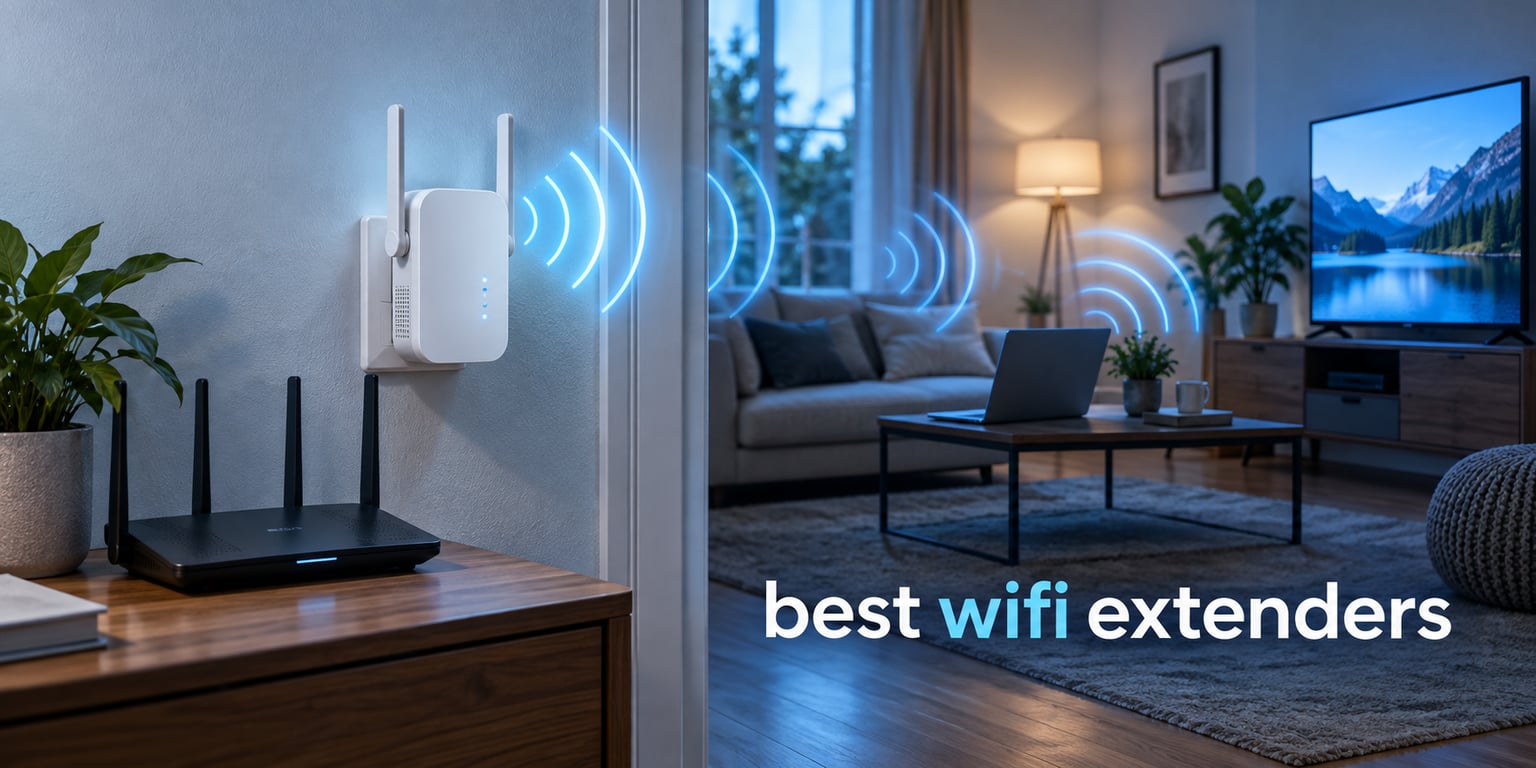
The best WiFi extenders for 2026 are the TP-Link RE220 for most homes, the TP-Link RE315 if you want gigabit-class hardware and 32-device capacity, and the Amazon eero 6 add-on if you already run eero. All three fix a dead room; none of them will make your internet plan faster.
Here is the part most roundups skip. A WiFi extender receives your router’s signal and re-broadcasts it, which means every byte travels twice. Real-world throughput through a wireless extender typically lands at around half of what you get standing next to the router. That is physics, not a defect, and it is why an extender is a coverage tool rather than a speed tool.
Our team compared 12 extenders, covering everything from plug-in dual-band units to a WiFi 6 model and a mesh add-on node. We looked at band configuration, aggregate speed class, Ethernet port speed, antenna layout, device capacity, setup method and warranty. What we found is that the brand and model on the box matter far more than the square-footage number on the front.
Last updated in 2026. We earn a commission when you buy through links on this page, at no extra cost to you.
Table of Contents
Top 3 Picks Best WiFi Extender Picks in 2026


Amazon eero 6 Add-On
- Adds 1500 sq ft WiFi 6
- TrueMesh routing
- App-guided setup
- Needs an eero system
All 12 Best WiFi Extenders Compared (September 2026)
| Product | Specifications | Action |
|---|---|---|
| TP-Link RE220 |
|
Check Latest Price |
| TP-Link RE315 |
|
Check Latest Price |
 TP-Link RE550 TP-Link RE550 |
|
Check Latest Price |
 NETGEAR EX5000 NETGEAR EX5000 |
|
Check Latest Price |
 NETGEAR EX6250 NETGEAR EX6250 |
|
Check Latest Price |
 NETGEAR EAX17 NETGEAR EAX17 |
|
Check Latest Price |
 Tenda A18 Tenda A18 |
|
Check Latest Price |
 Tenda A18Pro Tenda A18Pro |
|
Check Latest Price |
 Cudy RE1200 Cudy RE1200 |
|
Check Latest Price |
| Amazon eero 6 Add-On |
|
Check Latest Price |
 FjUoLzgK Dual-Band Extender FjUoLzgK Dual-Band Extender |
|
Check Latest Price |
 Tenda A33 Tenda A33 |
|
Check Latest Price |
Reality Check: What Coverage Claims and Speed Classes Actually Mean
Spend five minutes on any marketplace and you will see extenders promising coverage of 12,000 square feet, 18,000 square feet, even more. Those figures come from combining the two or three radios on the board and multiplying, not from a measured signal in a real house. Treat them as marketing and ignore them entirely.
The number that does matter is the speed class: AC1200, AX3000, AC1900 and so on. That figure is the sum of every band on the device at maximum link rate, so an AC1200 is really 867 Mbps on 5 GHz plus 300 Mbps on 2.4 GHz, and you will never see both at once. It tells you the ceiling of the hardware, not the speed you will get.
Coverage depends on three things you can actually control: how many walls sit between the router and the extender, what those walls are made of, and where you plug the extender in. Drywall and glass are forgiving. Brick, concrete, foil-backed insulation and metal appliances are not. 5 GHz dies quickly against masonry, while 2.4 GHz pushes through it at lower speed.
That is why the same model can look brilliant in one home and disappointing in the next. An extender is only as strong as the signal that reaches it, and a weak signal arriving at the extender is what gets re-broadcast to your phone.
1. TP-Link RE220 – Best Overall Value Dual-Band Extender
TP-Link WiFi Extender with Ethernet Port, Dual Band 5GHz/2.4GHz, Up to 44% More Bandwidth Than Single Band, Covers Up to 1200 Sq.ft and 30 Devices, Signal Booster Amplifier Supports OneMesh(RE220)
AC750 dual-band
1200 sq ft coverage
Up to 30 devices
OneMesh support
Pros
- Dual-band delivers far more bandwidth than single-band N300 units
- Compact wall-plug design is easy to place
- OneMesh works with compatible TP-Link routers
- Ethernet port for a wired device
Cons
- AC750 class hardware is dated on 2.4 GHz
- Modest 1200 sq ft claim versus newer models
- Advanced setup can need manual configuration
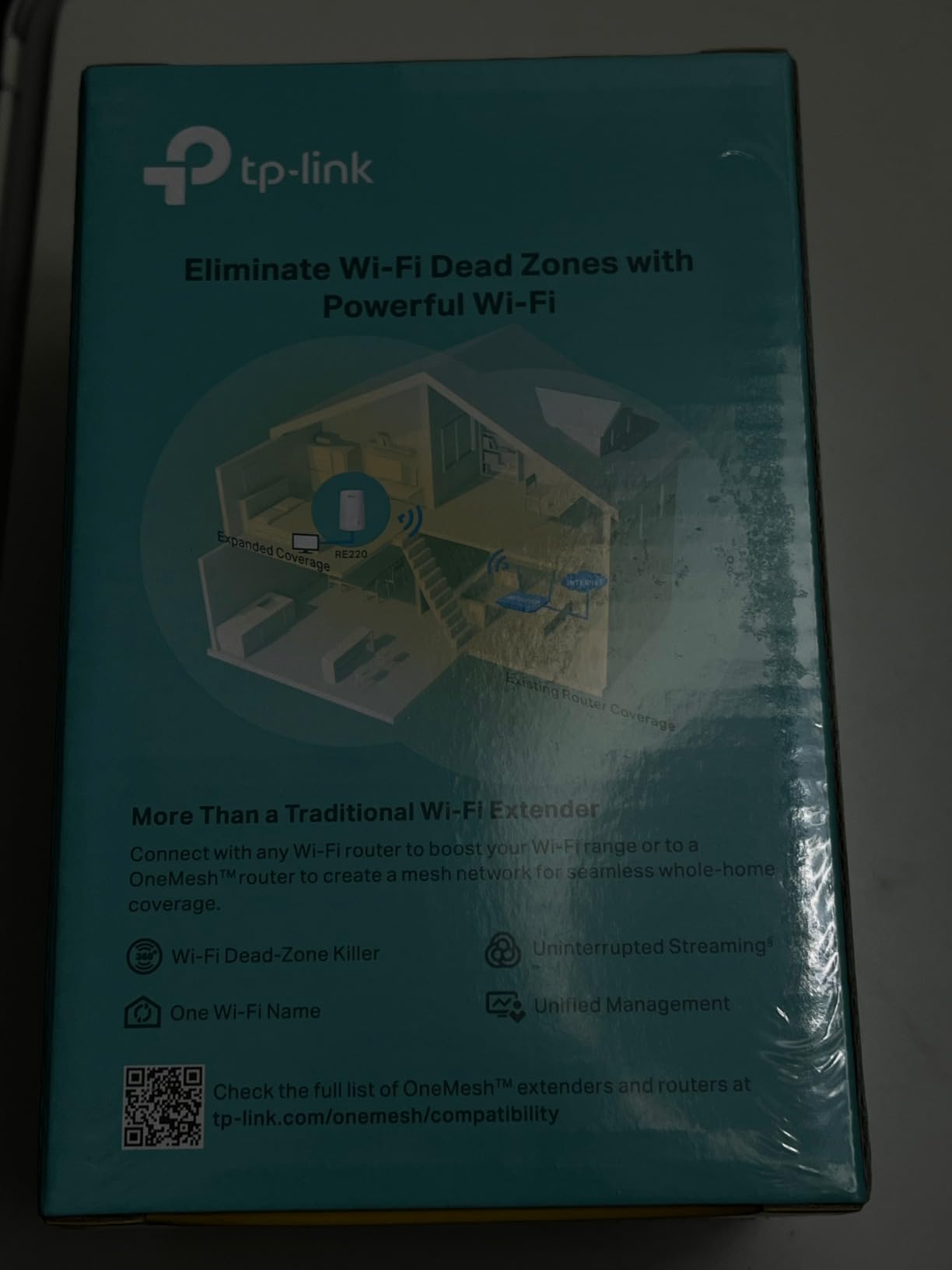
I have a TP-Link RE220 in a rental unit where the router sits in a hall closet and the far bedroom falls off a cliff. This is the unit I keep coming back to, mostly because of the review volume: 114966 owners have left a rating on it, and the sample size is large enough that the 4.0 average reflects real long-term use rather than launch-week enthusiasm.
It is a plug-in box with two internal antennas, a single Ethernet port, and OneMesh support so it can join a compatible TP-Link router without creating a second network name. The 2.4 GHz side runs at 300 Mbps and the 5 GHz side at 433 Mbps, which is enough for browsing, video calls and HD streaming in a room that previously had nothing usable.
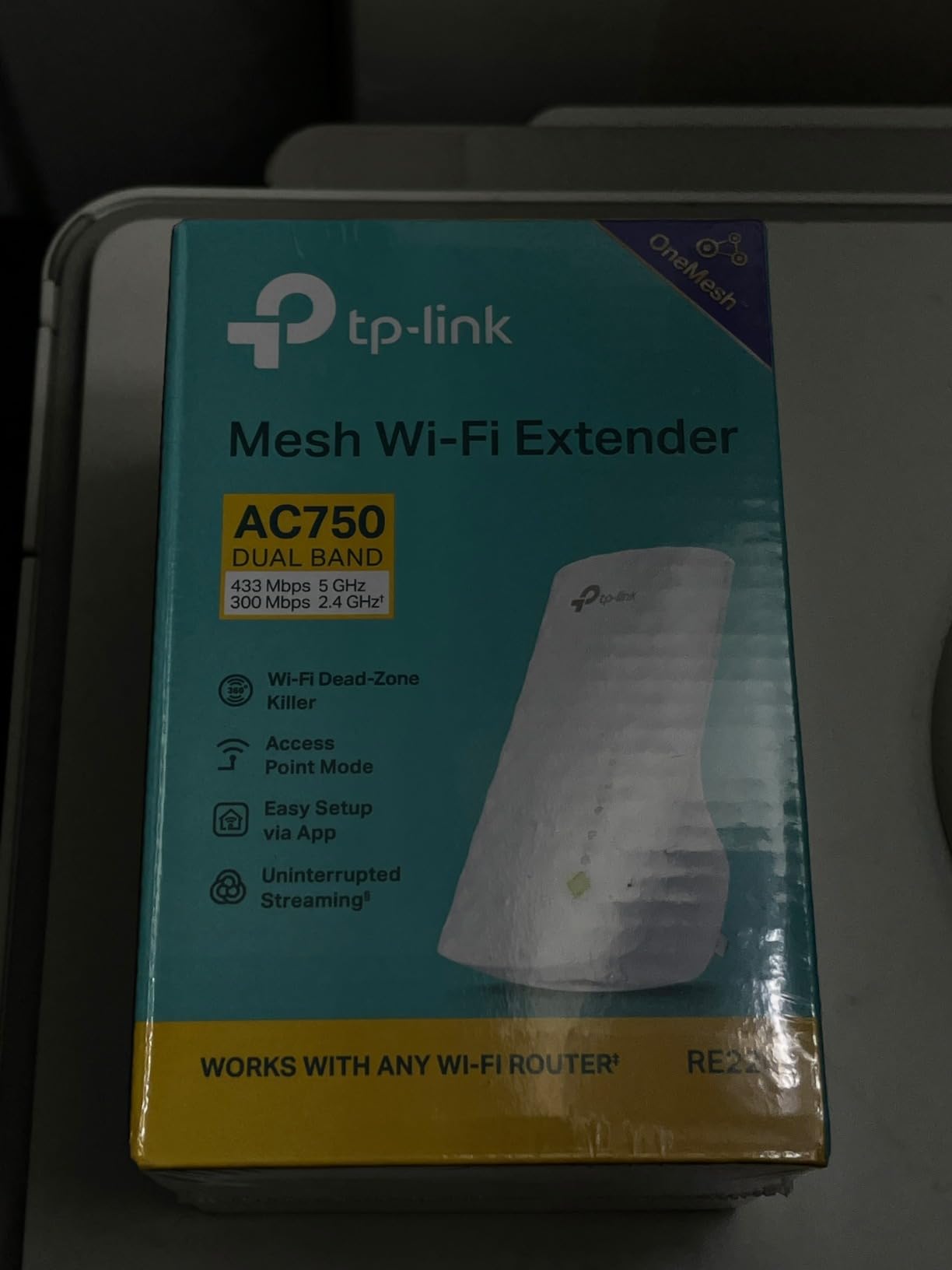
The honest limitation is age. This is AC750-class hardware, so the 5 GHz radio tops out at 433 Mbps, and backhaul over that radio is shared by every device downstream. If your router is WiFi 6 or WiFi 7, this extender will not take advantage of what your router is offering.
Roughly one owner in ten leaves a one-star rating, and the complaints cluster on limited real-world speed gain and the need for careful placement. That is the standard extender experience, not a defect unique to this model.
Who the RE220 suits
A small to medium home with one or two weak rooms, a modest internet plan, and a router already on TP-Link firmware. It is also the easiest unit here to explain to someone renting, since it plugs into a single outlet and pairs with a button press.
Who should look elsewhere
If you have a gigabit fibre connection, a large house with several floors between the router and the dead zone, or a WiFi 6 router, the halved throughput will be obvious at the 4K streaming point. Look at the RE315 or a mesh system instead.
2. TP-Link RE315 – Best Value Extender for Most Homes
TP-Link AC1200 WiFi Extender Dual Band 5GHz/2.4GHz (RE315)
AC1200 dual-band
1500 sq ft coverage
Up to 32 devices
EasyMesh support
Pros
- Adaptive Path Selection and one-touch connection make setup simple
- Two adjustable external antennas
- Fast Ethernet port for a wired device
- Tether app with signal indicator
Cons
- EasyMesh pairing will not work with Deco mesh systems
- Coverage gains do not raise raw speed
- Fast Ethernet port only
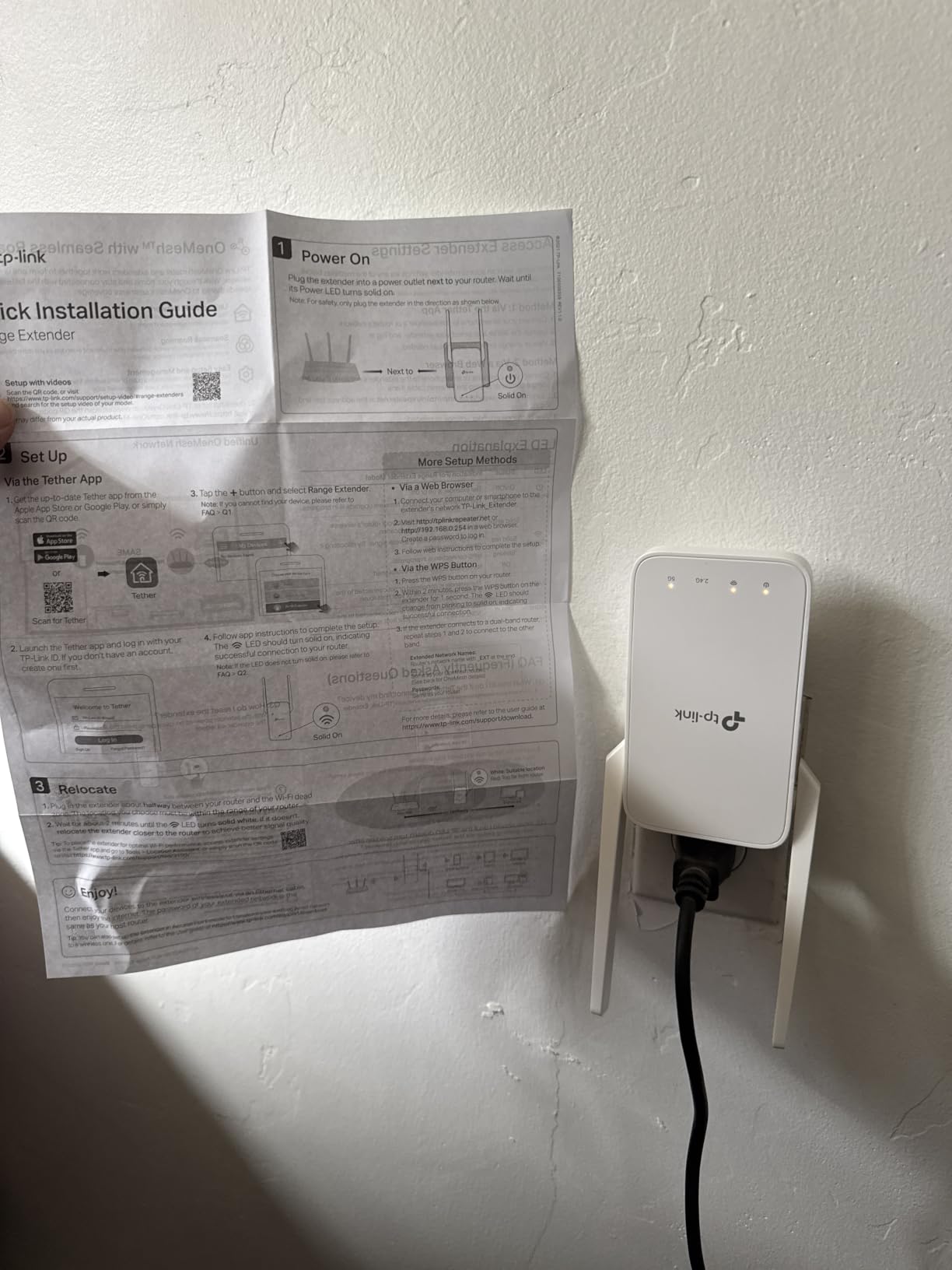
When I recommend a WiFi extender to a friend, this is usually the one. The RE315 carries a 4.2 rating across 44823 reviews, it is the top-ranked repeater in its category, and the hardware is a step up from the AC750 tier without jumping into tri-radio territory.
It splits into 867 Mbps on 5 GHz and 300 Mbps on 2.4 GHz, covers a stated 1,500 square feet, and handles up to 32 devices. Two adjustable external antennas give you physical aiming, which matters more than antenna count when you are fighting a stairwell or a load-bearing wall.
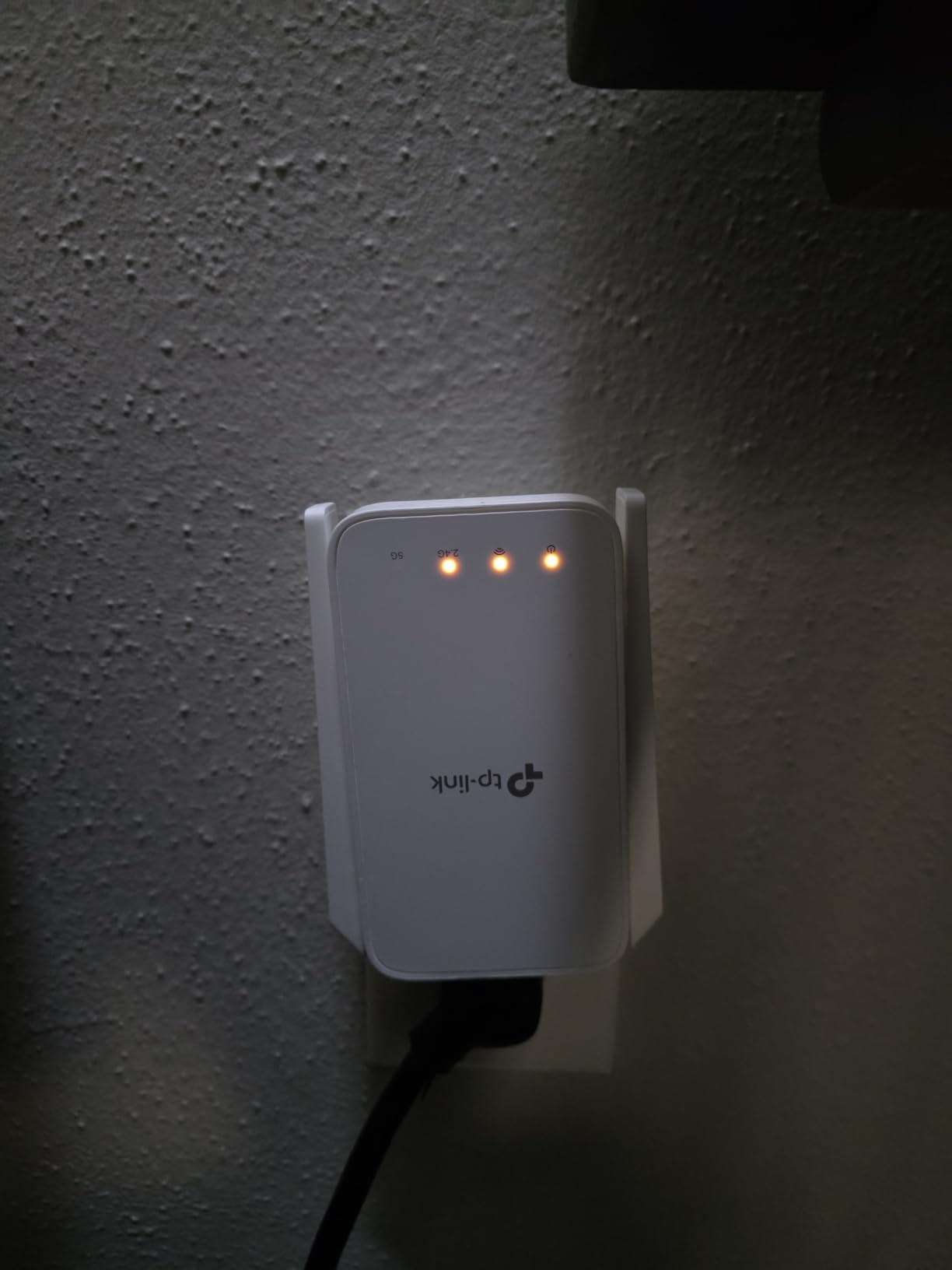
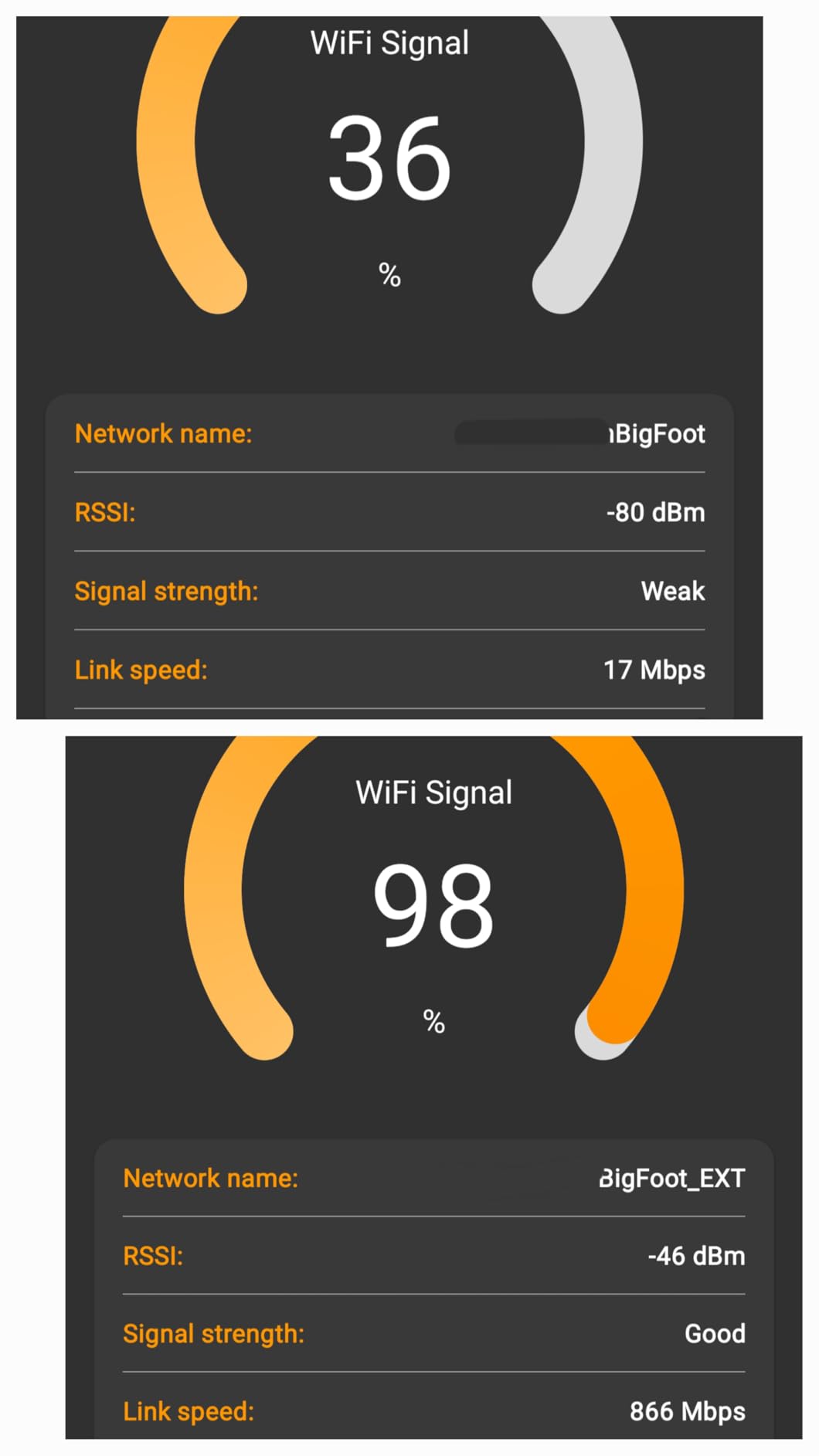
The Tether app walks you through placement and shows a signal strength indicator, so you can move the unit around and watch the reading change instead of guessing. Adaptive Path Selection picks the cleaner backhaul path for you, which is genuinely useful in a house with two floors.
Two things to know before you buy. First, a recurring 10% one-star group reports weak performance at long distances or friction with the mesh ecosystem. Second, EasyMesh pairing will not work with TP-Link Deco systems, so if your plan is a Deco mesh network later, this is the wrong branch.
Who the RE315 suits
Most people reading this page. A family home of roughly 2,000 to 3,000 square feet with a dead bedroom, a couple of gaming consoles and a handful of smart devices. The fast Ethernet port also lets you hardwire a TV or desktop and take that device off the wireless budget entirely.
Who should look elsewhere
Renters on Deco mesh, and anyone whose problem is slow speed in every room rather than no signal in one room. Congestion is a different failure with a different fix, and no extender on this list solves it.
3. TP-Link RE550 – Best for Large Homes with Three Antennas
TP-Link AC1900 WiFi Range Extender RE550 | Dual-Band Wireless Repeater
AC1900 dual-band
2100 sq ft coverage
Up to 32 devices
Gigabit Ethernet
Pros
- 1300 Mbps on 5 GHz gives better backhaul than budget models
- Three adjustable external antennas
- Gigabit Ethernet port with access point mode
- Tether app with signal indicator
Cons
- Large desktop-style footprint for an outlet shelf
- EasyMesh pairing will not work with Deco systems
- Throughput through the extender is typically half or less
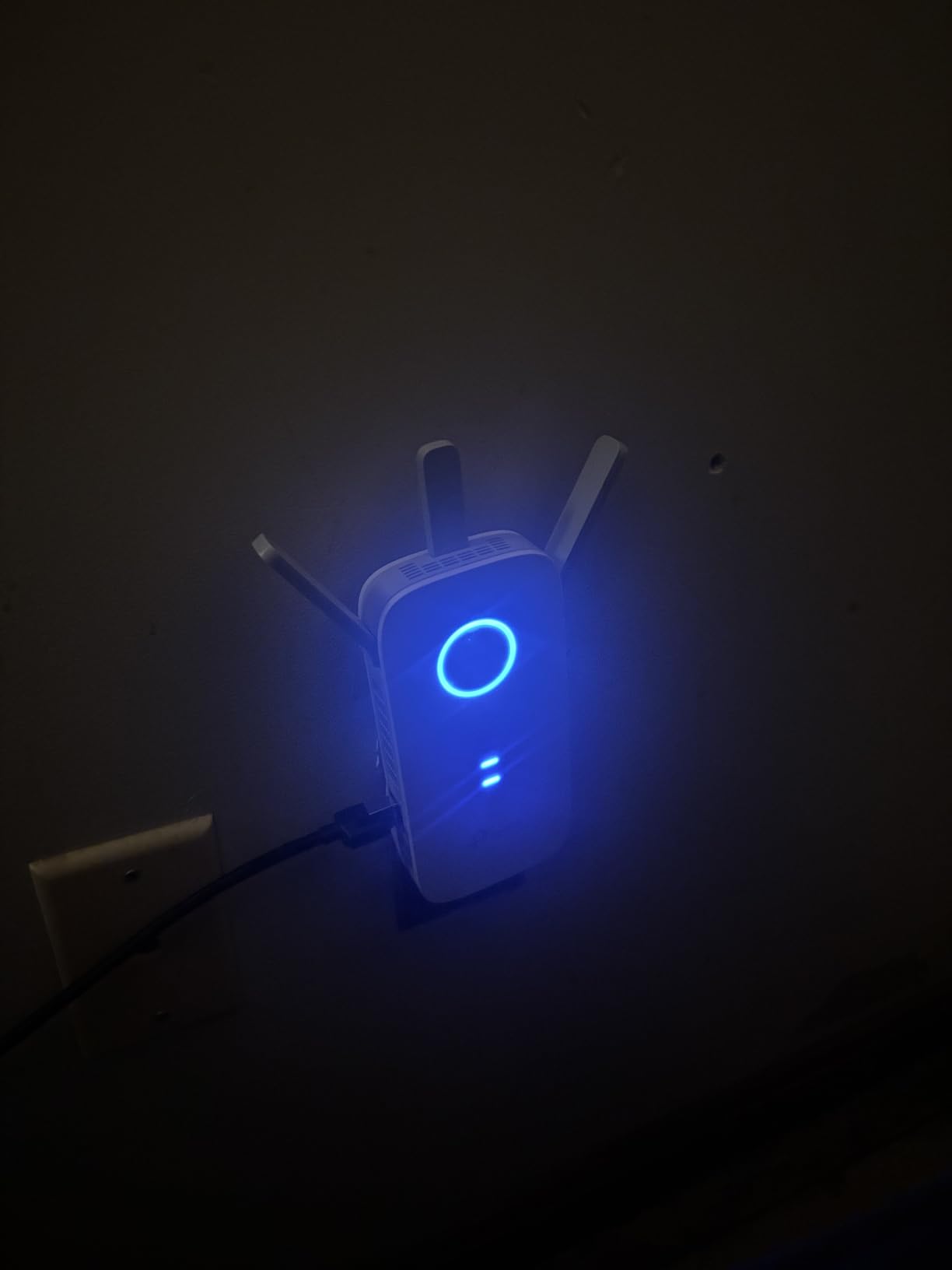
The RE550 is the pick when the dead zone is a whole floor rather than a single room. It is an AC1900 unit, so the 5 GHz radio pushes 1,300 Mbps and the 2.4 GHz radio pushes 600 Mbps, and that gap in backhaul headroom is the whole reason it outperforms a dual-band budget box on streaming.
Three adjustable antennas cover a stated 2,100 square feet for up to 32 devices, and the gigabit Ethernet port means you can pull a cable to a desk, a media console or a second access point. Access point mode lets it stop re-broadcasting and simply extend your existing network over a wire.
Owners rate it 4.3 across 18541 reviews, with 70% of ratings at five stars. The praise is consistently about speed and stability compared with cheaper dual-band units. The criticism is almost always physical: this is a desktop-style box, not a wall plug, and it needs a shelf or a tabletop.
Access point mode is worth understanding before you buy. Run a cable from your router to the RE550, switch it into AP mode, and it becomes a wired access point with no backhaul penalty. In a home with cable already in the walls, that one setting removes the 50% problem entirely.
Who the RE550 suits
A 3,000 square foot or larger home with a dead second floor, or anyone who can run a cable and wants to use access point mode. It is also a good fit for a household where a dozen devices are streaming at once and a 433 Mbps backhaul radio becomes the bottleneck.
Who should look elsewhere
Small apartments and rentals where there is no shelf space, and Deco mesh households, since the pairing will not cooperate. If your slowness is in every room, this is more hardware pointed at the wrong problem.
4. NETGEAR EX5000 – Best for Apartments and Renters
NETGEAR WiFi Extender EX5000, up to 1,500 sq ft, 1.2 Gbps
AC1200 dual-band
1500 sq ft coverage
Up to 25 devices
WPS pairing
Pros
- WPS pairing often works within minutes
- Compact design does not block a second outlet
- Works with any router or ISP gateway
- WPA2 and WPA3 with automatic firmware updates
Cons
- Measured throughput can fall well below the advertised rate
- App and browser setup can fail and need manual IP entry
- WiFi 5 only
- so no benefit from a WiFi 6 router
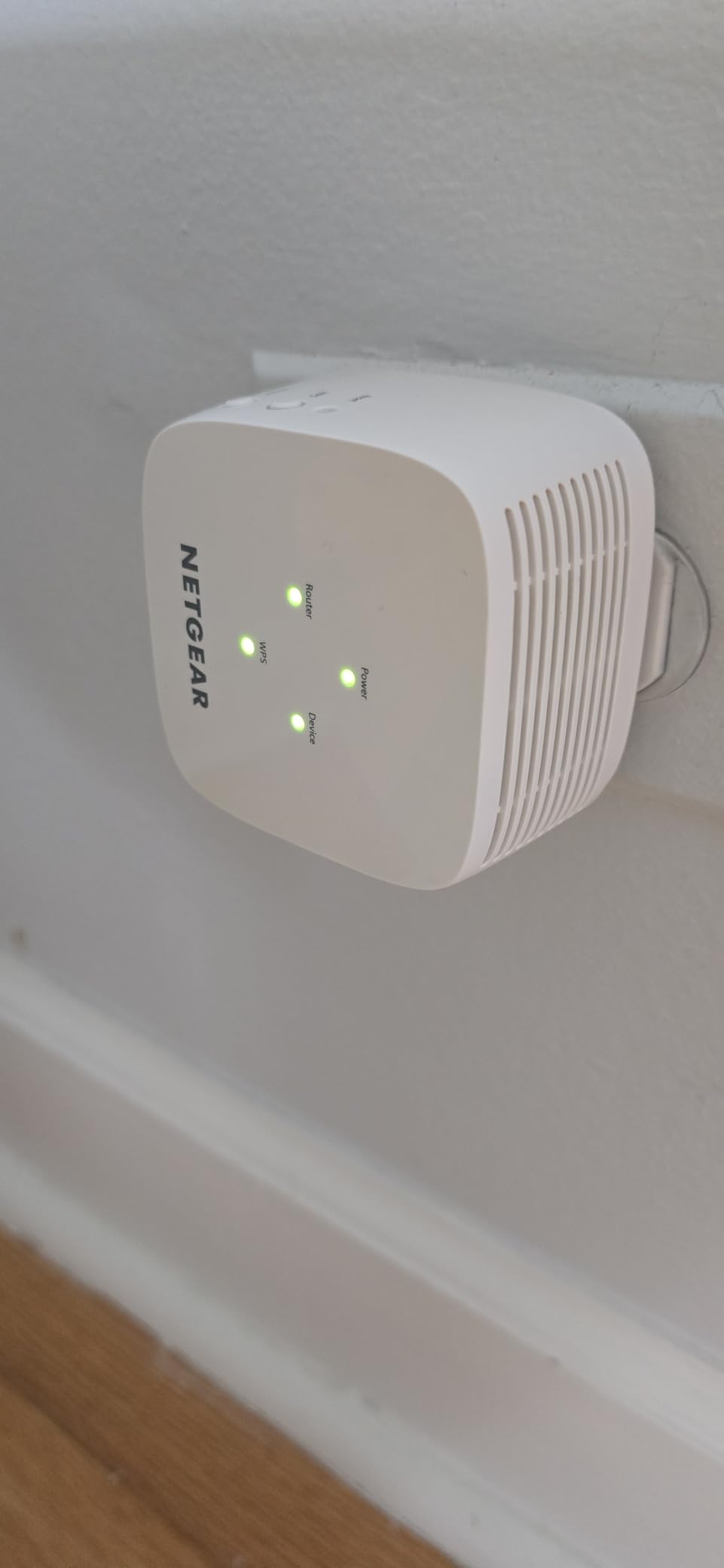
For a studio, a one-bedroom flat or a rented house where you cannot touch the router, the EX5000 is the least fussy option here. It pairs by WPS button, works with any existing router or ISP gateway, and the plug-in body sits without covering the second socket on a wall outlet.
It is dual-band AC1200 with a stated 1,500 square feet and up to 25 connected devices, plus WPA2/WPA3 security and automatic firmware updates. That last point is the one most listings skip: a brand that ships firmware fixes is a real difference over an unbranded box.
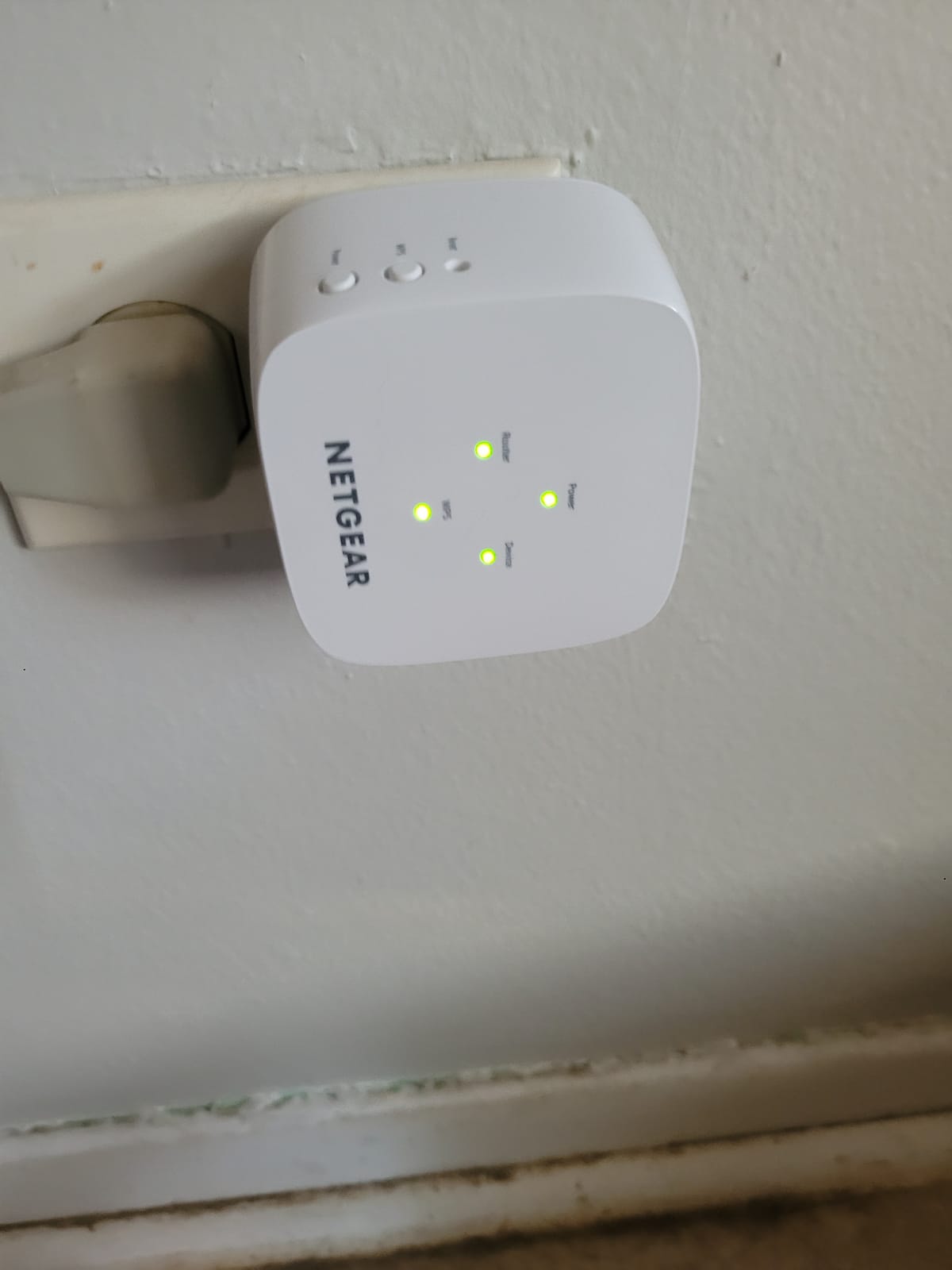
It is also the one model here where measured performance has visibly undershot the spec sheet. One tester recorded roughly 42 Mbps against a much faster wired access point in the same house. Expect the halved-backhaul behaviour and do not expect the advertised 1.2 Gbps.
The 12% one-star share is among the higher negative shares among the budget dual-band units here, driven by unstable connections, interrupted service and weaker-than-expected range in some homes. Setup can also fail through the Nighthawk app or browser flow, at which point manual IP address entry is the fallback.
Who the EX5000 suits
Tenants and apartment dwellers who cannot reconfigure the ISP gateway, and anyone who wants brand support and firmware updates without a mesh ecosystem. Twenty-five devices is plenty for a flat, and the form factor disappears into a hallway outlet.
Who should look elsewhere
Households already on a WiFi 6 router, since this is WiFi 5 hardware, and anyone who cares about gaming latency or running many 4K streams at once. The speed ceiling is real and it arrives early.
5. NETGEAR EX6250 – Premium Pick for Big Coverage Areas
NETGEAR WiFi Extender EX6250, up to 2,100 sq ft, 1.75 Gbps
AC1750 dual-band
2100 sq ft coverage
Up to 35 devices
Gigabit Ethernet
Pros
- Largest stated coverage figure in this group
- AC1750 with FastLane for HD streaming and gaming
- Gigabit Ethernet port for a full-speed wired link
- Works with any router or gateway
Cons
- WiFi 5 only
- so no gain from a WiFi 6 source router
- Desktop-style form factor takes up shelf space
- Wireless backhaul still reduces real-world throughput
The EX6250 is the largest-coverage unit in this group on paper, with a stated 2,100 square feet for up to 35 devices. AC1750 class hardware plus FastLane technology is aimed squarely at demanding HD streaming and gaming rather than basic browsing.
What makes it interesting is the gigabit Ethernet port. On a device this size, hardwiring the device that matters most is a better plan than hoping the wireless backhaul carries it. A wired console, a desktop or an access point downstream all get full speed.
The catch is generational. This is WiFi 5 hardware, so if your router is a WiFi 6 model, connecting through the EX6250 steps you down a generation. Owners who bought it expecting WiFi 6-era performance at a premium price are the source of the 12% one-star group.
It also works with any existing router or gateway, so there is no ecosystem lock-in to worry about. The review base of 4462 owners is smaller than the budget models, with 59% of ratings at five stars, so the long-term field history is thinner.
Who the EX6250 suits
Large homes on a WiFi 5 network that want the biggest stated footprint plus a gigabit port for one hardwired device. FastLane makes it a reasonable fit for a household where a television in the far room is the main complaint.
Who should look elsewhere
Anyone on a WiFi 6 router, who should look at the EAX17 instead, and anyone with a stated preference for a small wall-plug unit. The desktop footprint needs a real surface, not a socket.
6. NETGEAR EAX17 – Best for WiFi 6 Routers
NETGEAR Nighthawk WiFi Extender EAX17, up to 1,500 sq ft, 3 Gbps
AX3000 WiFi 6
1500 sq ft coverage
Up to 20 devices
Smart Roaming
Pros
- The only WiFi 6 extender in this roundup
- AX3000 rated up to 3.0 Gbps
- Smart Roaming keeps a single network name
- Gigabit Ethernet port
Cons
- Rated for only 20 connected devices
- Small review base of 182 owners
- 14% one-star share points to variable results
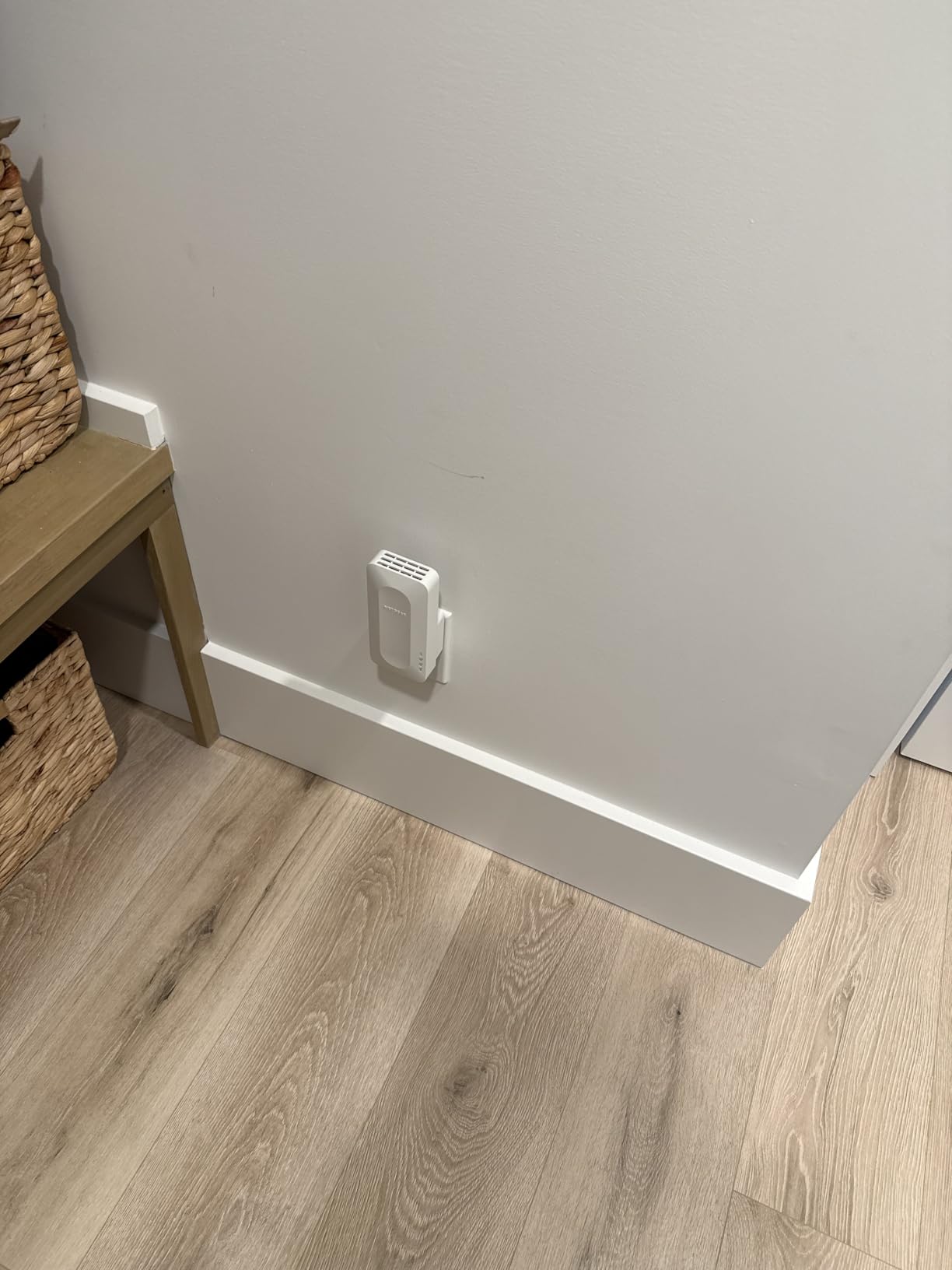
Everything else in this list is WiFi 5, so if your router is a WiFi 6 model, the EAX17 is the only extender here that will not hold your network back. It runs 802.11ax, is rated at up to 3.0 Gbps aggregate on the AX3000 class, and adds up to 1,500 square feet.
Smart Roaming keeps a single network name across the home and moves devices to the strongest signal on their own, which avoids the second-login-prompt problem that trips up casting devices and smart-home hardware. Setup runs through the Nighthawk app or WPS, and there is a gigabit Ethernet port.
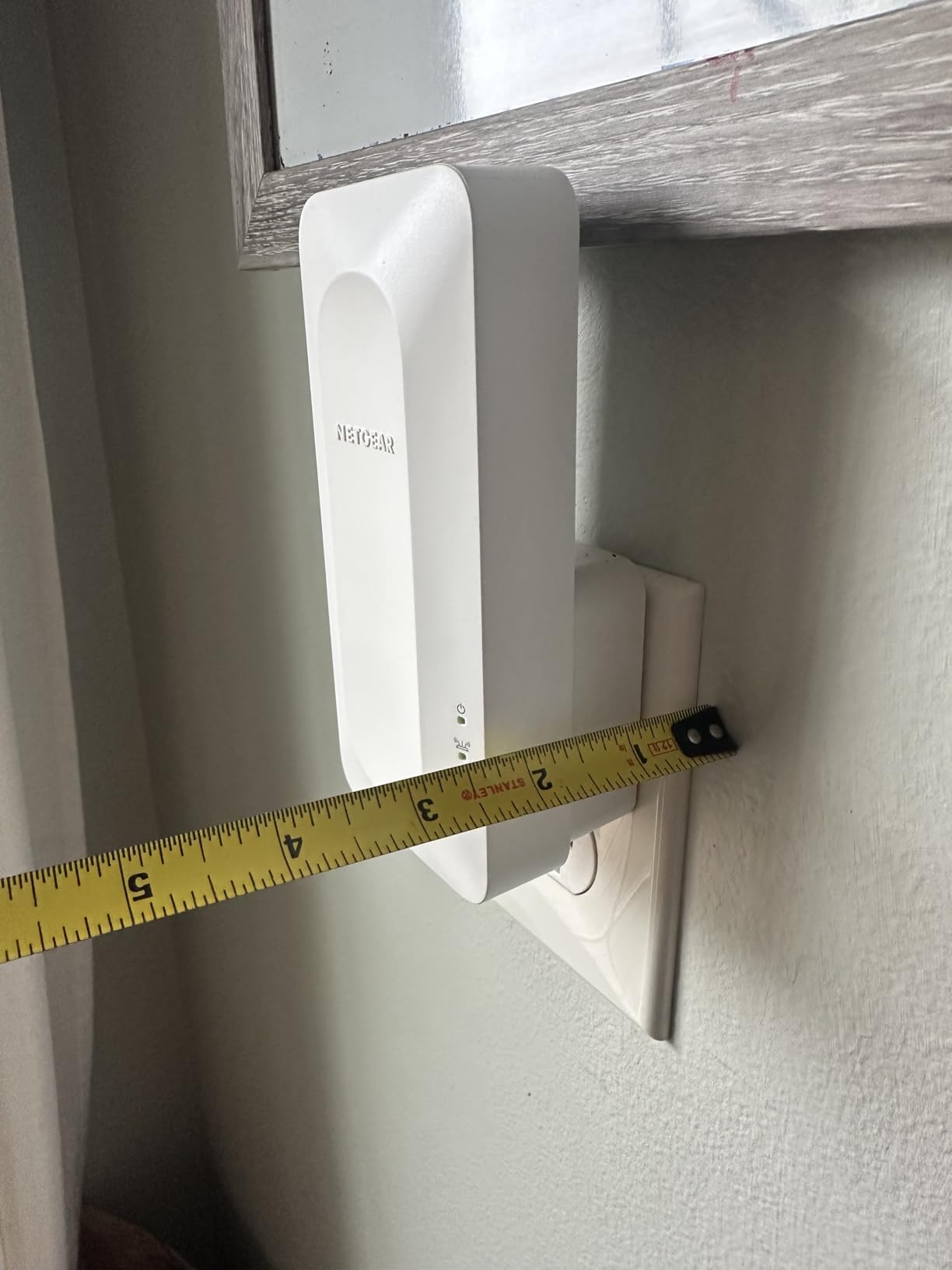
Two caveats, both stated plainly by owners. It is rated for 20 devices, fewer than most competing dual-band extenders here, and the review base is 182 owners rather than tens of thousands, so you are trusting the spec sheet more than the field history.
The 14% one-star share is among the higher negative shares in this group, which points to results that depend heavily on placement rather than uniform behaviour. Buyers who expect it to fix a stubborn concrete-walled basement are the ones most likely to be disappointed.
Who the EAX17 suits
Homeowners who have already upgraded the router to WiFi 6 and need coverage in one additional room, and smart-home households that want a single network name rather than an extender SSID to reconfigure every device onto.
Who should look elsewhere
Homes with more than 20 connected devices, and anyone unwilling to tune placement. If you cannot control where the extender sits, the variable results owners report will dominate your experience.
7. Tenda A18 – Best Budget Fix for a Single Dead Zone
Tenda WiFi Range Extender AC1200, Dual-Band867Mbps 5GHz/300Mbps 2.4GHz, WiFi Booster Suitable for Every House, One Ethernet Port(A18 V4.0)
AC1200 dual-band
1300 sq ft coverage
Up to 23 devices
3 year warranty
Pros
- Strongest satisfaction score among the budget models
- Setup from plug-in to working in minutes
- Two 5G FEM modules and 3dBi antennas aid wall penetration
- Three-year manufacturer warranty
Cons
- Ethernet port limited to 100 Mbps
- Coverage does not increase ISP bandwidth
- Setup documentation describes several methods and confuses some buyers
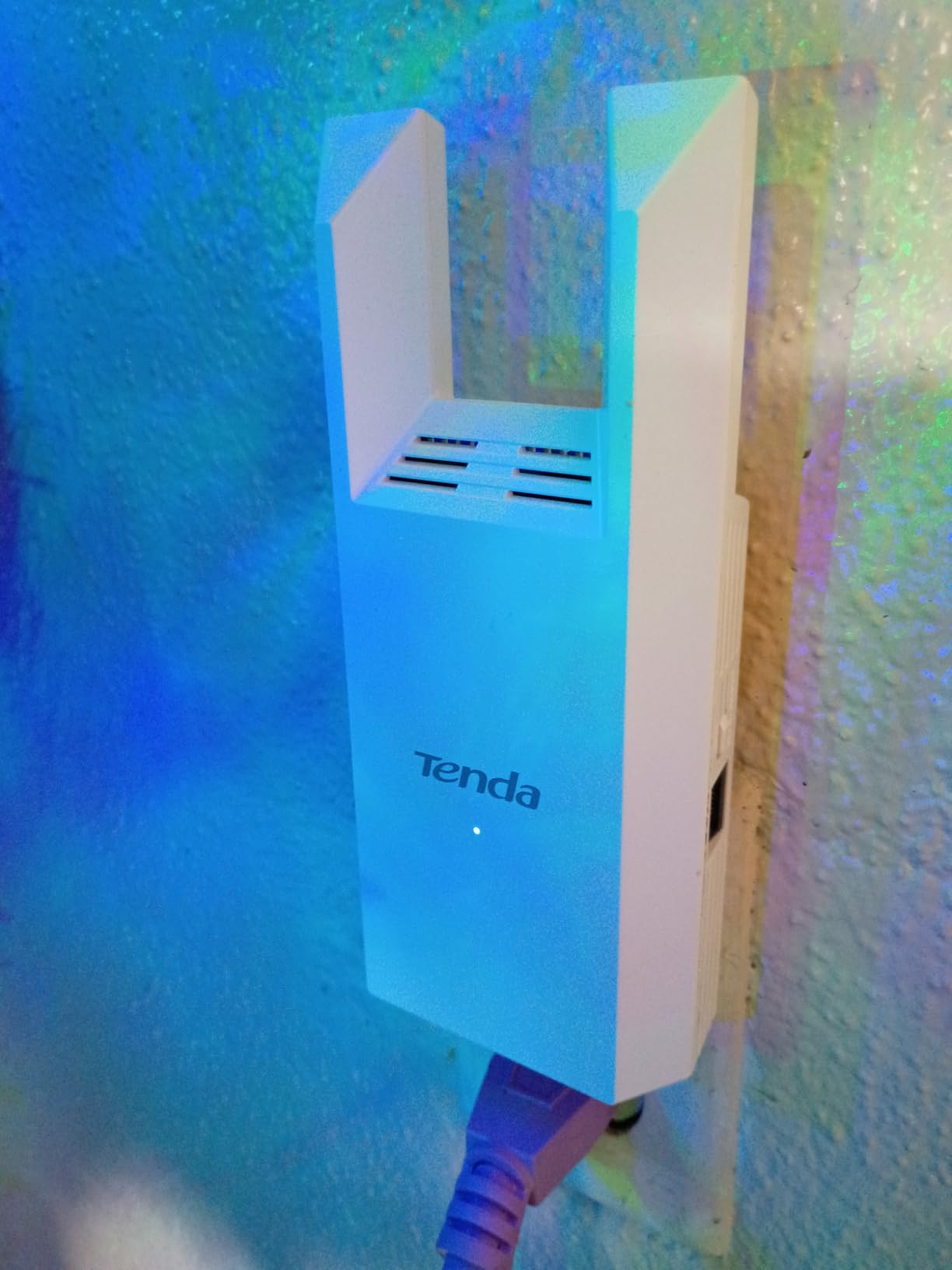
The Tenda A18 carries a 4.5 rating across 450 reviews, the highest satisfaction score among the entry-level units here. Owners consistently describe it as fixing one specific dead zone for very little money, and a number have bought a second to cover another room.
Hardware is dual-band with 867 Mbps on 5 GHz and 300 Mbps on 2.4 GHz, two 3dBi antennas, and two 5G FEM modules that improve 5 GHz wall penetration. It covers a stated 1,300 square feet for up to 23 devices, and a Tenda WiFi app handles remote management.
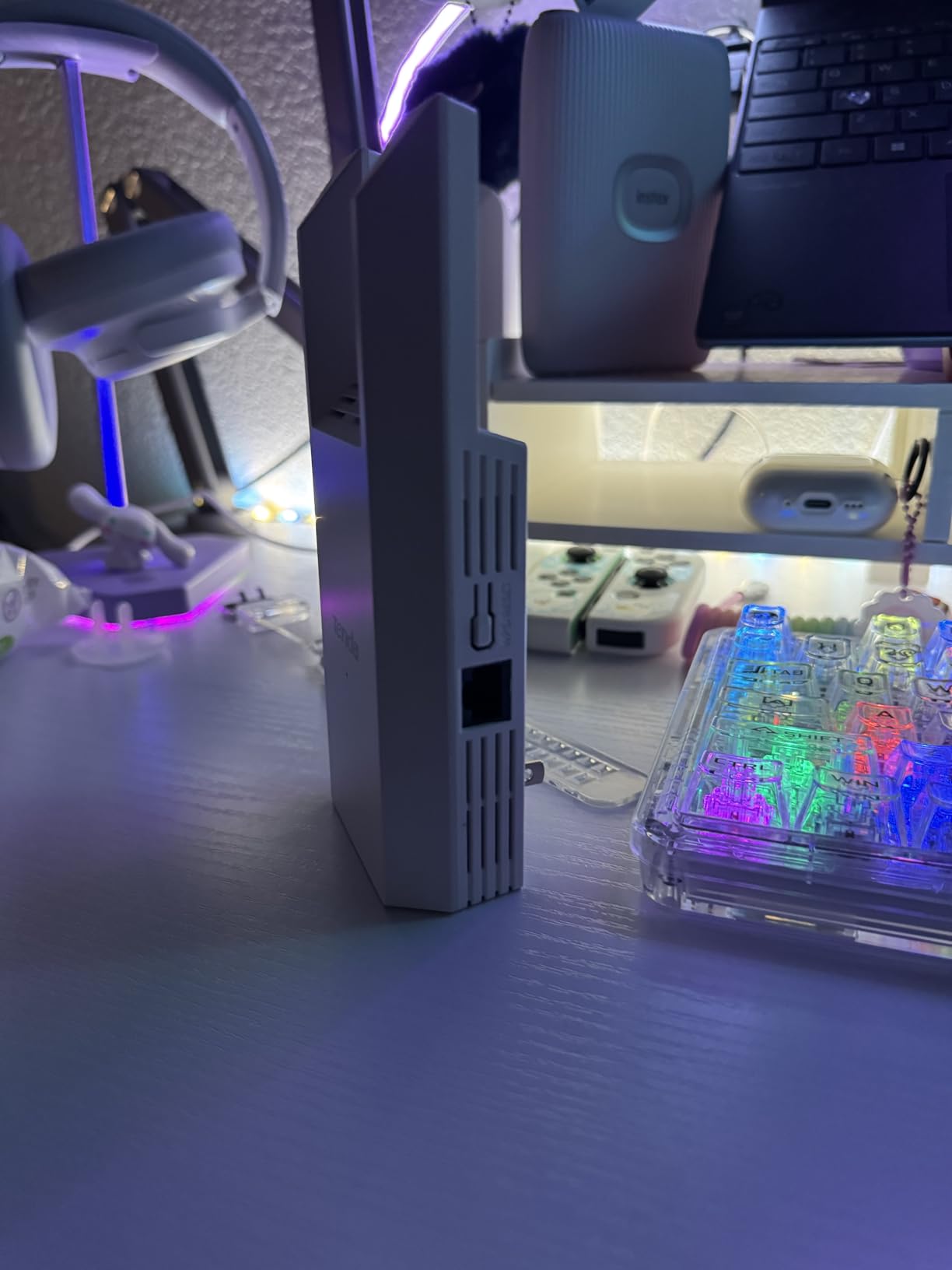
The 100 Mbps Ethernet port is the limitation to plan around. That is fine for a printer or a smart hub and too slow for a television or a console if you intend to hardwire. Budget extenders almost always compromise here, and this one is no exception.
The three-year manufacturer warranty stands out at this price, longer than most of the branded units in this roundup. The negatives cluster on setup friction from confusing documentation and on the port speed, not on the wireless performance itself.
Who the Tenda A18 suits
One dead room in a modest home, a rental, or a first apartment where you want the cheapest thing that reliably extends a signal. Three years of warranty coverage is unusual in this bracket and worth something on its own.
Who should look elsewhere
Anyone who wants to hardwire a high-bandwidth device, and anyone chasing gaming latency. Boosting coverage does not increase your ISP bandwidth, so throughput still drops over wireless backhaul.
8. Tenda A18Pro – Best Budget Extender with Gigabit Ethernet
Tenda WiFi Range Extender AC1200 – WiFi Extender with Gigabit Ethernet Port, 1.2Gbps Home Signal Booster, Dual Band, Up to 1600 Sq & 32 Devices (A18Pro)
AC1200 dual-band
1500 sq ft coverage
Gigabit Ethernet port
MU-MIMO
Pros
- Gigabit Ethernet port is a real upgrade over the 100 Mbps base model
- Owners report strong coverage across two-story homes
- Gigabit port with access point mode
- Compact wall plug with LED signal indicator
Cons
- Some owners report unstable connections at longer distances
- Effective open-air range reported as only a few meters
- Performs better with a wired upstream connection
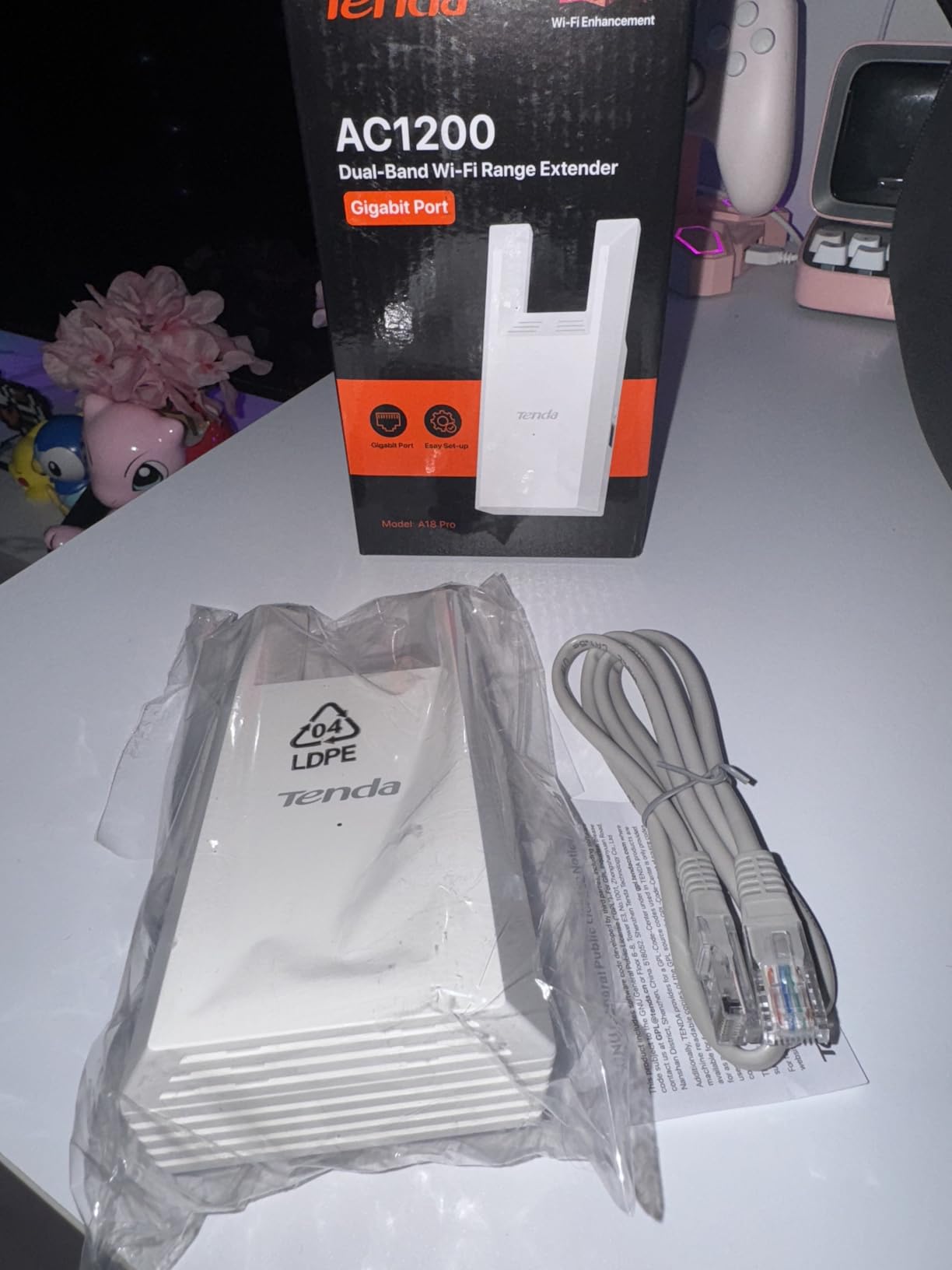
The A18Pro is the same idea as the A18 with one important change: the Ethernet port runs at gigabit rather than 100 Mbps. If you were tempted by the cheaper model but wanted to wire something, this is the version that makes wiring worthwhile.
It is still dual-band AC1200 with 867 Mbps on 5 GHz and 300 Mbps on 2.4 GHz, two 3dBi dual-band antennas, and a stated 1,500 square feet of coverage. MU-MIMO, an LED signal indicator and access point mode round out the feature set, with app-based remote management.
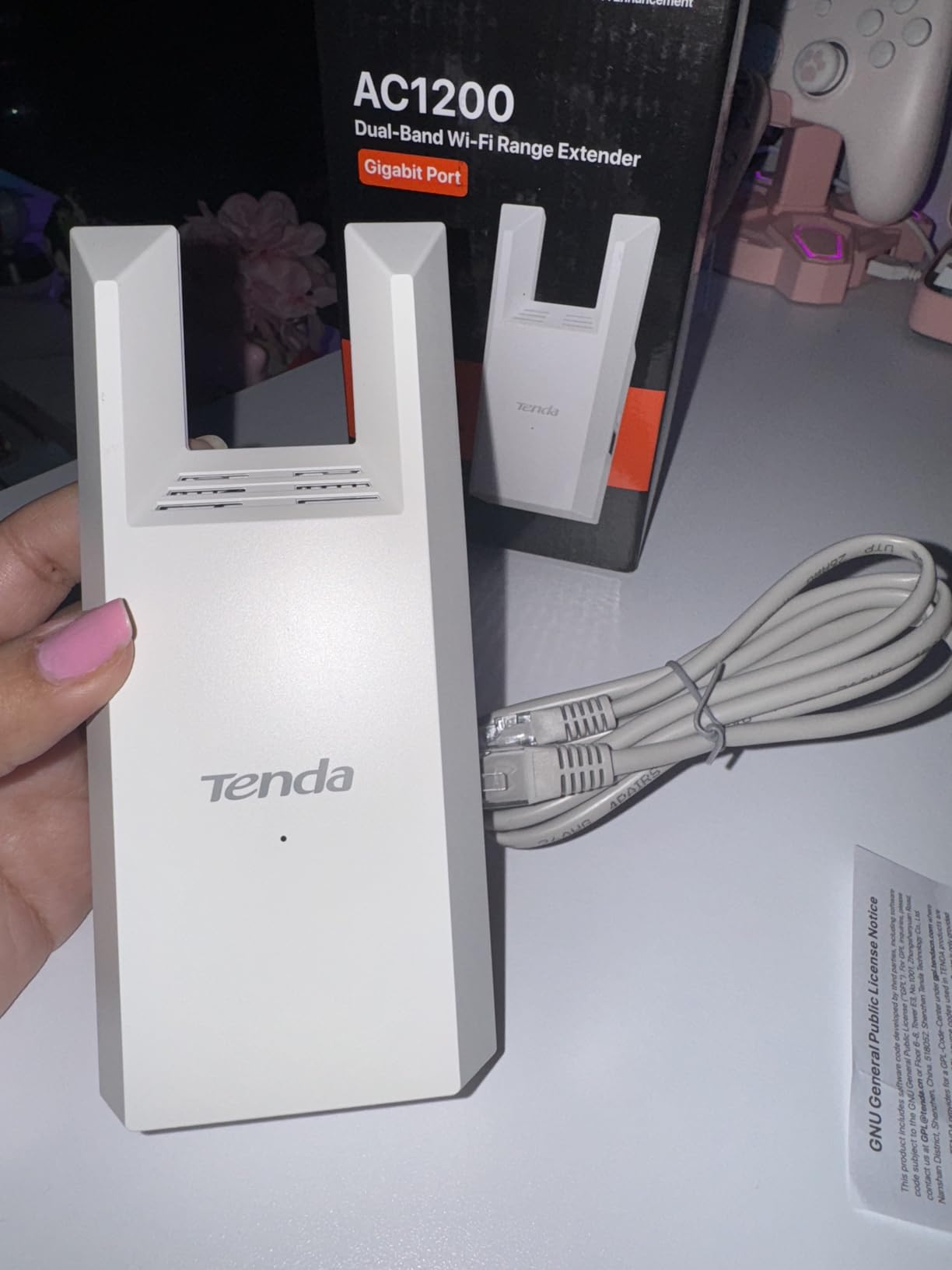
Owners report strong coverage across two-story homes and even through concrete walls, and the unit handles roughly 25 to 30 connected devices without slowing down. The gigabit port is frequently named as the reason to choose it over cheaper models.
The main complaint is reliability at the edge of coverage, where some owners report signal drops at longer distances and an effective open-air range of only a few meters. Several also note it performs better with a wired upstream connection, which points back to backhaul quality rather than the extender itself.
Who the A18Pro suits
Budget buyers who plan to run a cable. Whether that cable is a wired backhaul into access point mode or a hardwired television, the gigabit port turns a compromise into a workable setup for a two-story home.
Who should look elsewhere
Anyone needing a long open-air span, given the distance reports, and anyone who already runs an established mesh ecosystem where roaming and single-SSID behaviour matter more than port speed.
9. Cudy RE1200 – Best Extender That Also Runs as an Access Point
Cudy AC1200 Wi-Fi Repeater Range Extender, 1-Port, 3 in 1 Mode, RE1200
AC1200 dual-band
1500 sq ft coverage
3-in-1 operating modes
WPS pairing
Pros
- WPS pairing reported complete in about five minutes
- Compact wall plug that does not block adjacent sockets
- Range extender
- access point and client bridge in one unit
- Works with Cudy Mesh routers and with routers from any brand
Cons
- Connectivity can be inconsistent with random dropouts
- Does not copy the router SSID automatically
- Fast Ethernet port only
Three operating modes in a single unit is what separates the Cudy RE1200 from the rest of the budget tier. It works as a range extender, as an access point for a wired connection, and as a client bridge, which lets a wired device join your wireless network instead of the other way round.
It is AC1200 dual-band at 867 Mbps on 5 GHz plus 300 Mbps on 2.4 GHz with beamforming, covering a stated 1,500 square feet. It also functions as a satellite for Cudy Mesh routers, so a mixed-brand home is fine as long as you do not need seamless roaming from another vendor’s mesh.
Owners report setup in about five minutes after WPS, and the 80x60x38mm plug body does not cover a neighbouring socket. Others note it successfully replaces a costlier extender, with strong signal through solid walls.
The friction points are consistent. It does not automatically copy your router network name, so you set the extended SSID and password by hand in the app after pairing. The port is fast Ethernet rather than gigabit, and some owners report slowdowns and random dropouts under load.
Who the Cudy RE1200 suits
People who want one device that covers several wiring situations, particularly anyone who might switch between wireless extension and a wired access point later. It also suits Cudy Mesh owners adding a satellite to an existing system.
Who should look elsewhere
Households that need a single identical network name across brands, since manual SSID configuration is required, and anyone planning to hardwire a 4K television, since the port is fast Ethernet only.
10. Amazon eero 6 Add-On – Best for Existing eero Networks
Amazon eero 6 mesh wifi add-on extender – Add up to 1,500 sq. ft. of Wi-Fi 6 coverage. Required eero mesh wifi system not included
WiFi 6 mesh node
1500 sq ft added coverage
TrueMesh routing
App-guided setup
Pros
- Adds up to 1500 sq ft of WiFi 6 coverage and stacks as needed
- TrueMesh routes traffic intelligently to reduce drop-offs
- App-guided setup that takes a few minutes
- Automatic updates keep the network current and secure
Cons
- Requires an existing eero mesh network to function at all
- Cannot extend a router from another brand
- Limited Ethernet ports compared with some mesh competitors
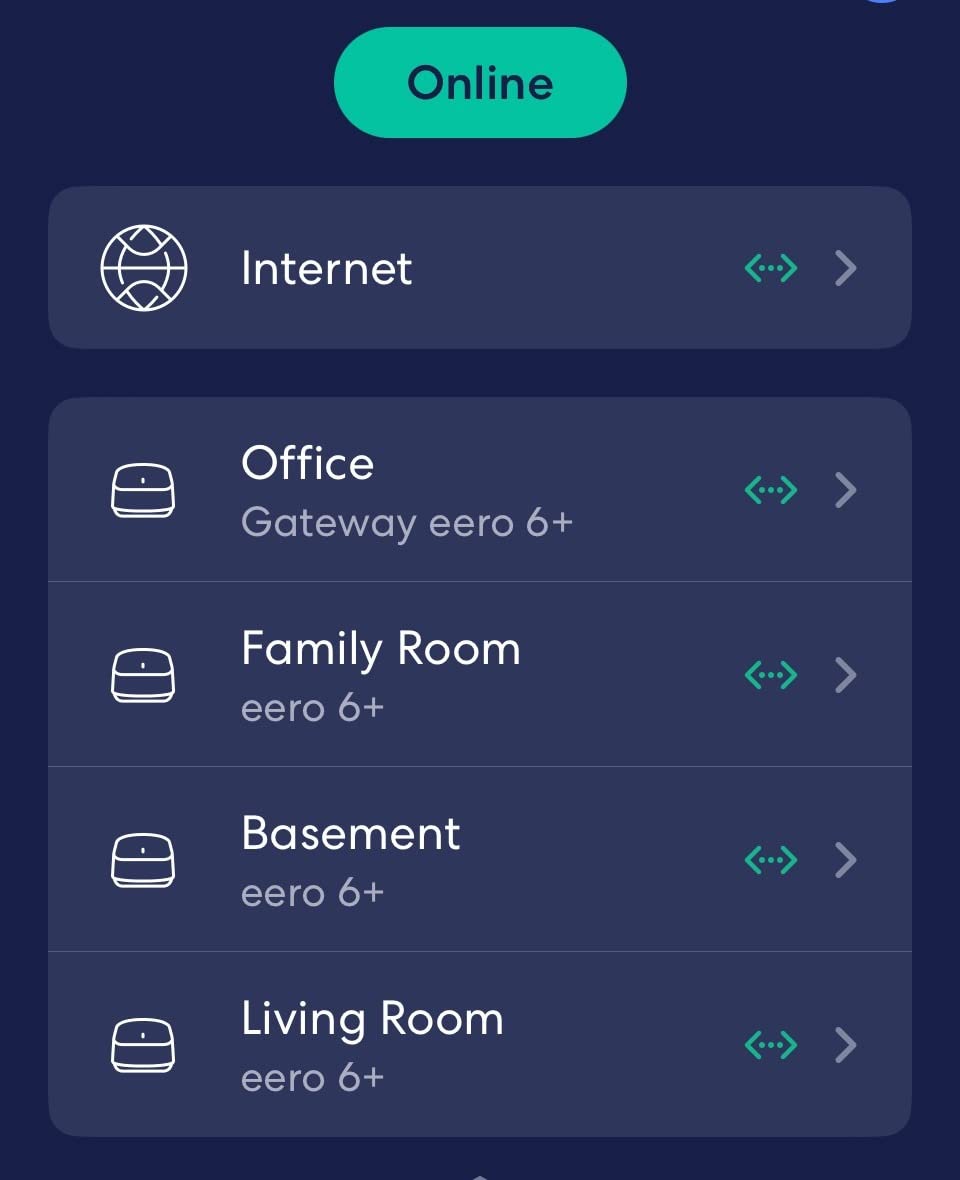
This is not a standalone extender. The eero 6 add-on node does nothing at all without an existing eero mesh system, and it will not extend a router from another brand. If you already run eero, though, it is the smoothest way to push coverage into another 1,500 square feet.
It rates 4.4 across 29388 reviews with 75% of ratings at five stars, which makes it one of the strongest rating and review combinations in the group. TrueMesh technology routes traffic intelligently to reduce drop-offs and buffering, and you can stack as many nodes as the house needs.
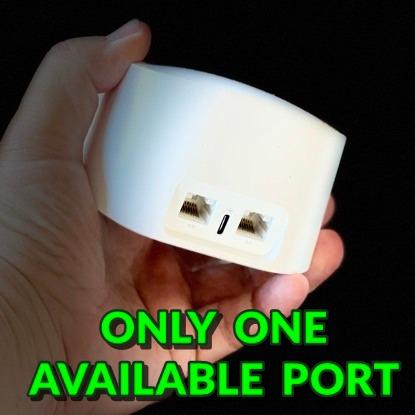
Setup is app-guided and takes a few minutes, and automatic software updates handle both performance and security patches. For an existing eero owner, none of that is a selling point, because the system already does all of it. That is the point.
For everyone else, ecosystem lock-in is the dominant theme in critical feedback, compounded by limited Ethernet ports compared with some mesh competitors. Judged as an extender, it cannot compete. Judged as a mesh node, it is one of the better options available.
Who the eero 6 add-on suits
Existing eero owners with one uncovered room, particularly multi-storey homes where a single node covers a floor. It is the pick if you value one network name and automatic updates over hardware flexibility.
Who should look elsewhere
Anyone on a non-eero router, who would be buying a brick, and anyone who needs multiple Ethernet ports on the node. Cross-brand flexibility is exactly what this unit does not offer.
11. FjUoLzgK Dual-Band Extender – Multi-Room Coverage With the Tradeoffs That Come With It
2026 1.2Gbps WiFi Extender Signal Booster, Up to 12880 Sq. Ft, Dual Band(5GHz/2.4GHz), Easy Setup WiFi Range Extender for Home with Ethernet Port, Stable Speed Repeater with 100+ Devices (White)
1.2 Gbps dual-band
Four adjustable antennas
Beamforming
WPA3 encryption
Pros
- Four adjustable external antennas with beamforming
- Highest average rating in this group at 4.7
- WPA3 encryption plus automatic device isolation
- Ethernet port with setup support included
Cons
- Generic unbranded manufacturer with no networking track record
- Weight and dimensions are not listed
- Coverage and speed claims are manufacturer-stated and hard to verify
I want to be straight about this one. This unit carries a 4.7 rating across 1259 reviews, which is the highest average in the group, and it has four adjustable external antennas with beamforming. On paper it is the most ambitious hardware in this roundup.
It is dual-band with 1.2 Gbps on 5 GHz and 300 Mbps on 2.4 GHz, and the listing claims coverage up to 12,880 square feet. That figure is the kind of number we tell you to ignore: it is calculated from the radios on the board, not measured in a house. WPA3 encryption and automatic device isolation are genuine positives.
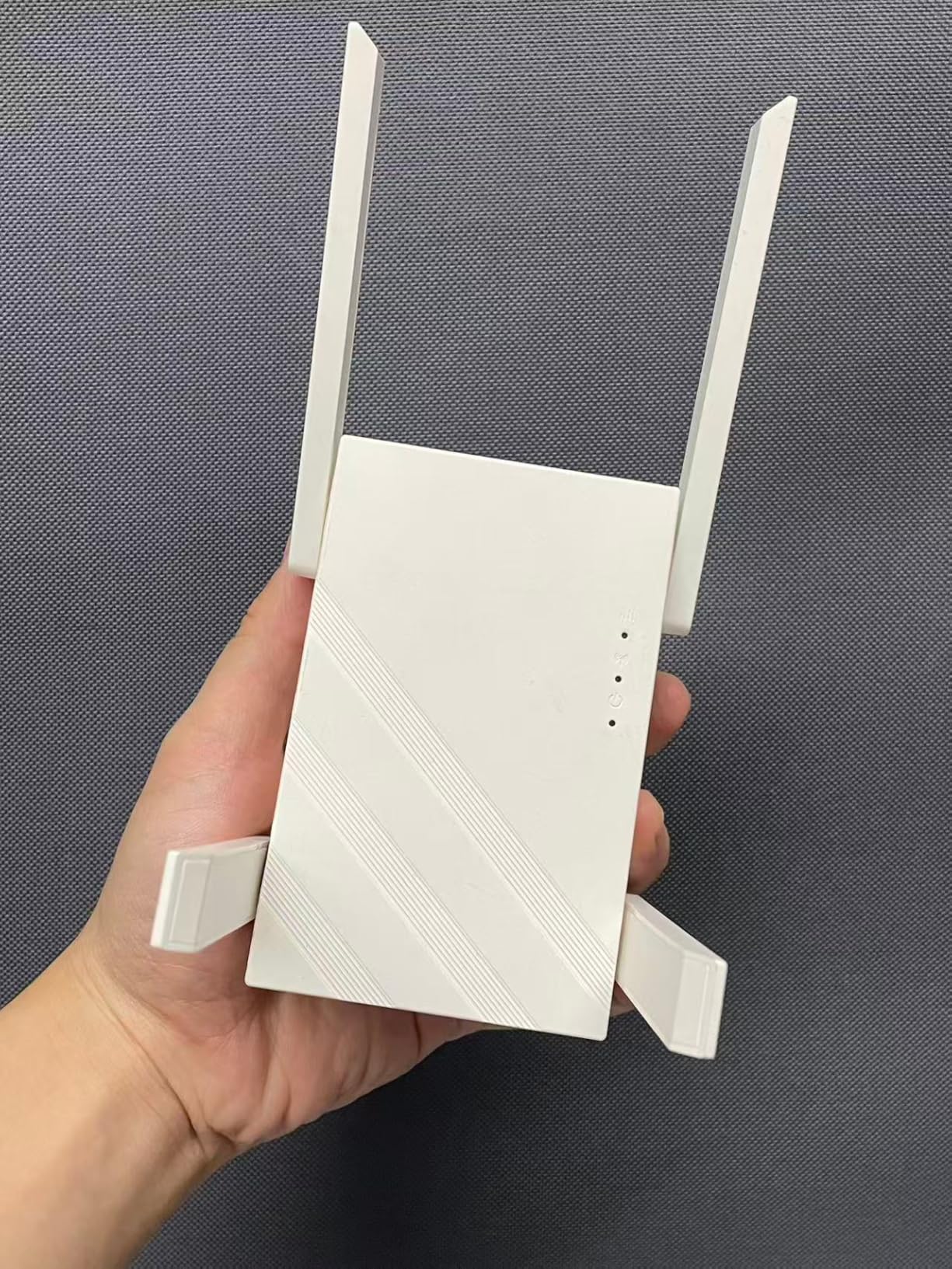
There is a second reason for caution. Several of the reviews returned with this listing reference adhesive bandages rather than networking hardware, which suggests the review text is aggregated from other products. The rating is real, but what sits behind it is less certain than the number suggests.
On top of that, the manufacturer is unbranded with no established networking record, and the listing does not provide a weight or dimensions. Firmware support and a real warranty process are the two things that matter most when a network device misbehaves, and neither is easy to confirm here.

Who this unit suits
Buyers who want external antennas on a dual-band unit at the entry price and are comfortable handling support themselves. If it solves your dead zone on day one, the four antennas and beamforming are doing real work.
Who should look elsewhere
Anyone who plans to keep this for years. Rated models from TP-Link, NETGEAR and Tenda publish warranty terms and ship firmware updates, and that long-term support is worth more to a home network than four adjustable antennas.
12. Tenda A33 – Best Value Route Into WiFi 6
Tenda WiFi 6 Extender, AX3000 Dual Band WiFi Extender Signal Booster with Gigabit Ethernet Port, Home Internet Extender WiFi Booster, AP Mode, WPS Easy Setup(A33)
AX3000 WiFi 6
Gigabit Ethernet port
1500 sq ft coverage
Up to 20 devices
Pros
- Gigabit Ethernet port at the entry price point
- AX3000 class with 2402 Mbps on 5 GHz
- Intelligent roaming reuses the existing network name
- Setup by WPS button or web browser with no app needed
Cons
- Lowest average rating here at 3.8 with an 18% one-star share
- Only 117 reviews so long-term reliability is unproven
- Rated for about 20 devices which is below most rivals
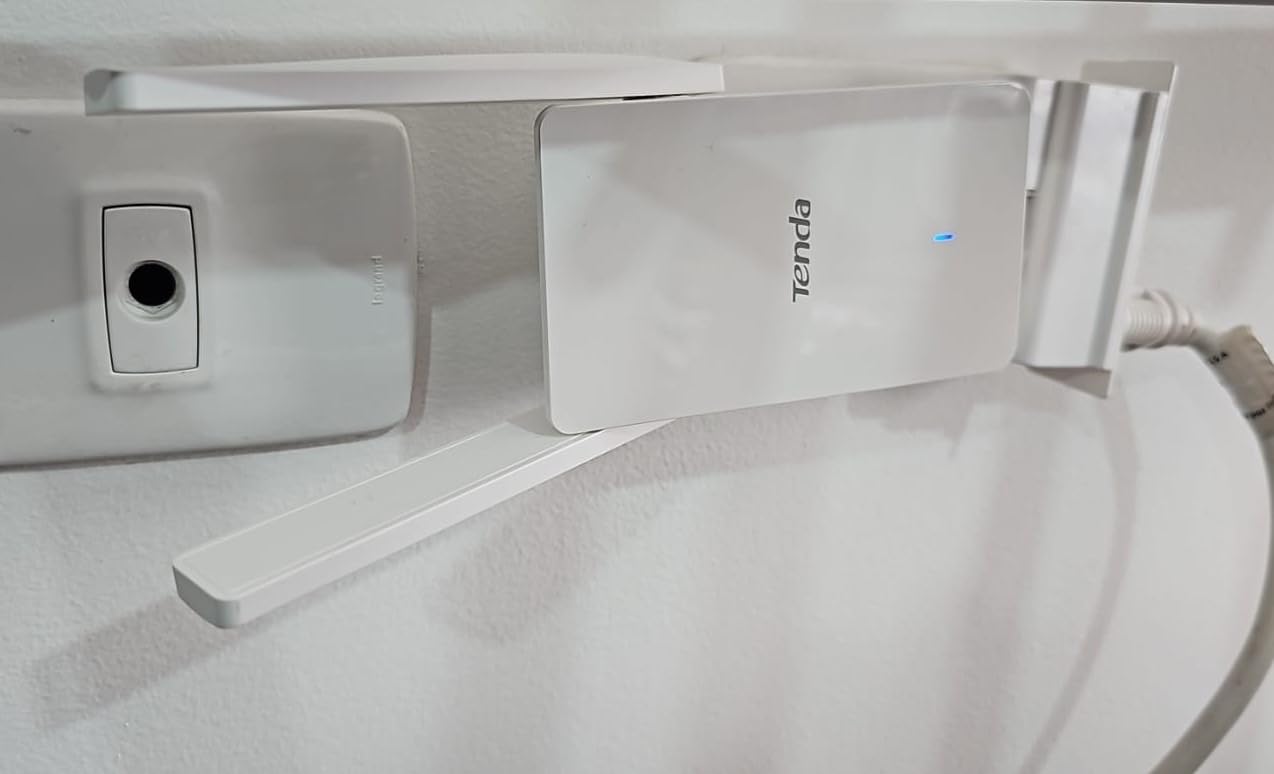
The Tenda A33 is the cheapest way onto WiFi 6 in this roundup, and the spec sheet is genuinely strong for the money: AX3000 class with up to 574 Mbps on 2.4 GHz and 2,402 Mbps on 5 GHz, two 5dBi dual-band antennas, and a gigabit Ethernet port.
It covers a stated 1,500 square feet for 20-plus devices with improved latency over WiFi 5. Intelligent roaming reuses your existing network name for a single-network experience, and setup runs from a WPS button or a web browser with no app required.
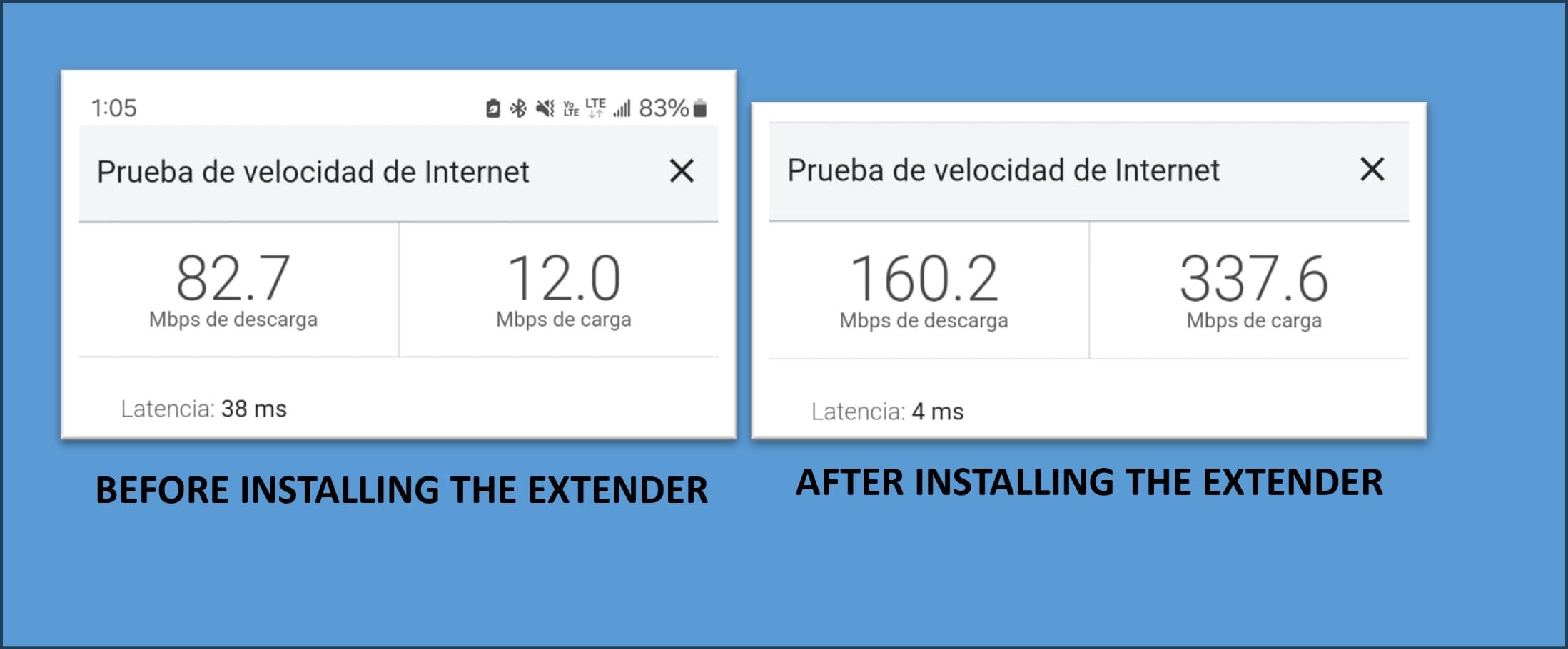
It also has the weakest satisfaction score in this group at 3.8, with an 18% one-star share that is roughly double the next highest. With only 117 reviews the picture is thin, so results appear to vary more than they do with the better-established models.
Twenty devices is a modest ceiling next to the 30-plus figures elsewhere, which matters in a smart home full of sensors, bulbs and cameras. The three-year manufacturer warranty is a genuine offset, and it is longer than the one-year terms on both NETGEAR models here.
Who the Tenda A33 suits
Homeowners on a WiFi 6 router who want a gigabit port and current-generation radios without moving up to a pricier unit. No-app setup is also convenient if you would rather not install another mobile application.
Who should look elsewhere
Anyone who wants a proven long-term record, and smart homes running well past 20 connected devices. The 3.8 rating with an 18% one-star share means results will depend heavily on where you place it.
How to Place a WiFi Extender So It Actually Works
Placement decides whether an extender succeeds or becomes an expensive paperweight. Forum threads on r/HomeNetworking and r/wifi return to the same point over and over: the number one complaint is a device that did nothing because it sat in the wrong spot.
Start at the halfway point. Walk to the dead zone, then place the extender roughly halfway between the router and that room. An extender placed in the dead zone itself is re-broadcasting a signal it can barely receive.
Check for at least half signal. Before pairing, the phone or laptop in the target room should show a strong reading on the router network. Below half, no extender will rescue the connection.
Work from a powered socket, raised up. Floor-level outlets behind furniture and entertainment centres lose signal before the radio even starts. A mid-wall socket at about waist height performs better.
Keep it away from metal and appliances. Metal shelving, washing machines, refrigerators and structural ducting all absorb or reflect WiFi. Give the unit a clear path back to the router.
Test, then move. Run a speed test in the dead room, then walk the extender ten feet in either direction and test again. Most apps show a signal strength indicator, and the best position is often not the obvious one.
Use a cable when one is possible. If you can run Ethernet from the router to the far room, put the extender into access point mode. That removes the halved-backhaul problem rather than accepting it.
WPS pairing is the fastest route: press the router button, then the extender button, and wait for the link. It fails silently on some ISP-provided routers, and that is the moment to fall back on the manufacturer’s app or browser setup rather than repeating the button press.
WiFi Extender vs Mesh: When Each One Is the Right Buy
There are two different complaints people bring to this page, and they need opposite fixes. The first is range: one room or one floor loses signal while the rest of the house is fine. The second is congestion: everything feels slow everywhere, including next to the router.
If your problem is range, an extender is the right buy. A single dead bedroom, a finished basement office, or a back patio just beyond the router’s reach are all cases where one well-placed unit fixes things for a fraction of the cost of rebuilding the network.
Choose mesh instead if any of these are true. Your slowness is in every room, not one. You have more than two or three dead zones. Your router is more than four or five years old. Devices drop connections as you walk between rooms. Or you have run cable and want a design that uses it properly rather than fighting it.
The consensus in the forum communities we reviewed is blunt about this. r/HomeNetworking threads overwhelmingly recommend a mesh system with wired backhaul and describe stand-alone extenders as a mistake in homes with more than one problem area. The gap is a device that halves throughput and creates a second network name unless configured carefully.
Mesh is not automatically better. For a studio or a one-bedroom flat, a mesh system is more hardware than the problem requires, which is the honest answer to the question of whether mesh is overkill. For a two-storey house with a basement, it is usually less hassle than stacking two or three extenders and hoping they cooperate.
One nuance worth knowing: an extender in access point mode with a cable run performs like a small piece of mesh, because the backhaul is wired and no throughput is lost. That setup is the compromise that works for a lot of houses.
How to Choose a WiFi Extender: Speed Classes, Ports and Placement
Pick the speed class to match your router, not to exceed it. An extender cannot be faster than the radio feeding it. A WiFi 5 AC1200 unit on a WiFi 6 router gains nothing from the upgrade, and an AX3000 extender on an older router will sit idle most of the time.
Read the aggregate number correctly. AC1200 means 867 Mbps on 5 GHz plus 300 Mbps on 2.4 GHz, and only one band is active at a time. For a general recommendation, AC1200 covers browsing and HD streaming, AC1900 handles multiple 4K streams and console traffic, and AX3000 is the entry point to WiFi 6.
Treat the Ethernet port as the highest-leverage feature. A gigabit port turns the unit into something you can hardwire a television, console or desktop to, and it lets you run access point mode over a cable. A 100 Mbps port, as on the Tenda A18, limits what that plan can achieve.
Count antennas, but aim them. External adjustable antennas let you point signal down a hallway or around a corner. Fixed internal antennas are fine in open layouts and frustrating in anything with an L-shaped floor plan.
Check for one network name before you buy. Standard extenders broadcast a second network name that you must sign into separately, which breaks smart-home devices and casting. OneMesh, EasyMesh or a vendor roaming feature such as Smart Roaming removes that problem. Check the specific pairing rules too, because some TP-Link extenders will not pair with Deco mesh systems.
Value the warranty and the firmware record. Two years on TP-Link units, three on Tenda, one on NETGEAR. A brand that ships firmware updates fixes real security problems over a five-year ownership period, and that is worth more than an extra adjustable antenna.
Skip unbranded listings with impossible claims. Coverage figures in the tens of thousands of square feet and device counts above 100 are calculated, not measured. Named brands with model numbers, a published warranty and a firmware history are what r/HomeNetworking readers treat as the signal that a listing is real.
Frequently Asked Questions
Do WiFi extenders cut speed in half?
Yes, usually close to half. An extender receives your router’s signal and re-broadcasts it, so every byte travels over the air twice. In practice you get roughly 50% of the speed you would see standing next to the router, and placement quality changes that number significantly. Running a cable to the extender and using access point mode removes the loss entirely.
Should I buy a WiFi extender or a mesh system?
Buy an extender if you have one or two specific dead rooms in a small to medium home and everything else is fast. Buy mesh if the slowness is in every room, you have more than two or three dead zones, your router is more than four or five years old, or devices drop as you walk between rooms. Range problems and congestion problems need opposite fixes.
Why is my WiFi extender not giving me full speed?
Four causes account for nearly every complaint. The extender is too far from the router, so it is re-broadcasting a weak signal. It is placed low or behind metal and appliances. You are measuring in the dead zone instead of next to the router. Or the device is WiFi 5 hardware feeding from a WiFi 6 router, so it caps your speed by generation. Placement fixes the first three.
Where should I place my WiFi extender?
Halfway between the router and the dead room, at a powered mid-wall socket, away from metal, appliances and ducting. Before pairing, confirm the target room already receives at least half signal from the router. If it does not, no extender will help and you need a different approach, such as a wired access point or mesh.
What is the average lifespan of a WiFi extender?
Expect roughly five to seven years in normal household use, driven mostly by when your router is upgraded rather than by extender failure. Extenders are simple two-radio devices with little to break, but a WiFi 5 unit stops being useful once your router moves to WiFi 6 or WiFi 7, and that cycle usually arrives inside seven years.
The Best WiFi Extenders in 2026: Final Verdict
The best WiFi extenders for 2026 come down to one honest rule: match the hardware to a single specific dead room, and place it halfway. The TP-Link RE220 is the pick most homes should start with, the TP-Link RE315 is the strongest all-rounder with a fast Ethernet port and 32-device capacity, and the TP-Link RE550 takes larger homes and access point mode seriously.
Owners on a WiFi 6 router should start at the NETGEAR EAX17 or the Tenda A33. Anyone already running eero should add the eero 6 node rather than mixing ecosystems. And if the whole house feels slow rather than one room, skip the best WiFi extenders entirely and buy mesh.
Last updated in 2026. We may earn a commission from purchases made through links on this page.