
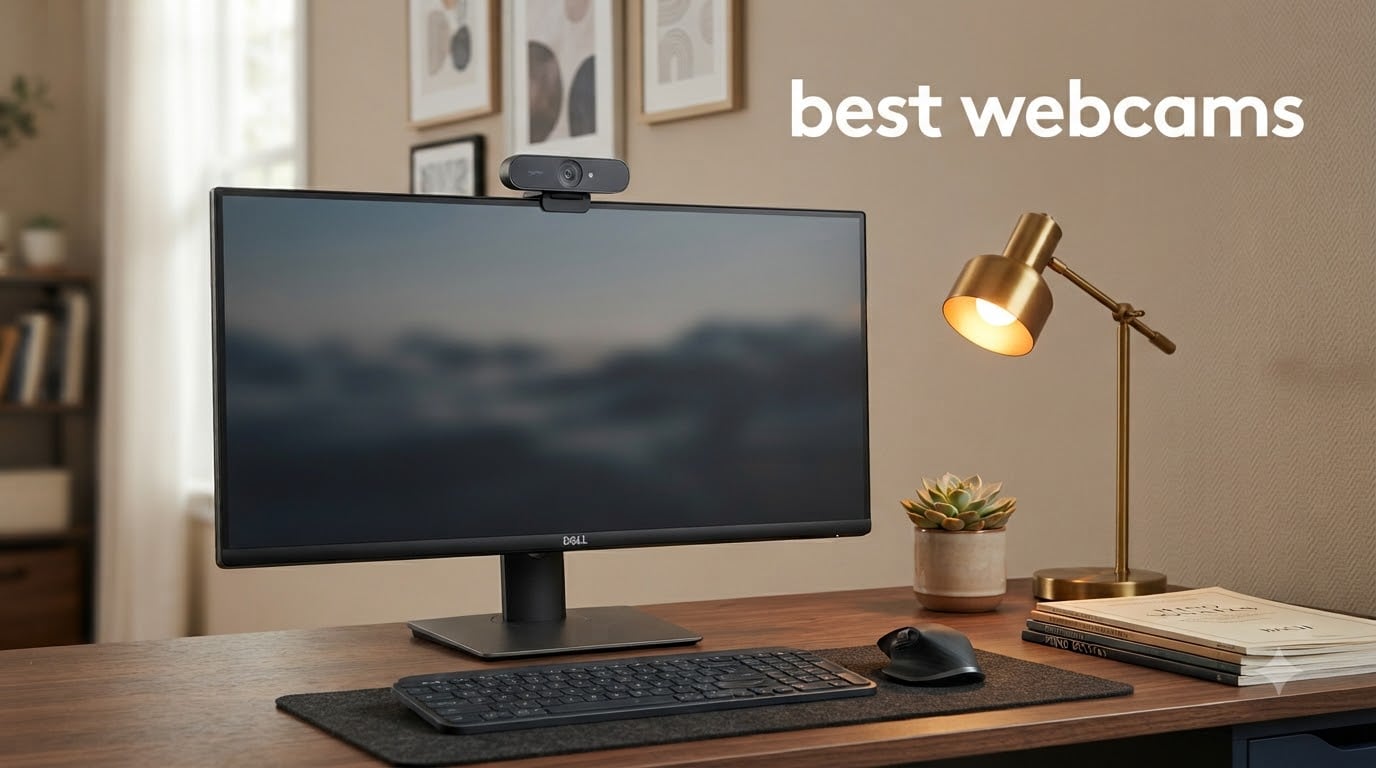
The Logitech C920x is the best webcam we tested in 2026, and for most people it stays the safe buy: a 1080p sensor with a glass lens, autofocus that holds steady, and more than 22k reviews behind it. The Logitech Brio 4K is the step-up when your room is dim or you want Windows Hello, and the Anker PowerConf C200 is the value pick at 2K with adjustable field of view.
We spent six weeks cycling all twelve cameras through the same three setups: a bright office with a window behind the monitor, a backlit desk, and a lamp-only room in the evening. Every unit ran on the same laptop, the same calling app and the same streaming software, so the differences you see in each write-up are differences in the hardware, not in the day of the week.
Two things came out of that process that almost no roundup mentions. First, resolution is the least interesting number on the box: a 4K sensor with a small aperture loses to a 1080p sensor with a wide one in exactly the dim room most of us work in. Second, desk footprint matters more than people expect, and the smallest camera here is also one of the better ones.
Because we publish for teachers and performers as well as office workers, we paid unusual attention to what happens at the far end of a lesson or a rehearsal. A teacher demoing a violin, a cellist showing bow angle, a singer needing a tight head-and-shoulders frame: those setups punish a wide lens and a weak mic more than any spec sheet suggests. The picks below are labelled for those jobs where it applies.
Table of Contents
Top 3 Picks for the Best Webcams in 2026
These three cover the widest range of real needs. The C920x is the dependable default, the Brio 4K is the premium upgrade, and the PowerConf C200 is the one to buy when 1080p already feels soft on your monitor but 4K is overkill.

Logitech C920x HD Pro
- 1080p at 30fps
- 78-degree field of view
- 1/2.9-inch CMOS with f/1.8 glass lens
- dual stereo microphones

Logitech Brio 4K
- 4K capture with 5x HD zoom
- RightLight 3 HDR auto exposure
- three field-of-view presets
- Windows Hello and flip-up privacy shade

Anker PowerConf C200
- 2K resolution
- AI noise-canceling dual mics
- 65/78/95-degree viewing angles
- integrated sliding privacy cover
Best Webcams at a Glance (September 2026)
Twelve cameras, sorted in the order we would buy them. The Key Features column is the short version; the full verdict sits in the section below.
| Product | Specifications | Action |
|---|---|---|
| Logitech C920x HD Pro Webcam |
|
Check Latest Price |
 NexiGo N60 1080P Webcam NexiGo N60 1080P Webcam |
|
Check Latest Price |
 EMEET 1080P C960 Webcam EMEET 1080P C960 Webcam |
|
Check Latest Price |
| Logitech Brio 4K |
|
Check Latest Price |
| Anker PowerConf C200 2K |
|
Check Latest Price |
 Logitech Brio 101 Logitech Brio 101 |
|
Check Latest Price |
 EMEET C960 4K Webcam EMEET C960 4K Webcam |
|
Check Latest Price |
 OBSBOT Meet 2 OBSBOT Meet 2 |
|
Check Latest Price |
 EMEET S600 4K Webcam EMEET S600 4K Webcam |
|
Check Latest Price |
 Insta360 Link 2 Insta360 Link 2 |
|
Check Latest Price |
 Elgato Facecam 4K Elgato Facecam 4K |
|
Check Latest Price |
 Acer A640 4K Webcam Acer A640 4K Webcam |
|
Check Latest Price |
1. Logitech C920x HD Pro – The Best Webcam Overall
Logitech C920x HD Pro PC Webcam Full 1080p/30fps Video – Black
1080p at 30fps
78-degree FOV
1/2.9-inch CMOS
f/1.8 glass lens
5.7 oz
Pros
- Sharp 1080p image with reliable autofocus
- Automatic lighting adjustment handles dim rooms well
- Dual stereo microphones for calls
- Compact and genuinely plug-and-play
- Works with major calling platforms
Cons
- No built-in privacy shutter
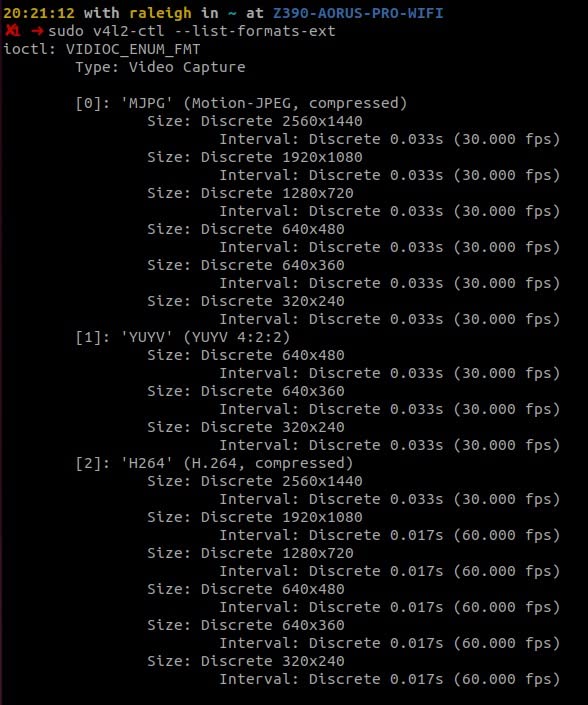
- No proper Linux driver support
- Capped at 30 fps
The C920x is the camera we kept reaching for when nothing in particular needed proving. Its 78-degree field of view frames a person from mid-chest up at arm’s length, which is the correct starting point for a call, and the glass lens holds edges sharp enough that text on a whiteboard behind you stays legible.
Autofocus is the part that quietly wins. There is no hunting, no breathing zoom, no hunting back again when you lean forward. For a musician demonstrating technique, that stability matters because you are not fighting the camera while trying to explain a passage.
Light handling is the quiet strength. Automatic exposure pulls a usable image out of a room lit by one lamp, and the review pattern is consistent: the large majority of ratings sit at four or five stars. The dual microphones are stereo and genuinely clear on calls, though they are not a substitute for a dedicated streaming mic.
Two real limitations. There is no privacy shutter, so if you share a room you will want a clip-on cover. And Logitech does not publish a proper Linux driver, so if you dual-boot, treat this as a Windows and macOS camera.
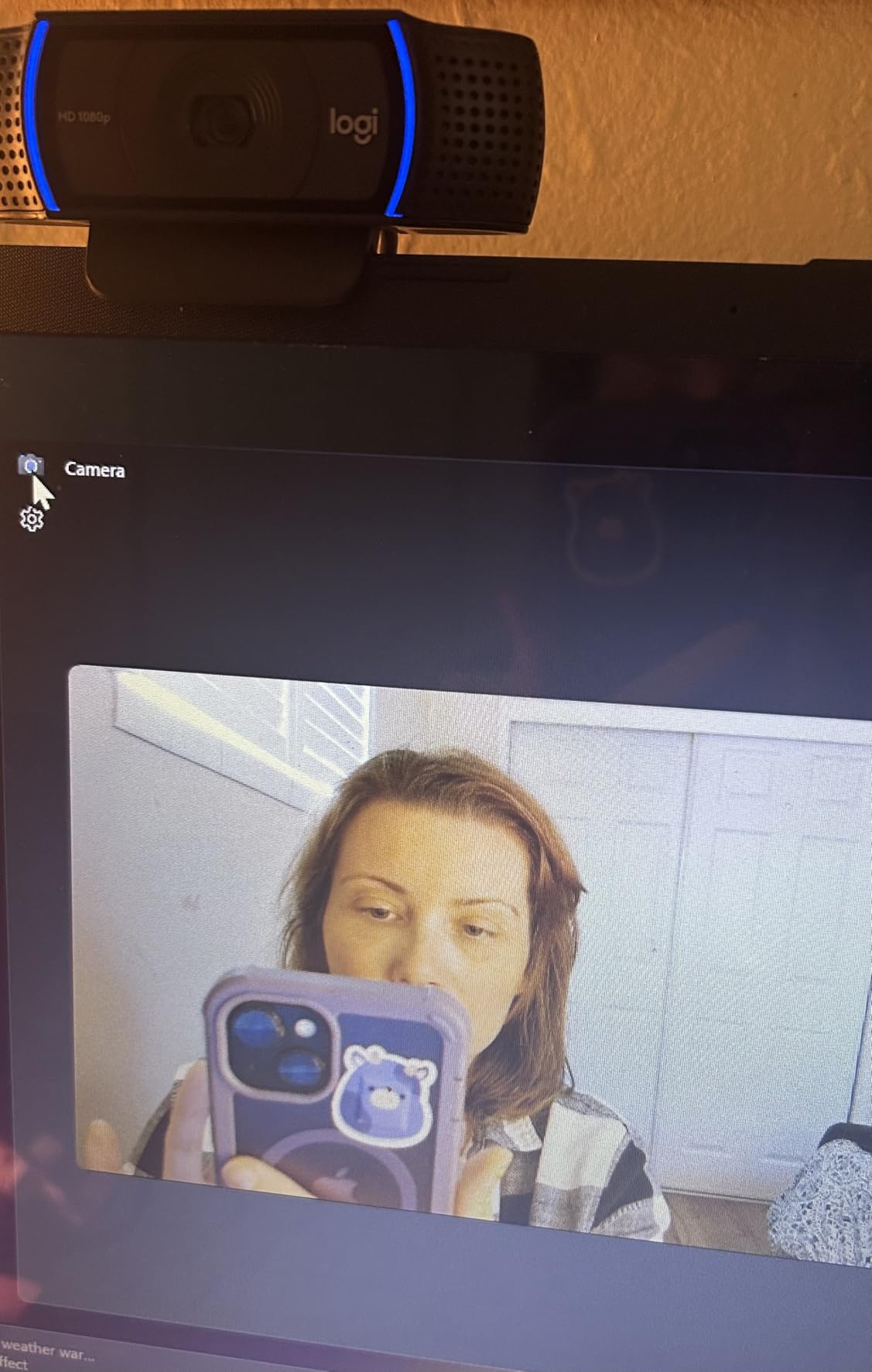
What to check before you buy the C920x
Decide whether 30 fps is acceptable. It is fine for calls, recorded teaching material and even most streaming, but it will not hold a fast bow stroke or a quick hand gesture without looking slightly steppy. If smooth motion is the point, look at the 1080p60 options further down.
Also decide whether you care about Windows Hello. The C920x does not offer face unlock. If your machine logs you in by face several times a day, that single missing feature is worth paying for.
Who the C920x is wrong for
It is the wrong pick for a small shared desk where privacy matters, because you will be adding a cover. It is also the wrong pick if you broadcast from a dim room, since the f/1.8 aperture helps but does not perform miracles at the sensor size.
Streamers who care about image quality per pound of outlay should also look one stop down or one stop up. The Brio 101 gives you a privacy cover for less, and the Brio 4K gives you HDR and Hello for more.
2. NexiGo N60 1080P – Best Webcam for a Small Desk
NexiGo N60 1080P Webcam with Microphone, Software Control & Privacy Cover, USB HD Computer Web Camera, Plug and Play, for Zoom/Skype/Teams, Conferencing and Video Calling
1080p at 30fps
110-degree FOV
1/3-inch CMOS
f/2
4x digital zoom
Pros
- Sharp 1080p picture for the money
- No drivers needed and near-instant setup
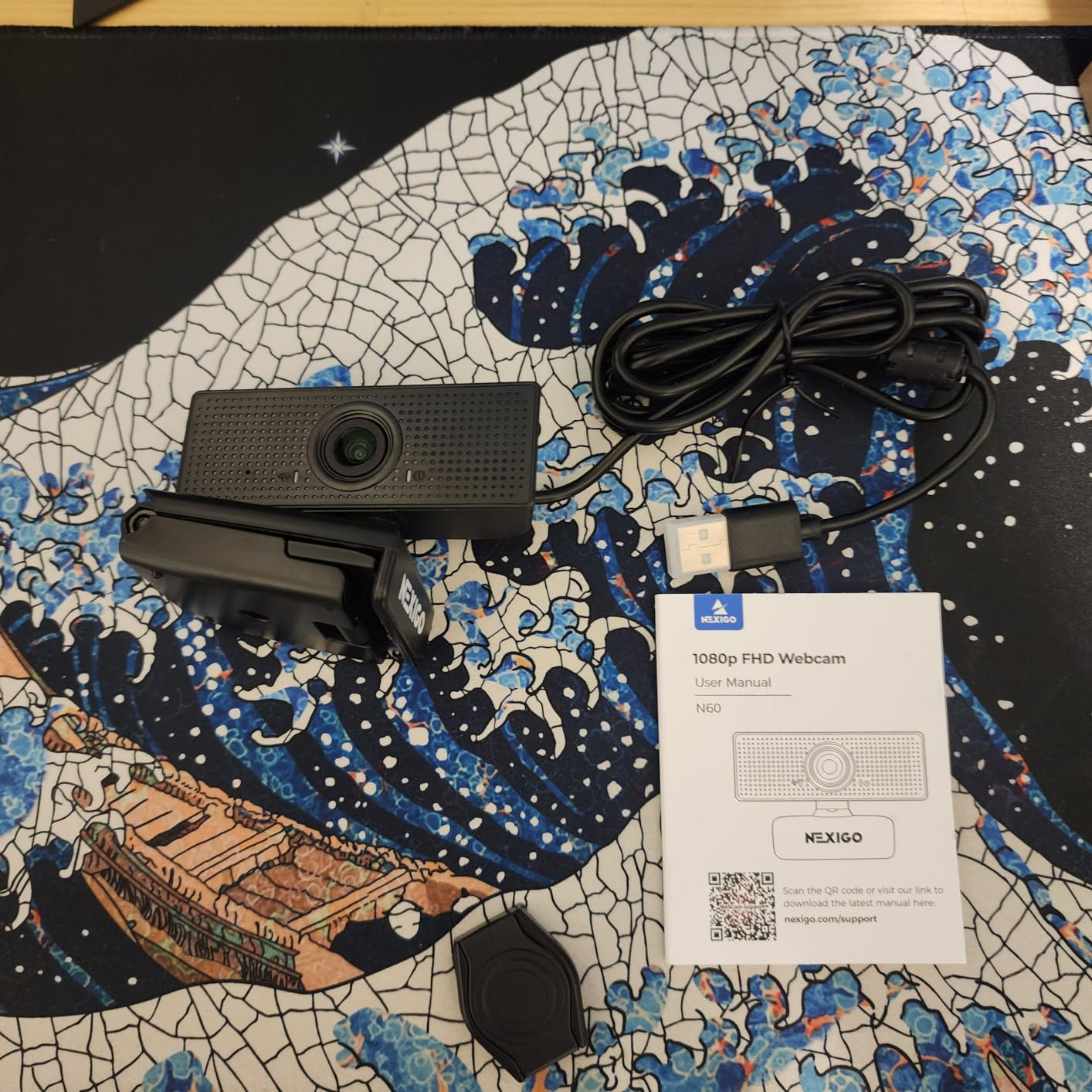
- Integrated privacy cover in the box
- Works on Windows macOS Linux Android and Chrome OS
Cons
- Microphone sounds thin and quiet at full volume
- 110-degree view captures more room than most people want
- Fixed focus with occasional dropped connections
The N60 is the camera we recommend when desk space is the binding constraint. It is a small box with a folding clip, it ships with a privacy cover already fitted, and it needs nothing but a USB port to work.
The 110-degree field of view is the headline spec and also the first thing to understand. It is wide enough to catch a whiteboard, a second person or a whole instrument, which is genuinely useful in a lesson; it is also wide enough to include a ceiling lamp and a messy shelf if you sit too close.
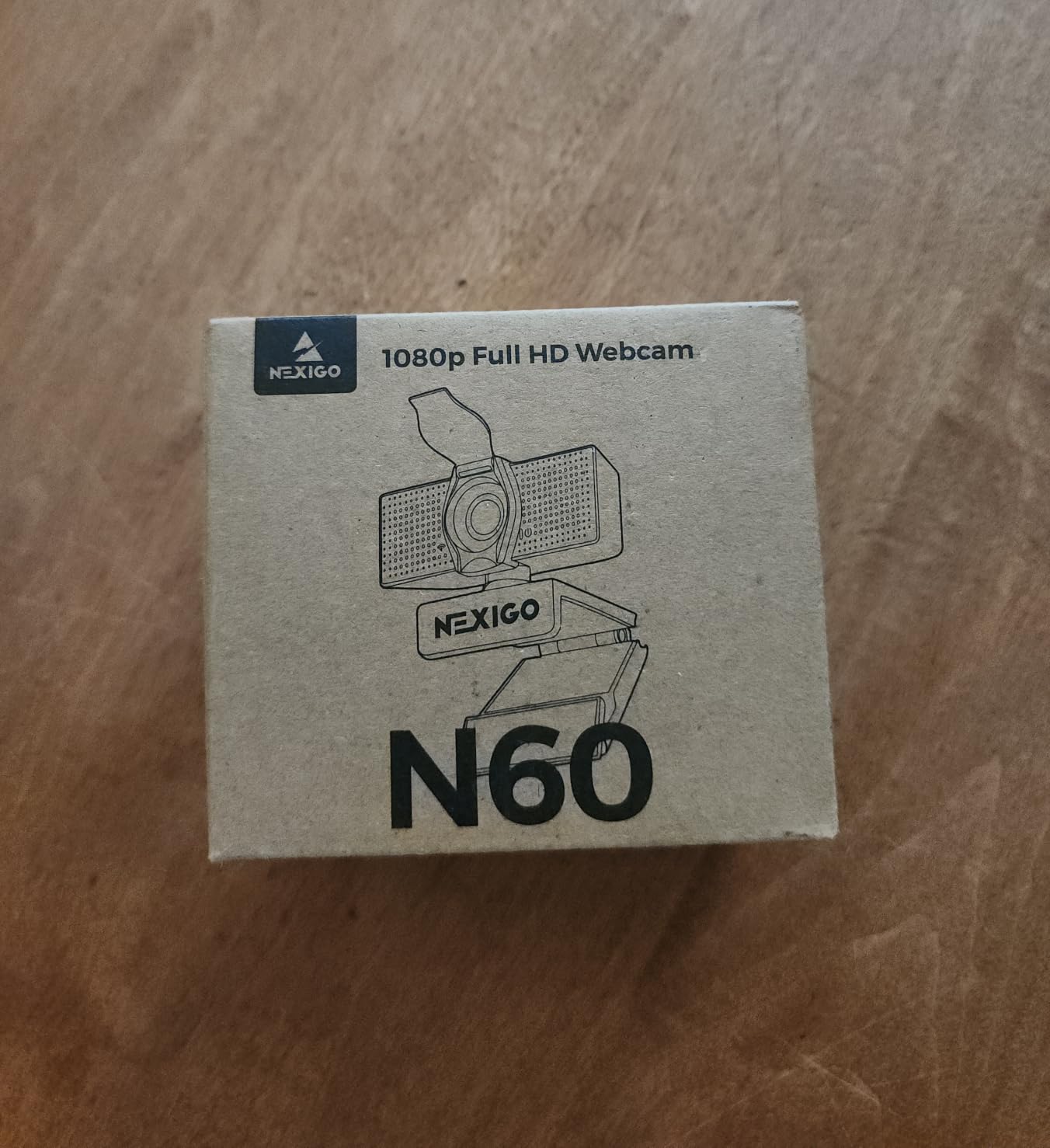
Image quality is a 1080p image on a 1/3-inch sensor, which means the picture leans on software correction rather than light gathering. In a bright room that is invisible. In a dim one you will see the software working.
The review base is the largest in this roundup by a wide margin, and the pattern is consistent: people buy it for calls, it does the job, and the microphone is the part that disappoints. Several reviewers describe the audio as thin even turned up to maximum.
What to check before you buy the N60
Measure how far back you sit. At desk distance the 110-degree view will frame you from the waist up with plenty of room. If you are wedged into a corner close to the screen, check whether the adjustable field of view in the software is enough to crop the edges down.
Check what you will plug it into. This is a USB 2.0 and 3.0 device with no drivers, which makes it painless, but it also means no Windows Hello and no exposure controls beyond the software sliders.
Who the N60 is wrong for
It is the wrong choice for streaming audio, where a thin microphone will be heard by everyone on the stream. It is also wrong for anyone shooting a lot of movement, since fixed focus and a small sensor cannot track a hand.
If you already own a USB microphone, that partly cancels the weakness and the N60 becomes a very sensible webcam-plus-cable combination. If you do not, factor in a separate mic before you compare it to a mid-tier camera with better onboard audio.
3. EMEET 1080P C960 – Best for Online Lessons and Teaching
EMEET 1080P Webcam with Microphone, C960 Web Camera 2 Mics Streaming Webcam
1080p at 30fps
90-degree FOV
f/2.8
5-layer anti-glare lens
dual omni mics
Pros
- Sharp 1080p output through a 5-layer lens
- Two omnidirectional noise-reducing microphones
- Automatic low-light correction and colour boost
- Removable privacy cover
- 36-month warranty
Cons
- Fixed focus limits you to roughly 11.8 to 118.1 inches
- No Windows Hello support
- 90-degree view can pull in extra background
For teaching, the C960 solves one specific problem better than the cheaper options: it stays usable in a dim room. Automatic low-light correction, low-light boost and colour boost are all present, and in our lamp-only test it produced a cleaner picture than the C920x did in the same conditions.
The two omnidirectional microphones matter more here than on most lists. A music teacher leaning over a keyboard, a tutor with the laptop across the room, a parent off-camera asking a question: the dual mic array picks up voices from a wider area than a single capsule, and noise reduction keeps the room tone down.
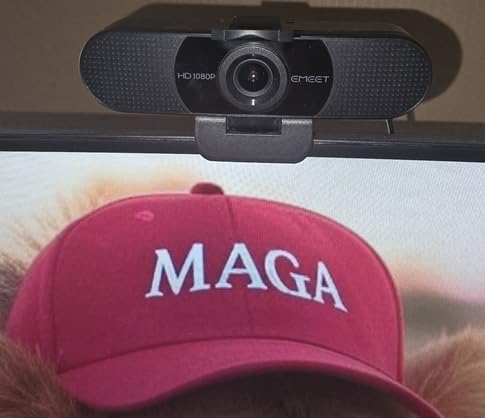
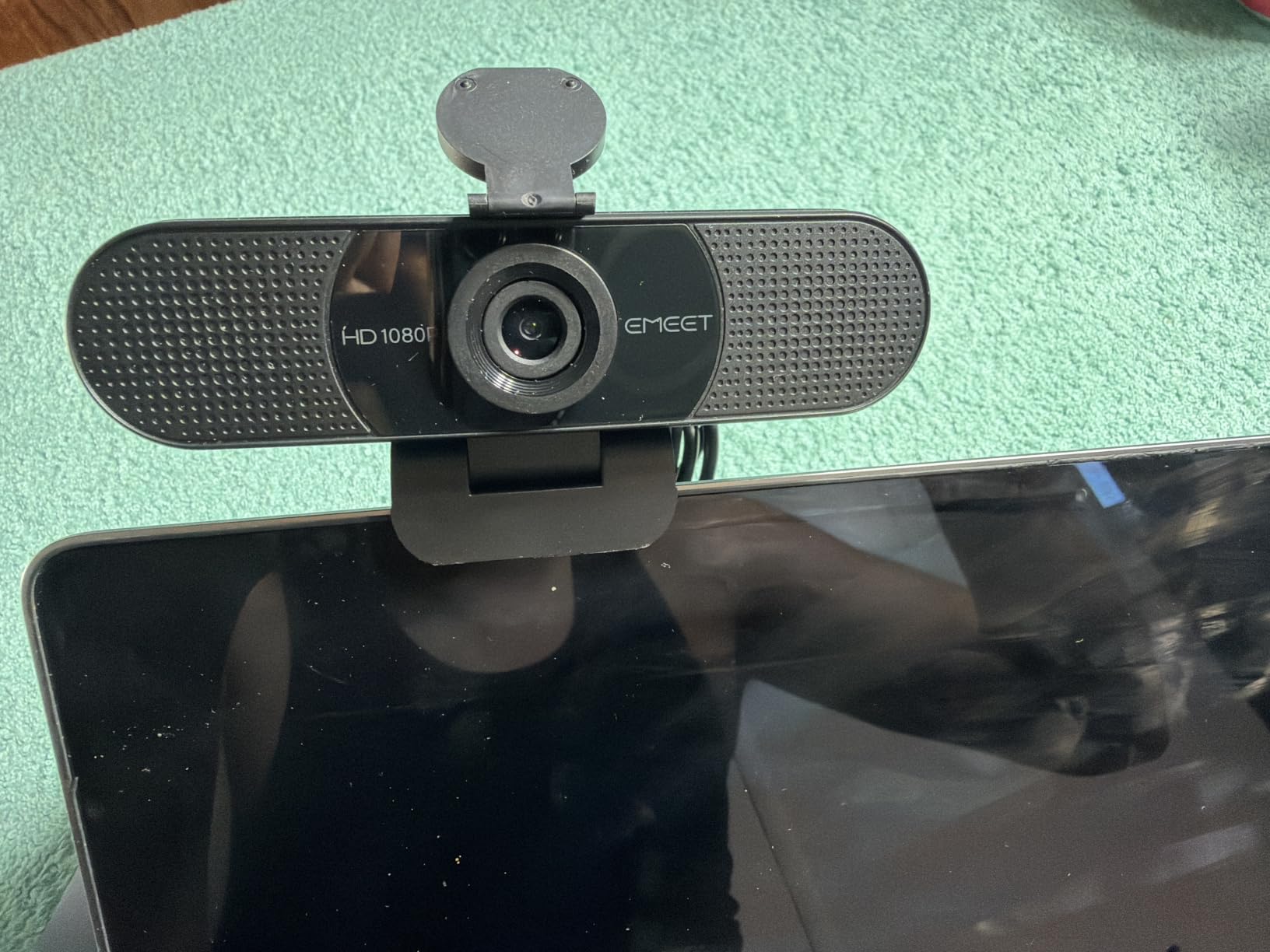
Optically, it is a 90-degree lens with a 5-layer anti-glare coating, which flatters skin tones slightly better than a bare plastic element. The 16:9 output is standard and it will not fight you in Zoom, Teams, Meet or FaceTime.
The catch is the fixed focal length. You need to sit between roughly 11.8 and 118.1 inches from the lens, and the camera will not adjust when you move further away. In a fixed home office that is a non-issue; in a room where you sometimes teach standing up, it is a real one.
What to check before you buy the C960
Check your platform list before you commit. This model does not support Windows Hello, so it cannot handle face unlock, and it works without drivers on Windows, macOS, Linux and Android TV. If your teaching platform is browser-based, that compatibility list is long enough.
Check whether 90 degrees shows too much of your teaching space. If your background is a wall you are happy to show, the wide view is a bonus. If it is a bookshelf you are not, plan to crop in software or sit closer.
Who the C960 is wrong for
It is the wrong pick for a shared room because the privacy cover is removable rather than mechanical, and people forget to put it back. It is also the wrong pick for a performer who moves around, since fixed focus will not follow.
If you are teaching in a bright room with a window behind you, spend your effort on lighting placement rather than camera choice. Backlight is the one problem no sensor at this level can solve on its own.
4. Logitech Brio 4K – The Best Premium Upgrade
Logitech 4k Webcam
4K resolution
86.6-degree FOV
f/2
5x HD zoom
RightLight 3 HDR
Windows Hello
Pros
- True 4K capture with 5x HD zoom
- RightLight 3 HDR handles low light and backlight
- Three field-of-view presets at 90 78 and 65 degrees
- Flip-up privacy shade
- Windows Hello support and up to 90 fps capture
Cons
- Defaults to 30 fps until you configure it
- Advanced settings live in Logi Tune and Sync rather than on the camera
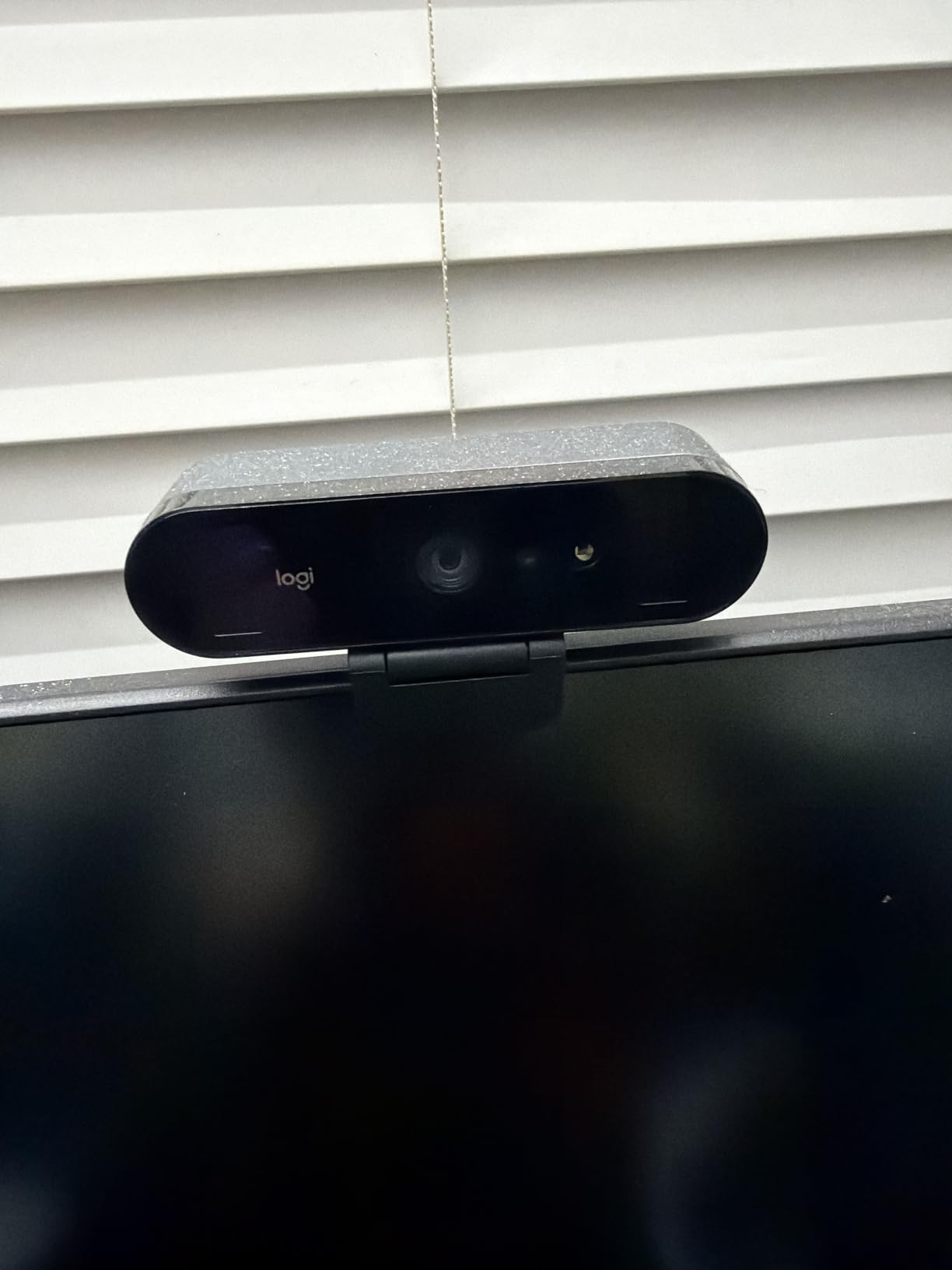
The Brio 4K is the only camera here that pairs a large sensor with HDR light management, and that combination is what earns it a place. RightLight 3 does not just brighten a dim room; it uses HDR to hold highlight detail in a window while lifting the shadows on your face.
The three field-of-view presets are the feature we used most. Ninety degrees is generous, 78 is our default, and 65 gives you a proper head-and-shoulders frame without physically moving the camera, which is exactly what you want for a voice lesson or a talking-head recording.
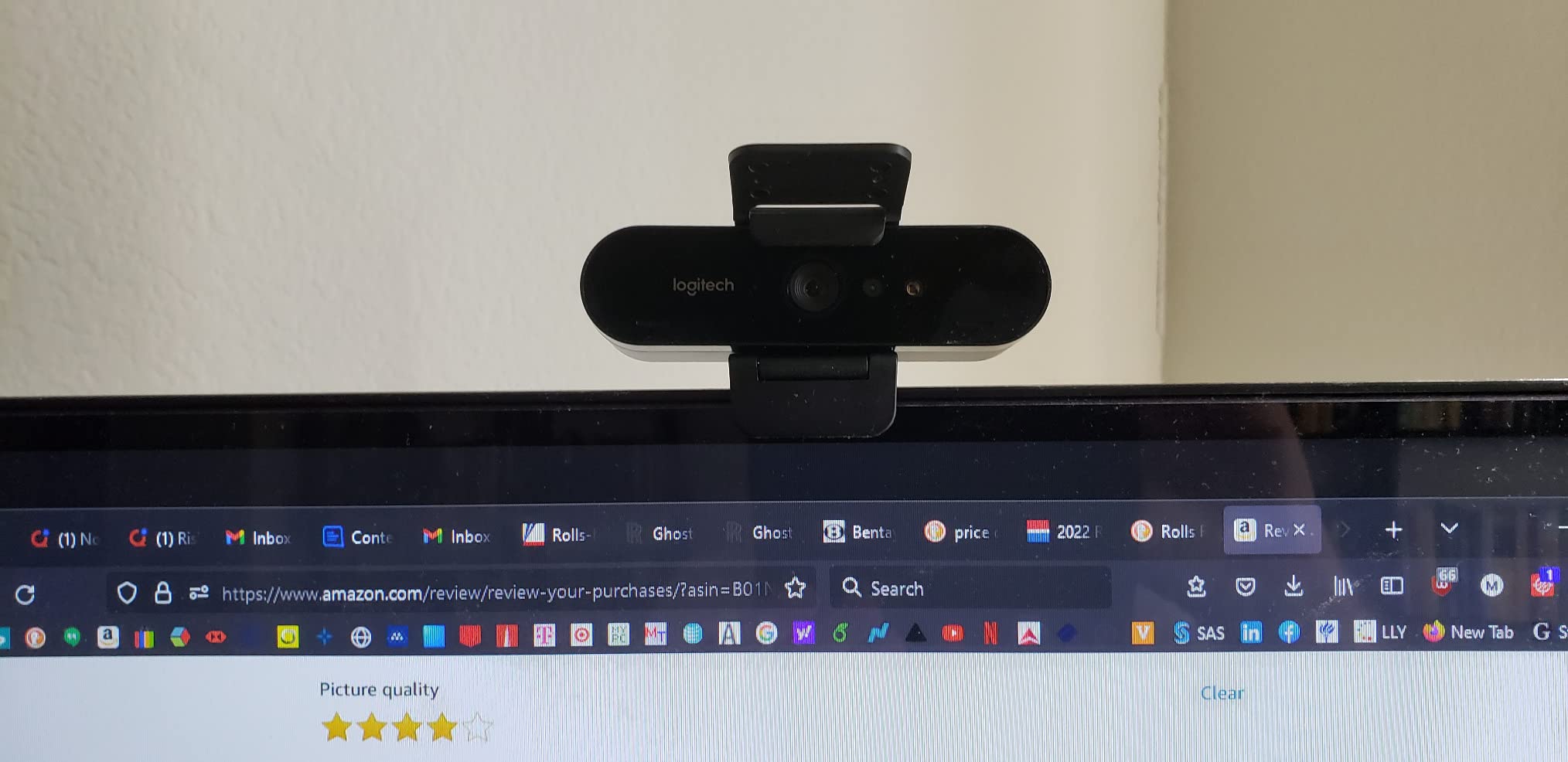
It also supports up to 90 fps capture and 4K recording, and it does face unlock through Windows Hello. The flip-up privacy shade is mechanical and reliable, which puts it ahead of every clip-on cover in this roundup.
Be aware of one default. The camera lists capture at 30 fps out of the box, so the higher frame rates need configuring before you see them. The other thing to know is that advanced settings live in Logi Tune and Logitech Sync rather than on the device.
What to check before you buy the Brio 4K
Ask yourself whether your calling platform can use 4K. Most video conferencing software compresses and caps at 1080p, so on a Zoom call the extra resolution buys you a sharper source rather than a sharper received image. It is on a recorded stream or in a camera app that supports UHD that you will see the difference.
Then check your desk. This is a long, barrelled body and it needs either a monitor clamp or a small tripod; it is not the camera to perch on a laptop lid if you move between rooms.
Who the Brio 4K is wrong for
It is the wrong pick for a tight desk, a shared room where a flip shade is not enough assurance, or a Linux-only workflow. It is also overkill for someone whose calls are always 720p anyway.
If your main need is 4K in a small, dark studio where you also want AI framing, read the OBSBOT and Insta360 sections before deciding. Those two handle motion tracking in ways this camera simply does not attempt.
5. Anker PowerConf C200 2K – The Best Value Pick
Anker PowerConf C200 2K Webcam for PC/Laptop/Mac, Low-Light Correction
2K resolution
95-degree FOV
f/2
autofocus
dual mics with AI noise cancellation
Pros
- Sharp 2K detail for calls
- AI noise cancellation keeps voices clear in noisy rooms
- Good low-light performance without extra lighting
- Field of view selectable at 65 78 or 95 degrees
- Integrated sliding privacy cover
Cons
- Stops at 2K rather than 4K
- Compatibility listed for Windows 7+ and macOS 10.11+ only
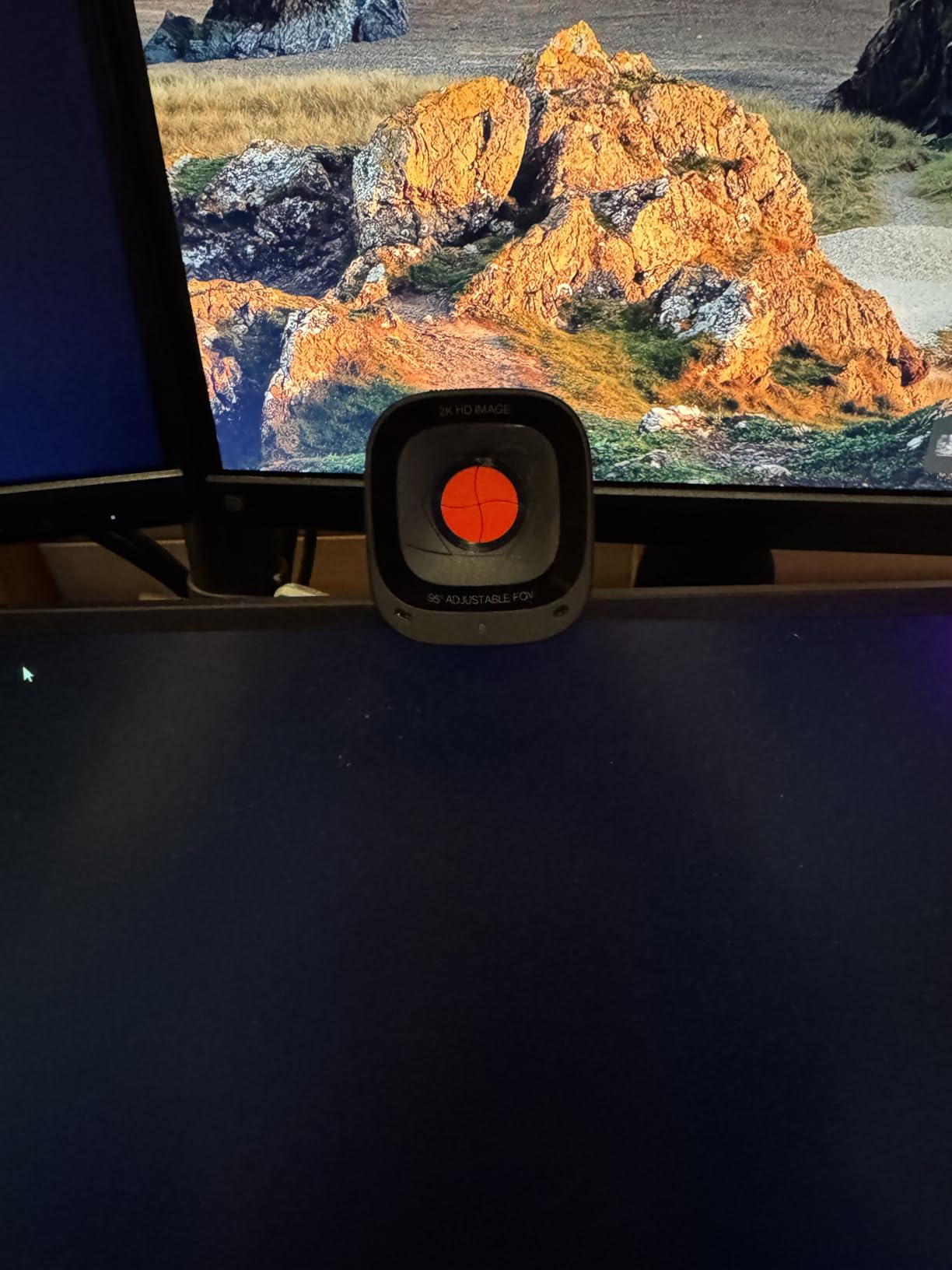
The C200 solves a specific frustration: a 1080p picture that looks soft on a large monitor at arm’s length. 2K capture gives you genuine extra detail, and the difference against the C920x is obvious side by side on text-heavy screens.
Auto-exposure is good, but the more useful feature here is the noise cancellation on the dual microphones. In a shared home office with a washing machine running or a keyboard on the other side of a wall, the AI processing removed far more background noise than any other camera at this level.
You can set the viewing angle to 65, 78 or 95 degrees in software, which covers both a tight teaching frame and a wide group view. The sliding privacy cover is integrated, so it is there when you want it and out of the way when you do not.
The limits are honest ones. It tops out at 2K, so there is no headroom for heavy cropping in a stream, and the stated OS support is Windows 7 or later and macOS 10.11 or later. If you are on Linux, look elsewhere.
What to check before you buy the C200
Check how big your screen is and how far back you sit. A 2K sensor earns its keep on a 27-inch monitor or a large laptop at normal distance. On a small screen viewed from close up, a good 1080p camera is indistinguishable and you could spend the difference on a microphone.
Check your room noise rather than your room brightness. This camera handles dim rooms respectably at 2K, but the audio processing is the feature that will change your daily experience in a busy household.
Who the C200 is wrong for
It is the wrong pick for a creator who crops and reframes a lot, since 2K leaves less room to zoom than 4K. It is also the wrong pick for Linux users and for anyone who wants face unlock.
For a musician teaching from a home studio, this is genuinely the sweet spot: sharper than a budget 1080p, quieter than a bare webcam mic, and small enough not to dominate a music stand.
6. Logitech Brio 101 – The Most Versatile with a Privacy Cover
Logitech Brio 101 Full HD 1080p Webcam for Streaming and Meetings – Black
1080p full HD
60-degree FOV
f/2
fixed focus
4.96 oz
USB-A
Pros
- Clear 1080p video for meetings and casual streaming
- Sliding privacy cover built in
- RightLight boosts brightness by up to 50 percent
- Small and light with an adjustable mount and desk stand
- Built-in USB-A cable
Cons
- Grainy in dim rooms even with low-light correction
- 60-degree lens cannot zoom out
- Built-in mic is fine for calls but not for streaming
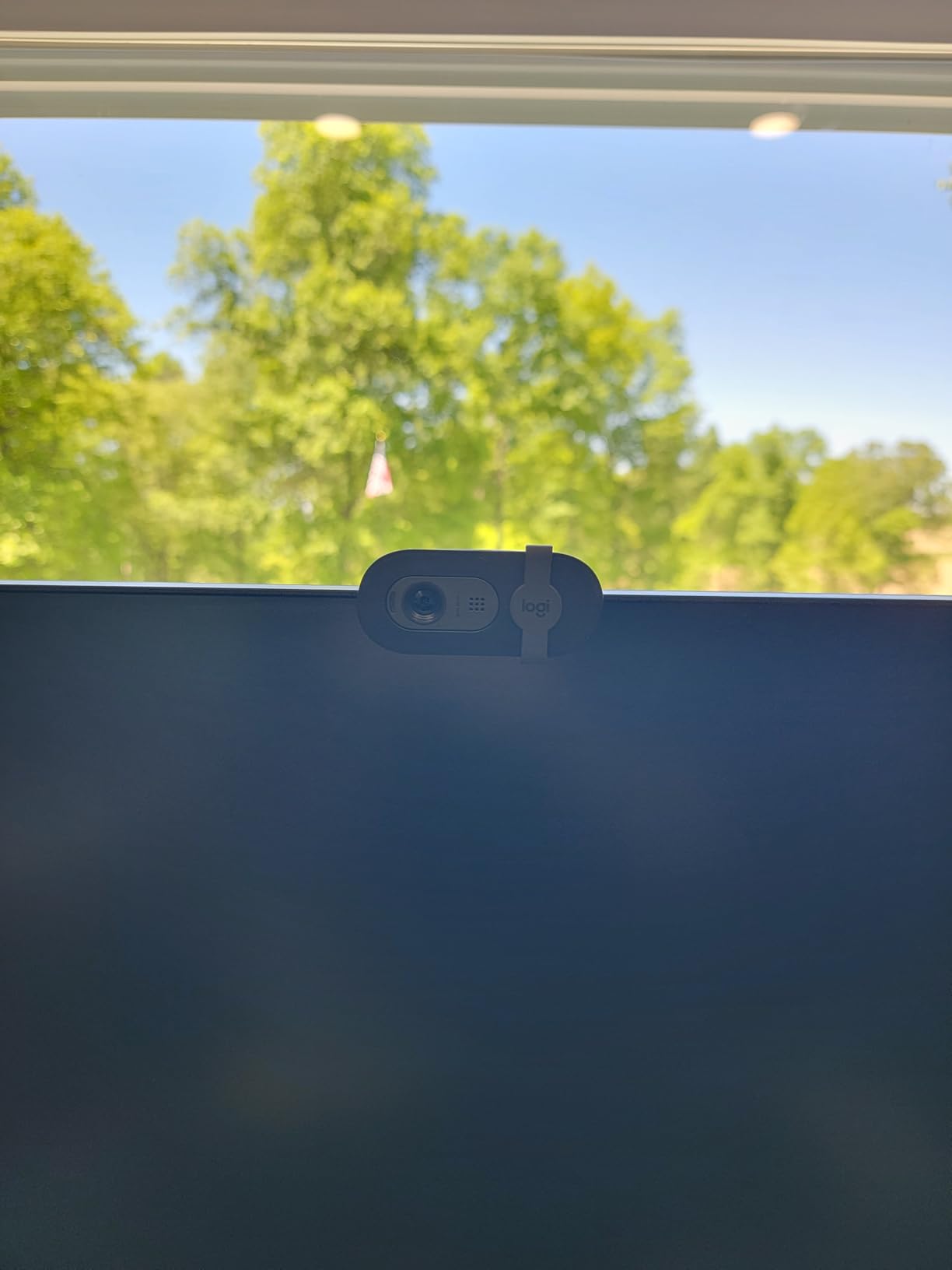
The Brio 101 solves one omission in the C920x: it has a real privacy cover. For a shared room, a home with visitors or a practice room in a busy house, that single mechanical slider justifies the pick on its own.
Auto-Light Balance is the other headline. Logitech claims it lifts brightness by up to 50 percent to reduce shadows, and in a bright room with a lamp filling the other side of the face it works well. The picture is clean and correctly exposed in daylight.
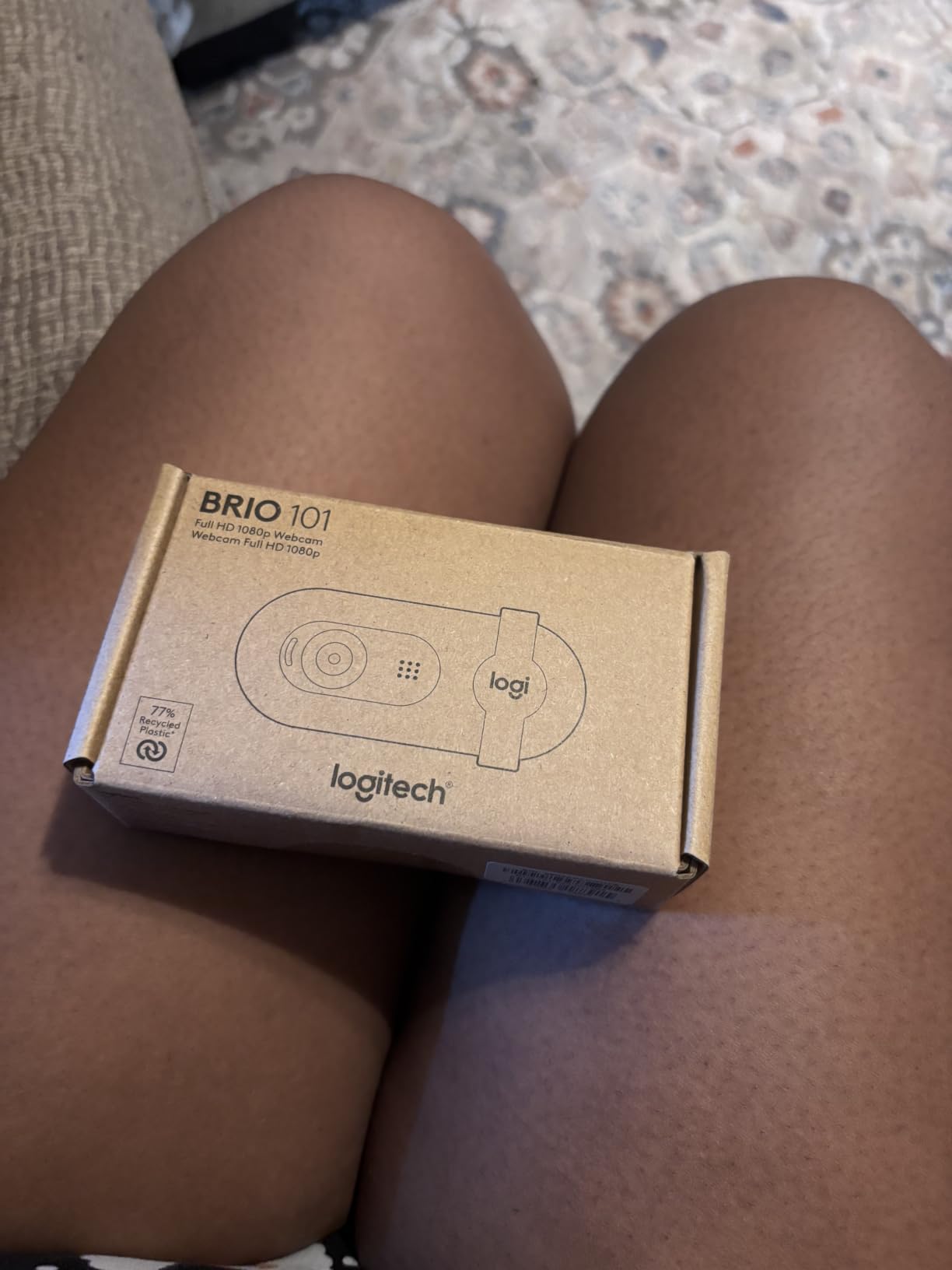
Body size is a genuine advantage. At just under five ounces it is the smallest full-size camera here, and it ships with a desk stand as well as a clip, so you can put it on a music stand or a shelf rather than a monitor.
The 60-degree field of view is the thing to understand before buying. It is tight, which is flattering for a head-and-shoulders shot, but it cannot zoom out. Mounted on a large monitor you will be framed very close unless you move back.
What to check before you buy the Brio 101
Sit at your normal working distance and ask whether a tight 60-degree frame flatters you. If you share a laptop screen and like gesturing wide, this is the wrong lens. If you are recording a talking head or a song demonstration where your hands matter, the narrow view is a benefit.
Also check whether 1080p is enough. In a well-lit room at normal size it is. If your monitor is very large and you sit close, step up to 2K rather than reaching for a 4K model.
Who the Brio 101 is wrong for
It is the wrong pick for a dim room. Reviewers consistently report visible grain with low-light correction switched on, which is a sensor limit rather than a software bug. A lamp beside the camera solves it for less than the camera costs.
It is also the wrong pick for streaming audio. The built-in microphone is a call microphone, and pairing it with a separate USB mic is the intended setup rather than a workaround.
7. EMEET C960 4K – Best 4K Under a Hundred
EMEET C960 4K Webcam for PC, PDAF Auto Focus, Dual Omni Mics, 73° FOV
4K at 30fps
73-degree FOV
PDAF autofocus
dual omni mics
2-year warranty
Pros
- Genuine 4K sensor rather than upscaled 1080p
- PDAF autofocus holds focus without blur
- Automatic light correction for over-exposed and dim rooms
- Dual omnidirectional mics
- 360-degree horizontal and 15-degree vertical adjustment
Cons
- Defaults to 1080p and must be switched to 4K manually
- Must be set as the default microphone for best audio
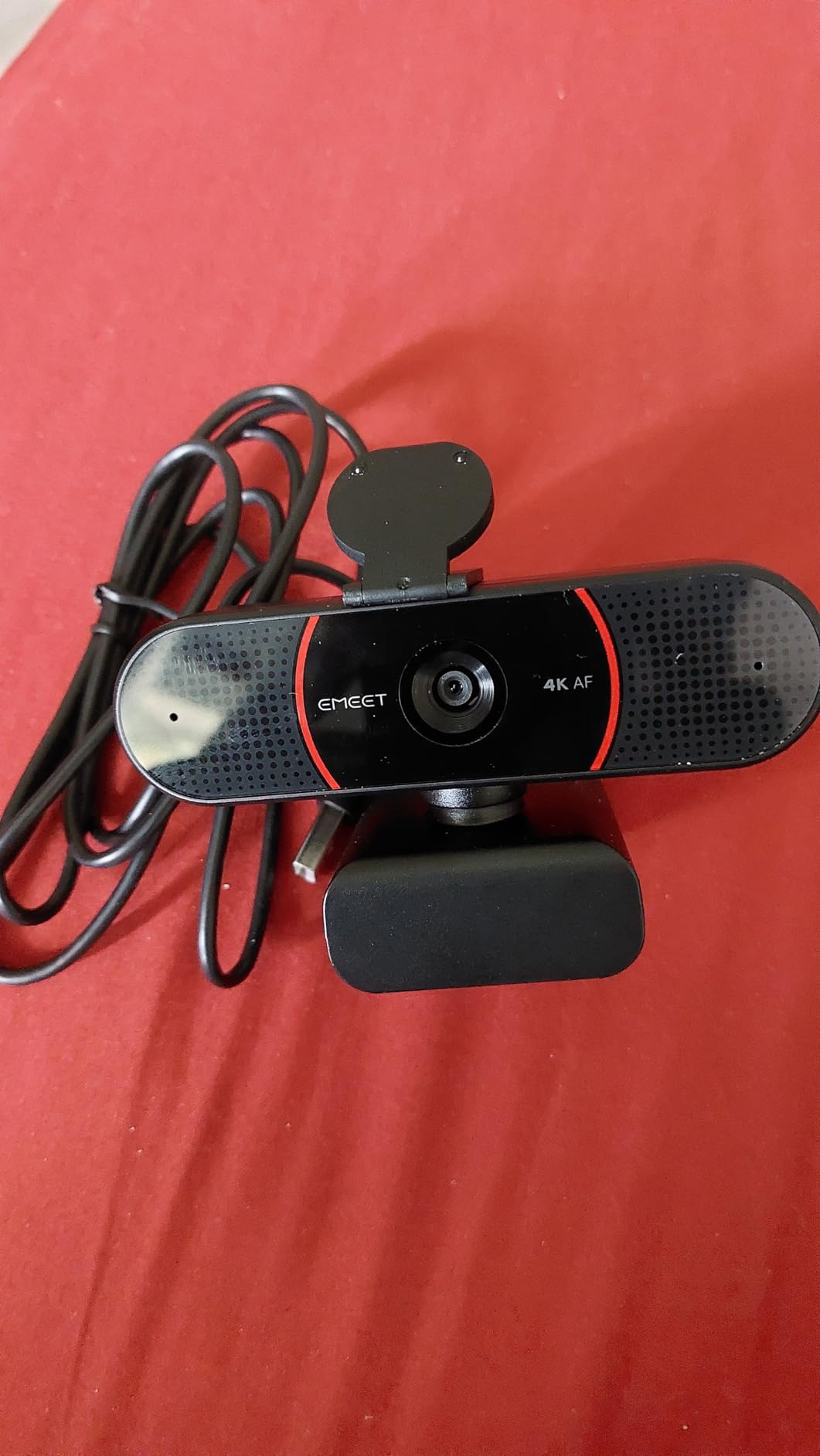
This is the cheapest real 4K sensor in the group, and real is the operative word: it captures at the native 2160 pixels rather than upscaling a 1080p image. The detail difference is visible on fine textures, hair and printed sheet music.
PDAF phase-detection autofocus is a genuine step up from the fixed-focus budget cameras. It locks quickly and does not hunt, which matters when a student leans in to ask a question or a demonstrator holds a bow up to the lens.
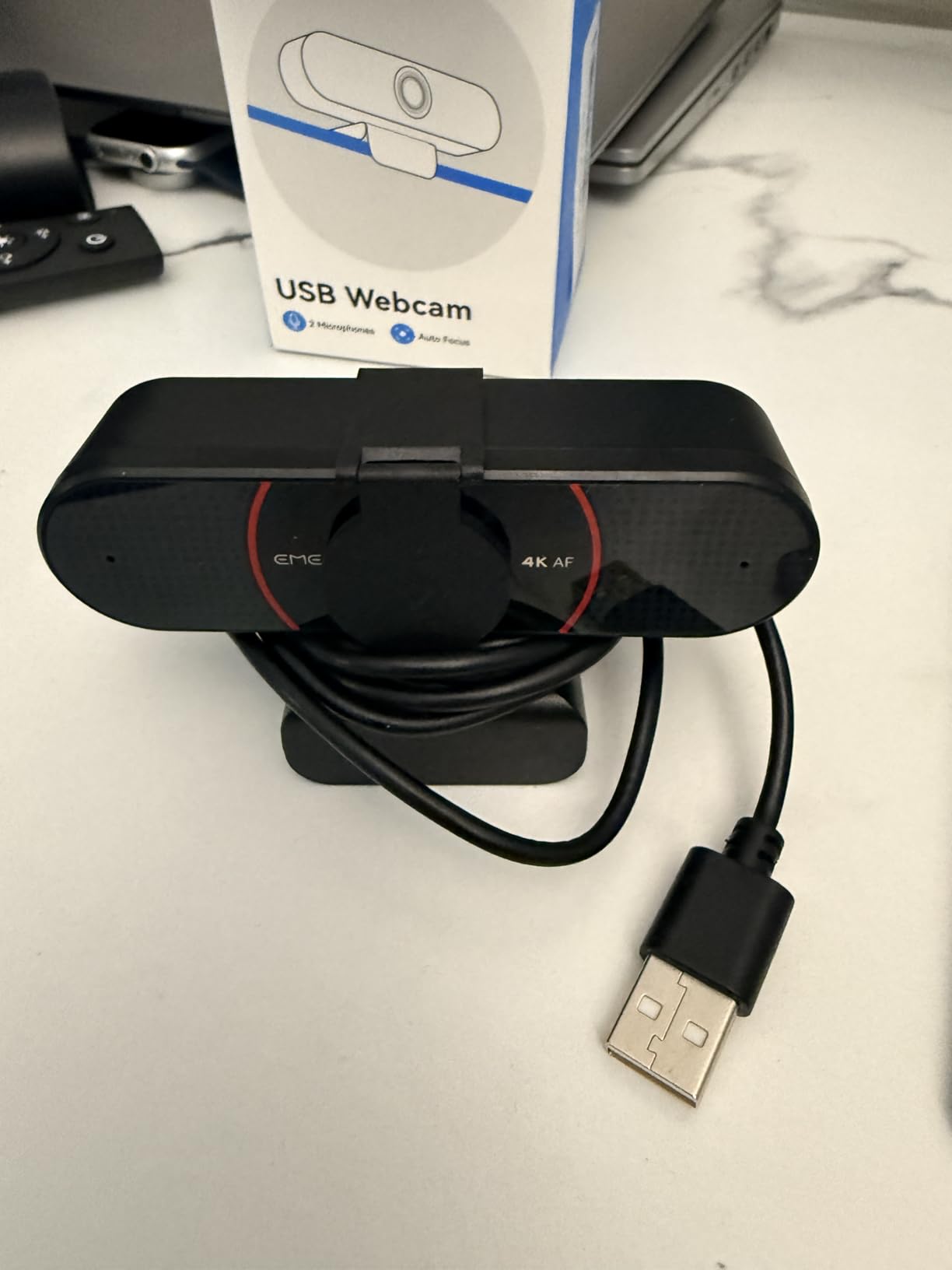
At 73 degrees the field of view sits in the useful middle: tight enough to keep a lesson frame clean, wide enough to include a second person or an instrument on a stand. The adjustable 360-degree horizontal axis means you can aim it without repositioning the mount.
The setup caveat is real and catches people out. The camera outputs 1080p until you change it, in the camera software or inside an application such as OBS. Set it once and it stays.
What to check before you buy the C960 4K
Check that your computer handles 4K capture. A modern laptop will, but an older machine or a tablet may drop frames. Also check the cable situation: the supplied lead is USB-A, so newer ports need an adapter.
Check whether you will remember the microphone setting. Windows often keeps the last used input, so if you plug this in and sound thin, the default device is probably still your laptop mic rather than the camera.
Who the C960 4K is wrong for
It is the wrong pick for a large shared monitor close to your face, where 73 degrees will feel too tight. It is also wrong for anyone who wants manual exposure control, since the light correction is automatic only.
On a desk with other USB devices, watch bandwidth. A 4K stream is a heavy consumer for an older USB 3 hub, and a direct port on the machine is always the safer choice.
8. OBSBOT Meet 2 – Best Webcam for Streaming and Travel
OBSBOT Meet 2-4K Webcam for PC with 1/2″ Sensor, AI Framing & Autofocus
4K on a 1/2-inch sensor
f/1.8
AI framing and gestures
40.5 g
USB-C
Pros
- Very good image for the size including low light
- AI framing and autofocus work for solo use and groups
- 40.5 g body with magnetic base and privacy cover
- Single USB-C connection with adapter included
- Detailed manual controls in OBSBOT Center
Cons
- Included clip does not hold securely on a monitor
- Included USB-C cable is short
- Control app can lag and gestures fail with cluttered backgrounds
- Body runs warm during long sessions
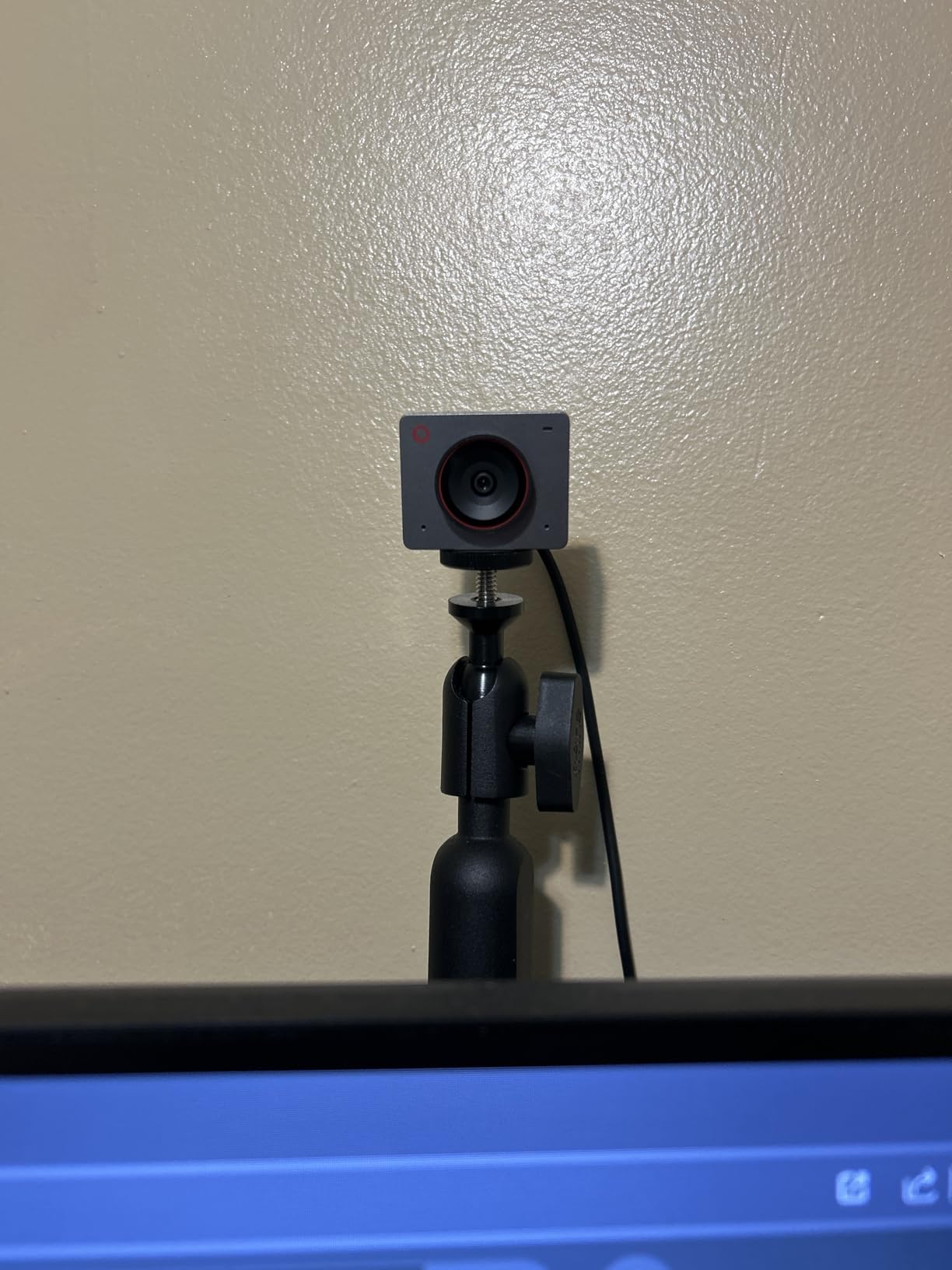
The Meet 2 is the smallest capable camera we have tested, at 40.5 grams, and that changes how you use it. It lives on a small rig arm, on a magnetic base or on the back of a laptop rather than hanging off a monitor, so it travels between a desk, a studio corner and a rehearsal space in a pocket.
A 1/2-inch sensor with an f/1.8 aperture is a serious spec at this size, and it shows. In our lamp-only test it produced one of the cleanest images of the whole group, with less grain than several much larger 1080p bodies.
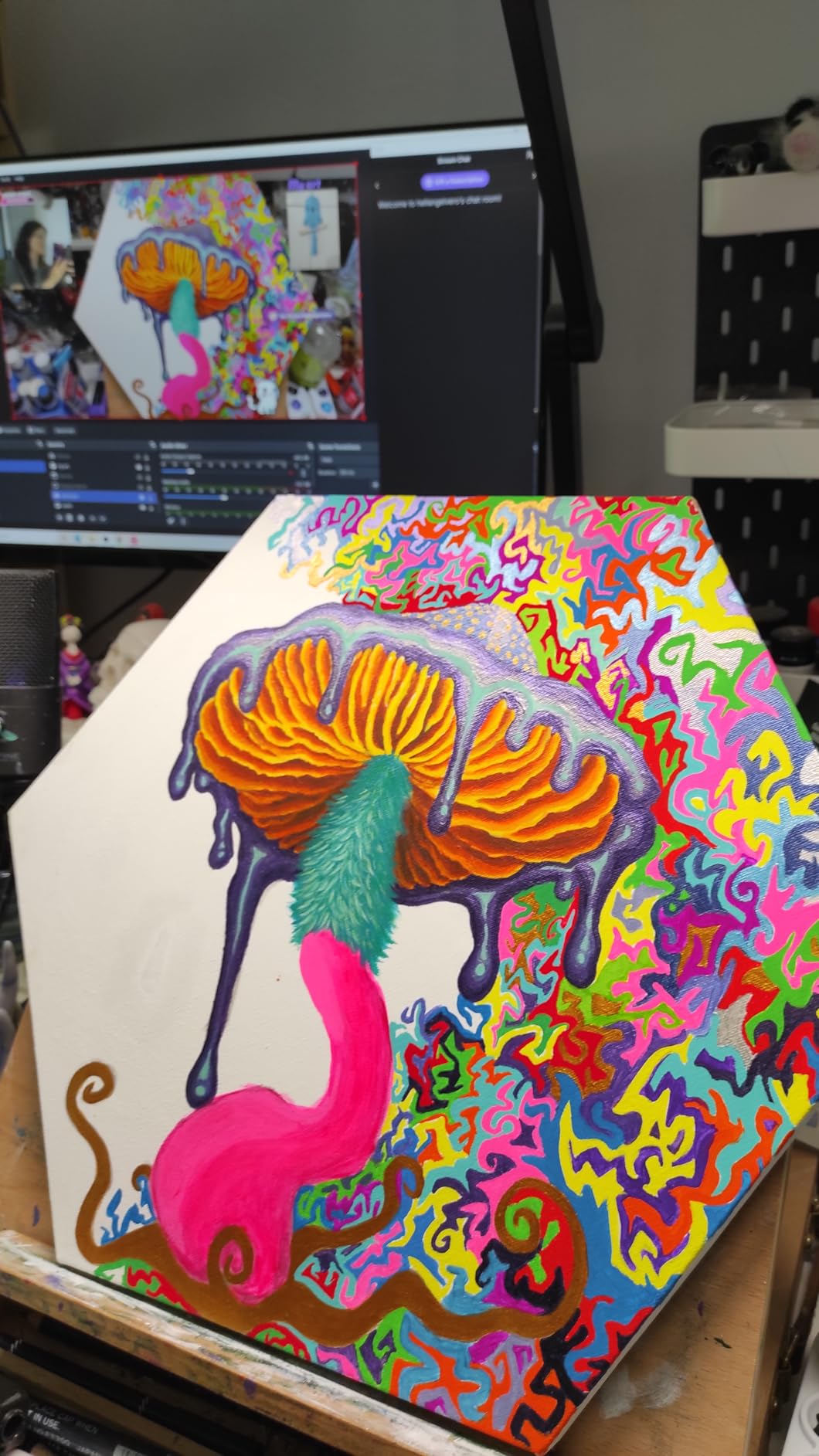
AI framing is the feature that earns it a streaming badge. Combined with autofocus it will hold a moving subject in frame, and gesture control can toggle framing or zoom without touching the camera. Manual exposure controls in OBSBOT Center are more granular than most rivals expose.
The honest weakness is the mount. The included clip does not grip a monitor securely, so expect to buy a small arm or use the magnetic base, and the supplied USB-C cable is short. The body also runs warm, and a few users report frame-rate dips in fast motion.
What to check before you buy the Meet 2
Check your mounting options before you commit, because the included clip is the weak link. If you plan to clamp it to a monitor edge permanently, budget for a proper arm; if you use a magnetic base or a laptop, it works as supplied.
Check your streaming software supports 4K capture. If you only ever stream 1080p, the sensor still delivers a visibly better image than a 1080p camera because the extra pixels survive the downscale.
Who the Meet 2 is wrong for
It is the wrong pick for long unattended sessions in a confined space, given the reported warmth and frame-rate dips, and for anyone who needs a studio-grade microphone, since the onboard capsule is not built for a broadcast mix.
It is also wrong if you need a physical privacy shutter of a traditional kind. The magnetic cover works well, but it is a small part that is easy to leave off rather than a slider you cannot remove.
9. EMEET S600 4K – Best for Sharp 4K Calls with a Proper Shutter
EMEET S600 4K Webcam for Streaming, Sony 1/2.55” Sensor, PDAF Autofocus
4K at 30fps or 1080p60
Sony 1/2.55-inch sensor
PDAF
twist privacy cover
Pros
- Sharp 4K from a Sony sensor with 1080p60 also available
- Fast stable PDAF autofocus
- Auto light adjustment balances shadows and highlights
- Solid build with a mechanical twist-to-open privacy cover
- Swivel and tilt mount stays secure on angled monitors
Cons
- Resolution must be set in software or an app
- No manual focus option
- EMEETLINK software is very basic
- Onboard mics are not a streaming replacement
The S600 is the most convincing upgrade from a C920 that we found, and reviewers say the same thing unprompted: sharper, better colour, noticeably faster autofocus. The Sony 1/2.55-inch sensor is a real step up in light gathering from the smaller sensors in the budget tier.
What makes it a strong pick is the combination of 4K at 30 fps and 1080p at 60 fps. A musician demonstrating a fast passage gets the smooth frame rate; someone recording a document camera shot or a detailed score gets the resolution.
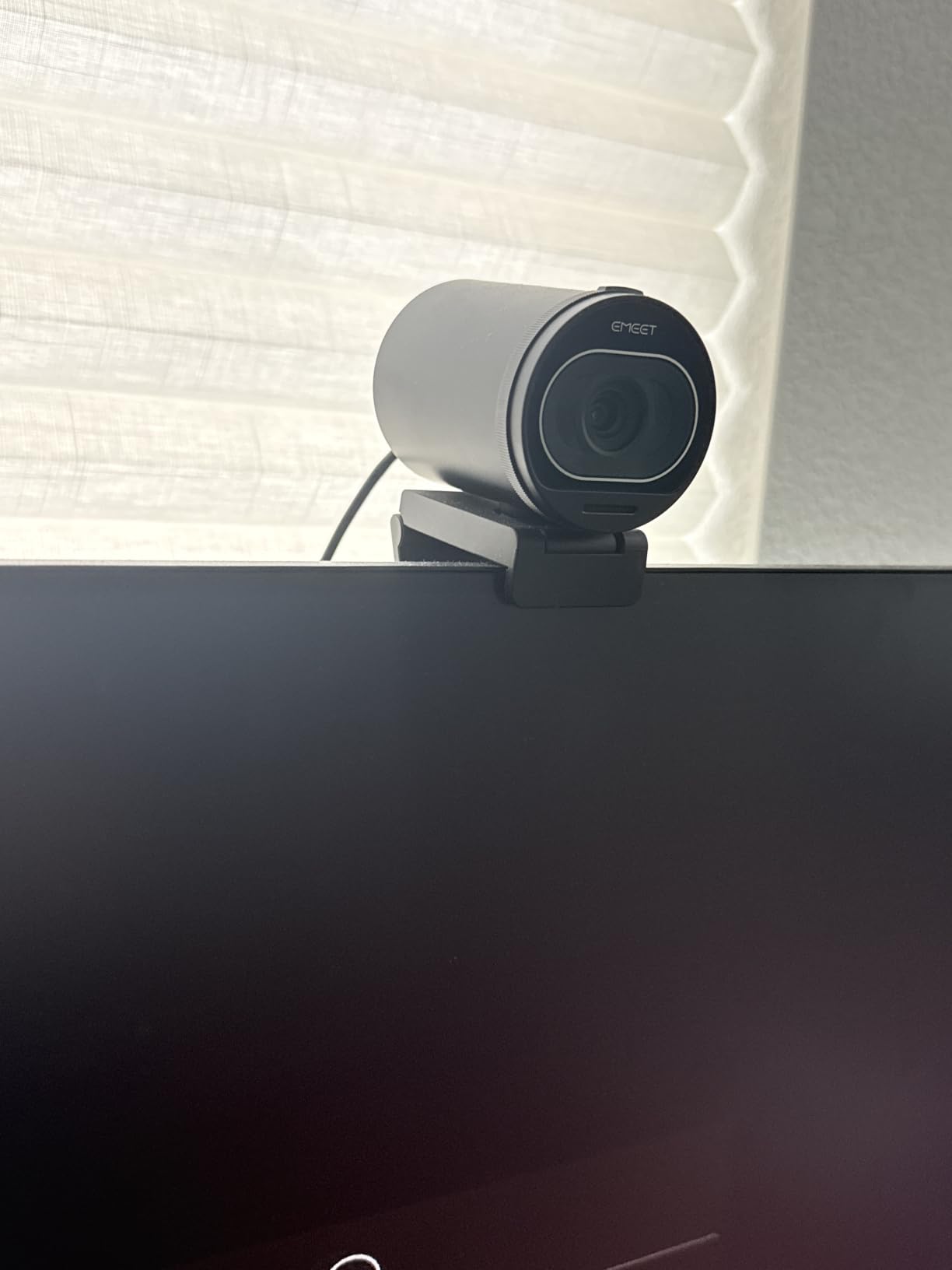
The build is the best in this price band. It is solidly weighted, the twist-to-open privacy cover is mechanical rather than a sliding cap, and the swivel-and-tilt mount stayed locked on a large angled monitor where several others drifted.
Adjustable field of view runs from 40 to 73 degrees at 1080p, which lets you frame tightly for a face or wide for a keyboard. At 4K the field of view is fixed at 73 degrees.
What to check before you buy the S600
Check your monitor thickness and angle, because a good mount is the difference between a camera that stays put and one you are re-aiming every week. This one handled a large angled display well for us.
Check whether you want manual focus. There is none, and if you will be moving a physical object toward and away from the lens on purpose, autofocus may work against you.
Who the S600 is wrong for
It is the wrong pick for a user who wants real exposure control, because EMEETLINK is minimal and offers almost nothing beyond basic settings. If colour grading matters to you, read the Elgato section.
It is also the wrong pick for long streams with no external audio, since the onboard microphones are built for conversation rather than broadcast.
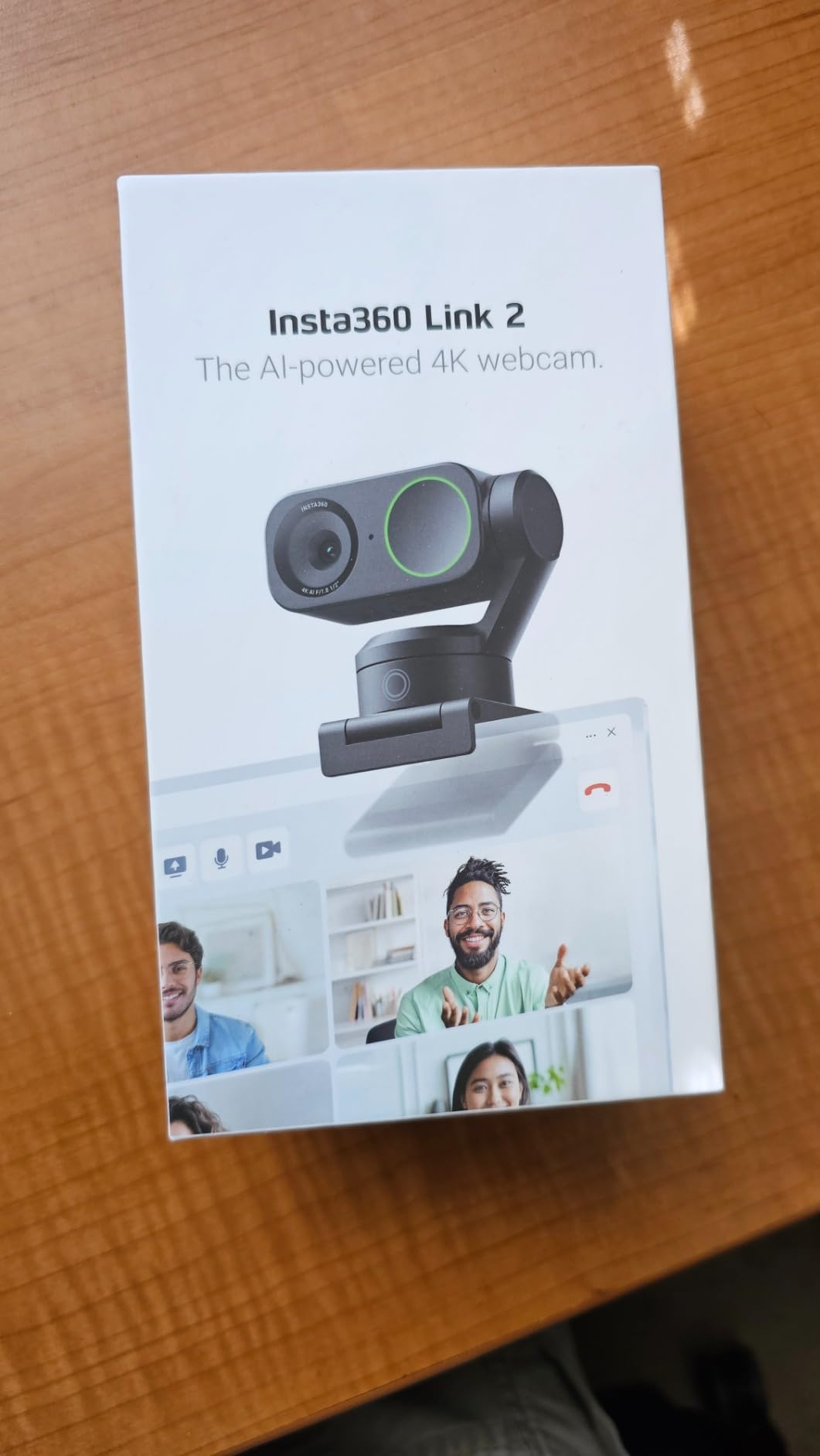
10. Insta360 Link 2 – Best for AI Tracking and Group Use
Insta360 Link 2 – PTZ 4K Webcam for PC/Mac, 1/2″ Sensor, AI Tracking, HDR, AI Noise-Canceling Mic, Gesture Control for Streaming, Video Calls, Gaming, Works with Zoom, Teams, Twitch & More
4K on a 1/2-inch sensor
HDR
PDAF
AI pan and tilt
noise-canceling mic
Pros
- True-to-life 4K with HDR and strong low light
- AI noise-canceling algorithms for busy rooms
- Phase detection autofocus
- Natural bokeh depth of field
- Physical pan and tilt AI tracking
- DeskView and Whiteboard modes
Cons
- Not compatible with ARM-based Windows or Windows Hello
- DeskView and Whiteboard need the included markers
- Sits in the highest price band here
The Link 2 is the only camera here that physically moves to follow you. When AI tracking is engaged it pans and tilts the head rather than cropping a fixed frame, which produces a much more natural result because the camera does not have to guess how much to zoom.
For our use case that means it works for a room, not just a desk. Two people at a piano, a presenter moving across a home studio, a teacher walking to a second keyboard: the framing follows without anyone touching the controls.
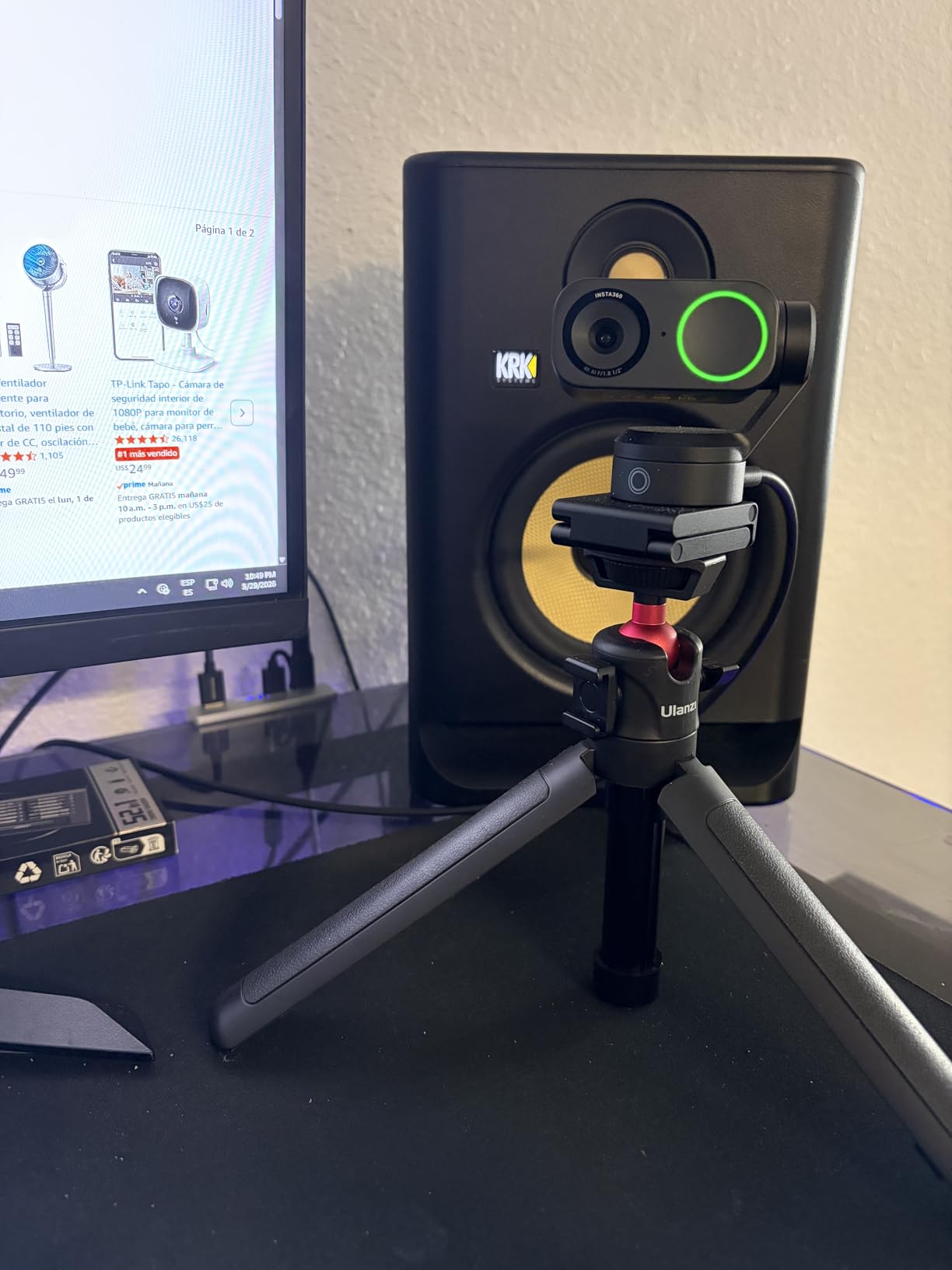
Image quality is excellent. A 1/2-inch sensor with HDR produced the most natural skin tones of the group in our bright-office test, and the natural bokeh mode gives a genuinely blurred background that reads as photographic rather than filtered.
DeskView and Whiteboard modes use the four included recognition markers to reshoot your desk or a whiteboard as if the camera were above them, which is a genuinely useful teaching tool. Gesture control and a phone-as-remote work well.
What to check before you buy the Link 2
Check your operating system first. This camera does not work on ARM-based Windows and does not support Windows Hello face recognition, so if you run Windows on ARM or you rely on face login, rule it out before anything else.
Then check that the free Link Controller software suits you. It handles framing, tracking modes and image settings well, but it is a separate layer to learn and some settings are buried inside it.
Who the Link 2 is wrong for
It is the wrong pick for a single person on a fixed call, because the tracking and the desk modes are features you would never switch on. It is also the wrong pick for a small desk, since the body is taller than the budget cameras.
If you teach, rehearse or present in a room and move around, this is the one to buy. If you sit still and talk, the extra capability is not worth the premium.
11. Elgato Facecam 4K – Best for Manual Control and Streaming
Elgato Facecam 4K, 4K60 Studio Webcam, DSLR-Like Control
4K at 60fps
1/1.8-inch STARVIS 2
f/2.8
automatic and manual focus
optical zoom
Pros
- 4K at 60 fps capture
- Large Sony STARVIS 2 sensor with Elgato Prime Lens
- Manual as well as automatic exposure and focus
- Accepts standard 49mm lens filters
- Uncompressed video and HDR support
- Settings saved in internal flash memory
Cons
- Built-in microphone is not a headline feature so streamers need external audio
- One of the smallest review bases in this roundup
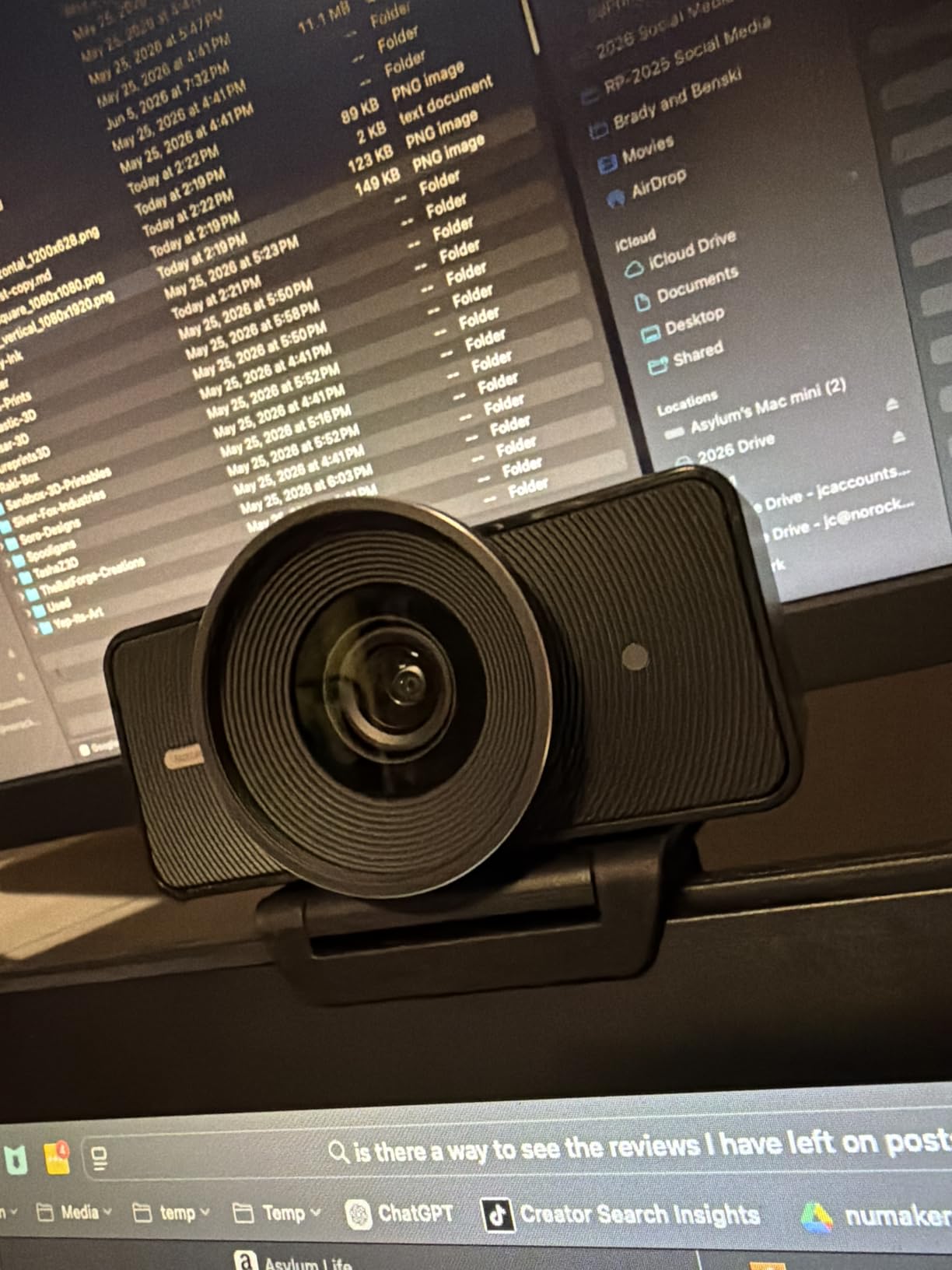
The Facecam 4K is the only camera in the group that treats you like a photographer. Exposure and focus are both available in manual, the sensor is a large 1/1.8-inch Sony STARVIS 2, and the lens takes standard 49mm filters. Nobody else here offers that combination.
For streaming, 4K at 60 fps is the headline. It also supports uncompressed video and HDR, and it stores your settings in internal flash memory so a power cut does not reset your exposure.
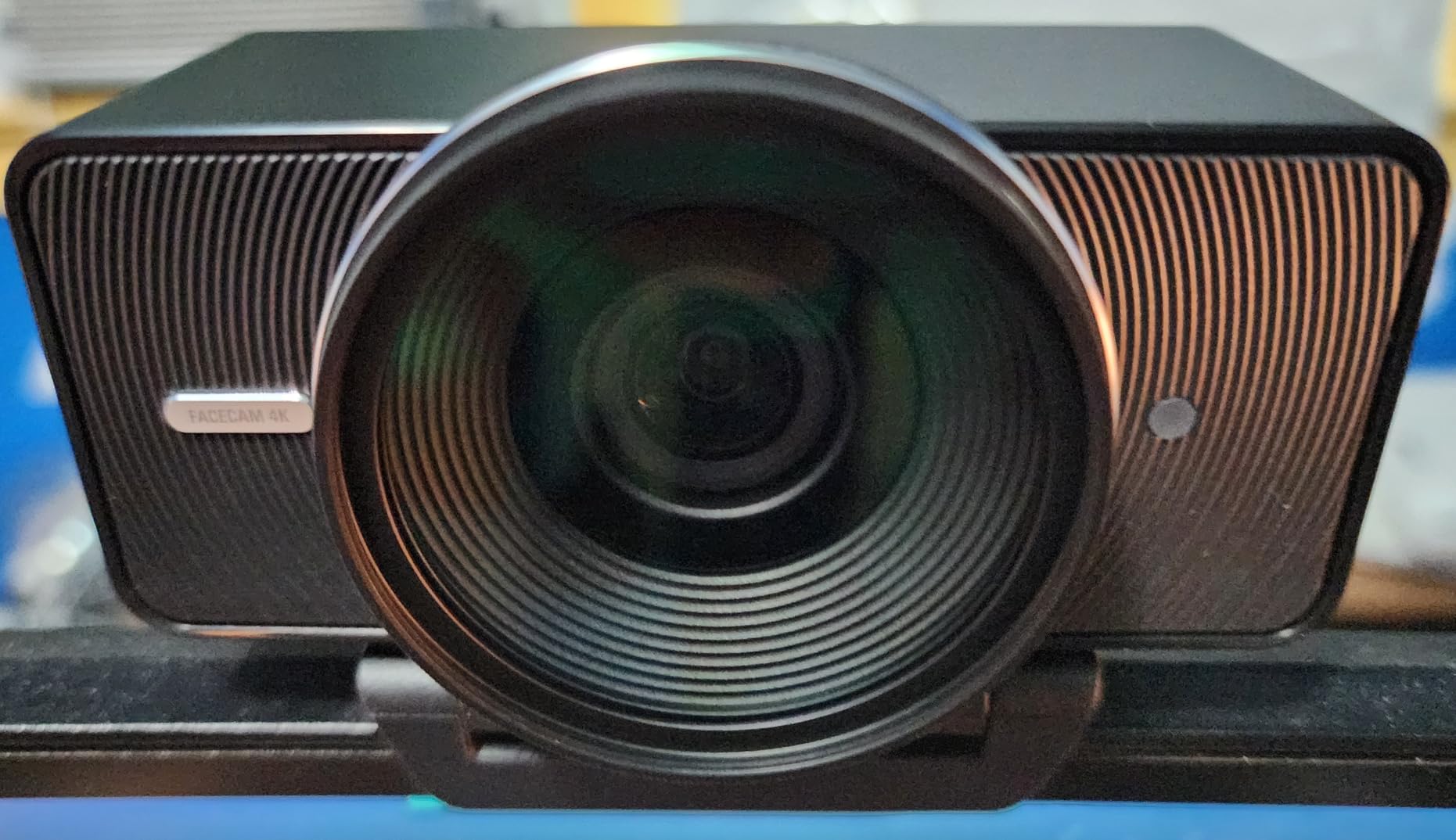
Image quality is excellent in good light, with the large sensor holding detail and colour well. Auto modes are there if you want them, but the reason to buy this camera is that you will want to dial things in yourself once.
Two cautions. The review base is among the thinnest we worked with, so there is less long-term data on failure rates. And the microphone is not among the features, which tells you plainly that this is a camera for people who already own good audio.
What to check before you buy the Facecam 4K
Check that you want to be that person. Manual control means decisions about shutter, ISO, white balance and focus, and it only pays off if you are streaming or recording regularly enough to learn them.
Check your desk for a 49mm filter stack. Optical zoom and filter threads are rare in this category, and if you plan to add a diffuser or a polariser, this is one of very few webcams that can take one.
Who the Facecam 4K is wrong for
It is the wrong pick for everyday calls, where the extra control adds nothing and costs more than the camera you need. It is equally wrong for anyone who has not already solved their microphone situation.
It is also the wrong pick if you are on a tight budget but still want good video. The EMEET S600 and C960 4K cover the same basic need at a fraction of the outlay.
12. Acer A640 4K – Best 4K That Works the Moment You Plug It In
Acer A640 4K Webcam with AI Noise Canceling Mic for Streaming Meetings
4K at 30fps or 1080p60
Sony 1/2.8-inch sensor
PDAF
77.4-degree FOV
Pros
- 4K at 30 fps and 2K/1080p at 60 fps
- PDAF autofocus locks on without hunting
- Automatic low-light correction
- AI noise-canceling microphone
- Physical sliding privacy shutter
Cons
- No built-in speakers
- Image goes grainy in dim rooms
- Mic must be selected as the default input
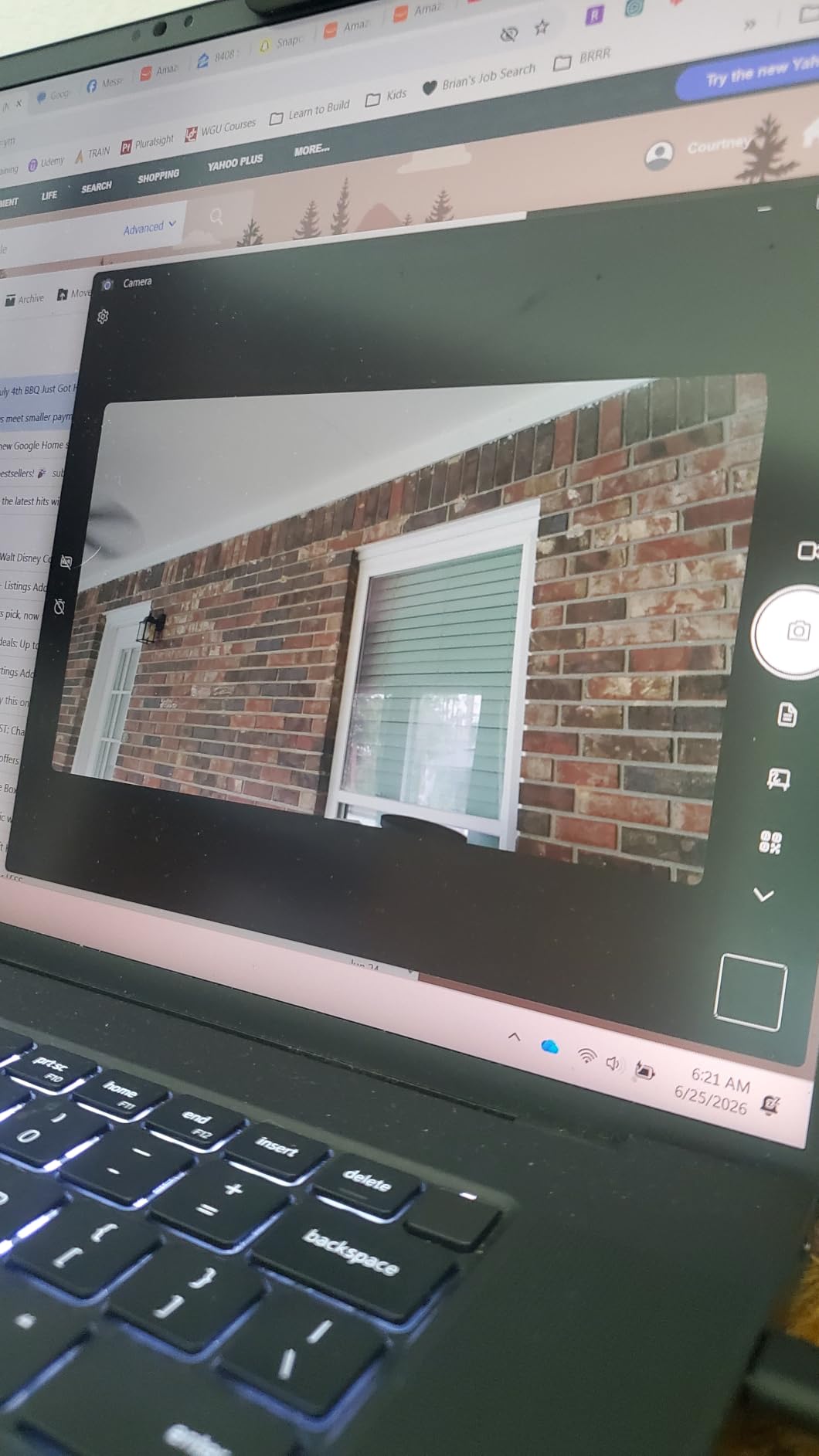
The A640 is the most immediate 4K camera in the group. It captures at 4K out of the box rather than defaulting to 1080p, and it offers 2K and 1080p at 60 fps when you want the smoother frame rate. There is no configuration step between unboxing and a good picture.
The Sony 1/2.8-inch sensor with phase detection autofocus gives it fast, quiet focusing. In our tests it locked onto a face without a single hunting correction, and automatic low-light correction held colour reasonably steady as the room dimmed.
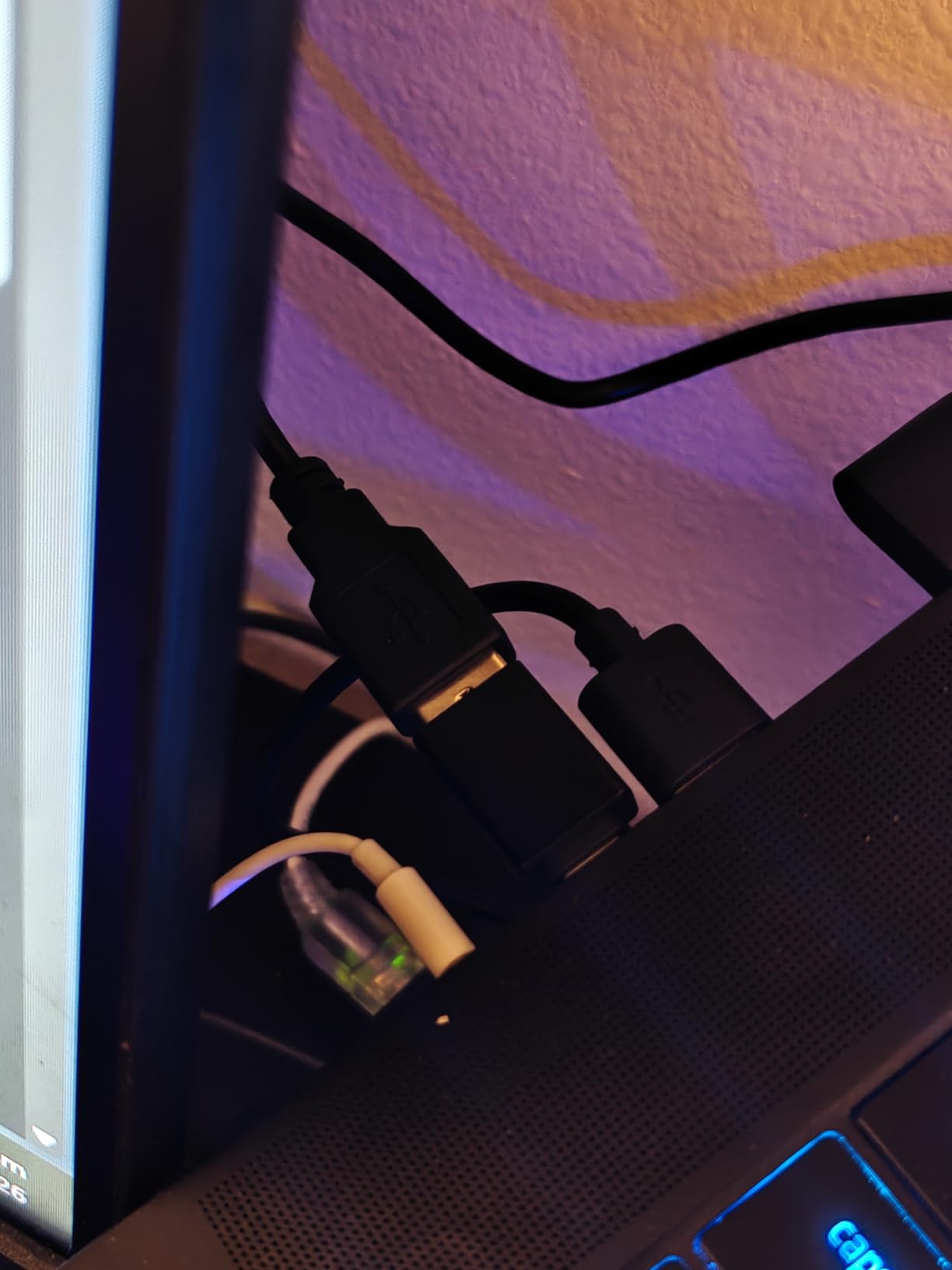
The physical sliding privacy shutter is mechanical and positive, and a USB-A to USB-C adapter is included so it works on either port type. A two-year warranty is longer than most in this price band, and the small swivel head is unobtrusive on a monitor.
There is no built-in speaker, which only matters if you were hoping to use it as a conference device. In dim rooms the image goes grainy, as it does with most sensors at this level.
What to check before you buy the A640
Check your USB ports. The adapter in the box means you are fine either way, but if your machine only has USB-C, confirm the included lead reaches comfortably to a monitor mount.
Check your microphone settings on the computer. Because there is no speaker, the camera is clearly a microphone device too, and you will need to set it as the default input once for the noise cancellation to engage.
Who the A640 is wrong for
It is the wrong pick for a very dark room, where the grain becomes obvious, and for anyone who wants a 4K frame rate above 30 fps. It is also the wrong pick for a buyer who reads a small review pool as a risk.
If you want the same instant 4K experience with more established long-term data behind it, the EMEET S600 is the alternative, at the cost of a resolution setting you have to change yourself.
How to Choose a Webcam in 2026
Buying a webcam is mostly a decision about your room and your platform, not about the number on the box. Work through these seven points in order and the choice usually makes itself.
Resolution is not the same as picture quality
Resolution tells you how many pixels the sensor records, not how well it collects light. A 4K sensor behind a small aperture in a dim room can produce a noisier, softer image than a 1080p sensor with a wide aperture in the same room.
That is why the group here spans 1080p through 4K without the price tracking resolution neatly. Judge the sensor size and aperture first, and treat resolution as a bonus that gives you room to crop or downscale.
Field of view and framing for one person or a group
Field of view is the single most misunderstood spec. Anything under 65 degrees is a tight head-and-shoulders frame. Around 78 degrees is the standard for a single person at desk distance. Ninety degrees and above starts including the room, which is useful for a group or an instrument and unflattering if you would rather not show the wall behind you.
If you can change it, choose a camera with selectable angles. The Brio 4K, the PowerConf C200 and the EMEET S600 all let you narrow the frame in software, which is worth more than a wider fixed lens.
Autofocus, frame rate and manual control
Fixed focus is fine if you sit at one desk at one distance. If you lean in, stand up, or hold an object near the lens, you want autofocus, and phase detection autofocus is smoother than the contrast-detection kind.
Frame rate matters when there is motion: fast hands, a moving bow, a presenter crossing the room. 30 fps is fine for a seated talking head; 60 fps is the point at which movement stops looking steppy. Manual exposure and focus are for people who record regularly and want control.
Sensor size and aperture are what rescue a dim room
Sensor size and aperture determine how much light reaches the sensor. Across this group, the large-sensor cameras with wide apertures produced noticeably cleaner images in a lamp-only room, at the cost of bulk and outlay.
Before you spend more on the camera, try the free fix. A lamp or a window placed beside your screen, roughly 45 degrees off axis, changes the picture more than any resolution upgrade. Backlight from directly behind you is the one problem no camera at these prices can solve.
Privacy shutters, Windows Hello and companion software
A physical shutter is worth paying a small premium for in a shared room. There are three kinds: a sliding cover, a twist-to-open mechanical shutter, and a removable cap. All three stop light reaching the lens; only the mechanical and sliding ones stop you forgetting.
Windows Hello face unlock is a genuine purchase criterion if you log in by face regularly, and it narrows the list sharply. Companion software is the other one: it is where exposure, framing and tracking controls live, and reviewers consistently distrust apps that take exclusive control of the camera or only expose settings while their own preview window is open.
Is it time to upgrade from a Logitech C920?
The C920 and C920s are still capable, and if yours is working there is no emergency. The reasons people move on are consistent: the image looks soft next to a newer screen, there is no privacy shutter, there is no Windows Hello, and 30 fps shows on anything with movement.
For a straightforward step up, the C920x keeps the same class of behaviour with a glass lens. For a genuine jump, the EMEET S600 or the Acer A640 add a 4K sensor and phase detection autofocus. For a different feature set entirely, the Brio 4K adds HDR and Hello, and the Insta360 Link 2 adds physical tracking.
Webcam versus DSLR, phone and long stream lengths
A webcam wins on convenience: plug in, it works, no capture card or second battery. A mirrorless or DSLR wins on image quality by a wide margin if you already own one and a lens. A phone can be genuinely good, but wireless webcam modes compress harder and the connection is less predictable.
For long sessions, prioritise reliability over resolution. Users running two- and three-hour streams care about mount stability, heat and sustained frame rate far more than 4K, and that is why the small metal-bodied cameras with solid mounts deserve their reputation.
For a compact desk, look at footprint before anything else. The smallest cameras here, including the OBSBOT Meet 2 at 40.5 grams and the Brio 101 at under five ounces, mount on a small stand or a rig arm rather than needing a monitor clamp.
Frequently Asked Questions
What is the absolute best webcam?
For most people the Logitech C920x is the best webcam overall: a 1080p sensor with a glass lens, autofocus that does not hunt, and a picture that stays clean in ordinary indoor light. Buy the Logitech Brio 4K instead if you want Windows Hello, HDR light handling and the ability to record above 1080p. Buy the Anker PowerConf C200 if you sit close to a large monitor and 1080p looks soft to you.
Is there a better webcam than the Logitech C920?
Yes. The C920x is a modest step up with a glass lens, the EMEET S600 and Acer A640 add genuine 4K sensors and phase detection autofocus, and the Logitech Brio 4K adds HDR, three field-of-view presets and Windows Hello. If you stream or teach in a dim room, a larger sensor will improve the image far more than extra resolution alone.
Which is better, a 720p or 1080p webcam?
1080p, and it is not close. A 720p camera shows visible compression artefacts on hair, fabric and text, and it looks soft on any screen viewed at normal size. The step from 720p to 1080p is the largest single improvement most people will notice, while the step from 1080p to 4K is mainly visible in fine detail or after cropping.
Do I need a 4K webcam?
Only if something downstream uses it. Most video conferencing platforms compress or cap incoming video well below 4K, so on a Zoom or Teams call a 4K sensor gives you a cleaner source rather than a sharper received image. It pays off for recording, streaming in 4K, and cropping into a tighter frame without losing detail.
What is the best webcam for streaming?
The OBSBOT Meet 2 is our streaming pick: a 1/2-inch sensor in a 40.5 gram body, 4K capture, AI framing and autofocus, and manual exposure controls. Streamers who want full manual control over exposure and focus should look at the Elgato Facecam 4K, and anyone who moves around a room while broadcasting will find the Insta360 Link 2 worth the extra outlay.
What resolution webcam do I need for Zoom?
1080p is the practical answer for calls. 4K is worth having if you also record or stream, because the extra detail survives a downscale and gives you room to crop. A separate USB microphone usually improves perceived call quality more than moving from 1080p to 4K, and none of the twelve here has a studio-grade onboard mic.
The Best Webcams in 2026: Final Verdict
The Logitech C920x is the best webcam of the twelve for most people, because it does the ordinary things well and nothing about it is difficult. The Brio 4K is the upgrade for HDR, Windows Hello and 4K recording, and the Anker PowerConf C200 is the value pick for anyone sitting close to a large screen.
Beyond that, the EMEET S600 and Acer A640 are the sensible 4K steps, the OBSBOT Meet 2 is the streaming and travel choice, and the Insta360 Link 2 earns its place if you move around a room. Whatever you pick, put a light beside the camera before you blame the camera for a grainy picture.