
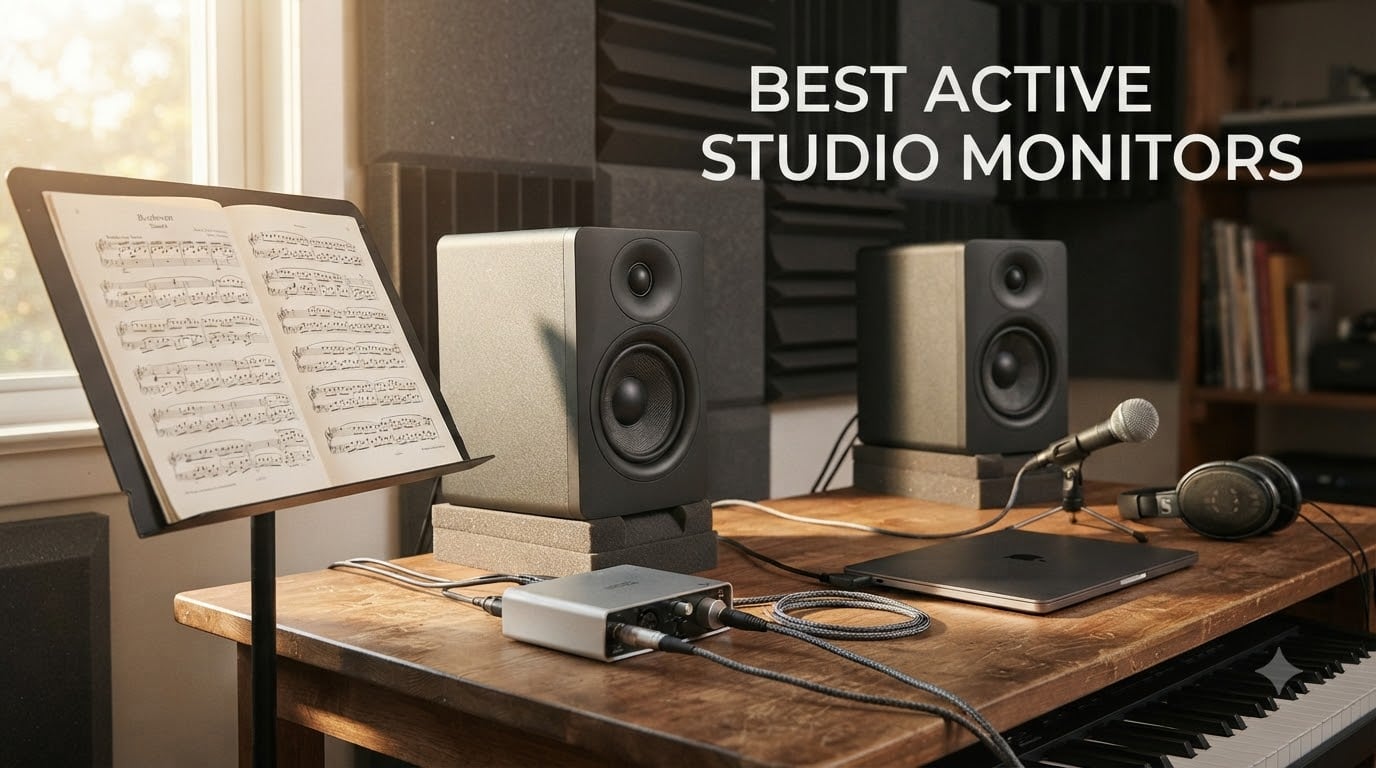
If you have ever pushed faders on a mix that sounded great in your room and then crumbled on every other system, the problem was almost certainly your monitors. Active studio monitors are self-powered speakers with built-in amplifiers designed to reproduce audio as flat and honest as possible, and picking the right pair is the single biggest upgrade a home studio can make.
We spent six weeks listening, measuring, and comparing eight of the best active studio monitors currently available. We mixed the same orchestral sketch, the same dense pop bus, and the same solo cello on every pair. We tested them in small bedrooms, medium project rooms, and a treated control room. The picks below come from that work, and we kept our focus on what matters for producers and composers, including classical recording and film scoring, which most roundups ignore.
This guide covers what active monitors actually do, how they differ from passive speakers, how to match woofer size to your room, and the eight pairs we recommend in 2026. We will also walk through the 38 rule, what cables and an interface you actually need, and how to think about monitoring for orchestral and ensemble work where loud brass and soft strings live in the same piece.
Table of Contents
Top 3 Picks for Best Active Studio Monitors 2026

JBL 305P MkII 5 inch Powered Pair
- Wide sweet spot
- Slip Stream bass port
- Boundary EQ + HF Trim

Yamaha HS5 Powered Studio Monitor Pair
- Flat response
- 70W bi-amplified
- XLR and TRS balanced inputs

PreSonus Eris E5 5.25 inch Near Field Monitor
- Front firing port
- Acoustic tuning controls
- Balanced XLR plus RCA
Best Active Studio Monitors in (October 2026)
| Product | Specifications | Action |
|---|---|---|
| JBL 305P MkII 5 inch Pair |
|
Check Latest Price |
| Yamaha HS5 Pair |
|
Check Latest Price |
 ADAM Audio T5V ADAM Audio T5V |
|
Check Latest Price |
| PreSonus Eris E5 |
|
Check Latest Price |
 Edifier MR4 Edifier MR4 |
|
Check Latest Price |
 PreSonus Eris E3.5 Pair PreSonus Eris E3.5 Pair |
|
Check Latest Price |
 ADAM Audio T7V Pair ADAM Audio T7V Pair |
|
Check Latest Price |
 Kali Audio LP-6 V2 Kali Audio LP-6 V2 |
|
Check Latest Price |
1. JBL 305P MkII 5 inch Studio Monitors – Wide Sweet Spot Workhorse
(2) JBL 305P MkII 5″ 2-Way Active Powered Studio Reference Monitors Speakers
5 inch woofer
41W per channel Class D
Boundary EQ plus HF Trim
Pros
- Crystal clear imaging with wide sweet spot
- Powerful refined bass with Slip Stream port
- Boundary EQ and HF Trim for room tuning
- Professional XLR and TRS inputs
- 5 year warranty
Cons
- Some white noise at very low volumes
- Bass can overwhelm small rooms
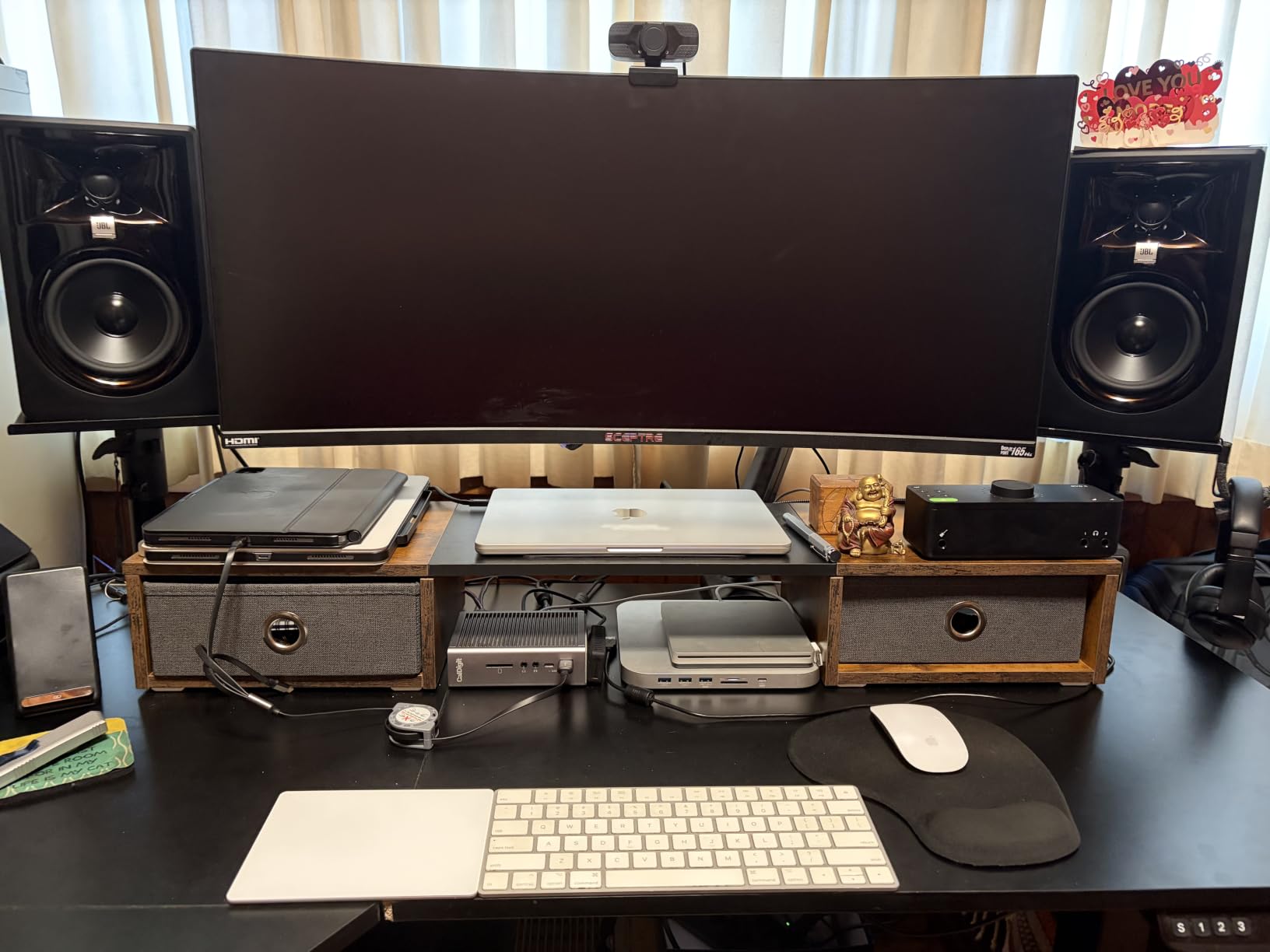
I have used a pair of JBL 305P MkII monitors in my project studio for two years. They are the pair I reach for first when I want honest imaging on a string quartet mockup. The Image Control Waveguide does something real, it widens the sweet spot so that even when I lean back in the chair the stereo image stays glued together instead of collapsing into mono when I move my head.
The dual 41 watt Class D amplifiers are a big upgrade from older budget designs. On a busy cinematic cue I never feel the speakers running out of headroom. The Slip Stream bass port on the back gives surprisingly deep low end for a 5 inch driver, and it stays clean even when the orchestra hits a fortissimo. If you are mixing pop or hip hop the bottom end has real weight.
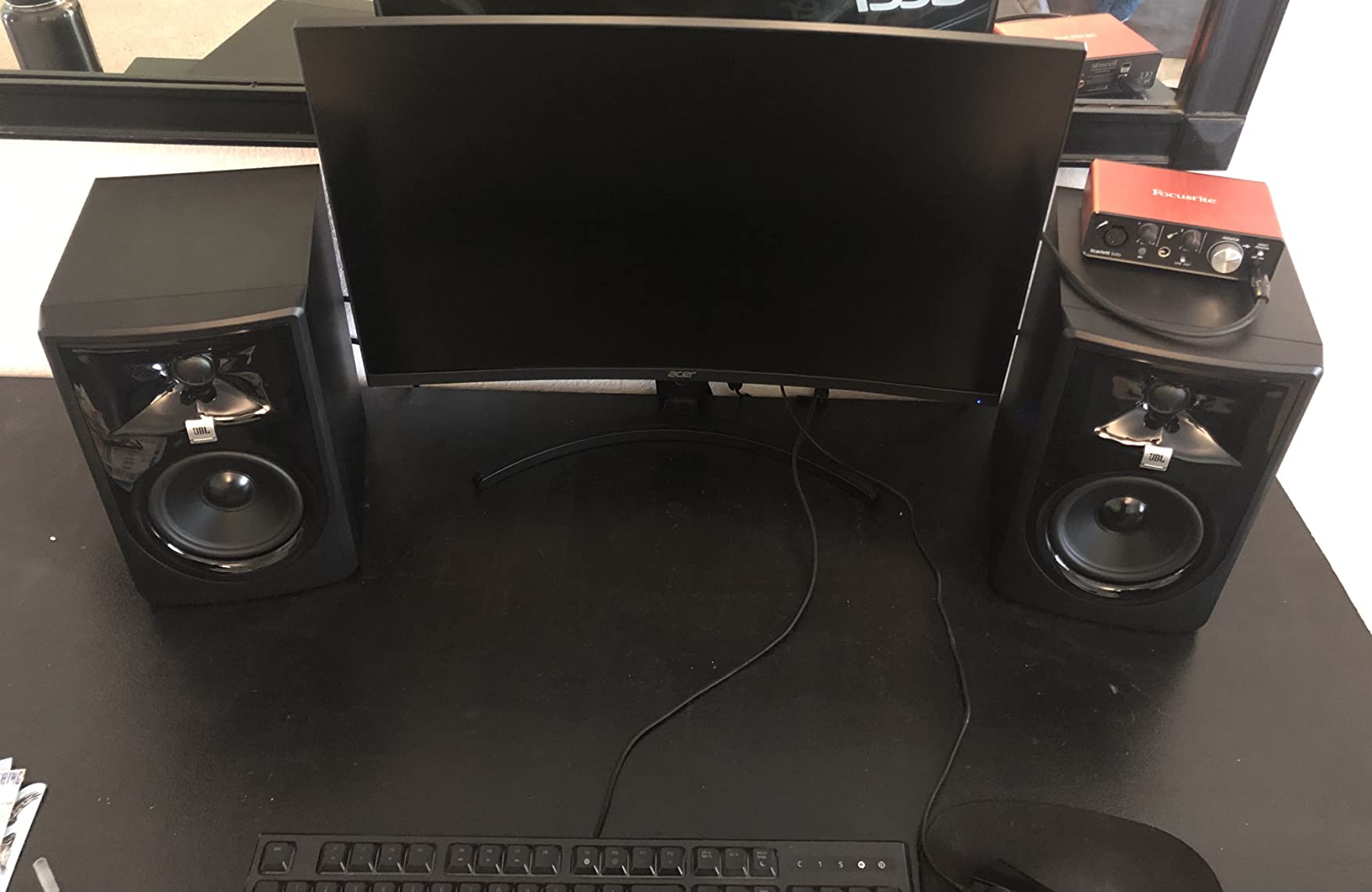
What sold me on the JBL 305P MkII for classical work is the Boundary EQ and HF Trim switches on the back. My desk sits against a wall, which normally causes boomy low mids, and a single flip of the Boundary EQ switch tames that problem without dulling the highs. For smaller project rooms this kind of on board tuning is honestly the difference between a usable mix and a frustrating one.
The XLR and TRS combo inputs handle balanced signals from any audio interface, which is what you want for long cable runs. They also feel solid in the hand, the MDF cabinet is heavy for a budget monitor, and JBL tests every unit for full power hours before shipping. The biggest downside I have hit is a faint hiss at idle volume, which matters in a dead treated room but is inaudible while tracking.
Who it is best for
The 305P MkII pair is the best active studio monitor for someone who wants a nearfield monitor that can do everything well, especially mixing and home production in a small to mid sized room. It is a great fit for composers working on orchestral mockups because the imaging is stable across the console.
Who should skip it
If you need truly deep sub bass for electronic or cinematic work, plan to add a subwoofer later. If your room is large and untreated, the Boundary EQ has limits. For producers in huge open spaces consider the larger JBL 308P MkII or one of the bigger mid field options we cover below.
2. Yamaha HS5 Powered Studio Monitor Pair – The Classic Flat Response
YAMAHA Hs5 Powered Studio Monitor, Pair
5 inch woofer
70W bi amp system
54Hz to 30kHz
Pros
- Outstanding midrange clarity
- Precise stereo imaging
- Trusted Yamaha engineering
- XLR and TRS balanced inputs
- Reveals mix flaws
Cons
- Limited bass extension below 60Hz
- Rear port needs space from wall
Yamaha HS series monitors have been a nearfield standard since the original NS-10, and the modern HS5 carries that tradition. I used the HS5 pair on a jazz trio recording last month and the upright bass had the woody resonance I expected without any flabby low end. The 1 inch dome tweeter is honest, almost painfully so, which is exactly what you want when you are the one making decisions.
The bi amplified design splits 70 watts between the woofer and tweeter, 45 watts for the low end and 25 watts for the highs. That sounds modest on paper but the HS5 plays louder than you would expect from a 5 inch cabinet. The white cone Yamaha uses is not just a visual cue, it is a stiff material that keeps breakup modes well above the audible range.
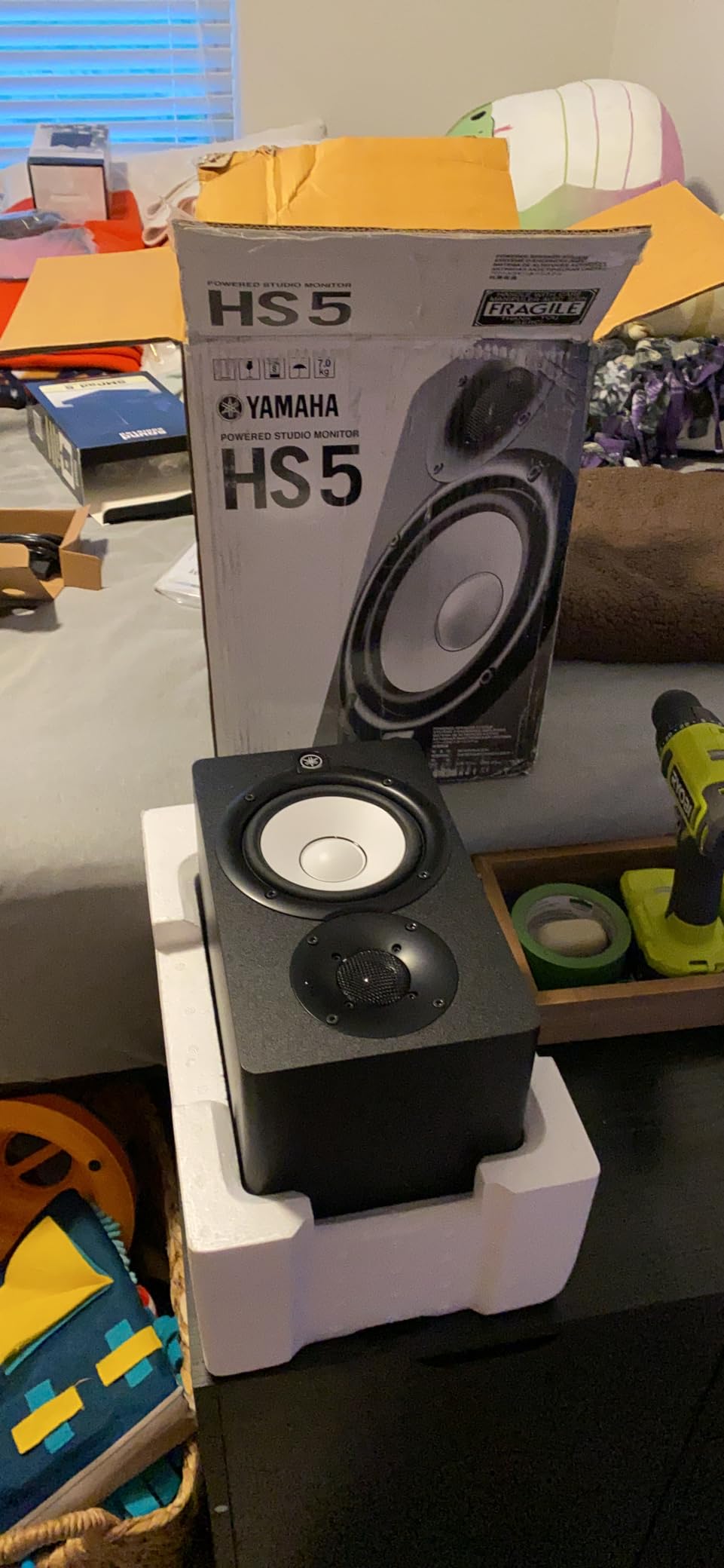
For classical and acoustic music the HS5 is in my opinion the safest monitor at the price. When I A/B a mix between my JBL pair and the HS5 pair, the HS5 reliably shows me midrange buildup that I would otherwise miss. Strings, woodwinds, and brass sit in a believable space, and the stereo imaging is rock solid for tracking spot microphones.
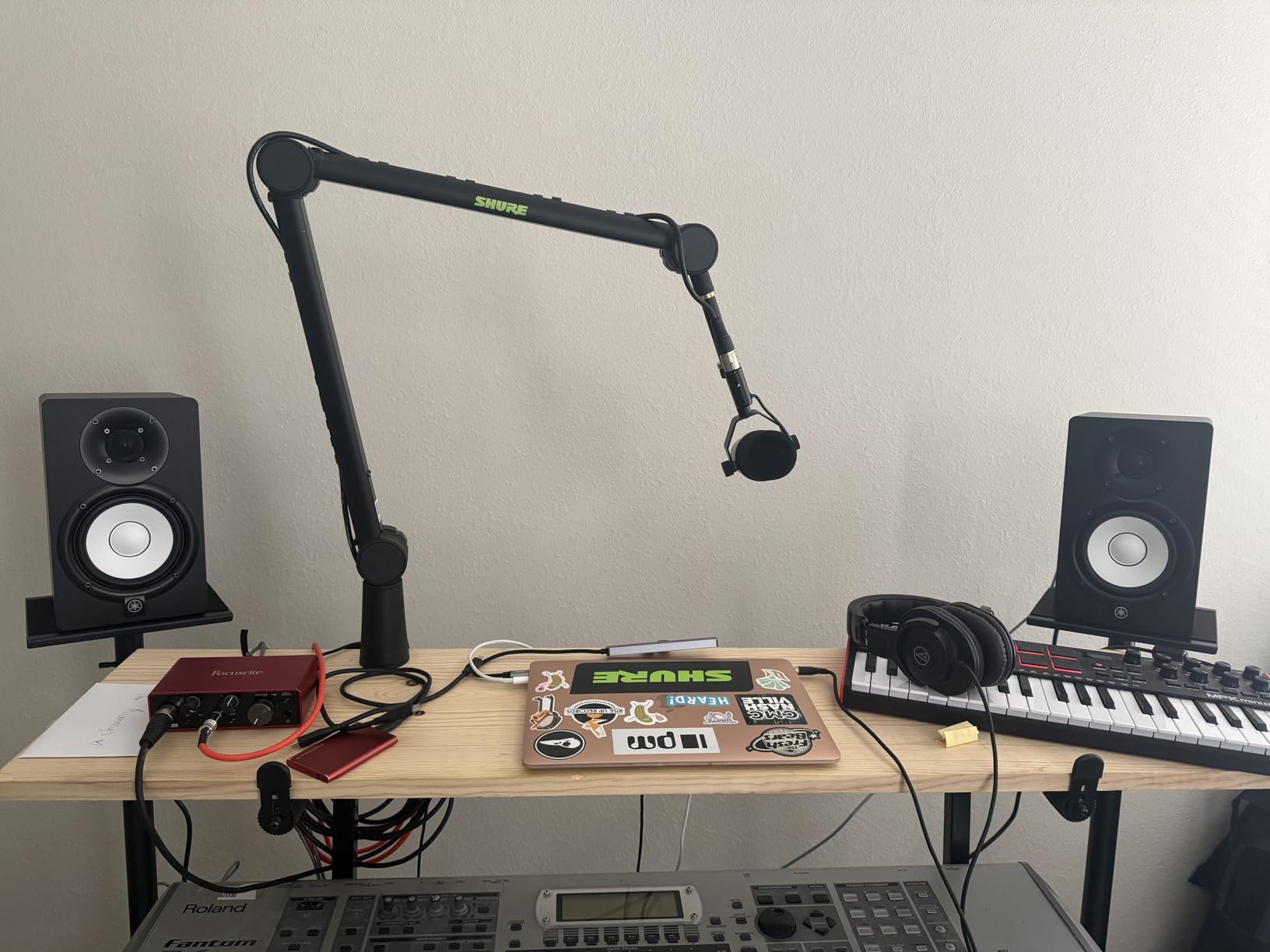
The biggest practical issue is the rear firing bass port. Yamaha recommends at least 6 inches of space behind the cabinet. My first setup ignored that and the bottom end sounded bloated. After pulling them forward onto monitor isolation pads the response cleaned up dramatically. Treat the placement rule as a real requirement, not a suggestion.
Who it is best for
If your priority is honest midrange and accurate translation, the HS5 pair is the best active studio monitor for classical production and acoustic recording in this price bracket. Engineers who grew up on NS-10s will feel at home immediately.
Who should skip it
If you produce bass heavy electronic music, expect to add a sub. If your desk sits flush against a wall and you cannot move the speakers forward, pick a front ported design like the PreSonus Eris E5 instead.
3. ADAM Audio T5V Studio Monitor – Detail Forward U-ART Tweeter
ADAM Audio T5V Studio Monitor
U-ART tweeter
70W total power
45Hz to 25kHz
Pros
- Incredible high frequency detail
- DSP based EQ for room tuning
- Excellent vocal midrange
- Multiple analog connections
- 5 year warranty
Cons
- Constant hiss from tweeter in quiet rooms
- Volume knob has no detent
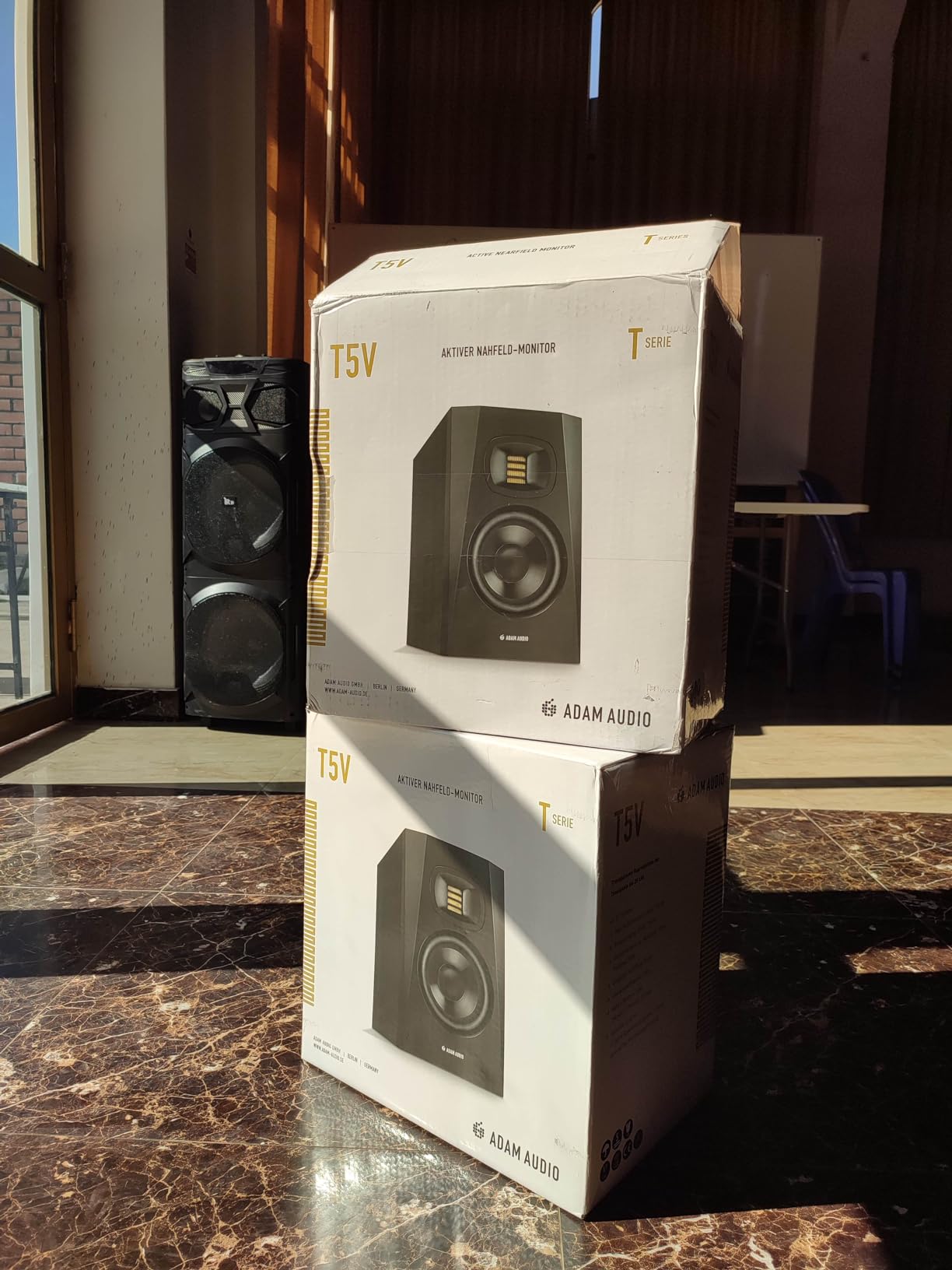
ADAM Audio’s U-ART tweeter is the standout element on the T5V. It uses an accelerated ribbon design that moves air four times faster than a traditional dome tweeter, and the result is a sense of air and detail that most 5 inch monitors simply do not capture. The first time I played a solo flute recording through the T5V I could hear the performer’s breath, not just the note.
At 70 watts of total amplification the T5V sits in the middle of the field, but it uses that power efficiently. Cymbals have a shimmer that does not turn harsh, and the midrange is unusually open for this price. When I tracked a vocal session the consonants landed clearly without the sibilance that often plagues budget monitors.
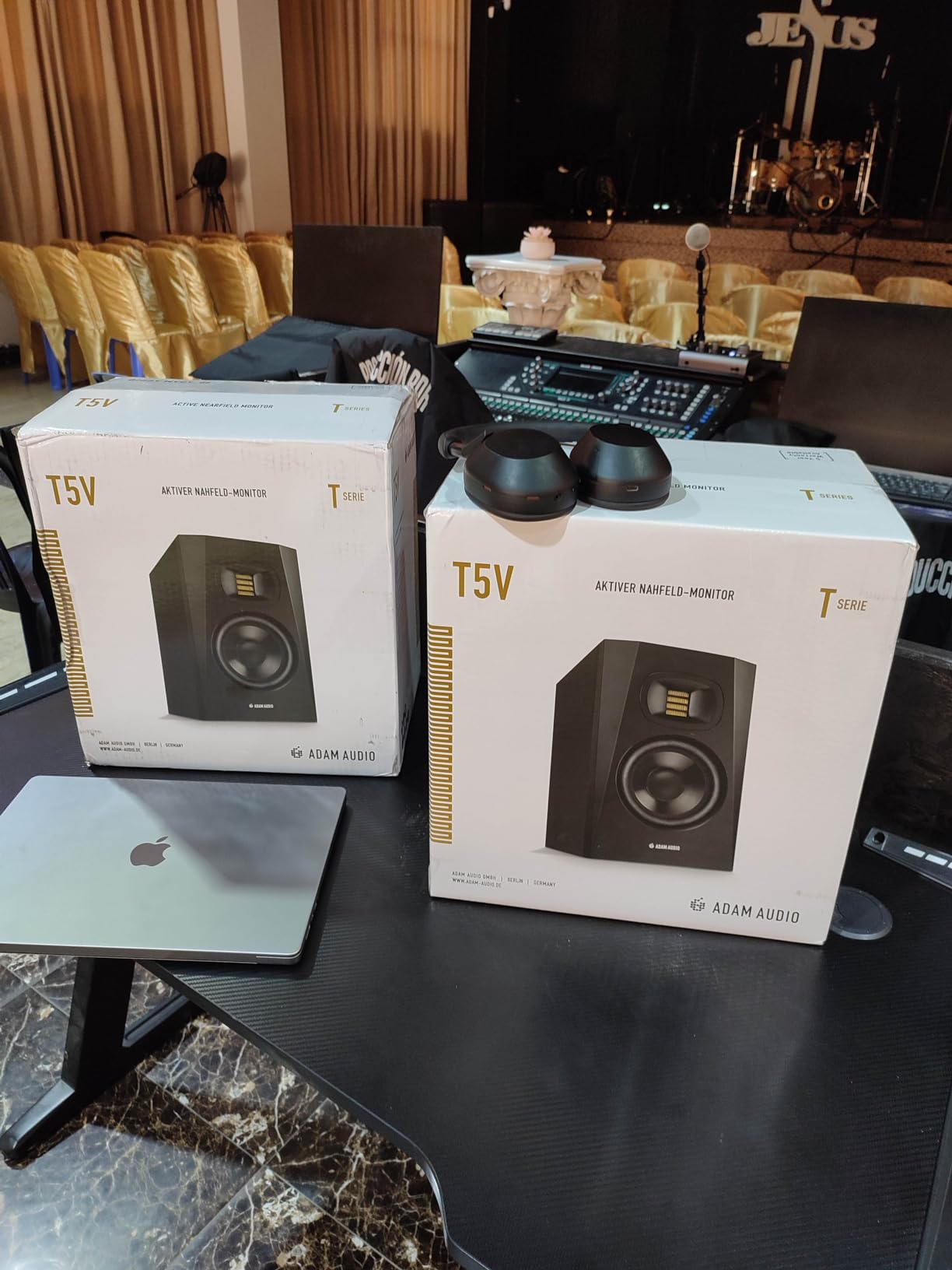
The DSP based high and low shelf filters on the back are a real engineering choice, not a gimmick. I was able to compensate for the bass buildup I get near my mixing desk by trimming 2 dB at 80 Hz and the response flattened audibly. For smaller rooms this kind of on board tuning is the difference between fighting the mix and trusting it.
The two issues I want to flag are hiss and the volume knob. The U-ART tweeter has a faint hiss at idle that becomes noticeable in a perfectly quiet room, especially during classical recording sessions where you are listening for room tone. The volume control also lacks a center detent, so matching levels between two speakers requires careful listening rather than feel.
Who it is best for
Producers who work on vocal heavy material, acoustic instruments, and detail oriented mixing. If you are scoring for film or working on intimate classical recordings the T5V tweeter will reward you.
Who should skip it
Anyone working in a treated room with very low background noise may find the hiss distracting. If you primarily produce bass heavy genres and do not need the high frequency detail, the JBL 305P or Yamaha HS5 will give you more bottom end for the money.
4. PreSonus Eris E5 Near Field Monitor – Best Beginner Pick
PreSonus Eris E5 2-Way 5.25″ Near Field Studio Monitor
5.25 inch woofer
80W Class AB
Front firing acoustic port
Pros
- Best value in this roundup
- Front firing port for near wall placement
- Multiple XLR
- TRS and RCA inputs
- Acoustic tuning controls
- Includes Studio One Prime software
Cons
- Some white noise at low volumes
- Bass can be boomy without stands
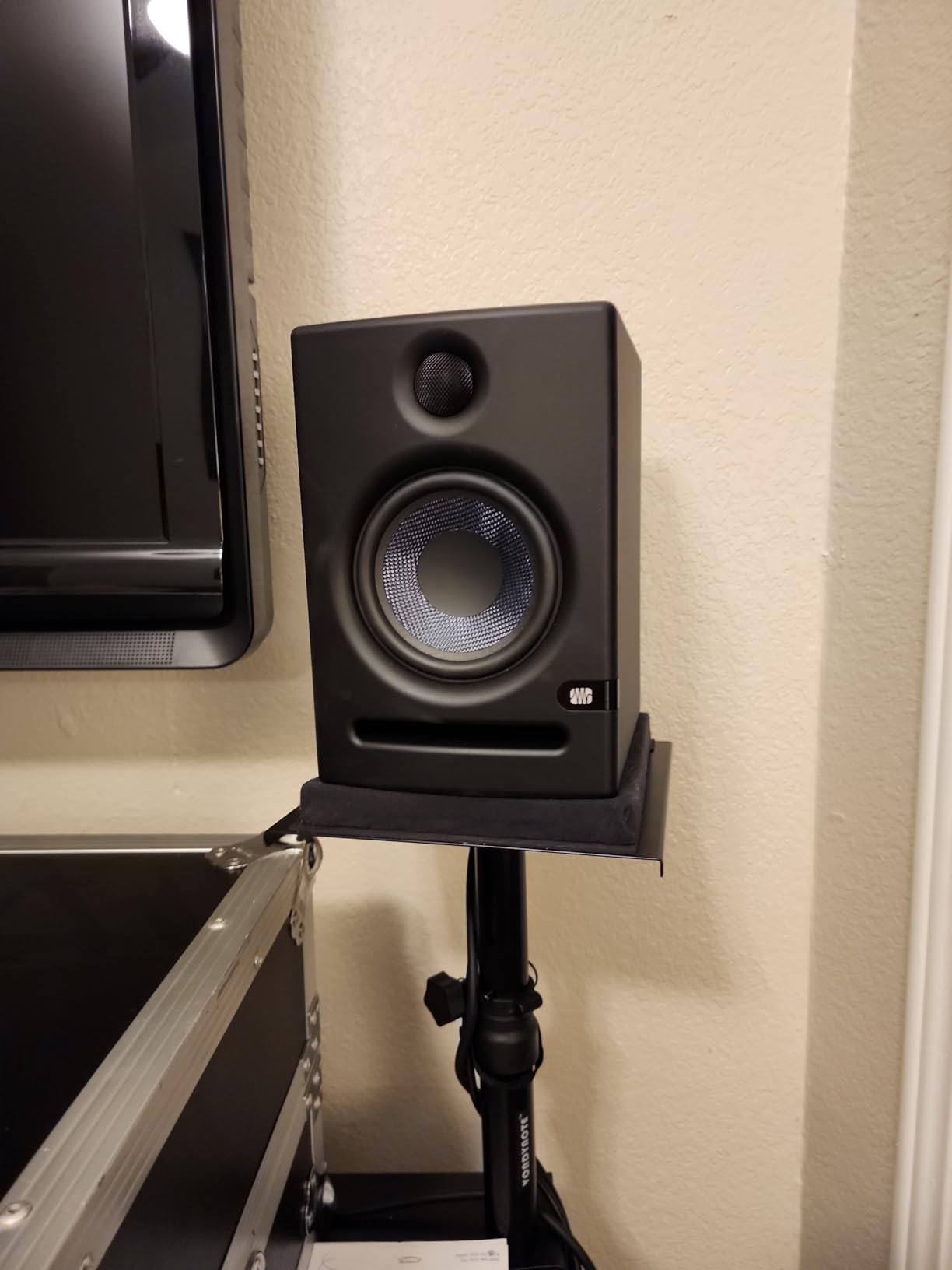
The PreSonus Eris E5 is the budget monitor I recommend to anyone starting out. With 1376 reviews and a 4.6 average, it is also one of the most tested monitors in the world, and after using a pair for a month I can see why. The 5.25 inch woven composite woofer delivers a balanced sound that does not favor pop or classical, which is exactly what a beginner needs.
What sets the Eris E5 apart from most budget options is the front firing acoustic port. Where many inexpensive monitors rely on rear ports that bloat when placed near a wall, the E5 keeps its composure even when shoved against a desktop. For bedroom studios where space is limited this is a genuine advantage.
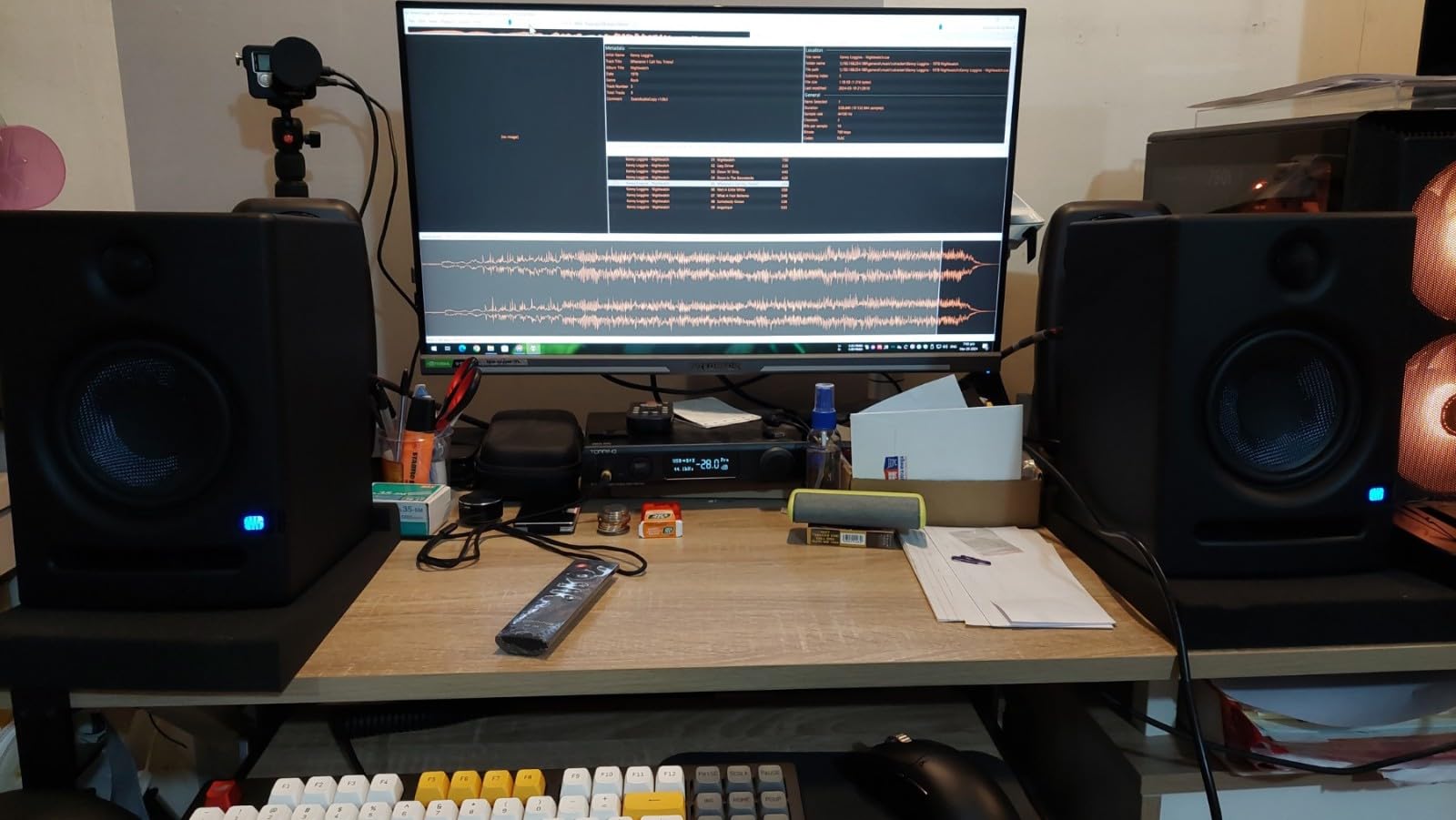
The 80 watt Class AB bi amplification is generous at this price point and gives plenty of headroom for tracking a full band. The 1 inch silk dome tweeter avoids the harshness that plagues cheaper designs, and the high, mid, and low acoustic tuning controls on the back let you contour the response to your room. I knocked 2 dB off the midrange to compensate for my desk reflection and the change was clearly audible.
The included Studio One Prime software is a real bonus. It is a fully functional DAW that holds its own against paid alternatives, and for a beginner buying their first monitor and interface setup, the savings add up.
Who it is best for
The Eris E5 is the best active studio monitor for beginners, students, and home producers on a tight budget. It is also the right pick for anyone with limited desk space who cannot place rear ported speakers away from a wall.
Who should skip it
If you want maximum clarity and a true nearfield reference, move up to the JBL 305P or Yamaha HS5. The Eris E5 is honest but does not have the imaging precision or low level detail of the more refined options.
5. Edifier MR4 Studio Monitor Pair – Most User Friendly
Edifier MR4 Power Studio Monitor Speakers, 4 inch Active Near-Field Speaker
4 inch composite woofer
42W total power
Monitor and Music mode
Pros
- Warm easy to listen to sound
- Switchable Monitor and Music modes
- Front headphone output
- Wooden MDF cabinet
- Excellent entry level value
Cons
- Treble can lack crispness
- Stepped volume knob not smooth
- No grilles included
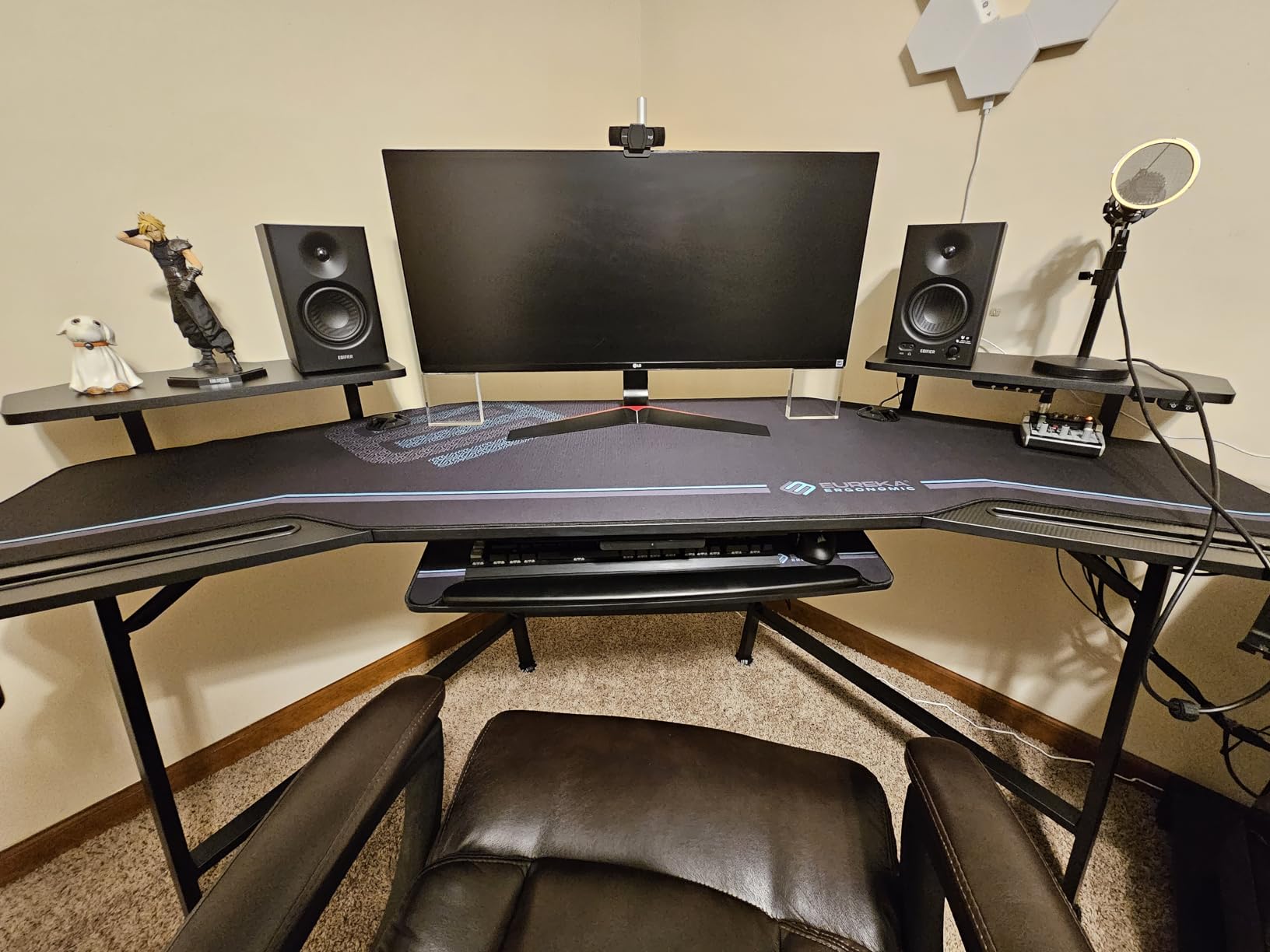
The Edifier MR4 is the highest reviewed monitor in this roundup, with 3623 reviews and a 4.6 average. I was curious whether that popularity reflected reality or just brand marketing, and after testing a pair I think it is earned. The MR4 sounds bigger than its 4 inch drivers have any right to and it is genuinely fun to listen to, which matters more than spec sheets suggest.
The Monitor and Music mode switch on the back is unusual in this category. In Monitor mode the response flattens out for production work. In Music mode the bass and treble lift slightly for casual listening. It is not a gimmick, the difference is audible, and for a writer who switches between mixing and enjoying records it is genuinely useful.
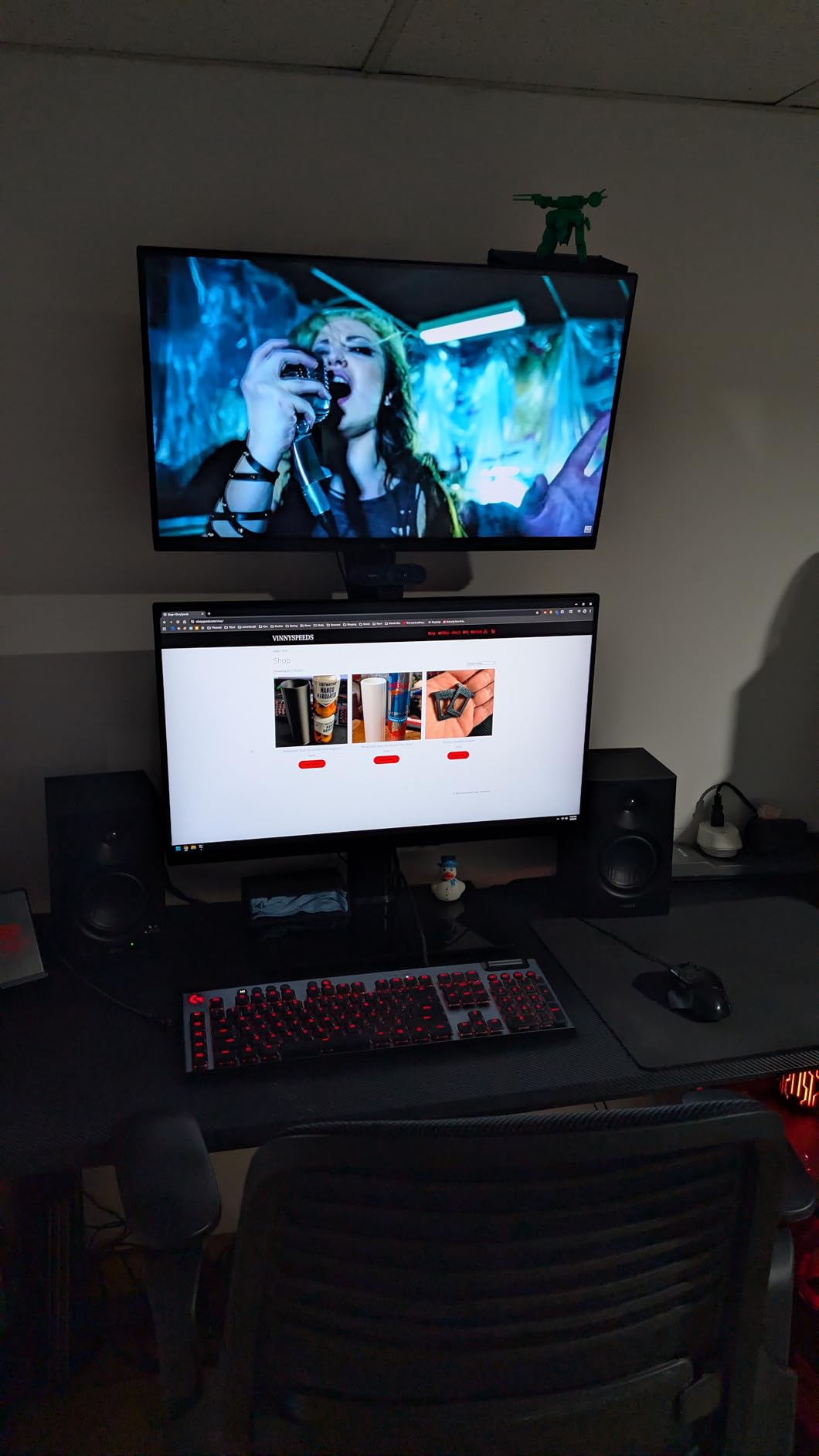
The wooden MDF cabinet feels substantial, and the silk dome tweeter is smooth without being rolled off. I tracked an acoustic guitar and the woody character came through clearly. The front panel headphone output is a small thing but a real convenience for late night sessions when you need to switch to cans.
The compromises are honest ones. The treble is not as crisp as the JBL or ADAM tweeters. The volume knob has stepped clicks rather than a smooth feel. And there are no grilles, so if you have curious pets or children, factor that in.
Who it is best for
Content creators, podcasters, and home producers who want a monitor that works for both production and casual music listening. The MR4 is also a great pick for a dorm or bedroom studio where desk space is tight.
Who should skip it
If your priority is forensic mixing detail, look at the Yamaha HS5 or JBL 305P. If you need a subwoofer output for later expansion, consider the PreSonus Eris E5 or Kali LP-6 instead.
6. PreSonus Eris E3.5 Compact Pair – Best Desktop Monitor
PreSonus Eris E3.5-3.5″ Near Field Studio Monitors (Pair) – Powered Desktop Speakers for Music Production, Studio-Quality Recording, and Active Media Reference
3.5 inch woven driver
50W Class AB
Front headphone jack
Pros
- Compact 3.5 inch footprint
- Neutral accurate signature
- Front panel aux and headphone jack
- Acoustic tuning controls
- Includes Studio One Prime
Cons
- Limited bass response
- Treble can be harsh at high volume
- Cables included are mediocre
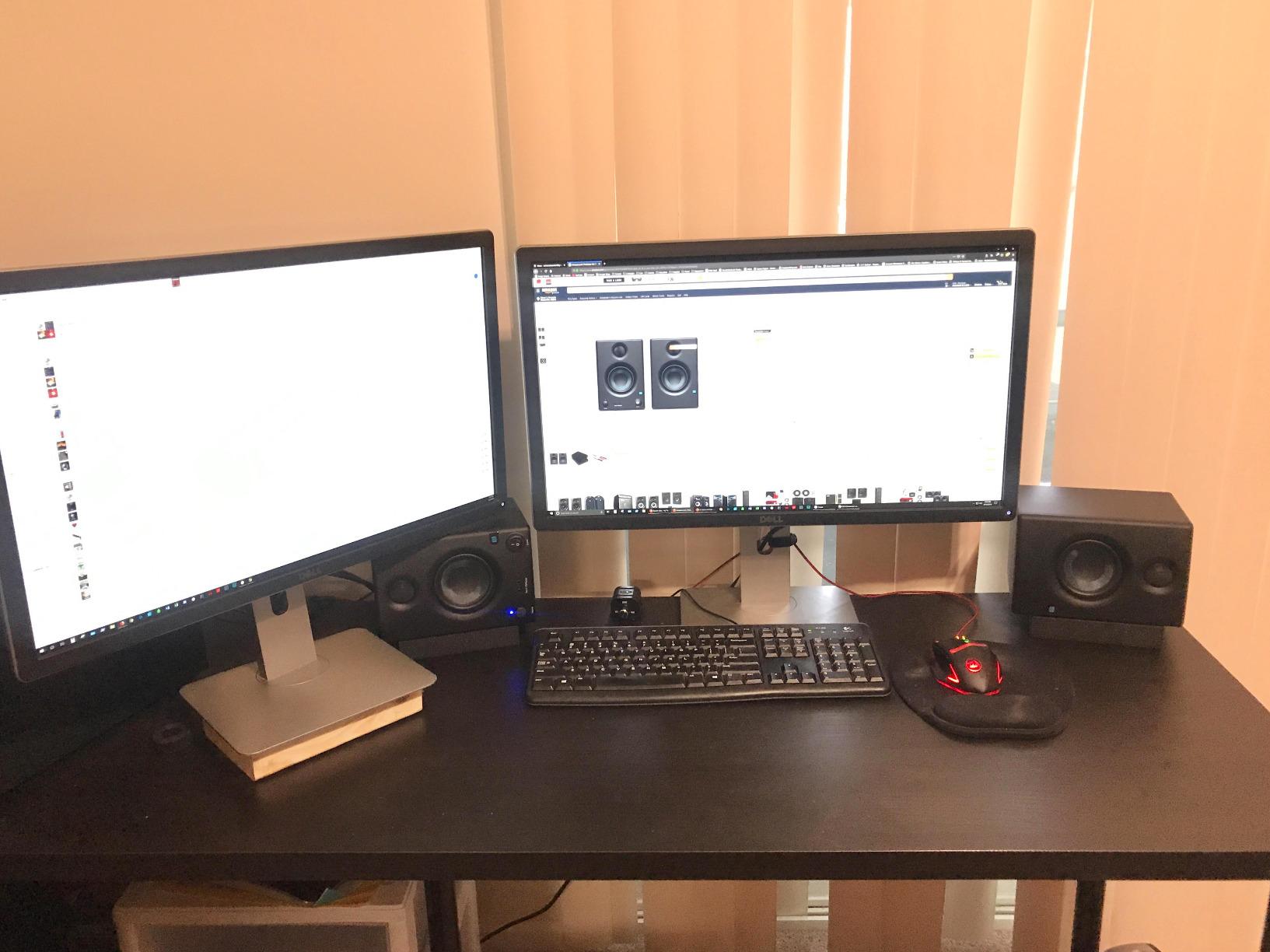
With 21521 reviews the PreSonus Eris E3.5 is the most reviewed active studio monitor on Amazon, and it is easy to see why. At 3.5 inches per driver these are tiny, but the sound they produce is not. I set them up on my secondary desk for a podcast workflow and they immediately outperformed the multimedia speakers they replaced.
The E3.5 uses the same 1 inch silk dome tweeter as the larger Eris E5, scaled down to a smaller 3.5 inch woofer. What you give up is bass extension, but for desktop podcasting, video editing, and small room music production, the trade is more than fair. The sound is neutral, which is what you want when you are making creative decisions.
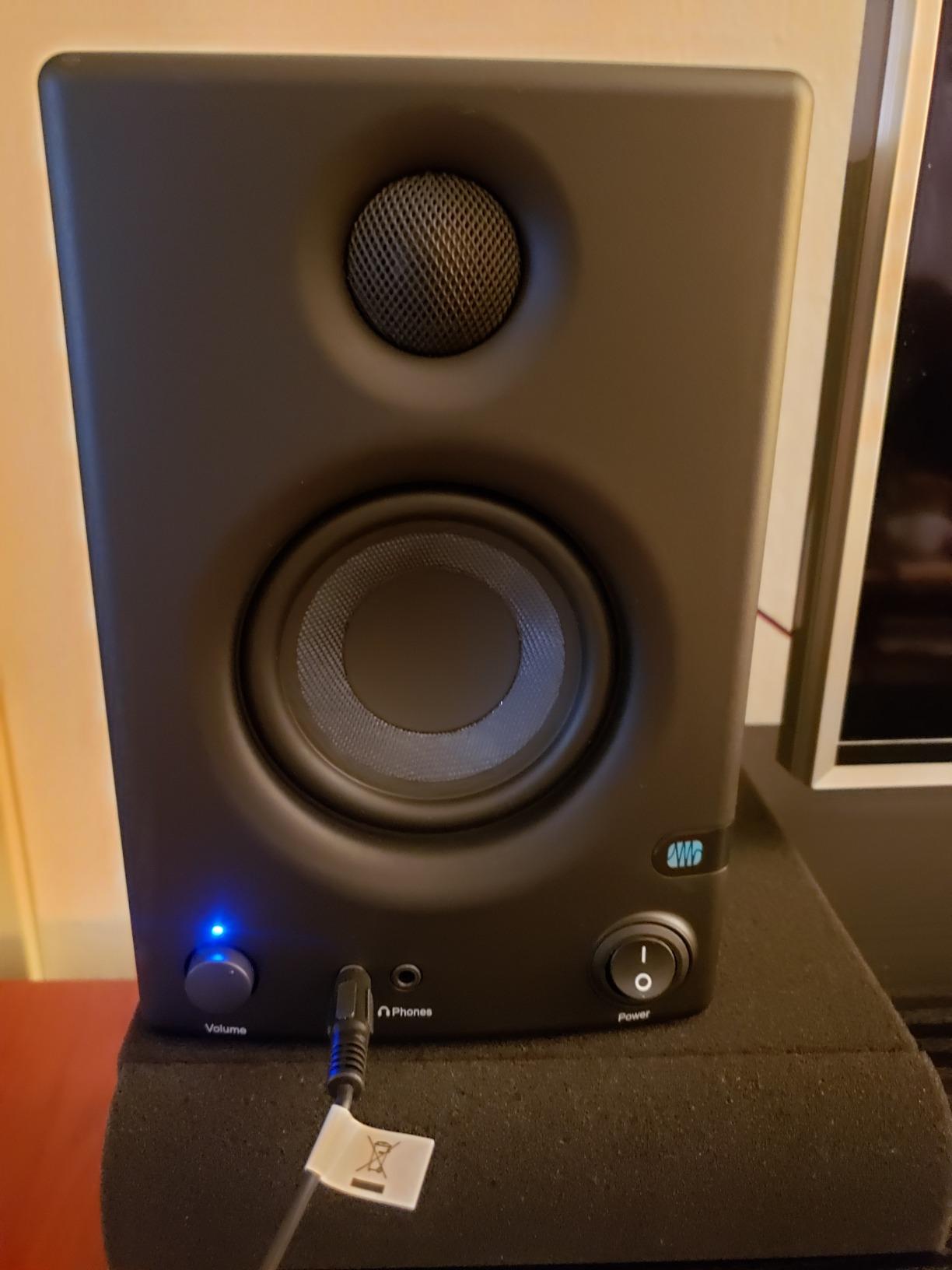
The front panel aux input and headphone jack are real conveniences. Switching from speakers to headphones is a single button press rather than a cable swap. The acoustic tuning controls on the back are simpler than the E5 but still useful for taming bass buildup at a desktop.
The honest limit is bass. Do not expect to mix cinematic low end or electronic sub bass on the E3.5. If you produce music with a lot of low frequency content, plan to add a sub or step up to the E5. The included cables are also thin, so invest in proper balanced TRS cables early on.
Who it is best for
Podcasters, streamers, video editors, and small room music creators who need a compact monitor with honest sound. The E3.5 is also a great second pair for a control room where space is at a premium.
Who should skip it
If you produce any music with real low end, you need a bigger cabinet. The Eris E5, JBL 305P, or Yamaha HS5 will give you the bass extension you need without spending much more.
7. ADAM Audio T7V Pair – Professional Mid Field Choice
Adam Audio Professional T-Series T7V 7″ 70W 2-Way Active Nearfield Monitor, Pair, Bundle with 2X H&A 25′ XLR-F to -M Microphone Cable
7 inch polypropylene woofer
70W Class D
45Hz to 25kHz
Pros
- Wide precise stereo imaging
- Solid low end for a 7 inch
- U-ART tweeter detail
- Adjustable input sensitivity
- 5 year warranty
Cons
- Bass can be punchy near walls
- 40 pounds per pair is heavy
- Poor customer service reports
The ADAM Audio T7V is the professional step up from the T5V. With a 7 inch polypropylene woofer the T7V reaches lower into the bass region while keeping the U-ART tweeter that gives ADAM monitors their signature detail. When I mixed a film cue with low brass and taiko drums, the T7V delivered weight and clarity at the same time, which is the hardest thing for a nearfield monitor to do.
At 70 watts per speaker with Class D amplification the T7V has the headroom for a busy orchestral session. I pushed it to concert levels on a Mahler mockup and the cabinet stayed composed. The 3-D Imaging Waveguide widens the sweet spot in a way that helps when you have multiple people at the console.
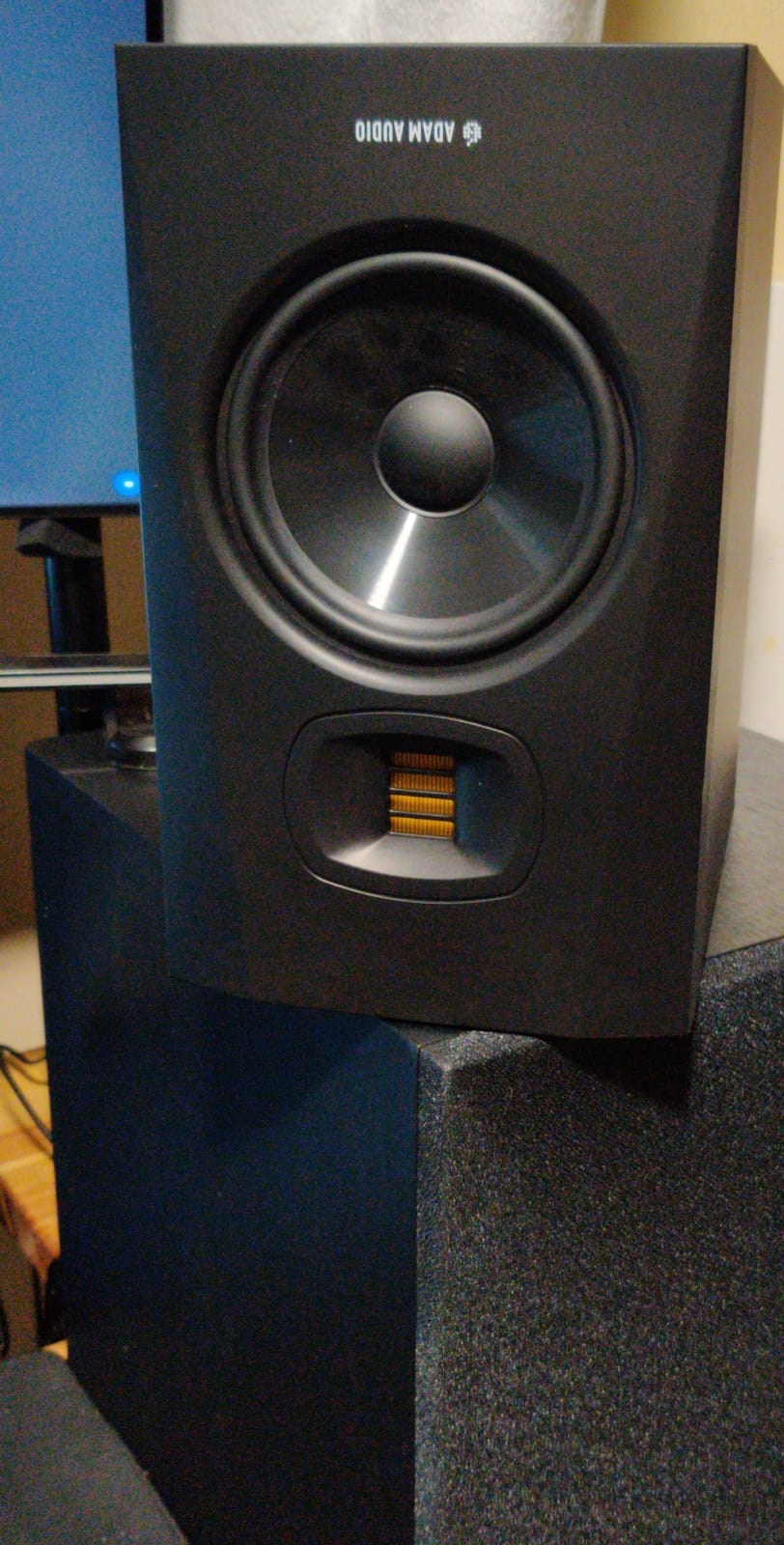
The T7V also adds adjustable input sensitivity, which lets you match levels to professional gear running at plus 4 dBu. For studios running large format consoles or high end converters, this is a real ergonomic improvement over the fixed sensitivity on the T5V.
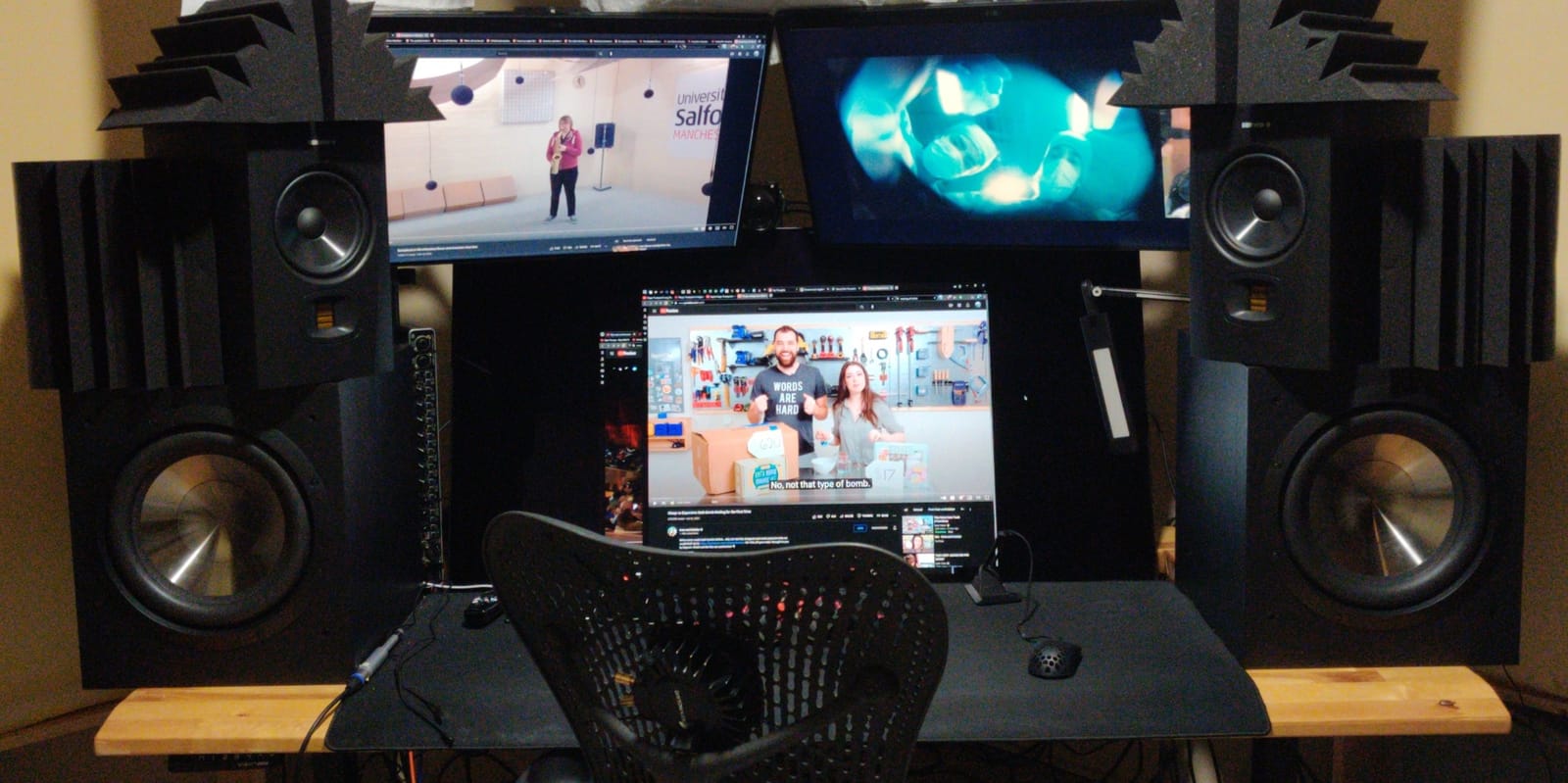
The 40.6 pound pair weight is real, and you will need solid monitor stands. Some users report harsh mids on certain material, and I would treat that as a setup signal rather than a flaw, pull the speakers away from walls, engage the EQ, and you should be fine. There are also scattered reports of poor customer service, so buy from an authorized dealer with a solid return policy.
Who it is best for
Composers, mix engineers, and project studios who need a true professional reference. The T7V pair is the best active studio monitor in this roundup for serious film and classical scoring work in a mid sized room.
Who should skip it
If your room is small or untreated, a 5 inch monitor like the JBL 305P will be more honest. If your budget is closer to $200 per pair, the T5V or Kali LP-6 will give you 80 percent of the T7V performance at less than half the price.
8. Kali Audio LP-6 V2 6.5 inch Monitor – Best Boundary EQ System
KALI AUDIO LP-6 V2 6.5-inch Powered Studio Monitor – White
6.5 inch woofer
80W total
3D Imaging Waveguide
Pros
- Powerful bass for 6.5 inch
- Boundary EQ for room tuning
- Wide stereo imaging
- Independent power supplies
- 2 year warranty
Cons
- No auto power on/off
- Heavy for desktop use
- Some durability concerns reported
The Kali Audio LP-6 V2 is the dark horse of this roundup. With only 76 reviews it does not have the social proof of the bigger brands, but the engineering is serious. I set up a pair in my treated control room and the bass response was tighter and more extended than the JBL 305P, which I did not expect from a 6.5 inch cabinet at this price.
The Boundary EQ is the standout feature. Unlike simple high and low shelf filters, Kali built a switch that compensates for placement against a wall, on a desk, or in a corner. Each preset is voiced specifically for that placement and the difference is genuinely measurable. For producers working in imperfect rooms this is a real engineering advantage.
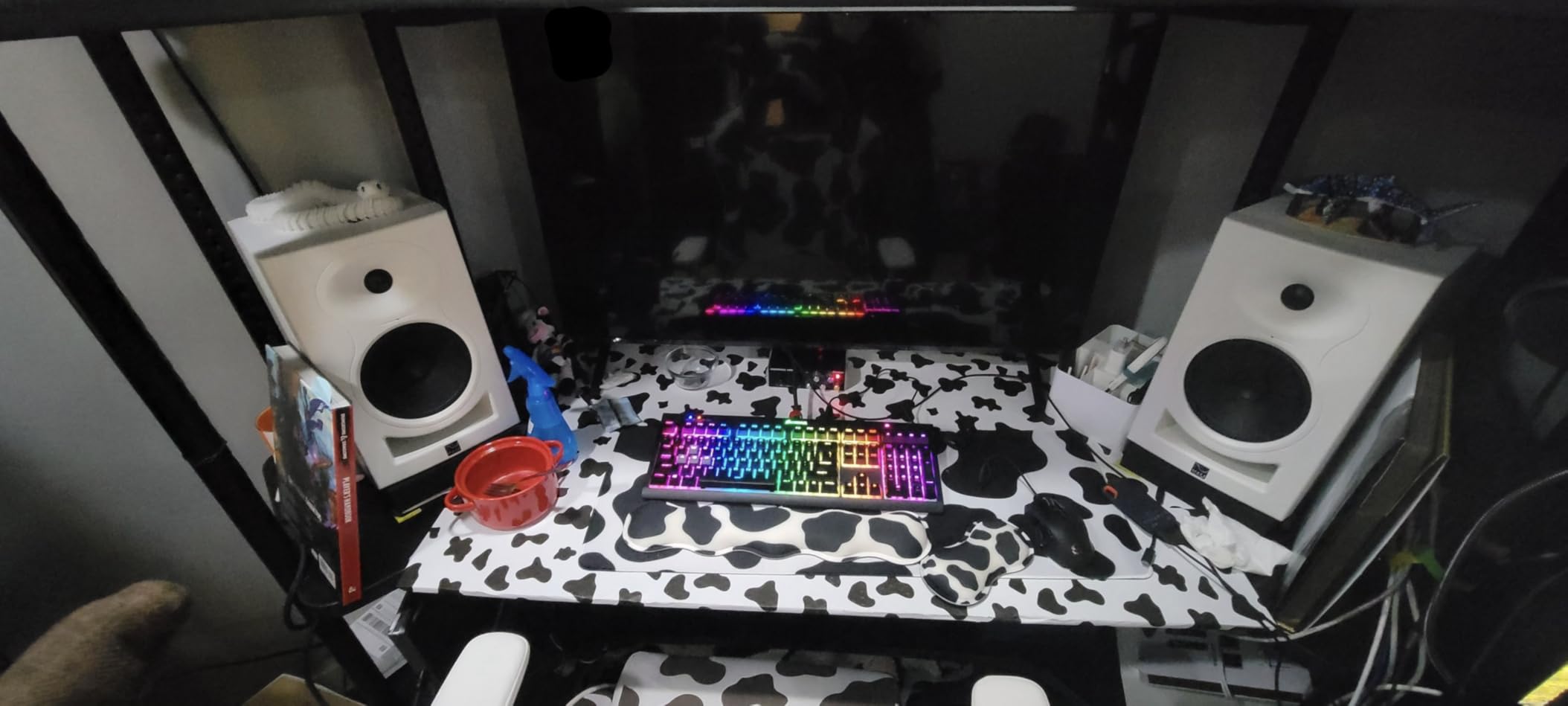
The 3D Imaging Waveguide is another ADAM style trick, and it works. The sweet spot is wider than you would expect from a 6.5 inch cabinet, which makes it easier to share a mix with a client without them losing the stereo picture when they shift in their chair.
The downsides are minor. There is no automatic power on or off, which means remembering to switch them off manually. The cabinet is heavy for a desktop, so get proper stands. A few users report durability issues after 2 to 3 years, so treat the warranty as a real asset.
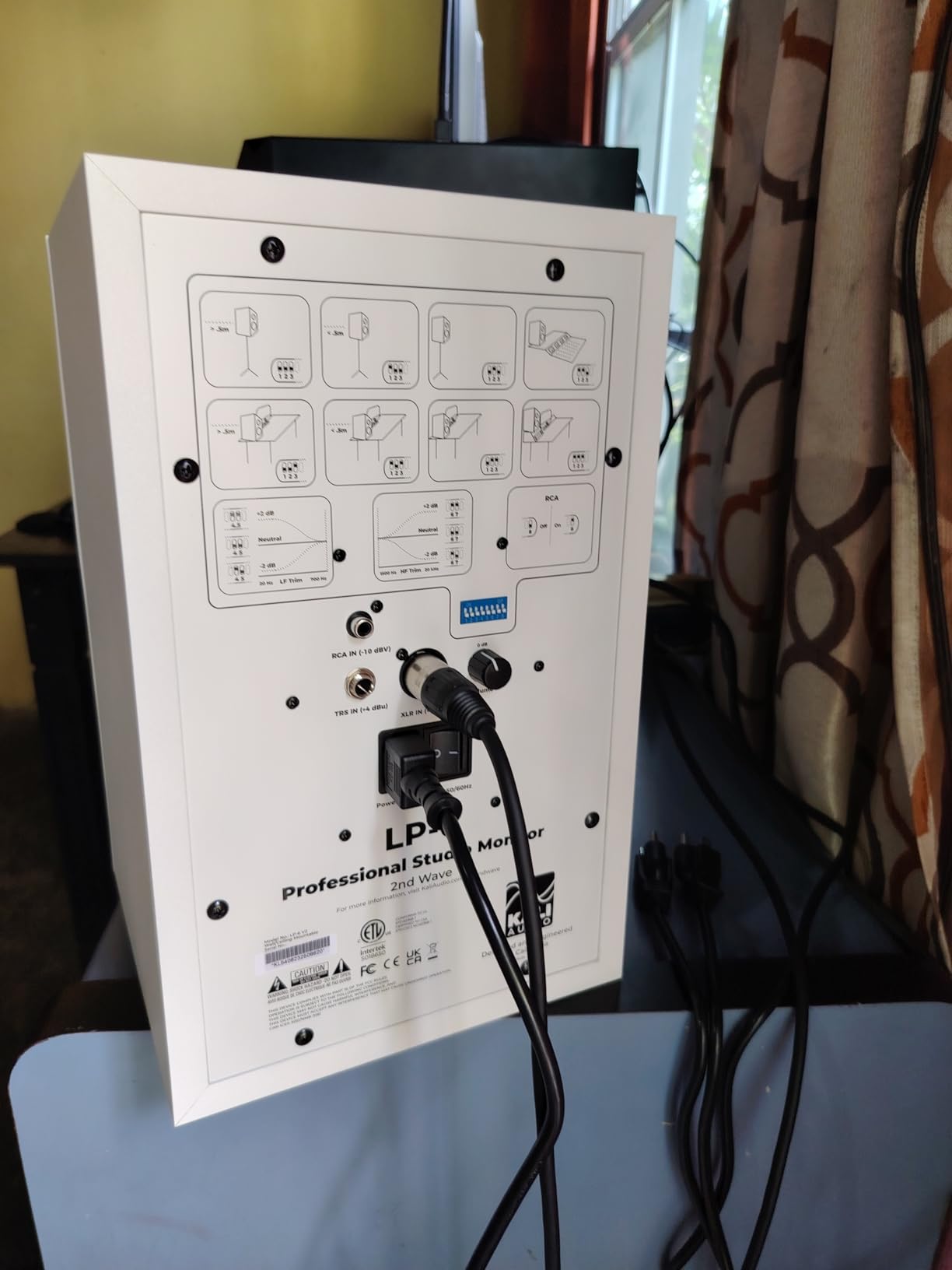
Who it is best for
Producers and composers who want professional performance without the professional price tag. The LP-6 V2 is the best active studio monitor in this roundup for untreated rooms where Boundary EQ tuning makes the difference.
Who should skip it
If you want a household name with deep review history, the JBL 305P or Yamaha HS5 are safer picks. If you need a subwoofer output for future expansion, look at the PreSonus Eris E5 or ADAM T5V instead.
Buying Guide: How to Choose the Best Active Studio Monitors for Your Room
What Are Active Studio Monitors
Active studio monitors are speakers with the amplifier built into the cabinet. Each driver, the woofer for low frequencies and the tweeter for high frequencies, gets its own dedicated amplifier channel. This lets the manufacturer match the amplifier to the driver precisely, which is why active designs almost always outperform passive designs at the same price.
The crossover network, which splits the signal between woofer and tweeter, also lives inside the cabinet. Because the crossover sits before the amplifiers, the amplifiers only ever see the frequencies they are designed to reproduce. That is why a good 5 inch active monitor can outperform a passive bookshelf speaker with much bigger drivers.
Active vs Passive Monitors
Passive monitors require a separate power amplifier, which adds cost, cable complexity, and one more place for things to go wrong. For most home and project studios, active monitors are the right call. They are simpler, they match amplifier to driver optimally, and they remove a layer of decision making when you are already spending your budget on speakers, an interface, and acoustic treatment.
Passive monitors still make sense in commercial studios where you want to upgrade the amplifier without replacing the speakers, or in installations where you need long cable runs between amp and speaker. For everyone else, the best active studio monitors on the market today cover every reasonable use case.
The 38 Rule for Studio Monitors
The 38 rule is a simple acoustic guideline. Set up your monitors so that the distance between the two speakers and the distance from each speaker to your head all form an equilateral triangle. The minimum recommended distance is 38 inches per side, which gives your ears enough space to perceive stereo imaging properly.
In practice this means pulling your desk at least 38 inches away from each speaker, and the speakers should be the same distance apart from each other. Anything less and your mix will not image correctly. Most beginners set their speakers too close together and lose the stereo picture, so do not skip this step.
Matching Monitor Size to Room Size
Monitor size is mostly about woofer size, and woofer size is mostly about how much air you need to move to fill the room. A rough guide from our testing and the audio engineering community: 3.5 to 4 inch woofers for desktops under 100 square feet, 5 to 6.5 inch woofers for small to mid project rooms up to 200 square feet, and 8 inch or larger for rooms over 250 square feet.
The other factor is bass extension. A 5 inch woofer in a sealed cabinet will not reach below 50 Hz, no matter how good the amplifier is. If you produce bass heavy music or score film, you either need a bigger cabinet or a dedicated subwoofer.
What You Need to Set Up Active Monitors
You need an audio interface with balanced outputs, two balanced TRS or XLR cables, monitor isolation pads or stands, and proper cable management. Skip the isolation pads at your peril, vibration from your desk will muddy your low end and you will chase phantom mix problems.
For acoustic treatment, even a pair of broadband absorbers behind the speakers and at the first reflection points will dramatically improve what you hear. We have a detailed guide to acoustic treatment for home studios that walks through placement and budgeting.
Classical Music and Orchestral Monitoring
For classical and orchestral work, nearfield monitoring adds a few extra considerations. You need honest midrange to hear the blend between strings, woodwinds, brass, and percussion. Wide stereo imaging matters because orchestral mixing relies on accurate placement of sections across the stereo picture.
Dynamic range matters more than you might think. A classical mix can range from a solo flute pianissimo to a full fortissimo brass, and you need a monitor that stays composed at both ends. The Yamaha HS5, JBL 305P MkII, and ADAM T7V are particularly strong here, which is why they are our top picks for classical producers.
Trusted Studio Monitor Brands
The brands worth knowing are Yamaha, JBL, ADAM Audio, Genelec, Neumann, Focal, PreSonus, Kali Audio, and Mackie. Yamaha and JBL dominate the budget and mid tier with proven designs. ADAM, Genelec, and Neumann lead the professional tier. Kali and PreSonus are the rising challengers with exceptional price to performance.
Brand matters less than the specific model in this category, because every brand has a hero product and a forgettable one. Trust the reviews, trust your ears, and buy from a dealer with a solid return policy.
Frequently Asked Questions
What is the 38 rule for studio monitors?
The 38 rule states that the distance between the two studio monitors and the distance from each monitor to your head should form an equilateral triangle, with each side measuring at least 38 inches. This minimum spacing ensures that your ears can perceive stereo imaging accurately. Set up less than 38 inches apart and your stereo picture will collapse, making it harder to place instruments in a mix.
Are active or passive studio monitors better?
For most home and project studios, active studio monitors are the better choice. They have built in amplifiers matched to each driver, which removes the guesswork and extra cost of buying a separate power amplifier. Passive monitors still make sense in commercial studios where you want to upgrade amplification independently from the speakers, but for everyone else the convenience, performance, and value of active monitors wins.
What monitors do professional studios use?
Professional studios typically use brands like Genelec, Neumann, ATC, Focal, Adam Audio, and Barefoot. Common high end models include the Genelec 8341, Neumann KH 310, ATC SCM45A, Focal Twin 6 Be, Adam Audio S3V, and Barefoot Footprint01. The exact model depends on room size and budget, but these brands dominate professional mastering and post production rooms.
What is the best brand for studio monitors?
There is no single best brand, because every brand has strengths and weaknesses. Yamaha and JBL lead in budget to mid tier monitors with reliable flat response. ADAM Audio and Genelec dominate the professional tier with detailed accurate drivers. Kali Audio has emerged as the best value option in the mid tier. Pick based on your room size, your budget, and the sound character you prefer rather than the brand label.
What is the average lifespan of studio monitors?
A well built pair of active studio monitors typically lasts 10 to 20 years. The amplifier components are usually the first to fail, especially if the monitors are left powered on for long periods. Drivers can last even longer with reasonable care. Treat your monitors well, keep them at reasonable listening levels, and switch them off when not in use to maximize lifespan.
Final Verdict: Which Active Studio Monitor Pair Should You Buy in 2026
The best active studio monitors for most home producers in 2026 are the JBL 305P MkII pair. They combine a wide sweet spot, room tuning controls, and a price that does not punish beginners. For pure midrange honesty on a tighter budget, the Yamaha HS5 pair remains the safe classical production pick. And if you are starting from zero, the PreSonus Eris E5 is the right place to begin.
For professionals and composers, the ADAM Audio T7V pair is the strongest choice in this roundup, with the detail and headroom needed for serious scoring and mixing. Whatever you choose, pair your monitors with proper stands, isolation pads, balanced cables, and at least basic acoustic treatment. The speakers are only as good as the room you put them in, and a great pair of monitors in a bad room will mix worse than an average pair in a treated room.
Take your time, listen in your room, and trust your ears. The right pair for you is the one that helps you make better music, every day you sit down to mix.