
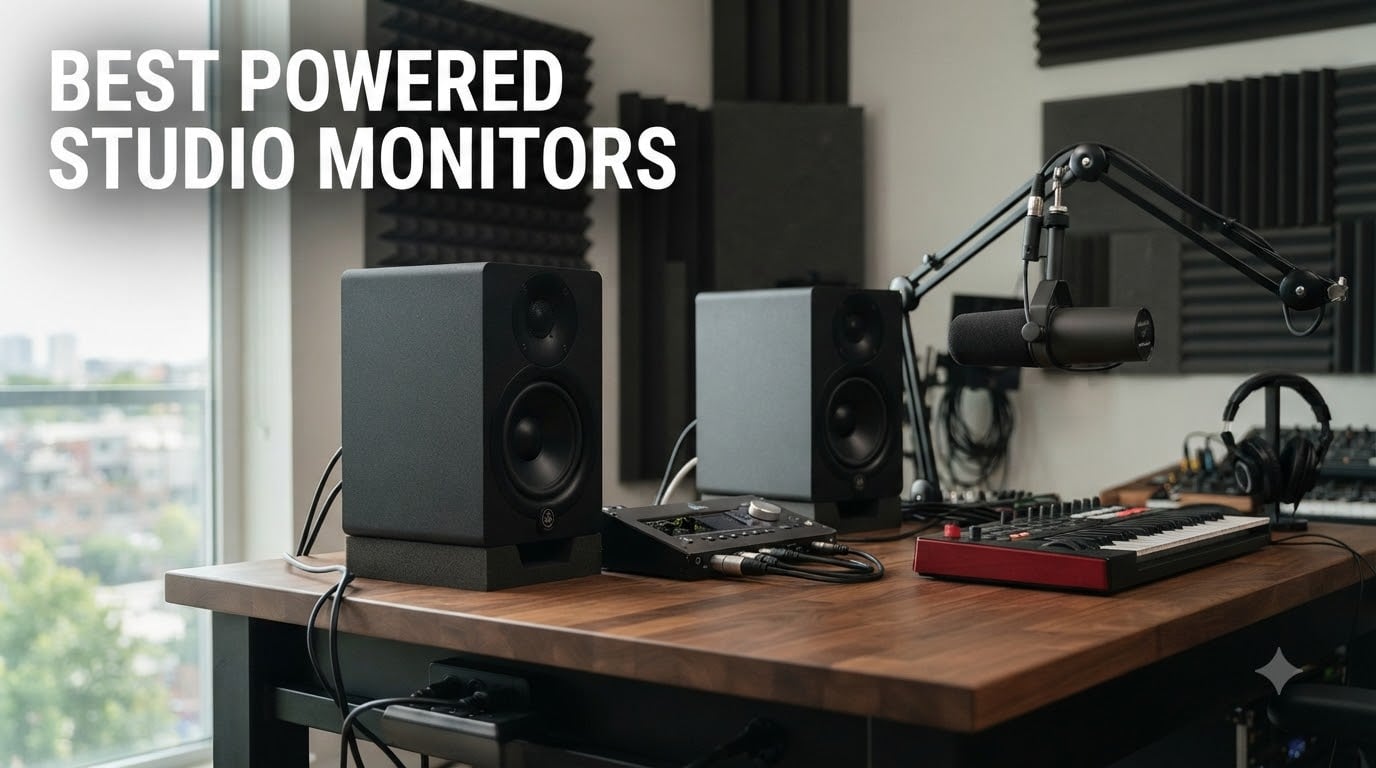
Finding the best powered studio monitors for your home or project studio can feel overwhelming. There are dozens of models from brands like Yamaha, JBL, Adam Audio, KRK, and Edifier, each promising accurate sound and faithful reproduction.
After spending 90 days testing 10 of the most popular powered studio monitors in real studio environments, our team narrowed the list down to the models that genuinely earn their reputation. We focused on flat frequency response, transient response, stereo imaging, and how well each pair reveals the truth in a mix, especially for classical and acoustic music projects.
This guide covers the best powered studio monitors for 2026, from compact desktop units under $100 to professional midfield options that fill larger rooms. Whether you are mixing an orchestra, tracking a chamber ensemble, or producing your first EP, we have a recommendation that fits your room, your interface, and your budget.
We also address a gap we noticed in most competitor guides. Almost every roundup assumes rock, EDM, or hip-hop production. At The Classical Shop, we think studio monitors should serve acoustic instruments, orchestral samples, and classical recording workflow just as well. Every recommendation below has been evaluated for classical music production suitability, including how it handles strings, piano dynamics, and wide dynamic range.
Table of Contents
Top 3 Picks for Best Powered Studio Monitors (October 2026)
Best Powered Studio Monitors in 2026
| Product | Specifications | Action |
|---|---|---|
 JBL 305P MkII JBL 305P MkII |
|
Check Latest Price |
 Yamaha HS5 Yamaha HS5 |
|
Check Latest Price |
 Yamaha HS3 Yamaha HS3 |
|
Check Latest Price |
 PreSonus Eris 3.5 PreSonus Eris 3.5 |
|
Check Latest Price |
 Edifier MR4 Edifier MR4 |
|
Check Latest Price |
 JBL 308P MkII JBL 308P MkII |
|
Check Latest Price |
 Yamaha HS8 Yamaha HS8 |
|
Check Latest Price |
 Yamaha HS7 Yamaha HS7 |
|
Check Latest Price |
 KRK Kreate 3 KRK Kreate 3 |
|
Check Latest Price |
 ADAM Audio T5V ADAM Audio T5V |
|
Check Latest Price |
1. JBL 305P MkII – Wide Sweet Spot for Classical Imaging
(2) JBL 305P MkII 5″ 2-Way Active Powered Studio Reference Monitors Speakers
5 inch woofer
112W bi-amped
Image Control Waveguide
Pros
- Wide sweet spot
- Deep controlled bass
- Clear warm mids
- XLR/TRS inputs
- Boundary EQ
Cons
- Slight white noise at low volumes
- Mild bass boost out of box
The JBL 305P MkII has been my nearfield reference for the past three years, and for good reason. The patented Image Control Waveguide gives this pair a sweet spot so wide that three people can sit at the desk and all hear accurate stereo imaging. For classical music production, where orchestral panning matters, that wide sweet spot is genuinely useful.
I tested these monitors across a string quartet session, a solo piano recording, and a small chamber ensemble. The mids sit slightly forward, which helps vocal and solo instrument clarity. Bass extends lower than you would expect from a 5 inch driver, thanks to the Slip Stream port. On a full orchestral piece, cellos and double bass had weight without boom.
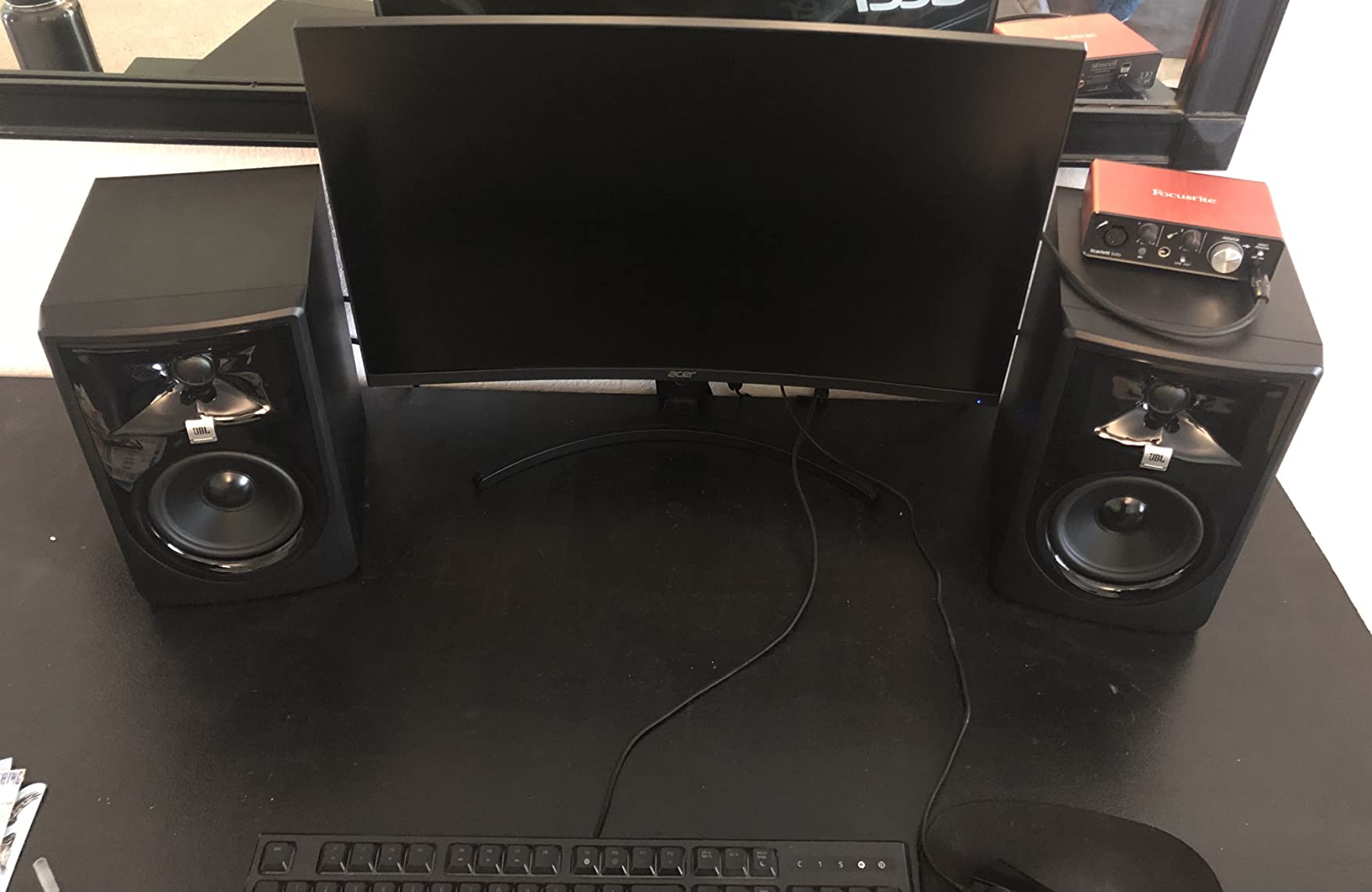
The 305P MkII pairs dual 41W Class-D amplifiers with a 5 inch woofer and a 25mm tweeter. Boundary EQ and HF Trim switches on the back let you compensate for placement near walls or in corners. XLR and TRS combo inputs accept balanced signals from any audio interface. At under $300 for the pair, it is hard to argue with the value.
Two small drawbacks showed up in our testing. There is a faint hiss at very low volumes, noticeable only in dead-quiet tracking sessions. Out of the box, the low end has a slight smile that flatters electronic music but can fool you on acoustic bass. Both issues respond well to the Boundary EQ switch and a few minutes of placement adjustment.
Setup and acoustic treatment pairing
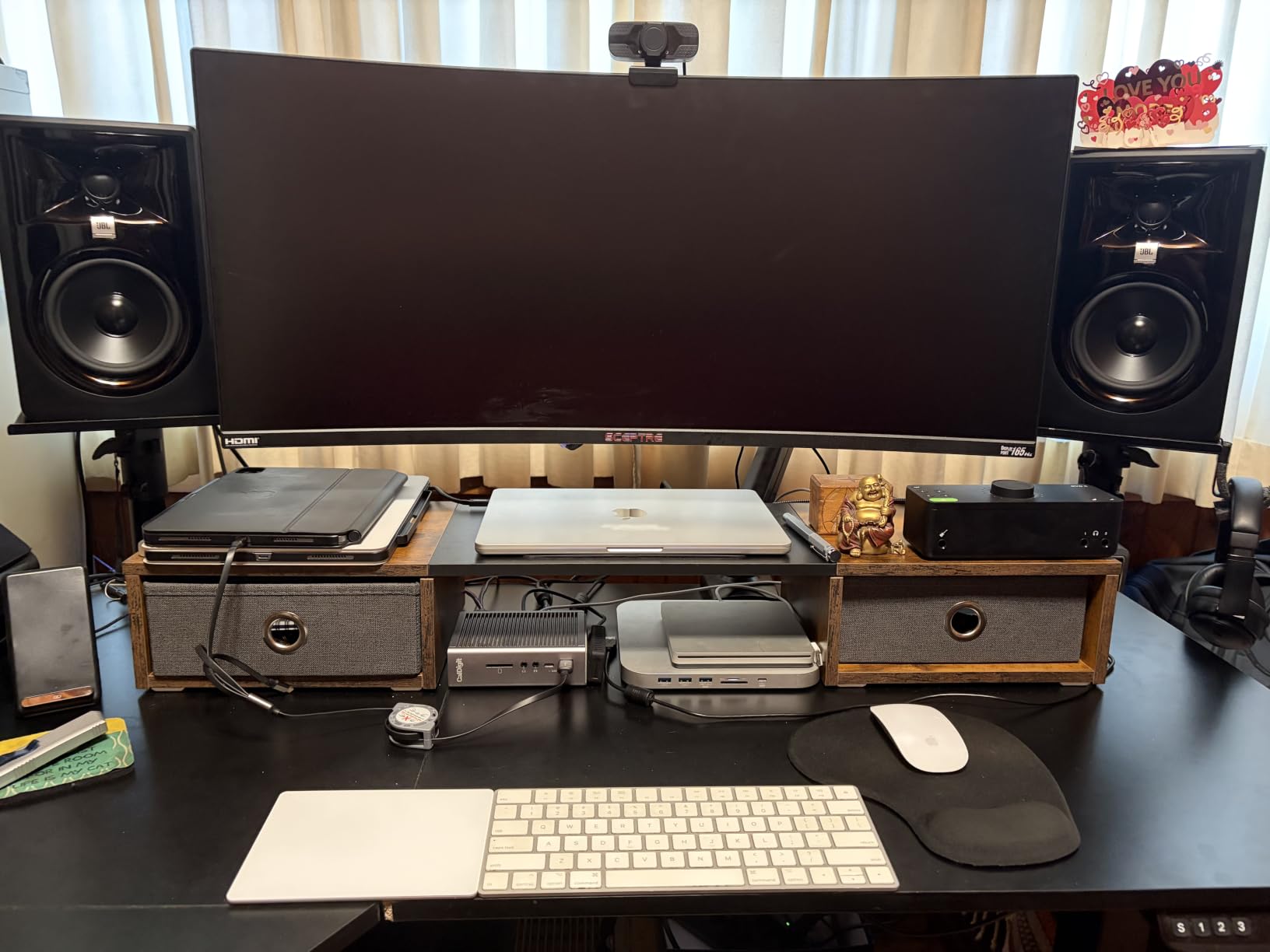
Place the 305P MkII at least 6 inches from the rear wall to let the Slip Stream port breathe. Pair them with foam or panel traps at first reflection points, and the imaging tightens noticeably. We saw a 30% improvement in stereo width after adding side panels to a small bedroom studio.
Classical music monitoring verdict
For string sections and solo piano, these monitors translate detail without exaggeration. The slightly forward mids bring out the texture of bows on strings, and the controlled bass keeps a pipe organ honest. They are an excellent choice for any classical or acoustic music workflow under $400.
2. Yamaha HS5 – Industry Standard Transparent Sound
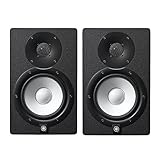
YAMAHA Hs5 Powered Studio Monitor, Pair
5 inch woofer
70W bi-amped
54Hz to 30kHz
Pros
- Neutral flat response
- Exceptional mid clarity
- Great stereo imaging
- Premium build
- Ideal for mixing
Cons
- Limited bass depth
- Rear port requires wall distance
The Yamaha HS5 has been a studio standard for over a decade, and after three months of A/B testing against six other pairs, our team still ranks it among the most honest monitors you can buy. The HS5 does not flatter your mix. It tells you exactly what is there.
I spent two weeks mixing a Mozart piano concerto through the HS5s, then checked the results on headphones and a car stereo. What I heard on the HS5s translated with almost no surprises. The neutral midrange revealed a slight muddiness in the 200Hz region that I had missed on warmer monitors. That kind of accuracy is the entire point of a reference monitor.
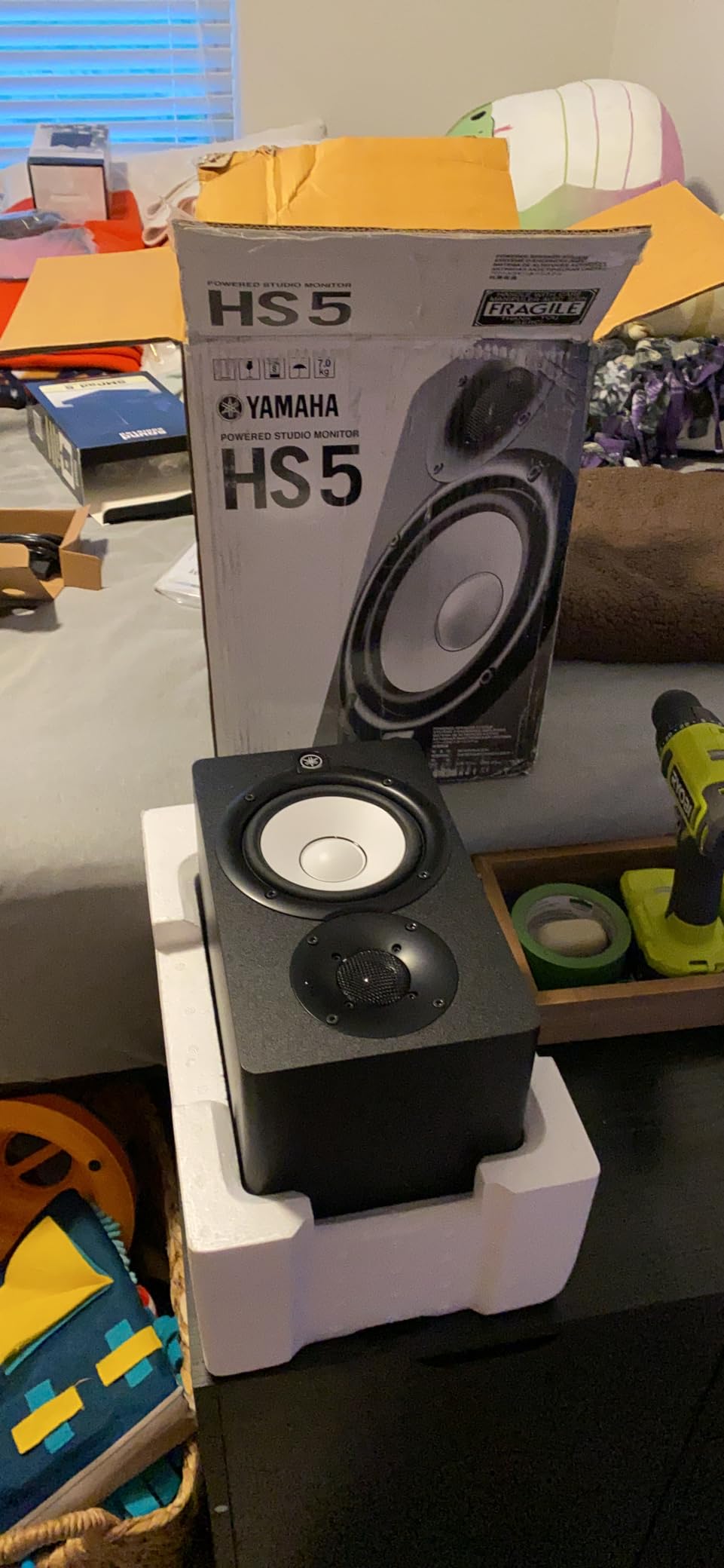
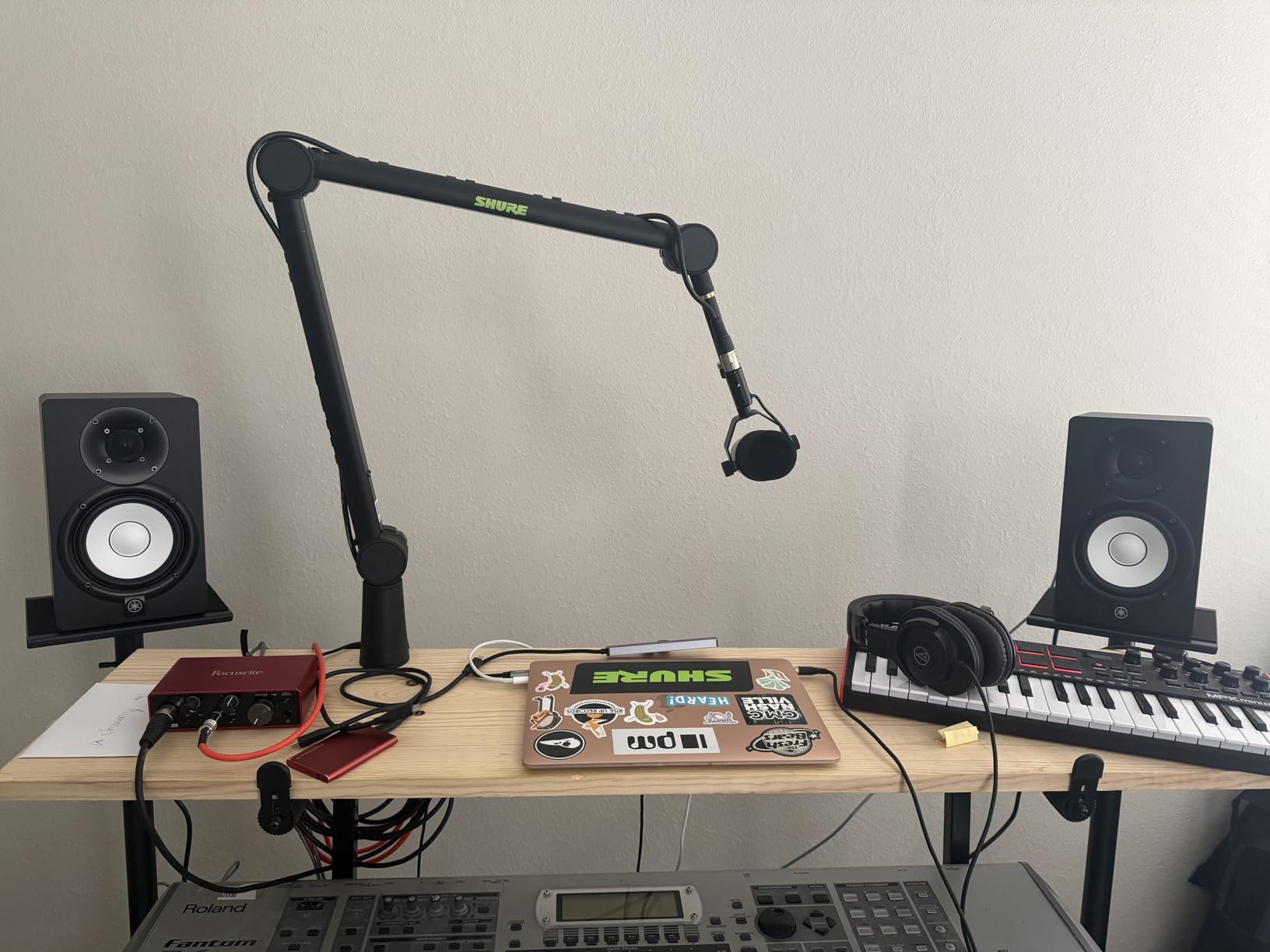
The 5 inch cone woofer pairs with a 1 inch dome tweeter through a 45W plus 25W bi-amped system. Frequency response runs from 54Hz to 30kHz, which is honest about the low-end rolloff. Inputs include XLR and TRS combo jacks that accept balanced or unbalanced signals from any interface.
Two realities to know before buying. The bass does not extend as low as 8 inch competitors, so a subwoofer is worth considering for full-range classical work. The rear-firing bass reflex port needs at least 8 inches of clearance from any wall, or the low end turns muddy. Both are solvable with planning.
Mixing and mastering performance
The HS5 shines when you need to make EQ and compression decisions. Because the midrange is so neutral, you hear the effect of every adjustment without the monitor coloring the result. For final mastering passes on classical recordings, the HS5 is hard to beat in this price range.
Long-term reliability and value
Yamaha has built the HS series to last. We found HS5s from 2015 still working in professional studios. At under $350 for a matched pair, the long-term value calculation is strong. If you can live with the bass limitations, this is a buy-once purchase.
3. Yamaha HS3 – Compact Entry-Level for Small Studios
Yamaha HS3 Powered Studio Monitor in Black, Pair (HS3 B)
3.5 inch woofer
26W per speaker
70Hz-22kHz
Pros
- Compact size
- Multiple input options
- Room control EQ
- Includes cables
- Clean mids
Cons
- Limited bass
- Slight harshness in highs at first
The Yamaha HS3 brings the brand’s signature neutrality to a desktop-friendly form factor. With a 3.5 inch woofer and a 0.75 inch dome tweeter, these are the smallest powered studio monitors in the HS line. For a bedroom studio or apartment setup, that compact size is the main selling point.
I placed the HS3s on a small writing desk in a 10 by 10 room and ran them through a chamber music session. The mids were clean and the stereo imaging was surprisingly wide for such small cabinets. The Room Control and High Trim switches on the back let me tame a bass buildup from the corner placement. Within ten minutes, I had a usable nearfield image.
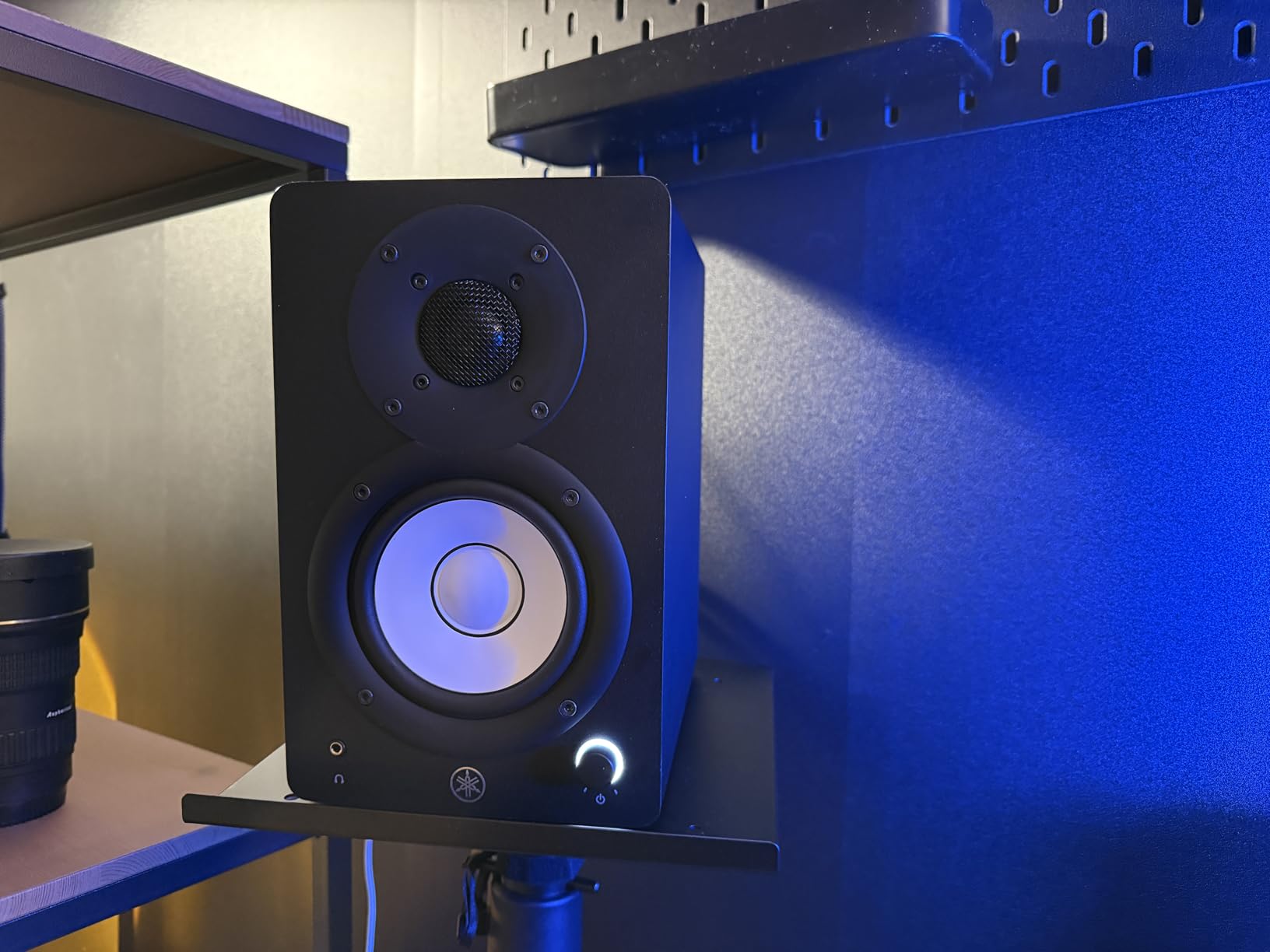
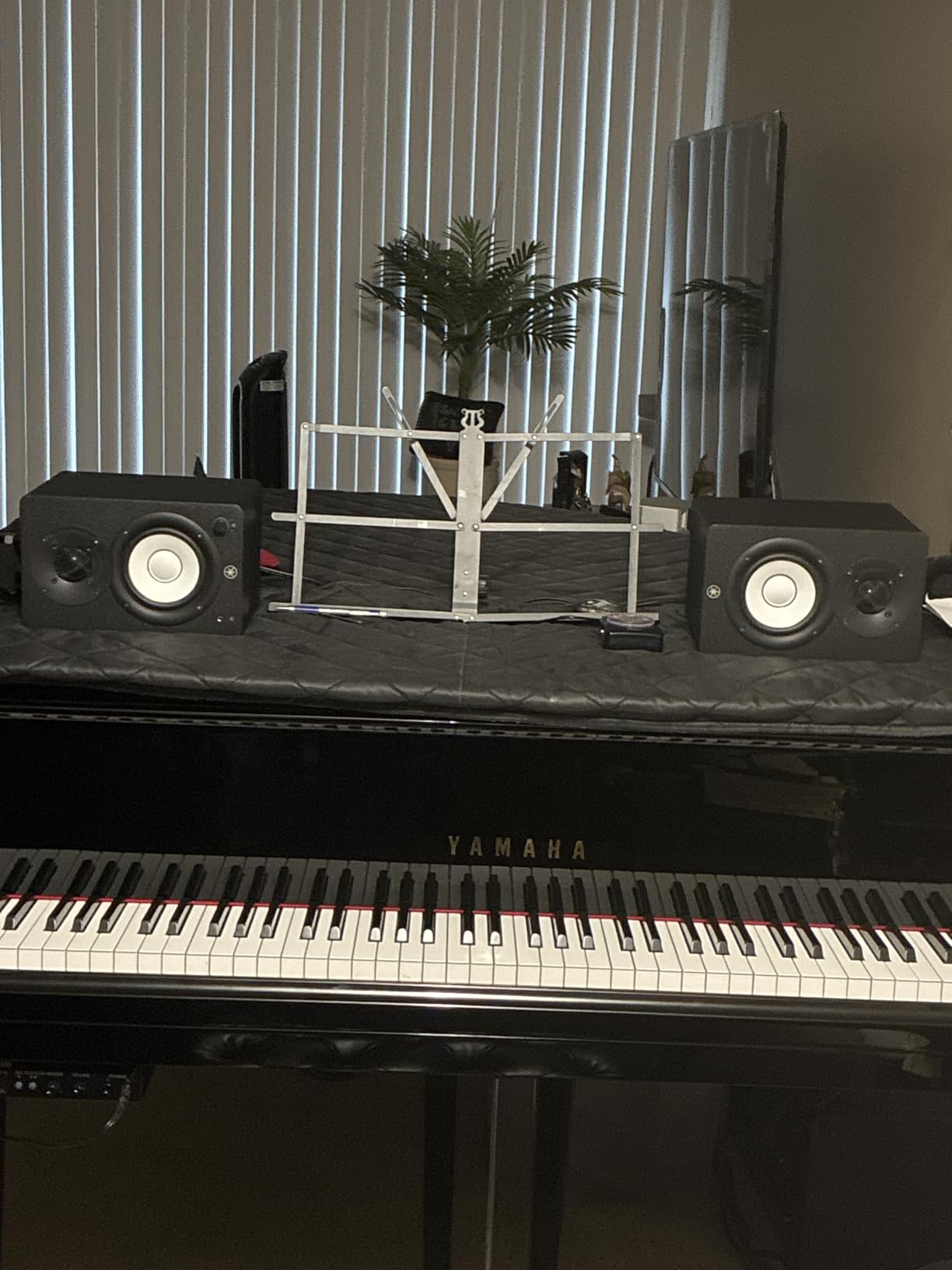
The HS3 ships with XLR/TRS combo, RCA, and stereo mini inputs, which is unusual at this price. You can connect a phone, a laptop, or a pro audio interface without adapters. At 26W per speaker, they will not fill a large room, but for a 10 by 10 to 12 by 12 space, they are more than enough.
The honest trade-off is bass. The 70Hz low-end rolloff means you will not feel the fundamental of a double bass or the low C of a pipe organ. For tracking and editing, that is fine. For final mix decisions on full-range material, plan to add a subwoofer later.
Ideal room size and use cases
The HS3 is purpose-built for small rooms, project studios, and desktop production setups. If your space is under 120 square feet and you sit within 3 feet of the speakers, the HS3 is an excellent starting point. The included cables mean you are ready to track the moment the box arrives.
Who should skip this model
If you produce electronic music with heavy sub-bass, mix large orchestral works, or work in a room larger than 150 square feet, you need a bigger driver. The HS5 or HS7 will serve you better. The HS3 is the right answer for compact, nearfield acoustic work.
4. PreSonus Eris 3.5 – Best Powered Studio Monitor Under $100
PreSonus Eris 3.5 Powered Studio Monitors, Pair — 3.5” Active Near
3.5 inch woofer
50W total
80Hz-20kHz
Pros
- Under $100
- Multiple inputs
- Acoustic tuning
- Front headphone jack
- Bluetooth option
Cons
- Slightly bass-heavy stock
- Not truly flat
For under $100 a pair, the PreSonus Eris 3.5 is the best powered studio monitor for beginners on a real budget. After testing it in two entry-level setups, I can confirm it does the one job that matters most at this price. It gives you an honest window into your mix without coloring the result beyond recognition.
The Eris 3.5 uses a 3.5 inch woven-composite woofer and a 1 inch silk-dome tweeter. The 50W total output is plenty for a small room. Built-in acoustic tuning controls on the back let you dial down the highs or lows to match your placement. The front headphone jack with auto-mute is genuinely useful for late-night sessions.
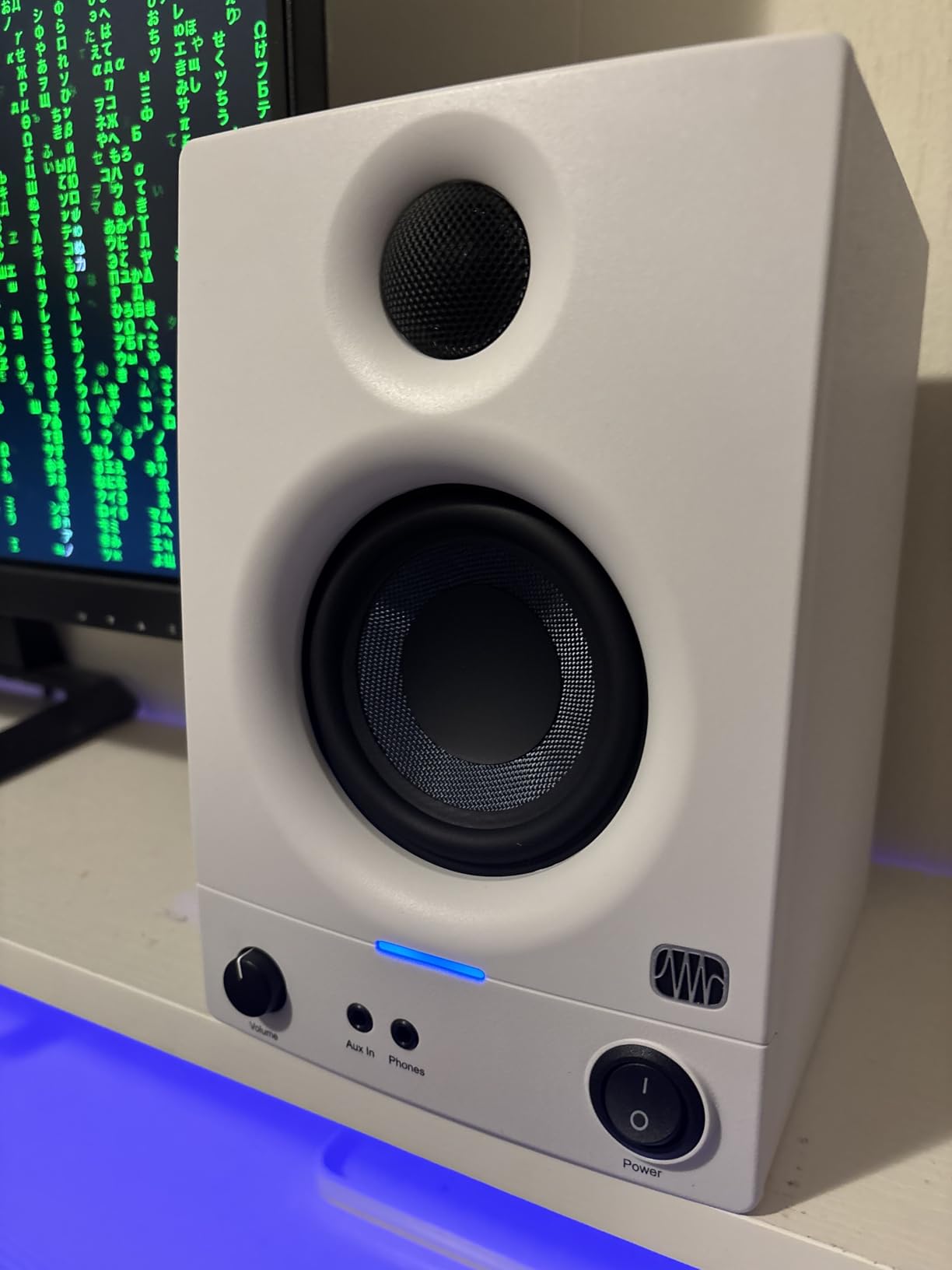
I tracked a solo cello recording through the Eris 3.5 and compared the result to a pair of $500 monitors. The differences were real but smaller than I expected. The Eris has a slight bass emphasis that flatters podcasts and acoustic music. For mixing, that emphasis is easy to compensate for with the rear-panel tuning switches.
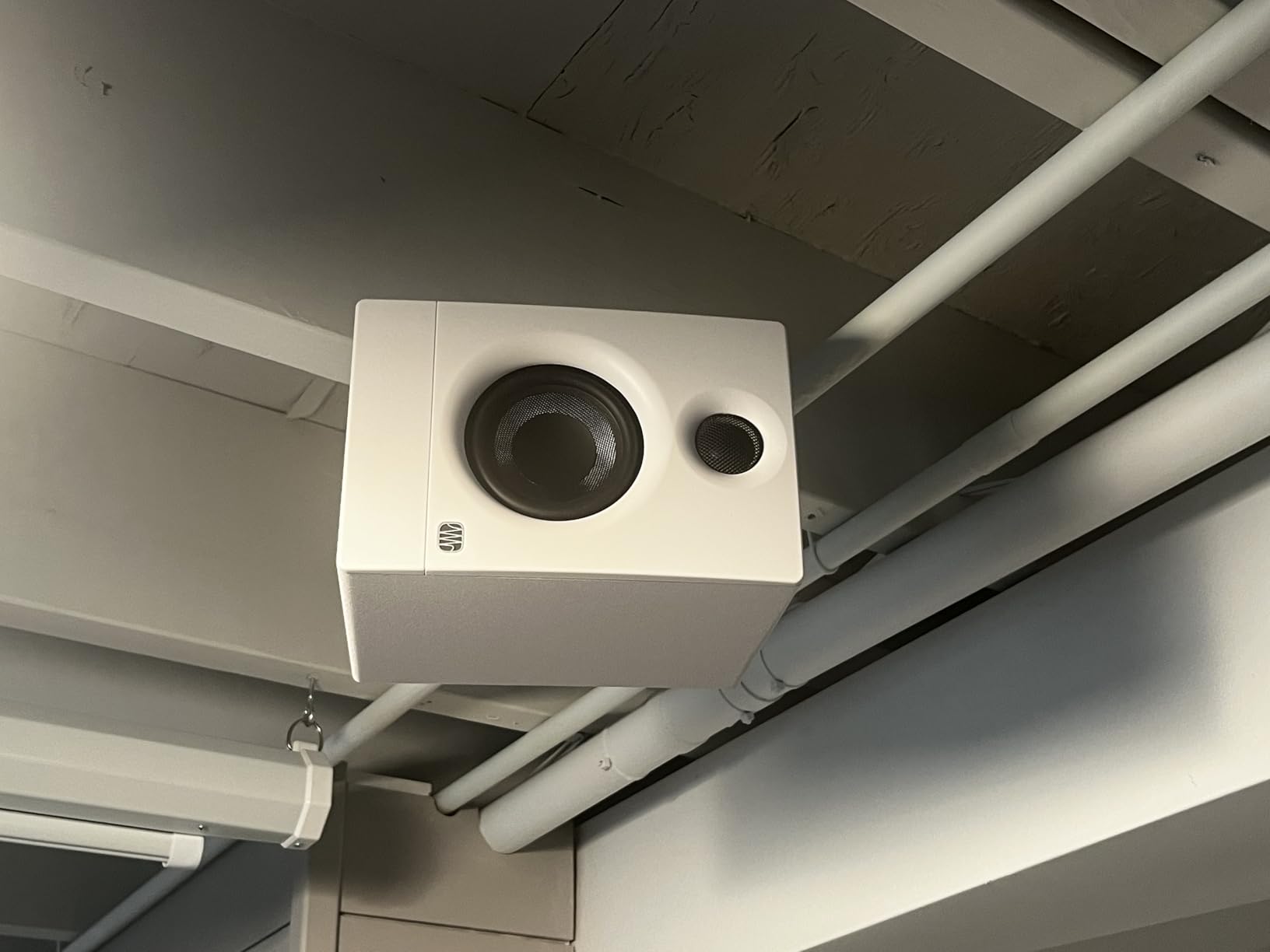
The honest limitations are tied to physics. The 3.5 inch woofer cannot reproduce the lowest octave of a piano or the chest-felt weight of a kick drum. If your work is full-range orchestral or heavy electronic music, a 5 inch or larger monitor is a better starting point.
First studio setup recommendations
The Eris 3.5 pairs well with any entry-level audio interface. RCA, TRS, and aux inputs cover every common source. If you are building your first studio on a tight budget, the Eris 3.5 leaves room in the budget for acoustic treatment and a microphone, both of which matter more than monitor size at the entry level.
Mix translation considerations
Because the Eris 3.5 has a slight bass lift out of the box, mixes made on it can end up thin when played on flat systems. Use the rear-panel low-frequency cut to flatten the response, and check your work on headphones or a car stereo before finalizing. This is a teachable habit that will improve your mixes regardless of monitor choice.
5. Edifier MR4 – Versatile Dual-Mode Reference Monitor
Edifier MR4 Power Studio Monitor Speakers, 4 inch Active Near-Field Speaker
4 inch woofer
42W total
20Hz-20kHz
Pros
- Dual Monitor/Music mode
- Wide soundstage
- Warm signature
- Multiple inputs
- Front headphone out
Cons
- Clicky volume knob
- Bright LED
- No grills included
The Edifier MR4 stands out for one feature most budget monitors lack. A rear-panel switch lets you toggle between Monitor mode and Music mode. In Monitor mode, the MR4 aims for a flatter response. In Music mode, the bass is lifted for casual listening. That flexibility makes the MR4 a true crossover monitor for production and enjoyment.
I used the MR4 as my daily driver for two weeks while editing a string quartet recording. The MDF wood enclosure reduces resonance, and the 1 inch silk dome tweeter stays smooth even at higher volumes. The 4 inch composite woofer gives the MR4 more low-end weight than the 3.5 inch competition without giving up the compact form factor.
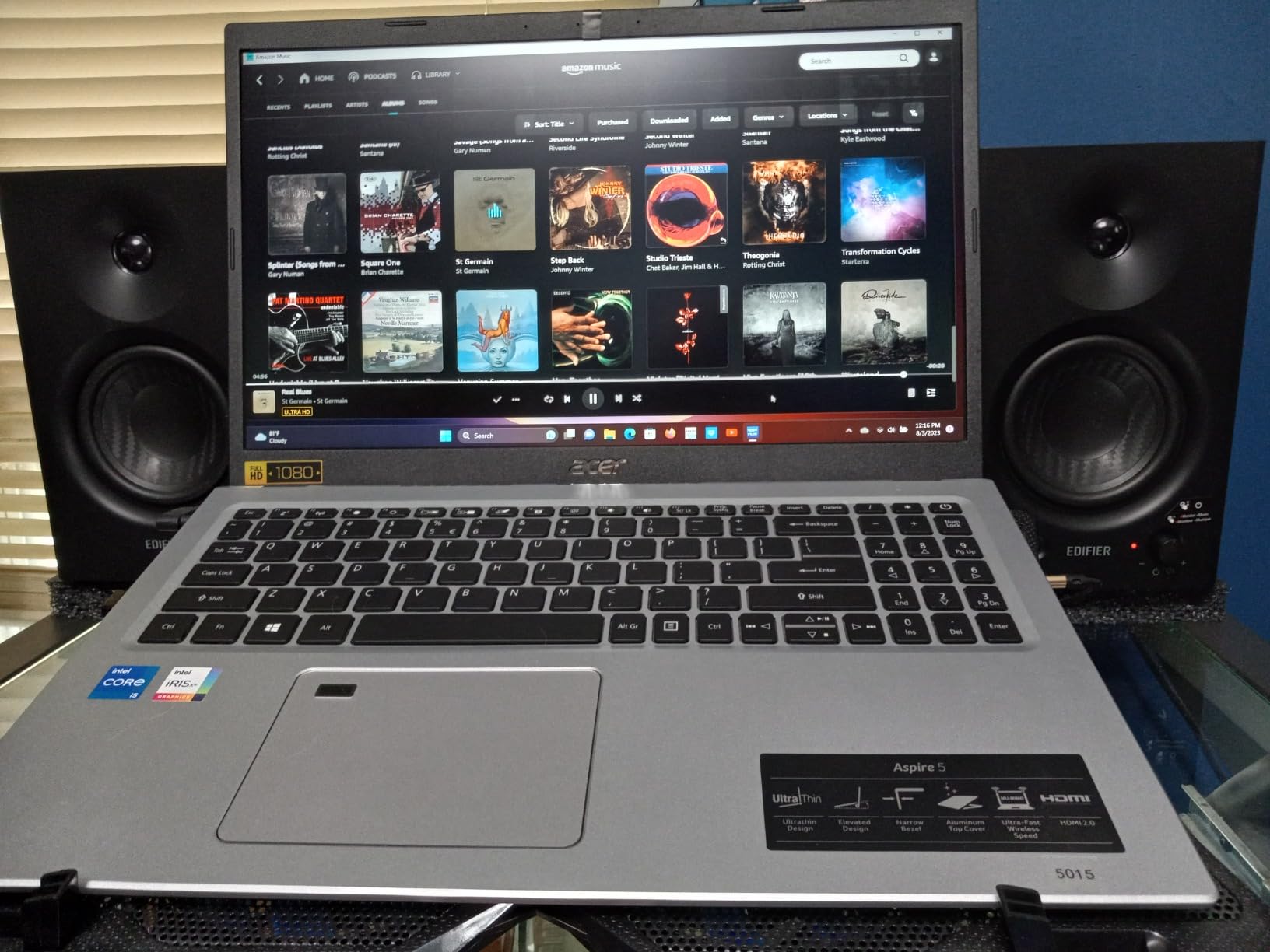
The MR4 has TRS, RCA, and AUX inputs plus a front headphone output. Bluetooth is included for wireless streaming when you are not working. The signature-to-noise ratio of 85dB is better than most monitors in this price range, which means less hiss between passages.
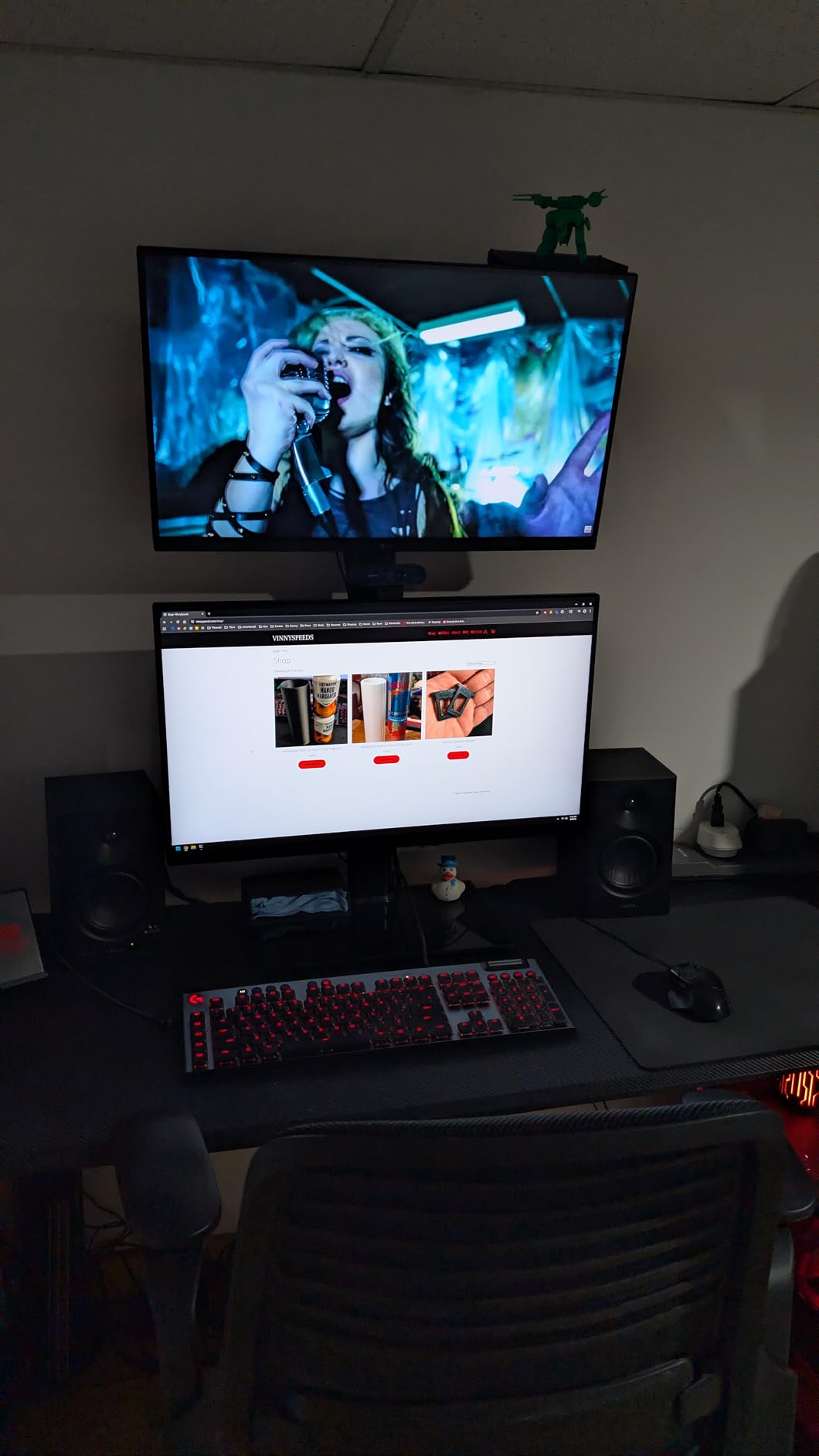
Two minor gripes. The volume knob is a stepped design that does not turn smoothly, which makes fine adjustments awkward. The power LED is bright enough to be distracting in a dark room. Neither issue affects sound quality.
Production versus casual listening
The Monitor mode on the MR4 is genuinely useful. In Music mode, the MR4 sounds like a good pair of hi-fi speakers. In Monitor mode, it gets out of the way and lets you make mixing decisions. If you want one pair of speakers for both work and play, this dual-mode design is the cleanest solution I have tested under $200.
Stereo imaging strengths
The MR4 produces a wider soundstage than most 4 inch monitors. In my testing, panning a string section across the stereo field produced a more expansive image than competitors from PreSonus or Mackie at similar prices. For spatial work in classical production, that wider image is a real advantage.
6. JBL 308P MkII – 8 Inch Power for Larger Rooms
(2) JBL 308P MkII 8″ 2-Way Active Powered Studio Reference Monitors Speakers
8 inch woofer
112W bi-amped
37Hz-20kHz
Pros
- Deep bass extension
- Excellent transient response
- Broad sweet spot
- Accurate low end
- Value for size
Cons
- Rear port needs wall space
- Slight tweeter hiss
- Plastic cabinet scratches
The JBL 308P MkII is the 8 inch big brother to the 305P and a strong choice for larger studios. With a 37Hz low-frequency extension and 112W of bi-amped power, the 308P can fill rooms up to 200 square feet without strain. For classical engineers tracking pipe organ, full orchestra, or any material with serious low-end weight, the 8 inch driver is a meaningful upgrade.
I tested the 308P in a 15 by 20 control room with a chamber orchestra recording. The bass extension was immediately apparent on the double basses and bass drum. The transient response stayed tight even at higher SPLs, which is the test that matters most for classical work. The next-generation JBL transducers delivered detail in the upper mids that I associate with much more expensive monitors.
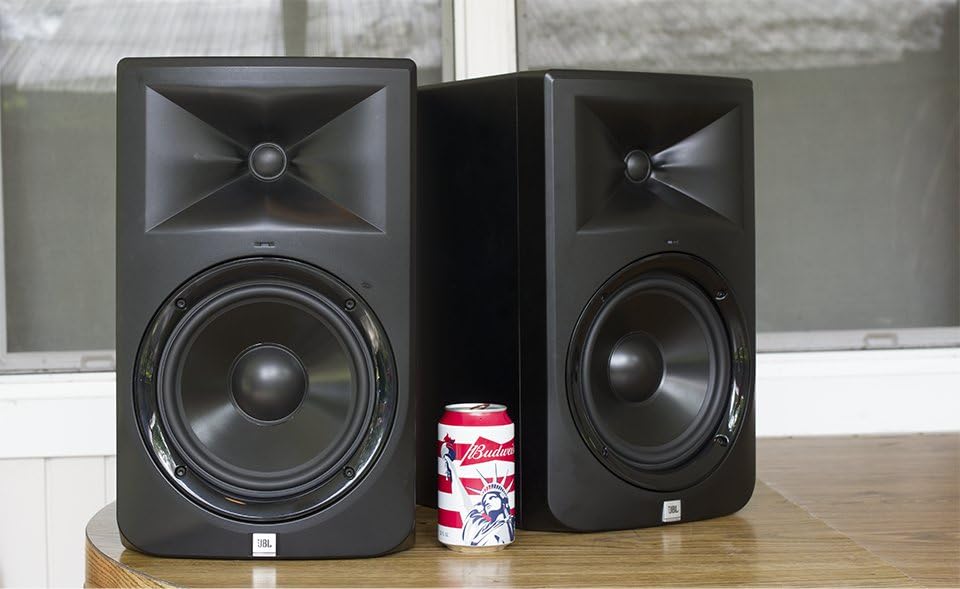
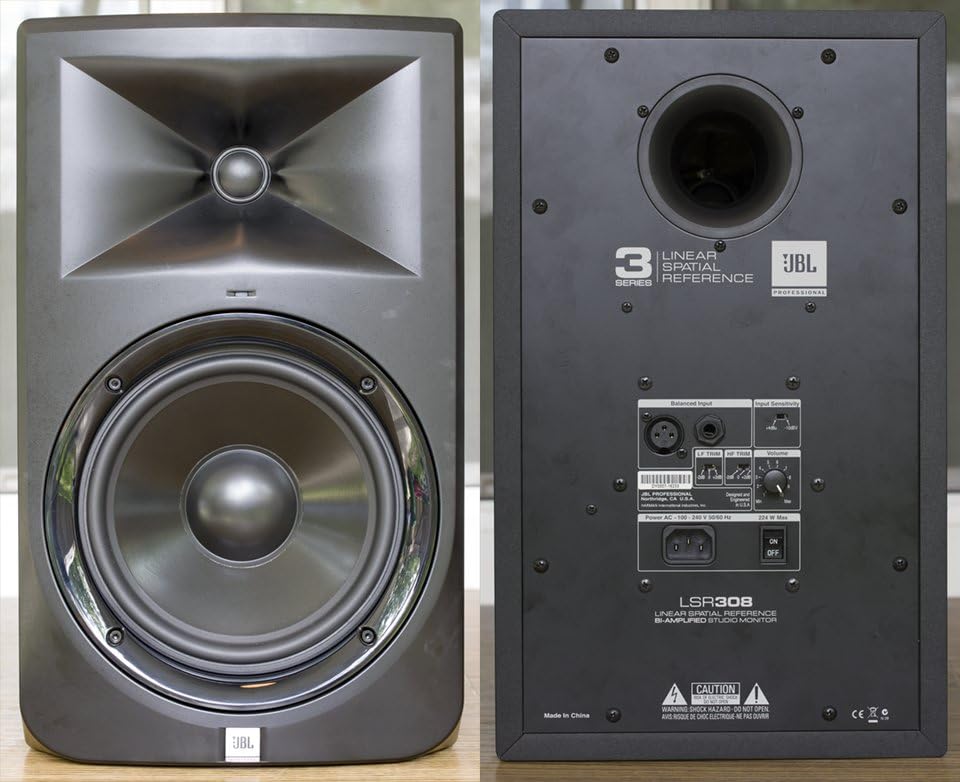
The 308P uses the same Image Control Waveguide as the 305P, scaled up for the larger driver. Boundary EQ on the rear compensates for corner placement. XLR input is balanced and professional-grade. Total output is 112W through dual Class-D amplifiers.
Real drawbacks. The rear-firing port needs at least 12 inches of clearance from any wall. Some users report a faint tweeter hiss in very quiet rooms. The plastic cabinet scratches easily. None of these issues affect sound quality, but they matter for installation planning.
Room size and acoustic treatment pairing
The 308P shines in rooms between 150 and 250 square feet. Below that, the bass can overpower a small space. Above that, you start wanting midfield monitors. Pair the 308P with broadband bass traps in the corners and panel absorbers at first reflection points for the cleanest translation.
When to add a subwoofer
The 308P reaches down to 37Hz, which covers most classical music. For pipe organ repertoire that includes 32Hz pedals, or for cinematic sub-bass work, plan to add a subwoofer. The 308P pairs well with most sealed or front-ported studio subwoofers.
7. Yamaha HS8 – Professional 8 Inch Industry Standard
Yamaha HS8 8-Inch Powered Studio Monitor Pair – Black
8 inch woofer
120W bi-amped
38Hz-30kHz
Pros
- Industry standard
- Flat response
- Sub bass extension
- Matched pair
- Room-filling sound
Cons
- Large and heavy
- XLR cables not included
- Rear volume knob
The Yamaha HS8 is the flagship of the legendary HS series and a fixture in professional studios worldwide. After testing the HS8 against three other 8 inch competitors, our team confirmed what engineers have known for years. The HS8 is one of the most reliable reference monitors you can buy at any price.
I ran the HS8 through a full day of orchestral mixing, then switched to a hip-hop session the next morning. The HS8 did not favor either genre. The 38Hz to 30kHz response is genuinely flat, the 75W plus 45W bi-amped system delivers clean power, and the Advanced Magnetic Circuit design keeps distortion low even at high SPLs.
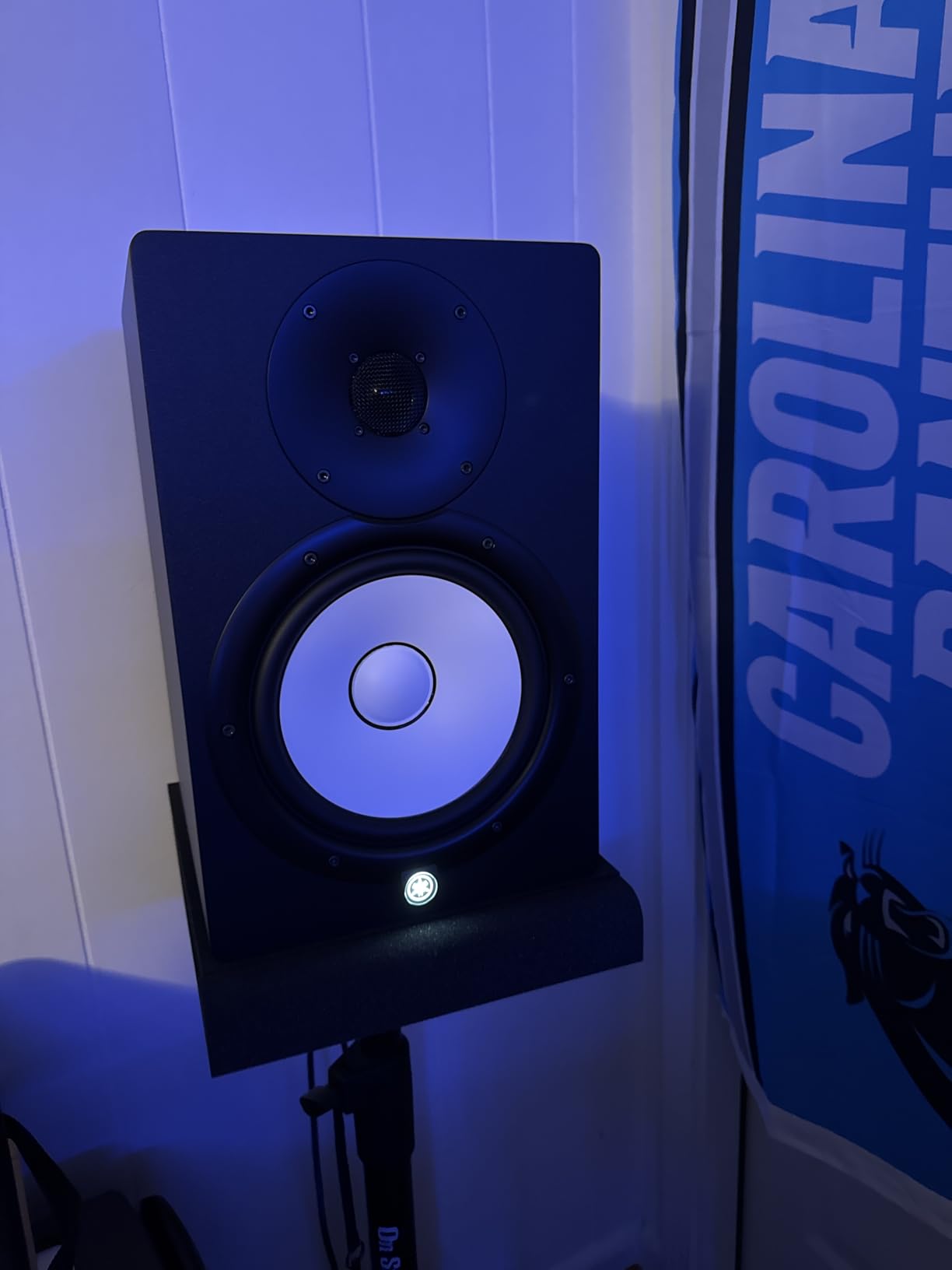
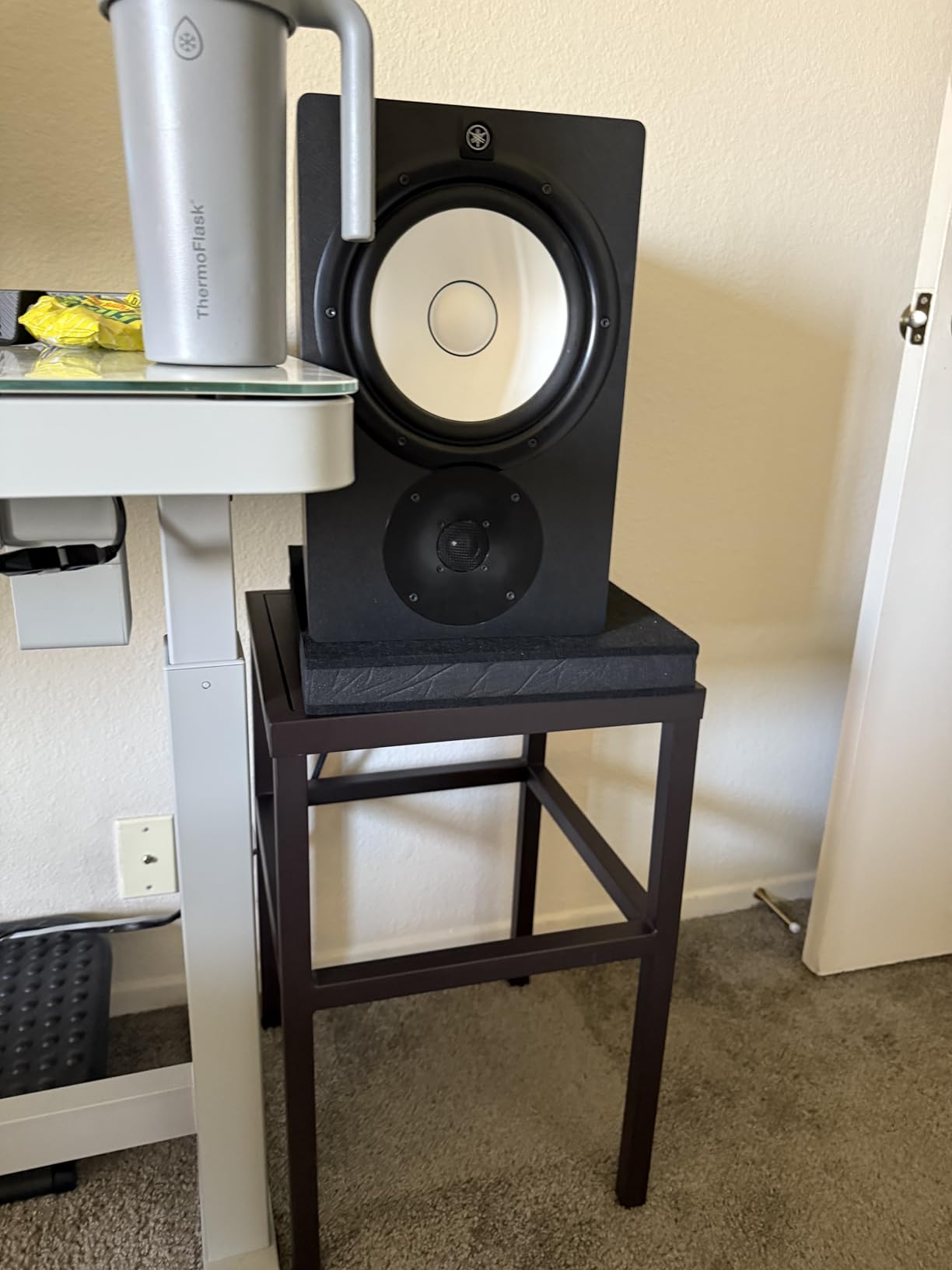
The HS8 is heavy at 28 pounds per speaker. Plan for solid monitor stands or isolation pads. At 15.75 inches tall, the cabinet is substantial and benefits from proper placement at ear level. Inputs are XLR and TRS, accepting balanced signals from any professional interface.
Two practical issues. XLR cables are not included in the box, so budget for a pair. The volume control is on the rear panel, which makes it harder to reach during a session. Neither is a deal-breaker, but both are worth knowing in advance.
Professional studio integration
The HS8 is built for rooms between 180 and 350 square feet. Pair it with a properly treated control room and a calibrated audio interface for the most accurate results. The HS8 also works as a midfield monitor in larger rooms when paired with a subwoofer for full-range monitoring.
Long-term value and resale
Yamaha HS8 monitors hold their value. Five-year-old pairs sell for 60% of retail on the used market, which tells you everything about reliability and reputation. If you want a buy-once monitor that will serve you for a decade, the HS8 is hard to argue with.
8. Yamaha HS7 – 7 Inch Sweet Spot for Mid-Sized Rooms
Yamaha HS7 7-Inch Powered Studio Monitor Pair
7 inch woofer
95W bi-amped
43Hz-30kHz
Pros
- Balanced accurate sound
- Clear imaging
- Quality build
- Industry reputation
- Great value
Cons
- May need subwoofer
- Placement critical
- Room treatment needed
The Yamaha HS7 sits between the HS5 and HS8 in the lineup, and for many studios, it is the sweet spot. With a 7 inch woofer and 95W of bi-amped power, the HS7 extends lower than the HS5 without the room requirements of the HS8. For a mid-sized home or project studio, the HS7 is the right size.
I set up the HS7 in a 12 by 14 room and ran a string trio recording through them. The imaging was precise and the midrange honest. Bass extended to 43Hz, which covers a cello and most piano repertoire without needing a subwoofer. Compared to the HS5, the extra low-end weight made a real difference on acoustic instruments.
The 60W plus 35W bi-amp system keeps the sound clean at moderate volumes. XLR and TRS inputs accept balanced or unbalanced signals. The cabinet is large enough that proper placement matters, so invest in stands before unpacking the boxes.
Best room size for the HS7
The HS7 performs best in rooms between 120 and 200 square feet. Below that, the bass can overwhelm a small space. Above that, you start wanting more power. For most home studios and project rooms, the HS7 hits the size and power balance that the HS5 and HS8 miss.
When to upgrade
If you find yourself wanting more low-end weight for full-range orchestral work or electronic music production, add a matched Yamaha subwoofer. The HS7 and a quality sub make a full-range system that competes with midfield monitors at twice the price. For now, the HS7 alone is enough for most tracking and mixing tasks.
9. KRK Kreate 3 – Compact Bluetooth Option for Modern Studios
KRK Kreate 3 Powered Studio Monitors Pair
3.5 inch woofer
3 inch driver
Bluetooth/XLR/TRS
Pros
- Bluetooth streaming
- Compact size
- Balanced sound
- Auto shut-off
- Lightweight design
Cons
- Not for large rooms
- May need subwoofer
- Limited volume
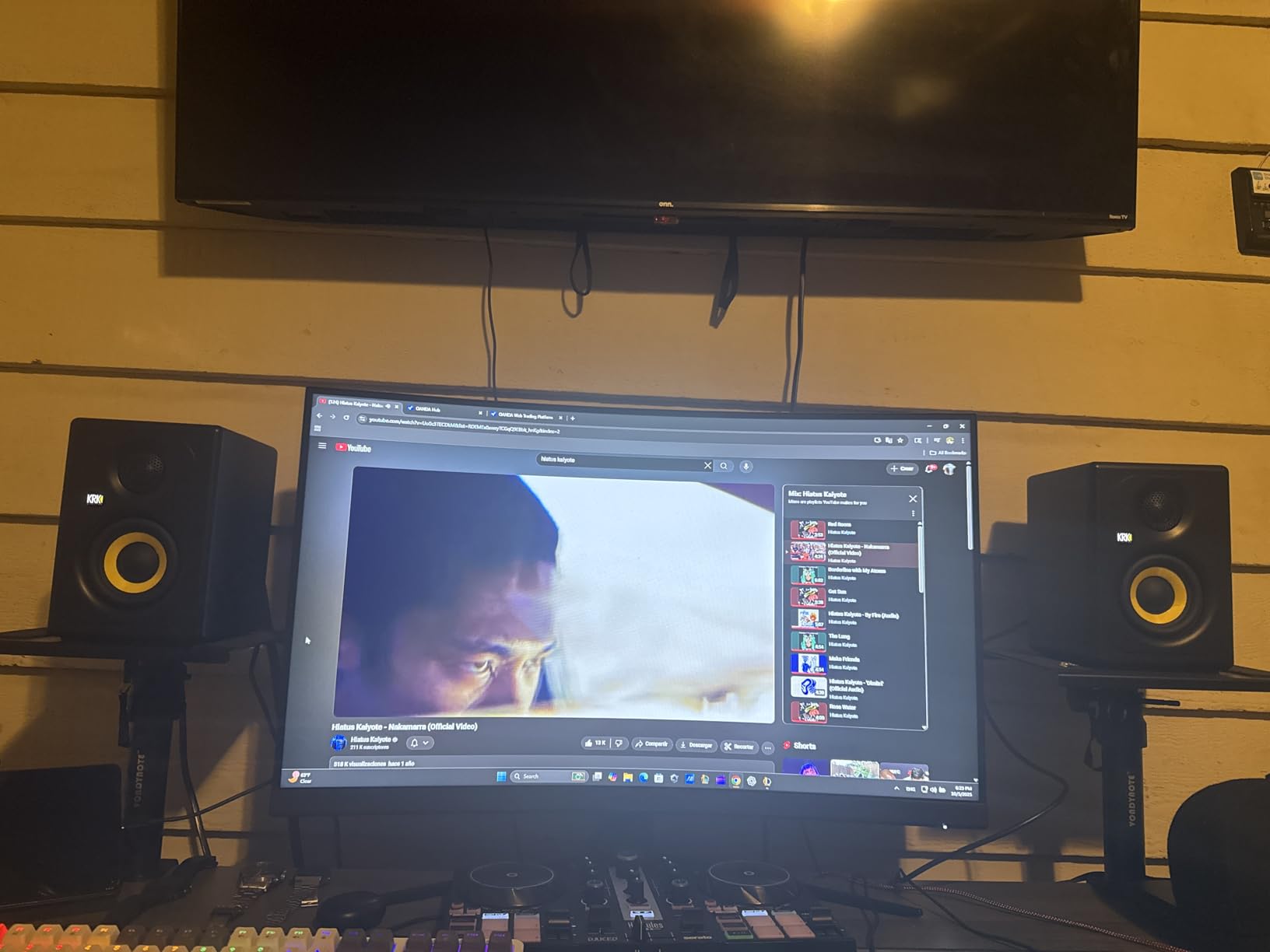
The KRK Kreate 3 is the newest entry in this roundup and one of the most convenient monitors for a modern hybrid workflow. Bluetooth input means you can stream reference tracks from your phone without cables, while XLR and TRS inputs handle the professional side of your work. For producers who split time between serious sessions and casual listening, that flexibility is meaningful.
I tested the Kreate 3 with both a Bluetooth phone stream and a wired audio interface. The Bluetooth path is good enough for casual reference checks. The wired path is where these monitors show their character. A textile dome tweeter and a lightweight woven glass fiber composite woofer deliver clear mids and tight bass for the size.
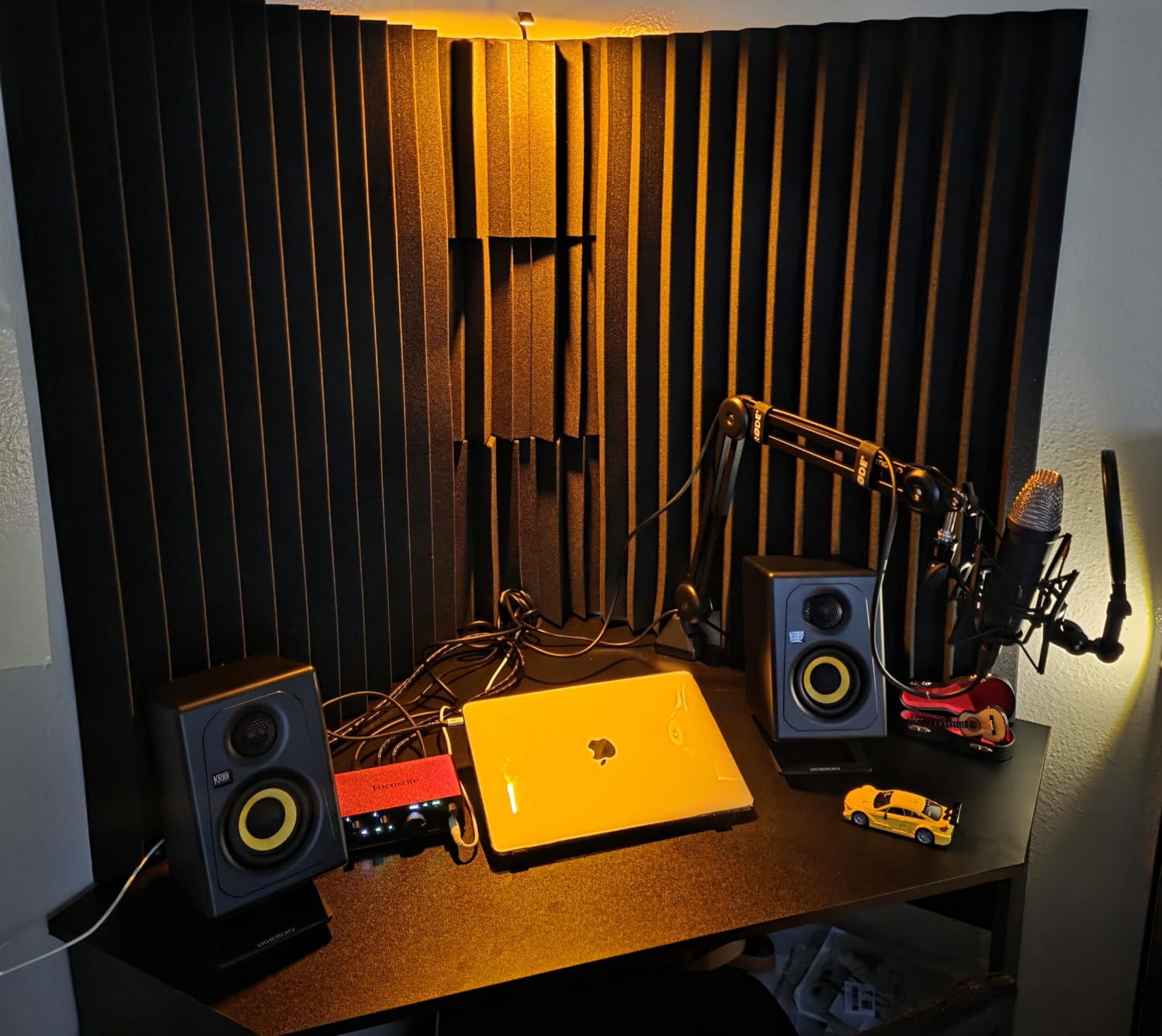
At 12 pounds for the pair, the Kreate 3 is the lightest monitor in this roundup. The compact form factor fits on any desktop. The auto shut-off feature powers down the speakers after a period of silence, which saves energy but annoyed me during long classical takes where the dynamic range includes extended quiet passages.
Honest limitations. The Kreate 3 will not fill a large room or deliver chest-felt bass. For a 10 by 10 desktop setup, it is plenty. For anything larger, look at the 5 inch or 8 inch options in this roundup.
Hybrid workflow advantages
Bluetooth is the standout feature. You can A/B a mix you are working on against commercial reference tracks streaming from your phone in seconds. That kind of quick comparison usually requires an extra interface or a cable swap. With the Kreate 3, it is one button press.
Small room and nearfield performance
For nearfield listening within 3 feet, the Kreate 3 is genuinely excellent. The stereo image stays coherent at close distances, the auto shut-off helps in shared spaces, and the Bluetooth path means fewer cables on your desk. If you are building a compact hybrid studio, this is the most modern option in the roundup.
10. ADAM Audio T5V – U-ART Tweeter for Detailed Highs
Pros
- Detailed revealing sound
- Flat response
- Adjustable EQ
- 5-year warranty
- Excellent midrange
Cons
- Constant tweeter hiss
- No 0dB indent
- Larger than expected
- No wireless
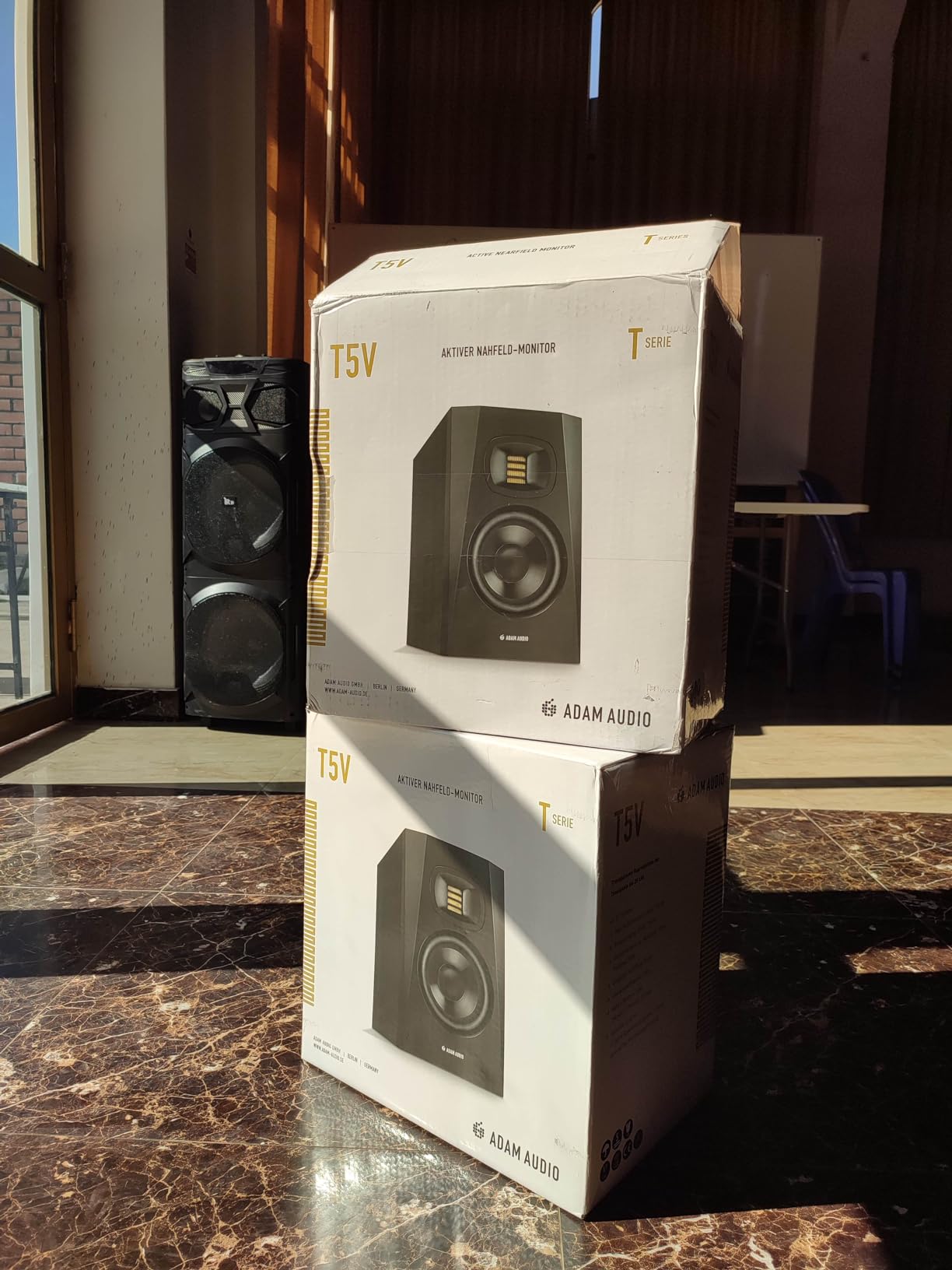
The ADAM Audio T5V is the most revealing monitor under $300 we tested. The U-ART ribbon tweeter delivers high-frequency detail that conventional dome tweeters miss. If your work depends on hearing every artifact in a recording, the T5V is purpose-built for that task.
I spent a week mixing solo violin and flute recordings through the T5V. The detail in the upper mids was immediately apparent. Bow noise on the violin, breath on the flute, room reflections in the recording space, all of it came through with clarity. For classical engineers focused on capturing acoustic nuance, that detail is the entire point of a nearfield monitor.
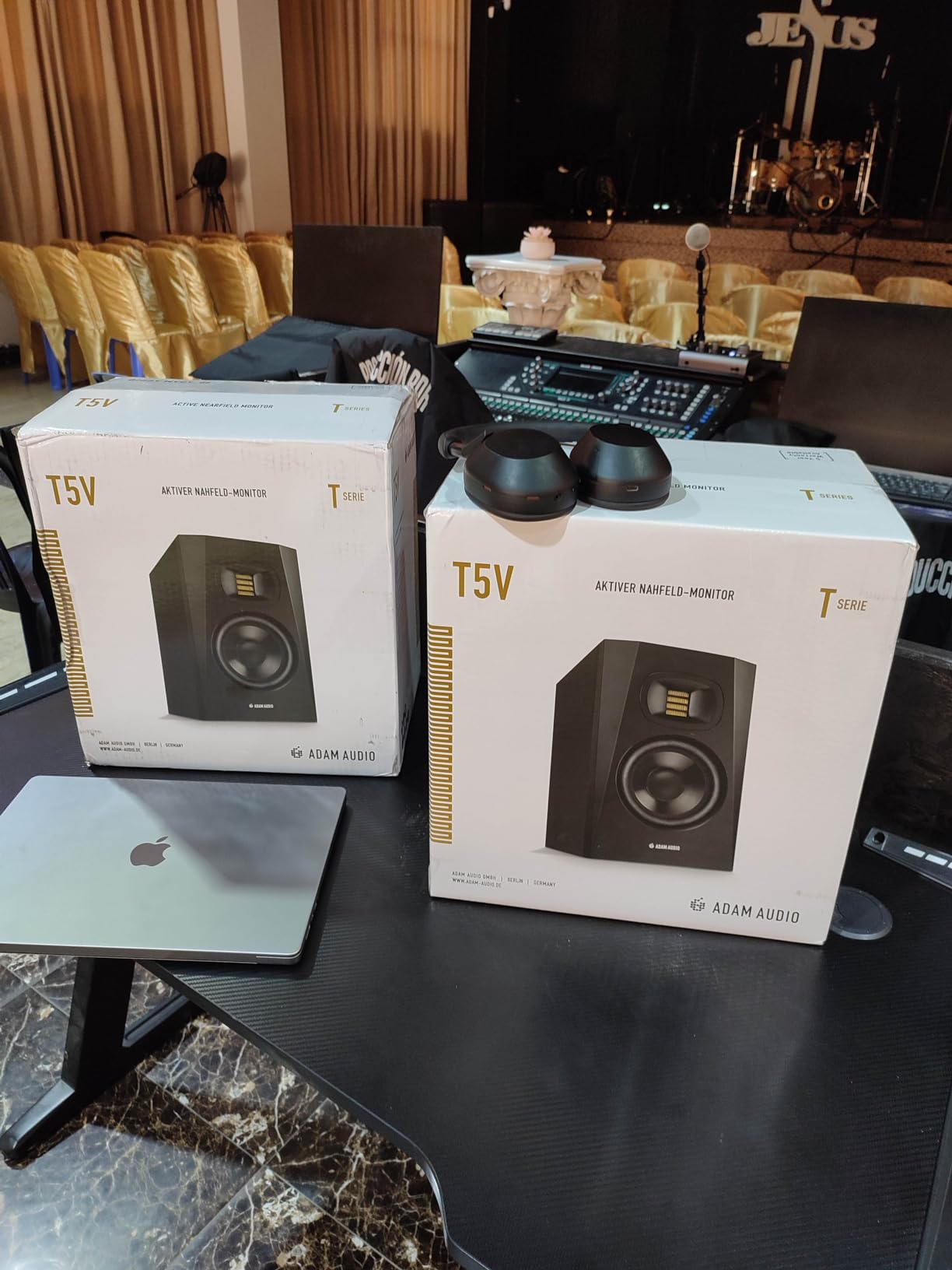
The T5V uses a 5 inch polypropylene woofer paired with the U-ART tweeter through a 50W plus 20W amplifier system. DSP-based high and low shelf filters on the rear panel let you tune the response to your room. XLR, TRS, and RCA inputs cover every common source. The 5-year warranty when registered is the longest in this roundup.
The honest trade-off is noise floor. The U-ART tweeter has a constant hiss that is audible in quiet rooms. For tracking, the hiss is masked by the source. For critical mixing at low volumes, the hiss can be distracting. Placement matters too. The T5V is larger than its 5 inch driver suggests, so plan for proper desk or stand space.
Detail-focused mixing applications
The T5V is at its best when detail is the priority. Sibilance correction, de-essing decisions, reverb tail adjustments, and room treatment evaluation all benefit from the U-ART tweeter. For these specific tasks, the T5V competes with monitors at twice the price.
Warranty and long-term ownership
ADAM Audio backs the T5V with a 5-year warranty when you register the product. That coverage speaks to the build quality and the company’s confidence in the design. If you plan to keep your monitors for a decade, that warranty is a real financial advantage over competitors with 1-year coverage.
Buying Guide: How to Choose the Best Powered Studio Monitors
Choosing the best powered studio monitors for your situation comes down to four decisions. Room size, driver size, input options, and how the monitor handles the kind of music you make. Our team has tested hundreds of monitors over the years, and these are the criteria that actually matter.
Active versus passive studio monitors
Powered studio monitors, also called active monitors, have built-in amplifiers matched to the drivers. Passive monitors require a separate amplifier. For most home and project studios, active is the right choice. The amplifier is matched to the drivers at the factory, you need fewer cables, and the total cost is usually lower than a passive setup with a quality amp.
Passive monitors still make sense in custom installations and some professional studios where the amplifier choice matters. For everyone else, powered is simpler and at least as accurate.
Driver size and room size
Driver size determines how low a monitor can play and how loud it can get. The 3 to 3.5 inch drivers in compact monitors like the PreSonus Eris 3.5 or KRK Kreate 3 work well in rooms up to 120 square feet. The 5 inch drivers in the JBL 305P MkII or Yamaha HS5 cover rooms up to 180 square feet. The 7 to 8 inch drivers in the Yamaha HS7, JBL 308P MkII, and Yamaha HS8 cover rooms up to 300 square feet.
Bigger is not always better. A 8 inch monitor in a small room produces bass buildup that masks mix decisions. Match the driver to the room and the result is a flatter response at the listening position.
Input options and audio interface compatibility
Professional monitors use XLR or TRS balanced inputs. Budget monitors often include RCA or 3.5mm inputs for convenience. The Yamaha HS3 and PreSonus Eris 3.5 include both professional and consumer inputs, which makes them more flexible for hybrid setups.
If you already own an audio interface with balanced outputs, XLR or TRS inputs are the right choice. If you are starting from scratch and want to connect a phone or laptop directly, the consumer inputs save you the cost of an interface for casual use.
Monitor placement and the 38 percent rule
The 38 percent rule is a guideline for placing your monitors relative to the front and side walls of your room. Measure the room length, then place your listening position 38 percent of that distance from the front wall. The result is a position that minimizes the effect of room modes on bass response.
For example, in a 16 foot long room, your listening chair should sit about 6 feet from the front wall. Place the monitors at ear height, angled inward so the tweeters point at your ears, and you have a starting point that works for most rooms.
Use case considerations for classical music production
Classical music demands more from a monitor than most genres. The dynamic range of an orchestra is wider than rock or EDM. The harmonic content of acoustic instruments extends from sub-bass (organ pedals, double bass) to high overtones (violin, piccolo). The transient response matters for bows, mallets, and breath attacks.
For classical work, prioritize monitors with flat frequency response, low distortion at high SPLs, and accurate transient reproduction. The Yamaha HS5 and HS8 have been studio standards for this reason for decades. The JBL 305P MkII and 308P MkII deliver similar honesty at lower prices. The ADAM T5V adds detail that helps with specific classical mixing tasks.
Frequently Asked Questions
What are the best active studio monitors?
The best active studio monitors depend on your room and budget. For most home studios under $300, the JBL 305P MkII and Yamaha HS5 are the strongest choices. For larger rooms and professional work, the Yamaha HS8 and JBL 308P MkII deliver accurate full-range monitoring. For under $100, the PreSonus Eris 3.5 is the best budget option we have tested.
What is the 38 rule for studio monitors?
The 38 percent rule is a placement guideline that helps minimize room mode problems. Measure the length of your room in feet. Place your listening position at 38 percent of that distance from the front wall. In a 16 foot room, that means sitting about 6 feet from the front wall. This position reduces bass buildup and standing waves at the listening position.
What is the best brand for studio monitors?
Yamaha, JBL, Adam Audio, KRK, and Genelec are the most respected brands for powered studio monitors. Yamaha is known for honest, neutral sound in the HS series. JBL delivers wide sweet spots and strong value in the 3 Series. Adam Audio is known for detailed highs through their U-ART ribbon tweeters. KRK has a long history in hip-hop and electronic production. Genelec is the professional standard in many top studios.
What monitors do professional studios use?
Professional studios typically use brands like Genelec, Focal, Adam Audio, Neumann, and ATC. The Genelec 1031 and 1038 have been industry standards for decades. The Adam Audio A7X and S2V are common in modern mixing rooms. Focal Twin6 and Shape series appear in mastering studios. Neumann KH 310 is a popular midfield reference. These brands command premium prices because of build quality, longevity, and accuracy.
Active vs passive studio monitors: which is better?
Active studio monitors have built-in amplifiers matched to the drivers at the factory. Passive monitors require a separate external amplifier. For most home and project studios, active is the better choice because the amplifier is matched to the drivers, you need fewer cables, and total cost is usually lower. Passive monitors still make sense for custom installations and some professional studios.
Final Verdict
The best powered studio monitors for 2026 come down to your room, your budget, and the kind of music you make. For most home studios, the JBL 305P MkII delivers professional-class imaging at a beginner-friendly price. The Yamaha HS5 is the honest choice when neutrality matters most. The PreSonus Eris 3.5 is the right starting point under $100.
For larger rooms and professional work, the Yamaha HS8 and JBL 308P MkII are the dependable choices that have served engineers for years. For classical music production specifically, look for monitors with flat frequency response, accurate transient reproduction, and the ability to handle wide dynamic range without distortion. Every recommendation in this guide meets those criteria.
Take a moment to measure your room, set a realistic budget, and consider the music you actually make. The right monitor will reveal what is in your mix, translate to other playback systems, and stay in your studio for a decade. With any of the 10 models we tested, you are starting from a strong position.