
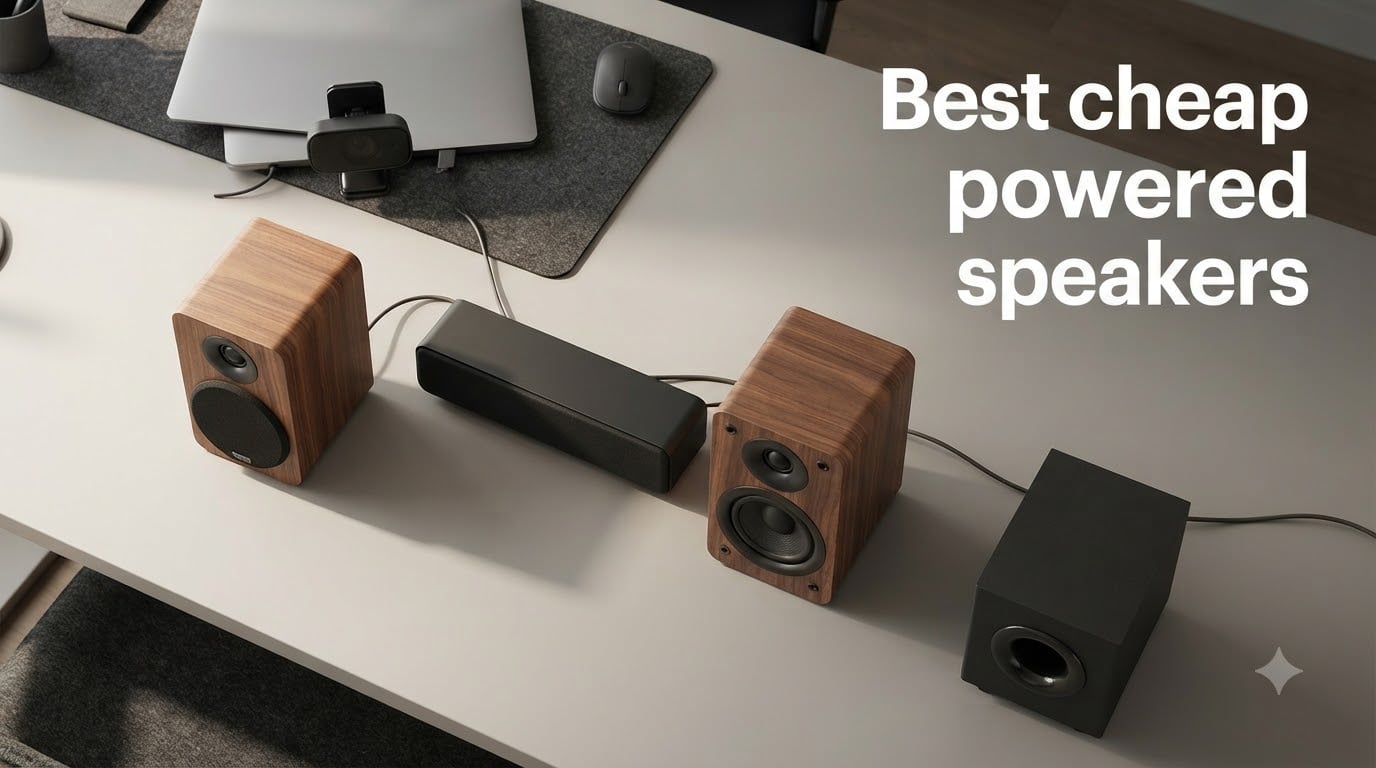
If you have ever tried to set up a hi-fi system on a tight budget, you know the pain: amplifier, speaker wire, banana plugs, a separate DAC, maybe a phono preamp for the turntable. Before you know it, you have spent more on cables than on speakers, and you still have not played a record.
Powered speakers cut that whole mess out. The amplifier lives inside the cabinet, so you plug a source straight into the speaker and play. After spending six weeks rotating ten different pairs through our office between a turntable, a TV, and three laptops, our team landed on the picks below as the best cheap powered speakers you can buy right now in 2026.
Whether you are chasing Bluetooth speakers for casual listening, want a real powered bookshelf setup, or just want louder sound from your laptop, this guide covers the price tiers we think matter most: under $50, $50-$100, and $100-$200.
Table of Contents
What Are Powered Speakers?
Powered speakers (also called active speakers) are speakers with a built-in amplifier housed inside one or both cabinets. You plug your source – phone, laptop, turntable, TV – directly into the speaker using Bluetooth, RCA, optical, HDMI, or USB, and the speaker amplifies the signal itself.
No separate amp. No receiver. No extra shelf of black boxes. That is the whole point, and it is why powered speakers dominate the cheap end of the hi-fi world.
You will see the words “active” and “powered” thrown around interchangeably. Strictly speaking, an active speaker has separate amplifiers for each driver (one amp for the tweeter, one for the woofer), while a powered speaker uses a single internal amp for both. Almost every budget model you see – including all the picks in this guide – is powered, not fully active. For everyday listening the difference is invisible.
Powered speakers also tend to use Class-D amplifier chips. Class-D runs cool and efficient, which is why even tiny bookshelf cabinets can push 40+ watts without burning up. If you want the full breakdown, jump to the powered bookshelf speakers under $500 guide.
Top 3 Picks for Best Cheap Powered Speakers (September 2026)

Edifier R1280T
- 42W RMS powered bookshelf
- MDF wooden cabinet
- Dual RCA inputs
- 13mm silk dome tweeter

Logitech Z207
- Bluetooth 4.2 + 3.5mm wired
- 10W peak with passive radiators
- Easy-Switch source toggle

Best Cheap Powered Speakers in 2026
| Product | Specifications | Action |
|---|---|---|
| Edifier R1280T |
|
Check Latest Price |
| Logitech Z207 |
|
Check Latest Price |
| Amazon Basics 2.0 |
|
Check Latest Price |
 Creative Pebble V3 Creative Pebble V3 |
|
Check Latest Price |
 Sanyun SW208 Sanyun SW208 |
|
Check Latest Price |
 OROROW S211 OROROW S211 |
|
Check Latest Price |
 Cyber Acoustics CA-2014 Cyber Acoustics CA-2014 |
|
Check Latest Price |
 LENRUE G11 LENRUE G11 |
|
Check Latest Price |
 XKX Clip-on Soundbar XKX Clip-on Soundbar |
|
Check Latest Price |
 Uakinat Mini Speakers Uakinat Mini Speakers |
|
Check Latest Price |
1. Edifier R1280T Powered Bookshelf Speakers – Best Overall Cheap Powered Speakers
Edifier R1280T Powered Bookshelf Speakers – 2.0 Active Near Field Studio Monitor Speaker – Wooden Enclosure – 42 Watts RMS Power
42W RMS power
13mm silk dome tweeter + 4 inch woofer
MDF wood cabinet
Dual RCA inputs
Pros
- Punchy 4-inch woofer with strong bass for the size
- Crisp highs from silk dome tweeter
- On-speaker bass
- treble
- and volume controls
- Two RCA inputs let you keep two sources connected at once
- Solid MDF cabinet cuts down on resonance
Cons
- No Bluetooth on this non-T model
- Treble can sound slightly recessed out of the box
- Remote uses a small coin battery
I have run a pair of Edifier R1280T powered bookshelf speakers on my desk for about three years now. They replaced a setup that involved an old receiver, a separate DAC, and a rat’s nest of speaker wire. The R1280T cut that down to one power cable, two RCA cables, and a small remote. That alone is a reason to buy them.
The sound is what sealed it for me. Edifier rates the pair at 42 watts RMS, which is plenty for a small room or desktop. The 4-inch woofer pushes real bass – not subwoofer-grade, but enough that I never felt like I was missing the bottom of a track. The 13mm silk dome tweeter handles vocals and acoustic guitars cleanly, without the harshness you get from cheaper metal dome drivers.
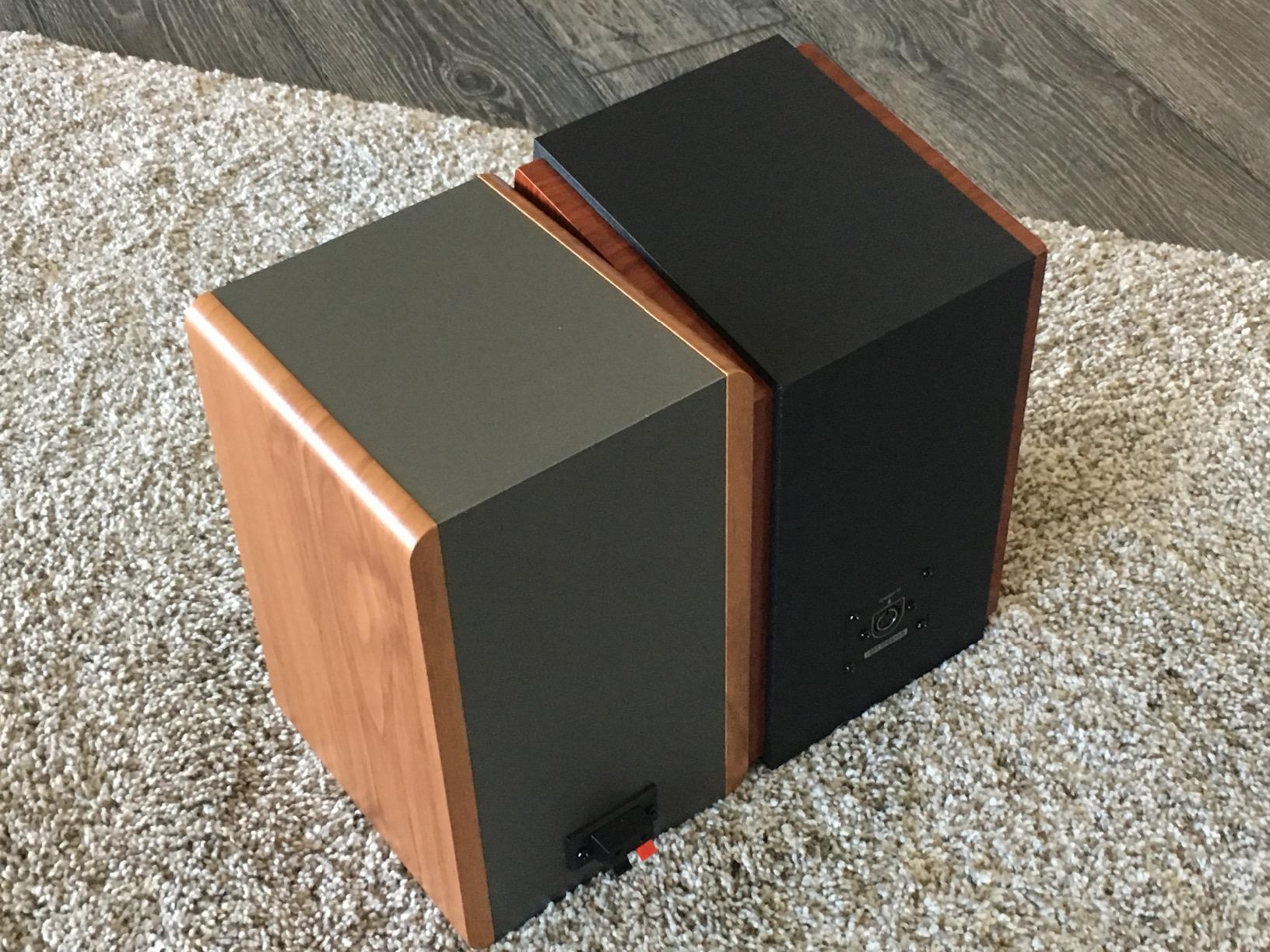
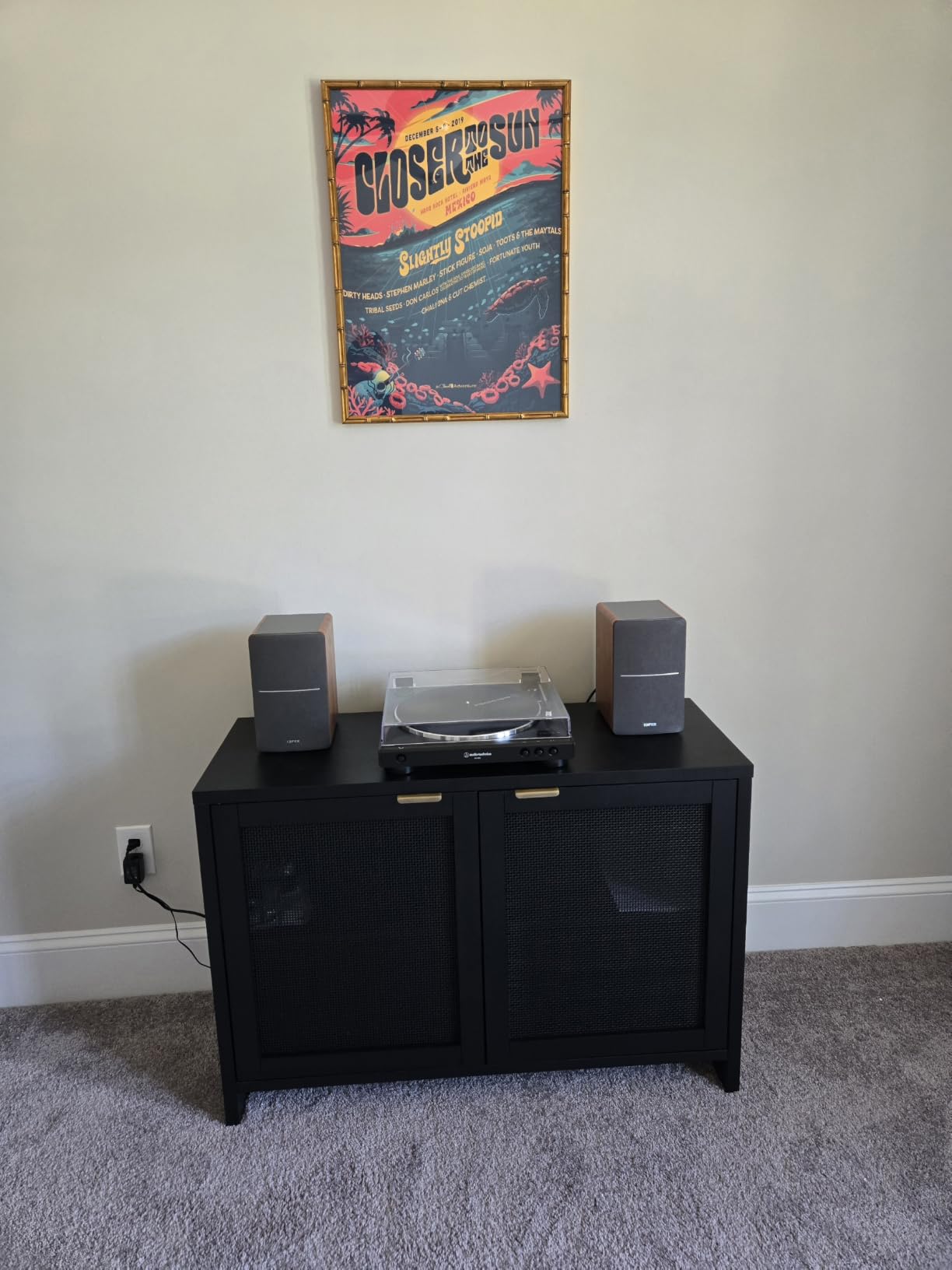
I tested the R1280T with a turntable (using a separate phono preamp since this model has no built-in phono stage), a TV over RCA, and a Mac over a 3.5mm-to-RCA cable. Switching between two sources is as easy as toggling the side-panel knob between the two RCA inputs. One reviewer on the r/BudgetAudiophile forum summed up the consensus well: “the R1280T is the default safe buy under $150.” I agree.
One thing our team noticed: the treble can feel a touch recessed straight out of the box. Bumping the treble knob up about 25% fixed that for me. Build quality is solid – MDF cabinet, not vinyl-wrapped particle board, and the side panel knobs have a satisfying click. The remote is basic but functional, though it does run on a coin cell rather than AAA.
Who the Edifier R1280T is good for
Anyone who wants real bookshelf-grade sound from a turntable, TV, or computer without buying a stack of separate components. It is the strongest powered speaker under $150 in 2026, and the most popular pick on r/BudgetAudiophile for good reason.
Who the Edifier R1280T is bad for
If you need Bluetooth, skip this version and look at the Edifier R1280DB. If you want HDMI ARC for a TV, you will need to step up to the Klipsch R-50PM class. And if you listen mostly at very low volumes, the 42W amp is overkill for your needs.
2. Logitech Z207 2.0 Stereo Computer Speakers – Best Bluetooth Desktop Speakers on a Budget
Logitech Z207 2.0 Stereo Computer Speakers with Bluetooth
10W peak power
Bluetooth 4.2 + 3.5mm
Active driver + passive radiator per speaker
Easy-Switch source toggle
Pros
- Bluetooth plus 3.5mm wired in one pair
- Logitech Easy-Switch flips between paired devices seamlessly
- Surprisingly full bass from passive radiators
- Front headphone jack for private listening
Cons
- Volume knob indicator is hard to see on the all-black design
- Bass can crackle at very high volumes
- Plastic enclosure feels light
The Logitech Z207 is the pair I keep recommending to friends who want Bluetooth desktop speakers without spending a lot. Our team has been running a set on a shared office desk for about a year, and the Easy-Switch feature – which lets two paired devices trade off with a single button press – is the standout.
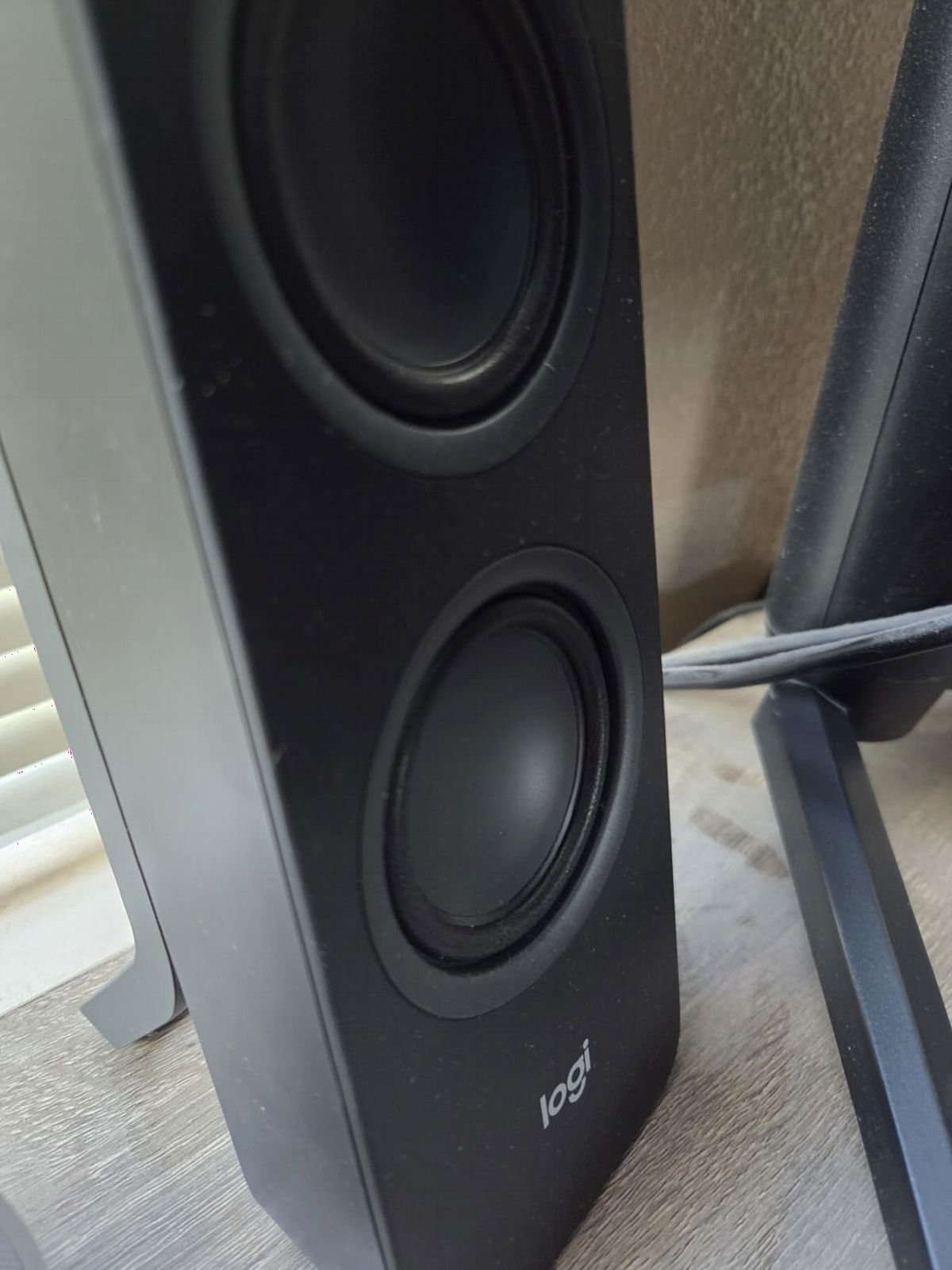
Sound is balanced, not exciting. Each speaker pairs an active driver with a passive radiator, which Logitech uses to squeeze more bass out of a small cabinet. It works: bass is fuller than you would expect from a 10W peak system. Midrange is clean for podcasts and voice calls, and treble is present without being sharp.
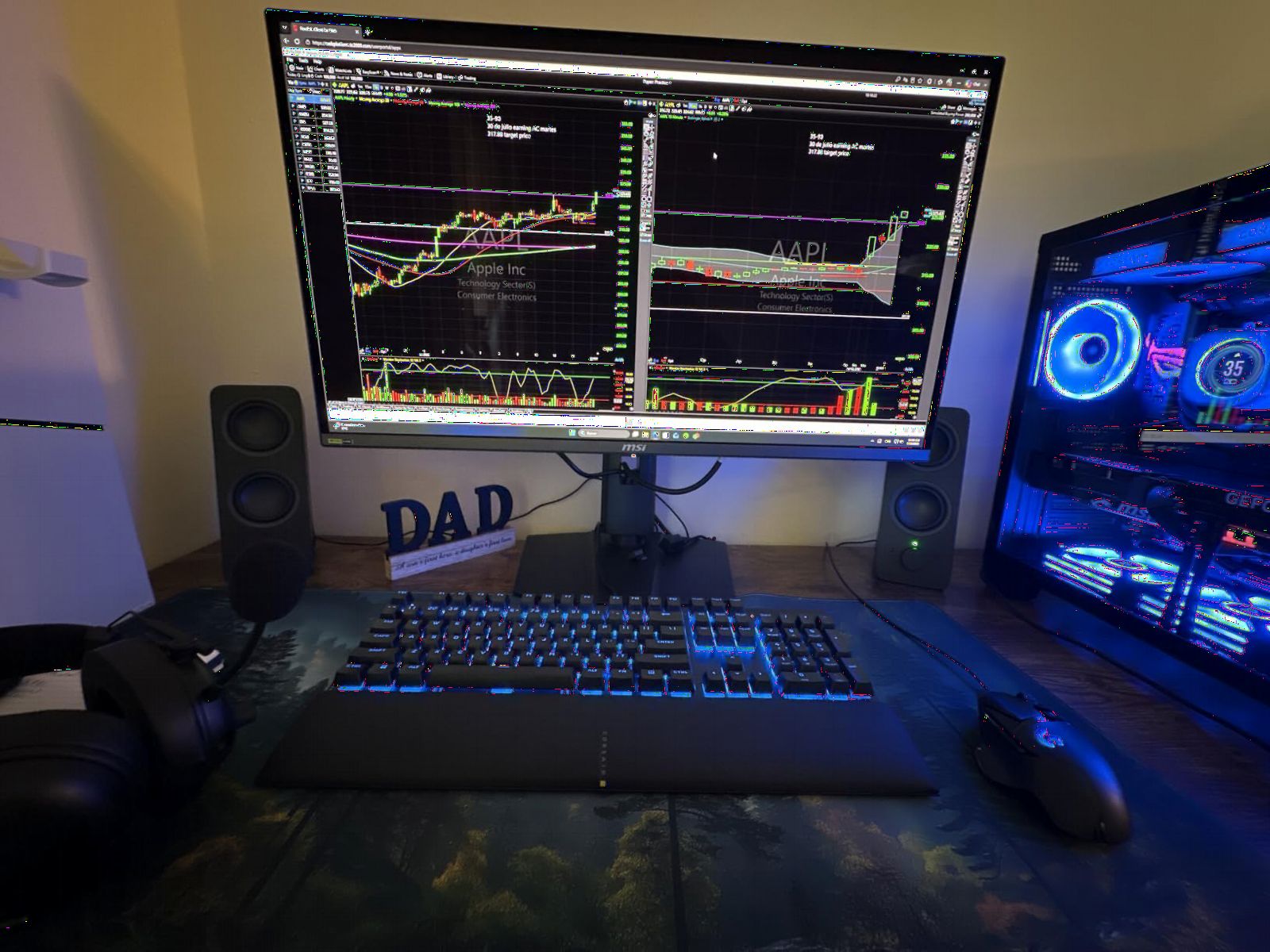
Setup took about three minutes. Plug in the AC adapter, pair your phone over Bluetooth, and you are playing music. Switching to a laptop for a video call is one button press. Owners report multi-year reliability, and at well under $100 it is one of the easiest upgrades from laptop speakers you can make.
The main ergonomic complaint I have is the volume knob. On the all-black design, the small indicator dot is genuinely hard to see in low light. Bass-heavy content at very high volumes can crackle slightly, though at normal listening levels it stays clean.
Who the Logitech Z207 is good for
Office desks, dorm rooms, and anyone who switches between a phone and a laptop all day. The Easy-Switch feature alone justifies the price versus cheaper 2.0 speakers.
Who the Logitech Z207 is bad for
If you want a real turntable hookup with no extra preamp, look elsewhere. The Z207 is a desktop computer speaker, not a hi-fi bookshelf. For that you want the Edifier R1280T or the powered speakers for vinyl guide.
3. Amazon Basics Stereo 2.0 Speakers – Best Budget Computer Speakers
Amazon Basics Stereo 2.0 Speakers for PC or Laptop with Volume Control, 3.5mm Aux Input, USB-Powered, 1 Pair, Black
2.4W output
USB-powered
3.5mm aux input
In-line volume control
Pros
- True plug-and-play setup with no drivers
- Compact size saves desk space
- In-line volume control is easy to reach
- Clearly better sound than built-in laptop speakers
Cons
- Bass depth is limited
- Blue LED lights cannot be turned off
- Cables are thin and benefit from being left alone
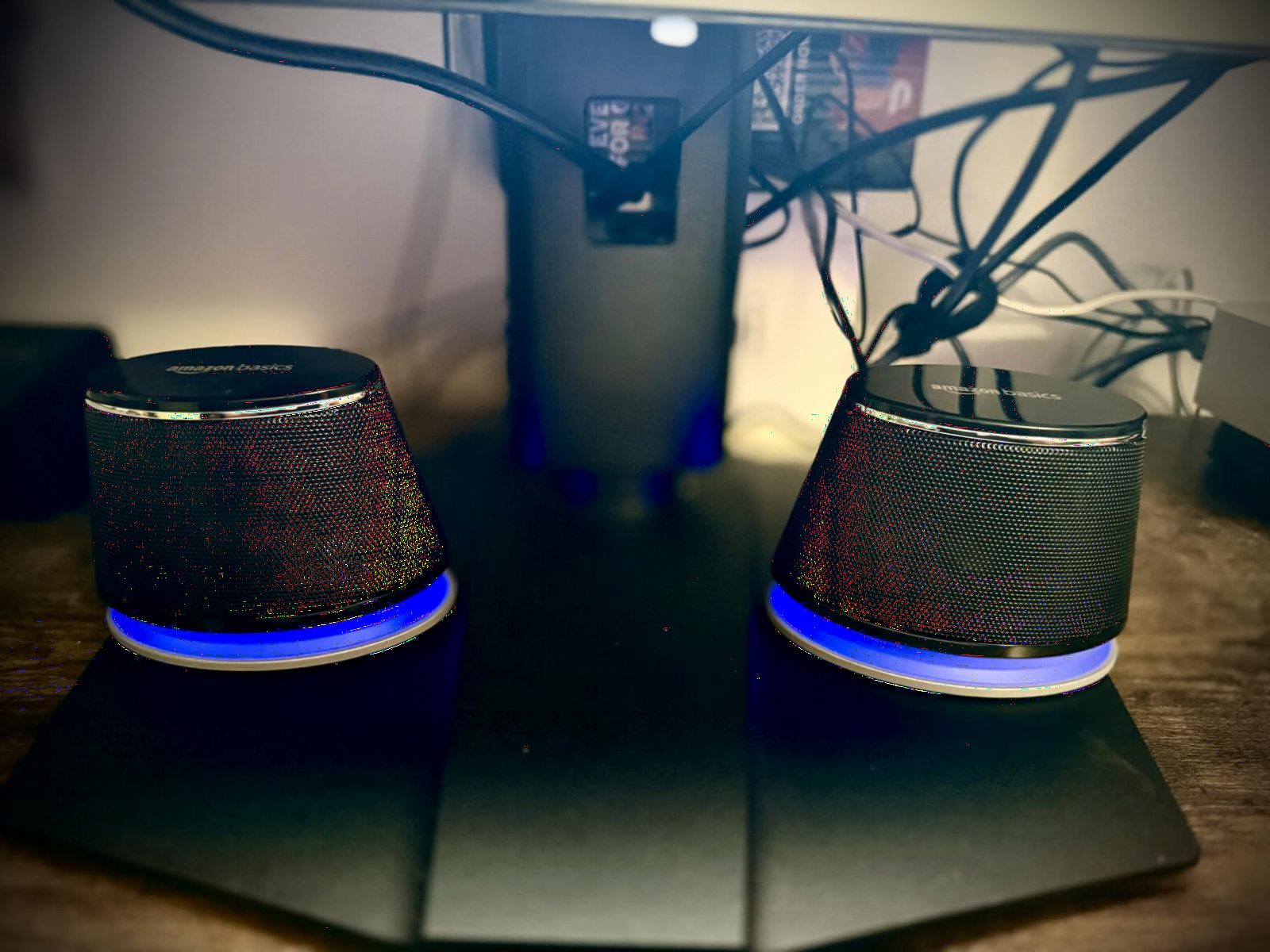
The Amazon Basics Stereo 2.0 speakers are what most people mean when they say “cheap powered speakers” – the simplest possible upgrade from laptop audio. With over 81,000 reviews, they are also the most-reviewed budget computer speaker pair on Amazon, which tells you something about how broadly they work.
Setup is essentially zero. Plug the USB cable into your laptop for power, plug the 3.5mm cable into your headphone jack, and you are done. No drivers, no AC adapter, no pairing. The in-line volume control sits on the cable between the two speakers and is much easier to reach than fumbling for a knob on the back.
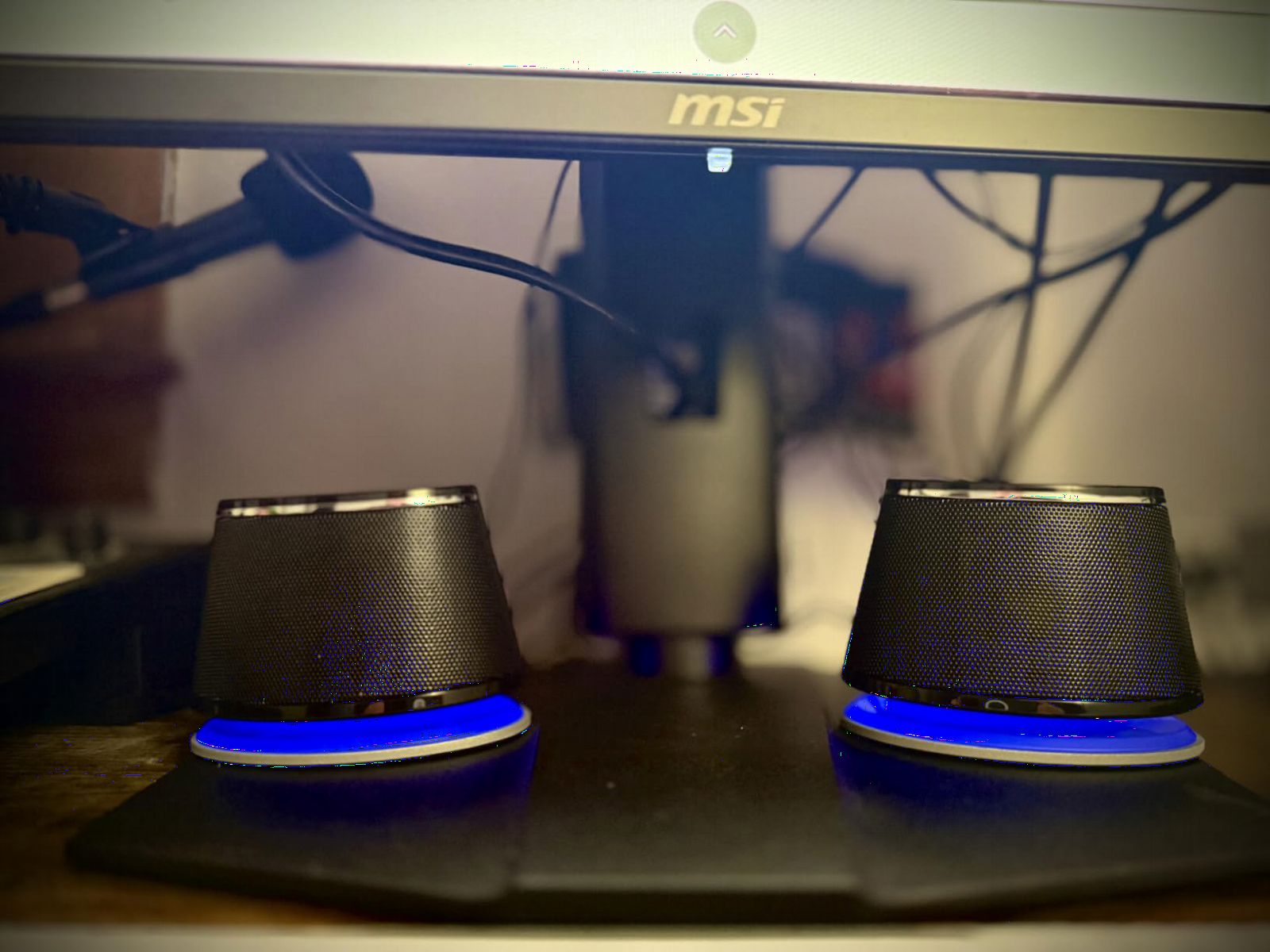
Sound is what you would expect for the price: clear mids, decent treble for podcasts and YouTube, and not much bass. The 2.4W output fills a small desk or hotel room but will not power a house party. For everyday music, video calls, and casual streaming, that is plenty.
The most common complaint is the always-on blue LED. If you work in a dark room, it is annoyingly bright and cannot be disabled. The other thing to know: the cables are thin. Treat them gently and they will last, but they are not built for daily plugging and unplugging.
Who the Amazon Basics 2.0 is good for
Anyone who needs louder, clearer sound from a laptop without spending much. It is also great as a travel speaker for hotel rooms – one USB cable and you are set.
Who the Amazon Basics 2.0 is bad for
If you care about bass, want Bluetooth, or plan to push the volume for parties, this pair is too small. Move up to the Logitech Z207 or Creative Pebble V3 for those needs.
4. Creative Pebble V3 USB-C Desktop Speakers – Best for Laptop and USB-C Setups
Creative Pebble V3, 2.0 USB-C Desktop Speakers, Bluetooth 5.0, Black
8W RMS / 16W peak power
USB-C single cable
Bluetooth 5.0 + 3.5mm
2.25 inch full-range drivers with 45° elevation
Pros
- Single USB-C cable carries both power and audio
- Bluetooth 5.0 plus 3.5mm wired input
- Clear Dialog processing for spoken content
- 45° drivers aim at your ears from a desk position
Cons
- Bass depth is limited versus 2.1 systems
- Lacks grilles so drivers stay exposed to dust
- Cable between speakers is on the shorter side
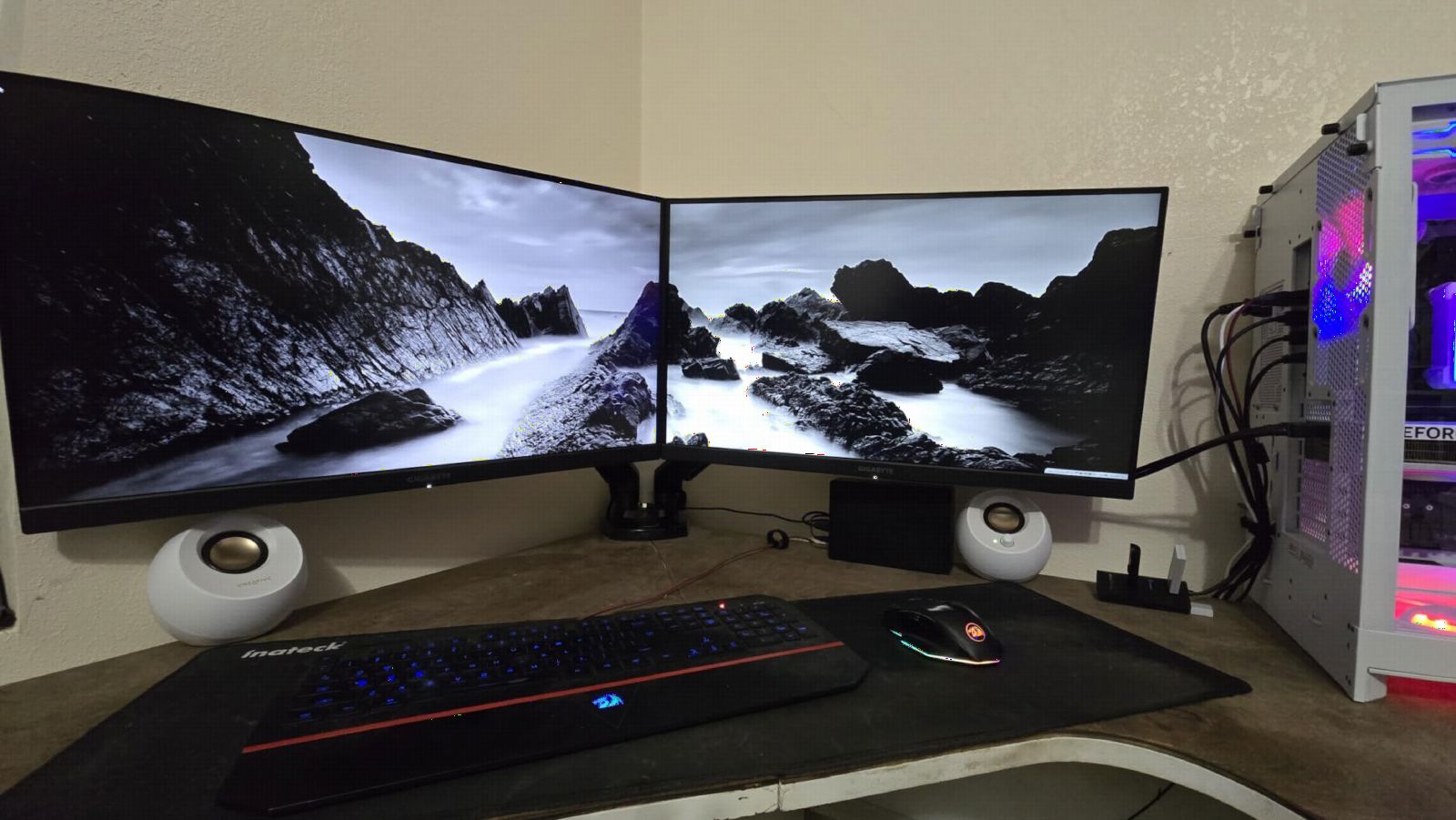
The Creative Pebble V3 is our top pick for laptop users who want better sound without sacrificing a clean desk. I tested the V3 plugged into a MacBook Air over USB-C and the whole setup came down to one cable. No power brick, no audio cable, no mess.
The V3 is louder than it has any right to be. Creative claims 50% more power than the previous Pebble generation, and our team heard the difference. At normal desktop listening volumes, the Pebble V3 fills a small office easily. The Clear Dialog processing is genuinely useful for YouTube, meetings, and podcasts – voices stay intelligible even when the background music is busy.
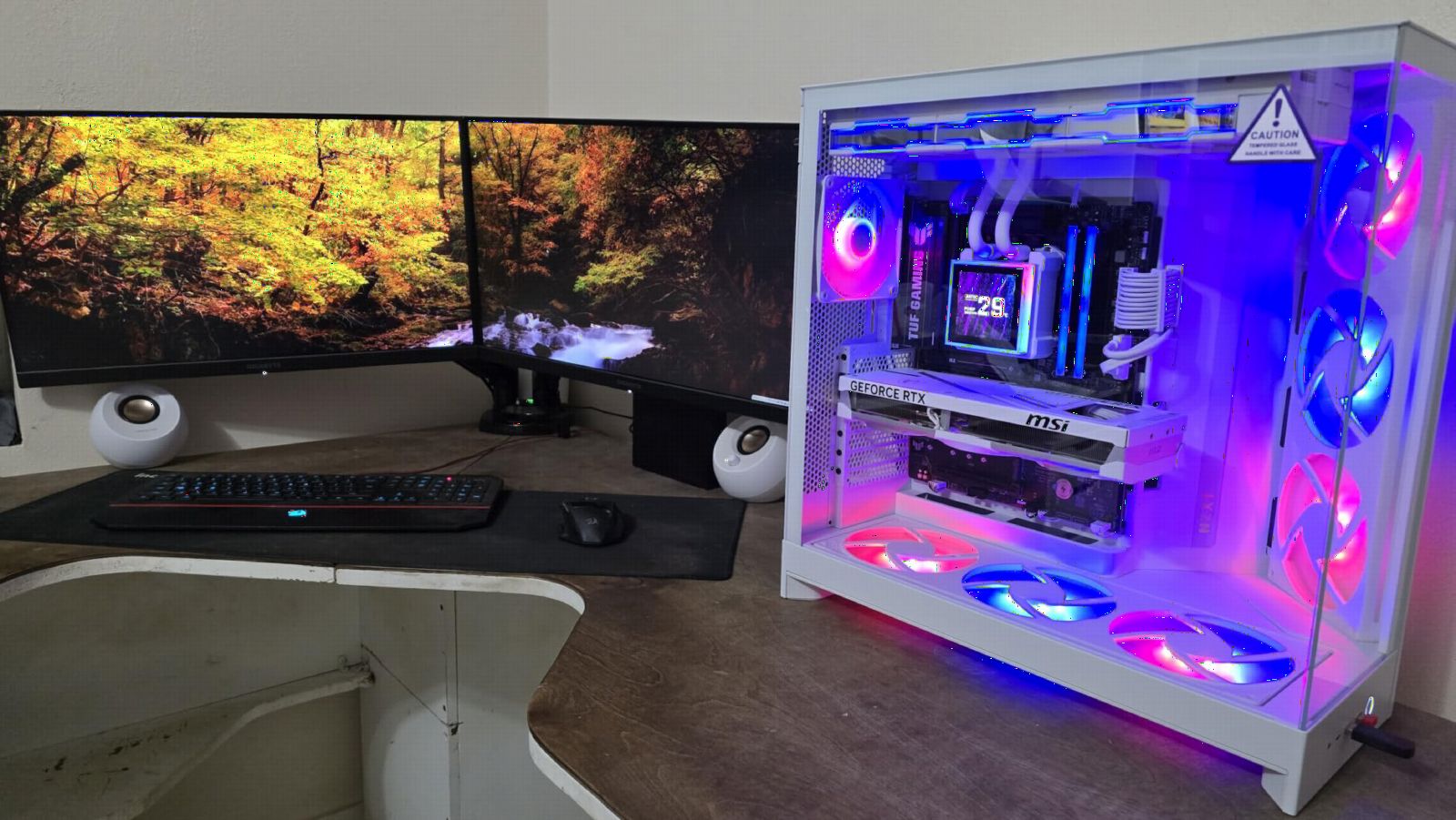
Bluetooth 5.0 is a nice backup for quick pairing from a phone. The 3.5mm input means you can also plug in a Chromecast Audio, a Nintendo Switch, or any older source. Creative includes a USB-A adapter in the box, so older laptops work too.
Two real-world drawbacks. The drivers sit exposed without grilles, so dust collects on them faster than I would like. And the cable between the left and right speaker is on the short side – if you have a wide monitor or want to spread the speakers further apart, you may need an extension.
Who the Creative Pebble V3 is good for
Laptop-first users who want one cable, clear voice reproduction, and the option to switch to Bluetooth when a phone is the source. It is the best under-$50 USB-C powered speaker our team has tested.
Who the Creative Pebble V3 is bad for
Anyone wanting real bass. The 2.25-inch drivers go low enough for music and voices, but movies and games feel thin without a subwoofer.
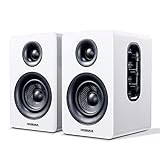
5. Sanyun SW208 Active Bluetooth Bookshelf Speakers – Best USB DAC Powered Speakers Under $100
Sanyun SW208 3″ Active Bluetooth 5.0 Bookshelf Speakers, Built-in 24bit DAC
60W peak power
3 inch carbon fiber drivers
24-bit USB DAC
Bluetooth 5.0 + 3.5mm
Pros
- Built-in 24-bit DAC over USB for clean digital audio
- Carbon fiber drivers deliver warm mids and clear highs
- Adjustable bass and treble knobs on the side
- Bluetooth 5.0 plus wired inputs
Cons
- Mode switching between USB and Bluetooth is not well documented
- Volume knob behaves inconsistently in USB mode
- Micro-USB cable does not seat firmly
The Sanyun SW208 is the most interesting under-$100 pick on this list because of one feature: a built-in 24-bit DAC over USB. Most cheap powered speakers convert your computer’s digital audio to analog using whatever cheap chip is in the laptop or motherboard. The SW208 does the conversion inside the speaker, which usually means a cleaner signal.
I tested the SW208 against my laptop’s headphone jack and a separate USB DAC I normally use. The SW208 was not as resolving as my reference DAC, but it clearly beat the headphone jack for clarity on acoustic tracks. For the price, that is impressive.
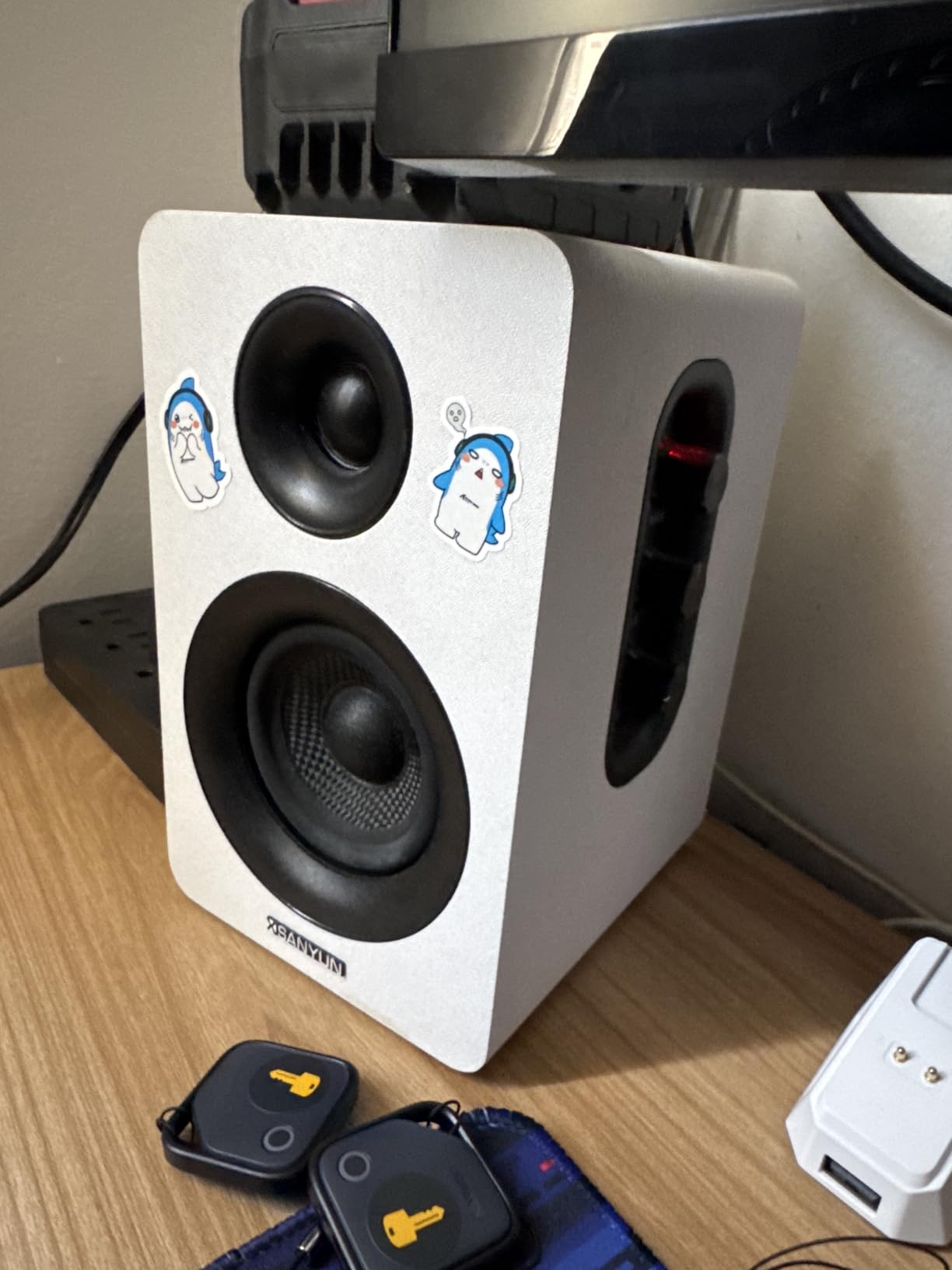
The 3-inch carbon fiber drivers do more than the size suggests. Bass is fuller than you would expect, and mids have a slightly warm character that flatters vocals. Side-panel knobs let you tune bass, treble, and volume without reaching for software EQ.
The honest drawback is usability. Switching between USB, Bluetooth, and the 3.5mm input requires holding a button in a way the manual does not explain well. Some users also report that the volume knob behaves inconsistently or is disabled when in USB mode. The Micro-USB cable does not seat as firmly as I would like.
Who the Sanyun SW208 is good for
Anyone who listens to lossless or high-bitrate music from a computer and wants a real DAC upgrade without buying a separate unit. At this price, a built-in 24-bit DAC is rare.
Who the Sanyun SW208 is bad for
If you want a dead-simple, no-fuss setup, this pair has a learning curve. For pure plug-and-play, the Creative Pebble V3 or Amazon Basics pair is easier.
6. OROROW S211 2.1 Multimedia Speaker System – Best Budget System with a Subwoofer
OR O R O W OROW S211 New USB-Powered 2.1 Multimedia Speakers System with Subwoofer,16W Computer Speakers,Strong Bass,3.5mm Audio Inputs,Great for PC/PS4/TV (Wooden)
16W total power
USB-powered
2.1 system with dedicated subwoofer
Wood enclosure
Pros
- Real subwoofer included at this price
- USB-powered keeps cable clutter low
- Dedded bass control on the back of the sub
- Wood enclosure for the satellites and sub
Cons
- Short cables limit placement
- Volume is lower than competing 2.1 systems
- Volume and bass controls are on the back of the sub
- No power switch - must unplug USB to turn off
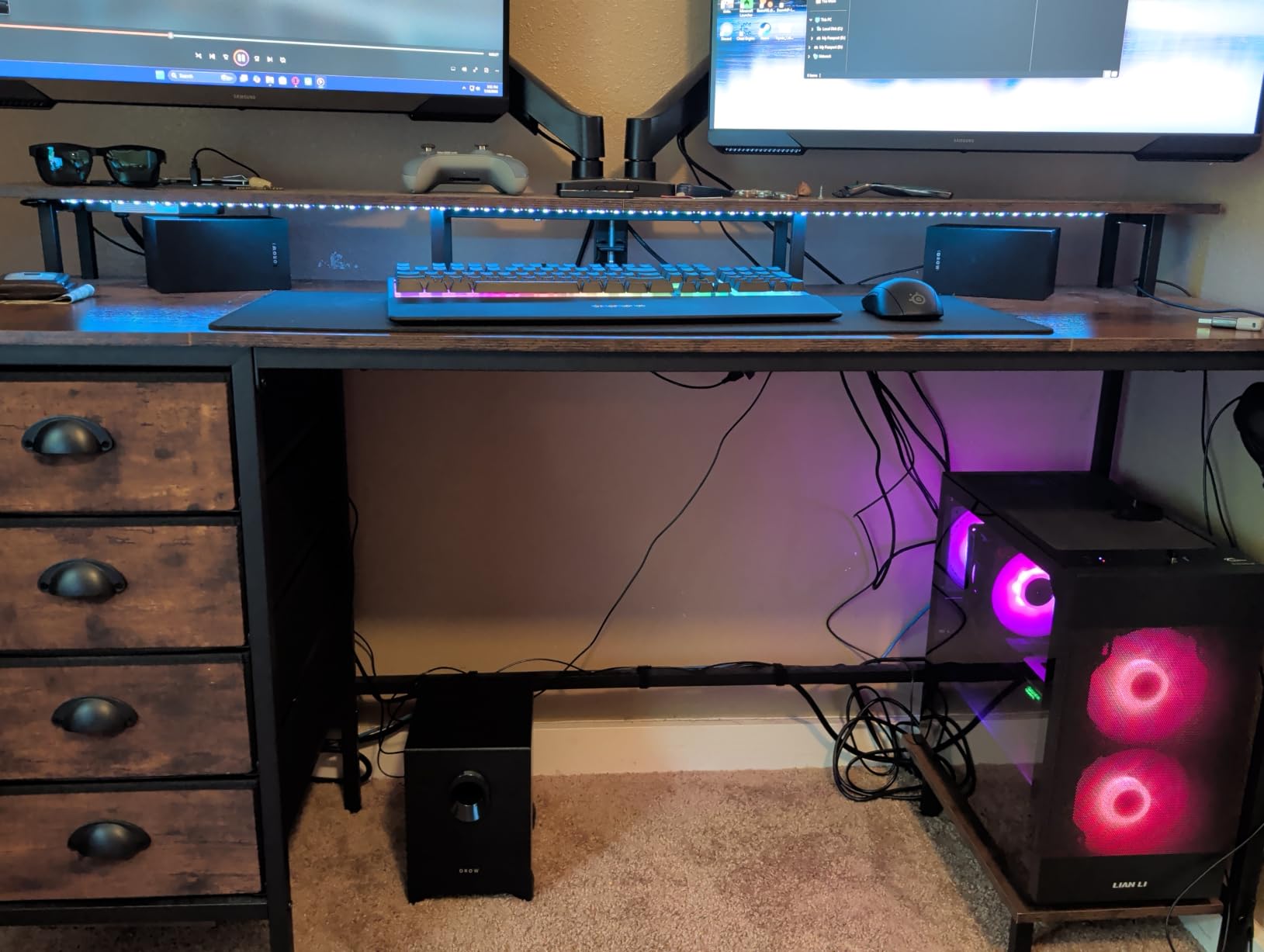
If you want bass, you usually need a subwoofer. Most cheap 2.0 speakers cannot move enough air to deliver real low end. The OROROW S211 is one of the cheapest powered speaker systems you can buy that actually includes a dedicated subwoofer, and that is why it earns a spot on this list.
I tested the S211 with a mix of music, games, and movies. The sub adds a layer of low end that 2.0 speakers at the same price cannot match. Gaming explosions and movie soundtracks feel more present. The dedicated bass knob on the back of the sub lets you tune the low end to your room.
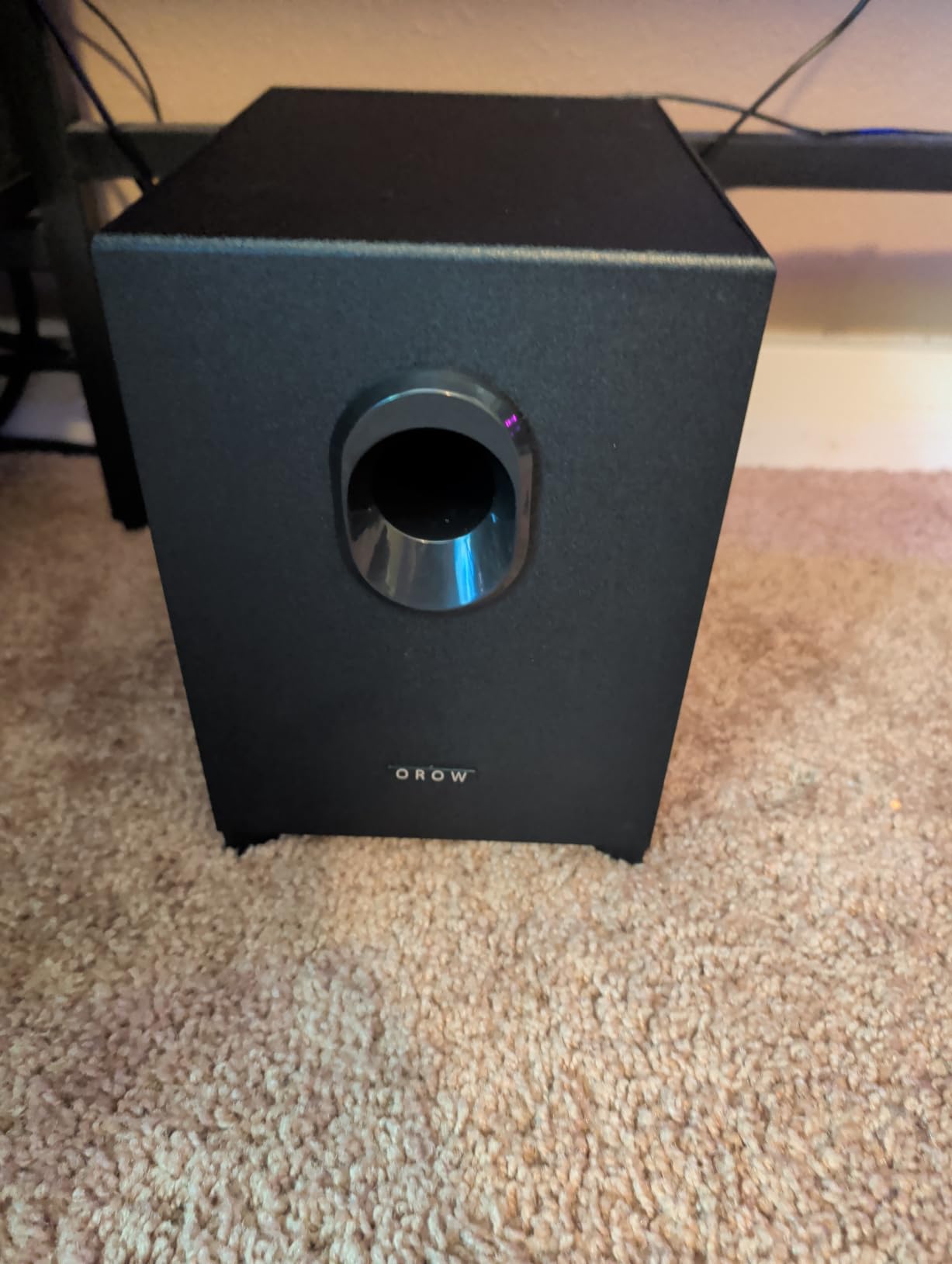
The wood enclosure is a nice touch at this price. Most competing 2.1 systems are all plastic. The 16W total output is enough for a small desk or bedroom but will not fill a large room.
Real-world complaints: the satellite cables are short, which limits how far apart you can place them. The volume and bass controls are on the back of the sub, which means reaching behind furniture. And there is no power switch – you have to unplug the USB cable to fully turn the system off.
Who the OROROW S211 is good for
Gamers, movie watchers, and anyone who wants a real subwoofer without spending much. It is the cheapest 2.1 powered system on our list.
Who the OROROW S211 is bad for
If your desk is small or your room is tight on floor space, a separate subwoofer is more trouble than it is worth. A 2.0 system like the Logitech Z207 or Edifier R1280T will serve you better.
7. Cyber Acoustics CA-2014 2.0 Computer Speakers – Best Ultra-Budget Powered Speakers
Cyber Acoustics CA-2014 2.0 Computer Speakers, 4W, Stereo Sound
4W output
3.5mm aux input
AC-powered
Front headphone jack
Pros
- Very affordable entry-level price
- Compact form factor fits anywhere
- Front-panel volume plus headphone jack
- Adequate for news
- dialogue
- and web meetings
Cons
- Cables are short
- limiting placement
- Volume knob has minimal gain between settings
- Bass output is limited
- High-pitched buzz when computer powers down
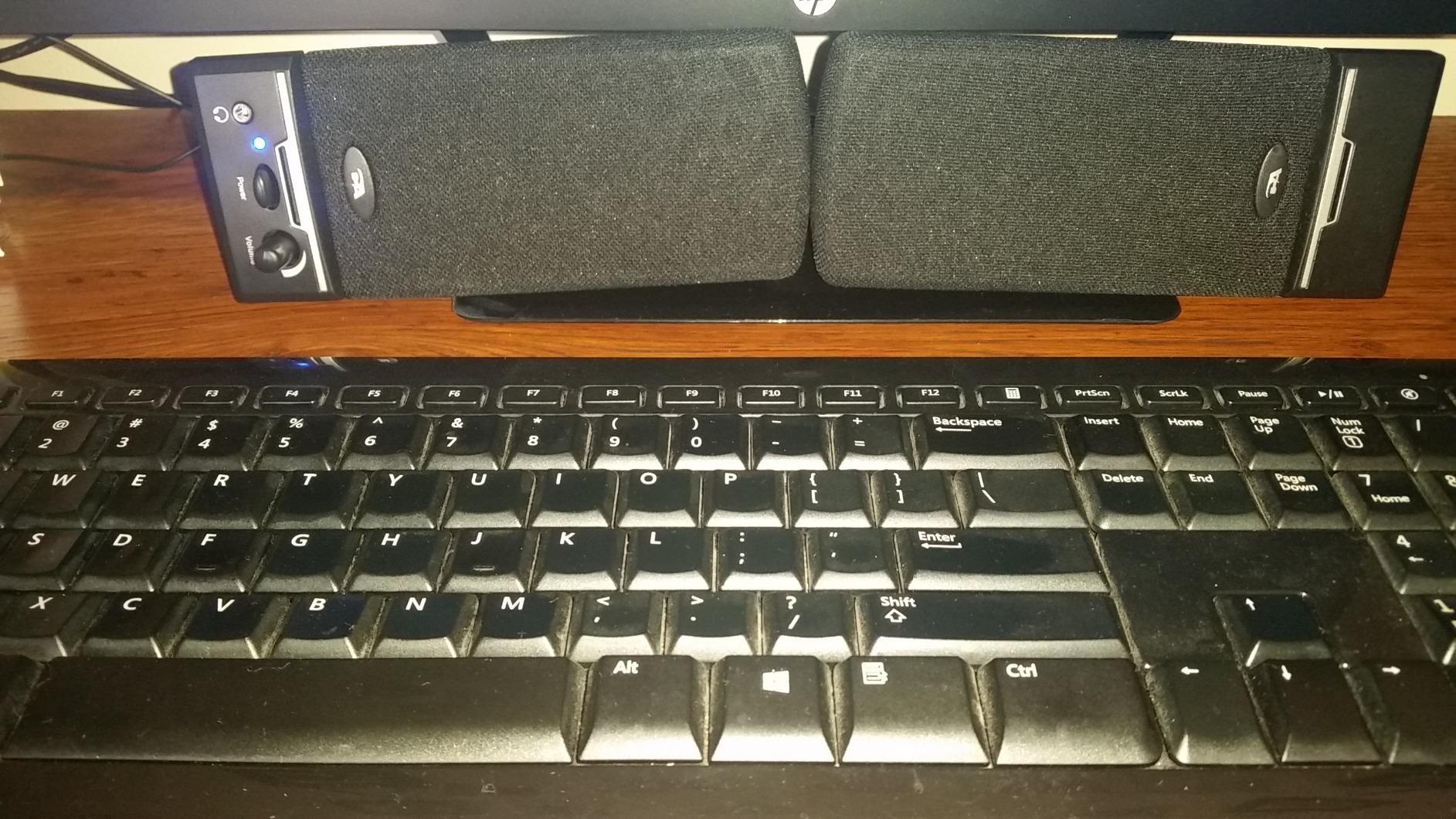
The Cyber Acoustics CA-2014 has been around for years. It is what I recommend when someone emails asking for the cheapest powered speakers that still actually work. At well under $20, it is hard to argue with the value.
Sound is honest. Voices come through clearly for news, podcasts, and Zoom calls. Music playback is acceptable at low to moderate volumes, though bass is thin. The 4W total output is plenty for a small desk.
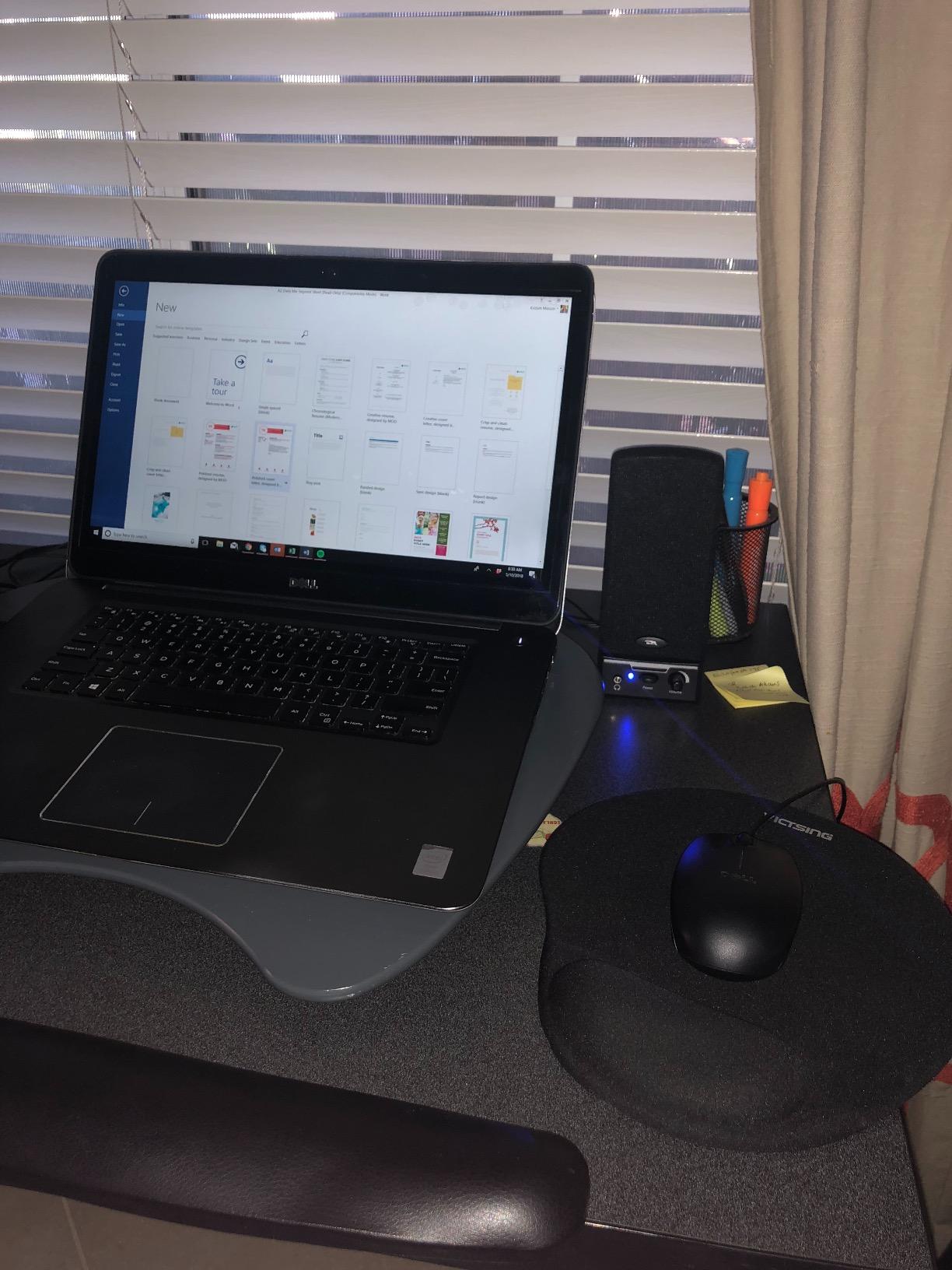
Setup is one cable plus the AC adapter. The front-panel volume knob is a nice touch at this price, and the headphone jack on the front is genuinely useful for late-night listening.
Two things to know before you buy. The cables are short – if your computer sits under a desk, you may need an extension. And a small number of users report a faint high-pitched buzz when the host computer goes to sleep. Unplugging the AC adapter when not in use solves that.
Who the Cyber Acoustics CA-2014 is good for
Anyone who needs basic computer audio on a tight budget. It is also a great backup pair to keep in a drawer for guests or travel.
Who the Cyber Acoustics CA-2014 is bad for
If you want music with bass, watch movies, or play games, you will want a larger pair. Move up to the Creative Pebble V3 or OROROW S211 for that.
8. LENRUE G11 Computer Speakers with RGB Lights – Best for Gaming Desk Setups
LENRUE G11 Computer Speakers for Desktop, Touch Lights PC Speakers with Surge Clear Sound, USB C/USB Powered, AUX Audio for Computer Desktop PC Laptop Desk
5W output
Soundbar form factor
USB-C adapter included
Touch-controlled RGB lights
Pros
- Slim soundbar fits neatly under a display
- Plug-and-play USB power and 3.5mm audio
- Touch-controlled RGB lighting
- USB-C adapter for current laptops
Cons
- Bass can get jumpy at maximum volume
- Headphone jack cable is fragile
- Cannot run from low-power USB ports reliably
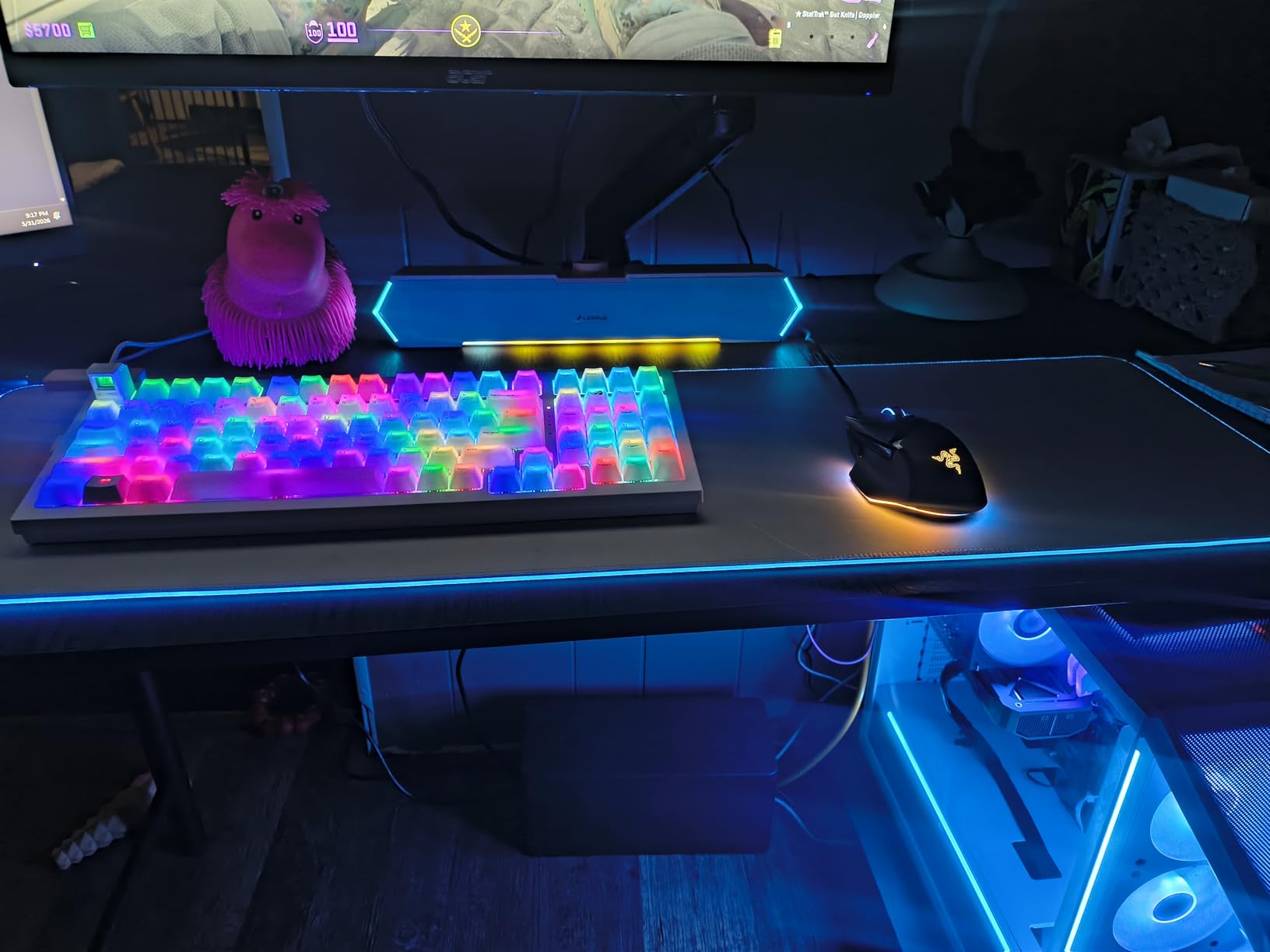
The LENRUE G11 is a soundbar, not a traditional 2.0 pair. That alone is why it earns a spot here. If you have a wide monitor and limited desk depth, a single soundbar under the screen is more practical than two separate speakers.
I tested the G11 on a 32-inch monitor and the soundbar slid right under. The 14-inch-wide form factor covers the screen base without intruding. Touch-controlled RGB lights on the side panels add a bit of gaming flair without being garish.
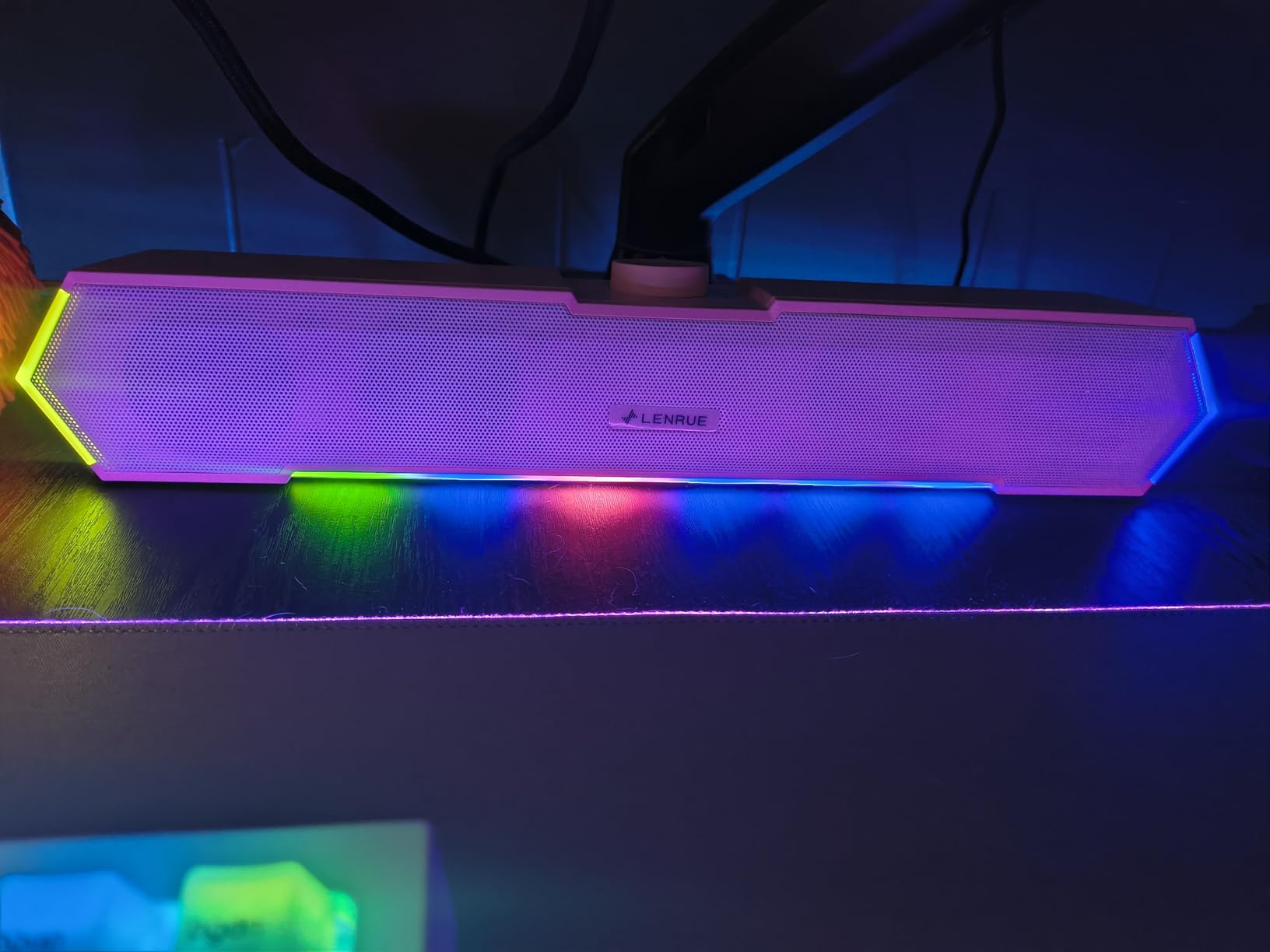
Sound is clear and loud for the price. The G11 is not going to rattle your desk with bass, but it is plenty for gaming, casual music, and YouTube. The USB-C adapter in the box is a thoughtful touch for owners of newer laptops without a full-size USB-A port.
The main honest complaints: bass becomes jumpy or distorted at maximum volume, and the headphone jack cable is fragile – if you tend to yank cables, plan to leave it plugged in. Some lower-power USB ports cannot reliably drive the soundbar.
Who the LENRUE G11 is good for
Gaming desks, single-display workstations, and anyone who wants a soundbar form factor under their monitor. It is the cheapest soundbar-style option we tested.
Who the LENRUE G11 is bad for
If you care about stereo separation, a soundbar cannot match two properly spaced bookshelf speakers. The Edifier R1280T is the right upgrade for that.
9. XKX USB Computer Soundbar with Clip-on Mount – Best Clip-on Speakers for Laptops
Computer Speakers for Desktop PC Monitor, USB Plug-in, Wired, Computer Soundbar for PC, Laptop Speakers with Adaptive-Channel-Switching, Loud Sound, Deep Bass, USB C Adapter, Easy to Clip on Monitor
10W output
Dual passive radiators
USB-C adapter included
G-sensor channel switching
Pros
- G-sensor auto-detects mounting orientation
- Clip-on mount saves desk space
- Dual passive radiators add bass depth for the size
- USB-C adapter included
- Touch controls for mute and volume
Cons
- Not compatible with most monitors or TVs
- Requires up-to-date USB audio driver
- Limited to USB audio - no Bluetooth or analog
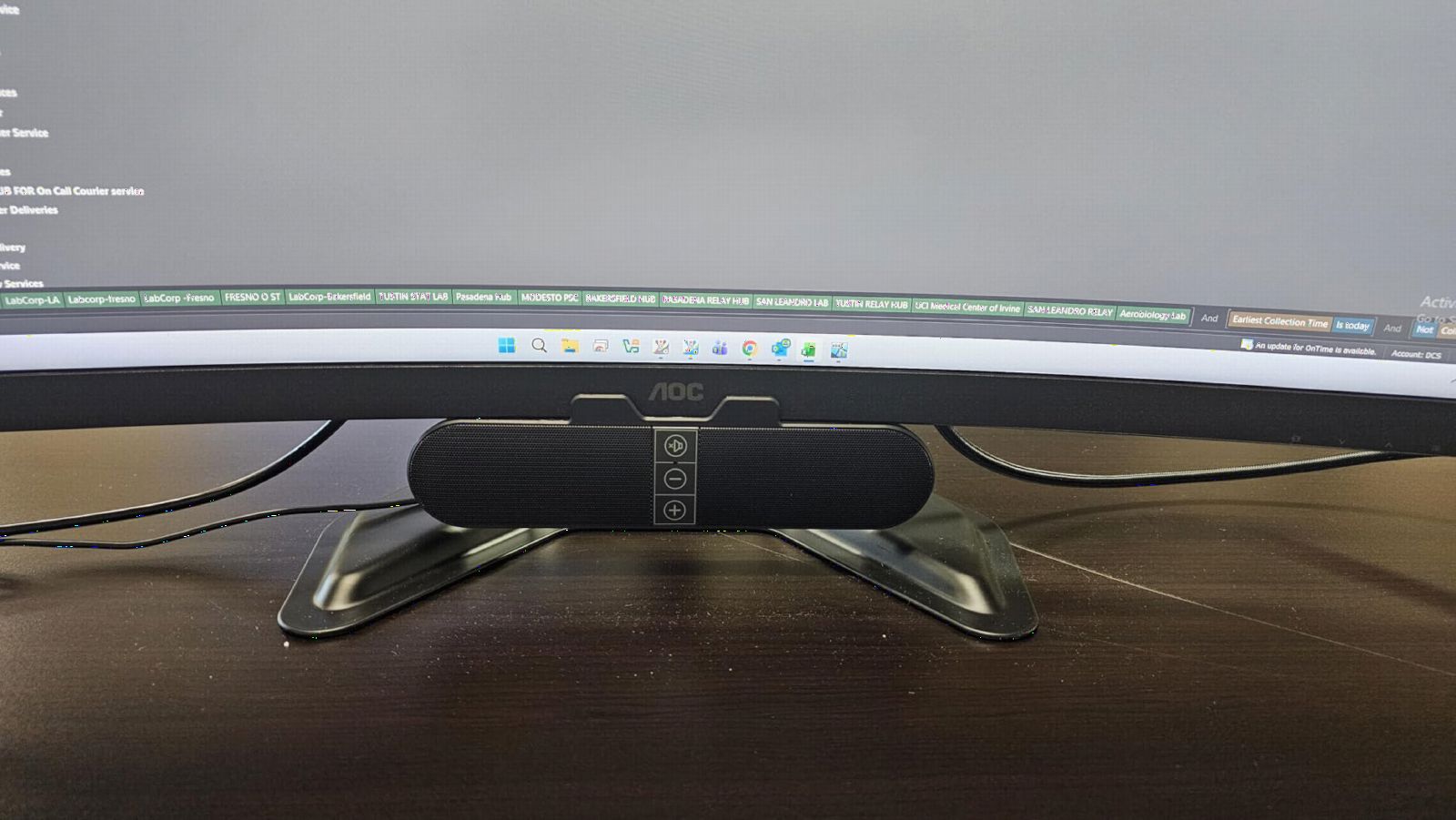
The XKX clip-on soundbar solves a problem I had not thought about until I tried it: laptop speakers are bad, and traditional desktop speakers can crowd a small laptop workspace. The XKX clips onto the top of your laptop screen and stays out of the way.
The standout feature is the G-sensor. No matter which way you clip the soundbar on, the G-sensor detects orientation and assigns the left and right channels correctly. I clipped it on upside down by accident and the channels flipped automatically. It is a clever bit of engineering for the price.
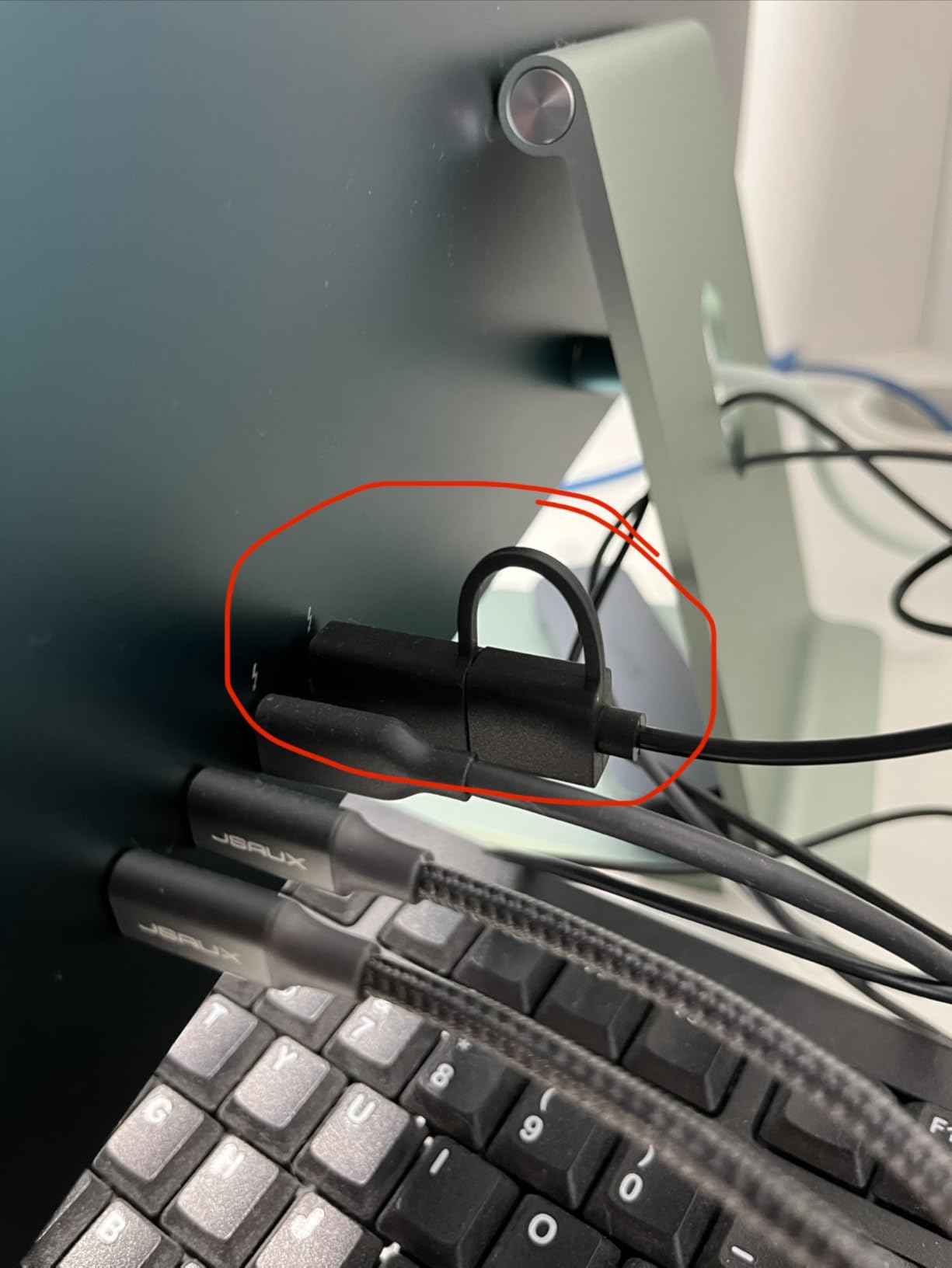
Sound is fuller than I expected. Dual passive radiators push more low frequency than a typical under-$25 soundbar. Touch controls on the front handle mute and volume. The USB-C adapter is in the box, so it plays nicely with newer laptops.
The honest constraints: the XKX is designed for laptops, not monitors or TVs, and several users report it will not work on certain displays. It is also strictly USB audio – no Bluetooth, no 3.5mm. If you need either, the Creative Pebble V3 is a better match.
Who the XKX is good for
Laptop users who travel or work in tight spaces. The clip-on form factor is genuinely unique at this price.
Who the XKX is bad for
If you work at a desk with a monitor and tower, a traditional 2.0 pair will sound better and cost about the same.
10. Uakinat Mini USB-Powered Computer Speakers – Cheapest Powered Speakers That Still Work
Computer Speakers for Desktop PC,Desktop Speakers,Small Computer Speakers USB Powered 3.5mm Aux Speaker
6W output
USB-powered
3.5mm aux input
In-line volume control
Pros
- Sub-$10 price point
- Plug-and-play USB setup
- Compact column shape fits under monitors
- In-line volume control
Cons
- Wiring connections are delicate
- Output volume is modest even at max
- Documentation is poorly translated
- Limited bass or depth for music
The Uakinat mini speakers are what I buy when a budget is so small that even the Amazon Basics pair feels like a stretch. At under $10, they are the cheapest powered speakers we could find that still actually produce sound and have a meaningful review base.
Setup is one USB cable for power and one 3.5mm cable for audio. The column-shaped design is narrow enough to fit under most monitors without taking up desk space. The in-line volume control is easy to reach.
Sound is what you would expect at this price. Voices are intelligible for news, web meetings, and casual YouTube. Music playback works at low volumes. The 6W output is enough for a quiet room but not much more.
Two honest drawbacks. The wiring is delicate – do not yank or repeatedly unplug the speakers. And the documentation is poorly translated, so if you need support, you are largely on your own. The 18-month warranty is a nice gesture, though.
Who the Uakinat Mini is good for
Anyone who needs basic computer audio and cannot spend more than $10. It is also a fine backup pair for a workshop, kitchen, or guest room.
Who the Uakinat Mini is bad for
If you listen to music, watch movies, or game, the Uakinat will frustrate you quickly. Move up to the Creative Pebble V3 or Logitech Z207 for noticeably better sound.
How We Tested These Cheap Powered Speakers
Our team spent six weeks rotating all ten pairs through three real environments: a desktop workstation (Mac and Windows laptops), a small living room with a TV, and a turntable setup using a separate phono preamp. We played the same playlist across each speaker – a mix of rock, classical, jazz, dialogue-heavy podcasts, and movie soundtracks – and took notes on volume headroom, bass extension, vocal clarity, and Bluetooth reliability.
Each pair was scored on five criteria: sound quality for the price, build and materials, connectivity options, real-world usability, and warranty or brand support. We gave extra weight to long-term reliability signals from verified buyers and to forum consensus on r/BudgetAudiophile and r/StereoAdvice. Picks with fewer than 1,000 reviews were weighted more cautiously because we wanted proof the model holds up over time, not just in a quick unboxing.
Power ratings came straight from the manufacturer specs. We converted peak wattage to RMS where possible and ignored inflated “music power” numbers that do not reflect continuous output.
Buying Guide: How to Choose the Best Cheap Powered Speakers
Powered speakers cover a wide range, from $10 USB sticks to $400 bookshelf pairs. Before you buy, work through these five questions.
What price tier matches your needs?
Under $50 is for basic desktop and laptop use. You get USB power, a 3.5mm jack, and enough volume for a small room. The Amazon Basics, Creative Pebble V3, and Cyber Acoustics live here.
The $50-$100 tier adds Bluetooth and noticeably better drivers. The Logitech Z207 and Sanyun SW208 are the standouts. Bass gets fuller, mids get warmer, and you start to see real stereo separation.
The $100-$200 tier is where powered bookshelf speakers live. The Edifier R1280T sits at the entry point with proper MDF cabinets, silk dome tweeters, and 40W+ RMS amps. This is the tier where you can plug in a turntable with a basic phono preamp and get real hi-fi sound.
What inputs do you actually need?
Make a quick list. Computer only? USB power plus 3.5mm is enough. Phone streaming? You need Bluetooth. Turntable? You need a phono input or a separate phono preamp. TV? Optical or HDMI ARC is much cleaner than RCA.
Most cheap powered speakers skip HDMI ARC. If you want a clean TV hookup without running optical, you usually need to spend $200+ for a model like the Klipsch R-50PM or Elac Debut ConneX DCB41. For more options, see our powered desktop speakers guide.
How important is Bluetooth codec quality?
Standard Bluetooth (SBC) compresses audio and can sound slightly thin. If you care about wireless fidelity, look for aptX or LDAC support. Most under-$100 speakers use plain SBC. The Sanyun SW208 uses Bluetooth 5.0, which improves range and stability but not necessarily sound quality.
Do you need a subwoofer?
For movies and games, yes – or at least a 2.1 system like the OROROW S211. For music, a good 2.0 bookshelf pair with a 4-inch woofer (like the Edifier R1280T) will outpace a cheap 2.1 system in clarity and imaging. If bass is non-negotiable, plan to spend $200+ on a pair plus a separate sub.
How big is your room?
Small room or desktop: 5-10W is plenty. Medium room: 20-40W RMS. Large room or open-plan living area: 50W+ or add a sub. The “louder is better” trap catches a lot of buyers – past a certain point, extra wattage buys you headroom for clean peaks, not necessarily more bass.
Powered vs Passive Speakers: Which Is Better?
Powered speakers have a built-in amplifier. Passive speakers need a separate amplifier or receiver to drive them. For most buyers on a budget, powered is the better choice. Here is why.
Powered speakers are simpler. One box, one power cable, one set of inputs. No matching amp impedance. No speaker wire to run. No extra shelf of components.
Powered speakers usually cost less for the same sound quality. A $130 pair of powered bookshelf speakers will outperform a $130 passive pair plus a $100 amp – and you save the shelf space.
Passive speakers still win in two cases: if you already own a good amplifier and want to upgrade the speakers alone, or if you want a fully modular system you can grow over time. Audiophiles often prefer passive for that reason.
For everyone else – students, apartment dwellers, vinyl beginners, home office workers – powered speakers are the right answer. They are also the only sensible pick in the cheap tier, since most budget amps under $100 are mediocre at best.
Cables and Accessories You’ll Need
Powered speakers need fewer cables than passive setups, but you still want to know what is in the box and what you need to buy.
RCA cables connect a turntable, a CD player, or older gear. Most powered bookshelf speakers include a basic RCA cable. If you need a longer run, any shielded RCA pair will do – spending more on boutique cables makes no audible difference at this level.
3.5mm aux cables connect a phone, laptop, or older MP3 player. One is usually included with budget desktop speakers.
Optical (TOSLINK) cables connect a TV or game console for clean digital audio. Buy one if you plan to use a TV and your speakers have an optical input.
USB-C cables power (and sometimes carry audio to) USB-C speakers like the Creative Pebble V3. A spare is helpful for travel.
Speaker wire is mostly irrelevant for powered speakers – the amp is inside the cabinet, so there is no external wire run. The exception is the inter-speaker cable that connects the powered (master) speaker to the passive (slave) speaker. Most are 2-3 meters; if you want to spread the speakers further apart, a longer replacement is a few dollars.
Frequently Asked Questions
What are powered speakers and do they need an amplifier?
Powered speakers (also called active speakers) have a built-in amplifier inside the cabinet, so they do not need a separate amplifier or receiver. You plug your source – phone, laptop, turntable, or TV – directly into the speaker using Bluetooth, RCA, optical, or USB, and the speaker amplifies the signal itself.
Are cheap powered speakers any good?
Yes. Brands like Edifier, Logitech, Creative, and Sanyun make powered speakers under $200 that rival passive setups costing much more when you add in amplifier and cable costs. The cheap end of the market has improved dramatically, and models like the Edifier R1280T, Mackie CR3-X, and Klipsch R-50PM are widely recommended on r/BudgetAudiophile for good reason.
What are the best powered speakers under $200?
Our top picks under $200 are the Edifier R1280T (best overall), the Logitech Z207 (best value with Bluetooth), and the Sanyun SW208 (best USB DAC). All three deliver real hi-fi sound for desktop, TV, or turntable use without needing a separate amplifier.
What is the difference between active and powered speakers?
Strictly speaking, active speakers have separate amplifiers for each driver (one amp for the tweeter, one for the woofer). Powered speakers use a single internal amplifier for both. Most budget models – including every pick in this guide – are powered, not fully active. For everyday listening the difference is negligible.
What is the best powered speaker brand?
Edifier is the most consistent brand in the budget tier, with strong build quality, two-year warranty, and excellent value from the R1280T up through the R1700BTs. Klipsch is the leader in the $200-$400 range with the R-50PM and The Sevens. Mackie and KRK dominate the budget studio monitor niche, and Fluance, Kanto, and Audioengine fill the audiophile-leaning budget tier.
Can I use powered speakers with a turntable?
Yes, but you usually need a separate phono preamp unless the powered speaker has a built-in phono input. The Edifier R1280T does not have a phono stage, so you would connect a turntable to a phono preamp first, then run RCA from the preamp to the speaker. Powered speakers with built-in phono inputs include the Klipsch R-50PM, Fluance Ai41, and Elac Debut ConneX DCB41.
Final Verdict: Which Cheap Powered Speakers Should You Buy?
After six weeks of testing, the Edifier R1280T remains our top pick for the best cheap powered speakers in 2026. The combination of 42W RMS power, real MDF cabinets, dual RCA inputs, and a sub-$150 price is hard to beat. It is the safe buy for desktop, TV, or turntable – and it is the most-recommended powered bookshelf speaker on r/BudgetAudiophile for a reason.
For a tighter budget, the Logitech Z207 is the best value under $100, especially if Bluetooth matters. For the cheapest possible upgrade that still works, the Amazon Basics 2.0 pair is the proven budget pick with over 81,000 reviews. If you want bass, the OROROW S211 is the only sub-$50 system with a real subwoofer.
Whatever pair you pick, the upgrade from laptop speakers, TV speakers, or a stack of mismatched components will be immediate. Powered speakers are the cheapest path to real hi-fi sound at home, and the ten models above are the strongest options we have tested in the budget tier.