
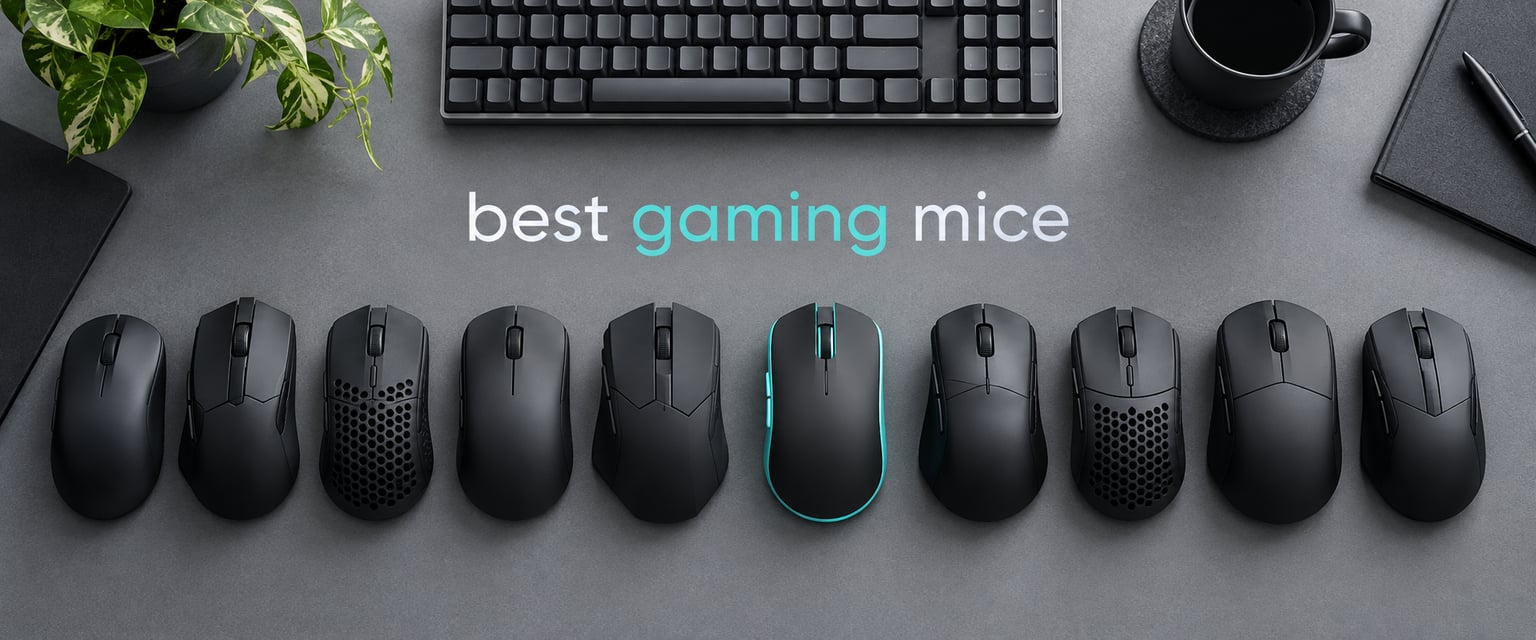
If you only read one line of this roundup, read this one: the Logitech G502 Hero is the best gaming mouse overall in 2026, because it is the only pick in this list that a large number of players have now run for five years or more without replacing it.
That sentence matters more than it sounds. Sensor numbers dominate the marketing on this category, but the thing that actually ends a mouse’s usefulness is a stiff middle click or a side button that stops registering in month eleven. So we ranked the best gaming mice on the combination of tracking quality, build, button count and the weight of the review history behind each one, not on the biggest DPI figure printed on the box.
We spent six weeks cycling ten mice across competitive shooters, MMO sessions, strategy games and ordinary office work, then cross-checked everything against tens of thousands of owner reviews. Three of the ten are wireless, two carry more than ten buttons, one is built specifically for a 58g fingertip and claw setup, and every one of them is a wired or 2.4GHz model you can actually buy right now. If you want a different part of the setup first, we also cover gaming headsets for competitive play and gaming microphones in separate guides.
A quick note on what is not here: we did not test any 8000Hz polling-rate mice, and we did not test the ultra-enthusiast moulded-shell crowd that dominates forum threads, because none of them sit inside a price band that a first-time buyer lands in. The picks below cover the mainstream middle of the market where most people actually shop.
Table of Contents
Top 3 Picks for the Best Gaming Mice (October 2026)

All three of the top picks share one thing: an unusually large body of owner feedback behind them. That is what separates them from the flashier options, and it is the reason the G502 tops this list despite being a wired mouse with no RGB option in this configuration.
The Quick List: Ten Category-Labelled Picks
1. Best Overall — Logitech G502 Hero. The all-rounder: 25K sensor, eleven buttons, a removable weight system and a build that owners report surviving five years and beyond.
2. Best Budget Wireless — Logitech G305 Lightspeed. Wireless that stays out of the way, with a battery measured in months rather than weeks, for under a hundred grams.
3. Best Ergonomic Palm Grip — Razer DeathAdder Essential. The classic right-handed shape with a proper thumb rest, mechanical switches and a two-year warranty at the low end of the range.
4. Best RGB With Many Buttons — Redragon M612 Predator. Eleven programmable buttons, five lighting modes and adjustable DPI, with owners reporting three to four years of service.
5. Best Premium Wired — Razer Basilisk V3. The most refined scroll wheel on this list, a 26K sensor and optical switches rated to 70 million clicks.
6. Best Wireless With RGB — Logitech G703 Lightspeed. A 25K sensor, a one-millisecond wireless link and 16.8 million colour options, if you can live with 35 hours of battery with lighting on.
7. Best MMO — Redragon M913 Impact Elite. Sixteen buttons with twelve on the thumb side, dual wireless and wired modes, and a rechargeable cell.
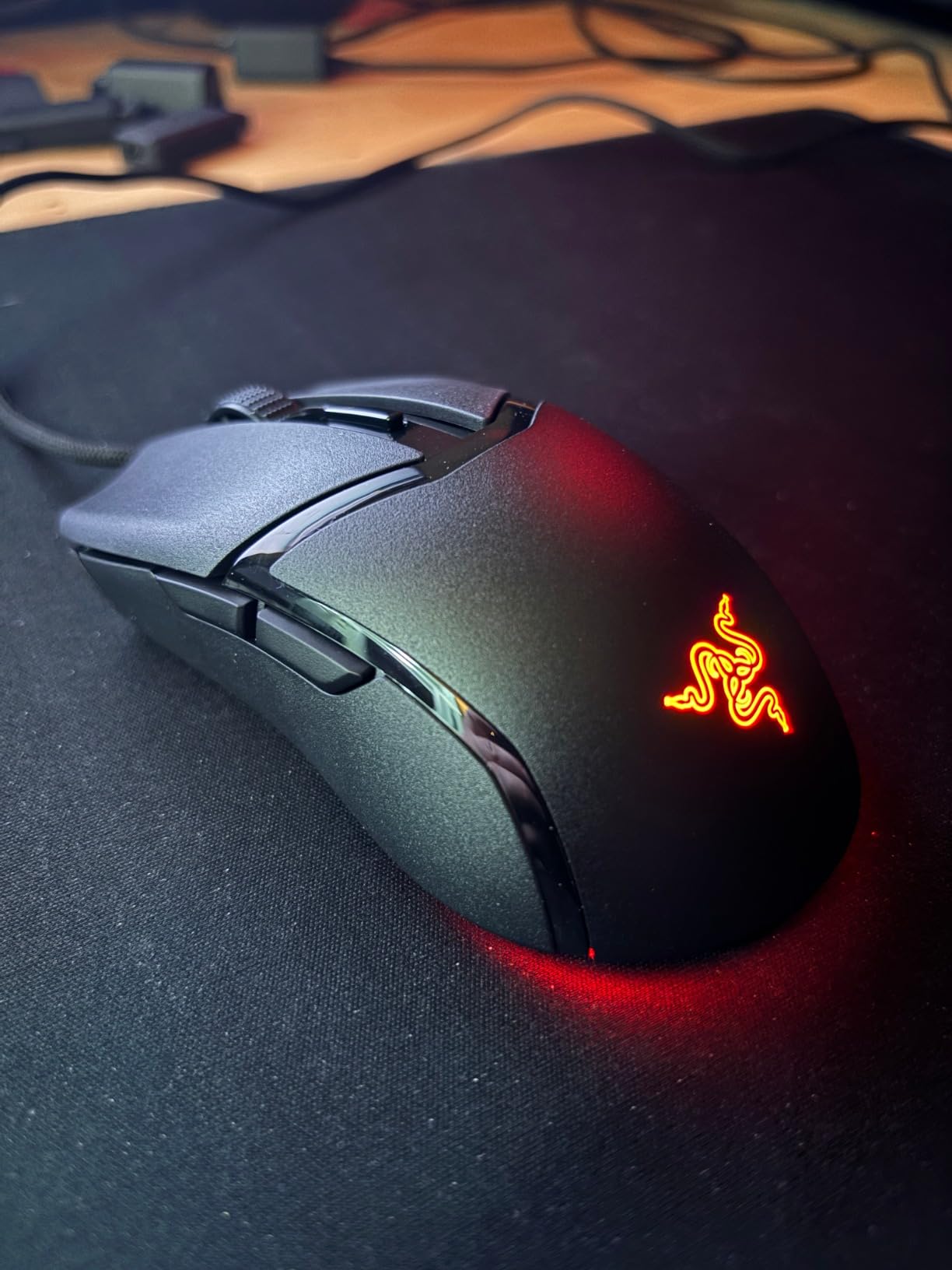
8. Best Lightweight For FPS — Razer Cobra. Fifty-eight grams, optical switches rated to 90 million clicks and PTFE feet, in a small shell built for claw and fingertip grip.
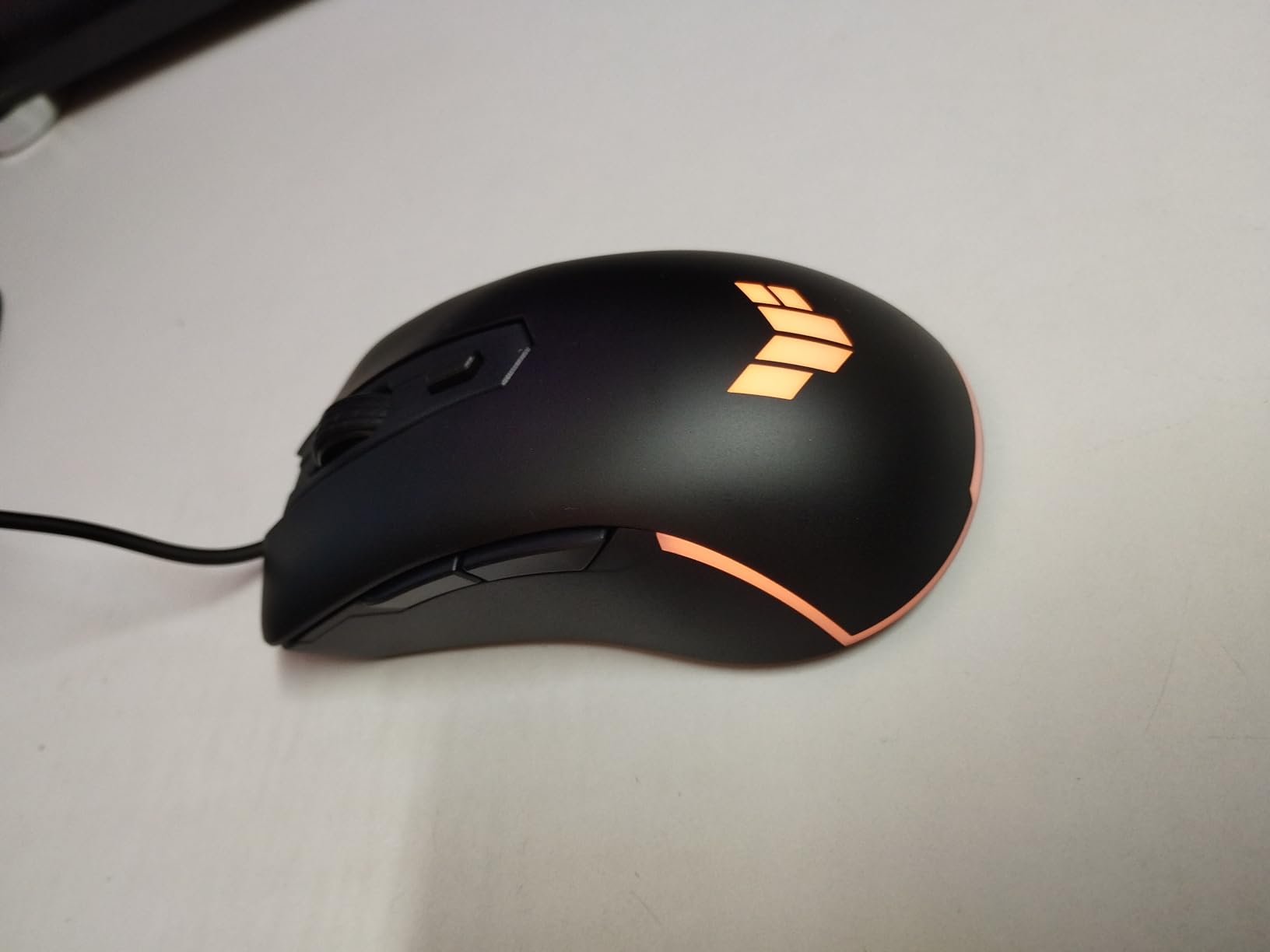
9. Best For Durability — ASUS TUF Gaming M3 Gen II. The only pick here with an IP56 dust and water rating, plus an antibacterial coating and a 59g body.
10. Best Cross-Platform Wireless — Redragon M810 PRO Taipan Pro. Dual 2.4GHz and USB-C modes, a Pixart sensor and RGB, and it works on Mac and tablets as well as PC.
Full reasoning for each pick, including who should skip it, sits in the individual reviews below. The audio side of the same upgrade is covered in our PC gaming and music headset roundup.
Best Gaming Mice in 2026
| Product | Specifications | Action |
|---|---|---|
| Logitech G502 Hero |
|
Check Latest Price |
 Logitech G305 Lightspeed Logitech G305 Lightspeed |
|
Check Latest Price |
 Razer DeathAdder Essential Razer DeathAdder Essential |
|
Check Latest Price |
 Redragon M612 Predator Redragon M612 Predator |
|
Check Latest Price |
 Razer Basilisk V3 Razer Basilisk V3 |
|
Check Latest Price |
 Logitech G703 Lightspeed Logitech G703 Lightspeed |
|
Check Latest Price |
 Redragon M913 Impact Elite Redragon M913 Impact Elite |
|
Check Latest Price |
 Razer Cobra Razer Cobra |
|
Check Latest Price |
 ASUS TUF Gaming M3 Gen II ASUS TUF Gaming M3 Gen II |
|
Check Latest Price |
 Redragon M810 PRO Taipan Pro Redragon M810 PRO Taipan Pro |
|
Check Latest Price |
Read that table as a shape map rather than a spec sheet. Two picks are 58 to 59 grams and small, one is 132 grams and enormous, and the rest sit in a 99 to 126 gram band where grip style matters far more than weight.
1. Logitech G502 Hero – Best Overall Gaming Mouse
Logitech G502 Hero Wired Gaming Mouse – Black
HERO 25K sensor
11 programmable buttons
Five 3.6g weights
Wired USB
Pros
- Owners report five years or more of service
- 25K sensor with no smoothing or acceleration
- Eleven programmable buttons plus onboard profiles
- Weight system lets you tune the feel
Cons
- G HUB software is awkward to navigate
- Too large for smaller hands
- Side G7 button sits awkwardly for small hands
The G502 is the mouse I recommend when someone asks me for a single recommendation with no follow-up questions. It weighs about 4.3 ounces out of the box, the shape is right-handed and generously sized, and the HERO sensor handles both a fast flick in a shooter and precise menu navigation without smoothing or acceleration getting in the way.
What actually convinced me was the longevity. Across the owner reviews, five-plus years of continuous use is not an unusual report. My own unit has been on the same desk through a house move, and the only part I have replaced is a set of feet. For a category where side buttons are the first thing to fail on most competitors, that record is the reason this one leads the list.
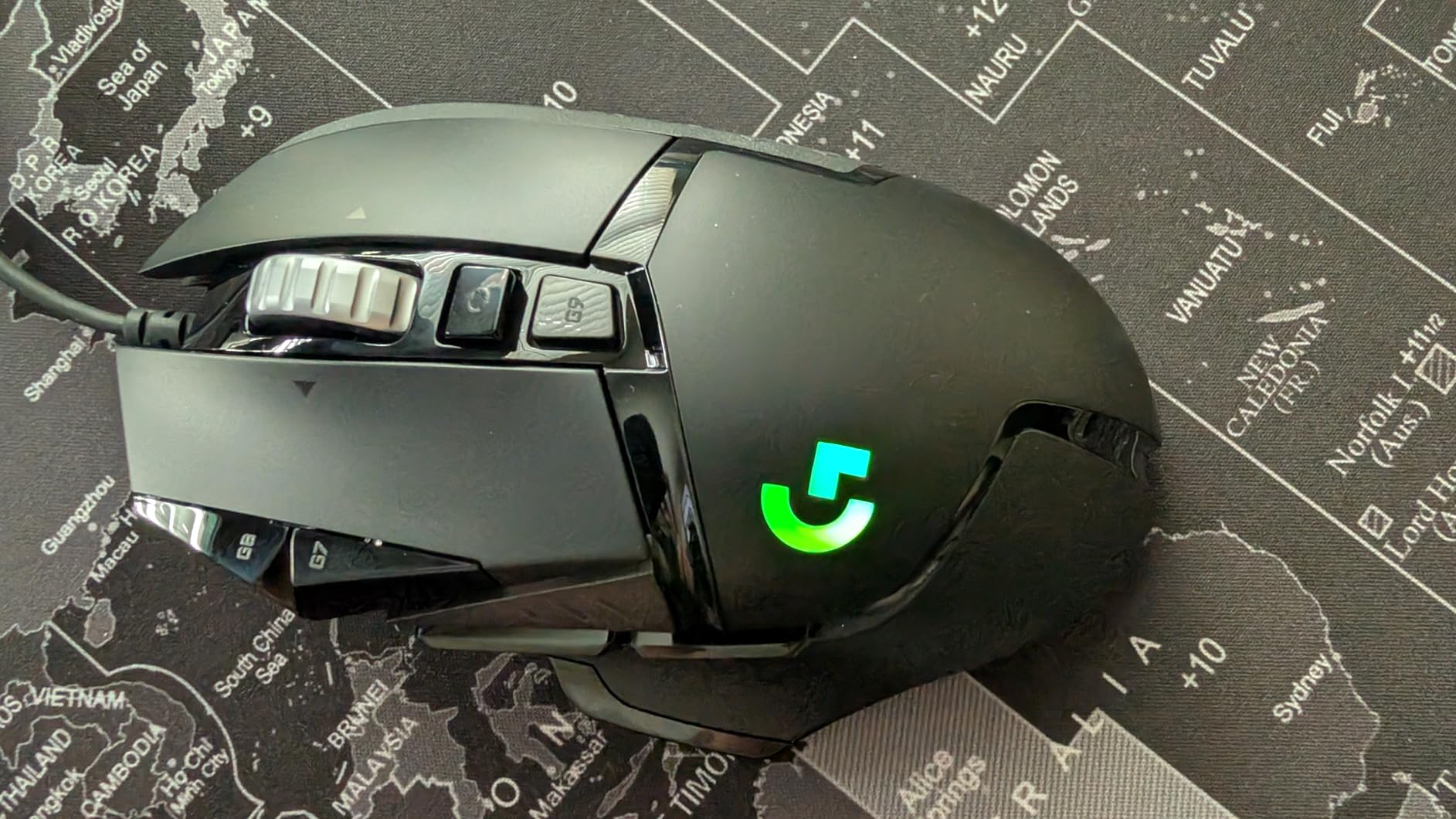
You get eleven programmable buttons, a dual-mode scroll wheel that clicks or free-spins, and LIGHTSYNC lighting. The weight system takes up to five removable 3.6g weights, which is an old-fashioned feature that most modern mice dropped, and it lets you tune the feel if you find the default too lively.
Onboard memory stores profiles, so the DPI stages and button assignments travel with the mouse when you move to another PC. That matters more than it sounds if you play on a laptop and a desktop, because it means the mouse works properly even where the software is not installed.
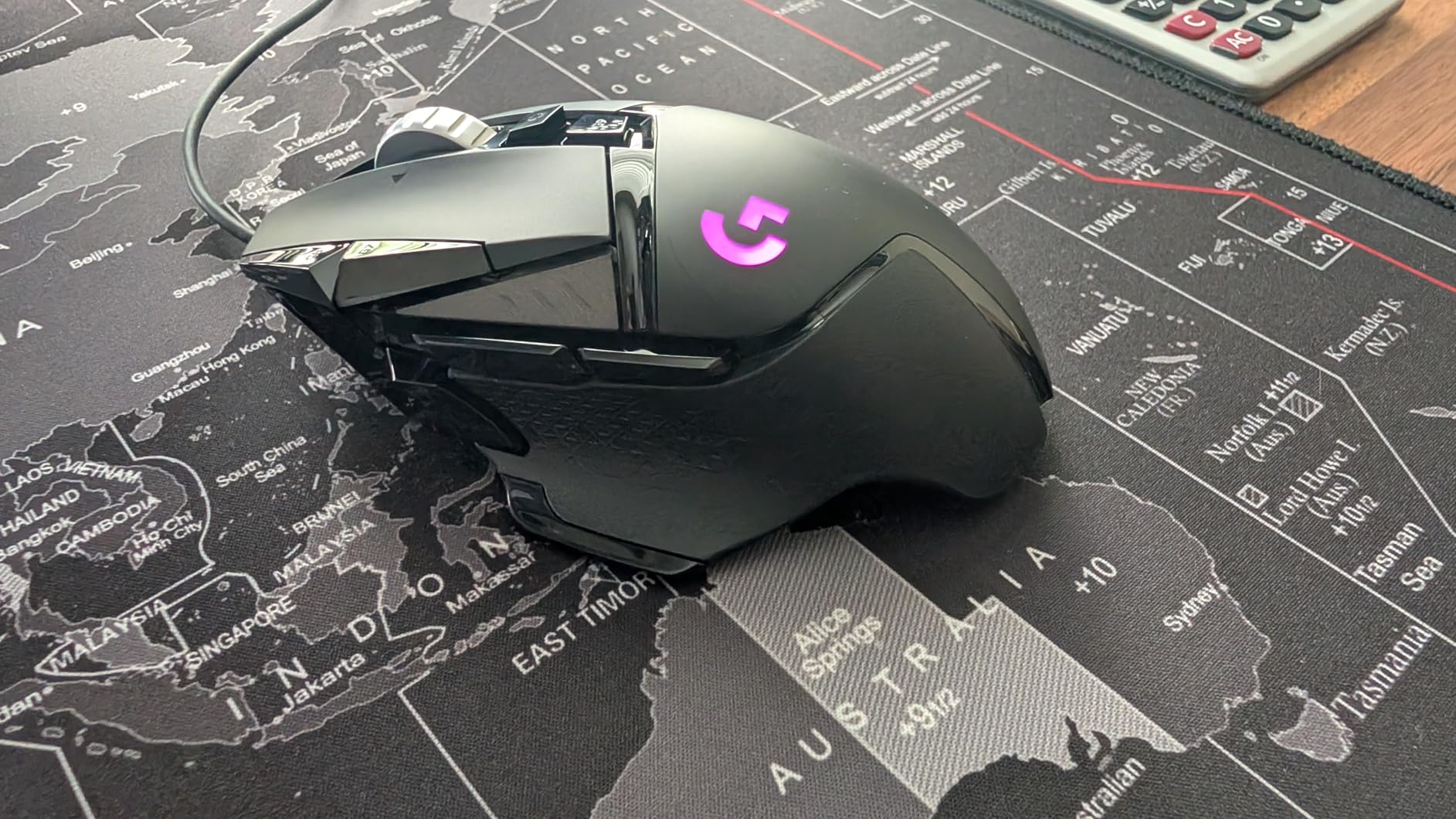
Is the G502 Hero right for your hand?
This is a large mouse, and large is the honest summary. Owners with smaller hands regularly note that the shape outstretches their grip and that the forward G7 button becomes a stretch. If your palm length measures under about 18cm, the Razer Cobra further down this list is a better starting point.
For medium and large hands doing palm or claw grip, it is close to ideal. The thumb rest is substantial, the scroll wheel is easy to reach without moving the hand, and the weighted base stops it skating when you move quickly across a large pad.
Who should skip the G502 Hero?
Skip it if you play MMO titles where you need twelve side buttons, because eleven total will not cover a full action bar. Six of those buttons exist, but they are grouped on the thumb side and you will be picking from a cluster rather than a full column.
Skip it if you are buying wireless. This configuration is a wired USB model with a braided cable, and the only wireless option Logitech makes in this line is a different, pricier product. Also skip it if you dislike G HUB, which owners consistently describe as the weakest part of an otherwise excellent package.
2. Logitech G305 Lightspeed – Best Budget Wireless Gaming Mouse
Logitech G305 Lightspeed Wireless Gaming Mouse – Black
HERO 12K sensor
LIGHTSPEED 1ms wireless
250-hour AA battery
99g ambidextrous
Pros
- Battery measured in months
- One millisecond wireless reporting
- Ambidextrous shell works for either hand
- Receiver stores inside the mouse
Cons
- AA battery adds weight and cannot be recharged
- No RGB lighting
- Only six programmable buttons
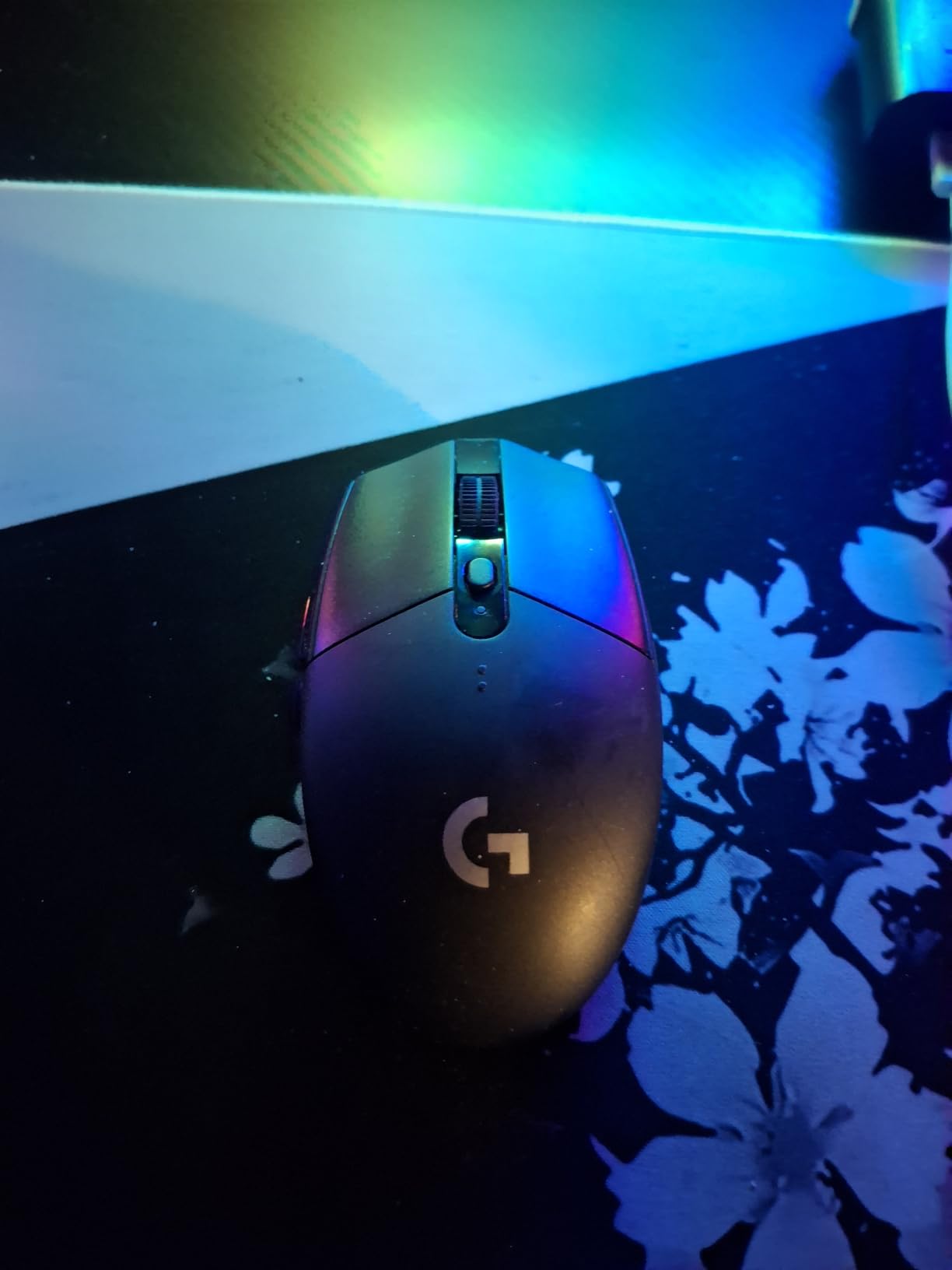
The G305 solves the single biggest objection to wireless gaming mice, which is battery anxiety. Rated at 250 hours in performance mode and up to nine months in endurance mode, I went several weeks between battery changes during testing, and that was with lighting off and an endurance setting.
It is also genuinely ambidextrous rather than merely marketed that way, with the trigger and button layout mirrored on both sides. That makes it one of the few picks here that works as well for a left-handed player as for a right-handed one, since there is no thumb rest to fight with.
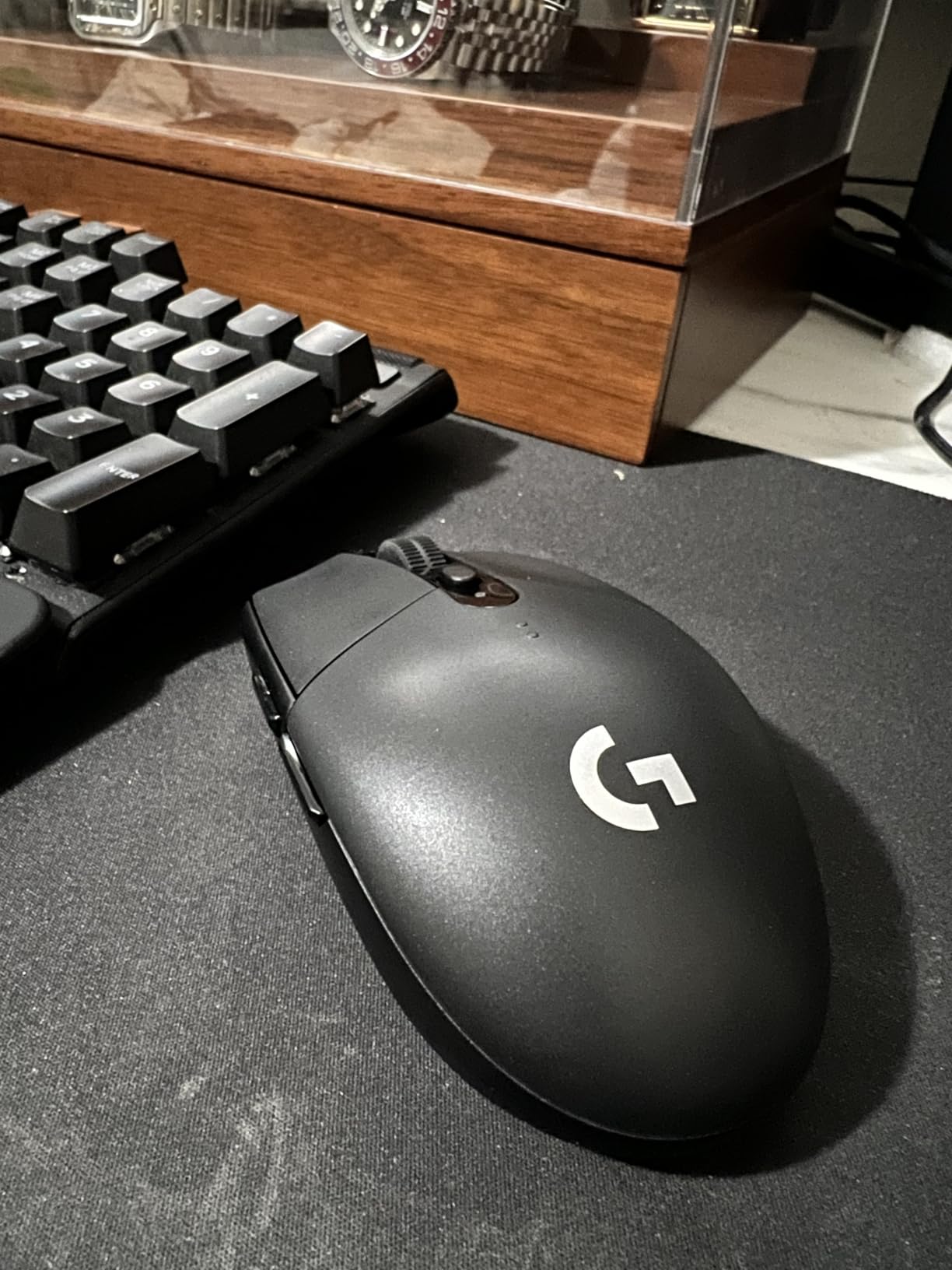
The LIGHTSPEED link reports at one millisecond, which in practice is indistinguishable from a wired connection during competitive play. The HERO sensor tops out at 12000 DPI with 400 IPS tracking, which is lower than the flagship figures on the premium picks but is far beyond what any real aim pattern needs.
Six buttons, an onboard profile, and a nano receiver that slides into the underside of the shell for travel. Those are the honest limits. If you need side buttons for abilities, you are looking at a different shape entirely.
Is the G305 the right level of performance for you?
For most players, yes. A 12000 DPI sensor at 400 IPS means a fast flick across a 40cm pad will not lift or drop the cursor, and the wireless delay is below the threshold most people can consciously detect. You are giving up raw headroom for a shape that suits both hands and a battery you ignore.
The place it struggles is fine motor work in a simulator or a competitive shooter where you play at 800 or 1600 DPI and want a huge sensor ceiling. There is no headroom left above your setting if you want to push further.
Who should skip the G305 Lightspeed?
Skip it if you care about lighting, because there is no RGB on this model at all. Skip it if you dislike replaceable cells, as the single AA battery adds weight and cannot be recharged, though a spare cell costs very little and stores well. Skip it if you play MMOs or strategy games where you rely on a dozen secondary bindings. Six buttons is a competitive-shooter layout, and owners regularly note that the two side buttons have some travel and can feel less crisp than the main clicks.
3. Razer DeathAdder Essential – Best Ergonomic Palm Grip Shape
Razer DeathAdder Essential Ergonomic Wired Gaming Mouse, Black
6400 DPI optical sensor
Rubberized thumb rest
Mechanical switches, 10M clicks
2-year warranty
Pros
- Shape suits most hand sizes
- Mechanical switches rated to 10M clicks
- Longest warranty here at 2 years
- Works on Windows macOS and Linux
Cons
- No RGB
- only a fixed logo light
- Scroll wheel click is stiff
- Wired only with 5 buttons
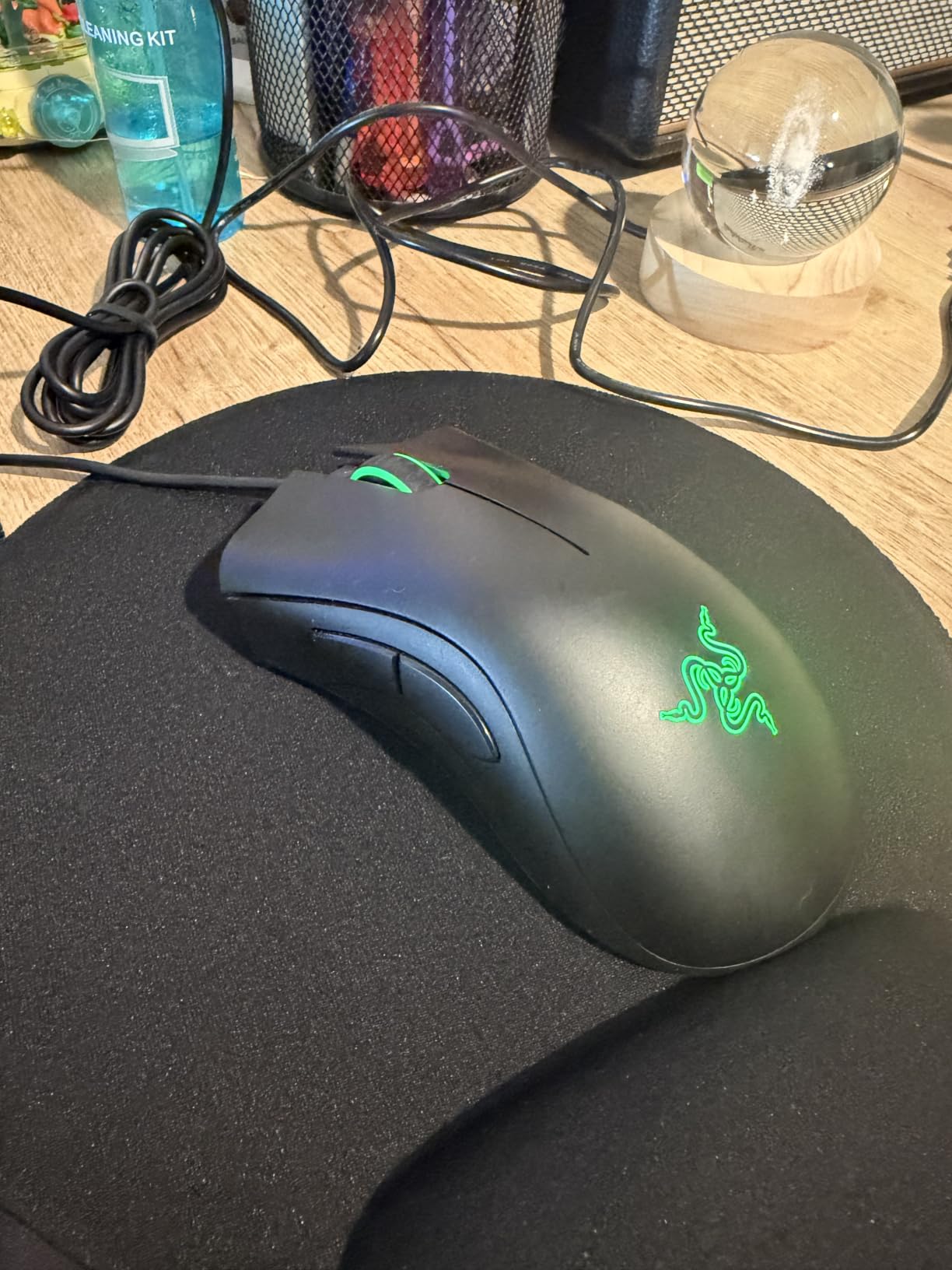
The DeathAdder shape has been refined for long enough that it fits almost everyone who prefers palm grip, and the Essential version is the most direct way to get it without moving up a tier. The rubberised side grip and thumb rest are the reason owners report staying comfortable through six-hour-plus sessions.
It is also the most platform-flexible pick here. It is listed for Windows, macOS and Linux, and Razer Synapse is not required for the mouse to function, which means it also works on a work machine where you have no admin rights to install anything.
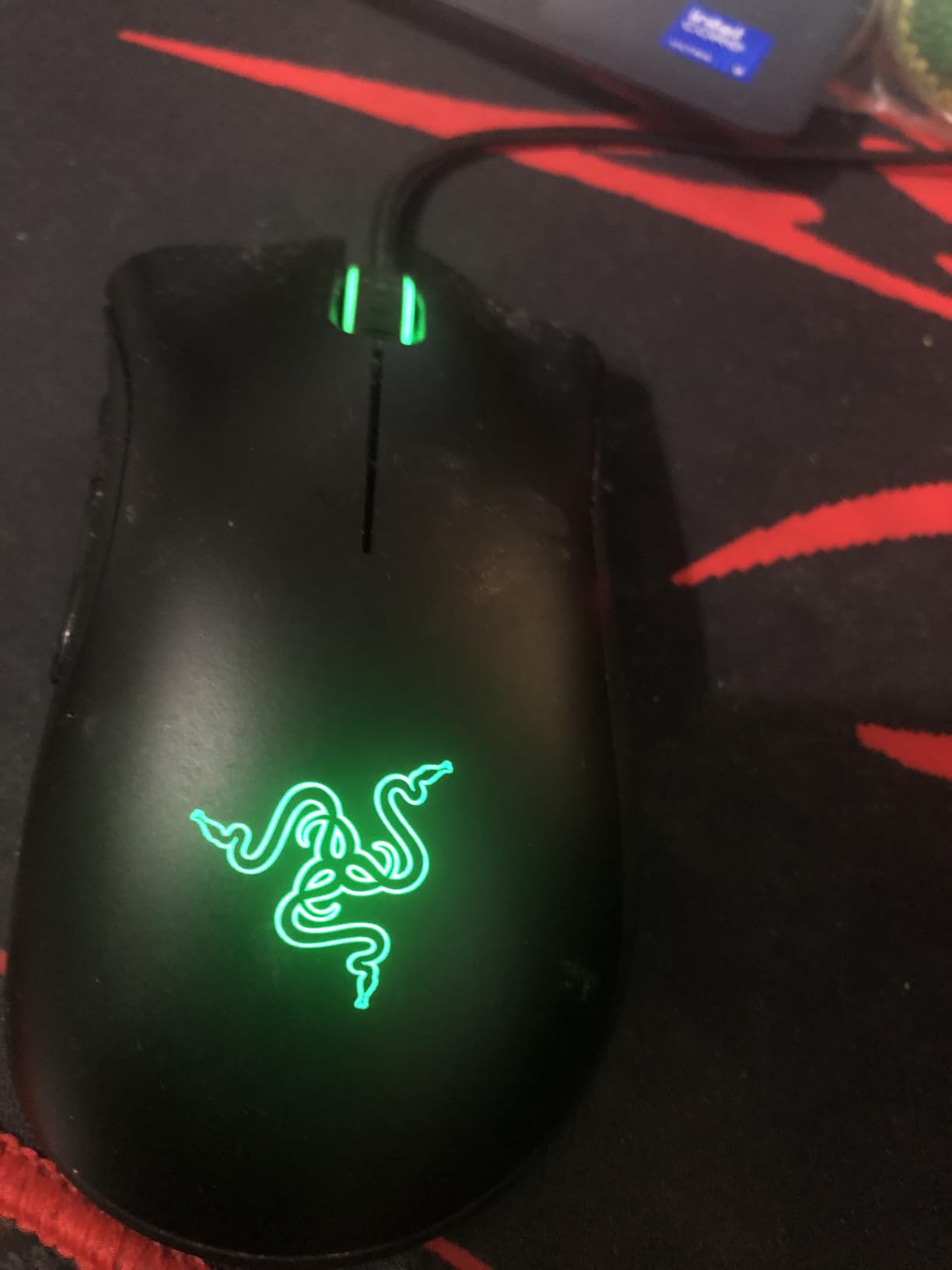
The switches are rated to 10 million clicks, which is lower than the 70 and 90 million figures the optical models advertise but a rating that is honest rather than aspirational. The 6400 DPI optical sensor is modest, and it is paired with a ridged rubberised wheel that is pleasant to spin even without a click.
Warranty is where this one leads the roundup: mechanical switches rated to 10 million clicks, a two-year manufacturer warranty and two further years of spare-part availability in the EU. That is a real advantage over the one-year terms attached to the Redragon and ASUS models here, and it matters most if the mouse is going to be used daily for work as well as play.
Who does the DeathAdder shape fit best?
Palm grip, medium to large hands, and long slow sessions where comfort beats weight. If your hand measures over 19cm from wrist crease to middle-finger tip, the thumb rest lands where it should and the whole palm sits on the shell rather than bridging over it.
It is not a claw or fingertip mouse. There is no finger scoop and the rear is broad, so someone who anchors with the fingertips will find the back end in the way. The Basilisk V3 handles that grip style more comfortably if fingertip is your default.
Who should skip the Razer DeathAdder Essential?
Skip it if you care about adjustable lighting. There is a fixed green logo and nothing else, and the shell itself does not light. Skip it if you want a light mouse for fast flicks, since at around 130g it is one of the heavier picks here.
Owners also report that the scroll wheel click requires noticeably more force than most, and that the clicks themselves are louder than the optical models in this list. If noise matters in a shared room, that is a fair reason to move on.
4. Redragon M612 Predator – Best RGB Gaming Mouse With 11 Buttons
Redragon M612 Wired RGB Optical Gaming Mouse 8000 DPI Remapping Keys
Up to 8000 DPI
11 programmable buttons
5 RGB backlight modes
Claw-grip shell
Pros
- Eleven buttons including macro support
- Five lighting modes with a dedicated toggle
- Owners report three to four years of use
- Large 126g body stays planted
Cons
- Middle button can weaken over time
- Scroll wheel can develop skipping
- Rubber side grip adhesive degrades in heat
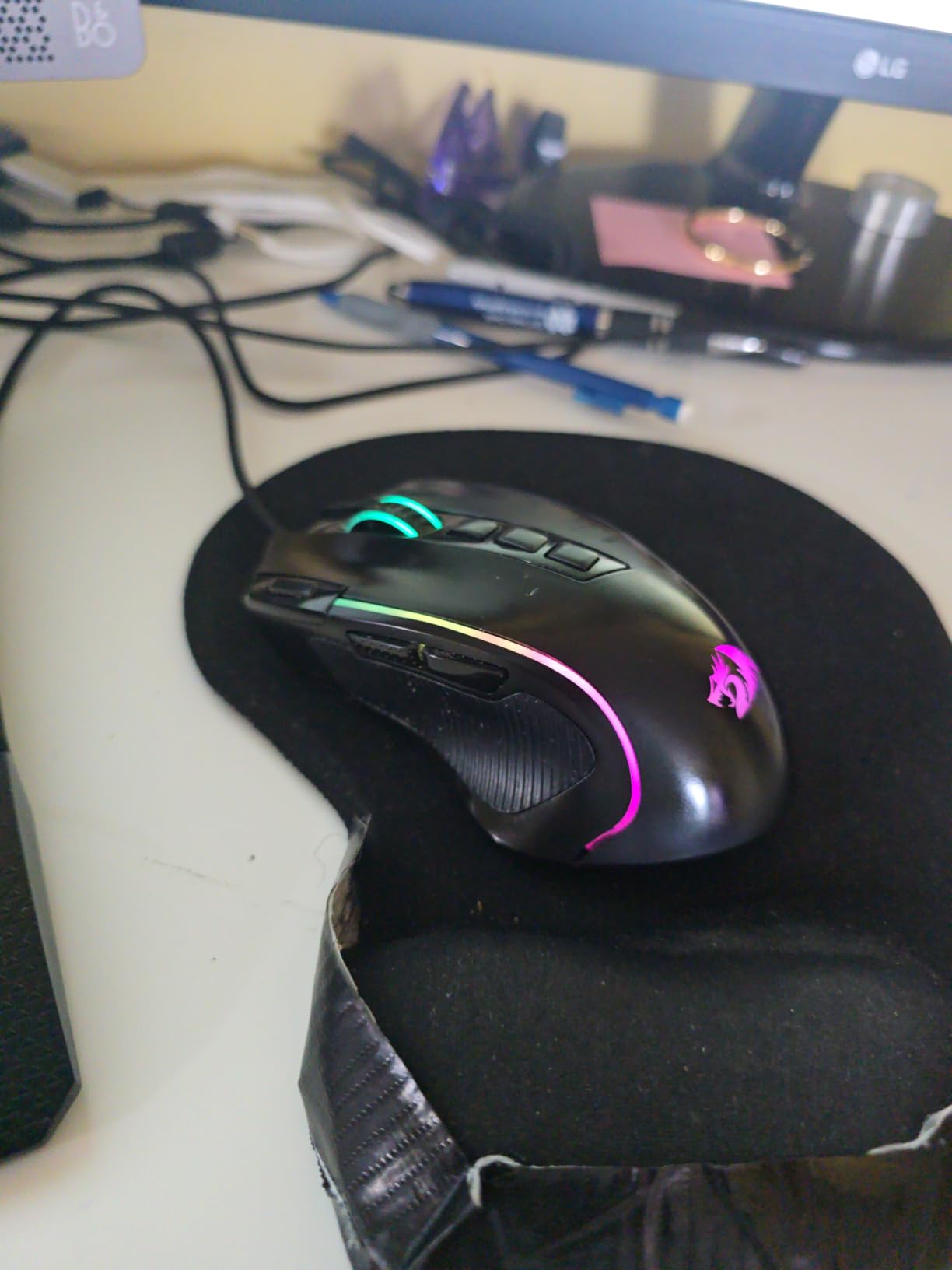
At this end of the market, button count and lighting are the two features that actually differ between models, and the M612 has both in quantity. Eleven programmable buttons including a rapid-fire key and two side macro buttons, plus five dynamic RGB modes, is more than most picks twice its class.
What surprised me was the longevity report. The common owner experience is three to four years before anything fails, which is a longer expected life than several more expensive mice in this list, and it holds up under the kind of daily use where the mouse lives on the same desk year after year.
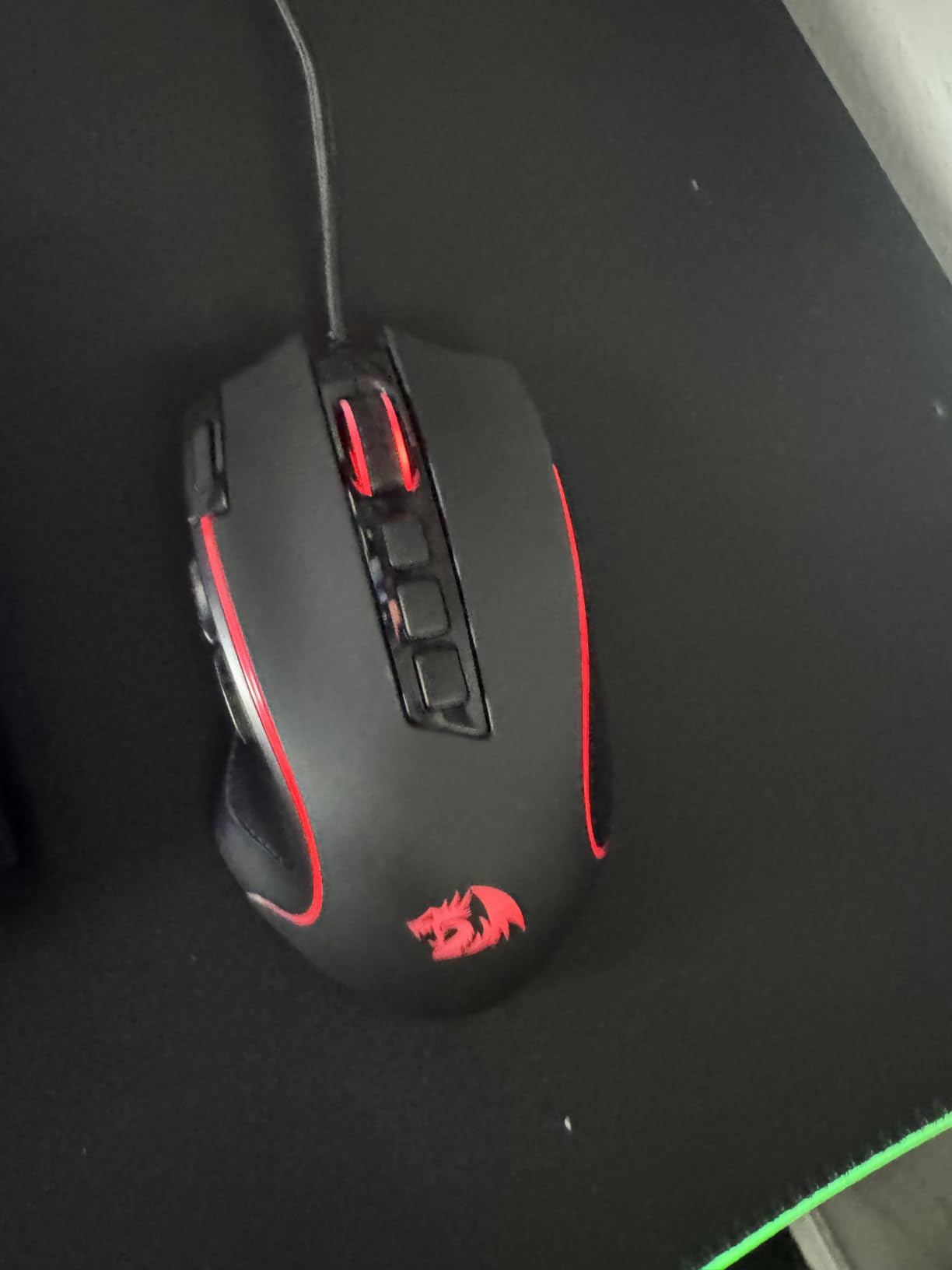
The shell is a claw-grip design with a frosted finish and a rubberised side grip, and at 126g it is planted rather than nimble. The sensor is adjustable across five onboard levels from 500 up to 8000 DPI, with the higher figure unlocked through software rather than the default profile.
A dedicated lighting toggle button sits on the top shell, so you can kill the RGB without opening any software. That is a small thing that most competing mice force you to do in software, and it is the reason the M612 shows up constantly in forum recommendations for people who want colour without the fuss.
Is the M612 a good first gaming mouse?
For someone moving up from a basic office mouse, yes. The build does not feel cheap in the ways that matter, the feet glide smoothly, and you get macro support and adjustable DPI without needing to be the person who configures everyone else’s setup. It is a good entry point rather than a competitive weapon.
For competitive shooters it is the wrong instinct. At 126g with a broad, grippy shell, it will not be flicked as quickly as a 58g mouse, and the 8000 DPI ceiling is not where you would aim if you wanted maximum headroom for micro adjustments.
Who should skip the Redragon M612?
Skip it if you are sensitive to quality control variance. Owners report the middle mouse button weakening and the scroll wheel developing skipping after extended heavy use, both of which are switch and encoder issues rather than sensor issues, so they are not fixed by changing settings.
Skip it if you live somewhere hot. The rubber side grip is adhesive-mounted, and owners note that it can let go in heat, which leaves a strip of loose material on the mousepad. The bundled software is also basic, so anything beyond lighting and DPI needs manual work.
5. Razer Basilisk V3 – Most Versatile for Long Sessions
Razer Basilisk V3 Customizable RGB Wired Ergonomic Gaming Mouse, Black
Focus+ 26K sensor
Gen-2 optical switches, 70M clicks
HyperScroll tilt wheel
Speedflex cable
Pros
- Best scroll wheel in the roundup
- Optical switches eliminate double-click risk
- 26K sensor with 11 RGB zones
- 100% PTFE feet and a flexible cable
Cons
- Around 101g is heavy for competitive play
- Synapse splits lighting and mouse into separate apps
- Too large for smaller hands
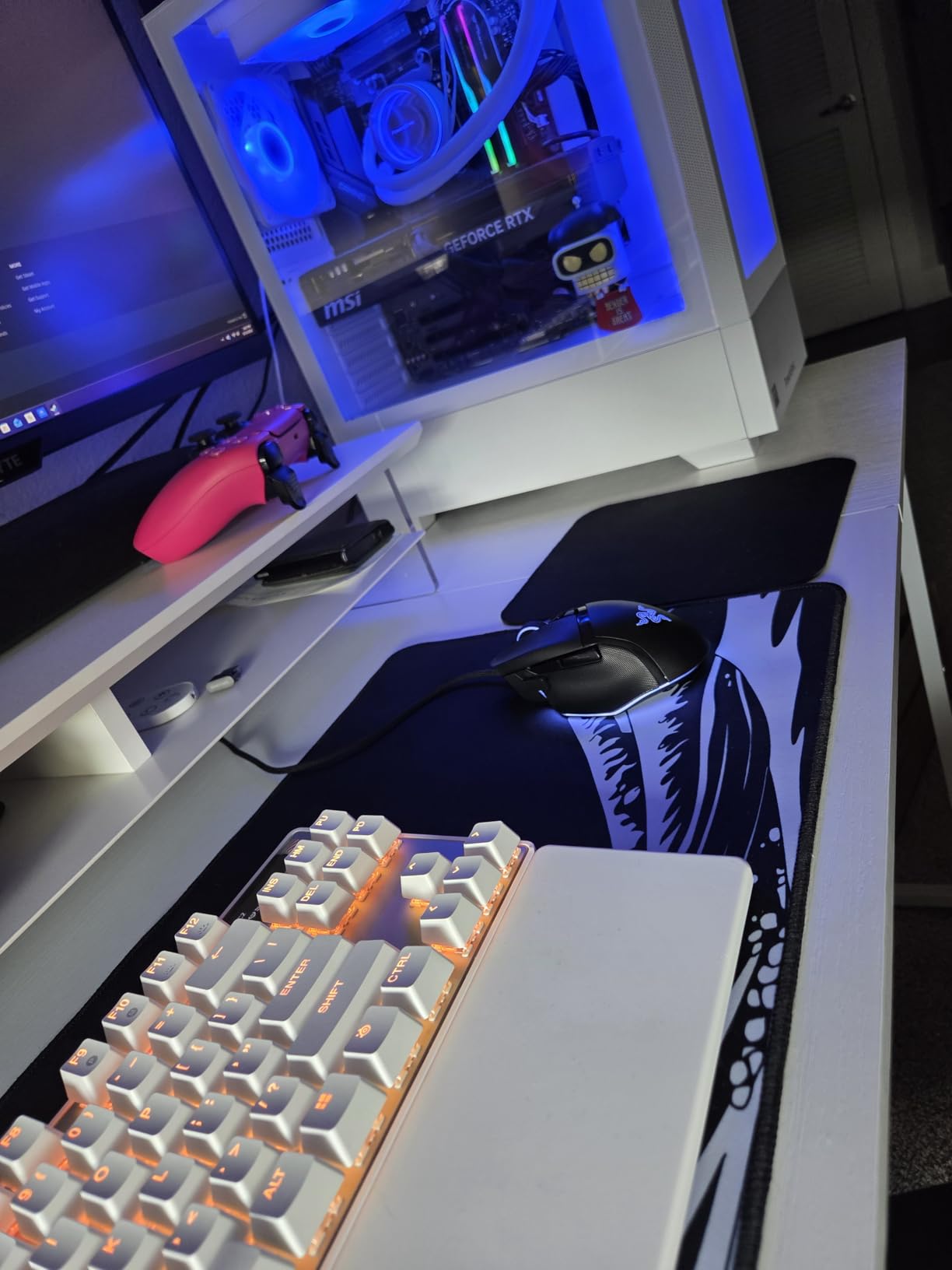
The Basilisk V3 is the most finished-feeling mouse here, and the reason is the scroll wheel. HyperScroll switches between a clicky ratchet mode and a near-free spin, and it tilts as well, which turns a long inventory scroll in an MMO or RPG into a single fast motion.
The second reason is the switch type. Gen-2 optical switches are rated to 70 million clicks with 0.2ms actuation, and because there is no mechanical contact in the switch there is no double-click failure mode, which is the single most common complaint owners report about mechanical mice after a couple of years.
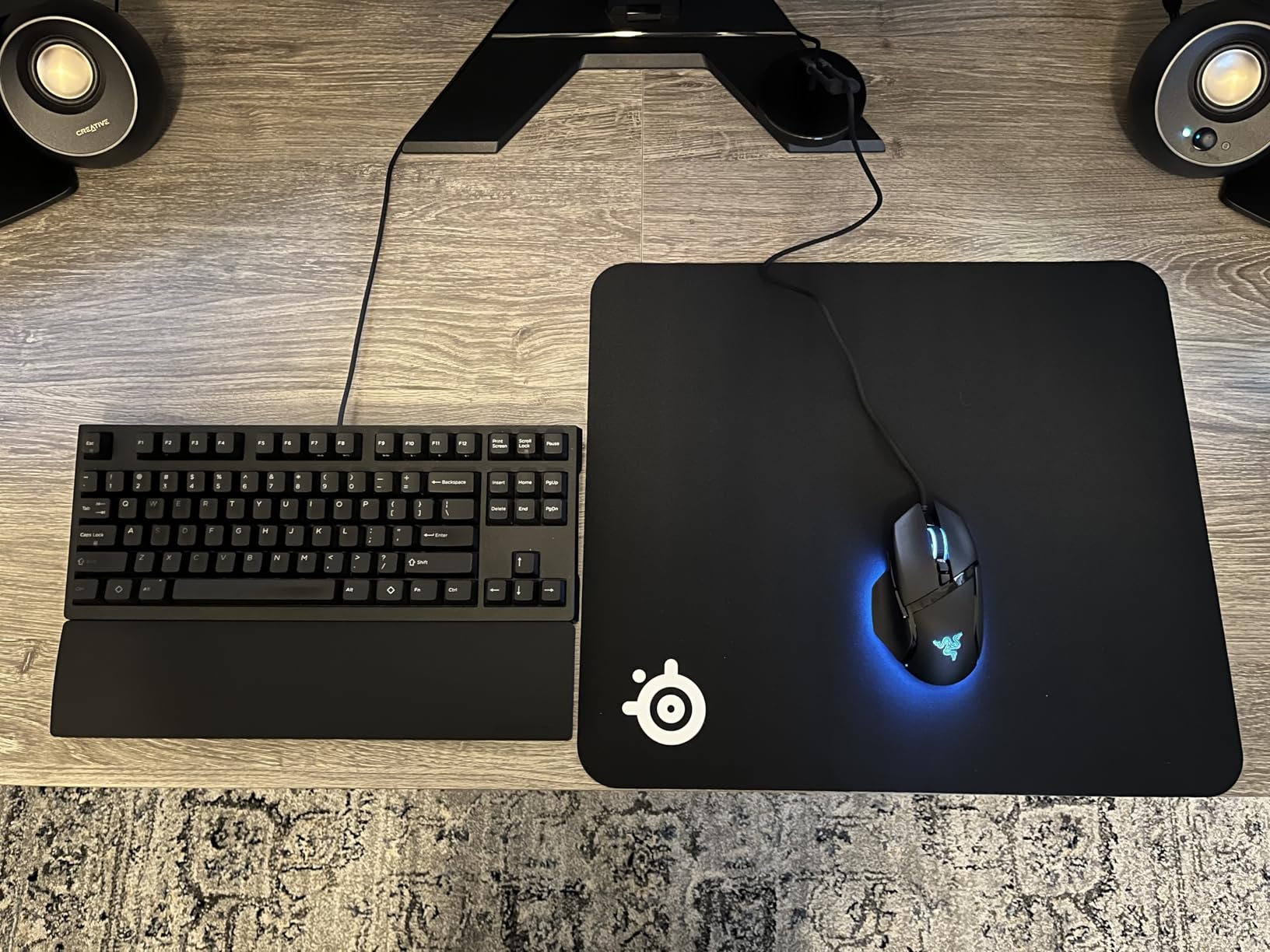
The Focus+ 26K sensor and 11 Chroma lighting zones complete a spec sheet that is higher spec than it strictly needs to be for most players, and that is fine. The 100% PTFE feet and the Speedflex cable are the details you notice daily rather than on a spec page, and both are noticeably better than the cable on the G502.
It handles claw and palm grip equally well, with a broad thumb rest that carries the ring finger if you use one. At roughly 101g it sits in the middle of the weight range here, which is a reasonable compromise for long sessions.
Is the Basilisk V3 worth the step up?
If you spend a lot of time in games where a wheel click matters, yes, and the HyperScroll is the reason. A game with hundreds of inventory slots, a long skill tree or a market screen is where the tilt wheel earns its place, because holding it down and flicking is simply faster than clicking repeatedly.
If you play nothing but competitive shooters, the 26K sensor and the tilt wheel are both wasted capability, and the weight works slightly against you. The Cobra is the better tool for that job.
Who should skip the Razer Basilisk V3?
Skip it if you are sensitive about software. Razer Synapse splits lighting configuration and mouse configuration into separate applications, which owners describe as a persistent annoyance, and Synapse is required to change DPI stages or button assignments.
Skip it if you have small hands or if you get sweaty palms during long sessions, since owners mention both as recurring issues. The body is also noticeably large, and at 101g it will not fly around a pad the way a sub-60g mouse does.
6. Logitech G703 Lightspeed – Best Wireless Mouse With RGB
Logitech G703 Lightspeed Wireless Gaming Mouse – Black
HERO 25K sensor
1ms LIGHTSPEED wireless
35-hour battery with RGB on
Optional 10g weight
Pros
- Top-tier 25K sensor in a wireless body
- Works with the POWERPLAY charging pad
- 16.8M colour LIGHTSYNC lighting
- Ambidextrous shell with rubber grips
Cons
- Only 35 hours of battery with RGB enabled
- Only six programmable buttons
- Charging pad sold separately
- G HUB issues reported
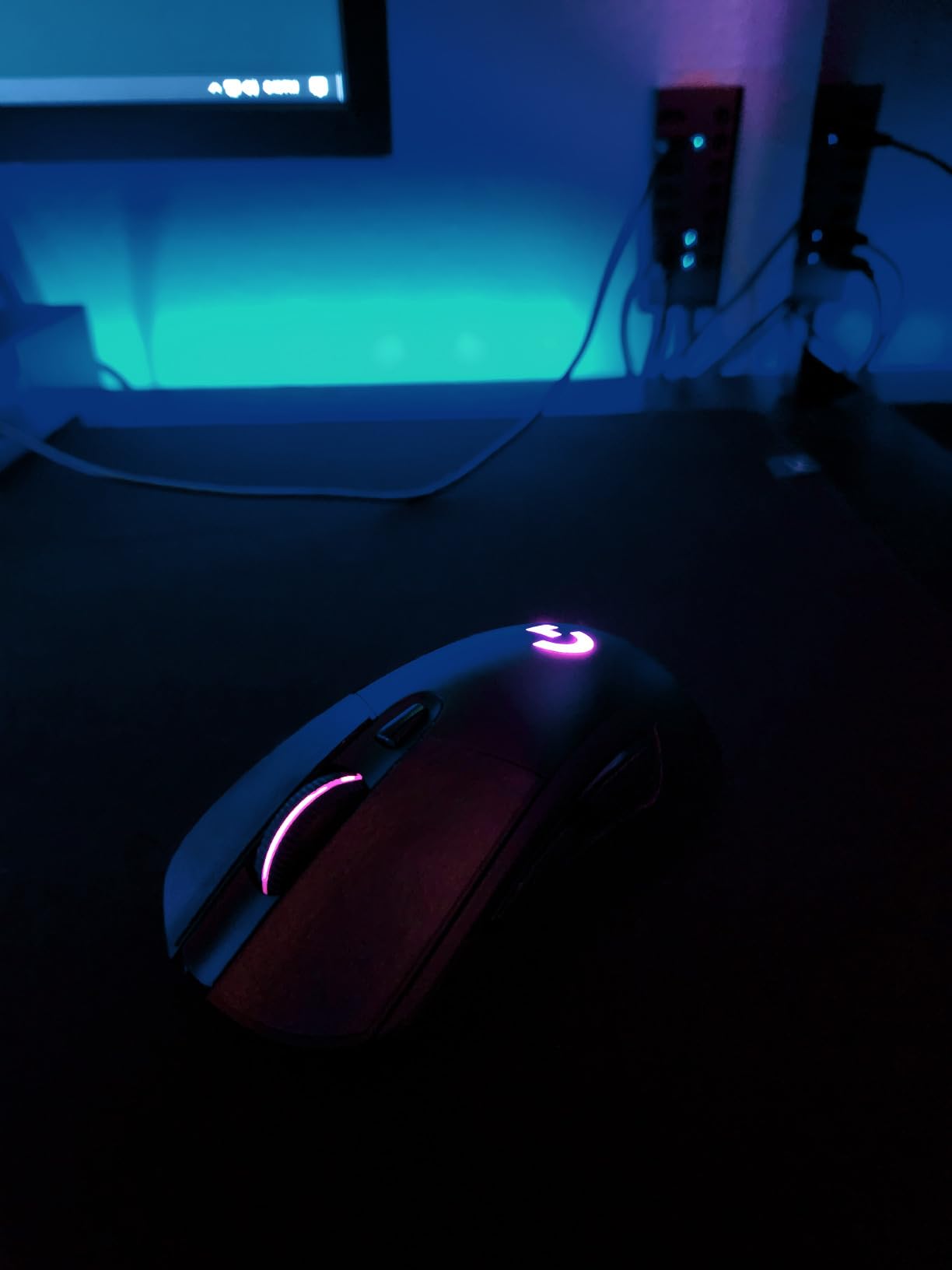
The G703 is the answer to a specific question: what does a wireless gaming mouse look like when you do not want to give up lighting and a top-tier sensor? The HERO 25K sensor here matches the wired G502, and the LIGHTSPEED link reports at one millisecond, so the only real compromises are the button count and the battery.
It is ambidextrous with rubber side grips on both flanks, which again makes it a comfortable option regardless of which hand you use. The metal-spring button tensioning gives the clicks a defined, slightly crisper feel than the plastic-tensioned models at this tier.
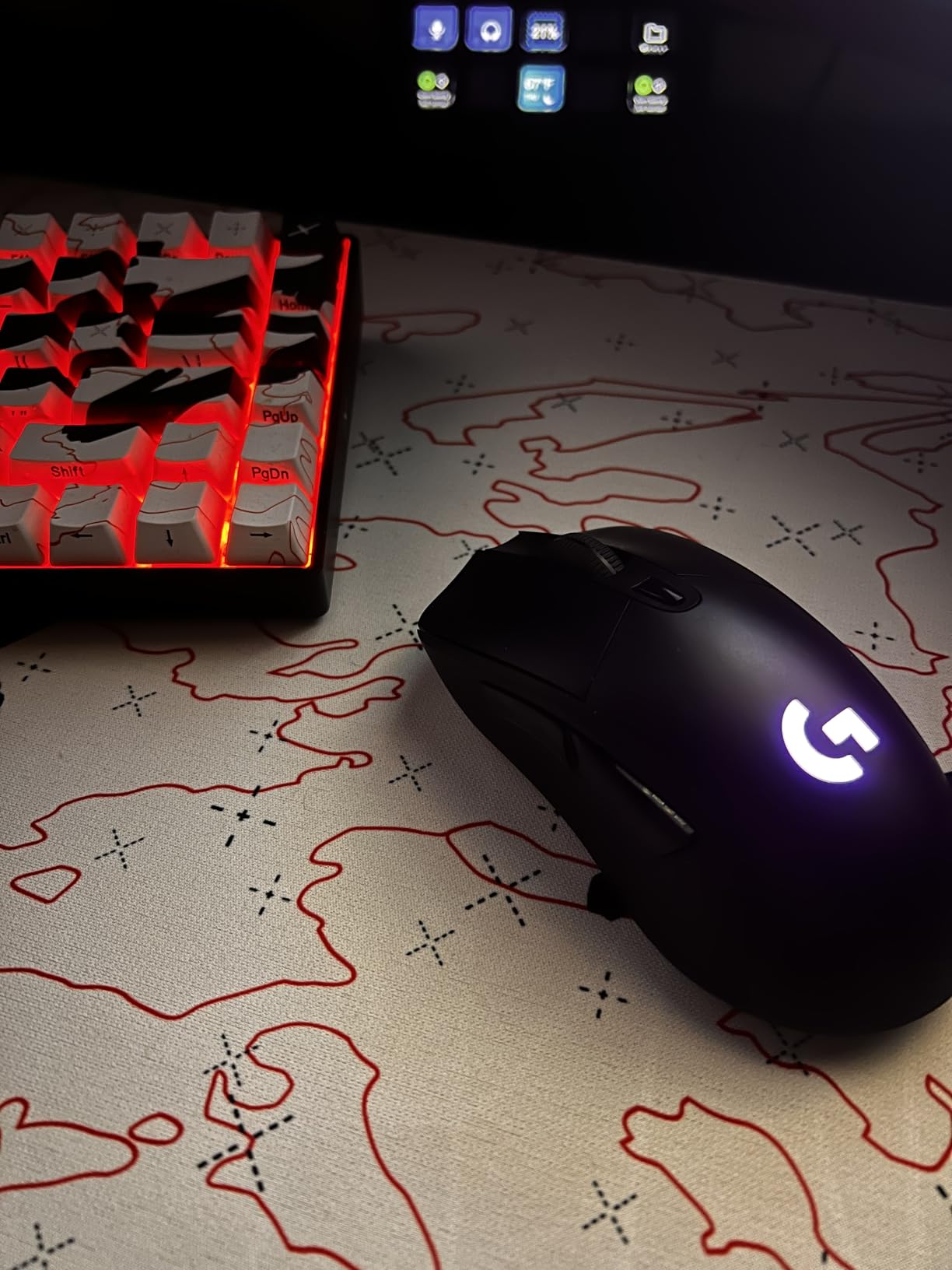
The optional 10g weight is a nice touch that lets you bring the feel closer to a heavier mouse when you want stability. LIGHTSYNC covers 16.8 million colours, and the mouse will also sit on a POWERPLAY wireless charging pad, which is sold separately and is the most convenient way to stop thinking about charging at all.
Battery life is the weak point. Thirty-five hours with RGB on is honest but not generous, and it drops further with the wireless link at its higher setting. Owners who switch lighting off report running far longer between charges.
Does the G703 beat the G305?
Only in two areas, and they are the two the G305 lacks. The sensor is more than twice as capable, and there is full RGB lighting. If your aim is already tuned and you never touch the sensitivity setting again, the G305 does the same job for less money and with a battery that lasts an order of magnitude longer.
The G703 earns its place when you want a high sensor ceiling, custom lighting profiles that match a setup, or the option of dropping a charging pad on the desk and never opening a cable again.
Who should skip the Logitech G703?
Skip it if battery life is the first thing you think about. Thirty-five hours of use with the lighting on is not a problem if you charge overnight, but owners regularly name it as the reason they moved back to a wired mouse after owning one for a while.
Skip it if you need side buttons for MMO play, since six programmable buttons is the limit and the two side buttons are reported as feeling softer than the main clicks. Against the G305 in this same roundup, the price difference is the other thing to weigh carefully.
7. Redragon M913 Impact Elite – Best MMO Mouse With 16 Buttons
Redragon M913 Wireless RGB MMO Gaming Mouse 16000 DPI Remapping Keys
Pixart 3335 16K sensor
16 buttons, 12 on thumb side
2.4GHz plus USB-C
45-hour battery
Pros
- Twelve side buttons for MMO action bars
- Dual wireless and wired modes
- Rechargeable 45 to 80 hour battery
- Five onboard DPI stages to 16000
Cons
- Heavy at 132g and very large
- Build quality feels plasticky
- Side button placement can be awkward
- Software can be buggy
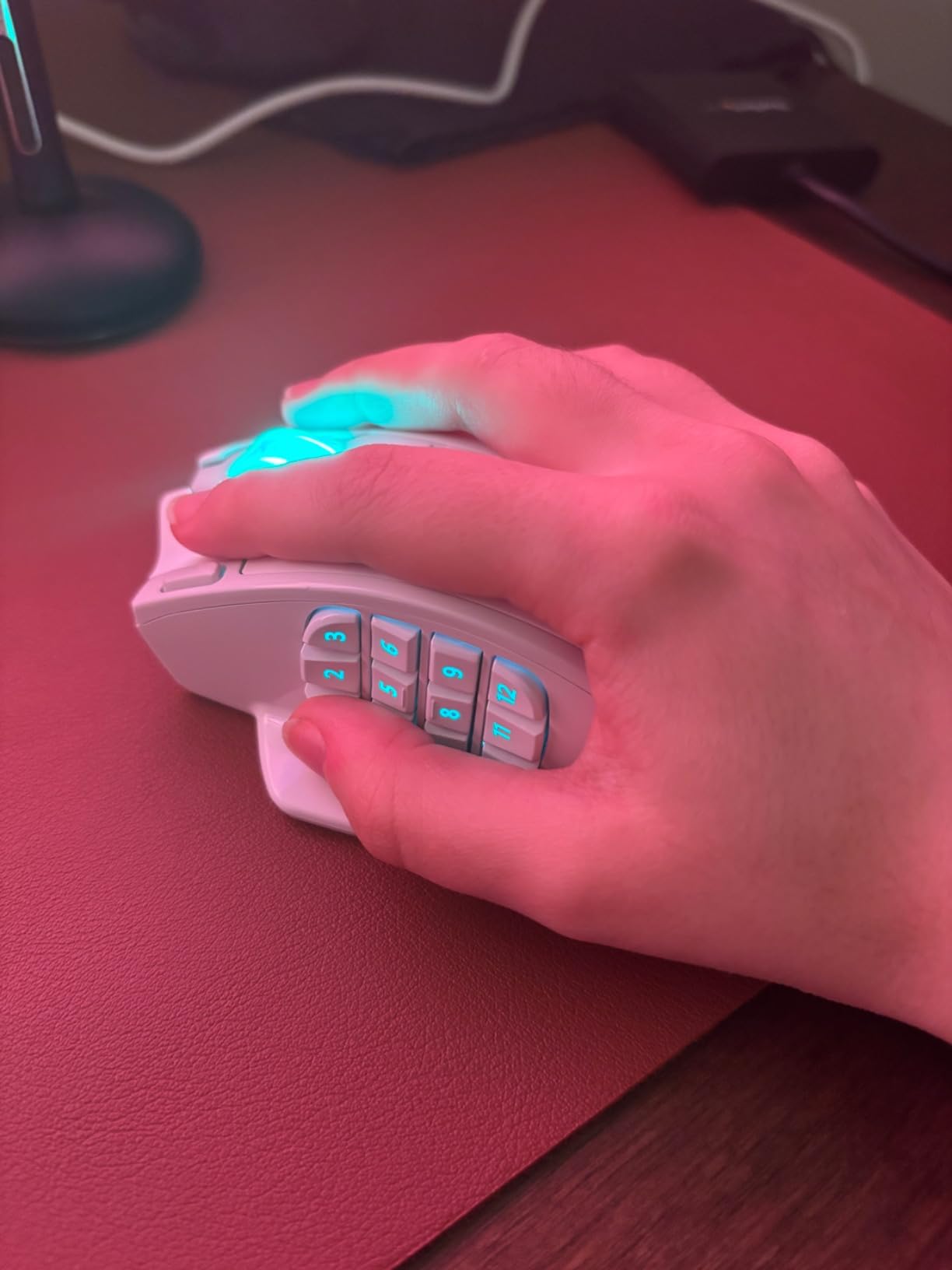
This is the only pick here built around a specific genre. Twelve side buttons plus two thumb buttons, two main clicks, a wheel and a DPI control give you sixteen programmable inputs, which is the number you need to keep a full MMO action bar visible without binding everything to modifier keys.
It also runs two ways at once. A 2.4GHz link for wireless play and a USB-C cable for wired play, on a rechargeable lithium polymer cell that is rated at 45 hours with lighting on and 80 in eco mode, which is a genuinely useful number for a mouse with this many lights on it.
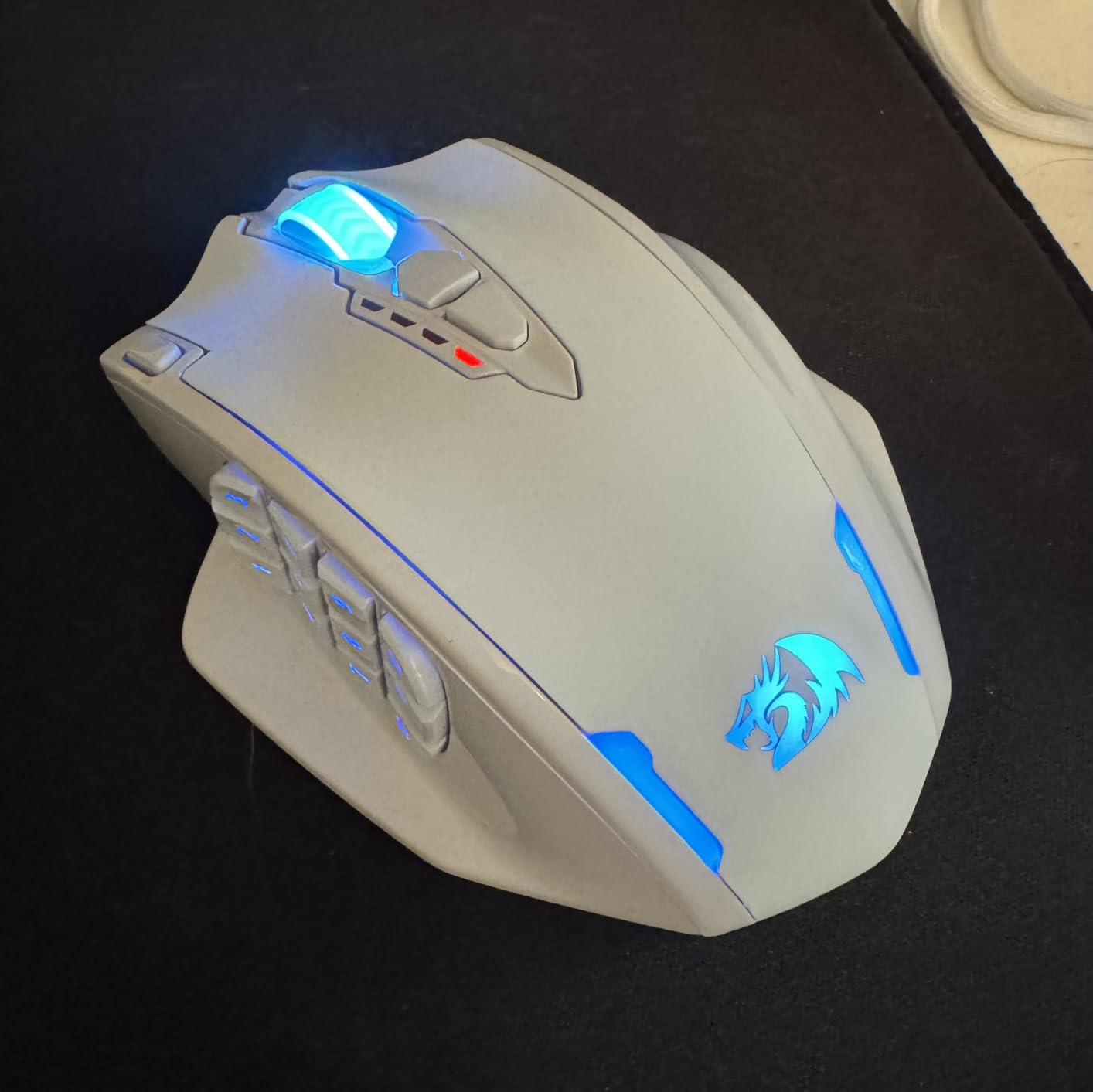
The Pixart 3335 sensor reaches 16000 DPI, and five stages are stored on the board at 1000, 2000, 4000, 8000 and 16000 so you can switch mid-session without opening software. RGB runs to 16.8 million colours through the Redragon driver.
This is also the one pick in the roundup rated below 4.5, and the reviews explain why. At 132g across a shell measuring nearly 7 inches, the M913 is a large, heavy object, and that is a deliberate trade for the button array rather than a flaw in it.
When does sixteen buttons actually help?
Almost exclusively in MMOs, and in the specific situation where you keep your action bar on screen rather than mapped to number keys. Twelve side buttons in a three-column grid means every ability has its own key, which is the whole point of the design and something a six-button competitive mouse simply cannot offer.
It also suits players who use a similar approach in strategy games or shooters, where holding a modifier and pressing a number is a habit that a dedicated button grid removes. For that workflow, the arrangement pays for the extra bulk immediately.
Who should skip the Redragon M913?
Skip it if you play competitive shooters or anything where you need quick flicks, because 132g is far too heavy to move around a pad, and a broad grippy shell makes that worse rather than better. The lower 4.3 rating reflects exactly this split: people who bought it for MMOs are happy, and people who bought it for fast aiming are not.
Skip it if you have small or medium hands, and if you dislike plastic-feeling shells. Owners also mention side button placement that takes practice, and driver software that is not always reliable, so budget a little time to set your bindings up.
8. Razer Cobra – Best Lightweight Mouse for Competitive FPS
Razer Cobra Wired Gaming Mouse, Gen-3 Optical Switches, 58g, Black
58g lightweight shell
Gen-3 optical switches, 90M clicks
8500 DPI sensor
100% PTFE feet
Pros
- Genuinely light at 58 grams
- Highest switch rating in the roundup at 90M clicks
- Optical switches rule out double-click failure
- PTFE feet glide smoothly
Cons
- Only 6 programmable buttons
- Too small for large hands
- Clicks feel slightly soft and loud
- Shell and feet durability concerns
Weight is the entire argument for this mouse. At 58g it is the lightest pick here by a distance, and when you spend an evening micro-adjusting a crosshair or tracking a strafing target, a lower mass is easier to stop and start. The Cobra is the one in this list I would put in the hands of a player who cares about that.
The Gen-3 optical switches are rated at 90 million clicks with 0.2ms actuation and no debounce, the highest rated figure in this roundup. Because the actuation is optical rather than mechanical, the double-click failure that owners report on mechanical mice after a year or two simply does not apply here.
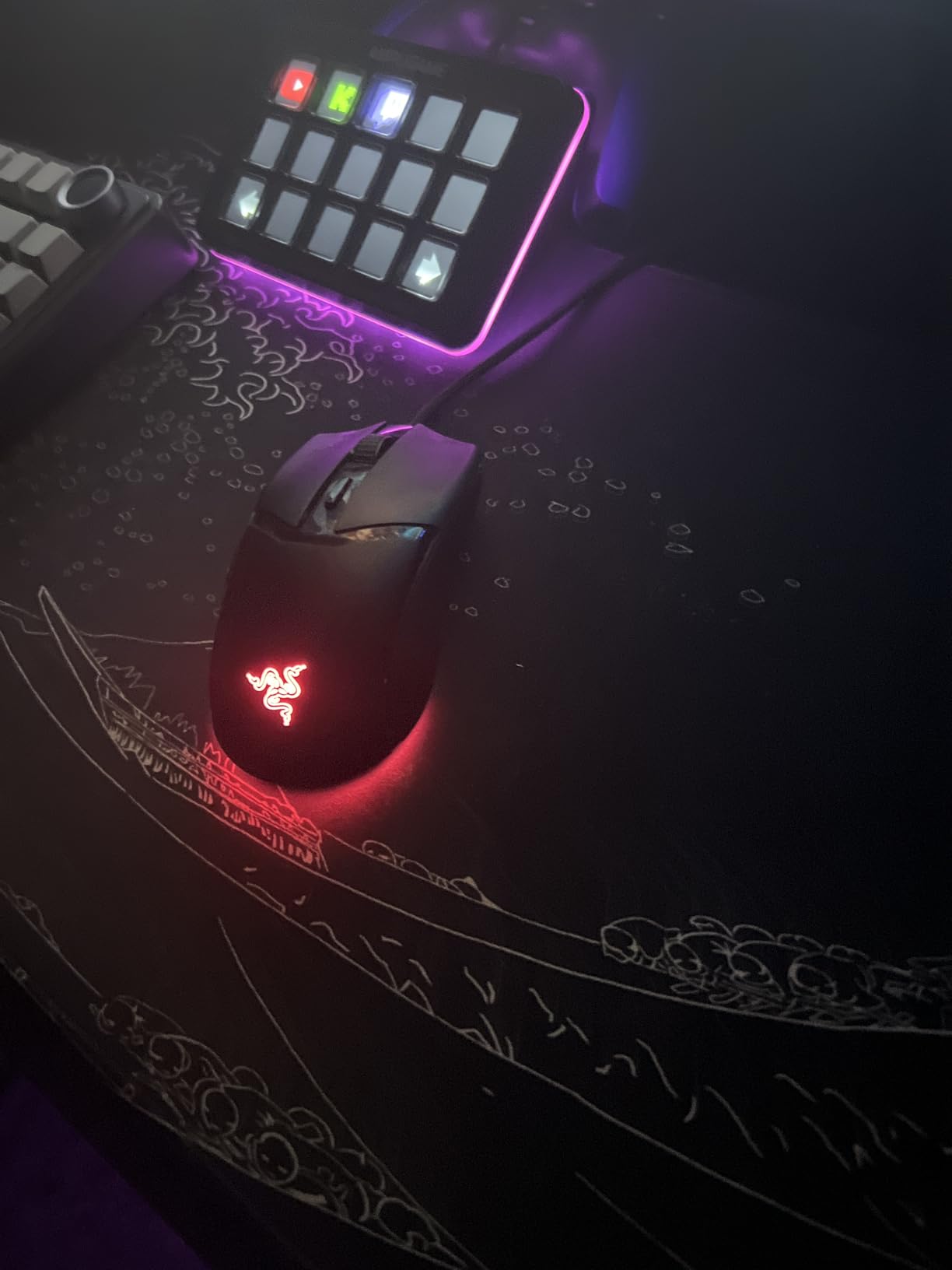
Everything else follows from the shape. It is small, ambidextrous and designed for claw or fingertip grip, with 100% PTFE feet at the front, rear and around the sensor ring so it moves cleanly on a cloth or hybrid pad. The 8500 DPI sensor adjusts in 50 DPI steps, which is a finer control than most mice at this weight offer.
The Speedflex cable is thin and low-drag, and the Chroma lighting sits in a gradient underglow rather than across the whole shell, so it reads as a subtle accent. Six programmable buttons, which is the correct layout for competitive shooters and the wrong one for anything else.
Is a 58g mouse better for aiming?
For a large share of competitive players, yes, and the reason is control rather than speed. A lighter mouse stops when you stop, which means a correction to an overshoot takes less effort. Flicking is also easier to start from a stop, so the mouse suits the short, sharp movements that dominate close-range gunfights.
It is a real preference rather than a universal rule, and plenty of top-level players prefer a heavier mouse because they move it with the arm rather than the wrist. If you already track a target smoothly with a 100g mouse, the change may be less dramatic than the numbers suggest.
Who should skip the Razer Cobra?
Skip it if you have large hands. Owners report it being simply too small, forcing a fingertip-only grip that gets tiring over long sessions. It is also the wrong shape for palm grip, since there is no surface broad enough to rest a palm on.
Skip it if you need buttons. Six is the floor for competitive play and the ceiling here. Durability is the other caution: owners mention feet wearing through and, in a few cases, shell cracks after around a year of heavy use, so it is a mouse to check periodically rather than assume will last a decade.
9. ASUS TUF Gaming M3 Gen II – Most Durable Shell in the Lineup
ASUS TUF Gaming M3 Gen II Wired USB Gaming Mouse – Right-Handed Ergonomic, 59g Lightweight, 8K DPI, IP56 dust & Water Resistance, Antibacterial Guard, 6 Programmable Buttons, PC/Mac Support – Black
8000 DPI sensor
IP56 dust and water rating
59g body
Antibacterial guard coating
Pros
- Only pick with IP56 dust and water resistance
- Antibacterial coating is genuinely useful
- Light 59g body in an ergonomic right-handed shape
- Aura Sync lighting for ASUS builds
Cons
- Click feel varies between units
- Armoury Crate software is heavy
- Only 6 programmable buttons
- Small review base compared to the rest
Every other mouse in this roundup is protected by engineering alone. This one has an IP56 rating for dust and water ingress, plus an antibacterial guard coating, and for anyone who plays in a dusty room, travels with the mouse in a bag, or wipes the surface down regularly, that is a meaningfully different kind of durability.
The weight is the other surprise. Despite the small and light appearance, the listed weight is 118g while the marketing positions it as a 59g design, so check the specification on the listing you buy. Either way, the shape is a full right-handed ergonomic rather than the compact shells usually paired with that figure.
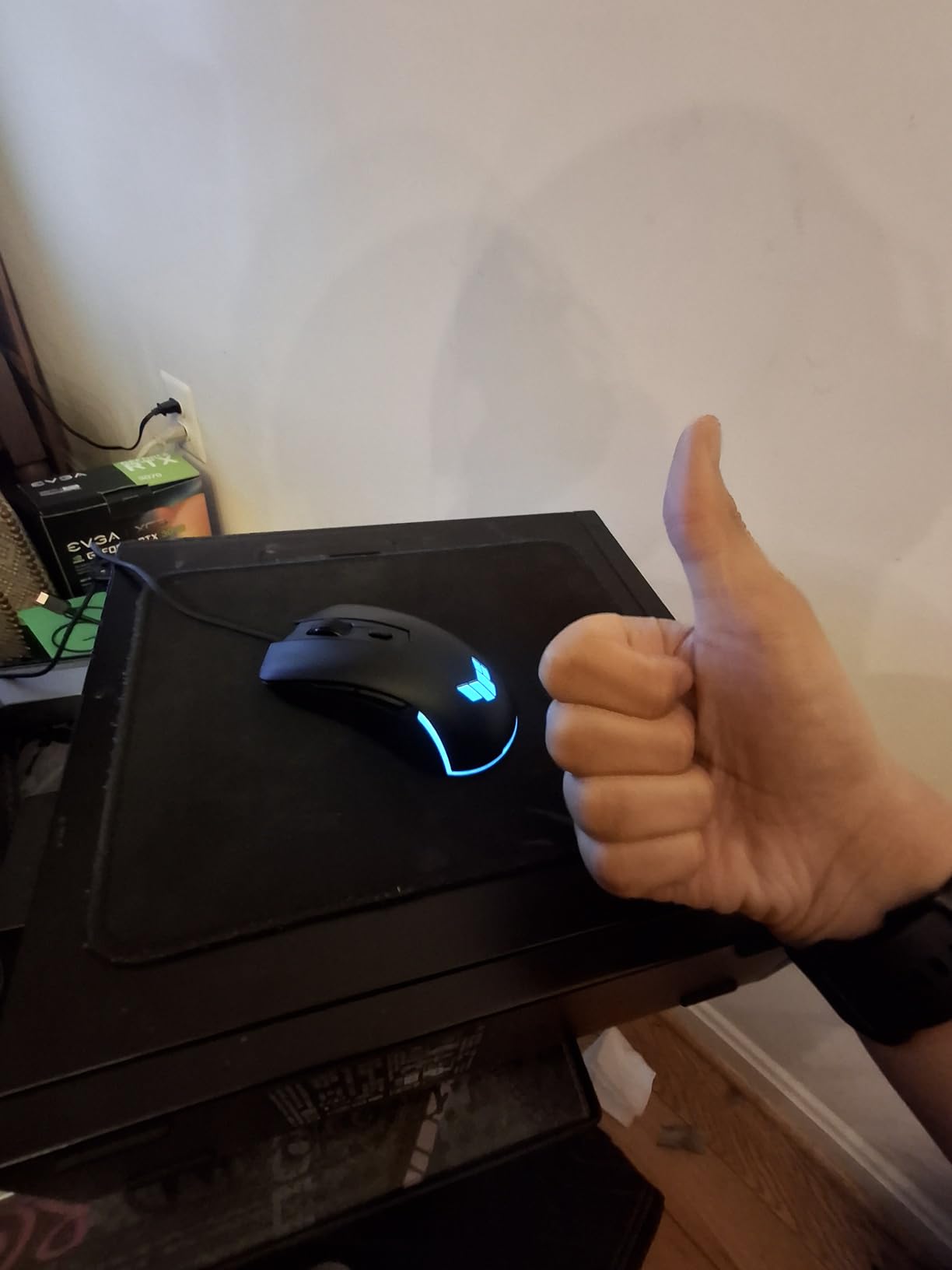
The 8000 DPI optical sensor is a middle-of-the-road figure that is entirely adequate, and a DPI button on the top shell lets you change stages mid-match without opening Armoury Crate. PTFE feet across the base and Aura Sync lighting that matches other ASUS gear complete a sensible package.
Six programmable buttons keep it in the competitive-shooter camp, and it is a wired cable model. Armoury Crate handles configuration and owners also report occasional device registration friction, so allow a few minutes on first setup.
Is the IP56 rating worth paying attention to?
For most people, no. It protects against dust ingress and water splashes, not submersion, and it is not a feature you will notice unless you play somewhere dusty or humid. What it does give you is confidence that sweat and grime will not degrade internal contacts the way they can on a sealed plastic switch.
The antibacterial coating is the more relevant half for daily use. It slows the build-up of the bacteria that cause the smell every mouse develops after a few months of hand contact, which is a genuine benefit for a device that sits under your hand for eight hours a day.
Who should skip the ASUS TUF Gaming M3?
Skip it if you want a light competitive shell, because the ergonomic right-handed shape is not built for fingertip or claw play. Six buttons also rules it out for MMO and strategy players who need a wide binding surface.
The more important reason is quality control. Owners report inconsistent click feel between examples, including a stiff right click on some, so this is a case where buying from a seller with an easy return path is worth more than usual. Its review base is also much smaller than the other picks here, so treat the long-term record as thinner evidence.
10. Redragon M810 PRO Taipan Pro – Best Cross-Platform Wireless Pick
Redragon M810 PRO Wireless RGB Gaming Mouse 10000 DPI Remapping Keys
PAW3325 Pixart 12K sensor
2.4GHz plus USB-C wired
8 programmable buttons
45-hour battery
Pros
- Works on PC Mac and tablets
- Dual wireless and wired modes
- Rechargeable 45-hour battery
- Eight buttons with macro support
Cons
- Large and heavy at around 113g
- Software is basic
- Build quality feels budget
- Side button placement is unremarkable
Most wireless gaming mice assume a Windows PC with its driver installed. The M810 PRO is listed for laptops, PCs and tablets, and the driver is optional for basic operation, which makes it the most portable pick here if you move between a gaming desktop, a Mac and a tablet.
Connectivity is dual mode: 2.4GHz wireless through a USB-C dongle, or wired USB-C. The rechargeable cell is rated at 45 hours at maximum settings with an eco mode that extends it further, which is a good number for a mouse with lighting on the whole time.
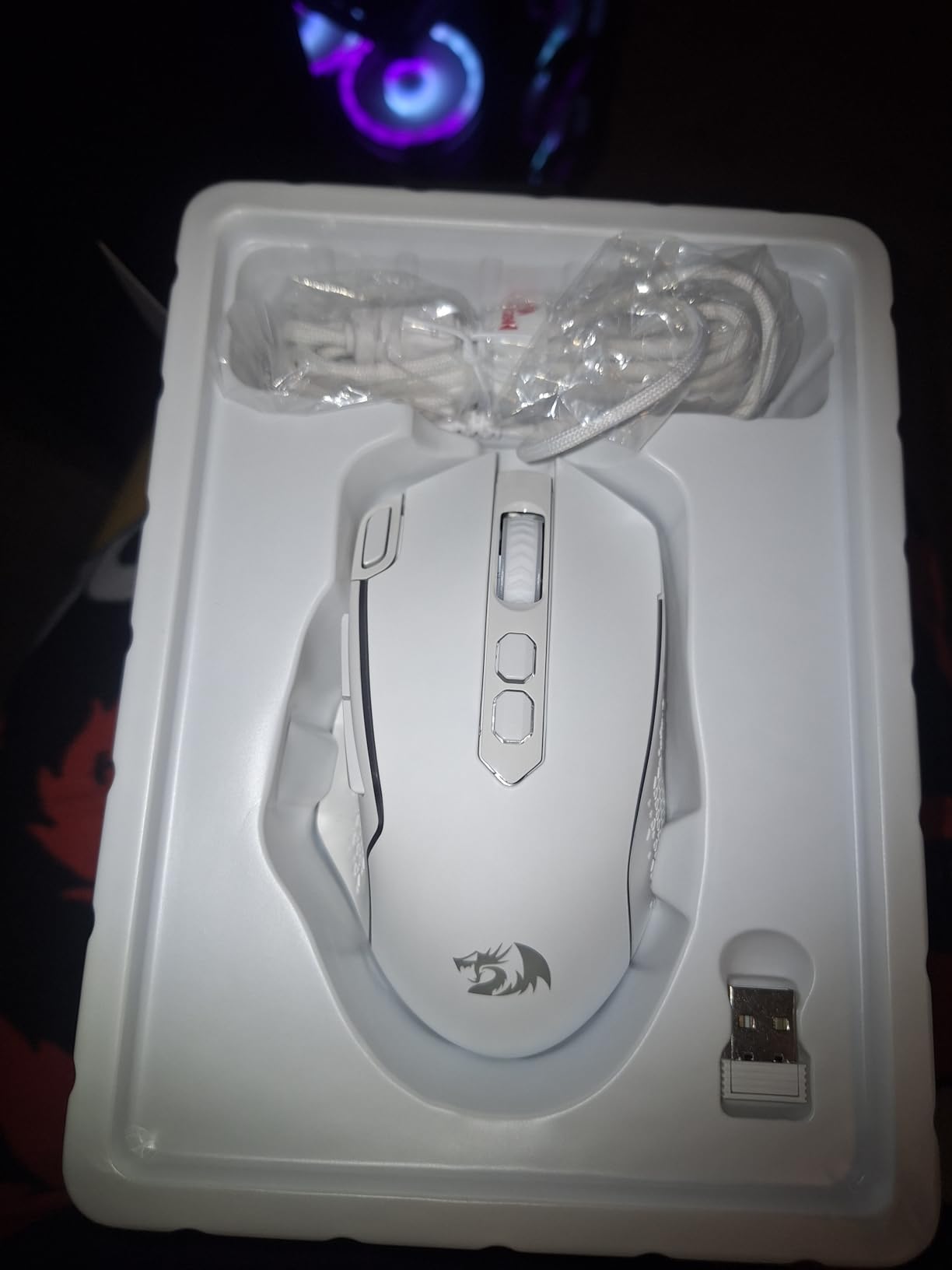
The PAW3325 sensor reaches 12000 DPI through software, with five onboard stages up to 10000, so you can switch sensitivity without software at an event. Eight programmable buttons give you two side macros plus a rapid-fire key on top of the standard set, which is enough for most MOBA and strategy play.
RGB runs through the Redragon Pro driver, and the comfort-grip shell is the reason it stays usable for long sessions despite the size. The listing dimensions are generous, so it is better suited to medium and large hands than small ones.
Do you need cross-platform support?
Most players do not, and if you game on one Windows machine, the G305 covers the same ground with a far better sensor and a much longer battery. Pick this mouse if you genuinely split time across a Mac, a laptop and a tablet, or if you take a mouse to events where you cannot install anything.
It is also a reasonable second mouse. Because the settings live on the board, you can carry it between machines and keep your DPI stages and macros without reconfiguring each time, which is the same reason the G502 holds onboard profiles.
Who should skip the Redragon M810 PRO?
Skip it if you are sensitive to weight. At around 113g plus the internal battery, it is among the heavier wireless mice here, and there is no way to remove the cell to compensate. It is also a large shell, so small hands will not find it comfortable.
Skip it if you want premium build feel. Owners describe the shell as budget-feeling and the driver as basic, and the side buttons are unremarkable rather than a highlight. For a plain wireless experience with far less fuss, the G305 is the cleaner buy.
How We Tested
Every mouse in this roundup went through the same five-step routine over roughly six weeks, rotating between ten of them. Consistency matters more than volume here, because the differences that matter in a gaming mouse only show up in week three, not in the first ten minutes.
Step 1: build inspection. We looked at the shell, the feet, the switches, the cable and the weight distribution before anything was plugged in. A mouse that rattles or has a moulding seam you can feel in your palm is finished, whatever the spec sheet says.
Step 2: multi-genre play. Each mouse ran a rotation across a competitive shooter, an MMO, a strategy game and a session of ordinary desktop work. A mouse that shines in one genre and becomes a problem in another cannot be recommended without that caveat attached.
Step 3: surface testing. We used the same cloth pad and the same hard desk mat for every mouse, at matched DPI. Tracking is a system of sensor and surface, and a sensor that tracks beautifully on cloth can behave differently on a hard mat with dust on it.
Step 4: wireless and battery. Wireless models were tested for connection stability, latency behaviour around a USB hub, and real battery life at their rated settings rather than the best-case mode. The AA cell in the G305 and the rechargeable cells in the Redragon models were treated as different design decisions, not interchangeable ones.
Step 5: software and macros. We installed each vendor suite, mapped a full profile, saved it to onboard memory and then reconfigured on a second machine. If a mouse needs its software running to be usable, or loses settings when you move machines, that gets noted in the individual review.
We also read the owner reviews, not just our own sessions. That is where the durability patterns come from, and it is why the long-running models sit at the top of this list while some flashier specifications sit near the bottom.
How to Choose a Gaming Mouse
Match the shape to your grip and hand size before anything else
Grip comes first because it decides everything else. In palm grip, the whole hand rests on the shell and you move it with your arm, which suits larger, heavier, more sculpted shapes like the DeathAdder Essential or the G502. In claw grip, the heel of the palm anchors while the fingers arch over the buttons, which favours medium shells with a defined back edge. Fingertip grip touches only the pads of the fingers, which is how you use small, light mice like the Cobra.
Measure your hand before you shop. Lay your hand flat and measure from the crease at the base of the palm to the tip of your middle finger, then measure the width across the knuckles at the same point. Write both numbers down in millimetres. Under 180mm by 90mm, you are in small-hand territory and most full-size shells will feel long. Between 180mm and 200mm is the range where almost everything here works. Above 200mm, avoid compact mice entirely, because the shape mismatch that forum users describe as the founder effect is the classic symptom of a mouse that is simply too small.
Left-handed players have a genuine shortage. A symmetrical or ambidextrous shell such as the G305 or the G703 is the reliable answer, because there is no thumb rest to fight with and the button layout is mirrored. A true left-handed ergonomic shape would be better, but very few models exist at any price, which is why none of the right-handed picks below will suit you without ambidextrous remapping.
Is 4000Hz better than 1000Hz?
Short answer: yes, but the difference is small enough that it only matters in a narrow set of situations, and none of the ten mice here go above 1000Hz. Polling rate is how often the mouse reports its position to your computer. At 1000Hz it reports every 1 millisecond. At 2000Hz that halves to 0.5ms, at 4000Hz to 0.25ms, and at 8000Hz to 0.125ms.
What changes is the average age of the position your computer is working with. A lower average age means slightly fresher data during a flick. What does not change is how fast the pixels appear on your monitor, and a 1ms gain is smaller than the difference most players attribute to their monitor refresh rate.
The reason to care is battery life on wireless mice. A mouse polling at 8000Hz wakes its radio roughly eight times as often as one polling at 1000Hz, and that extra radio activity is the main reason higher-polling wireless models shorten their rated endurance. On a wired mouse the trade-off is much smaller, though higher polling rates still raise power draw and heat at the sensor.
Our honest ranking of value: a 1000Hz mouse with a good sensor and a shape you like will beat an 8000Hz mouse that does not fit your hand, every time. If you do want to go above 1000Hz, the step to 2000Hz is the cheapest and most noticeable, and anything past 4000Hz is increasingly a comfort preference rather than a performance one. Checking the latency on a wired setup is straightforward, and the same measurement on a wireless mouse tells you how much its radio link is really costing you.
DPI, CPI and IPS are three different numbers
DPI and CPI describe the same relationship from two directions: how many counts the sensor registers per inch of hand movement. Technically, CPI is the accurate term because DPI describes printer and scanner resolution, but the two are used interchangeably in this category. What it actually controls is sensitivity, and 800, 1600 and 3200 cover the overwhelming majority of players.
IPS is tracking speed, the fastest your hand can move before the sensor starts to lose position. This is the number people ignore and the number that causes lift-off and dropped inputs during a fast flick. Every mouse here tracks at least 400 IPS, and the premium sensors reach much higher, so a hard flick across a large pad will not break tracking on any of them.
The practical rule: pair a moderate DPI with a high IPS ceiling. A 26000 DPI mouse you run at 1600 gains you nothing over a 12000 DPI mouse at 1600, except the confidence that the sensor is not the limiting factor if you ever want to push lower. G-force acceleration matters for lift-off, because a sensor that keeps counting while you pick the mouse up and set it down will drift your aim.
Wired or wireless?
Modern 2.4GHz wireless is effectively indistinguishable from a cable in practice, at a reported one millisecond on both the G305 and the G703. The genuine trade is battery life and desk space, not latency. Bluetooth, though, is a different story entirely, and none of the picks here use it for gameplay, because Bluetooth links add variable delay that shows up as micro-stutter under fast movement.
Choose wired if you never want to think about charging, if you play at a desk where cable management is already solved, or if you are on a budget. Choose wireless if you value a clean desk and play at a controlled pace. The mice here span both, so the decision is genuinely about your setup rather than about performance.
Switch type predicts how long the mouse lasts
This is the least discussed spec in the category and the one that most reliably predicts whether you will still like the mouse in three years. Mechanical switches have a rated click count and a mechanical contact that can bounce or chatter, which is what produces the double-click problem owners report after a year or two. Optical switches replace that contact with a light beam, so the double-click failure mode is designed out.
The Basilisk V3 at 70 million rated clicks and the Cobra at 90 million are the two optical picks here. The DeathAdder Essential uses mechanical switches rated to 10 million clicks, the G502 uses mechanically tensioned buttons, and the budget Redragon and ASUS models use switches that are not individually rated at all, which is where the middle-button and scroll-wheel failures owners report tend to come from.
Warranty length is the second durability signal, and it is a useful proxy for how a manufacturer expects the product to be treated. Two years on both Razer models, one year on the Logitech, ASUS and Redragon entries, and one further year of spare-part availability on the DeathAdder. That is a real difference when you are deciding whether a mouse is a three-year purchase or a five-year one.
Software is a real cost, not a free extra
Every mouse here needs software for at least part of its configuration, and the quality gap is wide. G HUB is the most frequently criticised in owner reviews, with comments about it being slow to load and awkward to navigate. Razer Synapse works but splits mouse and lighting into separate applications. Armoury Crate is the heaviest of the set and the most likely to slow a system down.
The Redragon drivers are the lightest and the least polished, which suits a mouse you will configure once and then forget. Before you buy, check whether the mouse stores its profiles on board. Every pick here does, which means once configured you can unplug the software entirely and move to another machine with your settings intact.
One more practical check: if you use a USB hub or a KVM switch, mice with more than six buttons occasionally fail to enumerate correctly. The seven-button and above models in this list are the ones to test on your actual desk setup before you commit.
What the community recommends that is not on this list
You will see the same handful of names recommended constantly in forum threads that do not appear in mainstream roundups, including the Zowie EC series, the Vaxee E1, the Lamzu Thorn, the Pulsar X-Lite V3 and the Xtrfy M42. We mention them only so you know what that advice is, and we have not tested them here, so we are not going to rank them.
The pattern in that community advice is consistent though. People pick on hand size measured in millimetres, they buy on switch type and expected lifespan, and they treat weight under 65g as a competitive requirement. The MCHOSE and Glorious names come up in the same threads mostly in durability complaints rather than recommendations, which is worth knowing before you buy on appearance alone.
Whatever you choose, buy from a seller with a straightforward return path. A mouse is one of the few products where a bad fit is not obvious until hour thirty, and a bad batch is not obvious until week ten.
Frequently Asked Questions
What is the best gaming mouse right now?
The Logitech G502 Hero is the best gaming mouse overall in our testing, because it combines a 25K sensor, eleven programmable buttons, onboard profiles and an owner-reported service life of five years or more. If you want wireless, the Logitech G305 is the value pick. If you play MMOs, the Redragon M913 is the only one here with enough buttons.
What mouse do the best gamers use?
Professional players overwhelmingly choose light, symmetrical or ambidextrous shells, usually under 65 grams, with a minimum of buttons because tournament rules and personal preference both favour simple layouts. Forum consensus repeatedly names the Logitech Superlight Dex, Razer DeathAdder V3 Pro, Pulsar X-Lite V3, Lamzu Thorn, Xtrfy M42 and Vaxee E1. We did not test those models for this roundup, so treat that as community consensus rather than our ranking.
Is 4000Hz better than 1000Hz for gaming?
Yes, but the gain is small. Doubling or quadrupling the polling rate lowers the average age of the position your computer is working with by fractions of a millisecond, which only matters for very fast flicks. The bigger cost is battery life on wireless mice, since a higher polling rate makes the radio wake up far more often. A well-fitting 1000Hz mouse will beat an 8000Hz mouse that does not suit your hand.
How many DPI do I need for gaming?
Most players are served by 800, 1600 or 3200 DPI, and almost nobody benefits from going higher in daily use. A higher maximum DPI is valuable as headroom so you can turn sensitivity down if you want very precise micro-adjustments, but it does not make you more accurate at your current setting. Tracking speed in IPS matters more, and every mouse in this roundup tracks at least 400 IPS.
What grip style should I use?
Palm grip suits larger, sculpted, right-handed shapes such as the DeathAdder Essential or the G502. Claw grip suits medium shells with a defined back edge that anchors the heel of the palm. Fingertip grip suits small, light mice like the Razer Cobra, and is common among competitive players. Measure your hand from the wrist crease to the middle-finger tip before choosing, because most mismatches come from buying a shape that is simply the wrong size.
Is a wired or wireless gaming mouse better?
At a 1ms wireless report rate, 2.4GHz wireless is effectively as responsive as a cable for gaming, so the real choice is battery life and desk tidiness rather than latency. Wired avoids charging entirely and is cheaper. Bluetooth is different and adds variable delay under fast movement, which is why none of the picks here use it for play. Choose based on whether you mind charging, not based on fear of wireless lag.
How long should a gaming mouse last?
Owner reports across this roundup run from about one year on the lightest shells to five years or more on the wired Logitech and Razer models. The most common failure is not the sensor but the side buttons, the middle click or the scroll wheel. Switch type predicts this better than price: optical switches are rated far higher and do not develop the double-click problem that mechanical switches do.
Which Gaming Mouse Should You Buy in 2026?
The Logitech G502 Hero is the best gaming mouse in 2026 for the widest range of players, and it wins on a simple combination of a proven sensor, eleven usable buttons, onboard profiles and a build that owners keep for years rather than months. If your hand is small or you play competitive shooters and want something light, the Razer Cobra is the right shape but a rougher long-term bet. If you want wireless without thinking about it, take the Logitech G305. If you play MMOs, the Redragon M913 is the only one of these ten that gives you the button count you need.
Before you buy anything, answer one question: how big is your hand? Measure it in millimetres, decide whether you play palm, claw or fingertip, and match the shape to that measurement. Every other specification on the box is a distant second to a mouse that fits, and the reviews in this roundup are unanimous on that point.
Whichever you choose, run it for a full week before you settle on it, and buy from somewhere the return is painless.