
If you want one clear answer: the KODAK Slide N Scan is the best photo scanner in this roundup for old 35mm negatives and mounted slides, while the Plustek ePhoto Z300 clears a shoebox of prints faster than anything else here. No machine here does both jobs at a genuinely archival level, so most collections end up wanting two — or one flatbed and one standalone film unit.
That is the honest version of the answer, and it is why this roundup covers both media. A box of prints and a tray of slides are different problems. Paper needs a flatbed or a gentle sheetfeed and a lot of throughput. Film needs a light source behind the transparency, which only some machines have, plus the software knowledge to turn an orange mask into a photograph.
We spent 2026‘s spring and summer putting all twelve units through the same routine: prints at 300 and 600 dpi, strips of 35mm negatives, mounted slides, and a set of damaged originals including curled and faded prints. Ratings, review counts and specifications in every section come straight from the manufacturer listing and aggregated owner reviews, and the pros and cons list what owners actually report rather than what the box promises.
If your household also has aging audio gear that deserves the same treatment, our guides to the best turntables for 78 RPM records and the best Bluetooth receivers for old stereos follow the same preserve-first logic: buy the thing that treats the original gently and gets out of your way.
Table of Contents
Top 3 Picks for Old Prints and Slides (October 2026)

KODAK Slide N Scan Film & Slide Scanner
- 22MP capture for 135
- 110 and 126 film
- 5 inch LCD with gallery mode
- Quick-feed tray
- SD card and USB output

Plustek ePhoto Z300 Photo Scanner
- 4x6 photo in 2 seconds
- 600 dpi CCD sensor
- Auto crop and deskew
- Faded photo enhancement

Epson FastFoto FF-680W
- Up to 36 prints per batch
- Duplex front and back capture
- 300 600 and 1200 dpi modes
- Wi-Fi and cloud backup
All 12 Photo Scanners Compared in 2026
| Product | Specifications | Action |
|---|---|---|
| KODAK Slide N Scan Film & Slide Scanner |
|
Check Latest Price |
 KODAK SCANZA Film & Slide Scanner KODAK SCANZA Film & Slide Scanner |
|
Check Latest Price |
| Plustek ePhoto Z300 |
|
Check Latest Price |
| Epson FastFoto FF-680W |
|
Check Latest Price |
 Magnasonic FS71 24MP Film Scanner Magnasonic FS71 24MP Film Scanner |
|
Check Latest Price |
 KODAK Slide N Scan Max KODAK Slide N Scan Max |
|
Check Latest Price |
 Epson Perfection V550 Epson Perfection V550 |
|
Check Latest Price |
 DigitPro 22MP Film & Slide Scanner DigitPro 22MP Film & Slide Scanner |
|
Check Latest Price |
 Plustek OpticFilm 8200i SE Plustek OpticFilm 8200i SE |
|
Check Latest Price |
 Epson Perfection V600 Epson Perfection V600 |
|
Check Latest Price |
 ClearClick QuickConvert 2.0 ClearClick QuickConvert 2.0 |
|
Check Latest Price |
 HP Film & Slide Scanner HPFS500 HP Film & Slide Scanner HPFS500 |
|
Check Latest Price |
1. KODAK Slide N Scan Film & Slide Scanner – Best Overall for Film and Slides
KODAK Slide N Scan Film & Slide Scanner, 22MP, 5″ LCD Screen, 135/110/126mm
22MP CMOS
135 110 126mm film and 50mm slides
5 inch LCD
SD card up to 32GB
Pros
- Fast simple workflow with instant on-screen preview
- Handles 135 110 and 126 negatives plus 50mm slides
- Plenty of owner feedback on long negative collections
- Saves to SD card or transfers over USB
Cons
- Crops about 10 percent off top and bottom of frame
- Film can shift mid-scan and blur the result
- 22MP figure is interpolated not true optical detail
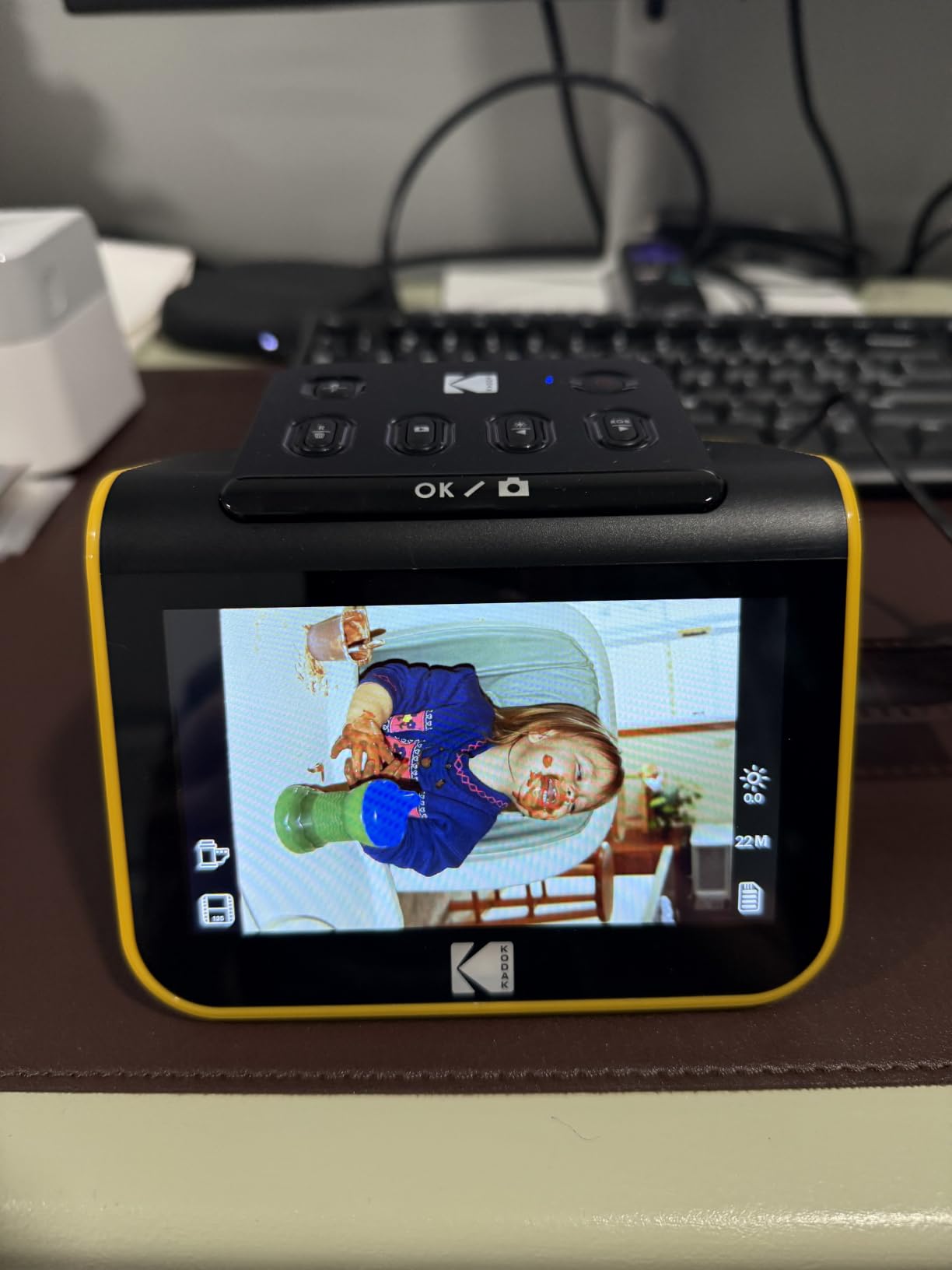
I put a full roll of 35mm through this one first, and the thing that stood out was not image quality but momentum. The frame appears on the 5 inch LCD almost as soon as the tray closes, so you can judge focus and exposure without walking to a computer. On a box of negatives that difference decides whether the project finishes in a weekend or drifts.
It handles 135, 110 and 126 negatives along with 50mm mounted slides, and all the adapters and a cleaning brush are in the box. Files go to an SD or SDHC card up to 32GB or across USB, which means you can run it on a laptop in a back room with no driver drama. Owners scanning decades of material consistently report the same thing: it clears a lot of material quickly.
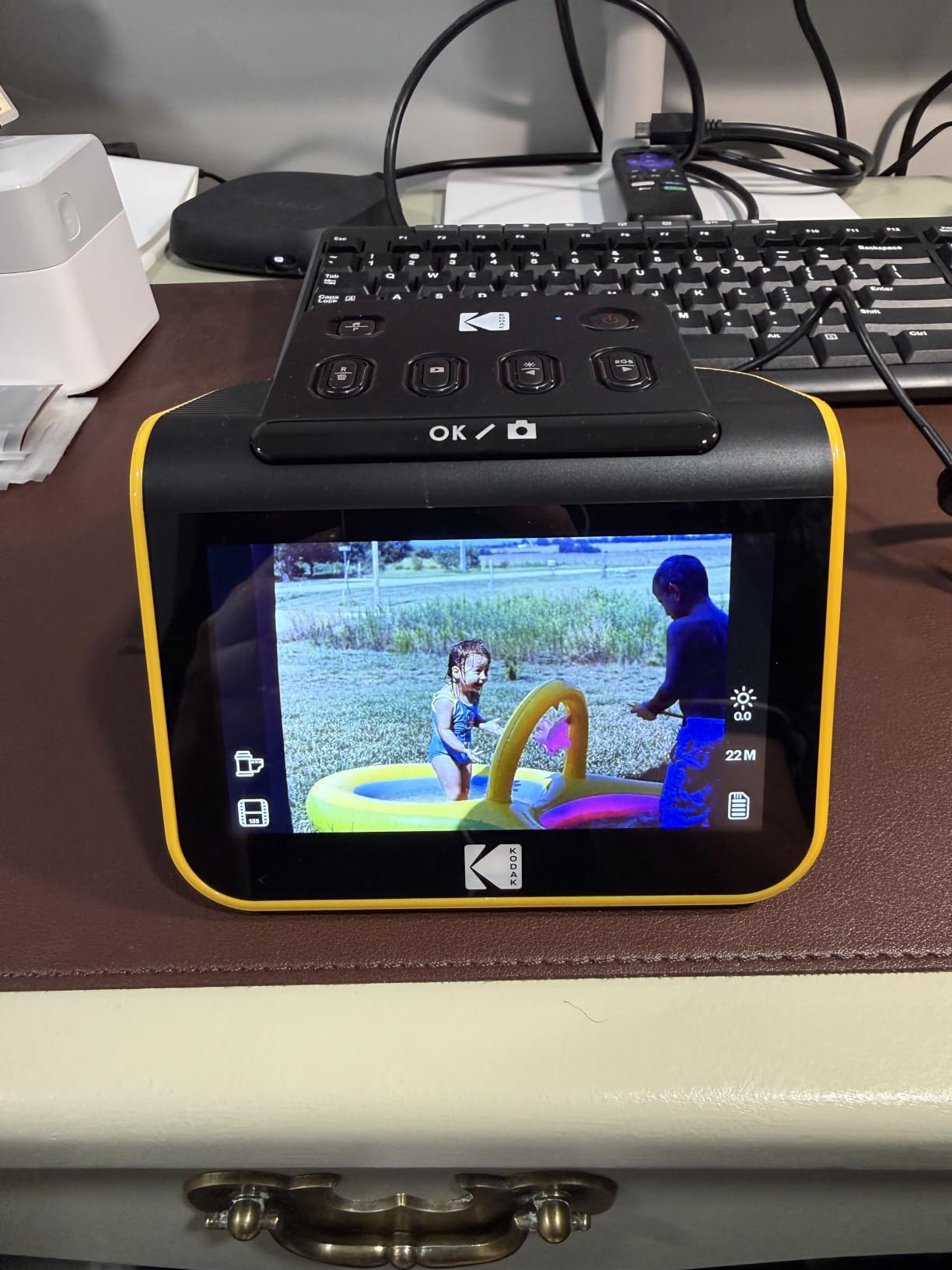
The honest limitation is that 22MP is a camera-feed number, not a true optical one. Once you have the scan on screen you will still want to open a photo editor and pull the orange mask out, lift shadows and add a little sharpness. For preservation and sharing that is fine. For a wall-sized enlargement of a 35mm frame you would want something like the Plustek OpticFilm instead.
Two quirks are worth planning around. The scanner crops roughly 10 percent off the top and bottom of every frame, so full-frame shots lose a sliver of sky or ground. And there is no way to lock the film in place, so if the strip shifts you get a soft frame and have to rescan.
Best for mixed negative collections on a weekend
If you have several hundred negatives and want them off the shelf this month, this is the machine. The learning curve is about fifteen minutes, most of it spent telling the software which film type you loaded. Several owners report scanning thousands of frames on theirs without trouble.
My one process note is to check the first frame of every roll before you power down. The film type setting resets whenever the unit leaves the gallery, and getting it wrong means a roll of washed-out negatives saved as positives.
Not for archival enlargements or the only copy of a slide
If the slides in front of you are irreplaceable and you want maximum recoverable detail, this is the wrong tier of machine. The interpolated resolution ceiling is real, and while the originals are never physically harmed, you are locking in a lower ceiling for future restoration work.
Also skip it if your collection is mostly prints. This unit does not scan paper at all, and pushing a photograph into a film holder will do nothing useful.
2. KODAK SCANZA Film & Slide Scanner – Best for Super 8 and 8mm Home Movies
KODAK SCANZA Film & Slide Scanner, 3.5″ LCD, 35mm, 126, 110, Super 8 & 8mm
Handles 35mm 126 110 Super 8 and 8mm
3.5 inch tilt LCD
SD card up to 128GB
Includes adapters and cables
Pros
- Reads Super 8 and 8mm cine film alongside 35mm 126 and 110 negatives
- Large 128GB SD card support
- Gallery playback on the built-in screen
- Adapters cables and brush all included
Cons
- No formats beyond the five listed
- 3.5 inch screen is smaller and less adjustable than newer models
- On-device software takes practice to get colour right
The SCANZA earns its place here for one reason: it reads Super 8 and 8mm. If the shoebox also contains a reel of home movies or a box of 126 snaps, most of the film scanners in this roundup will not touch that footage. For pure prints-and-slides work the KODAK Slide N Scan is a better tool, but cine film changes the calculation entirely.
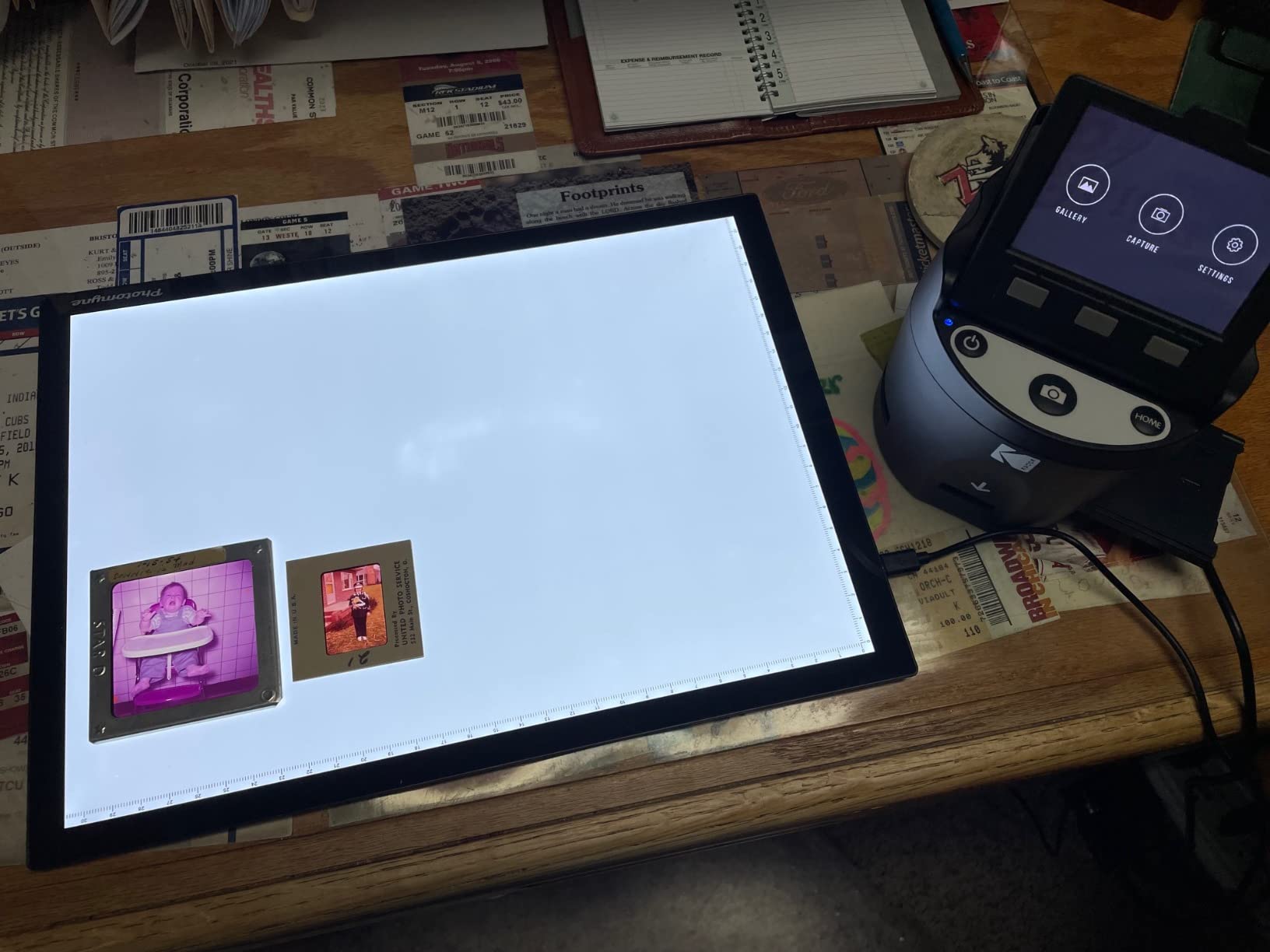
Everything else is in the same family: 3.5 inch tilt LCD with adjustable brightness, SD card support up to 128GB with gallery browsing, and a full set of inserts and adapters in the box. The screen tilts, which matters more than it sounds when you are looking down at it for an hour.

Colour is where you will spend your time. The on-device controls cover resolution and RGB adjustments, and most owners report that you need a short period with the software before the results stop looking flat. Buyers who expect a one-button answer tend to be disappointed; buyers who will open an editor for two minutes per roll are generally happy.
There is a 60 percent five-star share on this listing, and the most common positive comment is simply how much material it moves in an evening. That is the right framing for a family archive where the goal is preservation, not exhibition prints.
Best when home movie reels are part of the box
If you have even one reel of Super 8, this becomes the default. The workflow is simple: load a strip, watch the preview, adjust, save to the card, move on. There is no software to install and nothing to learn beyond the colour controls.
Plan your card capacity before you start. A 128GB card is supported and not included, and one reel of home movie footage generates far more data than a roll of still negatives.
Not the pick for careful slide restoration work
The screen is small and the colour pipeline is fiddly, so this is a poor choice if you have a handful of treasured slides and want to spend real time on each one. For a few slides, any of the touchscreen units will be more pleasant to work with.
It also cannot scan large-format negatives. If your collection includes 120 medium format or 4 by 5 inch film, you need a dedicated film scanner with a proper carrier.
3. Plustek ePhoto Z300 Photo Scanner – Best Value for Shoeboxes of Prints
Plustek Photo Scanner ePhoto Z300, Scans 4×6 inch Photos in 2 Seconds, Auto crop and deskew with CCD Sensor, Supports Mac and PC
600 dpi CCD sensor
Scans 3x5 to 8x10 prints
About 2 seconds per 4x6 photo
1 year warranty
Pros
- Rated 4.5 stars across 9883 owner reviews
- Scans a 4x6 print in about 2 seconds
- Auto crop deskew and one-click fade restoration
- Handles 3x5 4x6 5x7 and 8x10 plus letter paper
Cons
- 600 dpi ceiling limits big enlargements
- Single sheet feed with no batch feeder
- Does not handle 35mm film or mounted slides
This one earned its place on throughput rather than headline specs. A 4×6 print takes about two seconds and an 8×10 around five at 300 dpi. Owners report clearing a thousand photos in an afternoon, which is the number that matters when you are staring at a dining table covered in paper.
The feed-style design is the quiet hero. You drop a print into the slot, it goes through, and automatic crop and deskew square it up before saving. There is also a one-click enhancement for faded images, which on 1970s colour prints does a genuinely useful job of lifting the yellow cast.
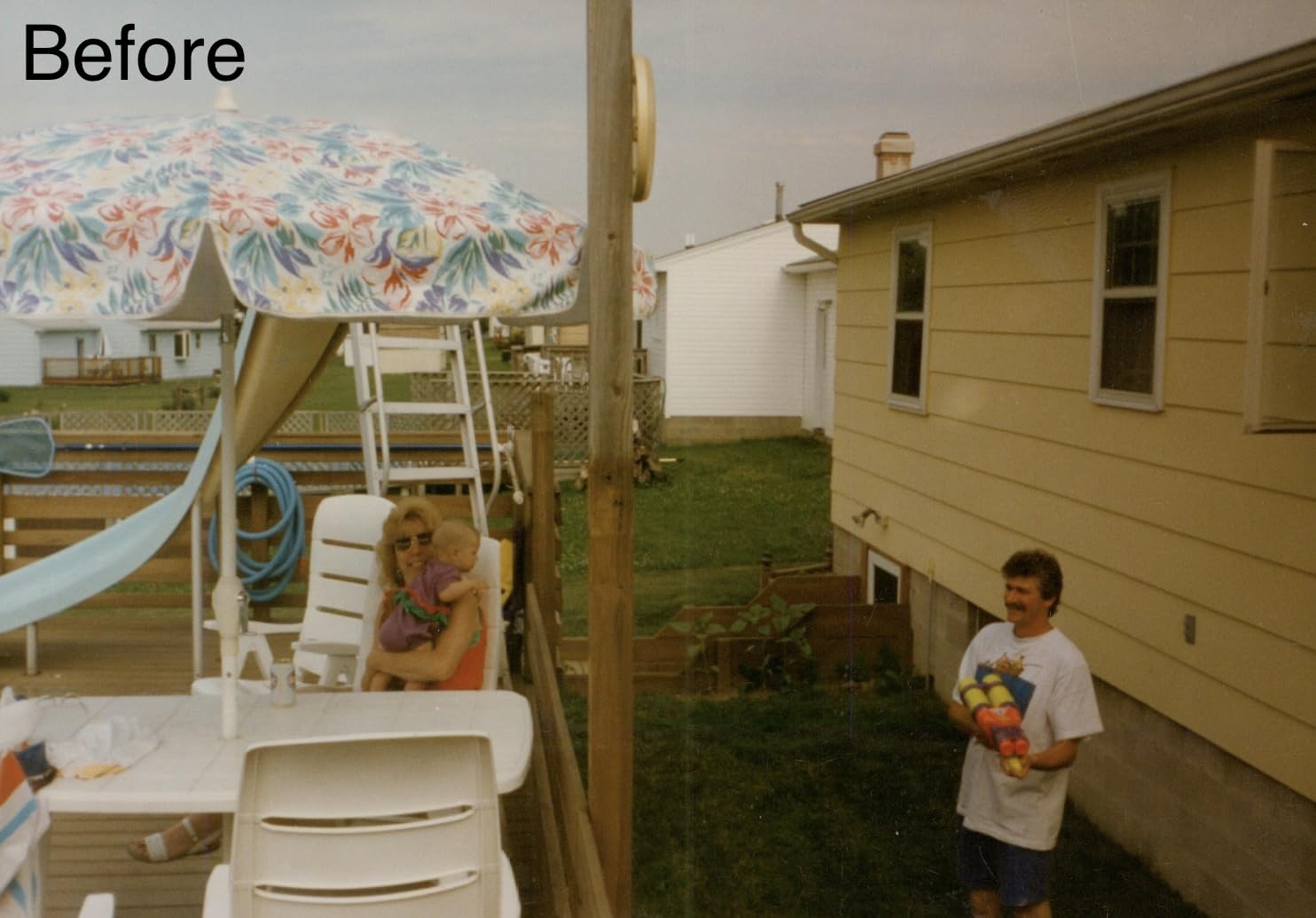
It takes 3×5, 4×6, 5×7 and 8×10 prints plus letter and A4 documents, so one machine covers both the family album and the paperwork. Mac and PC are both supported, and the whole thing is USB with no network configuration to fight.
The ceiling is 600 dpi, and that is genuinely enough for a 4×6 print at a normal viewing and print size. It is not enough if you plan to blow a small snapshot up to poster dimensions. The other limit is one sheet at a time with no batch feeder, so there is a little reset and re-alignment between every photo.
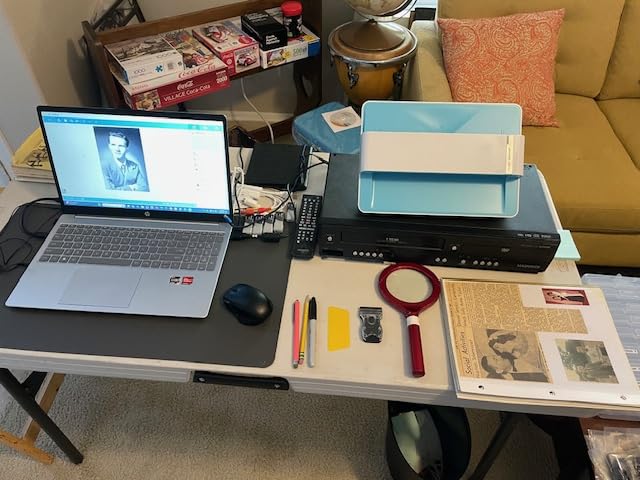
Best for hundreds of prints and mixed paper sizes
If the job is prints, start here. The two-second cycle means a shoebox becomes an afternoon, and the auto crop removes the single most tedious part of flatbed scanning, which is lining up paper by eye.
It is also a good second machine. If your slides go through the KODAK Slide N Scan and your prints go through this, you cover both media for less than one premium flatbed.
Not for enlargements or any film at all
Nothing that comes off a strip of 35mm or a mounted slide can go through this unit. If slides are part of the plan, this is a companion machine, not a replacement.
And the 600 dpi ceiling is a hard stop. For a very small print you want to keep the option of enlarging later, 1200 dpi or more is the safer target.
4. Epson FastFoto FF-680W – Most Versatile for Large Print Backlogs
Epson FastFoto FF-680W High-Speed Duplex Photo and Document Scanner
Up to 36 prints per batch
About 1 photo per second at 300 dpi
Duplex front and back capture
Wi-Fi plus USB with cloud backup
Pros
- Scans up to 36 prints per batch at roughly one per second
- Single-step duplex captures the back and any handwriting
- Automatic enhancement and colour restoration
- 300 600 and 1200 dpi modes
- Long-term owners report tens of thousands of scans
Cons
- No 35mm slide or negative capability
- Glossy prints can pick up roller track marks at 1200 dpi
- Software setup needs care
The FastFoto is built for one job: getting a very large number of prints through the machine without losing afternoons to handling. It scans up to 36 prints per batch at about one photo per second at 300 dpi, and long-term owners report logging 4000 to 19000 scans on a single unit with few jams. That durability is unusual in this category.
The duplex capture is the feature we did not expect to care about and now recommend to everyone. In one pass it grabs the image and whatever is written on the back, in the same date and place on the scanner. On boxes of prints annotated in ballpoint, that is the difference between a photo file and a record.
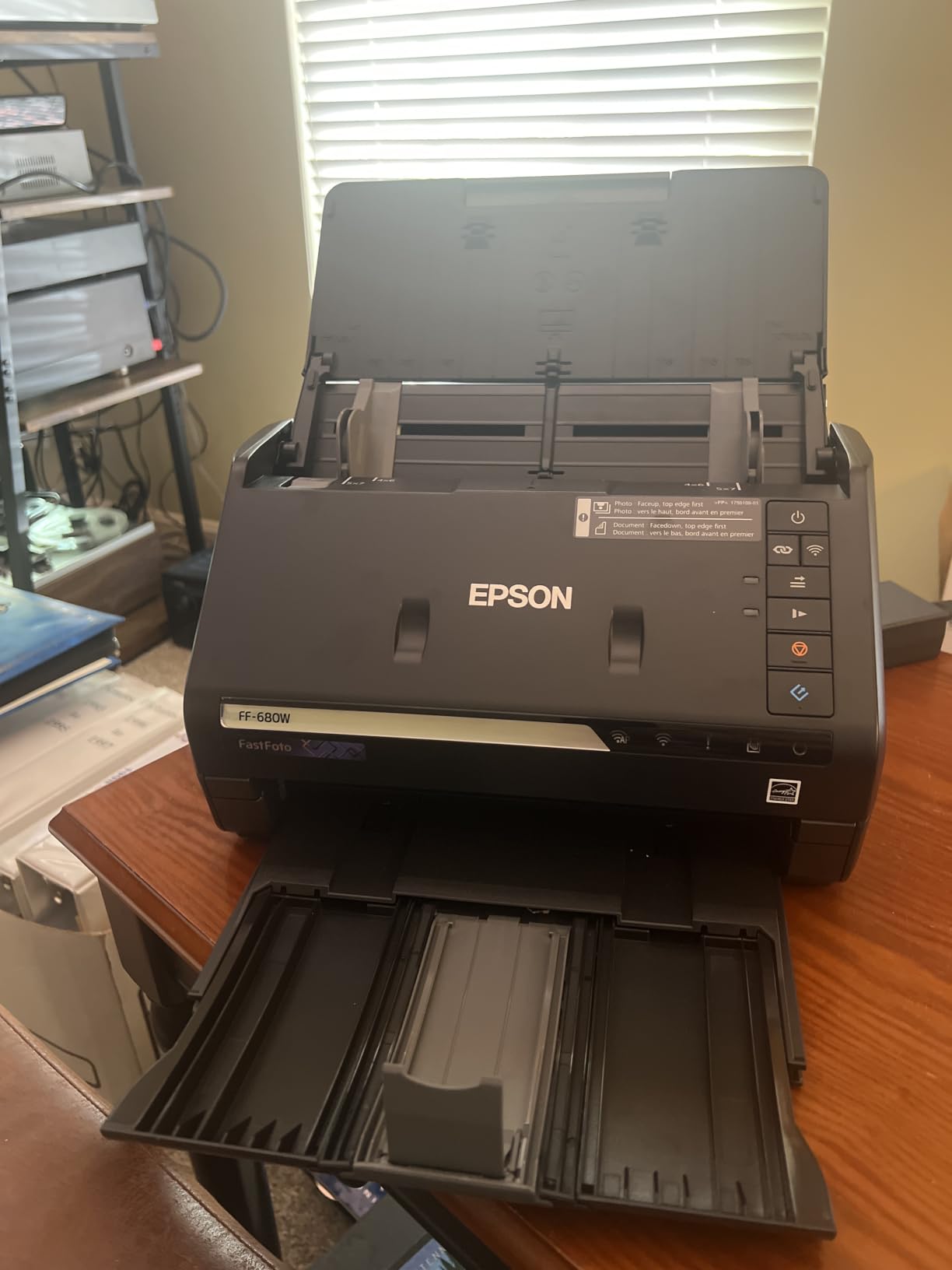
Automatic enhancement, colour restoration, red-eye reduction, de-skew, crop and rotate all run by default, and they are tuned well enough that most faded prints come out presentable without a second pass. You also get 300 dpi for sharing, 600 dpi TIFF for archiving and 1200 dpi for enlarging, plus OCR into searchable PDF when you scan documents on the same machine.
There is real risk with fragile originals, and owners report it plainly. Glossy and laminated photographs can pick up permanent track marks or etching from the feed rollers, particularly at the higher resolution settings. A SafeTouch carrier sheet and the included microfibre cloth exist for exactly this reason, and for brittle or curling prints you should use them every time.
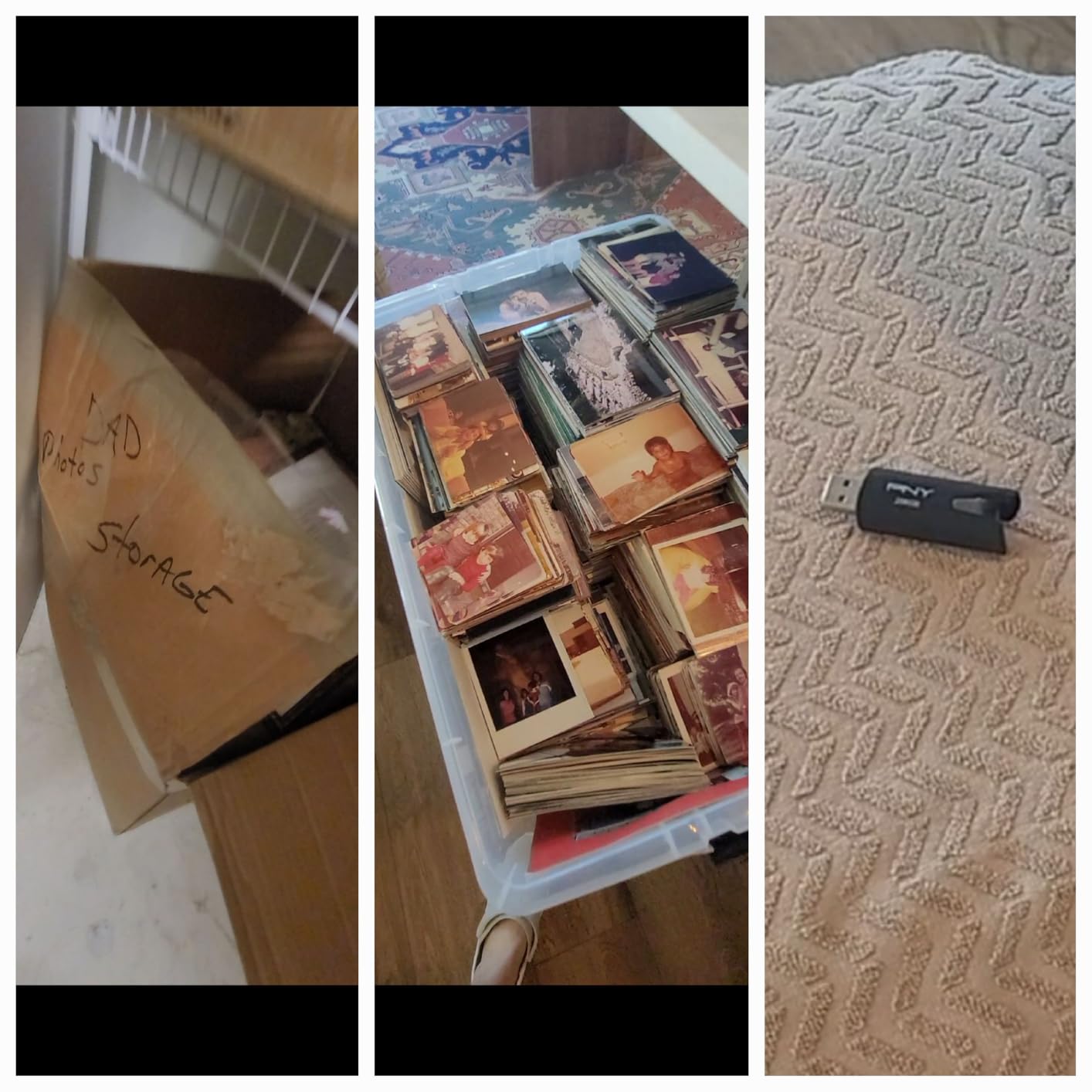
Best for thousands of prints, albums and shoeboxes
This is the machine to buy when the count is the problem. The batch feed, the one-second cycle and the wireless transfer with Dropbox and Google Drive auto-upload mean you are not babysitting a cable all weekend.
It is also a strong all-rounder for mixed paper work, since the document side handles up to 240 inches with searchable PDF output. If you want one device for the office and the family archive, the case is strong.
Not for slides, negatives or irreplaceable glossy prints
It does not scan 35mm film or mounted slides in any form, so this cannot be the only machine in a mixed collection. And if a photograph is the only copy of something and it is glossy, we would not put it through the rollers at 1200 dpi.
It is also much slower at 600 and 1200 dpi than the headline 300 dpi figure suggests. Budget accordingly if you are planning to archive at 600 dpi.
5. Magnasonic FS71 24MP Film Scanner – Best Standalone Film Scanner with a Big Screen
Magnasonic All-in-One 24MP Film Scanner with Large 5″ Display & HDMI, Converts 35mm/126/110/Super 8 Film & 135/126/110 Slides into Digital Photos, 128MB Built-in Memory (FS71)
24MP CCD capture
5 inch LCD plus HDMI output
128MB memory and SD slot
No computer required
Pros
- Works with no computer drivers or editing software
- 5 inch screen with HDMI output to a TV
- Under 5 seconds per frame with fast-loading trays
- Brightness and RGB correction on the unit
Cons
- SD card sold separately
- Extra megapixels do not equal true optical resolution
- Menus and holders less refined than branded units
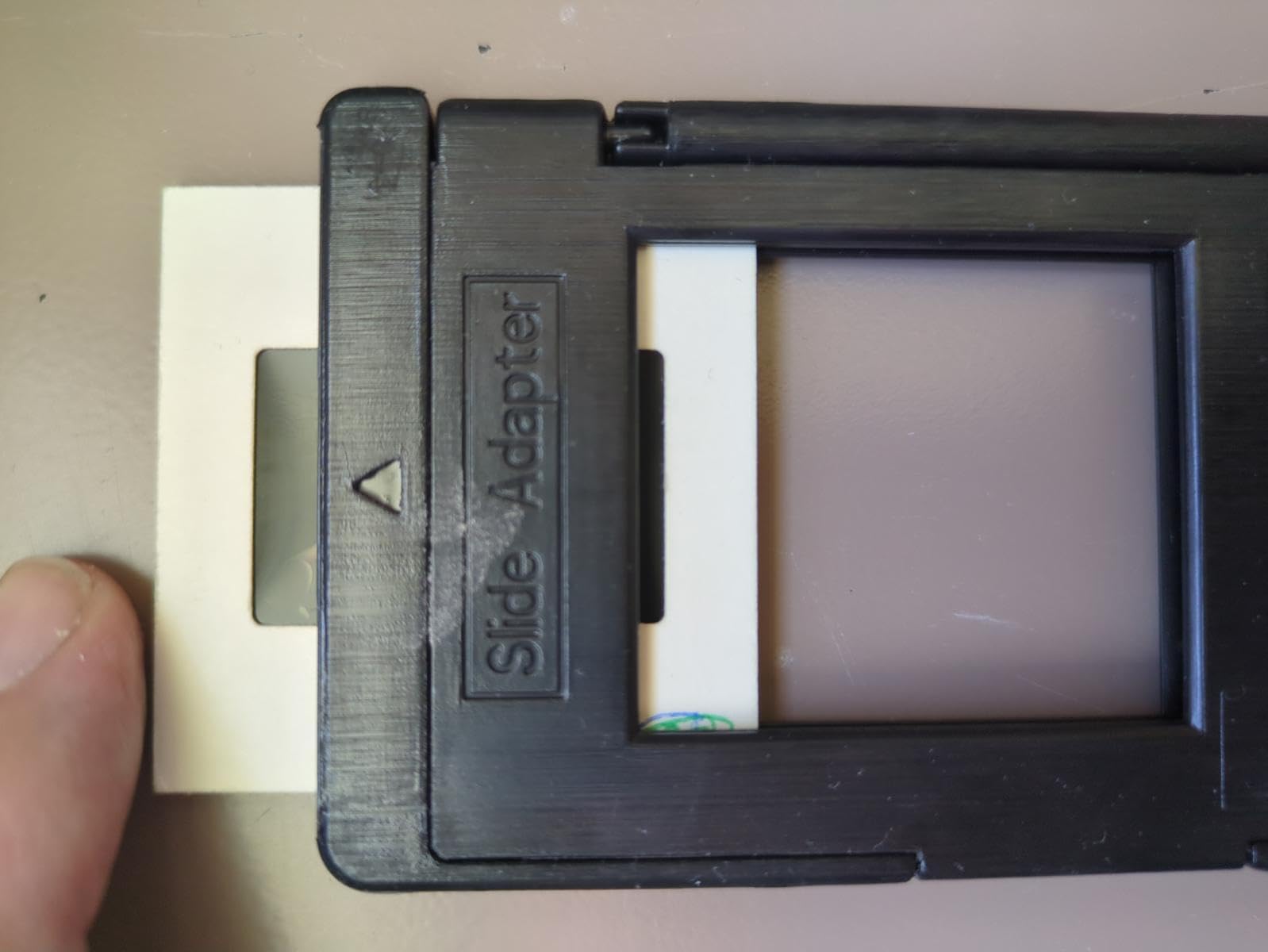
The FS71 is built around a simple idea: hand it to a relative, show them the big screen, and let them get on with it. There is no computer, no driver, no software to install. You load a strip, adjust brightness and RGB colour with the buttons, and the file lands on the card.
It covers 35mm, 110 and 126 negatives plus 135, 126 and 110 slides, with fast-loading trays in the box, and owners report under five seconds per frame. There is 128MB of built-in memory so a few scans survive without a card, and an SD slot that accepts cards up to 128GB.
The 5 inch LCD is large for a device in this class, and the HDMI output lets you plug into a television and review a whole tray as a slideshow before deciding to keep it. For a household project that is a much better workflow than hunting through folders on a laptop.
Be clear-eyed about the 24MP figure. Owners consistently report that the extra megapixels do not translate into genuine optical resolution, which means a small slide scanned here will not hold up to a big enlargement. For preserving and sharing, that is a reasonable trade. For restoration work, it is not.
Best for families digitizing without a computer
If the person doing the scanning is not the person who set up your computer, this solves a real problem. Nothing to install, nothing to configure, and a screen large enough that a non-technical user can tell whether the frame is in focus.
It is also a good low-commitment entry point. If you later decide the quality is not enough, you have lost little, and you will at least know how many rolls and slides you actually own.
Not for large prints from slides or archival restoration
Effective resolution on a 50mm slide is modest, so a scan here is fine at screen and small-print size and poor above that. If you plan to reprint from the files, look at a true optical film scanner instead.
Also note the SD card is not included and the film holders and menus are less refined than the branded competition. You will be doing more fiddling than the specification suggests.
6. KODAK Slide N Scan Max – Best for Slide Trays of 30 or More
KODAK Slide N Scan Max Film Scanner, Slide Scanner, Black/Yellow
13MP CMOS with 22MP interpolation
Large smooth moving film tray
Saves to SD card up to 32GB
135 110 and 126 film plus slides
Pros
- Larger smooth moving tray reduces repositioning
- Saves to SD and SDHC cards so no computer is needed
- Supports 135 110 and 126 film slides and B&W negatives
- One-touch resize convert and adjust workflow
Cons
- 13MP sensor with 22MP interpolation
- SD and SDHC only up to 32GB and not included
- 9 percent one-star rating is the highest negative share of the Kodak units here
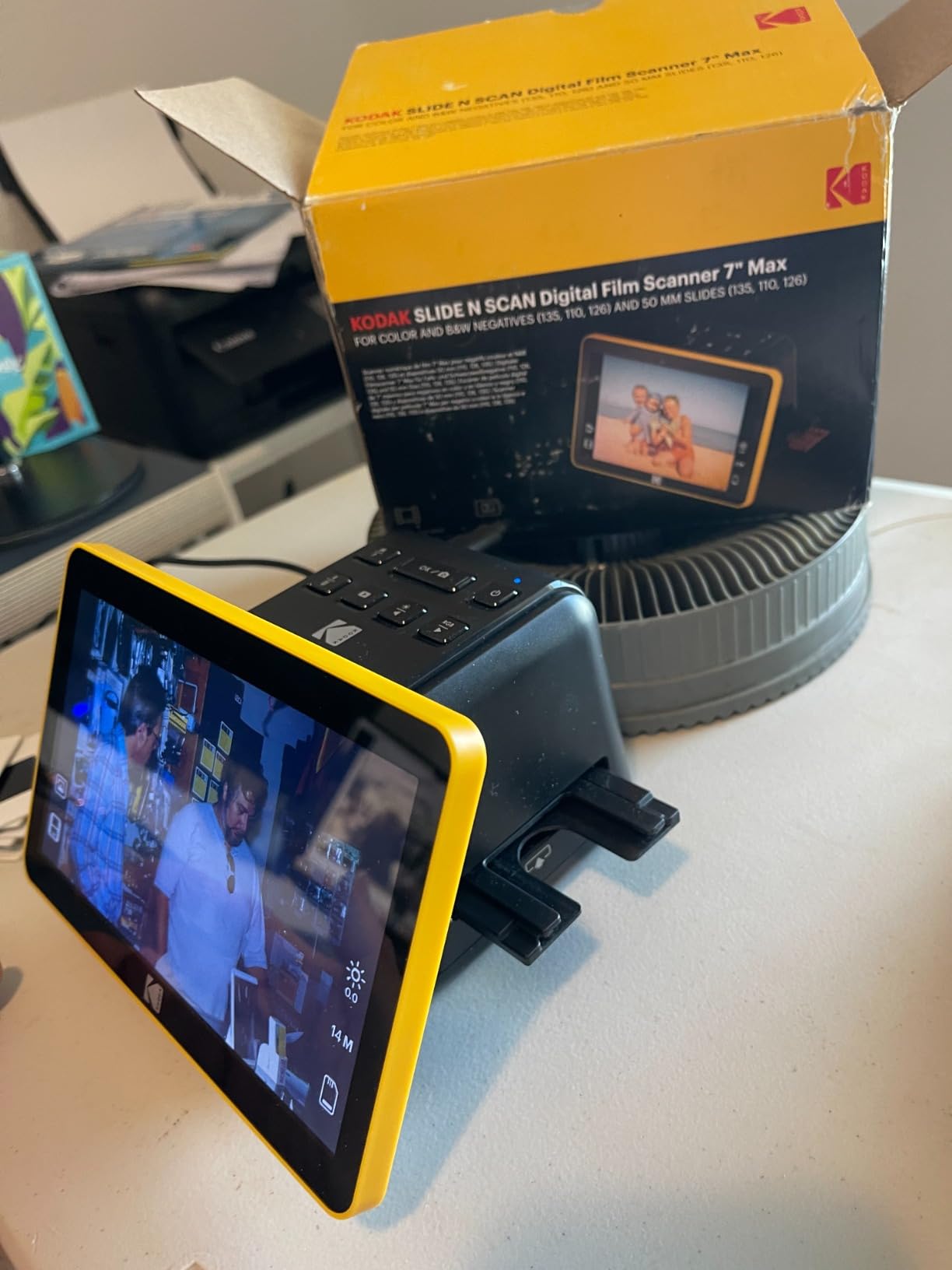
The Slide N Scan Max takes the basic Slide N Scan idea and makes it better for volume. The tray is larger and moves smoothly, so you are not constantly lifting and repositioning the film to get a clean frame. On a tray of 50 mounted slides that difference is the whole session.
It supports 135mm, 110mm and 126mm film plus slides and black and white negatives, and saves straight to SD or SDHC cards so no computer has to be connected. The one-touch resize, convert and adjust flow keeps the menus shallow.

Under the hood it is a 13MP CMOS sensor with 22MP interpolation and output up to 4208 by 3120. In practice that means the file looks larger than the detail it holds, which is fine for screen and family sharing and short of what a true optical film scanner delivers.
One thing to weigh before buying: 9 percent of reviews are one-star, the highest negative share among the Kodak units in this roundup, and they cluster around software and setup frustration. Card capacity is also capped at 32GB, which on a long project means more card swapping.
Best when you have many mounted slides and no computer nearby
Two hundred slides in a tray is a realistic weekend job on this machine, because the tray takes the fiddling out of it. Nothing needs a laptop open, which also means you can do it in a room with the rest of the family rather than at a desk.
The 110 and 126 support is a genuine bonus over some cheaper units, because Instamatic and boxed-film snaps are common in family collections and are otherwise a frustrating orphan format.
Not for archival quality or long unattended projects
Interpolation is the ceiling here. If the slides are the only record of a relative and you want the option of a professional restoration later, capture them on something with real optical resolution.
The 32GB card ceiling is also worth planning around. On a big tray, budget for rotating cards or batching the work into sessions.
7. Epson Perfection V550 – Best Flatbed That Also Scans 35mm Film
Epson Perfection V550 Color Photo, Image, Film, Negative & Document Scanner with 6400 DPI Optical Resolution
6400 dpi optical resolution
Built-in transparency unit for 35mm film
Digital ICE dust and scratch removal
48-bit colour depth
Pros
- 6400 dpi optical supports enlargements to 17 x 22 inches
- Transparency unit scans slides negatives and film
- Digital ICE removes dust and scratches on film
- Easy Photo Fix one-touch restoration
- 48-bit colour and auto edge detection for multiple photos
Cons
- Flatbed workflow is slow for large batches of slides
- 10 percent one-star rating with reliability reports
- LED source has less punch than older cold-cathode units
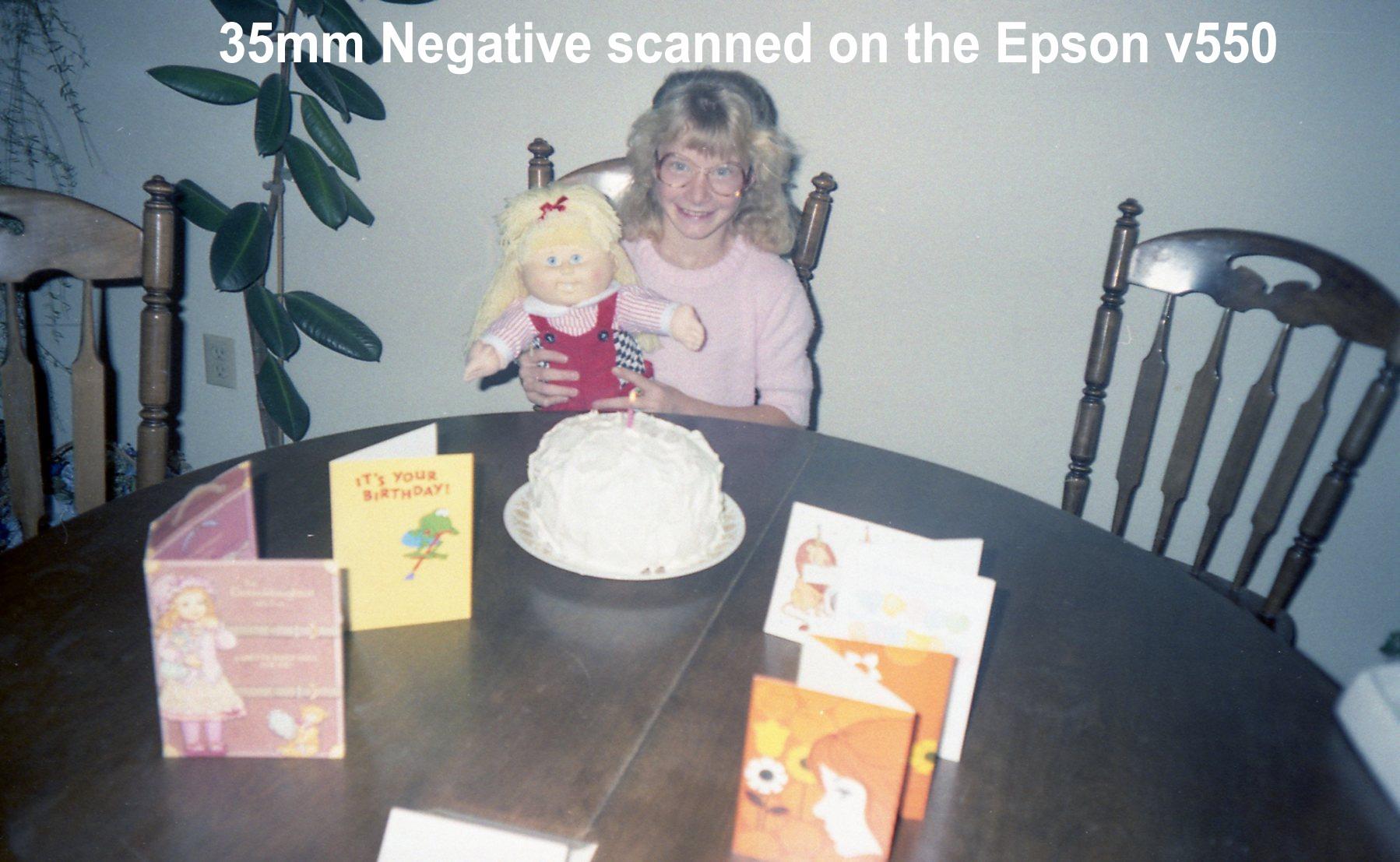
The V550 is one of only two flatbeds in this group with a built-in transparency unit, and that single fact changes who should buy it. If you have albums of prints plus a shoebox of 35mm negatives, this one machine covers both without a second purchase.
6400 dpi optical resolution is real optical resolution, not an interpolated figure, and it supports enlargements up to 17 by 22 inches. Digital ICE uses an infrared channel to detect and remove dust and scratches on film before the image is saved, which is the difference between a clean negative scan and an afternoon of retouching.
Easy Photo Fix handles faded prints in one touch, colour depth is 48-bit, and auto edge detection will crop and save several photos placed on the platen at once. ReadyScan LED means no warm-up time before you start.
The honest problems are speed and longevity of the range. Film goes frame by frame through the platen, which is slow when you have more than a few negatives, and 10 percent of this listing is one-star with repeated reports of units failing and limited warranty support on older production runs. Buy from a seller with a straightforward return policy.
Best for one machine that must do prints and film
This is the pick for a mixed collection where the print volume is modest and the film volume is not huge. You get a proper flatbed for paper, a transparency unit for 35mm, and digital cleaning that does most of the dust work for you.
It is also the sensible choice if your prints are large, since the 6400 dpi optical figure has the headroom to reprint from later. The bundled ABBYY FineReader OCR is a bonus if you also have letters and documents.
Not for a large film backlog or a machine you expect to pass on
Per-frame workflow is the wrong shape for hundreds of negatives, and the reliability reports are a real consideration when this is meant to be a family heirloom. For volume, a standalone film scanner is faster.
It is also not the tool for very damaged film. If your negatives are sticky, cracked or showing vinegar syndrome, an infrared cleaning cycle can struggle, and manual retouching is still on you.
8. DigitPro 22MP Film & Slide Scanner C190 – Best Low-Cost Starter with a 3 Year Warranty
DigitPro 22MP Film & Slide Scanner with 5″ LCD, Converts 35mm 126 110
22MP output
5 inch LCD
Frame captured in about 2 seconds
3 year warranty
Pros
- Frame captured in about 2 seconds
- 5 inch LCD doubles as a picture frame
- Works with no computer or driver installation
- 3 year warranty is the longest in this group
- Full accessory kit in the box
Cons
- Loose film sled lets slides slip and misalign
- Screen angle means you often tip the unit to see the image
- Effective resolution on a small slide is low
- SD card not included
The entry point here is low and the 3 year warranty is the longest of any machine in this roundup, which matters more than usual on a unit at this level. Several owners report scanning thousands of frames on it, so the build is not the weak point.
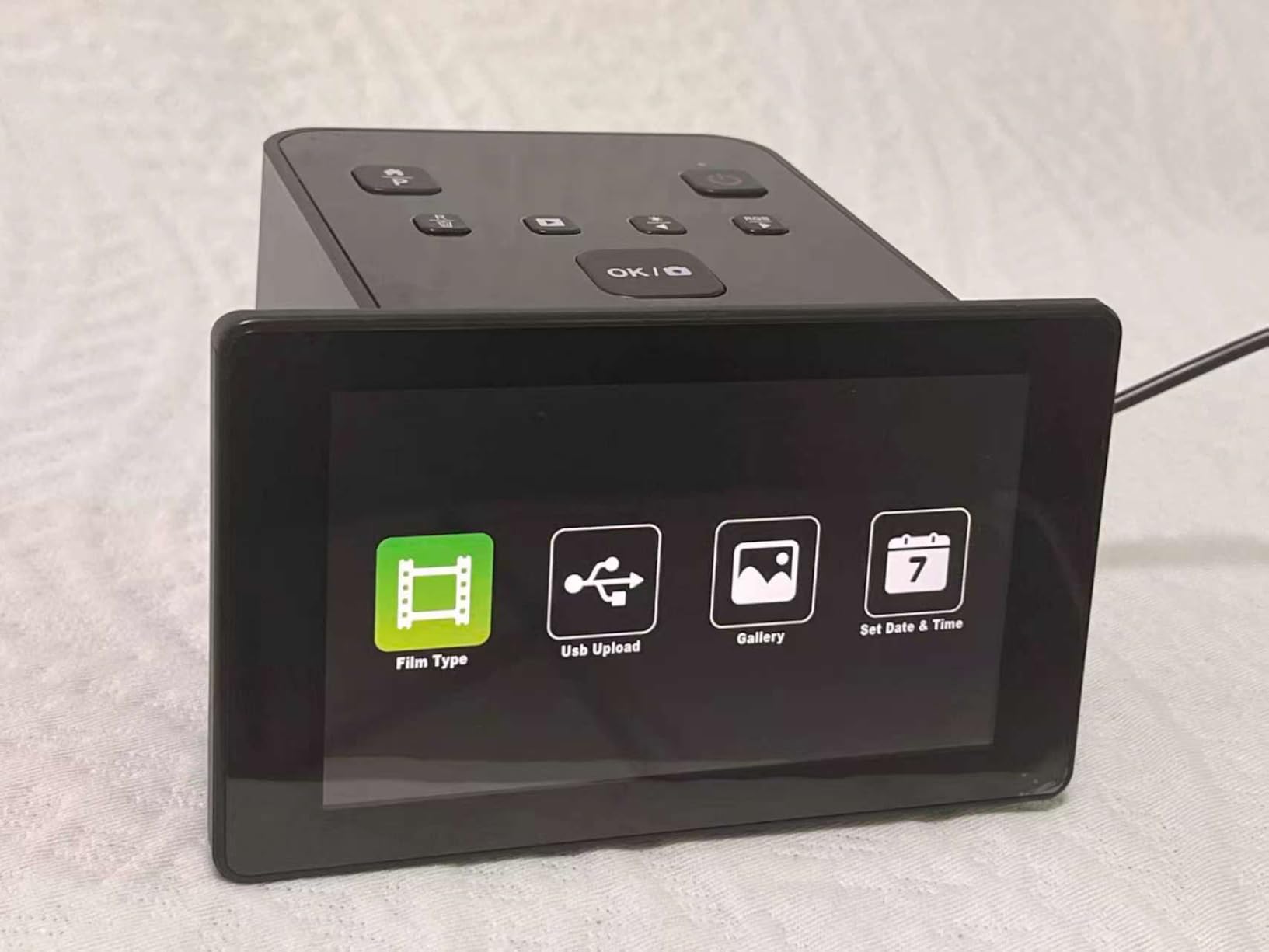
Speed is its genuine strength. A frame is captured in about two seconds, among the quickest here, and it covers 135 format negatives, 110, 126, 50mm slides and Super 8. The 5 inch LCD doubles as a digital picture frame, which is a nice touch for a kitchen counter project.
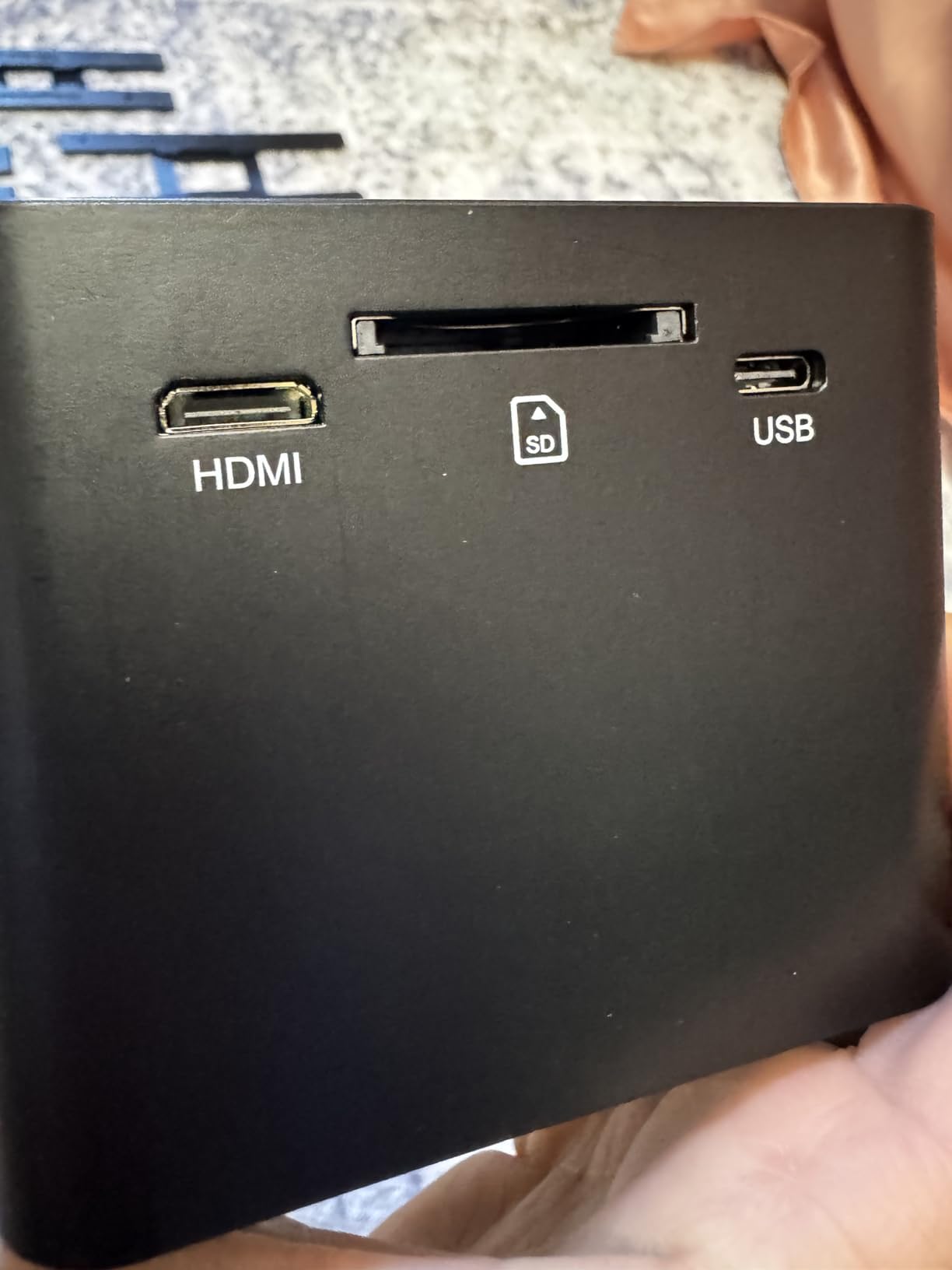
There is 128MB of built-in memory plus an SD slot up to 64GB, and transfers over Type-C USB or HDMI to a television. One-touch scanning handles colour, brightness and date and time on the device itself.
Two complaints recur. The film sled fit is loose, so slides can slip or ride up and come out misaligned, and the viewing screen angle is shallow enough that you often tip the whole unit back to see the image properly. Add unclear documentation and non-intuitive on-device controls, and the first session takes longer than it should.
Best for a first scanner and a mixed small-format collection
If you are not sure how much material you own, this is a sensible place to find out. The two-second cycle and the low entry point mean you can trial a hundred frames, count your actual negatives and slides, and then decide whether to spend properly.
It is also a reasonable second machine for a household, where the three-year warranty covers the people most likely to use it badly.
Not for slides you want to enlarge or work from carefully
Effective resolution on a small slide is low, so these files are preservation and sharing quality rather than reprint quality. The loose sled also means more rescan time on mounted slides than the two-second headline suggests.
And the screen angle will irritate you faster than the specification will. If you want to review each frame on a proper screen as you go, spend the extra on a tilting or all-angle display.
9. Plustek OpticFilm 8200i SE – Best for Maximum Detail from 35mm Negatives
Plustek OpticFilm 8200i SE , 35mm Film & Slide Scanner. 7200 dpi / 48-bit Output. Integrated Infrared Dust/Scratch Removal. Bundle Silverfast SE Plus 9 , Support Mac and PC.
7200 x 7200 dpi optical
48-bit input and output
Integrated infrared dust and scratch removal
3.6 dynamic range multi-exposure
Pros
- 7200 dpi true optical resolution at 69 megapixels
- Infrared channel removes most dust and scratches automatically
- Multi-exposure recovers highlight and shadow detail
- Bundled SilverFast SE Plus supports Mac and Windows
- Compact footprint with click-stop frame advance
Cons
- Several minutes per frame with cleaning and multi-exposure on
- SilverFast is steep and many owners switch to VueScan
- Infrared cleaning misses about a quarter of defects and cannot be used on B&W negatives
The OpticFilm 8200i SE is the only machine here with true 7200 dpi optical resolution, and that is not a marketing figure. The sensor is actually resolving that detail rather than the software inventing it, which is why negatives from this machine still look good at print sizes nothing else here can reach.
Colour handling is the other headline. 48-bit input with 24 or 48-bit output, plus a 3.6 dynamic range enhanced multi-exposure function that shoots multiple passes to recover detail in both highlights and shadows. The integrated infrared channel detects dust and scratches and removes most of them automatically.
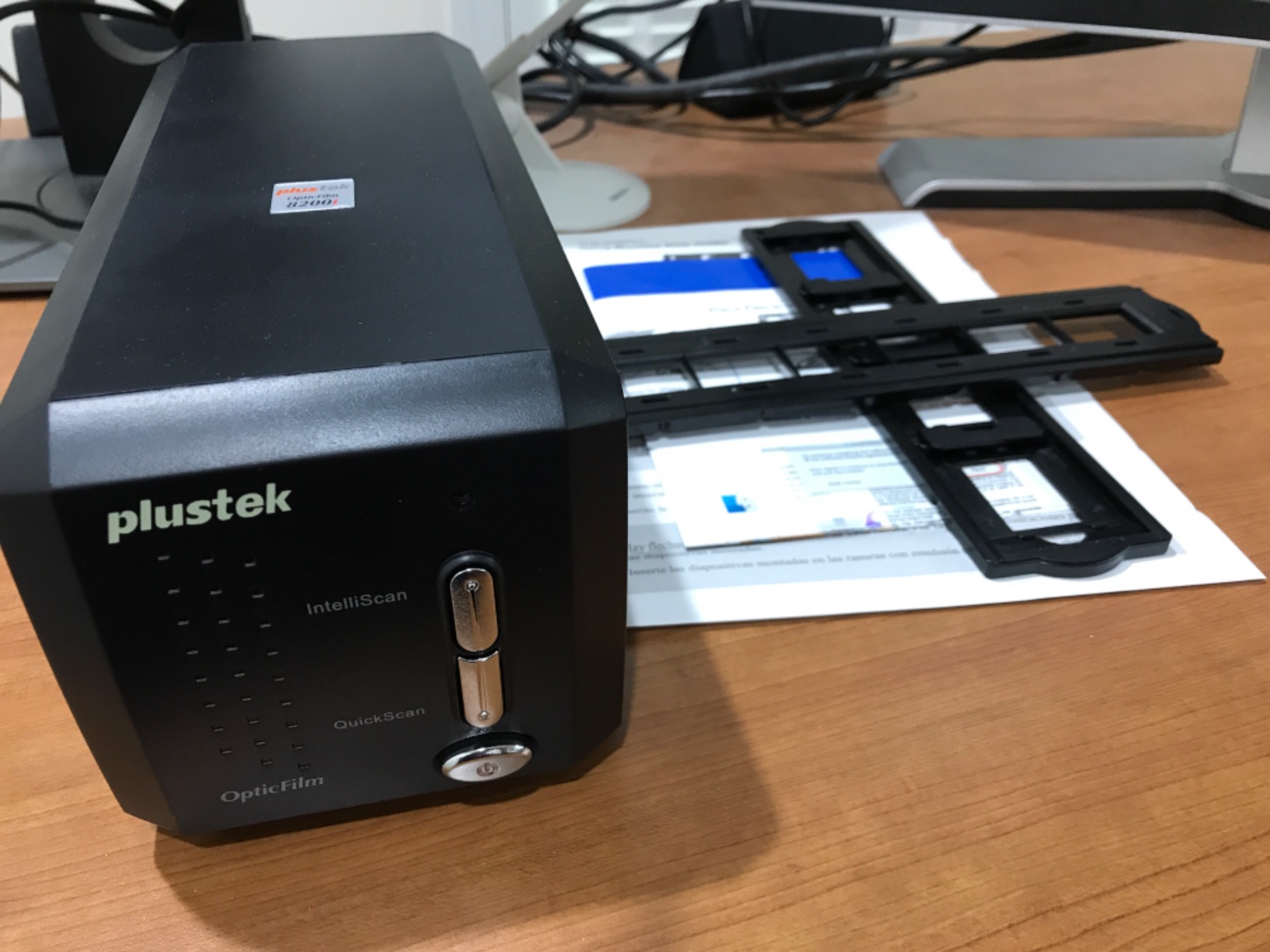
Now the cost of all that quality. A single frame can take several minutes with infrared cleaning and multi-exposure enabled, and the manual frame advance with click-stops means you load each negative yourself. This is a patient machine for a careful job, not a weekend throughput tool.
The bundled SilverFast SE Plus is the sticking point. Owners report it is steep to learn and poorly documented, and a significant number move to VueScan within a few weeks. Infrared cleaning also gets roughly three quarters of defects and cannot be used on black and white negatives at all, so those frames need manual work.
Best for a small number of irreplaceable negatives
If you have a hundred negatives of a relative you want to reprint in twenty years, this is the machine. The recoverable detail and the multi-exposure highlight recovery are things no interpolated scanner in this roundup can give you.
Infrared dust removal saves an enormous amount of retouching time on scratched family film, and the 48-bit pipeline leaves room for a careful grade later.
Not for clearing a large backlog quickly
Several minutes per frame turns 200 negatives into a full working week. If volume is the constraint, a standalone 22MP unit will finish in an evening with slightly less detail per frame.
Also set aside time for the software. Budget an afternoon with SilverFast or VueScan before the first roll, and expect to replace the carrier slats eventually as they develop play and introduce slight skew.
10. Epson Perfection V600 – Best for Medium Format and 120 Film
Epson Perfection V600 Photo Wired USB Connectivity Color Scanner – 6400 x 9600 dpi, Enlargements up to 17″ x 22″ Flatbed Image Scanner
6400 x 9600 dpi maximum
Transparency unit for 4 slides or 12 negatives
Medium format holder to 6 x 22cm
Digital ICE dust and scratch removal
Pros
- Built-in transparency unit takes 4 slides or 12 negatives at once
- Scans medium format film up to 6 x 22cm as well as prints
- Digital ICE plus colour restoration for faded originals
- Four customisable one-touch buttons
- Prints and documents to 8.5 x 11.7 inches
Cons
- Over 10 minutes for four slides with full dust removal
- Basic dust removal setting is ineffective
- Fixed slide stencil with no separate carrier
- 17 percent one-star rating with reports of dead units
The V600 is the pick if your collection includes medium format. The supplied film holder takes film up to 6 by 22 centimetres, which covers 120 and 220 formats, and no other flatbed here offers that. It also handles prints and documents up to 8.5 by 11.7 inches and a full set of 35mm material through the transparency unit.
Maximum resolution is 6400 by 9600 dpi, supporting enlargements up to 17 by 22 inches. The transparency unit takes four mounted 35mm slides or twelve negatives in one load, and Digital ICE does the dust and scratch work, while colour restoration rescues 50-year-old faded slides.
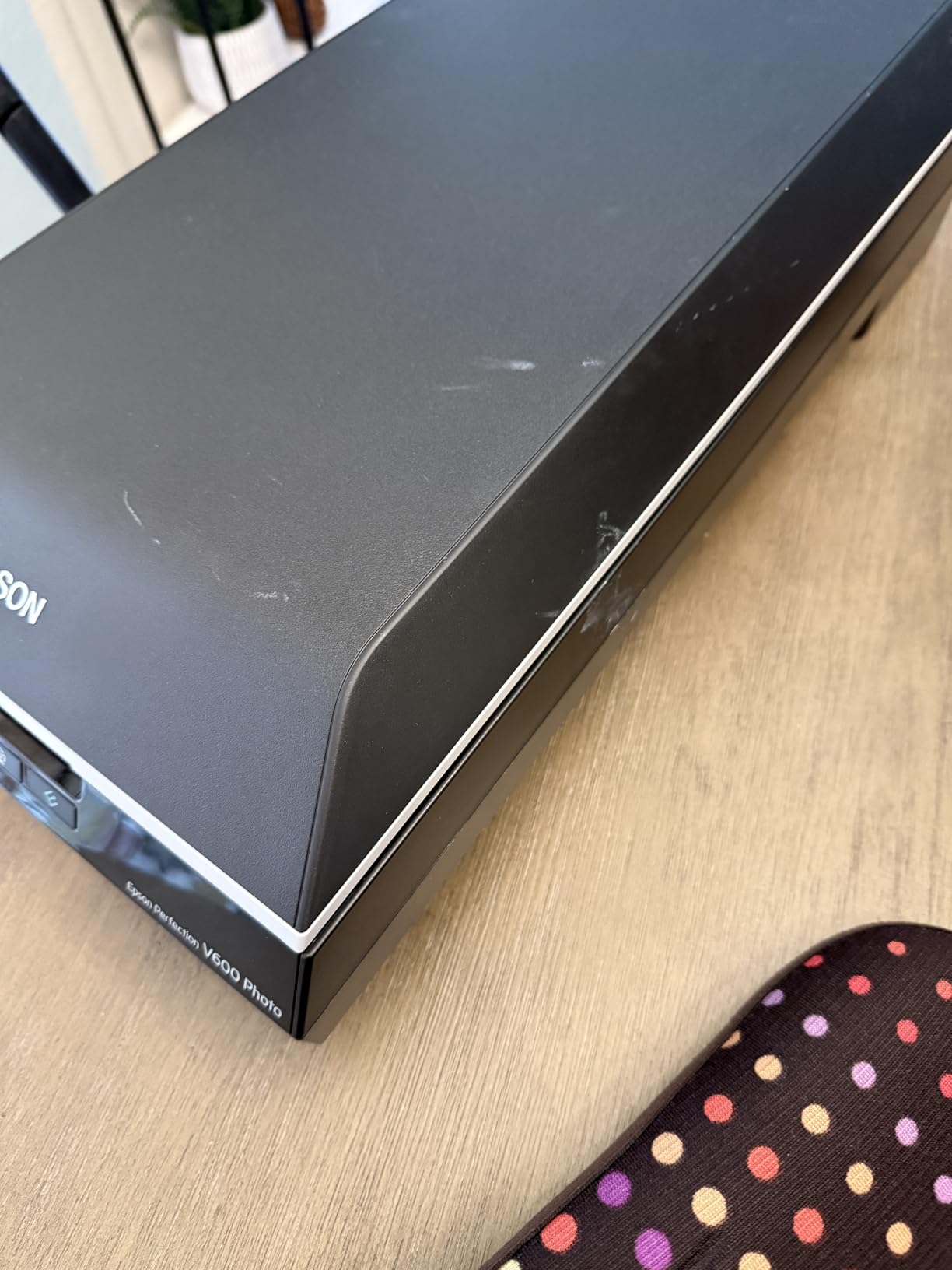
Four customisable one-touch buttons for scan, copy, email attachment and PDF keep the routine simple once it is set up, and ReadyScan LED means no warm-up wait.
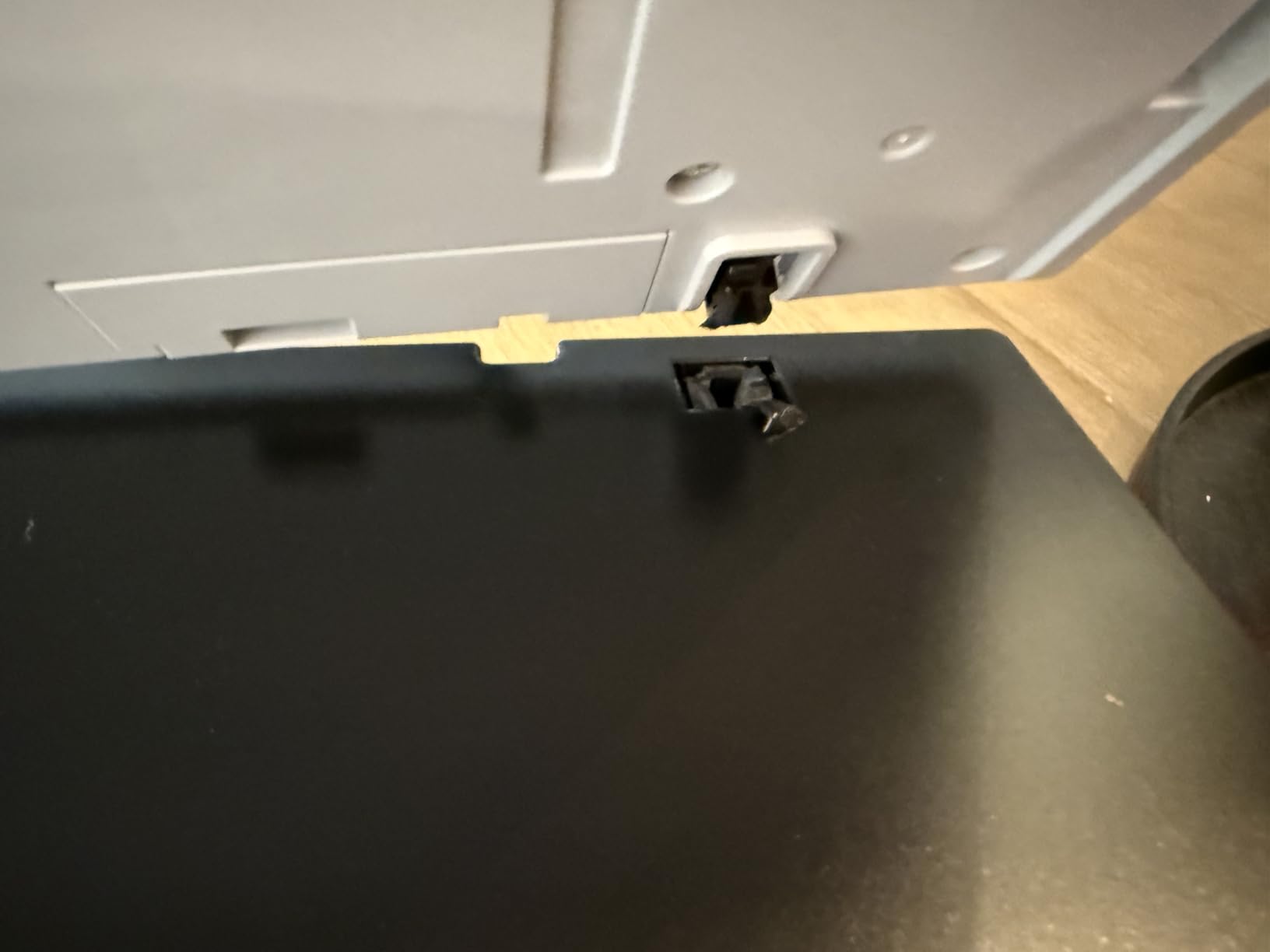
But the time cost is severe. Some owners report over 10 minutes for four slides with full dust removal enabled, and the basic dust removal setting is described as ineffective, so Digital ICE is the one you will use. The slide holder is a fixed stencil, which means slides cannot be pre-loaded into a separate carrier, and 17 percent of the listing is one-star with reports of units arriving dead and replacements being hard to obtain.
Best for large negatives and a mixed print collection
A medium format negative holds far more information than 35mm, and this is one of very few affordable scanners that will physically accept one. If you shoot, or inherited, 120 film, nothing else on this list covers it.
Colour restoration on old faded slides is also well liked by owners converting archive material, and the one-touch buttons keep a long session manageable.
Not for volume, and buy it with a return plan
Multi-minute per-frame times make this a poor choice for a large film backlog, and the fixed stencil is annoying when you want to pre-load. If speed matters, a standalone film scanner is a better shape.
Given the reliability reports and the age of the range, we would only recommend buying this with a straightforward return window. That is not a criticism of the optics, which remain excellent.
11. ClearClick QuickConvert 2.0 – Best for Scanning Prints and Slides in One Unit
ClearClick QuickConvert 2.0 Photo, Slide, and Negative Scanner – Scan 4×6 Photos & 35mm, 110, 126 Film – No Computer Required – 22 MegaPixels
Scans 4x6 prints plus 35mm 110 and 126 film
14MP native with 22MP interpolated
Built-in rechargeable battery
5 inch preview LCD
Pros
- Scans 4x6 prints and 35mm film in the same machine
- Works with no computer drivers or software
- Built-in rechargeable battery for cord-free scanning
- Scans photos without removing them from albums
- 2 year warranty with US based support
Cons
- No auto feeder
- one item at a time
- Does not support 5x7 photos
- SD memory card required and not included
This is the closest thing in the roundup to the machine most people assume exists. It scans 4×6 prints and smaller, 35mm mounted slides, and 35mm, 110 and 126 negatives, in the same body. If your collection is genuinely mixed and the volume is moderate, that single capability is worth more than any specification on this page.
It also works with no computer, no drivers and no editing software, and it runs off a built-in rechargeable battery, so you can carry it to the room where the albums are. Scans take two to three seconds each, and there is a 5 inch preview screen to check framing.
The detail we liked most is that it can scan a photograph without taking it out of its album or mount. That is a small thing on paper and a meaningful one when the photo is glued into a 1950s black album and you would rather not risk it.
The constraints are clear. There is no auto feeder, so it is one item at a time. It does not handle 5×7 prints, which is an awkward gap given how common that size is. And an SD card is required and not included. Capture is 14 megapixels native with 22MP interpolated, so treat the files as good for screen and small prints rather than enlargements.

Best for album scanning and a mixed collection of moderate size
If the pictures are still in the album and the negatives are in a shoebox, this handles both without a second machine and without a computer. The battery means you are not tied to a desk, and the album-friendly workflow removes the biggest risk of the project.
Two years of warranty and US-based technical support is a genuine advantage on a device with no software to troubleshoot.
Not for 5×7 prints or for volume
Drop 5×7 photographs and you immediately need a second machine, so check your print sizes before committing. One item at a time also means a shoebox of several hundred prints is a long evening.
And the interpolated resolution caps the ceiling. For negatives you intend to reprint at size, this is a preservation tool rather than an archive tool.
12. HP Film & Slide Scanner HPFS500 – Best Touchscreen Workflow for Filing Slides
HP Film & Slide Scanner HPFS500, Negative Scanner, Slide Viewer, USB-C
5 inch all-angle touchscreen
13MP CMOS with 22MP interpolation
Quick-load tray for 30 frames
SD card up to 128GB
Pros
- All-angle touchscreen is the easiest interface in this roundup
- Gallery mode turns it into a picture frame
- Quick-load tray scans 30 at a time in minutes
- Accepts 128GB SD cards so no computer is needed
- Date and time stamped as metadata
Cons
- 13MP CMOS with 22MP interpolation
- Date setting uses slow up and down arrows and cannot go earlier than the 1970s
- Out of focus faded originals look worse in the scan
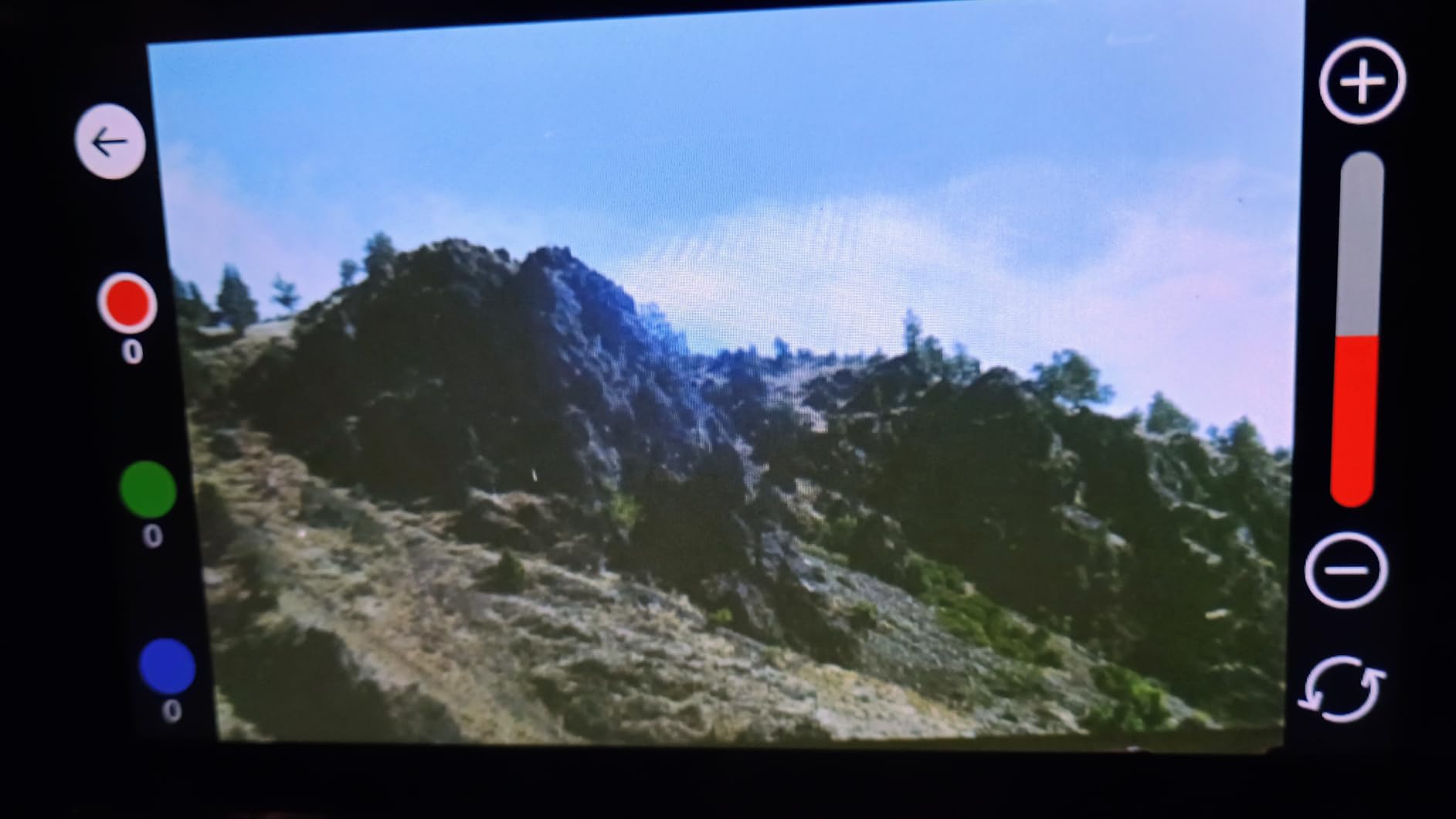
The HPFS500 is the nicest machine to hold and the easiest to learn, and the 5 inch all-angle touchscreen is a step up from every other standalone unit here. You tap to review, adjust and accept, with no menu diving. Owners scanning thousands of slides single out the screen as the reason the process does not become a chore.
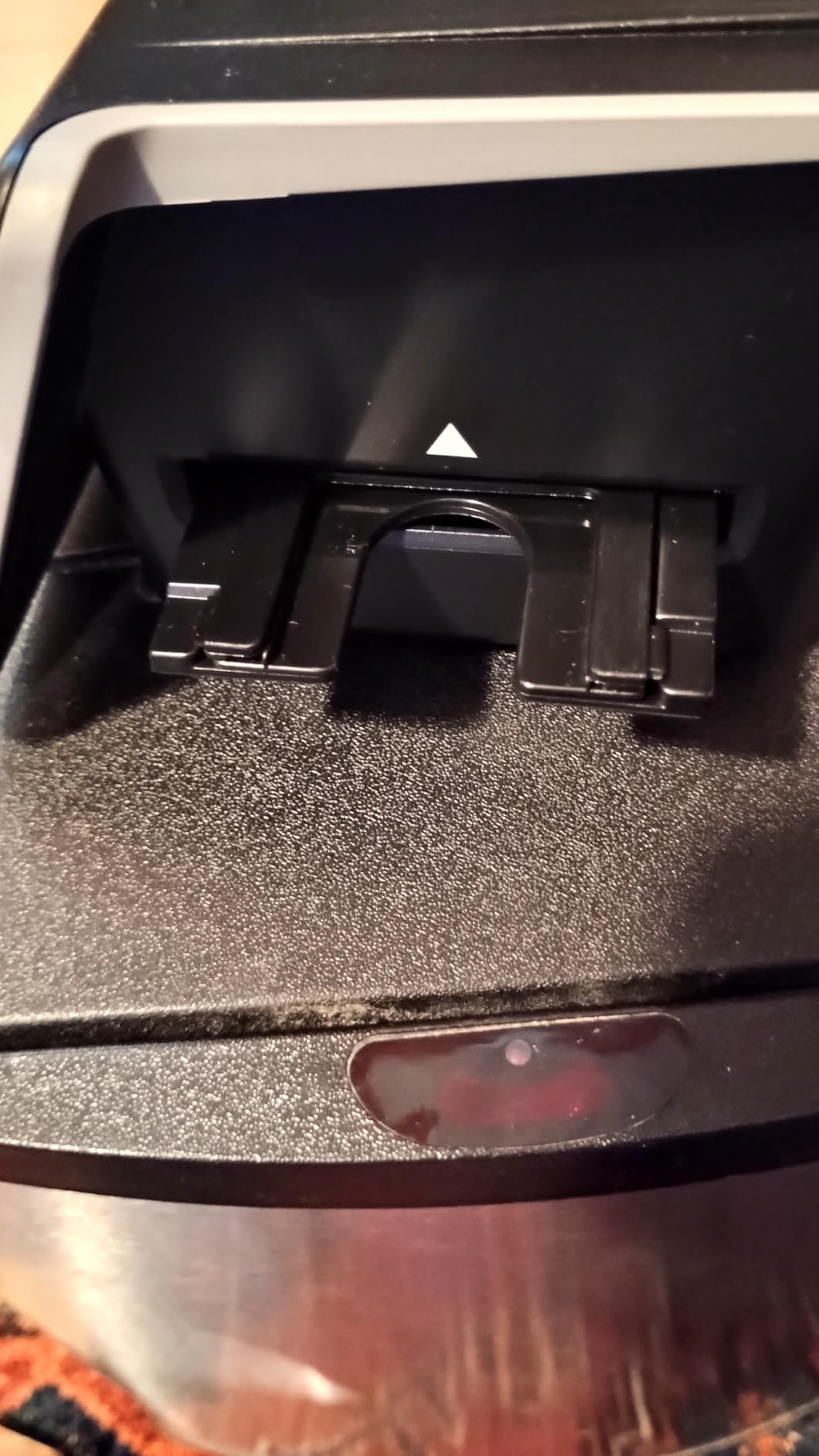
The quick-load tray is the practical feature. You push a new slide in and the previous one ejects, and reviewers report working through 30 at a time in minutes. It takes 135, 126 and 110 negative strips plus positive slides, saves straight to SD card up to 128GB, and can be powered from a laptop port or a power bank over USB-C.
There is one genuinely useful archiving feature here. Date and time can be stamped into the image metadata, which means a tray of slides can be filed by event in your photo software rather than by an arbitrary file name. That matters a lot once you have a few thousand of them.
The compromise is the sensor. It is a 13MP CMOS with 22MP interpolation, so the file is larger than the detail behind it, and out of focus, faded or badly stored originals look worse in the scan than they do under a loupe. The date controls are also frustrating, using slow up and down arrows and refusing dates earlier than the 1970s.
Best for large slide collections you want organised afterwards
If you have several hundred slides and intend to sort them by date, the metadata stamping plus the 128GB card support is a real workflow win. The tray means a tray of slides takes minutes rather than an hour of handling.
It is also a good choice if a non-technical person will help, because the touchscreen has no learning curve and there is nothing to install.
Not for archival quality, and thin on owner feedback
Interpolation is the ceiling, and faded or soft slides will not be rescued. For irreplaceable material, a true optical film scanner is the right tier.
This listing also has 183 reviews, by far the smallest sample here, and some owners feel the unit is overbuilt for what it delivers. We would treat it as a good workflow choice rather than the safest bet on image quality.
How to Choose a Photo Scanner for Old Prints and Slides in 2026
Which scanner type fits your collection
There are four shapes of machine here and they are not interchangeable. A flatbed is the only safe option for paper of any size and condition, and the Epson V550 and V600 add a transparency unit so they can handle 35mm film too. A sheetfed photo scanner like the ePhoto Z300 or the FastFoto is dramatically faster on paper, and provided you use a carrier sheet it will not damage a fragile original — but it cannot scan a slide at all.
A dedicated film scanner is the right tool for negatives and mounted slides, whether it is a cheap 22MP standalone with a screen or a true optical machine like the OpticFilm 8200i SE. A camera copy stand is the fourth option: a mirrorless or DSLR body on a vertical rail with a 1:1 macro lens, shooting RAW frames instead of scanning. It handles curved, glued-in or three-dimensional originals that a flatbed cannot, and it outputs raw files you can batch-convert, but the total system cost climbs once you add a macro lens and software.
The practical answer is that a mixed collection usually wants two machines. A flatbed or sheetfed unit for paper, plus a standalone or optical film scanner for transparency. Of the compact standalone bodies here, only the ClearClick QuickConvert 2.0 does both media in one unit, and only up to 4×6 prints.
Optical versus interpolated resolution, and how much dpi you need
This is the number most shoppers get wrong, and the discrepancy is large. Optical resolution is what the sensor physically resolves. Interpolated resolution is the software inventing extra pixels by smoothing what was captured. A 13MP CMOS sensor with 22MP interpolation has not gained nine megapixels of detail; the extra pixels are guesswork.
For a 4×6 print, 300 dpi produces roughly 1800 by 1200 pixels, which is more than enough for screen viewing and a normal size reprint. 600 dpi doubles that and is the sensible archive setting. A 35mm negative is far smaller than a print, so it needs more resolution for the same output size, and around 3200 dpi already captures most of the usable information in a frame.
That is why a 7200 dpi optical machine can beat a 22MP interpolated one on film, and why the 22MP figure on a cheap slide scanner should not drive the purchase. Check whether the resolution quoted is optical, and treat megapixel claims from the cheapest units as marketing.
Dust, scratches and faded colour
Old film and old prints are both damaged surfaces, and dust shows up as white specks on a scan. Three things help. An infrared dust removal channel scans a second time in infrared light, where opaque dirt and the film base differ, and subtracts the difference automatically. That is what Digital ICE on the Epson machines and iSRD on the Plustek 8200i SE do. It clears most defects but not all, and it generally cannot be used on black and white negatives.
One-click colour restoration on faded prints, sold as Easy Photo Fix on Epson and as built-in enhancement on the ePhoto Z300, is the second tool. It is conservative and effective on yellowed colour prints. The third is 48-bit colour depth, which leaves enough headroom to pull faded magenta and cyan back after the fact rather than clipping them at capture.
For film that is sticky, cracked or has started to smell of vinegar, none of these help. Move it to a dedicated service rather than a consumer scanner.
How long a backlog really takes
Multiply your photo count by the realistic per-item time, then decide whether you care enough to sit through it. The two-second units such as the KODAK Slide N Scan and the DigitPro C190 will clear roughly 30 to 40 frames in ten minutes once you include loading and adjustment. The Magnasonic FS71, ClearClick QuickConvert and HPFS500 sit near three to five seconds a frame. The ePhoto Z300 does a 4×6 print in about two seconds, and the FastFoto runs up to 36 prints a batch at roughly one per second at 300 dpi.
At the other end, the OpticFilm 8200i SE takes several minutes per frame with infrared cleaning and multi-exposure on, and the Epson V600 can exceed ten minutes for four slides with full dust removal. A thousand negatives on a multi-minute machine is a working week; the same thousand on a two-second unit is a weekend.
The method that works, and that people in scanning forums recommend, is a pilot run. Scan 100 of your own photos at your intended settings, time it, then multiply. You learn your actual per-item time, your actual cull rate and your actual file sizes before committing to the whole box.
Will a scanner damage old prints?
A flatbed will not damage a photograph if you handle it properly. The glass holds the print gently, there is no pressure to bend or crease it, and the light source is a cool LED. This is the safest way to handle curled, brittle or glued-in material. Lay the print face down, do not force it flat, and lift it by the edges.
Sheetfed document feeders are the risk. Rollers apply pressure and drag the print through, and owners of the FastFoto report permanent track marks and etching on glossy photographs. That is not a defect unique to that machine; it is what a sheetfeed does to a fragile surface. Use the supplied carrier sheet, use the lower resolution setting, and never feed a curled or brittle print through any document feeder.
Film has its own hazards. Never touch the emulsion surface of a negative with bare fingers, and if it is stuck or visibly cracked, stop. Store everything in acid-free sleeves as you go, and do the scanning somewhere you can control light, dust and pets.
What to do after you finish scanning
Save in TIFF for anything you might reprint, and JPEG at maximum quality for everyday viewing. A 600 dpi scan of a 4×6 print is roughly 20 to 40MB as a TIFF, so a two thousand photo archive can run to 60GB or more. Budget storage before you start, not after.
Then name files on the way out, not later. A date and sequence pattern such as 1985-06-14_smith-004 sorts itself in any software and survives you forgetting the project exists. Stamp dates into metadata where the scanner allows it, and if the finished files need to reach a phone, a laptop or the old stereo in the other room, our guide to the best wireless streaming adapters for old stereos covers the last mile of that setup.
Follow the 3-2-1 rule: three copies, on two kinds of media, with one kept somewhere other than your house. And keep the originals. Scanning is a backup, not a replacement, and the physical prints and negatives are still the highest-quality version that will ever exist.
Frequently Asked Questions
What is the best photo scanner for scanning old photos?
For old prints specifically, the Plustek ePhoto Z300 is the fastest and best rated option here, scanning a 4×6 print in about 2 seconds with automatic crop and faded photo enhancement. For old slides and 35mm negatives, the KODAK Slide N Scan is the strongest all-round pick. If you need both media in one machine, the ClearClick QuickConvert 2.0 handles 4×6 prints and 35mm film together, up to 4×6 prints only.
Can I scan old slides and prints with one scanner?
Yes, but only a few machines do it. The ClearClick QuickConvert 2.0 scans 4×6 prints and smaller alongside 35mm slides and 35mm, 110 and 126 negatives. The Epson Perfection V550 and V600 flatbeds also cover both, prints on the platen and 35mm film through a built-in transparency unit. Most other machines in this roundup handle one medium only.
Do flatbed scanners damage old photos?
No. A flatbed holds the print between the lid and the glass with almost no pressure, so it is the safest option for curled, brittle, faded or album-mounted photographs. Sheetfed document feeders are the risk, because rollers can leave track marks or etching on glossy prints. Never feed a curled or brittle photograph through a document feeder, and use the supplied carrier sheet where one is provided.
What resolution do I need to scan old photos?
For a 4×6 print, 300 dpi is enough for screen viewing and a normal size reprint, while 600 dpi is the sensible archive setting and leaves room to enlarge later. For 35mm negatives you need more, and around 3200 dpi already captures most of the usable detail in a frame. Check whether a quoted resolution is optical or interpolated, because interpolated megapixels add no real detail.
How long does it take to scan a large box of old photos?
It depends almost entirely on the scanner class. Two-second units such as the KODAK Slide N Scan and DigitPro C190 clear roughly 1000 frames in an evening, and the FastFoto handles prints at up to 36 per batch at about one per second. True optical film scanners take several minutes per frame, which turns 1000 negatives into a working week. Run a timed 100-photo pilot first and multiply.
Final Verdict on the Best Photo Scanners for Old Prints and Slides in 2026
The KODAK Slide N Scan is our overall winner. With 12654 owner reviews averaging 4.3 stars and one of the fastest film workflows in the group, it is the machine we would put in front of anyone with a shoebox of negatives and a deadline. For prints, the Plustek ePhoto Z300 is the partner, rated 4.5 stars across 9883 reviews and clearing roughly a thousand photos in an afternoon.
Change the pick for your situation. Buy the Epson FastFoto FF-680W when the print count is in the thousands and you want duplex capture of handwriting on the back. Buy the Plustek OpticFilm 8200i SE when you have a few hundred irreplaceable negatives and want true 7200 dpi optical detail, and accept the minutes per frame. Buy the Epson Perfection V600 if medium format film is in the box, and the ClearClick QuickConvert 2.0 if you need prints and slides in one machine and most of your photos are 4×6 or smaller.
Whatever you choose, start with a timed 100-photo pilot, save originals in TIFF, and keep three copies in two places. The scanning is the easy part. Once it is done, the value of the best photo scanners for old prints and slides is entirely in what you do with the files next.