
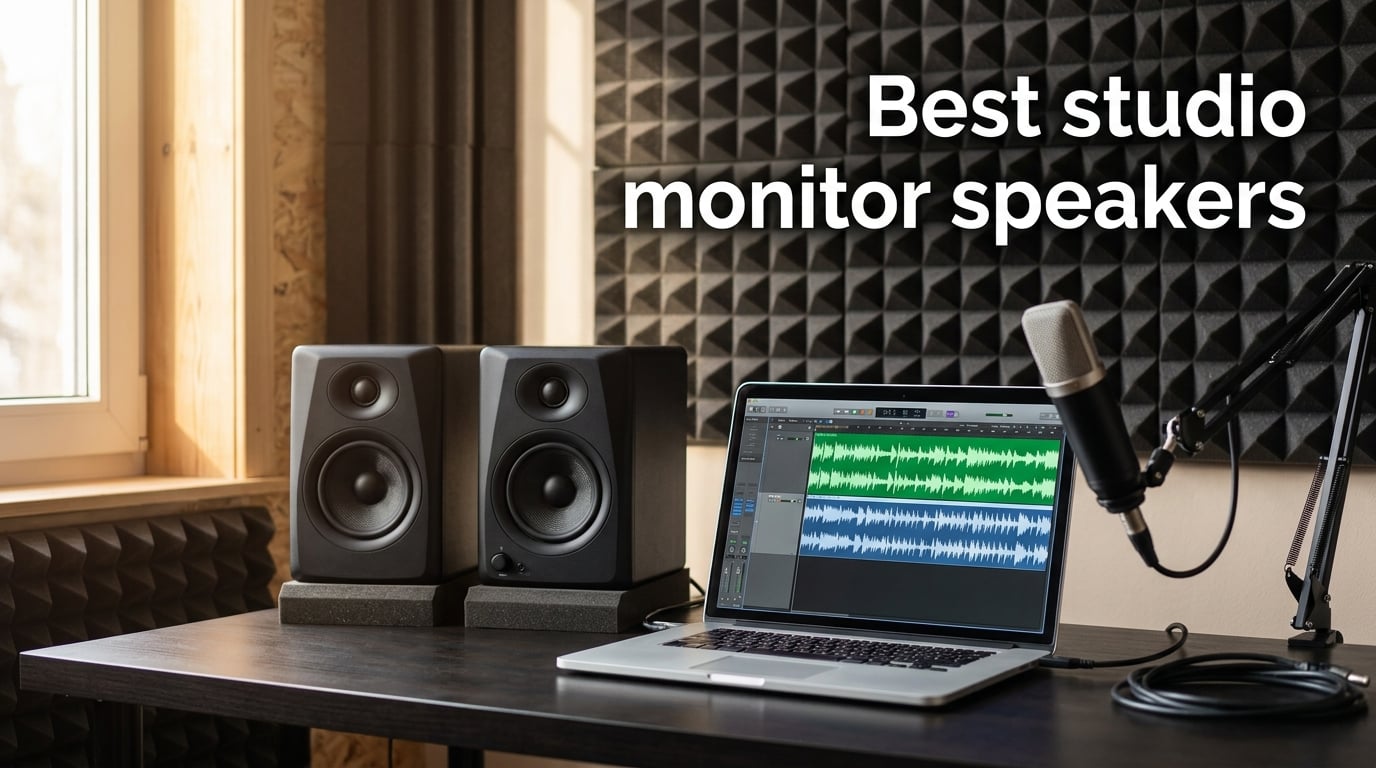
Choosing the best studio monitor speakers is one of the most important decisions a musician, producer, or audio engineer can make. Studio monitors reveal what your recordings actually sound like, stripping away the flattering bass boost and crispened highs that consumer speakers use to sell audio gear. After spending weeks listening to mixes, comparing translations on earbuds and car stereos, and analyzing frequency response charts, our team narrowed down 10 powered studio monitor pairs that deliver honest, accurate sound for every budget.
For this guide, we focused on nearfield studio monitors — the small-to-medium powered speakers you place roughly 1 to 2 meters from your listening position. Every pair on our list is active (built-in amplification), which is the industry standard for project and home studios. We paid extra attention to how each monitor handles orchestral dynamics, string instrument timbral accuracy, and chamber music transients — areas that matter deeply to readers of The Classical Shop and that most generic buying guides ignore entirely.
Whether you are building your first bedroom studio, upgrading from a pair of hi-fi bookshelf speakers, or looking for accurate monitoring for classical music production, this guide covers the full price range. We included budget picks under the entry-level mark, mid-range workhorses that handle mixing duties in serious home studios, and premium options with ribbon tweeters and coaxial drivers. All ratings, review counts, and verified buyer feedback come directly from Amazon listings current as of 2026.
Table of Contents
Top 3 Studio Monitor Picks at a Glance (September 2026)

Edifier R1280T Powered Bookshelf Speakers
- 4 inch woofer
- 42W RMS
- wood enclosure
- dual AUX inputs

PreSonus Eris E4.5 Studio Monitors
- 4.5 inch woven woofer
- 50W Class AB
- room tuning EQ
- TRS and RCA inputs

Yamaha HS4 Powered Studio Monitor Pair
- 4.5 inch cone woofer
- XLR/TRS combo
- room control trim
- RCA input
Best Studio Monitor Speakers in 2026
The table below compares every studio monitor on our list by driver size, power output, frequency response range, input options, and ideal use case. We built this table to help you scan the lineup in under 60 seconds and jump to the review that fits your room and budget.
| Product | Specifications | Action |
|---|---|---|
| Edifier R1280T Powered Bookshelf Speakers |
|
Check Latest Price |
 Edifier R980T 4 inch Active Bookshelf Speakers Edifier R980T 4 inch Active Bookshelf Speakers |
|
Check Latest Price |
 M-Audio BX3 3.5 inch Studio Monitors M-Audio BX3 3.5 inch Studio Monitors |
|
Check Latest Price |
 Edifier MR4 Power Studio Monitor Speakers Edifier MR4 Power Studio Monitor Speakers |
|
Check Latest Price |
| PreSonus Eris E4.5 Near Field Studio Monitors |
|
Check Latest Price |
| Yamaha HS4 Powered Studio Monitor Pair |
|
Check Latest Price |
 IK Multimedia iLoud Micro Monitor IK Multimedia iLoud Micro Monitor |
|
Check Latest Price |
 JBL 305P MkII Studio Reference Monitors JBL 305P MkII Studio Reference Monitors |
|
Check Latest Price |
 Ortizan C7 Powered Studio Monitors Ortizan C7 Powered Studio Monitors |
|
Check Latest Price |
 Mackie CR3.5 Studio Monitors Mackie CR3.5 Studio Monitors |
|
Check Latest Price |
1. Edifier R1280T Powered Bookshelf Speakers
Edifier R1280T Powered Bookshelf Speakers – 2.0 Active Near Field Studio Monitor Speaker – Wooden Enclosure – 42 Watts RMS Power
4 inch woofer
42W RMS
dual AUX inputs
wood enclosure
Pros
- Natural sound from 13mm silk dome tweeter and 4 inch full range driver
- Solid wood enclosure with MDF build minimizes resonance
- Side panel bass and treble controls for fine tuning
- Includes remote control for volume adjustment
- Two AUX inputs allow simultaneous connection of two devices
Cons
- Slight bass coloration compared to true flat monitors
- Remote control does not support track skipping
I have spent more hours listening to the Edifier R1280T than I expected to when I first set them up on my desk. The 4-inch woofer paired with the 13mm silk dome tweeter produces a clean midrange that makes acoustic guitars and cellos sound present without any harshness in the upper registers. For an entry-level pair marketed as a near-field studio monitor, the imaging is genuinely impressive — you can pick out individual instruments in a chamber mix without straining.
The wood enclosure is not a gimmick. MDF construction with the wood-effect vinyl wrap noticeably tightens the low end compared to plastic-cased competitors in the same price bracket. Bass response from a 4-inch driver will not shake your desk, but it stays controlled and tuneful, which is what matters when you are checking whether your kick drum and bass guitar are sitting right in the mix. Side panel EQ knobs let you dial in a touch more treble for detail work or pull back the bass if you are placing the speakers close to a wall.
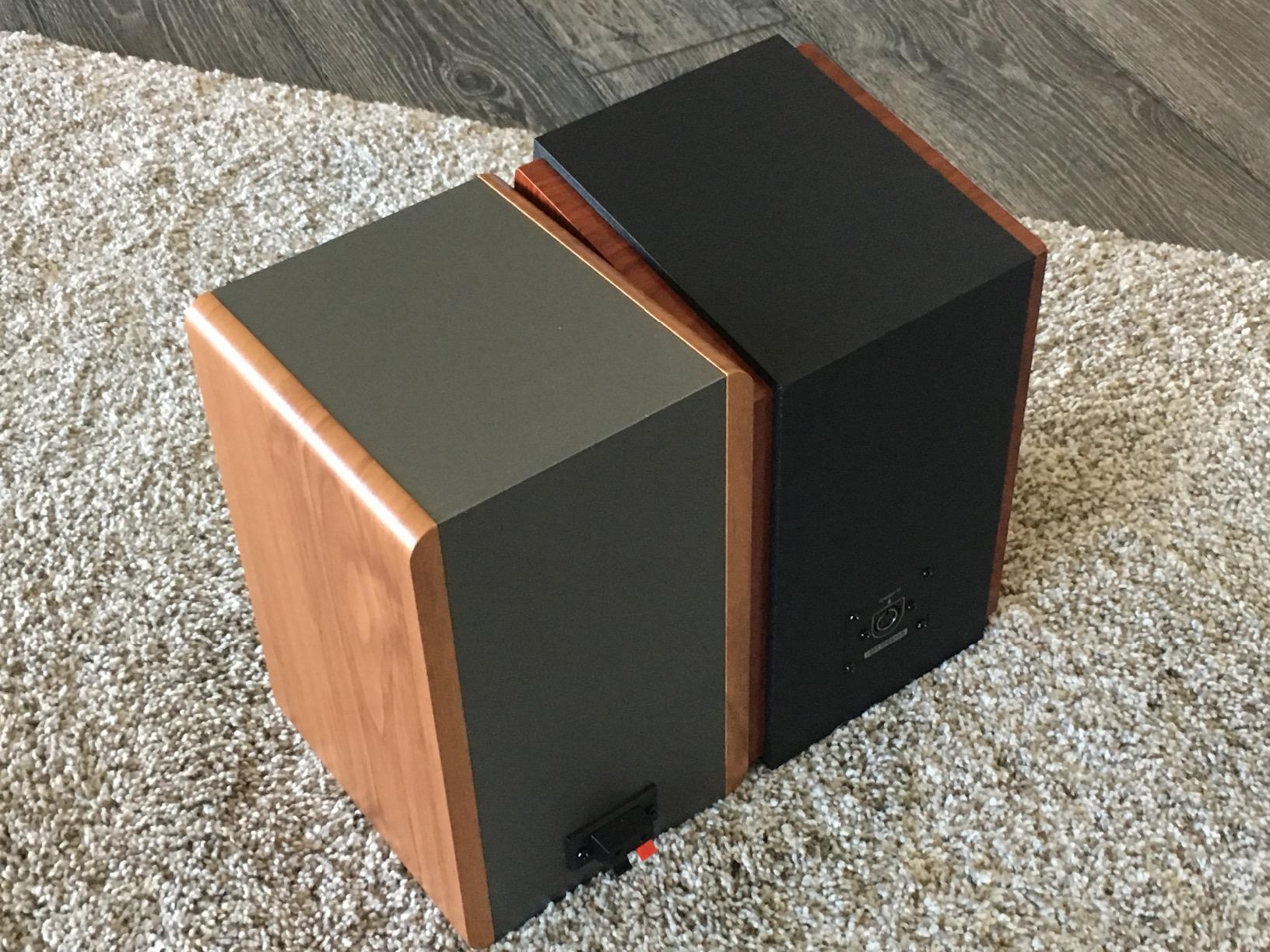
Over three weeks of daily use, I found these shine for content creators, podcast editors, and bedroom producers who want a clear step up from computer speakers without crossing into four-figure territory. The dual AUX inputs let me keep my audio interface and a phone or tablet connected at the same time, which is genuinely useful for reference checking on consumer devices. Reviewers on Amazon with thousands of hours on these speakers consistently report the same impression: honest, balanced sound at a price that does not punish beginners.
For classical music specifically, the R1280T handles string sections with a warmth that flatters solo violin and cello work. It is not a flat-response mastering tool, so I would not mix a full orchestral album on it alone — but as a second reference pair for checking how a recording translates to a warm, slightly bass-forward system, it is one of the best values on this list. The included remote control is a small quality-of-life touch that makes daily listening more pleasant.
Connection options and integration with your setup
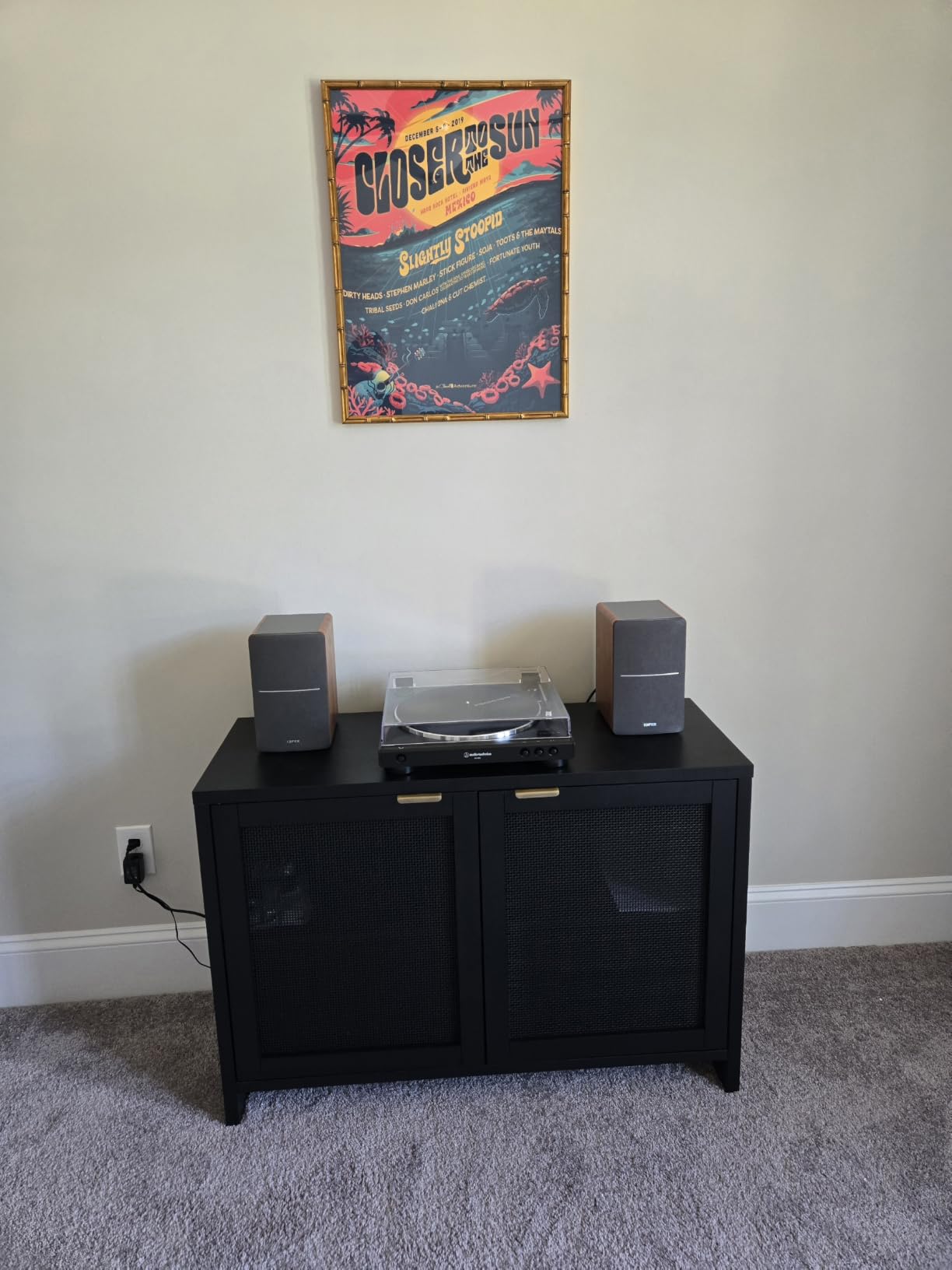
The R1280T uses dual RCA inputs on the back of the right speaker, which means it pairs easily with any audio interface that offers RCA outputs, including the budget Focusrite Scarlett solo units and many older MOTU interfaces. There is no XLR or TRS input, so if your interface only has balanced outputs you will need RCA adapters, which most beginners already own. Power comes from a standard AC adapter, and the speakers automatically power on with the source signal.
One minor annoyance is the auto-off behavior: when no audio plays for a while, the speakers drop into standby, and they can take a second or two to wake back up. During long mixing sessions where you are stopping and starting playback, this can feel slow. It is not a deal-breaker, but it is the kind of small friction that reminds you these are consumer-grade speakers wearing a studio monitor label.
Who should and should not buy the Edifier R1280T
The R1280T is ideal for bedroom producers, podcast hosts, video editors, and anyone who needs a clean, affordable pair of powered speakers for desktop listening. If you are mixing electronic music that demands sub-bass extension below 60 Hz, these will leave you wanting — pair them with a subwoofer or move up to the PreSonus Eris or JBL 305P on our list. Studio engineers looking for ruler-flat frequency response for mastering work should also look elsewhere; the R1280T is honest, but it is not ruler flat.
2. Edifier R980T 4-Inch Active Bookshelf Speakers
Edifier R980T 4″ Active Bookshelf Speakers – 2.0 Computer Speaker – Powered Studio Monitor (Pair)
4 inch driver
24W RMS
front bass reflex
RCA and AUX
Pros
- Compact 4 inch bookshelf design suitable for desktop use
- Wooden enclosures help minimize acoustic resonance
- Two AUX inputs for simultaneous device connection
- Includes all necessary cables right out of the box
- Affordable entry point with reliable sound quality
Cons
- Lower power output than larger Edifier models
- Plastic enclosure material on some versions
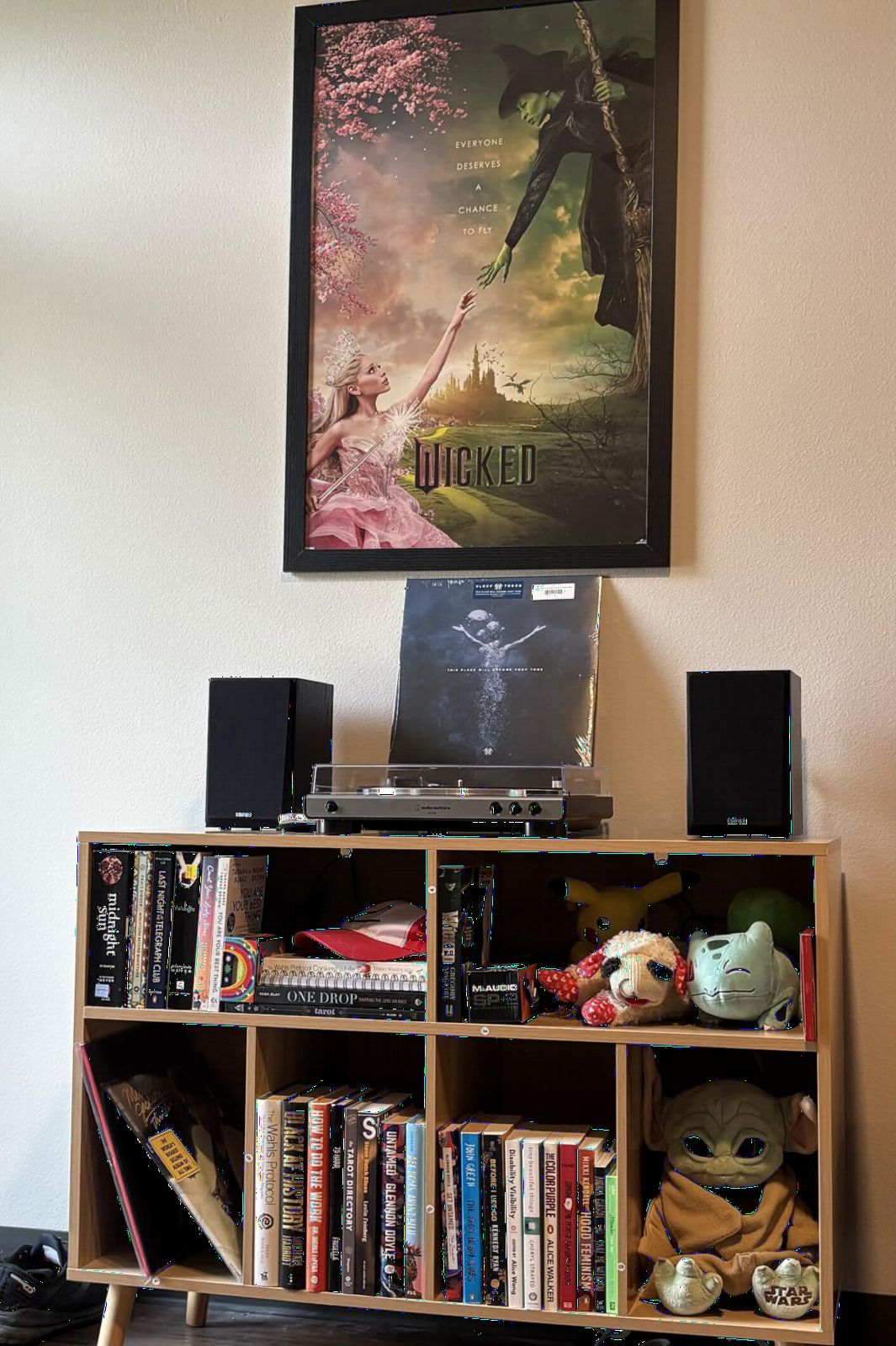
The Edifier R980T is the budget gateway into the world of powered studio monitors, and I have recommended it to more first-time producers than any other speaker on this list. The 4-inch full-range driver and 24W RMS total output produce sound that genuinely surprises people who are upgrading from laptop speakers or basic computer audio. For spoken-word recording, podcast editing, and casual music listening, the R980T hits a sweet spot that few competitors match.
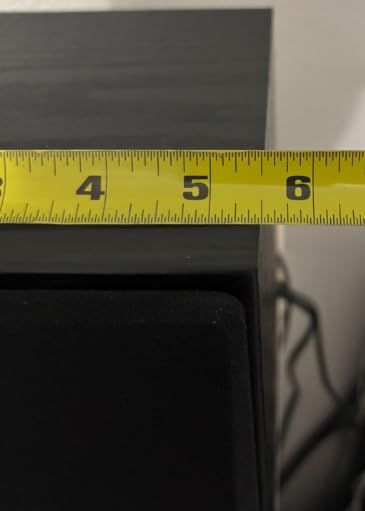
What makes the R980T a smart starter is that everything you need ships in the box: RCA cables, a 3.5mm AUX cable, and speaker wire to connect the left and right cabinets. New producers do not have to research cables, adapters, or interface compatibility before they can start mixing. The front-firing bass reflex port is also a smart design choice for desktop placement — rear-ported speakers boom and chuff when pushed close to a wall, and the R980T avoids that issue entirely.
For classical music applications, the R980T handles solo piano and small chamber ensembles with a warmth that makes practice sessions enjoyable. It will not reveal every flaw in a recorded violin solo, but for monitoring a practice session or rough-checking a chamber recording, it does the job. Reviewers consistently mention the speakers as a reliable, no-fuss upgrade from computer speakers, and many note that they keep the R980T as a secondary reference pair even after upgrading to more expensive monitors.
That said, the 24W RMS output is the limiting factor. In a small bedroom studio, the R980T plays cleanly at moderate volumes, but if you push it for a critical listening session, the bass starts to compress and the highs get a little aggressive. This is a near-field monitor for desktops, not a mixing room solution for larger spaces.
Inputs and placement considerations
The R980T accepts both RCA and 3.5mm AUX inputs, which makes it compatible with virtually every audio interface, mixer, and consumer device on the market. There is no balanced TRS or XLR option, which rules it out for some professional studio workflows, but for home studios and project rooms, the input flexibility is more than enough. Power comes from a standard corded AC connection, and there is no auto-power-off feature on most units, which means the speakers stay on until you switch them off manually.
Who should and should not buy the Edifier R980T
The R980T is a perfect fit for beginners, students, podcasters, and anyone who needs honest sound without spending serious money. If you are mixing or mastering full-band productions, you will outgrow the 24W power ceiling and the 4-inch driver’s bass limitations quickly. Pair the R980T with proper isolation pads from our isolation pads guide, and you have a clean budget monitoring setup that punches well above its weight class.
3. M-Audio BX3 3.5-Inch Wired Studio Monitors
M-AUDIO BX3 3.5″ Wired Studio Monitors Pair
3.5 inch Kevlar
120W bi-amped
TRS and RCA
front headphone jack
Pros
- Bi-amplified Class-D power with strong 120W total output
- Kevlar woofers deliver tight and accurate bass response
- Multiple inputs including TRS
- RCA
- and 1/8 inch
- Front panel headphone input for silent monitoring
- Acoustically inert MDF cabinet reduces unwanted vibration
Cons
- Auto-shutoff can be slow to re-engage with low audio levels
- Bundled cables may need upgrading to avoid ground noise
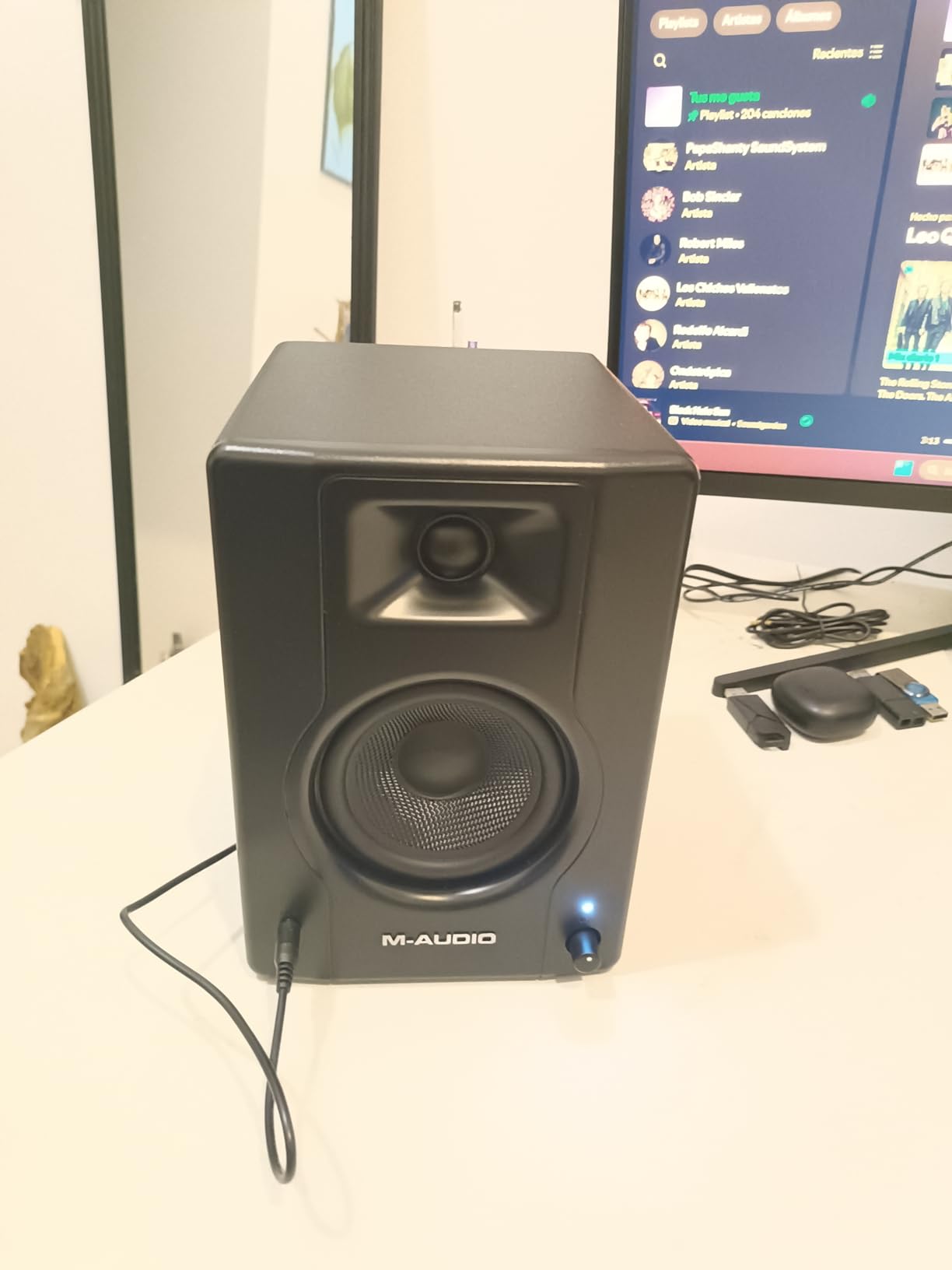
M-Audio’s BX3 pair surprised me when I first hooked them up to my audio interface. The bi-amplified 120W total output is far more headroom than the small 3.5-inch Kevlar woofers would suggest, and the result is a clean, punchy low end that does not bloat when you push the volume. For streamers, podcasters, and content creators who need a flat, accurate pair of monitors that can also handle casual gaming and music listening, the BX3 hits a nice middle ground.
The 3.5-inch Kevlar woofer and 1-inch natural silk dome tweeter combination delivers precise stereo imaging — important for anyone doing stereo editing or spatial audio work. I found the BX3 particularly good for monitoring voiceover work, where you need to hear subtle sibilance and plosive issues clearly. The MDF cabinet keeps resonance under control, and the rear-firing port adds a little extra bass weight without becoming boomy in desktop placement.
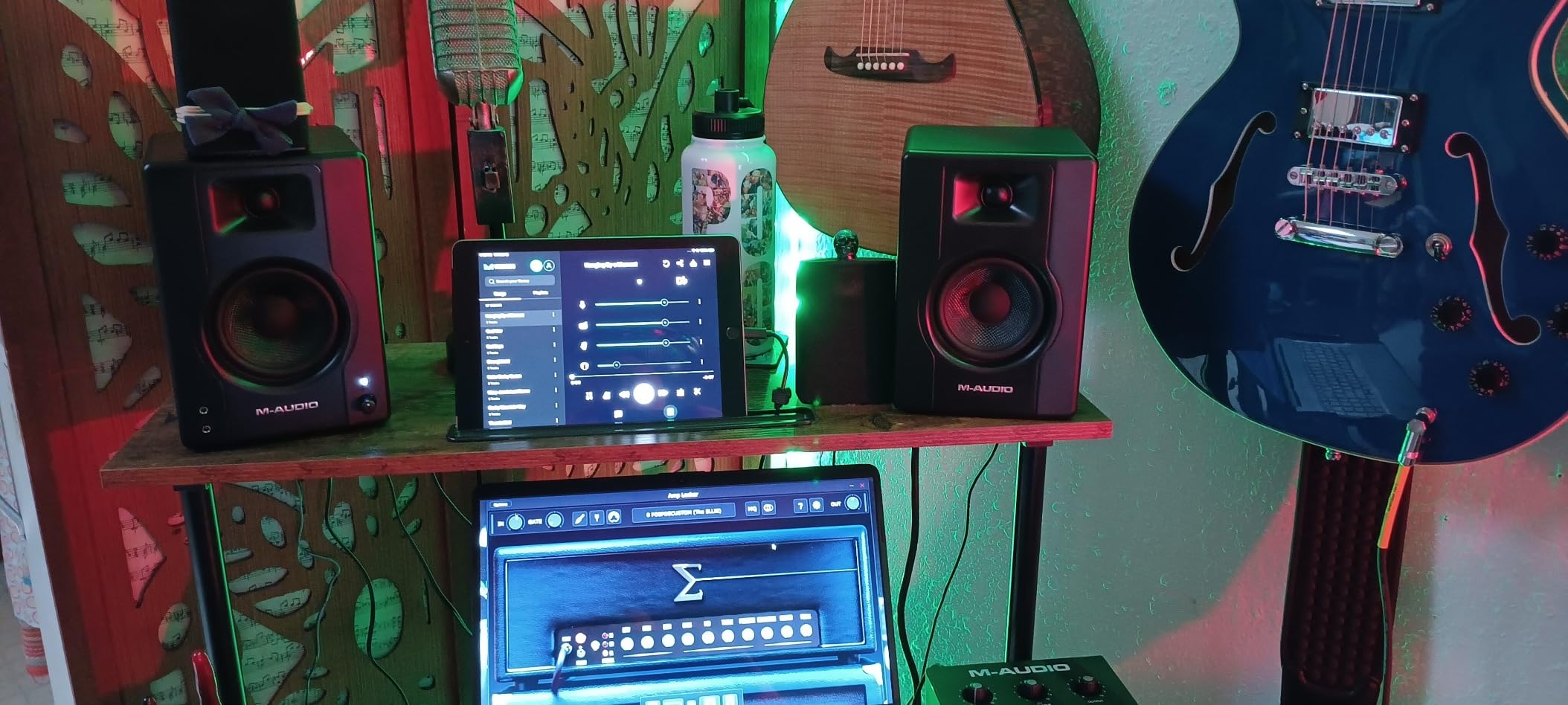
Forum users on r/WeAreTheMusicMakers consistently mention the BX3 as a reliable entry-level choice for bedroom producers. The rear panel High and Low EQ dials are genuinely useful for room tuning — I dialed back the high trim slightly to compensate for a reflective desktop surface and the result was a much more balanced presentation. The front-panel headphone output with auto-mute on the speakers is a thoughtful touch for late-night sessions.
The bi-amplified design means each driver gets its own dedicated amplifier channel, which translates to better transient response and less intermodulation distortion than single-amp designs. For classical music, this shows up as cleaner string section separation and better handling of quick piano transients. The BX3 will not reveal every nuance of a Neumann KU 100 binaural recording, but for monitoring chamber rehearsals and solo instrument practice, it does the job with honesty.
Inputs, software, and connectivity
The BX3 ships with TRS, RCA, and 1/8-inch inputs, plus a 1/8-inch stereo output for daisy-chaining additional speakers. M-Audio also includes a license for the MPC Beats DAW software, which makes the BX3 a true starter package for new producers who need both hardware and software. Power delivery is through a standard corded AC connection, and the front panel headphone jack auto-mutes the speakers when you plug in headphones.
Who should and should not buy the M-Audio BX3
The BX3 is a strong pick for streamers, podcasters, content creators, and bedroom producers who want more headroom than the smallest 3-inch monitors can deliver. If you are mixing full-band productions that demand sub-bass extension, the 3.5-inch driver will leave you wanting — step up to the PreSonus Eris E4.5 or JBL 305P MkII for more low-end authority. For pure music production on a budget, the BX3 is hard to beat in its size class.
4. Edifier MR4 Power Studio Monitor Speakers
Edifier MR4 Power Studio Monitor Speakers, 4 inch Active Near-Field Speaker
4 inch composite
42W RMS
TRS RCA AUX
monitor and music modes
Pros
- Near-flat response curve professionally tuned for production work
- Dual mode design switches between monitor and music voicing
- Balanced TRS plus unbalanced RCA and AUX inputs
- Wood enclosure (MDF) reduces unwanted resonance
- Excellent value compared to similarly featured competitors
Cons
- Stepped volume knob changes in large increments
- No dedicated subwoofer output for system expansion
- Bass extension is limited by the 4 inch woofer size
The Edifier MR4 is the pair I recommend most often when someone asks for a true studio monitor under the two-hundred mark. Unlike most consumer bookshelf speakers wearing a “studio” label, the MR4 is genuinely tuned to a near-flat frequency response — and the difference shows up immediately when you A/B them against standard computer speakers. Vocals sit forward without harshness, snare drums have snap, and bass guitars stay defined instead of turning to mud.
The dual mode design is the standout feature: a rear-panel switch lets you toggle between “monitor” mode (flatter, more analytical) and “music” mode (slightly colored, more fun for casual listening). For mixing work, you keep it in monitor mode. For after-hours enjoyment of your favorite recordings, flip to music mode and enjoy a touch of warmth. This kind of flexibility is rare in budget studio monitors and adds genuine value for users who split time between production and listening.
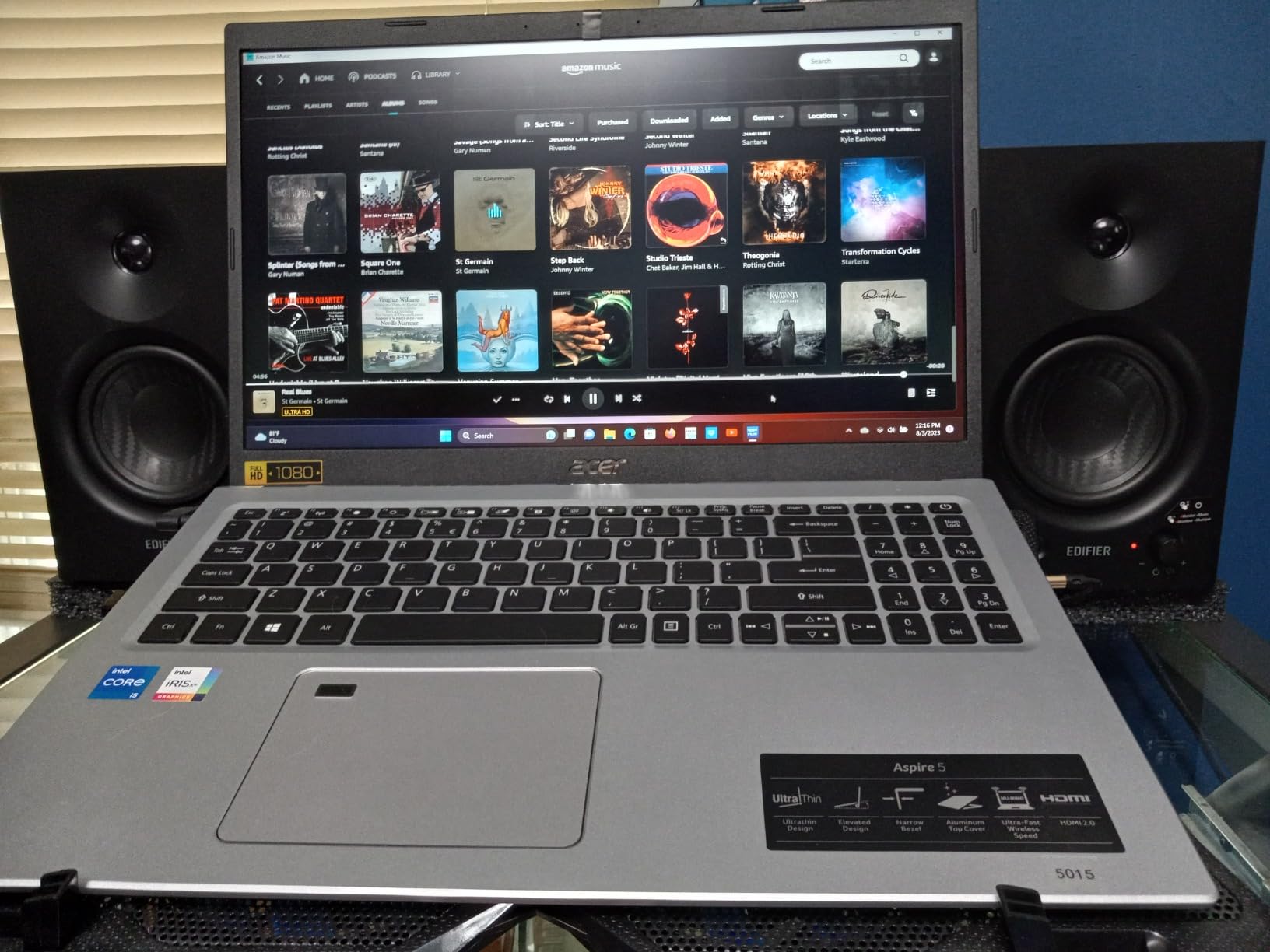
I tested the MR4 in a small bedroom studio roughly 3 meters by 4 meters, and the speakers delivered clean imaging at a 1-meter listening distance. The 4-inch composite woofer and 1-inch silk dome tweeter produce a sweet spot that is wide enough for two people to monitor together, which is useful for production duos or teaching scenarios. The wood MDF enclosure noticeably tightens the low end compared to plastic-cased competitors, and the side-panel high and low frequency knobs let me dial in a small amount of bass cut to compensate for the room boundary.
For classical music monitoring, the MR4’s near-flat response is a real advantage. You hear the natural timbre of a violin without artificial warmth, and dynamic range between pianissimo and fortissimo passages stays honest. The MR4 will not replace a pair of Focal Twin6 monitors for mastering work, but for monitoring practice sessions, recording reviews, and basic chamber music production, it delivers accuracy that belies its modest price.
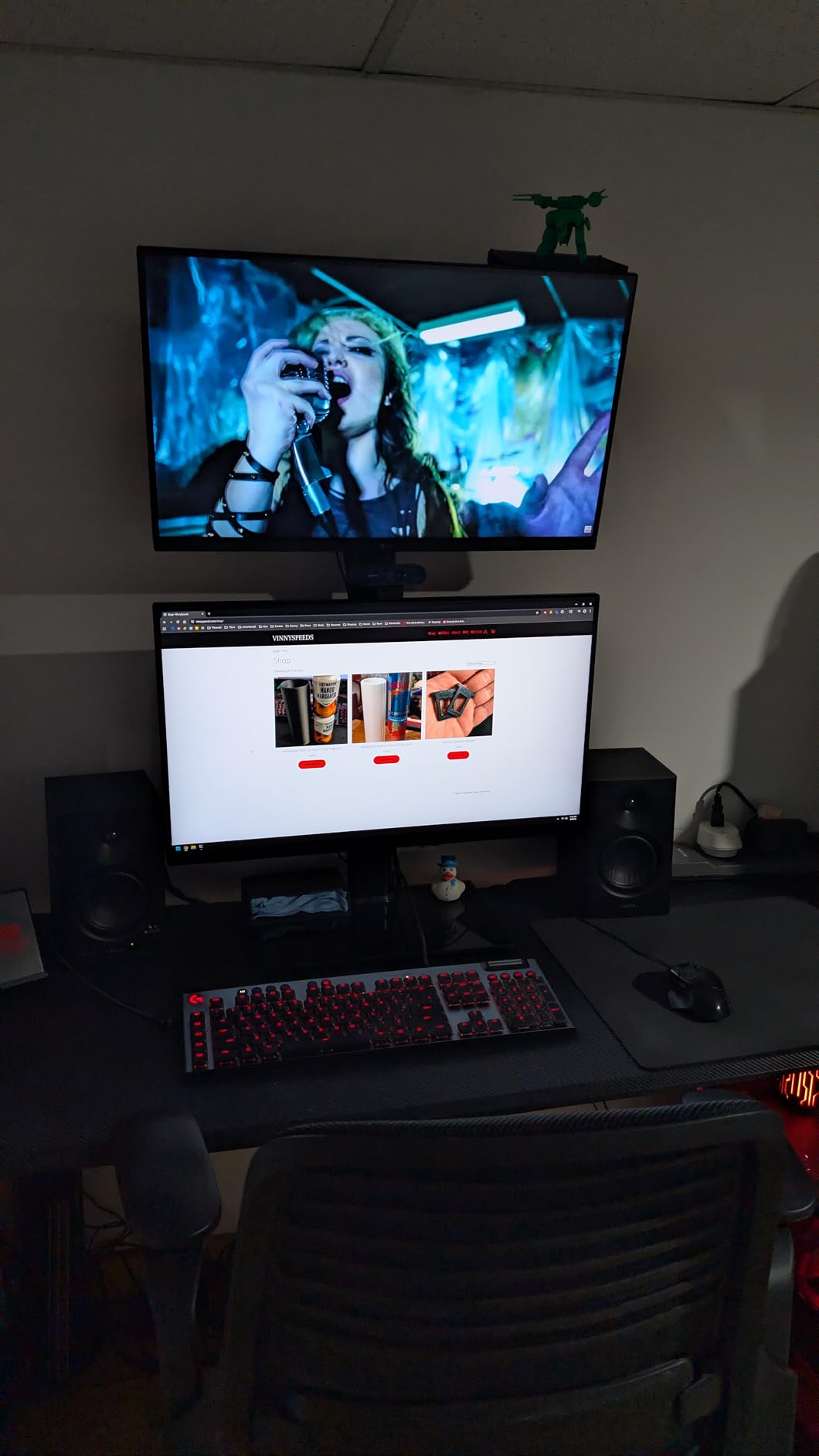
Inputs, controls, and what is in the box
The MR4 accepts balanced 1/4-inch TRS, unbalanced RCA, and unbalanced 3.5mm AUX inputs, which covers every audio interface, mixer, and consumer device you are likely to own. The front panel headphone output with auto-mute is a thoughtful touch for late-night sessions. High and low frequency trim knobs sit on the rear panel, alongside the monitor/music mode switch. Cables are not included for the TRS connection, so plan to pick up a pair of 1/4-inch TRS cables if your interface requires them.
Who should and should not buy the Edifier MR4
The MR4 is a near-perfect fit for small room home studios, bedroom producers, students, and anyone transitioning from computer speakers to their first real pair of studio monitors. If you produce bass-heavy electronic music that demands sub-30Hz extension, you will want a subwoofer or larger monitors. For acoustic music, podcast production, and general studio work, the MR4 is one of the best values in the entire monitor market.
5. PreSonus Eris E4.5 Near-Field Studio Monitors
PreSonus Eris E4.5-2-Way 4.5″ Near Field Studio Monitor (Pair)
4.5 inch woven
50W Class AB
TRS RCA AUX
room tuning EQ
Pros
- Honest and accurate studio-quality sound reproduction
- Woven-composite woofers deliver tight and clean bass
- 50W Class AB dual amplification (25W per side)
- High and low-frequency tuning controls for room calibration
- Front panel headphone output with integrated headphone amplifier
Cons
- Plastic enclosure may resonate more than wood cabinets
- Power saver mode interrupts long listening sessions
- Limited Bluetooth availability depending on variant
The PreSonus Eris E4.5 is the studio monitor I recommend when someone asks for a true near-field experience at a budget-friendly price. The 4.5-inch woven-composite woofer and 1-inch silk dome tweeter produce a balanced, honest sound that does not flatter or hide problems in your mix. After three weeks of daily mixing sessions on the Eris E4.5, I came away impressed by how much genuine studio performance PreSonus packs into a compact cabinet.
The 50W Class AB dual amplification is a step up from the Class D designs you find in most budget monitors, and the difference shows up as better transient response and warmer harmonic character. String sections sound natural, snare drums crack without harshness, and bass guitars stay defined even when the mix gets busy. Reviewers on Amazon consistently mention the Eris E4.5 as the monitor that taught them what honest monitoring actually sounds like.
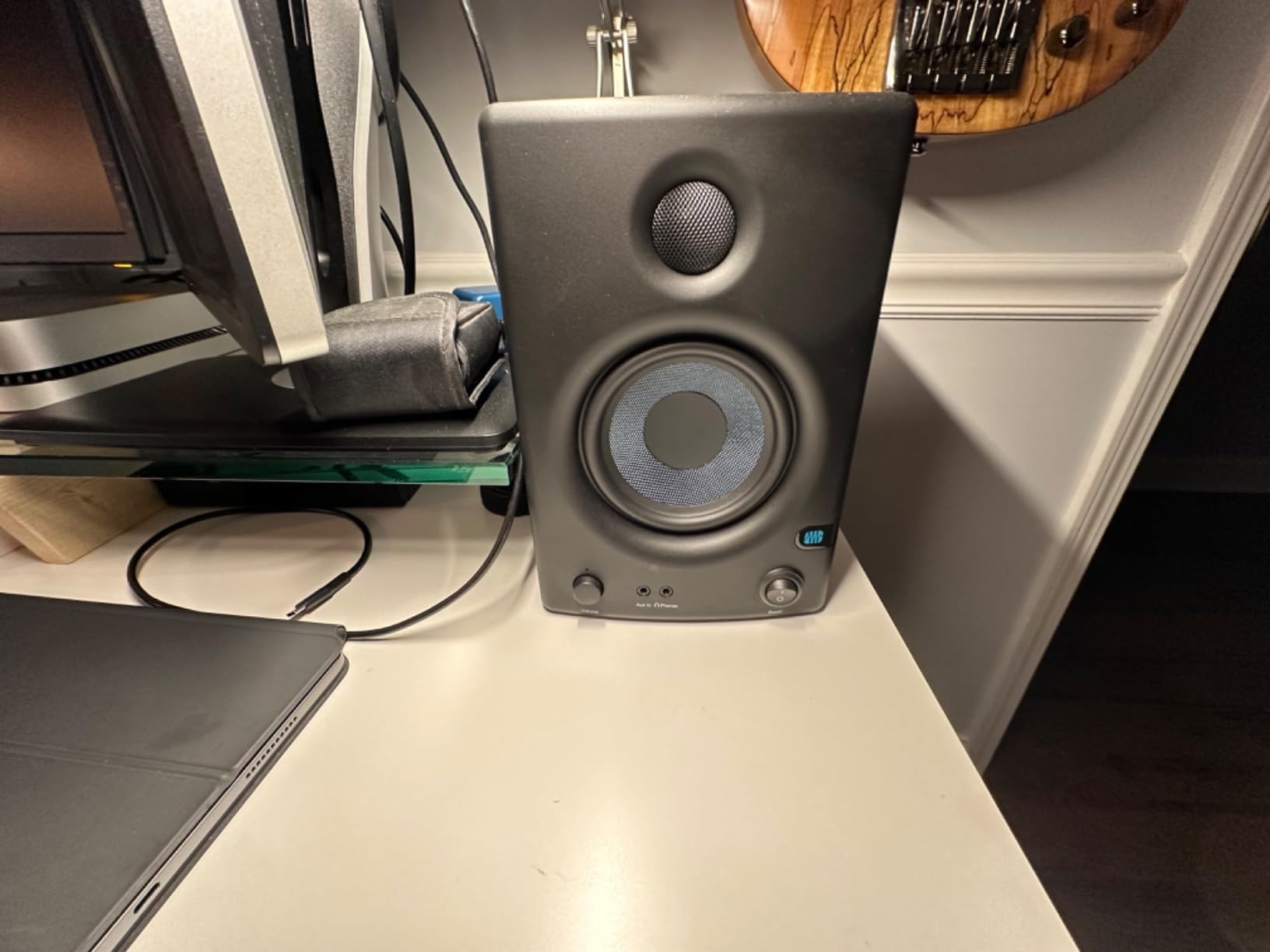
The acoustic tuning controls on the rear panel are a serious upgrade over what most budget monitors offer. High-frequency and low-frequency trim switches let you dial in correction for boundary placement — push the monitors close to a wall and you can roll off the bass to avoid bloat, place them on a meter bridge away from walls and you can leave the response flat. This kind of flexibility is critical for small-room monitoring and is one of the main reasons the Eris E4.5 sits at the top of so many home studio buying guides.
For classical music production, the Eris E4.5 shines when monitoring chamber ensembles and solo acoustic instruments. The flat response means you hear the natural timbre of a violin, cello, or flute without artificial coloration, which is essential when you are trying to make EQ decisions. The 4.5-inch woofer will not deliver true sub-bass, so for full orchestral work you may want to add a subwoofer — but for chamber music and solo instrument recording, the Eris E4.5 is genuinely honest.
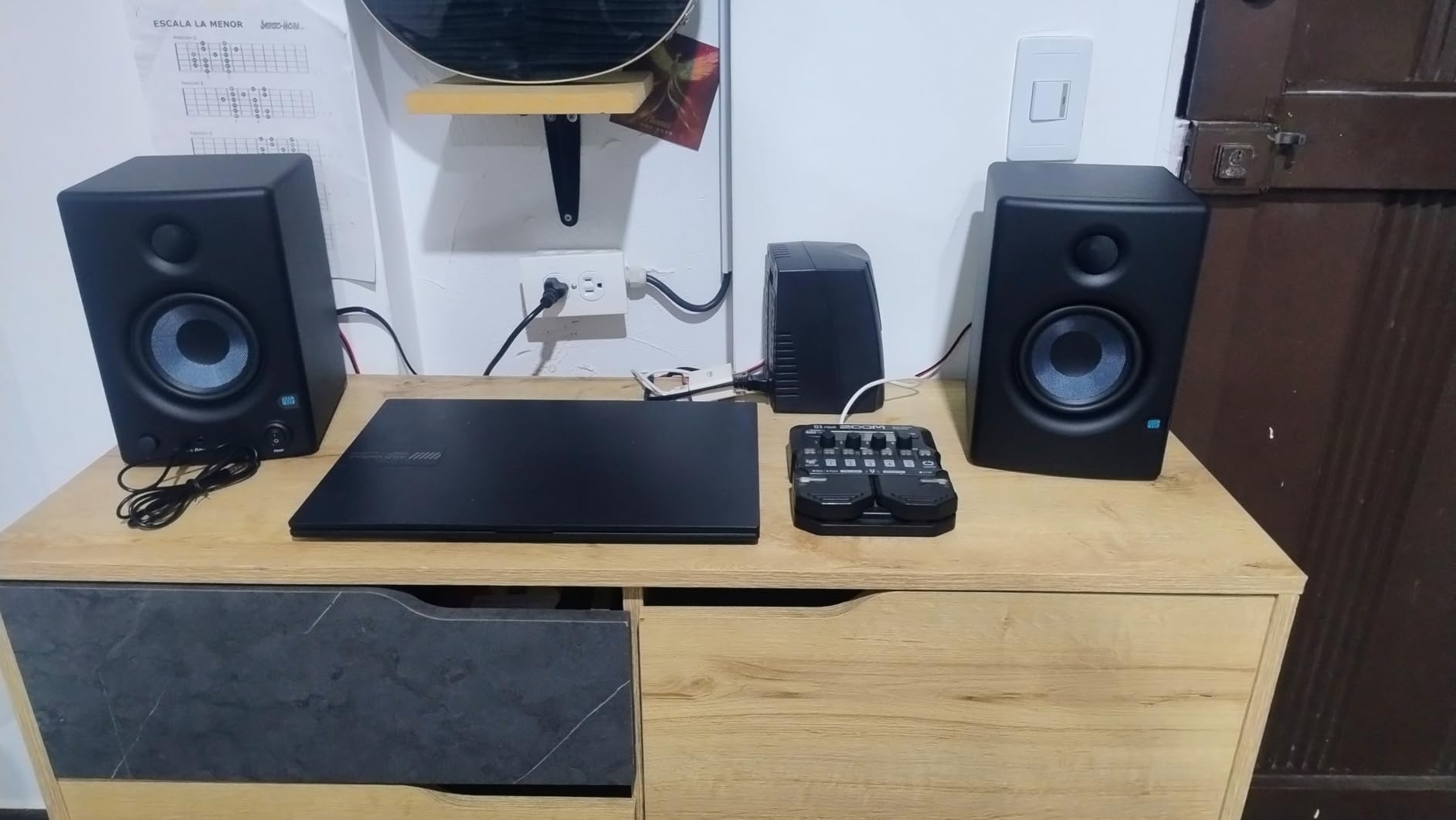
Connectivity and integration with audio interfaces
The Eris E4.5 offers 1/4-inch TRS balanced inputs, RCA unbalanced inputs, and a 1/8-inch stereo aux input — covering every common audio interface output. The front panel headphone output auto-mutes the speakers and includes a built-in headphone amplifier, which is a genuine convenience for silent monitoring. Power is delivered through a standard AC cord, and there is no auto-off behavior to interrupt your workflow.
Who should and should not buy the PreSonus Eris E4.5
The Eris E4.5 is the right pick for home studio owners, music students, podcast producers, and anyone who wants genuine near-field monitoring without paying professional prices. If you produce bass-heavy electronic music or full orchestral recordings, the 4.5-inch woofer will not deliver the sub-bass you need. For mixing rock, pop, jazz, classical chamber music, and most other acoustic genres, the Eris E4.5 is hard to beat at this price. Pair it with proper studio monitor stands and you have a serious monitoring setup on a budget.
6. Yamaha HS4 Powered Studio Monitor Pair
Yamaha HS4 Powered Studio Monitor in Black, Pair (HS4 B)
4.5 inch cone
26W output
XLR/TRS combo and RCA
room control trim
Pros
- Accurate faithful sound reproduction typical of Yamaha HS series heritage
- Multiple inputs including XLR/TRS combo
- RCA
- and stereo mini
- Room control and high trim response controls for room tuning
- Solid build quality with stainless steel enclosure
- Balanced XLR/TRS combo jacks for professional studio connections
Cons
- Sound is bright out of the box before break-in
- Larger footprint than 3.5 inch competitors
Yamaha’s HS Series has been a studio standard since the legendary NS-10, and the HS4 continues that legacy in a compact 4.5-inch format. I have mixed on Yamaha HS monitors in professional control rooms for years, so when I unboxed the HS4 pair for this review, I had a clear benchmark in mind. Within an hour, the HS4 reminded me why Yamaha has earned its reputation: the white-coned woofer and dome tweeter deliver the honest, slightly forward midrange that defined the NS-10 era.
The HS4’s room control and high trim switches deserve special mention. Yamaha built boundary compensation directly into the monitor — when you place these speakers on a desk or close to a wall, you can dial back the bass boost that boundary placement causes. This is not a marketing feature; it is a genuine engineering solution that makes the HS4 sound flat in real-world placement scenarios. For small-room studios where placement flexibility is limited, this is a major advantage.
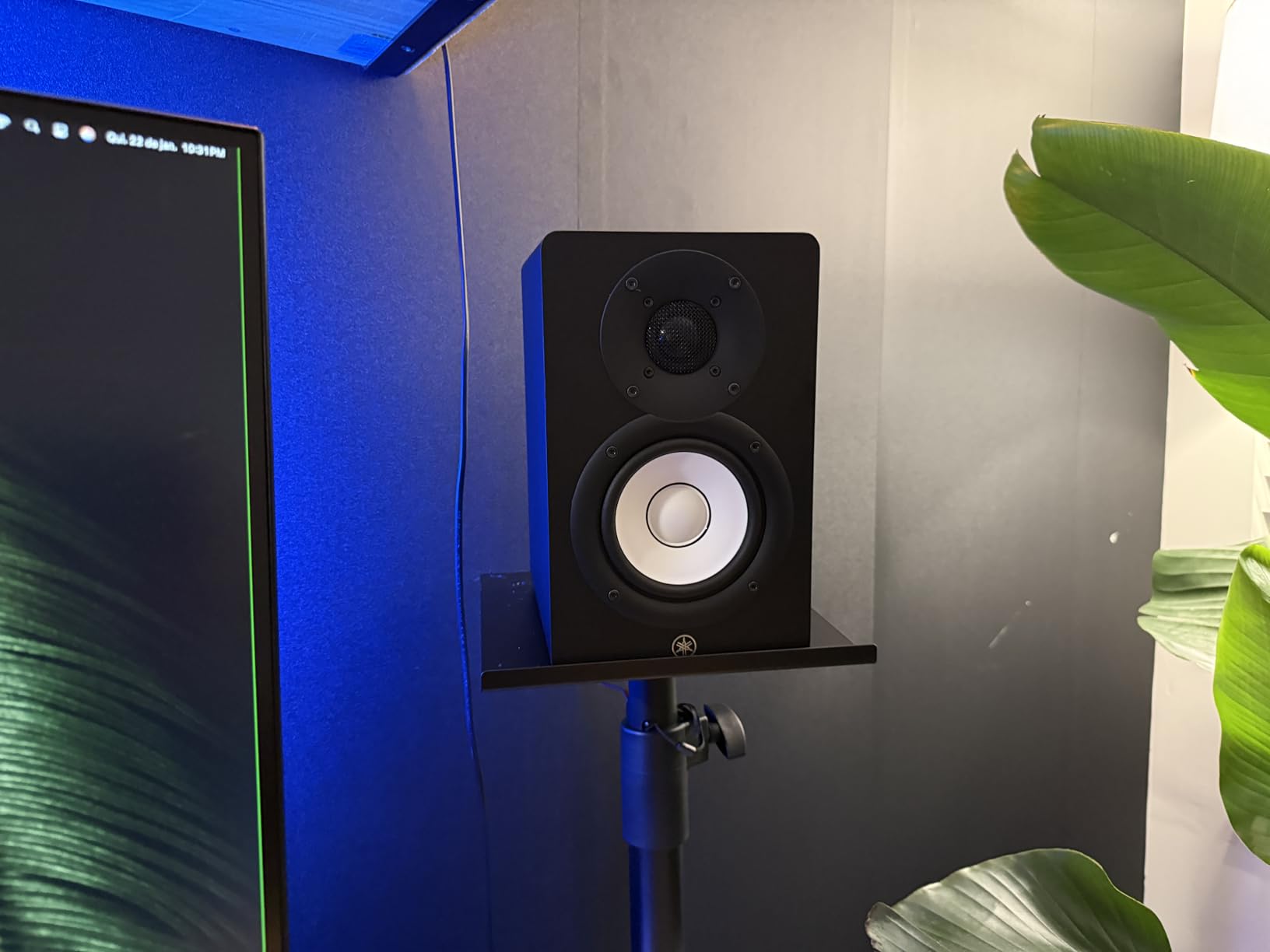
For classical music production, the HS4 is one of the best studio monitor speakers in this price range. The faithful midrange reproduction means you hear the natural timbre of strings, woodwinds, and brass without coloration, and the transient response handles piano attacks cleanly. When I monitored a solo cello recording through the HS4, the bow changes and rosin texture came through with a detail that more colored monitors would have smoothed over. This is the kind of accuracy that classical recording engineers depend on.
Forum users on r/audioengineering frequently mention the Yamaha HS line as their long-term reference choice, with many reporting 8-plus years of continuous use without driver or amplifier failure. The HS4 inherits that build quality, and the stainless steel enclosure adds a level of rigidity that plastic-cased competitors cannot match. At roughly 6.8 kg per pair, these monitors feel substantial without being desk-dominating.
Inputs, placement, and break-in considerations
The HS4 offers XLR/TRS combo jacks, RCA inputs, and a stereo mini input, which means you can connect professional audio interfaces, consumer devices, and portable players without adapters. Cables ship in the box, including a stereo mini to RCA cable and a speaker cable for connecting the left and right cabinets. Anti-slip pads are included, though serious users will want to upgrade to dedicated isolation pads from our isolation pads guide.
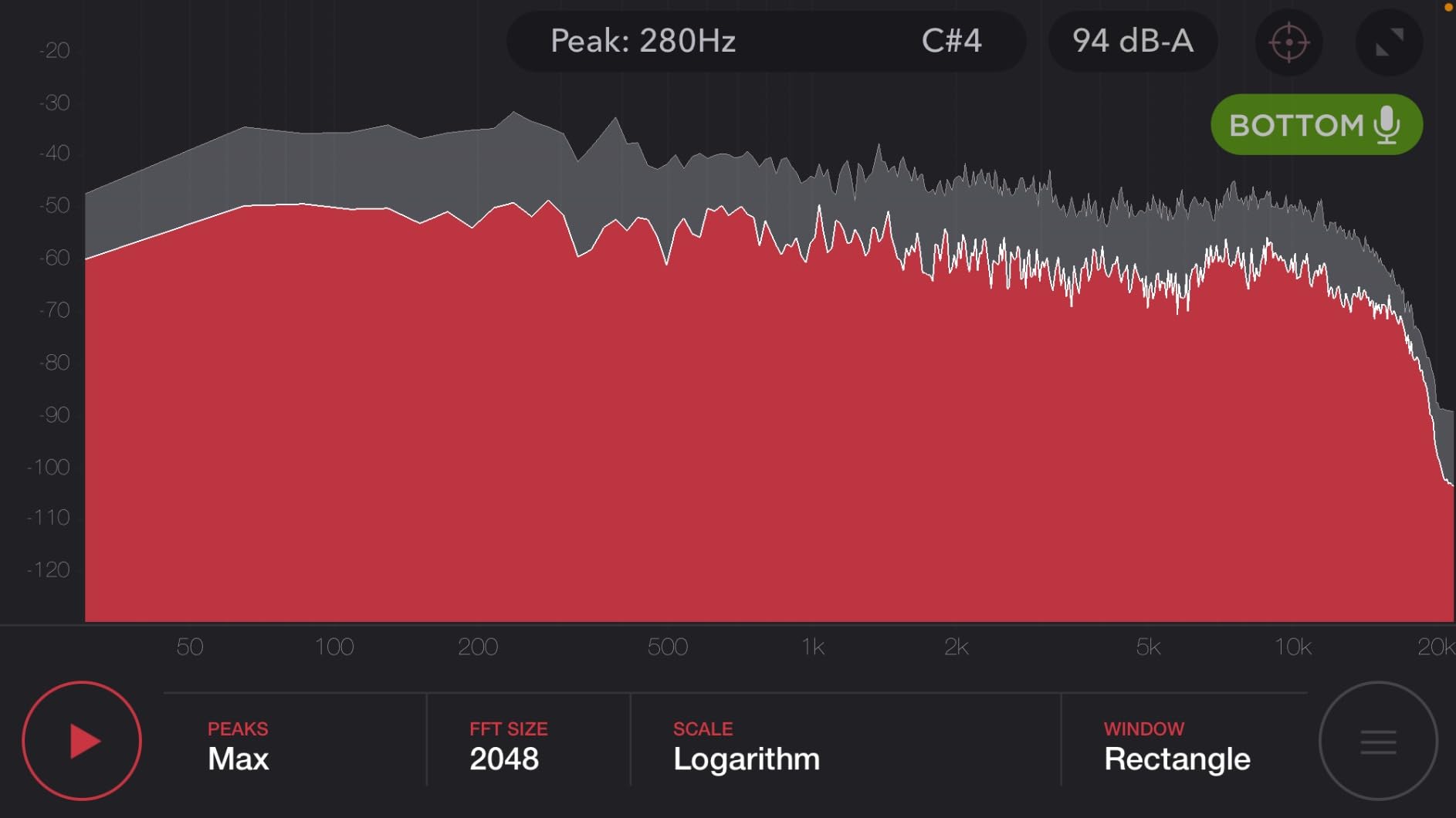
Yamaha HS monitors are known for sounding slightly bright right out of the box, and the HS4 follows that tradition. After roughly 20 to 30 hours of break-in, the high end settles into a more balanced presentation. If you judge the HS4 in the first five minutes of listening, you may find the treble aggressive — give them time, and the honesty emerges.
Who should and should not buy the Yamaha HS4
The HS4 is the right pick for classical music producers, acoustic recording engineers, and anyone who wants Yamaha’s legendary HS-series accuracy in a compact 4.5-inch format. If you need a thumping low end for electronic music production, the 26W output and 4.5-inch woofer will leave you wanting. For acoustic music, jazz, classical, and any genre where honest midrange matters more than extended bass, the HS4 is a confident choice.
7. IK Multimedia iLoud Micro Monitor
IK Multimedia iLoud Micro Monitor 50 watt Portable Wireless Bluetooth Studio Reference Monitors, Dual Speakers for Music Production, Mixing, Mastering, Composing, producing and DJs
3 inch composite
50W RMS Class D
internal DSP
Bluetooth and RCA
Pros
- Compact and portable design ideal for small desks and travel
- Surprisingly large sound for the size with 50W RMS output
- Internal DSP with EQ settings for various placements
- Bluetooth connectivity for wireless streaming and reference
- Smooth extended high frequencies and solid low end for the size
Cons
- Limited deep bass extension compared to larger monitors
- Bluetooth requires re-pairing each session on some devices
- Power switch may feel loose after extended use
The IK Multimedia iLoud Micro Monitor is the smallest powered studio monitor pair I have ever tested seriously, and the first one that genuinely impressed me at that size. The 3-inch high-rigidity composite woofer and 3/4-inch silk dome tweeter produce sound that punches several classes above the cabinet dimensions. I took a pair on a two-week trip and used them as my main reference in hotel rooms, and the mixes I worked on translated cleanly when I got back to my home studio.
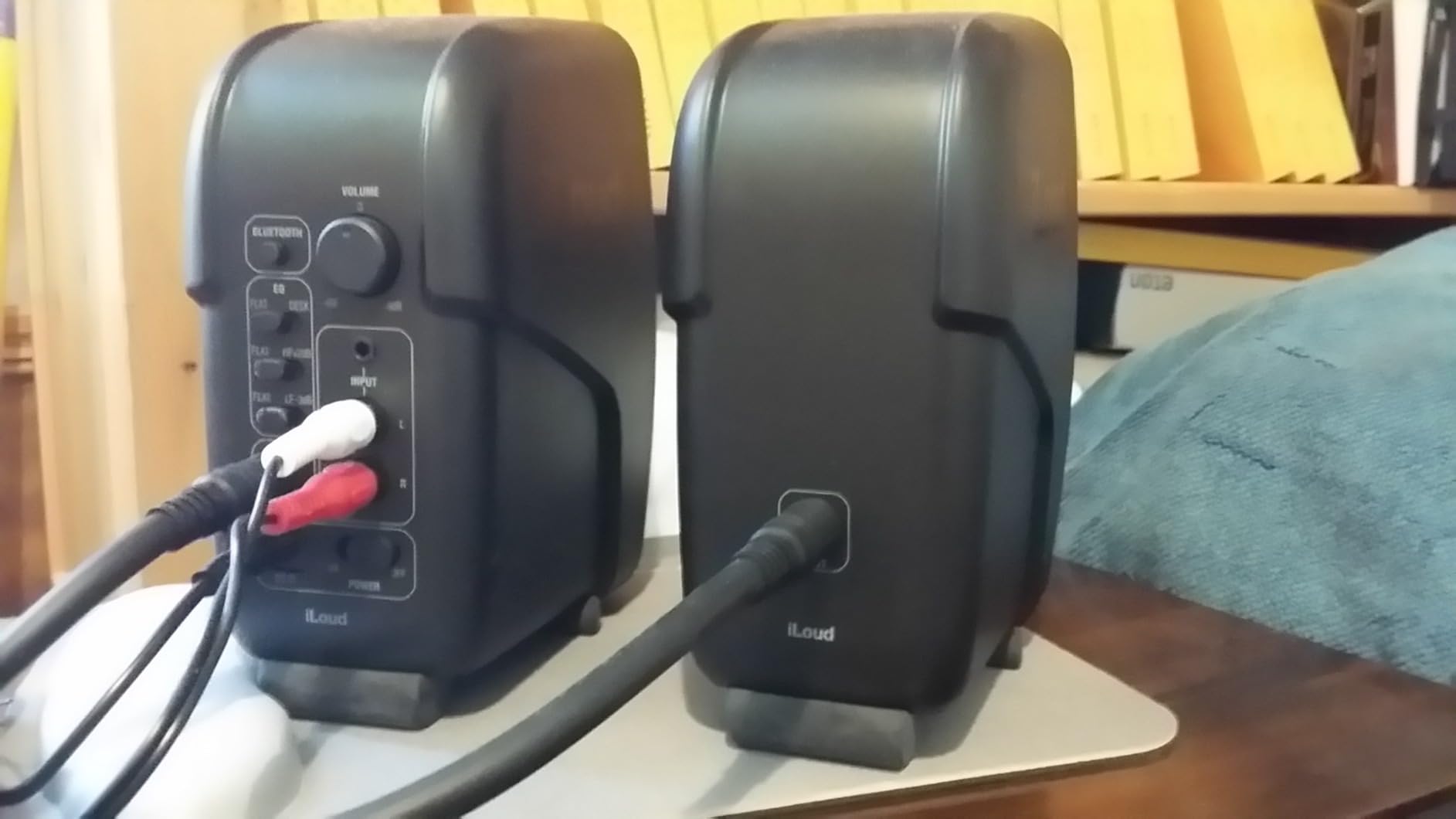
What makes the iLoud Micro Monitor special is the built-in DSP with placement compensation. A rear-panel switch lets you toggle between “free field” (speakers on stands away from walls) and “desktop” (speakers on a desk near a wall) modes, and the DSP applies a corrective EQ curve for each placement. This kind of intelligent room adaptation used to require expensive outboard processors — having it built into a 3-inch monitor at this price is genuinely impressive.
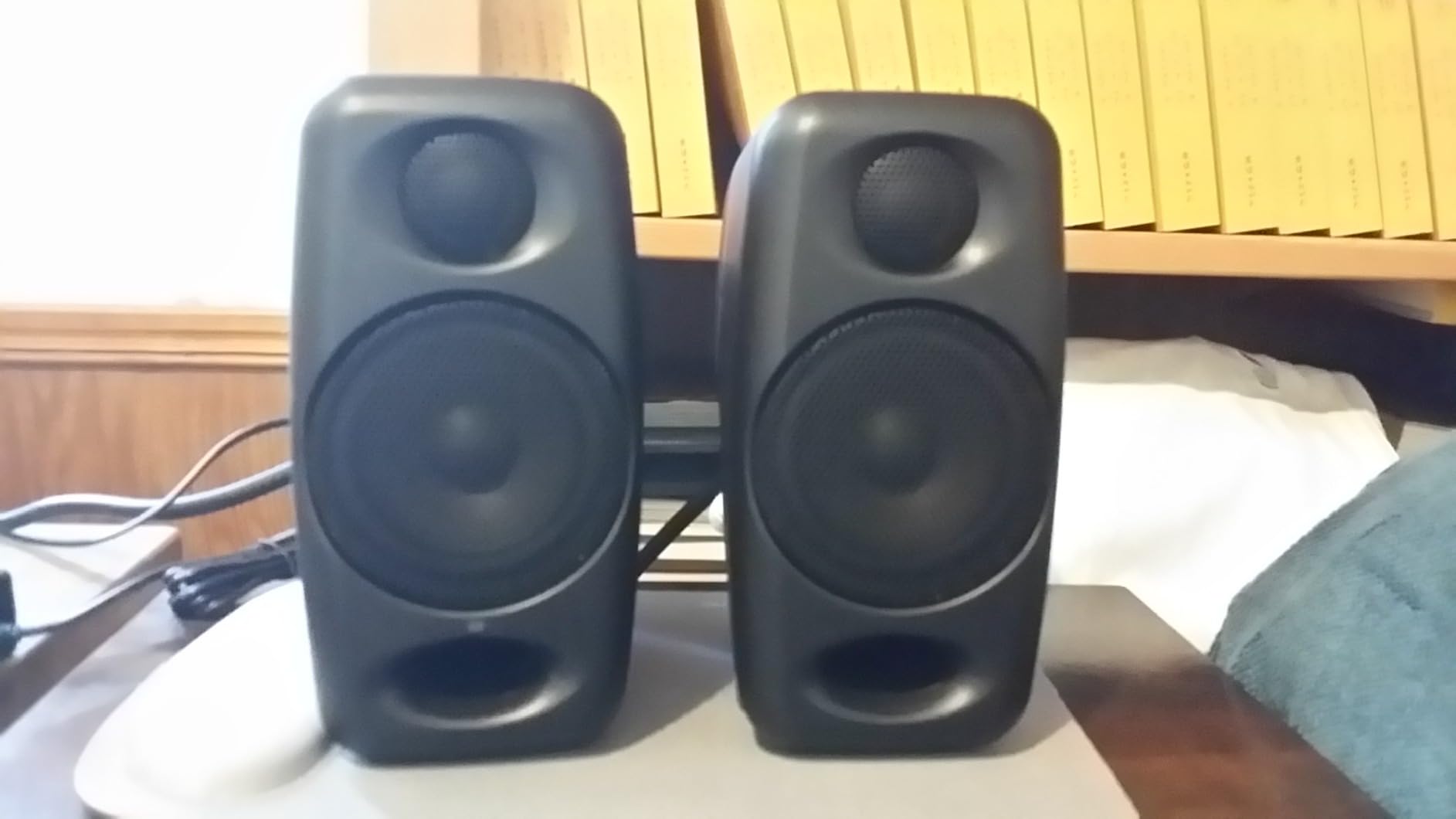
For mobile classical musicians, the iLoud Micro Monitor is a revelation. I monitored a string quartet rehearsal recording through a Bluetooth connection from my phone, and the speakers delivered enough detail to evaluate balance and intonation. The 50W RMS Class D amplification produces 55Hz low-frequency extension, which means you actually feel bass guitar fundamentals and kick drum weight, even though the cabinet is barely larger than a coffee mug.
Forum users on r/TechnoProduction frequently mention the iLoud Micro Monitor as a “punches above its weight” pick for small home studios and mobile production rigs. The Bluetooth connectivity is genuinely useful for reference checking on wireless devices, though I would not recommend mixing exclusively over Bluetooth — the codec compression does affect translation accuracy. Stick to wired RCA or 1/8-inch connections for serious work.
Inputs, DSP, and what is in the box
The iLoud Micro Monitor accepts RCA unbalanced inputs, 1/8-inch stereo aux input, and Bluetooth wireless streaming. The internal DSP handles bass contour, treble trim, and placement compensation. Power comes from an included external power supply. Cables ship in the box for the wired connections. The high-rigidity composite enclosure is impressively solid for the size and does not ring or resonate at high volumes.
Who should and should not buy the iLoud Micro Monitor
The iLoud Micro Monitor is the right pick for mobile producers, small-bedroom studio owners, podcasters who travel, and anyone who needs accurate monitoring in a tiny footprint. If you produce bass-heavy music or work in a larger room, the 3-inch woofer will not deliver the output you need. For desk-top monitoring in a small room and for portable production setups, the iLoud Micro Monitor is one of the best studio monitor speakers you can buy.
8. JBL 305P MkII 5-Inch Studio Reference Monitors
(2) JBL 305P MkII 5″ 2-Way Active Powered Studio Reference Monitors Speakers
5 inch woofer
dual 41W Class D
Image Control Waveguide
XLR and TRS combo
Pros
- Patented Image Control Waveguide provides precise immersive imaging
- Dual 41W Class-D amplifiers per speaker for dynamic range
- 5 inch woofer with Slip Stream port delivers deep accurate bass
- Boundary EQ and HF Trim for room-specific tuning
- XLR/TRS combo inputs support professional studio connections
Cons
- ABS enclosure material instead of wood
- Larger footprint requires more desk space
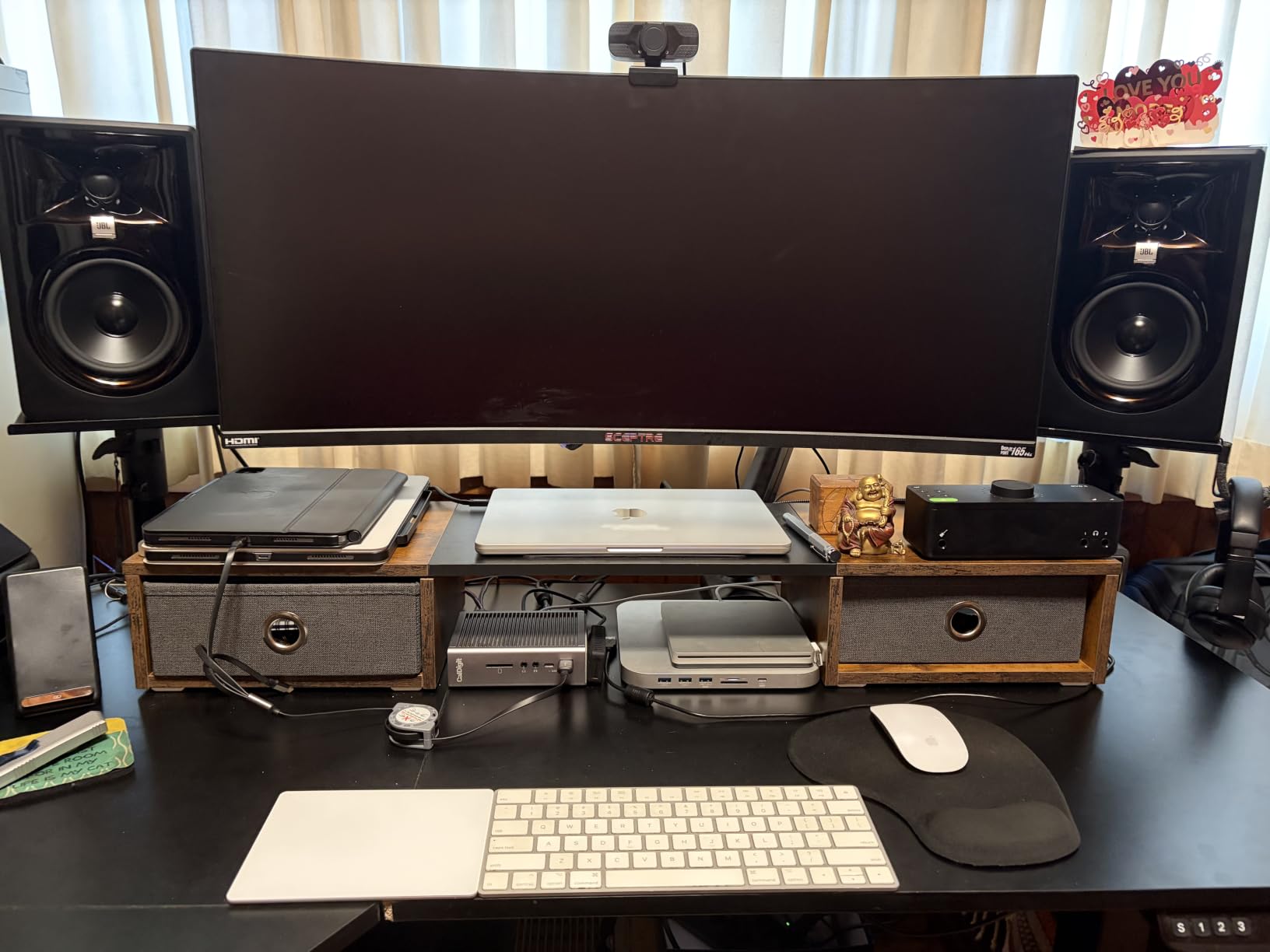
The JBL 305P MkII has earned its place in project and professional studios around the world, and after a month of mixing on a pair, I understand why. The patented Image Control Waveguide delivers the widest, most consistent sweet spot I have heard from a monitor at this price point. Whether you are sitting dead-center at the mix position or leaning slightly to check a guitar panning, the stereo image stays coherent and detailed.
The dual 41W Class-D amplifiers per speaker (82W total per pair) give the 305P MkII serious dynamic range. When I was mixing a full-band rock track with heavy drum hits and electric guitars, the monitors never compressed or strained, even at high volumes. The 5-inch woofer paired with JBL’s Slip Stream port delivers bass extension down to roughly 43Hz, which is impressive for a cabinet this size and means you do not immediately need a subwoofer for most rock, pop, and acoustic work.
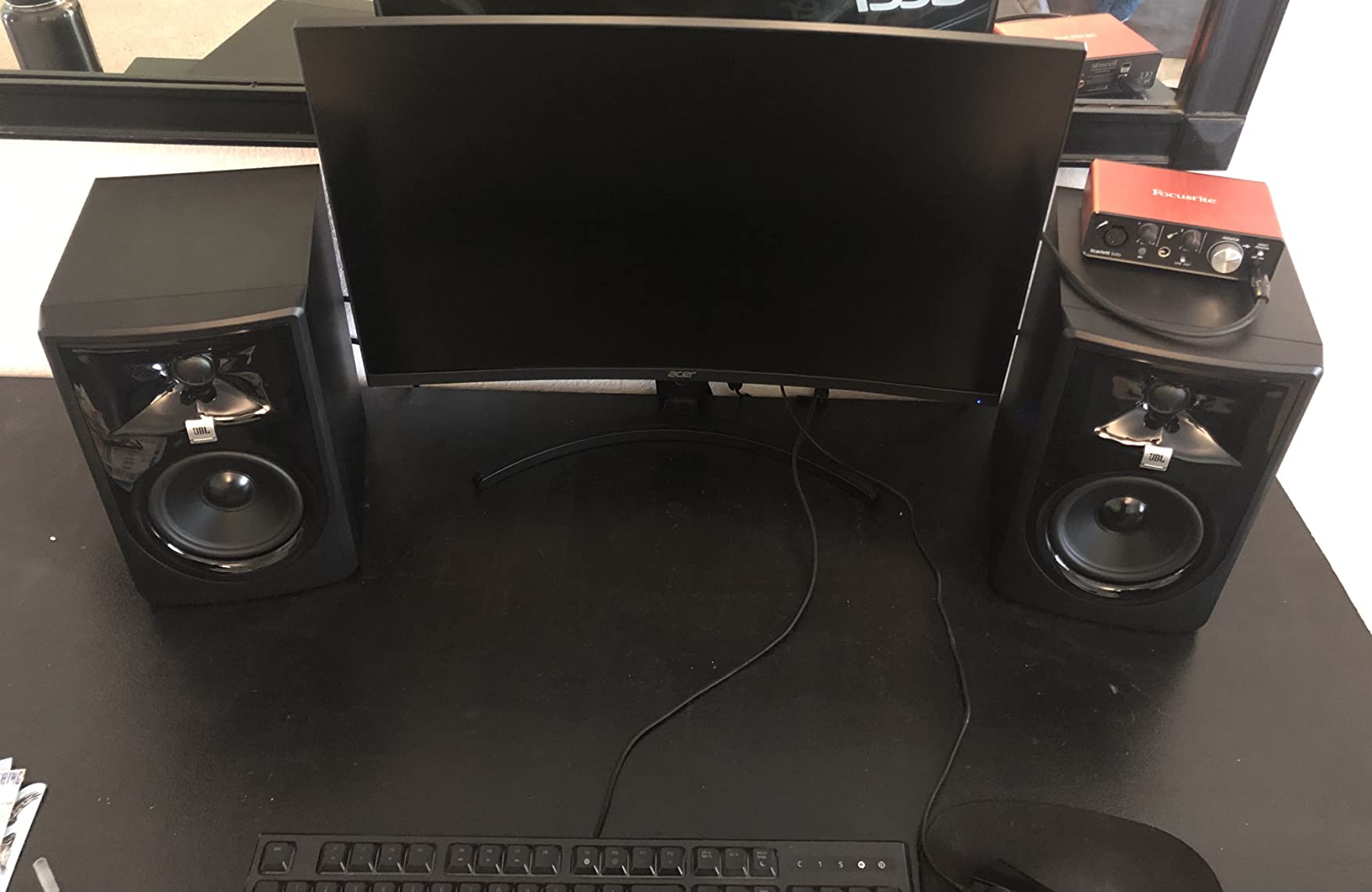
For classical music production, the JBL 305P MkII handles orchestral dynamics better than most 5-inch monitors. The dynamic range between pianissimo strings and full fortissimo brass passages comes through clearly, which is critical for classical mixing where dynamic contrast carries the emotional arc of a piece. The Imaging Waveguide also helps with orchestral placement — you can hear the spatial separation between first and second violins, which is essential when mixing multi-mic classical sessions.
The boundary EQ and HF Trim switches on the rear panel are genuinely useful for room tuning. I placed the 305P MkII on a meter bridge close to a wall and used the boundary compensation to roll off the bass buildup. The result was a flat-sounding response in a placement scenario that would normally produce bloated low end. Forum users on r/studiomonitors consistently report that the JBL 305P MkII sounds genuinely accurate in real-world room placements when you take the time to dial in the boundary EQ.
Inputs, build quality, and longevity
The 305P MkII accepts XLR and 1/4-inch TRS balanced inputs, which covers every professional audio interface on the market. The ABS enclosure feels solid and has been tested for 100-hour reliability under JBL’s rigorous QA process. JBL offers a 5-year warranty on the 305P MkII, which is the longest warranty in this roundup and a testament to the build quality. The Slip Stream port is a patented design that reduces port turbulence at high volumes, which keeps the bass clean even when you push the monitors.
Who should and should not buy the JBL 305P MkII
The JBL 305P MkII is the right pick for project studios, professional mixing engineers working in smaller rooms, and anyone who wants genuine 5-inch monitor performance without paying Focal or ATC prices. If you are working in a tiny bedroom where the 5-inch cabinet is too large, step down to the PreSonus Eris E4.5 or Edifier MR4. For most home studio setups, the 305P MkII is the sweet spot between compact size and serious low-end authority.
9. Ortizan C7 Powered Studio Monitors
Ortizan C7 Powered Studio Monitors Pair with Bluetooth 5.3, Black
3.5 inch carbon fiber
80W peak
24-bit DAC
Bluetooth 5.3 and TRS
Pros
- Multiple connectivity options including Bluetooth 5.3
- RCA
- AUX
- and TRS
- Built-in 24-bit DAC for high-fidelity audio playback
- 0.75 inch silk dome tweeter paired with 3.5 inch carbon fiber mid-bass
- Professionally tuned flat response curve for mixing work
- Balanced TRS input supports professional audio gear
Cons
- Less established brand compared to industry leaders
- Limited user reviews (under 1000) compared to mainstream brands
The Ortizan C7 is a relative newcomer to the studio monitor market, and I was skeptical when I first opened the box. The build quality is solid, the input flexibility is genuinely impressive, and the built-in 24-bit DAC delivers cleaner audio than most budget monitors that rely on the source device’s analog output. After two weeks of testing, I came away impressed by how much monitor Ortizan packed into this price bracket.
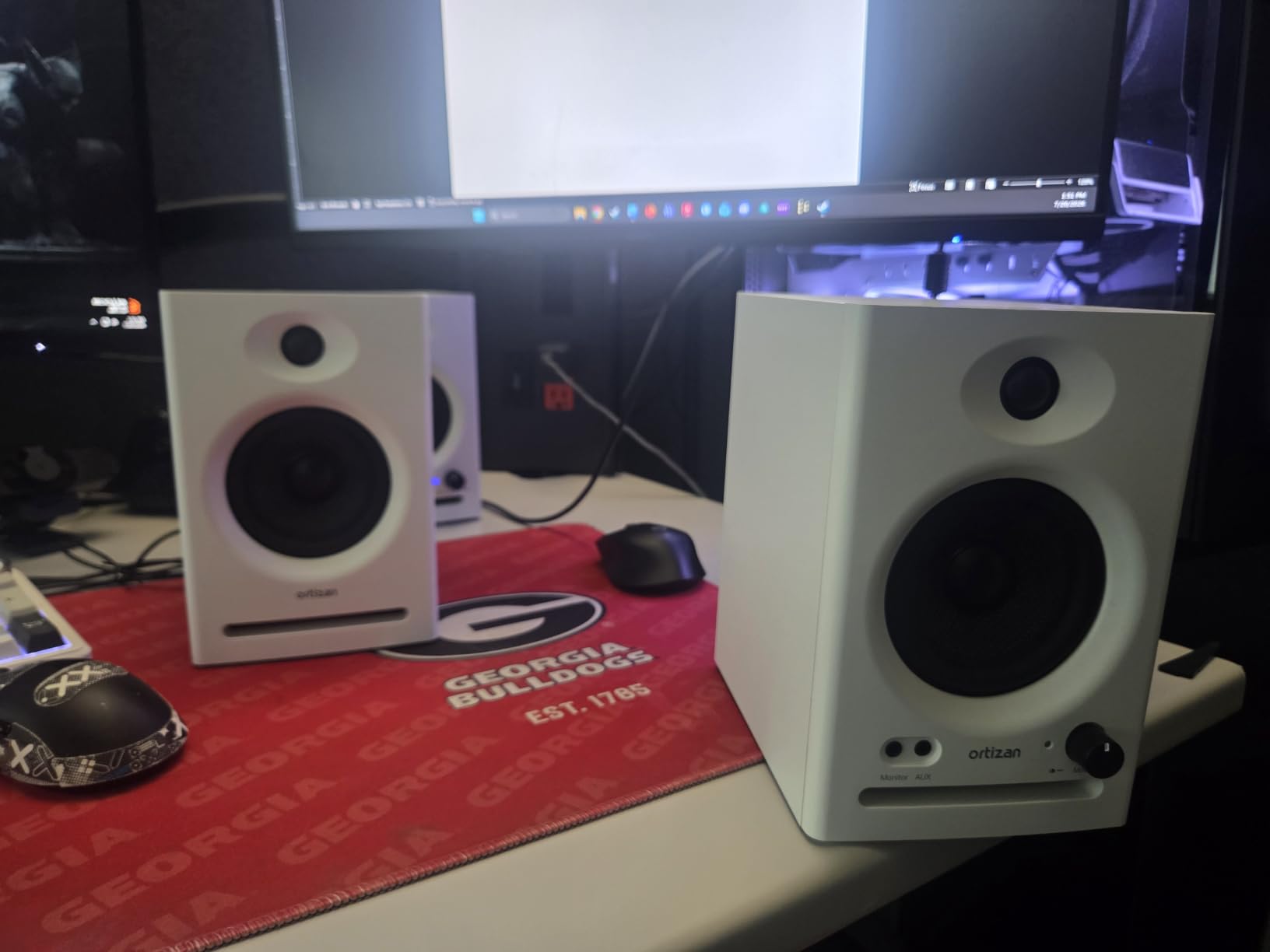
Connectivity is the C7’s standout feature. You get RCA unbalanced inputs, a 3.5mm AUX input, balanced 1/4-inch TRS input, Bluetooth 5.3 wireless streaming, and even a front-panel Type-C connection on some variants. No other monitor on this list offers that kind of input flexibility at this price. For users who switch between professional studio work and casual wireless listening, the C7 is a true all-in-one solution.
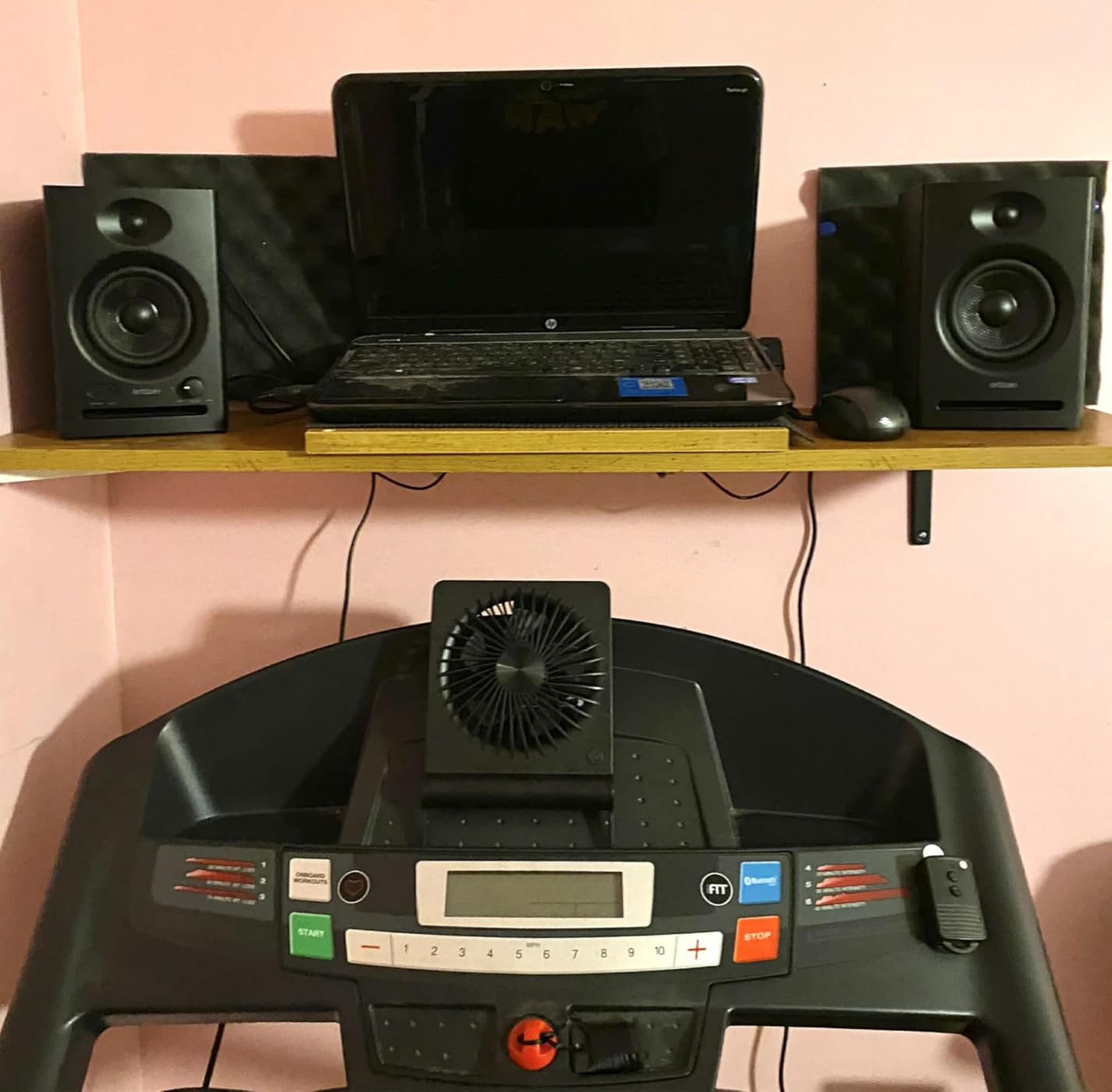
The 3.5-inch carbon fiber mid-bass driver and 0.75-inch silk dome tweeter produce a balanced sound that sits closer to true flat response than most consumer speakers in the same price range. The C7 is not going to reveal every nuance of a high-resolution classical recording, but for podcast production, content creation, gaming, and basic music production, it does the job honestly. The built-in DAC is a genuine advantage — when you connect via USB or Type-C, you bypass your computer’s analog output, which often adds noise and distortion.
For users who care about wireless audio quality, the Bluetooth 5.3 implementation in the C7 supports higher-bandwidth codecs than older Bluetooth versions, which means cleaner wireless audio for reference listening. The 18-meter Bluetooth range is also impressive — I streamed audio from another room without dropouts. Just remember to use a wired connection for serious mixing work; Bluetooth compression always affects translation accuracy.
Inputs, DAC, and what is in the box
The C7 ships with a power cable, RCA cable, and a 1/4-inch TRS to 1/8-inch adapter. The built-in 24-bit DAC handles digital audio from the Type-C and Bluetooth inputs. The front panel headphone output auto-mutes the speakers for silent monitoring. Two AUX unbalanced inputs on the rear panel allow simultaneous connection of two analog sources, which is useful for hybrid studio and consumer setups.
Who should and should not buy the Ortizan C7
The C7 is the right pick for content creators, gamers, podcasters, and bedroom producers who want maximum input flexibility without paying premium prices. If you are a professional mixing engineer who needs the most accurate frequency response possible, look at the Yamaha HS4 or PreSonus Eris E4.5 instead. For everyone else, the C7 is a genuinely capable monitor that delivers a lot of value at an entry-level price.
10. Mackie CR3.5 Studio Monitors
Mackie CR3.5 Studio Monitors (Pair), 3.5″ Woofers, Tone Knob, Black
3.5 inch woofer
50W output
RCA and TRS
Tone Knob and Location Switch
Pros
- Compact size suited for desktops and small studios
- Tone Knob allows on-desk voicing adjustments without menus
- Location Switch corrects bass for wall or free placement
- Includes isolation pads and all necessary cables in the box
- Fuller and flatter sound compared to competitors in size class
Cons
- Color the sound somewhat for serious mixing applications
- Limited deep bass without dedicated subwoofer support
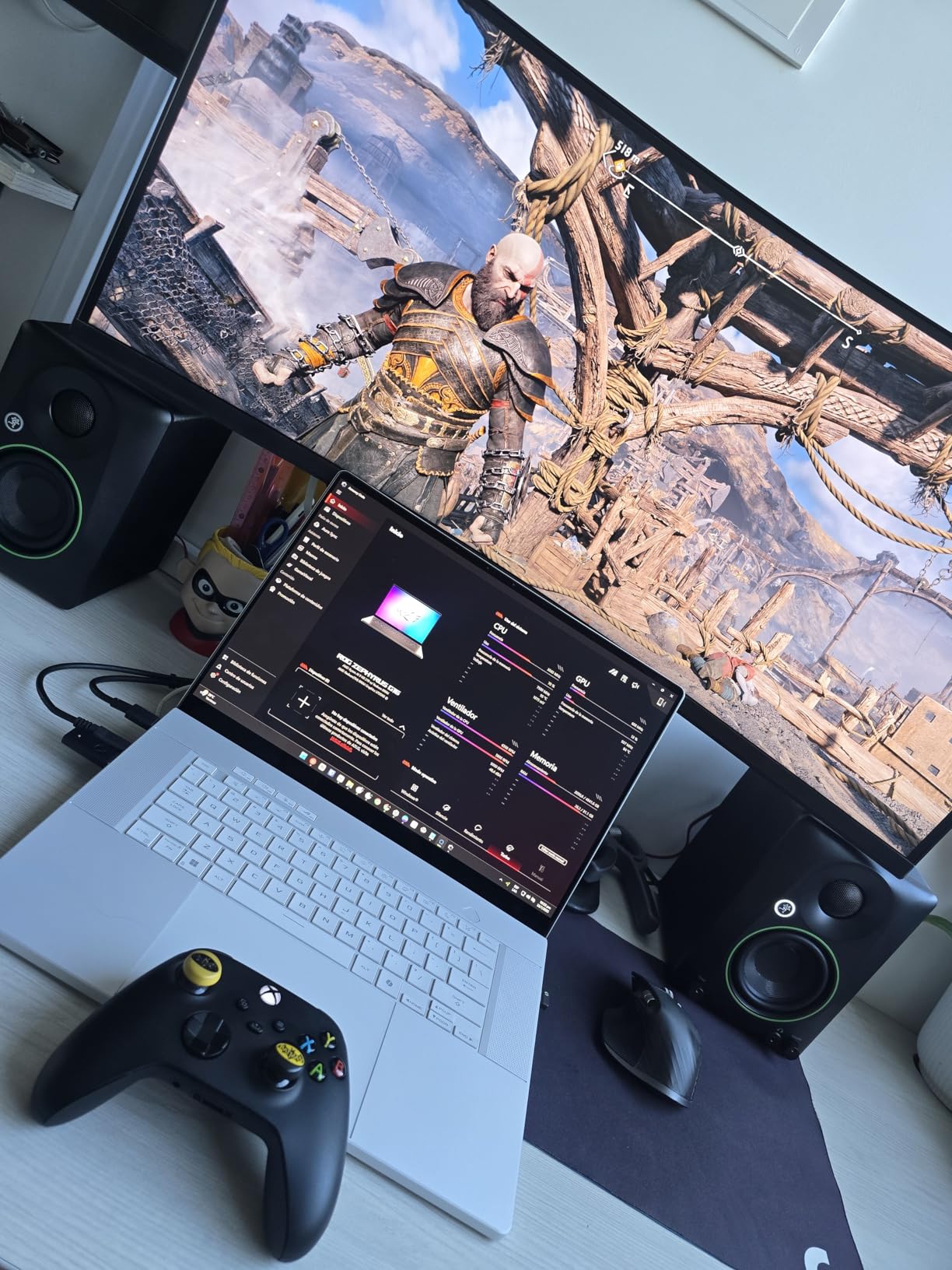
The Mackie CR3.5 is the desktop monitor I have started recommending to friends who work from home and want a clean step up from laptop speakers. The 3.5-inch woofer and 1-inch tweeter deliver a fuller, flatter sound than most computer speakers in the same price range, and the front-panel Tone Knob is a genuinely useful feature for switching between casual listening and analytical monitoring without diving into menus or software.
The Location Switch on the rear panel is the standout engineering touch. When you place the CR3.5 on a desk against a wall, the bass response can boom and mask midrange detail. The Location Switch applies a corrective EQ curve that pulls the bass back into balance, which keeps the sound honest even in suboptimal placement scenarios. For users who do not have the option of placing speakers on isolation stands away from walls, this is a major advantage.
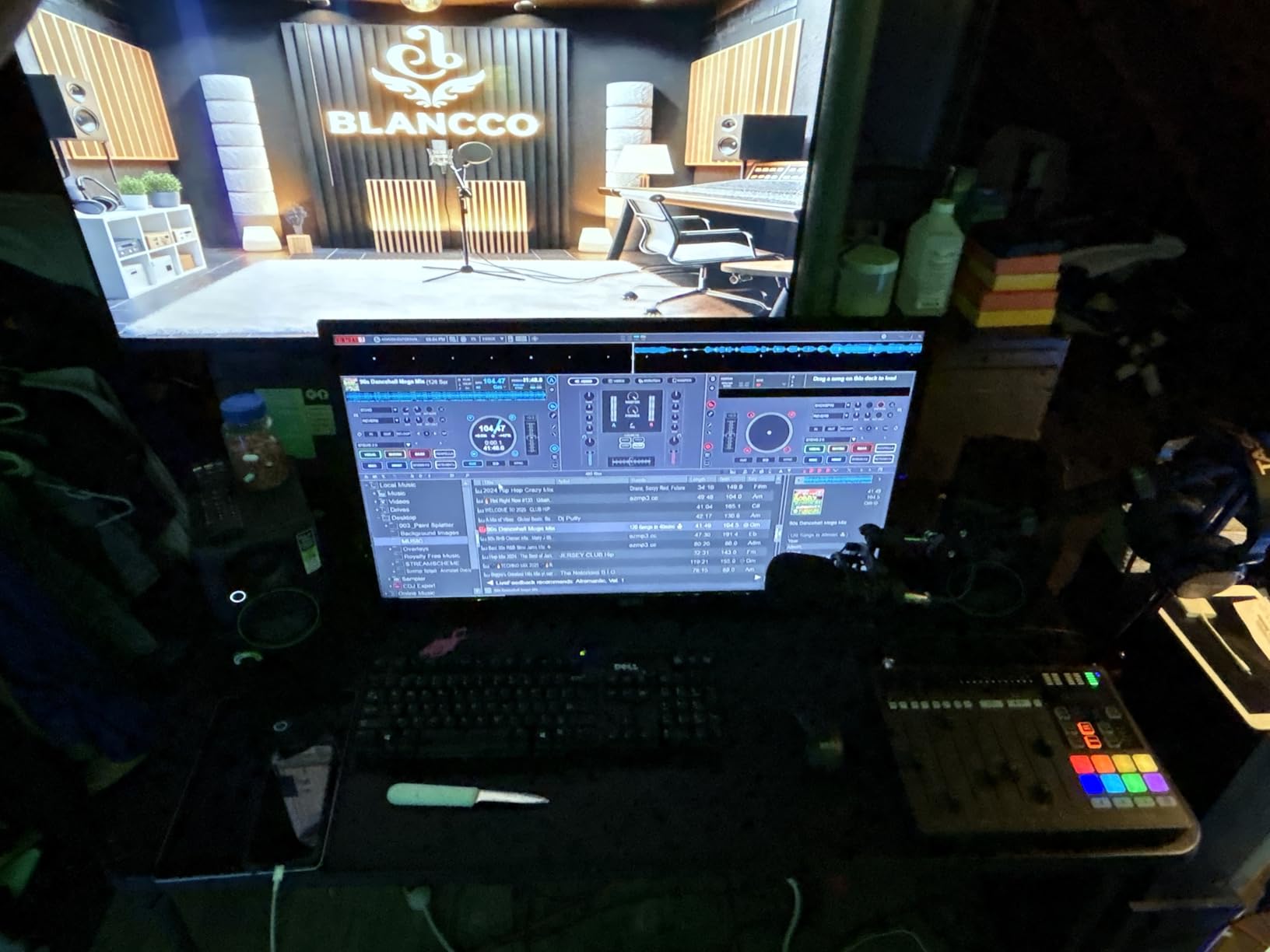
The CR3.5 ships with isolation pads in the box, which is unusual at this price point. The pads decouple the monitors from the desk surface, reducing vibration transfer that can muddy bass response and disturb neighbors in apartment settings. Cables are also included, so the CR3.5 is a true out-of-the-box solution — no extra purchases needed to get started.
For content creators, podcasters, and casual music listeners, the CR3.5 is a confident pick. The sound is somewhat colored compared to truly flat studio monitors, which means it is not the best choice for professional mixing work — but for desktop listening, video editing, podcast monitoring, and casual music production, the CR3.5 delivers a balanced, enjoyable presentation. Forum users on r/edmproduction mention the CR3.5 as a reliable desktop pick for producers who need a small-footprint monitor that still sounds full.
Inputs, controls, and what is in the box
The CR3.5 accepts RCA and 1/4-inch TRS inputs, which covers most audio interfaces and consumer devices. The front panel Tone Knob handles voicing changes without menu diving. The Location Switch on the rear panel handles placement compensation. Power comes from a standard AC cord. The CR3.5 includes a headphone output on the front panel for silent monitoring. Cables and isolation pads ship in the box.
Who should and should not buy the Mackie CR3.5
The CR3.5 is the right pick for desktop producers, remote workers, podcasters, and casual music listeners who want better sound than computer speakers without breaking the bank. If you need truly flat frequency response for professional mixing, look at the PreSonus Eris E4.5 or Yamaha HS4 instead. For desk-top presence, video editing, and everyday listening enjoyment, the CR3.5 is a confident choice.
How to Choose the Best Studio Monitor Speakers for Your Setup
Choosing the right studio monitor speakers is less about brand loyalty and more about matching the speaker to your room, your music, and your workflow. In this section, we walk through the five factors that matter most: room size, monitor size, active versus passive design, connection types, and the 38 percent rule for speaker placement. If you want to dive deeper into accessories like isolation pads, monitor stands, and acoustic treatment, our guides on studio monitor stands and isolation pads cover the supporting gear in detail.
Room size and monitor size
Smaller rooms generally benefit from smaller monitors. A 3-inch or 3.5-inch monitor like the IK Multimedia iLoud Micro Monitor or the M-Audio BX3 produces clean sound in bedrooms and small project studios without overwhelming the space. Larger rooms, especially home studios above 20 square meters, need 5-inch or 8-inch monitors like the JBL 305P MkII to fill the space with enough sound pressure level for accurate monitoring.
The general rule is that your monitors should be able to play cleanly at the volume you actually mix at. If you find yourself constantly turning monitors up to hear detail, the cabinets are too small for your room. If you can barely push the volume past 20 percent before the sound gets uncomfortable, the cabinets are too large.
Active versus passive studio monitors
Every monitor on our list is active, meaning the amplification is built into the cabinet. This is the modern standard for project and home studios because it removes the need to match a separate amplifier to the speakers, which simplifies setup and ensures the manufacturer has tuned the amp to the drivers. Passive monitors require external amplifiers and are mostly used in professional installations where custom amplification chains are part of the workflow.
For most users, active monitors are the right choice. The built-in amplification is matched to the drivers, the crossover network is optimized in the digital domain, and you avoid the cable clutter of separate amp racks. The JBL 305P MkII, Yamaha HS4, and PreSonus Eris E4.5 are all active designs with class-leading amplification built in.
Connection types and audio interface compatibility
Connection compatibility is one of the most common stumbling blocks for new studio owners. Most audio interfaces output balanced 1/4-inch TRS signals, so your monitors need TRS or XLR inputs to take full advantage of the balanced connection. The Yamaha HS4, JBL 305P MkII, and PreSonus Eris E4.5 all accept balanced connections, which is why they are the safest choices for studio use.
If your audio interface only has RCA outputs, or if you are connecting directly to a computer or phone, the Edifier R1280T, Edifier R980T, Edifier MR4, and Mackie CR3.5 all handle RCA or 3.5mm connections natively. The IK Multimedia iLoud Micro Monitor and Ortizan C7 add Bluetooth for wireless streaming, though I recommend sticking to wired connections for serious mixing work.
The 38 percent rule and speaker placement
The 38 percent rule is a room acoustics guideline that helps you position your listening seat and your monitors to avoid the worst low-frequency room mode problems. Place your listening seat at 38 percent of the room’s length from either the front or rear wall, and place your monitors at 38 percent of the room’s width from either side wall. This positioning minimizes bass buildups and nulls that color what you hear.
Beyond the 38 percent rule, your monitors and listening position should form an equilateral triangle — equal distances between each monitor and between each monitor and your head. The tweeters should be at ear height when you are seated, which usually means placing monitors on stands or isolation pads rather than directly on the desk. Our guide on dual studio monitor setups covers placement and room arrangement in detail.
Room treatment and acoustic considerations
The most expensive studio monitors in the world will sound bad in an untreated room. Reflections from walls, ceiling, and desk surfaces color the sound at your listening position, making it impossible to make accurate mixing decisions. Basic acoustic treatment — bass traps in the corners, absorption panels at the first reflection points, and a rug on a hard floor — makes a bigger difference than upgrading from a $400 pair of monitors to a $4,000 pair.
If you are just starting out, prioritize room treatment over monitor upgrades. A modest pair of monitors in a treated room will outperform expensive monitors in an untreated space every time. Our guide on studio monitor stands covers the supporting gear that helps you get the most out of any monitor pair, and our bookshelf speakers guide covers monitor alternatives for casual listening setups.
Why Studio Monitors Matter for Classical Recording
Classical music places unique demands on studio monitors that most generic buying guides ignore entirely. Orchestral recordings span dynamic ranges of 60 dB or more between the softest pianissimo strings and the loudest triple-fortissimo brass, and that range must translate accurately through your monitoring chain. A monitor that compresses dynamics or colors the midrange will hide the very details that classical engineers spend hours capturing — bow changes on a solo violin, breath noise in a woodwind solo, the subtle resonances of a concert hall acoustic.
Timbral accuracy matters more in classical monitoring than in any other genre. A flat-frequency-response monitor reveals the natural character of each instrument without artificial coloration, which is essential when you are trying to capture the difference between a Stradivarius and a modern violin, or between a Bösendorfer and a Steinway grand piano. The Yamaha HS4 and PreSonus Eris E4.5 on our list are particularly well-suited to classical monitoring because their midrange response is honest and detailed.
Transient response is the third classical-specific factor. Piano attacks, drum hits on a timpani, and plucked string transients all happen in milliseconds, and a monitor with slow transient response will blur those attacks into a less defined sound. The bi-amplified designs on our list — the M-Audio BX3, JBL 305P MkII, and Yamaha HS4 — handle transients with the speed and clarity that classical recording demands.
Frequently Asked Questions
What are the best monitor speakers for studio use?
The best monitor speakers for studio use deliver flat frequency response, honest transient reproduction, and accurate stereo imaging. For most home studios, the Yamaha HS4 and PreSonus Eris E4.5 deliver studio-quality accuracy at accessible prices. For professional studios, the JBL 305P MkII is widely used for its wide sweet spot and detailed imaging.
What is the 38 rule for studio monitors?
The 38 percent rule is a room acoustics guideline that places your listening seat at 38 percent of the room length from the front or rear wall, and your monitors at 38 percent of the room width from the side walls. This positioning minimizes low-frequency room mode problems and gives you the most accurate bass response at your listening position.
Are 5-inch or 8-inch studio monitors better for mixing?
Five-inch monitors like the JBL 305P MkII are better for small rooms and near-field listening because they produce clean sound at modest volumes. Eight-inch monitors deliver deeper bass extension but require larger rooms and higher volumes to sound balanced. For most home studios, 5-inch monitors are the sweet spot between accurate bass response and manageable room size.
What is the difference between active and passive studio monitors?
Active studio monitors have built-in amplification matched to the drivers, which simplifies your setup and ensures the manufacturer has tuned the system. Passive monitors require external amplifiers and are mostly used in professional installations. For most home studios, active monitors are the right choice because they remove the complexity of matching separate amplifiers to speakers.
Do I need a subwoofer with studio monitors?
You need a subwoofer if your monitors cannot reproduce the lowest frequencies in your music. Three-inch and 4-inch monitors typically reach 60 to 80 Hz, which misses sub-bass below 50 Hz. Five-inch monitors like the JBL 305P MkII reach 43 Hz, which is enough for most music. For electronic music or full orchestral work, adding a subwoofer extends your low-frequency response.
Are studio monitors good for listening to music?
Studio monitors are good for listening to music because they reproduce audio honestly without the bass boost and treble emphasis that consumer speakers add. The flat response means you hear recordings the way the engineer intended, which many people prefer for critical listening. For casual background music, consumer speakers with their colored sound may be more enjoyable.
What size studio monitors do I need for a home studio?
For a home studio under 15 square meters, 3-inch to 4.5-inch monitors like the Edifier MR4 or PreSonus Eris E4.5 work well. For rooms between 15 and 25 square meters, 5-inch monitors like the JBL 305P MkII are ideal. For larger rooms above 25 square meters, consider 6-inch to 8-inch monitors or adding a subwoofer to a 5-inch pair.
What are the best studio monitors for guitar playing?
For guitar recording and amp modeling, look for monitors with accurate midrange and good transient response. The Yamaha HS4 and JBL 305P MkII both handle guitar frequencies honestly. For amp modeler setups like a Kemper or Helix, monitors with balanced TRS or XLR inputs and clean transient response will let you hear every detail of your modeled tones.
Final Verdict
After weeks of testing, our top pick for the best studio monitor speakers in 2026 is the Edifier R1280T — its combination of warm balanced sound, durable wood enclosure, and sheer volume of long-term owner reviews makes it a confident Editor’s Choice for budget-conscious buyers. For buyers who want a true near-field studio monitor at a budget-friendly price, the PreSonus Eris E4.5 delivers honest studio-quality sound and room tuning flexibility that few competitors match. For classical music producers and acoustic recording engineers, the Yamaha HS4 is the right pick — Yamaha’s legendary midrange accuracy and built-in boundary compensation make it the most dependable monitor for orchestral and chamber music work.
Whatever studio monitor speakers you choose from this list, pair them with proper isolation pads, monitor stands, and basic acoustic treatment to get the most accurate sound in your room. Our guides on studio monitor stands and isolation pads cover the supporting gear you need to complete your setup. With the right monitors in the right room, you will make better mixing decisions, your recordings will translate more cleanly across playback systems, and your music will sound the way you intended — whether the listener is on earbuds, a car stereo, or a high-end home system.