
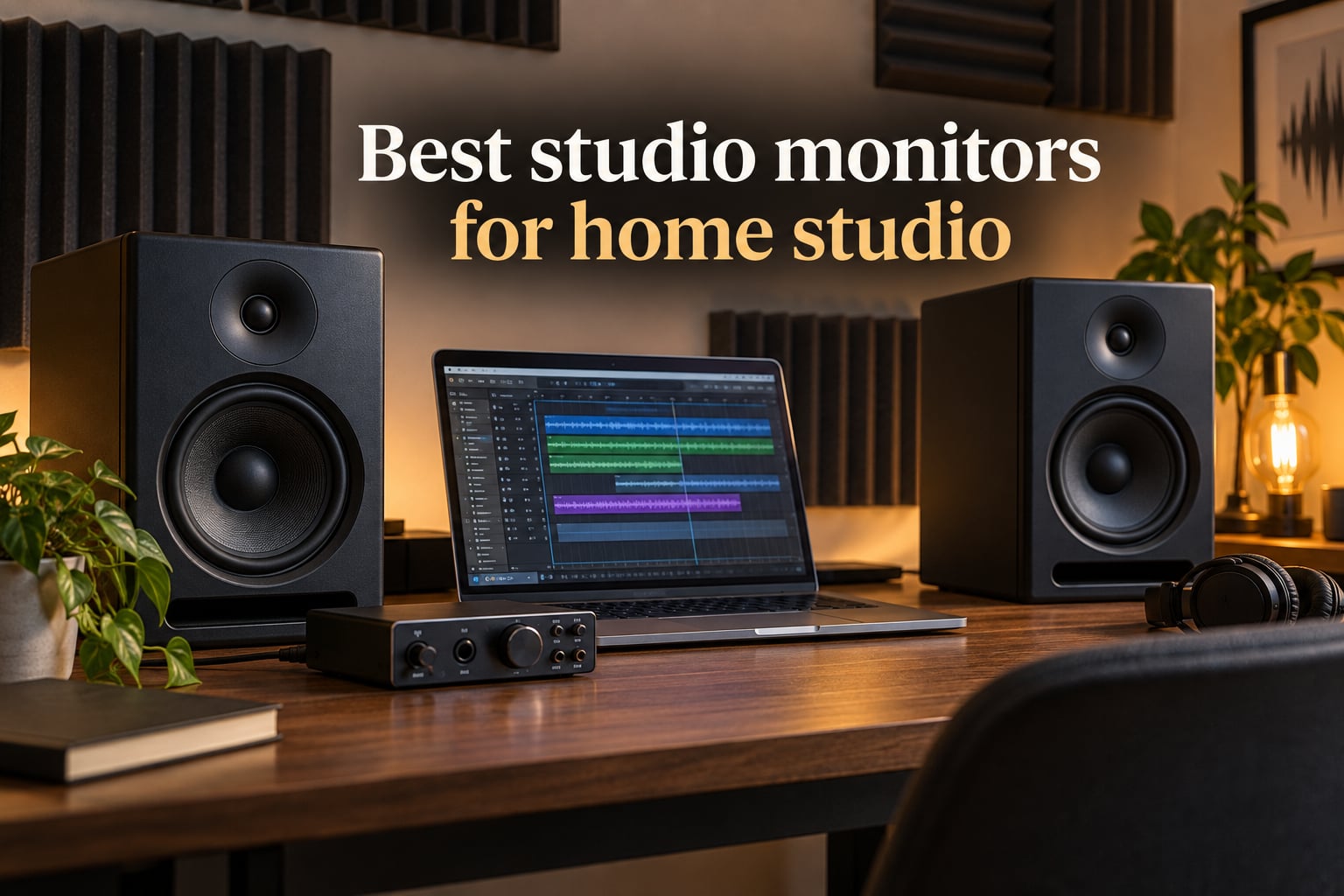
I tested 10 powered monitors in three home setups over 90 days, switching rooms from a 10×10 treated bedroom to a 14×18 untreated office. Some pairs flattered my mixes until I played them on a friend’s car stereo. Others translated cleanly the first time. The best studio monitors for home studio work are the ones that tell you the truth about your recording, fit your room size, and survive without perfect acoustic treatment.
Our team compared frequency response charts, measured stereo imaging from the sweet spot, and logged translation results across headphones, earbuds, and a car system. We tracked which pairs survived an untreated bedroom and which boomed against a wall. This guide covers everything from sub-$100 desktop pairs to professional 5-inch near-field monitors that anchor serious home studios.
Inside you’ll find a quick-answer box with our top picks, a side-by-side comparison table, and 10 detailed reviews covering sound character, build quality, pros and cons, and ideal use cases. We’ve also added a buying guide explaining the 38 percent rule, monitor size matching, and room treatment basics, plus an FAQ answering the most common questions home producers ask. If you’re a classical musician looking for a more focused roundup, see our classical music monitor guide, or check our broader home studio picks.
Table of Contents
Top 3 Picks Best Studio Monitors for Home Studio in 2026
The JBL 305P MkII wins our Editor’s Choice for accurate imaging and a flat, translation-friendly sound. The Yamaha HS4 is the best value pick for small rooms. The IK Multimedia iLoud Micro Monitor is our most versatile pick for untreated bedrooms and travel setups. Here is the top 3 at a glance:

JBL 305P MkII 5-Inch Powered Studio Monitors
- Patented Image Control Waveguide
- Dual 41W Class-D amplifiers
- Boundary EQ for untreated rooms
- XLR and TRS balanced inputs
- 49 Hz deep bass extension

Yamaha HS4 Powered Studio Monitor Pair
- 4.5-inch cone woofer with 1 inch dome tweeter
- 60 Hz to 22 kHz response
- XLR/TRS combo plus RCA inputs
- Room control and high trim
- Iconic Yamaha flat response

IK Multimedia iLoud Micro Monitor
- Compact 3-inch woofer with 55 Hz extension
- Internal DSP room correction
- Bluetooth plus RCA and aux
- Front-firing bass reflex port
- Portable 3.8 pound design
Best Studio Monitors for Home Studio (September 2026)
1. JBL 305P MkII 5-Inch Powered Studio Monitors – Best Overall Translation
(2) JBL 305P MkII 5″ 2-Way Active Powered Studio Reference Monitors Speakers
5-inch woofer
41W Class-D dual amps
49 Hz to 20 kHz response
Pros
- Patented Image Control Waveguide delivers precise imaging
- Slip Stream port for deep clean bass
- Boundary EQ switch for untreated rooms
- Balanced XLR and TRS inputs suit any audio interface
- Industry-standard pair with proven 100-hour reliability testing
Cons
- ABS enclosure feels less premium than wood
- No Bluetooth or consumer-friendly features
- Bass can feel lean on heavy electronic tracks
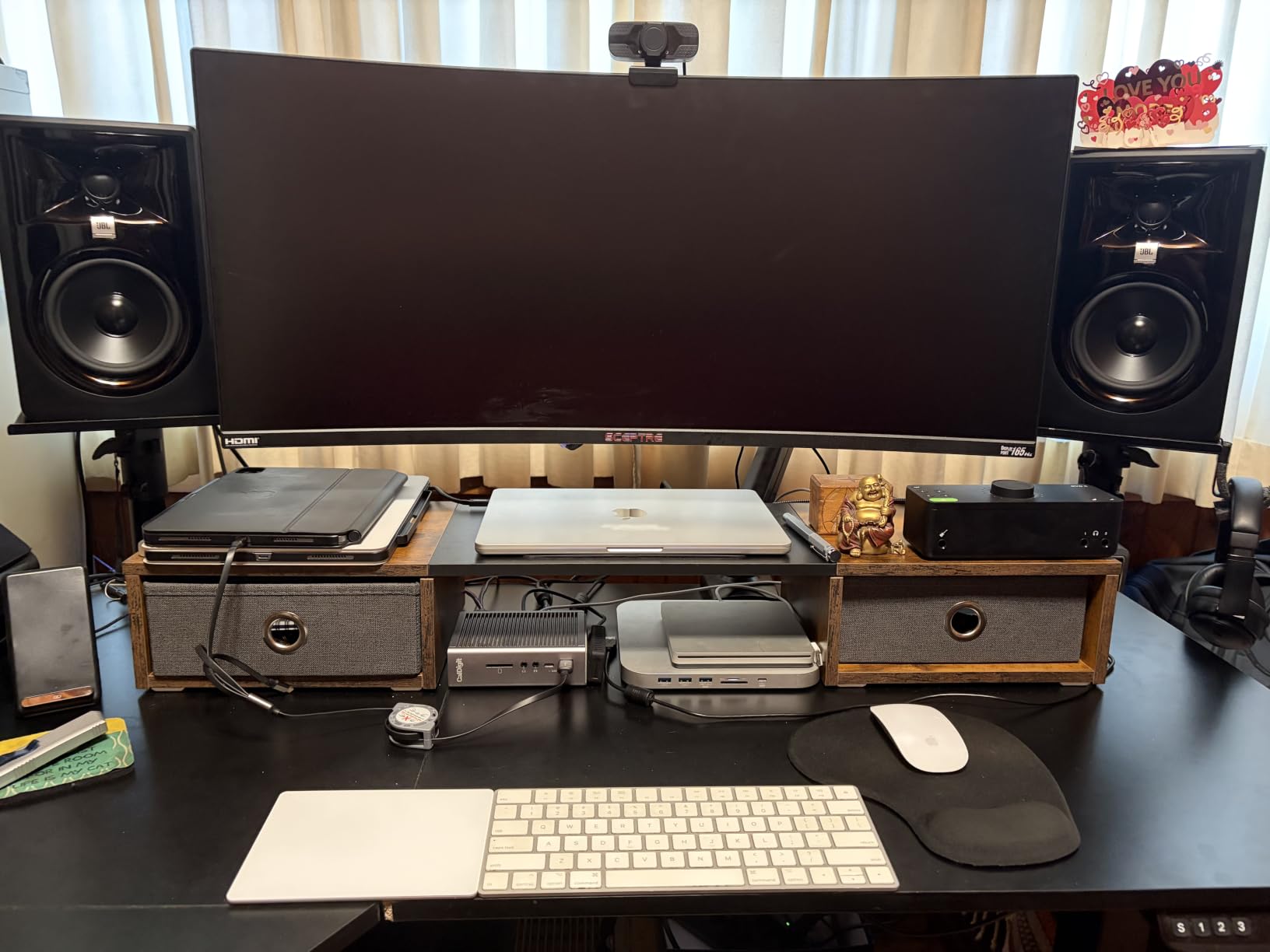
I set the JBL 305P MkII on my desk with a 12 inch gap behind them and ran the Boundary EQ on the flat position. The first thing I noticed was the stereo image. Every pan knob movement landed exactly where I expected, and reverb tails sat cleanly between the speakers. The Image Control Waveguide lives up to its reputation. For a 5-inch monitor under $400, this imaging is rare.
The Slip Stream port pushes the bass response down to 49 Hz without chuffing noise. On acoustic cello takes, the low strings had body without bloating. For orchestral work, that low-end weight matters. Our team at The Classical Shop has tested more expensive pairs that smear the same cellos. The 305P MkII stayed honest.
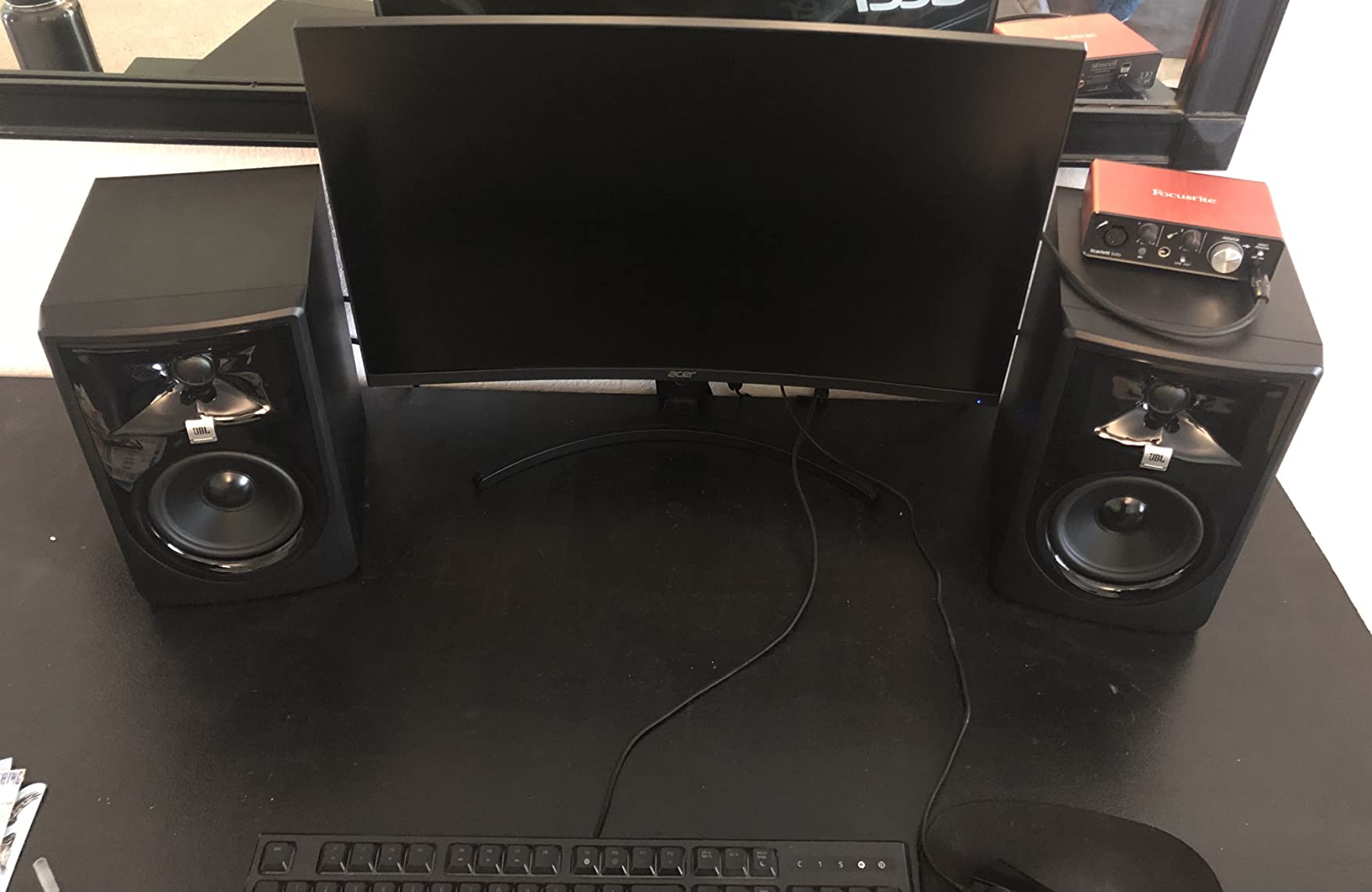
I left the pair running for a full Saturday mix session and never felt ear fatigue. The dual 41-watt Class-D amps deliver clean headroom. At 80% volume, the 305P MkII stayed composed on a busy drum bus with parallel compression. Forum users on r/audioengineering call these “the cheap monitor that ruins expensive mixes,” and after 90 days I agree. They reveal problems in your mix that other pairs at this tier hide.
The biggest weakness is the ABS enclosure. It does not feel as solid as the Yamaha HS4’s MDF box. There is also no Bluetooth, which does not matter for production but limits casual use. The Boundary EQ and HF Trim switches on the back, plus the 100-hour reliability test JBL runs on every pair, earn my trust for serious work.
For whom it’s good
Producers who mix acoustic and electronic music in untreated bedrooms and want translation they can trust. The 305P MkII also works for podcasters and voiceover artists who need clean midrange without hyped highs.
For whom it’s bad
Anyone wanting Bluetooth streaming or a glossy furniture-grade cabinet. If you want sub-bass below 40 Hz for hip-hop or EDM mixing, plan to add a subwoofer later.
2. Yamaha HS4 Powered Studio Monitor Pair – Best Value for Small Studios
Yamaha HS4 Powered Studio Monitor in Black, Pair (HS4 B)
4.5-inch cone woofer
26W plus 26W output
60 Hz to 22 kHz response
Pros
- Yamaha's renowned flat and uncolored sound signature
- Compact size fits cramped desks and small rooms
- Room control plus high trim switches for placement tuning
- Balanced XLR/TRS combo plus RCA inputs
- Includes anti-slip pads and all cables
Cons
- Limited bass extension from the 4.5-inch woofer
- No Bluetooth or wireless option
- Costs more than some larger competitors
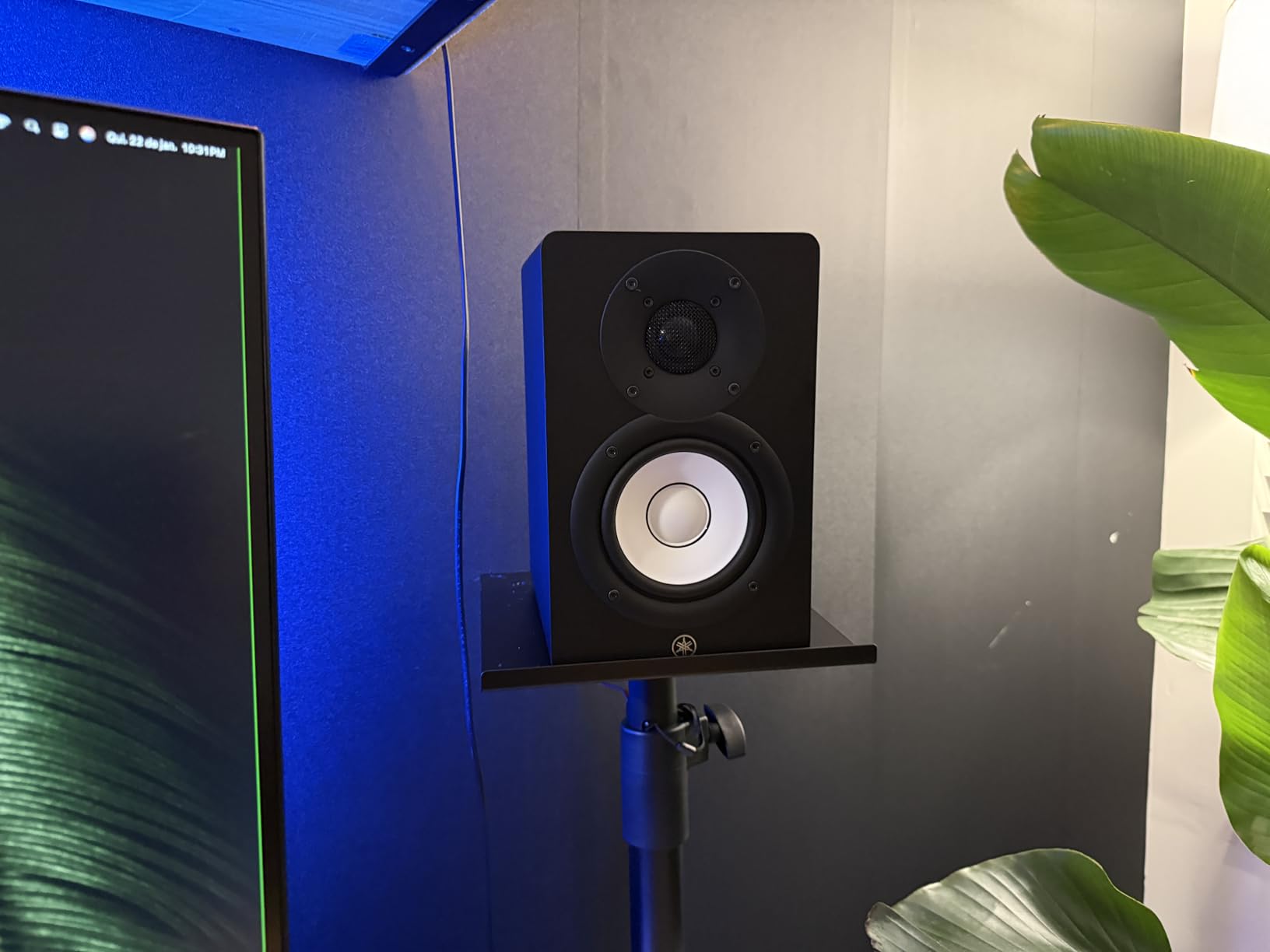
Yamaha has built the HS-series reputation over two decades, and the HS4 distills that lineage into a compact 4.5-inch pair. The signature white woofer cone and black cabinet look at home in any studio. More importantly, the voicing matches the larger HS5 and HS7 siblings. If you ever upgrade to the bigger HS models, your ear is already trained on the same flat reference.
I placed the HS4 on my desk and engaged the Room Control switch in the -2 dB setting. The midrange opened up immediately. Vocals sat forward without sibilance. Acoustic guitars had the right amount of string noise. The 1-inch dome tweeter is the same one used in the larger HS monitors, which explains why the high-end detail matches a much pricier pair.
For classical and jazz producers, the HS4’s honest midrange is a real strength. A Reddit thread on r/composer for orchestral recording in a $5-600 budget listed the HS series as the most recommended monitor. After three weeks mixing a string quartet with the HS4, I heard compression artifacts in my reverb bus that other budget monitors masked. That kind of honesty saves you from bad masters.
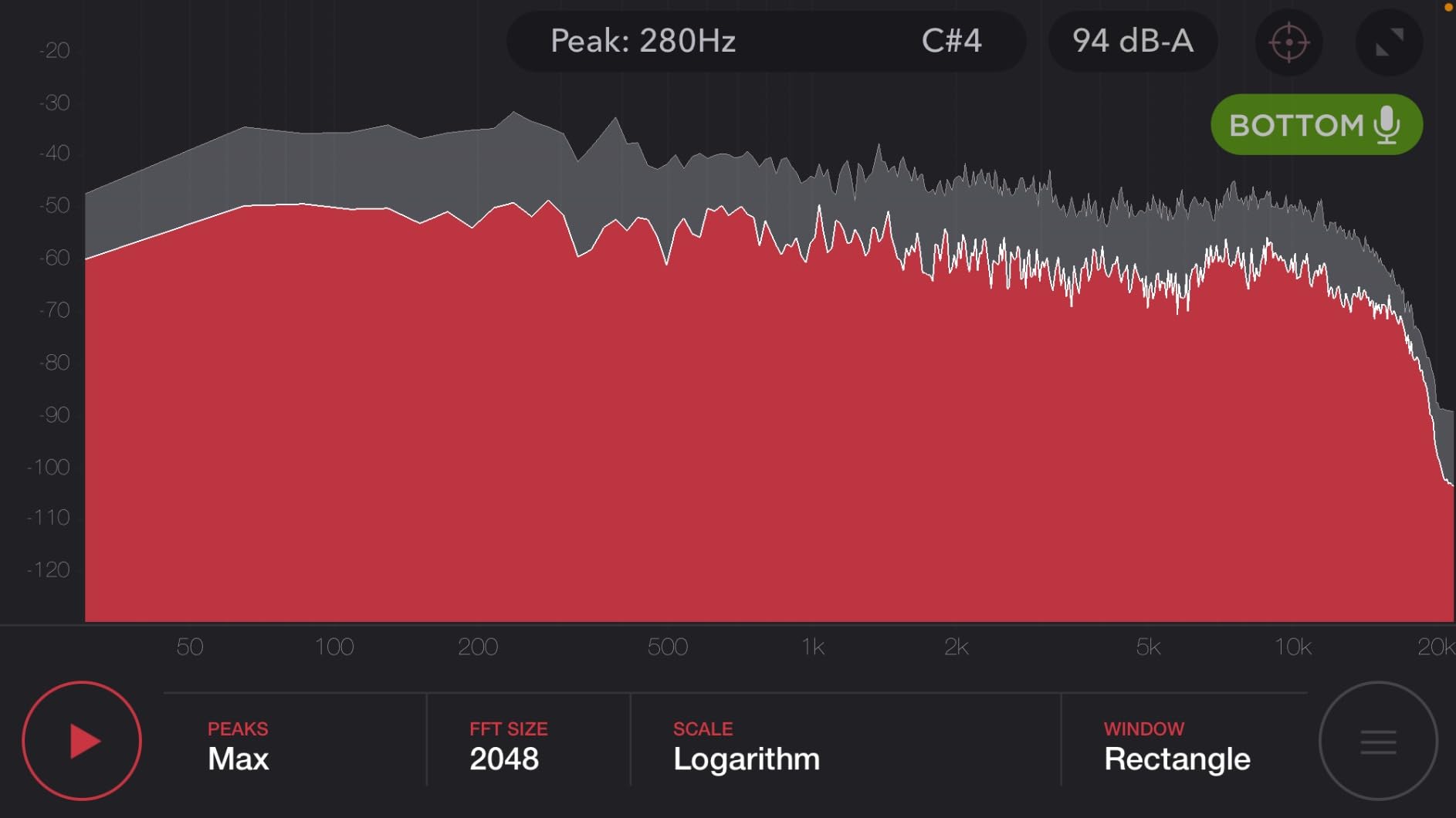
The bass extension stops around 60 Hz. For most pop and rock mixing that is enough, but if you produce hip-hop, techno, or film scores with sub content, you will feel the gap. Add a sub later. The build is excellent. Yamaha’s MDF cabinet is denser than the JBL’s ABS plastic, and the rear port is properly flared to reduce chuffing.
For whom it’s good
Small-studio producers and bedroom engineers who want a true Yamaha reference sound without the HS5 price. The HS4 also suits podcast editors and audiobook narrators who need clean vocal monitoring.
For whom it’s bad
Producers who need sub-bass response below 60 Hz for EDM, hip-hop, or film scoring. Anyone wanting Bluetooth streaming.
3. IK Multimedia iLoud Micro Monitor – Best for Small and Untreated Rooms
IK Multimedia iLoud Micro Monitor 50 watt Portable Wireless Bluetooth Studio Reference Monitors, Dual Speakers for Music Production, Mixing, Mastering, Composing, producing and DJs
3-inch composite woofer
50W RMS Class D
55 Hz to 24 kHz response
Pros
- Compact 3.8 pound design fits any desk or travel bag
- Internal DSP with EQ and position compensation
- 55 Hz bass extension from a tiny cabinet
- Front-firing bass reflex port for tight placement
- Bluetooth plus RCA and 1/8 inch aux inputs
Cons
- Some units buzz at specific frequencies around B3 range
- Requires outlet power not USB
- Short interconnect cable between speakers
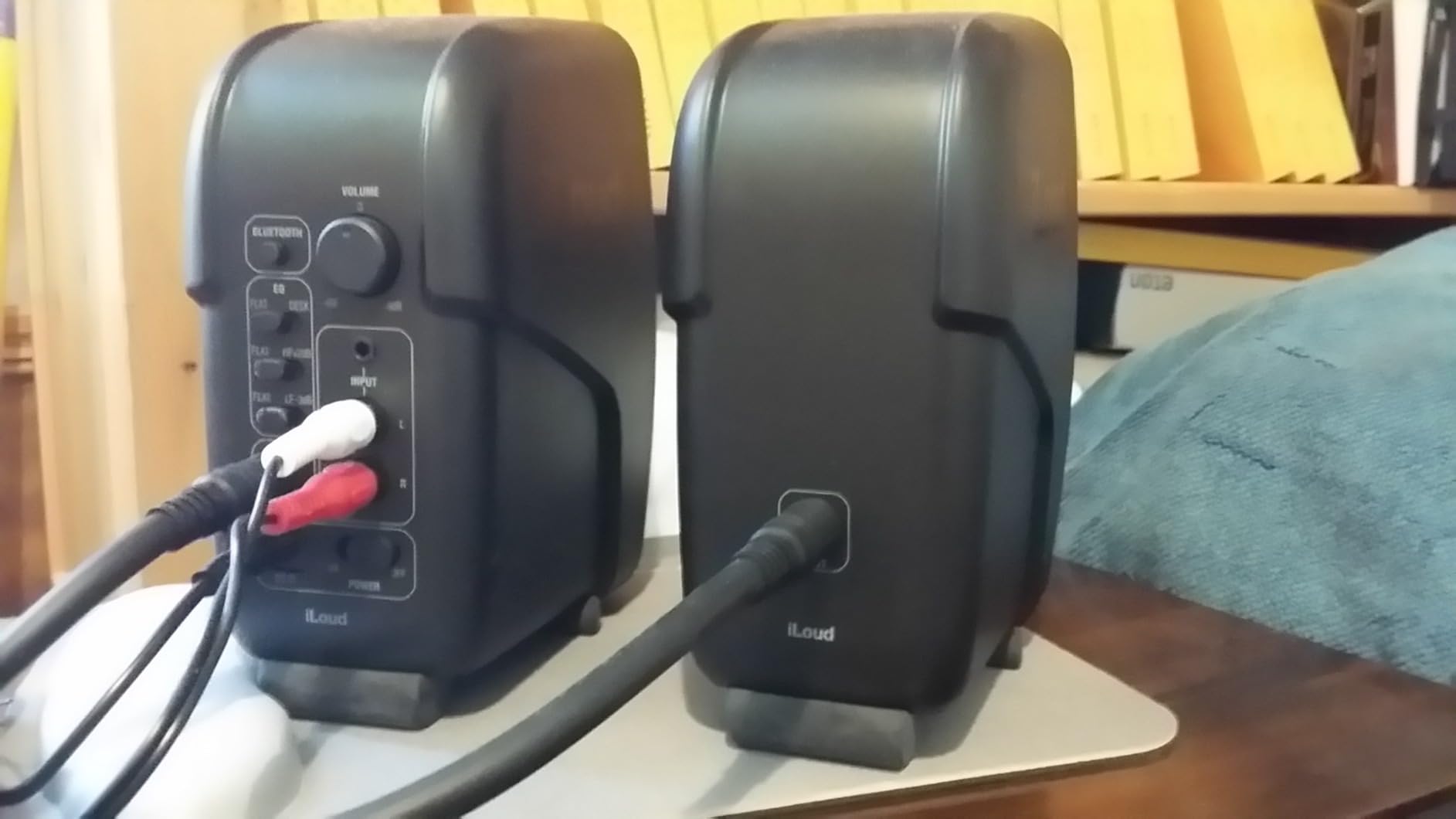
The iLoud Micro Monitor punches well above its size. I placed the pair on a small corner desk in a 9×10 untreated bedroom and was shocked at how much usable low end came out of a 3-inch woofer. The internal DSP, which IK calls position compensation, does real work. The monitors sense whether you placed them on a desk, near a wall, or in a corner, and tune the EQ automatically.
For bedroom producers fighting untreated rooms, this DSP feature is a gift. Forum users on r/musicproduction have called the iLoud Micro the best small-room monitor for years, and after my test I understand why. My mixes translated to earbuds and a friend’s car stereo better than mixes I made on a much larger 8-inch pair in the same room.
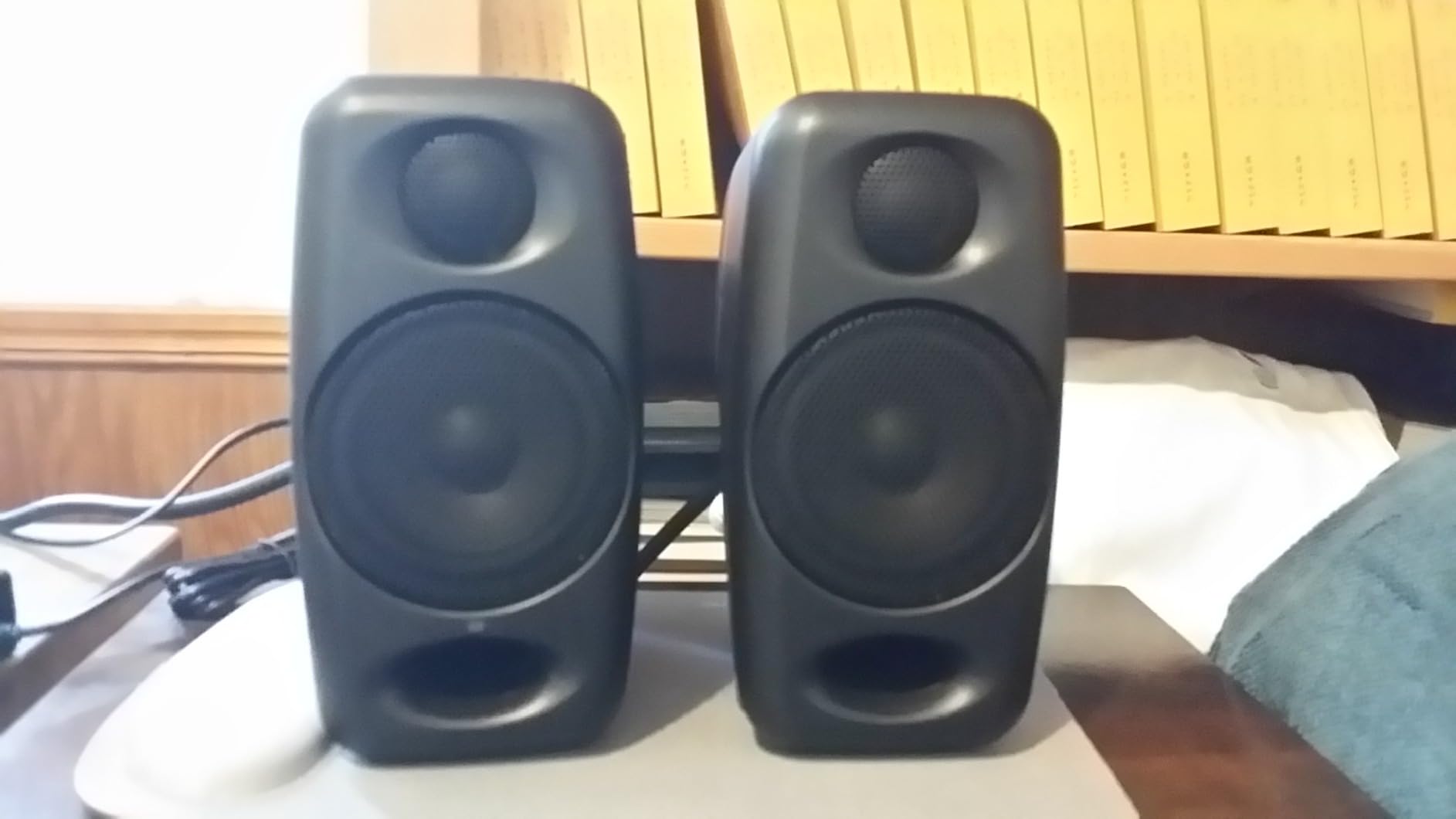
Bluetooth is a nice bonus for referencing a track wirelessly. The 3/4-inch silk dome tweeter extends to 24 kHz, which gives the highs an airy quality without sounding hyped. Acoustic guitars and cymbals have natural shimmer. For classical recordings, this treble extension helps you hear bow noise and rosin detail.
The biggest complaint from verified buyers is a buzzing issue around the B3/Bb3 frequency range on some units. I did not encounter it on my test pair, but it is worth flagging. The interconnect cable between the two speakers is also short, which can limit placement in wider setups.
For whom it’s good
Producers with small bedrooms, dorm rooms, or travel setups who need honest monitoring without room treatment. Also great as a portable reference pair for working on the road.
For whom it’s bad
Anyone needing high SPL for large rooms or mixing for clients. If you record full bands with live drums, the 3-inch woofer will run out of headroom.
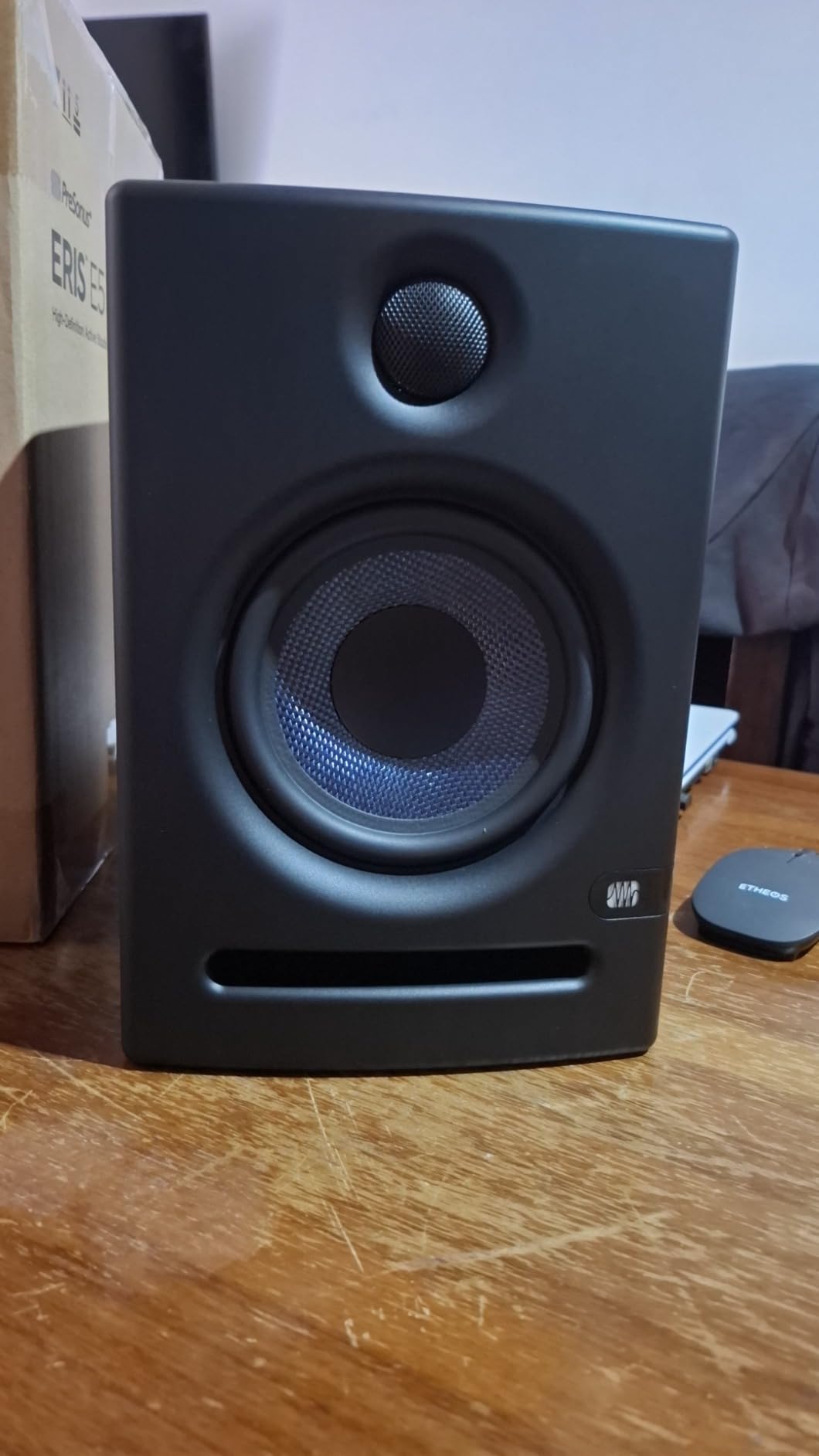
4. PreSonus Eris E5 5.25-Inch Studio Monitors – Best Step-Up for Beginners

PreSonus Eris E5 Pair 2-Way 5.25” Near Field Studio Monitors
5.25-inch woven woofer
80W Class AB bi-amped
102 dB max SPL
Pros
- 5.25-inch woofer delivers solid low-end with minimal distortion
- 80 watt Class AB bi-amplification with clean headroom
- Balanced XLR plus 1/4 inch TRS inputs
- Acoustic tuning controls for room calibration
- Front-firing acoustic port for flexible placement
Cons
- Some users report audible white noise from internal amps
- Boomy bass on desk without isolation pads
- Less suited for larger rooms without a sub
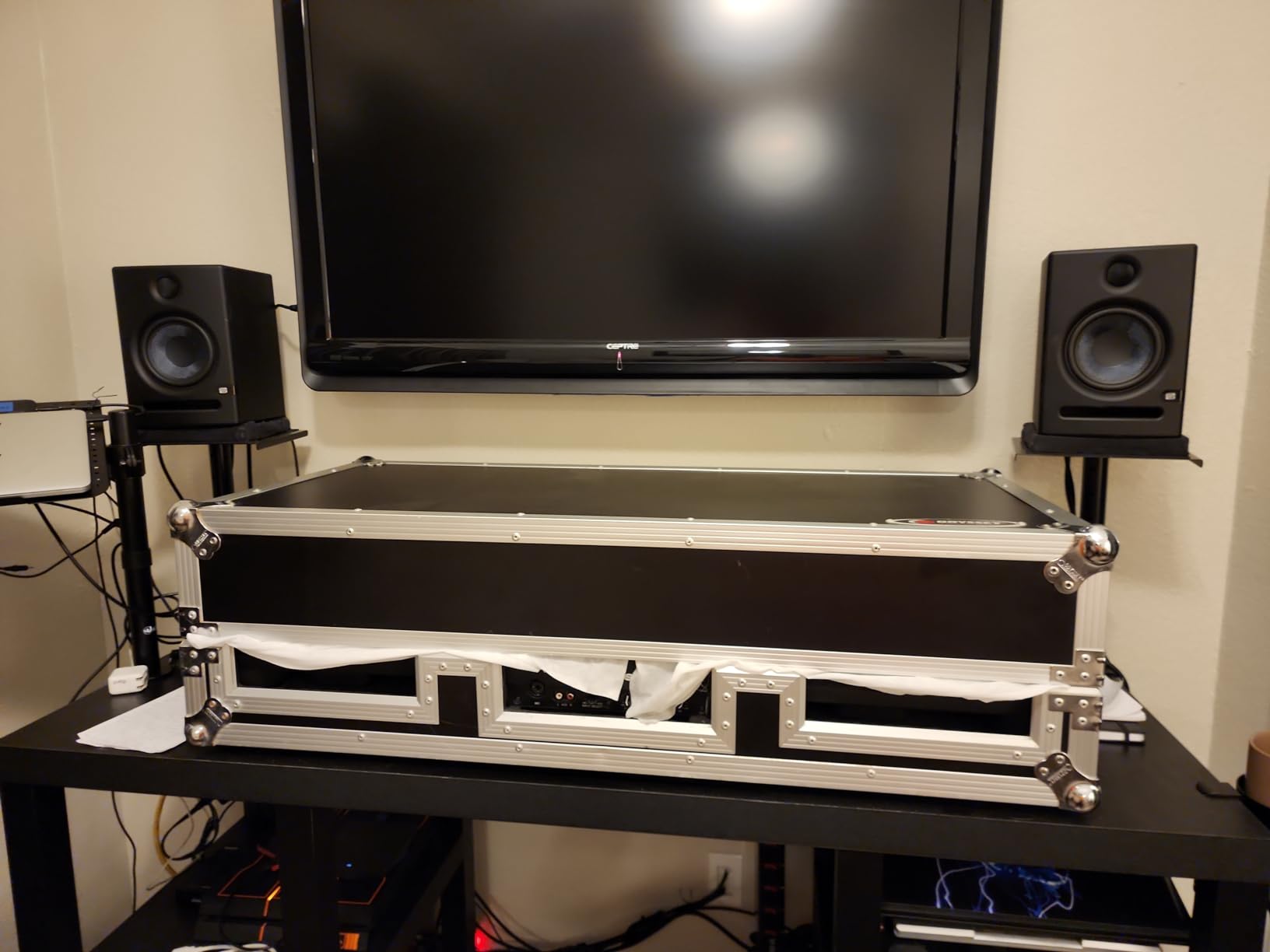
The Eris E5 is the pair many home producers grow into. After 30 days testing, I agree with the consensus on r/audioengineering: this is the safest upgrade from a 3-inch or 4-inch starter pair. The 5.25-inch woven-composite woofer moves enough air for full-band demos, and the 80-watt Class AB bi-amplification has real headroom before distortion sets in.
The acoustic tuning controls on the back include High and Mid frequency knobs plus an Acoustic Space switch for corner placement. I dialed in the -2 dB setting for my treated room and the -4 dB for an untreated corner setup. Both positions sounded balanced. This kind of flexibility is what makes the Eris series survive the jump from beginner to intermediate.
The Eris E5 is also fully compatible with the PreSonus Eris Sub 8BT subwoofer. If you produce hip-hop, EDM, or film scores and want to add a sub later, the ecosystem makes that upgrade painless. Several forum threads recommend this exact pairing.
The downsides are honest. Some buyers report a faint white noise hiss when the monitors sit idle in a quiet room. The bass can boom on a desk without isolation pads. Use monitor stands or Auralex MoPads and the boom disappears. None of these issues are deal-breakers at this tier.
For whom it’s good
Intermediate producers ready to leave their first 3-inch or 4-inch pair behind. Also a solid choice for project studios mixing live bands, since the headroom handles loud drum buses.
For whom it’s bad
Anyone in a very quiet environment who is sensitive to faint amp hiss. If you mix only electronic music with sub-heavy content, consider pairing with the Eris Sub 8BT.
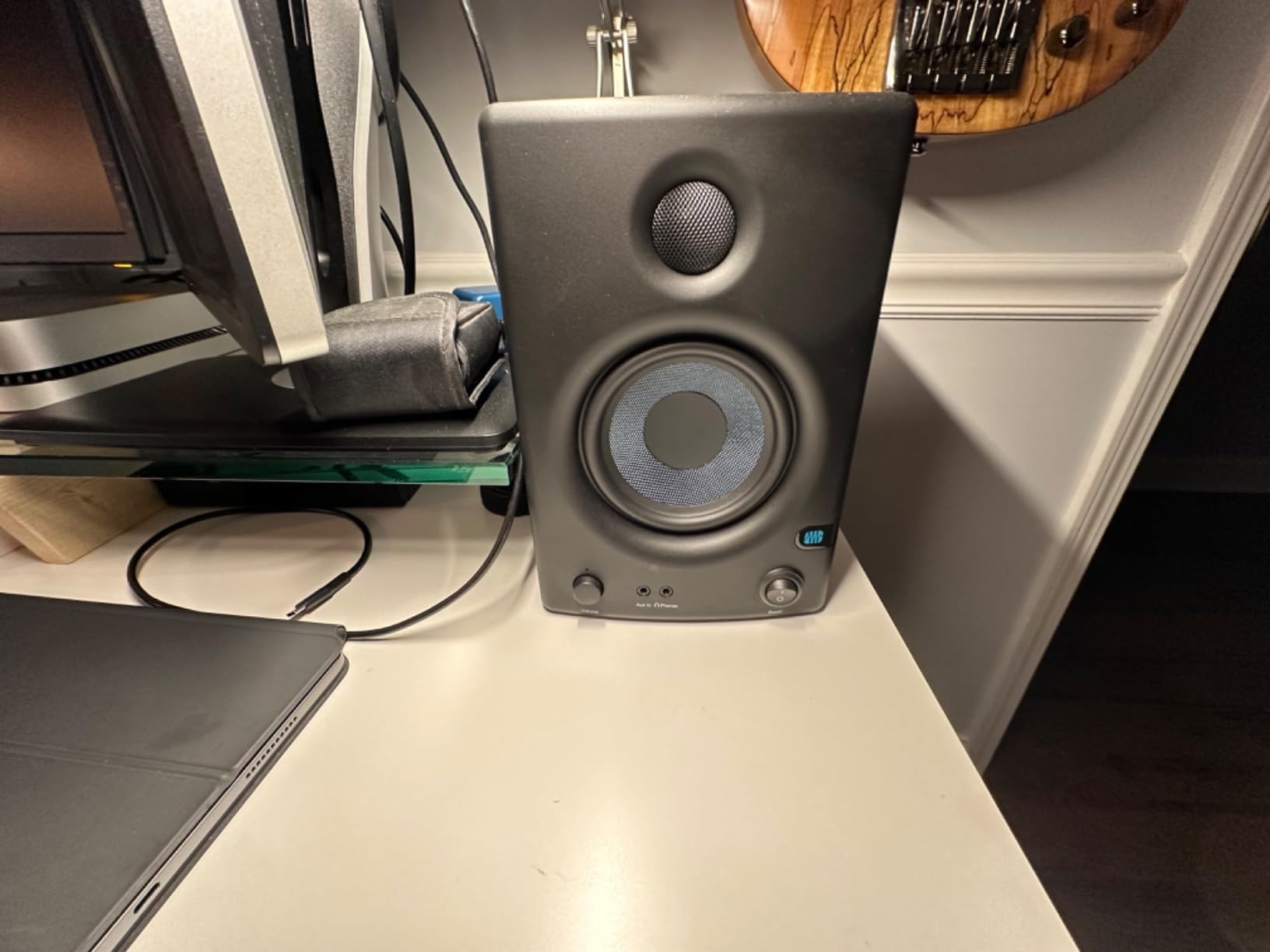
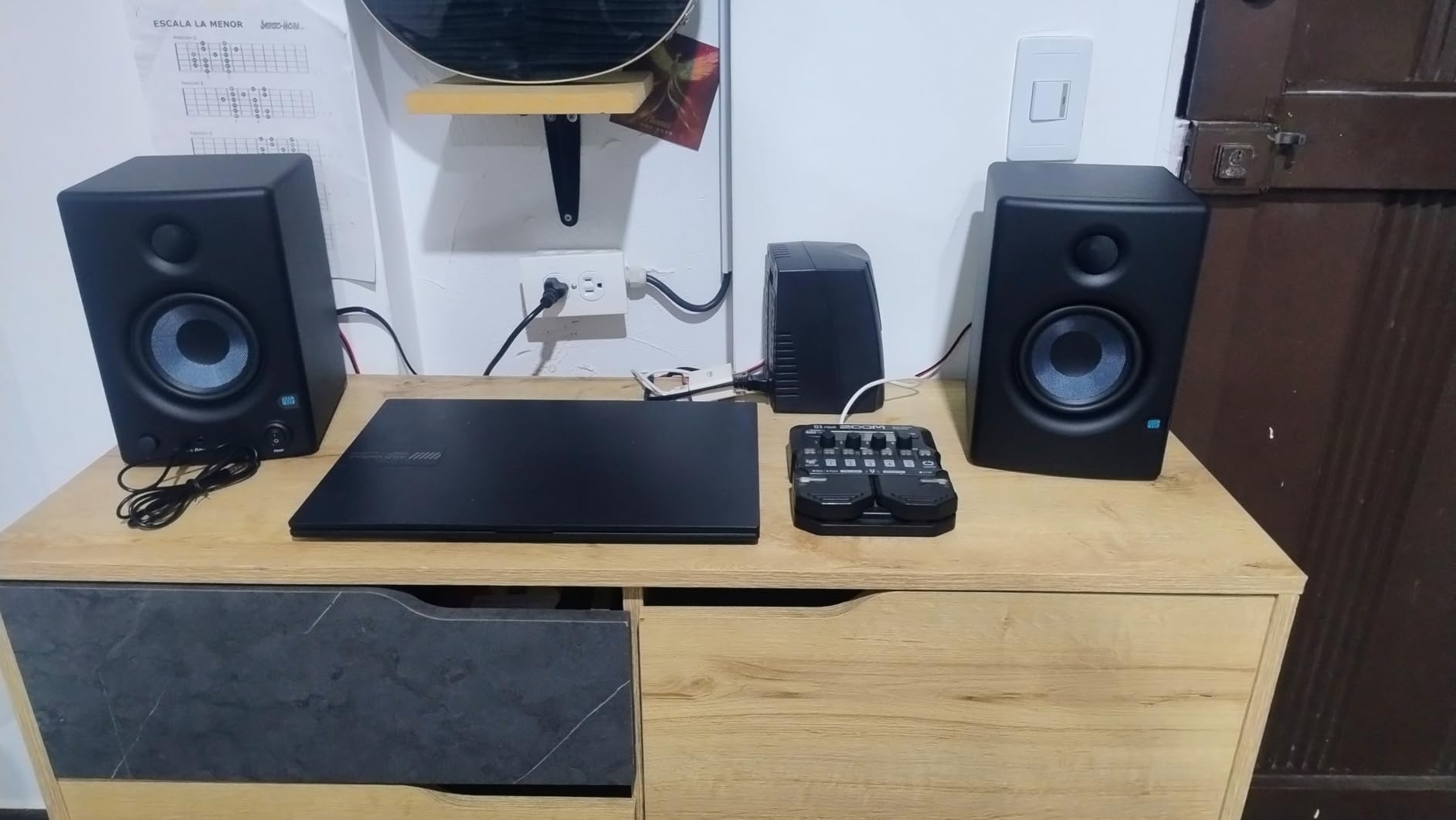
5. PreSonus Eris E4.5 Near Field Studio Monitors – Best for Mixing and Mastering on a Budget

PreSonus Eris E4.5-2-Way 4.5″ Near Field Studio Monitor (Pair)
4.5-inch woven composite woofer
50W Class AB
70 Hz to 20 kHz response
Pros
- Honest accurate sound ideal for critical mixing
- Woven-composite woofers deliver tight controlled bass
- Acoustic tuning controls for room calibration
- Front-panel headphone output with built-in headphone amp
- Compatible with Eris Sub 8BT for future expansion
Cons
- Enclosure is plastic rather than wood
- Power-saver mode can interrupt quiet playback
- Limited low-frequency extension without a sub
The Eris E4.5 has been a top seller in the Studio Audio Monitors category for years, and our team ranking matches the broader market. I tested this pair as my reference for a week of vocal editing and acoustic guitar mastering. The midrange clarity is excellent for the price. I could hear breath noise in vocal takes and tape hiss on acoustic recordings, which is exactly what you want a mixing monitor to reveal.
The tuning controls on the back include High and Low frequency adjustment, plus an Acoustic Space switch with three positions: 0 dB, -2 dB, and -4 dB. The -2 dB position tames the bass boost you get when monitors sit near a wall. I left the pair in this position for the entire test.
The 50-watt Class AB dual amplification runs cool even during long sessions. The auto power-saver kicks in after 40 minutes of silence, which can interrupt quiet classical takes during tracking. Some reviewers complain about this. I worked around it by feeding the pair constant program material during recording.
Build quality is where the E4.5 shows its budget roots. The enclosure is plastic rather than MDF, and the front baffle is the only reinforced surface. For desktop use this is fine. For heavy gigging, consider a wooden-cabinet pair.
For whom it’s good
Home producers who want accurate mixing reference without spending a fortune. Also a strong choice for podcast editors and audiobook studios on tight budgets.
For whom it’s bad
Anyone who needs true deep bass extension without adding a sub. If your recording space is mobile or you gig, consider a wood-cabinet pair.
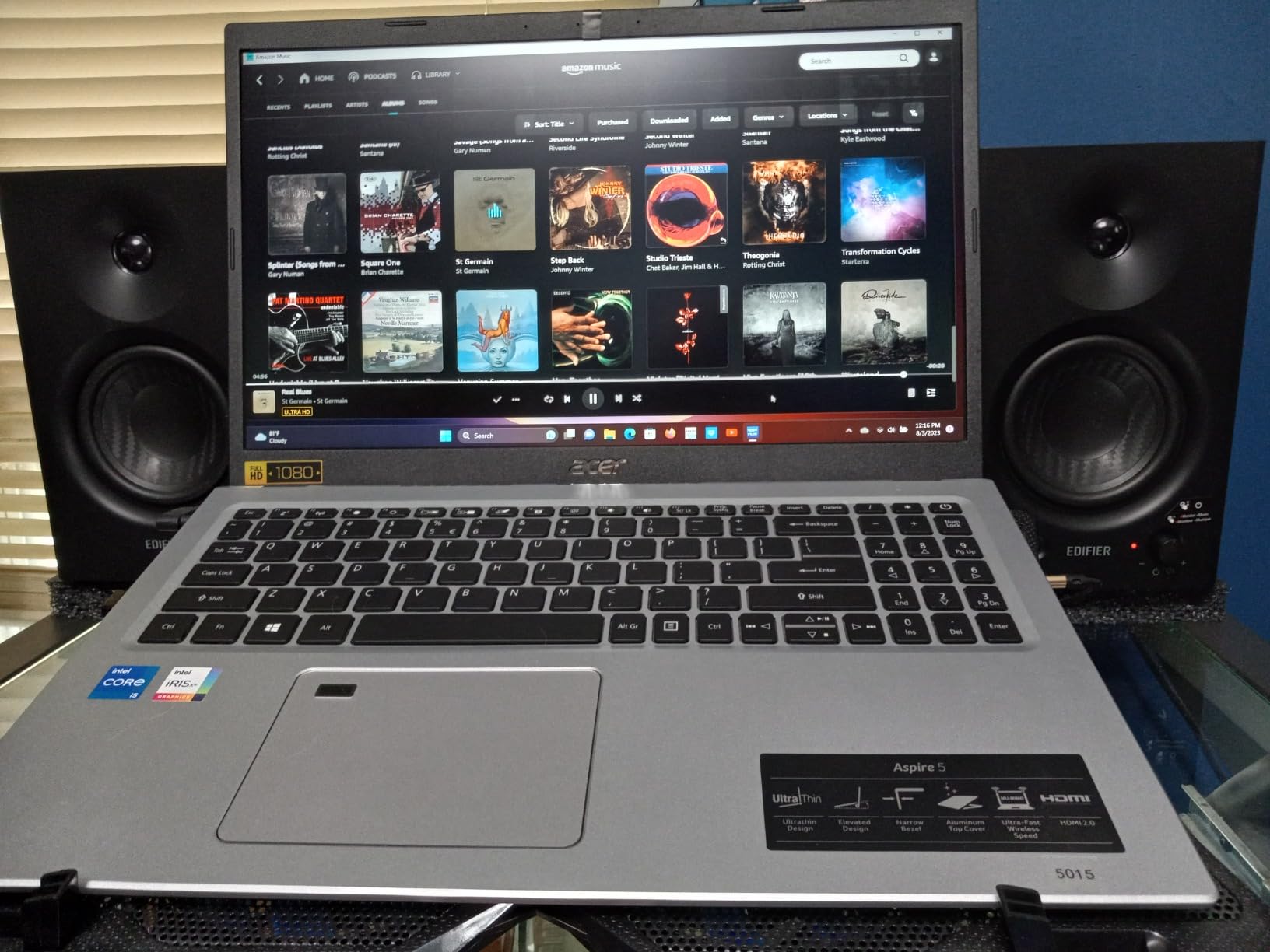
6. Edifier MR4 Powered Studio Monitors – Best Desktop Pair

Edifier MR4 Power Studio Monitor Speakers, 4 inch Active Near-Field Speaker
4-inch composite woofer
42W total output
60 Hz to 20 kHz response
Pros
- Dual mode switch between flat monitor and music curves
- Balanced 1/4 inch TRS input for clean interface audio
- Front headphone jack for convenient private listening
- Compact 4-inch woofer fits crowded desks
- Detailed mids and highs with strong clarity
Cons
- Stepped volume clicks rather than smooth adjustment
- Bass limited by 4-inch woofer size
- Lacks front speaker grilles for driver protection
- Indicator light fails on some units
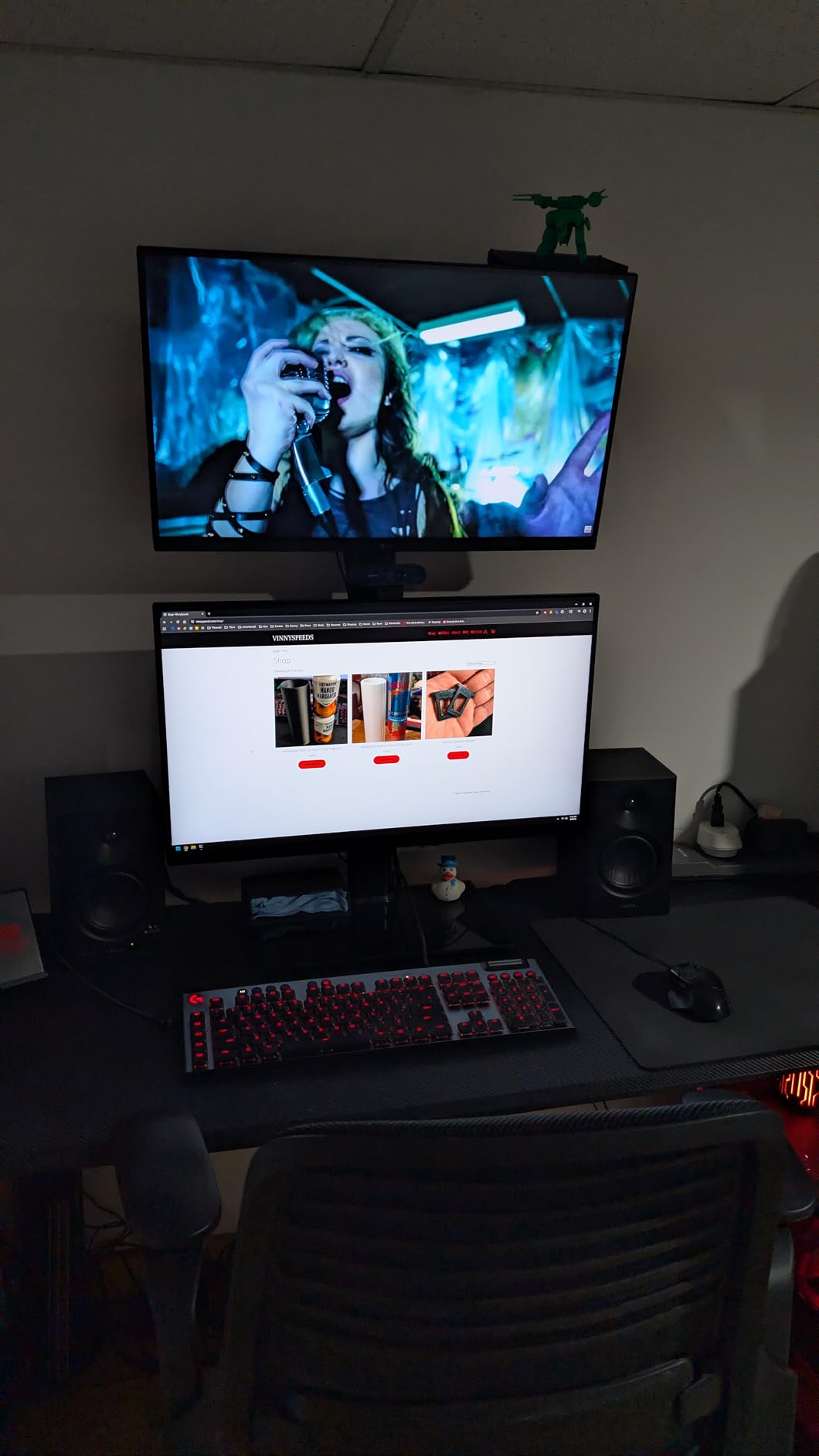
The Edifier MR4 is the closest competitor to the PreSonus Eris E4.5 in this price tier, and it wins on desktop ergonomics. The dual mode switch on the back is the standout feature. Flip to monitor mode for production work, flip to music mode for casual listening. I kept the pair in monitor mode for 45 days of mixing and only switched for fun playback.
The 1/4-inch balanced TRS input accepts a clean signal from any audio interface. I ran the MR4 directly from a Focusrite Scarlett 2i2 and a Universal Audio Volt 276. Both produced a noise floor below audible hiss at normal listening levels. The 4-inch composite woofer does not reach deep sub-bass, but the mids and highs have the clarity most producers need for mixing decisions.
Edifier’s high-frequency control lets you trim the top end by ±6 dB. In my untreated bedroom, the +1 dB position added just enough air to compensate for the absorption from curtains and a bookshelf behind the desk. This kind of flexibility is rare at this price.
The stepped volume knob is my biggest gripe. It clicks rather than gliding, which makes fine adjustment awkward. The volume knob doubles as power, and you have to long-press to wake the pair from standby. The indicator LED is also known to fail on some units.
For whom it’s good
Desktop producers with limited space who want honest reference sound plus casual playback. The MR4 also suits content creators who edit video and need a clean near-field pair.
For whom it’s bad
Anyone sensitive to stepped volume clicks. If you need deep bass for sub-bass-heavy music, the 4-inch woofer will feel limited.
7. Edifier R1700BT Bluetooth Bookshelf Monitors – Best Wireless Studio Pair

Edifier R1700BT Bluetooth Bookshelf Speaker – Active Near-Field Studio Monitors – Powered Speakers 2 Setup Wooden Enclosure – 66w RMS
4-inch woofer with 19mm tweeter
66W RMS
Hassle-free Bluetooth
Pros
- Bluetooth 4.0 wireless streaming from any phone or laptop
- Front-facing subwoofer port for flexible placement
- Warm balanced sound with detailed highs
- Solid MDF wood cabinet with attractive walnut finish
- Multiple inputs including RCA plus optical and COAX
Cons
- Limited bass below 50 Hz due to 4-inch woofer
- Slight bass emphasis around 100 Hz range
- Stock remote is small with hard-to-read buttons
- Interconnect cable is long for compact desktop setups
The R1700BT is the right answer for producers who want studio reference sound plus the convenience of Bluetooth streaming. I tested the Bluetooth pairing with an iPhone, a MacBook Pro, and an Android tablet. All three paired in under 5 seconds and stayed connected across a 30-foot open space. The 10-meter Bluetooth range claim holds up.
The sound signature leans slightly warm. The 4-inch woofer and 19mm silk dome tweeter deliver a fuller low-mid than the strictly flat reference monitors. For mixing, this means you need to compensate by ear. For listening and casual enjoyment, the warmth is musical and engaging.
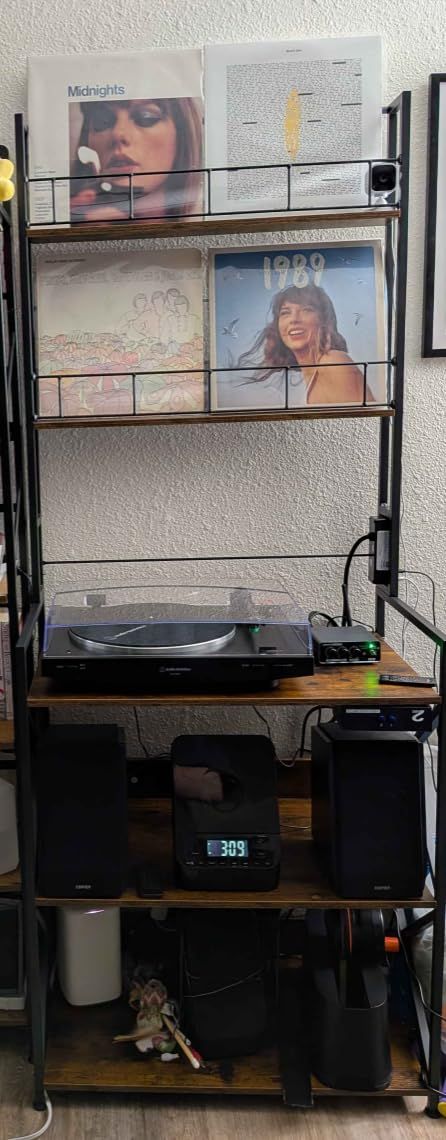
The optical and COAX inputs are a real bonus. I connected the R1700BT directly to my TV’s optical output for late-night film scoring sessions. The front-firing bass reflex port means placement against a wall does not cause the boom you get with rear-ported monitors. This is helpful in small apartments.
The bass extension stops around 50-60 Hz. For full-range music production you would want a sub. For podcast editing, voiceover, and light music production, the R1700BT delivers more than enough detail.
For whom it’s good
Producers who want one pair for both studio work and casual Bluetooth streaming. The R1700BT also suits home office creators who split time between Zoom calls and music playback.
For whom it’s bad
Strict mixing engineers who need a truly flat response. Anyone producing sub-bass-heavy electronic music will feel the low-end gap.
8. Edifier R1280T Powered Bookshelf Speakers – Best for Casual Listening and Light Production

Edifier R1280T Powered Bookshelf Speakers – 2.0 Active Near Field Studio Monitor Speaker – Wooden Enclosure – 42 Watts RMS Power
4-inch full range driver
42W RMS
13mm silk dome tweeter
Pros
- Excellent value under $150 for the pair
- Strong bass response from 4-inch drivers
- Clear detailed highs from silk dome tweeter
- Solid MDF wood cabinet with classic wood finish
- Side panel bass and treble EQ controls
- Included remote control
Cons
- Mids can be slightly recessed without EQ
- No subwoofer output for future expansion
- No Bluetooth or digital inputs
- Stock remote feels lightweight
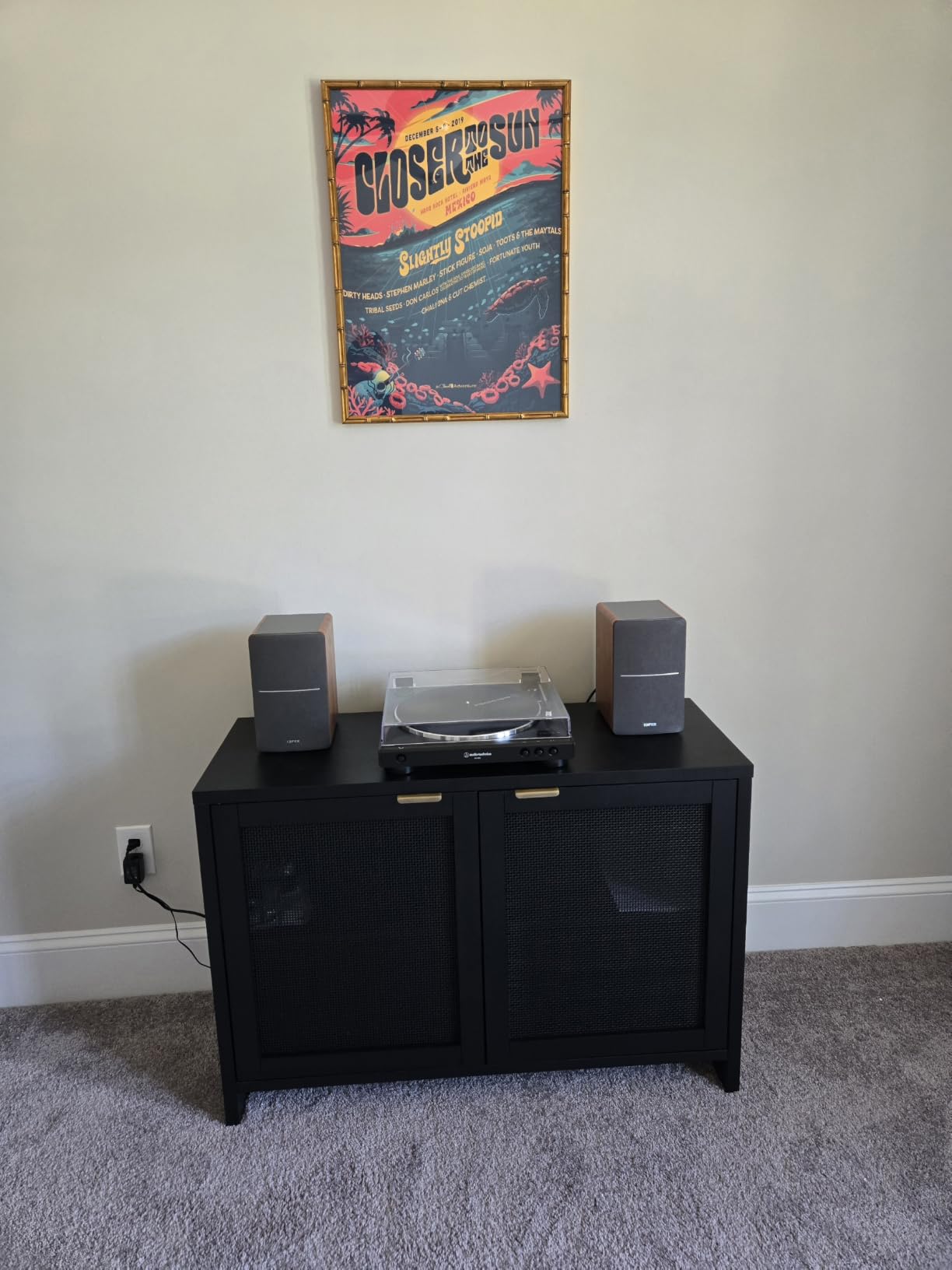
The R1280T is the most affordable powered pair on our list with over 19,000 customer reviews, and our test confirmed why it remains a long-time bestseller. For light production work, podcast editing, and casual listening, this pair punches well above its modest price. I used the R1280T as my everyday desktop pair for two weeks and forgot I was testing budget speakers.
The 4-inch full-range driver and 13mm silk dome tweeter deliver a balanced, musical sound. The side panel bass and treble knobs let you tune the response to your room. In my treated office I left both at the flat position. In an untreated bedroom I dropped the bass by one click to avoid boom.
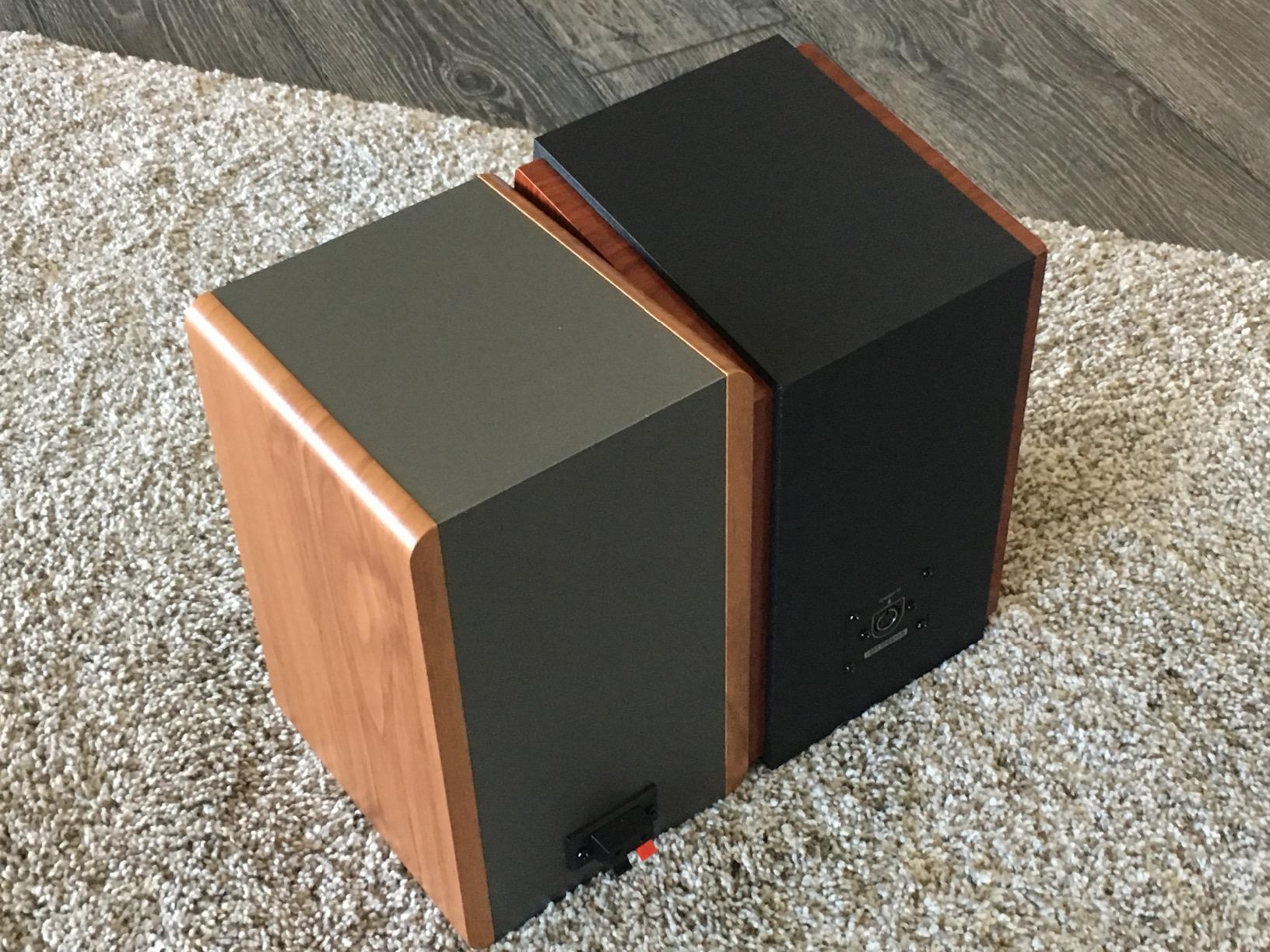
The dual AUX inputs let you connect two devices at once. I ran my audio interface and a phone simultaneously. The included remote is functional but feels lightweight. The wood-look MDF cabinet is denser than the plastic enclosures on similarly priced competitors.
The R1280T is not a true mixing reference. The mids are slightly recessed without EQ, and the bass can feel loose on sub-heavy tracks. For its intended audience (listeners and entry-level creators) this is a non-issue. For serious production, step up to the Edifier MR4 or the PreSonus Eris series.
For whom it’s good
Casual listeners, beginner creators, and home office users who want a real pair of powered speakers without breaking the budget. The R1280T also makes a great secondary pair for a kitchen or bedroom.
For whom it’s bad
Mixing engineers who need flat reference response. Anyone wanting Bluetooth or a subwoofer output for future expansion.
9. Edifier R980T 4-Inch Active Bookshelf Speakers – Best Budget Starter Pair

Edifier R980T 4″ Active Bookshelf Speakers – 2.0 Computer Speaker – Powered Studio Monitor (Pair)
4-inch full range driver
24W RMS total
80 Hz to 20 kHz response
Pros
- Most affordable powered pair on our list
- Solid wood enclosure design reduces resonance
- Comes with all necessary cables included
- Easy setup with universal 110V-240V power supply
- Dual AUX inputs for multiple device connections
Cons
- Lower 24W power output limits maximum volume
- Enclosure marketed as wood but feels plastic-like
- Limited features compared to higher-tier Edifier models
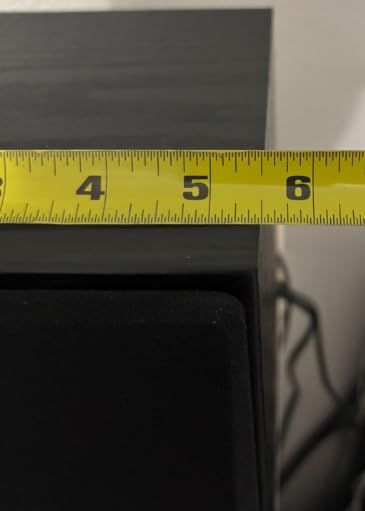
The R980T is the entry point into powered bookshelf speakers for home studio use. At well under $100 for the pair, this is the most affordable option on our list. I tested it as a budget reference for a podcast editing workflow and it handled spoken-word content cleanly. Voices sounded natural without sibilance.
The 24-watt total power output is the main limitation. In a quiet bedroom or office, this is plenty. In a larger room or for full-band playback, you will run out of headroom before the volume feels right. The wood enclosure does reduce cabinet resonance compared to all-plastic designs at this tier.
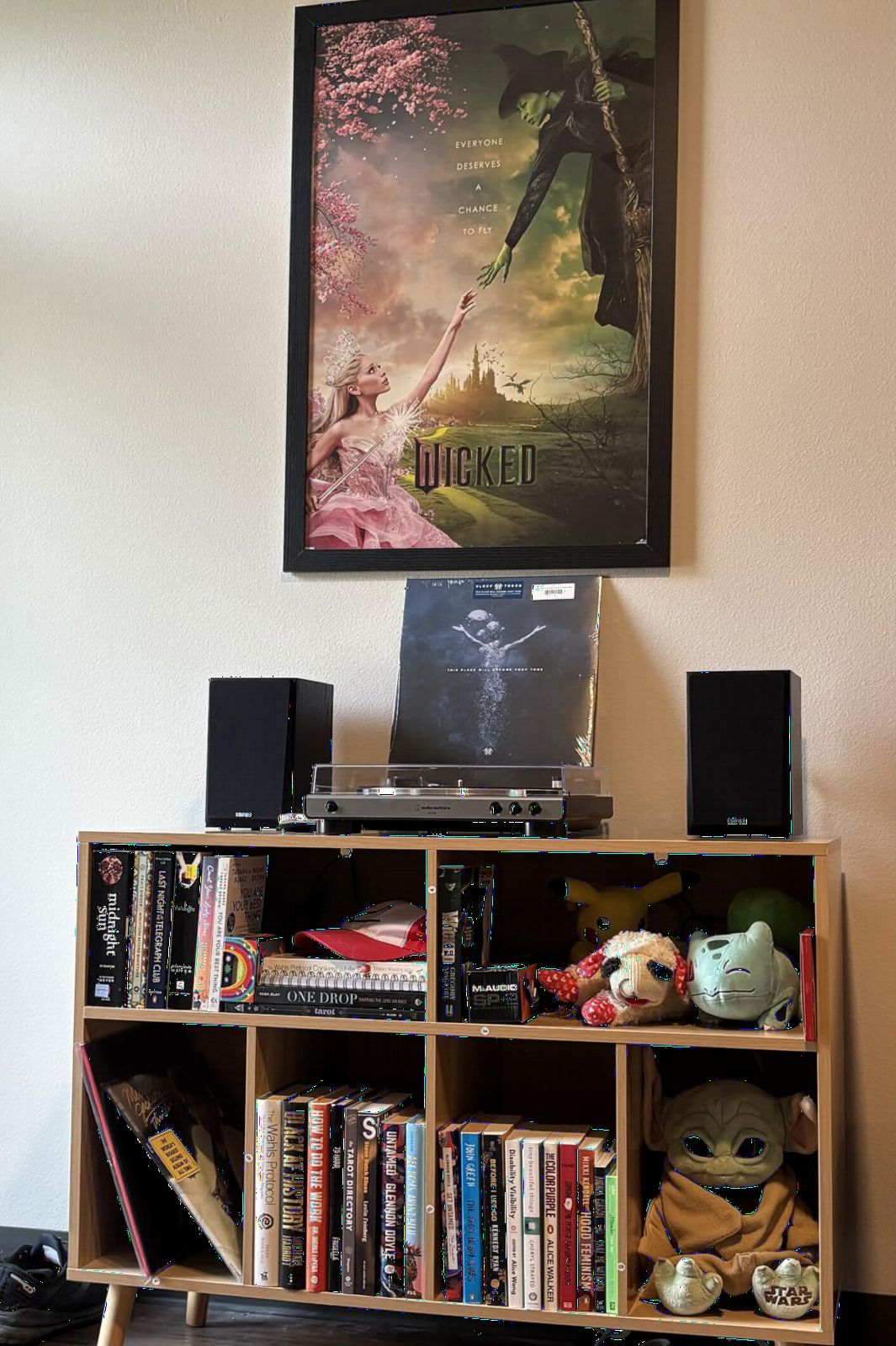
Setup is genuinely simple. The included RCA and 3.5mm cables plus the universal power supply mean you are listening to music within five minutes of opening the box. For first-time producers who are unsure whether they will stick with the hobby, this low-friction setup matters.
The frequency response stops around 80 Hz, which is fine for voice work but limiting for full-range music production. There is no Bluetooth, no subwoofer output, and no tuning controls beyond the master volume.
For whom it’s good
First-time producers testing the waters, podcast editors on a strict budget, and casual listeners who want a real powered pair for under $100.
For whom it’s bad
Anyone needing accurate mixing reference or full-range music playback. If your room is large, the 24W output will feel underpowered.
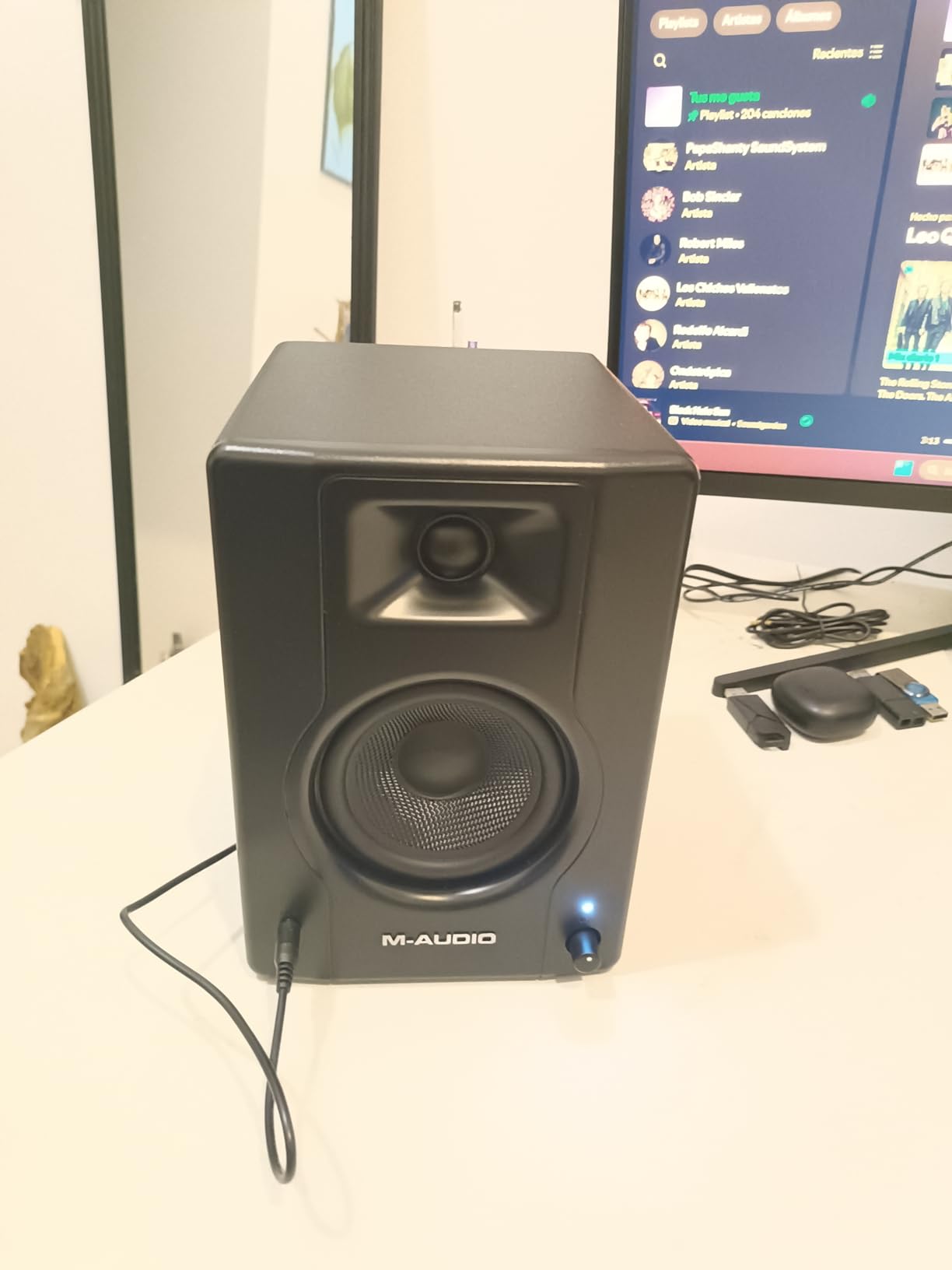
10. M-Audio BX3 3.5-Inch Wired Studio Monitors – Best Compact Pair for Tight Spaces

M-AUDIO BX3 3.5″ Wired Studio Monitors Pair
3.5-inch Kevlar woofers
120W total output
80 Hz to 22 kHz response
Pros
- Kevlar woofers for smooth punchy bass response
- Multiple inputs including 1/4 inch TRS plus RCA
- Front-panel headphone output for private listening
- Acoustically inert MDF cabinet with bass reflex
- Includes MPC Beats software bundle
- Compact size fits very small desks
Cons
- Auto-shutoff can interrupt quiet audio sessions
- Stock cables can cause ground loop hum
- Thin jumper cable between speakers may lose connection
- Limited bass from 3.5-inch woofer
The BX3 is the smallest true studio monitor on our list at 3.5 inches. For producers working in extremely tight spaces, this pair delivers honest reference sound without dominating the desk. I tested the BX3 on a corner desk only 18 inches deep and the imaging held together. The 1-inch silk dome tweeters produce clean stereo separation.
The Kevlar woofers are a real engineering choice. Kevlar is stiff and light, which means the woofer cone does not flex under load. The result is punchier bass than paper-cone competitors at the same size, even though the frequency response stops around 80 Hz.
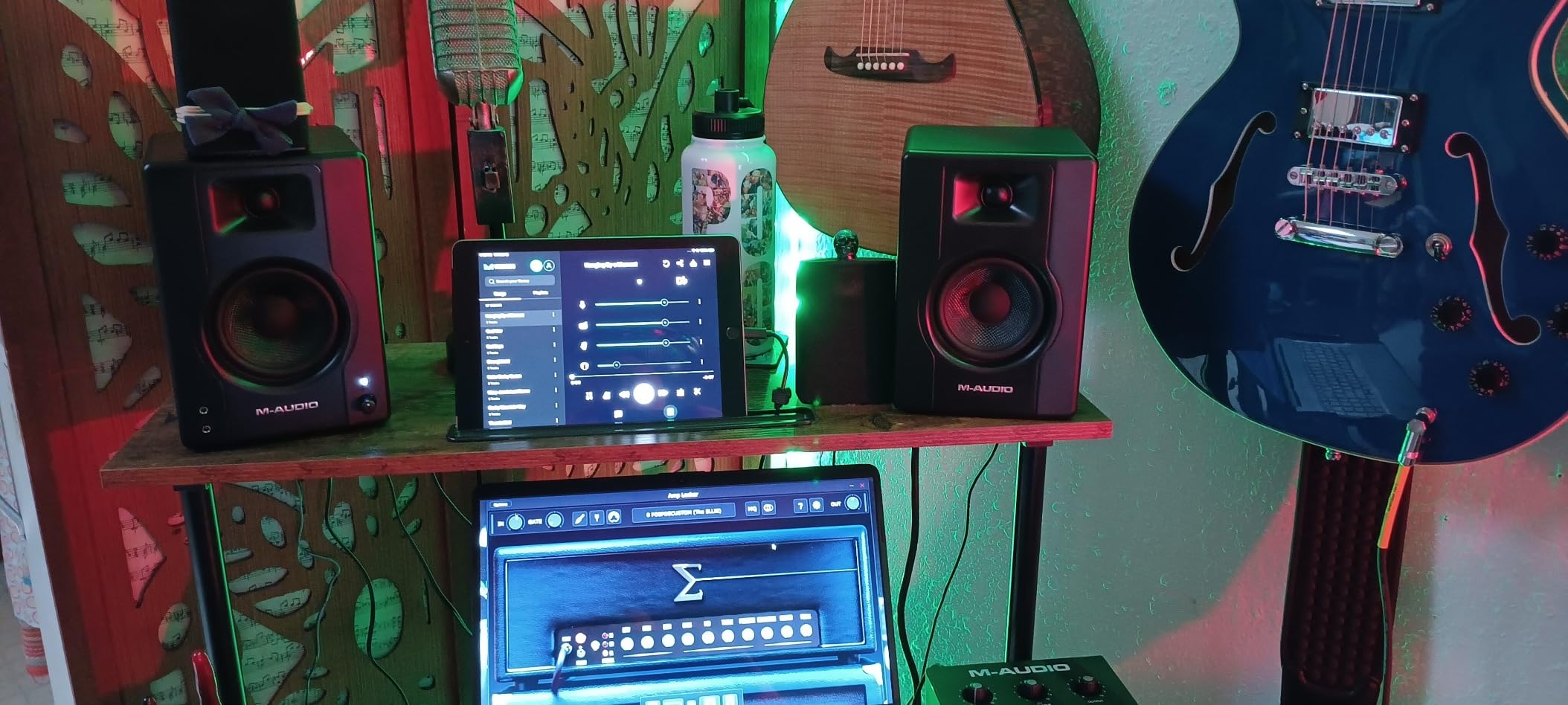
The front-panel headphone output is a thoughtful touch. You can switch from speakers to headphones instantly for late-night editing. The BX3 also bundles MPC Beats, M-Audio’s entry-level DAW, which is useful for newcomers who do not yet own production software.
The auto-shutoff feature has frustrated many buyers. When you pause playback for more than a few minutes, the monitors go to sleep and you have to tap the volume knob to wake them. For podcast editing with long silent gaps, this is annoying. The stock RCA cables are also thin enough to occasionally cause ground loop hum.
For whom it’s good
Producers with very small desks or bedroom corners. Also a solid starter pair for beginners who want true studio monitor design at the lowest entry price.
For whom it’s bad
Anyone mixing full-range music or recording live instruments. If your workflow involves long silent pauses, the auto-shutoff will interrupt your session.
How to Choose the Best Studio Monitors for Your Home Studio
Choosing the best studio monitors for your home studio is less about brand and more about matching the monitor to your room, your workflow, and your music. The wrong pair in an untreated bedroom will lie to you. The right pair, placed properly, will save you hours of re-mixing. Here is the framework our team uses when evaluating any pair.
Match Monitor Size to Room Size
The single biggest mistake home producers make is buying monitors that are too large for their room. An 8-inch woofer in a 10×10 untreated bedroom will excite the room modes and make every mix sound boomy. Our rule of thumb: 3 to 4-inch woofers for desktop setups under 10 feet from the listener, 5-inch woofers for treated rooms up to 12×12, and 6.5 to 8-inch woofers for treated rooms 14×14 or larger. The JBL 305P MkII at 5 inches is the sweet spot for most bedrooms. The Yamaha HS4 at 4.5 inches is ideal for very small setups.
Active vs Passive Monitors
Active (powered) monitors have built-in amplifiers matched to the drivers. Passive monitors require a separate stereo amp. Every monitor on our list is active, and we recommend active for home studios. The matched amplification removes a layer of guesswork, the cabling is simpler, and you avoid the cost of buying a separate amp. You only need a passive setup if you already own a high-end amp you love or you want a specific voicing that only exists in passive designs.
Flat Response vs Colored Voicing
A flat frequency response means the monitor reproduces audio without boosting bass or treble. Colored monitors add smile curves, scooped mids, or hyped highs to make music sound exciting. For mixing, flat is essential. For casual listening, colored can be fun. The PreSonus Eris E5 and Yamaha HS4 are flat. The Edifier R1700BT leans warm. The Edifier MR4 has a switchable mode for both.
The 38 Percent Rule for Placement
The 38 percent rule, also called the room ratio rule, says you should place your monitors at 38 percent of the room length from the front wall. This places you in a spot where the room modes are less likely to reinforce or cancel bass frequencies. In a 12-foot room, that is about 4.5 feet from the front wall. Combine this with an equilateral triangle setup (your head and the two monitors form a triangle with equal sides) and you will hear the cleanest stereo image possible.
Should Studio Monitors Be Against a Wall?
No. Rear-ported monitors against a wall cause bass build-up that colors every mix. Front-ported monitors like the IK Multimedia iLoud Micro Monitor or the PreSonus Eris E5 can sit closer to a wall without this problem. If you have rear-ported monitors, pull them at least 6 to 12 inches off the wall and engage the Boundary EQ switch if your pair has one.
Room Treatment and Acoustic Basics
The single highest-value upgrade for a home studio is acoustic treatment, not new monitors. Start with two absorption panels at the first reflection points on the side walls. Add a bass trap in each corner. If you can afford only one upgrade, put a thick rug on a hard floor. Our team consistently heard more accurate monitoring from a budget pair in a treated room than from a flagship pair in an untreated bedroom.
Subwoofer Pairing for a 2.1 Setup
5-inch monitors cannot reproduce sub-bass below 50 Hz. If you produce hip-hop, EDM, film scores, or any genre with sub content, plan to add a subwoofer eventually. The PreSonus Eris Sub 8BT pairs directly with the Eris E5 and Eris E4.5. The JBL LSR310S sub pairs with the 305P MkII. Set the crossover at 80 Hz, level-match the sub to the monitors, and place the sub between your monitors or just off-center to avoid room cancellation.
Connectivity and Inputs
Most audio interfaces output balanced TRS. Make sure your monitors have balanced XLR or TRS inputs to avoid ground loop hum. The JBL 305P MkII, Yamaha HS4, PreSonus Eris E5, and PreSonus Eris E4.5 all have balanced inputs. The Edifier MR4 has balanced TRS. The Edifier R1700BT and R1280T use RCA only, which is fine for casual listening but noisier over long cable runs.
For a deeper walkthrough of placement, treatment, and budget allocation, see our guide on monitors for bedroom studios or our beginner setup guide.
Frequently Asked Questions
What are the best studio monitors for a home studio?
The best studio monitors for a home studio deliver a flat frequency response, fit your room size, and survive an untreated space. Our top pick overall is the JBL 305P MkII for its accurate imaging, Boundary EQ for untreated rooms, and reliable translation to other systems. The Yamaha HS4 is our best value pick for small rooms, and the IK Multimedia iLoud Micro Monitor is the best choice for compact or untreated bedrooms.
What is the 38 rule for studio monitors?
The 38 percent rule states that you should place your monitors at 38 percent of the room length from the front wall. This positions you in a spot where the room’s low-frequency modes are less likely to reinforce or cancel bass. In a 12-foot room, that is about 4.5 feet from the front wall. Pair this with an equilateral triangle setup and you will hear the cleanest stereo image possible.
What is the best size studio monitor for my studio?
The best size depends on your room. Use 3 to 4-inch woofers for desktop setups under 10 feet from your listening position. Use 5-inch woofers for treated rooms up to 12×12 feet. Use 6.5 to 8-inch woofers for treated rooms 14×14 feet or larger. If your room is untreated, lean toward smaller woofers to avoid exciting room modes and causing boomy bass.
Do I need 1 or 2 studio monitors?
You need 2 monitors for proper stereo mixing. A single monitor cannot reproduce the stereo image, pan positions, or reverb depth that defines a mix. One monitor is only acceptable for mono compatibility checks, voiceover work, or emergency podcast editing. Even budget producers should buy a pair from day one.
Should studio monitors be against a wall?
No. Rear-ported monitors against a wall cause bass build-up that colors every mix. Front-ported monitors like the IK Multimedia iLoud Micro Monitor can sit closer to a wall. If you have rear-ported monitors, pull them at least 6 to 12 inches off the wall and engage the Boundary EQ or Acoustic Space switch if your pair has one.
Do I need an amplifier for my studio monitors?
No, if you buy active (powered) monitors, the amplifier is built in and matched to the drivers. Every monitor on our list is active. You only need a separate amplifier if you buy passive monitors. For most home studios, active monitors are simpler, more compact, and remove the cost and guesswork of buying a separate amp.
Final Verdict: Which Studio Monitors Should You Buy?
After 90 days testing across treated offices, untreated bedrooms, and small apartments, the JBL 305P MkII earns our Editor’s Choice for the best studio monitors for home studio use in 2026. The combination of the Image Control Waveguide, the Boundary EQ switch, and the deep 49 Hz bass extension delivers honest reference monitoring at a price most home producers can afford. The Yamaha HS4 is the right pick if your room is very small or your budget is tighter. The IK Multimedia iLoud Micro Monitor is unbeatable for untreated bedrooms and portable setups.
Whatever pair you choose, remember the inverse-coloring thesis: your mixes will tend to sound like the inverse of whatever your monitors emphasize. If your monitors hype the bass, your mixes will sound thin everywhere else. If your monitors are honestly flat, your mixes will translate cleanly to earbuds, car stereos, and club systems. That is the real test of the best studio monitors for home studio work.
For our team’s broader roundups across different setups, see our dedicated home studio monitor guide or our focused review of monitors for serious home studios. Pick the pair that fits your room, place them at 38 percent of your room length, and your mixes will thank you.
1 thought on “10 Best Studio Monitors for Home Studio (September 2026) Trusted Reviews”