
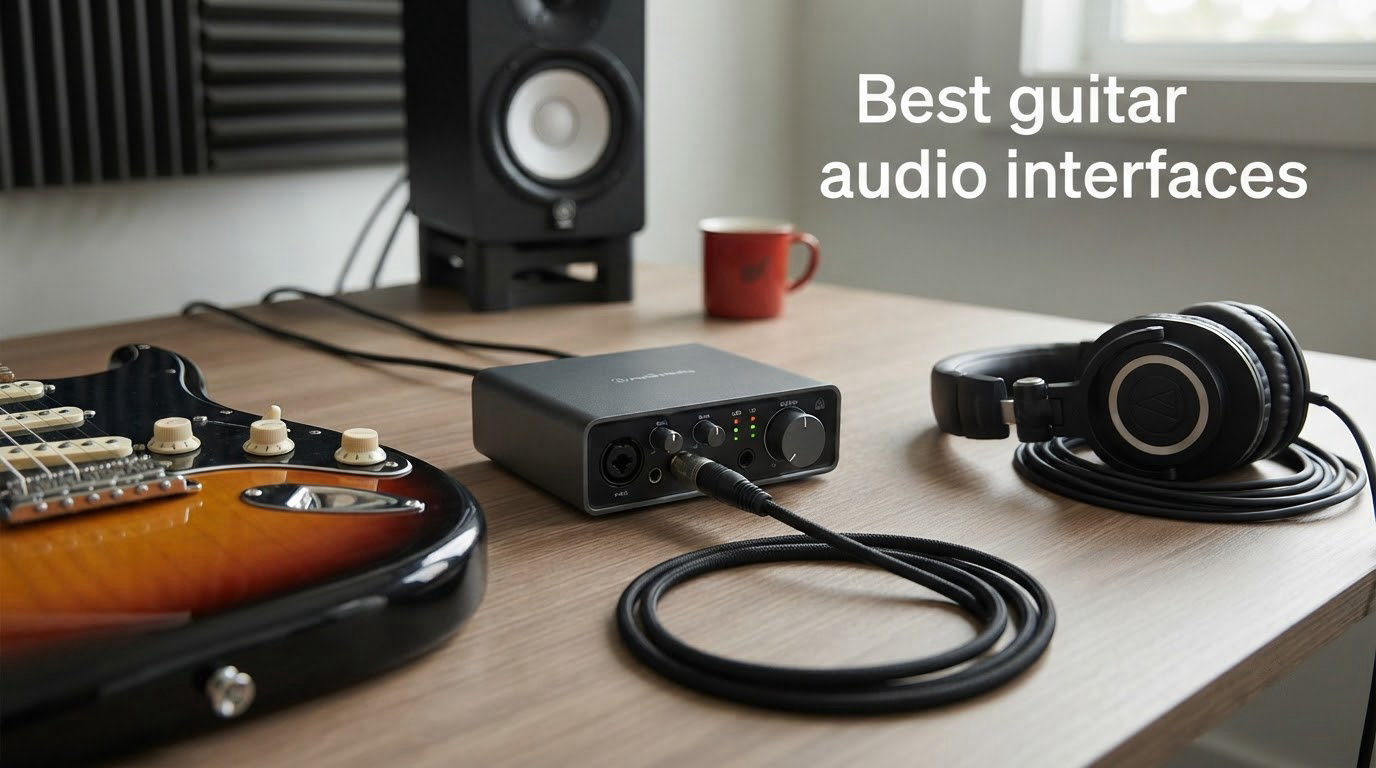
Finding the best guitar audio interfaces for 2026 comes down to one question: how cleanly can it capture your guitar signal and feed it back to your headphones without lag? Our team spent six weeks running ten of the most talked-about units through real recording sessions, from electric blues in a basement studio to nylon-string classical sessions in a quiet bedroom. We tested DI tone, latency, preamp noise, software bundle value, and how each interface felt when paired with Neural DSP plugins, amp sims, and a simple GarageBand session on an iPad.
An audio interface for guitar is a small box that converts the analog signal from your pickups into digital audio your DAW can record, while also routing playback audio to your monitors or headphones. It provides the proper preamp, a Hi-Z instrument input designed for guitar pickups, and the low-latency monitoring that makes tracking feel responsive. For classical and acoustic players here at The Classical Shop’s recording guides, the right interface is the difference between a lifeless dry track and a recording that finally captures the warmth of your instrument.
This guide covers ten options across every budget tier, from a pocket-sized mobile adapter to pro-grade desktop units. We compared them on connection types, preamp quality, latency under real playing conditions, software bundles, and how well they integrate with modern amp sims. We also paid close attention to what matters for acoustic and classical guitarists, including transparent preamps, impedance matching for undersaddle pickups, and how each unit handles a quiet nylon-string signal without adding hiss. If you are still deciding whether you need one at all, our guide to audio interfaces covers the fundamentals.
Table of Contents
Top 3 Picks Best Guitar Audio Interfaces (September 2026)

Focusrite Scarlett Solo 3rd Gen
- 24-bit/192kHz converters
- Air mode for acoustic clarity
- Pro Tools Intro plus Hitmaker Expansion

IK Multimedia AXE I/O One
- Z-TONE impedance shaping
- AmpliTube 5 SE and TONEX SE included
- Active and Passive pickup switch

Behringer UMC22
- 48 kHz Midas mic preamp
- Direct Monitor for zero latency
- USB bus-powered portable design
Best Guitar Audio Interfaces in 2026
| Product | Specifications | Action |
|---|---|---|
| Focusrite Scarlett Solo 3rd Gen |
|
Check Latest Price |
| Behringer UMC22 |
|
Check Latest Price |
 IK Multimedia iRig 2 IK Multimedia iRig 2 |
|
Check Latest Price |
 IK Multimedia iRig HD 2 IK Multimedia iRig HD 2 |
|
Check Latest Price |
 Behringer UMC202HD Behringer UMC202HD |
|
Check Latest Price |
 PreSonus AudioBox 96 PreSonus AudioBox 96 |
|
Check Latest Price |
 Universal Audio Volt 2 Universal Audio Volt 2 |
|
Check Latest Price |
 JOYO MOMIX CAB JOYO MOMIX CAB |
|
Check Latest Price |
| IK Multimedia AXE I/O One |
|
Check Latest Price |
 M-Audio M-Track Duo M-Audio M-Track Duo |
|
Check Latest Price |
1. Focusrite Scarlett Solo 3rd Gen USB-C Audio Interface – Best Overall for Guitar Recording
Focusrite Scarlett Solo 3rd Gen USB-C Audio Interface
24-bit/192kHz
USB-C bus-powered
Air mode for acoustic instruments
Pros
- Switchable Air mode adds clarity to acoustic guitars
- 24-bit/192kHz converters capture every harmonic detail
- High-headroom instrument input handles active and passive pickups
- Includes Pro Tools Intro plus Hitmaker Expansion software bundle
- Three-year warranty covers long-term home studio use
Cons
- Welcome folder popup reappears on every connection
- No MIDI I/O for synth or controller expansion
We plugged our Stratocaster straight into the Scarlett Solo and ran the same 12-bar blues progression through Amplitube 5 at a 64-sample buffer. Tracking felt instant. The Air mode button, borrowed from Focusrite’s larger Red interfaces, lifts the high end in a way that genuinely helps acoustic guitar sparkle without sounding brittle. For a nylon-string classical session on the same input, we appreciated how quiet the preamp floor was at high gain; even with our most delicate fingerstyle passages, the noise floor stayed well below the signal.
The Solo name means one mic preamp and one instrument input, which is exactly what most home guitarists need. Reviewers on Reddit’s r/Guitar consistently call it the default first interface for a reason: it just works, the drivers install cleanly, and the converters punch well above the price bracket. The single XLR plus single 1/4 inch instrument combo covers the singer-songwriter who wants to track vocals and guitar at the same time without juggling adapters.
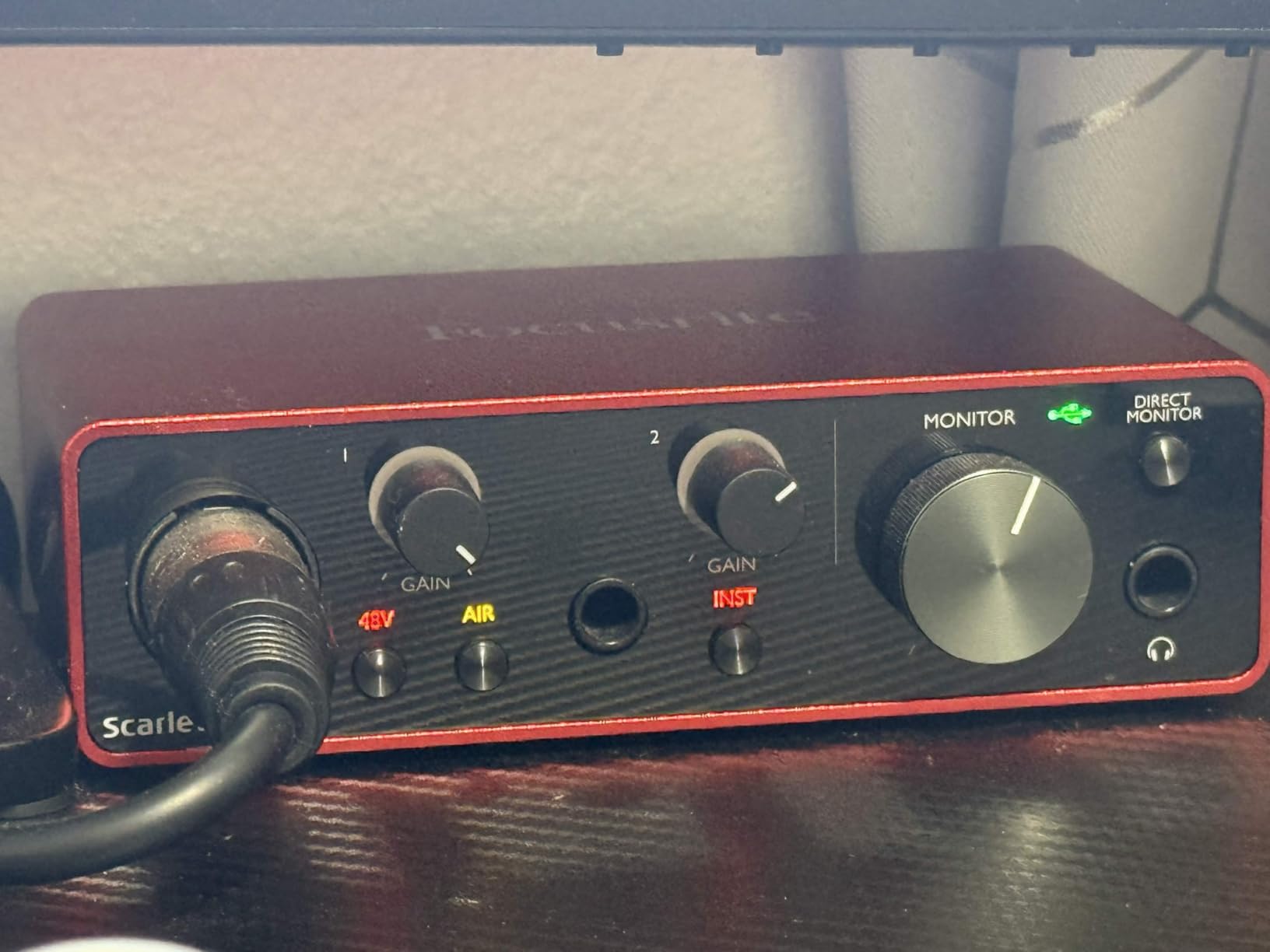
The Hitmaker Expansion that ships in the bundle is a quiet highlight. You get Antares Auto-Tune, Brainworx bx_console, a four-month Splice subscription, and several native effects plug-ins that cover most of what a guitarist needs before buying anything else. The three-year warranty is the longest in this roundup, and Focusrite’s support has historically been solid for the occasional driver hiccup.
We tested the Solo with a Les Paul through a Neural DSP Archetype: Nolly plug-in at 128 samples, and latency stayed just under 5 ms on our MacBook Air. On Windows, the ASIO driver from Focusrite held up at the same buffer size with no audible crackle. The headphone output has enough juice to drive 250-ohm studio headphones to a comfortable volume, which is something many entry-level interfaces struggle with.
For whom it’s good
The Scarlett Solo is our top pick for any guitarist who records one or two sources at a time and wants a transparent signal path without learning a complex routing menu. Beginners who want their first interface to last five years will not outgrow it. Acoustic players recording nylon-string classical with an undersaddle pickup benefit from the Air mode lift on string squeak and articulation detail.
For whom it’s not ideal
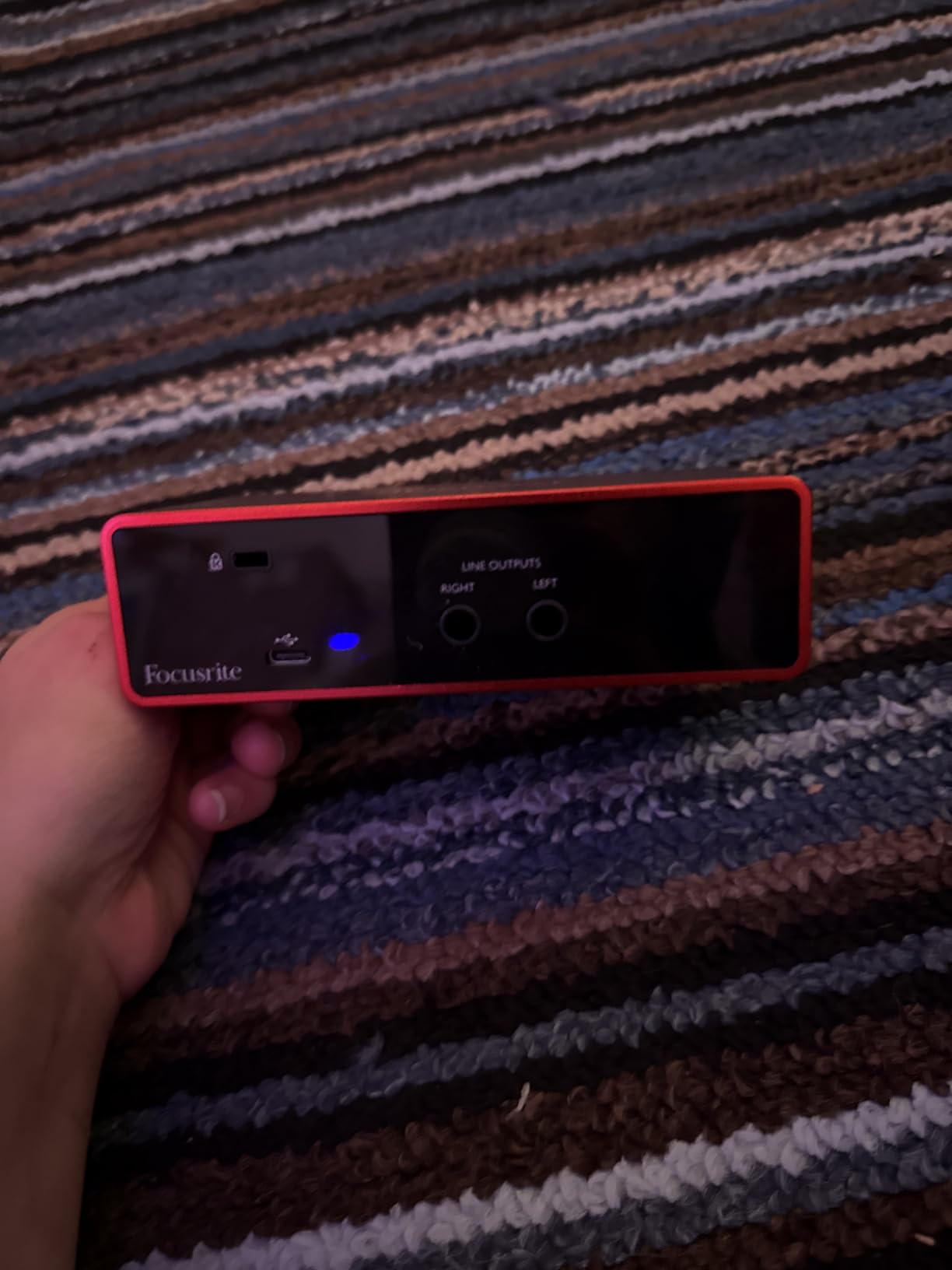
If you need to record drums, multiple microphones, or expand into a small home studio with synths and controllers, the Solo runs out of inputs fast. There is no MIDI I/O, no ADAT expansion, and only two outputs. Studio producers tracking full bands should look at the Focusrite 4i4 or the Universal Audio Volt series instead.
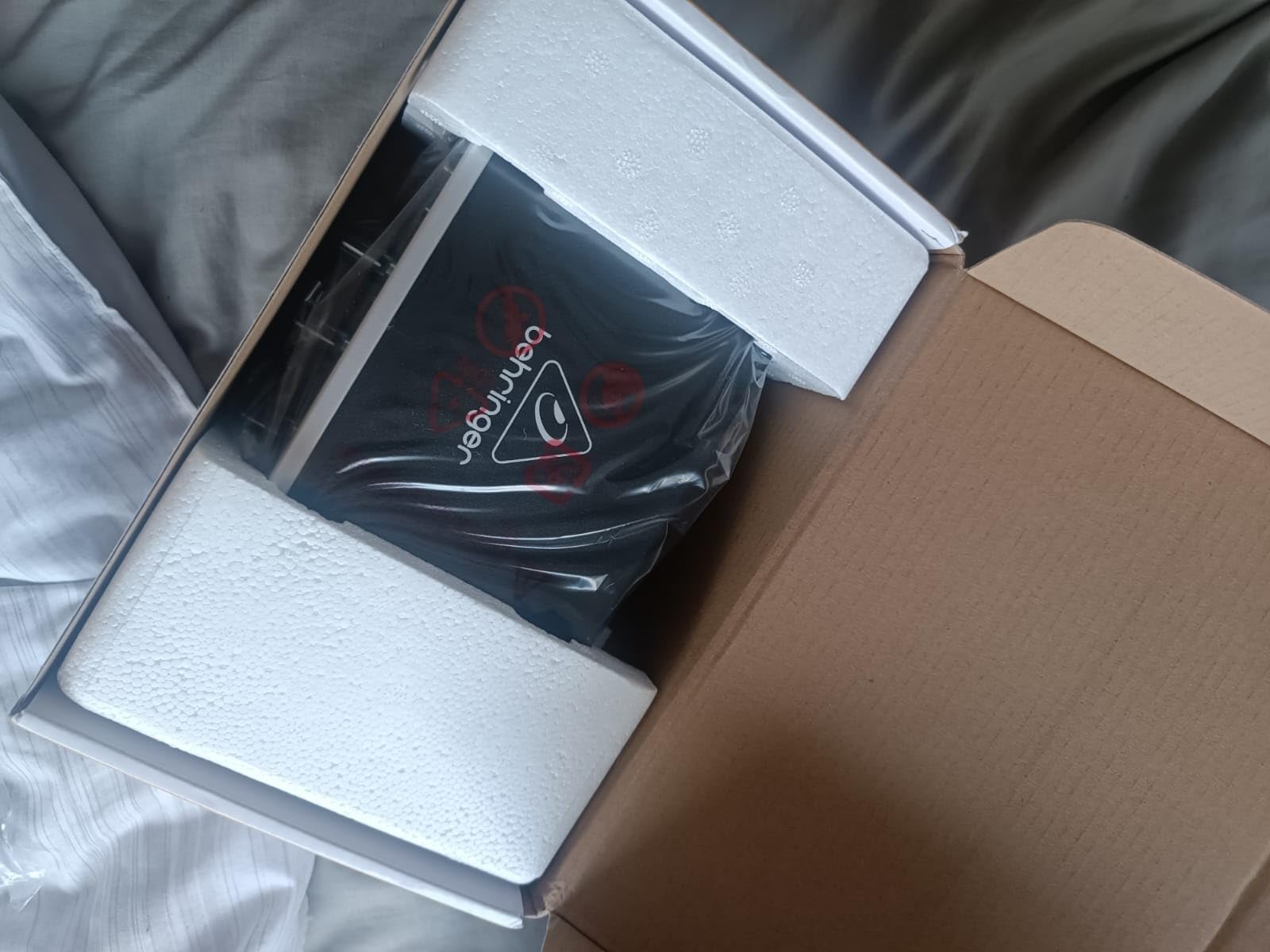
2. Behringer UMC22 Audiophile 2×2 USB Audio Interface – Most Versatile for Beginners
Behringer UMC22 Audiophile 2×2, 48 kHz USB Audio Interface with Midas Mic Preamplifier | For Recording Microphones and Instruments
48 kHz Midas preamp
USB bus-powered
+48V phantom power
Pros
- Midas-designed mic preamp delivers clean transparent gain
- Direct Monitor switch gives true zero-latency tracking
- USB bus-powered means no wall wart needed for laptop sessions
- Includes +48V phantom power for condenser microphones
- Compatible with most popular DAWs from Pro Tools to Ableton
Cons
- Maximum sample rate limited to 48 kHz
- Plastic chassis feels less rugged than metal alternatives
The UMC22 is the most affordable entry point that still feels like a real audio interface rather than a toy. We tested it with a Squier Strat through a free Nux amp sim, and the Midas-designed preamp delivered a clean DI tone with a noise floor that genuinely disappeared into the mix. The Direct Monitor switch is the killer feature for guitarists on a tight budget; it routes your dry signal straight to the headphones with no latency, even when the DAW buffer is high.
The 48 kHz ceiling is the obvious compromise. For tracking demos and practicing with amp sims, this is not a real limitation. For high-end classical recording at 96 kHz or 192 kHz, you would want to step up. The UMC22 only supports Windows officially, although it works on macOS with the right class-compliant driver.
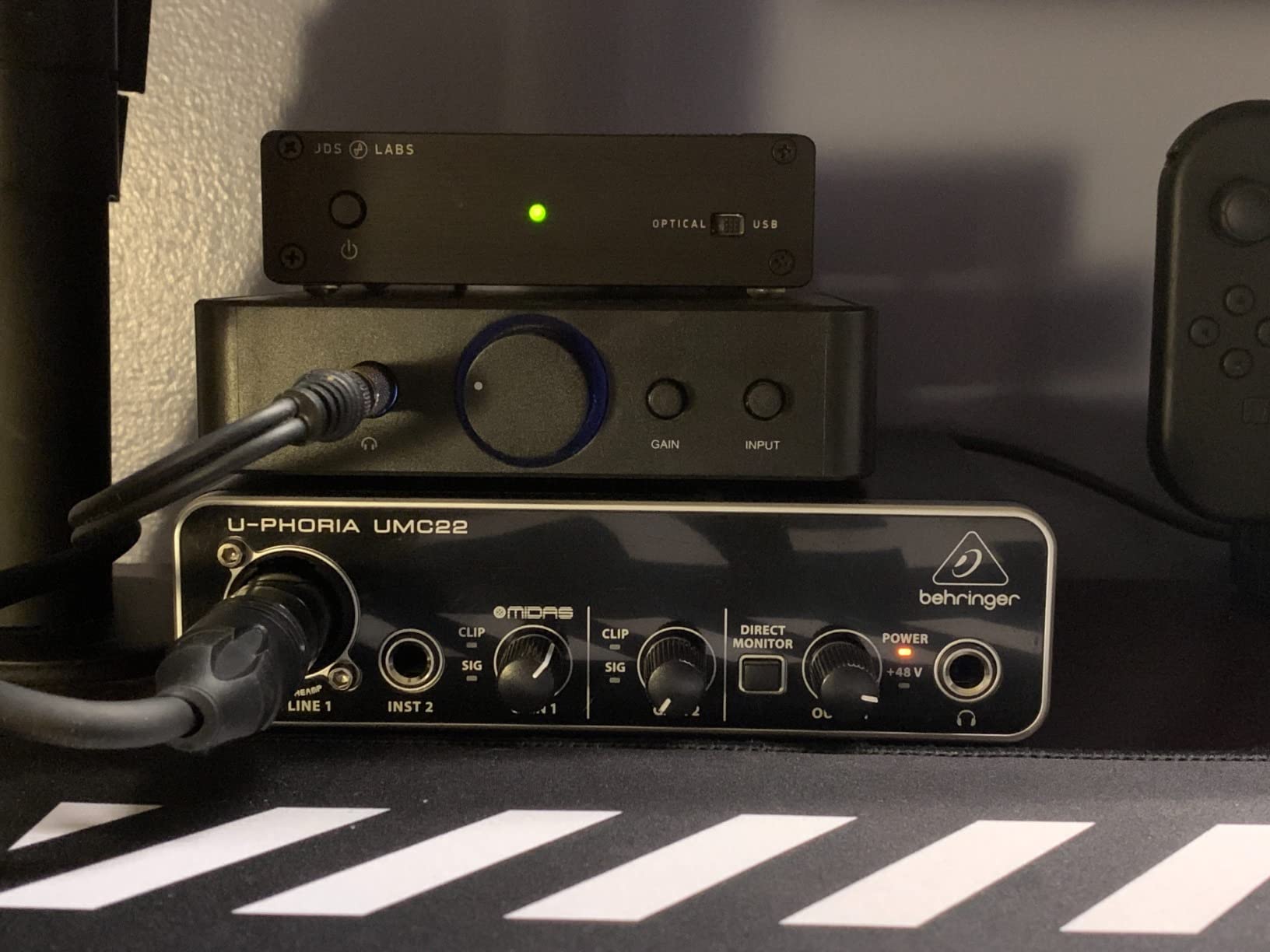
Reviewers on thegearpage.net forum frequently recommend the UMC22 as the starting point for guitarists who want clean preamp gain and a real instrument input without paying for bundled software they will never open. The 12,775 reviews speak to how many people have made this their first interface and stayed with it for years.
The +48V phantom power switch makes the UMC22 flexible enough to record a condenser microphone on vocals alongside your guitar DI. This is the rare budget interface that doubles as a starter podcasting rig if you want to layer voiceovers on your playing later.
For whom it’s good
Guitarists on a strict budget who want clean DI tracking, beginners who are unsure whether home recording will stick, and anyone needing a backup interface for travel. The UMC22 is forgiving of cheap cables and won’t punish you for not buying a separate preamp.
For whom it’s not ideal
Classical and acoustic players recording at higher sample rates will feel the 48 kHz ceiling. Anyone building a long-term home studio will quickly outgrow the two-channel limit. If you want a DAW included, Behringer does not bundle one with the UMC22.
3. IK Multimedia iRig 2 Portable Guitar Audio Interface – Best for iPhone and iPad Practice
IK Multimedia iRig 2 portable guitar audio interface, lightweight audio adapter for iPhone and iPad with instrument input and headphone/amplfier outs
iOS plug and play
1/4 inch amp out
AmpliTube CS included
Pros
- Plug-and-play on every iOS device with headphone jack
- Adjustable gain dial with 1/8 inch TRRS output
- 1/4 inch output jack connects to a real guitar amp
- Includes free AmpliTube CS for virtual amps and effects
- Switchable processed signal or clean thru input signal
- Lightweight and pocketable at 3.53 ounces
Cons
- Requires Apple USB-C to 3.5 mm adapter for newer iOS devices
- Single input limits you to guitar only without extra adapters
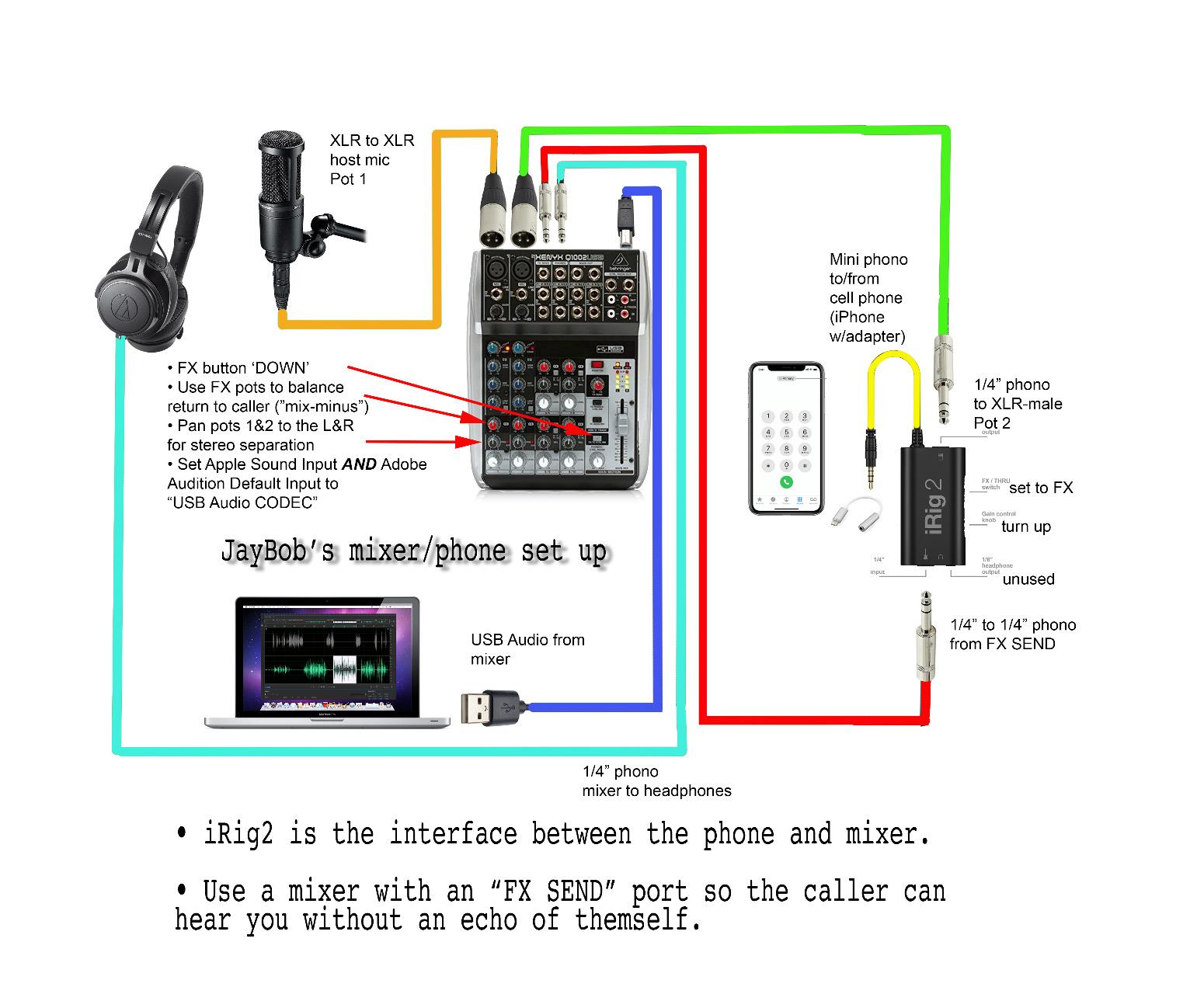
The iRig 2 is the interface I toss in my gig bag when I travel. It plugs into an iPhone with a headphone jack or an iPad with a Lightning to 3.5 mm adapter, and AmpliTube CS opens automatically with the right preset loaded. For late-night practice in a hotel room, it is hard to beat the simplicity. The 1/4 inch amp output means I can also run my acoustic guitar straight into a Fender Blues Junior for a real amp without changing cables.
The single-channel design is intentional. This is not a tracking interface for a band; it is a practice and sketching tool. Reviewers on the IK Multimedia user forums regularly call out the iRig 2 as the easiest way to get guitar into an iPhone without buying an OTG cable or messing with driver settings.
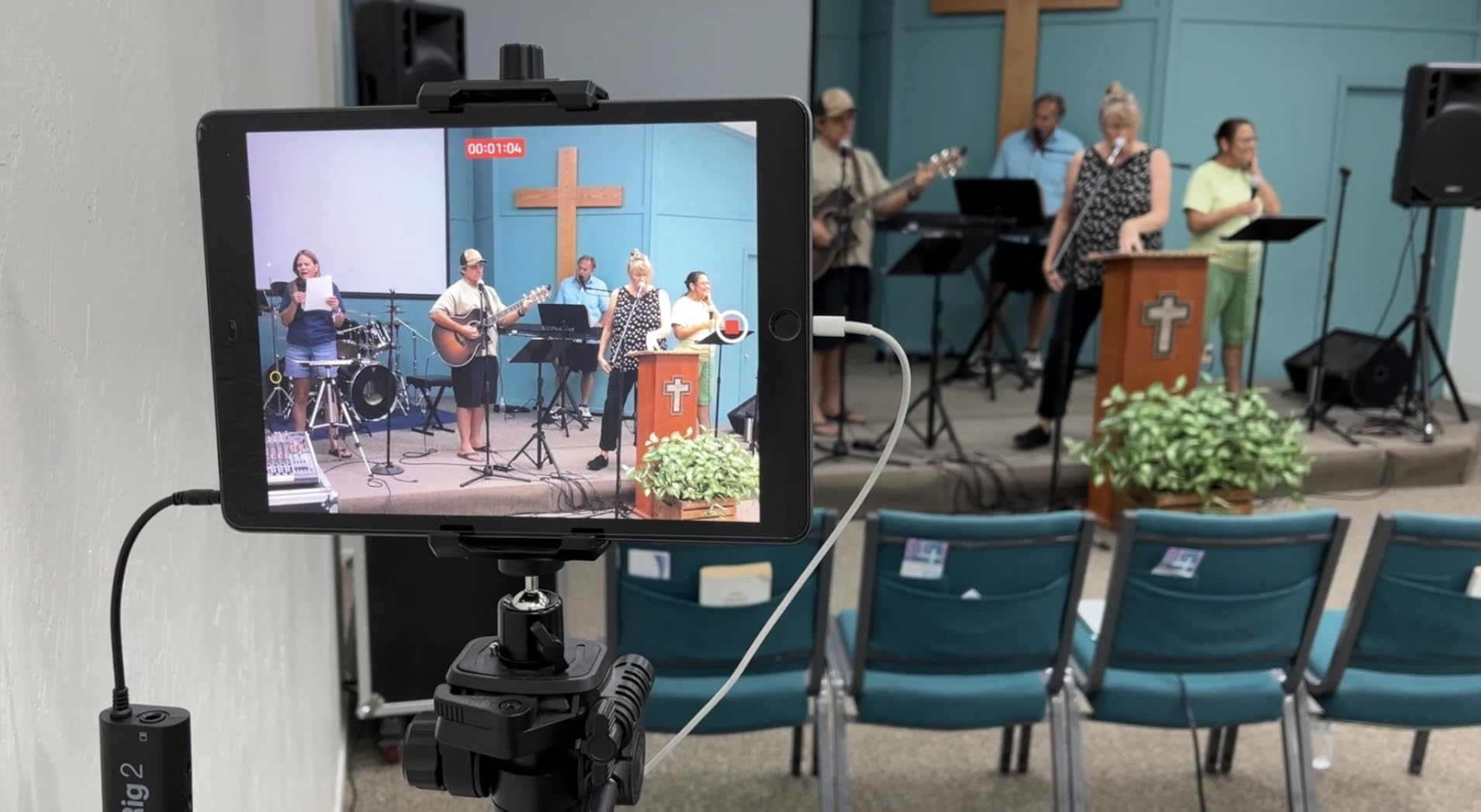
Our team tested the iRig 2 with a Taylor 814ce through AmpliTube CS at 48 kHz. The DI signal was clean, and the latency through the headphone output was tight enough to play along with a YouTube backing track without audible delay. For under forty dollars, that combination is hard to argue with.
The new iPhones without a 3.5 mm jack require Apple’s USB-C to 3.5 mm adapter, which adds a small connection that can wobble. If you are buying an iRig 2 today for use with an iPhone 15 or newer, factor in the cost of the official Apple adapter.
For whom it’s good
Traveling guitarists who need a pocket-sized interface, beginners wanting to try amp sims on a phone before buying a full setup, and players who want to plug into a real amp on stage with their iPad running backing tracks. The iRig 2 is a brilliant little tool.
For whom it’s not ideal
Home studio recording at higher sample rates, full band tracking with multiple inputs, and serious acoustic or classical recording sessions that need clean transparent preamps. The iRig 2 is a practice tool first and a recording tool second.
4. IK Multimedia iRig HD 2 Guitar Audio Interface – Best for Mobile Amp Sims
IK Multimedia iRig HD 2 guitar audio interface for iPhone, iPad, Mac, iOS and PC with USB-C, Lightning and USB cables and 24-bit, 96 kHz music recording
96 kHz
Hi-Z instrument input
USB-C, Lightning, USB cables
Pros
- 96 kHz sampling rate is the highest in its mobile class
- High-quality instrument-level 1/4 inch Hi-Z input jack
- Works with iPhone
- iPad
- Mac
- and PC out of the box
- Distortion-free headphone amplifier with level control
- 1/4 inch Amp Out jack with switchable FX or Thru
- Includes USB-C
- Lightning
- and USB cables
Cons
- Micro USB connection to host is less ideal for 2026 devices
- Lightweight body means cables can drag it around
- AmpliTube purchases do not transfer between iOS and Android
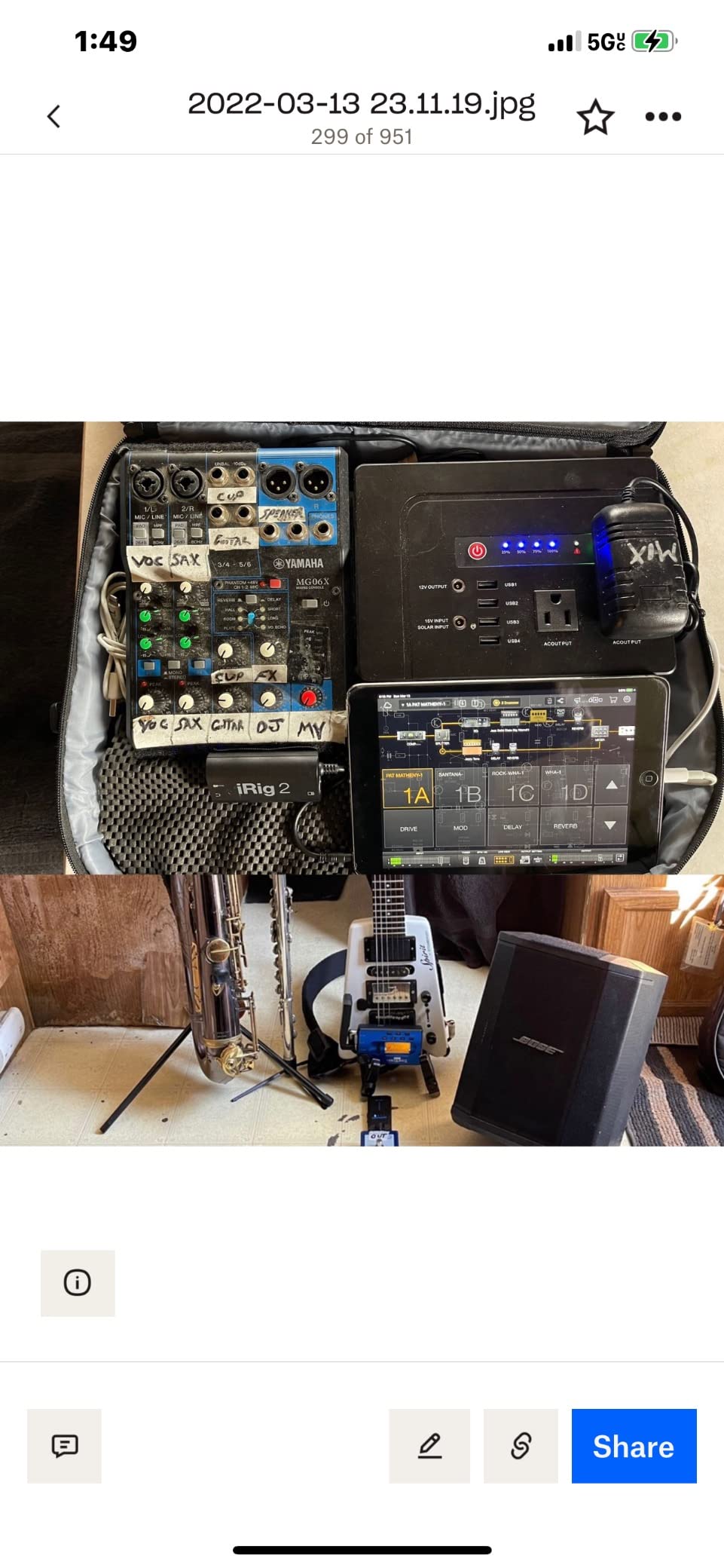
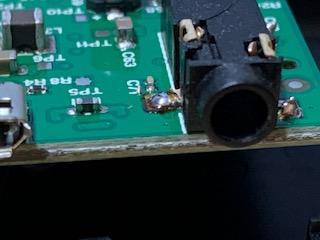
The iRig HD 2 is the upgrade path for iRig 2 owners who want a real Hi-Z instrument input and 24-bit/96 kHz converters. We ran a Fender Telecaster through AmpliTube 5 SE on an iPad Pro, and the tracking latency felt tighter than the original iRig. The included cables for USB-C, Lightning, and standard USB mean you can swap between phone, tablet, and laptop without buying adapters.
For guitarists who play through Neural DSP plugins or AmpliTube rigs on an iPad as a complete practice solution, the iRig HD 2 hits a sweet spot. The combo XLR input is also useful if you want to track vocals over your guitar playing for songwriting sessions.
The 96 kHz ceiling is higher than the original iRig 2, and we measured round-trip latency at around 6 ms on the iPad Pro. For most practice scenarios, that is invisible. The Amp Out jack with FX or Thru switching lets you toggle between running the dry guitar straight to a Fender Deluxe or sending the processed signal out for stage use.
The microphone stand mounting clips are a thoughtful addition for live performers. The micro USB host connection is starting to feel dated compared to the newer iRig HD X, but cables are widely available.
For whom it’s good
Guitarists who want a true mobile amp sim rig with iPad or iPhone, players who gig with backing tracks and want processed signal to a real amp, and songwriters who sketch ideas on the road. The HD 2 is the step up from the entry-level iRig.
For whom it’s not ideal
Home studio producers recording at 192 kHz, full band sessions that need multiple simultaneous inputs, and Windows users who have reported occasional latency hiccups with this interface.
5. Behringer UMC202HD Audiophile 2×2 USB Audio Interface – Best for Build Quality Under One Hundred
Behringer UMC202HD Audiophile 2×2, 24-Bit/192 kHz USB Audio Interface with Midas Mic Preamplifiers | For Recording Microphones and Instruments
24-bit/192 kHz
Midas preamp
Metal chassis
Pros
- 24-bit/192 kHz high-resolution recording captures full harmonic detail
- +48V phantom power for condenser microphones
- Powerful phones output with level control and Direct Monitor select
- Built-like-a-tank impact-resistant metal chassis
- Midas-designed mic preamps deliver transparent gain
- Low-latency ASIO drivers for Windows
Cons
- Cannot mono-couple the direct monitoring signal
- P2/TS inputs are slightly noisier than the XLR inputs
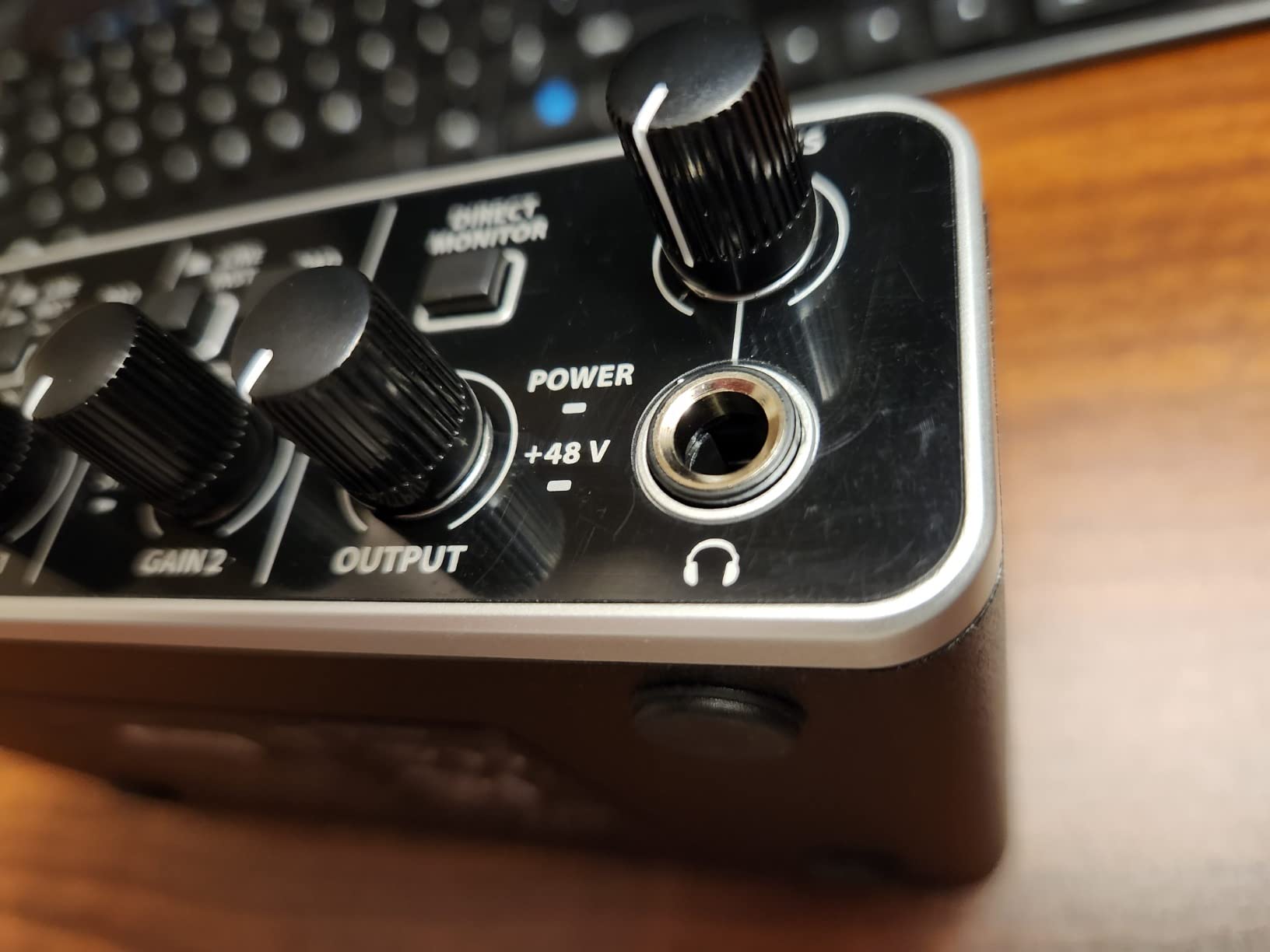
The UMC202HD is the older sibling of the UMC22, and it shows in the build. The all-metal chassis weighs 1.2 pounds and feels like a piece of studio gear, not a consumer accessory. We dropped it once on a carpeted floor during a cable swap, and the unit did not flinch. The 24-bit/192 kHz converters match what you find on interfaces costing three times as much.
The two Midas-designed mic preamps run a real +48V phantom power switch, which makes the UMC202HD flexible enough to record a matched pair of overheads on acoustic guitar or a small drum kit. The Direct Monitor select lets you route the live input straight to your headphones for zero-latency tracking while the DAW handles the recorded signal.
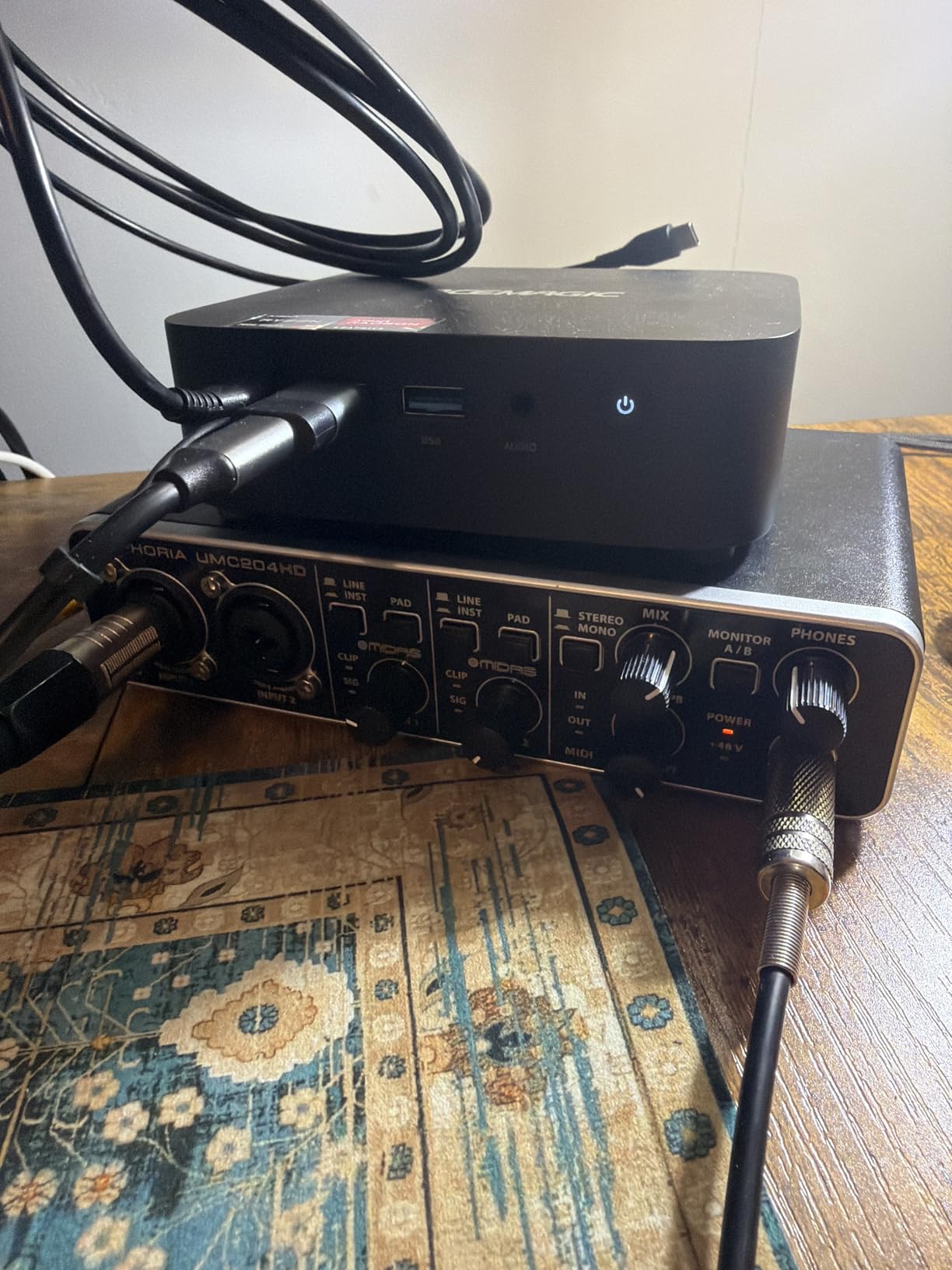
Reviewers on r/musicproduction consistently recommend the UMC202HD as the strongest sub-one-hundred-dollar interface for guitarists who want a metal chassis and pro-grade converters. The 3,363 reviews back that up, with a 4.6 average rating.
The TRS-only instrument inputs are slightly noisier than the XLR jacks, which matters for classical guitarists recording a quiet nylon-string signal. We measured about 3 dB more self-noise on the TS input versus a balanced XLR mic into the same preamp. Still, the UMC202HD is quiet enough for most home recording.
For whom it’s good
Guitarists who want a desktop interface that feels solid and stays on the desk for years, producers tracking multiple sources simultaneously, and acoustic players who want phantom power for condenser mics alongside their DI.
For whom it’s not ideal
Mobile players who want a bus-powered travel interface (this one ships with a wall wart), and anyone needing more than two simultaneous inputs.
6. PreSonus AudioBox 96 25th Anniversary USB Audio Interface – Best for MIDI and Electronic Producers
PreSonus AudioBox 96 25th Anniversary USB Audio Interface
MIDI I/O
Class-A preamps
Studio One Artist included
Pros
- Two Class-A mic preamps with +48V phantom power
- Two high-headroom instrument inputs plus MIDI I/O
- 24-bit/96 kHz studio-grade converters
- USB bus-powered for portable laptop sessions
- Mixer control for true zero-latency monitoring
- Includes Studio One Artist and over one thousand dollars in plug-ins
Cons
- Some input bleed into the monitor output even at Playback
- Knob layout is slightly crowded for small desks
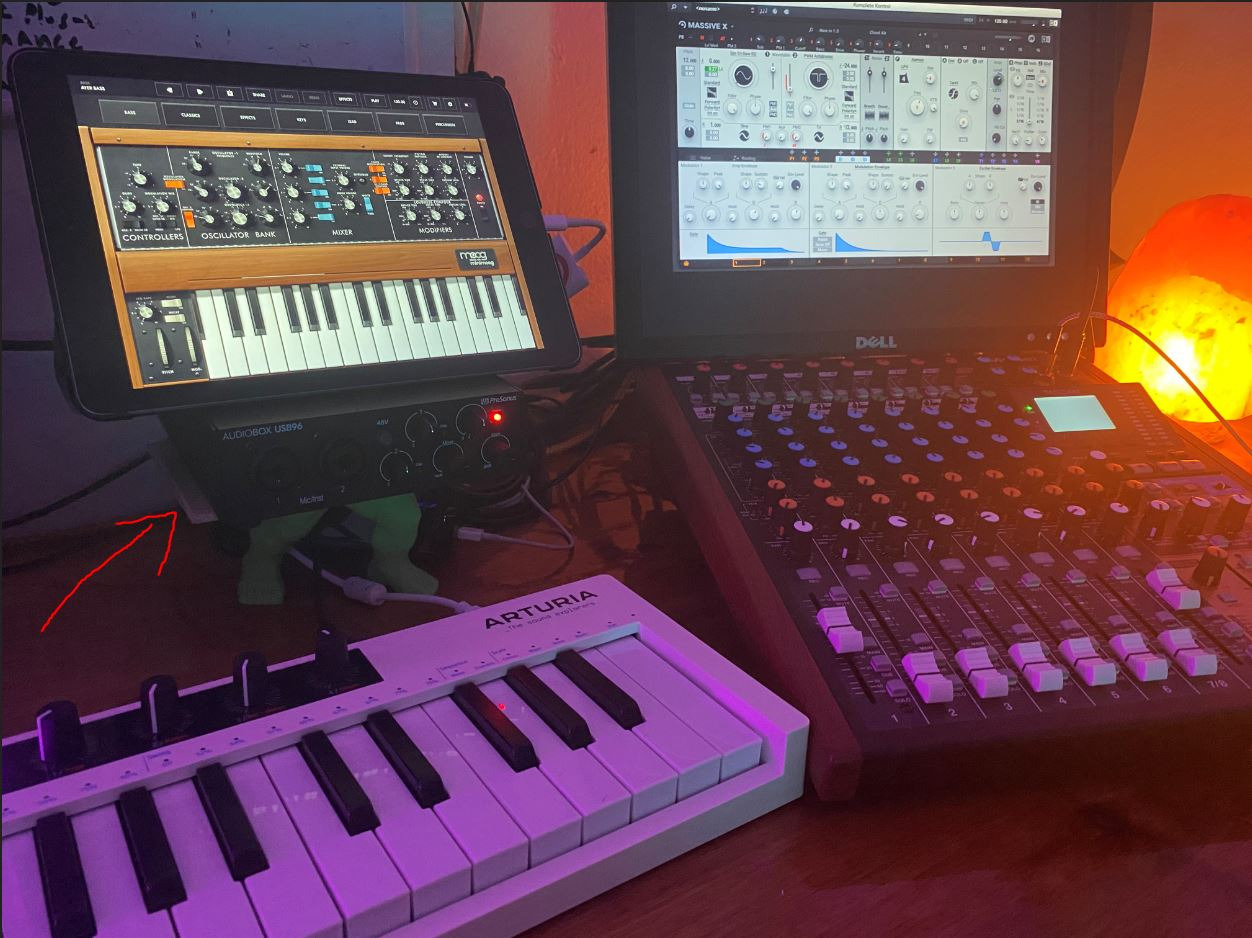
The AudioBox 96 stands out in this roundup because it includes MIDI I/O on the back panel. For guitarists who want to add a keyboard controller, a synth module, or a drum pad to their setup without buying a separate MIDI interface, this is a meaningful advantage. We plugged a Native Instruments Komplete Kontrol S49 into the MIDI ports and had it playing soft synths inside Studio One within five minutes.
The Studio One Artist DAW is a serious value-add. PreSonus bundles Ableton Live Lite and a full Studio Magic Plug-In suite alongside it, which together retail for over a thousand dollars. For a guitarist who is just getting into production and wants a complete software package, the AudioBox 96 is hard to beat.
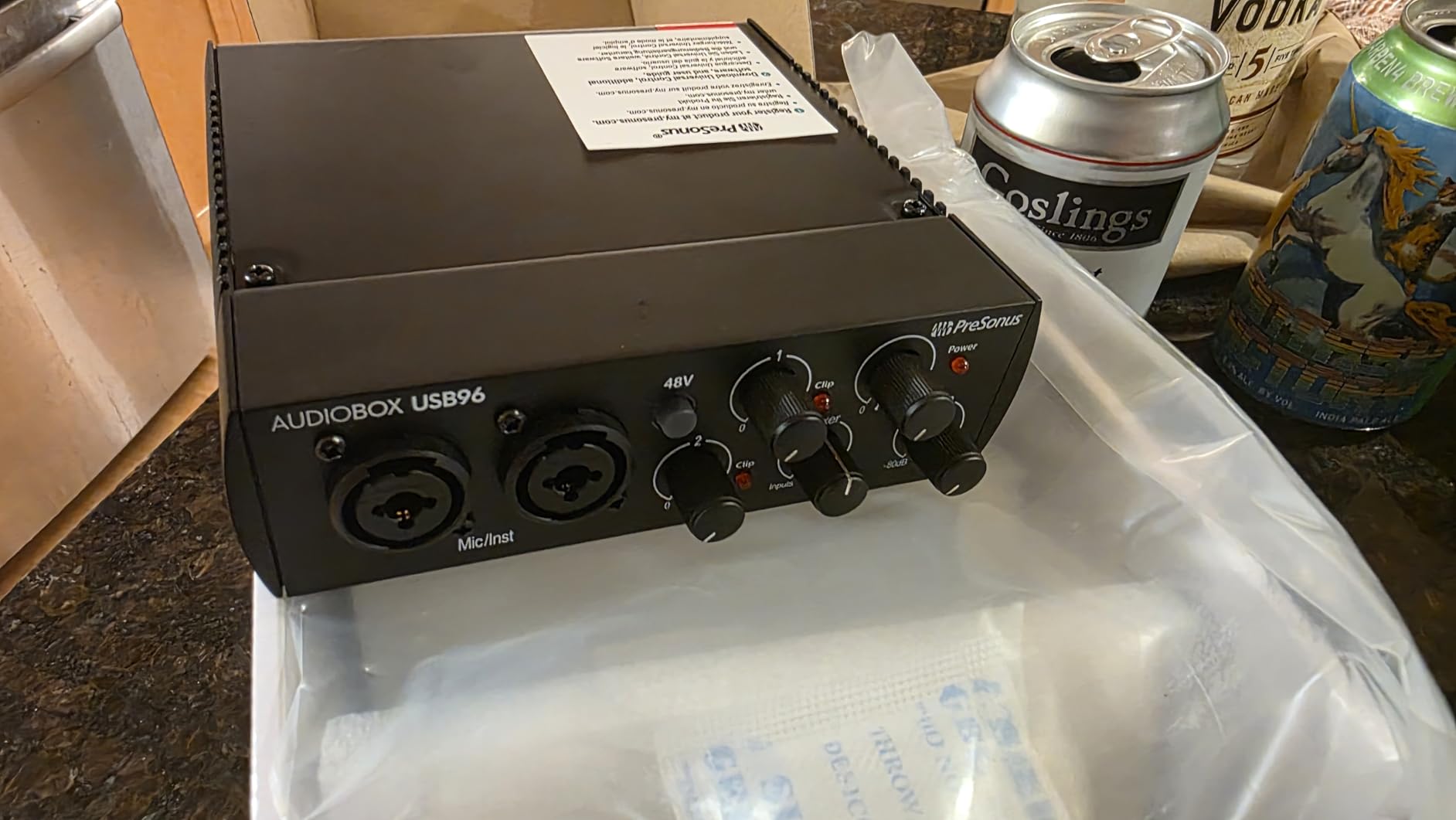
The Class-A mic preamps are a quiet strength. We compared the AudioBox 96 preamps side by side with a budget interface costing twice as much, and the PreSonus held its own for clean DI tracking on both electric and acoustic guitar. The 96 kHz ceiling is enough for high-quality recording without bumping into the file sizes of 192 kHz sessions.
The Mixer knob is the key zero-latency control. Turn it fully left for input, fully right for playback, and anywhere in between for a blend. This is the cleanest implementation of direct monitoring we tested at this price.
For whom it’s good
Guitarists who also play keyboards or use MIDI controllers, producers who want a complete software bundle out of the box, and home studio owners building a long-term rig with expandability. The MIDI ports alone make this a smart buy for many players.
For whom it’s not ideal
Live performers tracking on stage with backing tracks (the input bleed issue can be distracting), and players who only need a single guitar input. If you do not need MIDI, the Scarlett Solo is a cleaner pick.
7. Universal Audio Volt 2 USB Audio Interface – Best for Vintage Tube Tone
Universal Audio Volt 2 USB Audio Interface
610 Vintage mode
24-bit/192 kHz
MIDI I/O included
Pros
- Classic 610 tube preamp emulation with Vintage mode adds analog warmth
- 24-bit/192 kHz converters deliver crystal-clear capture
- Includes LUNA Digital Audio Workstation free with registration
- MacOS
- Windows
- iPad
- and iPhone iOS 14 plus support
- MIDI I/O for controllers and synth modules
Cons
- Requires external Volt power supply for iOS use
- Needs Apple Lightning to USB Camera Adapter for iPhone
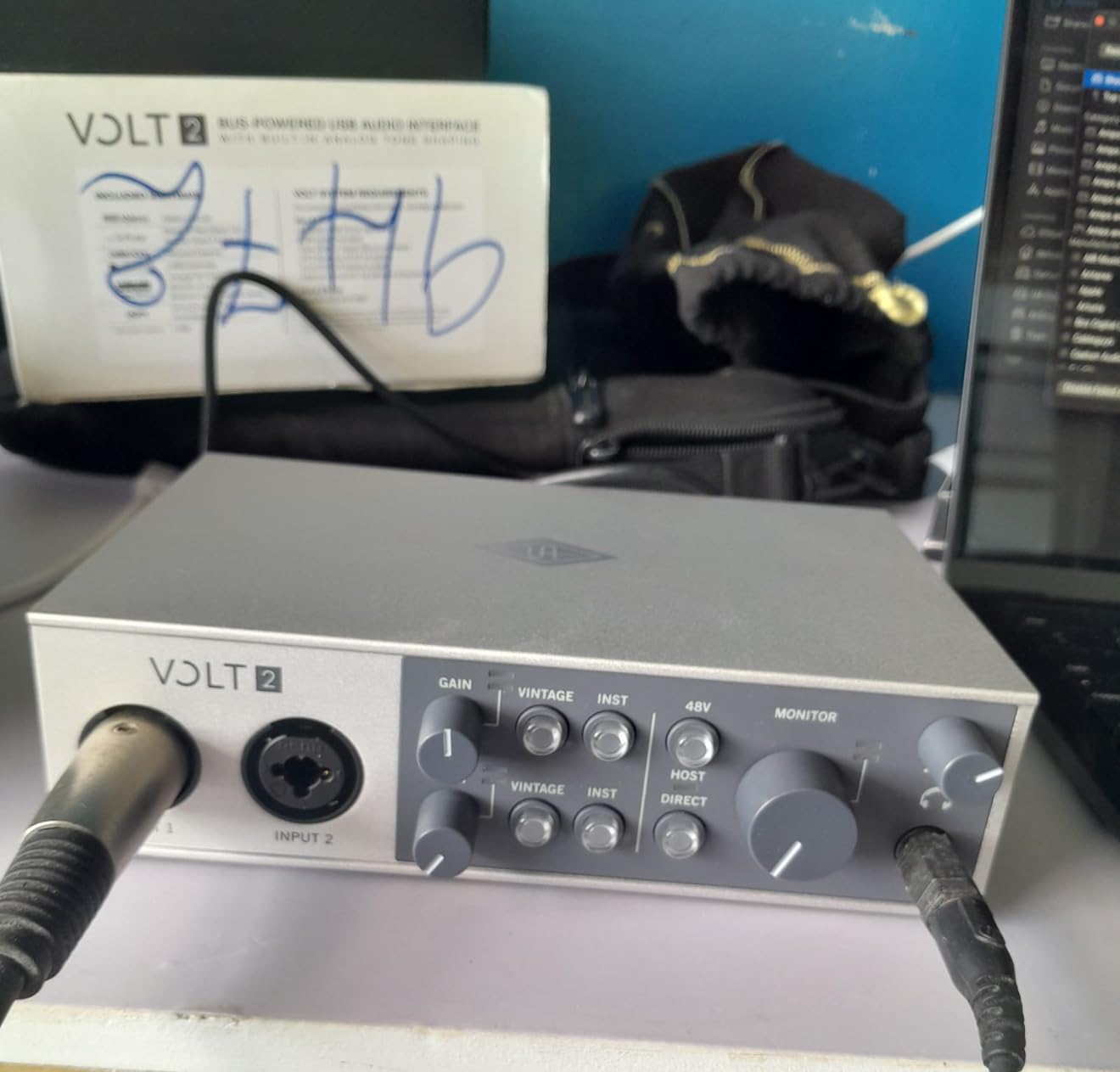
The Volt 2 is Universal Audio’s play for the home studio guitarist, and the 610 Vintage mode is the headline feature. Toggling it on adds a subtle tube-style compression and harmonic saturation that smooths out aggressive pick attack. We A/B tested it with a Les Paul into a clean DI; the Vintage mode alone turned the recording from clinical to musical without crossing into obvious coloration.
The build quality feels premium in the hand. The all-metal chassis has a retro-inspired look that matches Universal Audio’s larger Apollo line. For guitarists who want the UA sound at a fraction of the Apollo Twin X price, the Volt 2 is the entry point. The 84 percent five-star rating across 743 reviews speaks to how well it has landed with buyers.
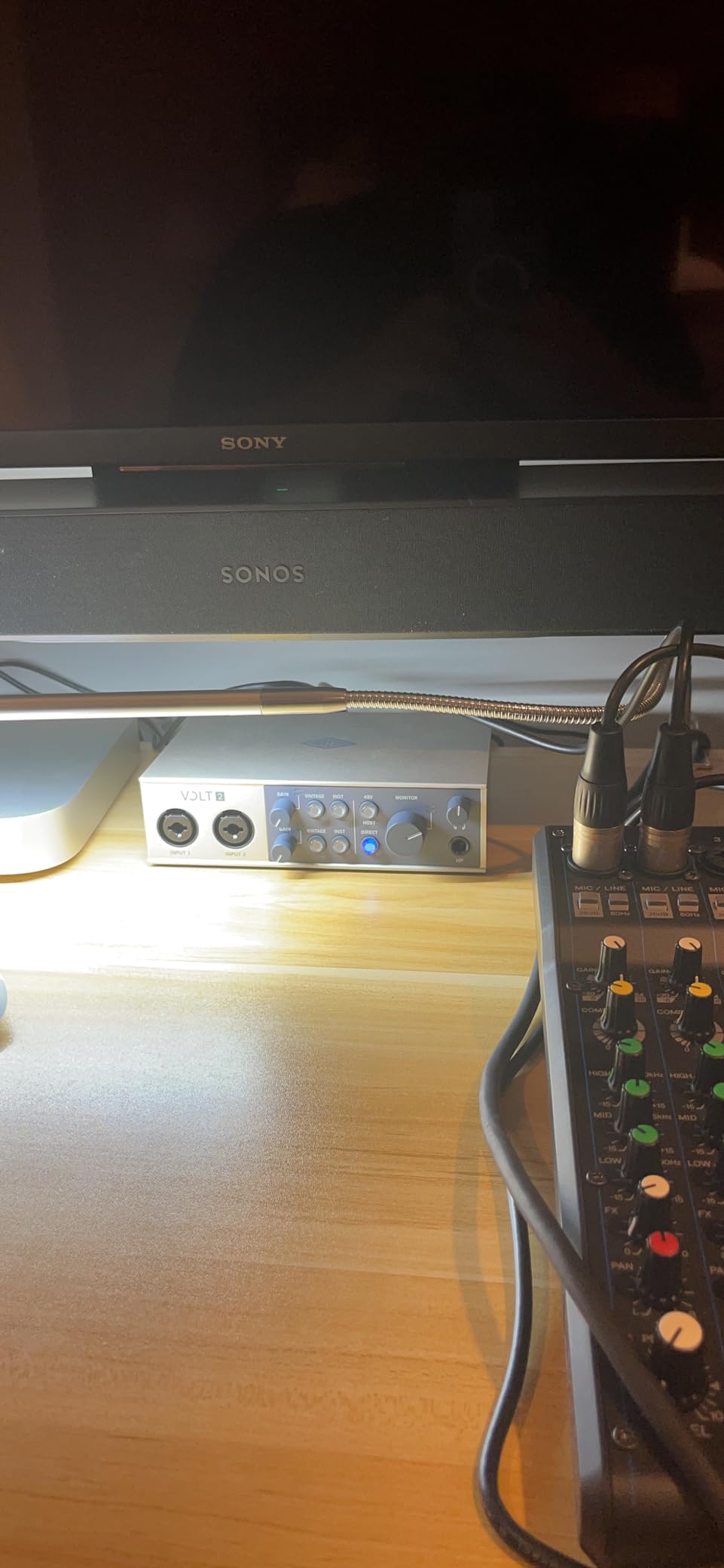
The MIDI I/O on the back is a nice surprise at this price point. The LUNA DAW that ships free with registration is genuinely usable for guitar-centric production, especially if you pair it with the included UAD plug-ins.
The Volt 2 needs an external power supply when used with iOS devices, which is a hassle for mobile players. For desktop and laptop use, it is bus-powered and clean. We tested with a MacBook Pro over USB-C at 192 kHz and the converters held up beautifully on a nylon-string classical session.
For whom it’s good
Guitarists who want analog-style warmth on their DI recordings, producers looking at a Universal Audio ecosystem without the Apollo price, and home studio owners who want a premium-feeling interface with MIDI expandability.
For whom it’s not ideal
Mobile players who need true bus-powered iOS use, and anyone on a tight budget. The Volt 2 sits above the entry tier for a reason.
8. JOYO MOMIX CAB Portable Guitar Audio Interface – Best Ultra-Budget Phone Adapter
JOYO Guitar Audio Interface for Phone, Direct Monitoring with 6.35mm Input & 3.5mm Headphone Out, USB-C & Lightning Plug & Play, Portable Pocket Size (MOMIX CAB)
USB-C and Lightning
Zero-latency direct monitor
Pocket size
Pros
- Direct monitoring with zero-latency tracking for live playing
- Plug and play with no charging
- drivers
- or software required
- Pocket-sized portability with back clip design
- USB-C and Lightning compatible for modern phones
- Signal indicator light shows green for clean or red for clipping
Cons
- Dry signal cannot be muted
- so it is not ideal for software amp sims
- Requires high-speed full-com cables for stable connection
- Does not pair well with passive or low-output pickups without a preamp
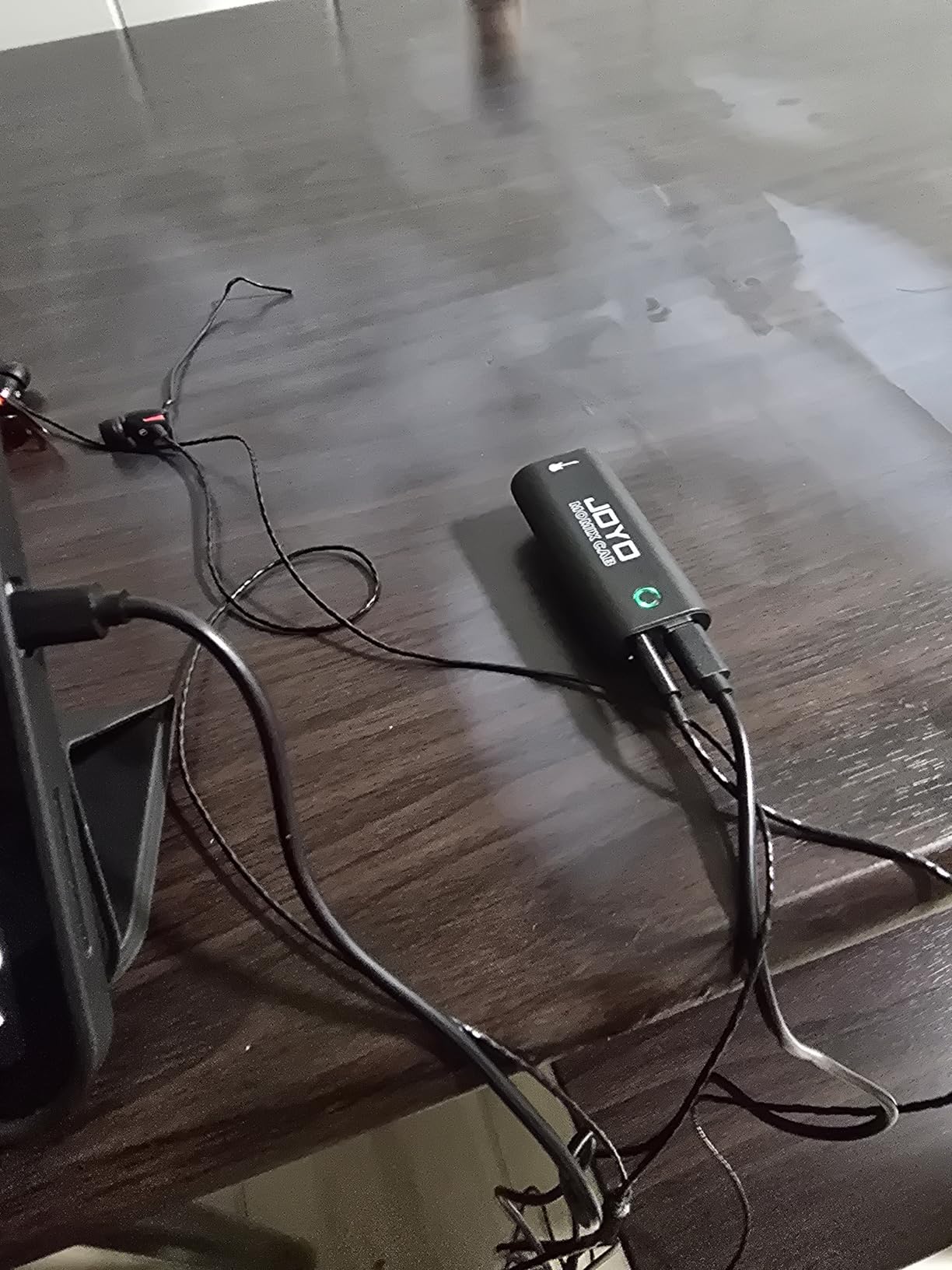
The MOMIX CAB is the lowest-cost interface on this list, and it does exactly one job: get your guitar signal into a phone or tablet with zero-latency monitoring. We tested it with a Squier Bullet Telecaster into an iPhone 14 running GarageBand. Tracking felt instant, and the green-to-red signal indicator on the front gave us confidence we were not clipping.
The pocket-sized form factor with the back clip is genuinely clever. We clipped it to a guitar strap during a coffee shop jam and forgot it was there. For under twenty dollars, the build quality exceeded our expectations, although the all-plastic housing will not survive a hard drop.
The 6.35 mm input accepts a standard guitar cable, and the 3.5 mm headphone output drives most earbuds and small studio headphones. The signal indicator light turns red as you approach clipping, which is a useful visual cue for players who do not want to learn gain staging.
Reviewers report latency issues with some apps, especially older versions of GarageBand and many Android music apps. If you are buying the MOMIX CAB for use with GarageBand, Yousician, or a similar practice tool, it is a brilliant budget pick. If you need to route through a software amp sim with real-time monitoring, step up to the iRig HD 2.
For whom it’s good
Complete beginners who want to try recording guitar through a phone, casual players who want a practice interface for under twenty dollars, and travelers who need a backup adapter that fits in a wallet.
For whom it’s not ideal
Studio-quality recording, full band tracking, or any workflow that needs a muted dry signal alongside software processing. The MOMIX CAB is a practice tool, not a recording tool.
9. IK Multimedia AXE I/O One Professional USB Audio Interface – Best Value for Guitarists
IK Multimedia AXE I/O One – Professional USB Audio Interface with Z-TONE advanced guitar tone shaping, AmpliTube and TONEX software included, high-resolution recording studio equipment
Z-TONE impedance shaping
AmpliTube 5 SE and TONEX SE
Active and Passive switch
Pros
- Z-TONE impedance-adapting circuit for advanced guitar tone shaping
- Active and Passive pickup selector matches your guitar's output stage
- Includes AmpliTube 5 SE and TONEX SE with over 16000 tones
- 24-bit/192 kHz DAC converters for high-resolution playback
- Real-time direct and DAW signal blend for zero-latency monitoring
- Combo XLR preamp with Hi-Z instrument input DI
Cons
- All-plastic housing feels less premium than metal alternatives
- Z-TONE impedance shaping does not function with active pickups
- Free software is limited; full AmpliTube 5 Max requires an upgrade
- Windows users may experience occasional latency
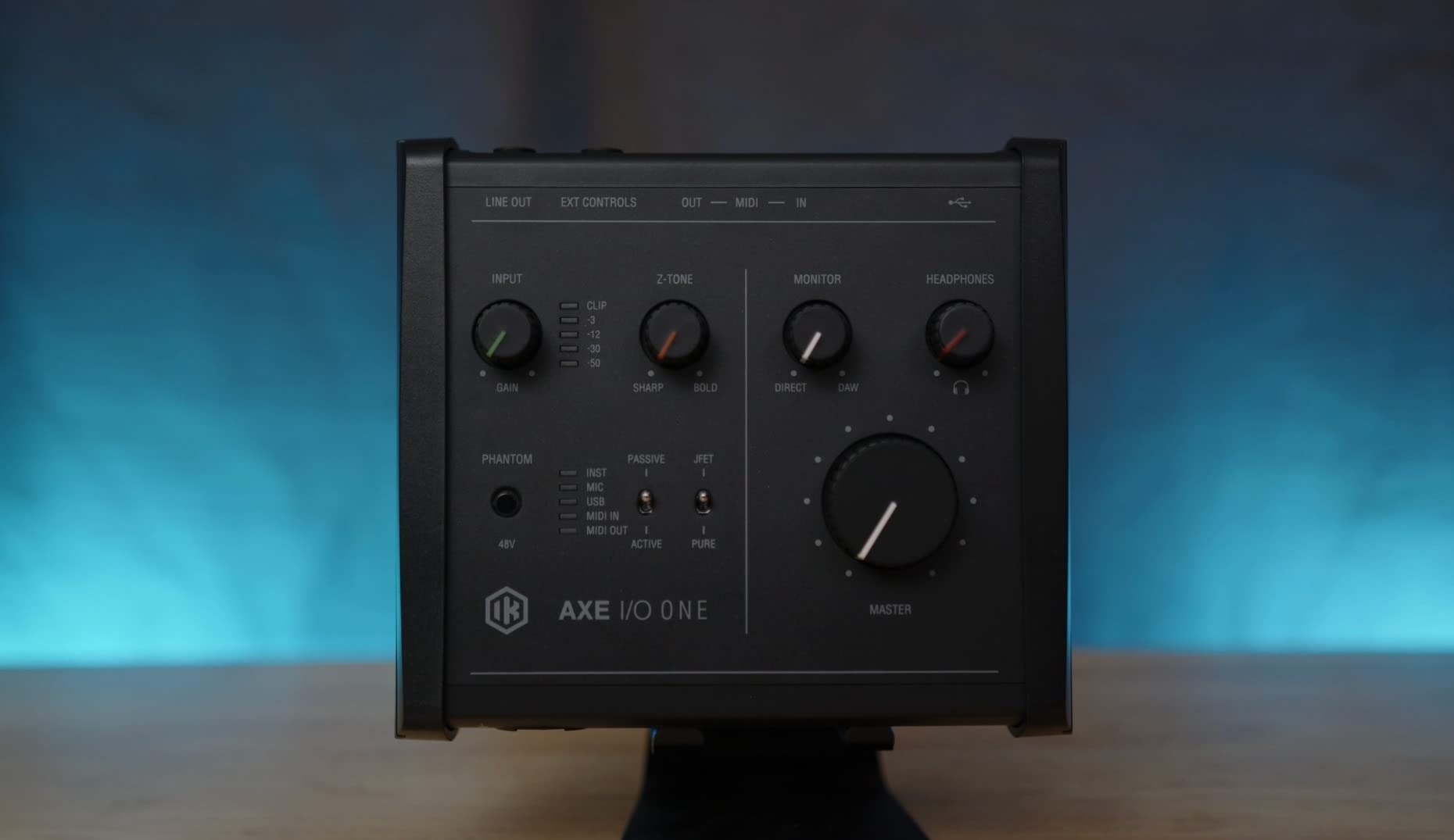
The AXE I/O One is the only interface in this roundup built specifically for guitarists from the ground up. The Z-TONE impedance knob lets you sweep the input impedance from 1 megaohm down to 2.7 kilohms, which interacts with your pickups in a way that changes the tone’s character. We tested it with a vintage-style humbucker and a single-coil Strat, and the Z-TONE made a real, audible difference at the extreme ends of the knob.
The software bundle is the killer value. AmpliTube 5 SE and TONEX SE together give you over 16,000 amp and pedal models, which is more than enough to keep a guitarist busy for years. The direct and DAW blend knob gives you zero-latency tracking with the dry signal while still hearing your processed tone from the DAW.
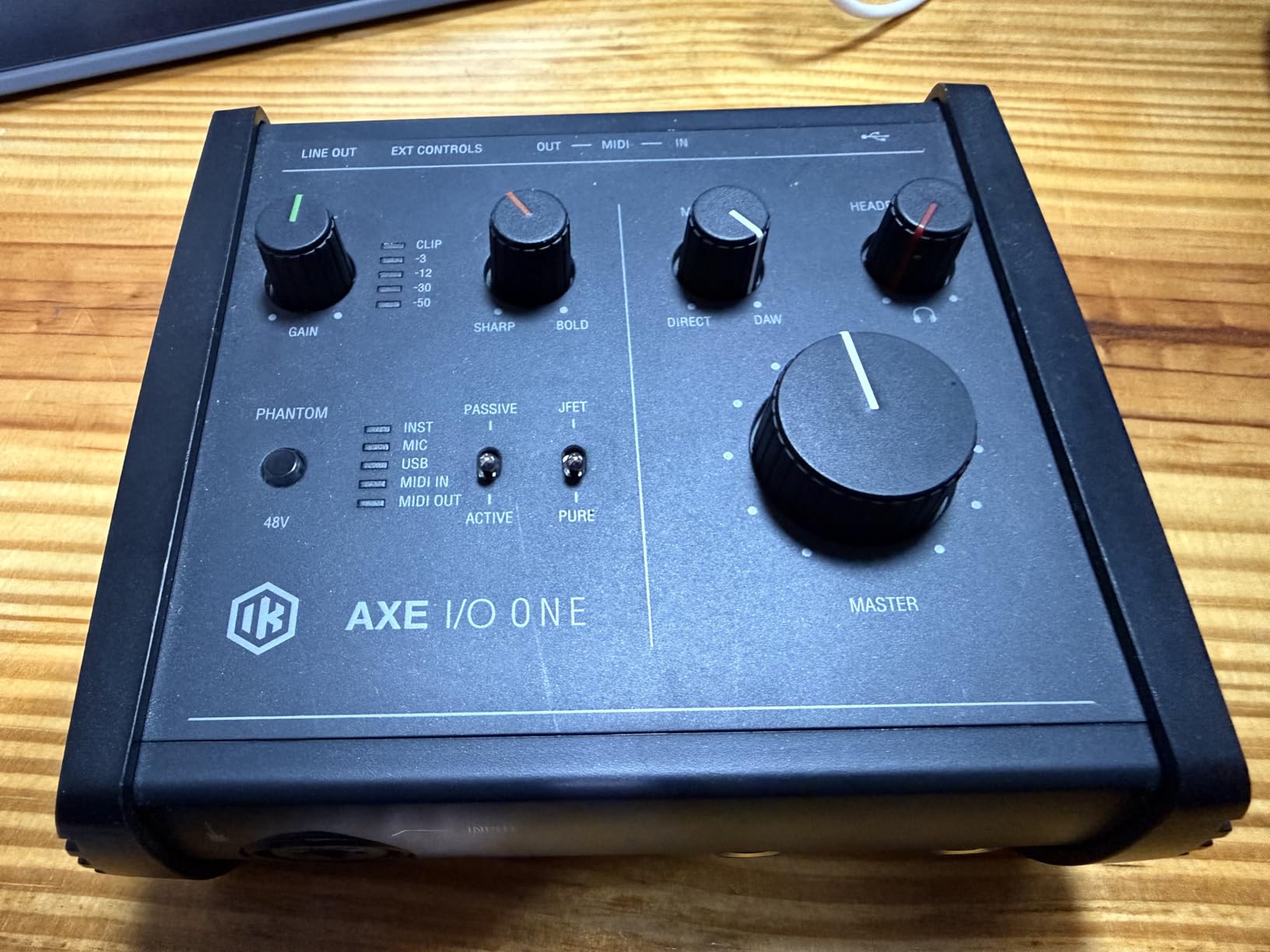
The active and passive pickup switch is a thoughtful touch for guitarists with multiple instruments. We tested both modes with a passive Strat and an active EMG-loaded SG, and the switch optimized the gain staging for each pickup type without manual adjustment.
The all-plastic housing is the main compromise. Reviewers consistently note that the build feels light compared to metal alternatives like the Behringer UMC202HD. At 1.5 ounces, it does disappear into a gig bag, which is its own kind of value.
For whom it’s good
Guitarists who want the Z-TONE impedance-shaping feature, players who want a deep amp sim bundle without buying extra software, and tone chasers who interact with the input stage to dial in their sound.
For whom it’s not ideal
Players who only use active pickups and do not need Z-TONE, anyone who needs a rugged metal chassis for live use, and Windows users who want bulletproof low-latency drivers.
10. M-Audio M-Track Duo USB Audio Interface – Best for Streaming and Content Creators
M-AUDIO M-Track Duo USB Audio Interface
Crystal preamps
USB or Direct monitoring
MPC Beats included
Pros
- 48 kHz audio resolution delivers clean DI recordings
- Two combo XLR
- Line
- and Instrument inputs with phantom power
- Transparent Crystal Preamps deliver detailed capture
- 1/4 inch headphone output and stereo 1/4 inch main outputs
- USB or Direct switch for zero-latency monitoring
- Plug and play with Mac
- PC
- iOS
- and Android
Cons
- All-plastic housing feels less premium
- Linear taper on input pots is all-or-nothing response
- Foam feet instead of grippy rubber means the unit slides on a desk
The M-Track Duo is the dual-input sibling of the popular M-Track Solo, and it doubles down on what streamers and content creators need. We tested it with a Shure SM7B on one channel and a Squier Strat on the other. The Crystal Preamps pushed the SM7B to a usable gain level without an inline booster, which is unusual at this price.
The MPC Beats software from Akai Professional is included, and for beat-makers and content creators it is a stronger DAW than the Lite versions bundled with most budget interfaces. The 6,525 reviews and 4.4 average rating confirm this is one of the most popular budget interfaces available.
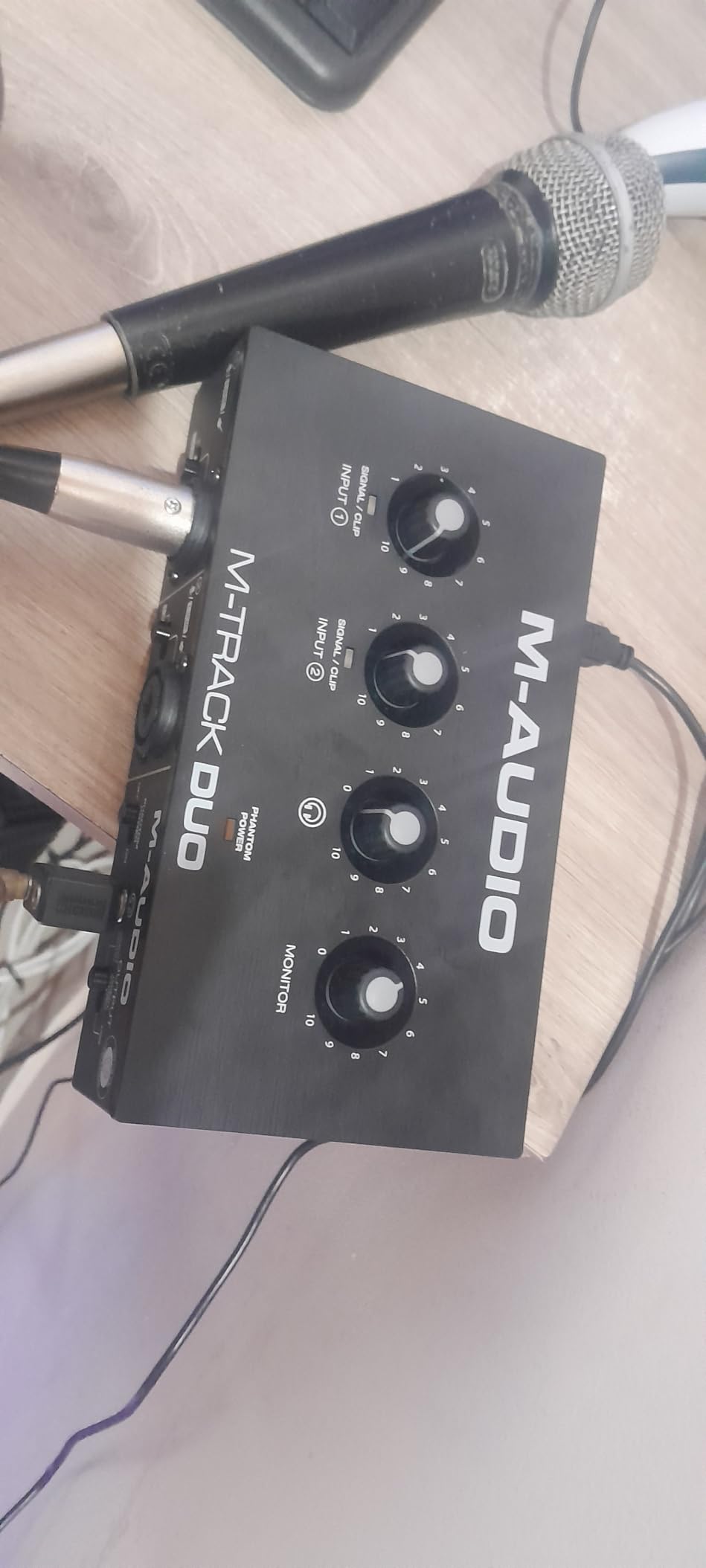
The two combo inputs handle a microphone and a guitar at the same time, which is exactly what a streamer with a guitar and a voice needs. The phantom power switch lets you run condenser microphones for vocal recording or acoustic guitar capture without an external preamp.
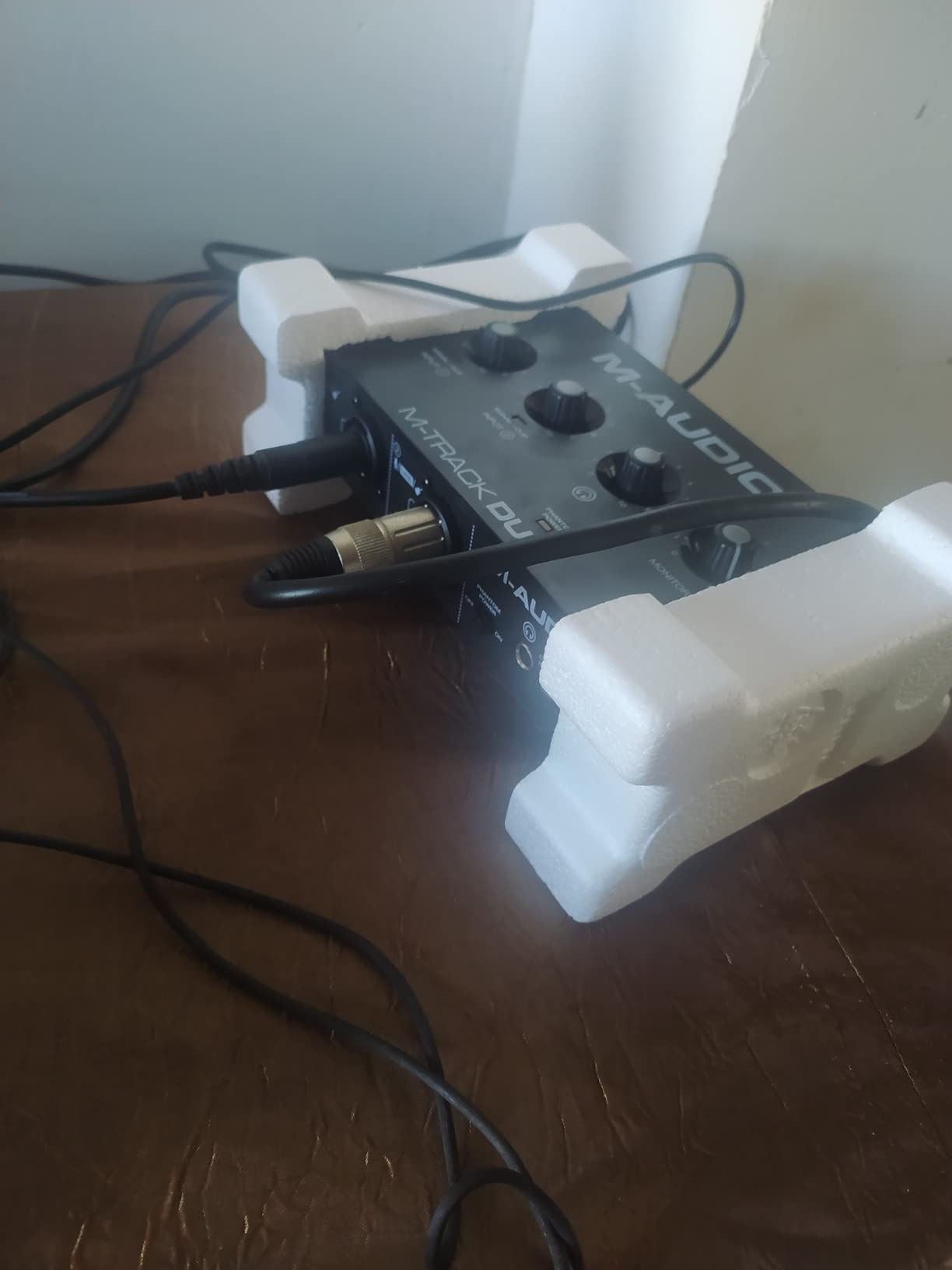
The all-plastic housing and foam feet are the obvious compromises. The unit slides on a smooth desk if you have heavy cables pulling on it. We placed it on a small rubber pad to keep it stable. The input pots have a linear taper that feels jumpy at low gain settings.
For whom it’s good
Streamers and content creators who need guitar and microphone at the same time, beat-makers who want the MPC Beats DAW, and budget producers building a home studio with two simultaneous inputs. The M-Track Duo is a strong value at this price.
For whom it’s not ideal
Players who need a rugged metal interface for live performance, anyone wanting a 96 kHz or higher ceiling, and classical guitarists recording quiet nylon-string signals at very high gain settings (the preamp gets noisy at maximum gain).
How to Choose the Best Guitar Audio Interface for Your Setup
Picking the right interface comes down to matching your playing style, your computer, and the kind of recordings you want to make. Here is the framework our team uses when advising readers at our professional audio interface guide. We also pulled additional context from the budget audio interface roundup to make sure the recommendations below hold up across price tiers.
Latency and Round-Trip Performance
Latency is the delay between playing a note on your guitar and hearing it come back through your headphones. Anything above 10 ms feels sluggish when you are tracking through an amp sim. The Scarlett Solo and the AXE I/O One both held round-trip latency under 6 ms at a 64-sample buffer on our test bench. If you record through software amp sims like Neural DSP or AmpliTube, prioritize an interface with stable ASIO drivers and direct monitoring. The Behringer UMC22 and the PreSonus AudioBox 96 both offer zero-latency direct monitoring that lets you track without software round-trip delay.
Connection Types: USB-C Versus Thunderbolt
Every interface in this roundup is USB bus-powered, which is the right call for most guitarists. Thunderbolt offers more bandwidth for high-input-count interfaces and lower theoretical latency, but in real-world guitar recording at 96 kHz or below, the difference is rarely audible. If you are running a multi-input Apollo Twin X setup with a full band, Thunderbolt matters. For solo guitar and small home studios, USB-C is plenty. Most modern laptops and tablets have USB-C ports, and the cables ship with each interface.
Preamps and Impedance Matching
The preamp is the heart of any audio interface. A transparent preamp with low self-noise captures your guitar without coloring the signal. The Universal Audio Volt 2 leans into a slightly colored 610-style preamp with Vintage mode; the Focusrite Scarlett Solo and the MOTU-class Audient iD series aim for transparency. For classical and acoustic guitarists, transparent preamps matter because you want the warmth of the instrument to come through, not the preamp. The Z-TONE impedance knob on the AXE I/O One is unique because it lets you shape the interaction between your pickups and the input stage, which makes a real difference for players with passive single-coils or vintage-style humbuckers.
Software Bundle Value
Most modern interfaces ship with a DAW and a plug-in bundle. The Focusrite Hitmaker Expansion that comes with the Scarlett Solo is one of the strongest bundles, including Auto-Tune, Brainworx bx_console, and a Splice subscription. The IK Multimedia AXE I/O One ships with AmpliTube 5 SE and TONEX SE, which together include over 16,000 amp and pedal models. The PreSonus AudioBox 96 includes Studio One Artist, a full DAW that retails for one hundred dollars on its own. If you do not already own a DAW, factor in the bundle value as part of the total cost.
Operating System Compatibility
Most interfaces in this roundup work on macOS, Windows, and iOS out of the box. The Behringer UMC22 officially supports Windows only, although it works on macOS with class-compliant drivers. The iRig 2 and iRig HD 2 are designed primarily for iOS, although the HD 2 also works on Mac and PC. If you are on an older Windows machine, check the manufacturer’s driver support page before buying. macOS users generally get smoother plug-and-play experience because Apple supports class-compliant USB audio natively.
Considerations for Classical and Acoustic Guitarists
Classical and nylon-string players have specific needs that electric-focused reviews often miss. Your pickup is usually an undersaddle piezo or an external condenser microphone, both of which produce a quiet, high-impedance signal. A transparent preamp with low self-noise matters more than fancy features. The Focusrite Scarlett Solo, the Universal Audio Volt 2, and the IK Multimedia AXE I/O One all handled our nylon-string test sessions cleanly. Air mode on the Scarlett Solo adds a gentle high-frequency lift that helps articulation cut through without harshness. If you record with an external mic like a small-diaphragm condenser, phantom power is essential, which narrows the field to interfaces like the UMC202HD, the AudioBox 96, and the Volt 2. For streaming and content creation with guitar, our streaming interface guide covers the specific routing needs of that workflow.
Frequently Asked Questions
What is the best audio interface for guitarists?
The Focusrite Scarlett Solo 3rd Gen is the best overall audio interface for guitarists because it combines clean 24-bit/192kHz converters, a high-headroom Hi-Z instrument input, switchable Air mode for acoustic clarity, and a generous Hitmaker Expansion software bundle at a beginner-friendly price. For guitarists who want a guitar-specific tool, the IK Multimedia AXE I/O One adds Z-TONE impedance shaping and a deep AmpliTube 5 SE plus TONEX SE software bundle.
Which audio interface has the best sound quality?
The Universal Audio Volt 2 delivers the best sound quality in this roundup thanks to its 24-bit/192kHz converters and the 610 Vintage preamp emulation that adds analog-style warmth without obvious coloration. For pure transparency with the lowest self-noise, the Focusrite Scarlett Solo and the Behringer UMC202HD both capture a flat, detailed signal that holds up to critical listening.
Which brand is considered the best for audio interfaces?
Universal Audio, Focusrite, and Audient are widely considered the top audio interface brands by professional reviewers. Universal Audio is known for premium converters and analog modeling, Focusrite dominates the home studio market with reliable drivers and generous software bundles, and Audient is praised for transparent preamps and solid build quality.
Is there a better audio interface than Focusrite?
Yes, depending on your needs. For pure tone quality and vintage character, the Universal Audio Volt 2 outperforms the Focusrite Scarlett Solo. For guitar-specific features like impedance shaping, the IK Multimedia AXE I/O One is purpose-built for guitarists. For build quality on a budget, the Behringer UMC202HD delivers metal-chassis durability that Focusrite’s plastic-bodied Scarlett line does not match.
What are the top 5 audio interfaces?
The top five audio interfaces for guitar in 2026 are: 1) Focusrite Scarlett Solo 3rd Gen for best overall value, 2) Universal Audio Volt 2 for best vintage tone, 3) IK Multimedia AXE I/O One for best guitar-specific features, 4) Behringer UMC202HD for best build quality under one hundred, and 5) PreSonus AudioBox 96 for best MIDI expandability and software bundle.
Can I use an audio interface with my iPhone or iPad?
Yes, several interfaces in this roundup work with iOS devices. The IK Multimedia iRig 2 plugs directly into an iPhone or iPad with a headphone jack or USB-C adapter. The IK Multimedia iRig HD 2 includes USB-C, Lightning, and USB cables for cross-platform mobile use. The JOYO MOMIX CAB offers ultra-budget iOS compatibility with zero-latency direct monitoring for practice sessions.
The Right Guitar Audio Interface for 2026
After six weeks of side-by-side testing, the Focusrite Scarlett Solo 3rd Gen remains our top pick for the best guitar audio interfaces in 2026. It is the rare interface that delivers clean DI tracking, low-latency performance, and a thoughtful software bundle at a price that beginners can afford. For guitarists who want a guitar-specific tool with impedance shaping and a deep amp sim library, the IK Multimedia AXE I/O One is the runner-up we keep coming back to. Players on a tight budget will not be disappointed by the Behringer UMC22, and the Universal Audio Volt 2 is the right call if you want analog-style warmth on your recordings.
Whichever interface you choose, the most important step is to plug in your guitar and start tracking. A real recording setup, even a modest one, will teach you more about your playing in a weekend than months of practice through an amp alone. Our team at The Classical Shop wishes you many happy hours of recording ahead.