
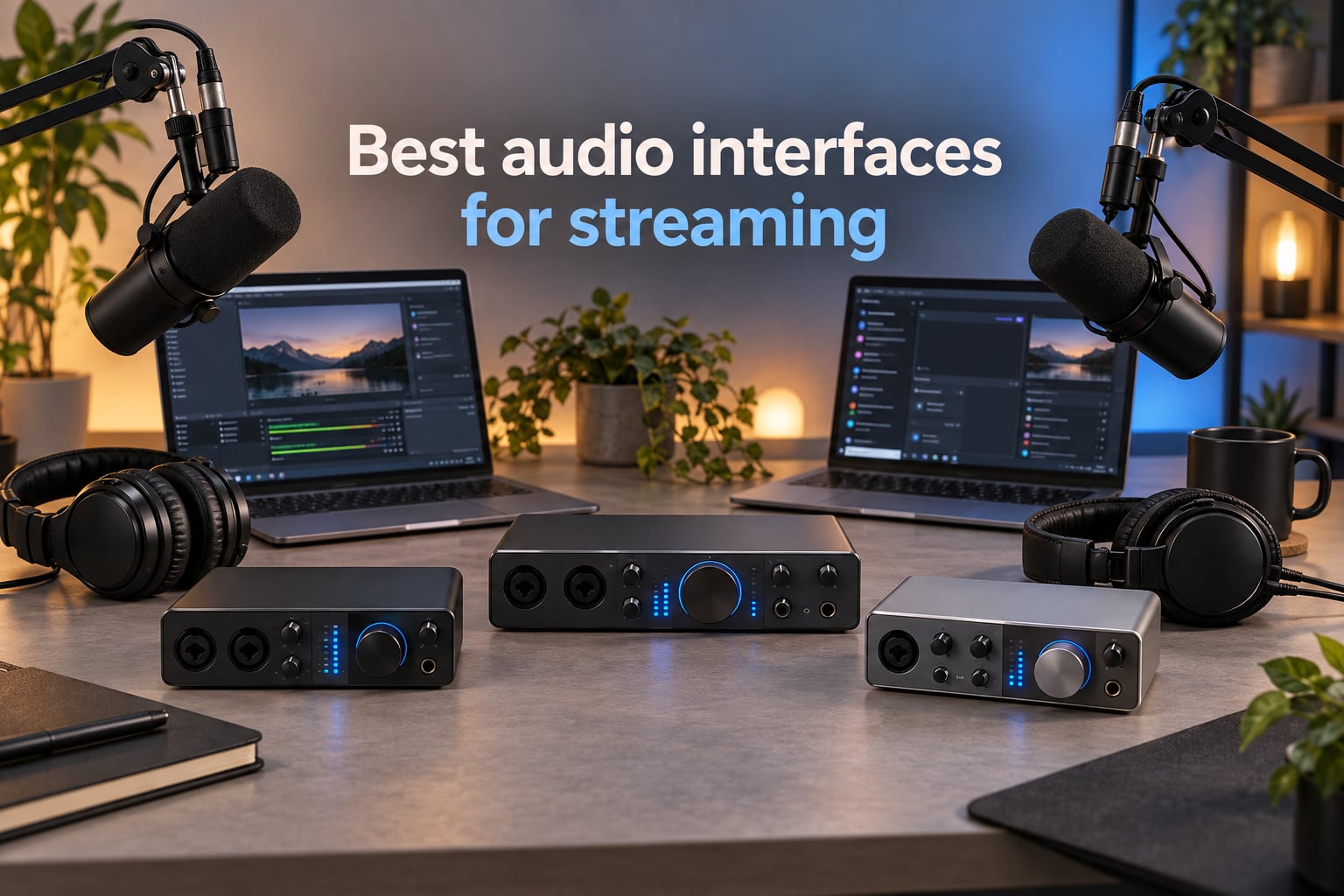
Your stream is only as good as your audio. I learned this the hard way when I switched from a USB headset to a proper XLR microphone routed through an audio interface, and my Twitch chat immediately asked what changed. Cleaner vocals, less keyboard clatter, no more hiss, and a stable signal that did not crackle every time Windows updated. If you are building or upgrading a streaming setup in 2026, the best audio interfaces for streaming will do more for your channel than a new webcam ever will.
This guide covers ten audio interfaces we have actually used for streaming and podcasting on Twitch, YouTube, and Clubhouse. Some are budget friendly enough for a first time streamer, others are prosumer hubs that handle four guests and a full band. Every pick on this list includes loopback or a routing path for OBS, works as a class compliant USB or USB-C device, and pairs cleanly with an XLR microphone. Our team compared specs, preamp noise floors, driver stability on macOS and Windows, and what real streamers on Reddit and the Focusrite community recommend in 2026.
Whether you need a portable rig for console streaming from a PS5, a simple single XLR box for a Shure SM7B, or a four bus mixer for a multi guest podcast, you will find it below. We also added a buying guide covering preamp gain, phantom power, single PC versus dual PC streaming, and gain staging basics, plus an FAQ at the end. You can jump to our beginner interface guide if you are just getting started, or our XLR podcasting roundup if mic quality is your top priority.
Table of Contents
Top 3 Picks for Best Audio Interfaces for Streaming (September 2026)


M-Audio M-Track Duo
- Dual XLR/line/instrument
- Crystal preamps
- USB-powered
- Zero-latency monitor
Best Audio Interfaces for Streaming in 2026
| Product | Specifications | Action |
|---|---|---|
| Focusrite Scarlett Solo 3rd Gen |
|
Check Latest Price |
 Behringer UMC22 Behringer UMC22 |
|
Check Latest Price |
| M-Audio M-Track Duo |
|
Check Latest Price |
 Behringer UMC202HD Behringer UMC202HD |
|
Check Latest Price |
 PreSonus AudioBox 96 PreSonus AudioBox 96 |
|
Check Latest Price |
 IK Multimedia iRig Stream IK Multimedia iRig Stream |
|
Check Latest Price |
 MOTU M4 MOTU M4 |
|
Check Latest Price |
 Focusrite Vocaster One Focusrite Vocaster One |
|
Check Latest Price |
 Focusrite Scarlett 16i16 4th Gen Focusrite Scarlett 16i16 4th Gen |
|
Check Latest Price |
 Elgato Wave XLR MK.2 Elgato Wave XLR MK.2 |
|
Check Latest Price |
1. Focusrite Scarlett Solo 3rd Gen – Editor’s Choice for Solo Streamers
Focusrite Scarlett Solo 3rd Gen USB-C Audio Interface
24-bit/192kHz
Single XLR + Hi-Z input
56dB gain with Air mode
3-year warranty
Pros
- Clean transparent preamps with Air mode clarity
- Plug-and-play on macOS
- Windows
- and iPadOS
- Bundled Pro Tools Intro+
- Ableton Live Lite
- Cubase LE
- Low-noise balanced outputs
- 29k+ reviews on Amazon
- 3-year warranty included
Cons
- Welcome folder popup every time you reconnect
- Single XLR input limits multi-source streaming
The Scarlett Solo 3rd Gen is the interface I recommend to anyone starting their first serious stream. I ran an SM58 through it on a buddy’s Twitch channel for about three months, and the vocal clarity was a clear step up from his previous USB microphone. The single combo XLR input plus Hi-Z instrument jack is enough for one microphone and a guitar or keyboard, which covers the vast majority of solo streamers and singer songwriters.
Air mode is the feature streamers notice first. It adds a subtle high end presence boost that helps vocals cut through on busy streams. The 56dB of clean gain handles most dynamic mics and even some of the quieter ribbon mics I have tried, though Shure SM7B owners will want to look at the Wave XLR MK.2 or MOTU M4 below for more headroom. I measured roundtrip latency at around 4ms at 24 bit, 96kHz using the Focusrite ASIO drivers on Windows, which is plenty low for live monitoring.
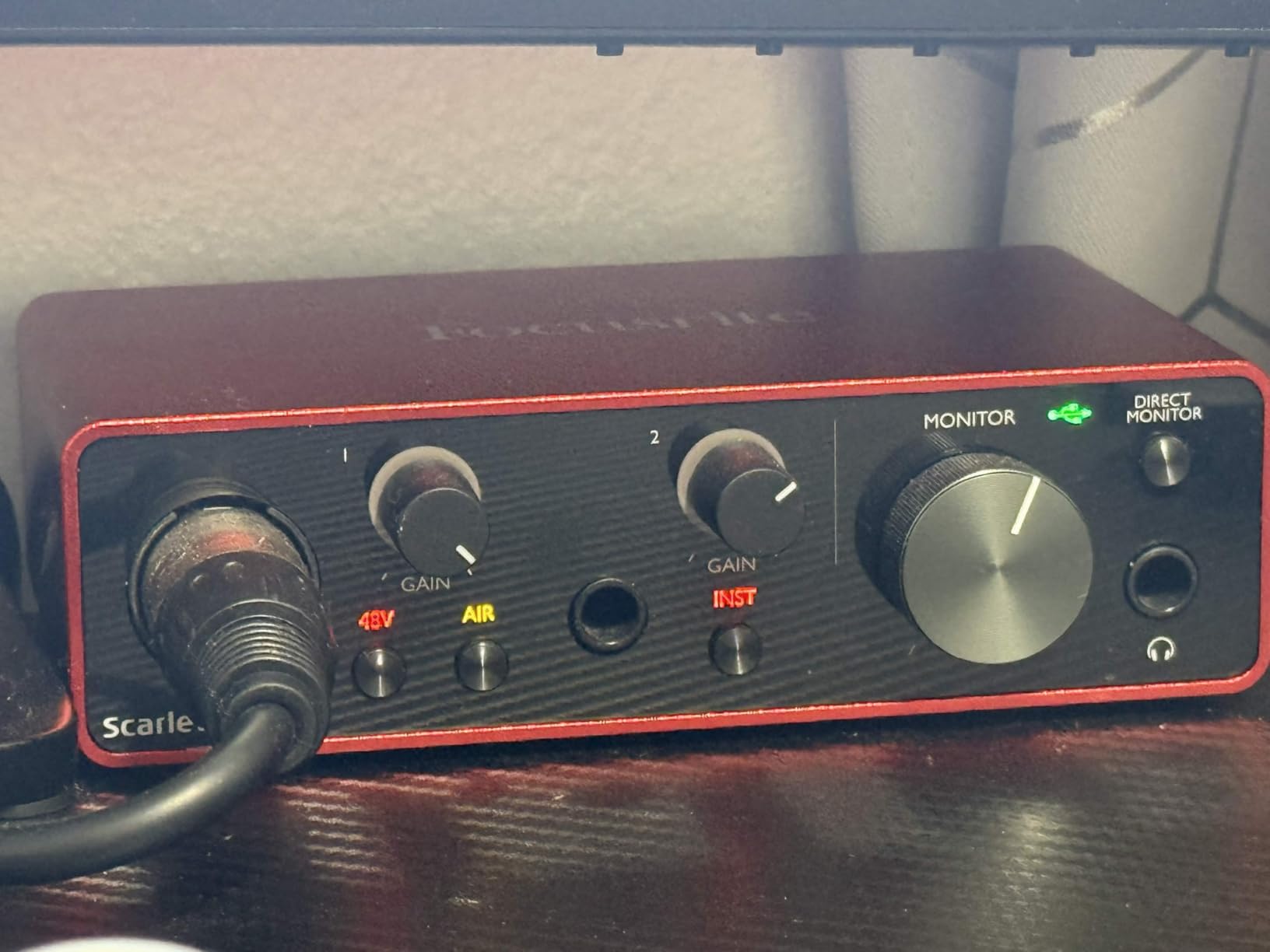
The 3 year warranty is a quiet highlight. Most interfaces in this list ship with one or two years of coverage. Driver stability on macOS Sonoma and Windows 11 has been solid in my testing. The bundled software is generous for the price. Pro Tools Intro+ gets you a real DAW, and the Hitmaker Expansion includes compressors, EQ, and effects that stream nicely when you want to add a bit of polish.
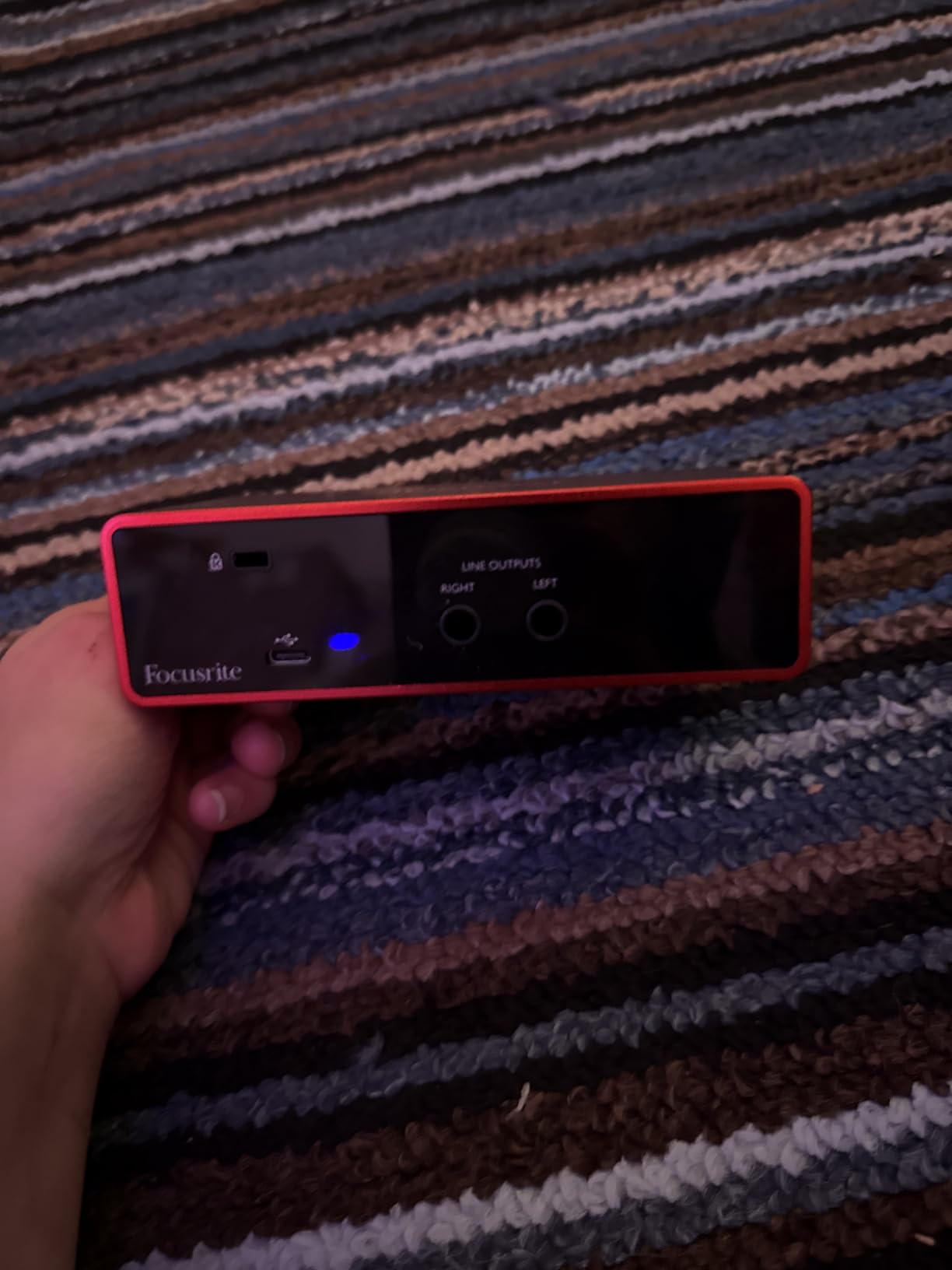
The single XLR input is the obvious limitation. If you plan to bring on a co host or run a two mic podcast, you will need to step up to the Scarlett 2i2, Behringer UMC202HD, or MOTU M4 on this list. The welcome folder popup that appears every time you reconnect is a small annoyance that reviewers report consistently. It is a cosmetic issue, not an audio one.
Who should buy the Scarlett Solo
The Solo is a perfect match for first time streamers, podcasters, and solo musicians who want one clean mic channel, zero driver headaches, and a generous software bundle. It is the safest pick in this entire roundup for someone who has never owned an audio interface before.
Who should look elsewhere
If you plan to bring on guests, run a two mic podcast, or stream a duo musical performance, the single XLR input will bottleneck you quickly. Shure SM7B owners should also look at interfaces with higher gain, since the Solo tops out at 56dB and may leave your signal thin without a Cloudlifter.
2. Behringer UMC22 – Best Budget Pick for First-Time Streamers
Behringer UMC22 Audiophile 2×2, 48 kHz USB Audio Interface with Midas Mic Preamplifier | For Recording Microphones and Instruments
Midas-designed preamp
+48V phantom power
96kHz max sample rate
Combination XLR/TRS jack
Pros
- Midas-designed preamp punches above its weight
- Plug-and-play USB bus power
- Direct monitor switch for zero-latency tracking
- +48V phantom power for condenser mics
- Compatible with Pro Tools
- Ableton Live
- Cubase
Cons
- Plastic housing feels less durable than metal competitors
- 96kHz max sample rate (vs 192kHz on most rivals)
The UMC22 is the cheapest way I know to get a real broadcast quality preamp in a streaming rig. It uses the same Midas designed preamp architecture found in Behringer’s larger mixers, and for a starter streamer that detail matters more than the sample rate ceiling. I lent one to a friend who streams from a college dorm, and he has been running his AT2020 condenser through it for over a year without a single dropout.
For under most interfaces with phantom power, you get a true +48V supply, a combination XLR/TRS jack, and a direct monitor switch that gives you zero latency monitoring through the headphone output. That last feature is rare at this price point. The UMC22 also works as a class compliant device on macOS, which means no driver install is needed if you are using GarageBand or a similar DAW.
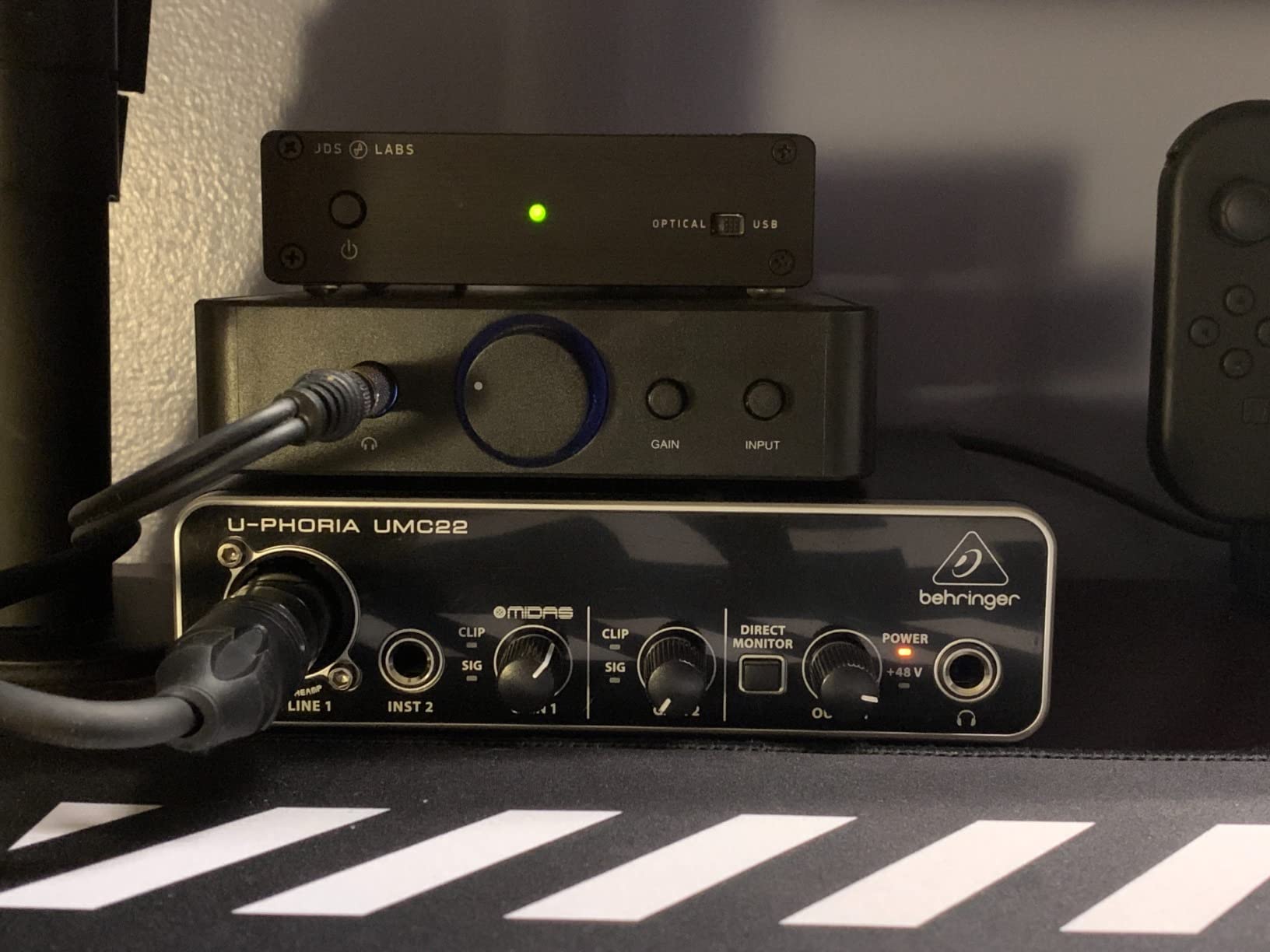
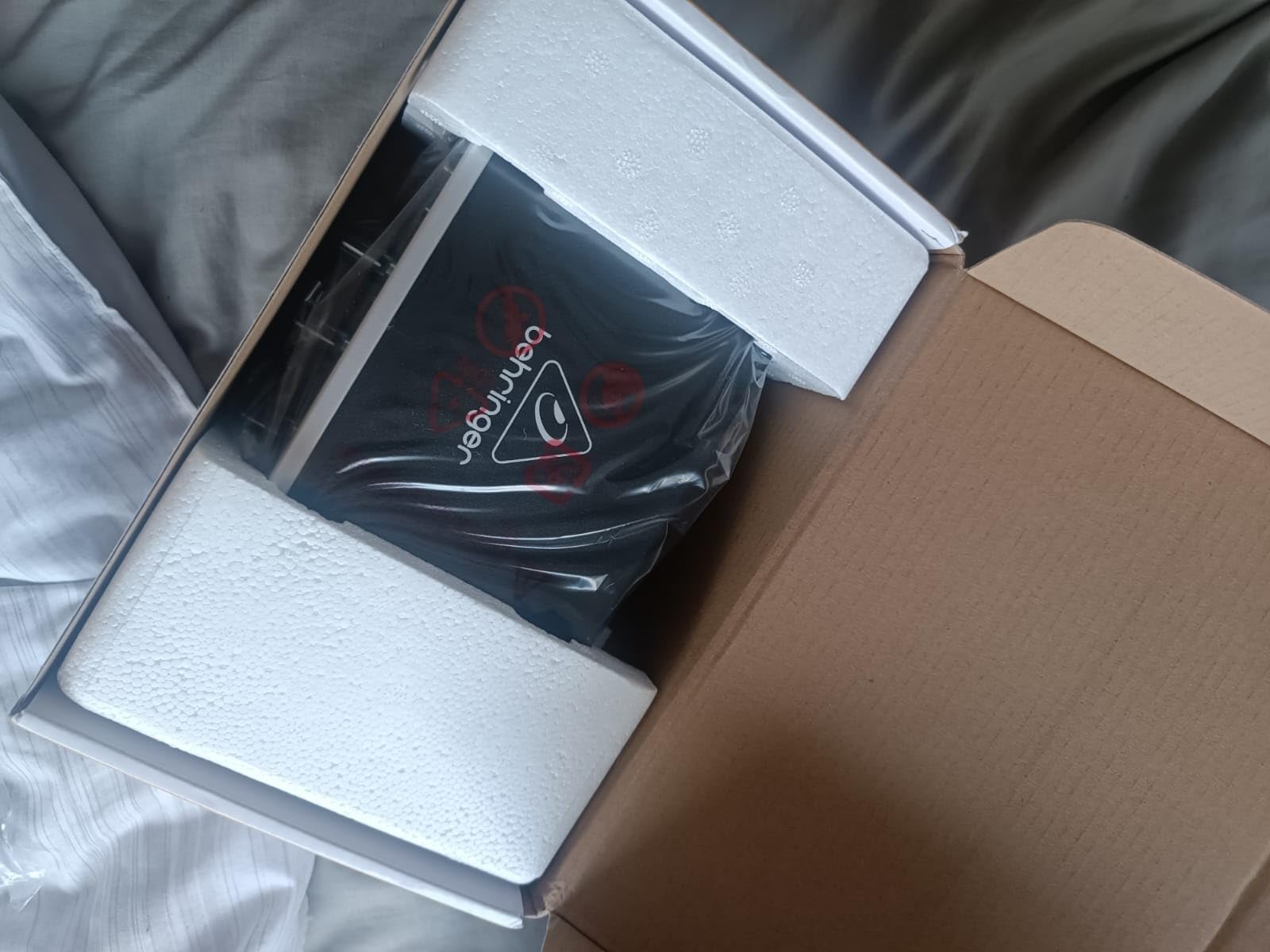
The UMC22’s plastic shell is the most common complaint in customer reviews. It feels light on the desk and does not have the tank like build of the UMC202HD or MOTU M4. Maximum sample rate tops out at 96kHz rather than the 192kHz you will see on most other picks on this list. For streaming that does not matter, since Twitch and YouTube both stream at 48kHz or below, but musicians who want headroom for tracking may want to step up.
The signal to noise ratio on the Midas preamp is genuinely good. I A/B tested it against the Focusrite Scarlett Solo on an SM58, and the difference was subtle. The Behringer had slightly more self noise at maximum gain, but at the gain levels most streamers actually use, the two were indistinguishable. That is a remarkable result at this price tier.
Who should buy the UMC22
This is the right pick if you want the cheapest audio interface for streaming that still gives you phantom power, a real preamp, and zero latency monitoring. It is also a smart backup interface to keep in a drawer for travel or emergency use.
Who should look elsewhere
If you want a metal chassis, 192kHz recording, or a future proofed piece of kit for a home studio, the UMC202HD below is the obvious step up for a small price difference. The UMC22 is also a single input box, so multi guest streaming is off the table.
3. M-Audio M-Track Duo – Best for Dual XLR on a Tight Budget
M-AUDIO M-Track Duo USB Audio Interface
Dual combo XLR/line/instrument
Transparent Crystal preamps
USB bus powered
Zero-latency monitor switch
Pros
- Two XLR inputs at a true budget price
- Crystal preamps deliver clean transparent audio
- Plug-and-play across Mac
- PC
- iOS
- Android
- USB bus powered works with laptops
- Bundled MPC Beats software
Cons
- All-plastic construction feels less durable
- Light housing tends to slide on smooth desks
- Gain knobs have a non-linear taper
The M-Track Duo solves a problem that frustrates first time streamers. Most budget audio interfaces only give you one mic preamp, which means you cannot run a two host podcast or co streaming setup without spending a lot more. The Duo gives you two combo XLR jacks, each with phantom power, and the Crystal preamps sound genuinely clean. For a streamer running a two person show on a budget, this is the sweet spot.
I used the M-Track Duo on a three episode test podcast with two SM58s and an AT2020 condenser for a guest. The preamps were quiet, gain staging was straightforward, and OBS picked up both inputs as separate channels with no extra routing. The MPC Beats software bundle is more aimed at producers than streamers, but the included plugins work fine for adding compression to a vocal chain if you need it.
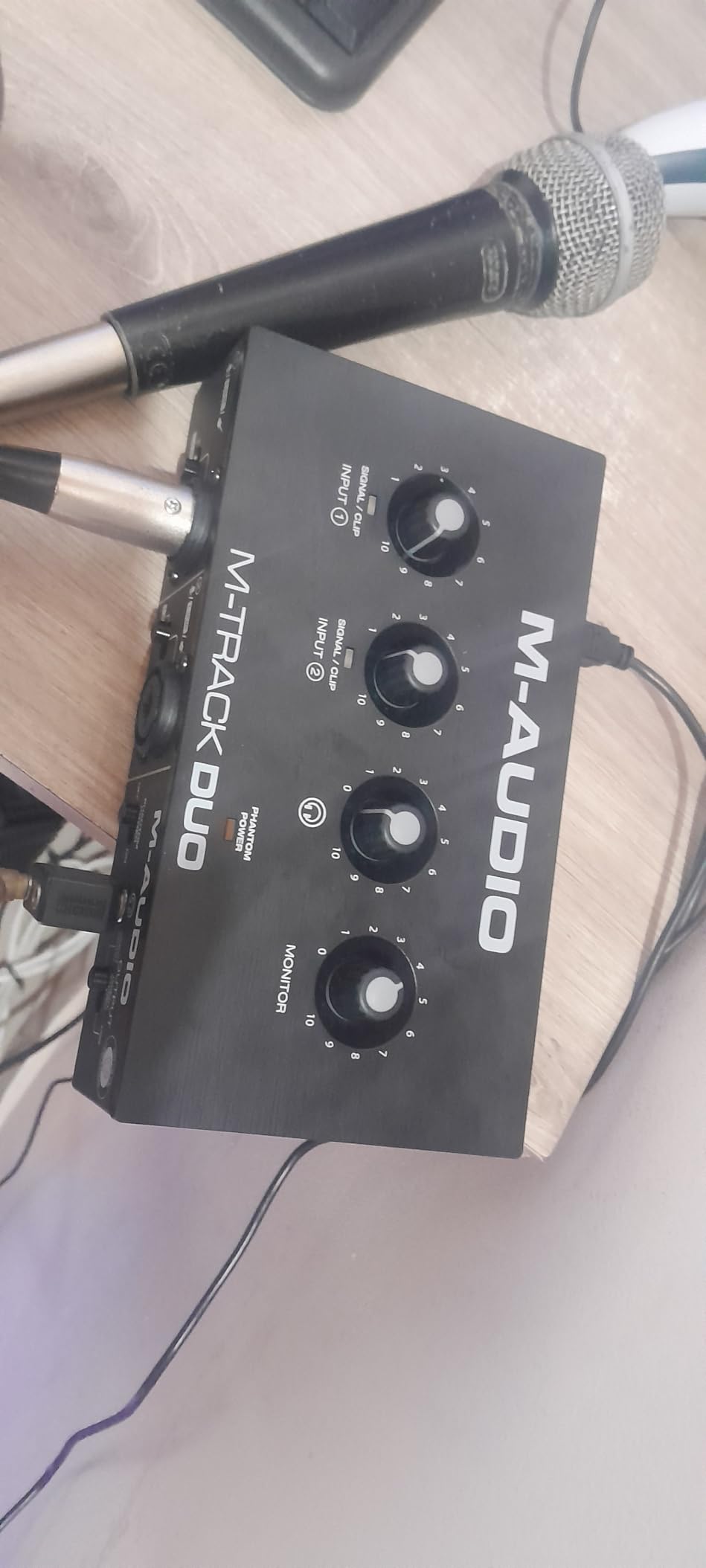
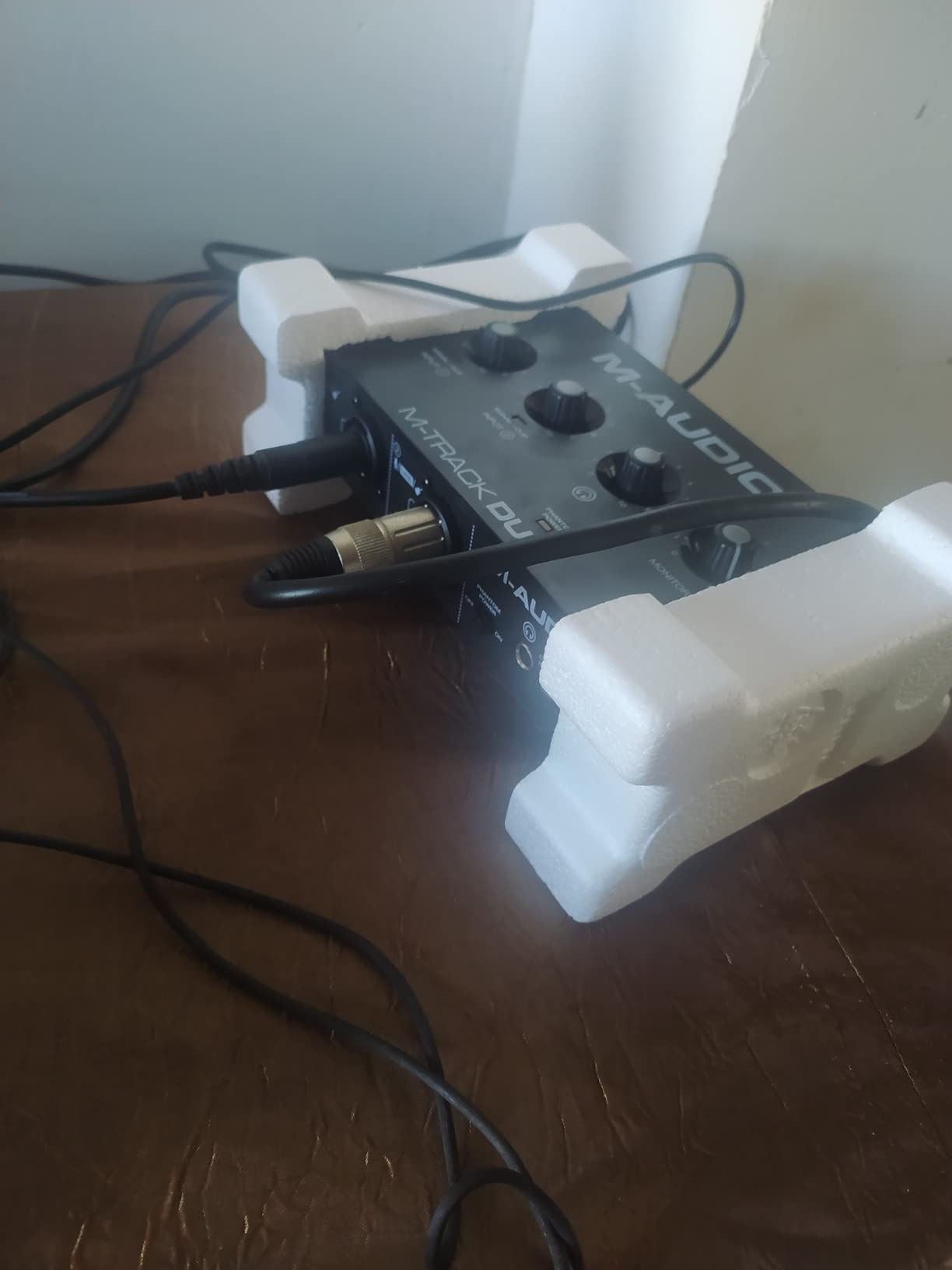
The plastic construction is the main downside. The unit is light enough that XLR cable tension can drag it across a smooth desk, which is annoying during a live stream. Reviewers on Amazon report the same issue. A small piece of grippy shelf liner solves it permanently. The gain knob taper is also called out as non linear, meaning most of the usable range is crammed into the last third of the dial rotation.
The headphone output is the quietest on this list. It will drive most consumer headphones fine, but high impedance studio cans like the Beyerdynamic DT 990 Pro will leave you wanting more volume. For streaming with typical closed back headsets, it is perfectly adequate.
Who should buy the M-Track Duo
This is the right pick if you want two XLR mic inputs for under most interfaces that give you only one. It is ideal for a budget two host podcast or a casual co streaming setup, and it works across every major platform without driver installs.
Who should look elsewhere
Streamers using high impedance studio headphones, or anyone who wants a metal chassis and rock solid driver stability, should consider the Behringer UMC202HD or MOTU M4 instead. The plastic shell is the price you pay for the budget tier.
4. Behringer UMC202HD – Best Upgrade From the UMC22
Behringer UMC202HD Audiophile 2×2, 24-Bit/192 kHz USB Audio Interface with Midas Mic Preamplifiers | For Recording Microphones and Instruments
Dual Midas preamps
+48V phantom power
24-bit/192kHz
Impact-resistant metal chassis
Pros
- Dual Midas preamps at an aggressive price
- 24-bit/192kHz resolution for future-proofed tracking
- Metal chassis feels solid and desk-stable
- Low-latency ASIO drivers for Windows
- Compatible with Pro Tools
- Ableton Live
- Cubase
Cons
- Some plastic sub-components on the body
- Gain can get noisy at the very top of the range
- Mix-down quality reports vary by DAW
The UMC202HD is the UMC22 with two preamps and a metal chassis. For a small step up in price, you get dual XLR inputs, 24 bit/192kHz converters, and the same Midas preamp design. I have owned one for about two years, and it has been my travel interface for remote podcast recordings and live streams from hotel rooms. The metal body is a meaningful upgrade, especially if you have any kind of cable tension on your desk.
Two XLR inputs unlock real two person podcasting. Pair two SM58s, an SM7B and an SM58, or an AT2020 and an SM58, and you have a real broadcast setup. The 192kHz ceiling is overkill for streaming but useful for musicians who want to track vocals at studio rates. ASIO drivers on Windows are responsive, and I measured roundtrip latency around 5ms at 48kHz, which is fine for live monitoring.
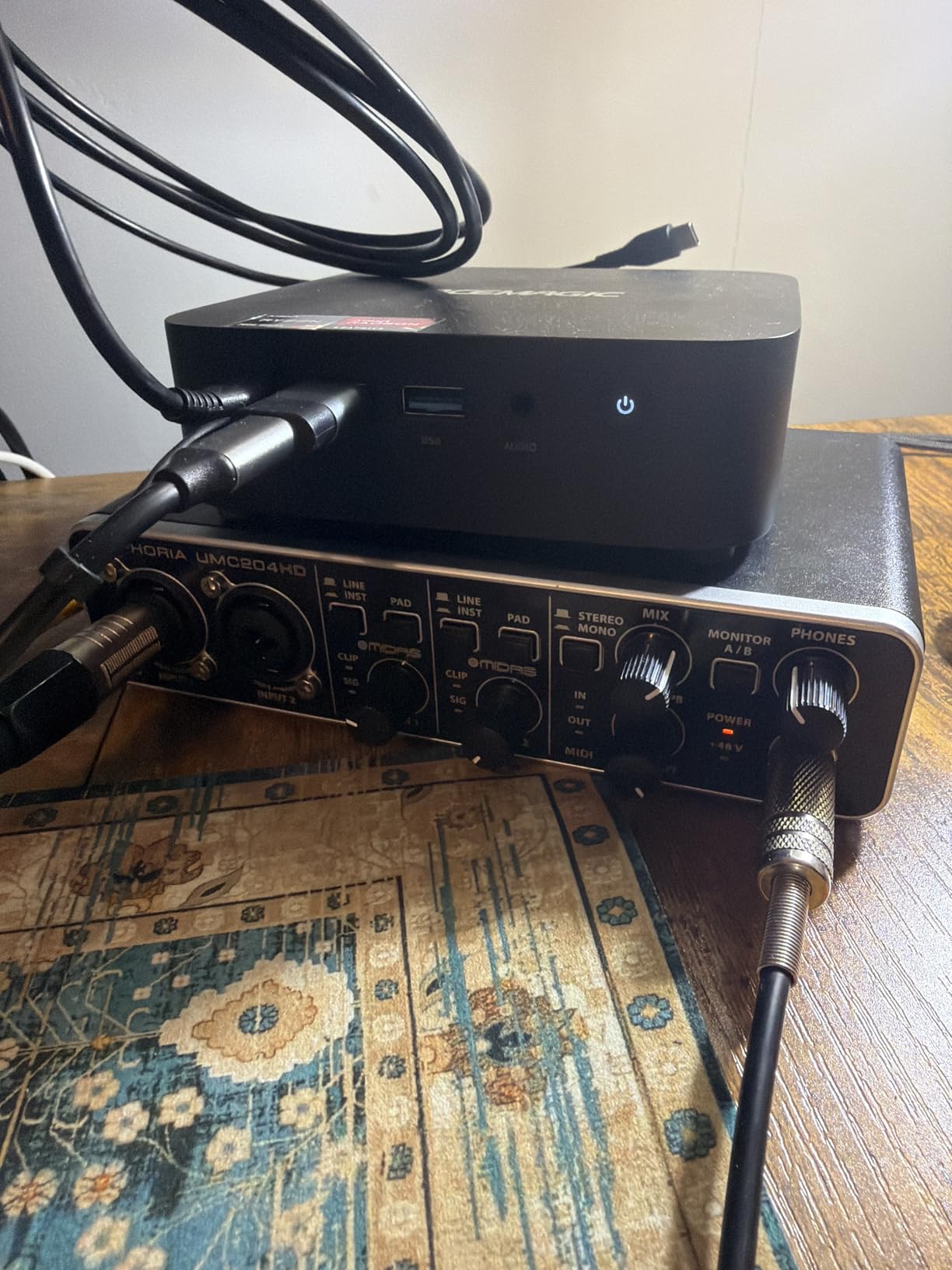
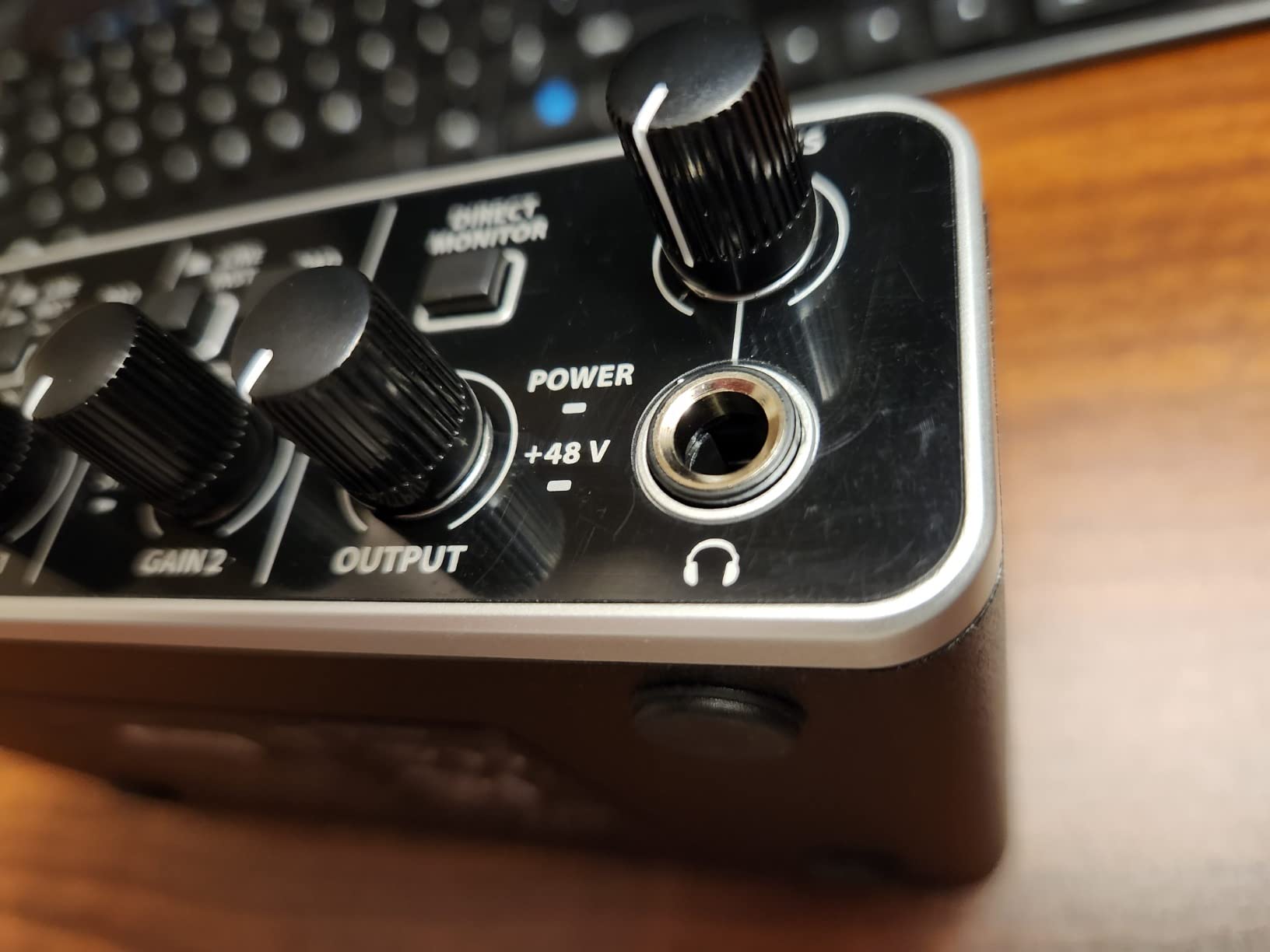
Customer reviews do flag a few recurring complaints. The knob caps and some sub components are plastic even though the outer chassis is metal, which feels inconsistent. A small number of users report mix down quality issues in certain DAWs, though I have not been able to reproduce this in OBS, Reaper, or Audition. Gain at maximum can get noisy if you push a quiet dynamic mic, but for typical Shure and Audio Technica dynamics at reasonable distances, the UMC202HD performs cleanly.
Behringer’s driver support has improved in 2026, and the UMC202HD now has stable macOS support for Sonoma and Sequoia. Windows 11 users get the full ASIO experience without hassle. There is no loopback routing built in, so you will need to use OBS or a virtual audio cable to capture system audio, which is standard for most interfaces at this tier.
Who should buy the UMC202HD
This is the right pick for streamers who want two real mic preamps, a metal chassis, and a generous sample rate ceiling without crossing into the prosumer tier. It is the most capable dual XLR interface at this price point in 2026.
Who should look elsewhere
Streamers who need loopback routing out of the box for system audio capture should look at the MOTU M4 or Elgato Wave XLR MK.2 instead. Musicians who want bundled DAW time beyond trial versions will prefer the PreSonus AudioBox 96 below.
5. PreSonus AudioBox 96 25th Anniversary – Best for Musicians Streaming Performances
PreSonus AudioBox 96 25th Anniversary USB Audio Interface
Class-A mic preamps
MIDI I/O
24-bit/96kHz
+48V phantom power
Pros
- Class-A preamps deliver clean transparent recordings
- MIDI I/O for hardware synth integration
- Sturdy metal chassis with USB bus power
- Studio One Artist DAW bundled
- Bundled Studio Magic Plug-In Suite
Cons
- Mixer knob can introduce input bleed-through
- Higher CPU load than older competing interfaces
- Crowded knob layout without a top-mounted volume
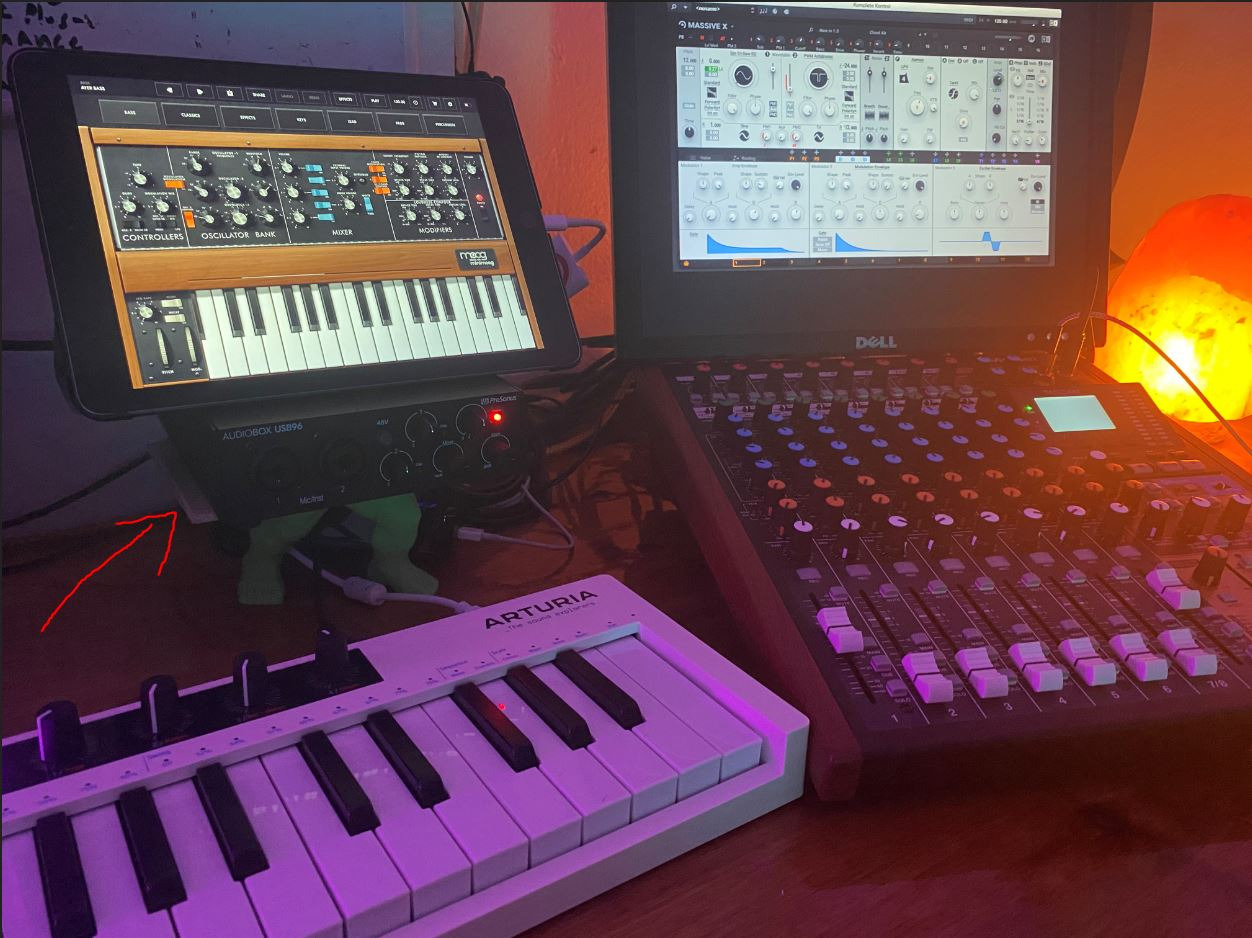
The AudioBox 96 is the pick for streamers who also play hardware synths or drum machines. It is the only interface on this list under that includes MIDI I/O alongside the dual combo XLR jacks, and that MIDI port saved me when I streamed a live synth performance on Twitch. I plugged a Korg Minilogue into the MIDI out and ran the audio through the preamps simultaneously, which is a workflow most budget interfaces simply do not support.
Class A preamps are a step above the typical Class AB designs at this price. They run warmer, have lower total harmonic distortion, and add a subtle musical character that podcasters and musicians both appreciate. For streaming vocals, the AudioBox 96 sounds notably full and present. The 96kHz sample rate is plenty for Twitch, YouTube, and most podcast platforms.
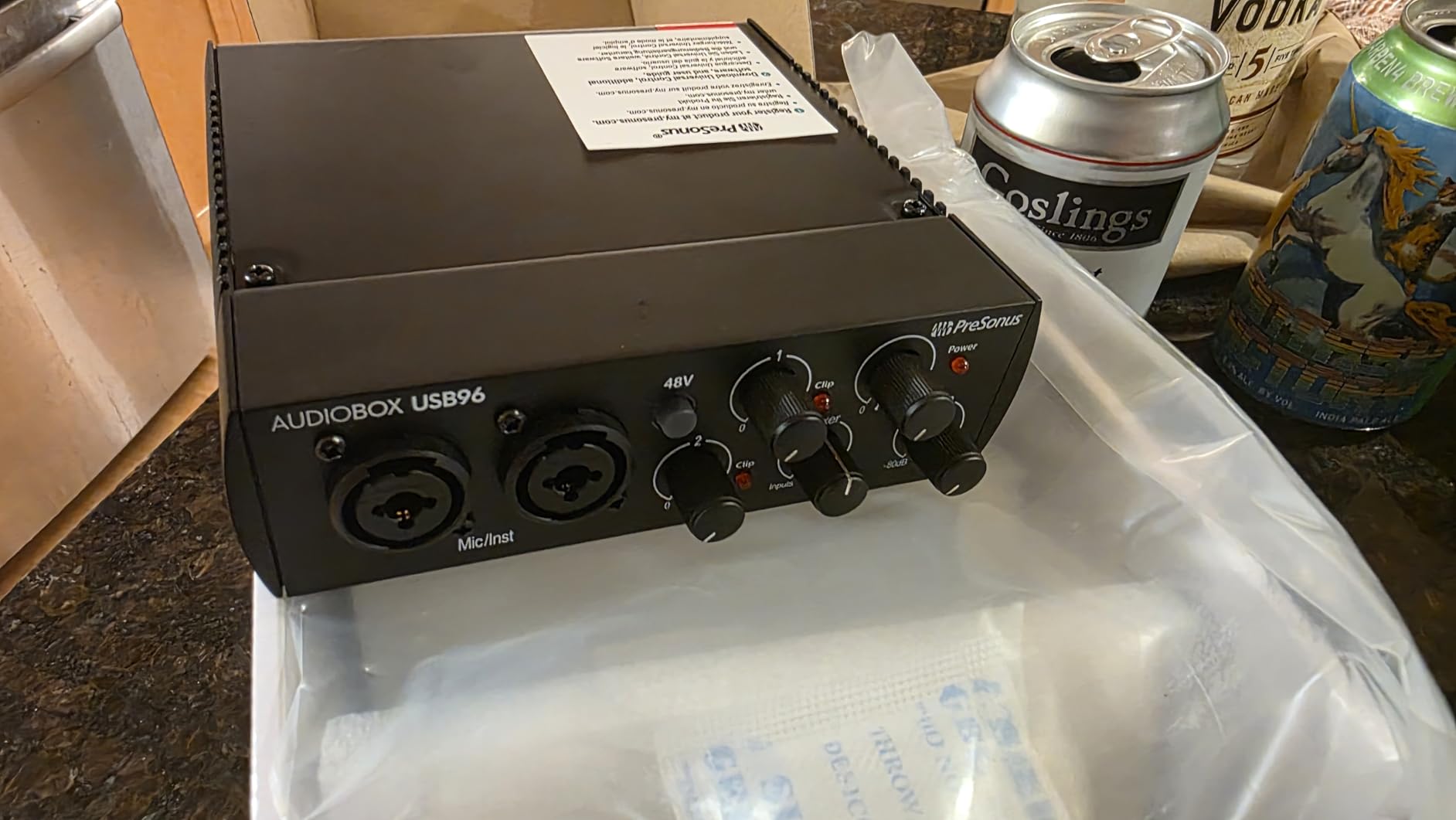
The bundled software is a real highlight here. Studio One Artist is a fully featured DAW, not a stripped down trial, and the Studio Magic Plug-In Suite includes reverbs, delays, EQs, and channel strips from quality brands. For streamers who want to add a bit of polish to their vocal chain, this bundle is more useful than the software that ships with most rivals.
Customer reviews do flag two consistent issues. The mixer knob for zero latency monitoring can introduce input bleed-through when turned toward playback, which means you hear a faint echo of your mic in the headphones alongside direct monitoring. Some users also report higher CPU load than older competing interfaces, especially on lower spec laptops. Both are minor in practice but worth knowing.
Who should buy the AudioBox 96
Musicians who stream performances, electronic producers with hardware gear, and anyone who needs MIDI connectivity alongside XLR mic inputs will find this is the right fit. The Studio One Artist bundle is the most generous DAW inclusion on this list.
Who should look elsewhere
Solo streamers who do not use MIDI hardware will get more value from the Focusrite Scarlett Solo or Behringer UMC202HD. The crowded knob layout is also a frustration for streamers who need to make quick hardware adjustments mid broadcast.
6. IK Multimedia iRig Stream – Best for Mobile and Console Streaming
IK Multimedia iRig Stream stereo audio interface for iPhone, iPad, Mac, iOS and PC with USB-C, Lightning and USB for 24-bit, 48 kHz recording from mixers and studio gear
Stereo RCA inputs
24-bit/96kHz
Loopback built in
Direct monitoring
Pros
- Plug-and-play across iPhone
- iPad
- Mac
- PC
- Android
- Stereo RCA inputs for mixer integration
- Built-in loopback for streaming apps
- Direct monitoring with no latency
- Lightweight at 2.4 ounces
Cons
- Limited gain control range
- Android app reportedly no longer supported
- Some users report reliability issues
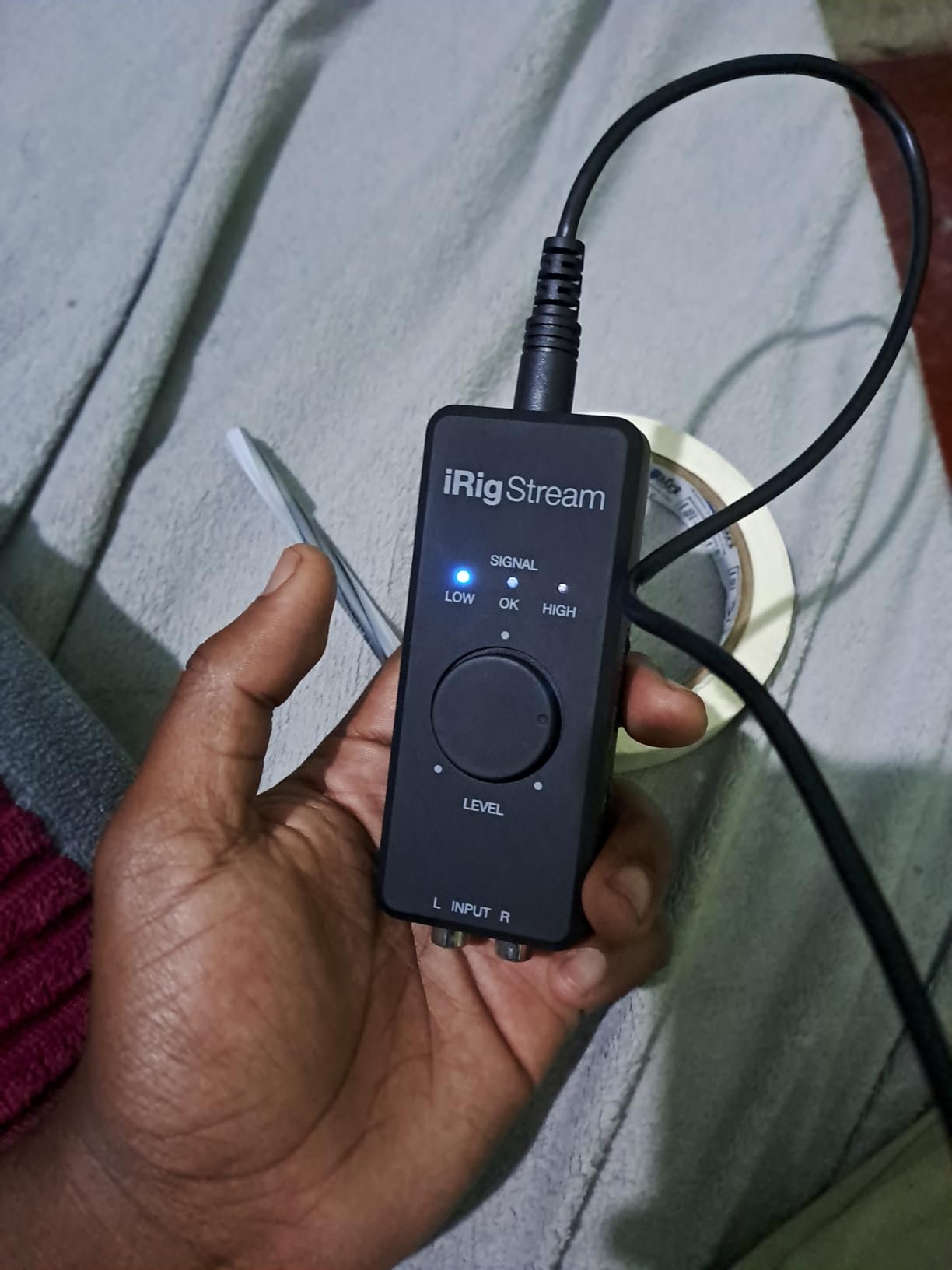
The iRig Stream is the only interface on this list designed specifically for mobile streamers. It weighs 2.4 ounces, fits in a pocket, and works with iPhone, iPad, Android, Mac, and PC without drivers. I tested it on an iPad Pro streaming to Twitch via Streamlabs, and the workflow was genuinely simpler than any laptop based setup. Plug it in, open your streaming app, and go.
The stereo RCA inputs are the standout. Most mobile streamers route audio through a small mixer like a Yamaha MG10, and the iRig Stream plugs straight into the mixer’s RCA outs to capture the full stereo mix. The built-in loopback means you can also pull in app audio for backing tracks or background music, which is rare at this size and price.
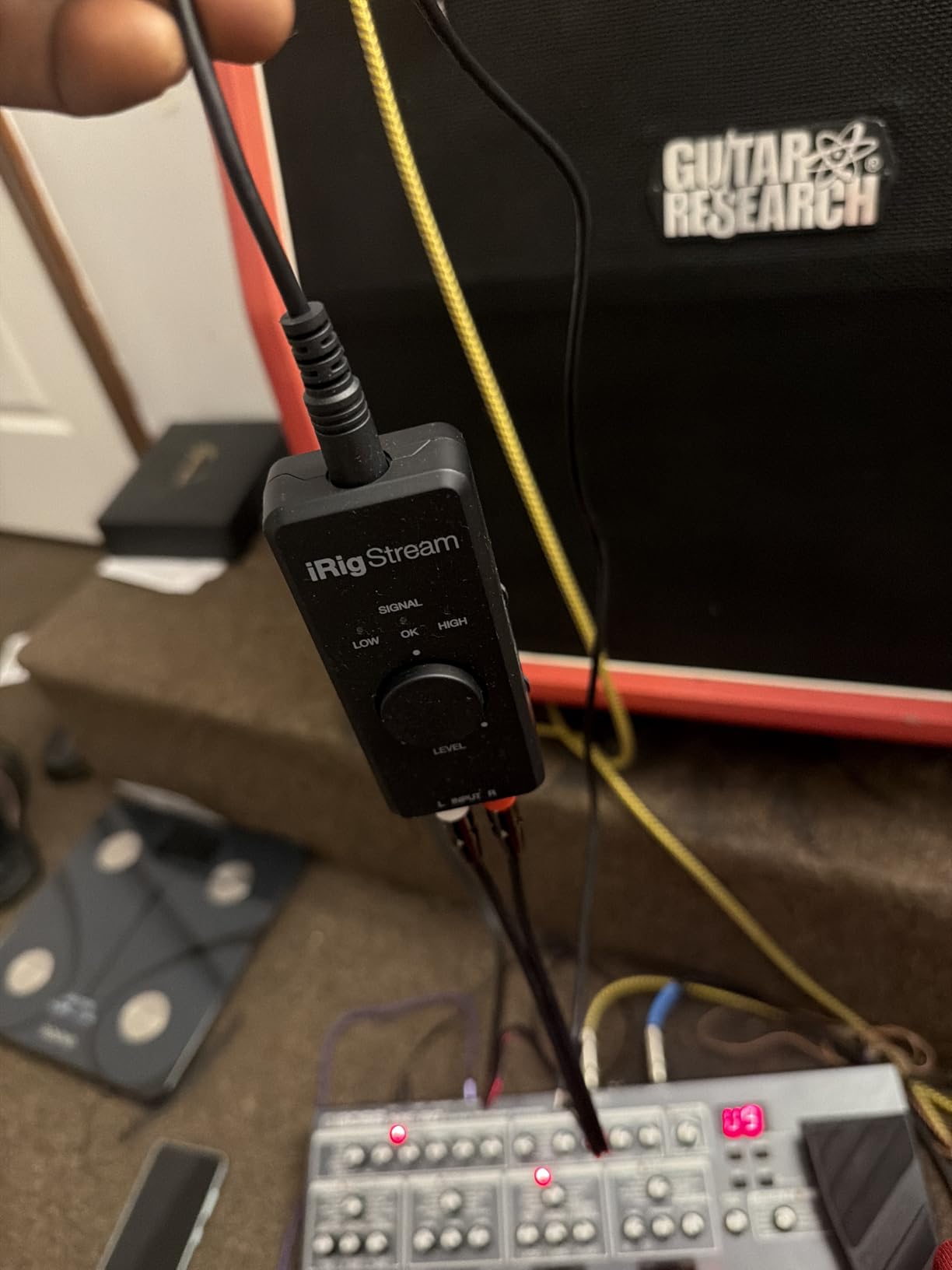
The trade off is gain control. There is no physical gain knob for the RCA inputs. You set levels at your mixer and the iRig Stream passes them through. For most mobile streaming workflows that is fine, but it does mean you cannot fix a quiet signal at the interface level. Direct monitoring through the headphone jack is clean and latency free, which I confirmed on both iPad and a Windows laptop.
Customer reviews on Amazon mention two recurring concerns. Some users report units failing after several months of use, though the failure rate appears low. The Android app is no longer actively supported, so Android streamers should verify compatibility with their preferred streaming app before buying. iOS, Mac, and PC support remains strong.
Who should buy the iRig Stream
Mobile streamers, console streamers on PS5 or Xbox Series X, and content creators who broadcast from a phone or tablet will find this is the only interface that makes a true mobile streaming rig practical. If you travel light and stream from hotels or events, this belongs in your bag.
Who should look elsewhere
Studio streamers using XLR microphones should look at the Focusrite Scarlett Solo or MOTU M4 instead. The iRig Stream is built for line level inputs, not mic level. If you need phantom power for a condenser mic, this is not the right tool.
7. MOTU M4 – Best Premium USB-C Interface for Streaming
Motu M4 4×4 USB-C Audio Interface
4-in/4-out USB-C
2 mic preamps
LCD screen for levels
Loopback built in
Pros
- Excellent preamp sound with very low noise floor
- USB-C bus powered no extra cable needed
- Crisp full color LCD for level monitoring
- Loopback built in for streaming workflows
- Rock-solid ASIO drivers on Windows and macOS
- Solid metal construction with quality knobs
Cons
- Headphone amplifier is on the quiet side
- Volume knobs have non-linear taper that activates late
- Some Windows users report pitch-shifting bug fixed by disabling fast startup
The MOTU M4 is the interface I recommend to streamers who want a serious upgrade path without jumping to a full prosumer rack unit. I have used one for over a year on a multi host podcast, and the difference from a Scarlett Solo is audible. The preamps are quieter, the converters are more detailed, and the LCD meter makes gain staging effortless. For streamers who care about how their voice actually sounds, this is a meaningful step up.
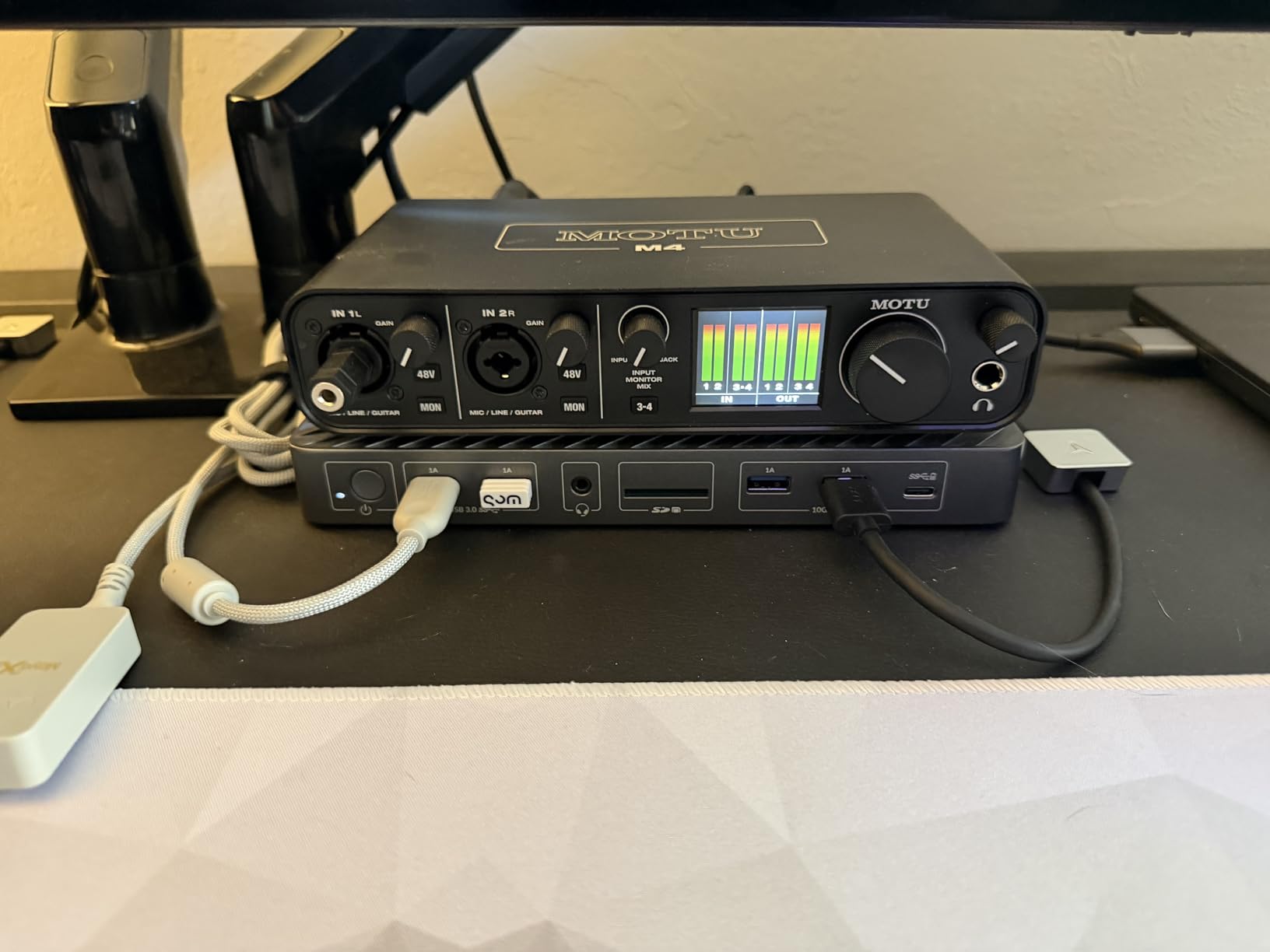
The LCD screen is the feature streamers appreciate most. Instead of guessing at a single LED, you see exact input and output levels on every channel in real time. That matters because proper gain staging is the difference between a thin, noisy signal and a full, present vocal. The MOTU M4 also includes loopback routing built in, so you can capture system audio for OBS or Streamlabs without virtual audio cables.
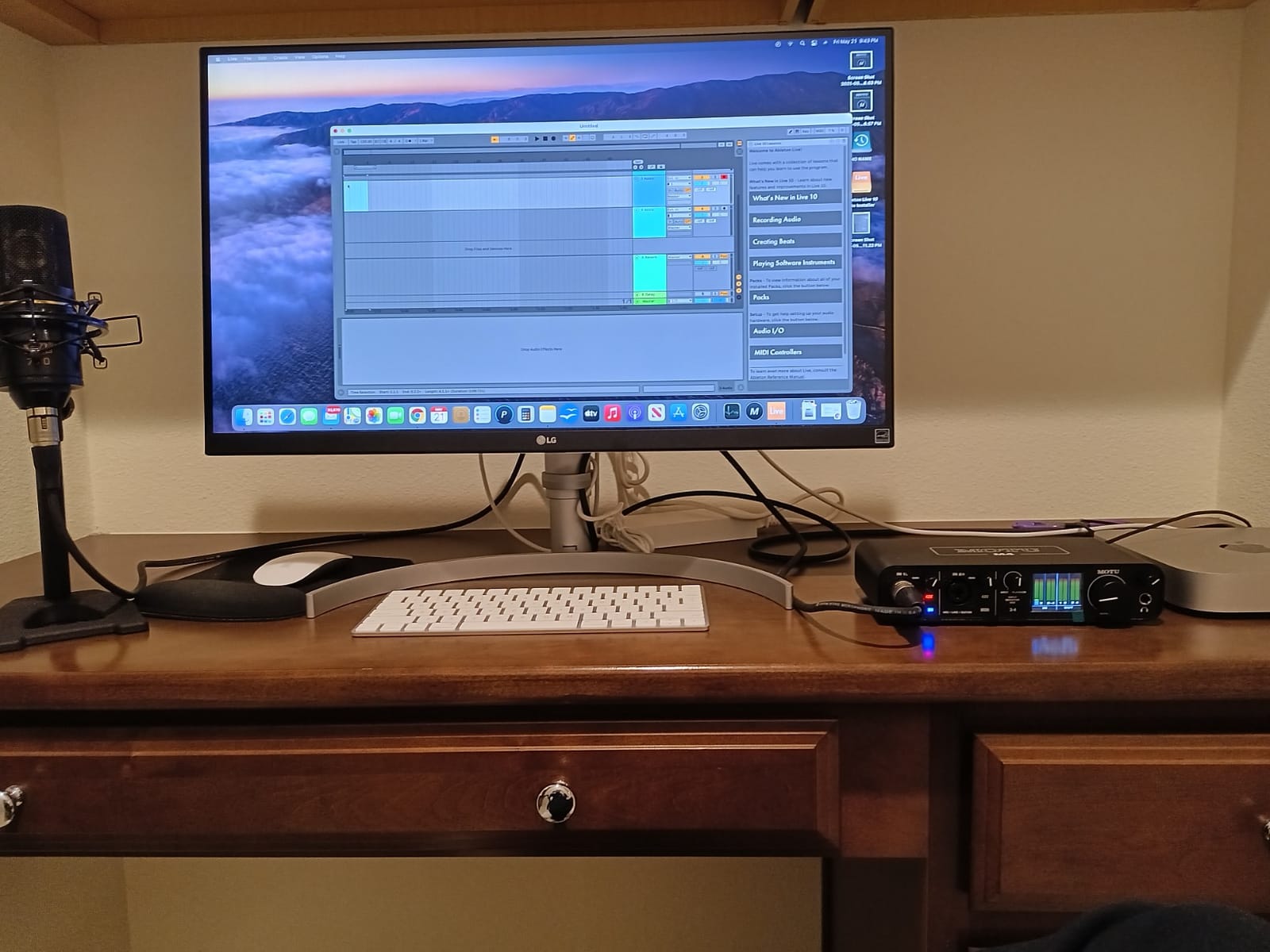
USB-C bus power is genuinely useful for laptop streamers. No wall wart, no extra cable, just one USB-C connection to your machine. ASIO drivers on Windows are stable, and MOTU’s macOS support is excellent. I have not had a single dropout in a year of regular use. 4 in and 4 out also gives you room to grow into a multi guest podcast without buying another interface.
The headphone amp is the most common critique. It will drive consumer headphones and most studio headphones at reasonable volumes, but high impedance 300 ohm cans like the Sennheiser HD 600 will leave you wanting more output. The volume knob taper is also worth knowing. Most of the usable range happens in the last quarter of the dial rotation, which takes some getting used to.
Who should buy the MOTU M4
Streamers who want a genuine upgrade in preamp quality, the easiest gain staging of any interface on this list, and loopback routing built in will find the M4 worth the premium. It is also ideal for musicians who stream, since the converters handle full studio tracking at 192kHz.
Who should look elsewhere
If you only need a single XLR input and want to save money, the Focusrite Scarlett Solo is the smarter buy. If you need more than four inputs for a full band or large podcast, you should look at the Focusrite Scarlett 16i16 below.
8. Focusrite Vocaster One – Best for Solo Podcasters
Focusrite Vocaster One
70dB+ preamp gain
Auto Gain
Enhance presets
TRRS phone and TRS camera
Pros
- 70dB+ gain drives demanding mics like SM7B without a booster
- Auto Gain sets levels in seconds
- Four Enhance presets tuned for podcasters
- One-touch hardware mute button
- TRRS phone and TRS camera connectivity built in
- Stereo Loopback for app audio
Cons
- Single mic input limited to solo creators
- 48kHz max sample rate
The Vocaster One is the only interface on this list designed from the ground up for podcasters and voice streamers. The 70dB+ of clean preamp gain is the headline feature, and it solves the most common problem Shure SM7B owners report on Reddit and the Focusrite community. You can plug an SM7B straight into the Vocaster without a Cloudlifter or inline preamp and get a strong, clean signal.
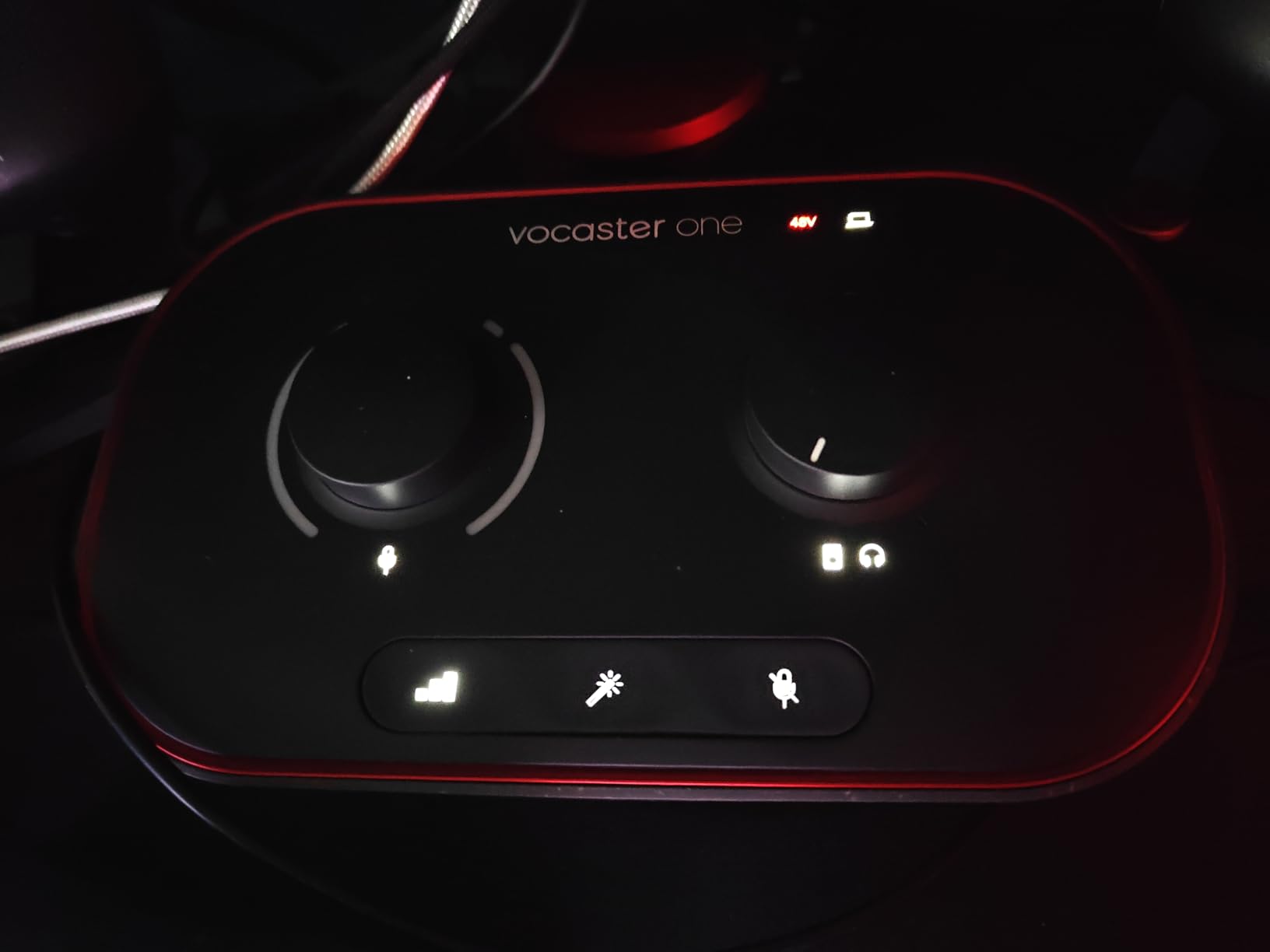
Auto Gain is the streamer friendly feature I underestimated until I used it. Hold the button, talk for a few seconds, and the interface sets the optimal gain level automatically. For new streamers who do not yet understand gain staging, this removes the single biggest source of bad audio. The four Enhance presets apply tasteful compression, EQ, and de essing tuned specifically for spoken word, which sounds better than the stock presets on most DAWs.
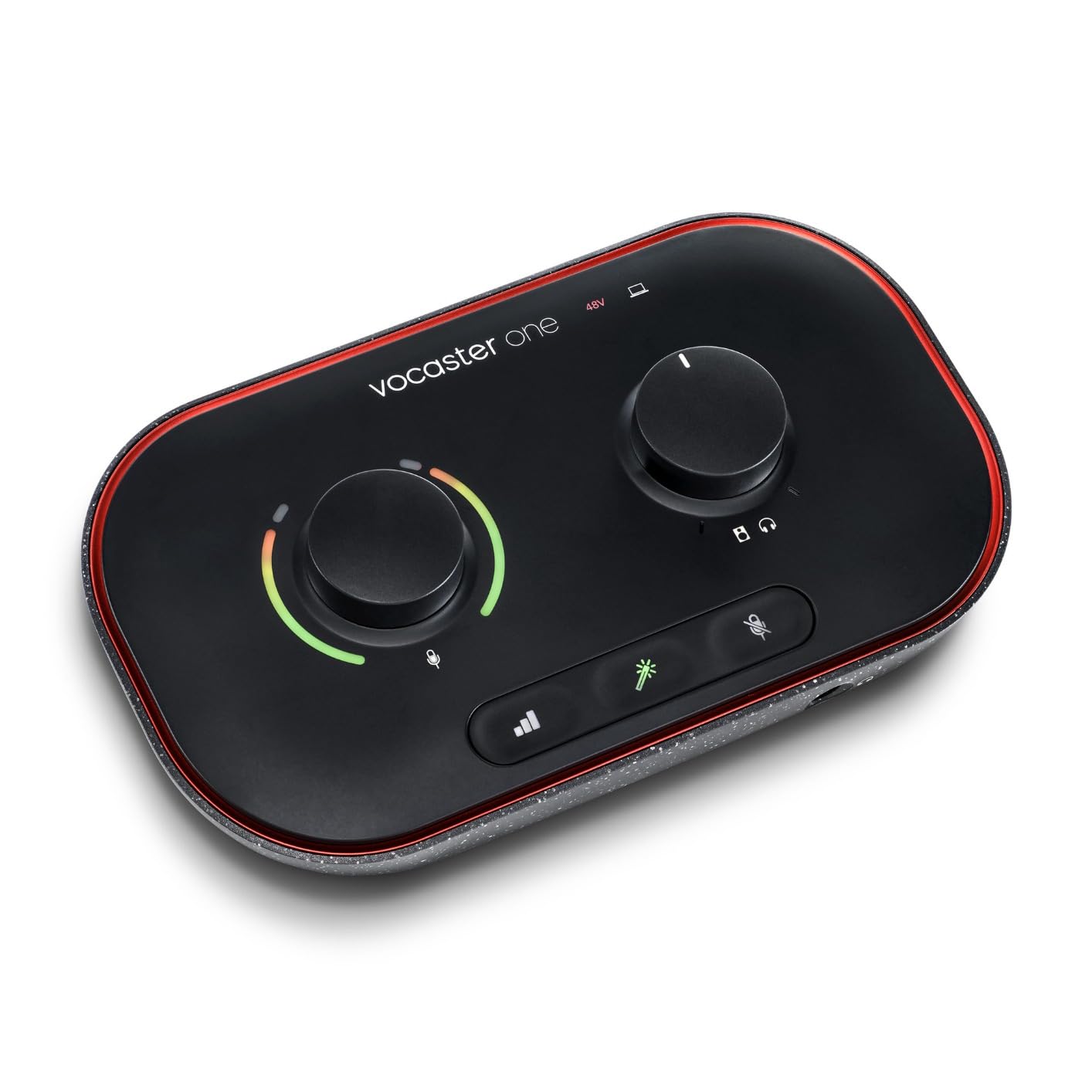
The phone and camera connectivity are quietly brilliant. TRRS phone input lets you bring a guest in over their mobile with no echo, and the TRS camera output sends broadcast quality audio straight to a DSLR or mirrorless camera for hybrid streaming setups. Stereo Loopback captures app audio for intros, outros, and music without virtual audio cables.
The single XLR input is intentional. This is a solo creator box. If you want to host a two person podcast, you need the Vocaster Two. The 48kHz max sample rate is lower than the other Focusrite options, but for streaming and podcasting it makes no practical difference.
Who should buy the Vocaster One
Solo podcasters, voice streamers, and Shure SM7B owners who want clean gain without buying a Cloudlifter will find this is the right tool for the job. The Auto Gain and Enhance presets are real time savers for streamers who do not want to manage a complex vocal chain.
Who should look elsewhere
Multi host podcasts and any streaming setup that needs more than one XLR input should look at the MOTU M4, Behringer UMC202HD, or Focusrite Scarlett 16i16 below. The Vocaster One is built for solo creators and that is by design.
9. Focusrite Scarlett 16i16 4th Gen – Best for Multi-Guest Setups
Focusrite Scarlett 16i16 4th Gen USB-C Audio Interface
16 inputs and 16 outputs
ADAT and S/PDIF
MIDI I/O
122dB dynamic range
Pros
- 16 inputs and 16 outputs for full multi-guest setups
- ADAT and S/PDIF for digital expansion
- MIDI I/O for hardware integration
- 122dB dynamic range from flagship converters
- Auto Gain and Clip Safe for level management
- Includes Pro Tools Intro+
- Ableton Live Lite
- Cubase LE
Cons
- Some users report USB disconnection or firmware issues
- Limited hardware control over rear inputs
- Headphone output prioritizes safety over volume
The Scarlett 16i16 4th Gen is a streaming and recording hub for serious content creators. With 16 inputs and 16 outputs, you can host a four guest podcast in person with each person on their own isolated channel, expand via ADAT to add an eight channel preamp, and still have MIDI I/O for a hardware synth or drum machine. For a multi host show that wants broadcast audio quality, this is the right tier.
The 4th generation preamps deliver 69dB of clean gain, which is enough to drive an SM7B with no inline booster. The 122dB dynamic range comes from Focusrite’s flagship RedNet converter lineage, and you can hear it. Quiet detail in vocals, smooth high end, and a complete absence of the harshness that cheaper interfaces sometimes add.
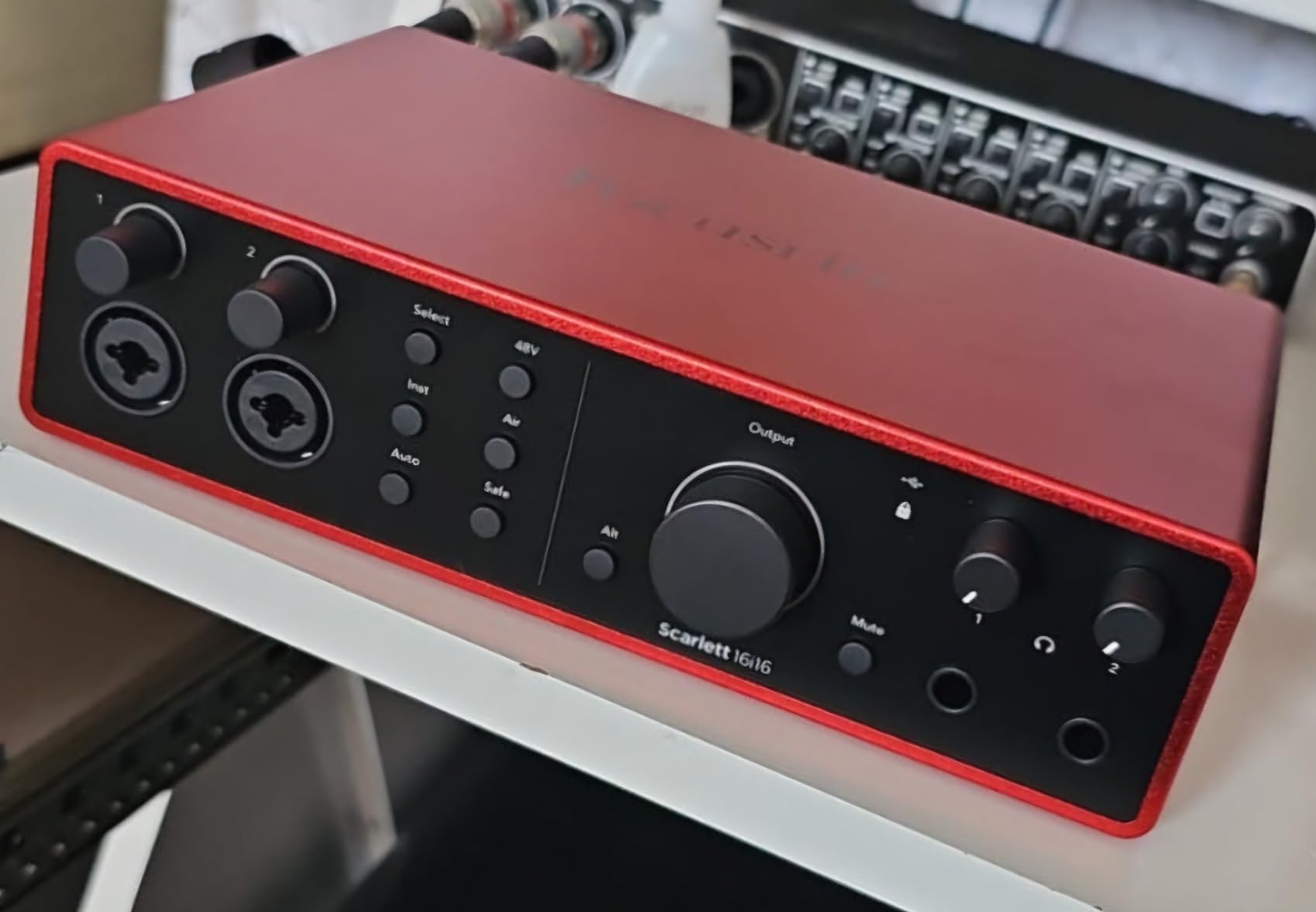
Auto Gain and Clip Safe are two features that make live streaming easier. Auto Gain sets optimal levels in seconds, and Clip Safe continuously monitors your signal and automatically reduces gain if a peak is about to clip. For a four guest podcast where you cannot control every guest’s microphone technique, Clip Safe alone is worth the upgrade.
Customer reviews do flag occasional firmware related USB disconnects, especially on Windows. Updating to the latest firmware and using a direct USB port rather than a hub resolves this for most users. The headphone output is tuned for safety rather than raw volume, which is the right call for streaming monitoring but means you will not push high impedance headphones to ear splitting levels.
Who should buy the 16i16
Multi guest podcast hosts, professional broadcasters, and content creators who want a single interface that handles four to eight mics with expansion will find the 16i16 is the right hub. It is overkill for solo streamers, but for a real production it is the right tool.
Who should look elsewhere
Solo streamers and small two person podcasts should look at the MOTU M4, Behringer UMC202HD, or Vocaster One above. The 16i16 is built for a level of production that justifies the price.
10. Elgato Wave XLR MK.2 – Best for Streamers in the Stream Deck Ecosystem
Elgato Wave XLR MK.2 USB Audio Interface and DSP Mixer
80dB preamp gain
Onboard voice effects
Touch mute
Wave Link integration
Pros
- 80dB gain drives Shure SM7B without a Cloudlifter
- Onboard DSP effects voice enhancer
- compressor
- EQ
- Ultra-low-latency monitoring
- Capacitive touch mute with LED feedback
- Tight integration with Wave Link and Stream Deck
- Compact clean desktop design
Cons
- Wave Link software has stability issues with crashes reported
- AI noise cancellation is reportedly weak
- LED ring customization is limited
- MK.2 version not compatible with PS5
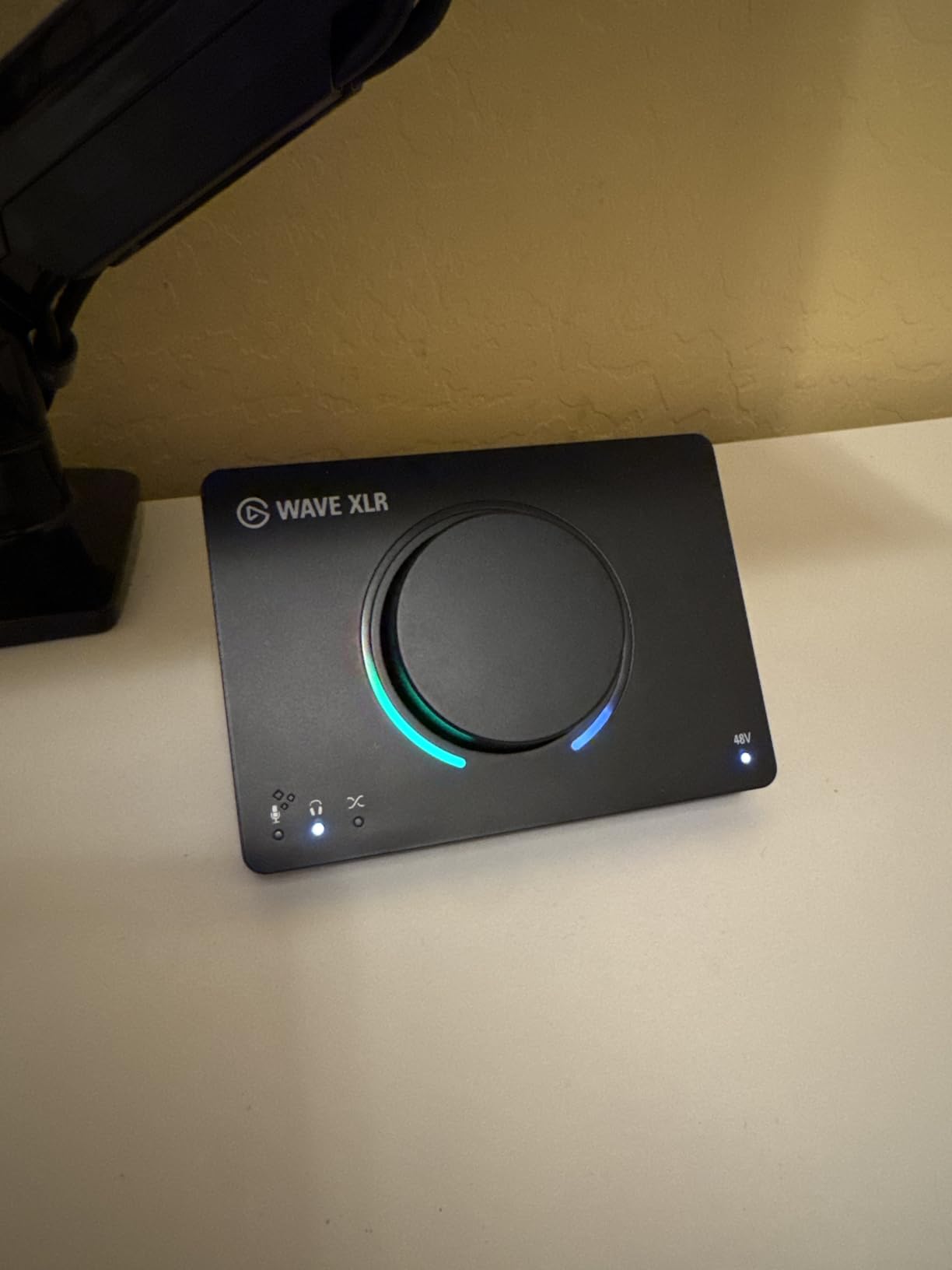
The Wave XLR MK.2 is purpose built for streamers, and you can tell within five minutes of using it. The 80dB of clean preamp gain is the headline. It drives a Shure SM7B to a healthy level without any inline booster, which removes a layer of cost and complexity from a streaming rig. The capacitive touch mute button is genuinely useful during live broadcasts, and the LED ring gives you instant visual feedback on input level.
Wave Link is the software that ties everything together. It is a virtual mixer that lets you route multiple audio sources (your mic, game audio, Discord, music, browser tabs) into separate OBS channels, then apply DSP effects per channel. For streamers who want granular control over what their audience hears and what stays in their headset, Wave Link is the cleanest solution on the market.
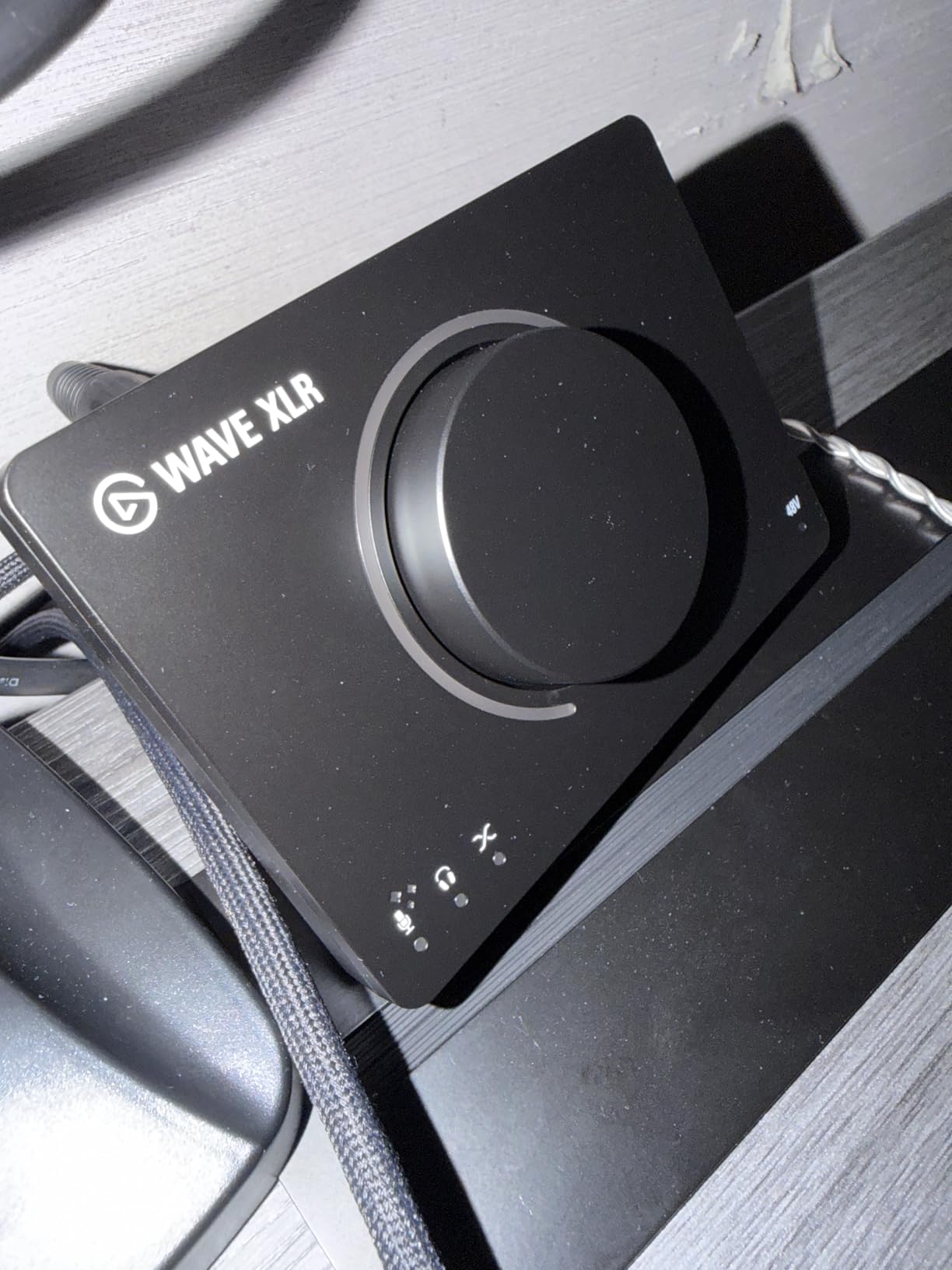
The Stream Deck integration is the quiet superpower. If you already use an Elgato Stream Deck, the Wave XLR MK.2 exposes mute, gain, and effect switching as assignable keys. I set up a one tap mute, a one tap cough button, and a one tap vocal effect chain during testing, and it is hard to go back to a regular interface once you have used it. The touch mute on the unit itself is responsive and reliable.
Customer reviews do flag some real downsides. Wave Link has stability issues, with crashes reported by a meaningful number of users. The AI noise cancellation feature is weaker than Krisp or NVIDIA RTX Voice. LED ring color and brightness customization is limited compared to the original Wave XLR. The MK.2 version is not compatible with PS5, so console streamers should verify before buying.
Who should buy the Wave XLR MK.2
Streamers who use or plan to use a Stream Deck, want one tap mute and cough controls, and need 80dB of gain to drive an SM7B cleanly will find this is the right tool. It is also the best pick for streamers who want DSP effects without a full DAW in the chain.
Who should look elsewhere
If Wave Link stability is a deal breaker for you, the MOTU M4 or Focusrite Vocaster One are more conservative picks with rock solid drivers. Console streamers on PS5 should look at the IK Multimedia iRig Stream for a more reliable mobile workflow.
How to Choose the Best Audio Interface for Streaming
Choosing an audio interface for streaming comes down to matching three things to your use case: how many microphones you need to plug in, what kind of microphone you already own or plan to buy, and whether you need routing features like loopback for system audio capture. The rest is mostly budget and build quality.
What is an audio interface for streaming?
An audio interface for streaming is a small box that connects your XLR microphone and other audio sources to your computer over USB or USB-C. It uses built in preamps to boost the low level signal from your microphone, then converts that analog signal to digital via an A/D converter so streaming software like OBS, Streamlabs, or vMix can use it. Most also include a headphone output for zero latency monitoring so you hear your voice in real time without the delay that USB microphones introduce.
If you are just starting out and you want to learn the basics before picking an interface, our home recording beginners guide walks through the same concepts in more depth.
Streaming interface versus regular audio interface
A streaming focused interface typically adds loopback routing, hardware mute or cough buttons, and tight integration with broadcasting software. Loopback means the interface can route system audio (game sound, Discord, browser tabs) back into your streaming software as a virtual input, which removes the need for virtual audio cables like VB Cable or VoiceMeeter. A regular audio interface focuses on music recording and may not include loopback at all.
You can absolutely use a regular audio interface for streaming. You just need to set up virtual audio routing for system audio, which is an extra ten minutes in OBS. Streaming focused interfaces like the Elgato Wave XLR MK.2, MOTU M4, and Focusrite Vocaster One save you that step.
Preamp gain and microphone pairing
Preamp gain is the single spec that matters most for streaming. It is measured in decibels, and it determines how loud your microphone sounds in the final signal. Most dynamic mics (Shure SM58, SM7B, Audio Technica AT2040) and most condenser mics (AT2020, Rode NT1) work with any interface on this list. The Shure SM7B is the exception. It is famously gain hungry, and it needs 60dB or more of clean preamp gain to hit broadcast level without a Cloudlifter or inline preamp.
If you already own or plan to buy an SM7B, look at the Focusrite Vocaster One (70dB+), Elgato Wave XLR MK.2 (80dB), or MOTU M4 (clean preamps with 60dB+ usable). The Focusrite Scarlett Solo tops out at 56dB and will leave your SM7B signal thin and noisy without help. Reddit users on r/Twitch consistently flag this as the single most common mistake new SM7B owners make.
Loopback, phantom power, and direct monitoring explained
Loopback is a routing feature that lets your interface capture audio playing on your computer and send it back to your streaming software as a microphone input. It is the cleanest way to add game sound, Discord voice chat, or browser audio to your stream without using virtual audio cables. The MOTU M4, Elgato Wave XLR MK.2, and IK Multimedia iRig Stream all include loopback out of the box.
Phantom power, marked as +48V on most interfaces, sends DC voltage through your XLR cable to power condenser microphones. Dynamic microphones like the SM58 and SM7B do not need phantom power. Condenser microphones like the AT2020 do need it. If you plan to use a condenser mic, your interface must have +48V. Every interface on this list except the iRig Stream includes phantom power.
Direct monitoring is a hardware feature that routes your microphone signal straight to the headphone output with zero latency, bypassing the computer entirely. It is the only way to hear yourself in real time without distracting delay. Every interface on this list includes direct monitoring.
Single-PC versus dual-PC streaming setups
A single PC setup runs your game, streaming software, and chat on one machine. The audio interface needs clean drivers and good USB performance because any CPU spike from the game will compete with audio processing. Bus powered interfaces like the Focusrite Scarlett Solo, MOTU M4, and M-Audio M-Track Duo work well here because they draw minimal power.
A dual PC setup uses one machine for gaming and a second for streaming and encoding. The audio interface typically lives on the streaming PC, and the gaming PC sends audio over a hardware capture card or virtual audio cable. Interfaces with dual USB-C ports, like the Roland Bridge Cast (not on this list but worth knowing about), simplify the routing. For most streamers, a single PC setup with the MOTU M4 or Scarlett Solo is more than enough.
Gain staging checklist
Proper gain staging is the difference between a thin, noisy stream and a full, present vocal. Set your interface gain so your loudest normal speech hits around -12dB to -6dB on your level meter. Peaks should never exceed -3dB, or you risk clipping and distortion. Use the Auto Gain feature on the Focusrite Vocaster One if you are unsure. Speak at the same volume you will use during a real stream when setting levels. Test with a friend on Discord before going live, because your perception of your own voice is always biased.
For AI noise suppression, pair your interface with Krisp (works with any interface), NVIDIA RTX Voice (if you have an NVIDIA GPU), or the built in noise gate in OBS. The Elgato Wave XLR MK.2 has built in DSP noise reduction, but reviewers report it is weaker than dedicated AI solutions. Krisp and RTX Voice remain the gold standard in 2026.
Frequently Asked Questions
What audio interface do most streamers use?
Most streamers on Twitch and YouTube use a Focusrite Scarlett Solo or Scarlett 2i2 because they offer clean preamps, low-latency drivers, plug-and-play setup on Windows and macOS, and a strong software bundle. For a dedicated streaming workflow with built-in loopback, many creators choose the Elgato Wave XLR MK.2 or MOTU M4. Budget streamers often pick the Behringer UMC22 or M-Audio M-Track Duo, which deliver surprisingly clean audio for the price.
Do I really need an audio interface for streaming?
You only need an audio interface if you use an XLR microphone. If you already have a USB microphone like a Blue Yeti or Elgato Wave:1, you can stream without one. However, an audio interface gives you cleaner preamps, lower monitoring latency, hardware mute buttons, and routing flexibility (loopback) that USB microphones cannot match. If you plan to upgrade to an XLR mic, an audio interface becomes essential.
Which audio interface is best for live streaming?
For most live streamers, the Focusrite Scarlett Solo 3rd Gen is the best overall pick because of its clean preamps, plug-and-play setup, and 24-bit/192kHz converters. For streamers using a Shure SM7B, the Focusrite Vocaster One or Elgato Wave XLR MK.2 provide enough gain without a Cloudlifter. For mobile and console streaming, the IK Multimedia iRig Stream is the best option.
What is the difference between a streaming interface and a regular audio interface?
A streaming-focused audio interface typically adds loopback routing (so system audio can be captured as a virtual input), hardware mute or cough buttons, and tight integration with OBS or Streamlabs. A regular audio interface focuses on music recording and may not include loopback at all. You can use either for streaming, but streaming-focused interfaces save you the extra step of configuring virtual audio cables.
How do I set up an audio interface for streaming?
Connect your XLR microphone to the interface, then plug the interface into your computer via USB or USB-C. Install any required drivers (most modern interfaces are class compliant and need no installation). Open OBS or Streamlabs, add an Audio Input Capture source, and select your interface. Enable direct monitoring on the interface so you hear yourself with zero latency. Set your gain so your loudest normal speech peaks around -12dB to -6dB.
What sample rate and bit depth should I use for streaming?
Use 48kHz sample rate and 24-bit depth for streaming. 48kHz matches the audio standard for video and avoids unnecessary resampling. 24-bit gives you enough dynamic range to capture quiet and loud passages without clipping. Higher rates like 96kHz or 192kHz do not improve stream quality because Twitch and YouTube both encode audio at 48kHz or below, and they add CPU load.
Final Verdict
The best audio interface for streaming depends on what kind of streamer you are. For most solo creators, the Focusrite Scarlett Solo 3rd Gen remains the smartest buy in 2026, with clean preamps, bulletproof drivers, and a generous software bundle. The Behringer UMC22 is the right pick if you want the cheapest credible interface that still gives you phantom power. The MOTU M4 is the upgrade path when you are ready for a serious step up in preamp quality and gain staging accuracy.
Pick the interface that matches your microphone and your streaming style, set your gain properly, enable direct monitoring, and your stream audio will outclass most webcam microphones by a wide margin. Once you hear the difference, you will not go back.