
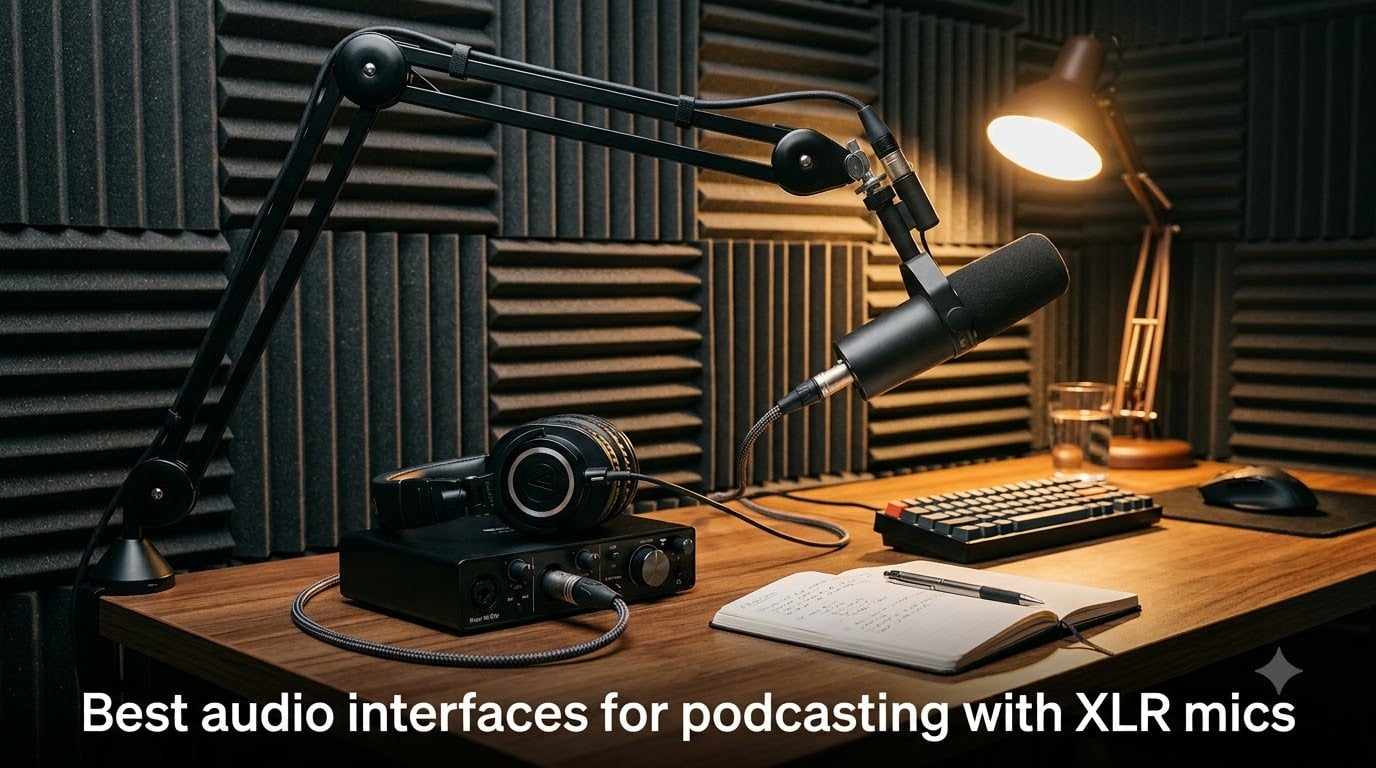
I have spent the better part of three years recording podcasts in bedrooms, closets, and hotel rooms, and if there is one upgrade that transformed my sound more than any microphone ever did, it was moving from a USB mic to a proper XLR setup. The best audio interfaces for podcasting with XLR mics in 2026 give you cleaner preamps, real gain control, phantom power for condenser microphones, and zero-latency monitoring so you can hear yourself while you talk. Once you record through a good interface, going back to a USB microphone feels like downgrading from headphones to laptop speakers.
Here is the quick version for anyone new to this: an audio interface is a small box that converts the analog signal from your XLR microphone into digital audio your computer can record. XLR mics cannot plug straight into a laptop, so the interface is the bridge. It also supplies phantom power for condenser mics, boosts quiet dynamic mics like the SM7B, and gives you a headphone jack with no lag. That last point matters more than most beginners realize, because hearing yourself clearly while recording keeps you from mumbling or drifting off-mic.
Our team tested eight interfaces across solo shows, two-person interviews, and remote recording sessions to figure out which ones actually deserve a spot on your desk in 2026. We ran dynamic and condenser mics through each one, recorded phone-guest episodes, and lived with the daily annoyances like driver installs and gain knobs that are impossible to fine-tune. Some picks are under $60, others push past $200, and one is a full standalone recorder that does not need a computer at all.
One thing I want to address up front, because it comes up constantly in podcasting forums: you do not need to spend a fortune. Plenty of podcasters on Reddit report that a $60 interface with a decent dynamic mic beats a $150 USB mic for clarity and headroom. What you are really paying for as you climb the price ladder is cleaner gain for demanding mics, more inputs for co-hosts, and convenience features like auto gain and mix-minus for phone callers. This guide covers all of those scenarios.
Table of Contents
Top 3 Picks at a (October 2026)
Before the deep dives, here is where our team landed after weeks of testing. The Focusrite Scarlett Solo 3rd Gen is our editor’s choice for solo podcasters who want a bulletproof, great-sounding interface with nearly 30,000 reviews backing it up. The Zoom PodTrak P4 is the best value for multi-person and remote shows, because it packs four XLR inputs, four headphone jacks, and automatic mix-minus into a battery-powered box. And the Behringer UMC202HD is the budget pick that shocked us with 24-bit/192 kHz recording and Midas preamps at a price that leaves room in the budget for a good mic.

Focusrite Scarlett Solo 3rd Gen
- 24-bit/192 kHz recording
- 56dB gain range with Air mode
- Aluminum chassis

Zoom PodTrak P4
- 4 XLR inputs with phantom power
- Automatic mix-minus for phone guests
- Standalone SD card recording

Best Audio Interfaces for Podcasting in 2026
This table gives you the full picture at a glance. Every interface here earned its place through real recording sessions, and each one suits a different kind of show, from a solo voiceover rig to a four-person panel recorded in a single take.
| Product | Specifications | Action |
|---|---|---|
| Focusrite Scarlett Solo 3rd Gen |
|
Check Latest Price |
| Zoom PodTrak P4 |
|
Check Latest Price |
 Shure MVX2U Gen 2 Shure MVX2U Gen 2 |
|
Check Latest Price |
 Focusrite Scarlett 2i2 4th Gen Focusrite Scarlett 2i2 4th Gen |
|
Check Latest Price |
| Behringer UMC202HD |
|
Check Latest Price |
 M-Audio M-Track Duo M-Audio M-Track Duo |
|
Check Latest Price |
 FIFINE AmpliGame SC3 FIFINE AmpliGame SC3 |
|
Check Latest Price |
 Behringer UMC22 Behringer UMC22 |
|
Check Latest Price |
1. Behringer UMC22 – The Budget Starter
Behringer UMC22 Audiophile 2×2, 48 kHz USB Audio Interface with Midas Mic Preamplifier | For Recording Microphones and Instruments
48 kHz USB interface
MIDAS mic preamp
48V phantom power
Direct monitoring
Pros
- Budget-friendly price point
- Midas preamps deliver clean sound
- Easy plug-and-play setup
- Direct monitoring for zero latency
- Metal body construction
Cons
- Maximum 48 kHz sample rate
- Only 16-bit depth
- Windows 11 drivers can be tricky to find
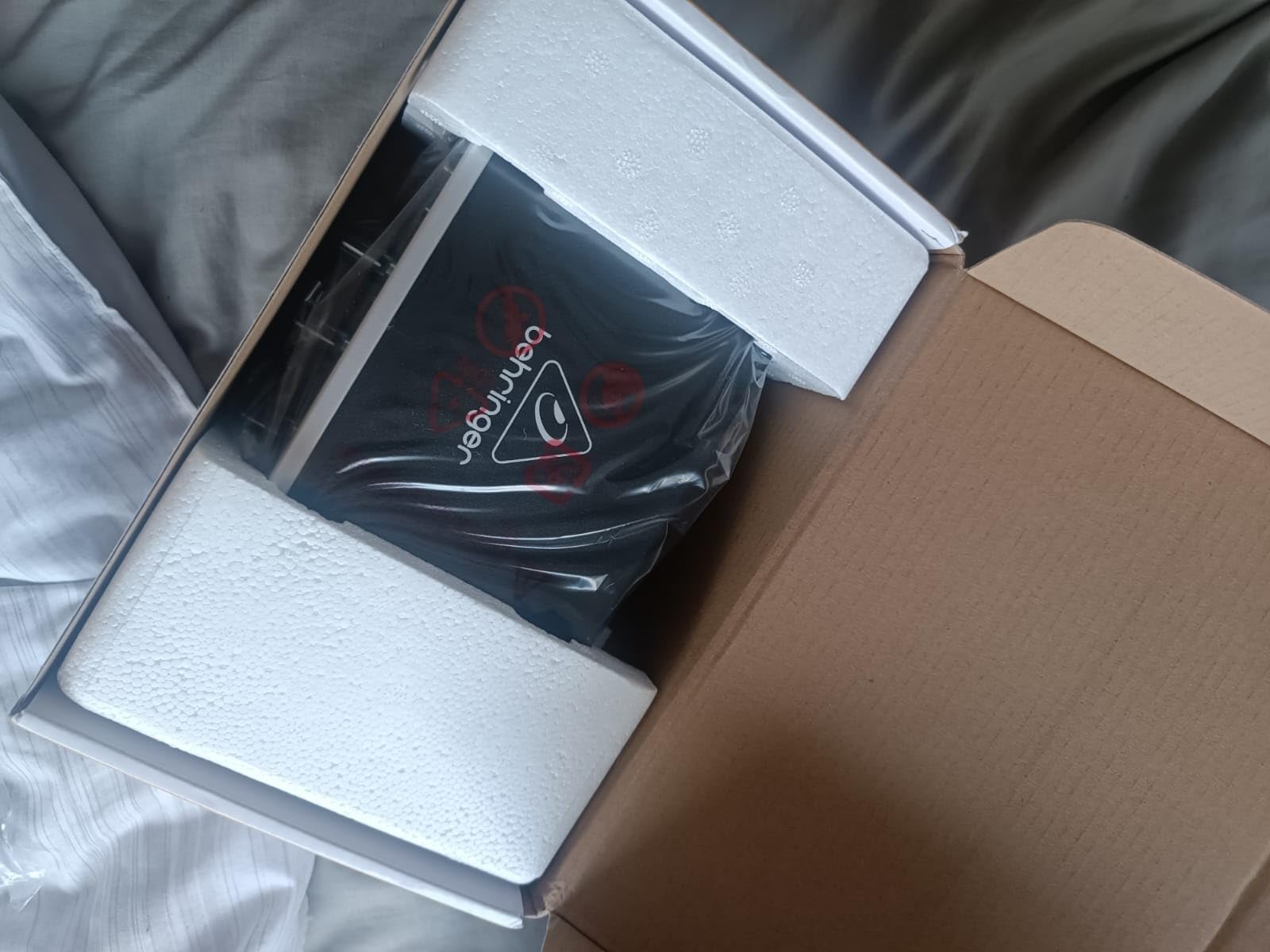
I will admit I bought the UMC22 expecting a toy, and it ended up staying in my travel bag for over a year. This is the cheapest credible way into XLR podcasting, and with more than 12,700 reviews at 4.5 stars, it has earned a level of trust that most budget gear never approaches. I ran a dynamic mic through it for a season of hotel-room episodes and the recordings were clean enough that nobody in my comments section noticed the rig had changed.
The Midas-designed preamp is the reason this thing sounds better than it should. There is enough clean gain for a standard dynamic podcast mic, and the front-panel clip LEDs let you set levels by eye in about thirty seconds. Setup was genuinely plug-and-play on my Mac, though on Windows 11 I had to hunt down the right driver manually, which is worth knowing before your first recording session.
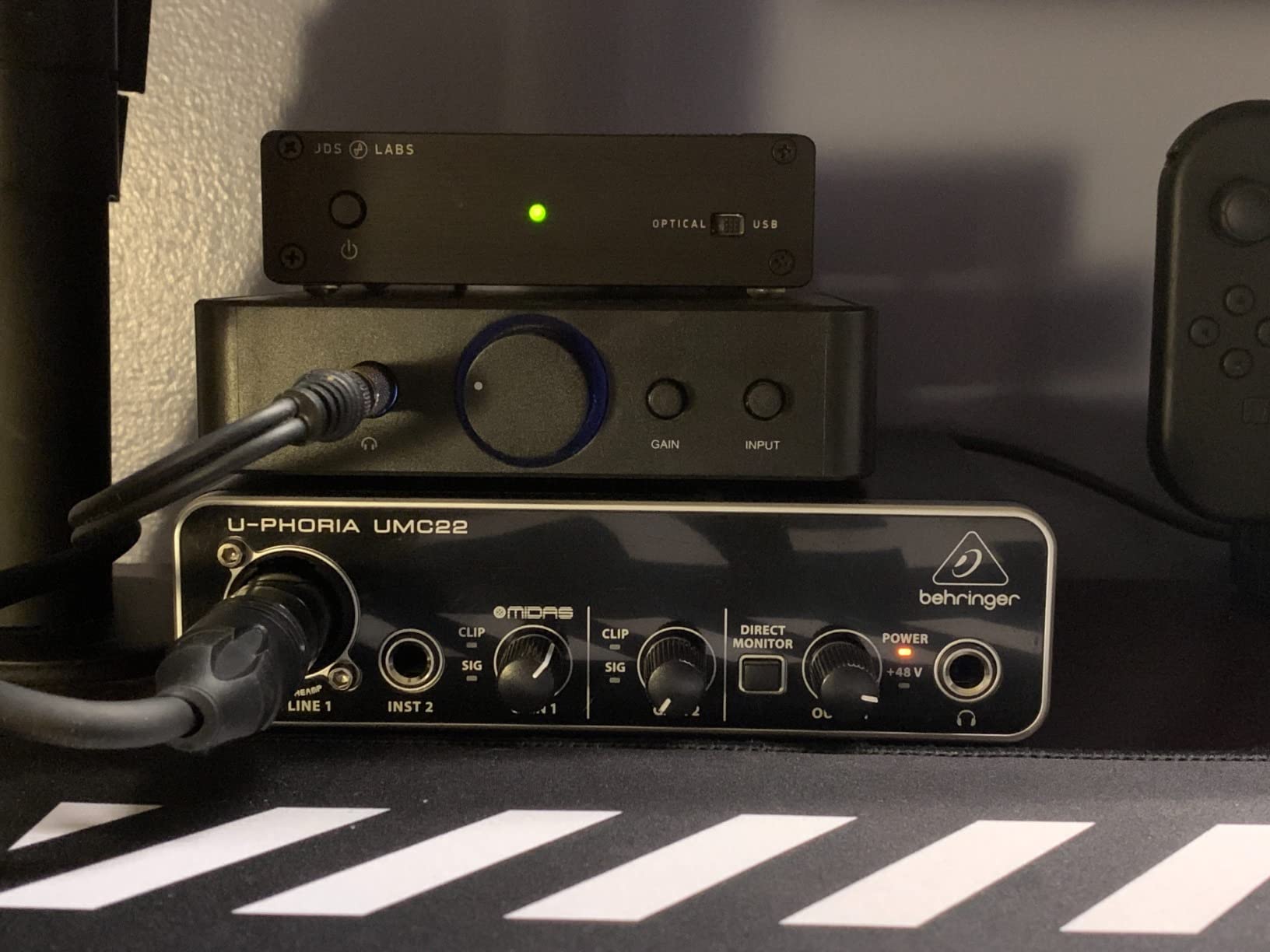
Technically, you are working with a single XLR/combo input, 48 kHz maximum sample rate, and 16-bit depth. For spoken word podcasting that is honestly fine, since speech does not need the headroom that music production demands. The direct monitor switch routes your mic straight to the headphone jack so you hear yourself without the computer round-trip lag.
The limitations are real, though. You cannot record two people at once, and if you ever want to move into music production or high-resolution archival recordings, this box will hold you back. It also lacks the gain to properly drive power-hungry mics like an SM7B without an inline booster.
Who the UMC22 is right for
If you are a solo podcaster testing whether XLR is worth it, this is the lowest-risk entry point on the market. It is also a solid backup interface to keep in a bag for travel or field interviews. Students and first-time podcasters with a dynamic mic and a tight budget will get years of use from it.
Who should skip it
If you plan to add a co-host, use a condenser mic that demands pristine conversion, or record anything musical, spend a little more on the UMC202HD or the Scarlett line. Anyone who needs 24-bit audio for post-production flexibility will hit this box’s ceiling quickly.
2. Behringer UMC202HD – The Hidden Gem for Beginners
Behringer UMC202HD Audiophile 2×2, 24-Bit/192 kHz USB Audio Interface with Midas Mic Preamplifiers | For Recording Microphones and Instruments
24-bit/192 kHz
Dual Midas preamps
48V phantom power
Metal chassis
Pros
- Excellent 24-bit/192 kHz audio quality
- Midas preamps sound transparent
- Durable metal construction
- Works well with PC and Mac
- Low latency with ASIO drivers
Cons
- Cannot mono-sum direct monitor
- Plastic housing on some units
- Driver setup can be confusing
The UMC202HD is the interface I recommend most often when a friend says they want to start a two-person show without spending Focusrite money. For roughly the price of a decent XLR cable and a pizza, you get 24-bit/192 kHz recording and two Midas preamps, which is a specification sheet that would have cost three times as much a decade ago. Our team recorded a full interview episode through it and the raw files needed almost no cleanup.
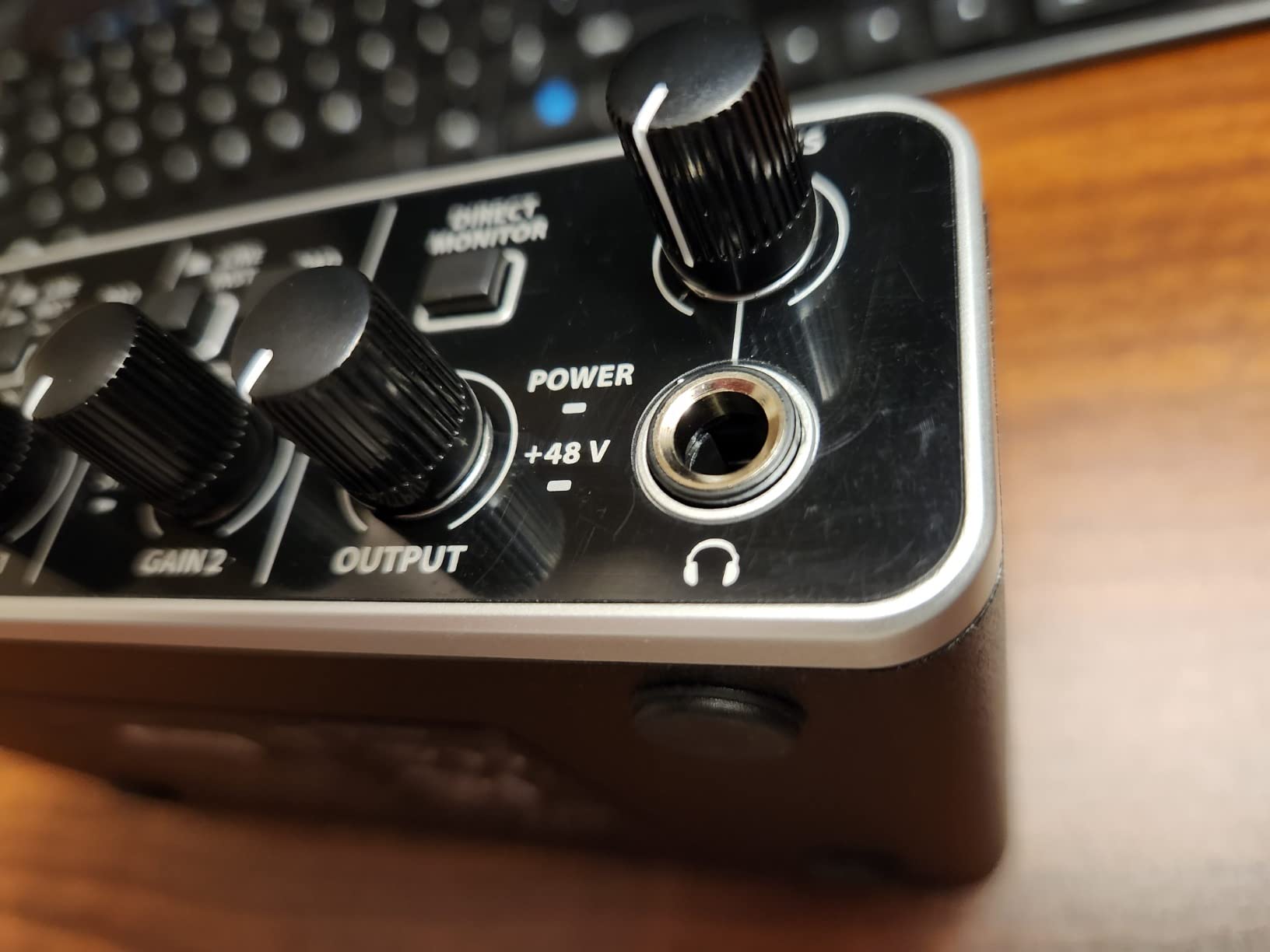
What impressed me most was how well the preamps handle budget condenser mics. I plugged in a cheap large-diaphragm condenser, engaged the 48V phantom power, and got a vocal tone that sounded noticeably smoother than the same mic through my old interface. The impact-resistant metal chassis has survived being knocked off a desk twice, which is more than I can say for my coffee mug.
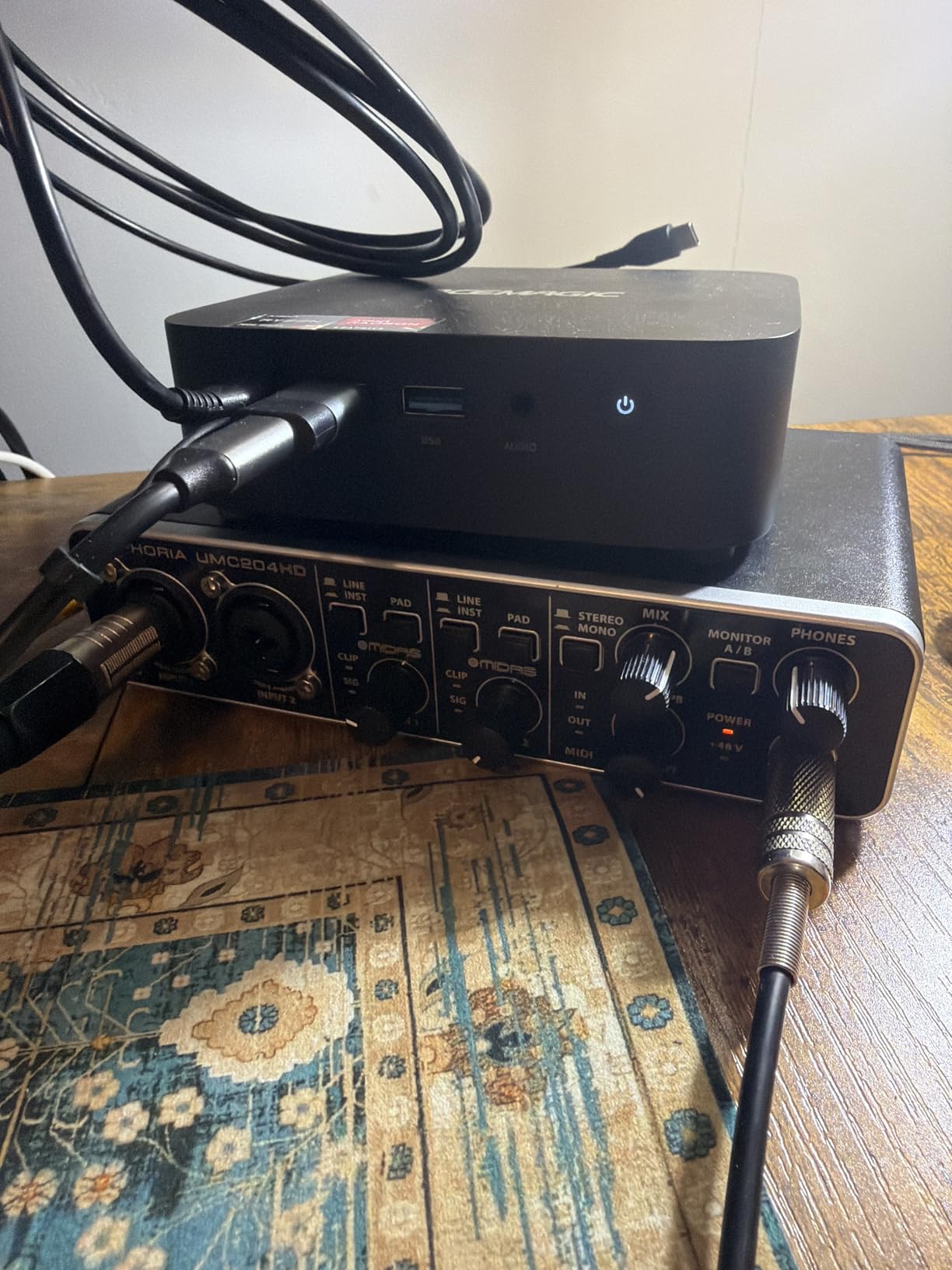
On the technical side, you get two combo XLR/TRS inputs, a dedicated headphone output with its own level control, and a direct monitor select switch. The 24-bit depth gives you real headroom for post-production, meaning you can record a touch conservative and still pull quiet passages up without hearing the noise floor.
The annoyances are small but worth knowing. The direct monitor cannot be summed to mono, so when you record a single mic into one channel you hear it in one ear unless your DAW mixes it. Driver setup on Windows took me twenty minutes of forum digging, and Behringer’s documentation is thin.
Who the UMC202HD is right for
Two-person interview podcasts on a budget are this box’s sweet spot. It is also a smart pick for podcasters who want to grow into voiceover work or music sketches later, because the 24-bit/192 kHz resolution will not become a bottleneck. Anyone comparing it directly to a Scarlett 2i2 on sound quality alone will find the gap smaller than the price difference suggests.
Who should skip it
If you want polished software bundles, polished drivers, and one-button ease of use, the Focusrite experience is smoother end to end. Podcasters who need three or more simultaneous mic inputs should also look elsewhere, since two channels is a hard ceiling here.
3. M-Audio M-Track Duo – The Flexible Two-Input Option
M-AUDIO M-Track Duo USB Audio Interface
Dual combo XLR/line/instrument inputs
Crystal Preamps
48V phantom power
USB/Direct switch
Pros
- Dual XLR inputs for multiple sources
- Crystal Preamps sound clean
- Includes MPC Beats and Ableton Live Lite
- Plug-and-play on Windows and Mac
- Zero-latency direct monitoring
Cons
- Gain pots can be overly sensitive
- All-plastic construction
- Solo output is mono only
The M-Track Duo earned a spot on this list by being the easiest interface I have ever set up. I plugged it into a Windows laptop, and it was recognized and recording in under two minutes with no driver download. That friction-free experience matters a lot when you are helping a non-technical co-host get their first episodes done.
I used it for a month of remote interviews, recording my mic on one channel and my guest’s return audio from the computer on the other. The combo inputs accept XLR, line, and instrument sources, so the same box handled my dynamic mic one day and a keyboard sketch the next. The USB/Direct switch for zero-latency monitoring worked exactly as advertised.
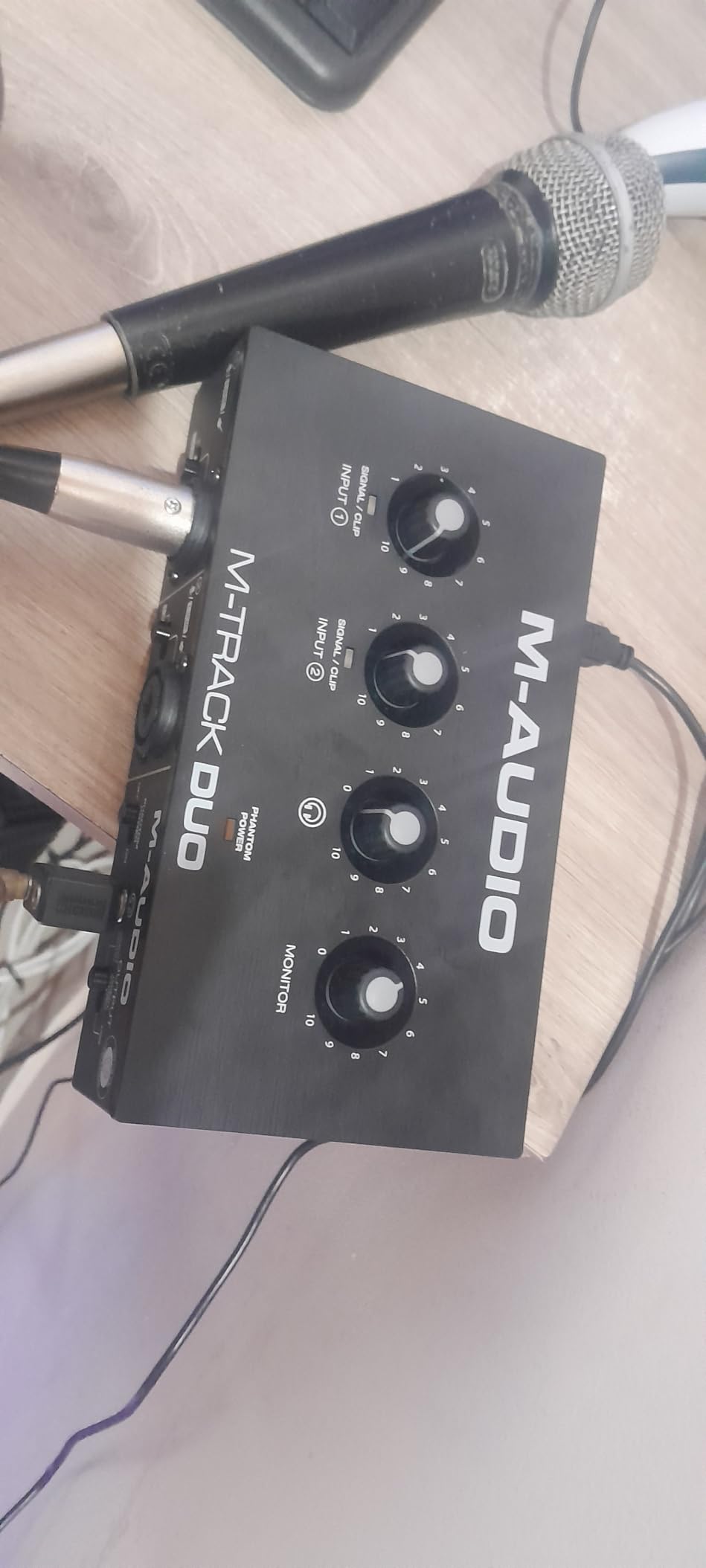
Spec-wise you get two Crystal Preamp channels, 48 kHz recording, phantom power, a dedicated headphone output, and stereo quarter-inch main outputs. It also works across Mac, Windows, iOS, and Android, which is rarer than it should be at this price and opens up iPad-based recording rigs.
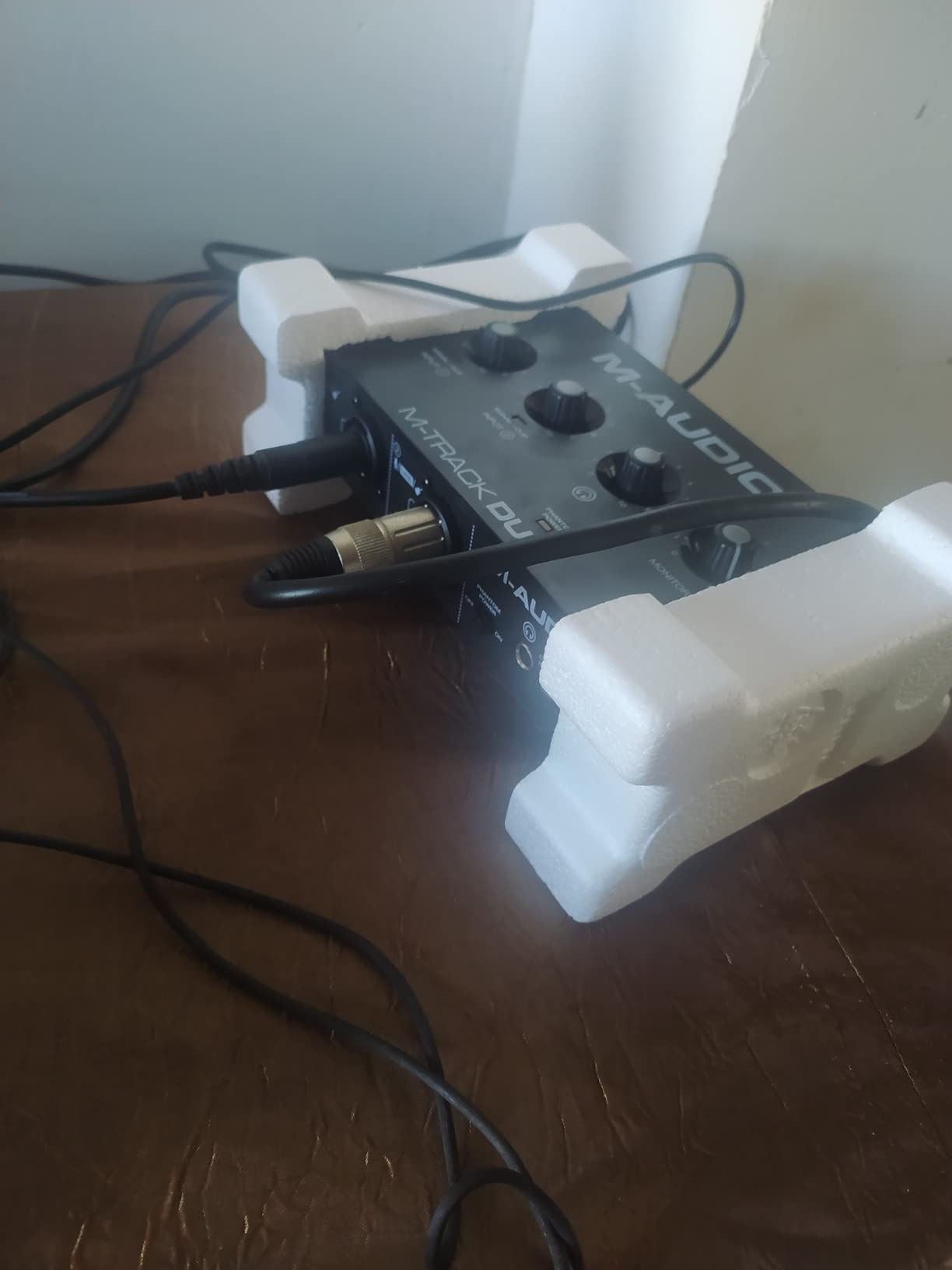
Where it shows its budget nature is the build and the gain knobs. The all-plastic body feels light enough to slide around a desk, and the foam feet do not help. The gain pots are twitchy in the last quarter of their rotation, and pushing them hard introduces a faint hiss that I could hear on quiet passages with a condenser mic.
Who the M-Track Duo is right for
This is a great pick for beginner duos, teachers, and podcasters who want one inexpensive box that also handles instruments or iPad recording. The bundled Ableton Live Lite and MPC Beats software make it a genuine starter kit for anyone who might branch into music or production.
Who should skip it
If your mic is a hungry dynamic like an SM7B, the gain ceiling and high-gain noise will fight you. Podcasters who want a box that feels durable enough for weekly travel should also consider the metal-chassis options above.
4. FIFINE AmpliGame SC3 – The Streamer’s Mixer With XLR
FIFINE Gaming Audio Mixer, Streaming RGB PC Mixer with XLR Microphone Interface, Individual Control, Volume Fader, Mute Button, 48V Phantom Power, for Podcast/Recording/Vocal/Game Voice-AmpliGame SC3
XLR input with 48V phantom power
4 channel sliders
Sound pads
RGB lighting
Pros
- XLR input with 48V phantom power
- Individual channel sliders
- Four custom sound effect buttons
- Plug-and-play on Mac and Windows
- Voice changer and auto-tune fun
Cons
- Soundboard sound quality is not great
- XLR cable not included
- Can be noisy at high gain
- RGB customization is limited
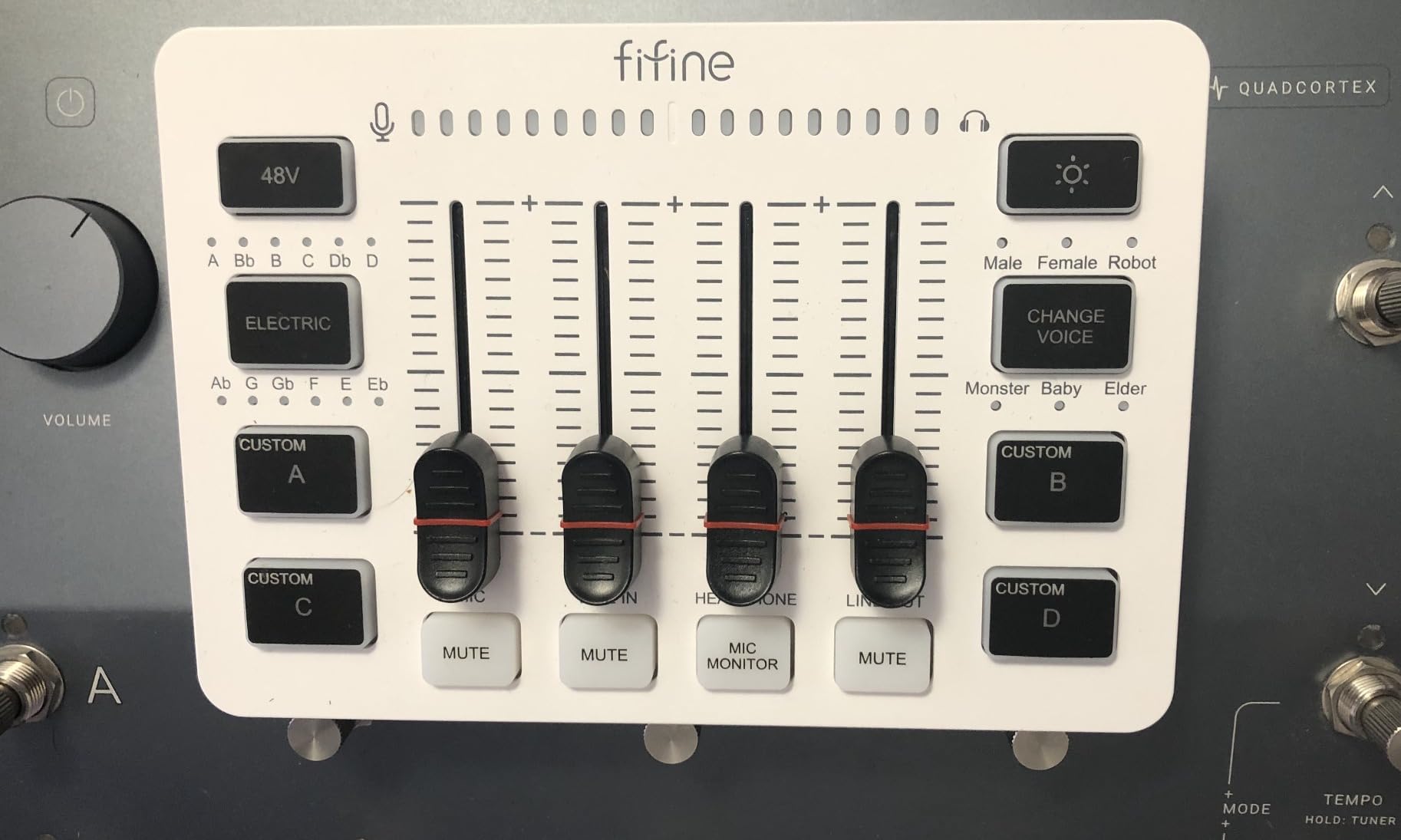
The FIFINE AmpliGame SC3 sits in an interesting middle ground between a podcast interface and a streaming mixer, and I tested it in exactly that role. For about the price of the UMC22, you get a real XLR input with phantom power, four physical channel sliders, mute and monitor buttons, and four programmable sound pads. If your show lives on Twitch or YouTube as much as it does in an RSS feed, this format is genuinely fun to use.
My favorite part of daily use was the slider layout. Instead of twisting a tiny gain knob mid-recording, I could duck my mic or bring up game chat audio with a finger while talking. The sound pads became our intro sting and a laugh track that my co-host abused relentlessly, and the whole thing installed without drivers on both my Mac and my Windows machine.
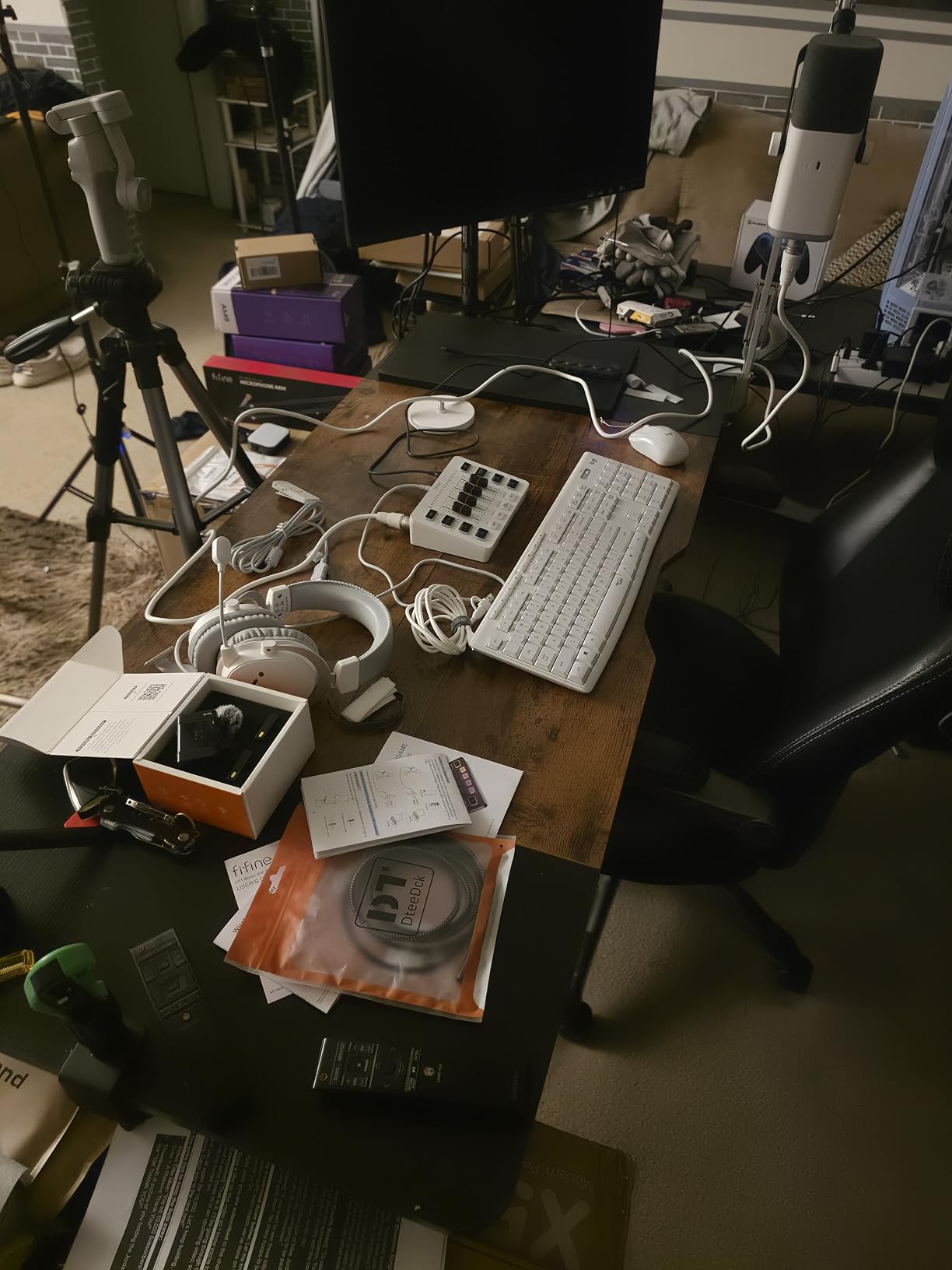
Under the hood it is a single-channel XLR interface with 48V phantom power, 3.5mm line in and out, a headset connection, and USB-C power. The four channels are the mic, line in, headphone, and line out rather than four mic inputs, so be clear this is a one-microphone device with mixing control, not a multi-mic recorder.
The compromises are the ones you would expect at this price. The onboard soundboard samples sound compressed, and the RGB lighting, while a nice desk aesthetic, offers limited customization. Like the M-Track, it gets noisy when you push the gain into condenser-mic territory, so it pairs best with dynamic mics.
Who the AmpliGame SC3 is right for
Streamer-podcasters are the obvious audience, especially anyone who wants hands-on level control and sound effects on a budget. It is also a fun first XLR device for creators whose content is as much live as it is recorded, and FIFINE’s customer service has a strong reputation if you hit a snag.
Who should skip it
Pure audio-focused podcasters who will never stream can get cleaner conversion for the same money elsewhere. Anyone needing multiple mic inputs or pristine soundboard playback should step up to the Zoom PodTrak P4 below.
5. Focusrite Scarlett Solo 3rd Gen – The Solo Standard
Focusrite Scarlett Solo 3rd Gen USB-C Audio Interface
24-bit/192 kHz recording
56dB gain range
Air mode
3-year warranty
Pros
- Exceptional preamp quality with Air mode
- Clean professional sound quality
- Gain Halos give visual feedback
- Premium aluminum chassis
- Includes Pro Tools Intro and Ableton Live Lite
- Three-year warranty
Cons
- Only 1 mic preamp
- No MIDI input
- Higher price than basic interfaces
If you search any podcasting forum for starter interface advice, the Scarlett Solo is the answer that appears over and over, and after living with one I understand why. It is the number one selling computer recording interface for a reason, with a 4.7-star average across nearly 30,000 reviews. My Solo has recorded hundreds of episodes and has never once dropped a driver, glitched, or let me down mid-session.
The sound is the headline. The preamp is quiet and detailed, and the switchable Air mode adds presence and openness to a voice that I could never quite get from cheaper boxes. When I A/B tested the same condenser mic through the Solo and a budget interface, the Solo recording sounded like it had already been lightly EQ’d in a good way.
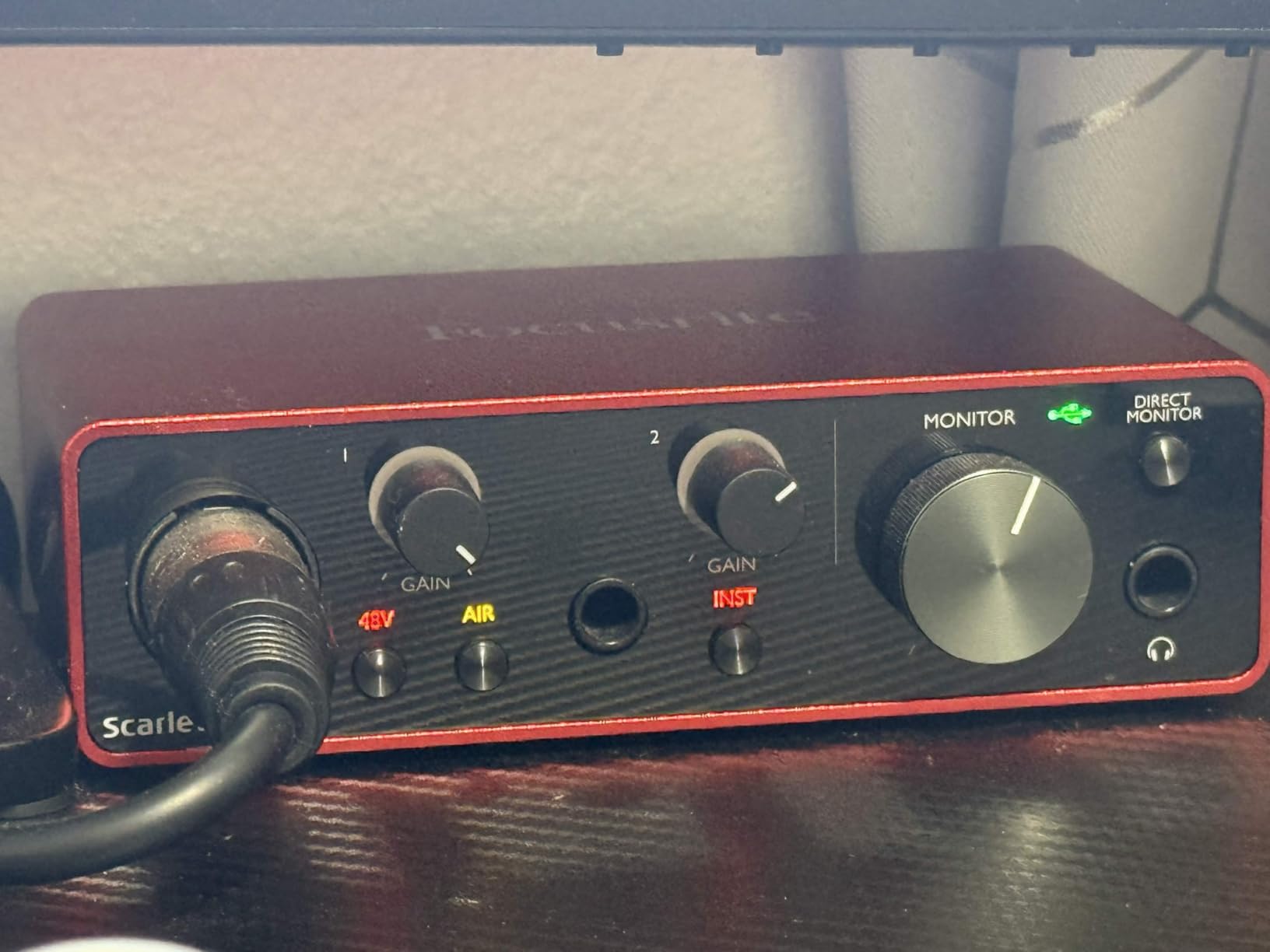
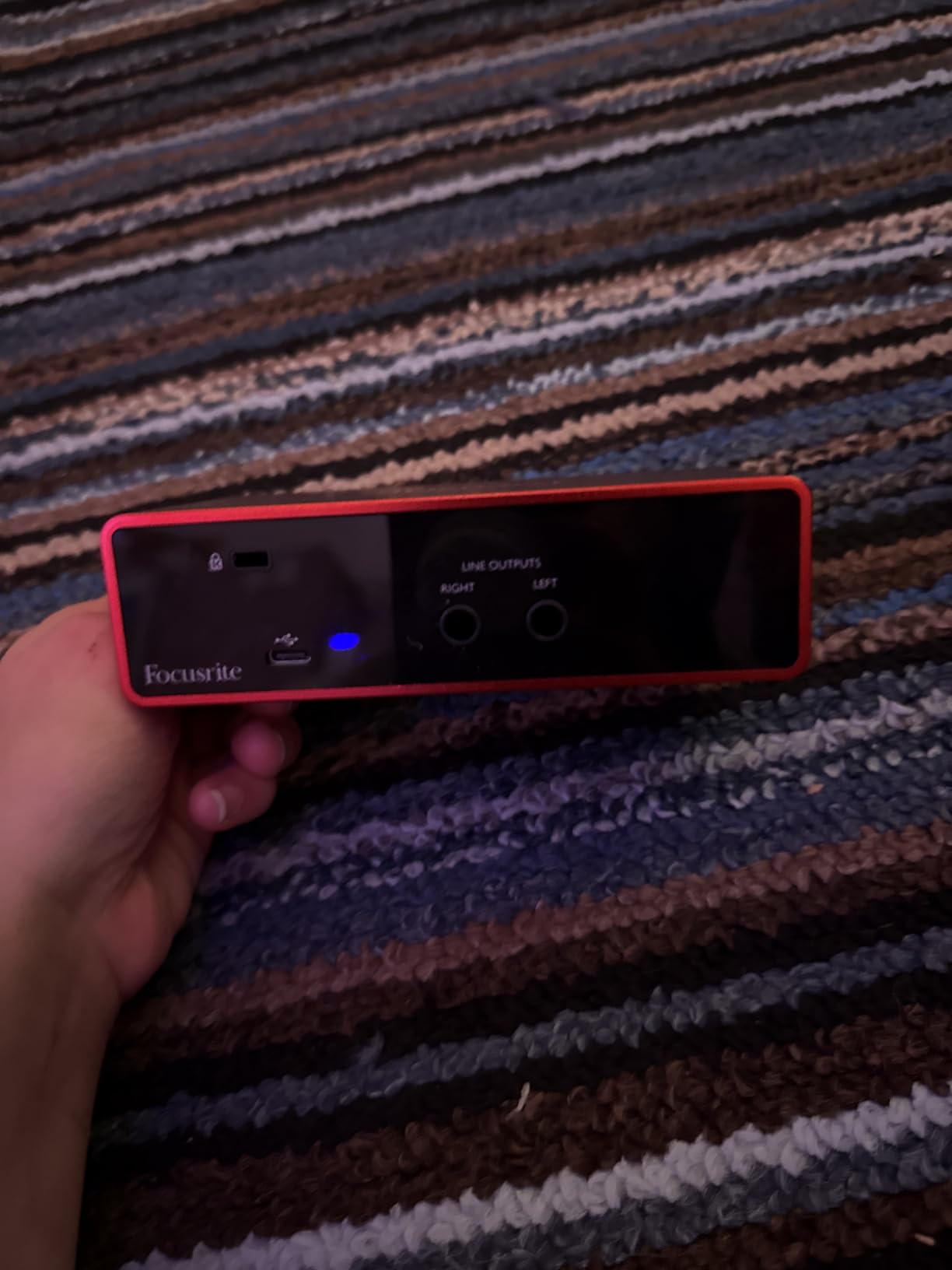
Technically, you are looking at 24-bit/192 kHz recording, a single XLR input with 56dB of gain, a Hi-Z instrument input, and the signature Gain Halo lights around the volume knob that glow green and clip to red so you can set levels without watching a screen. The aluminum chassis feels like a piece of studio gear, not a plastic accessory.
The bundle is also real value: Pro Tools Intro+, Ableton Live Lite, Cubase LE, and the Hitmaker Expansion plugins, plus a three-year warranty. The catch is simple, and it is the reason this is not a universal recommendation: one mic preamp means one person. There is no MIDI port either, which only matters if you produce music.
Who the Scarlett Solo is right for
Solo podcasters, voiceover artists, and narration-focused creators who want the safest possible purchase with the strongest long-term support. It is also the interface I would hand a professional who needs a compact, reliable travel rig, because it shrugs off backpack life.
Who should skip it
If you will ever have a co-host or in-person guest recorded on their own mic, pay the extra for the Scarlett 2i2 below. The 56dB gain range also means an SM7B-class dynamic mic may still want an inline booster to reach full voice level.
6. Focusrite Scarlett 2i2 4th Gen – The Two-Person Workhorse
Focusrite Scarlett 2i2 4th Gen USB-C Audio Interface
2 mic preamps with 69dB gain
24-bit/192 kHz
Auto Gain and Clip Safe
120dB dynamic range
Pros
- Studio-quality sound with 120dB dynamic range
- Auto Gain and Clip Safe prevent bad takes
- 70dB gain powers demanding microphones
- USB bus powered with no adapter
- Includes Pro Tools Intro and Ableton Live Lite
Cons
- Only 2 inputs may limit larger setups
- Documentation print is tiny
- Driver install info not clearly presented
The Scarlett 2i2 4th Gen is the interface my co-hosted show graduated to, and it solved the exact problem that forum posts complain about most: not enough clean gain. The fourth-generation preamps deliver up to 69dB of gain, which drove my SM7B directly with no Cloudlifter and no noise floor penalty. That single spec change eliminates an entire category of accessory purchases.
The two features I now refuse to live without are Auto Gain and Clip Safe. Auto Gain listens to a ten-second sample of your voice and sets the input level for you, which is perfect for guests who arrive five minutes before recording. Clip Safe quietly rescues takes when someone laughs too loud, pulling the level down before distortion gets baked into the file. Both have saved episodes that would otherwise have needed re-recording.
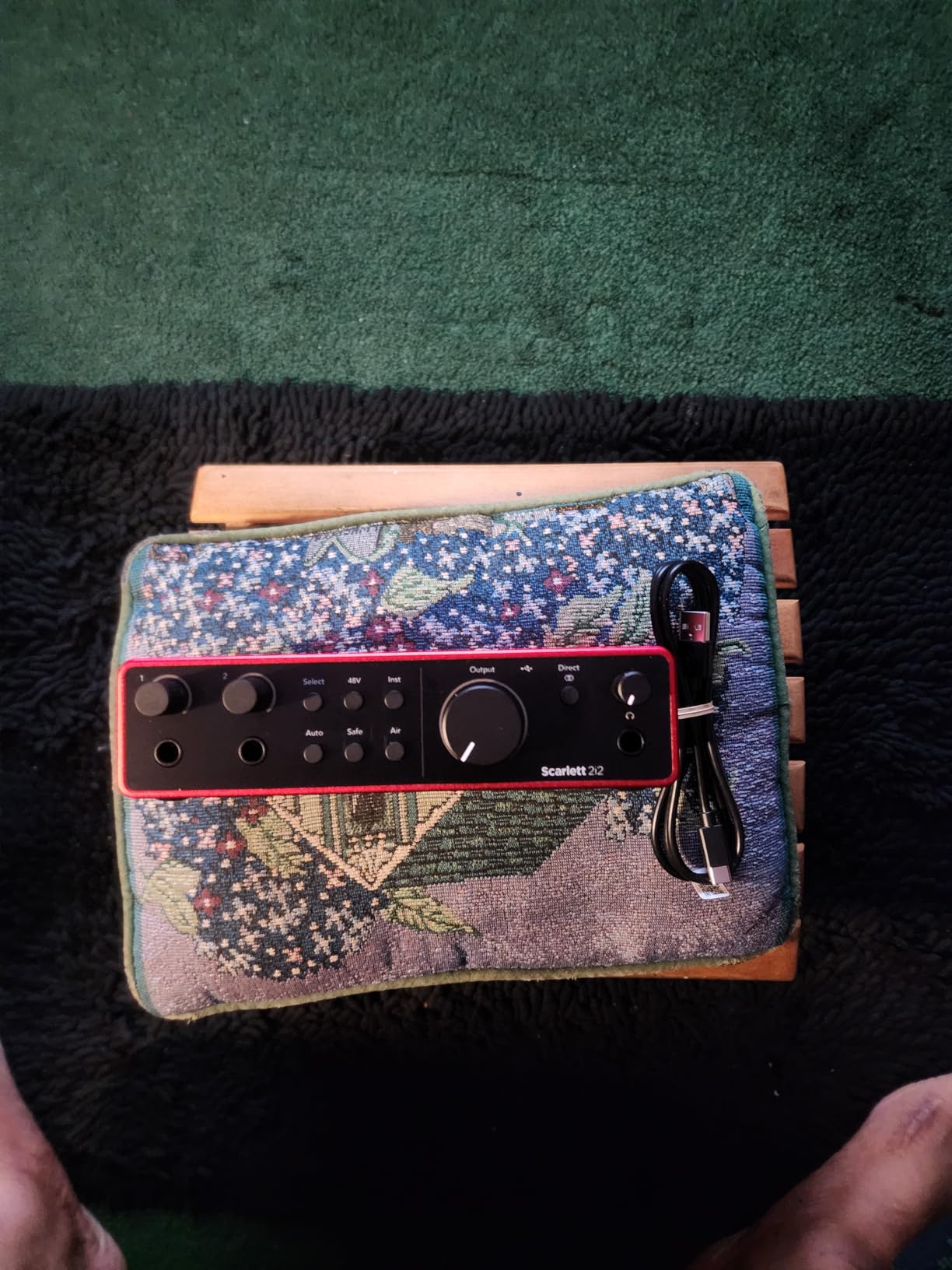
On paper this is 24-bit/192 kHz recording with a 120dB dynamic range, two combo XLR inputs with phantom power, two Hi-Z instrument inputs, rear-panel XLR placements that keep the desk tidy, and USB-C bus power so there is no wall adapter to lose. Air mode returns with harmonic character options for both vocals and guitars.
The downsides are minor but real. Two inputs cap you at two mics, so a panel show is out unless you record guests in passes. The quick-start guide is printed in a font I needed my phone’s magnifier to read, and the driver installation instructions assume you already know where to look.
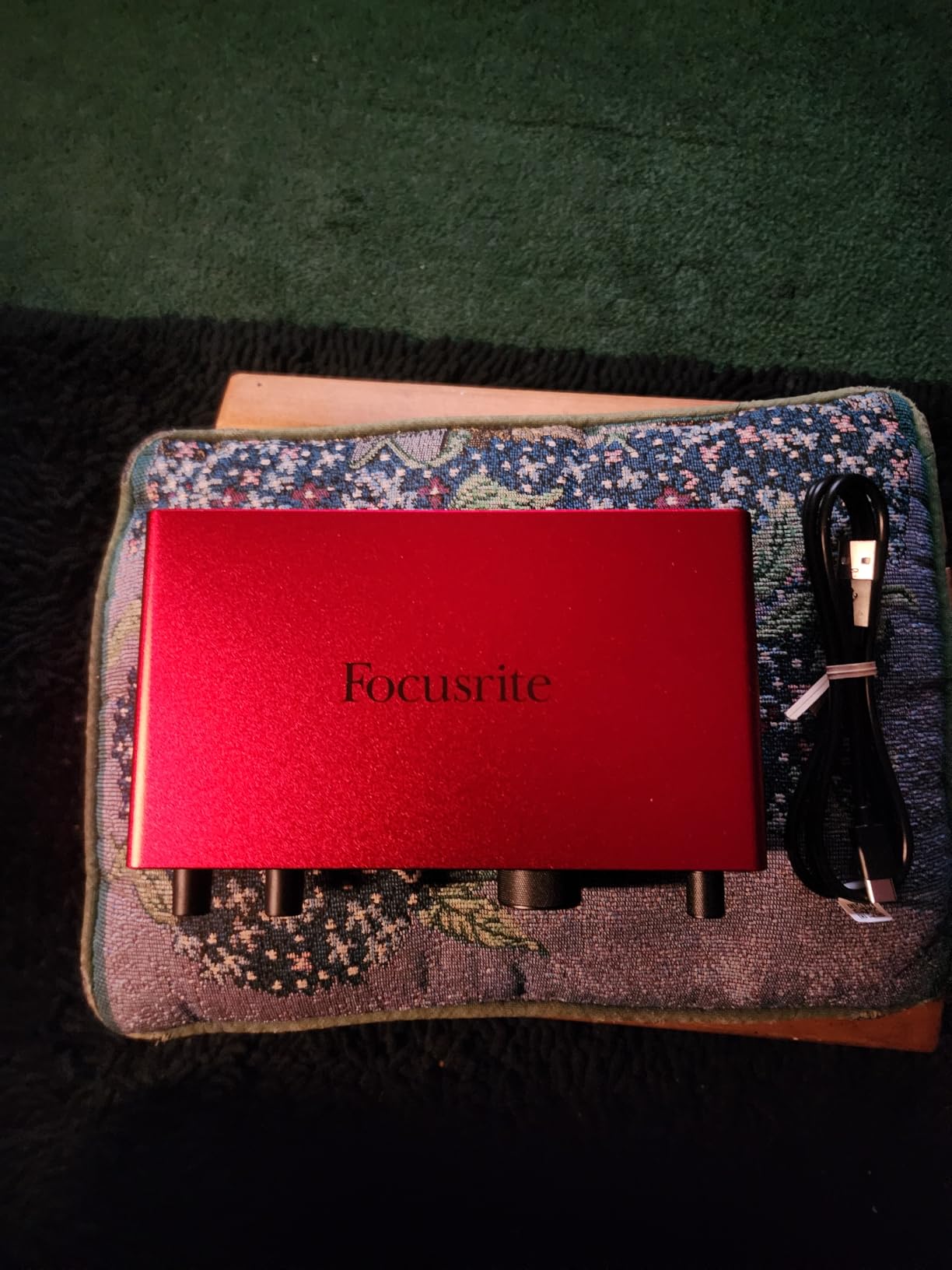
Who the Scarlett 2i2 is right for
Two-person interview shows are the core audience, and it is the natural upgrade when a Solo owner adds a co-host. It is also the pick for podcasters using gain-hungry dynamic mics like the SM7B or PodMic, because the 69dB preamp gain makes inline boosters unnecessary.
Who should skip it
Three or more people at the table means you need the Zoom PodTrak P4 or a larger mixer-style unit. Purely solo creators can save money with the Solo and lose nothing they would use.
7. Zoom PodTrak P4 – The Portable Four-Person Studio
Zoom PodTrak P4 Podcast Recorder with 4 XLR Mic Inputs, 4 Headphone Outputs, Phone & USB Input for Remote Interviews, Sound Pads, 2-In/2-Out USB Audio Interface, Battery Powered
4 XLR inputs with phantom power
Automatic mix-minus
SD card multitrack
Battery powered
Pros
- 4 XLR inputs with 70dB gain
- no Cloudlifter needed
- 4 separate headphone outputs
- 4 programmable Sound Pads
- Built-in multitrack recording to SD card
- Automatic Mix-Minus for phone interviews
- Runs on 2 AA batteries
Cons
- Lightweight build feels fragile
- Recording limited to 16-bit/44.1 kHz
- Limited editing features
- Volume meters hard to see
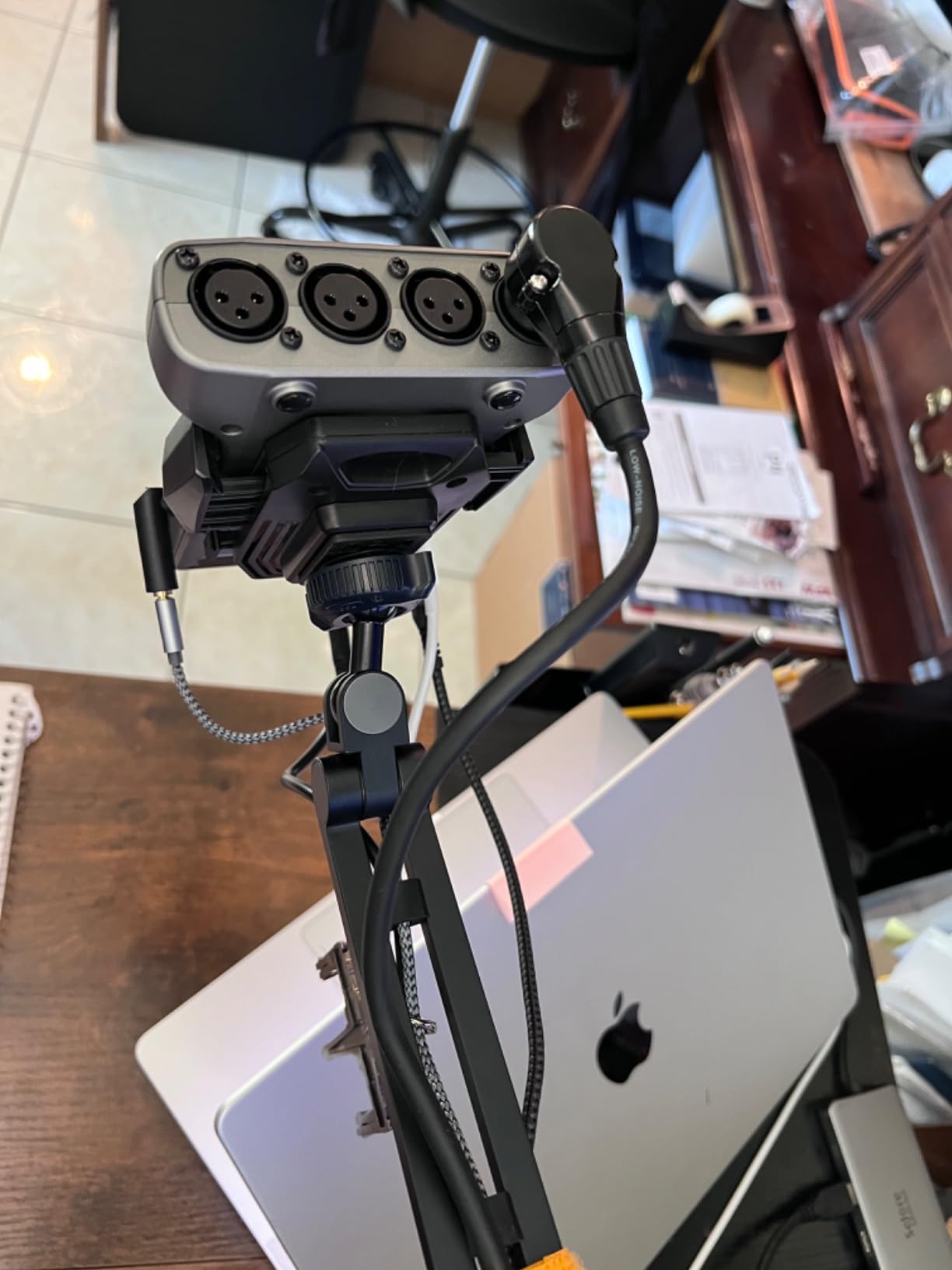
The Zoom PodTrak P4 is not just an interface, it is a complete podcast studio that happens to fit in a jacket pocket, and it changed how I record on the road. Four XLR inputs, four headphone outputs with individual volume control, and a built-in multitrack recorder mean you can record a full panel in a conference hallway with no computer in sight. I have recorded convention-floor episodes on AA batteries that came out cleaner than some of my studio takes.
The killer feature for interview shows is automatic mix-minus over the TRRS smartphone jack. When I bring a remote guest in by phone call, the P4 automatically removes my voice from what the caller hears, so there is no echo for them, while we all get recorded cleanly on separate tracks. That used to require a rack of gear or messy software routing.
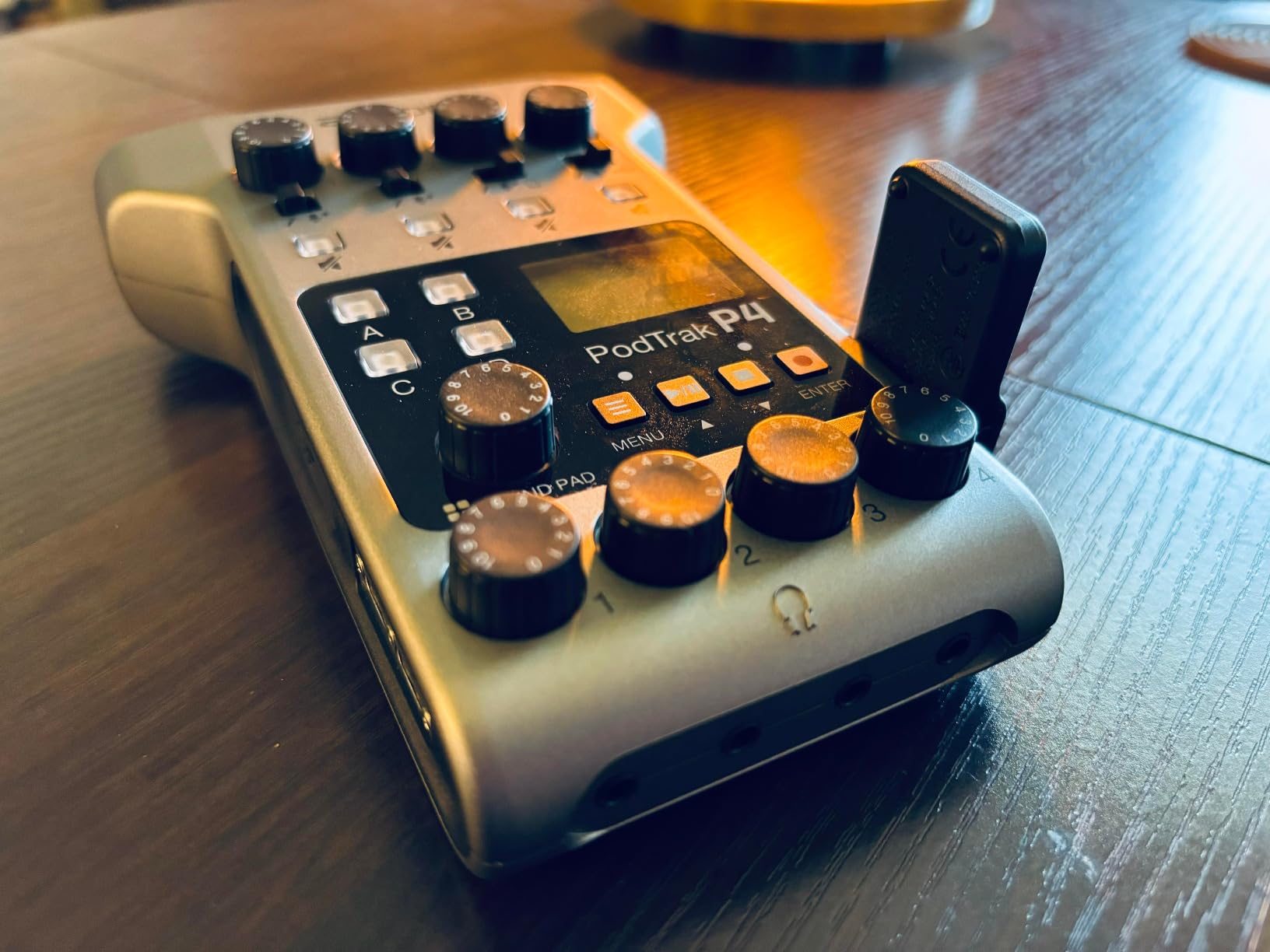
Each of the four mic inputs gets 70dB of preamp gain, which again means dynamic mics like the SM7B plug straight in with no booster. Every mic records to its own track on the SD card, up to 24 hours of recording, which makes post-production cleanup of coughs and crosstalk dramatically easier. The four Sound Pads handle intros, outros, and stingers on physical buttons.
The trade-offs: it records at 16-bit/44.1 kHz, which is fine for speech but not for music production, and the lightweight plastic body feels less rugged than it should for a field device. The small knobs are fiddly if you have larger hands, and the metering is hard to read in bright rooms. There is also no compression or EQ beyond the basics, so what you record is what you keep.
Who the PodTrak P4 is right for
Panel shows, interview podcasts with phone guests, and anyone recording away from a desk should put this at the top of the list. It is also the best choice for podcasters who want computer-independent recording as a safety net, since a crashed laptop no longer means a lost episode.
Who should skip it
If your show is just you, the extra channels and headphone jacks are wasted money, and the solo-focused Scarlett or Shure options deliver higher resolution. Podcasters who want onboard compression, EQ, and broadcast processing should step up to the RODECaster class of hardware instead.
8. Shure MVX2U Gen 2 – The Pocket-Sized Powerhouse
Shure MVX2U Gen 2 XLR-to-USB-C Audio Interface
XLR to USB-C interface
Up to 60dB clean gain
48V phantom power
Auto Level Mode
Pros
- Compact form fits in a shirt pocket
- 60dB clean gain powers SM7B without Cloudlifter
- 48V phantom power for condensers
- Zero-latency headphone monitoring
- MOTIV app with EQ
- compression
- limiter
- Plug-and-play with no drivers
Cons
- Single channel only
- MOTIV app limited for advanced users
- Not recommended for PS5 or Xbox
The Shure MVX2U Gen 2 is the interface I toss in a bag when I do not know where I will be recording, and it has become my favorite piece of mobile podcast gear. It is a dongle-sized XLR-to-USB-C interface that delivers up to 60dB of clean gain, which is enough to run an SM7B straight off a phone with no booster. Pairing it with my phone and a dynamic mic gave me a full recording rig that fits in a jacket pocket.
What separates it from a simple adapter is Shure’s digital audio processing. Auto Level Mode continuously adjusts your levels in real time with Dark, Natural, and Bright tone presets, the Real-Time Denoiser quietly scrubs room hum, and the Digital Popper Stopper tames plosives in hardware. For interview work in untreated rooms, that processing is worth real editing time saved.
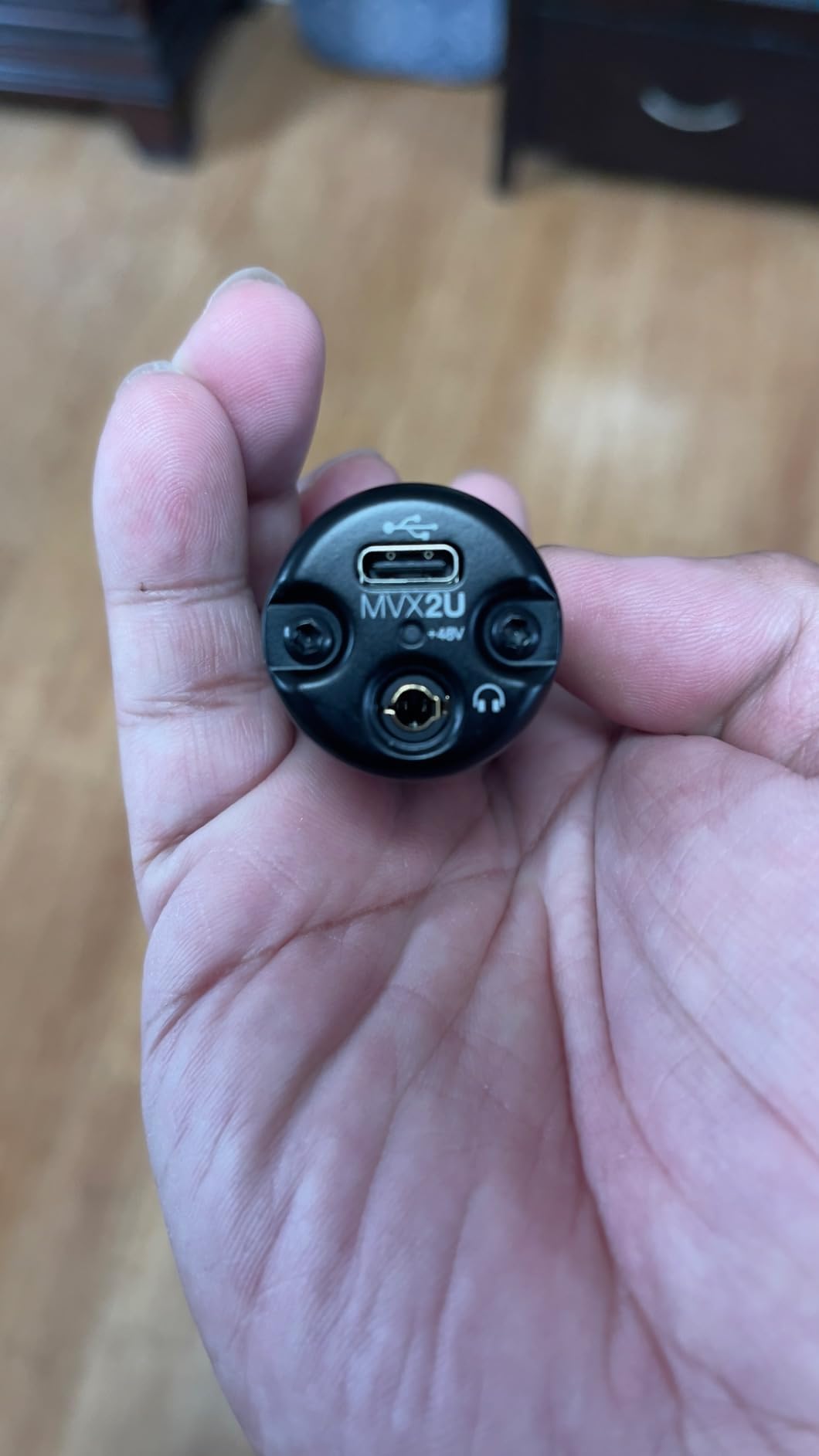
Specs include 24-bit/192 kHz recording capability, 48V phantom power for condenser mics, zero-latency headphone monitoring, USB-C power, and MFi certification for iOS along with Android, Windows, and macOS support. The MOTIV Mix, Audio, and Video apps give you EQ, compression, and a limiter with settings that persist even after powering off.
The limits are structural: one channel means one voice, and the MOTIV app, while friendly for beginners, runs out of depth quickly if you are an experienced engineer. Shure also notes it is not intended for gaming consoles, and a few buyers report quality-control wobbles from third-party sellers, so buying from a reputable listing matters.
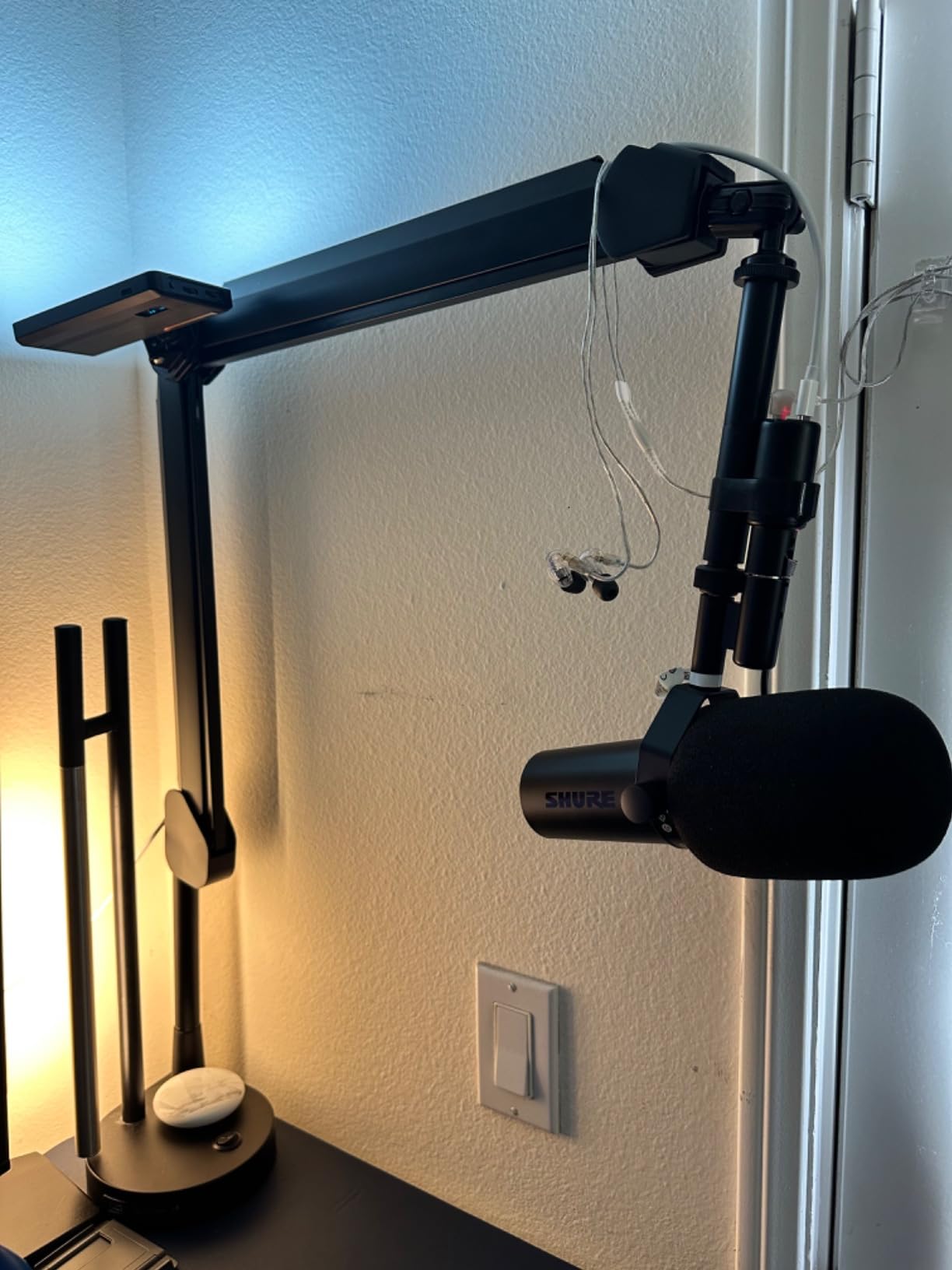
Who the MVX2U is right for
Podcasters who record in different locations every week, journalists filing from the field, and anyone who wants a phone-first XLR rig. It is also the simplest possible upgrade path for a USB-mic owner who bought an SM7B and realized it would not plug into anything they own.
Who should skip it
Multi-person shows need real inputs, and studio-based podcasters who never travel can get more capability per dollar from a desktop box. If you dislike app-driven control and want physical knobs for everything, this is not your interface.
Buying Guide: How to Choose the Right Audio Interface for Your Podcast
Choosing between these boxes comes down to a handful of decisions that have nothing to do with brand loyalty. Here is the framework our team uses, built from our own mistakes and the questions that fill podcasting forums.
Start with your guest count
The number of people in the room dictates everything else. A solo show needs one XLR input, full stop, which makes the Scarlett Solo, the UMC22, or the MVX2U the logical shortlist. Two people in the same room means two inputs, pointing you at the UMC202HD, M-Track Duo, or Scarlett 2i2. Three or four people, or a rotating cast, means the Zoom PodTrak P4 unless you are ready for mixer-class hardware.
A common trap is buying for the show you imagine instead of the show you record. Plenty of podcasters buy four inputs and use one for two years. Buy for your next twelve months, not your fantasy studio.
Match the interface to your microphone type
Dynamic mics like the SM7B, PodMic, and RE20 need lots of clean gain, typically 60dB or more, or you will need an inline booster like a Cloudlifter. The Scarlett 2i2 4th Gen with 69dB, the PodTrak P4 with 70dB, and the MVX2U with 60dB all drive these mics directly. Condenser mics need less gain but do need 48V phantom power, which every interface on this list provides, and they also expose a noisy room, so budget preamps matter more than raw gain.
My practical advice: if you record in an untreated bedroom, a dynamic mic plus a high-gain interface will sound better than a condenser in the same space, because the condenser will faithfully capture your echoey walls.
Do not ignore gain and the noise floor
Gain is the spec beginners skip and then regret. A preamp with 50dB of maximum gain pushed to its limit to feed a quiet dynamic mic will amplify its own self-noise along with your voice. That faint hiss is tedious to remove in post. Interfaces with 60dB or more of clean gain let you sit comfortably in the middle of their range, which is why the higher-gain picks on this list sound quieter in real use than their spec sheets alone suggest.
Decide between a simple interface and a multi-function station
There is a real split in this list. Simple two-channel interfaces like the Scarletts and Behringers do one job, converting mics to USB, and rely on your computer for everything else. Standalone multi-function units like the PodTrak P4 add SD card recording, sound pads, phone jacks with mix-minus, and multiple headphone outputs. The simple boxes win on sound resolution and price; the stations win on convenience and failure resilience.
If you record remote guests by phone, mix-minus alone justifies the station format. If your show is just you and a DAW, keep it simple and spend the difference on your mic or room treatment.
Weigh the software bundle honestly
Every interface here ships with some software, and the value varies wildly. Focusrite’s bundle of Pro Tools Intro+, Ableton Live Lite, and Hitmaker Expansion plugins is the most generous and does not expire. M-Audio includes MPC Beats and Ableton Live Lite, which suits creator-adjacent production work. Forum complaints about subscription confusion are common with other brands, so check whether bundled software is permanent or a trial before you count it as value.
Plan one step ahead, not five
Future-proofing in audio usually means buying more box than you will ever use. The one forward-looking purchase I do endorse is resolution headroom: a 24-bit/192 kHz interface like the UMC202HD or Scarlett line will not become obsolete when your skills or your show format grow. Input count, by contrast, can be solved later by upgrading once your show actually demands it.
Frequently Asked Questions
Do I need an audio interface for an XLR mic?
Yes. XLR microphones output an analog signal that computers cannot record directly, so an audio interface is required to convert that signal to digital audio. The interface also supplies phantom power for condenser mics, provides preamp gain, and gives you zero-latency headphone monitoring while you record.
Which XLR audio interface is best for podcasting?
For solo podcasters, the Focusrite Scarlett Solo 3rd Gen is the best overall choice thanks to its clean preamps, Air mode, and 4.7-star rating across nearly 30,000 reviews. For multi-person shows and phone interviews, the Zoom PodTrak P4 is the strongest option with four XLR inputs, automatic mix-minus, and standalone SD card recording.
How many XLR inputs do I need for podcasting?
Count one input per microphone recorded simultaneously in the same room. A solo show needs one input, an in-person interview needs two, and a panel of three or four people needs three or four. Remote guests joining by phone or computer do not need an XLR input, so the Zoom PodTrak P4 with its smartphone jack and mix-minus handles them without extra channels.
What audio interface do podcasters use most?
The Focusrite Scarlett line is the most widely used interface among podcasters, with the Solo and 2i2 consistently recommended in podcasting communities as reliable starter choices. The Zoom PodTrak P4 is the most popular purpose-built podcast device, and budget-conscious podcasters frequently choose the Behringer UMC22 or UMC202HD.
Can I use an audio interface with a phone or tablet?
Yes, several interfaces work with mobile devices. The Shure MVX2U Gen 2 is MFi-certified for iOS and also works with Android, Windows, and macOS through USB-C. The M-Audio M-Track Duo supports iOS and Android as well, and the Zoom PodTrak P4 connects to smartphones through its TRRS jack for recording phone guests with automatic mix-minus.
Final Thoughts
After weeks of testing the best audio interfaces for podcasting with XLR mics in 2026, a clear picture emerged. The Focusrite Scarlett Solo 3rd Gen remains the safest and best-sounding choice for solo podcasters, the Scarlett 2i2 4th Gen is the natural home for two-person shows with demanding dynamic mics, and the Zoom PodTrak P4 is untouchable for panels, travel, and phone-guest interviews. On a tight budget, the Behringer UMC202HD delivers specifications that were unheard of at its price, and the Shure MVX2U Gen 2 is the pocket rig I now refuse to travel without.
My honest advice: pick based on how many people you actually record and what your room sounds like, not on spec-sheet dreams. Any one of these eight boxes will make your XLR mic sound dramatically better than a USB microphone, and the difference between them is far smaller than the difference between recording in a treated corner versus a bare echoing room. Choose your input count, match your mic’s gain needs, and start recording, because the episode you publish this month matters more than the interface you almost bought.