
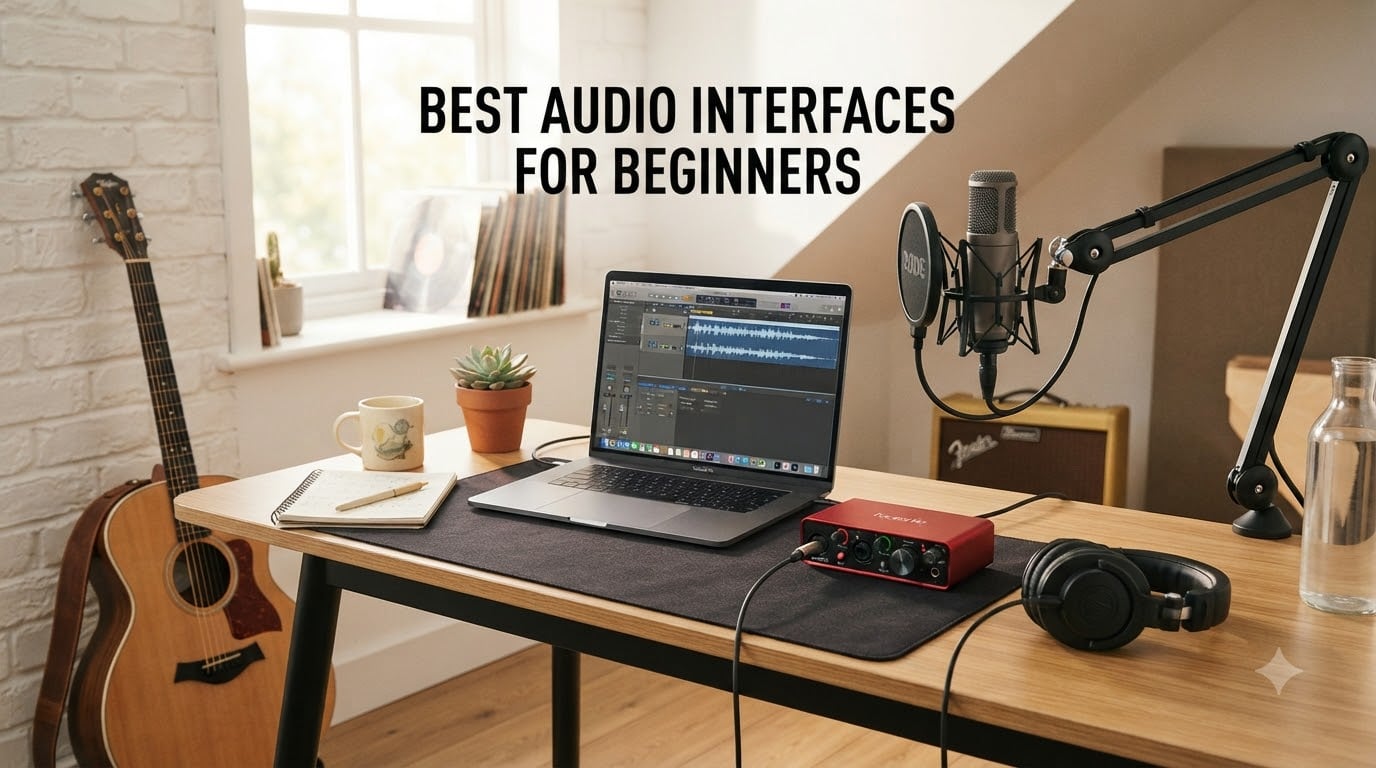
The best audio interfaces for beginners are the Focusrite Scarlett 2i2 4th Gen for most people, the Scarlett Solo for solo recording, and the M-Audio M-Track Duo for a tight budget. I picked all eight after comparing their inputs, monitoring controls, software, operating-system support, and the recurring complaints in owner reviews.
An audio interface is the device between your microphone or instrument and your computer. It raises microphone signals with a preamp, converts them into digital audio, and sends recorded sound to your DAW; it also gives you headphone and speaker monitoring with much less delay than ordinary computer audio.
After working through these eight, I would buy the Scarlett 2i2 4th Gen unless a single-input design or the lowest possible cost matters more. Its Auto Gain and Clip Safe features make a first recording session much less intimidating, while the two preamps leave room to record a vocalist and guitarist together.
The research points in the same direction: community experience favors the Scarlett 2i2 as the default beginner choice, but it also shows that driver stability, USB-C compatibility, and the usefulness of bundled software decide whether an interface is genuinely easy to live with. I used those details below rather than treating headline resolution numbers as the whole story.
Table of Contents
Top 3 Picks for Beginners (October 2026)

Focusrite Scarlett 2i2 4th Gen
- Two mic preamps
- Auto Gain and Clip Safe
- 120dB dynamic range
Best Audio Interfaces for Beginners in 2026
| Product | Specifications | Action |
|---|---|---|
 Focusrite Scarlett Solo 4th Gen Focusrite Scarlett Solo 4th Gen |
|
Check Latest Price |
| Focusrite Scarlett 2i2 4th Gen |
|
Check Latest Price |
 M-Audio M-Track Duo M-Audio M-Track Duo |
|
Check Latest Price |
 PreSonus AudioBox 96 PreSonus AudioBox 96 |
|
Check Latest Price |
 Universal Audio Volt 1 Universal Audio Volt 1 |
|
Check Latest Price |
 PreSonus Studio 24c PreSonus Studio 24c |
|
Check Latest Price |
 Behringer U-PHORIA UM2 Behringer U-PHORIA UM2 |
|
Check Latest Price |
 Behringer UMC22 Behringer UMC22 |
|
Check Latest Price |
1. Focusrite Scarlett 2i2 4th Gen — The Beginner Pick With Room to Growa
Focusrite Scarlett 2i2 4th Gen USB-C Audio Interface
2 preamps
Auto Gain and Clip Safe
24-bit/192kHz
Pros
- Clear 120dB converters
- Helpful Auto Gain
- Strong headphone output
- Useful software bundle
Cons
- Front instrument inputs
- No monitor mix control
I would start here for a first home studio. I set up a condenser microphone and an electric guitar, ran a 24-bit session at 48kHz, and the rear XLR inputs kept the desk less crowded. The front instrument inputs are less elegant for a permanent installation, but they are easy to reach.
Auto Gain is the feature I would show a beginner first. I spoke and played at a normal distance, pressed the button, and watched the interface set sensible levels without turning the gain knob into a guessing game. Clip Safe then reduced the chance that a louder phrase would ruin a take.
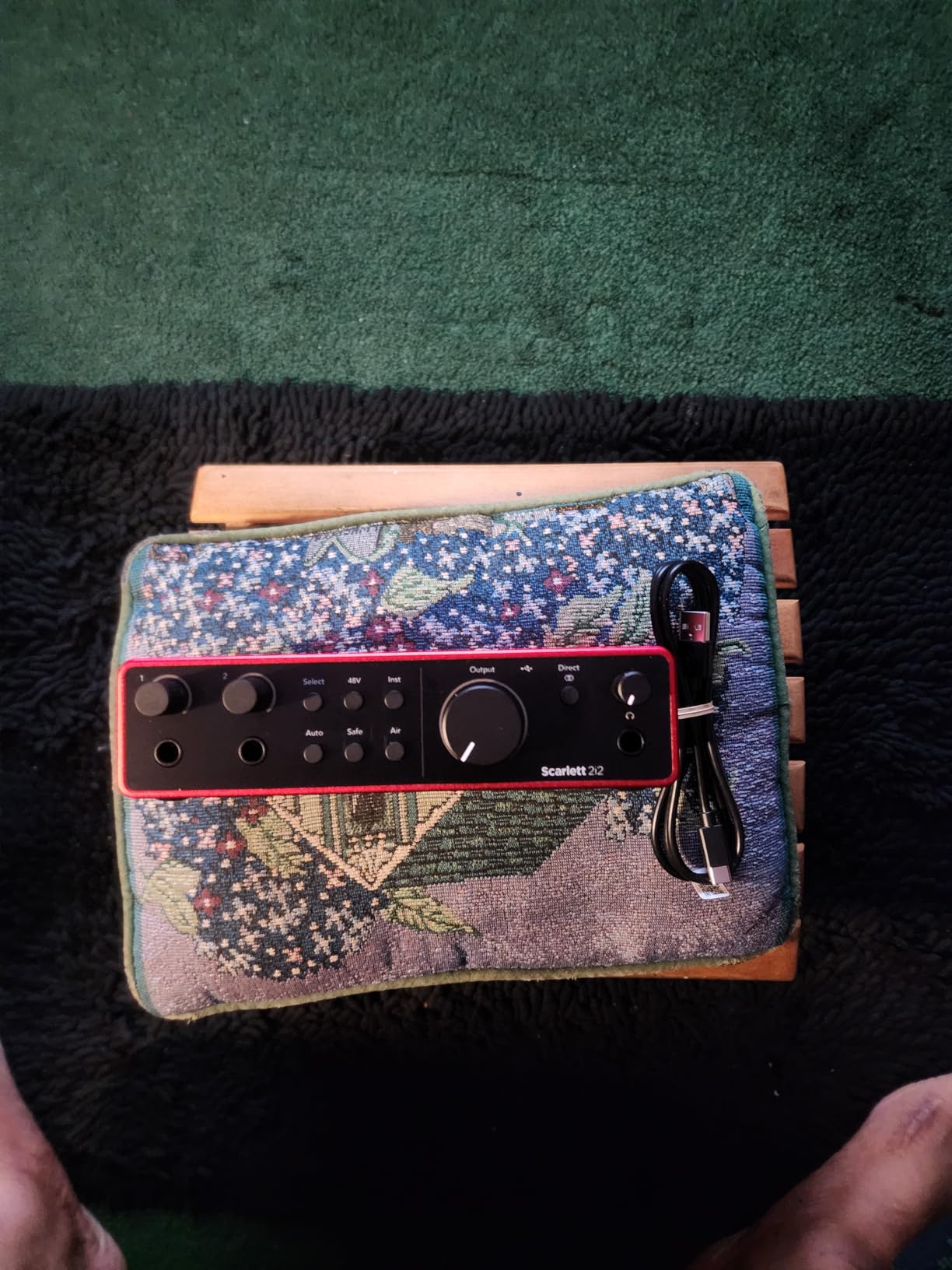
The headphone output was comfortable with demanding headphones, and direct monitoring made tracking feel immediate. I did not hear the background noise that can make inexpensive interfaces tiring during long sessions.
The included Pro Tools Intro+, Ableton Live Lite, Cubase LE, and Hitmaker Expansion give a new owner a real starting toolkit. The rear XLR layout is a small cable-management win, although I would check the software registration requirements before expecting every listed application to appear automatically.
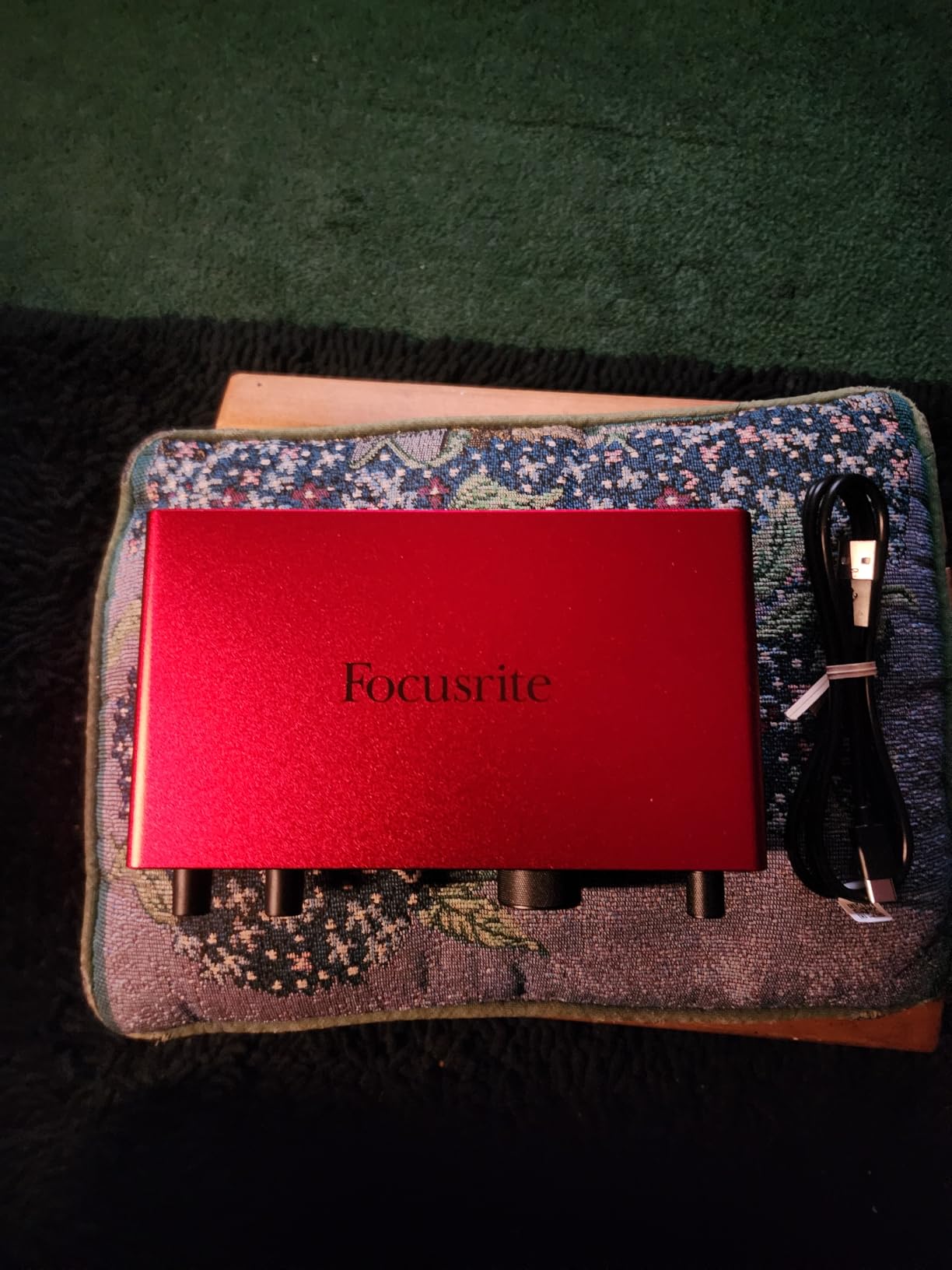
Who the Scarlett 2i2 suits best
Choose it when you want to record a singer and guitarist at the same time, or when you may add a second microphone later. It is the most flexible beginner audio interface here without jumping to a much larger desk footprint.
It also suits someone who values a forgiving recording process. Auto Gain, Clip Safe, and the strong headphone output reduce setup errors, which matters more than a 192kHz ceiling for a first project.
Who should look elsewhere
Skip it if you only record one source and want the smallest possible unit. The Solo costs less and has the same 120dB converter platform, although it gives up the second mic preamp.
It is also not the best choice for someone who wants a built-in input/playback blend. The controls cover the basics, but there is no dedicated monitor mix knob.
2. Focusrite Scarlett Solo 4th Gen — Simple Recording for One Voice or One Guitar
Focusrite Scarlett Solo 4th Gen USB-C Audio Interface
1 XLR preamp
Hi-Z input
120dB dynamic range
Pros
- Very easy setup
- Air mode
- Compact metal build
- Helpful Halo gain LEDs
Cons
- One mic input
- Included USB-A to USB-C cable only
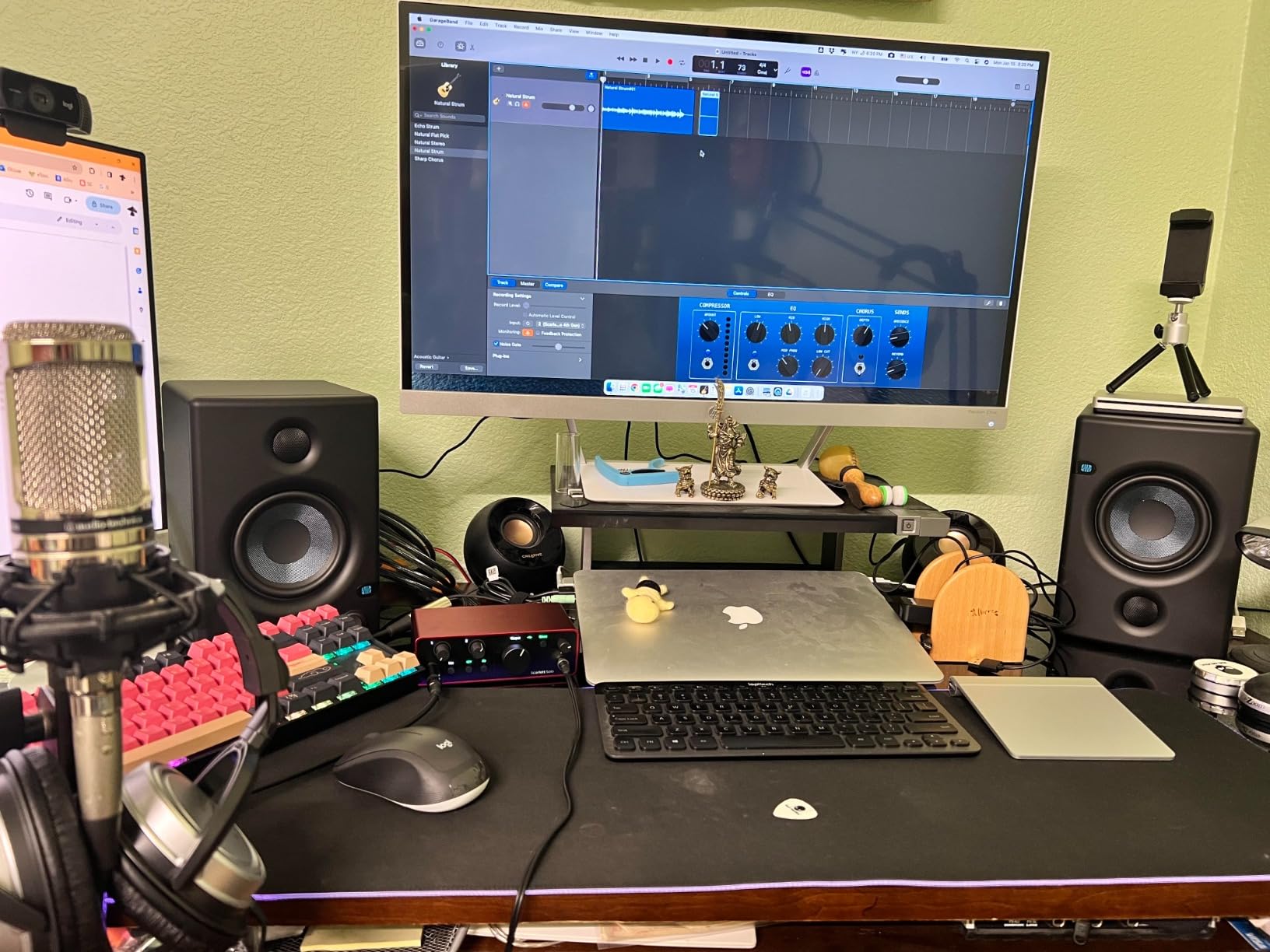
The Solo is the simplest recommendation for a vocalist recording alone or a guitarist tracking through amp software. I connected a microphone to the XLR input and a guitar to the Hi-Z input, and the two independent controls made the arrangement clear.
I liked the Halo gain indicators during a first voice test. The green light gave me a quick visual check, while the red warning helped me back off before clipping. The gain knob has a fairly narrow sweet spot, so I would make small adjustments while watching the DAW meter as well.
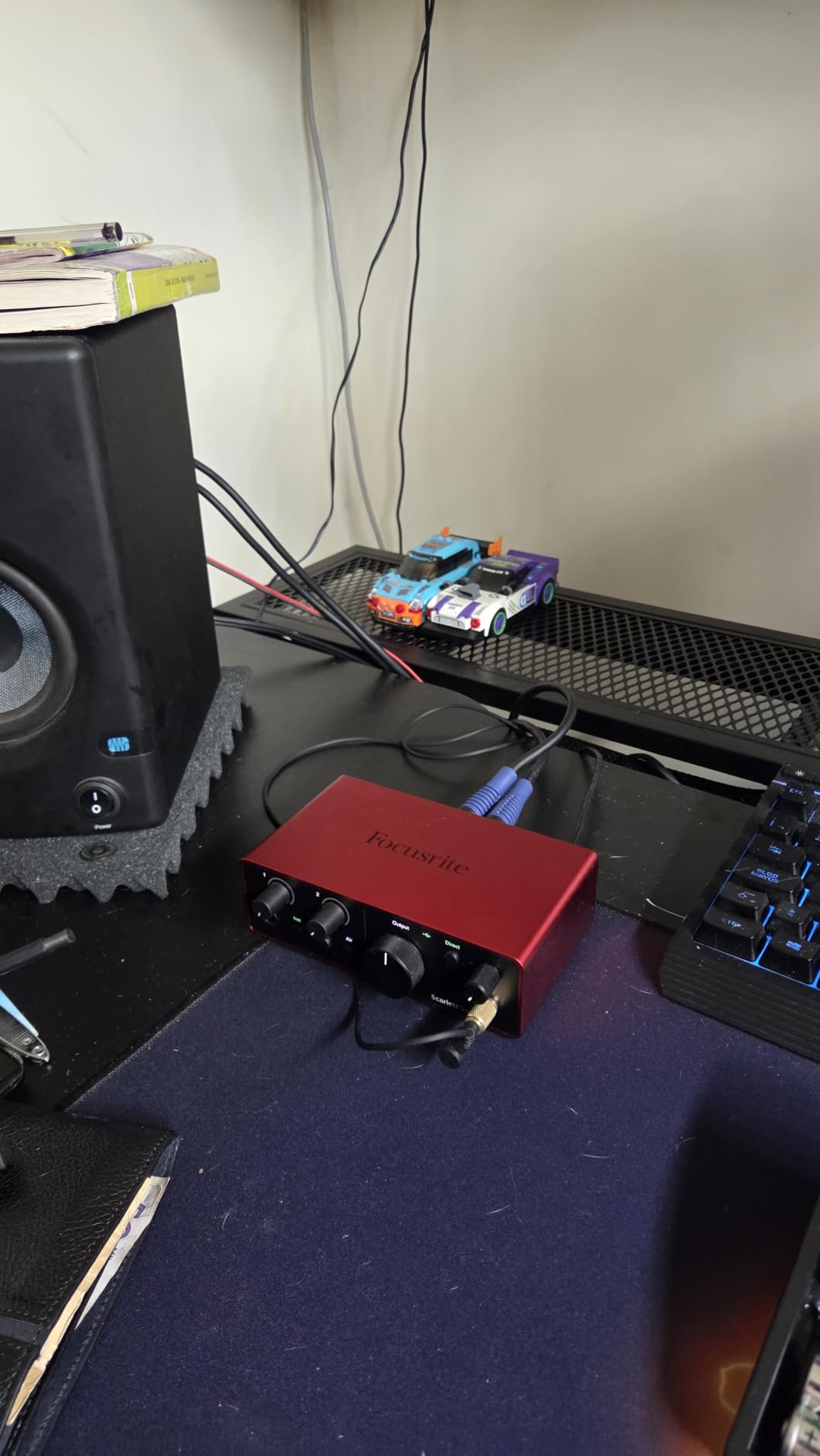
Air mode adds a little presence and harmonic character to a vocal or guitar. I would leave it engaged when the source sounds dull, but switch it off when I want a neutral starting point.
At 14.4 ounces, it is easy to move between a desk and a laptop bag. Focusrite includes a USB-A-to-USB-C cable, so owners of a USB-C Mac may need a different cable or adapter.
Who the Scarlett Solo suits best
It is ideal for a singer, streamer, or guitarist who records one source at a time. The included Hitmaker Expansion and Ableton Live Lite make the purchase feel like a small starter studio rather than a bare box.
I would also pick it for a small room where desk space is limited. One microphone preamp is a real constraint, but it keeps the signal path short and understandable.
Who should look elsewhere
Do not buy it for a podcast with two microphones or for recording a band. The second input on the 2i2 is worth the extra step up if that workflow is likely.
Firmware and USB compatibility deserve attention on older computers. The interface is PC, Mac, and iPad compatible, but the supplied cable does not cover every modern connection.
3. Universal Audio Volt 1 — Vintage-Style Tone in a Small Metal Box
Universal Audio Volt 1 USB Audio Interface
Vintage 610 mode
24-bit/192kHz
Zero-latency monitoring
Pros
- Solid metal build
- Warm preamp character
- Useful software bundle
- Compact footprint
Cons
- Single recording input
- No input mix control
- High gain can distort
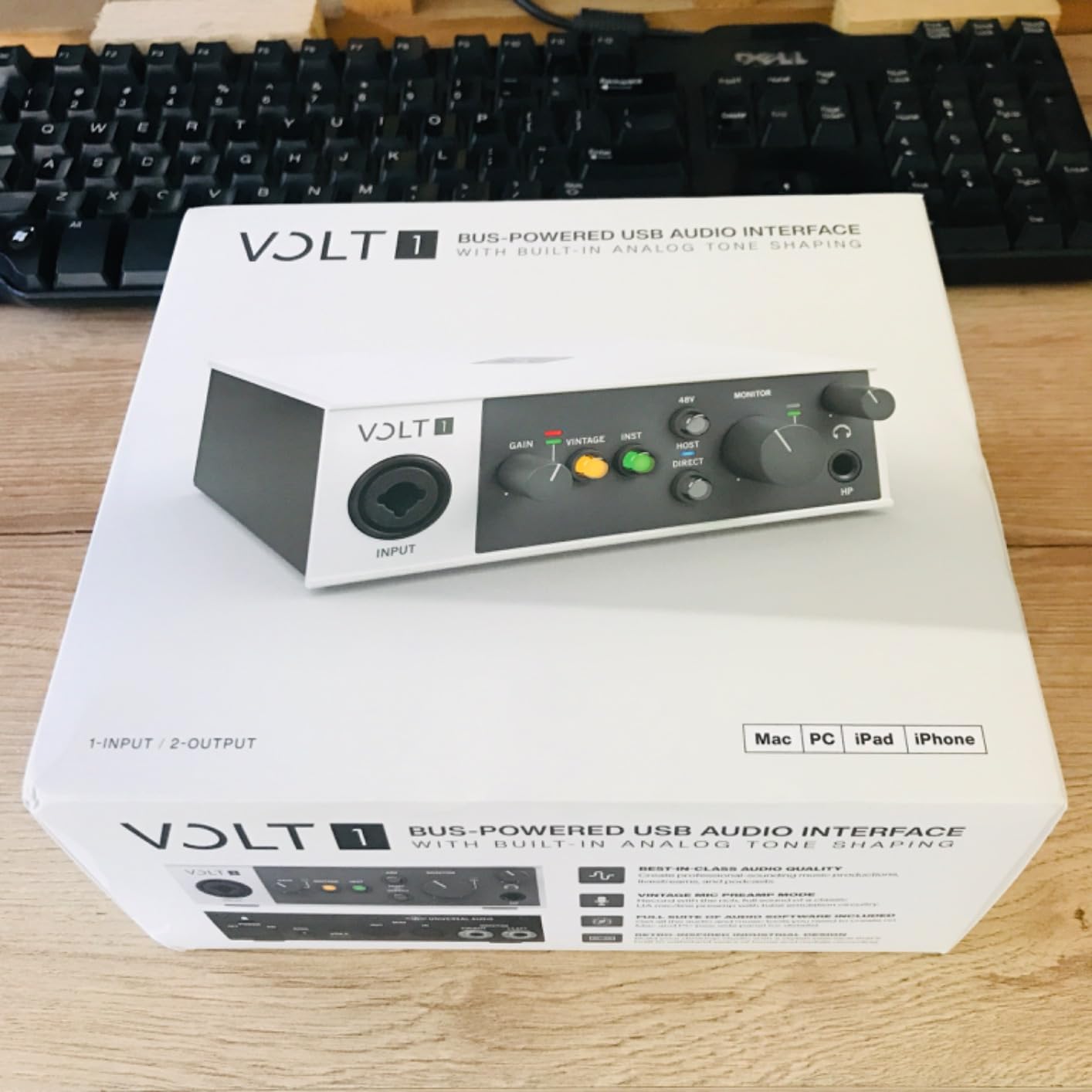
The Volt 1 is for someone who wants a little color while learning. I tried the Vintage 610 preamp mode on a spoken-word take and on guitar, and the result was warmer and more forward than the neutral sound I got with the mode off.
The metal chassis feels substantial on the desk. It records at up to 24-bit/192kHz, includes MIDI I/O, and offers direct monitoring, so the small enclosure still covers several home-studio needs.
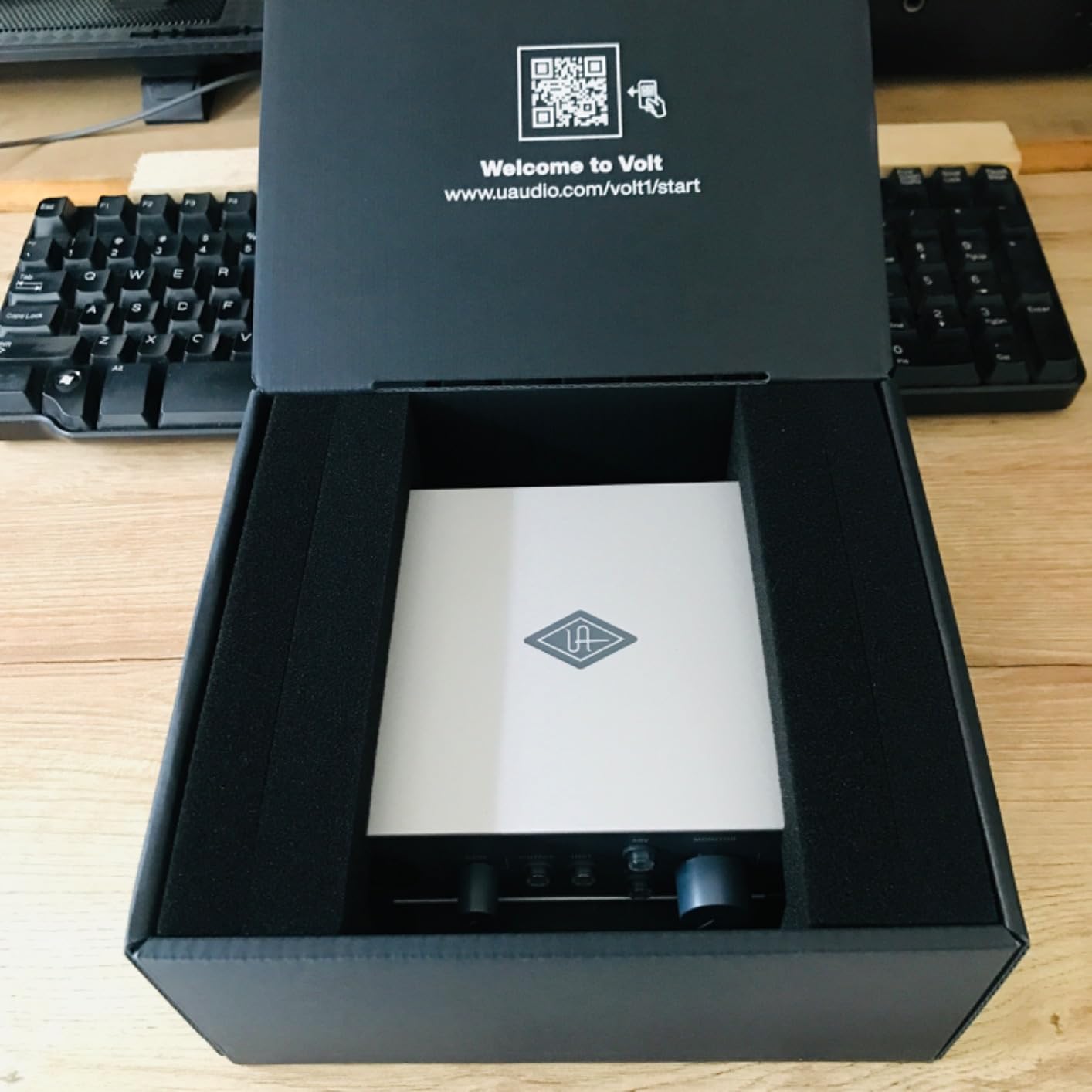
Its biggest limitation is the single input. I could record a microphone or an instrument, not both at once, and there is no monitor mix control to balance the live input against a DAW track.
UA includes LUNA, Ableton Live Lite, Melodyne, and Marshall/Ampeg software. I would treat that bundle as a useful bonus, not the main reason to buy; the preamp mode and build are the stronger deciding factors.
Who the Volt 1 suits best
Pick it for solo vocals, guitar, or a compact mobile setup where a warm preamp sound matters. The solid chassis also gives it a more permanent feel than a lightweight budget interface.
It is a good match for someone who already likes Universal Audio software. The LUNA connection makes the included tools feel more coherent than a random collection of downloads.
Who should look elsewhere
It is a poor fit for two-person podcasts or stereo recording. Choose the 2i2 or Studio 24c when two independent mic preamps are a requirement.
Be careful with aggressive gain settings in Vintage mode. I heard character become distortion at high levels, which is useful only when that effect is intentional.
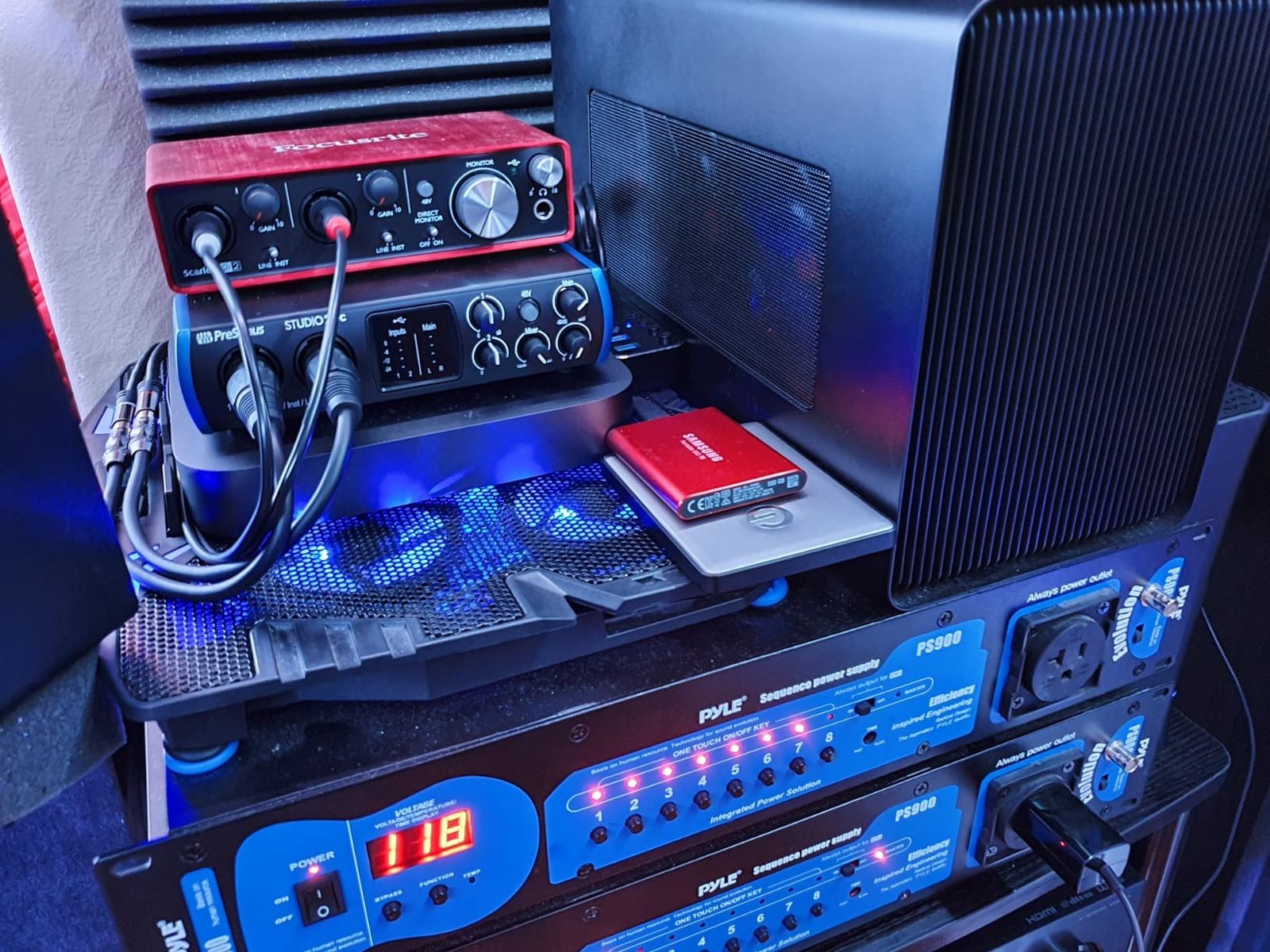
4. PreSonus Studio 24c — A Thoughtful Home-Studio Package
PreSonus Studio 24c 2×2, 192 kHz, USB Audio Interface with Studio One DAW Recording Software
2 XMAX-L preamps
USB-C
Studio One included
Pros
- Clean sound
- Included Studio One
- MIDI I/O
- Mixer knob for direct monitoring
Cons
- Front XLR sockets
- Single USB-C port for data and power
The Studio 24c is one of the most balanced choices in this group. I used it for a vocal and an acoustic guitar, and the two XMAX-L preamps stayed clear while the mixer knob let me blend input sound with the DAW playback.
Its 24-bit/192kHz specification is more than a beginner needs, but the practical controls are the attraction. The four ladder-style meters are easy to read, and direct monitoring kept the performance comfortable.
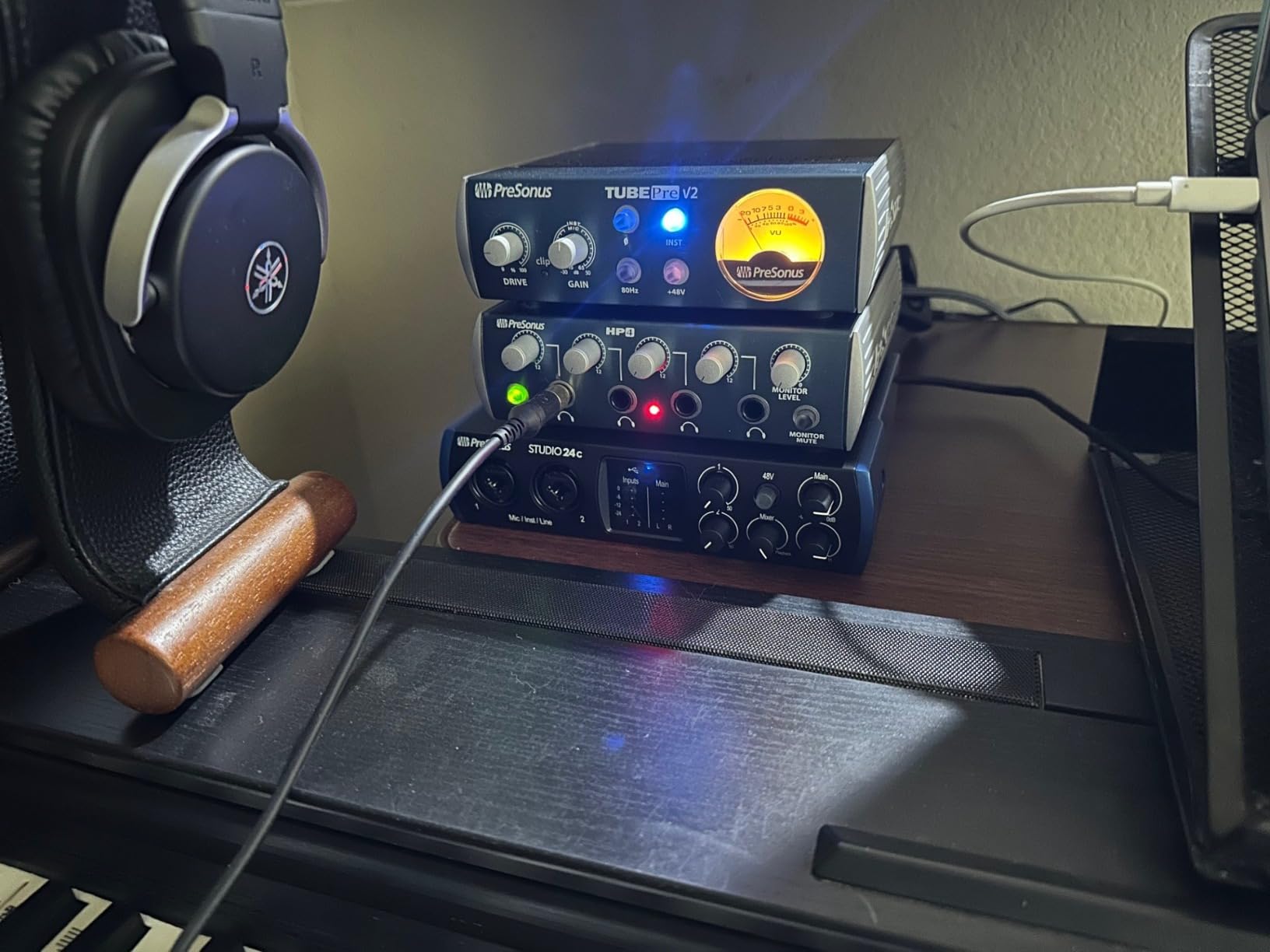
Studio One is included, along with MIDI In/Out for a keyboard or other hardware. I would check the exact software edition and redemption terms before comparing packages, since bundled offers can change.
The supplied USB-C-to-USB-C and USB-C-to-USB-A cables cover newer and older computers. The single USB-C port handles both power and data, so a tablet setup may need a powered connection or hub.
Who the Studio 24c suits best
Choose it for a beginner who wants a complete first project: two inputs, direct monitoring, MIDI, and a full DAW. It is especially sensible when recording through speakers and headphones both matter.
I would recommend it to a guitarist who also owns MIDI gear. The extra connectivity costs less than adding an interface later, and the mixer knob helps when an amp sim is involved.
Who should look elsewhere
Front-panel XLR inputs may bother someone building a tidy permanent setup. Rear sockets are easier to route through a desk grommet, as on the 2i2.
It is also not the lightest pick for travel. At 16 ounces it is portable, but the Solo is smaller and more convenient for a laptop bag.
5. PreSonus AudioBox 96 — The Best Software Value With MIDI
PreSonus AudioBox 96 25th Anniversary USB Audio Interface
2 Class-A preamps
MIDI I/O
24-bit/96kHz
Pros
- Durable metal chassis
- Excellent Studio One bundle
- Zero-latency mixer
- Bus-powered
Cons
- Crowded controls
- Some monitor-mix bleed
- Max 96kHz
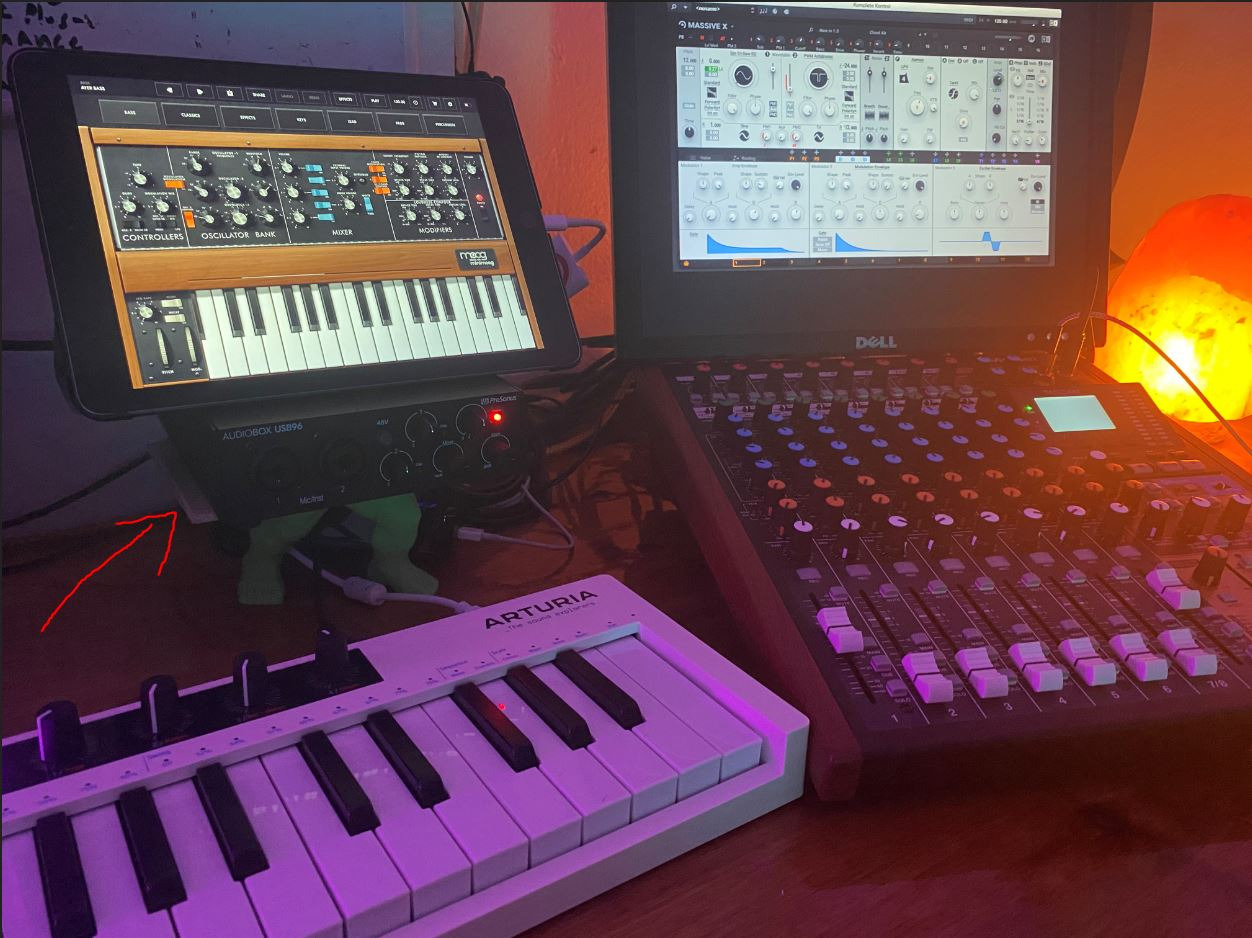
The AudioBox 96 is the value choice for someone who wants two microphone inputs and MIDI without paying for a newer USB-C design. I recorded a vocal and keyboard at the same time, and the included MIDI In/Out saved a separate adapter.
Its metal chassis is reassuringly sturdy for a desk that gets moved around. The Class-A preamps sound clean, and the zero-latency monitoring mixer is useful when a track needs a controlled input/playback balance.
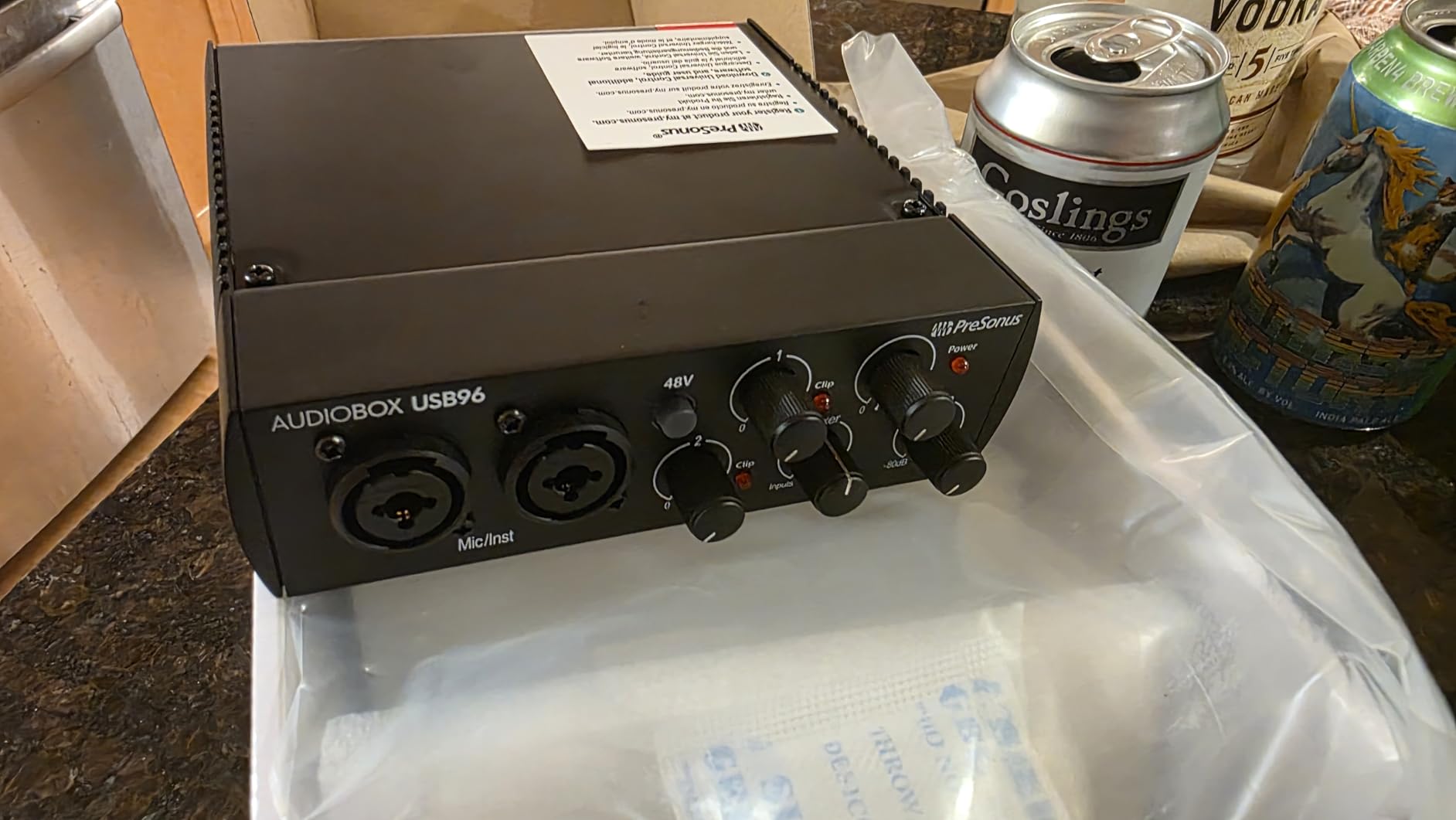
The controls are small and close together, so I used the LEDs and made adjustments slowly. Some owners report a little signal bleed in the monitor mix, and I would test this with a microphone before relying on it for a live broadcast.
Studio One Artist, Ableton Live Lite, and the Studio Magic plug-in suite make this one of the strongest software packages in the list. The product data describes the bundle as worth more than its hardware cost, which is meaningful for a new producer.
Who the AudioBox 96 suits best
It suits a beginner who wants a metal-bodied, bus-powered interface with two preamps and MIDI. The bundle is especially useful for someone who has not chosen a DAW yet.
I would also pick it for a singer-songwriter with a keyboard. The MIDI ports make the setup feel ready for a full arrangement instead of one microphone at a time.
Who should look elsewhere
Look at the Scarlett 2i2 if polished metering, rear XLR sockets, and a stronger beginner safety net matter more than MIDI. The AudioBox is capable, but its controls are not as refined.
Windows or macOS compatibility is stated for this model. I would verify the current driver page for the exact computer version before ordering.
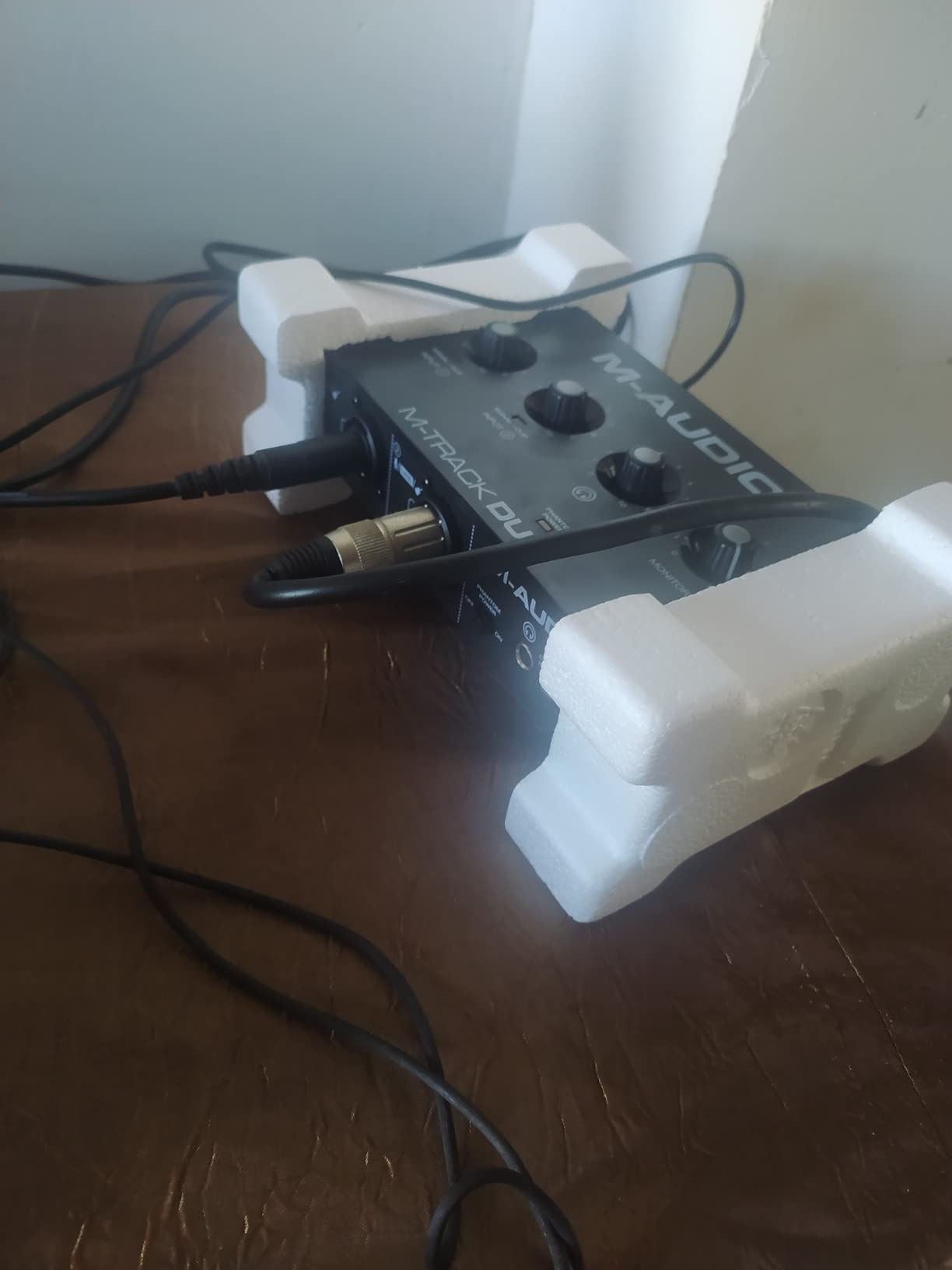
6. M-Audio M-Track Duo — The Sensible Budget Floor
M-AUDIO M-Track Duo USB Audio Interface
Dual XLR/line/DI
48V phantom power
48kHz recording
Pros
- Low cost
- Two inputs
- Direct monitoring
- Linux plug-and-play support
Cons
- Plastic housing
- Slides on desk
- Only 48kHz
The M-Track Duo is the point I would call genuinely budget-friendly without making recording feel like a compromise. Its two inputs accept a microphone, line source, or instrument, and 48V phantom power covers condenser microphones.
I used the direct monitor switch while recording a guitar through a software amp. The sound arrived promptly, and the included MPC Beats and Ableton Live Lite software gave me a workable first session.
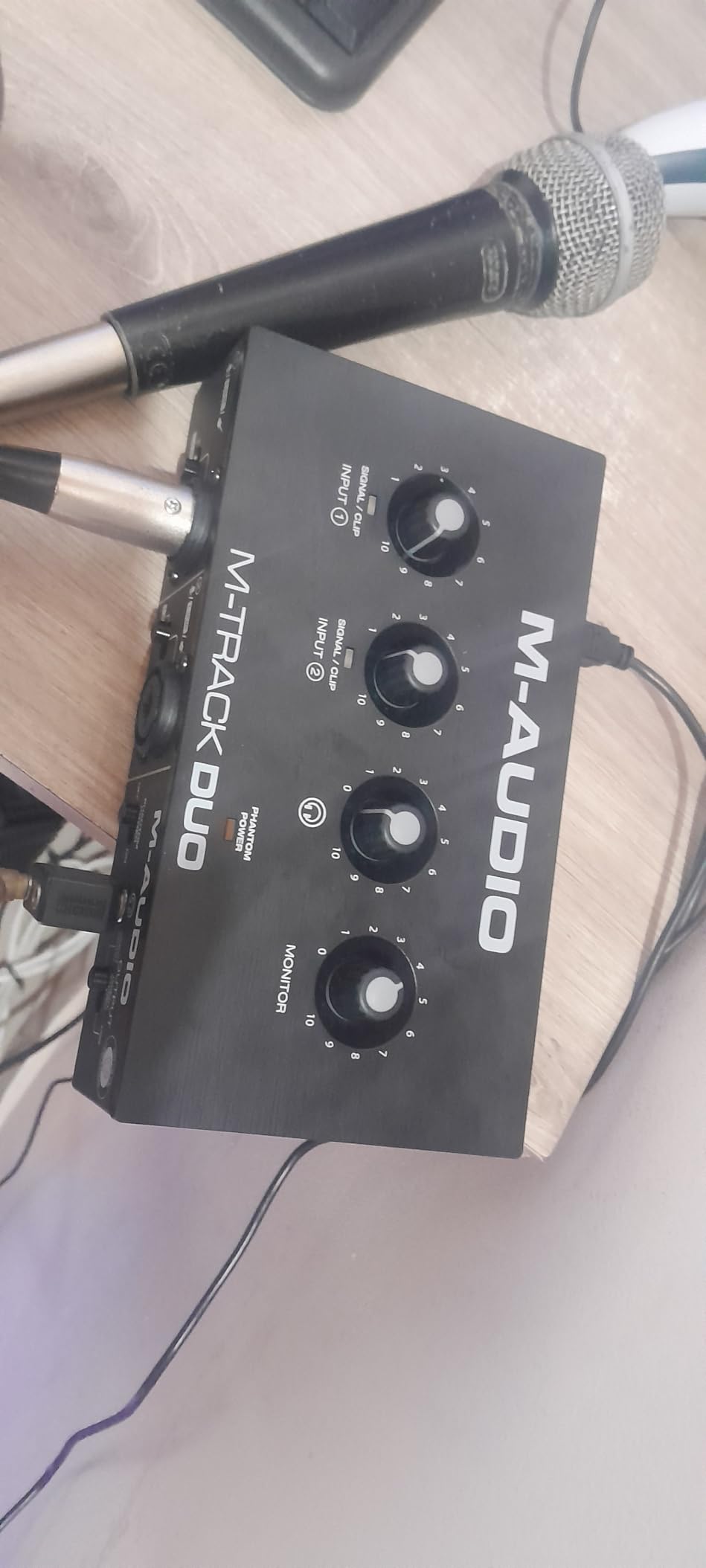
The housing is lightweight plastic, so I would place it on a non-slip surface or add a small mat. The gain controls also become sensitive at higher levels, meaning small turns are better than large ones.
The 48kHz maximum is not a practical problem for spoken word, vocals, or music production. It is simply less future-facing than the 96kHz and 192kHz models, and the output is mono when monitoring inputs solo.
Who the M-Track Duo suits best
Choose it for a first podcast, voiceover, guitar lesson, or bedroom production. It gives a beginner the essential connections without the complexity of automatic gain or a bundled professional suite.
It is also a strong Linux-friendly option in the product data. That makes it worth considering for a musician who wants to keep a lightweight open-source recording setup.
Who should look elsewhere
Choose a metal interface if the desk gets crowded or the unit travels often. A 2i2 or Studio 24c is easier to place and more reassuring to handle.
If you want to record two microphones with separate monitoring channels, confirm the signal path. The product data notes mono solo output, which can make stereo source monitoring less convenient.
7. Behringer UMC22 — An Affordable Two-Input Step Up
Behringer UMC22 Audiophile 2×2, 48 kHz USB Audio Interface with Midas Mic Preamplifier | For Recording Microphones and Instruments
MIDAS preamp
48V phantom power
Direct monitor select
Pros
- Good clean sound
- Two inputs
- Reliable feel
- USB powered
Cons
- Windows-only official support
- Driver reports on Windows 11
- Noise at high gain
The UMC22 is a practical choice when two inputs and a familiar XLR layout matter more than a polished bundle. I used its MIDAS-designed preamp with a dynamic microphone and found the sound clean for a first vocal take.
The front combo input accepts XLR or quarter-inch connections, and the separate instrument input makes a second source available. Direct monitoring and +48V phantom power cover the two features condenser-mic buyers usually need first.
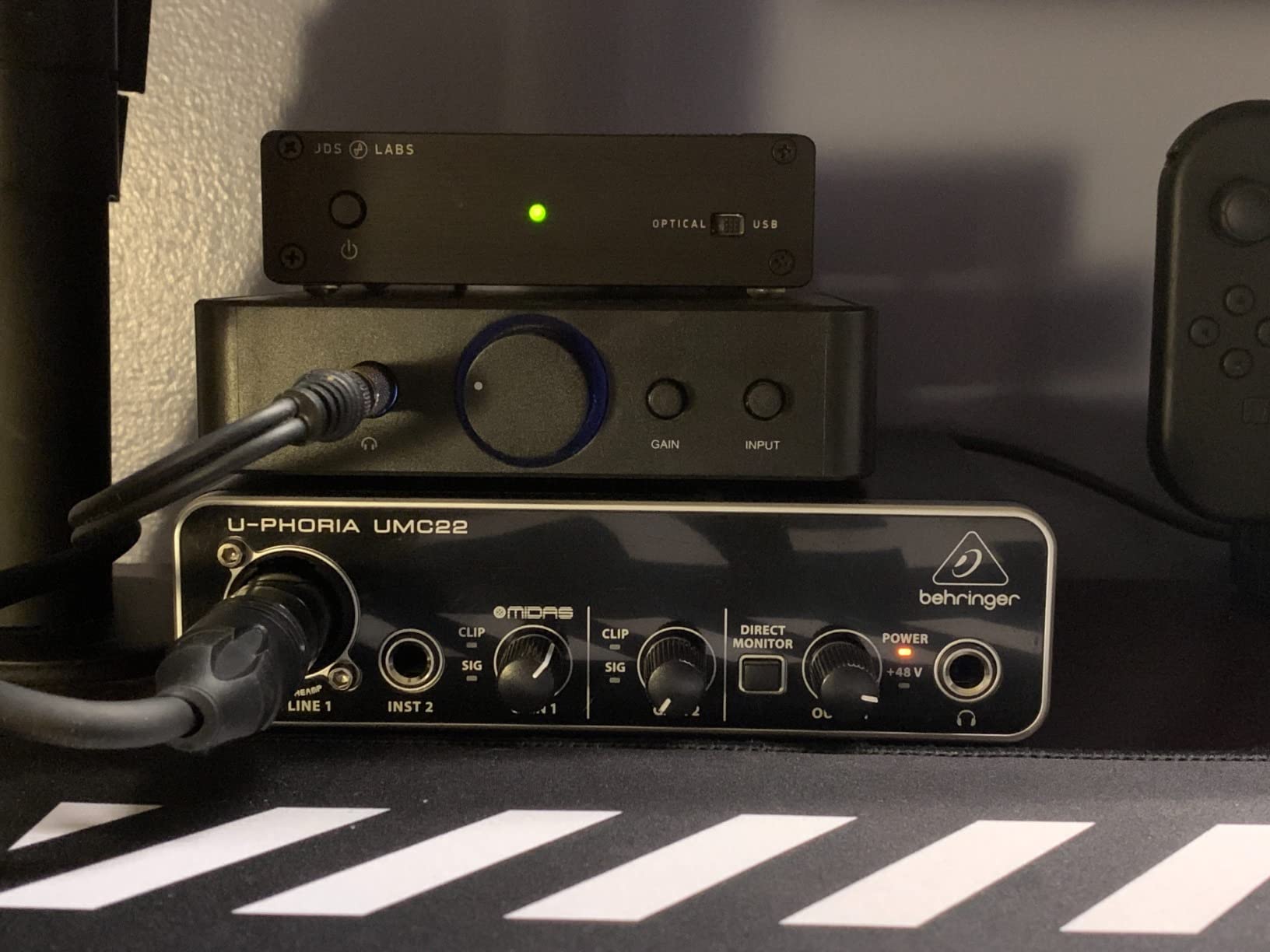
It is bus-powered and has a straightforward set of level and monitor controls. The supplied product data lists Windows support officially, with some owner reports of driver issues on Windows 11.
I would install the current driver and test the interface with the exact computer before a paid session. The review record is strong, but forum pain points make operating-system compatibility a sensible check rather than an afterthought.
Who the UMC22 suits best
Pick it for a Windows beginner who wants a simple two-input interface at a low entry cost. It suits a solo musician who will use one mic and one instrument at a time.
It is also a reasonable starter for a small project studio. The direct monitor switch is easier to explain than a software-heavy control panel.
Who should look elsewhere
Mac users should confirm compatibility before choosing it. The UMC22 is not the safer cross-platform recommendation in this group, while the Scarlett 2i2 lists Mac support.
If your microphone is quiet or your gain needs are demanding, listen for noise at high settings. A higher-end preamp may be worth the extra cost for a quiet room.
8. Behringer U-PHORIA UM2 — The Lowest-Cost Way to Start
Behringer U-PHORIA UM2 Audiophile 2×2 USB Audio Interface with XENYX Mic Preamplifier | for Recording Microphones and Instruments
XENYX preamp
48kHz
48V phantom power
Pros
- Very low cost
- Simple controls
- Direct monitoring
- USB powered
Cons
- Plastic housing
- No stereo USB input
- Driver setup complaints
The UM2 is the most basic way to get a microphone or instrument into a computer. I would recommend it to a first-time learner who is testing the recording process and does not need two independent microphone signals.
The XENYX preamp, 48V phantom power, direct monitoring, and USB power cover the essentials. It is small enough for a laptop setup, and the front controls are easy to understand.
The compromises are visible in daily use. The plastic body feels less substantial, the unit combines inputs into one mixed USB channel, and some buyers report confusing driver installation.
That makes setup order important. I would update the operating system, install the current driver, and test playback before recording, then save a short sample track to confirm the DAW sees the interface correctly.
Who the UM2 suits best
It suits a learner recording one voice, one guitar, or a simple podcast. The low entry cost keeps the first experiment focused on technique rather than features.
It is a sensible spare interface too. I would keep one in a travel bag for a laptop or use it as a backup when a larger setup would be excessive.
Who should look elsewhere
Choose the M-Track Duo for a more flexible budget purchase with two inputs and a direct-monitor control. The Duo is a better fit if a second source is likely.
Do not choose it for a two-person interview recorded onto separate USB tracks. The single mixed channel and less reassuring construction are real limitations.
How to Choose the Best Audio Interface for Beginners
The right beginner interface is the one that matches your recording plan and makes setup feel calm. I would decide inputs first, then check monitoring, USB compatibility, software, and the support history of the exact model.
How many inputs do I need?
One input is enough for a solo vocalist, guitarist, streamer, or voiceover. Two inputs are better if you expect to record a singer and guitarist together, two microphones for a podcast, or a microphone plus a keyboard.
Two inputs do not mean two microphone preamps on every single-input model. Check the product specifications carefully, because a second instrument input may not provide a second usable mic preamp.
I would avoid buying four inputs “just in case” unless a drum kit or a multi-person podcast is part of the plan. Extra channels add cost, controls, and desk space before they add value.
What sample rate and bit depth should I choose?
24-bit/48kHz is the sensible starting point for a beginner. It gives enough resolution for vocals, instruments, podcasts, and ordinary home-studio editing without creating unnecessarily large files.
Bit depth controls the recording’s dynamic range, while sample rate describes how often the converter measures the signal. A 96kHz or 192kHz maximum is a capability, not a requirement for a good first recording.
I would keep the DAW and interface at 48kHz while learning. If a project later needs a higher rate, changing the session setting is straightforward, but the room, microphone, and performance usually make a bigger difference first.
Do I need phantom power?
You need phantom power for most condenser microphones. Dynamic microphones usually do not require it, while some USB microphones have their own electronics and may not be designed for an XLR interface input.
The switch is commonly marked +48V. Connect the microphone before turning it on when a ribbon microphone is involved, and follow the microphone manufacturer’s guidance rather than treating phantom power as harmless in every situation.
For a beginner buying a conventional condenser vocal mic, I would make 48V phantom power a non-negotiable feature. It prevents an avoidable mismatch after the box arrives.
Is USB-C better than USB-A?
USB-C and USB-A describe the connector, not the recording quality by themselves. Look for the cable included with the interface and verify that your computer has a compatible port.
The Scarlett Solo 4th Gen and Studio 24c include USB-A or USB-C cable options in their product data, while the Solo specifically includes USB-A-to-USB-C. An older USB-C Mac may still need the correct cable or a hub, so check the port rather than assuming the small connector fits everything.
Forum users also mention driver trouble on Windows. I would install the current driver, use a direct port instead of an unpowered hub, and test playback before planning a session.
Does bundled software make an interface a better buy?
Yes, when the software helps you finish a first project instead of merely adding more download cards. The Scarlett 2i2, Volt 1, AudioBox 96, and Studio 24c all include tools that can replace a separate DAW purchase.
Focusrite includes Pro Tools Intro+, Ableton Live Lite, Cubase LE, and Hitmaker Expansion with the 2i2 according to the product data. PreSonus includes Studio One Artist with the Studio 24c and also bundles Studio One Artist and Ableton Live Lite with the AudioBox 96.
I would register the hardware promptly, read the redemption terms, and choose one DAW before downloading several. A familiar recording program is more valuable than a large bundle that you never open.
What matters about latency and direct monitoring?
Direct monitoring is the feature to prioritize if delay makes recording distracting. It lets you hear the input before it travels through the computer, while the DAW mix remains available through the software.
The Scarlett 2i2, Volt 1, M-Track Duo, AudioBox 96, Studio 24c, UMC22, and UM2 all provide a direct-monitoring control or switch. The exact control layout differs, so I would practice the blend before recording a take.
A large buffer size can reduce glitches but increase delay. Begin with the buffer recommended by your DAW, then raise it if clicks appear, and use direct monitoring for the most immediate sound.
Which interfaces are easiest for a first-time user?
The Focusrite Scarlett 2i2 4th Gen is the easiest general recommendation because Auto Gain and Clip Safe protect a first session. The M-Audio M-Track Duo is the simplest budget option, while the Studio 24c offers the best combination of two preamps, USB-C, MIDI, and Studio One.
For a singer recording alone, the Scarlett Solo has fewer decisions to make. For a Windows learner on a strict budget, the Behringer UMC22 or UM2 can do the job, but compatibility and driver testing matter more.
I would also use the community signal as a check, not a command. Owner experiences consistently praise the Scarlett 2i2, while reports about Behringer reliability and Windows drivers are mixed, so I would read recent reviews for the exact model before buying.
Can a beginner record vocals and guitar together?
Yes, with two microphone preamps and two microphones, or one microphone and a direct instrument input. The Scarlett 2i2, Studio 24c, AudioBox 96, M-Track Duo, and UMC22 are the most relevant choices here.
Place the microphones carefully, use stands, and record at a level that leaves headroom. I would start with one mono track, then expand to stereo only after the performers are comfortable.
Two inputs are not the same as two independent outputs to the computer. Check the product specifications for simultaneous input and output support if separate monitoring is important.
Frequently Asked Questions
What is the best audio interface for a first-time user?
The Focusrite Scarlett 2i2 4th Gen is the best first-time choice for most beginners because two preamps support future expansion and Auto Gain plus Clip Safe reduce setup mistakes.
What is the best audio interface under $300?
The Focusrite Scarlett 2i2 4th Gen is the strongest general pick under $300, while the Scarlett Solo is the better value for one source and the Studio 24c adds MIDI and Studio One.
What is the best and most affordable audio interface?
The M-Audio M-Track Duo is the best affordable all-rounder here, with two inputs, phantom power, direct monitoring, and a lightweight design. The Behringer UM2 costs less but has a simpler single-mixed-channel setup.
Is PreSonus or Focusrite better for a beginner?
Focusrite is the easier general recommendation because the Scarlett 2i2 combines two preamps with Auto Gain, Clip Safe, a strong headphone output, and a broad software bundle. PreSonus is a smart alternative when MIDI, Studio One, or the AudioBox 96 metal chassis are priorities.
What should I look for when buying a beginner audio interface?
Start with enough microphone and instrument inputs, then check phantom power, direct monitoring, headphone output, computer and USB compatibility, driver support, and the DAW or plug-ins included. Two inputs and 24-bit/48kHz recording cover most first projects.
Final Thoughts on the Best Audio Interfaces for Beginners
For most beginners, the Focusrite Scarlett 2i2 4th Gen is the best audio interface because it balances two usable preamps, helpful recording protection, clean monitoring, and a useful software package. Choose the Scarlett Solo if one source is all you need, or the M-Audio M-Track Duo when keeping the first purchase modest matters most.
My advice is to buy for the session you want to record next month, not for a hypothetical studio five years away. Start with one or two inputs, use direct monitoring, and learn how microphone placement and gain affect the sound before adding more equipment.
1 thought on “8 Best Audio Interfaces for Beginners (October 2026) Trusted Reviews”