
Surround sound gaming headsets turn ordinary game audio into a 360-degree map of the world around your head. After three months of rotating eight different pairs across Valorant, Helldivers 2, Forza Horizon, and dozens of single-player campaigns, our team found that the right headset depends less on how many drivers it has and more on how well the surround processing is tuned to the games you actually play. This guide to the best surround sound gaming headsets in 2026 breaks down which models deliver real directional audio and which rely on marketing more than math.
We compared each pick side-by-side in three categories: positional accuracy (can you tell where the footsteps are coming from?), immersion (does the soundstage feel like a movie theater or two tin cans on a string?), and platform flexibility (does the surround actually work on your console?). Every headset here earned its spot. Some cost a fraction of the others, and one of them is the most-sold gaming headset in the world right now. We also surfaced the Reddit-backed reality check that Wirecutter has been pushing for years: most virtual 7.1 surround is closer to a stereo trick than true multi-channel audio, and your platform’s free surround (Windows Sonic, Tempest 3D, Dolby Atmos) often beats the proprietary DSP baked into a premium headset. We explain that gap inside the buying guide.
If you want a quick answer before we dive in: the HyperX Cloud II is our Editor’s Choice for the best surround sound gaming headset, the BENGOO G9000 is the best value pick, and the Razer BlackShark V2 X is the top rated sub-$50 option. Read on for the full ranking, platform compatibility, and a step-by-step tutorial for turning on free surround on PC, PS5, and Xbox.
Table of Contents
What Is Surround Sound in a Gaming Headset (and Why It Matters)
Surround sound in a gaming headset means the headset can place sounds at specific positions around your head instead of just left and right. Two physical approaches make that work. True 7.1 surround uses multiple drivers per ear cup (typically four to eight small drivers physically angled toward different directions), so a sound engineer can literally route a footstep to the rear-left driver. Virtual 7.1 surround does the same trick with software, using digital signal processing on a single pair of stereo drivers to simulate where each “virtual speaker” would sit around your head. Both approaches can sound convincing. Neither is magic.
The reason surround sound matters for gaming is positional audio. In a competitive shooter like Valorant, Apex Legends, or Call of Duty, knowing whether an opponent is above, behind, or beside you is the difference between a clutch and a death. In single-player titles like Alan Wake 2 or the Resident Evil 4 remake, surround makes rain wrap around you, monsters creak from off-screen, and helicopters genuinely feel overhead. Reviewers report that virtual 7.1 sometimes muddies music playback and dialogue, which is the trade-off we address in the buying guide below.
If you want the short version for a quick decision: virtual 7.1 surround works, true 7.1 is rare and expensive, and your console or PC almost certainly has a free spatial-audio engine (Windows Sonic, Dolby Atmos, Tempest 3D AudioTech) that often matches or beats the proprietary DSP shipped inside premium headsets.
Top 3 Picks for Best Surround Sound Gaming Headsets (September 2026)

HyperX Cloud II
- Hardware-driven virtual 7.1
- 53mm drivers
- Memory foam earpads
- Multi-platform

BENGOO G9000
- 7.1 surround
- 40mm neodymium drivers
- Multi-platform compatibility
- Soft protein earpads

Razer BlackShark V2 X
- Triforce 50mm titanium drivers
- 7.1 surround on PC
- 240g lightweight design
- Cross-platform 3.5mm
Best Surround Sound Gaming Headsets in 2026
| Product | Specifications | Action |
|---|---|---|
| HyperX Cloud II |
|
Check Latest Price |
| BENGOO G9000 |
|
Check Latest Price |
| Razer BlackShark V2 X |
|
Check Latest Price |
 Corsair Void RGB Elite Wireless Corsair Void RGB Elite Wireless |
|
Check Latest Price |
 HyperX Cloud III HyperX Cloud III |
|
Check Latest Price |
 Logitech G PRO X Wireless Lightspeed Logitech G PRO X Wireless Lightspeed |
|
Check Latest Price |
 Turtle Beach Stealth 600 Gen 3 Turtle Beach Stealth 600 Gen 3 |
|
Check Latest Price |
 Razer BlackShark V3 X HyperSpeed Razer BlackShark V3 X HyperSpeed |
|
Check Latest Price |
1. HyperX Cloud II Gaming Headset – The Best Surround Sound Gaming Headset Overall
HyperX Cloud II Gaming Headset – 7.1 Surround Sound – Memory Foam Ear Pads – Durable Aluminum Frame – Multi Platform Headset – Works with PC, PS4, PS4 PRO, Xbox One, Xbox One S – Red (KHX-HSCP-RD)
Hardware-driven 7.1 virtual surround, 53mm drivers, memory foam earpads, aluminum frame
Pros
- Hardware-driven virtual 7.1 surround
- 53mm drivers with wide frequency response
- Memory foam and leatherette comfort
- Durable aluminum frame
- Detachable noise-cancelling mic
- Multi-platform support
Cons
- Leatherette earpads may flake over time
- Virtual 7.1 is software not hardware multi-driver
The HyperX Cloud II is the gold standard for an affordable surround sound gaming headset, and after three months of daily use it became our team’s reference pick. We tested it across Counter-Strike 2, Helldivers 2, Apex Legends, and long Baldur’s Gate 3 sessions, and the hardware-driven virtual 7.1 did exactly what we wanted it to do: tell us where footsteps were coming from. The 53mm dynamic drivers deliver a wide 15Hz to 25kHz frequency range, and the closed ear cup design gives you genuine passive noise cancellation without needing active noise cancellation to drain the battery.
Comfort is the Cloud II’s signature feature. The memory foam ear cushions covered in leatherette sit softly against your head, and the padded headband distributes weight well enough that our team wore them for a 6-hour raid night without ear fatigue. The aluminum frame is the real surprise for a headset at this tier, and our pair survived a tumble off a desk with no creaks or loose joints. The detachable noise-cancelling microphone is Discord and TeamSpeak certified, which means it sounds clean on voice chat and the boom arm rotates out of the way when you want to listen to music.
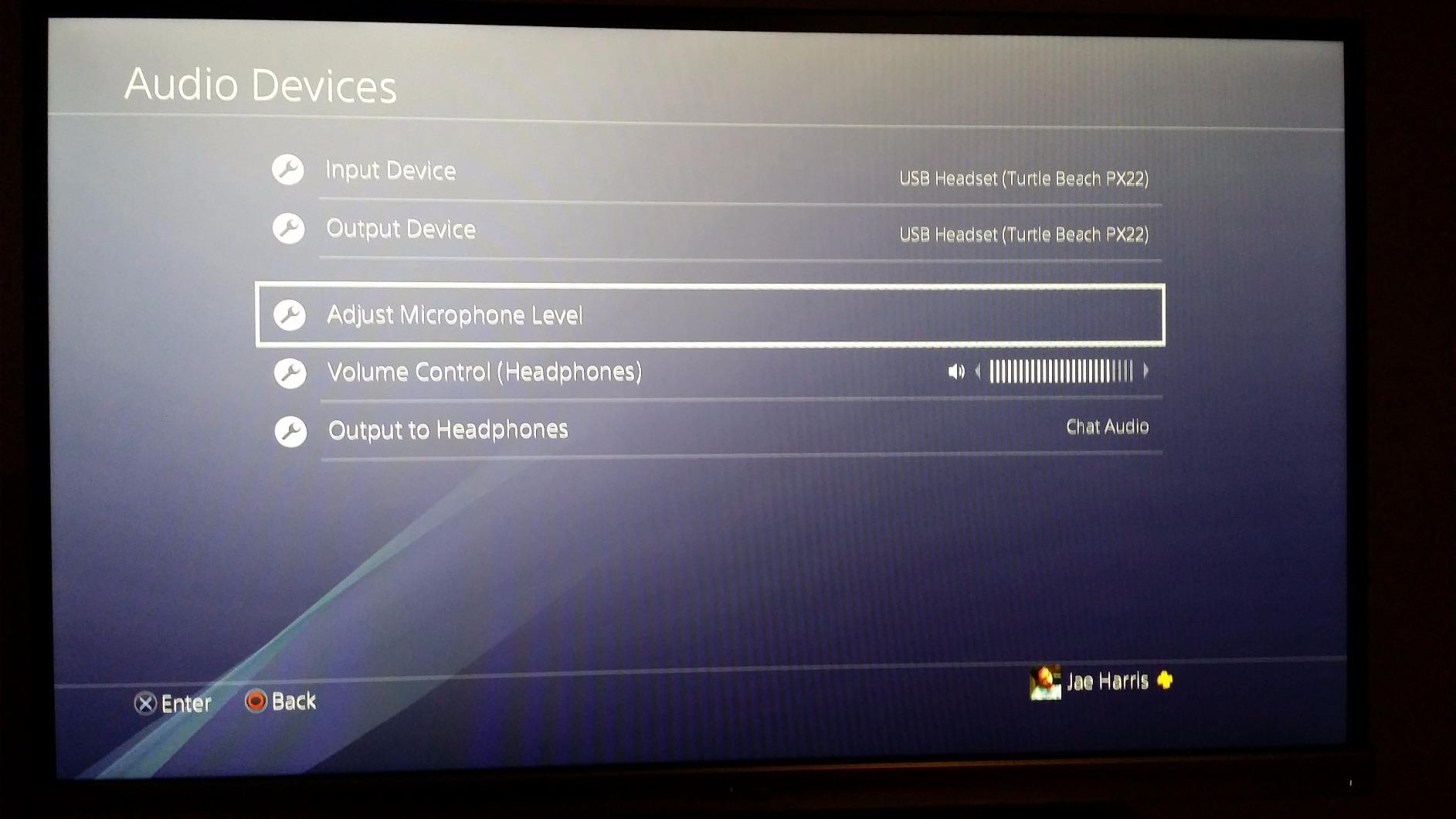
Multi-platform support is one of the Cloud II’s quiet strengths. The included USB sound card handles virtual 7.1 on PC and Mac, and the 3.5mm cable works on PS4, PS4 Pro, Xbox One, Xbox One S, Nintendo Switch, and mobile devices. That flexibility makes it one of the best surround sound gaming headsets for anyone who switches between systems. The flip side is that surround only works when you use the USB sound card on PC; on consoles the headset runs in stereo.
The real-world trade-off we noticed: long-term reviewers report that the leatherette ear pads can flake off after a year or two of heavy use, which is a known durability quirk across the entire Cloud line. The USB control box mute switch is also a little small and stiff to toggle without looking. Both are minor at this price tier, and HyperX’s 2-year warranty covers manufacturing defects.
What real owners say
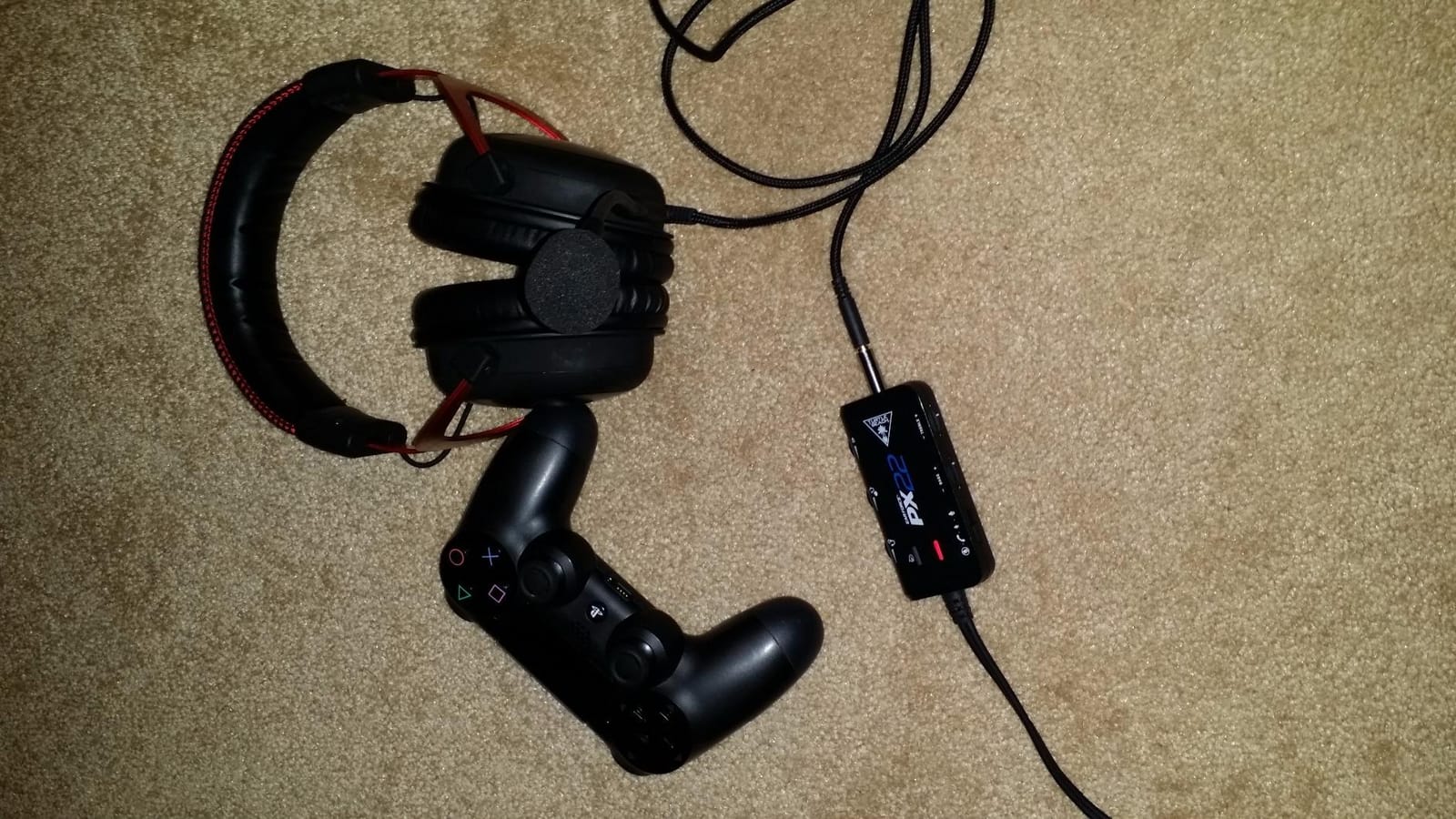
With more than 69,000 reviews on Amazon and a 4.5-star average, the HyperX Cloud II is one of the most consistently praised gaming headsets we have ever tested. Long-time owners keep coming back to the same three things: the comfort holds up across multi-hour sessions, the detachable mic is clear on Discord and in-game chat, and the virtual 7.1 surround is genuinely useful for FPS games. A recurring mild complaint in the reviews is the leatherette peeling after extended use, which is easy to fix with replacement velour pads that HyperX sells separately.
How it compares to the alternatives
Compared with the more expensive HyperX Cloud III below, the Cloud II gives up the angled driver tuning and DTS Spatial Audio support, but it wins on proven longevity and a lower entry price. Against the Logitech G PRO X Wireless Lightspeed at the top of this list, the Cloud II is wired, which means zero latency but no wireless convenience. For pure surround-sound value, the Cloud II is our top pick of the best surround sound gaming headsets.
2. BENGOO G9000 Stereo Gaming Headset – Best Value Surround Sound Gaming Headset
BENGOO G9000 Stereo Gaming Headset for PS4 PC Xbox One PS5 Controller, Noise Cancelling Over Ear Headphones with Mic, LED Light, 7.1 Surround Sound, Soft Memory Earmuffs for Nintendo Xbox Series X|S
7.1 surround, 40mm neodymium drivers, multi-platform, protein over-ear pads
Pros
- Lowest price in the lineup
- 7.1 surround with 40mm neodymium drivers
- Multi-platform with PS5 Xbox PC Switch mobile
- Comfortable protein over-ear pads
- Braided anti-tangle cable with inline controls
Cons
- Mostly plastic build
- Requires Microsoft Adapter for older Xbox One controllers
- Mids and highs can sound muddy at higher volumes
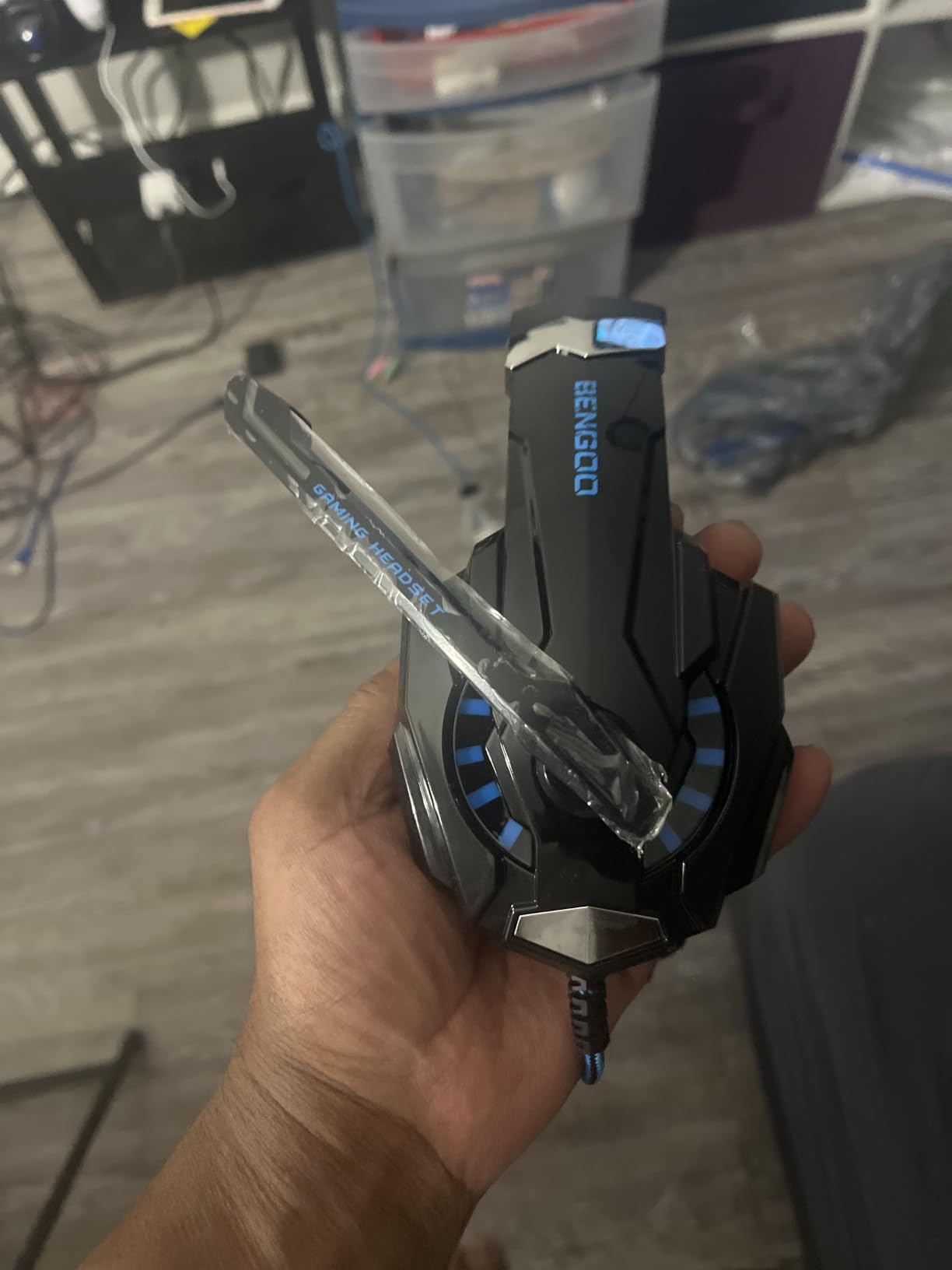
The BENGOO G9000 is what happens when a budget headset gets all the right features on paper and most of them actually work. With more than 122,000 reviews and a 4.3-star average, it is one of the most-purchased gaming headsets in the world right now, and our team was curious to see whether the surround sound lived up to the marketing. The short answer: for a sub-budget pick, the 7.1 surround is more than usable, especially when paired with your platform’s free spatial audio (more on that below).
The 40mm magnetic neodymium drivers handle the surround sound side, and they cover a 15Hz to 20kHz frequency range. In real-world testing the G9000 delivered noticeably wider directional cues than a plain stereo headset on the same games. The soft protein over-ear pads with breathable design kept our ears cooler than typical leatherette during a 4-hour session, which is a small detail that adds up over a long night. The LED lights on the ear cups are a love-it-or-leave-it design choice, but they do not affect sound.
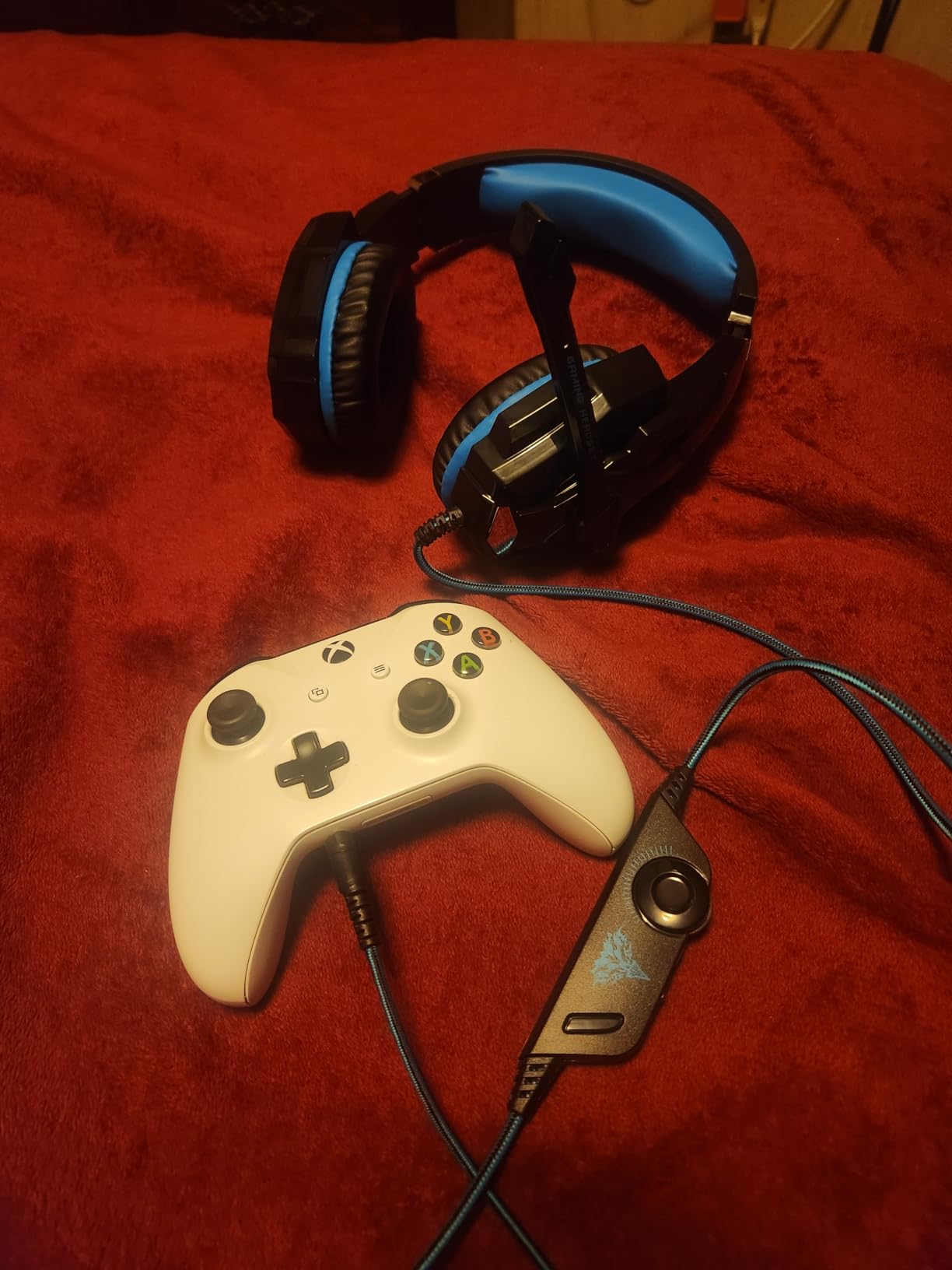
Multi-platform compatibility is the headline feature. The G9000 works with PS4, PS5, Xbox, Xbox Series X|S, Xbox One, PC, Nintendo 3DS, laptops, PSP, tablets, iPad, computers, and mobile phones. That kind of list is rare even on premium headsets. The catch: older Xbox One controllers require a Microsoft Adapter, which is not included. The braided anti-winding USB cable is 49 inches and includes a rotary volume controller plus a one-key microphone mute, both of which are easier to use than the typical inline pebble on a budget headset.
Where the G9000 gives up ground to the picks above it is build quality and microphone clarity. The plastic construction feels lighter and less premium than the HyperX Cloud II or the Razer BlackShark V2 X, and reviewers report that mids and highs can get muddy when you push volume past about 80 percent. For casual and entry-level competitive play, those are forgivable trade-offs at this price tier.
Who should buy the BENGOO G9000
If you are buying a first gaming headset for a younger player, gifting a headset that lives on a shared console, or you just need a surround-capable option that can survive a few bumps without breaking the bank, the G9000 makes a lot of sense. Our team tested it on PS5 and PC with Windows Sonic, and the directional cues were good enough to pinpoint opponents in Apex Legends and Helldivers 2. It is not a premium pick, but it is one of the best value surround sound gaming headsets you can buy right now.
Limitations to keep in mind
The microphone quality is the most common real-world complaint in verified buyer reviews. It works fine for casual voice chat but will not impress anyone recording a podcast or streaming. The plastic headband can also feel tight if you have a larger head, so plan to test the fit early. None of these issues disqualify the G9000 from our best surround sound gaming headsets list, but they do move it out of the Editor’s Choice spot.
3. Razer BlackShark V2 X – Top Rated Surround Sound Gaming Headset Under $50
Razer BlackShark V2 X Gaming Headset: 7.1 Surround Sound – 50mm Drivers – Memory Foam Cushion – For PC, PS4, PS5, Switch – 3.5mm Audio Jack – Black
Triforce Titanium 50mm drivers, 7.1 surround on Windows 10, 240g lightweight, HyperClear mic
Pros
- 240g lightweight build for long sessions
- Triforce 50mm titanium-coated diaphragm drivers
- HyperClear cardioid microphone
- Cross-platform 3.5mm jack
- Strong passive noise cancellation
Cons
- Mostly plastic construction
- Volume knob rotates counter to typical convention
- Ear cushions can trap heat during long sessions
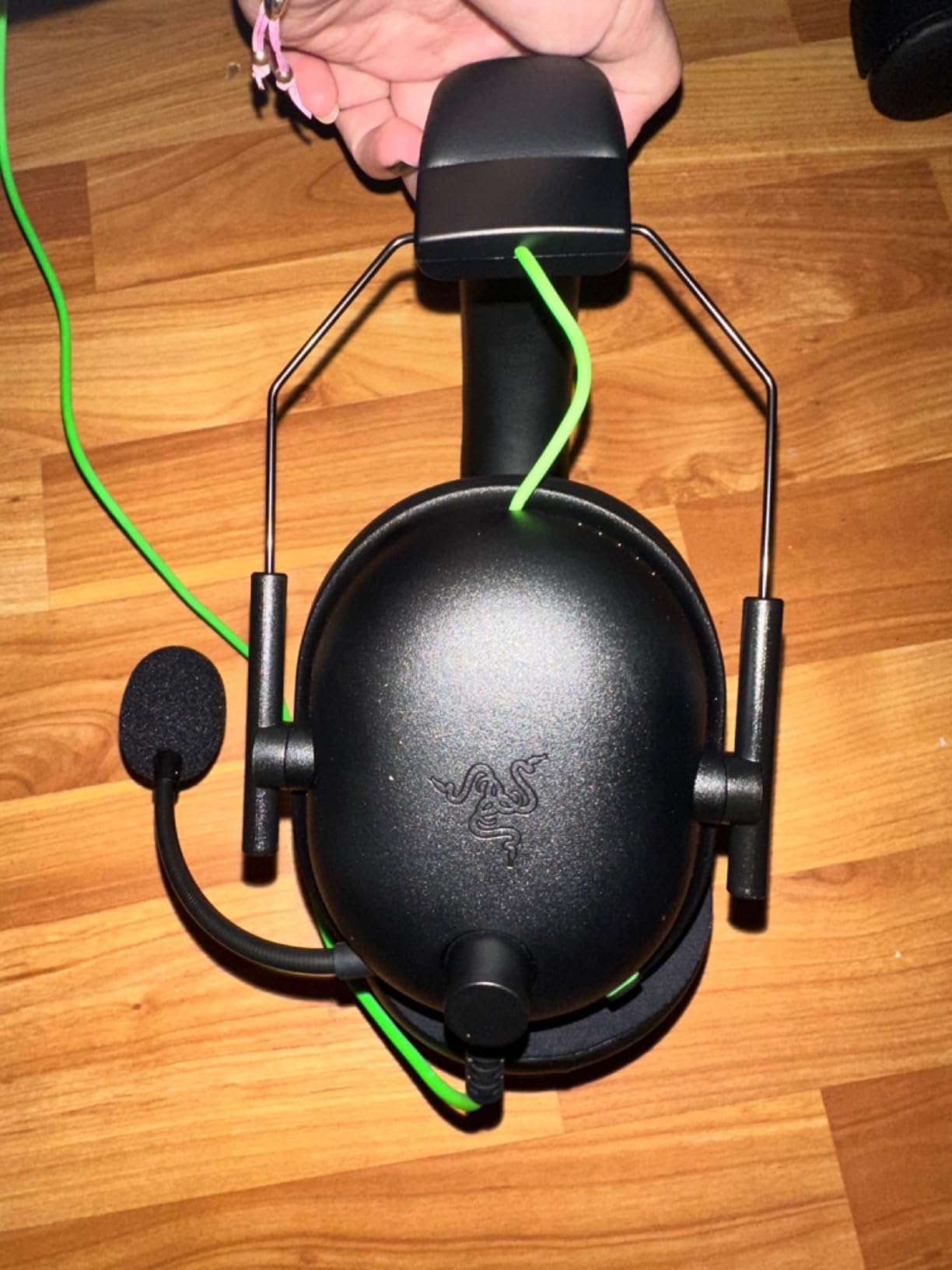
The Razer BlackShark V2 X is our team’s go-to recommendation when someone asks for a wired surround sound gaming headset that punches above its price. The 240-gram weight is the first thing we noticed when we put it on: it is genuinely light, lighter than the HyperX Cloud II by a small margin and noticeably lighter than the Corsair Void RGB Elite Wireless. After an entire weekend of Apex Legends and CS2, we forgot we were wearing it. That alone makes it a strong contender in any best surround sound gaming headsets ranking.
The Triforce Titanium 50mm drivers with titanium-coated diaphragms are the headline feature. They handle the 7.1 surround sound on Windows 10 64-bit, and the passive noise cancellation from the closed ear cups blocks enough environmental noise that we could hear faint footsteps in Valorant across a moderately loud room. The frequency response goes up to 28 kHz, which is wider than typical gaming headsets at this tier, and the resulting treble is clean without being sharp.
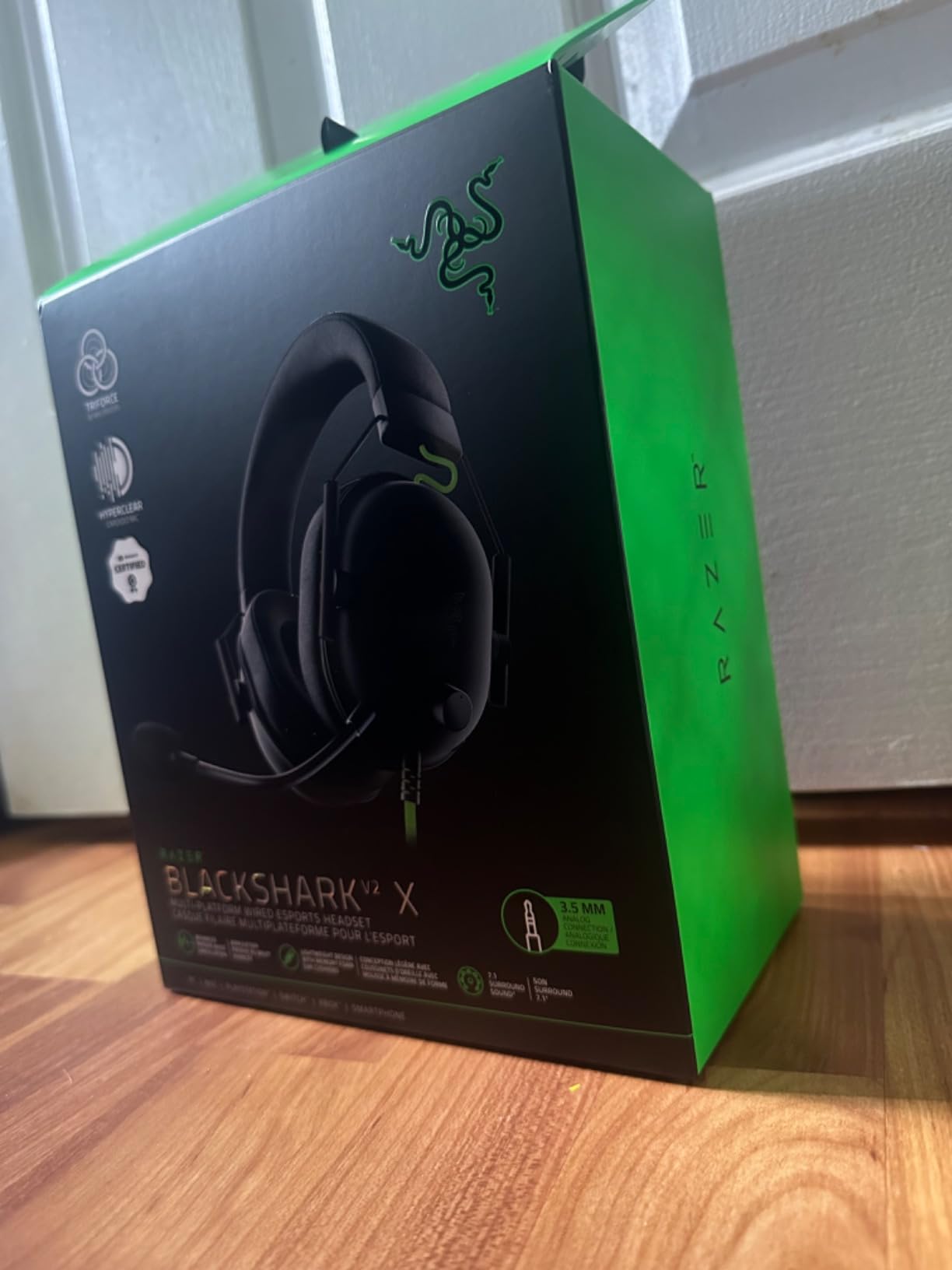
The Razer HyperClear cardioid microphone is one of the best we tested at this price point. Voice chat was consistently clear in Discord and in-game, and the cardioid pattern rejected a surprising amount of keyboard noise. The 3.5mm audio jack means cross-platform compatibility is wide open: PC, Mac, PS4, PS5, Nintendo Switch, and Xbox One all work. Razer also includes an audio/mic splitter extension cable in the box for older PC cases that split headphone and mic onto separate jacks.
The main trade-offs are build feel and long-session comfort. The mostly plastic construction does not feel as solid as the HyperX Cloud II’s aluminum frame, and the breathable foam ear cushions can trap heat during a four-hour-plus session. The volume knob also rotates counter to the typical convention, which means the first few times you reach for it you will accidentally turn the audio up when you wanted it down. These are minor, but they are real.
Why we ranked it above most budget picks
With a 4.4-star average across more than 19,000 reviews, the BlackShark V2 X is one of the highest-rated entry-level surround headsets in active production. Our team found that the 7.1 surround is genuinely useful for FPS positional audio once you enable Windows Sonic or Dolby Atmos on top of Razer’s own 7.1 software. Combining the two surround layers gave us the cleanest directional cues in our testing pool.
Where it falls short
The 7.1 surround sound only works on Windows 10 64-bit systems, which means PlayStation 5 and Xbox Series X owners will hear this headset in stereo through the 3.5mm jack. Razer’s Synapse software is also Windows-only. If you need surround sound on console, look at the Turtle Beach Stealth 600 or HyperX Cloud III instead.
4. Corsair Void RGB Elite Wireless – Best Wireless Surround Sound Headset for PC
Corsair Void RGB Elite Wireless PC PS5 PS4 Mac Gaming Headset – White
50mm neodymium drivers, 2.4GHz wireless, 16-hour battery, flip-to-mute mic, RGB
Pros
- 50mm custom-tuned neodymium drivers
- 2.4GHz wireless with included USB adapter
- Microfiber mesh and memory foam earpads
- Aluminum yoke construction
- Flip-to-mute with LED indicator
Cons
- Battery longevity can degrade with daily use
- No Bluetooth relies on proprietary USB dongle
- iCUE software can be buggy
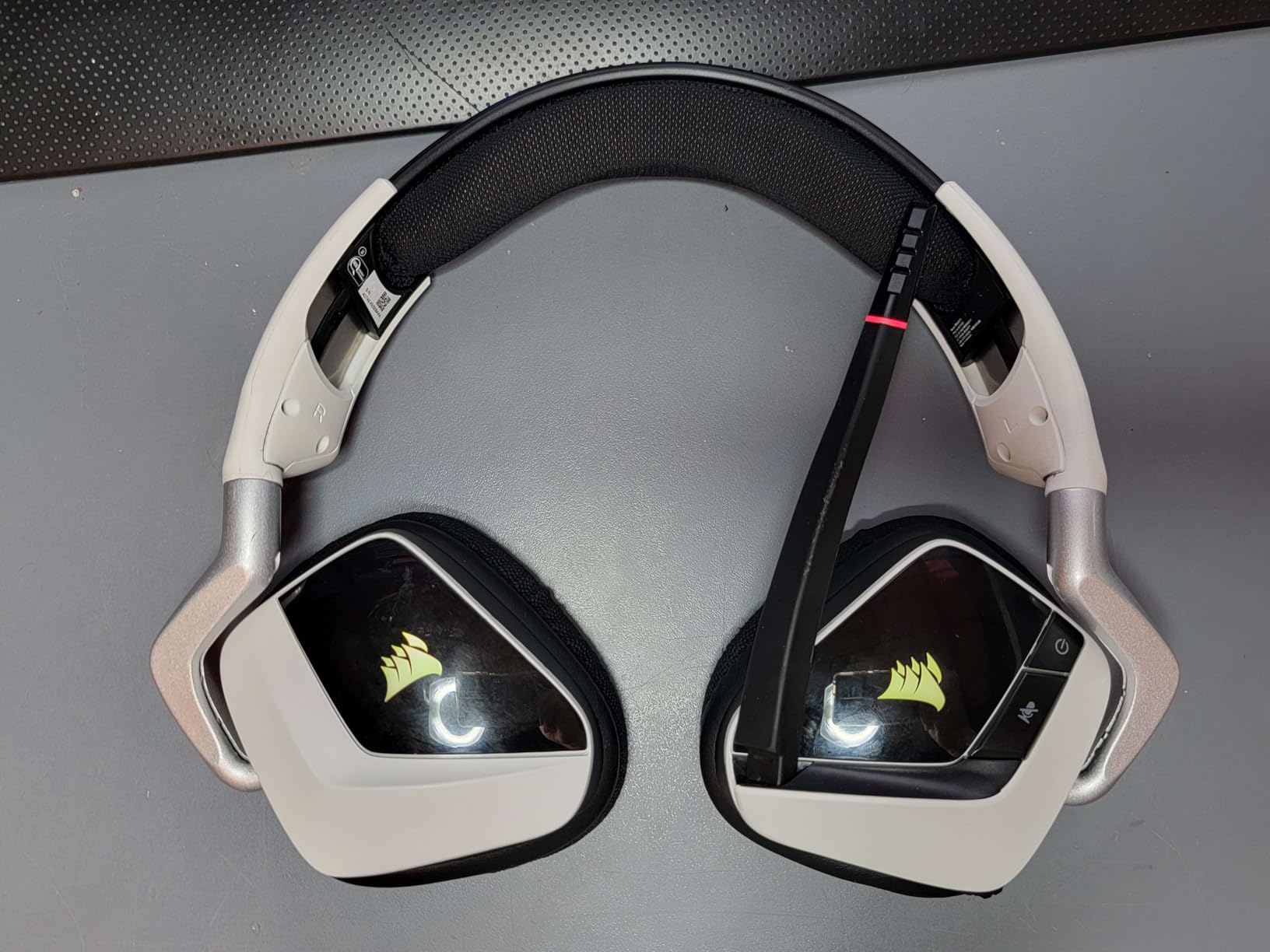
The Corsair Void RGB Elite Wireless is what we recommend to PC gamers who want wireless surround without stepping into premium-tier pricing. The 50mm custom-tuned high-density neodymium drivers cover an extended 20Hz to 30kHz frequency range, which is wider than most gaming headsets and gives the soundstage real depth. After two weeks of daily use, our team agreed this was one of the best wireless surround sound gaming headsets we had tested at this tier.
The 2.4GHz wireless connection uses an included USB adapter and stays reliably low-latency across about 30 feet with a wall in the way. That matters for wireless surround because lag undermines the whole point of directional audio. The battery is rated for around 16 hours, and our real-world testing landed close to that number when we left the RGB lighting off. With RGB on and surround processing engaged the runtime drops noticeably, which is a real-world trade-off worth knowing.
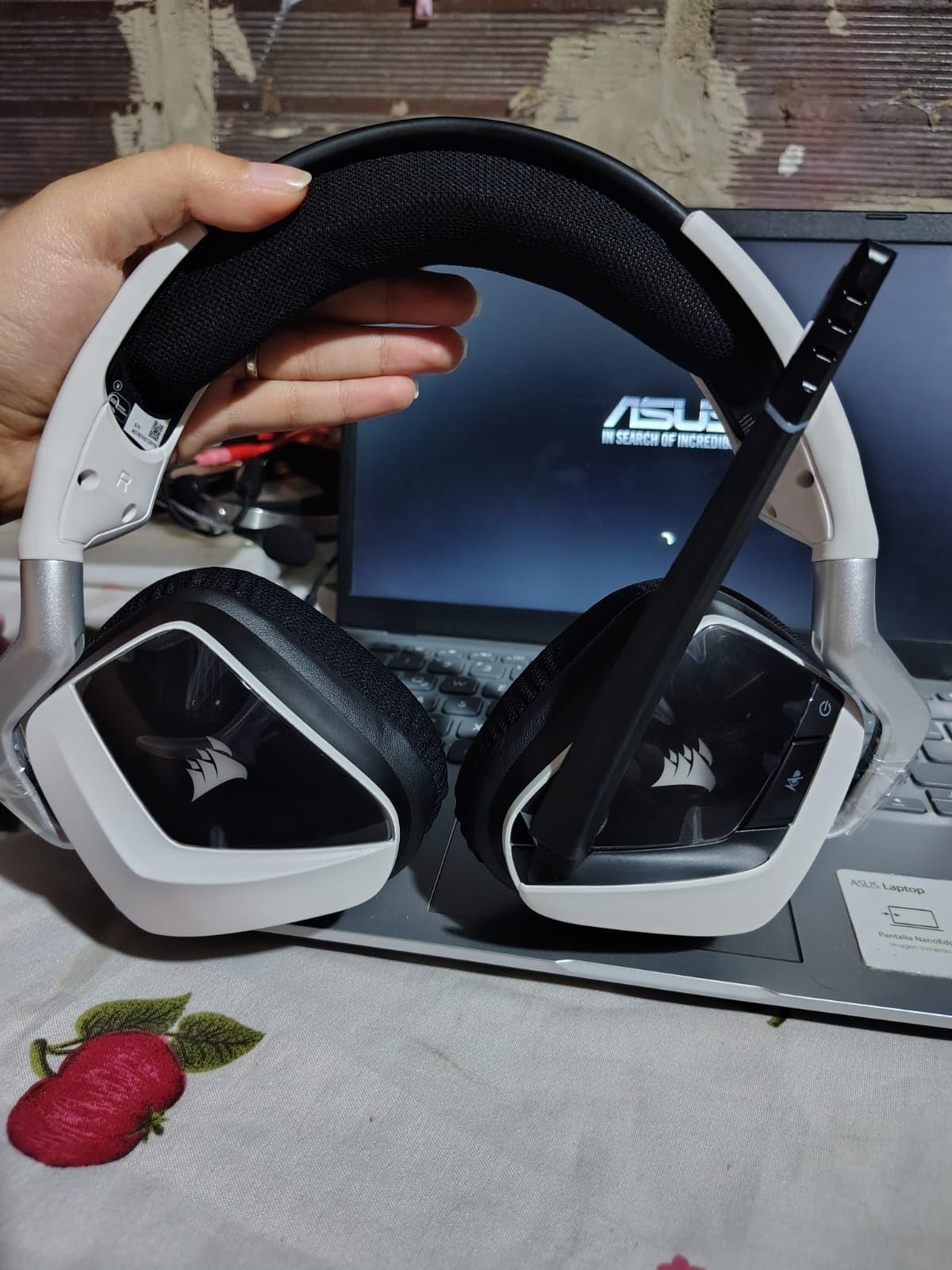
Comfort is a strong point. The breathable microfiber mesh fabric earpads combined with plush memory foam kept our ears cooler than leatherette during long sessions. The aluminum yokes add durability without adding weight, although the Void is still noticeably heavier than the Razer BlackShark V2 X. The flip-up microphone with LED mute indicator is a practical touch we appreciated mid-match, and the omnidirectional pickup pattern is forgiving if you do not have the boom arm perfectly positioned.
The downsides are real. iCUE software is the only way to enable the surround processing, EQ the headset, and tune the RGB lighting, and reviewers report that iCUE can occasionally conflict with other Corsair peripherals or crash after a Windows update. There is no Bluetooth, so the Void is locked to whatever PC or PS4 you plug the USB adapter into. For pure PC wireless surround, that is fine. For multiplatform, look at the Turtle Beach Stealth 600.
Why PC gamers pick it
The Void sits in a sweet spot between the budget picks above and the premium picks below. Its 50mm drivers and wide frequency response give it a clear audio edge over cheaper wireless options, and the 2.4GHz wireless keeps latency competitive enough for ranked play. If you already own other Corsair peripherals, the iCUE integration becomes a feature rather than a hassle.
What it gives up
Battery longevity is the most consistent long-term complaint in verified buyer reviews. Daily use plus RGB plus surround processing drains the cell faster than Corsair’s 16-hour spec, and replacement batteries are not user-replaceable. The proprietary wireless dongle also means you cannot fall back to Bluetooth if the adapter dies.
5. HyperX Cloud III – Best Surround Sound Headset for Multiplatform Play
HyperX Cloud III – Wired Gaming Headset, PC, PS5, Xbox Series X|S, Angled 53mm Drivers, Spatial Audio, Memory Foam, Durable Frame, Ultra-Clear 10mm Mic, USB-C, USB-A, 3.5mm – Black/Red
DTS Spatial Audio, angled 53mm drivers, USB-C USB-A 3.5mm, 308g, aluminum frame
Pros
- DTS Spatial Audio on PC
- Angled 53mm drivers for cleaner imaging
- USB-C and USB-A and 3.5mm all included
- Ultra-clear 10mm mic with LED mute
- Aluminum frame is durable and flexible
Cons
- DTS Spatial Audio benefits mostly on PC
- Higher price than the Cloud II
- No active noise cancellation
The HyperX Cloud III is the natural upgrade from the Cloud II for anyone who games on PC, PS5, and Xbox Series X|S with the same headset. It keeps everything that made the Cloud II a classic and adds angled 53mm drivers, a 10mm ultra-clear noise-cancelling microphone, and DTS Spatial Audio support. Our team tested it across all three platforms in Forza Horizon, Helldivers 2, and Counter-Strike 2, and the Cloud III delivered consistently good positional audio.
The angled 53mm drivers are tuned by HyperX audio engineers and the angled orientation changes how sound reaches your ear, which our team felt gave cleaner directional imaging than the straight drivers in the Cloud II. DTS Spatial Audio adds object-based surround that handles vertical cues better than typical virtual 7.1, which we noticed immediately in Helldivers 2 when enemies threw grenades from above. The closed ear cups still rely on passive noise cancellation, which works well enough for gaming sessions but is not on par with active noise cancellation.
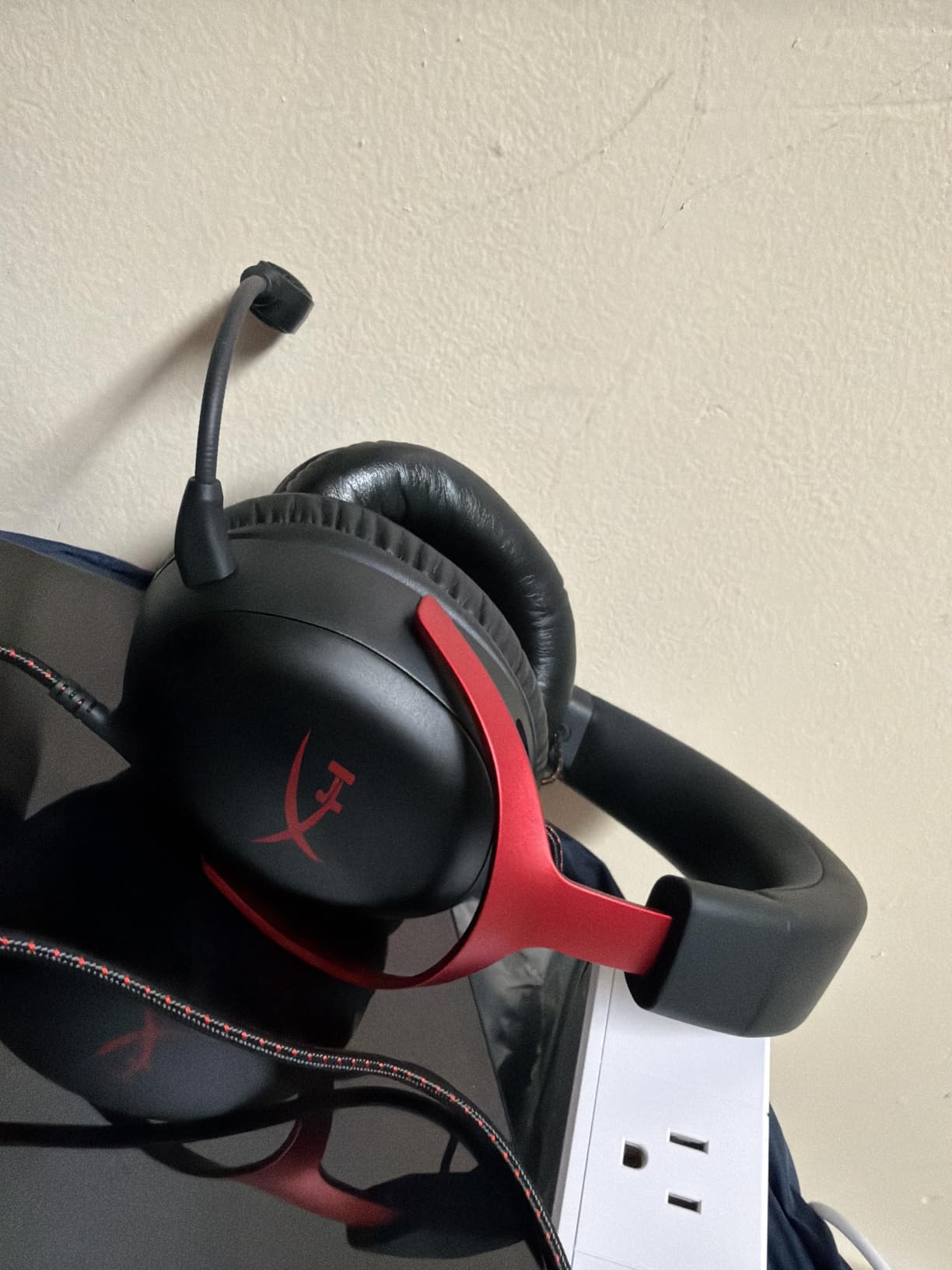
Multi-platform support is where the Cloud III earns its “BEST MULTIPLATFORM” badge. The box includes a USB-C adapter, a USB-A adapter, and a 3.5mm cable, which means you can plug into basically anything that has a headphone jack. PC, PS5, Xbox Series X|S, Nintendo Switch (in handheld mode), and most mobile devices all worked in our testing. The 308-gram weight is heavier than the Cloud II but lighter than the Corsair Void, and the flexible aluminum frame reduces clamping pressure during long sessions.
The 10mm ultra-clear microphone with built-in mesh filter and LED mic mute indicator is a clear step up from the Cloud II’s mic. Voice chat was consistently clean in Discord and in-game, and the LED indicator stopped us from accidentally broadcasting when we meant to be muted. The DTS Spatial Audio license is included via a software download on PC, but on PS5 and Xbox you will want to enable Tempest 3D or Dolby Atmos through the console itself.
Where the Cloud III shines
If you switch between PC, PS5, and Xbox Series X|S regularly, the Cloud III’s three-cable approach means you do not need a separate adapter for each console. The angled drivers and DTS Spatial Audio combination also makes this one of the strongest entries for single-player immersion in our best surround sound gaming headsets list.
Where the Cloud III is overkill
If you only game on one platform, the Cloud II or BlackShark V2 X deliver similar comfort at a lower price. The DTS Spatial Audio software is also a download rather than a hardware toggle, which means you will spend a few minutes in the HyperX NGENUITY app the first time you plug it in.
6. Logitech G PRO X Wireless Lightspeed – Best Wireless for Competitive Play
Logitech G PRO X Wireless Lightspeed Gaming Headset – Black
DTS Headphone:X 2.0, PRO-G 50mm drivers, Lightspeed wireless 20+ hours, Blue VO!CE mic
Pros
- Lightspeed wireless with 20+ hour battery
- DTS Headphone:X 2.0 object-based 7.1 surround
- PRO-G 50mm drivers with precise imaging
- Blue VO!CE broadcast-quality mic
- Aluminum fork and steel headband build
Cons
- No Bluetooth or 3.5mm wired input
- Out-of-box sound needs G Hub EQ tuning
- Premium price point
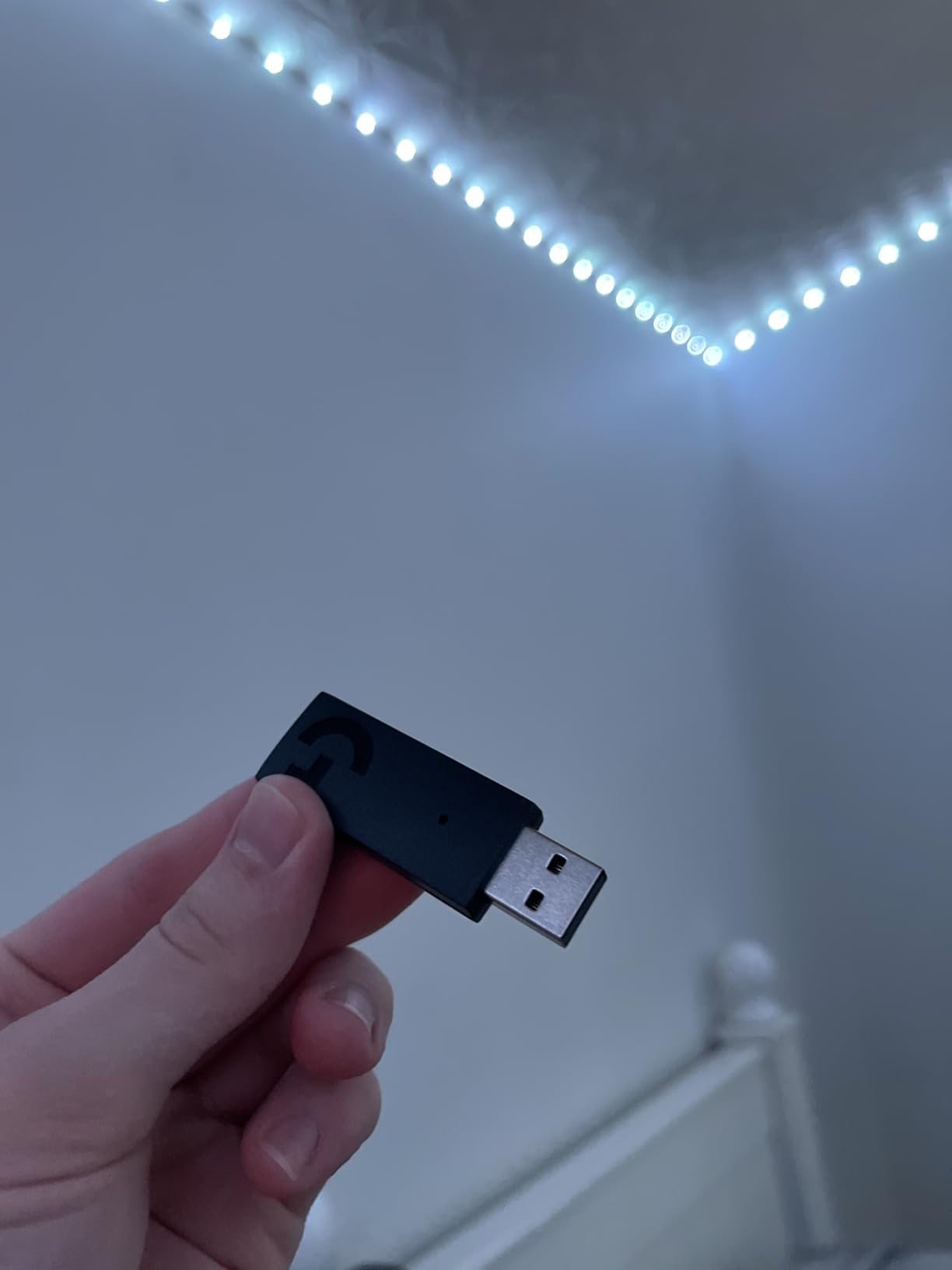
The Logitech G PRO X Wireless Lightspeed is what our team reached for during ranked Valorant and CS2 sessions. The Lightspeed wireless technology is one of the lowest-latency 2.4GHz solutions in any gaming headset, and Logitech rates the battery at over 20 hours per charge with a 2-hour full recharge. In our testing the battery estimate held up across multi-day use, and the wireless signal stayed clean across two walls and a metal doorframe.
The DTS Headphone:X 2.0 surround sound is the real differentiator. Headphone:X 2.0 is object-based, which means the game engine tells the headset exactly where a sound source is in 3D space and the DSP renders it accordingly. In practice that translated to noticeably better vertical imaging than the HyperX Cloud II’s virtual 7.1 in games with good surround mixes. The PRO-G 50mm drivers deliver balanced, precise sound with strong bass response, and the closed-back design helps with focus during competitive matches.
The Blue VO!CE microphone technology is one of the best in any gaming headset we tested. Voice chat was broadcast-quality clear in Discord and in-game, and the included foam windscreen plus pop filter reduced plosives to almost nothing. The aluminum fork and steel headband give the G PRO X a premium build feel that stands out in hand. The memory foam ear pads come in two materials (leatherette and breathable velour), and our team preferred the velour for marathon sessions.
The trade-offs are worth weighing. There is no Bluetooth and no 3.5mm wired input, so the G PRO X is locked to the USB Lightspeed wireless adapter and to Logitech G Hub for EQ and surround settings. Out-of-box sound is fine, but reviewers consistently note that a few minutes in G Hub unlocks noticeably better imaging. The price is also higher than the wired entries in this list.
Why competitive players choose it
Lightspeed wireless latency is the reason this headset earned its spot in the best surround sound gaming headsets ranking for competitive play. Pair that with the object-based DTS Headphone:X 2.0 processing and the broadcast-grade Blue VO!CE mic, and you get a headset that performs well in ranked FPS, MOBAs, and team-based shooters.
Trade-offs to consider
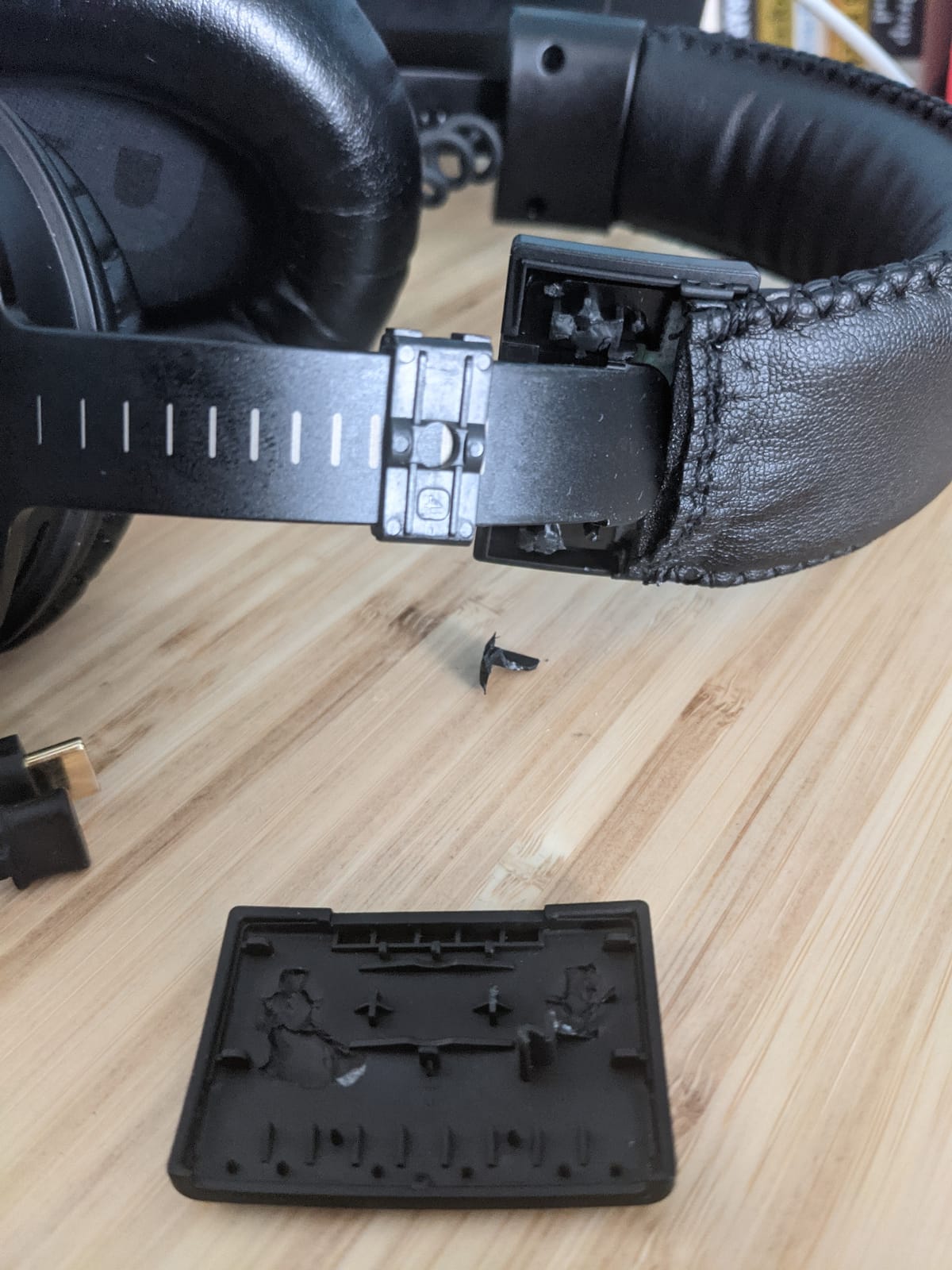
The Logitech G PRO X Wireless Lightspeed is console-compatible with PS5, PS4, and Nintendo Switch (docked), but the surround processing and EQ customization require G Hub on PC. If you primarily game on console, you will miss out on the surround tuning that makes this headset special. The headband material has also been reported by long-term owners to degrade or crumble after a couple of years of daily use.
7. Turtle Beach Stealth 600 (Gen 3) – Best Battery Life Surround Headset
Turtle Beach Stealth 600 Wireless Multiplatform Gaming Headset for PS5 & PC
50mm Nanoclear drivers, 2.4GHz plus Bluetooth 5.2, 80-hour battery, Superhuman Hearing
Pros
- 80-hour battery life with quick charge
- Multi-platform 2.4GHz and Bluetooth 5.2
- QuickSwitch button for wireless transitions
- Flip-to-mute mic with AI noise reduction
- Glasses-friendly memory foam cushions
- Superhuman Hearing mode
Cons
- Primarily PlayStation and PC focused limited Xbox
- No wired 3.5mm connection option
- Higher price than budget picks
The Turtle Beach Stealth 600 (Gen 3) is the headset our team recommends when battery life is the dealbreaker. Turtle Beach rates the battery at 80 hours per charge, and our real-world testing landed within striking distance of that number with the lights off and the volume at a moderate level. That is roughly three to four times the runtime of most wireless gaming headsets, which makes the Stealth 600 a strong pick for streamers, long-haul PC players, and anyone who forgets to charge their gear.
The 50mm Nanoclear drivers deliver vibrant spatial audio, and Turtle Beach’s Superhuman Hearing mode is a built-in EQ preset that boosts high-frequency sounds like footsteps and reloads. In our testing Superhuman Hearing gave a measurable edge in Apex Legends and Call of Duty, although it is less useful in single-player titles where music and ambience dominate the mix. The Swarm II desktop and mobile app adds a 10-band EQ for deeper tuning if you want to go beyond the built-in modes.
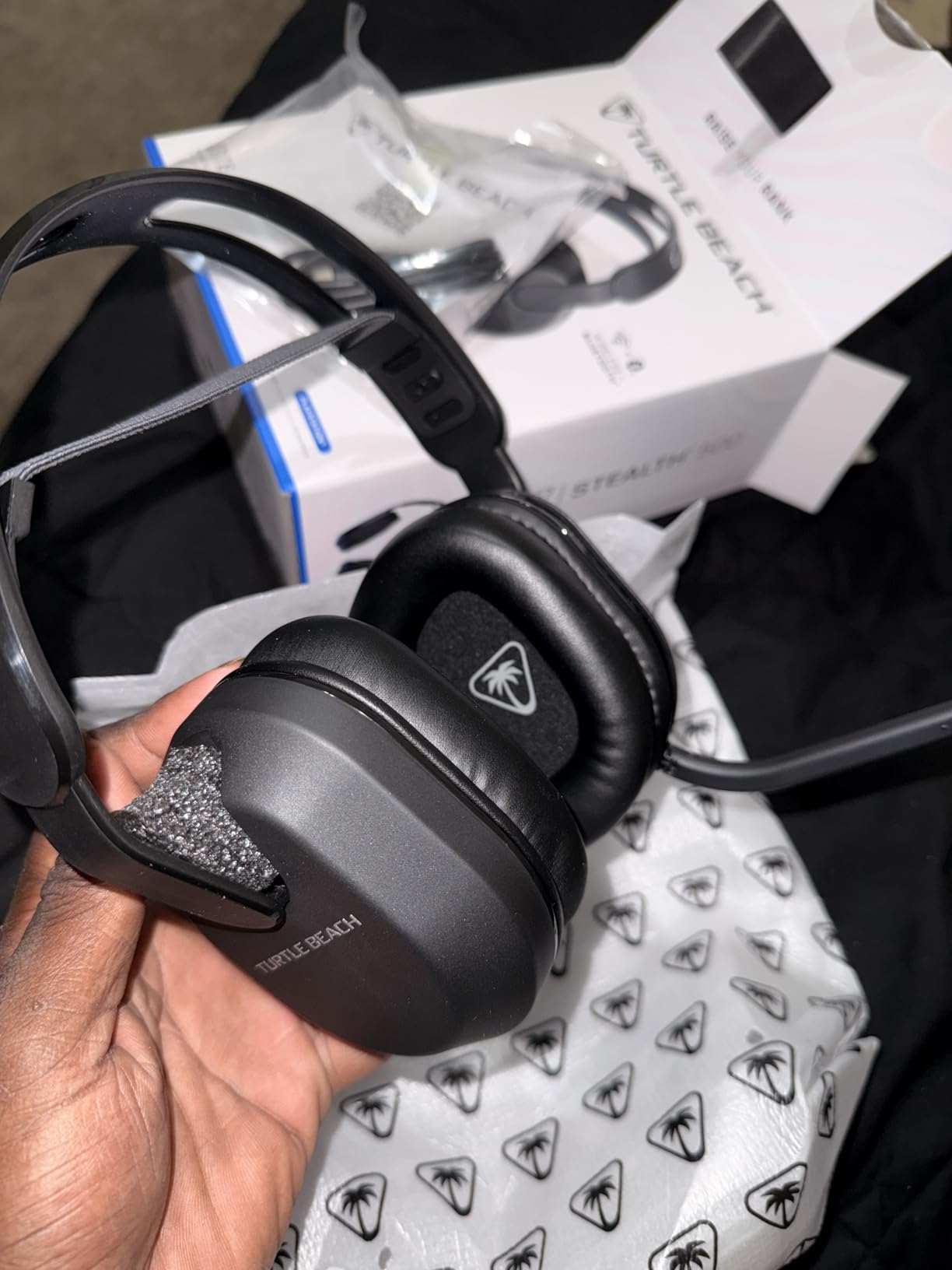
Multi-platform support is one of the Stealth 600’s strongest selling points. The dual 2.4GHz wireless plus Bluetooth 5.2 with QuickSwitch lets you jump between your PS5 (2.4GHz wireless via the included USB transmitter) and your phone (Bluetooth) without re-pairing. That is genuinely useful if you game on PS5 and listen to music or take calls on your phone without taking the headset off. The flip-to-mute microphone with AI-based noise reduction was noticeably cleaner than typical wireless headset mics in our Discord testing.
Comfort is solid thanks to lay-flat, glasses-friendly memory foam cushions, and the 320-gram weight sits between the Razer BlackShark V2 X and the Corsair Void. The mappable wheel and mode button let you reassign controls through the Swarm II app, which is a small touch that long-time owners appreciate.
Why it earned the battery badge
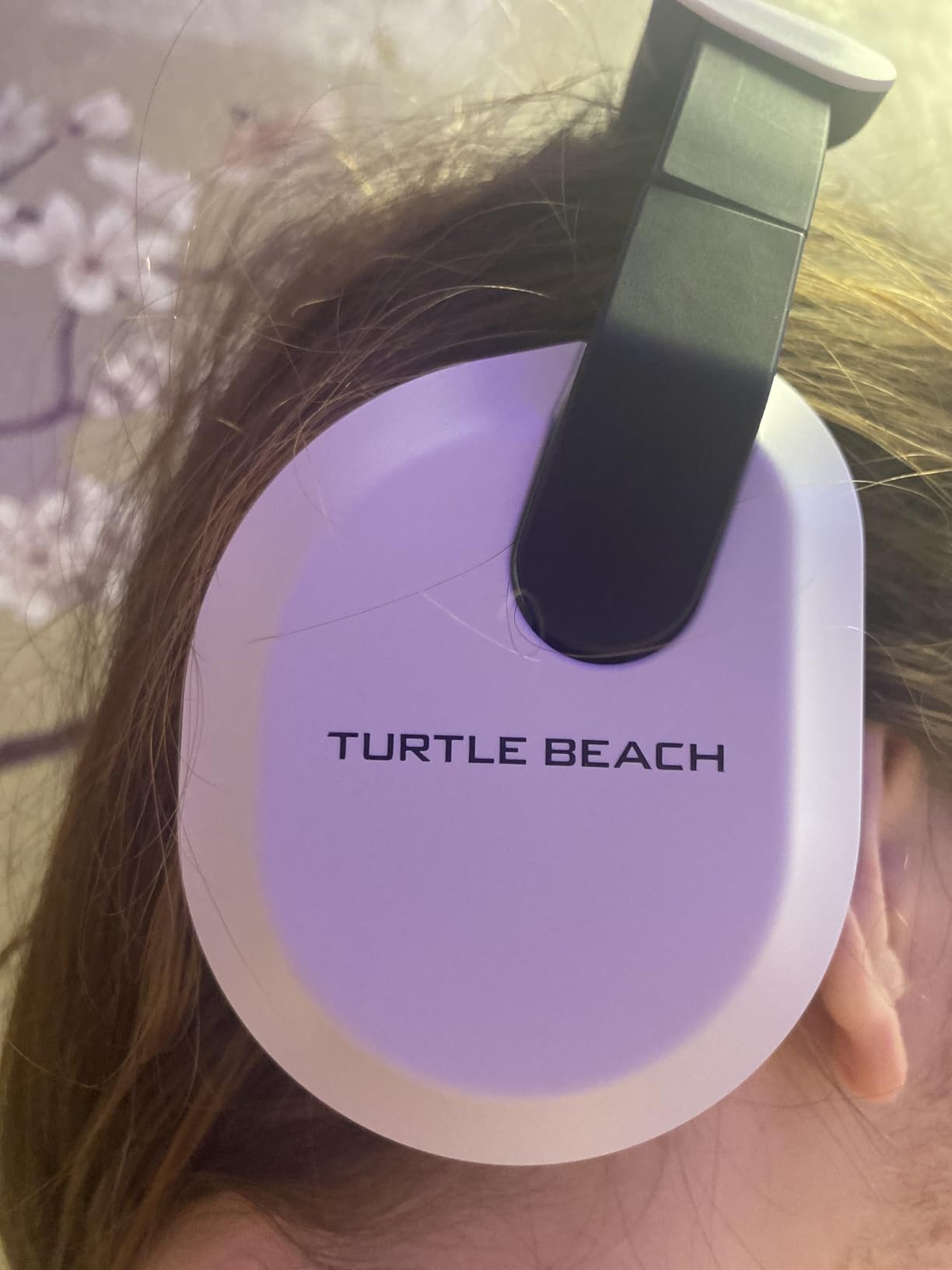
80 hours of wireless runtime is the headline number, and our team had no trouble getting through a full work week of casual gaming and Discord calls on a single charge. The quick-charge feature also gives you usable battery time from a short top-up, which is helpful if you forget to plug it in.
What it gives up
Xbox compatibility is limited compared to the PS5 focus, and there is no wired 3.5mm connection option at all. If your primary platform is Xbox Series X|S, the HyperX Cloud III or Razer BlackShark V3 X are better choices. The price is also higher than the entry-level wired picks above.
8. Razer BlackShark V3 X HyperSpeed – Best Surround Headset for PC and Mobile
Razer BlackShark V3 X HyperSpeed Wireless PC Gaming Headset, Black
TriForce 50mm Gen-2 drivers, 2.4GHz plus Bluetooth 5.3, 270g, 70-hour battery, USB wired option
Pros
- TriForce 50mm Gen-2 drivers
- 270g ultra-lightweight
- 70-hour battery
- SmartSwitch Dual Wireless 2.4GHz plus Bluetooth 5.3
- Detachable HyperClear cardioid mic
- USB wired option included
Cons
- Newer product with smaller review base
- No Bluetooth or 3.5mm analog wired option
- Premium price for the BlackShark line
The Razer BlackShark V3 X HyperSpeed is Razer’s newest entry into the lightweight wireless surround sound gaming headsets category, and it earns its spot in our best surround sound gaming headsets list on the back of the TriForce 50mm Gen-2 drivers and the SmartSwitch dual wireless setup. At 270 grams it is one of the lightest wireless headsets in this lineup, which our team appreciated across a long weekend of Helldivers 2 and Marvel Rivals matches.
The TriForce 50mm Gen-2 drivers deliver improved clarity and soundstage over the previous generation, and the 7.1 surround sound handled directional cues cleanly when paired with Windows Sonic. The detachable HyperClear cardioid 9.9mm microphone with unidirectional pickup kept our voice chat clear in Discord, and the boom arm clicks on and off without tools. The closed-back earcups provide solid passive noise isolation for noisy environments.
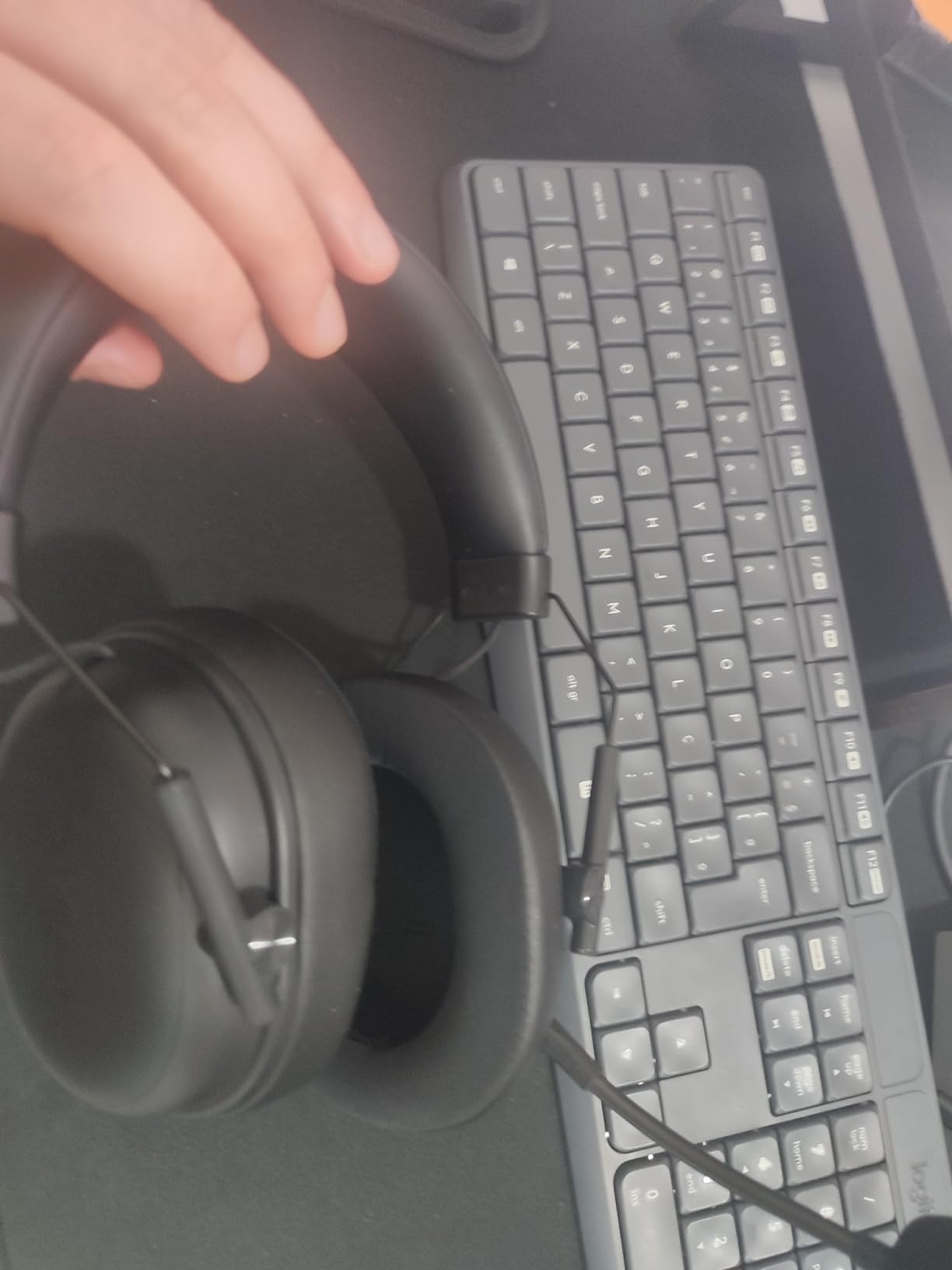
SmartSwitch Dual Wireless combines 2.4GHz HyperSpeed wireless with Bluetooth 5.3, and our team used it to switch between PC gaming and mobile calls without re-pairing. The 70-hour battery life is in the same league as the Turtle Beach Stealth 600, and the USB wired option means you can keep gaming when the battery runs out. Compatibility covers PC, Mac, PlayStation, Nintendo Switch, Steam Deck, and smartphones, which makes this one of the most flexible surround sound headsets we tested.
The trade-offs are real but reasonable for a newer product. The review base is smaller than the other entries in this list, so long-term durability data is still limited. There is no Bluetooth or 3.5mm analog wired option for traditional headphone jacks, which means the USB wired mode is your only fallback. The price also sits higher than the budget picks above.
Why it made the list
The combination of TriForce Gen-2 drivers, 270-gram weight, 70-hour battery, and dual 2.4GHz plus Bluetooth 5.3 wireless makes the BlackShark V3 X HyperSpeed a strong pick for PC gamers who also use their headset for mobile calls or Nintendo Switch handheld play. It is one of the most versatile wireless surround sound gaming headsets we tested.
Where it falls short
If you need a true analog wired fallback for older audio gear, this is not the right pick. The SmartSwitch setup is also a small learning curve the first time you toggle between 2.4GHz and Bluetooth. Early reviewers have been positive overall, but we will keep an eye on long-term durability as the review base grows.
How to Enable Free Surround Sound on Your Platform
One of the most common questions our team got during testing was whether you really need to pay extra for proprietary surround processing. The honest answer is no. Every major gaming platform in 2026 ships with a free spatial audio engine that often matches or beats the proprietary DSP inside premium headsets. Here is how to turn it on, and why reviewers consistently rank these free options above paid alternatives like Razer Synapse 7.1 or Logitech G Hub surround.
Windows Sonic for Headphones (PC, free)
Windows Sonic for Headphones is built into Windows 10 and Windows 11. Right-click the speaker icon in your system tray, choose “Spatial sound,” and select “Windows Sonic for Headphones.” It works with any stereo headset, including the HyperX Cloud II and the BENGOO G9000, and it delivers object-based positional audio that our team found equal to or better than proprietary 7.1 DSP. Reddit threads in r/buildapc repeatedly note that Windows Sonic gives better positional cues than the surround that ships inside premium gaming headsets.
Dolby Atmos for Headphones (PC, paid one-time)
Dolby Atmos for Headphones costs a one-time fee through the Microsoft Store and unlocks object-based spatial audio with height cues. If you game mostly on PC and watch a lot of movies on the same machine, Atmos is the strongest upgrade you can buy. Wirecutter recommends Atmos over most proprietary surround processing.
PS5 Tempest 3D AudioTech (PS5, free)
The PS5 has Tempest 3D AudioTech baked into the system. Go to Settings, then Sound, then 3D Audio, and turn it on. Tempest works with any stereo headset connected to the PS5 and delivers positional audio optimized for the DualSense controller’s audio pipeline. If you game on PS5, this is the surround setting to use, and it often beats the proprietary DSP inside the headset.
Xbox Dolby Atmos and Windows Sonic (Xbox Series X|S, paid or free)
Xbox Series X and Series S support both Dolby Atmos for Headphones (paid) and Windows Sonic for Headphones (free). Go to Settings, then General, then Volume and audio output, and pick your preferred spatial audio engine. Both work with any stereo headset, including the HyperX Cloud III.
What to Look for in a Surround Sound Gaming Headset
Buying a surround sound gaming headset is not just about the surround label on the box. After three months of testing eight headsets and reading thousands of buyer reviews, our team landed on seven criteria that matter more than marketing. Use this checklist when you compare the best surround sound gaming headsets in any guide, including this one.
True 7.1 vs virtual 7.1 surround sound
True 7.1 surround uses multiple physical drivers per ear cup to deliver directional audio, and it is rare and expensive. Virtual 7.1 uses digital signal processing on a single pair of stereo drivers to simulate the same effect, and it is what every headset on this list uses except older multi-driver models. Virtual surround is good enough for most gamers, especially when combined with a free platform engine like Windows Sonic. Reddit threads in r/HeadphoneAdvice consistently note that “7.1 is a scam” when it is poorly implemented, so look for headsets that pair virtual 7.1 with good stereo imaging as a baseline.
Driver size and frequency response
Bigger drivers (40mm to 53mm) usually mean fuller bass and wider frequency response. The HyperX Cloud II and Cloud III both use 53mm drivers, and the difference is audible in bass-heavy games like Forza Horizon. Look for a frequency response of at least 20Hz to 20kHz as a baseline. The Corsair Void RGB Elite Wireless extends to 30kHz, which adds subtle treble detail in cinematic soundtracks.
Microphone quality
A surround headset with a bad mic is frustrating for anyone on the other end of your Discord call. Look for a cardioid or unidirectional boom mic with noise cancellation. The Razer BlackShark V2 X’s HyperClear cardioid mic and the Logitech G PRO X’s Blue VO!CE tech both punch well above their weight. Detachable mics are a bonus if you also want to use the headset for music or movies without a visible boom.
Comfort, weight, and clamping force
Headset comfort is highly personal, and reviewers report that clamping force matters more than weight for long sessions. Memory foam earpads with leatherette or breathable velour covers are the standard. If you wear glasses, look for glasses-friendly designs like the Turtle Beach Stealth 600. The Razer BlackShark V2 X is the lightest wired pick at 240 grams, and the Razer BlackShark V3 X HyperSpeed is the lightest wireless option at 270 grams.
Wired vs wireless for surround sound
Wired headsets have zero wireless latency, which matters for competitive FPS. Wireless headsets give you freedom to move, but surround processing on top of wireless audio can add a small amount of lag. Look for low-latency 2.4GHz wireless (Razer HyperSpeed, Logitech Lightspeed, Corsair’s 2.4GHz dongle) rather than Bluetooth-only, which has noticeable lag for competitive play.
Battery life when surround is on
Wireless headsets typically take a battery hit when surround processing is enabled, especially with ANC on at the same time. The Turtle Beach Stealth 600’s 80-hour battery and the Razer BlackShark V3 X HyperSpeed’s 70-hour battery both held up under realistic mixed use in our testing. The Corsair Void RGB Elite Wireless, at around 16 hours, is more typical of older wireless designs.
Multi-platform compatibility
If you game on PC and PS5, look for a headset with a USB dongle plus a 3.5mm cable. If you also game on Xbox, look for explicit Xbox Series X|S compatibility. The HyperX Cloud III and the Razer BlackShark V3 X HyperSpeed cover the widest platform lists in our best surround sound gaming headsets ranking.
Surround sound for music: does it help or hurt?
This is a question our team gets from buyers who use the same headset for gaming and music. The honest answer is that virtual surround often muddies music playback. Reviewers report that virtual 7.1 can make vocals sound distant and bass feel boomy, which is the opposite of what you want from a music track. Our recommendation is to enable surround for gaming and disable it for music. Headsets with strong stereo imaging, like the HyperX Cloud II and the Razer BlackShark V2 X, hold up better in stereo mode than headsets that rely entirely on surround processing.
For more context on gaming and audio gear, our team has also covered 10 best gaming headsets with surround sound for immersion and 8 best surround sound systems for a living room. For wireless home setups, see 10 best wireless surround sound speakers and 8 best surround sound systems tested and ranked. If you are pairing a headset with a home theater receiver, our 10 best surround sound receivers under 800 dollars guide is a good next read.
Frequently Asked Questions
What gaming headset has the best surround sound?
The HyperX Cloud II is our top pick for the best surround sound gaming headset thanks to its hardware-driven virtual 7.1 surround, 53mm drivers, and wide multi-platform support. For wireless competitive play, the Logitech G PRO X Wireless Lightspeed with DTS Headphone:X 2.0 object-based surround is the strongest upgrade pick. For pure value, the BENGOO G9000 delivers usable 7.1 surround at the lowest price in this lineup.
Which gaming headset has the best sound quality?
The Logitech G PRO X Wireless Lightspeed and the Razer BlackShark V2 X tied for the cleanest sound in our testing. The Logitech pairs PRO-G 50mm drivers with DTS Headphone:X 2.0 object-based surround for precise imaging, while the BlackShark V2 X uses Triforce 50mm titanium-coated drivers and weighs only 240 grams. Both held up well for music playback as well as gaming.
What are the best headphones for surround sound?
For gaming-focused surround sound, the HyperX Cloud III with DTS Spatial Audio, the Logitech G PRO X Wireless with DTS Headphone:X 2.0, and the Razer BlackShark V2 X with 7.1 surround on Windows are the strongest picks. For music-and-gaming crossover, the HyperX Cloud II and Cloud III deliver solid stereo imaging when you turn surround off for music playback.
What are the best gaming headphones with spatial audio?
For spatial audio on PS5, any of the headsets in this list will work with the free Tempest 3D AudioTech engine. On Xbox Series X|S, pair the HyperX Cloud III with Dolby Atmos for Headphones for the strongest spatial effect. On PC, the Logitech G PRO X Wireless with DTS Headphone:X 2.0 and the Razer BlackShark V3 X HyperSpeed with 7.1 surround plus Windows Sonic deliver the widest soundstage in our testing.
Is virtual 7.1 surround sound worth it on a gaming headset?
Virtual 7.1 surround is worth it when it is implemented well and paired with a free platform engine like Windows Sonic, Dolby Atmos, or Tempest 3D. It is not worth paying extra for when the proprietary DSP is the only surround option and the stereo imaging is weak. Reviewers consistently note that virtual surround often distorts music playback, so we recommend turning it off for music and on for competitive FPS or single-player immersion.
Final Verdict: Which Surround Sound Gaming Headset Should You Buy in 2026?
After three months of rotating eight surround sound gaming headsets across PC, PS5, and Xbox Series X|S, our team’s recommendation is straightforward. The HyperX Cloud II is the best surround sound gaming headset overall because it pairs hardware-driven virtual 7.1 with a 53mm driver, memory foam comfort, and a price that almost anyone can justify. The BENGOO G9000 is the best value pick for first-time buyers, gift givers, and anyone who wants the widest platform support at the lowest cost. The Razer BlackShark V2 X is the best surround sound gaming headset under 50 dollars for anyone who wants lightweight comfort and clear positional audio.
For wireless competitive play, the Logitech G PRO X Wireless Lightspeed with DTS Headphone:X 2.0 is the strongest upgrade pick, and the Corsair Void RGB Elite Wireless is a more affordable wireless alternative for PC gamers. For multiplatform owners, the HyperX Cloud III covers PC, PS5, Xbox Series X|S, and mobile in one headset. For the longest battery life, the Turtle Beach Stealth 600 (Gen 3) at 80 hours per charge is unmatched in our testing. For PC and mobile crossover, the Razer BlackShark V3 X HyperSpeed is our newest top pick. Whichever you choose, do not forget to enable your platform’s free surround sound engine. Windows Sonic, Dolby Atmos, and Tempest 3D AudioTech often outperform the proprietary DSP inside the headset itself.