
If you have spent any time reading forum threads about building a Plex box, you will have noticed the same two pieces of advice repeating in almost every one of them: buy CMR, and back up your database. Both are correct, and both are repeated constantly because the buying decisions that come after them are genuinely hard.
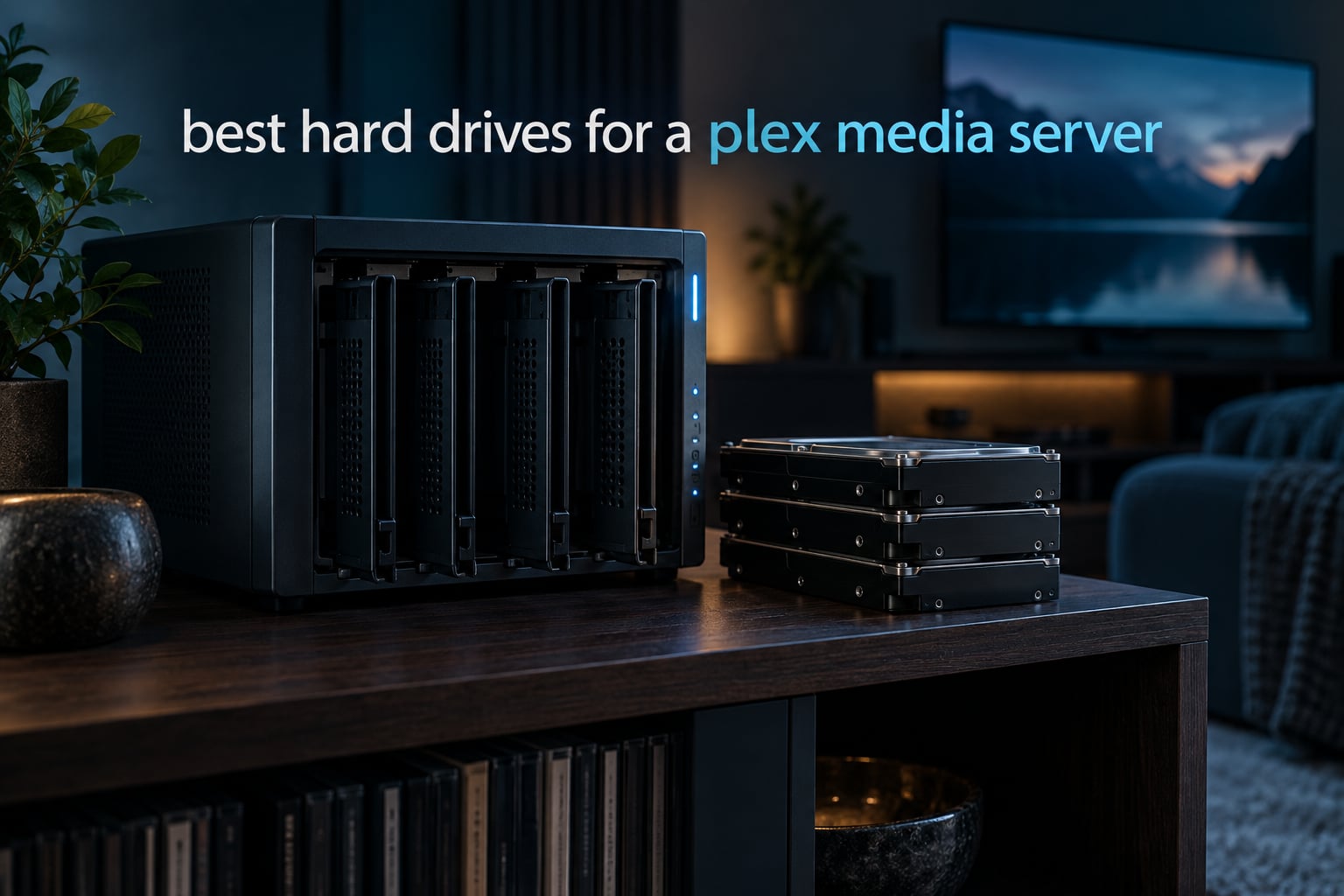
We spent the last several weeks comparing the hard drives for a Plex media server that people actually buy, running through nine models across the NAS, enterprise, and renewed data centre categories. The list below covers everything from a quiet 4TB drive for a bedroom NAS to a 24TB drive for a bulk 4K archive, and we explain for each one who it suits and who it will disappoint.
Our single overriding rule, and the one we would repeat before anything else: only buy drives that record with CMR (Conventional Magnetic Recording). Plex playback is a large sequential read, but every library scan, every new rip, and every RAID rebuild is a sustained write, and SMR (Shingled Magnetic Recording) drives fall apart under that mix. Everything else on this page is a judgement call about capacity, noise, and warranty length. CMR is not a judgement call at all.
If your media sits next to a music library rather than a film library, our guide to the best NAS drives for storing a music collection covers a lot of the same drive families from a different angle. And if the server is only half the project, the best media streaming devices for a smart TV picks up the client side.
Table of Contents
Top 3 Picks for a Plex Media Server (October 2026)

Best Hard Drives for a Plex Media Server in 2026
| Product | Specifications | Action |
|---|---|---|
| WD Red Plus 4TB |
|
Check Latest Price |
 Seagate IronWolf 8TB Seagate IronWolf 8TB |
|
Check Latest Price |
| WD Red Pro 16TB |
|
Check Latest Price |
 Toshiba N300 8TB Toshiba N300 8TB |
|
Check Latest Price |
 Toshiba MG 4TB Toshiba MG 4TB |
|
Check Latest Price |
 Seagate Exos 22TB Renewed Seagate Exos 22TB Renewed |
|
Check Latest Price |
 HGST Ultrastar 14TB Renewed HGST Ultrastar 14TB Renewed |
|
Check Latest Price |
 WD Purple Pro 12TB WD Purple Pro 12TB |
|
Check Latest Price |
 Seagate Skyhawk AI 24TB Seagate Skyhawk AI 24TB |
|
Check Latest Price |
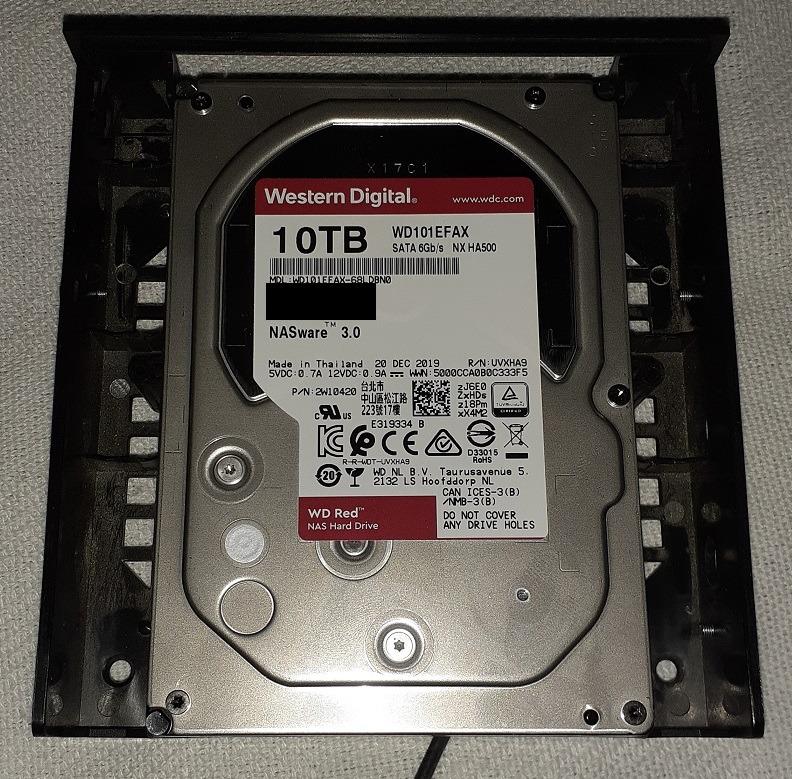
1. WD Red Plus 4TB – the quiet CMR all-rounder
Western Digital 4TB WD Red Plus NAS Internal Hard Drive HDD – 5400 RPM, SATA 6 Gb/s, CMR, 64 MB Cache, 3.5″ – WD40EFRX
4TB CMR
5400 RPM class
64 MB cache
180 TB/yr workload
3-year warranty
Pros
- Genuinely quiet
- cooler than enterprise 7200 RPM drives
- Sustained sequential reads suit large media files
- Long 24/7 NAS duty record
- Three-year warranty and NASware firmware
Cons
- Older 4TB capacity means more bays per terabyte
- Slower random I/O than a desktop performance drive
- Spin-up delay can add a few seconds of wake latency
This is the drive I keep coming back to for people building their first Plex server, and the reason is the review pool rather than any single specification. With more than 24000 ratings behind it, this is the most thoroughly tested NAS drive in the group, and the patterns in those reviews are remarkably consistent.
The headline claim from WD is CMR recording, and it matters: WD renamed this line to Red Plus specifically so buyers could tell it apart from the older SMR WD Red. It carries a 180 TB per year workload rating, runs in the 5400 RPM performance class, and includes NASware firmware plus TLER, which limits how hard the drive retries a bad block so a RAID array does not stall for days chasing an unrecoverable sector.
Where it genuinely shines is noise and heat. Owners running these in Synology, QNAP, and self-built FreeNAS or ZFS machines report quiet operation that sits below most enterprise 7200 RPM drives, and temperatures in the high 20s to mid 30s Celsius in typical NAS use. That combination is why it works in a room where people actually live, not just a closet.
The catch is capacity. Four terabytes was a generous size a few years ago and is now a small one, so reaching a modern library means filling more bays. Random I/O is also modest, which is fine for media files but is not what you want behind a Plex database or an operating system.

What a 4TB CMR NAS drive does well for Plex
Direct play is a sequential read, and a 4TB CMR drive handles that comfortably. Once Plex decides a client can play the file as-is, throughput is a function of network speed more than disk speed, so this drive will keep up with 4K streams at gigabit network speeds without difficulty.
It is also the quietest option here, which matters more than most spec sheets suggest. If the enclosure lives in a living room or a bedroom, platter noise is a daily irritation, and this drive is consistently described as quieter than the enterprise alternatives.
Where it will frustrate you
Capacity is the real limit. If your plan is a library of 4K remux files, a single 4TB drive fills quickly, and a four-bay chassis filled with 4TB drives forces you into more bays or more frequent upgrades than a same-money 8TB or 12TB layout would.
The wake-from-sleep delay is a minor but real annoyance. On a server that spins the drives down to save power, you may see a few extra seconds before the first stream starts. The 3-year warranty is also shorter than the enterprise drives in this list, which is the trade for the lower noise.
2. Seagate IronWolf 8TB – the feature-rich NAS all-rounder
Seagate 8TB IronWolf Internal NAS Hard Drive | SATA 6 Gb/s (ST8000VNZ04)
8TB CMR
7200 rpm
210 MB/s read
256 MB cache
3-year warranty plus Rescue
Pros
- Integrated IronWolf Health Management for drive monitoring
- 256 MB cache handles concurrent streams well
- Strong five-star share across 13k reviews
- Rescue data recovery services included
Cons
- 7200 rpm spindle is louder than 5400 rpm NAS drives
- Runs warmer in densely populated enclosures
- Heavy write loads push toward the Pro line
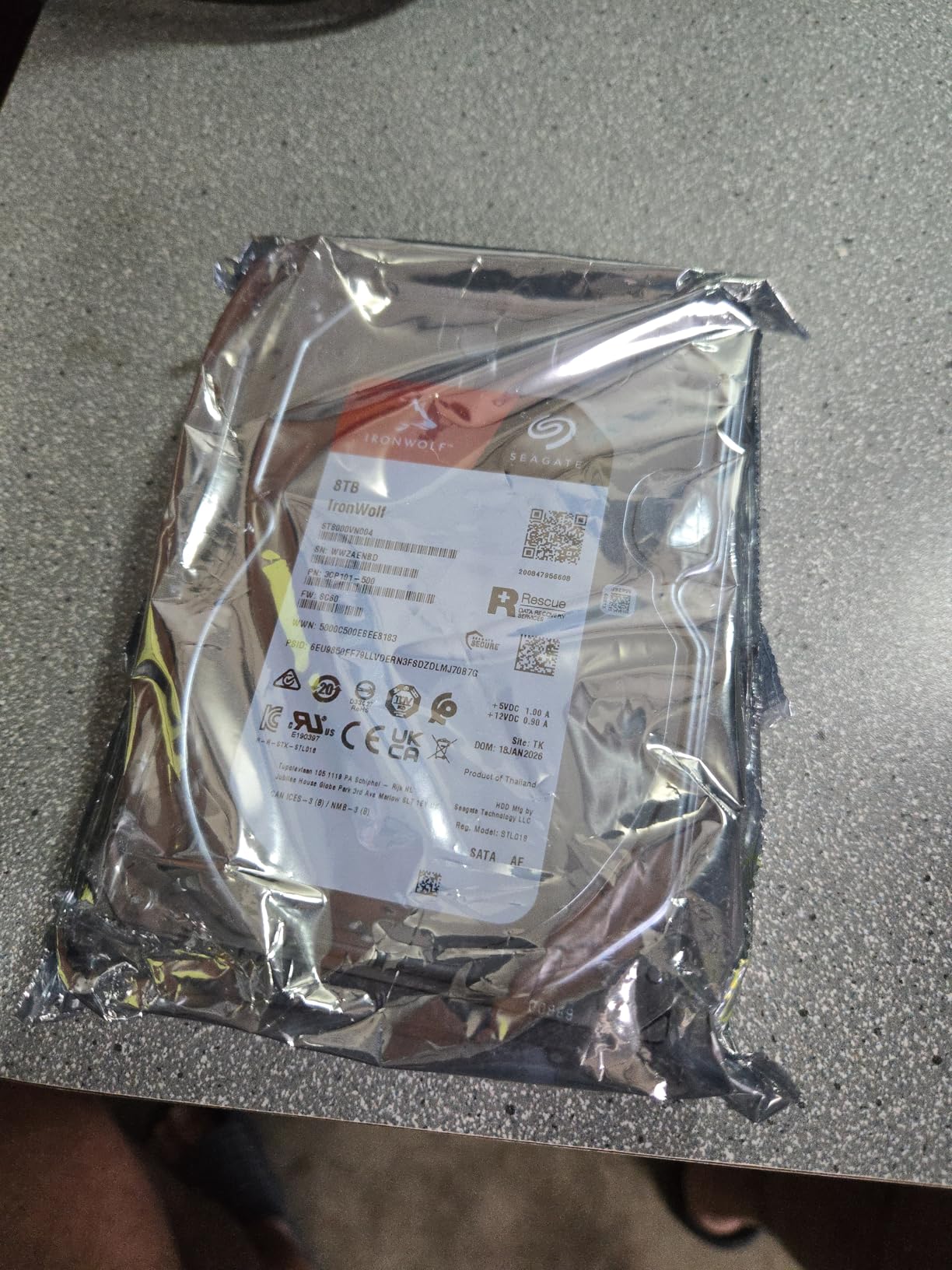
Eight terabytes is the capacity sweet spot for most households right now, and the IronWolf is the drive we would put in a two-bay or four-bay box for that reason alone. It is also the top-selling internal hard drive in its category, which means parts, advice, and troubleshooting knowledge are easy to find.
The specification is built for the job rather than adapted to it. A 7200 rpm spindle, sequential reads up to 210 MB/s, a 256 MB cache, an MTBF rating of one million hours, and a 180 TB per year class workload rating for up to eight bays in multi-user environments.
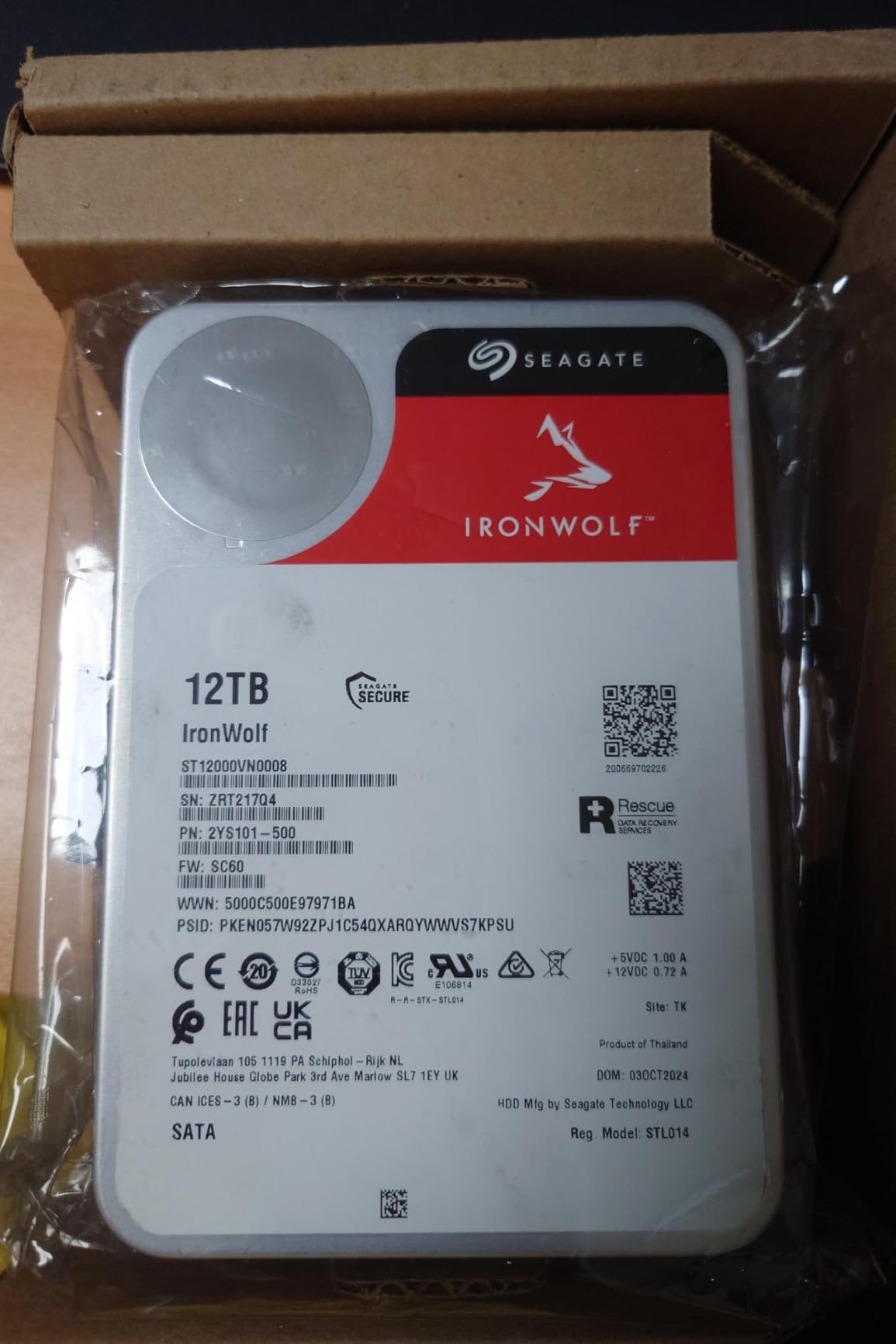
The feature that matters most for a Plex build is IronWolf Health Management, which surfaces drive health inside the NAS management interface instead of making you log into a separate utility. With a media server running unattended, having a warning surface before a drive drops out of an array is worth a great deal, and the three-year Rescue Data Recovery Services package is real insurance rather than marketing.
On the acoustics side, Seagate has done real work on vibration behaviour, and in multi-bay enclosures this drive is generally described as well behaved. It is still a 7200 rpm part, though, so it is not as quiet as the 5400 RPM class Red Plus.
Why this is the value pick for most libraries
It is the only drive here that pairs a modern capacity with dedicated health monitoring and included recovery services, and that combination is exactly what a Plex server needs. Monitoring matters more here than on an office desktop because the machine is typically running headless, in a cupboard, for months at a time.
For direct play on gigabit or faster networks, 210 MB/s of sequential read is more than the network will deliver, so the disk is not your bottleneck. Where it does earn its keep is mixed household use: several people browsing, one person streaming, and an automatic library scan running at the same time.
Where the trade-offs show
The 7200 rpm spindle produces more noise than the 5400 RPM class drives, and in a fully populated enclosure that noise compounds. If the server sits in a bedroom, expect a hum you notice at night.
There is also a class ceiling. Seagate rates this line for up to eight bays, and heavy sustained writing, such as constant ingesting into a nearly full array, pushes you toward the Pro line rather than this one. The 256 MB cache helps with bursts but does not change sustained behaviour.
3. WD Red Pro 16TB – the high-capacity workhorse
Western Digital 16TB WD Red Pro NAS Internal Hard Drive HDD – 7200 RPM, SATA 6 Gb/s, CMR, 512 MB Cache, 3.5″ – WD161KFGX
16TB CMR
7200 RPM
259 MB/s read
550 TB/yr workload
5-year warranty
Pros
- Highest sequential throughput of the NAS-rated drives here
- 550 TB/yr rating far exceeds typical library writes
- Reports cooler than some Seagate NAS drives in Synology builds
- Five-year manufacturer warranty
Cons
- Audibly loud under sustained load
- No user-accessible firmware update tool
- Noticeable share of one-star reviews for early failures
Sixteen terabytes per bay changes the maths on how you build a Plex library. With drives this size, a four-bay enclosure gives you the storage of what used to take a dozen bays, which means fewer power connectors, fewer drives to monitor, and fewer chances for something to go wrong.
The Red Pro is the right drive for a library that is actively growing. Its 550 TB per year workload rating is roughly triple the standard NAS class, and that matters when you are ripping discs, running automated library scans, and serving several concurrent streams from the same array.
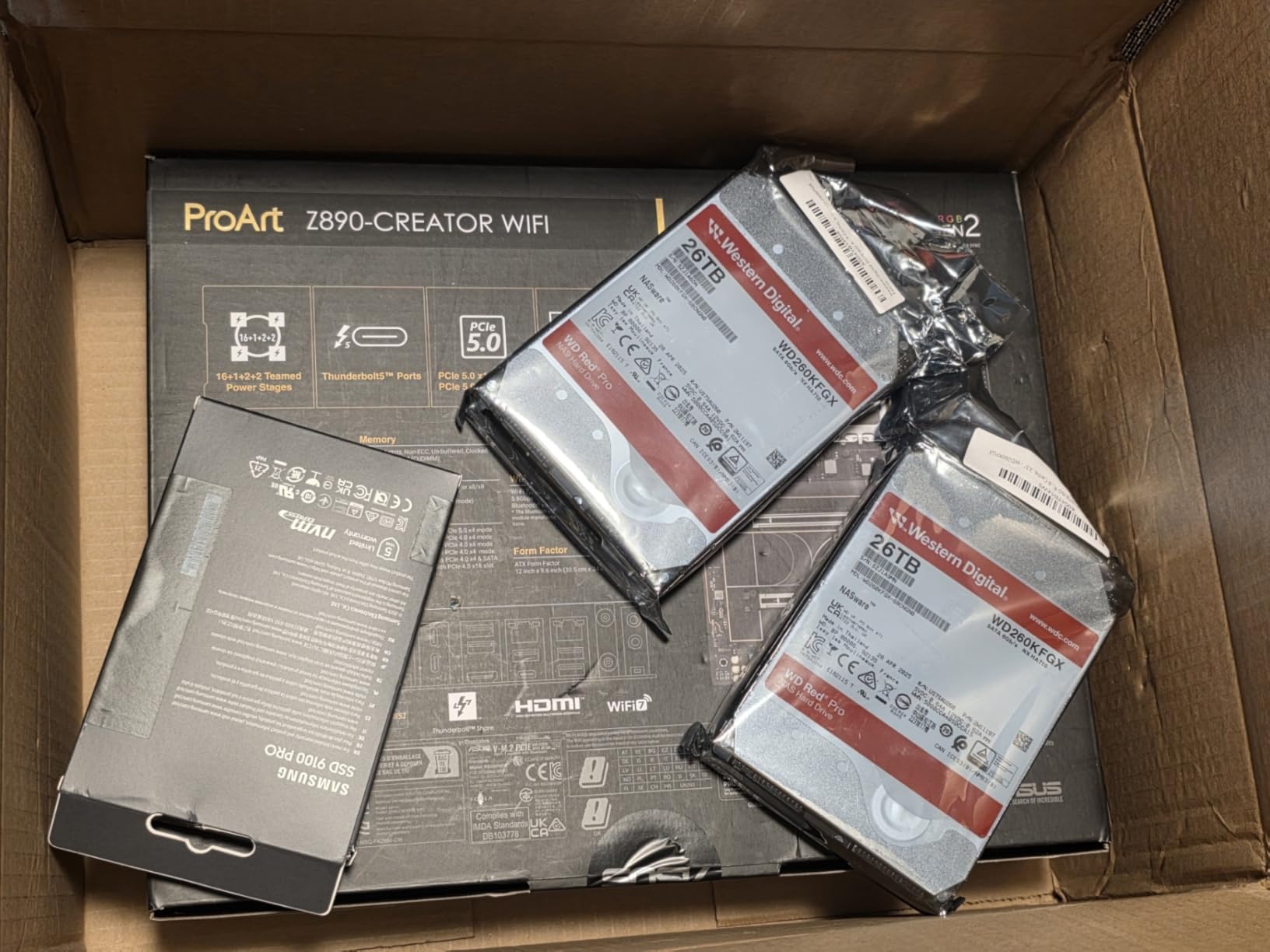
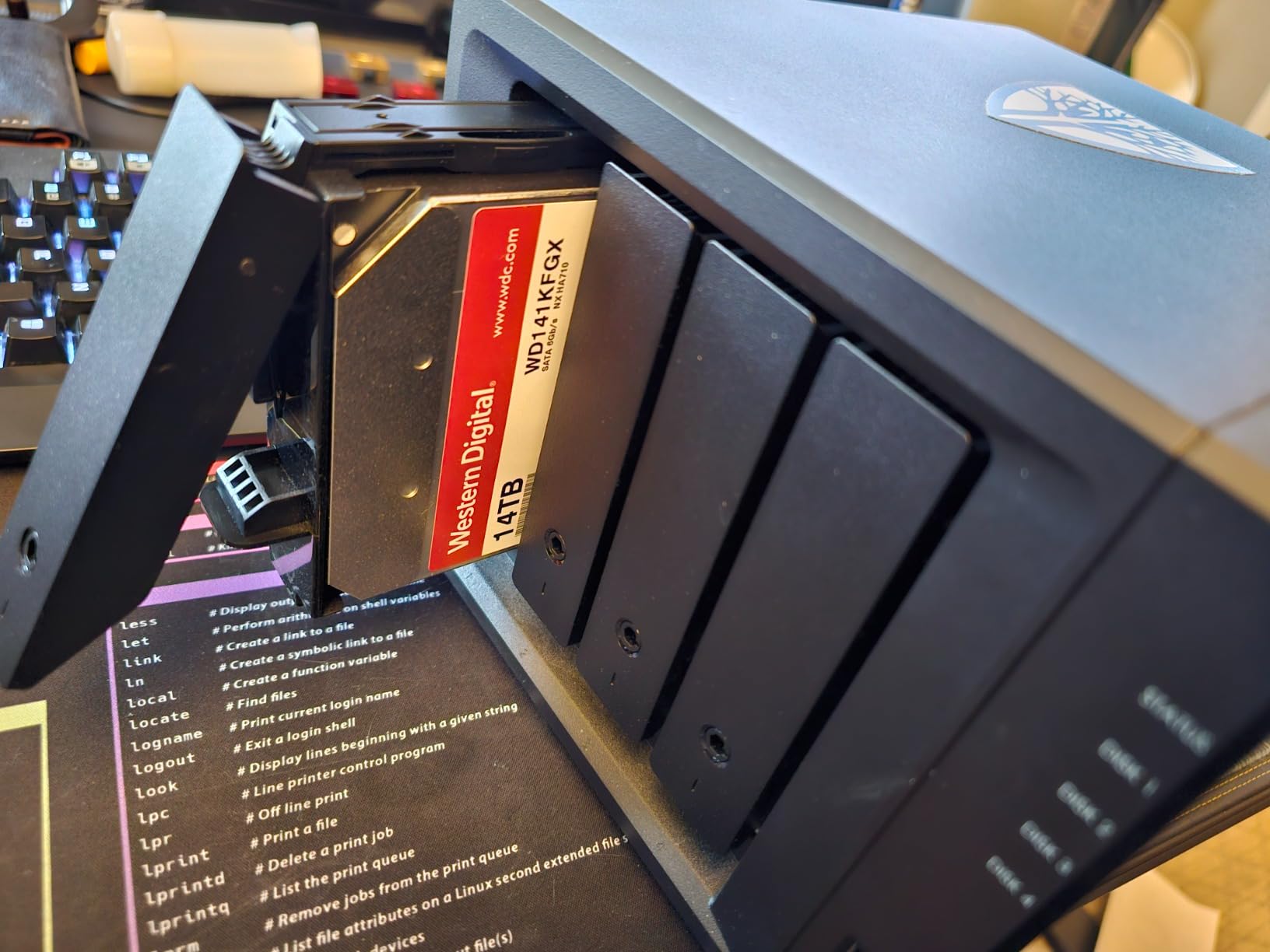
Sequential read speed is quoted up to 259 MB/s, the highest of the NAS-rated drives in this roundup, and the 512 MB cache is generous. In Synology builds, owners report it running cool, around 33 degrees Celsius, with hot-plug behaviour that picks up cleanly in the enclosure.
I want to be straight about the rating, though, because it is the lowest here at 3.9. Reviewers describe real NAS performance, but a meaningful share of one-star reviews concerns drives arriving unusable or failing early, along with frustration around Western Digital’s return handling.
When 16TB per bay is the right call
Choose this when your library is measured in tens of terabytes rather than single digits, and when you would rather not fill every bay of a large chassis. Sixteen terabytes is also a sensible floor for a drive you intend to run for many years, since failure probability climbs with capacity and larger drives are used less often per terabyte than a fleet of small ones.
The 550 TB per year rating is the quiet hero for a transcoding-heavy household. A year of 4K transcodes plus a full library scan plus daily streaming still lands a long way under that ceiling.
Where you will notice it
Noise. This is a 7200 rpm drive and reviewers compare it directly to older high-speed desktop drives, so it is not a living-room candidate. In a closet or equipment rack that is a non-issue; next to a sofa it is not.
Thermals need airflow, especially with four bays populated. There is also no user-accessible firmware update tool compared with some competing enterprise parts, and given the early-failure complaints, I would run a full surface test and confirm SMART data before trusting anything irreplaceable to a new unit.
4. Toshiba N300 8TB – the fast CMR 7200 RPM option
Toshiba N300 8TB NAS 3.5-Inch Internal Hard Drive – CMR SATA 6 GB/s 7200 RPM 512 MB Cache – HDWG780XZSTA
8TB CMR
7200 rpm
253 MB/s read
512 MB cache
RV sensors
Pros
- Reported sustained throughput around 250-280 MB/s
- Quiet for a 7200 rpm drive
- Integrated rotational vibration sensors
- Good cost per terabyte for a CMR NAS drive
Cons
- Slower spin-up with audible clicking during power-on
- More noise than 5400 rpm drives up close
- Three-year warranty is shorter than enterprise options
The N300 is the drive we would choose over an IronWolf if throughput per bay is the priority rather than monitoring software. Sequential read speed is quoted up to 253 MB/s, which is above the 8TB IronWolf, and real-world reports from owners cluster between 250 and 280 MB/s.
It is built for small office and home office NAS use with a 24/7 design, a 180 TB per year workload rating, and integrated rotational vibration sensors. Those RV sensors are not marketing on a multi-bay box, where several spinning drives can interfere with each other’s seeks.
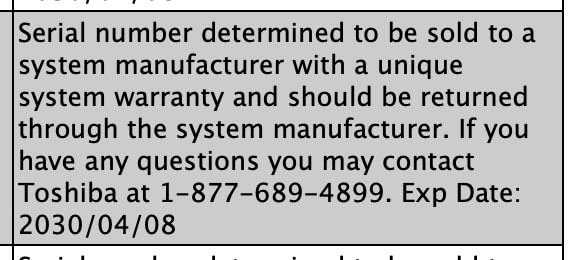
The 512 MB cache is unusually large for a NAS drive at this capacity, and combined with the 7200 rpm spindle it explains the throughput figures. Owners running five or six of these in Synology, TerraMaster, and self-built machines report clean SMART logs and reliable array behaviour over a year or more.
What surprised us in the reviews is how quiet a 7200 rpm drive this can be. Several owners report it being quieter than the IronWolf they swapped out, which is unusual given the spindle speed. Cool operation is another theme, staying merely warm after extended runs.

Where the N300 earns its place
It suits a household that streams 4K and wants headroom on the read side, and a multi-bay build where rotational vibration compensation matters. The throughput advantage over the 8TB IronWolf is real, though on a gigabit network you will not see it during direct play; you will see it on library scans and on 2.5GbE or 10GbE networks.
For ingest-heavy work, the combination of a 7200 rpm spindle and a large cache shortens the time a ripped file takes to land on the platter.
Where it falls short
Spin-up is slow and audible, with owners describing a clicking or seeking sound during power-on. On a desktop replacement at the edge of your seating that can be startling the first time.
Its review pool is also the smallest of the NAS-rated drives here, which simply means less long-term history to lean on, and the three-year warranty is a step down from the five-year options on the enterprise drives. A few buyers report a single drive failing around the two-year mark, with the replacement swapping in without drama.
5. Toshiba MG 4TB – the enterprise drive on a budget tier
Toshiba 4TB Enterprise Internal Hard Drive – MG Series 3.5″ SATA HDD for Server, Storage, 24/7 Operation, Hyperscale, Cloud (MG04ACA400E)
4TB enterprise
7200 rpm
128 MB cache
persistent write cache
5-year warranty
Pros
- Rated for continuous 24/7 server duty
- Persistent Write Cache and Stable Platter aid integrity
- Five-year warranty
- Attractive cost per terabyte versus consumer NAS drives
Cons
- Loud and warm at full 7200 rpm
- Only 128 MB of cache for the capacity
- Older capacity means more bays for the same storage
The MG series is a server drive that people repurpose rather than a NAS drive, and that framing tells you most of what you need to know. It is rated for 24/7 operation in server, storage, hyperscale, and cloud workloads, which is a harsher brief than any Plex library will ever hand it.
The features that matter for a media server are Stable Plater Technology, which keeps read heads at a consistent height to reduce turbulence, and Persistent Write Cache, which protects in-flight data through a power event. That second one is meaningful on an always-on machine that sometimes gets shut down abruptly.
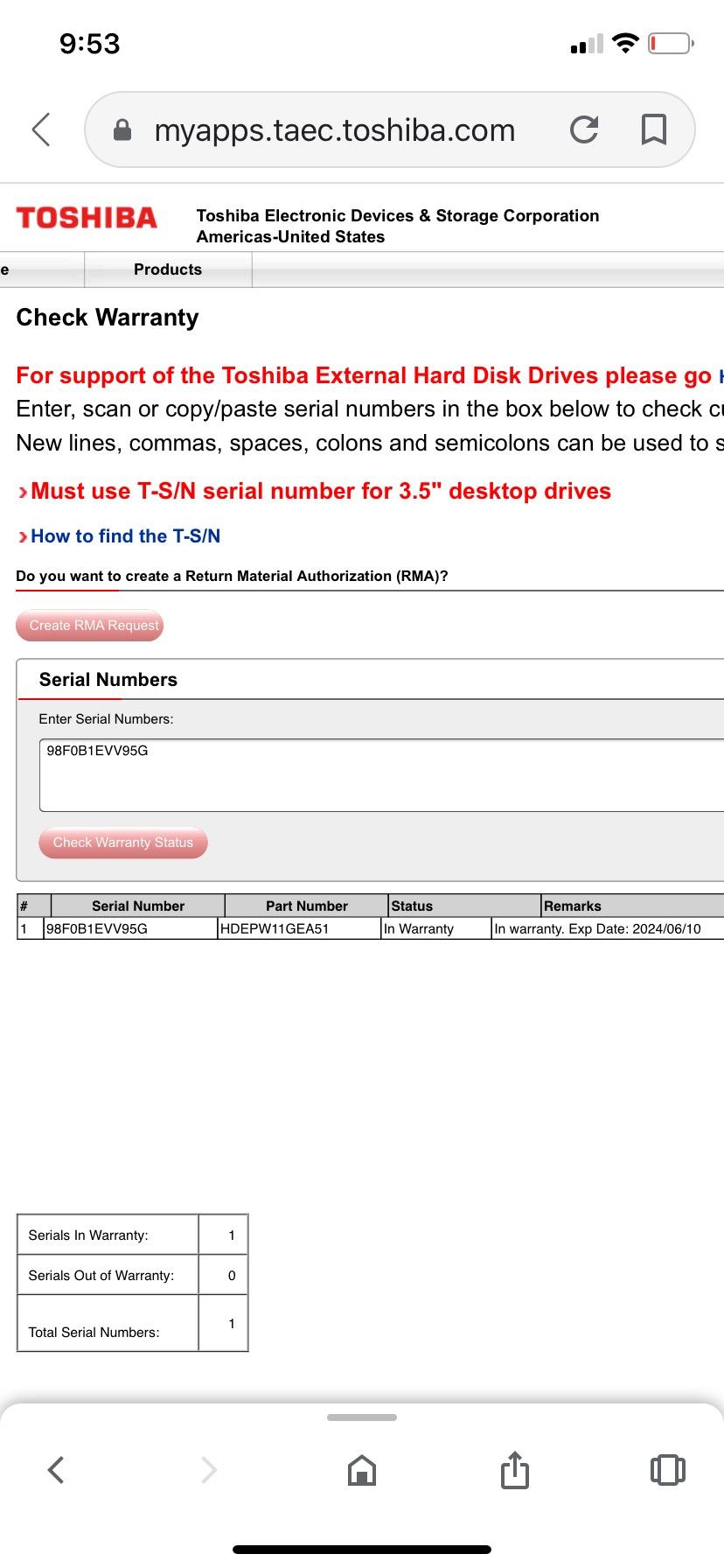
Reviewers are buying these for home servers and NAS enclosures precisely because of the duty rating and the cost per terabyte. The five-year warranty is the longest in this roundup, and a small server bay will happily take a 3.5-inch SATA drive like this one.
The 128 MB cache is the weak point. For a modern high-capacity drive it is thin, and it is the first thing I would notice if you filled a chassis with these and asked it to serve several streams while a library scan ran.
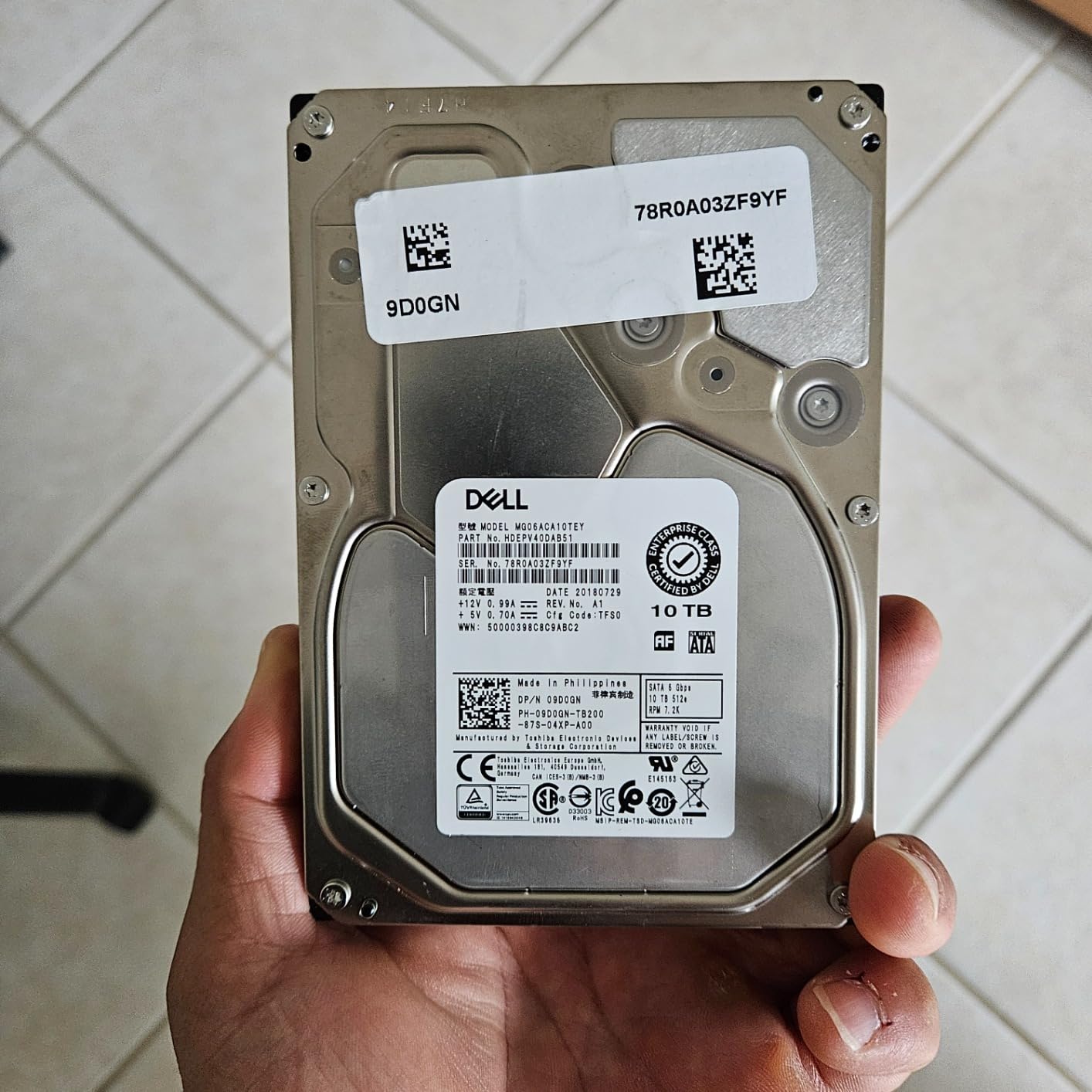
Why consider an enterprise drive at all
Workload rating and warranty length are the two things that translate into a longer life in your enclosure, and this drive has both. If you run a server that never powers off and would rather buy once, the durability argument is sound.
Sustained sequential media streaming suits a 7200 rpm spindle well, and the write cache technology protects you on the ingest side, which is exactly the mixed pattern a Plex library generates.
Why it is a poor fit for most homes
Acoustics. Enterprise acoustics in a living room or bedroom are a genuine problem, and this drive runs at full 7200 rpm, so it is louder and warmer than any of the NAS-rated options here.
Capacity is the other issue. Four terabytes at this price is a hard sell against a modern 8TB NAS drive, and the modest cache makes it feel dated. There is also a visible share of one-star reviews covering early-life failures and compatibility complaints with consumer NAS boxes, so check your enclosure’s drive support list before you commit.
6. Seagate Exos 22TB Renewed – the most terabytes per bay
Seagate Exos 22TB SATA HDD 6Gb/s 7200RPM 3.5-inch Enterprise Hard Drive (ST22000NM000C) (Renewed)
22TB helium sealed
7200 rpm
285 MB/s read
PowerBalance
90-day warranty
Pros
- Highest read speed in this roundup at 285 MB/s
- Helium design runs cooler and draws less power
- Low power draw suits always-on builds
- Clean SMART and FRAM data on some units
Cons
- Only a 90-day warranty as a renewed unit
- Refurb failures do occur
- Limited or absent anti-shock packaging
Twenty-two terabytes in a single 3.5-inch bay is the pitch, and for a cold 4K archive it is genuinely difficult to argue with. A two-bay machine with two of these gives you more raw capacity than most people will fill in a decade of collecting.
Technically this is a data centre drive: 7200 rpm, sequential read up to 285 MB/s which is the highest figure in this roundup, a helium sealed enclosure for lower power and reduced weight, and PowerBalance firmware that targets watts per terabyte. That last point is easy to overlook, but on an always-on home server idle power is a real cost.
The catch is that this is a renewed unit, and that fact dominates the ownership experience. The 90-day limited warranty is the single biggest reason this drive sits sixth rather than first for most people. Owners who stick with it often report buying it again and again for UGREEN, Asustor, and Synology builds.
The most repeated piece of advice across those reviews is to test the drive internally before concluding it is faulty. Several units that appeared dead in a cheap USB dock spun up normally in a proper enclosure, which tells you something about the dock rather than the drive.
Who should buy a renewed Exos
People with a large archive to back up, a second copy of an existing library, or a server in a closet where noise does not matter. The capacity per bay is the whole argument, and the read throughput comfortably exceeds what any home network will pull for direct play.
Helium cooling behaviour means a fully populated enclosure runs cooler than air-filled drives of the same class, which reduces the thermal problem that normally comes with this much capacity in a small box.
Where the risk sits
That 90-day window. If the drive develops bad sectors in month four, you are on your own, and a 22TB rebuild is a serious evening. The reviews also record refurb failures, including one owner reporting a critical error on one of four units within eight months.
Packaging for an expensive drive is sparse, and some units do not tolerate USB docks. My rule with any renewed drive is simple: run a destructive surface test before you copy anything you cannot re-download onto it.
7. HGST Ultrastar 14TB Renewed – the helium data centre bargain
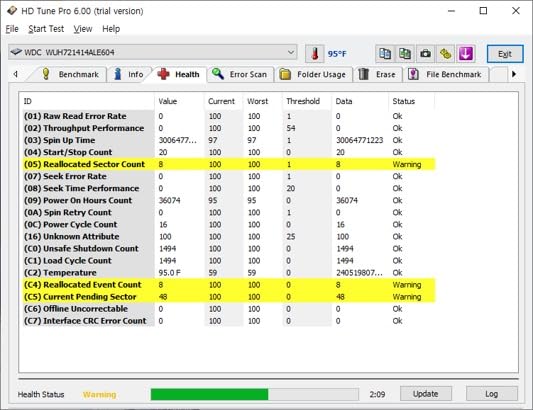
HGST WD Ultrastar DC HC530 14TB SATA 6Gb/s 3.5-Inch Data Center HDD – WUH721414ALE604 0F31152 (Renewed)
14TB helium
7200 rpm
512 MB cache
2.5M hour MTBF
renewed unit
Pros
- HelioSeal platters give high capacity at low idle power
- Data centre lineage with 2.5 million hour MTBF
- Ships with a SATA-to-SATA power adapter
- 512 MB cache supports sustained streaming
Cons
- Enterprise 7200 rpm acoustics are loud at home
- Renewed condition carries warranty and handling risk
- Legacy power requirements can trip consumer enclosures
The Ultrastar HC530 sits in the sweet spot between capacity and bay count. Fourteen terabytes is large enough that you do not need a huge chassis, but small enough that the rebuild time after a failure is not measured in days.
HelioSeal technology is the reason this drive exists in this form. Helium-filled platters reduce the drag on the platters, and Seagate’s own figure for this line is up to 58 percent lower idle watts per terabyte than earlier 8TB air-filled Ultrastar drives. On a server that idles 23 hours a day, that efficiency compounds.
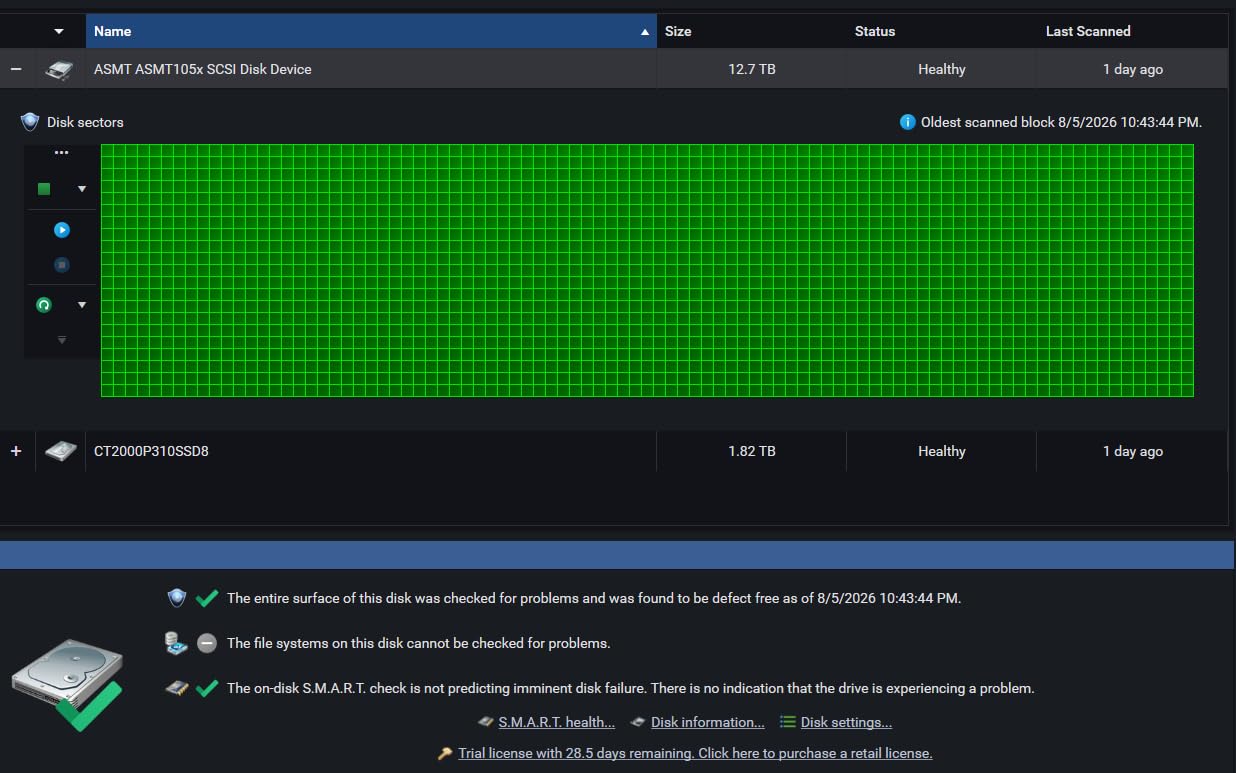
The 512 MB cache and a 2.5 million hour MTBF rating are the kind of numbers you associate with data centre hardware rather than a home server, and buyers fitting these into RAID and backup arrays clearly value that lineage. A SATA-to-SATA power adapter is included for older systems, and a power-disable feature lets the host cut power to the drive.
It is also, like the Exos, a renewed unit. Reviewers are largely homelab and NAS owners who weigh the helium density and power efficiency against refurbishment risk.
Where this drive makes sense
Any always-on server where idle power matters and noise does not. A 14TB helium drive sitting in a rack is a good deal of storage per watt, and the MTBF figure means the drive is specified for far more runtime than a home server will ever deliver.
It is also a sensible cold-storage companion to a live library. Two of these in a mirror gives you redundancy on the archive tier without pushing your everyday array past its workload rating.
Where it is a poor fit
Noise, plainly. This is a data centre 7200 rpm drive and reviewers are blunt about how loud it is in a home environment. It belongs in a closet, a rack, or a room nobody sits in.
The 4.0 average rating reflects a steady tail of refurb failures and units that needed returning, and the legacy power characteristics can cause trouble in some consumer enclosures. Confirm your chassis supports the drive before ordering, and again, test it thoroughly before you trust it.
8. WD Purple Pro 12TB – for a NAS that also records cameras
Western Digital 12TB WD Purple Pro Surveillance Internal Hard Drive HDD – SATA 6 Gb/s, 512 MB Cache, 3.5″ – WD122PURP
12TB
7200 rpm
267 MB/s
4.2 ms latency
550 TB/yr
5-year warranty
Pros
- 267 MB/s sustained throughput for continuous recording and streaming
- 550 TB/yr rating far beyond media server needs
- AllFrame technology reduces dropped frames
- WDDA proactive health monitoring
Cons
- Optimized for sequential video writes over mixed NAS use
- Runs warm and loud at 7200 rpm
- 19 percent one-star share for early failures
This one earns its place for a specific scenario: a NAS that stores camera footage alongside your media library. If your server is only running Plex, skip past this section, because a surveillance drive is tuned for a workload your library does not generate.
The numbers are impressive. Data transfer up to 267 MB/s, average latency of 4.2 milliseconds, a 550 TB per year workload rating, and a five-year limited warranty. Sequential read throughput of that order is more than enough for direct play, so a Plex-only user gets the speed without needing the tuning.
AllFrame technology is the feature that justifies the drive in its intended job, helping reduce dropped frames on always-on video workloads. WD Device Analytics provides proactive health monitoring, which is genuinely useful on a machine nobody is sitting in front of.
Reviews come mainly from surveillance and hybrid media server owners running Purple Pro drives in NVR and NAS enclosures, and satisfied buyers point to strong sustained write throughput and the reliability implied by a 550 TB per year rating.
When a surveillance drive is the right call
Run cameras into the same machine and this becomes the obvious pick. Continuous recording is a relentless write load, and the workload rating and AllFrame firmware are aimed squarely at that rather than at your film library.
Hybrid users also benefit from the capacity tier, since 12TB of footage storage and 12TB of media can live on the same array with a shared RAID rebuild schedule.
When it is the wrong call
It is optimised for sequential video writes, not for the mixed read and write pattern a media library produces. For a Plex-only build, a NAS-rated CMR drive at a similar capacity is a more honest match.
It is also warm and loud at 7200 rpm, and the 4.0 average rating comes with a 19 percent one-star share citing early-life failures and heavy noise and heat, a common theme for surveillance parts repurposed as general storage. A critical minority report drives failing within months, so again, test before you rely on it.
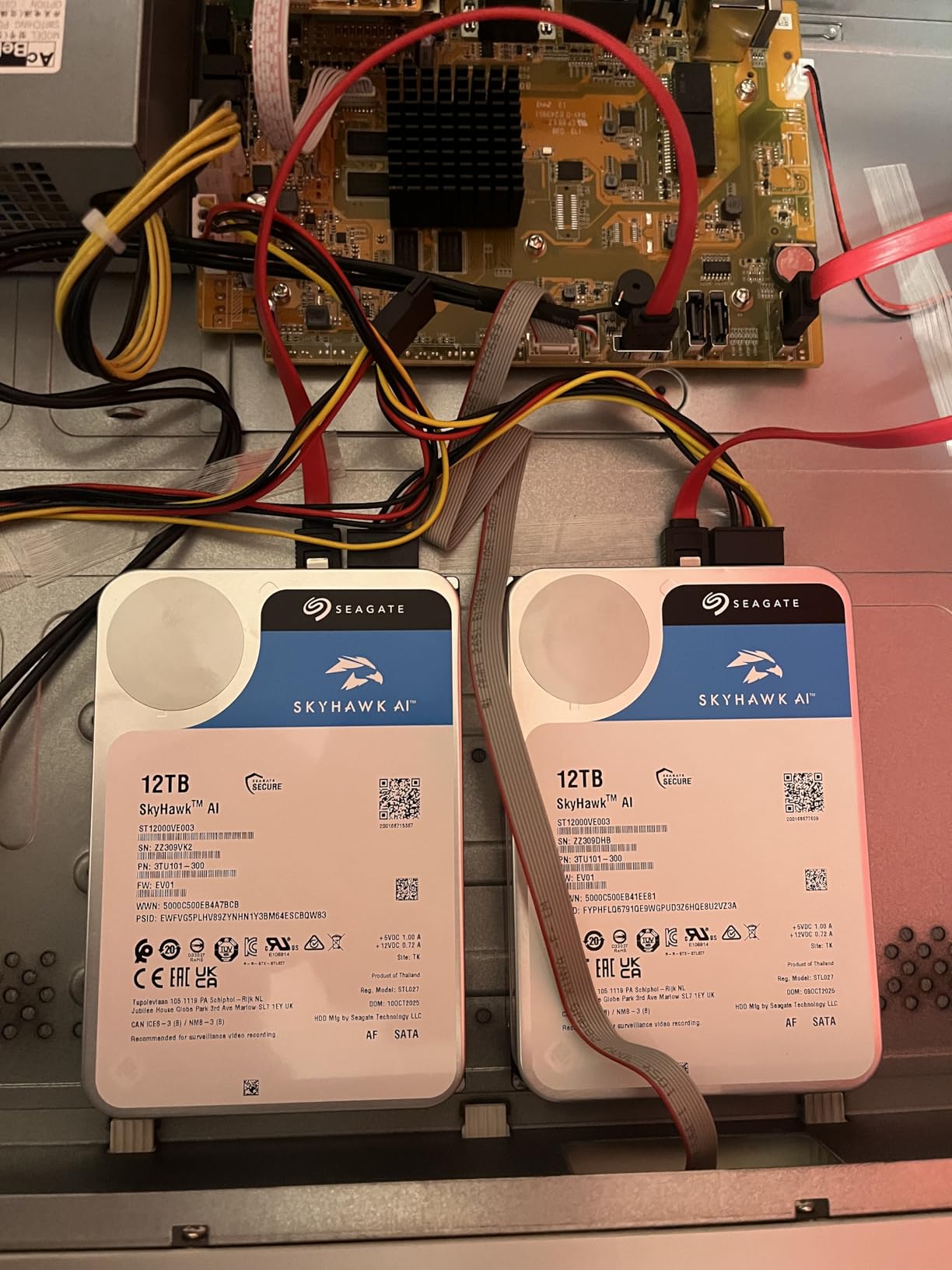
9. Seagate Skyhawk AI 24TB – the biggest single drive here
Seagate Skyhawk AI 24TB Video Internal Hard Drive HDD – 3.5 Inch SATA 6Gb/s 512MB Cache for DVR NVR Security Camera System with in-House Rescue Services (ST24000VE002)
24TB
7200 rpm
250 MB/s read
64 HD streams
2.5M hour MTBF
Pros
- Largest capacity in the roundup
- ImagePerfect AI firmware targets zero dropped frames
- Built-in rotational vibration sensors
- SkyHawk Health Management with RAID RapidRebuild
Cons
- Over-specified for a typical Plex library
- Loud and warm at 7200 rpm
- Highest cost per drive in the group
- Not tuned for mixed read and write
Twenty-four terabytes is the largest single drive in this roundup, and for a large 4K archive it simply reduces the number of bays you need. If your collection is measured in hundreds of terabytes, this is the drive that makes the maths work.
Underneath it is a surveillance AI drive. Sequential read up to 250 MB/s, support for up to 64 HD video streams and 32 AI streams, a 2.5 million hour MTBF rating, and a 550 TB per year workload rate. For Plex direct play the read figure is more than sufficient.
The feature I would flag for a media server is SkyHawk Health Management with RAID RapidRebuild, which is described as delivering rebuilds up to three times faster than traditional RAID rebuilds. Rebuild time is the thing that should worry anyone running a large array, because a multi-bay rebuild on very large CMR drives can run for days.
Built-in rotational vibration sensors also help in multi-bay enclosures, and the package includes a five-year warranty plus three years of in-house Rescue data recovery services, which is meaningful insurance on a drive at this size.
Where this drive pays off
Bulk cold storage of completed 4K libraries. Once a library is finished and rarely watched, storage density matters far more than acoustic character, and a single 24TB drive removes an entire bay from the build.
RapidRebuild and the 2.5 million hour MTBF rating also make it a reasonable choice for a parity or RAID volume holding a large archive, where the cost of a long rebuild is highest.
Where it is over-specified
For most Plex libraries it is more drive than the job requires. The ImagePerfect AI firmware is engineered around constant video recording, and a share of buyers find that AI-specific tuning unnecessary for a home media setup.
It is loud and warm at 7200 rpm, it carries the highest cost per drive in this group, and it is not optimised for the mixed read and write pattern of a media library. Buy it for capacity density, not for its firmware.
CMR vs SMR: the one rule that matters most
CMR is the only hard filter on this page. CMR writes each track independently, so the drive can write anywhere on the platter at full speed and read anywhere without disturbing neighbouring data. SMR, by contrast, writes tracks that overlap, so writing to one track forces the drive to disturb and rewrite its neighbours.
For streaming, that penalty is invisible. Playback is a sequential read, and both technologies read at similar speeds. The problem arrives the moment you write. An SMR drive can look fast when empty and then fall apart as it fills, and during a RAID rebuild or a library scan of a half-full volume, write performance can drop to a small fraction of what you paid for.
The families to be careful with are well documented among regulars on r/synology and r/DataHoarder: plain WD Red without the Plus designation, WD Blue in some capacities, and Seagate Archive. The consensus there is blunt. CMR is the deciding factor, not the brand, and the standard advice is to confirm CMR explicitly on the listing before buying anything that will sit in a Plex array.
For the record, every drive in this roundup is either explicitly CMR or a 7200 rpm enterprise or surveillance part where CMR is standard. That is not an accident; it is the filter we applied before anything else.
How much storage does a Plex library actually need?
Work from per-title sizes rather than a wish. A compressed 1080p film commonly lands between 2 GB and 4 GB, a 1080p remux runs larger, and a 4K remux of a modern feature film can be anywhere from 50 GB to well over 100 GB depending on the bitrate.
Multiply that by a realistic headcount. A household of four watching 1080p title at roughly 3 GB each needs about 60 GB a year of new content before you count rewatches. Someone building a 4K remux library is looking at several terabytes a year very quickly, and someone who watches two films a week at 4K is not far off a full terabyte every few months.
Then add the headroom that keeps performance healthy. Leave at least 15 to 20 percent of the array free, partly because fragmented writes slow down and partly because rebuilds need somewhere to put temporary data. A drive that is 95 percent full is also more likely to spend time in the slow state on writes.
On bay strategy, the folk wisdom in r/homelab is worth repeating: buy fewer, larger drives. A two-drive mirror of large CMR drives is easier to manage and leaves fewer failure points than a chassis stuffed with small ones, and 2TB-class drives are widely regarded as a bad buy because they carry a high annualised failure rate while adding little capacity per bay.
SSD or HDD: where each belongs in a Plex server
Use both, in different roles. The media files themselves belong on large CMR hard drives, because a terabyte of SSD is a poor use of money. The Plex database, the operating system, and the transcode scratch directory belong on an SSD, because they are small and they are random-access heavy.
The reason is workload shape. Plex browsing, library scans, and metadata writes are latency-sensitive and involve many small random operations, which is exactly what a spinning disk is worst at and a solid state drive is best at. Keeping the database off the platter means the interface stays responsive even while the array is busy streaming.
Transcoding is the other SSD argument. If a client cannot direct play and Plex has to transcode on the fly, it reads from disk and writes to the transcode directory at the same time. On an all-HDD server, those operations compete for the same heads. Giving the transcode directory its own small SSD removes the contention entirely.
Buyers on r/PleX make a related point that we consider essential: even when every drive is healthy, the Plex database should be backed up regularly. Media can be re-downloaded. A corrupted database after an unexpected power loss cannot, and rebuilding it from scratch is an afternoon nobody enjoys.
5400 RPM vs 7200 RPM: the noise and speed tradeoff
Spindle speed is mostly a noise and heat decision rather than a streaming one. A 5400 RPM class drive, like the WD Red Plus, spins more slowly, moves less air, and settles into a room far better. A 7200 rpm drive such as the IronWolf, the N300, or the WD Red Pro sustains higher throughput and ingests faster.
For direct play over a gigabit network, the disk is rarely your bottleneck. Gigabit Ethernet tops out around 118 MB/s in practice, so a drive reading 200 MB/s or more has spare headroom. On 2.5GbE or 10GbE networks, the faster spindles start to matter, though network switching and client decoding usually cap out first.
The dominant noise source is often the chassis fan rather than the platters. That is a useful thing to know before you spend more on quieter drives, because a well-ventilated enclosure with a decent fan curve can make a bigger difference than the drive choice itself. Large 7200 rpm enterprise parts are the exception, and they are noticeably louder than any NAS-rated option.
If the server lives in a bedroom or a living room, choose the 5400 RPM class drive and accept lower ingest speed. If it lives in a closet or a rack, take the faster spindle and enjoy the headroom.
RAID, parity, and why neither one is a backup
Redundancy protects availability. A backup protects your data. The consensus across the forum sources for this topic, and the advice we give, is that RAID of any level is not a backup, and a common pattern on r/PleX is users being reminded to keep an independent copy of their data at all times.
RAID 5 on four large CMR drives survives one drive failure, but it does not survive accidental deletion, ransomware on a share, a failing controller, a flooded room, or a user emptying the recycle bin inside Plex. RAID 6 buys a second parity disk and better tolerance of a second failure during a rebuild, at the cost of two disks of capacity.
The practical concern for a Plex server is rebuild time. Rebuilding a very large array takes days, and during that window the drives are under heavy sustained write load, well beyond their rated workload. Forum users regularly describe multi-day rebuilds on large arrays and warn about running drives past their ratings to get through it. RapidRebuild firmware on the Seagate drives in this roundup exists precisely to shorten that window.
My recommendation is tiered. Run a RAID or parity setup for availability on the live library, and keep a separate copy of anything you cannot re-download on another device or another drive set. If your media is all re-rippable, that second copy can be a periodic sync to an external drive. If it is not, the second copy is not optional.
Shucked and recertified drives: the budget route, honestly
Shucking means buying a retail external drive and removing the disks inside, which frequently costs less per terabyte than the equivalent NAS-rated drive because the enclosure carries a markup. r/DataHoarder is full of this strategy, and it has genuine appeal for a first Plex build.
There are two things to check before you shuck anything. The warranty is voided the moment the drive leaves the retail case, which means a failure is entirely your problem. And you need to confirm the model inside is CMR, because the practice has been used to extract SMR drives from cheaper external lines, which is exactly the trap this article exists to help you avoid.
Recertified enterprise drives are the safer version of the same idea, and two of the drives in this roundup are renewed units. You get data centre hardware, helium density, and strong MTBF ratings at a lower cost per terabyte, traded against a short warranty, refurbishment risk, and a need to test each unit before trusting it.
They also have a real environmental cost: enterprise 7200 rpm acoustics are loud, so a shucked Exos or Ultrastar belongs in a closet rather than beside a sofa. The two renewed drives here carry 90-day and refurb-grade warranty terms respectively, and both review sets record a tail of early failures. Test with a destructive surface check and verify SMART data before you copy anything onto one.
How to choose the right drive for your Plex server
Five questions, in order, will get you to the right drive faster than any spec comparison.
Is it CMR? If the listing does not say CMR explicitly, treat it as a no until you have confirmed the specific SKU. This filter comes first because it is the only one you cannot fix later.
Where does the server live? A living room or bedroom pushes you toward the 5400 RPM class NAS drives. A closet or rack frees you to consider 7200 rpm enterprise, renewed, and surveillance parts for their capacity and throughput.
How large is the library in three years? Buy for the library you will have, not the one you have. And prefer fewer, larger drives over many small ones, both for bay efficiency and because small capacities carry a higher annualised failure rate.
What is the drive actually doing all day? Pure streaming wants sequential read. Mixed use with heavy scanning and ingesting wants workload headroom, which is what separates a 180 TB per year NAS drive from a 550 TB per year Pro or enterprise drive.
What happens on failure? If the answer is a multi-day rebuild, buy drives with faster rebuild features, keep a hot spare, and accept a shorter warranty only where the data is genuinely re-rippable. If the answer is losing the only copy, stop and set up a backup first.
One last practical step that costs nothing: run a full surface test and check SMART data on every new drive before you trust data to it. The review sets for several drives here include recurring complaints about units arriving unusable, and ten minutes of testing turns that risk into a return rather than a recovery.
None of this replaces getting the rest of the room right, either. Our picks for the best media consoles for a home theater setup and the best projector screens for a media room cover the display side of a dedicated listening and viewing space, which is where a Plex server usually ends up living. If the equipment itself still lives in a rack or on a sideboard, the roundup on the best media consoles for a stereo system covers the furniture side of the same room.
Frequently Asked Questions
Should I use an SSD or HDD for my Plex server?
Use both, in different roles. Media files belong on large CMR hard drives, because a terabyte of SSD is a poor use of money. The Plex database, operating system, and transcode scratch directory belong on an SSD, because browsing, library scans, and metadata writes are latency-sensitive random operations that a spinning disk handles poorly. Keeping the database off the platter keeps the interface responsive while the array streams.
Are SMR drives bad for a Plex media server?
Yes. Streaming is a sequential read, so SMR looks fine until you write. SMR drives write tracks that overlap, so each write disturbs its neighbours, and performance falls sharply as the drive fills past roughly a fifth of capacity. Library scans, disc rips, and RAID rebuilds are sustained writes, and SMR falls apart under all three. Confirm CMR on the specific SKU before buying anything for a Plex array.
How much storage do I need for a Plex library?
Work from per-title sizes. A compressed 1080p film is roughly 2 to 4 GB, while a 4K remux of a modern feature can exceed 50 GB. A household of four watching one 1080p title a week needs about 60 GB a year; someone collecting 4K remuxes adds several terabytes a year quickly. Leave 15 to 20 percent of the array free for healthy writes and rebuild headroom.
Do I need RAID for a Plex media server?
RAID protects availability, not your data. It survives a drive failure but not accidental deletion, ransomware on a share, a failing controller, or a flood. The practical pattern is tiered: run RAID or parity for availability on the live library, and keep a separate copy of anything you cannot re-download. Also back up the Plex database itself, since media can be re-ripped but a corrupted database cannot be recovered from thin air.
What RPM hard drive is best for streaming?
For direct play over gigabit Ethernet, the disk is rarely the bottleneck, since the network tops out near 118 MB/s in practice. A 5400 RPM class drive such as the WD Red Plus is quieter, cooler, and perfectly adequate. Choose a 7200 rpm drive when you live on 2.5GbE or 10GbE networks, when ingest speed matters, or when the server sits in a closet where noise is not a concern.
Are NAS hard drives worth it for Plex?
Usually, yes. NAS-rated drives carry a workload rating expressed in terabytes per year, firmware tuned for array use, error recovery control that stops a RAID array stalling on one bad sector, and often a three-year or longer warranty. They run cooler and quieter than enterprise equivalents. The case for enterprise or renewed drives is capacity and cost per terabyte, traded against noise, warranty length, and refurbishment risk.
Should I buy 2 large drives or 4 smaller ones?
Buy fewer, larger drives. A two-drive mirror of large CMR drives is simpler to manage, uses fewer power connectors, and creates fewer failure points than a chassis packed with small ones. Avoid 2TB-class drives in particular, because they carry a high annualised failure rate while adding little capacity per bay. The trade-off is rebuild time, which grows with array size, so a hot spare is worth considering on a large build.
What happens when a hard drive fails in a Plex server?
A failed drive in a RAID or parity array drops out, and the volume keeps running on the remaining parity, though performance drops until the rebuild finishes. Rebuilds on very large CMR arrays can take days and push drives well past their rated workload, which is why rebuild-accelerating firmware matters. Without redundancy, the drive is simply gone. Back up your Plex database separately either way, because an unexpected power loss can corrupt it.
The best hard drives for a Plex media server: final verdict
After working through nine drives, the recommendation is straightforward. Start with the WD Red Plus 4TB if the server lives in a room people use and your library is still taking shape. Move to the Seagate IronWolf 8TB when you want modern capacity, health monitoring, and included recovery services. Reach for the WD Red Pro 16TB when the library is measured in tens of terabytes and you have airflow to spare.
Whichever you choose, keep CMR as your only hard filter, put the Plex database on an SSD, and keep an independent copy of anything you cannot re-download. That last point matters more than any drive on this list.
Last updated in October 2026. Every rating and review count here reflects the listing at the time of writing, and prices move daily, so check the latest figure before you buy.