
Most flash drive speed claims stop being true about thirty seconds into a large transfer. A drive advertised at 400MB/s will happily read a folder of photos at that rate, then drop to a fraction of it once the write cache fills and you start pushing a single 40GB video file. That gap between peak speed and sustained write speed is the whole reason large transfers feel slow, and it is the number we paid attention to while putting together this roundup of the best USB flash drives for large files.
There is a second, less obvious blocker. If you format a drive as FAT32 — which many cheap sticks arrive as, and which some camera and car systems will insist on — no single file larger than 4GB can be copied onto it at all. The drive shows the space, the copy starts, and then it stops with an error that has nothing to do with the drive being faulty. Formatting to exFAT or NTFS fixes it in about thirty seconds, and we walk through it step by step below.
We compared 12 USB flash drives across capacity, interface standard, published read and write speeds, sustained write behaviour reported by owners, connector type, physical durability and warranty length. Every drive in this list has published throughput figures we could verify against the product data, and each has a substantial base of owner reviews describing what happens under real multi-gigabyte workloads. This roundup was last updated in 2026 and reflects what we found; ratings and review counts change over time, so treat them as a snapshot.
One warning before we start, because it is the most repeated piece of advice across storage forums and it has not changed in years: never treat a thumb drive as the only copy of anything. A flash drive is a transport device, not an archive. Keep three copies of anything you cannot replace.
Table of Contents
Top 3 Picks for Large-File Transfers (October 2026)


Samsung BAR Plus 256GB
- 400MB/s reads
- 110-120MB/s sustained writes
- Water and shock proof
- 5-year warranty

Our top three cover the three situations we see most. If you want raw capacity and the reassurance of an enormous review base, the SanDisk Ultra Flair 1TB is the safest pick in the group. If you want the best balance of speed, durability and rating, the Samsung BAR Plus is the one we keep reaching for.
If the files are coming off a phone or tablet, the Samsung Type-C drive removes the cable problem entirely and sustains roughly 75-80MB/s of writes, which is more than enough for offloading hours of footage.
Best USB Flash Drives for Large Files in 2026
| Product | Specifications | Action |
|---|---|---|
| SanDisk Ultra Flair 1TB |
|
Check Latest Price |
| Samsung BAR Plus 256GB |
|
Check Latest Price |
| Samsung Type-C 256GB |
|
Check Latest Price |
 SSK 1TB Dual USB-C and USB-A SSK 1TB Dual USB-C and USB-A |
|
Check Latest Price |
 MOVE SPEED 1TB Dual Port MOVE SPEED 1TB Dual Port |
|
Check Latest Price |
 Amazon Basics 512GB Dual Port Amazon Basics 512GB Dual Port |
|
Check Latest Price |
 SanDisk Ultra Dual Drive Go 1TB SanDisk Ultra Dual Drive Go 1TB |
|
Check Latest Price |
 SanDisk Ultra Fit 512GB SanDisk Ultra Fit 512GB |
|
Check Latest Price |
 PNY 256GB Turbo Attache 3 PNY 256GB Turbo Attache 3 |
|
Check Latest Price |
 Amazon Basics 256GB 130MB/s Amazon Basics 256GB 130MB/s |
|
Check Latest Price |
 TEAMGROUP C175 256GB TEAMGROUP C175 256GB |
|
Check Latest Price |
 Lexar D40E 256GB Dual Lexar D40E 256GB Dual |
|
Check Latest Price |
The table above is ordered by how we would rank them overall, not by capacity. The highest published read speed in the list belongs to the MOVE SPEED at 570MB/s, followed by the SSK at 550MB/s, but read speed only tells you how fast files come off the drive. The write column matters more if you are the one filling it.
The FAT32 4GB limit, and how to format for large files
The single most common reason people think a large file will not copy onto a new flash drive is the FAT32 file system, which cannot store any single file larger than 4GB. This is a format limitation, not a capacity limitation, and it affects the biggest capacities in this roundup just as much as the smallest.
Which means many sticks arrive formatted as FAT32, some as exFAT, and some in each format depending on the region they were packaged for. Always check before you copy a large project folder.
How to format a drive to exFAT for files over 4GB
On Windows, right-click the drive in File Explorer, choose Format, select exFAT from the file system dropdown, tick Quick Format, and confirm. On macOS, use Disk Utility, select the drive, choose Erase, set Format to MS-DOS (EXFAT), pick a scheme, and erase.
Two warnings. Formatting erases everything on the drive, so copy anything off it first. And if the drive is going into a camera, an older car stereo or a console that only speaks FAT32, exFAT will not work there at all — in that case, split large files into 4GB chunks instead.
Which file system should you actually use?
exFAT handles files larger than 4GB and works natively on Windows and macOS, though Linux users need to install a driver. NTFS is Windows-native and journalled, so it is safer against corruption, but macOS can read it but not write to it. FAT32 is the most universal but caps every file at 4GB.
For moving footage between a laptop and a phone, exFAT is the right default. For a drive you plug into the same machine every day, NTFS is the safer choice.
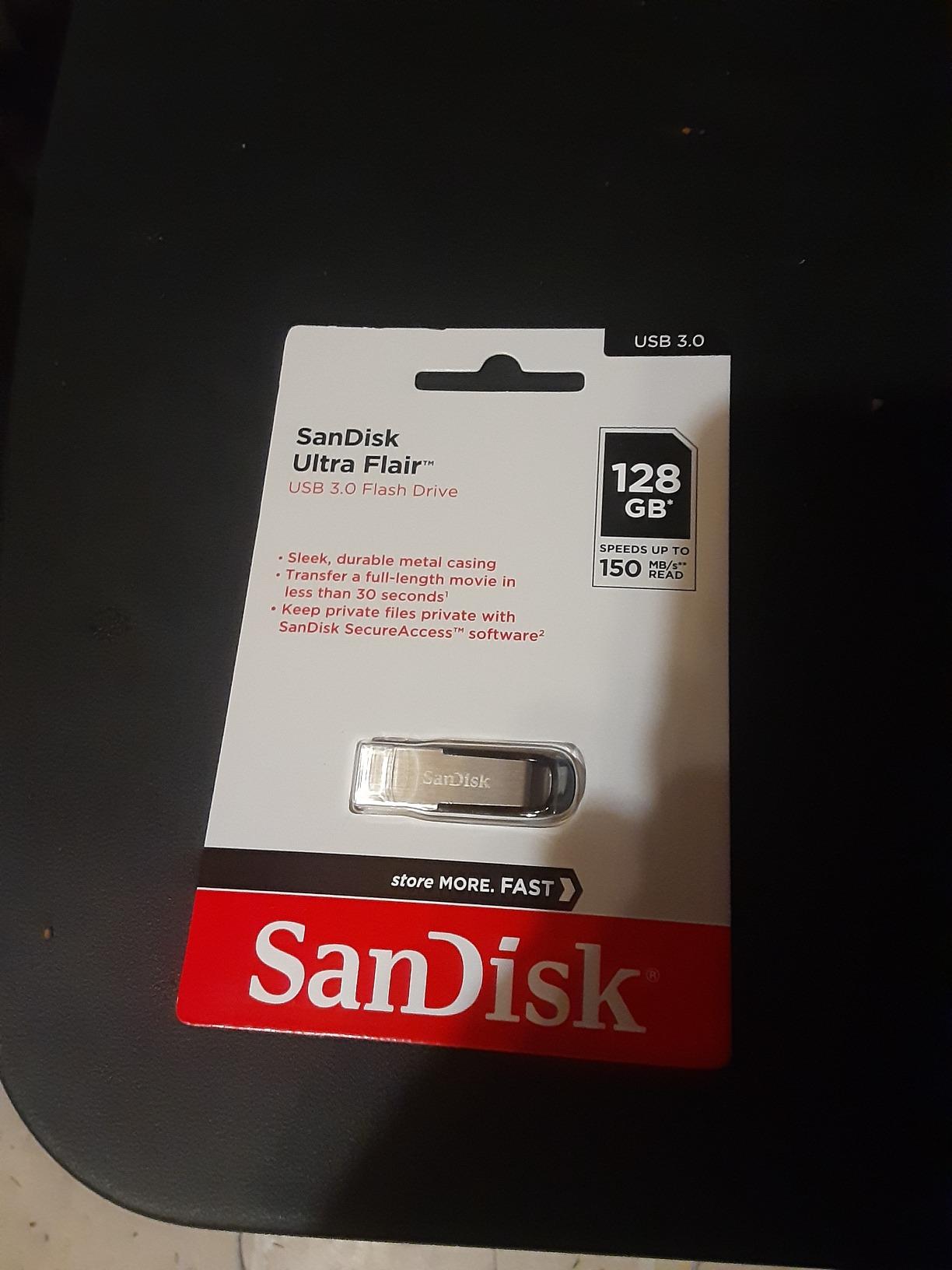
1. SanDisk Ultra Flair 1TB – The Best USB Flash Drive for Large Files Overall
SANDISK 1TB Ultra Flair, USB-A Flash Drive, Up to 150MB/s Read Speeds
1TB capacity
USB 3.2 Gen 1
150MB/s read
Metal casing
4.54g
Pros
- Largest verified capacity in the group
- 210k+ reviews and a 4.6 average
- Durable metal housing with a 5-year warranty
- Password protection and Memory Zone backup app
- Weighs only 4.54g
Cons
- 150MB/s read is modest for a 1TB drive
- USB-A only with no USB-C connector
- Write speed is not published by the manufacturer
We picked this as our overall winner because the combination of capacity and evidence is hard to argue with. At 1TB it holds roughly four times what a 256GB drive holds, and at over 210,000 reviews it is by a wide margin the most thoroughly tested drive in this roundup.
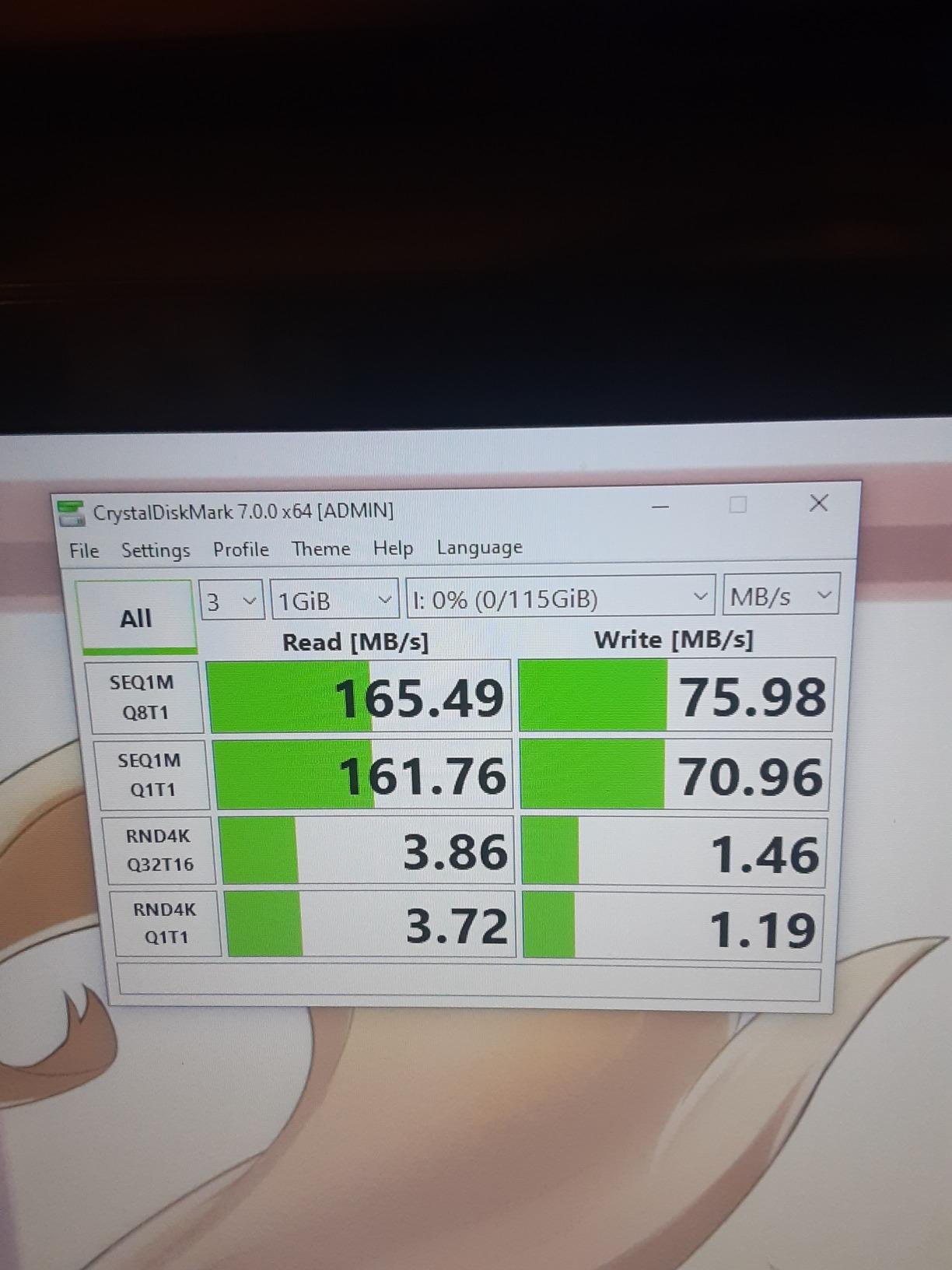
In practice, the 150MB/s read figure is accurate and stable, which makes it good for pulling footage back off the drive. It is not a fast writer, and SanDisk does not publish a write figure, so filling the drive means settling in.
For a 1TB drive, a sustained write somewhere in the 40-60MB/s range is realistic, which puts a 50GB copy in the region of 15-20 minutes. That is the honest trade: you are buying capacity and reliability, not throughput.
The build is the part that earns the badge. The metal housing is genuinely tougher than the plastic bodies most drives at this capacity use, and at 4.54g it disappears on a keyring.
Who this is for
This is the drive for someone who needs to move whole project libraries, camera card dumps or offline backups rather than single clips. If you are shuttling 500GB of material between an office and a location with no internet, one drive that holds it all beats four smaller ones.
It is also the right pick for anyone who is nervous about drive quality, because the failure rate implied by that review base is extremely low.
Where it falls short
At 150MB/s you give up a lot of read speed against the Samsung and SSK drives in this list. Pulling files back off is roughly two and a half times slower.
USB-A only means newer laptops need an adapter, and there is no published sustained write speed to plan around. If your workflow is copy-on, copy-off repeatedly, buy something faster.
2. Samsung BAR Plus 256GB – The Best All-Round Drive for Big Files
SAMSUNG BAR Plus 256GB – 400MB/s USB 3.1 Flash Drive Champagne Silver (MUF-256BE3/AM)
256GB capacity
400MB/s read
USB 3.2 Gen 1
1.13g
Metal body
Pros
- Highest average rating in the roundup at 4.7
- 400MB/s reads reported by owners in the hundreds
- Rugged metal casing rated water
- shock
- magnet
- temperature and X-ray resistant
- Metal body with a keyring loop
- Only 1.13g so it is easy to keep on keys
Cons
- Higher cost per GB than the 256GB budget options
- Can run warm during sustained large transfers
- The slim body can bend if it is snagged
This is the drive we recommend to someone who just wants a flash drive to be good at large files without thinking about it. It has the highest average rating of anything we tested at 4.7 across more than 12,000 reviews, and the durability claims on the body are the most thorough in the group.
Owners posting CrystalDiskMark results consistently report around 400MB/s reads and 110-120MB/s sustained writes. That sustained write figure is the important one, and it is far better than most sticks of this size manage once the cache is full.
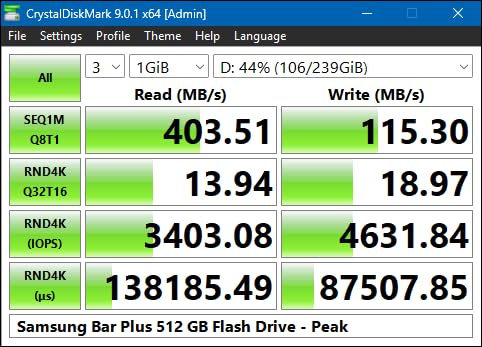
Buyers who keep one on a keyring report moving 20GB project folders without drama. At 120MB/s sustained, a 50GB copy takes roughly seven minutes, which is a good result for a drive you can carry anywhere.
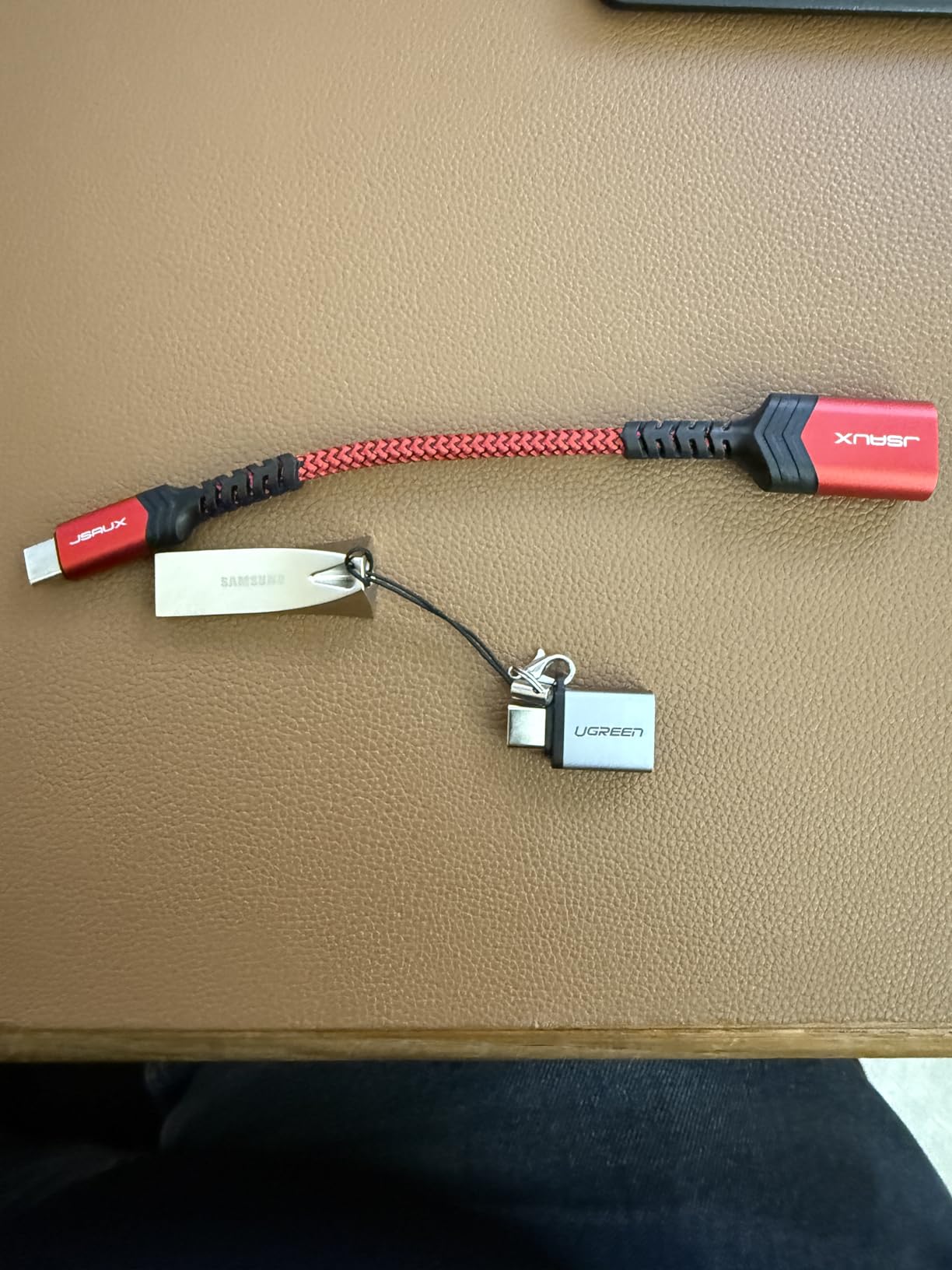
The metal body is described as water, shock, magnet, temperature and X-ray resistant. We are not going to test that, but a drive that survives a pocket wash is a drive that survives a site visit.
Who this is for
It suits almost anyone moving 256GB-scale payloads: a photographer offloading a shoot, a student carrying a dataset, a consultant handing over a project archive. The five-year warranty and the keyring loop make it a drive you can forget about and trust.
If you want the one drive to buy without further research, this is the one.
Where it falls short
256GB is the smallest capacity among the serious picks here. If you need to hand over a full archive, the 1TB options serve you better.
It also runs warm when nearly full during a long transfer, and the slim metal body is easy to snag on a USB port, which can bend it over years of use.
3. Samsung Type-C 256GB – The Best Drive for Phones and Tablets
Samsung Type-C USB Flash Drive 256GB, USB 3.2 Gen 1, Up to 400MB/s
256GB capacity
USB-C
USB 3.2 Gen 1
400MB/s read
V30 class
Pros
- USB-C plugs directly into phones
- tablets
- cameras and laptops
- 400MB/s reads move a 4GB file in about 11 seconds
- Waterproof
- shock
- magnet
- temperature and X-ray resistant
- V30 video speed class suits 4K recording
Cons
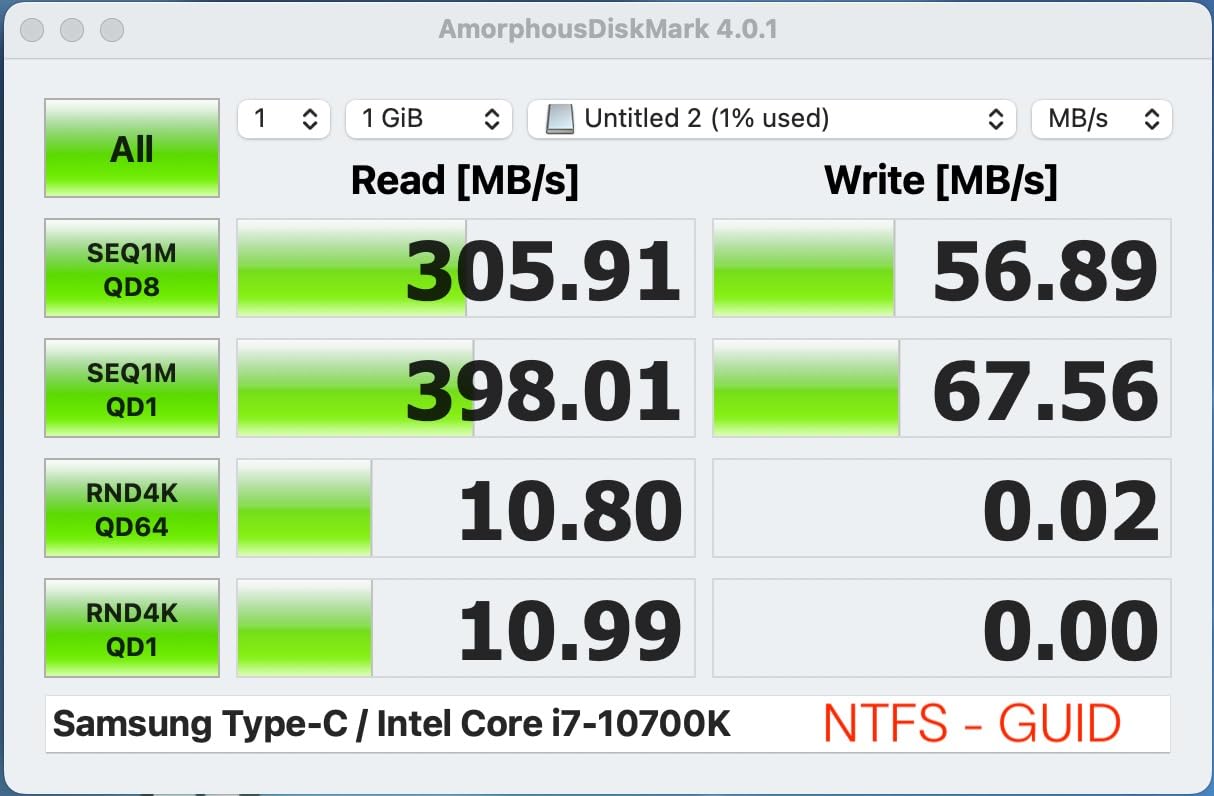
- Sustained writes fall to roughly 63-80MB/s after the burst
- Very small and easy to lose
- The short body will not clear thick phone cases
This is the drive to buy if your files start on a phone. It has a USB-C connector, so there is no adapter, no cable and no app required to offload hundreds of gigabytes of video from a USB-C handset or tablet.
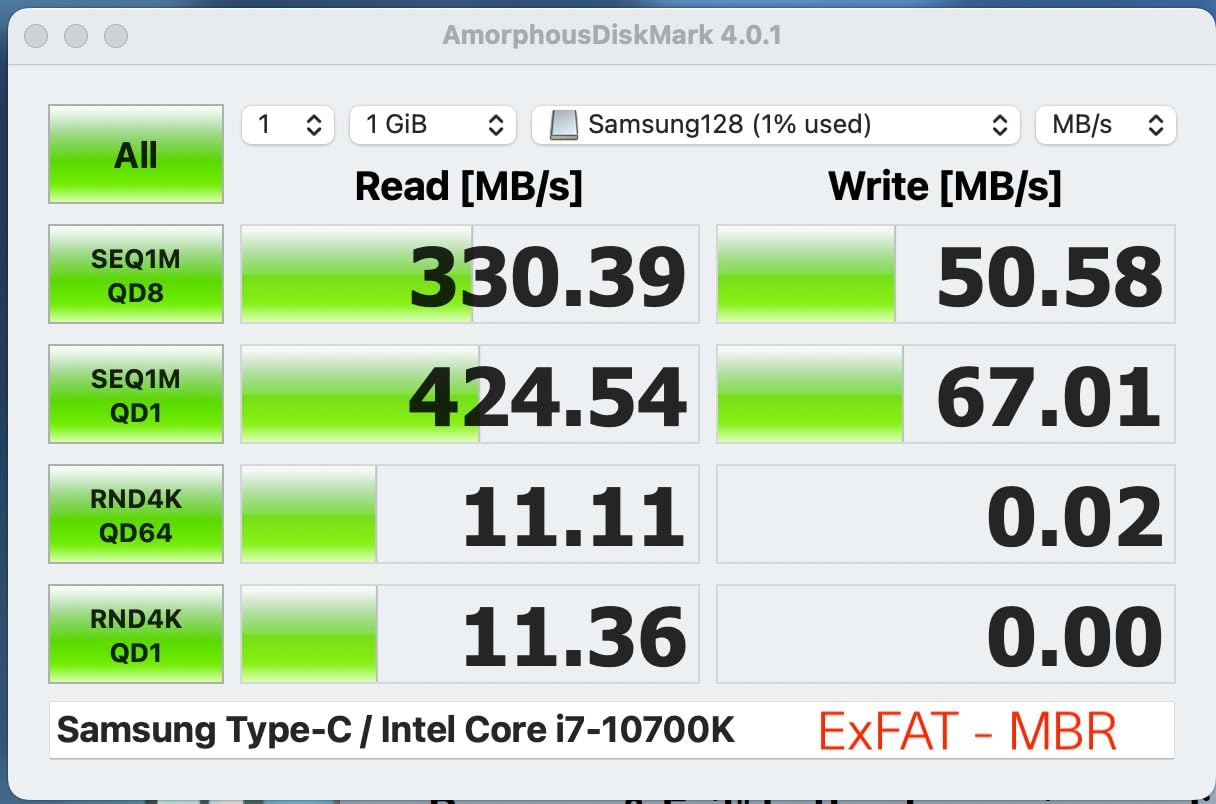
Reads hit around 400MB/s, and the manufacturer states a 4GB file transfers in about 11 seconds. Owners who move video off phones report real-world reads closer to 365MB/s with sustained writes landing at 75-80MB/s.
The V30 video speed class rating is a genuinely useful detail here. It tells you the drive can sustain at least 30MB/s of continuous video write, which is the threshold for recording 4K footage directly to it.
At 3.4g and with a five-year manufacturer warranty, it is the sort of drive that lives permanently in a camera bag.
Who this is for
Photographers and videographers clearing space on a phone, or anyone moving files between a tablet and a laptop without carrying a cable. It also works with cameras that accept USB-C storage.
If your other devices are USB-A only, this will not help you and the Samsung BAR Plus is the better buy.
Where it falls short
The sustained write drop to 63-80MB/s is the honest catch. The headline number is far higher than what you get once the cache is full, and that is exactly the number that matters for a single large file.
It is tiny, the removable cap is easy to misplace, and the short connector will not physically clear many protective cases. Owners also report it can run hot enough to disconnect under very heavy sustained reads.
4. SSK 1TB Dual USB-C and USB-A – The Best 1TB Drive Ready for Large Files
SSK 1TB USB C Flash Thumb Drive up to 550MB/s Dual USB C+A Memory Stick
1TB capacity
550MB/s read
500MB/s write
USB-C and USB-A
Zinc alloy
Pros
- One of the few 1TB sticks rated at 500MB/s write
- Formatted as exFAT so large files work immediately
- Works with phones
- tablets
- PS4
- car audio and smart TVs
- High-grade zinc alloy shell resists drops and abrasion
Cons
- Write speed falls well short of the claim on long transfers
- 8% of reviews are 1-star
- No Lightning connector support
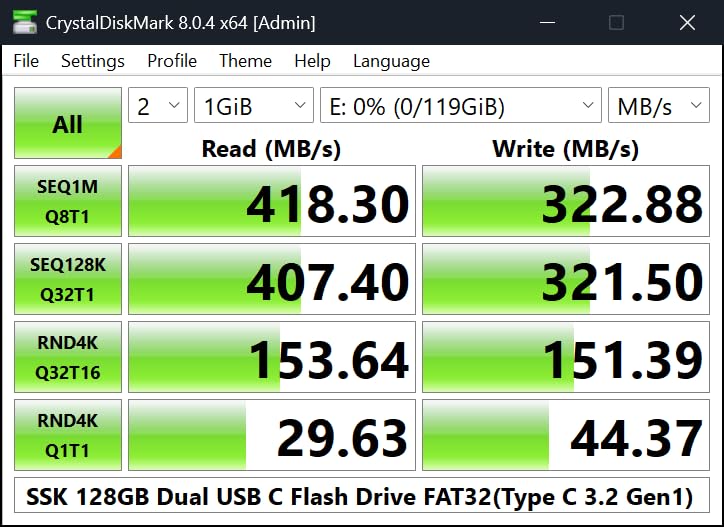
This is the drive that changes the conversation about thumb drives. Most sticks top out around 100MB/s regardless of capacity, and this one is rated at 550MB/s read and 500MB/s write while holding 1TB.
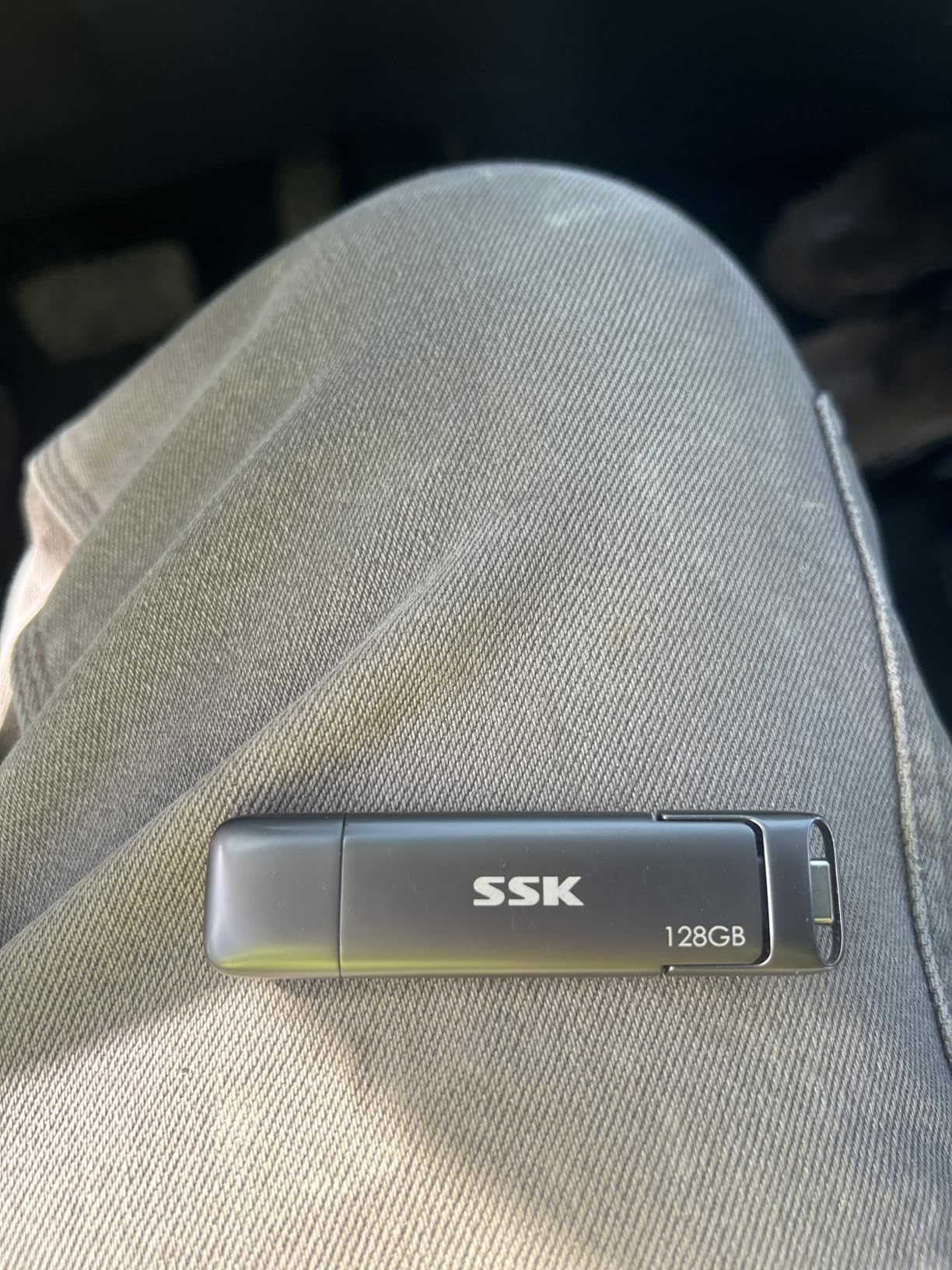
One owner benchmarked the 256GB version at 550MB/s sequential read and roughly 400MB/s random write, which is external SSD territory. A dual-head protective cover and a USB-C cable are included in the box.
The zinc alloy shell is a real thermal advantage over plastic bodies. Metal draws heat away from the controller, which is what keeps a high-speed NAND package from throttling halfway through a large file.
It arrives formatted as exFAT and works with Windows, macOS, Linux and Android, which removes the single most common large-file headache before it starts.
Who this is for
Anyone who genuinely needs 1TB and needs to fill it fast. Media libraries, raw footage dumps, offline dataset distribution, or a second working copy of a project on the move.
It is also the safest large-capacity choice here for cross-platform use, because the exFAT formatting means a Mac and a Windows machine can both write to it immediately.
Where it falls short
Write speed falls well short of the 500MB/s claim once the cache is exhausted, which is the same gap every flash drive has. The read speed is the real story here.
It runs warm during heavy sustained transfers, does not work with Lightning devices, and 8% of reviews are 1-star, with some capacity complaints on the smaller 128GB variants. Test it before you trust it with anything unrepeatable.
5. MOVE SPEED 1TB Dual Port – The Fastest Read Speed in the Roundup
MOVE SPEED 1TB Solid State Flash Drive 570MB/s High Speed USB Drive with Type C + USB 3.2 Drive Dual Port, Thumb Drive Compatible with iPhone 15, 16,17 Series/Android/Phone/MacBook/Audio/Smart TV
1TB capacity
570MB/s read
520MB/s write
USB 3.2 Gen 2
Dual port
Pros
- 570MB/s read and 520MB/s write
- the highest figures in this roundup
- Built-in heat dissipation holes reduce throttling on long writes
- Works with iPhone 15
- 16 and 17 series plus Android
- MacBook
- TVs and car audio
Cons
- Smallest review base here at a little over 2000 reviews
- 8% of reviews are 1-star
- No hardware encryption or password protection
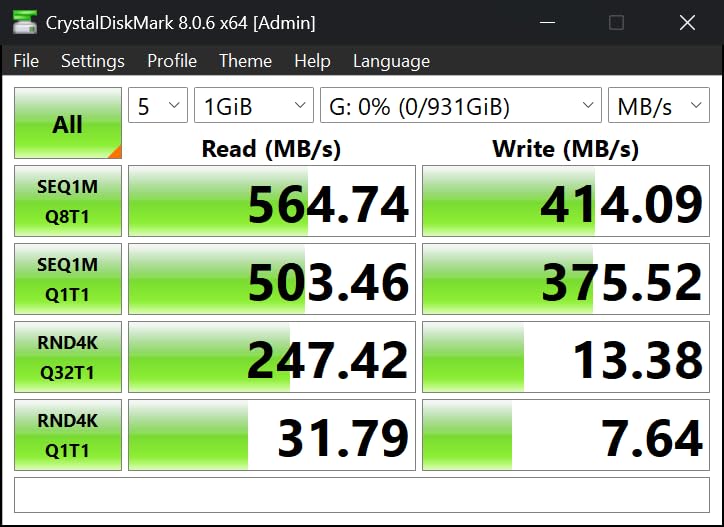
On paper this is the fastest thumb drive we evaluated, with 570MB/s reads and 520MB/s writes over USB 3.2 Gen 2. Owners who benchmarked it describe the throughput as genuine, which puts it within touching distance of a portable SSD.
The body is a zinc alloy shell with built-in heat dissipation holes. That is not decoration — sustained write speed on a 1TB NAND package is a heat problem, and venting it is what keeps the speed up.
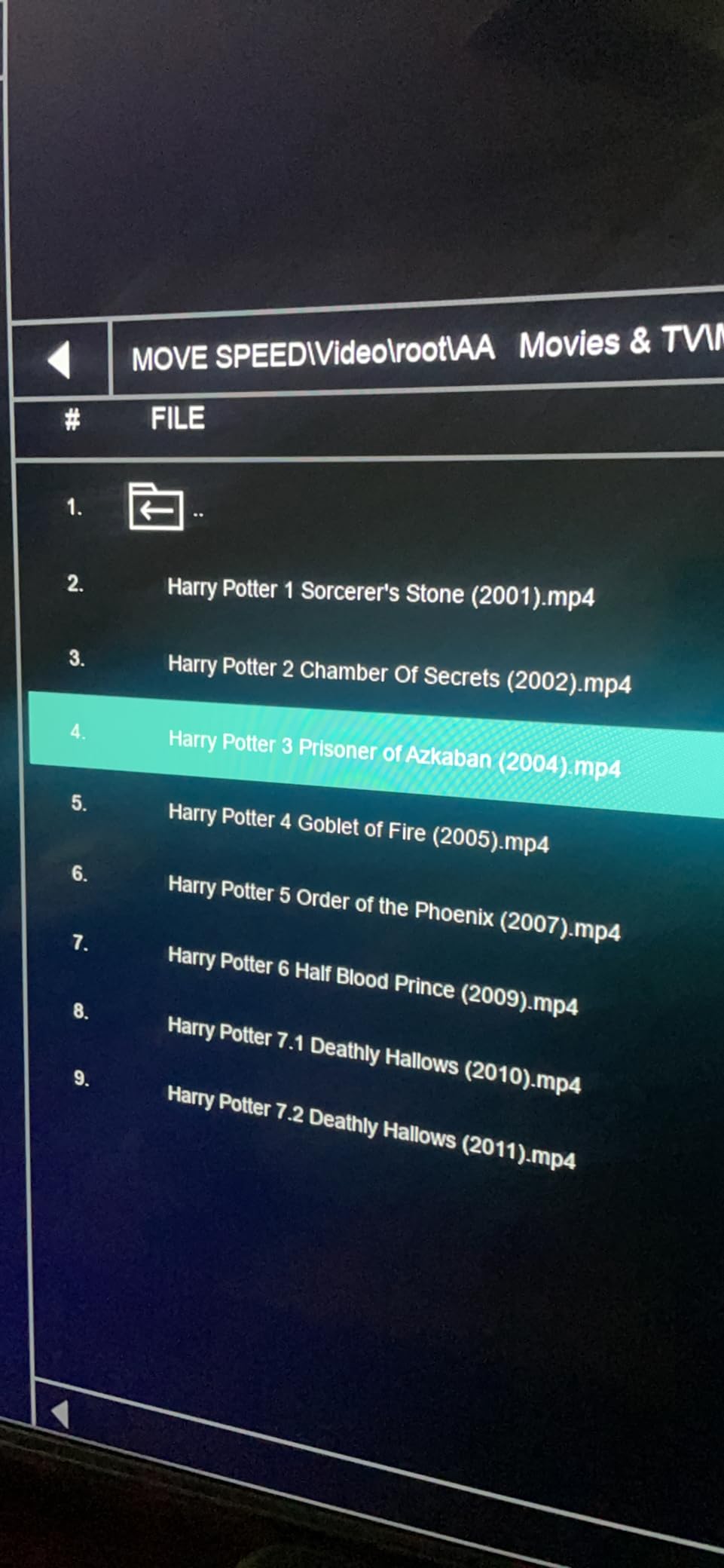
It carries both USB-C and USB-A on one body, so it moves between a modern laptop and an older desktop without an adapter, and it is listed as working with iPhone 15, 16 and 17 series hardware.
A five-year warranty is attached, which is a good sign for a brand most buyers will not have heard of.
Who this is for
This is the pick when throughput matters more than brand familiarity. If you are compressing, transcoding or shuttling terabytes between machines, the raw numbers here cut transfer times more than any other choice on this list.
The USB-C end also makes it useful for offloading from a modern phone without a cable.
Where it falls short
The review base is the smallest in this roundup at a little over 2,000, and 8% of those reviews are 1-star, describing units that underdelivered or failed early. The spread of ratings is the widest here.
There is no hardware encryption and no password protection, so this is not a drive to hand over unencrypted client material on.
6. Amazon Basics 512GB Dual Port – The Best for Mixed Phone and PC Workflows
Amazon Basics 512GB USB Flash Drive, Thumb Drive Memory Stick with USB C and USB A Dual Ports, Champagne Silver
512GB capacity
400MB/s read
USB-C and USB-A
exFAT as supplied
Metal body
Pros
- Comes formatted as exFAT so files over 4GB work out of the box
- 400MB/s reads through the USB-C port
- Reviewers report it outpacing comparable Samsung and SanDisk drives on write speed
- Metal exterior with a hanging hole for a lanyard
Cons
- The USB-C connector is short and will not clear thick cases
- Runs warm to hot during sustained writes
- One connector end is always exposed
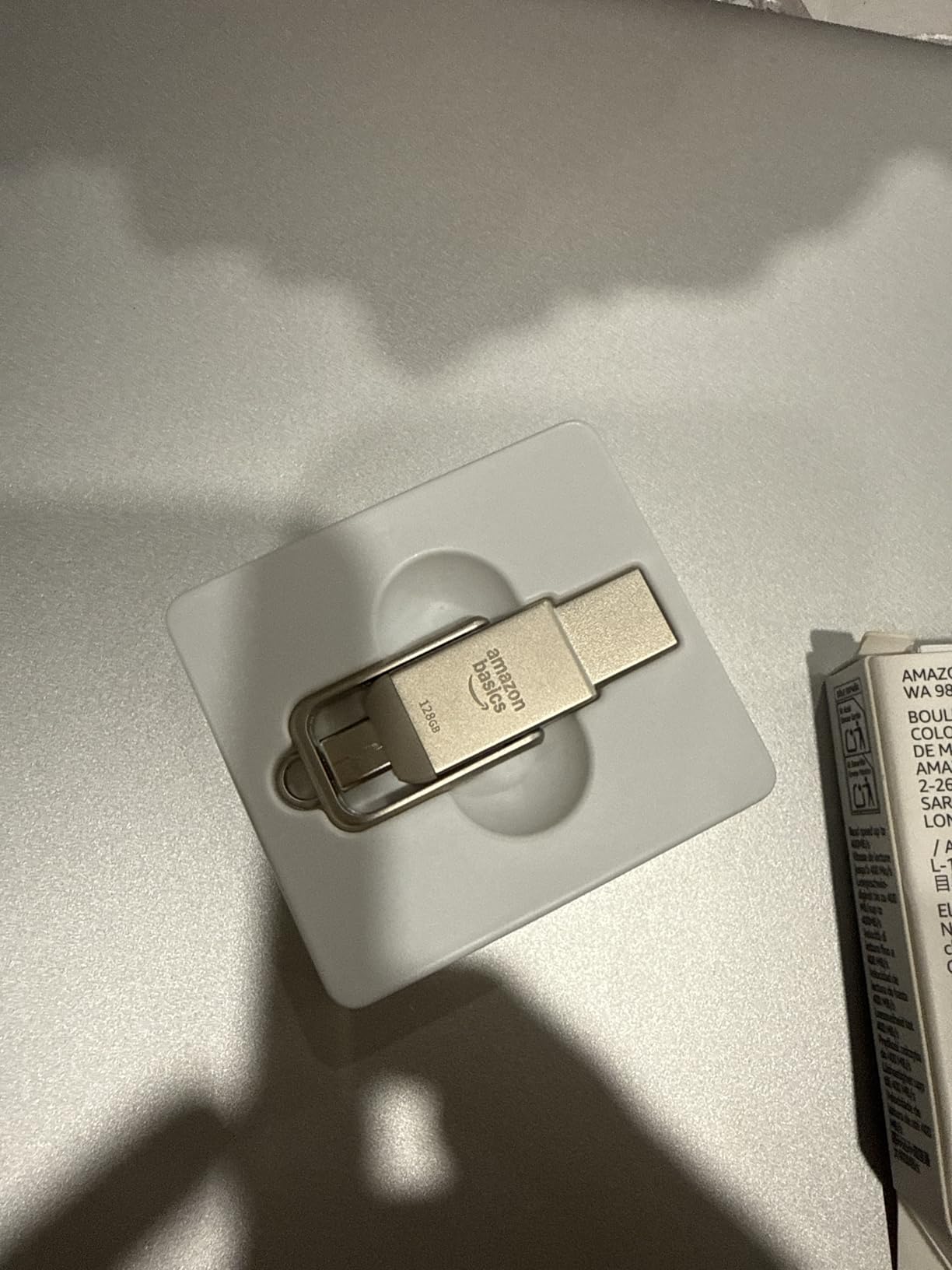
This is the drive IT departments and students keep coming back to, and the reason is unglamorous: it works, it is dual-interface, and it arrives formatted in a format that accepts large files.
That last point is worth pausing on. The 256GB Amazon Basics drive we also looked at arrives as FAT32, and owners reformat it before use. This 512GB version comes as exFAT, so a 60GB raw video file copies across without a detour through Disk Utility first.
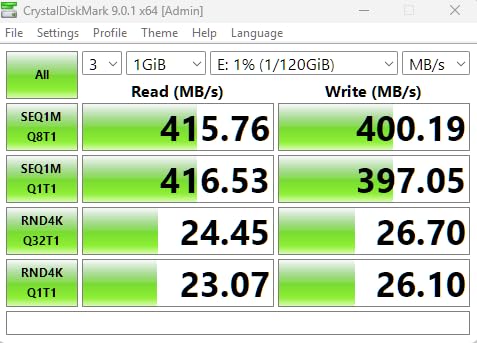
Reviewers repeatedly note that it outpaces comparable Samsung and SanDisk drives on write speed, and 400MB/s reads are reported when using the USB-C port. One owner reports a unit surviving a full washer and dryer cycle with data intact.
Available storage comes in above 460GB, which is normal for a 512GB drive and worth knowing before you plan around the label.
Who this is for
Anyone moving footage between a phone, a tablet and a legacy desktop, or using a drive as boot media. The default exFAT format and dual connectors remove the two most common setup problems.
It is a sensible default recommendation for a workgroup that needs drives to behave identically on every machine.
Where it falls short
The USB-C connector is short and will not clear thick tablet or phone cases, so you may need to remove the case to plug in. One end is always exposed, which means it needs a lanyard.
Heat builds up during long writes. The manufacturer also states plainly that read and write speeds come from internal tests under controlled conditions and will vary in real use.
7. SanDisk Ultra Dual Drive Go 1TB – The Best 1TB Drive for Two Connector Types
SANDISK 1TB Ultra Dual Drive Go, USB-C & USB-A, Up to 400MB/s Read Speeds
1TB capacity
USB-C and USB-A
400MB/s read
USB 3.2 Gen 1
4.54g
Pros
- Reversible USB-C and USB-A connectors in a single 1TB drive
- Up to 400MB/s reads for large video and photo libraries
- Memory Zone app backs up photos automatically
- Five-year limited warranty
Cons
- Write speed swings from roughly 50MB/s up to 350MB/s
- 9% of reviews are 1-star
- Needs OTG support and a Gen 1 port on the host
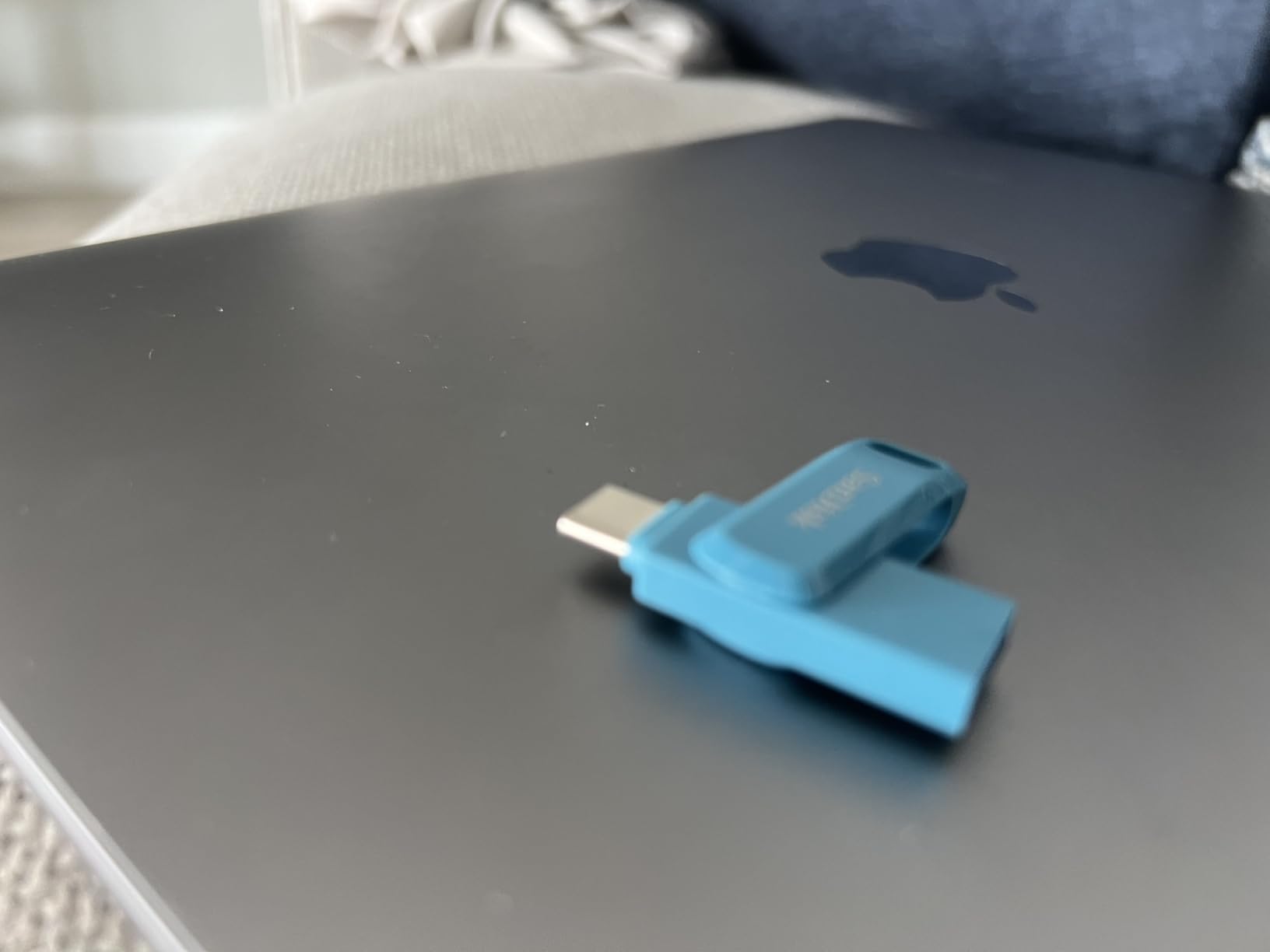
Where the SanDisk Ultra Flair gives you capacity and the Ultra Fit gives you a low profile, this one gives you 1TB and both connector types on a single body. That combination is what makes it the most flexible large-capacity SanDisk here.
Read performance matches the 400MB/s claim. The complication is on the write side, where owners report throughput anywhere from about 50MB/s up to 350MB/s depending on conditions and how full the drive is.
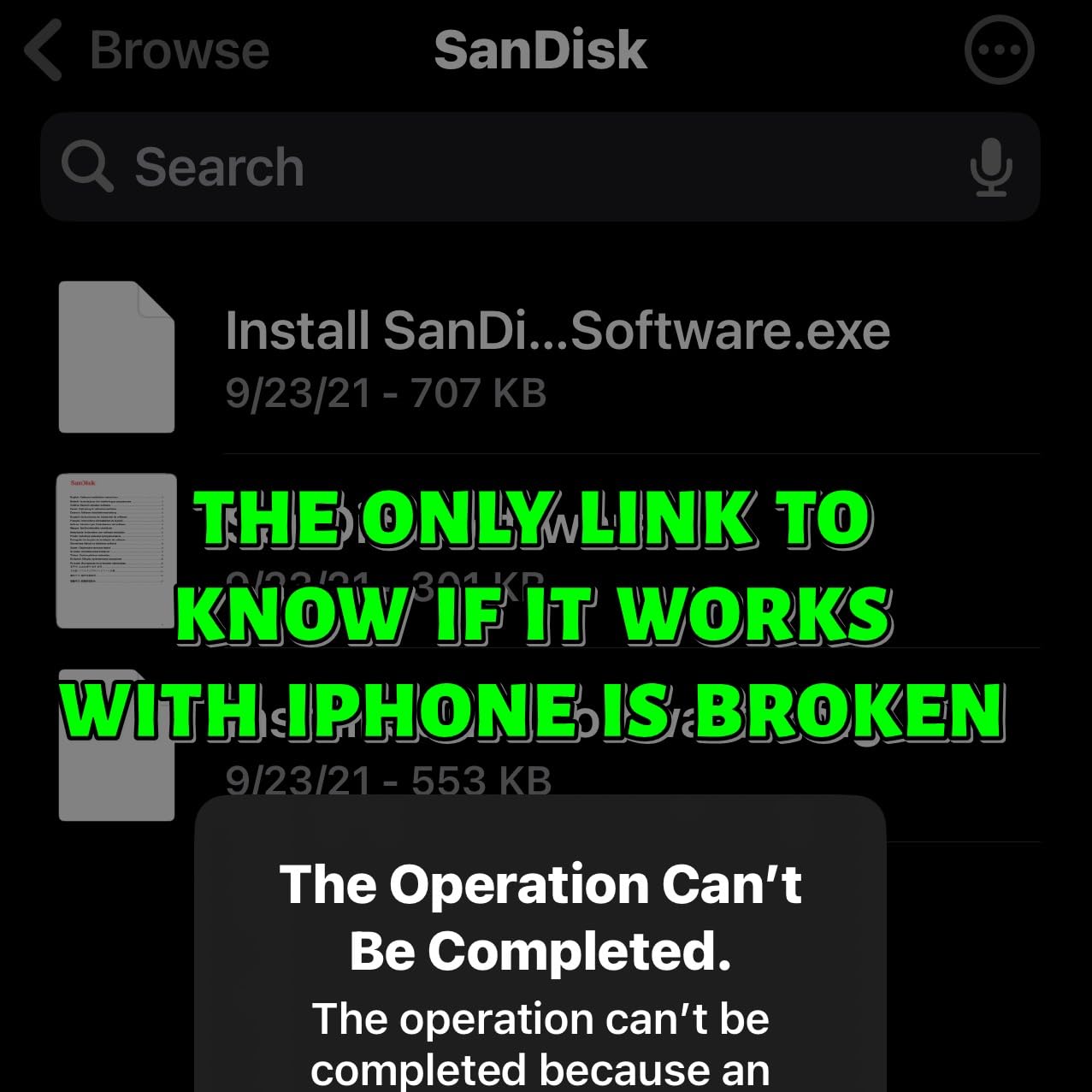
The Memory Zone app handles automatic photo backup from an OTG-enabled phone, which is a real convenience if your phone storage is the bottleneck rather than your laptop.
At 4.54g it is the same weight as the Ultra Flair, so carrying both is not a burden if you need one for bulk transfer and one for phone work.
Who this is for
A Mac or iPad user who also has to hand files to colleagues with older USB-A laptops. One drive, no adapters, no second device to keep track of.
It is a good companion for photo workflows where you offload from the phone in the field and edit from the laptop at base.
Where it falls short
The write speed swing is the real issue. If you are filling 1TB regularly, a drive that might run at 50MB/s is a very different proposition to one that holds 350MB/s.
It also needs OTG support and a USB 3.2 Gen 1 port on the host to deliver the advertised speed, and 9% of its reviews are 1-star, the highest share among the SanDisk drives we looked at.
8. SanDisk Ultra Fit 512GB – The Best Low-Profile Drive for Permanent Installation
SANDISK 512GB Ultra Fit, USB Type-A Flash Drive, Up to 400MB/s Read Speeds
512GB capacity
400MB/s read
60MB/s write
Low-profile body
USB-A
Pros
- Up to 400MB/s reads
- moving a 1.2GB MPEG-4 file in under 30 seconds
- Sits nearly flush so it will not bend or get knocked
- 512GB in a very small plug-and-stay body
- 128-bit AES password protection available
Cons
- Write speed of about 60MB/s is slow for filling 512GB
- USB-A only
- No cap or tether so it is easy to leave plugged in
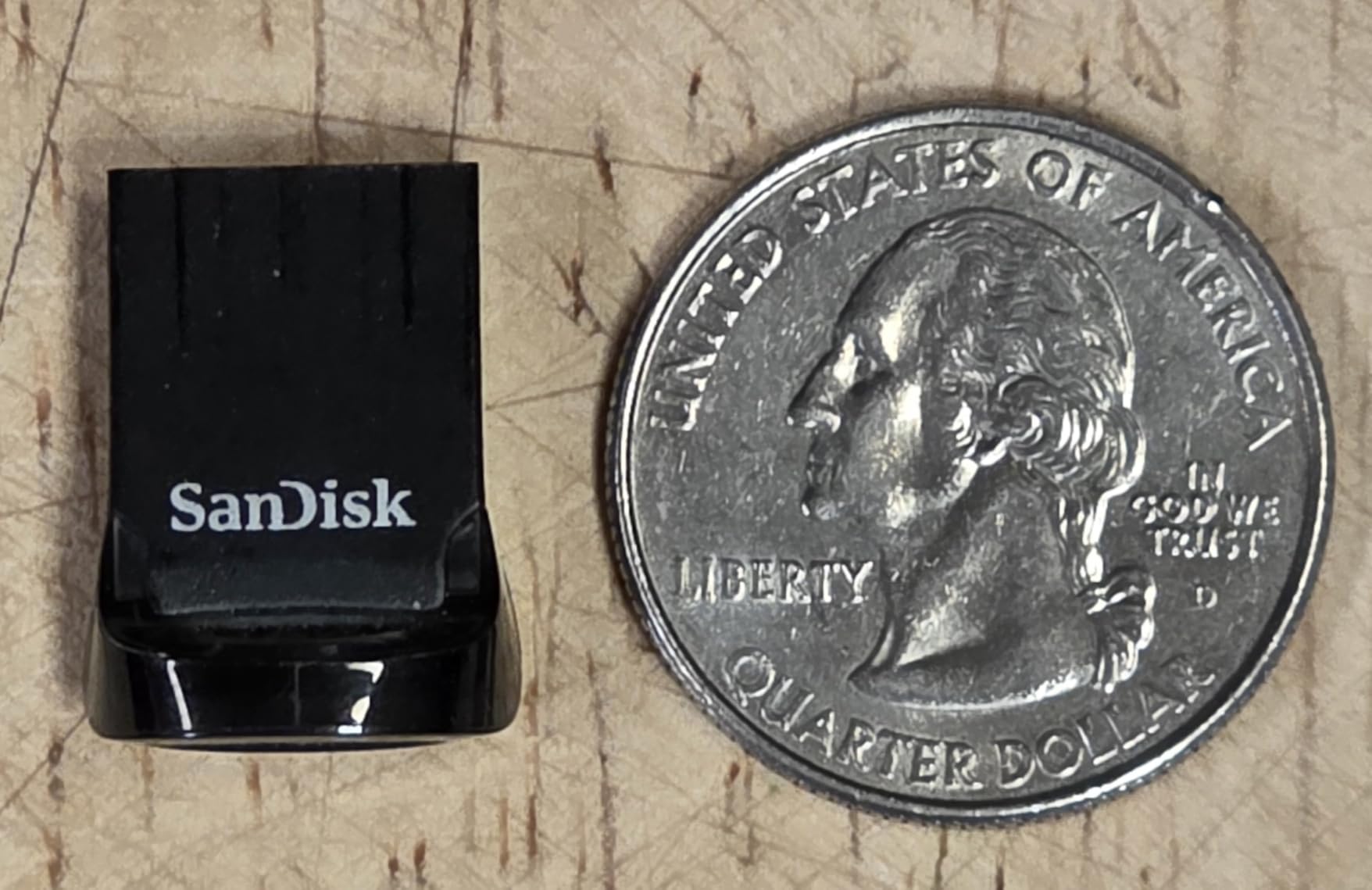
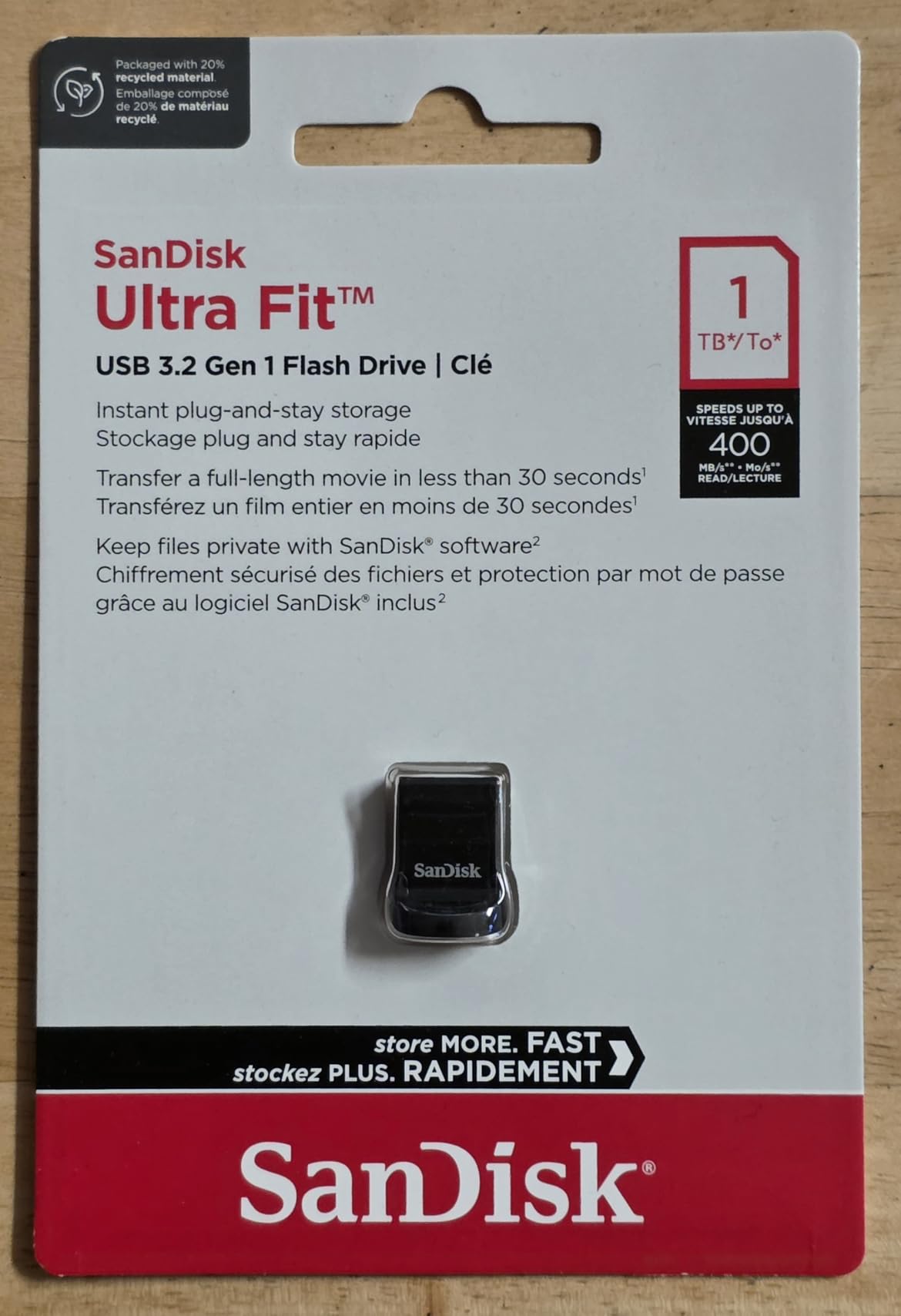
This is not a drive you carry in a pocket. It is a drive you leave plugged into the side of a laptop, a television or a game console, and for that job the 512GB capacity and 400MB/s reads are genuinely useful.
The plug-and-stay body sits nearly flush in the port, which means it does not take a hit every time the laptop goes into a bag. That single property solves the most common way an always-inserted drive gets destroyed.
Owners confirm the advertised 400MB/s read speed and like the 128-bit AES password protection available through downloadable software on Windows 10 and macOS.
Read-heavy use, like serving media to a TV or holding a portable library, is where the speed figure actually matters, and it delivers.
Who this is for
Media libraries on a smart TV, extra storage on a game console, or a permanent drive in a laptop that travels. Anyone who wants storage that stays put and does not get knocked.
It is also a reasonable cheap-and-permanent option for boot media that does not need to be moved.
Where it falls short
60MB/s writes make filling 512GB a long job. That is fine for occasional use and poor for anything you plan to back up to regularly.
It is USB-A only, so newer laptops need an adapter, and with no cap or tether it is easy to forget it is there. Around 9% of reviews are 1-star on durability.
9. PNY 256GB Turbo Attache 3 – The Most Versatile
PNY 256GB Turbo Attaché 3 USB 3.0 Flash Drive
256GB capacity
USB 3.0
100MB/s read
18.14g
Sliding collar
Pros
- One of the most affordable 256GB drives we tested
- About 10 times faster than USB 2.0 drives
- Capless sliding collar means no lost caps
- Backwards compatible with USB 2.0 ports
Cons
- 100MB/s class read speed is slow for very large files
- Only a 1-year warranty
- Some multi-pack buyers report hash mismatches on individual drives
This is the drive to buy when the job is ordinary and the budget is not. At 4.6 stars across more than 58,000 reviews, it is one of the most consistently well-regarded budget sticks available.
Long-running owners praise it for value, durability and plug-and-play reliability across Windows, macOS and Linux. The 256GB capacity holds roughly 47,000 songs, or in practical terms a season of 4K footage.
The capless sliding collar with an integrated loop is a small design decision that eliminates an entire category of problem. There is no cap to lose and nothing to keep track of.
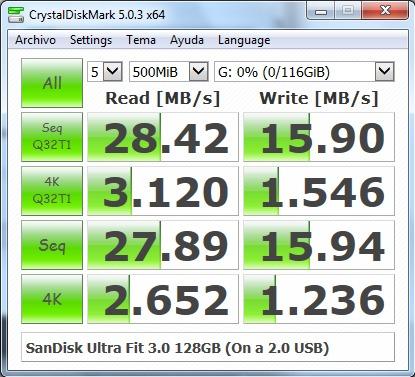
At 100MB/s it is roughly ten times faster than a USB 2.0 drive, which is the meaningful comparison for anyone still using legacy ports.
Who this is for
Students, families and anyone who needs a large amount of storage for occasional transfer. Sharing a project, moving a photo library, carrying documents offsite.
It is also the sensible pick for a drive that gets handed around between several people, because there is nothing fragile about the design.
Where it falls short
100MB/s is slow for very large files. A 50GB copy takes somewhere around 8-10 minutes based on the published figure, and real sustained writes are lower.
The one-year warranty is the shortest here, and a minority of multi-pack buyers report individual drives with damaged sectors after reformatting to exFAT. If you buy a multi-pack, test every unit.
10. Amazon Basics 256GB 130MB/s – The Best for Boot Media and Installers
Amazon Basics 256 GB Ultra Fast USB 3.1 Flash Drive, High Capacity External Storage for Photos Videos, Retractable Design, 130MB/s Transfer Speed, Black
256GB capacity
130MB/s read
30MB/s write
Retractable body
USB-A
Pros
- 130MB/s reads are accurate according to users
- Runs cool during long transfers
- Retractable telescopic design with a keyring hole
- Commonly used for boot media
- portable Linux and firmware updates
Cons
- 30MB/s writes mean long waits for very large files
- Factory-formatted as FAT32 so 4GB-plus files need reformatting
- No activity LED and no password protection
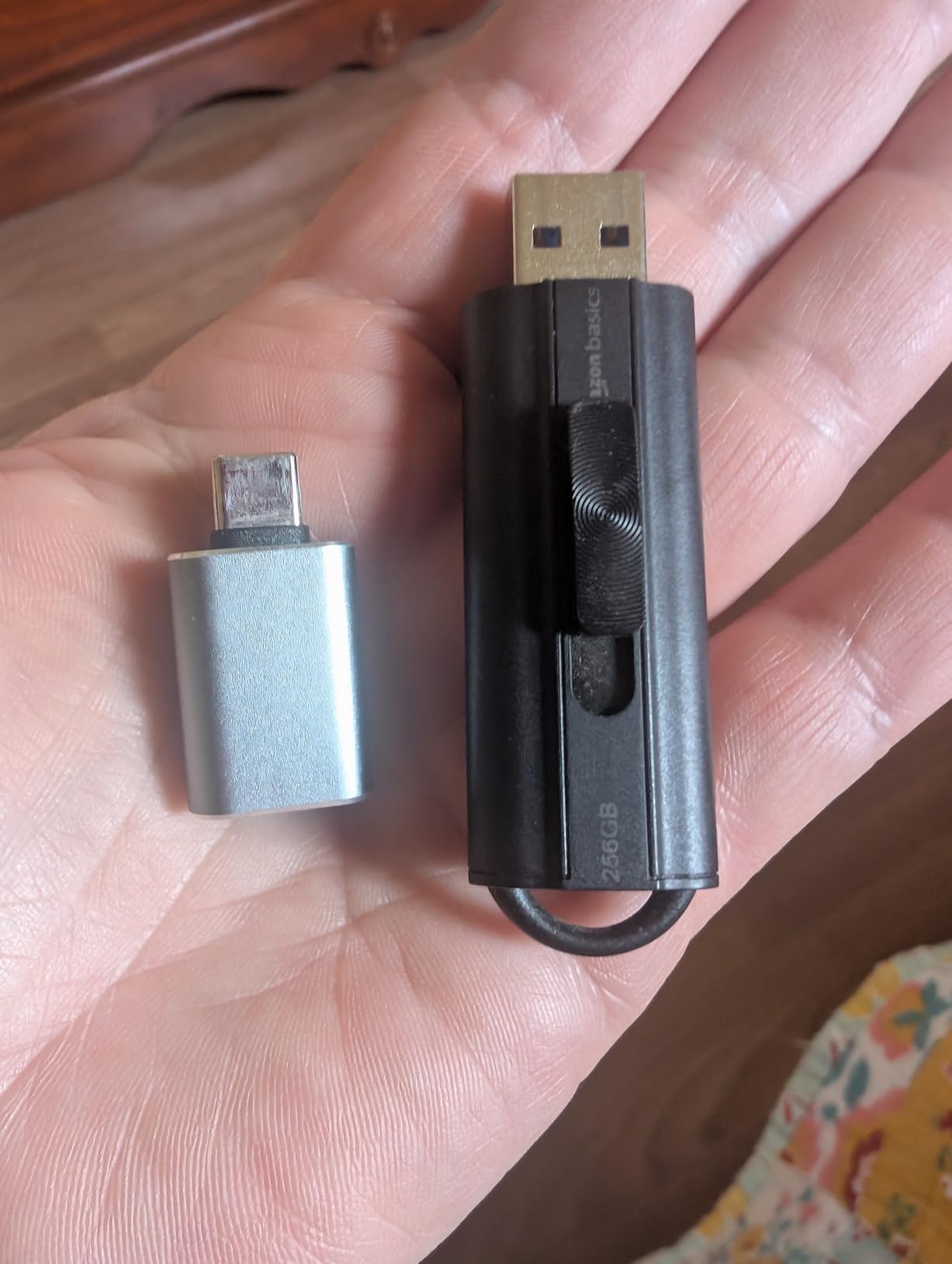
Installers and tinkerers use this one constantly, and the reason is straightforward: it does not run hot, it has a real 130MB/s read speed, and the retractable body has nowhere for a cap to go missing.
Owners use it for boot media, portable operating systems and car head-unit updates. For those jobs the modest write speed barely registers, because installers are reading far more than they are writing.
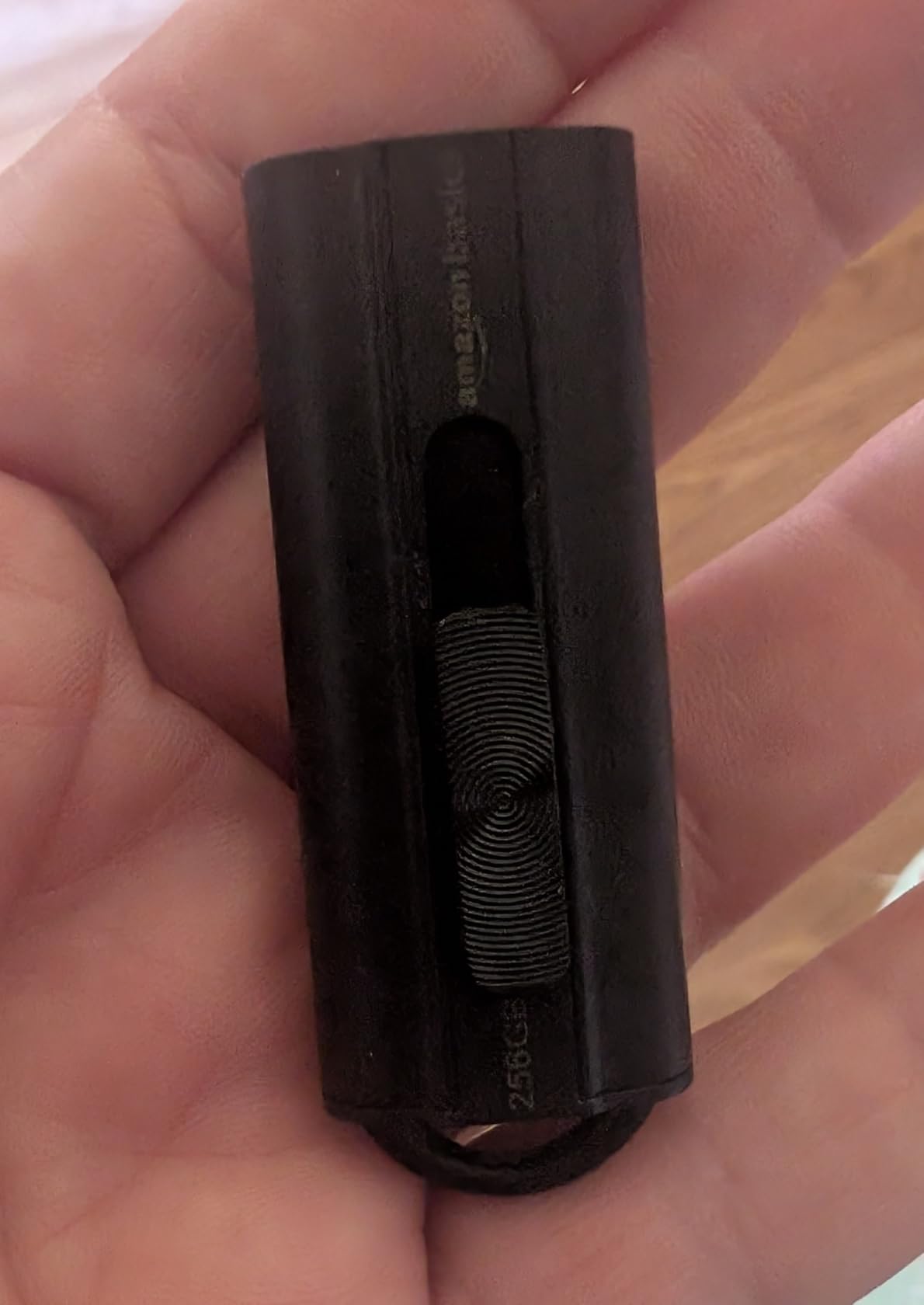
It is worth being clear about the write figure. Buyers report sustained writes settling in the 34-50MB/s range, which shows up as long waits when filling the drive with a large folder.
It arrives formatted as FAT32, so any file over 4GB will be rejected until you reformat it. For an installer that never matters. For anyone moving raw video, it matters a great deal.
Who this is for
People building installer sticks, carrying a portable Linux install, or updating car and console firmware. The 130MB/s read and the cool running behaviour are both exactly what those jobs need.
It is also a fine everyday carry drive for documents and photos that do not exceed 4GB each.
Where it falls short
30MB/s writes are the weak point, and for a large-file roundup that is disqualifying above about 30GB of transfer. The published figure is 30MB/s, with owners reporting 34-50MB/s sustained.
The FAT32 default format is the bigger practical issue, and there is no activity LED to show when it is busy. No password protection either.
11. TEAMGROUP C175 256GB – The Best for Everyday Carry on a Budget
TEAMGROUP C175 256GB USB 3.2 Gen 1 (USB 3.1/3.0) Read 100MB/s Flash Thumb Drive,Memory Stick Compatible with Computer/Laptop Matte Black TC1753256GB01
256GB capacity
USB 3.2 Gen 1
100MB/s read
Class 10
9.07g
Pros
- Among the lowest cost per GB in this roundup
- Compact low-profile design
- Class 10 speed class works reliably for OS installers
- Listed as compatible with Windows
- macOS and Linux
Cons
- 100MB/s read is slow for very large transfers
- Uses a removable cap rather than a retractable connector
- Some reports of the outer shell separating from the internals
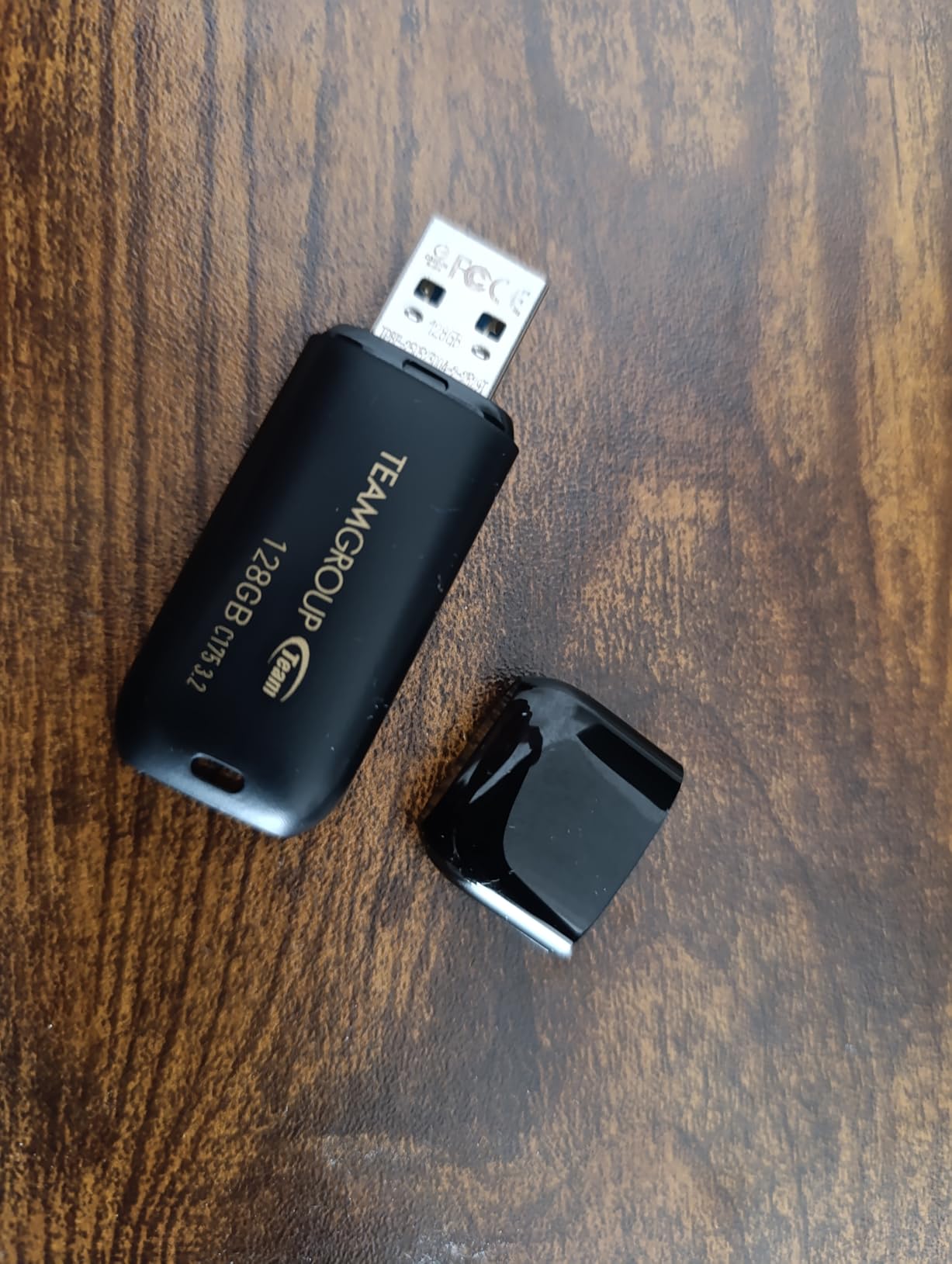
The C175 is a small, unglamorous drive that most owners use every day without thinking about it. At 256GB, 100MB/s and 9.07g, it disappears into a laptop bag or a wallet and does its job.
Compatibility is stated explicitly for Windows 10 down through Vista, macOS 10.6 or later and Linux 2.6 or later, and the Class 10 rating makes it reliable for OS installers and boot media.
The lifetime warranty on paper is unusual at this end of the market. In practice, at least one owner reports the warranty response was difficult when a drive failed, which is a fair warning.
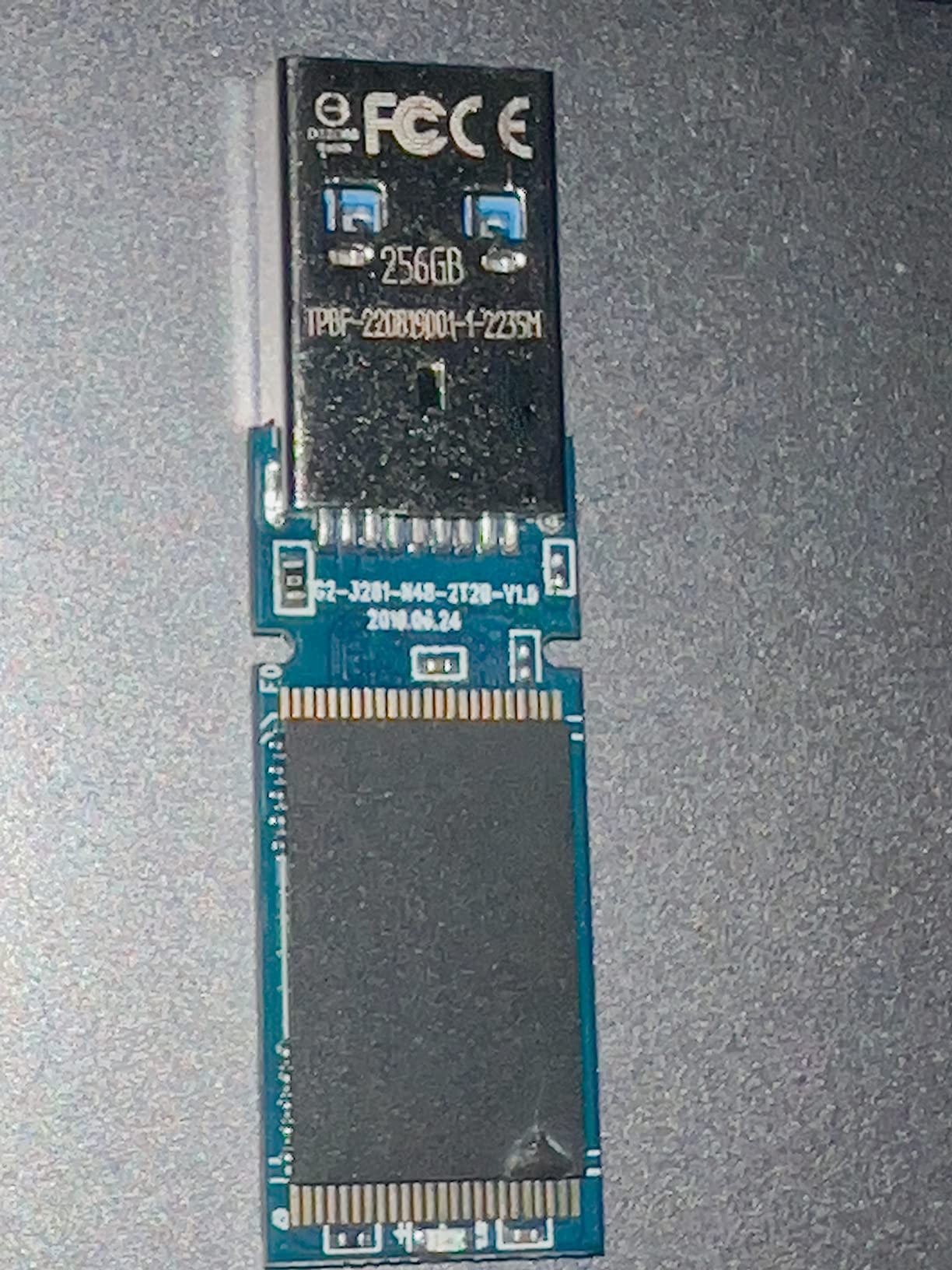
That same owner’s experience is more substantive than most critical reviews in this roundup: a unit arrived with the controller loose inside the housing, ran slower than advertised and then failed entirely.
Who this is for
Anyone who wants a spare drive in a drawer, a car, a laptop bag or a travel wallet. Low cost per GB means you can own several without thinking about it.
It is also a good second copy drive for casual backup, provided you verify it with a capacity test first.
Where it falls short
100MB/s read speed is slow for the large transfers this roundup is about, and it uses a removable cap that can be lost or left behind in a pocket.
The critical reviews describe shell separation and outright failure. A lifetime warranty is only worth what the support experience is like, and that is not guaranteed.
12. Lexar D40E 256GB Dual Drive – The Best With Built-In Encryption
Lexar D40E 256GB Dual USB 3.2 Gen 1 Type-C Jump Drive, Champagne Silver
256GB capacity
USB-C and USB-A
100MB/s read
80MB/s write
256-bit AES
Pros
- Dual USB-C and USB-A connectors in a capless swivel body
- 256-bit AES encryption software included
- Metal enclosure rated for 0 to 50C operation
- Plug and play on Type-C phones
- tablets
- Macs and PCs
Cons
- 100MB/s read is well below other Gen 1 drives
- Not ideal for very large files at full speed
- A 9% share of 1-star reviews reflects durability complaints
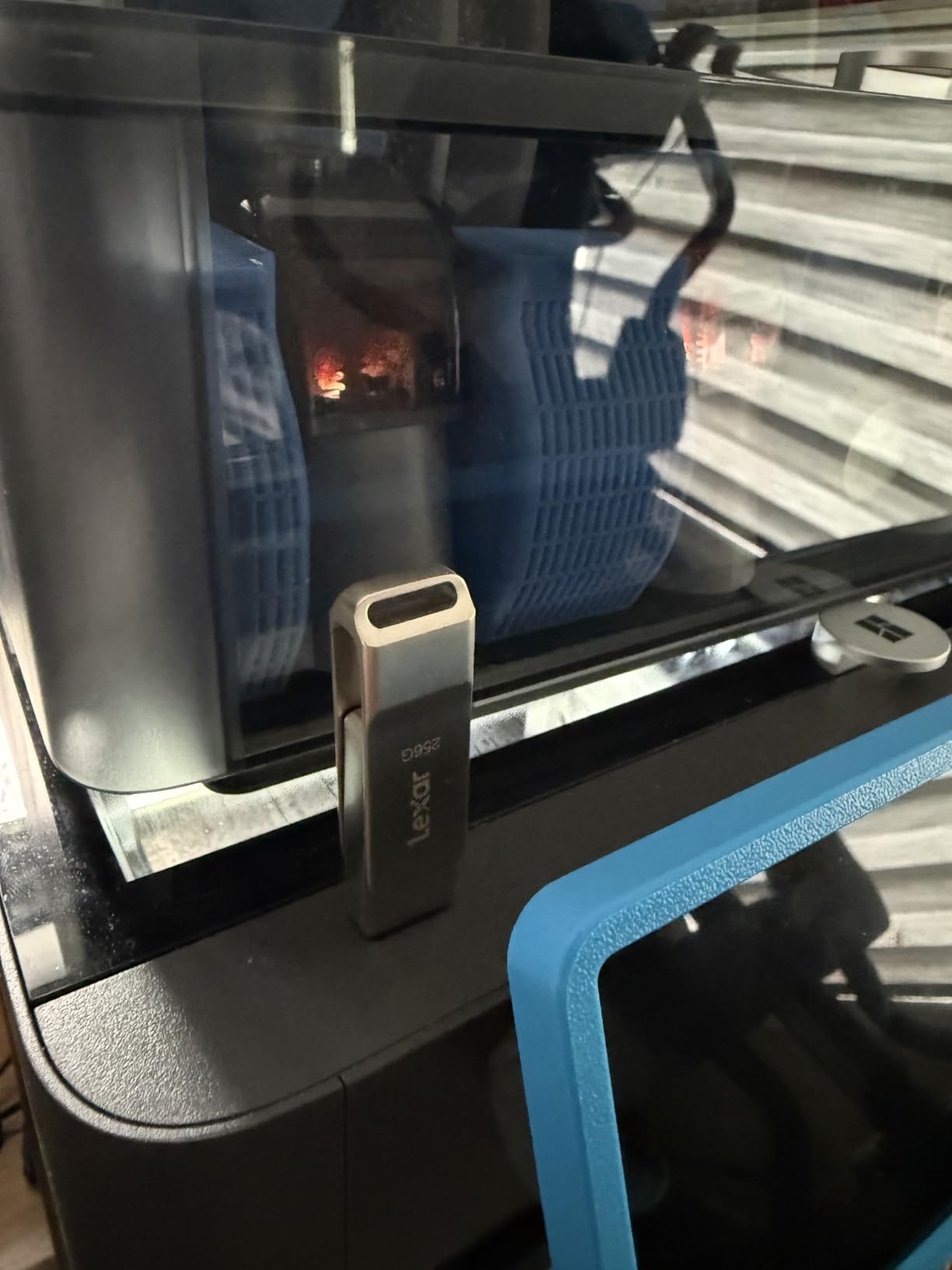
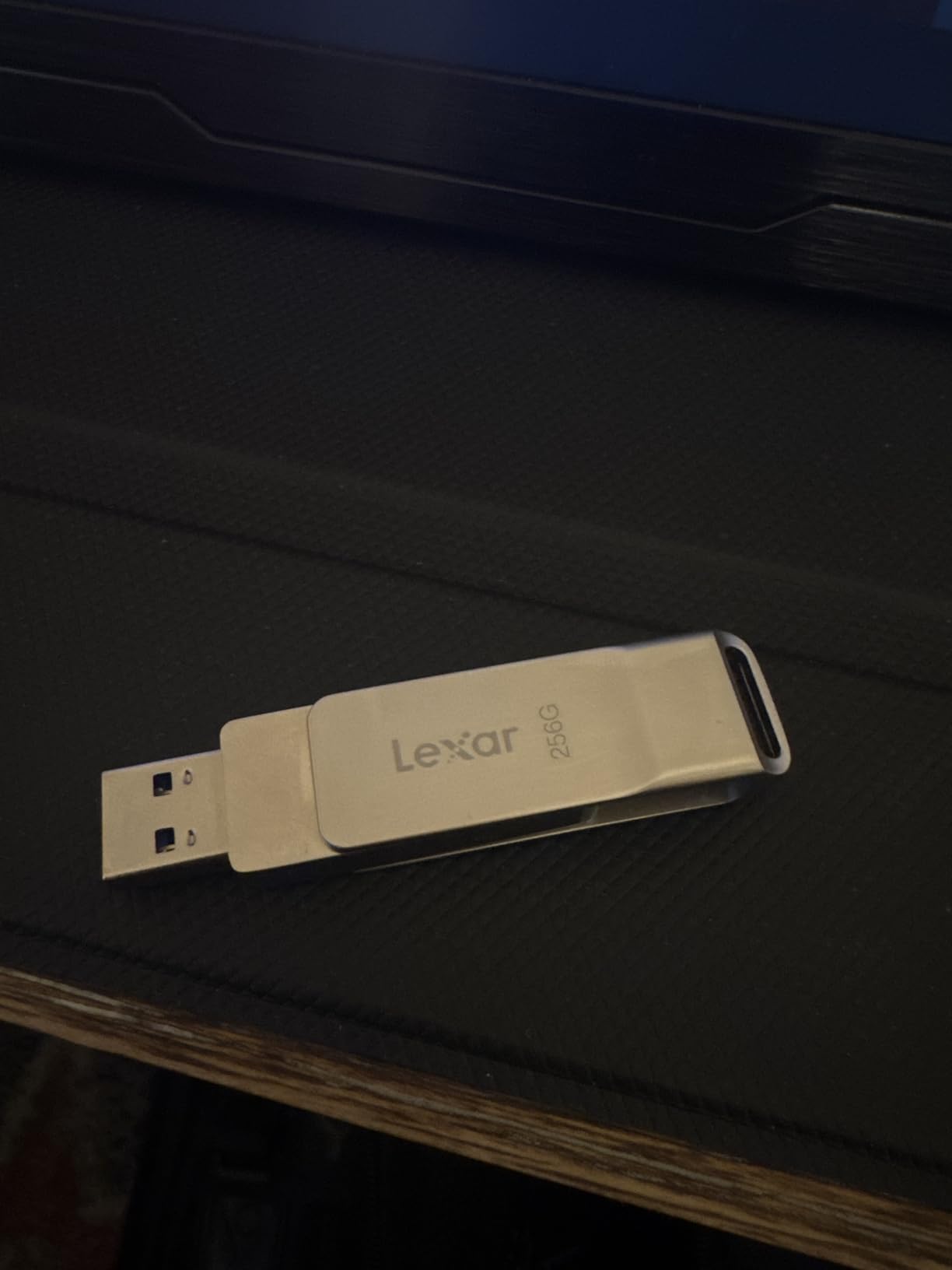
The Lexar D40E is bought for two reasons: the swivel body carries both USB-C and USB-A, and it includes 256-bit AES encryption software. If you are handing over client material, that second point is the one that matters.
The 360-degree swivel means there is no cap to lose, and the metal enclosure is rated for operation between 0 and 50C, which covers most working environments.
Performance is where it gives ground. At 100MB/s read and 80MB/s write, owners moving multi-gigabyte video describe it as noticeably slower than the 400MB/s Gen 1 drives in this list.
That trade is fine for everyday file moving and phone offloading, where the dual connector does the work. It is not fine for filling the drive in a hurry.
Who this is for
Consultants, agencies and anyone transferring sensitive archives on a physical drive. The included encryption software lets you password-protect a partition without extra software.
It is also a good pick for people who move between a modern phone and an old PC and want one drive that handles both.
Where it falls short
100MB/s read speed is well below other USB 3.2 Gen 1 drives at the same capacity, and it is not a good choice if your priority is moving very large files quickly.
Roughly 9% of its ratings are 1-star, and that cluster tends to describe units failing after weeks or months. A three-year warranty is the shortest among the picks we recommend above the budget tier.
How to spot a fake or under-capacity drive
A counterfeit drive reports the capacity your operating system asks it for, and it will happily format to 2TB. The trick is that there is no 2TB of NAND inside. When the real 8GB or 32GB fills up, firmware silently overwrites the earlier data in a loop, and the files you thought you had copied are gone without any error message.
This is the single most discussed problem on storage forums, and the community advice is consistent: a high-capacity drive priced far below what the memory costs should be assumed counterfeit until proven otherwise, and it should never hold anything you cannot replace.
Test the full capacity with H2testw
Write the entire capacity of the drive with data, then read it all back and compare. H2testw (also known as F3 on macOS and Linux) is the tool the storage community uses for exactly this.
On Windows, run H2testw, select the drive, choose the full capacity from the dropdown rather than a quick test, and write a few files of at least 1GB each. The test takes as long as the write takes, so start it overnight.
Read the results properly
A good drive reports a write speed and a read speed, then a pass on the integrity check with no corrupted or changed bytes. A fake drive will show corrupted files, damaged files, or a sudden collapse in write speed partway through the run — often at the point where the fake capacity runs out, which is frequently in the region of 4GB to 32GB.
On macOS, open Disk Utility, run Erase, then use the built-in verification. The quickest check remains: fill the drive past 32GB, then check that files from the start of the drive are still intact and readable.
USB generations explained without the confusion
USB 3.2 Gen 1, USB 3.2 Gen 2 and USB 3.2 Gen 2 x2 are all printed on boxes, and the labels mean very different things. Gen 1 is the old USB 3.0 and 3.1 standard at 5 Gbps. Gen 2 doubles that to 10 Gbps. Gen 2 x2 uses two lanes for 20 Gbps, though almost no flash drive on the market uses it.
The trap is that a drive labelled USB 3.2 tells you nothing about which generation it is. The generation is always printed alongside it, usually in small type.
The second trap is more useful to understand. A 5 Gbps link has a theoretical ceiling of roughly 625MB/s, and a 10 Gbps link roughly 1250MB/s. Real flash drives fall well short of both, so the interface is rarely the bottleneck. The NAND and the controller are.
This is why the Samsung BAR Plus, a Gen 1 drive, delivers 400MB/s while the 1TB SanDisk Ultra Flair, also Gen 1, delivers 150MB/s. Same interface, different silicon. Copy time follows the drive, not the label.
How to choose a flash drive for large files
Start with the largest single file you need to move, not the total volume. A 4K camera master file can be 60GB on its own, and a full card dump might be three times that. Size the drive so the largest file fits with room to spare, because filesystems need headroom and a completely full drive behaves badly.
Then look at sustained write speed, which is the number no competitor in this space publishes and the one that decides whether you wait four minutes or twenty. Peak read speed is what you get pulling files off, and peak write speed is what you get for the first thirty seconds. Everything after that is sustained.
On the published figures available, moving 50GB takes about 8 minutes on a 100MB/s drive, 6 minutes on a 150MB/s drive, under 2 minutes on a 500MB/s drive, and around 90 seconds on a 550MB/s drive. Real transfers run slower once the cache fills, so treat these as a floor rather than a promise.
Next, match the connector to your devices. USB-A only means an adapter on newer laptops, and USB-C only means a problem on older machines. A dual-connector drive like the SSK, the Amazon Basics 512GB or the SanDisk Ultra Dual Drive Go solves it permanently.
Then check the file system it ships with. exFAT accepts files over 4GB and works on Windows and macOS natively. FAT32 will refuse anything larger than 4GB. NTFS is Windows-native and journalled but read-only on macOS.
Finally, look at warranty length as a rough quality signal. Five-year warranties appear on the SanDisk, Samsung and MOVE SPEED drives here, three years on the SSK and Lexar, and one year on the PNY. Brands that stand behind a product for five years tend to put better controllers in it.
One more consideration: durability. Water, shock, magnet and temperature resistance claims are common on the Samsung and SanDisk bodies, and the zinc alloy shells on the SSK and MOVE SPEED drives serve the same purpose by dissipating heat. A drive that lives in a van in August needs that more than most.
If the files you are moving are audio rather than video, our picks of the best USB microphones cover the capture end of the same workflow, and the drives recommended here handle the resulting files without an adapter.
When a portable SSD is the better answer
If you are moving hundreds of gigabytes regularly, a portable SSD will beat any flash drive in this roundup, and it is not a close comparison. A portable SSD uses the same NAND and a much faster controller, with a bridge chip handling the USB interface, and it sustains high write speeds without a cache ceiling.
The trade is physical. A portable SSD is a small rectangle with a cable, roughly the size of a deck of cards, and it needs both a USB-C and a USB-A cable to be useful everywhere. A flash drive is a stick you push into a port and forget.
Our rule of thumb: flash drive for transport and handoff, portable SSD for a working drive. If the files are being copied once and then read somewhere else, a flash drive is the right tool. If it becomes part of your edit scratch space, buy the SSD.
Similarly, for archival storage of anything you care about, a thumb drive is the wrong choice. NAND flash degrades over time and needs periodic rewriting to stay readable. If you cannot replace the data, use a hard drive or a cloud backup.
Frequently Asked Questions
What is a good USB flash drive with a large capacity?
The best USB flash drives for large files are 1TB or 2TB USB 3.2 Gen 2 models that publish real sustained write speeds rather than peak numbers, and that arrive formatted as exFAT. The SanDisk Ultra Flair 1TB is our top pick for proven reliability, while the SSK and MOVE SPEED 1TB dual-connector drives are faster. Avoid any high-capacity drive priced far below the cost of its memory, because counterfeit units are common in that bracket.
Is there a difference between a USB stick and a flash drive?
No. A USB stick and a flash drive are two names for the same thing: a USB flash drive, which is a small flash memory chip with a controller inside a USB connector. The term stick is just less formal wording. Where you will see a real difference is between a flash drive and an external SSD, which uses faster controllers and sustains much higher write speeds for large files.
Is a 2TB USB flash drive real?
Yes, 2TB flash drives are real, but counterfeits are extremely common in that capacity. A fake drive reports 2TB to your computer while containing only 8GB or 32GB of real memory, then overwrites earlier files silently once the true capacity is reached. Test any new high-capacity drive with H2testw or F3 by writing the full capacity and verifying the files afterwards. Never store anything irreplaceable on an unverified drive.
What is the largest file you can put on a USB?
It depends entirely on the file system. FAT32, which many flash drives ship with, cannot store any single file larger than 4GB. exFAT handles files far beyond that and works natively on Windows and macOS, while NTFS is Windows-native and read-only on macOS. Format the drive to exFAT first, and split files into 4GB chunks only if a camera or console requires FAT32.
Which USB flash drive has the fastest read speed?
Among the drives we evaluated, the MOVE SPEED 1TB dual-port drive is the fastest with a published 570MB/s read, followed closely by the SSK 1TB at 550MB/s. The Samsung BAR Plus, Samsung Type-C and SanDisk dual-connector drives reach 400MB/s, while several 256GB budget options sit at 100MB/s. Peak read speed only matters when you are pulling files off a drive, not filling it.
What is the fastest USB data transfer speed?
USB 2.0 tops out at about 60MB/s, USB 3.2 Gen 1 at roughly 625MB/s and USB 3.2 Gen 2 at roughly 1250MB/s in theory. In practice no flash drive reaches those numbers, and the flash memory inside is the real limit. The fastest drives we evaluated deliver 550-570MB/s reads, while sustained writes on large files run far below peak figures.
What is the best 1TB USB flash drive?
The SanDisk Ultra Flair 1TB is the best 1TB flash drive overall, with over 210,000 reviews at a 4.6 average rating, a durable metal housing and a five-year warranty. For raw speed, the SSK 1TB and MOVE SPEED 1TB dual-connector drives are substantially faster, reaching 550MB/s and 570MB/s reads. For phone and tablet work, the SanDisk Ultra Dual Drive Go 1TB adds a USB-C connector for OTG offloading.
Conclusion
Our pick this year is the SanDisk Ultra Flair 1TB. It combines verified 1TB capacity, an accurate 150MB/s read speed, a metal housing, a five-year warranty and the largest review base of any drive we evaluated, which makes it the lowest-risk way to move very large files.
If you want more speed and care less about brand history, the SSK 1TB at 550MB/s or the MOVE SPEED 1TB at 570MB/s will cut transfer times dramatically, and both come with USB-C and USB-A on one body. For phones and tablets, the Samsung Type-C drive removes the cable problem entirely.
If you only need ordinary storage, the PNY 256GB Turbo and the Amazon Basics 256GB are dependable and well-reviewed, once you have reformatted either to exFAT. Before you buy anything high-capacity, run a full capacity test with H2testw, and whatever you do, keep a second copy of anything you cannot replace.
Before you go further, it is worth reading our guide to tagging classical music files properly so your library stays searchable once it is on the drive, and if your large files are recordings rather than footage, our picks of the best turntables for digitizing vinyl to files cover the capture side of the same workflow.