
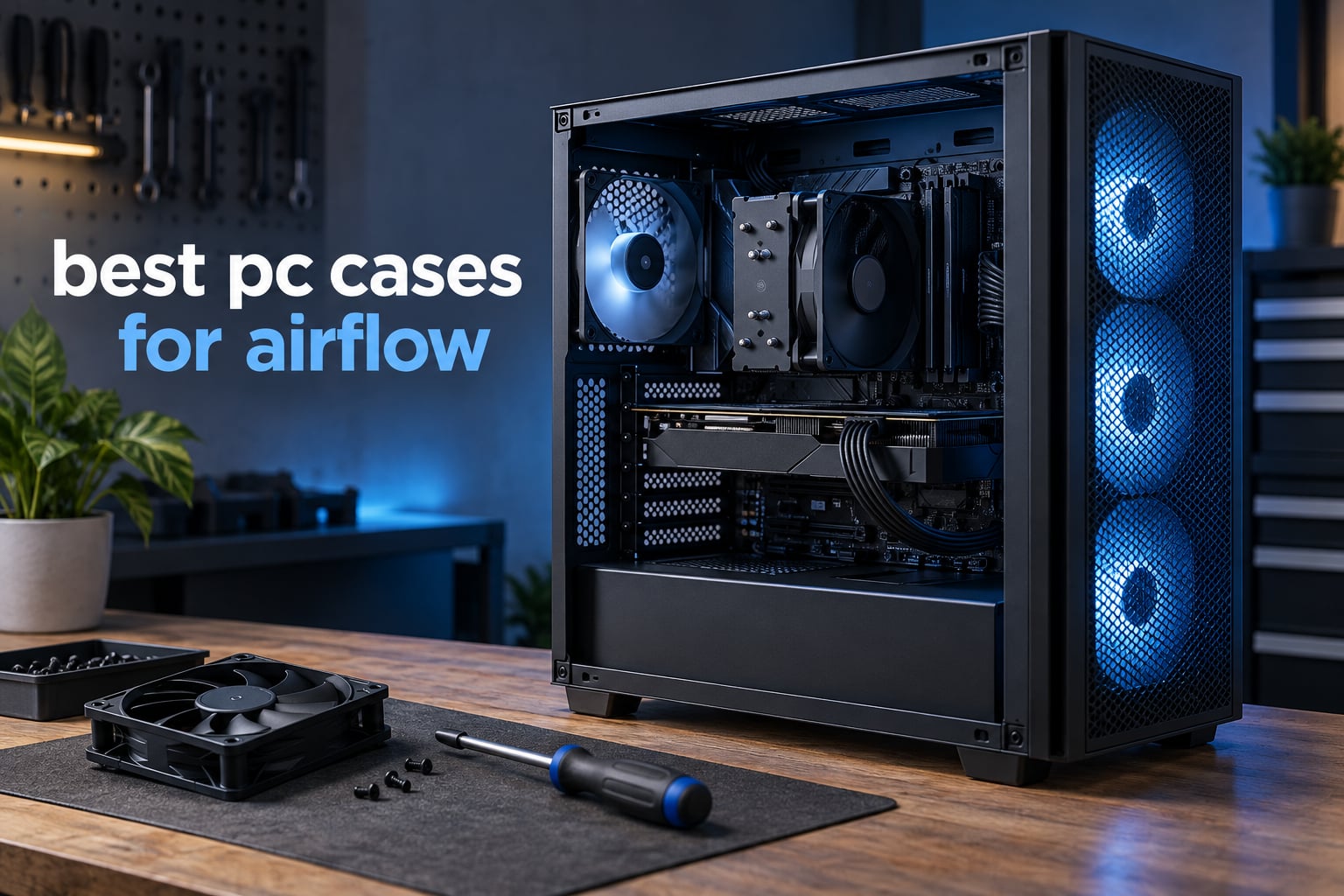
The best PC cases for airflow are the ones with a genuinely porous front panel, enough fan mounts to push more cool air in than warm air out, and a bottom intake that feeds the graphics card directly. Our top pick is the NZXT H6 Flow, which pairs a compact dual-chamber layout with three pre-installed 120mm fans and perforated top and side panels, so it runs cool before you spend a cent on extra cooling.
That last point matters more than most spec sheets admit. A case can have beautiful mesh and still run hot if the fans are all pointed the wrong way, if the power supply is choking the bottom intake, or if the builder set the rig up at negative pressure. Over the weeks we spent comparing chassis, clearances, and included fans, the same pattern kept repeating: panel porosity decides how hard your fans have to work, fan balance decides whether they run quietly, and clearance decides whether your parts fit at all.
We compared 12 airflow-focused cases across micro-ATX, mid tower, and full tower sizes, checking pre-installed fan counts and sizes, radiator room, GPU clearance, dust filtering, and cable routing. We also cross-checked what owners report after living with these builds for months rather than trusting a single stress test. If you want the short answer, the best PC speakers and best PC speakers under $100 roundups on our sister desk follow the same format: named best pick, honest drawbacks, and no filler.
Not sure where to start? Tell us your budget, the case size you can live with, and whether you want RGB, and we will point you at one case instead of twelve.
Table of Contents
Top 3 Picks for the Best PC Cases for Airflow (September 2026)

NZXT H6 Flow
- Dual-chamber layout
- 3 pre-installed 120mm fans
- perforated top and side panels

Best PC Cases for Airflow in 2026
Every case below was picked for how much air it can move, not for how it looks on a shelf. The table lists the airflow-critical specs so you can rule cases in or out quickly.
| Product | Specifications | Action |
|---|---|---|
| NZXT H6 Flow |
|
Check Latest Price |
 Fractal Design North Fractal Design North |
|
Check Latest Price |
 CORSAIR 4000D RS ARGB CORSAIR 4000D RS ARGB |
|
Check Latest Price |
 CORSAIR 7000D Airflow CORSAIR 7000D Airflow |
|
Check Latest Price |
| Lian Li LANCOOL 216 RGB |
|
Check Latest Price |
 MUSETEX NN8 MUSETEX NN8 |
|
Check Latest Price |
 NZXT H5 Flow NZXT H5 Flow |
|
Check Latest Price |
 Corsair 3000D Airflow Corsair 3000D Airflow |
|
Check Latest Price |
 MONTECH AIR 903 MAX MONTECH AIR 903 MAX |
|
Check Latest Price |
 Fractal Design Pop XL Air RGB Fractal Design Pop XL Air RGB |
|
Check Latest Price |
 MONTECH XR Panoramic MONTECH XR Panoramic |
|
Check Latest Price |
 Cooler Master Q300L V1 Cooler Master Q300L V1 |
|
Check Latest Price |
1. NZXT H6 Flow – Best Overall for Airflow
NZXT H6 Flow | CC-H61FW-01 | Compact Dual-Chamber Mid-Tower Airflow Case | Panoramic Glass Panels | High-Performance Airflow Panels | Includes 3 x 120mm Fans | Cable Management | White
Compact dual-chamber mid tower
3 x 120mm pre-installed fans
Airflow-optimized perforation on top and side panels
ATX, mATX and mini-ITX
Pros
- Runs cool out of the box with three fans already fitted
- Dual-chamber layout keeps the interior uncrowded
- Perforated panels move air while still filtering dust
- Intuitive wide-channel cable management
Cons
- Compact interior limits radiator and oversized GPU options
- Heavier than cases in its price bracket
The H6 Flow is the rare case where the marketing photos and the actual airflow path agree. Air enters through the front, is steered across the graphics card by the dual-chamber layout, and exits through the perforated top and side panels rather than being trapped behind a solid front panel. That is the whole design brief, and owners report it delivers.
What stands out is that you do not need to buy anything on day one. Three 120mm fans come pre-installed at well-angled positions, which is enough to run a mid-range or high-end GPU on a sensible fan curve without a single upgrade. Across 3101 reviews averaging 4.8 stars, the recurring comment is that builds run cool without immediately shopping for more cooling.
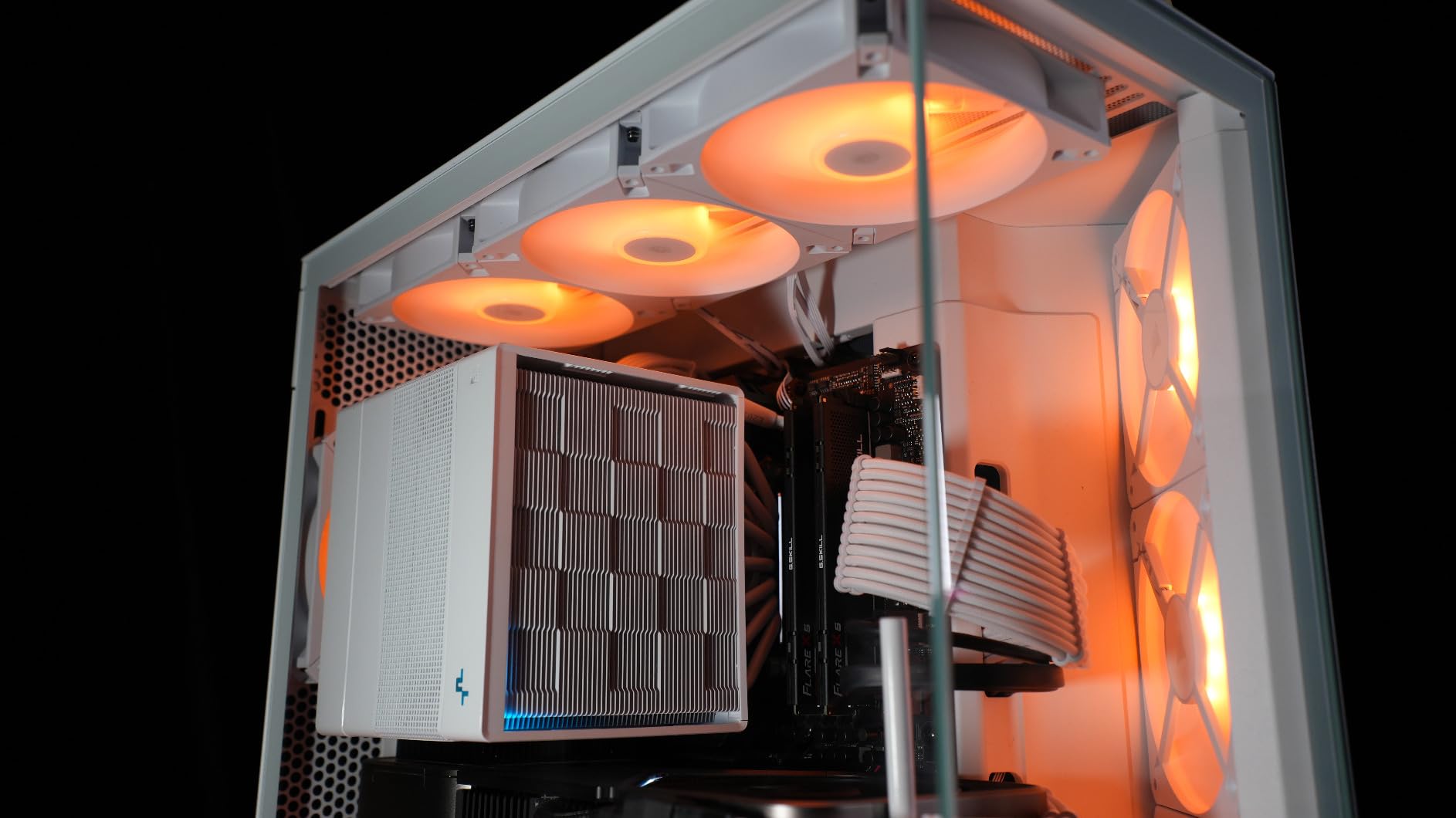
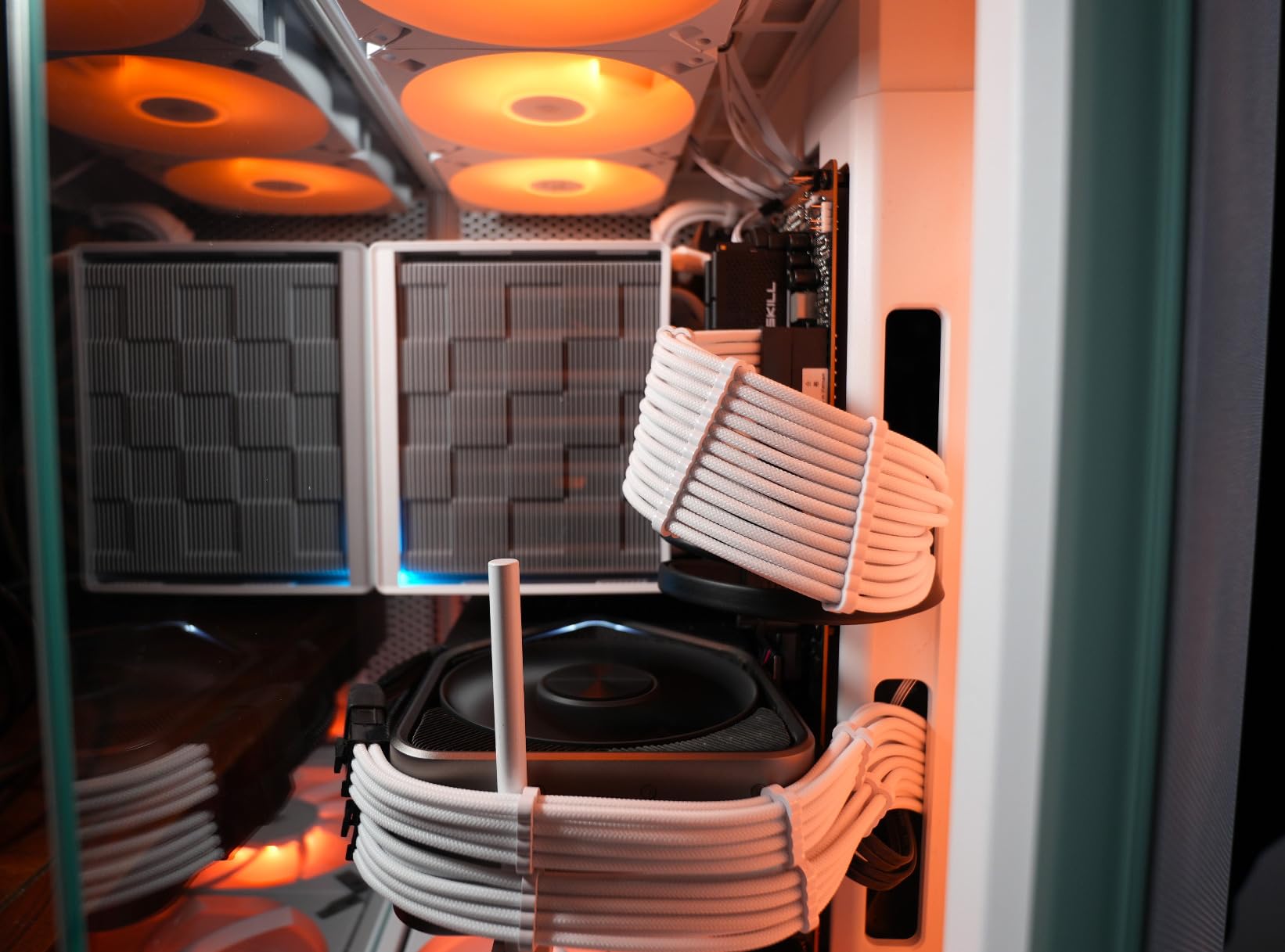
Build quality is the other story here. The steel-and-glass construction is heavier than most cases at this level, but owners describe assembly as straightforward, with wide cable channels and straps that produce an uncluttered interior. The wraparound panoramic glass gives you a full view of the components without a supporting pillar in the way.
What fits, and what does not
The dual-chamber layout is compact, which is the trade. It houses ATX, micro-ATX, and mini-ITX boards comfortably, and the seven expansion slots and two internal bays cover most single-GPU builds. What it does not offer is the sprawling radiator room of a full tower, so plan a 240mm unit rather than chasing a 360mm that fights the side panel.
Owners also flag that the compact footprint leaves less slack for oversized graphics cards than a full-size mid tower would. Measure your card before committing if you are on a flagship-length model.
Who should look elsewhere
Skip this one if your plan is a 360mm AIO plus a thick triple-slot card, or if you want a silent build and are sensitive to fan noise at higher RPM. If you are chasing absolute maximum air volume through the front panel, a case with 160mm intake fans will move more.
For anyone building a first PC who wants a case that looks good, assembles easily, and stays cool, this is the safest recommendation in the list.
2. Fractal Design North – Best Premium Mid Tower With Real Wood
Fractal Design North – Genuine Walnut Wood Front – Mesh Side Panels – Two 140mm Aspect PWM Fans Included – Type C USB – ATX Airflow Mid Tower PC Gaming Case,Charcoal Black
ATX mid tower with walnut front slats
2 x 140mm Aspect PWM fans included
355mm GPU clearance or 300mm with a 360mm front radiator
USB-C front I/O
Pros
- Walnut front and fine mesh look like furniture
- not a gaming case
- Build quality and finish consistently praised
- Cool thermals even at low fan RPM
- Excellent cable channels behind the tray
Cons
- Included 140mm fans are adequate rather than premium
- Top 140mm position can crowd the 8-pin CPU power
- Side fan bracket is tight with large air coolers
- Glass variant has fewer mounts and no fan hub
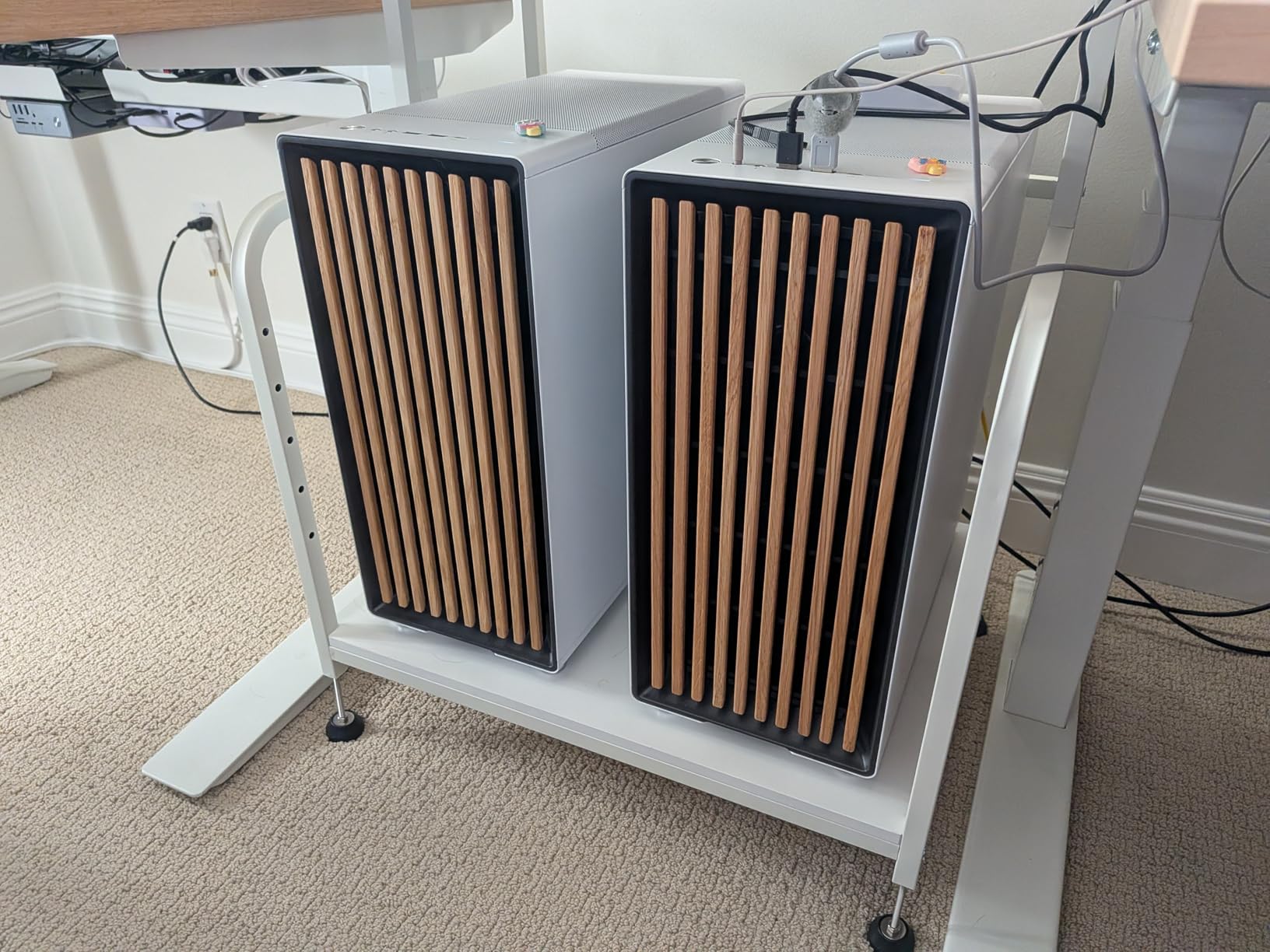
The North is the pick for someone who wants airflow without the usual visual noise. The front is genuine walnut slats backed by fine integrated mesh, so air passes through a decorative panel rather than a plastic grille. Two 140mm Aspect PWM fans come fitted, and the mesh side variant adds mounts that help the graphics card directly.
Owners report CPU temperatures in the 50 to 60C range and graphics cards under 60C on custom fan curves, with 3537 reviews at 4.7 stars backing that up. The build experience is smooth, with removable side panels and a pop-off top that come away quickly.
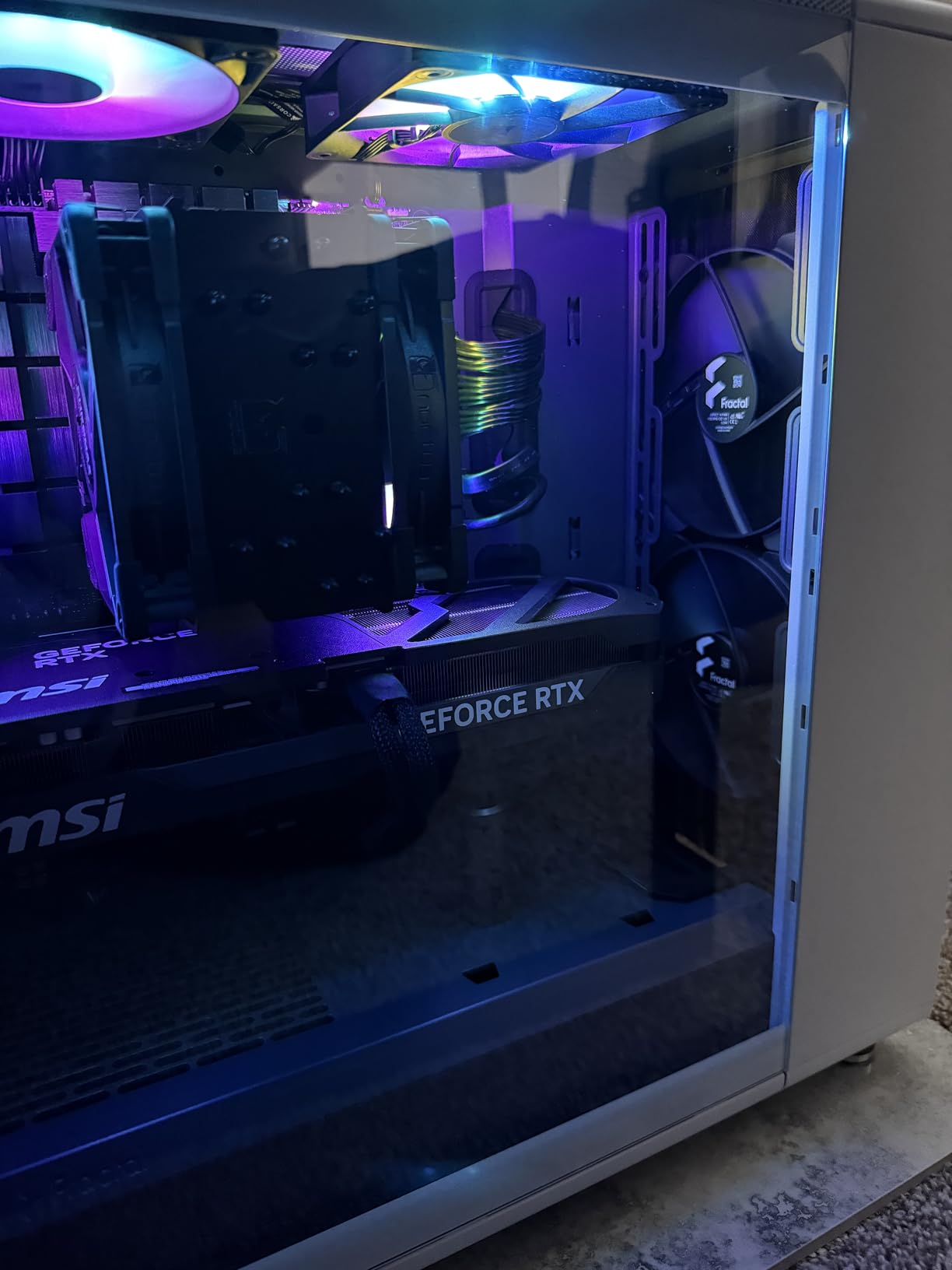
Fit and finish is where this chassis earns its rating. Seven bridgeless expansion slots, wide cable channels with Velcro straps, and real space behind the motherboard tray make the routing job painless, which is why reviewers almost never mention cable management as a problem with this case.
Before you buy, check your GPU length
Clearance is up to 355mm for a graphics card, but that drops to 300mm if you fit a 360mm radiator in the front. Flagship cards are long, and owners with those cards report fitting them only after careful measuring. If you have not settled on a GPU yet, assume you will want the smaller number.
Two other clearance interactions come up repeatedly: a 140mm fan in the top position can crowd the motherboard 8-pin power connector, and the side fan bracket barely clears a large tower cooler. Neither is a dealbreaker, but both are annoying if your parts list is fixed.
Where it falls short
The bundled 140mm Aspect fans do the job but are not enthusiast-grade, and plenty of owners replace them. The tempered glass variant also has fewer total fan mounts than the mesh version and no fan hub, so plan your fan header budget carefully.
If you want raw cooling performance at any cost, or you want a full tower with multi-radiator support, this is the wrong chassis. For aesthetics-first builds that still need real airflow, nothing else in this list comes close.
3. CORSAIR 4000D RS ARGB – Best Modular Airflow Mid Tower
CORSAIR 4000D RS ARGB Frame Modular Mid-Tower ATX PC Case, High Airflow, 3X Pre-Installed RS Fans, InfiniRail™ Mounting System, ASUS BTF, MSI Zero, Gigabyte Stealth, Black
Modular FRAME chassis with swappable tray and I/O
3 x RS ARGB PWM fans with daisy-chaining
InfiniRail steel fan mounting
Y-pattern perforated steel front panel
Pros
- Genuinely cool with a low-restriction front intake
- Modular tray and I/O panel are a real long-term win
- Integrated GPU anti-sag arm included
- Tidy cable routing with a rear SSD mount
Cons
- Included fans blow outward by default and need reversing
- Panels feel thin during handling
- Front I/O sits at the bottom of the case
- Only one drive type per tray
The 4000D RS ARGB is the pick if you like the idea of a case that evolves with your build. The FRAME system means the motherboard tray, front I/O, and other pieces can be swapped, which is rare at this tier. The Y-pattern perforated steel front panel keeps intake resistance low without the wobble of a plastic grille.
Thermal results are the strongest part of the story. Owners report graphics cards idling near 29C and staying under 55C in a demanding title, and 1872 reviews at 4.7 stars suggest that is not an outlier. The InfiniRail steel mounting system also lets fans slide to flexible front and roof positions rather than being locked to fixed holes.
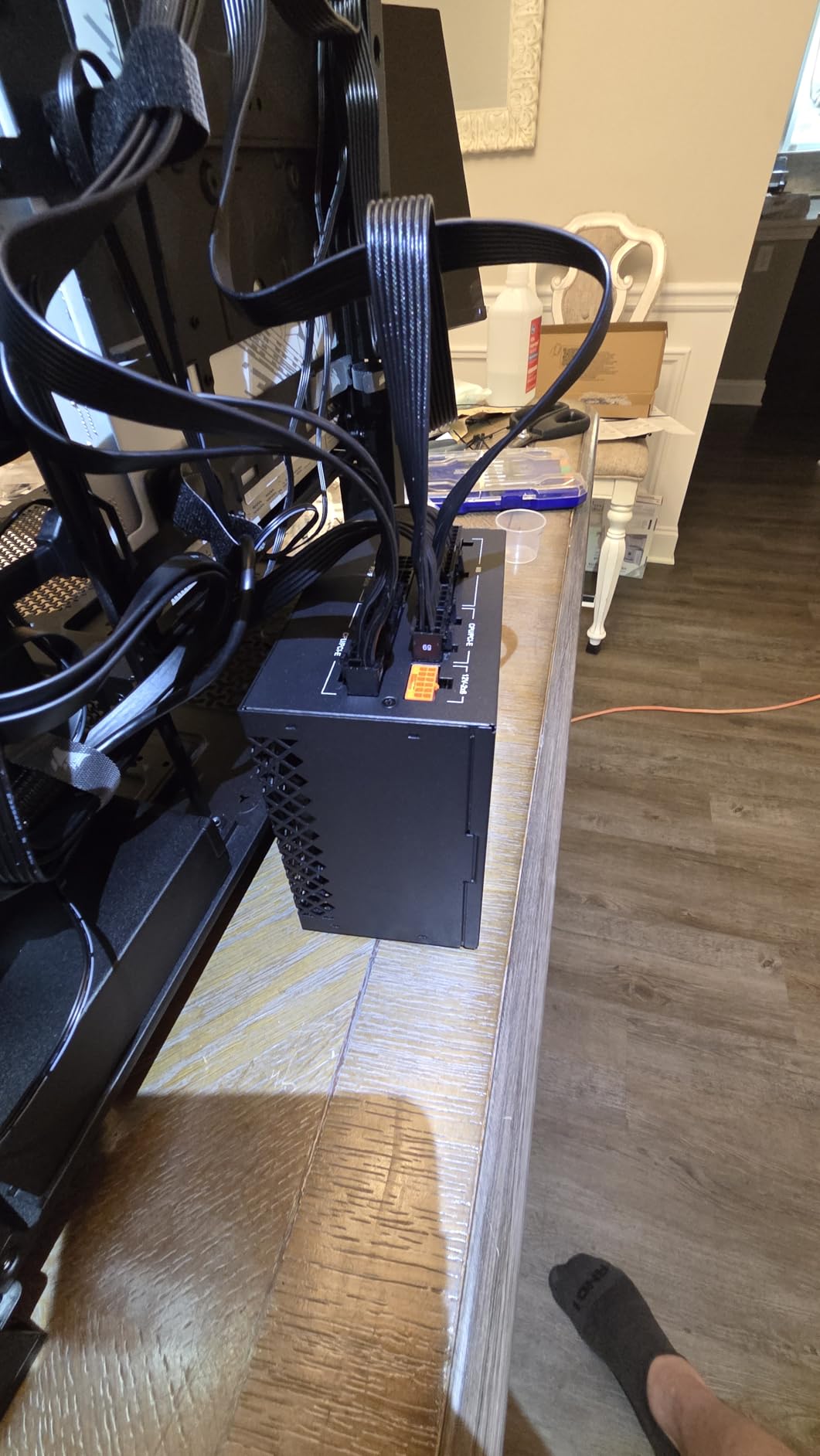
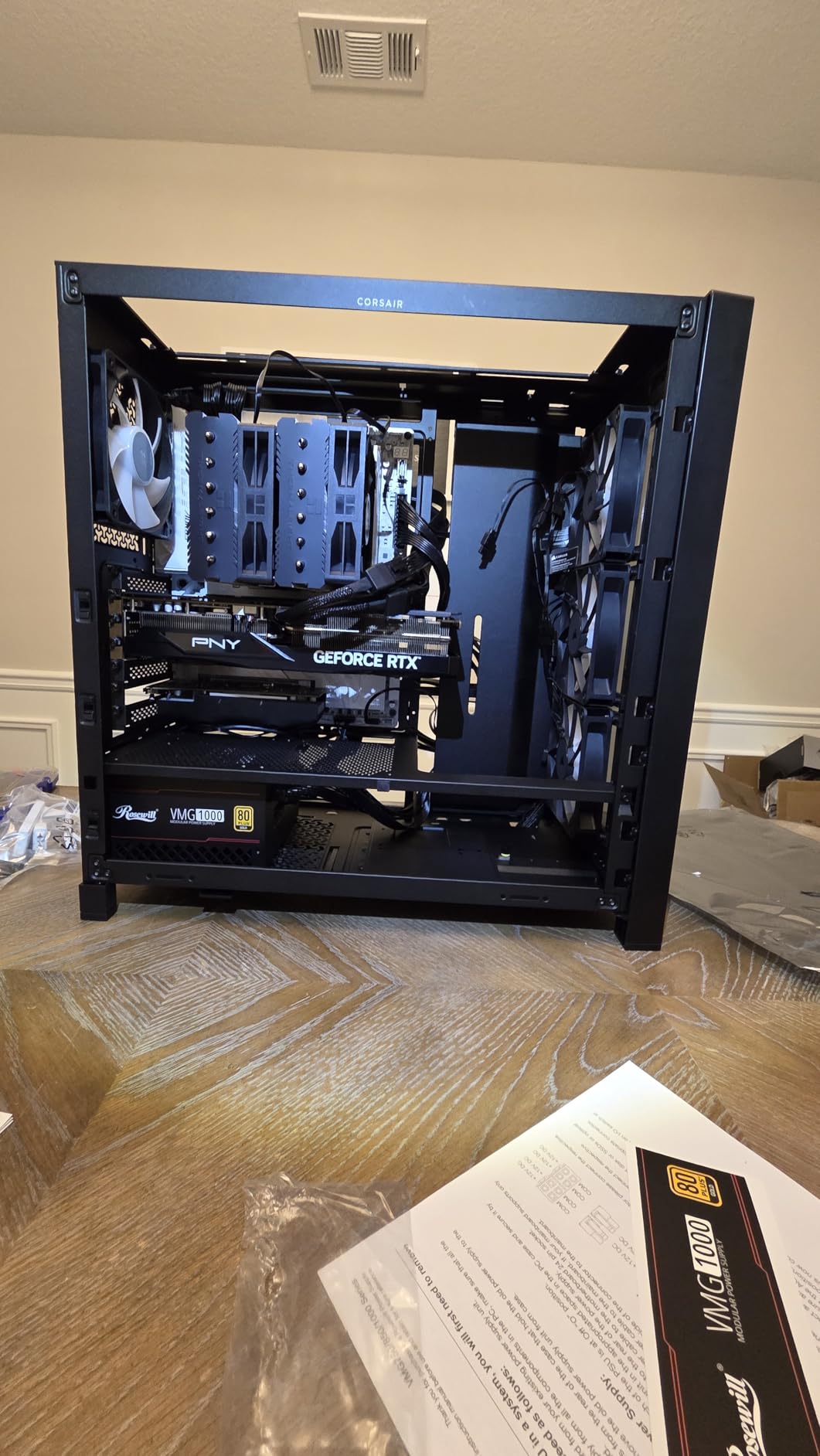
Cable management is straightforward thanks to shrouds, a rear-mounted SSD position, and a floor drive tray. Three RS120 ARGB PWM fans come pre-installed and daisy-chain on 4-pin PWM, so they need no separate RGB or fan controller, and they support Zero RPM mode.
The one thing to fix on day one
The single most reported complaint is fan orientation. The three included fans blow in the opposite direction to the position they occupy, which pushes air out of the intake and leaves the case at negative pressure. Correct it by flipping the fans in their mounts or adding a couple of exhaust fans, and the cooling story changes completely.
Also note that front I/O sits at the bottom of the chassis. If your PC sits on the floor, you are plugging in peripheral cables blind, and a large 1600W power supply makes wire management tight.
Is it worth it against simpler cases?
If you only need airflow and nothing else, a plainer mesh case will cost less and perform similarly. The reason to choose this one is modularity: you can reposition the tray and I/O later, which pays off if you change form factor or move the board. It also supports back-connect motherboards, including ASUS BTF, MSI Zero, and Gigabyte Stealth boards.
Thin panel feel, online-only documentation, and trays that hold either two SSDs or one HDD but not both are the trade-offs you accept.
4. CORSAIR 7000D Airflow – Best Full Tower for Maximum Cooling Headroom
CORSAIR 7000D Airflow Full-Tower ATX PC Case – High-Airflow Front Panel – Spacious Interior – Easy Cable Management – 3X 140mm AirGuide Fans with PWM Repeater Included – Black
Full tower with a high-airflow steel front panel
3 x 140mm AirGuide fans with PWM repeater
Up to 12 x 120mm or 7 x 140mm fans
Up to 3 x 360mm or 2 x 420mm radiators
Pros
- Enormous interior that handles long cards and 420mm radiators
- Thick-gauge steel feels built to last
- Hinged doors on both sides simplify the first build
- Very low idle temperatures with many fans fitted
Cons
- Extremely heavy and awkward to move
- Large footprint can dominate a desk
- RapidRoute channel gets cramped with every drive tray filled
- Side fan bracket takes 120mm fans only
The 7000D Airflow is the enthusiast full tower here, and the reason to own it is headroom. Owners routinely fit a top-end graphics card alongside 420mm radiators without argument, and the fan capacity of up to 12 x 120mm or 7 x 140mm means you can build the densest cooling layout on this list.
Three 140mm AirGuide fans come with a PWM repeater, so six 140mm fans run from a single header. That anti-vortex vane design is why owners report very quiet operation even with many fans installed, and why idle temperatures sit unusually low.
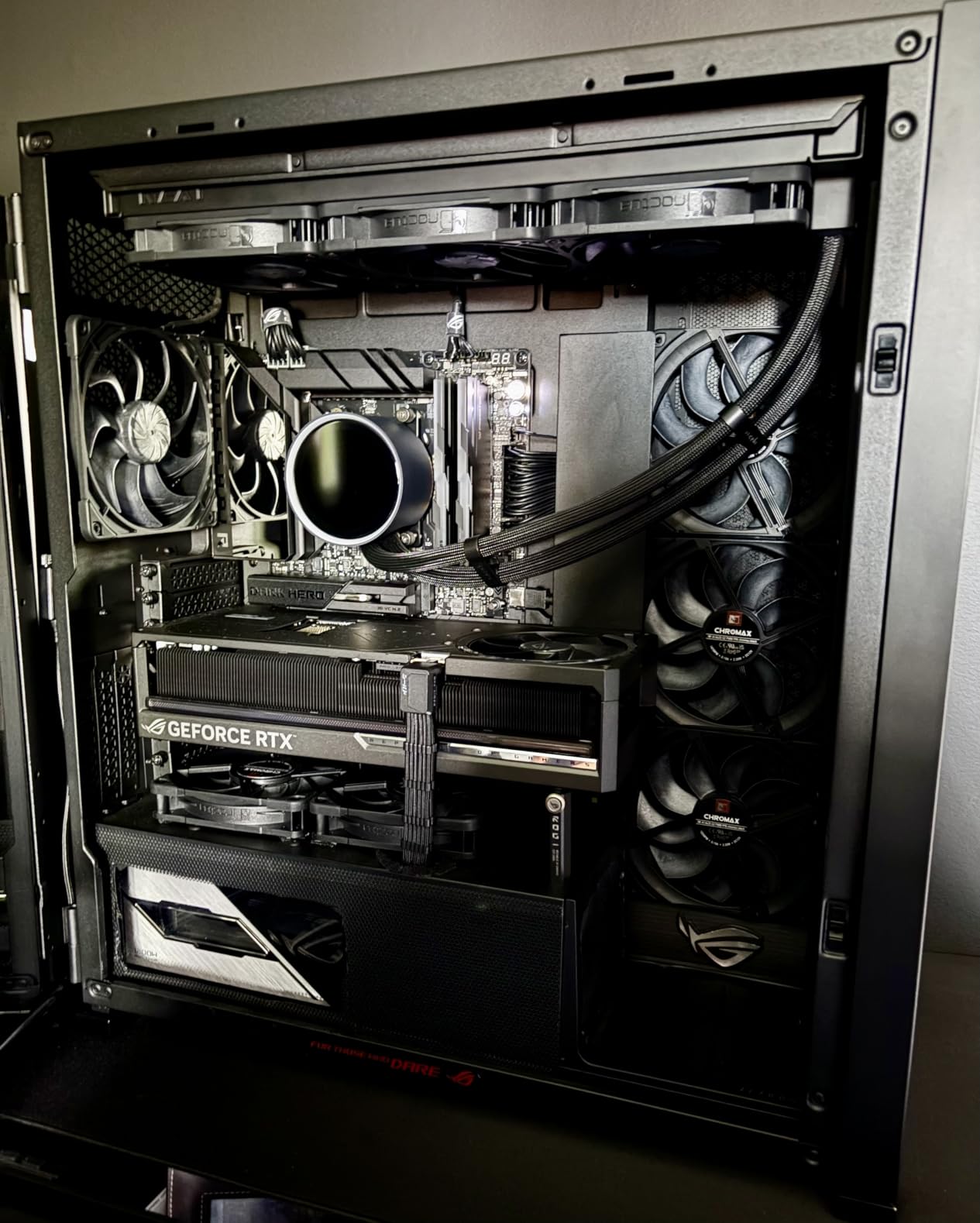
The build experience is genuinely good for a case this size. Hinged and removable doors on both sides mean you are not fighting a solid panel while routing, and the removable fan trays plus abundant grommet holes make radiator installation far less painful than the dimensions suggest.
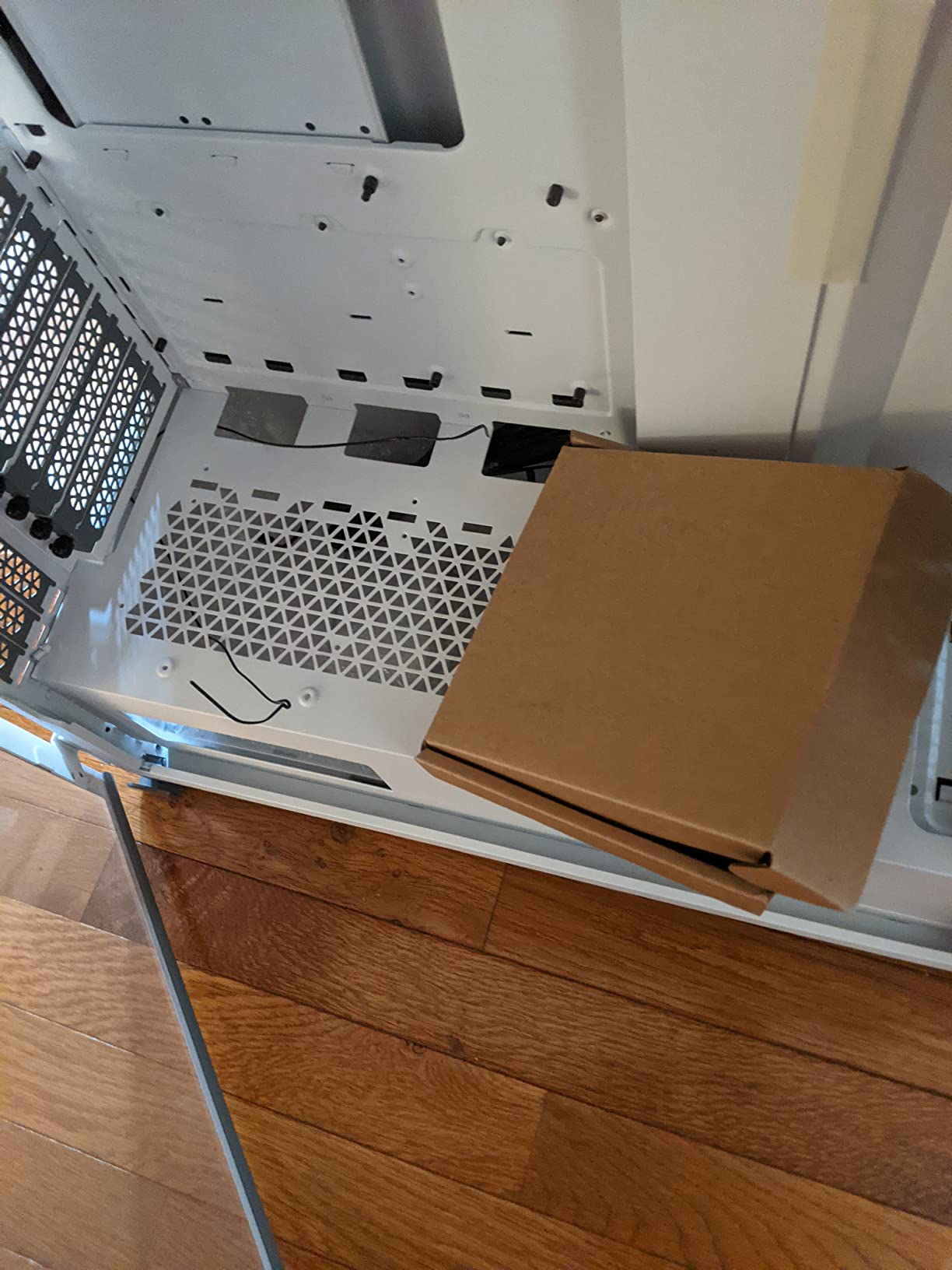
Is the size worth the hassle?
That is the question. The case is heavy enough that moving it is a two-person job once it is built, and several owners returning to this topic flag exactly that. The footprint is large, and on a small desk it can dominate everything else you own.
What you get in exchange is the only interior here that supports three 360mm radiators at once, or two 420mm units simultaneously, plus eleven expansion slots and ten internal bays. If you run water cooling, a server-grade GPU, or a large storage array, nothing else on this list gives you that freedom.
Where it falls short
Once every drive tray is populated, the RapidRoute cable channel gets cramped with thick power supply cables. Some front-to-back pass-throughs have sharp edges and lack grommets, and the side fan bracket only accepts 120mm fans, which is an odd limit in a case this large.
Accessories are sparse and the packaging is a plain cardboard box. If you want a full tower, buy it for cooling headroom; if you want something easy to move, look at a mid tower instead.
5. Lian Li LANCOOL 216 RGB – Best for Maximum Airflow
LIAN LI LANCOOL 216 RGB Black ATX Mid-Tower Case, 2x160mm ARGB Fans
ATX mid tower with fine mesh front
2 x 160mm ARGB front fans and 1 x 140mm rear fan
GPUs up to 392mm
E-ATX support under 280mm
Pros
- 160mm front fans move exceptional air volume
- Best-in-class cable management with a grommet bar and straps
- Pre-installed fan hub and pre-routed I/O cables
- Modular tray can be raised for air or water cooling
Cons
- Front plastic feels cheaper than the metal frame
- Relocatable I/O panel leaves little room for its cables
- Rear 140mm fan is PWM only without RGB
- Side panel pins sit in plastic inserts
If the question is how much air can a mid tower physically push through a front panel, the LANCOOL 216 answers with two 160mm ARGB fans. They move more volume than any other front intake in this roundup, and combined with the fine mesh on the front, top, and the side of the power supply shroud, the path into the case is almost unobstructed.
Owners repeatedly call the 160mm fans the best they have used, and the cable management the best in its class. The pre-installed fan hub and pre-routed front I/O cables mean the build starts further along than most, and 982 reviews at 4.7 stars describe builds that run cool and near-silent.
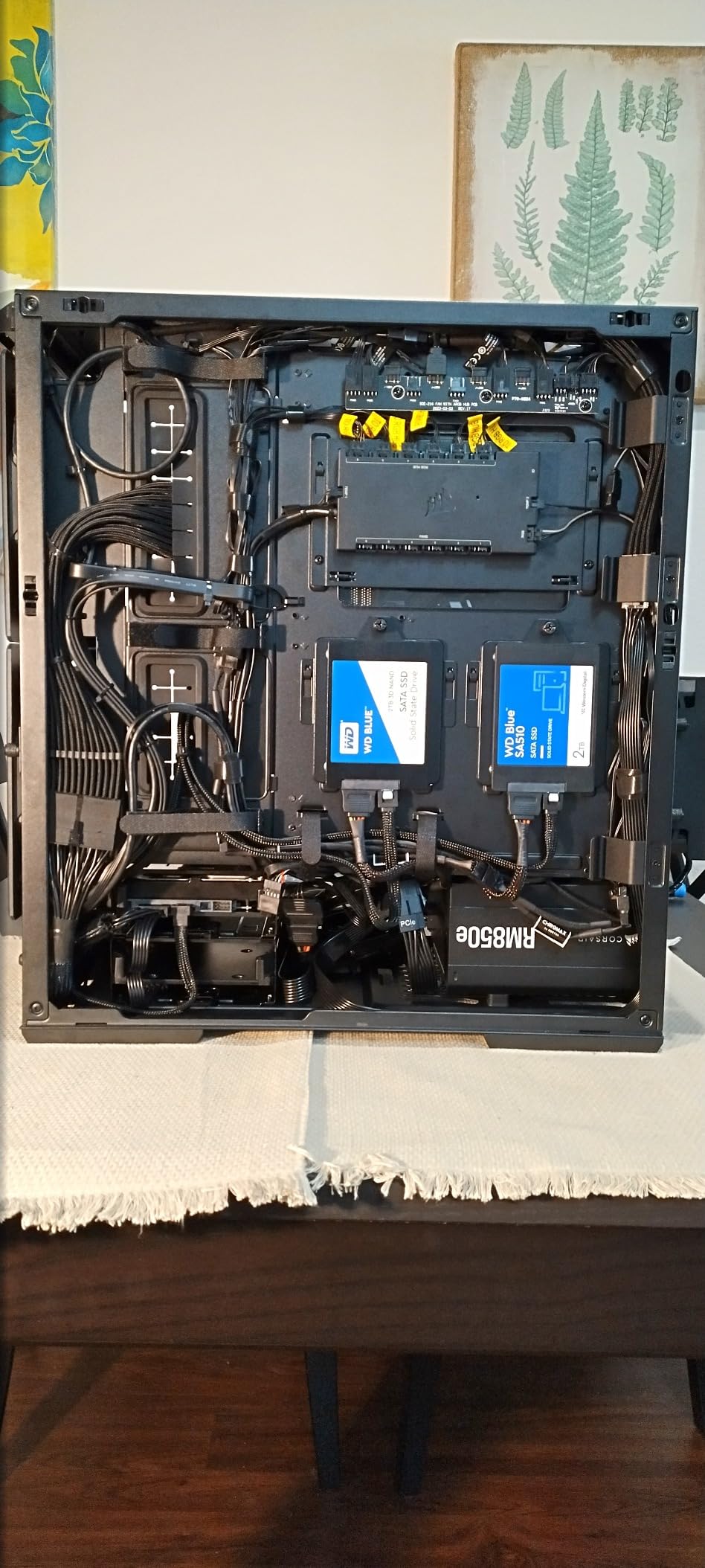
Flexibility is the quiet strength. The modular motherboard I/O tray can be raised or lowered depending on whether you are air or water cooling, and the removable top radiator bracket with its seal plate plus the rear PCIe fan bracket add real build options. A 4.0mm tempered glass panel and a steel frame give it a premium feel that survives handling.
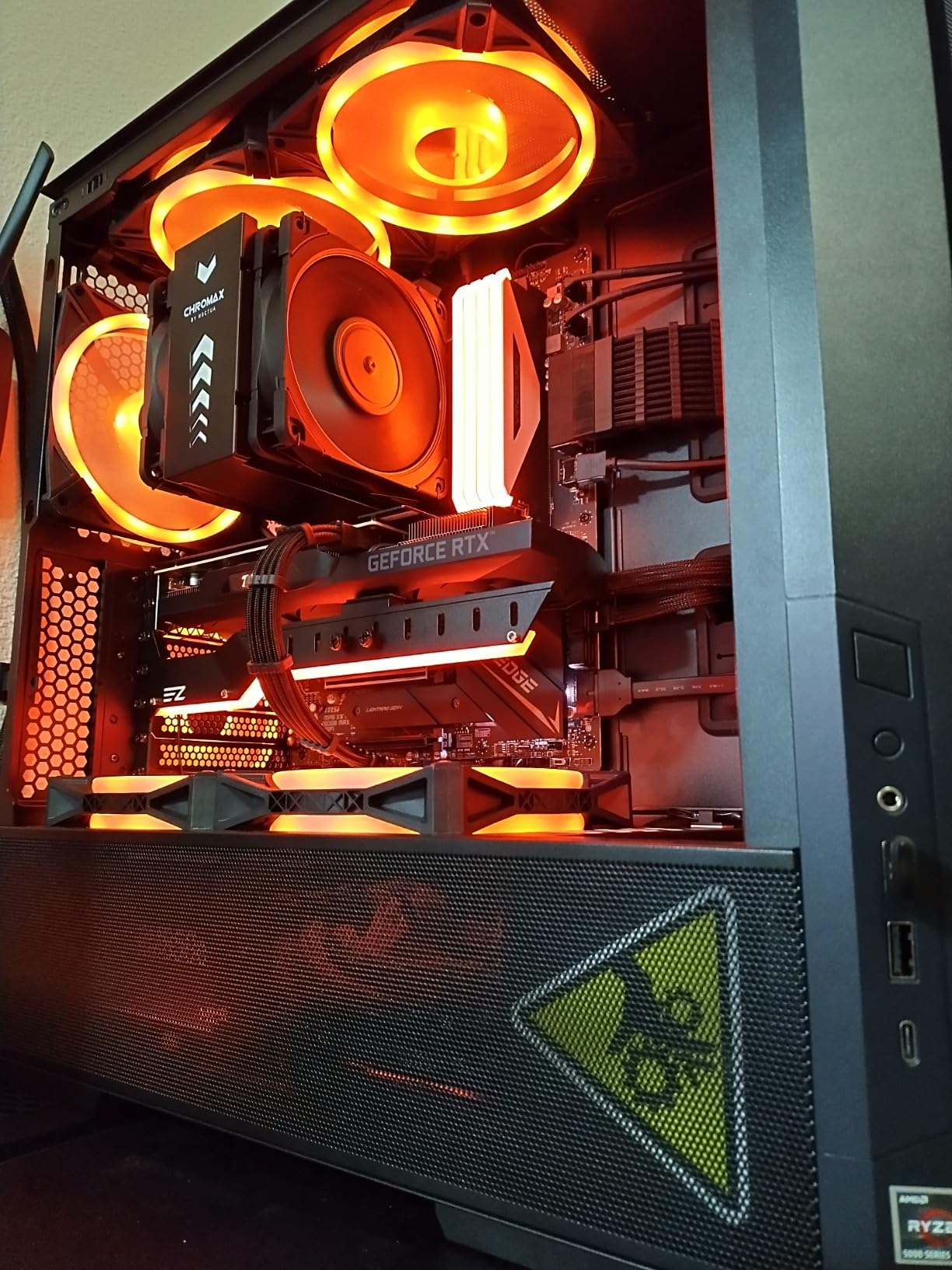
Fit notes worth checking
Graphics card clearance is up to 392mm, which covers NVIDIA 4000-series cards and most high-end models, and the case accepts E-ATX boards under 280mm wide. Storage is generous at two 3.5-inch drives plus six 2.5-inch SSDs.
The rear PCIe bracket is tight with LGA1700-style boards that carry large VRM heatsinks, and the relocatable I/O panel leaves too little room to route its own cables safely. Measure both before you commit.
What you give up
The front plastic has a noticeably cheaper feel than the metal portions of the chassis, and the side panels use push-pull pins in plastic inserts that can break in transit. The rear 140mm fan is PWM only with no lighting, so a fully lit build needs one more fan.
SSD access behind the shroud is not convenient for frequent drive swaps, and there is no screw latch on the backside cable cover. If you want the most air through the front, this is the one to buy; if you want perfect finish quality, the Fractal North is the alternative.
6. MUSETEX NN8 – Best Value With Six Pre-Installed Fans
MUSETEX ATX PC Case Pre-Install 6 PWM ARGB Fans, Polygonal Mesh Computer Gaming Case, Opening Tempered Glass Side Panel Mid-Tower Case, USB 3.0 x 2, Black, NN8
Midi tower with polygonal diamond mesh front
6 pre-installed PWM ARGB fans
280mm radiator support without memory conflict
ATX, mATX and mini-ITX
Pros
- Six ARGB PWM fans where rivals include one or two
- Side-opening glass door makes cleaning easy
- Lightweight and sturdy with no sharp metal burrs
- Good cable space with many tie-down points
Cons
- Full-size ATX boards fit only very tightly
- Tall air coolers can stop the glass door closing
- Bottom mounts need longer screws that are not included
- PSU chamber has no external venting
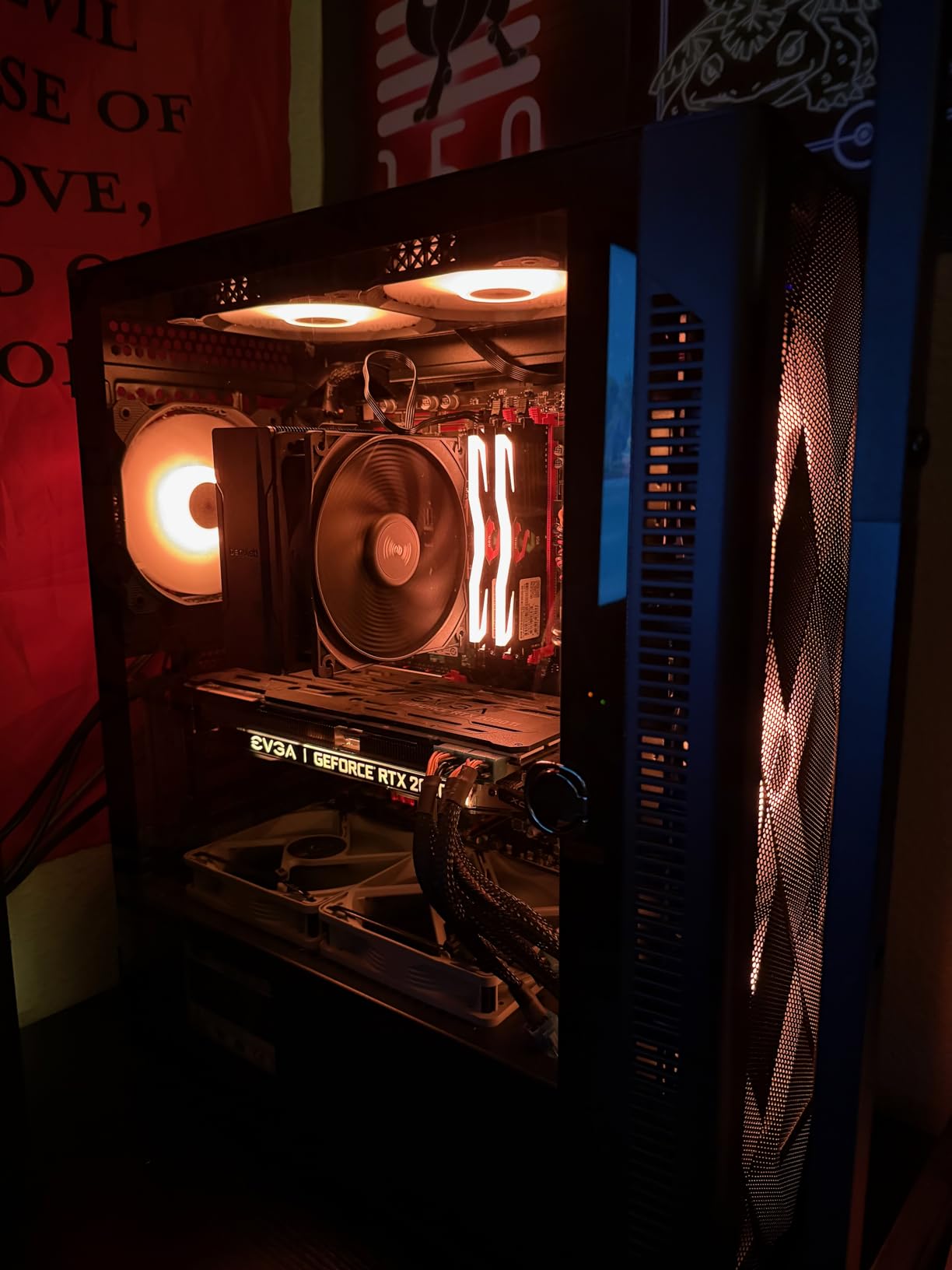
The NN8 exists because of a simple observation: most airflow cases in this bracket include one or two fans, and then you spend the savings on fans anyway. This one includes six PWM ARGB fans, a polygonal diamond mesh front panel, and a magnetic dust filter you can pull off in seconds. Across 1398 reviews at 4.6 stars, owners treat it as exceptional value.
The 120mm fans are pre-installed and daisy-chained with adjustable speed, and they run quietly even at speed once you dial in a sensible curve. The lighting is bright and even, and it is controllable from motherboard software, so you are not dependent on a case controller.
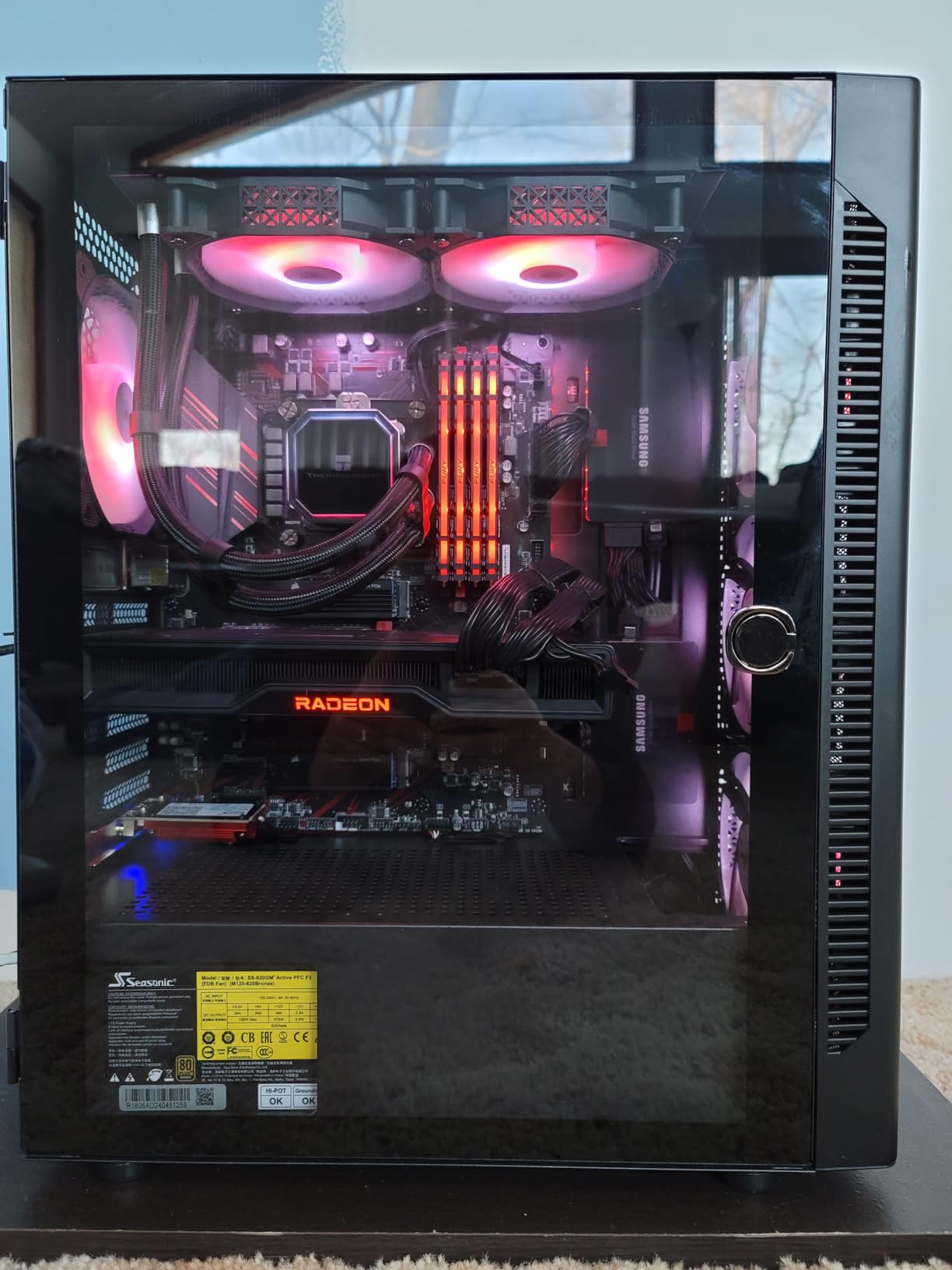
Build convenience is genuinely good for the money. The side-opening tempered glass door on magnets lifts away to make graphics card and radiator cleaning far easier, the edges are polished with no burrs, and there is a healthy amount of tie-down space behind the tray.
Check your motherboard and cooler
Full-size ATX boards fit only very tightly and sometimes need a few extra millimeters of tolerance, so measure before ordering. Tall air coolers can stop the glass door from closing fully, which is a real problem if you run a large tower cooler in an airflow build.
Radiator support tops out at 280mm, and it fits without touching memory, which is a nice touch that smaller chassis rarely manage. Maximum graphics card length is 320mm.
Where the compromises are
The bottom fan mounts use longer screws that are not included, so budget for that. Only one of the four SSD mounting positions has the hardware to secure the drive, and the power supply chamber has no external venting once a unit is fitted, so your power supply relies on case fans rather than its own intake.
Some builds reported a failed LED connector on the included controller. It is a rare fault, but it is the one to check as soon as the case arrives.
7. NZXT H5 Flow – Best Compact ATX Mid Tower
NZXT H5 Flow – Compact ATX Mid-Tower PC Case – Black
Compact ATX mid tower with ultra-fine mesh
2 pre-installed 120mm Quiet Airflow fans
360mm front and 240mm top radiator support
GPUs up to 410mm
Pros
- Full ATX board in a genuinely compact footprint
- Perforated PSU shroud feeds the GPU directly
- Handles long cards up to 410mm
- Panels use retention washers and come off easily
Cons
- Power supply cannot take bottom intake air
- Front cutout is 3 x 120mm and suits 140mm pairs poorly
- No USB-C on the front panel
- Basement cables show through the mesh
The H5 Flow is the answer to a specific complaint on builder forums: cases that claim to be compact but still occupy half a desk. This one fits a full ATX board in an 18.31-inch-tall chassis, and it does it with ultra-fine mesh on the top, front, and side panels for genuine ventilation plus dust filtering.
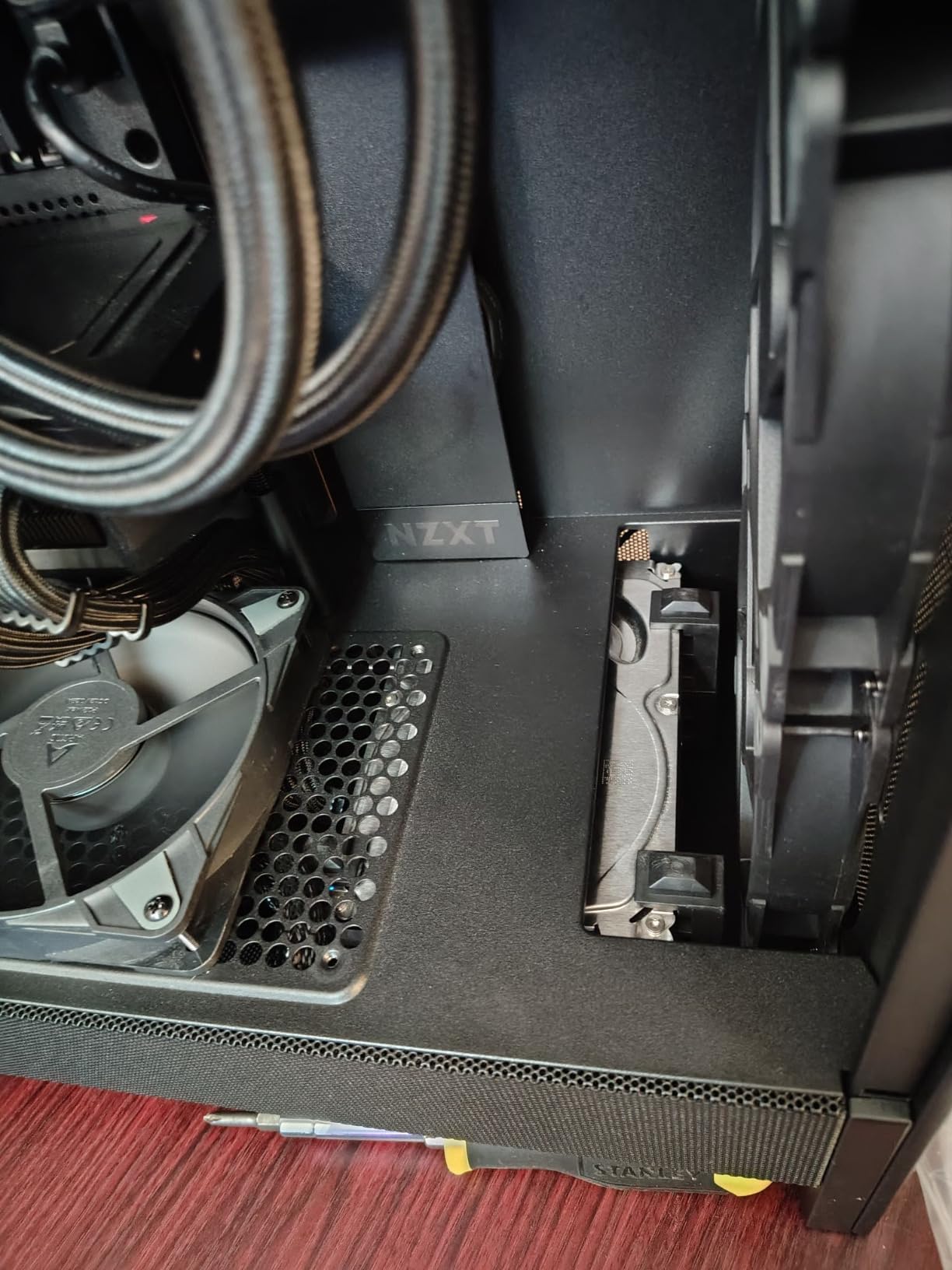
Two 120mm Quiet Airflow fans come fitted at the front and rear, so you have real airflow from the first power-on. The perforated power supply shroud on the side and bottom is the detail most airflow cases get wrong: it pulls cool air straight to the graphics card instead of letting it pool at the bottom of the chassis.
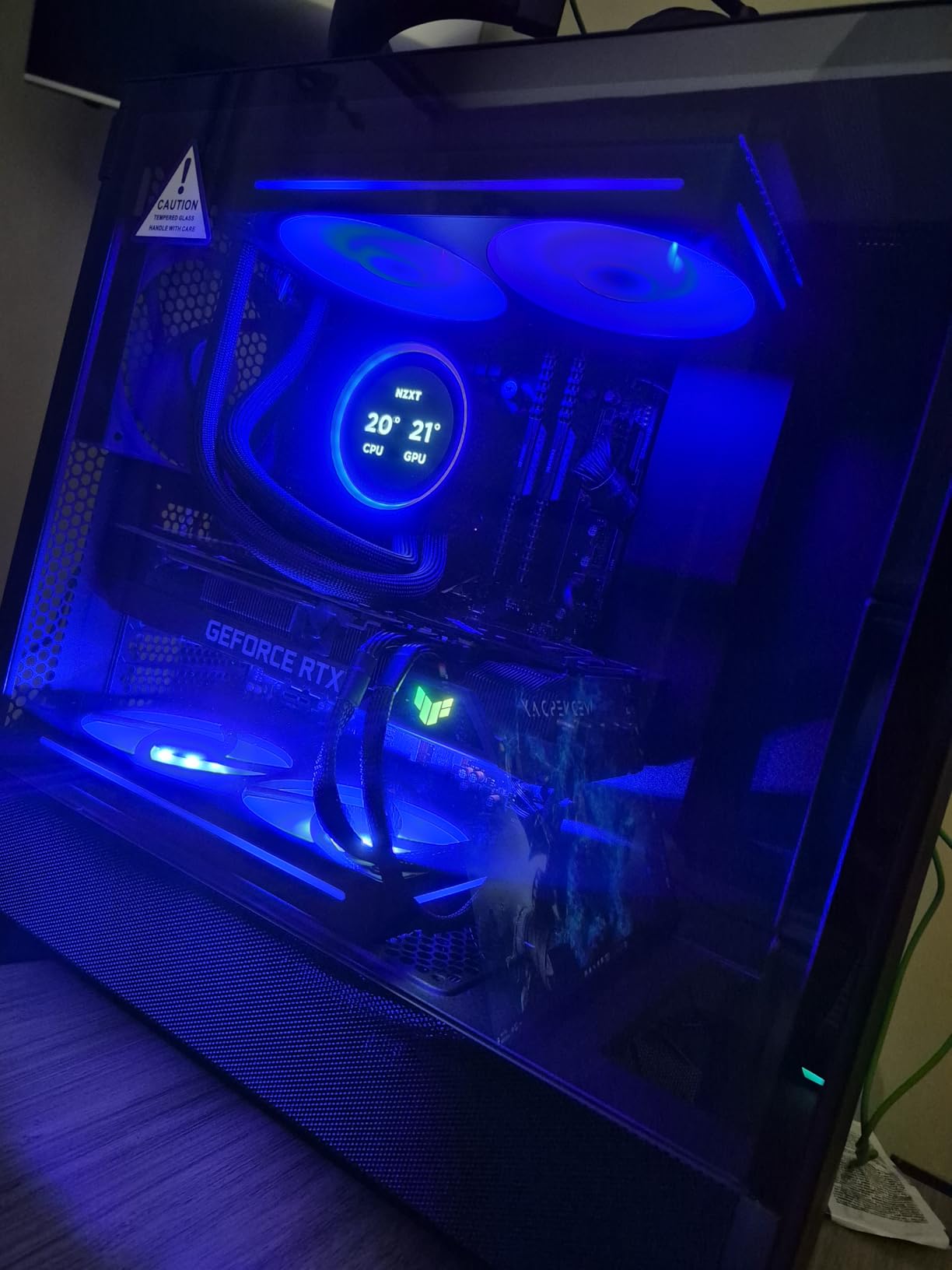
Owners report the case running cool with long graphics cards, with 1200 reviews at 4.6 stars describing quick assembly and straightforward routing. The wide channels, hooks, straps, and hidden space behind the tray are the features people mention most warmly.
What to know before you buy
Two things. First, the power supply cannot take bottom intake air, so it competes with the graphics card for the same cool air. Second, the front fan cutout is 3 x 120mm, which looks awkward if you were planning a pair of 140mm fans there. Plan your fan layout before you buy.
Radiator support is 360mm at the front and 240mm at the top, and graphics cards up to 410mm install without fitment issues. The front I/O is basic, with no USB-C.
Is the compact size worth it?
If you are building in a dorm room, a small office, or a shared living space, yes, and the reviewers who recommend it as a first airflow build are not exaggerating. If you need a 420mm radiator, extensive storage, or USB-C up front, this chassis will not stretch to fit. A handful of owners also note minor paint chips and GPU backplate screw alignment issues.
8. Corsair 3000D Airflow – Best Budget Mesh Mid Tower
Corsair 3000D Airflow Mid-Tower PC Case – 3-Pin Fans – Four-Slot GPU Support – Fits up to 8X 120mm Fans – High-Airflow Design – White
ATX mid tower with a perforated steel front panel
2 included 3-pin AirGuide fans at 24.7 dBA
Up to 8 x 120mm or 4 x 140mm fans
360mm front and 280mm roof radiators
Pros
- Full perforated steel front delivers real airflow
- Roomy interior that swallows long cards
- Side panels come off with two fasteners
- Dust filters pull out easily for cleaning
Cons
- Included 3-pin fans are fixed speed and need replacing
- Only two fans included
- No USB-C on the front panel
- Roof radiator space is tight with tall RAM
The 3000D Airflow does the fundamentals without drama: a full perforated steel front panel, an interior that swallows an XFX 6800 or similar without stress, and cable tie-downs behind the motherboard tray. Buyers describe a sturdy build with tight panel tolerances and no sharp edges, and 1113 reviews at 4.6 stars back that up.
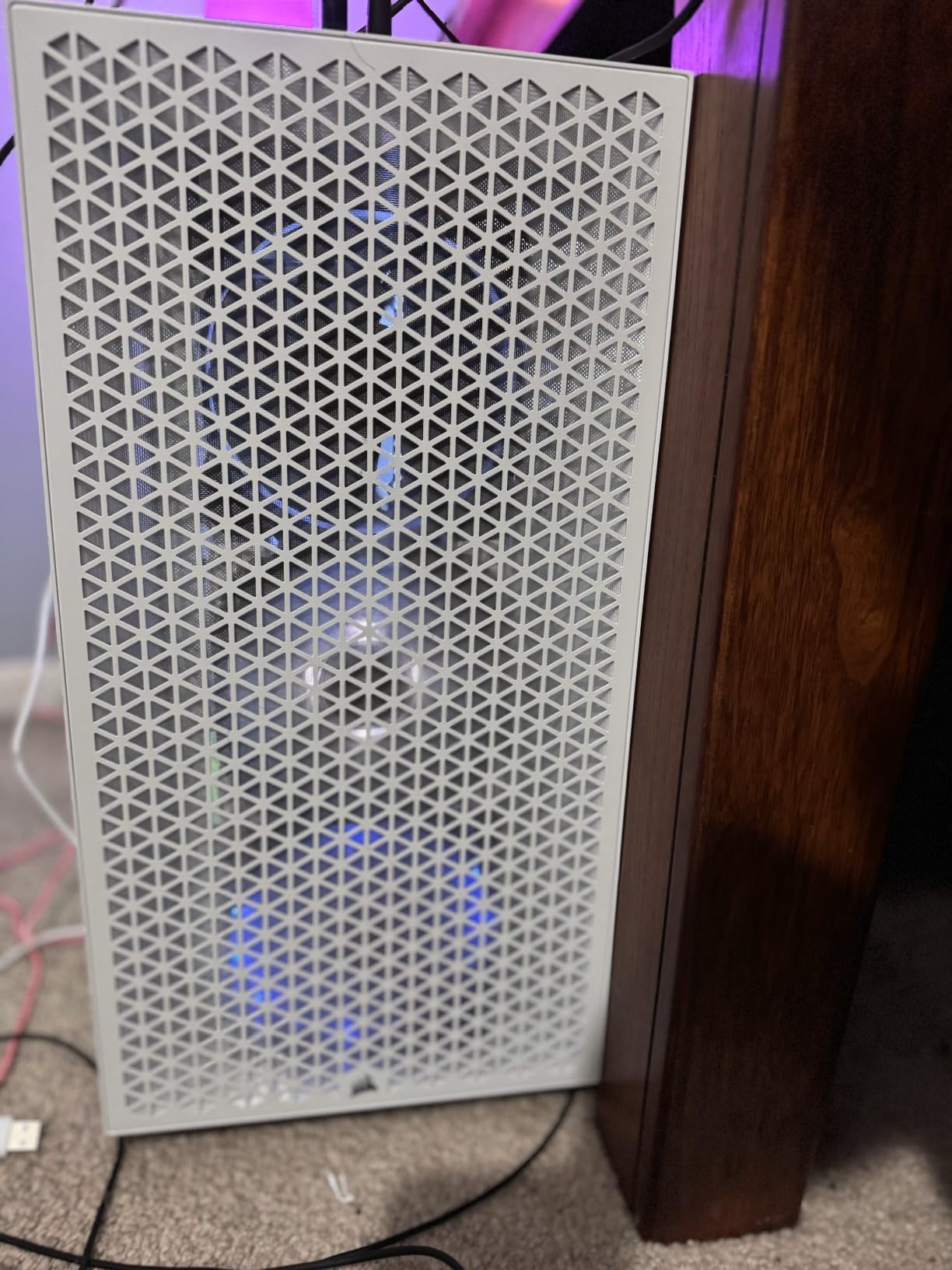
Two dedicated 120mm mounts sit on the power supply shroud for direct graphics card airflow, and the case accepts up to 8 x 120mm or 4 x 140mm fans plus a 360mm front and 280mm roof radiator. Side panels release with two fasteners, which makes cleaning and first builds painless.
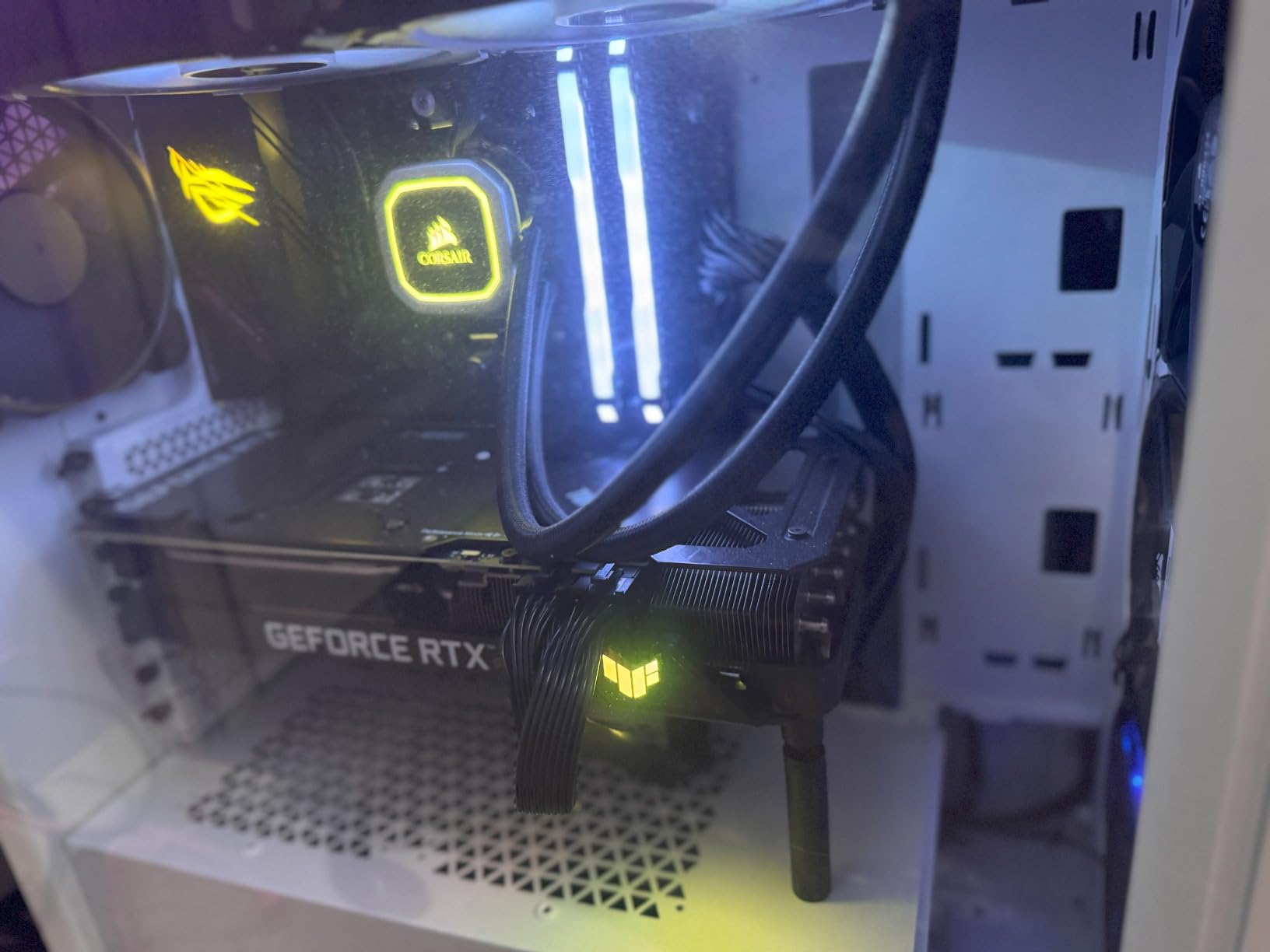
The 3-pin fan catch
This is the single most important thing to know. The two included AirGuide fans are 3-pin and fixed speed, so you cannot control them with a PWM curve, and they can be noticeably buzzy at full speed. Most owners add at least two PWM fans, which is a real cost the sticker price does not show.
The good news is that once you add those fans the chassis is excellent, and 24.7 dBA is the rated noise level of the included units, which is quieter than many builders expect for basic cooling.
Fit and finish details
Graphics cards are supported up to 360mm and four slots thick, which is generous. Roof radiator space is tight if you run tall memory heat spreaders, so check your RAM height before committing to a 280mm roof unit.
Front I/O is USB 3.0 Type-A and combined audio with no USB-C, and there is no solid-panel alternative to the glass side. If you plan a silent build, buy PWM fans up front and budget for it.
9. MONTECH AIR 903 MAX – Best Fan Bundle for Raw Airflow
MONTECH AIR 903 MAX High-Airflow E-ATX Mid-Tower PC Case, 4 Fans, Black
E-ATX mid tower with a ventilated mesh front
4 x 140mm PWM fans pre-installed
360mm radiators at the front and top
Graphics cards up to 400mm
Pros
- Four 140mm fans fitted as standard
- Radiators up to 360mm mount front or top
- Roomy E-ATX and 400mm GPU clearance
- USB-C plus two USB 3.0 on the front I/O
Cons
- Only three expansion slots and two drive bays
- 9.14 kg chassis feels heavy in hand
- No rubber grommets advertised on cable pass-throughs
The AIR 903 MAX answers the question builders ask most often: which airflow case comes with enough fans that I do not have to buy extras. Four 140mm PWM fans come pre-installed, three ARGB at the front and one at the rear, and the ventilated mesh front panel is designed specifically to let them do their job.
That combination produces 87% five-star ratings across 449 reviews. Owners credit the mesh intake, the four included fans, and the roomy clearance for E-ATX boards and graphics cards up to 400mm as the reasons the case performs well straight away.
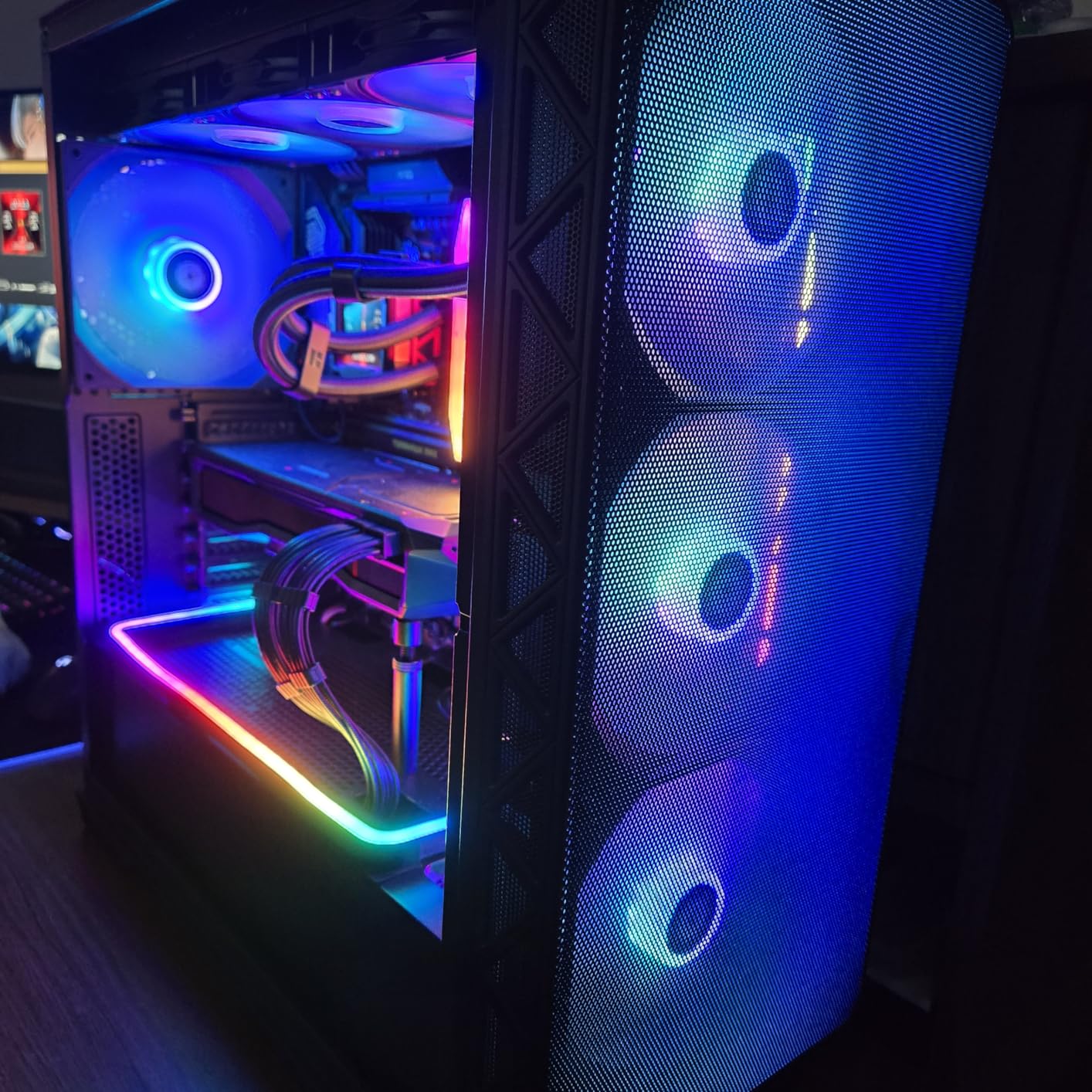
Clearance is genuinely generous for the size. Coolers up to 180mm tall, power supplies up to 240mm long, and radiators up to 360mm at both the front and top give you real layout freedom, and the case is ready for a vertical graphics card mount with dedicated cable routing space behind it.
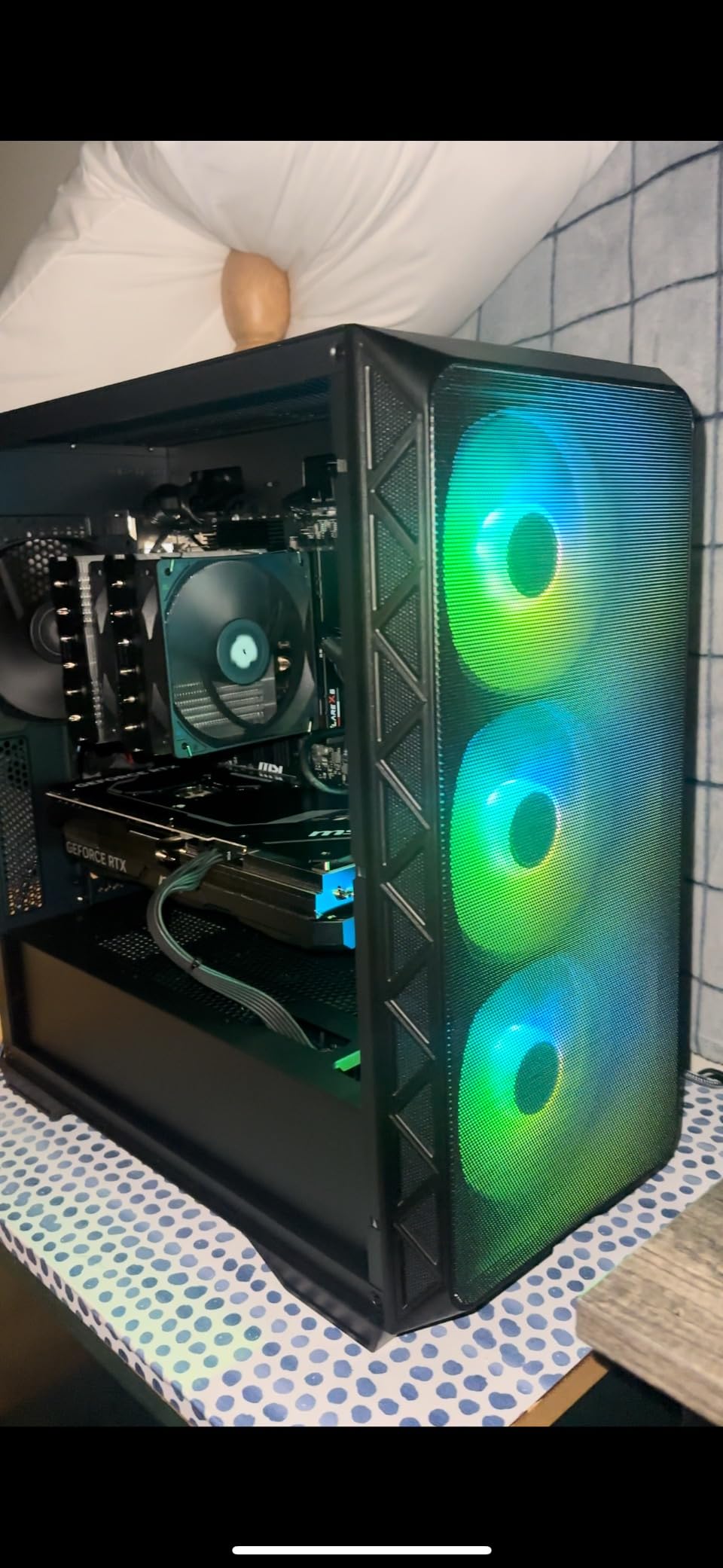
Where the limits are
Storage and expansion. Only two internal drive bays and three expansion slots, which matters if you are building a storage-heavy machine with multiple hard drives or a capture card. The 9.14 kg weight also lands harder than expected when you are lifting it onto a desk.
No rubber grommets are advertised on the cable pass-throughs, so expect a little more cable management work than the routing space suggests.
Who should buy it
Anyone who wants maximum front intake and a full complement of 140mm fans without a second shopping trip. The front I/O carries USB-C, two USB 3.0 ports, microphone and audio jacks, and power, reset, and LED buttons, which is more than most cases in this range offer.
If your build needs more than a couple of drives, pair this with a storage-heavy case such as the Fractal Pop XL Air instead.
10. Fractal Design Pop XL Air RGB – Best for Storage and Full-Tower Airflow
Fractal Design Pop XL Air RGB Black Tempered Glass Clear Tint
Full tower with four 120mm Aspect RGB fans
360mm front, 280mm top and 140mm rear radiators
Up to four HDDs and six SSDs
E-ATX under 280mm supported
Pros
- Owners report about 60C CPU and 55C GPU under heavy load
- Roomy interior that fits AIOs in front
- Radiators up to 360mm at the front
- Physical RGB controller on the top I/O
Cons
- Front USB-C is not populated natively
- Four included 1200 rpm RGB fans are basic
- Only one aRGB header on the case
- Metal chassis feels light for its size
The Pop XL Air is the sleeper full tower in this roundup. Owners report CPU temperatures around 60C and graphics cards near 55C under heavy gaming load, and several mention measurable drops after moving up from a mid tower. The interior fits AIO radiators at the front without blocking large graphics cards.
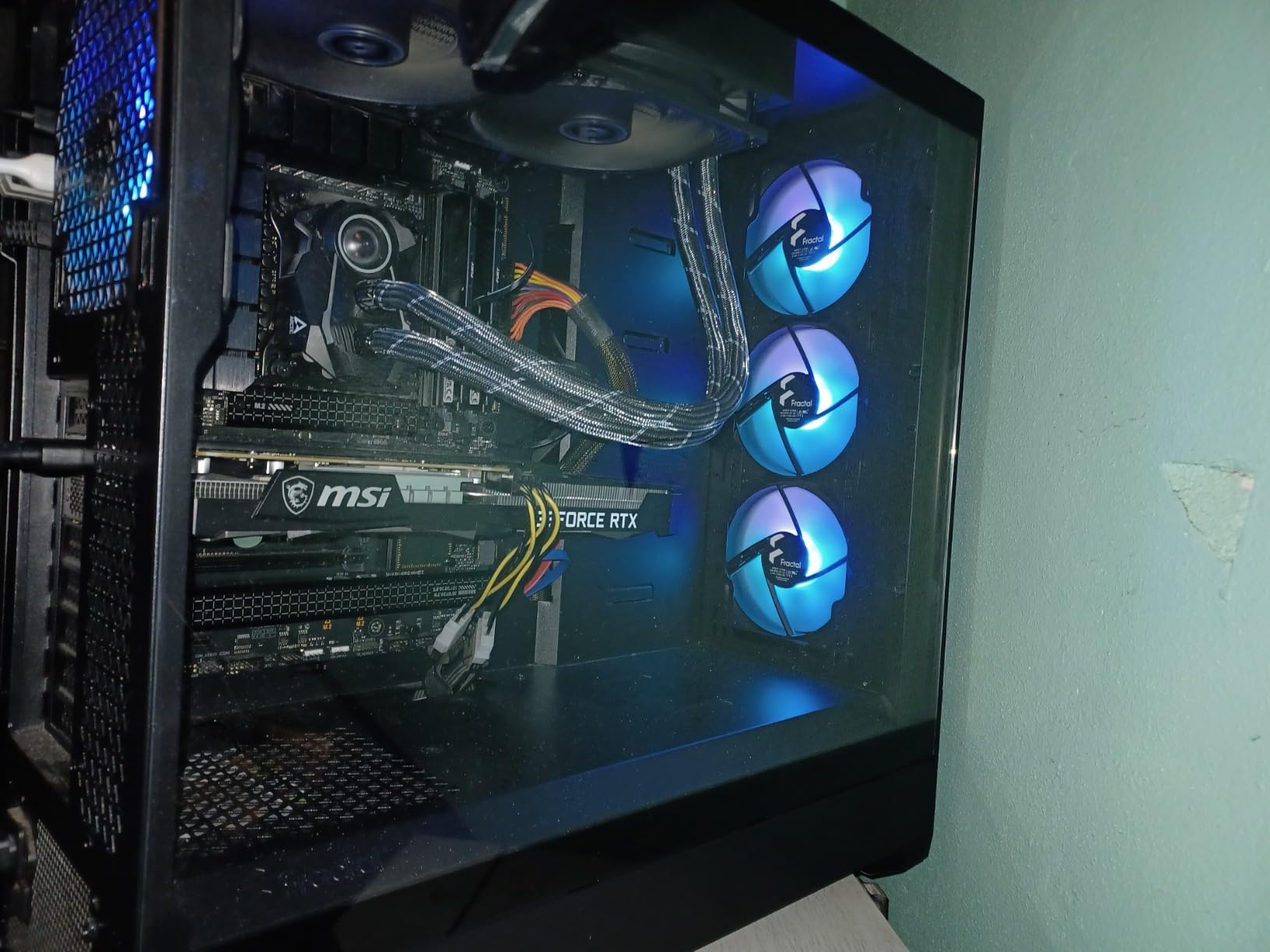
Four 120mm Aspect RGB fans come fitted with room for two more, and there is a physical RGB controller on the top I/O so you are not reliant on software for lighting. Storage is the standout: up to four hard drives and six SSDs, plus two concealed 5.25-inch bays behind a magnetic cover.
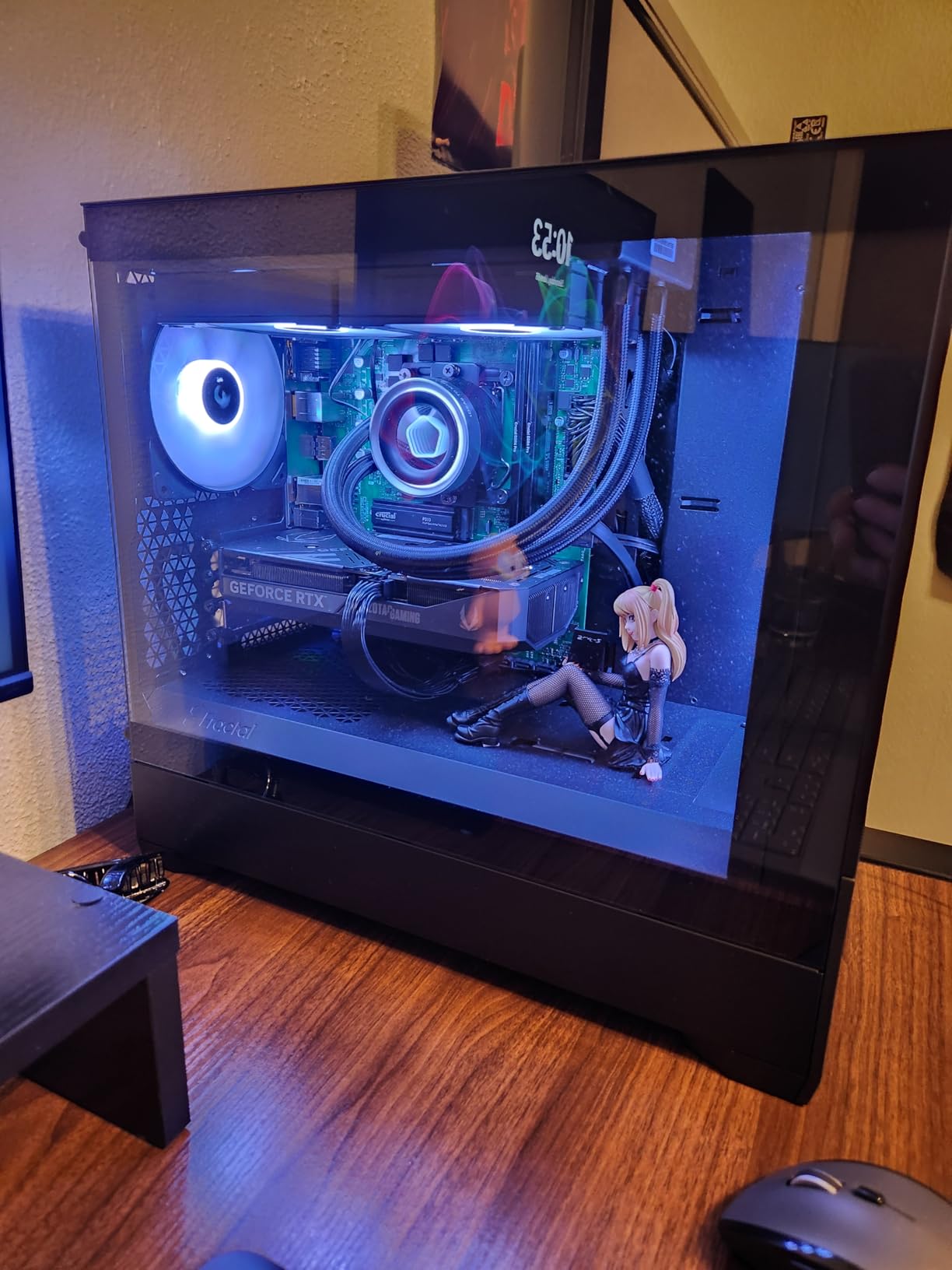
Build experience is easy. A single front-panel cable, plenty of tie-down points, and easy-mount tempered glass keep the process short, and 595 reviews at 4.7 stars describe the same thing. The concealed optical bays with a magnetic cover are an unusual touch that owners single out as welcome.
Two caveats to plan around
First, the front USB-C port is not populated natively and needs a separately purchased Fractal Type-D cable. Second, there is only one 3-pin aRGB header on the case, so adding extra RGB fans or an AIO usually means buying a splitter.
The four bundled fans run at 1200 rpm and are basic by design, which is why so many owners replace them. Not every cable pass-through has a rubber grommet, and the metal chassis feels a little light for its size.
Why choose it over a bigger full tower
Because it does the airflow job without the weight. The 7000D Airflow is the tank, and this is the one you can actually move. It also supports E-ATX boards under 280mm, seven expansion slots, and 4.0mm-class tempered glass on a tempered-glass clear-tint panel.
11. MONTECH XR Panoramic – Best Roomy Budget Mid Tower
MONTECH XR Panoramic ATX Gaming PC Case, Mid Tower, 3 ARGB PWM Fans, Black
ATX mid tower with dual tempered glass
3 pre-installed ARGB PWM fans, two reverse-blade
Graphics cards up to 420mm
360mm top radiator support
Pros
- Spacious interior that fits long cards and tall coolers
- Three ARGB fans pre-installed and daisy-chained
- Rubber-grommeted cable cutouts
- No screws needed on the dual glass panels
Cons
- Included fans can be noticeably loud
- Bottom fan mounts may need thinner screws
- Interior tight under a top-mounted AIO
- Does not accept 140mm fans
The MONTECH XR is repeatedly described as the best budget mid tower, and the reason is a generous interior paired with a wood-grain I/O panel that makes it look far more expensive than it is. Graphics cards up to 420mm and tall air coolers fit without forcing anything into place.
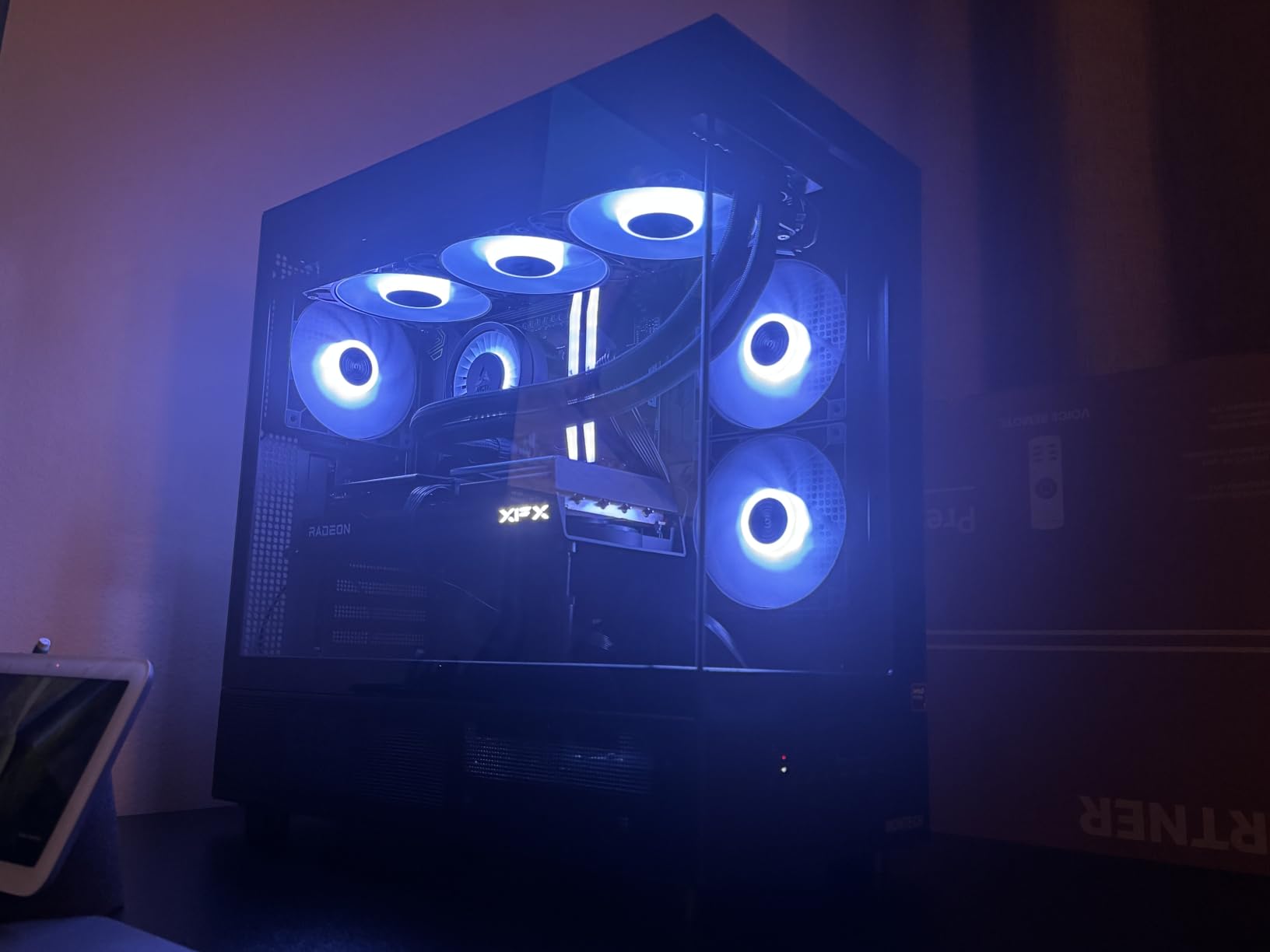
Three ARGB PWM fans come pre-installed and daisy-chained, two of them reverse-blade for a cleaner front look, and the case supports up to nine fans in total with 360mm radiator support at the top. Magnetic dust filters cover the top, bottom, and side panels, which is more coverage than most cases at this level provide.
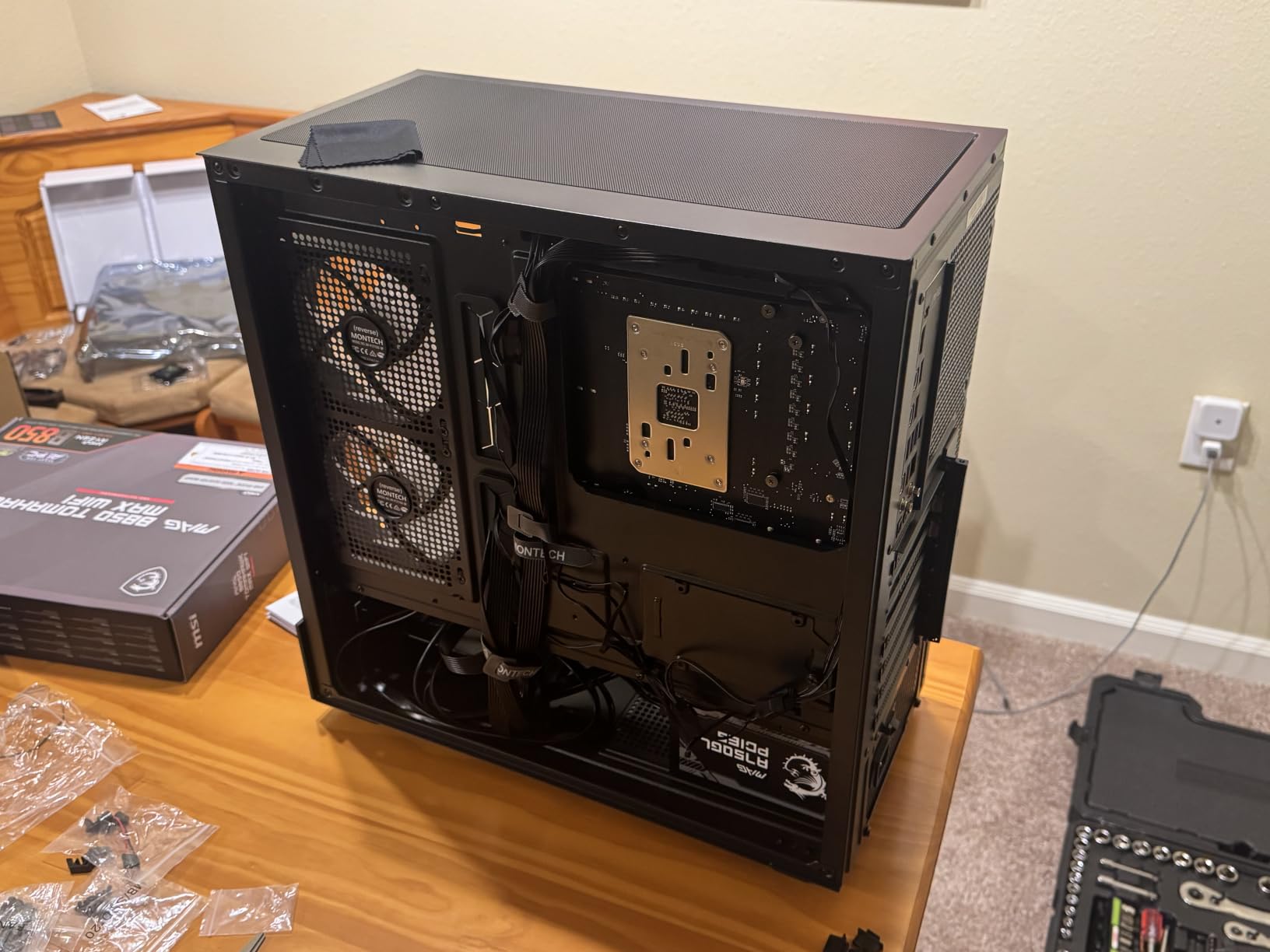
Cable management is straightforward thanks to rubber-grommeted cutouts, real space behind the tray, and included zip ties and Velcro straps. The dual tempered glass panels are held by push-in pins and magnets, so there are no screws to lose during a repeated rebuild.
The noise question
Fan noise is the significant complaint, and one reviewer returned the case purely for that reason. If your PC sits on a desk within arm reach, the included ARGB fans run louder than you might expect at high speed, and a fan swap is a likely upgrade.
It is also worth knowing that despite some listings, this case does not accept 140mm fans. Budget for 120mm units.
Minor build issues to expect
Bottom fan mounts are not well designed and may need thinner screws than supplied, and some screws plus the hard drive cage are extremely tight. Interior headroom is also tight once a top-mounted AIO radiator covers the upper motherboard area, so check cooler height against radiator thickness if you plan both.
12. Cooler Master Q300L V1 – Best Micro-ATX Case for Airflow
Cooler Master Q300L V1 Micro-ATX PC Case, High Airflow, Transparent Panel
Micro-ATX and mini-ITX mini tower
3 fans supported with one 80mm rear exhaust included
159mm CPU cooler clearance, GPUs to 360mm
Supports a 240mm liquid cooler
Pros
- Perforated panels on all sides for real ventilation
- Cable routing behind the tray with straps works well
- Modular I/O panel repositionable to front
- top
- or bottom
- Magnetic dust filters remove and rinse easily
Cons
- Only one 80mm rear exhaust fan included
- Fully black interior makes routing difficult in low light
- Weak dust filter magnets slide out of place
- Acrylic panel scratches easily
The Q300L V1 is the micro-ATX entry point of this roundup, and it has held its position because 14011 reviews at 4.5 stars is an enormous sample of real builds. The design is thermally open on every side, so once you add high-static-pressure intakes the perforated panels move plenty of air.
Owners routinely report temperatures in the 60 to 75C range when they add three intake fans and three exhaust fans instead of relying on the single included 80mm unit. That is the honest picture: the chassis is good, the bundled fan is not the reason to buy it.
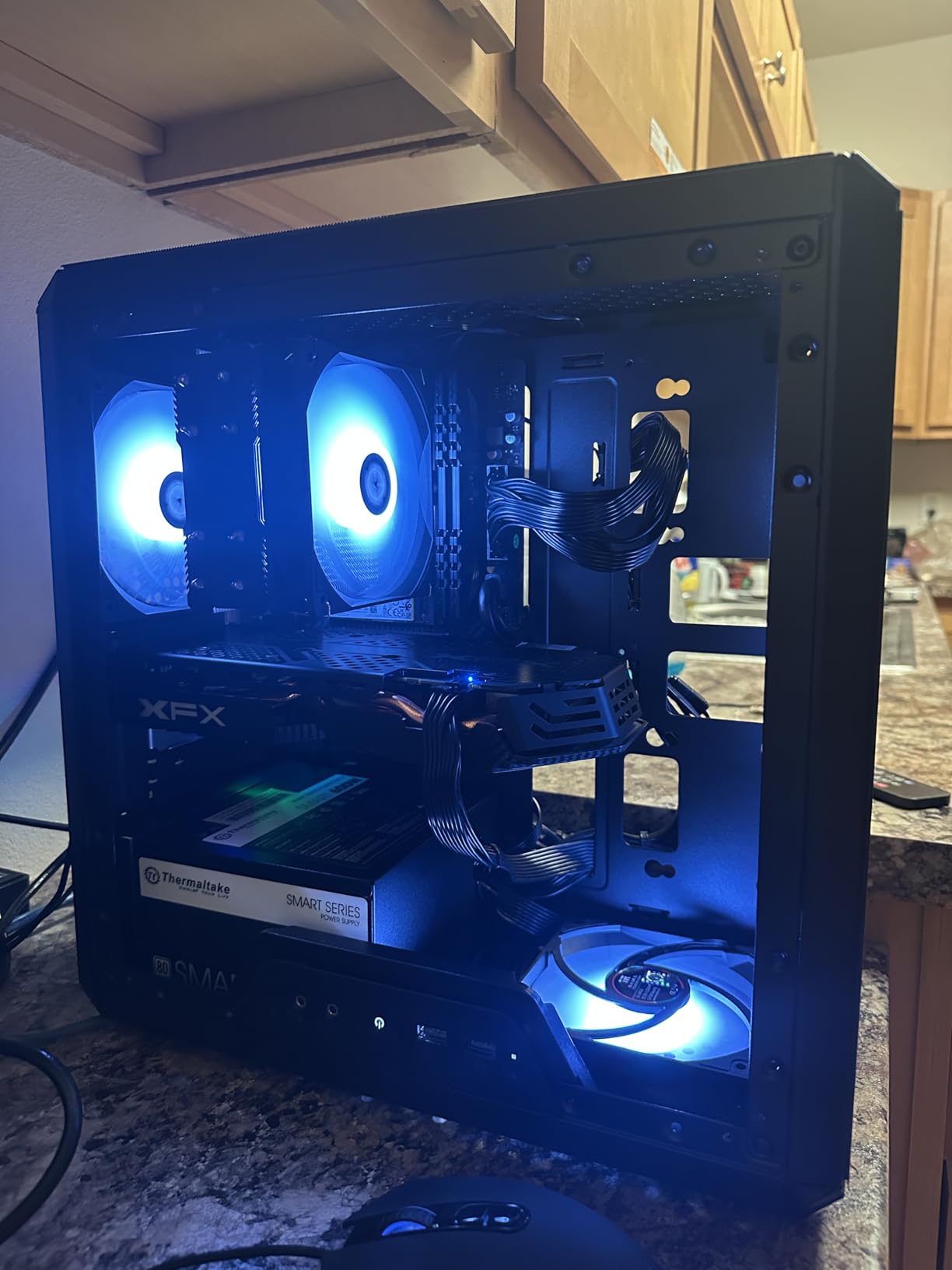
Fit and finish is better than the price suggests. Cable routing behind the tray works with the supplied zip ties and fabric straps, the magnetic dust filters remove and rinse clean, and the modular I/O panel can be repositioned to the front, top, or bottom depending on where the case sits.
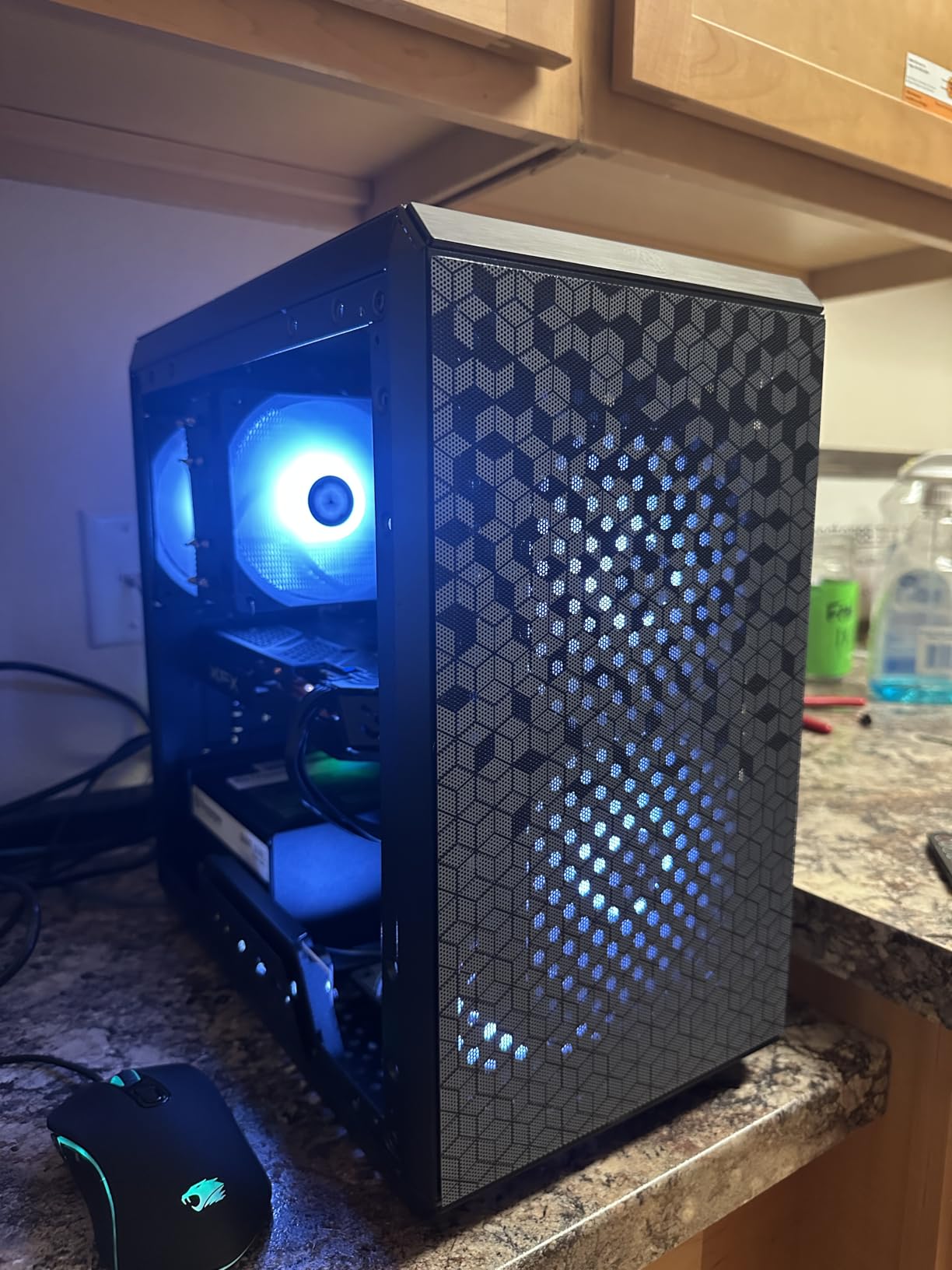
Clearance and storage
CPU cooler clearance is 159mm, graphics cards up to 360mm, and power supplies up to 160mm via a recessed bracket. A 240mm liquid cooler fits, and the case supports up to five fans. Motherboard support is micro-ATX and mini-ITX only, so a full ATX board will not go in.
Storage is the weak point at a single internal bay, so plan on a solid-state drive or an external drive rather than a multi-drive build.
Who should buy it
First-time builders on a tight budget, and anyone who wants a small footprint for a desk or dorm room. Expect to buy fans, and plan for a couple of hours with the paper-strip test described below to confirm your fan layout moves air the way you intended.
The dark interior makes small headers awkward in low light, the dust filter magnets are weak, and the acrylic panel scratches easily, so handle it carefully. If you want a slightly more polished feel, the MUSETEX NN8 is a step up for a modest difference.
What Actually Drives Airflow in a PC Case
Buyers focus on fan counts because it is the easiest number to compare. It is also the least useful one. A case with six fans arranged badly loses to one with four arranged well, and the panel in front of those fans matters more than anything behind it.
Front panel porosity comes first. A fine steel or woven mesh panel with a high percent open area puts far less resistance in front of your intake fans than solid steel or glass. This is the single biggest difference between an airflow case and a sealed one, and it is why cases like the Q300L and the H5 Flow run cool on modest fan counts. If you are still wondering why a mesh case runs hot, the panel is rarely the culprit.
Fan balance beats fan count. The goal is more intake than exhaust, so air is pushed consistently through the components rather than sloshing in and out at random. Count your front and bottom intake fans, then your rear and top exhaust fans. If exhaust is equal to or greater than intake, you are running at neutral or negative pressure.
Bottom intake feeds the graphics card. Modern graphics cards sit close to the floor of the chassis, where air is hottest. A perforated power supply shroud, or bottom intake fans, gives the card a supply of cool air that recirculation from the top cannot provide. The H5 Flow and the 3000D Airflow both use shroud perforations for exactly this reason.
140mm fans move more air quietly. Buyers consistently report 140mm fans being quieter for a given airflow than 120mm units, because they move the same volume at a lower tip speed. The catch is that not every front panel is cut for them, which is why the H5 Flow’s 3 x 120mm cutout suits 140mm pairs poorly.
Case size is not the answer. A well-ventilated mid tower with the right fan configuration beats a large sealed chassis every time. Bigger cases simply give you more mounting positions and more radiator room, which is valuable for water cooling rather than for airflow itself.
How to test your own case at home
You do not need lab gear to know whether air is moving the way you intended. Four steps will tell you more than any spec sheet:
Run your PC at idle for a few minutes with the side panel off so the fans spin up.
Hold a thin paper strip, a ribbon, or a cigarette-style smoke pen near the front intake and watch which way the air travels. It should enter at the front and bottom, pass through the components, and leave at the rear and top.
Count intake and exhaust fans. If exhaust is equal to or greater than intake, add an intake fan or move one to the front before changing anything else.
Check for recirculation. Air that enters the front and immediately exits without crossing the graphics card or CPU cooler means something is blocking the path, usually a drive cage or a cable bundle.
This is the fastest diagnostic we know for a hot mesh case, and it costs nothing. The same procedure works before you buy, to sanity-check the fan layout you are planning.
Positive versus negative pressure in plain language
Positive pressure means more air enters than leaves. Unfiltered gaps tend to push air outward, dust stays outside, and components see a consistent front-to-back flow. Negative pressure means more air leaves than enters, so the case pulls dust in through every unsealed opening and air can recirculate through the wrong paths. If you want one fix for a hot case that already has mesh, this is usually it: add intake fans and set intake RPM above exhaust.
Frequently Asked Questions
What case is best for airflow?
The NZXT H6 Flow is our pick for the best PC cases for airflow because it pairs a dual-chamber layout with three pre-installed 120mm fans and airflow-optimized perforation on the top and side panels, so it runs cool without buying extra cooling first. For maximum air volume through the front, the Lian Li LANCOOL 216 RGB with two 160mm ARGB intakes is harder to beat.
Does a PC case affect airflow?
Yes. Front panel porosity, internal obstructions, and the balance between intake and exhaust fans can move graphics card and CPU temperatures by double digits compared with a sealed panel of the same size. This is why a perforated or fine-mesh case can run noticeably cooler than an identical chassis with a solid front, even with the same fans.
Is a bigger PC case better for airflow?
Not by itself. A well-ventilated mid tower with a balanced fan layout moves more effective airflow than a large sealed chassis. What a bigger case genuinely gives you is more fan mounting positions, more radiator room, and more clearance for long cards, which matters most for water cooling.
What is the ideal airflow in a PC case?
There is no single CFM figure that counts as ideal. The practical target is slightly positive internal pressure, meaning more intake than exhaust, so air is driven consistently through the components. Verify it with a paper strip or smoke pen near the front intake and confirm the air enters, crosses the graphics card, and leaves at the rear and top.
Are 140mm case fans quieter than 120mm fans?
Yes, for the same airflow. A 140mm fan moves a comparable volume of air at a lower tip speed, which produces less noise than a 120mm fan working harder. The practical catch is mounting, since many front panels are cut for 120mm units only, and the NZXT H5 Flow’s 3 x 120mm cutout suits 140mm pairs poorly.
Final Verdict: Picking the Best PC Case for Airflow in 2026
The NZXT H6 Flow is the best PC case for airflow in 2026 for most people, because it is genuinely cool on day one, assembles without frustration, and does not demand a specific CPU cooler or graphics card length to do its job. Three fans, a dual-chamber layout, and perforated panels are enough, and owners confirm it in their temperatures.
Buy the Lian Li LANCOOL 216 RGB instead if front intake volume is the priority and you want the biggest fans in the roundup. Buy the CORSAIR 7000D Airflow if you are running a 420mm radiator or a full-tower water-cooling loop and do not mind the weight. Buy the MUSETEX NN8 if the goal is to spend as little as possible while still starting with six fans.
Whichever you choose, run the paper-strip test once the build is done. Two minutes with a ribbon tells you more about your cooling than any rating, and it costs nothing. For the rest of your desk setup, our gaming headset roundup and wireless gaming headset picks cover the other end of the chain.