
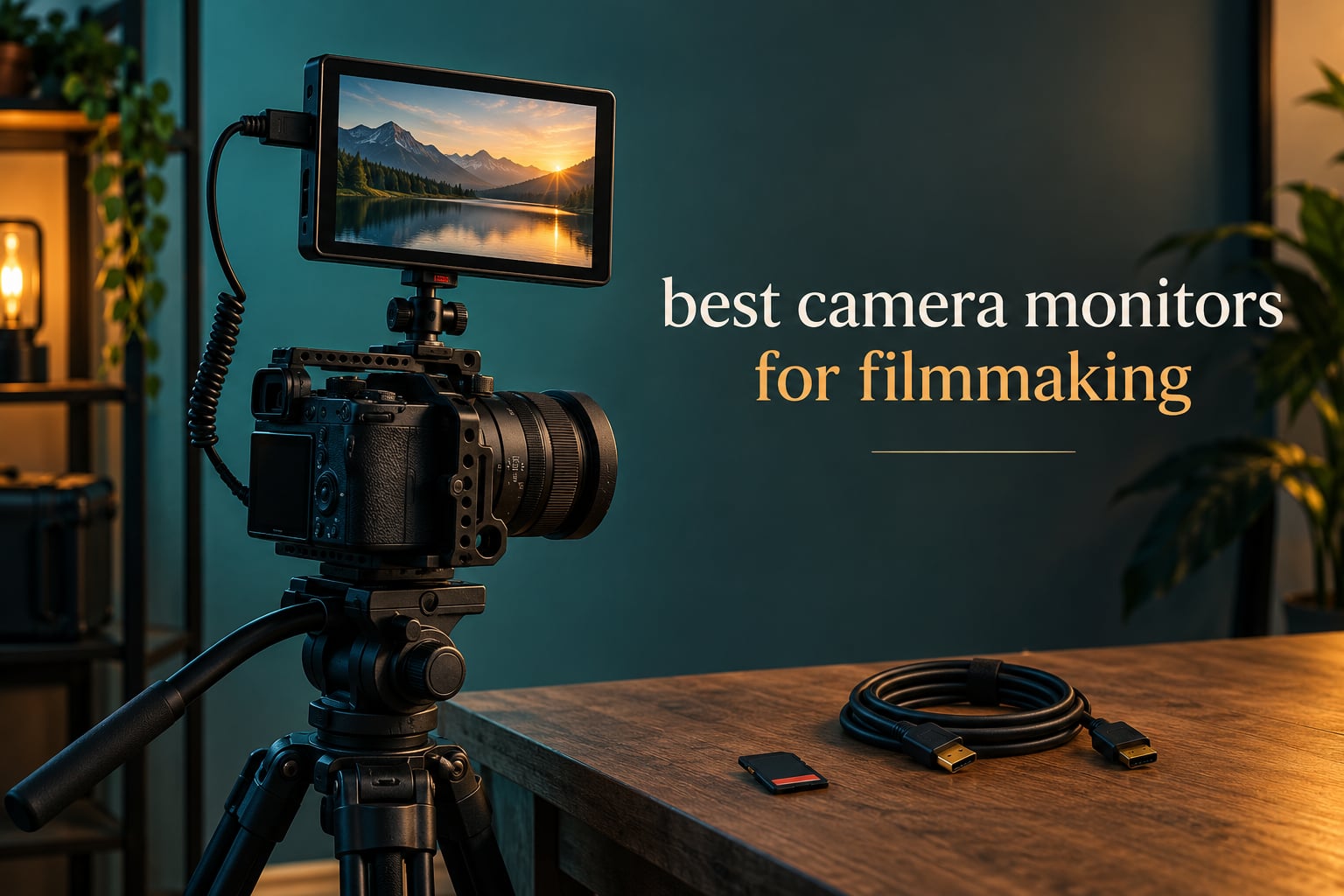
A camera monitor is an external screen that mounts on your camera and gives you a bigger, brighter and more accurate view than the built-in LCD, plus exposure and focus tools like waveform, vectorscope, false colour and focus peaking. The NEEWER F100 7-inch field monitor is our best camera monitor for filmmaking overall in 2026, because it pairs a large 7-inch panel with a battery, ball head and sun hood in the box at a price that leaves room for the rest of your kit.
We spent weeks running these twelve monitors on mirrorless bodies, a Blackmagic Pocket and a cinema rig, checking what actually matters on a working set rather than on a spec sheet. Brightness in real daylight, whether the false colour reading can be trusted, how the menus behave with gloves on, and how much the thing adds to the weight of the rig.
That last point matters more than most buyers expect. A 7-inch monitor with two batteries fitted can add close to a kilogram to a handheld or gimbal build, and that changes how the camera balances in your hand. We flagged the weight on every entry below, because it is the difference between a monitor you leave mounted and one that lives in the camera bag.
The gap between a budget field monitor and a professional recorder is narrower than the price difference suggests. What you give up is recording capability, SDI, or daylight brightness, and the right pick depends on which of those your work actually needs. If you are also building out your audio kit, our guide to the best shotgun microphones for filmmaking on a budget covers the other end of the sound chain.
Table of Contents
Top 3 Picks for Best Camera Monitors for Filmmaking (October 2026)

NEEWER F100 7-Inch Field Monitor
- 7-inch IPS LCD at 1280 x 800
- 450 nits brightness
- Battery
- ball head and sun hood included

NEEWER F700 7-Inch 2000-Nit Monitor
- 7-inch 1920x1080 touchscreen
- 2000 nits for direct sunlight
- Full scopes and 3D LUT loading

Blackmagic Video Assist 7-Inch 12G HDR
- 2500 nit HDR display at 1920x1200
- 12G-SDI and HDMI 2.0
- ProRes and DNx backup recording
The naming convention above is deliberate. Every monitor here does the same core job, and the useful differences are size, brightness, connectivity and whether it records. Everything else is preference, and we have flagged where that preference matters.
All 12 Best Camera Monitors for Filmmaking in 2026
| Product | Specifications | Action |
|---|---|---|
| NEEWER F100 7-Inch Field Monitor |
|
Check Latest Price |
 FEELWORLD FW759 PRO 7-Inch Touchscreen FEELWORLD FW759 PRO 7-Inch Touchscreen |
|
Check Latest Price |
| Blackmagic Video Assist 7-Inch 12G HDR |
|
Check Latest Price |
| NEEWER F700 7-Inch 2000-Nit Monitor |
|
Check Latest Price |
 FEELWORLD F5 Prox 5.5-Inch FEELWORLD F5 Prox 5.5-Inch |
|
Check Latest Price |
 VILTROX DC-550 Pro II 5.5-Inch VILTROX DC-550 Pro II 5.5-Inch |
|
Check Latest Price |
 FEELWORLD S55 V3 6-Inch FEELWORLD S55 V3 6-Inch |
|
Check Latest Price |
 osee T5+ 5.5-Inch osee T5+ 5.5-Inch |
|
Check Latest Price |
 SEETEC ATEM156 15.6-Inch Director Monitor SEETEC ATEM156 15.6-Inch Director Monitor |
|
Check Latest Price |
 FEELWORLD FW703 7-Inch 3G-SDI FEELWORLD FW703 7-Inch 3G-SDI |
|
Check Latest Price |
 Atomos Ninja 5.2-Inch Recorder Atomos Ninja 5.2-Inch Recorder |
|
Check Latest Price |
 Blackmagic Video Assist 5-Inch 3G Blackmagic Video Assist 5-Inch 3G |
|
Check Latest Price |
1. NEEWER F100 7-Inch Field Monitor – The Most Complete Starter Kit
NEEWER F100 7″ Camera Field Monitor Updated Version, 450nit HD Video Assist
7-inch IPS LCD at 1280x800
450 nits, 1200:1 contrast
Slim 17mm body with 4400mAh battery
Pros
- Battery
- sun hood and mini ball head all included
- Largest screen in this price range
- Peaking
- histogram
- zebras and safe frames
- 17mm slim profile fits a cage neatly
Cons
- 450 nits is dim in bright sun
- 1280 x 800 resolution is low for a 7-inch screen
- HDMI only with no SDI input
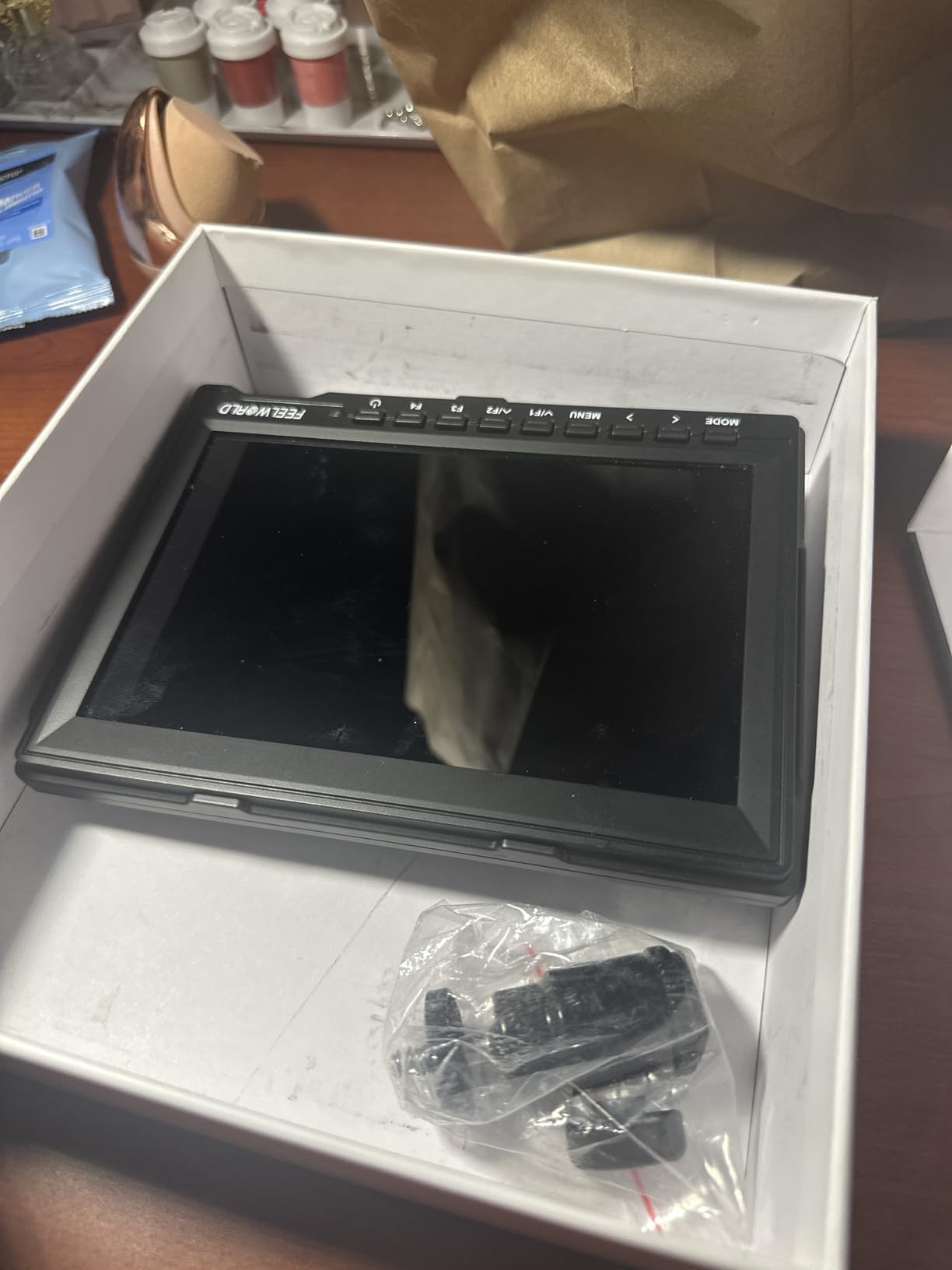
This is the monitor we keep reaching for first on a new camera build. The 7-inch IPS panel at 1280 x 800 is not going to win a resolution contest, but on a DSLR or an older mirrorless body at 1080p output it is a genuine upgrade from a 3-inch LCD. The matte finish and the included sun hood take the sting out of glare.
The reason it tops our list is the box contents. You get a 4400mAh F750 battery that runs about three and a half hours, a 360-degree ball head, a sunshade hood, an AV cable and both full-size and mini HDMI leads. That is the whole shopping list for a working monitor rig, and forum complaints about missing HDMI cables and mounting hardware rarely apply here.
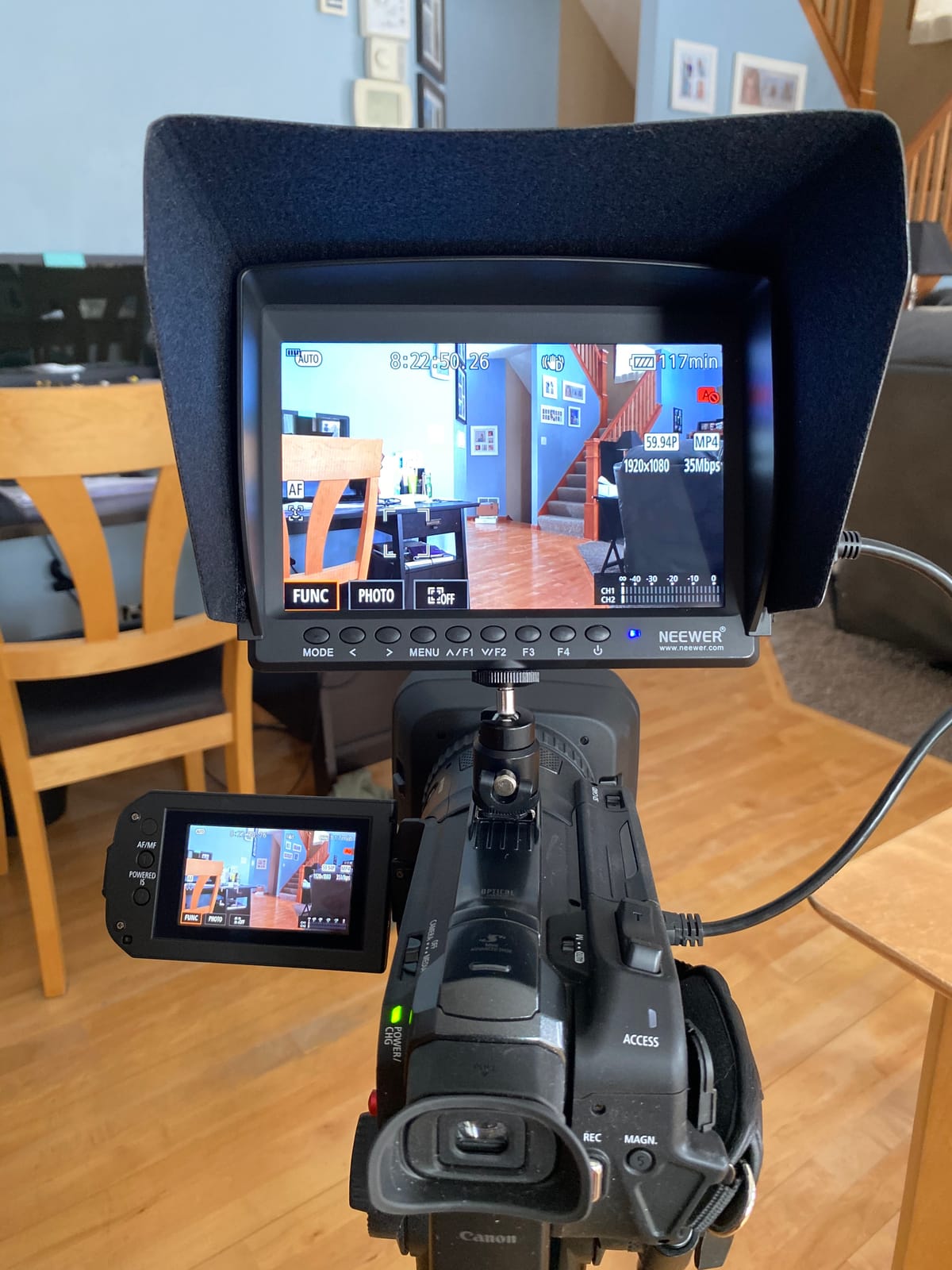
At 1.9 pounds with the battery fitted, it is the heaviest item in this group relative to its capability, and it will change the balance of a small handheld rig. On a cage with a proper top handle it settles fine. On a bare hotshoe mount on a gimbal, expect to rebalance every time you change lenses.
The assist tools cover the basics well: peaking focus assist, histogram, check field, pixel-to-pixel, centre marker, safe frames, image flip, image freeze, monitor grid and a custom colour temperature setting. There is no waveform or vectorscope here, so if you want to judge exposure numerically you will be looking at zebras and the histogram instead.
What it gets right for a first camera build
Nothing else at this level arrives with a battery, a mount and a hood together. If your total kit budget is tight, that completeness is worth more than a brighter panel. The slim 17mm profile also lets you mount it low on a cage without it fouling the camera’s own controls.
For interviews, corporate video, vlogging and any interior work where you are controlling the light, the 450-nit panel is entirely adequate. It handles a dim room and a shaded exterior without washing out.
Where it will disappoint you
Shoot in open sun and you will be shading the screen with your hand or working with the hood, because 450 nits is roughly a quarter of what the brighter monitors here manage. The 1280 x 800 resolution is also visibly softer than a 1080p panel of the same size once you pixel-zoom to check focus.
If you shoot anamorphic, need SDI, or want to read a waveform, this is the wrong tool. It is a monitoring screen with good support, not an instrument.
2. FEELWORLD FW759 PRO 7-Inch – Lightweight With Two Batteries Included
FEELWORLD FW759 PRO 7 Inch 400nit Touchscreen Field DSLR Camera Monitor
7-inch IPS touchscreen at 1280x800
400 nits brightness
300g body with dual NP-F550 power
Pros
- Only 300g so it barely changes rig balance
- Two NP-F550 batteries plus three HDMI cables
- False colour
- histogram
- zebras and focus assist
- Sunshade and mini hotshoe mount included
Cons
- 400 nits is dim for outdoor work
- No HDMI loop-out to feed another screen
- Some reports of signal dropouts and blue screens
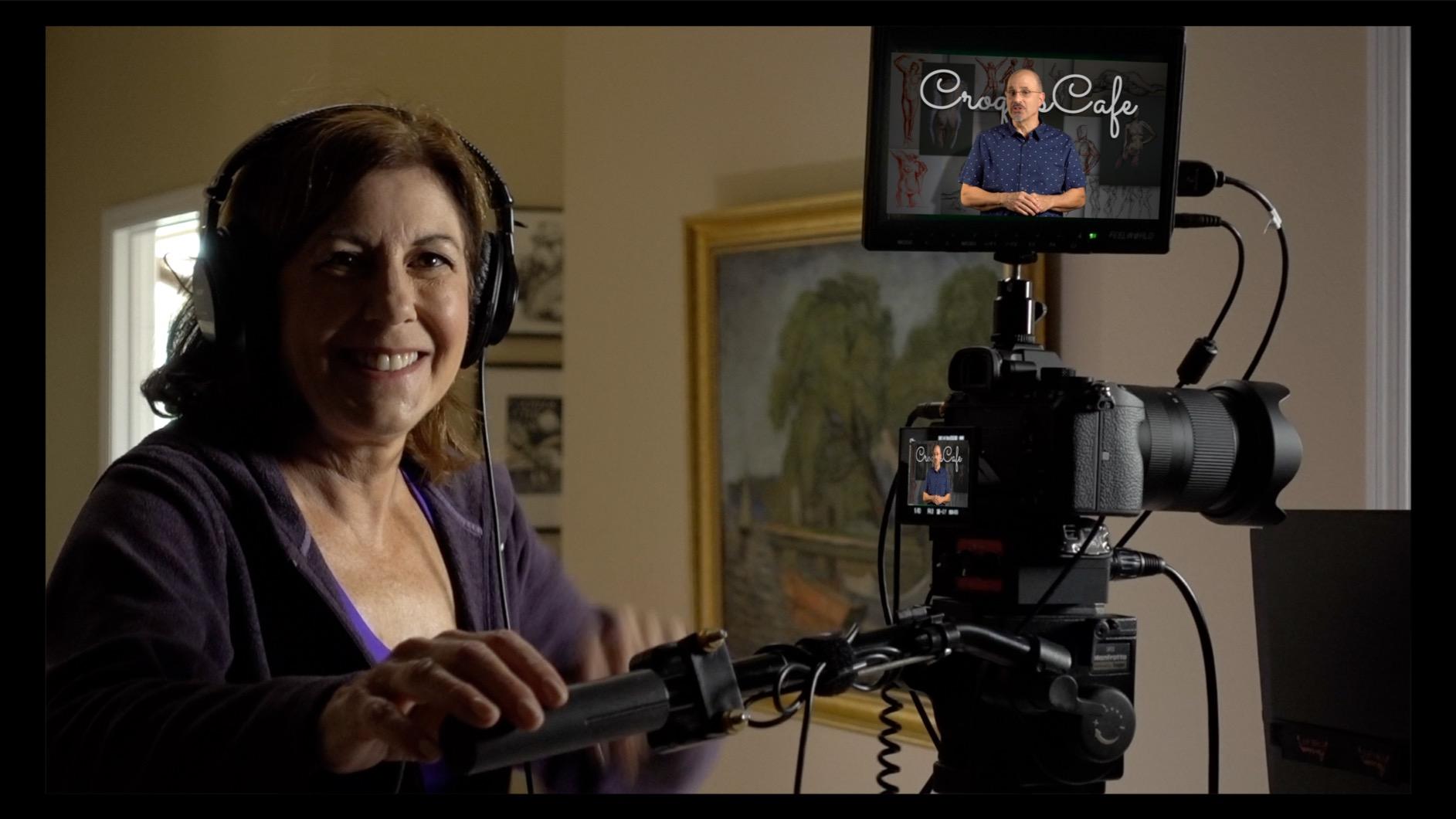
The FW759 PRO is the one we end up recommending to people who already own a decent camera and just need a screen. At 300 grams it is the lightest full-size option here, and the 7-inch touchscreen makes the assist menus quick to reach without fumbling buttons in the dark.
Two NP-F550 batteries ship in the box along with a sunshade, a mini hotshoe mount and a set of full-size, mini and micro HDMI cables. For a documentary kit that shares equipment between two operators, having two batteries means nobody is stuck waiting for a charge.
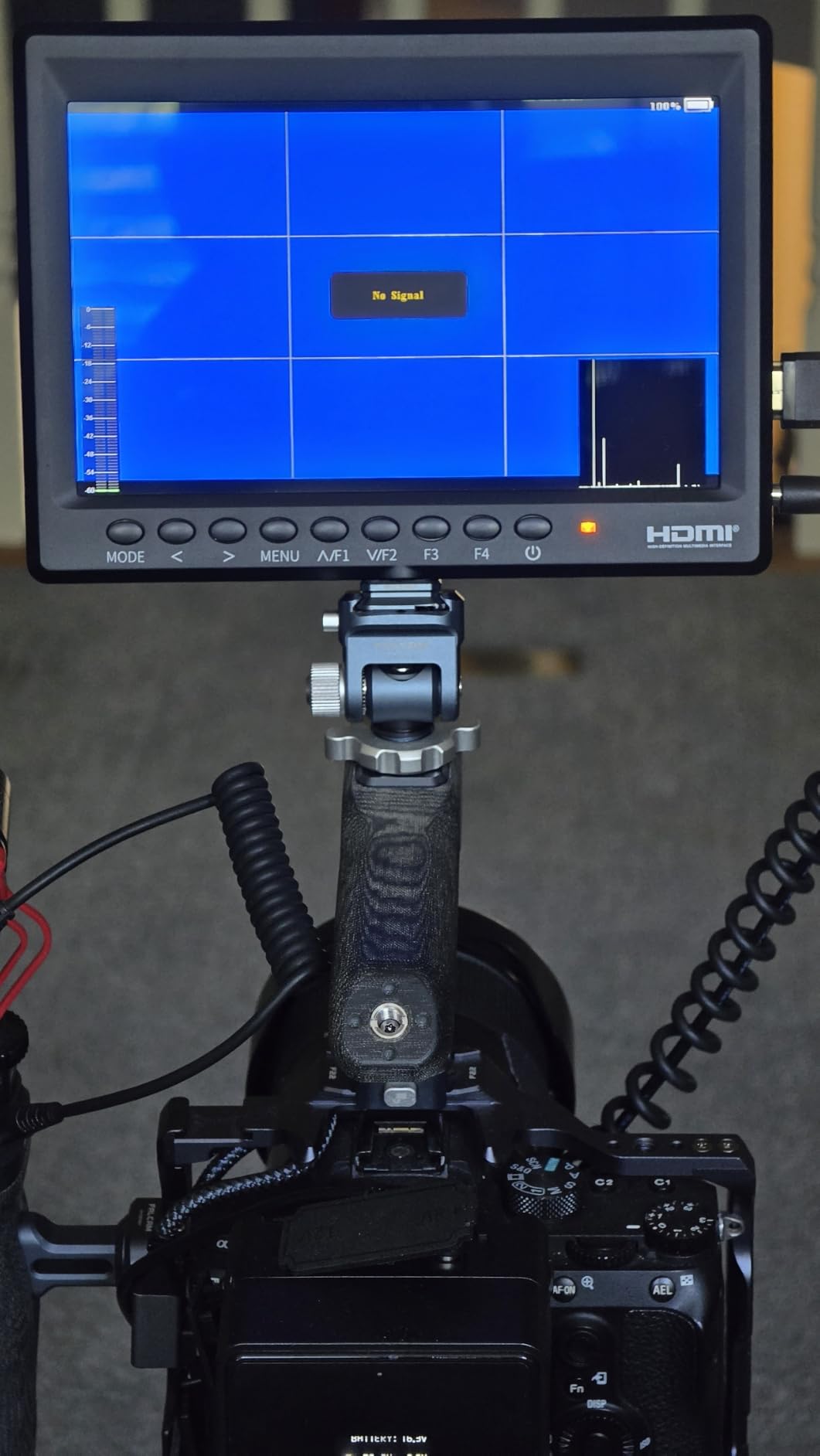
Focus peaking, histogram, zebra pattern and false colour are all one tap away, and the touchscreen makes cycling between them painless on a fast handheld day. The picture is accurate enough to judge skin tones, though 400 nits is the second-dimmest screen in this group.
Where it is genuinely useful is indoors and in shade. Interviews, small crews, studio work and livestreams are all served well by this panel, and the low mass makes it the least intrusive addition to a gimbal build of any 7-inch monitor we looked at.
Why operators keep recommending it
The combination of weight, two batteries and a full cable set means the monitor works the moment it comes out of the bag. That is a real advantage on a documentary shoot where you rig up fast and in bad light, and it is why the FeelWorld F6 and similar models keep coming up as the value answer in filmmaking forums.
At 300 grams it also avoids the balance problems that push people to remove a monitor mid-shoot. If the monitor stays on the rig, the tools get used.
Where you will feel the limits
There is no HDMI loop-out, so you cannot feed a second monitor or a director view without a separate splitter. A minority of owners also report intermittent blue screens and signal dropouts, so check your specific camera and cable combination early rather than on the day.
Brightness is the honest ceiling. In direct sun you will be squinting, and at 1280 x 800 the pixel-zoom view is not sharp enough to pull focus with a long lens.
3. Blackmagic Design Video Assist 7-Inch 12G HDR – Built For Harsh Sunlight
Blackmagic Design Video Assist 7″ 12G-SDI/HDMI HDR Recording Monitor (HYPERD/AVIDA12/7HDR)
7-inch 1920x1200 HDR at 2500 nits
12G-SDI and HDMI 2.0 in and out
Records ProRes and DNx to 4K 60p
Pros
- Readable in direct sun without a sunshade
- Records ProRes and DNx backup alongside the camera media
- 12G-SDI and HDMI 2.0 inputs and outputs
- Metal housing and an intuitive menu system
Cons
- Batteries and a UHS-II SD card sold separately
- Some reports of codec or LUT errors on certain units
- Runs warm during long sessions
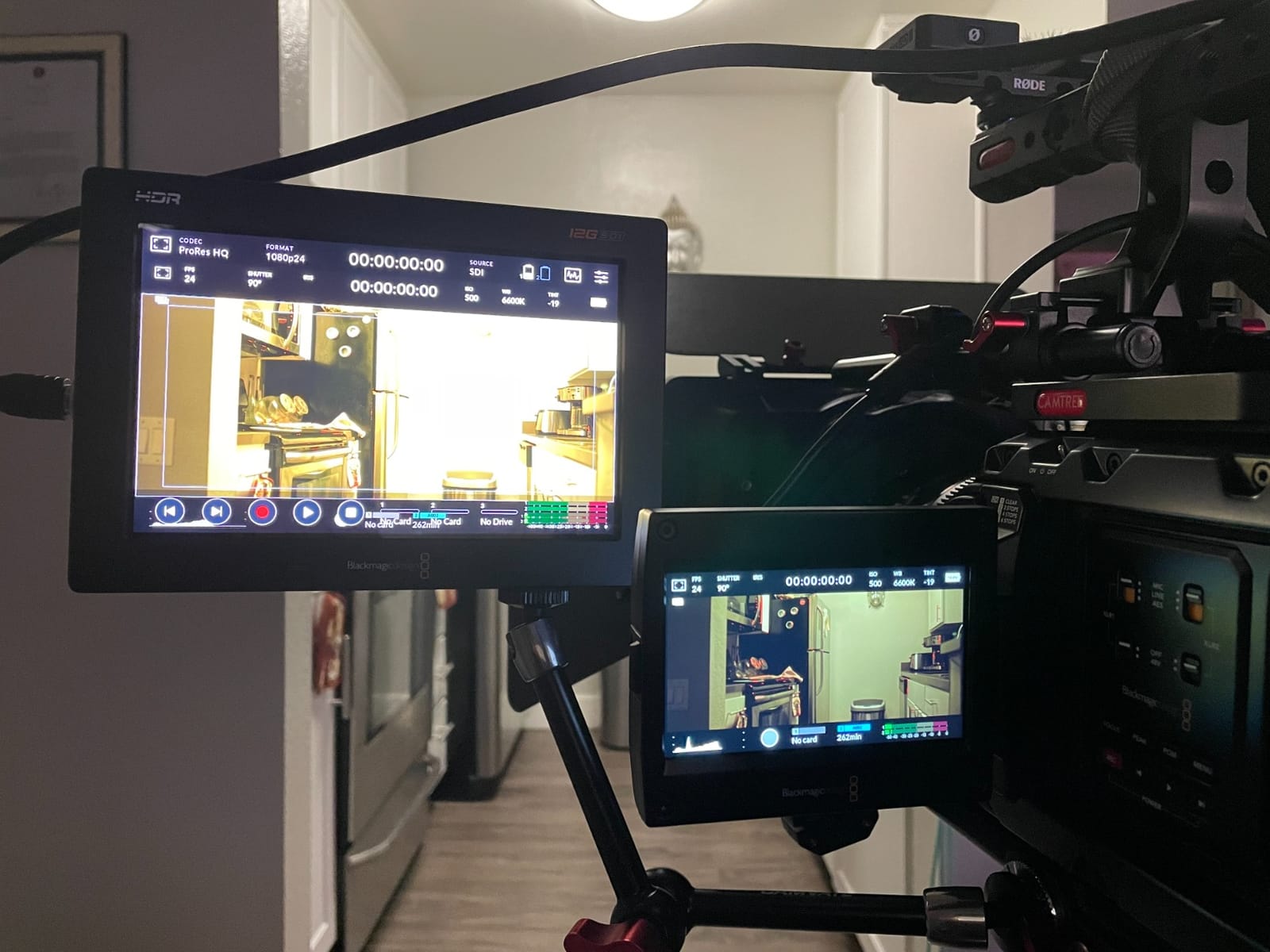
Nothing else in this roundup handles open daylight the way a 2500-nit panel does. On a documentary exterior, a commercial with no crew to hold a shade, or a run-and-gun day where you are moving between sun and shadow, that brightness removes a constant low-grade irritation.
This is also the only recorder here that speaks the SDI language a cinema body speaks natively. HDMI 2.0 and 12G-SDI inputs and outputs mean it fits into an existing signal chain rather than sitting at the end of an HDMI tail.
The recording side is what earns it a place on a professional set. It writes ProRes and DNx files up to 4K 60p as a backup alongside your camera media, and the USB 3.1 Gen2 port opens up external NVMe SSD recording for longer takes. On a shoot where card failure or a full card would cost you the day, that redundancy is worth more than the monitor itself.
Focus peaking, zebra stripes, histogram, waveform and false colour all work well, and the 3D LUT support lets you preview a graded look on set. The metal housing feels like equipment rather than an accessory, and it runs cool enough to handle a long day.
When this is the right monitor to own
If your work lives outdoors, on cinema bodies or in multi-camera setups, the brightness and SDI connectivity justify this choice on their own. The backup recording turns a single camera into a safer one, which is the argument that wins over a director.
For mirrorless shooters working entirely on HDMI indoors, the brightness and recording features are more than you will touch, and a simpler monitor would do the same job.
What you have to budget around
Batteries and a UHS-II SD card are not included, and those are not optional extras once you start recording. Plan for NP-F batteries you can already charge in your existing kit, otherwise the running cost climbs quickly.
A small number of owners report codec or LUT errors throwing not supported messages on particular units, and some have found the mini-XLR input non-functional. Test your chosen codec and LUT workflow early if RAW backup is central to your plan.
4. NEEWER F700 7-Inch 2000-Nit – The Brightest Budget Toolset
NEEWER F700 7″ Camera Field Monitor, 2000nit HD 1920×1080 Touch Screen
7-inch 1920x1080 IPS at 2000 nits
4K HDMI loop in and out
857g with two batteries
Pros
- 2000 nits stays readable in direct sunlight
- Full 1920x1080 panel with accurate colour
- Waveform
- vectorscope
- oscillogram and false colour
- 15 built-in 3D LUTs plus 60 custom uploads
- Dummy battery output powers the camera
Cons
- Heavier with two batteries fitted
- Focus peaking can be overly aggressive
- Bundled micro HDMI cable quality is poor
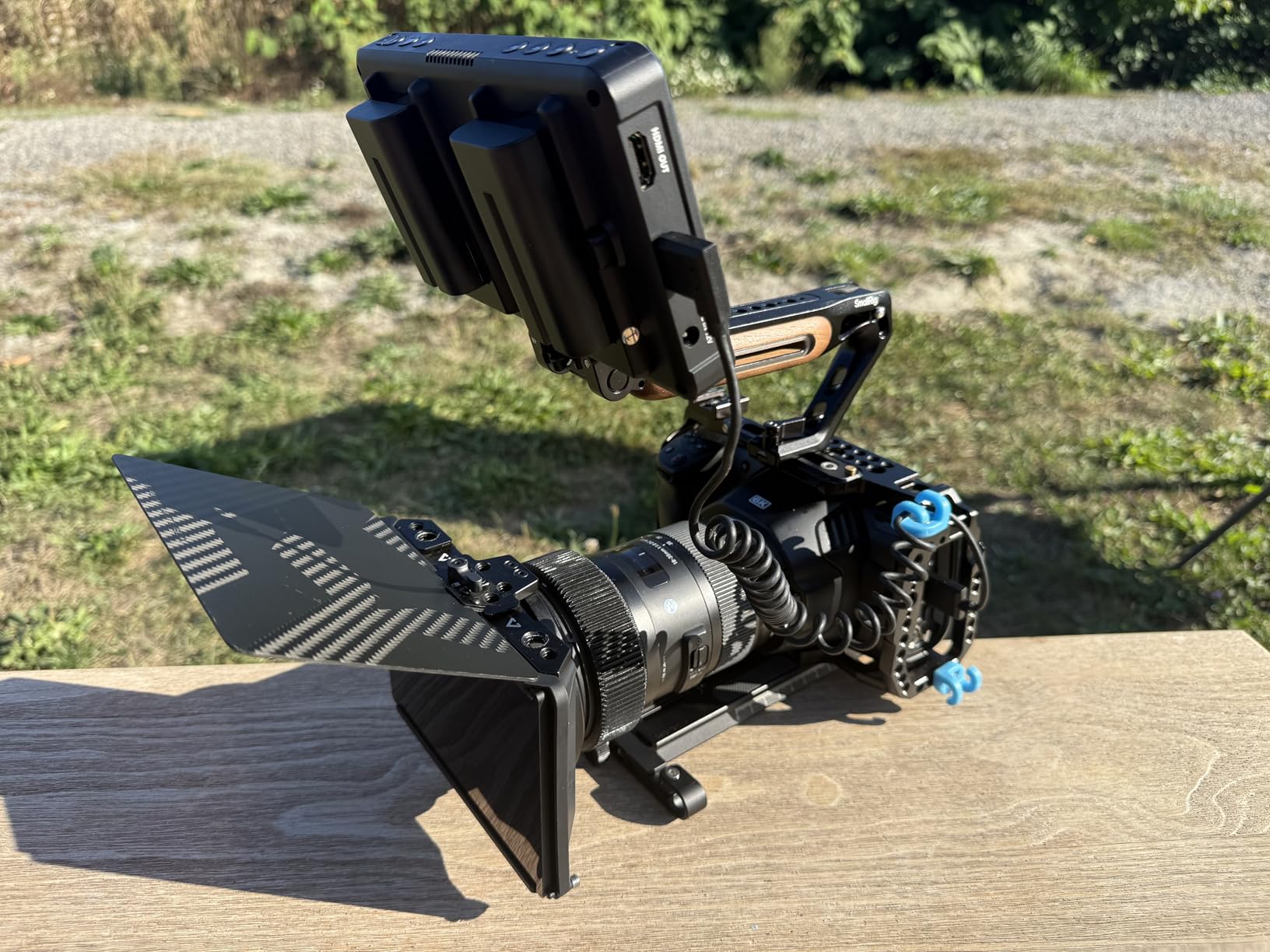
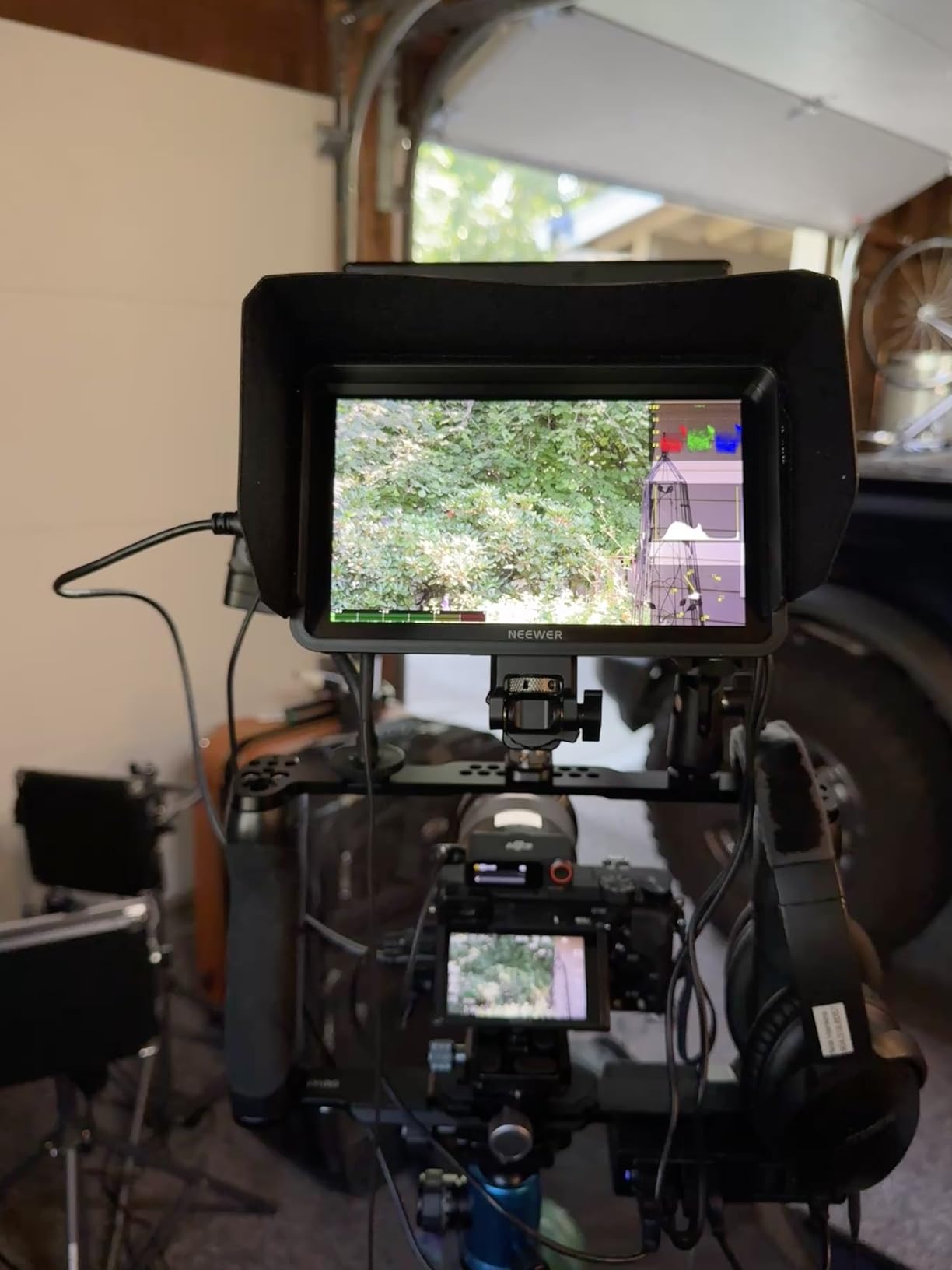
The F700 is the monitor we reach for when the shoot is outdoors and the operator wants real instruments rather than a picture to judge by eye. A 2000-nit 1920×1080 IPS panel with 160-degree viewing angles gives you a waveform, vectorscope, oscillogram, histogram, false colour, zebras and peak focus, all on a 7-inch touchscreen.
Backlight adjusts manually or automatically from 1 to 100 by key or touch, which matters when you move from shade into full sun. The 4K HDMI loop in and out means a director can watch the same feed, and the 3.5mm headphone jack gives you audio monitoring at the same time.
Fifteen 3D LUTs are preloaded and up to 60 more can be uploaded via SD card with firmware upgrades, so you can preview a show LUT while shooting Log without guessing. That is a genuine working feature rather than a checkbox, and it is where this monitor earns its place against cheaper competitors.
Power is flexible: NP-F550, F750 or F970 batteries, DC or Type-C, and a DC 8V dummy battery output that keeps your camera running while the monitor powers it. Built-in cooling fans handle extended use, which is more than several competitors in this price band manage.
Why it tops the tool rankings
Few budget monitors give you a full scope set at all. The combination of a real waveform, vectorscope and false colour alongside LUT preview means exposure decisions get made on set rather than discovered in the edit, which is the entire argument for carrying a monitor in the first place.
The 2000-nit panel covers most daylight work without a sun hood, which removes one more accessory from the bag. Colour reproduction is reported as accurate and saturated, so it can double as a client monitor on smaller jobs.
What to watch out for
Weight is the main trade. It is 857g with two batteries and 445g without, so plan your rig accordingly and do not expect to hotshoe it onto a light gimbal. Focus peaking can also be set too aggressively, which makes the whole image look soft and hard to judge.
A minority of owners report colour reading differently from the camera even after manual adjustment, and the bundled micro HDMI cable is cheap. Bring your own cable and check colour against a known reference before you commit to it.
5. FEELWORLD F5 Prox 5.5-Inch – Balanced For Gimbal Work
FEELWORLD F5 Prox 5.5″ 1600nit Touch Field DSLR Camera Monitor
5.5-inch touchscreen at 1600 nits
Peaking, waveform, histogram and false colour
LUT preview for Log profiles
Pros
- 1600 nits holds up in direct sunlight
- Compact 5.5-inch body suits gimbal-mounted rigs
- Full focus and exposure assist tools included
- LUT preview helps frame shots in Log
Cons
- Small screen is uncomfortable for detailed waveform reading
- Touchscreen is fiddly with gloves or one hand
- Fewer connectivity options than larger FEELWORLD models
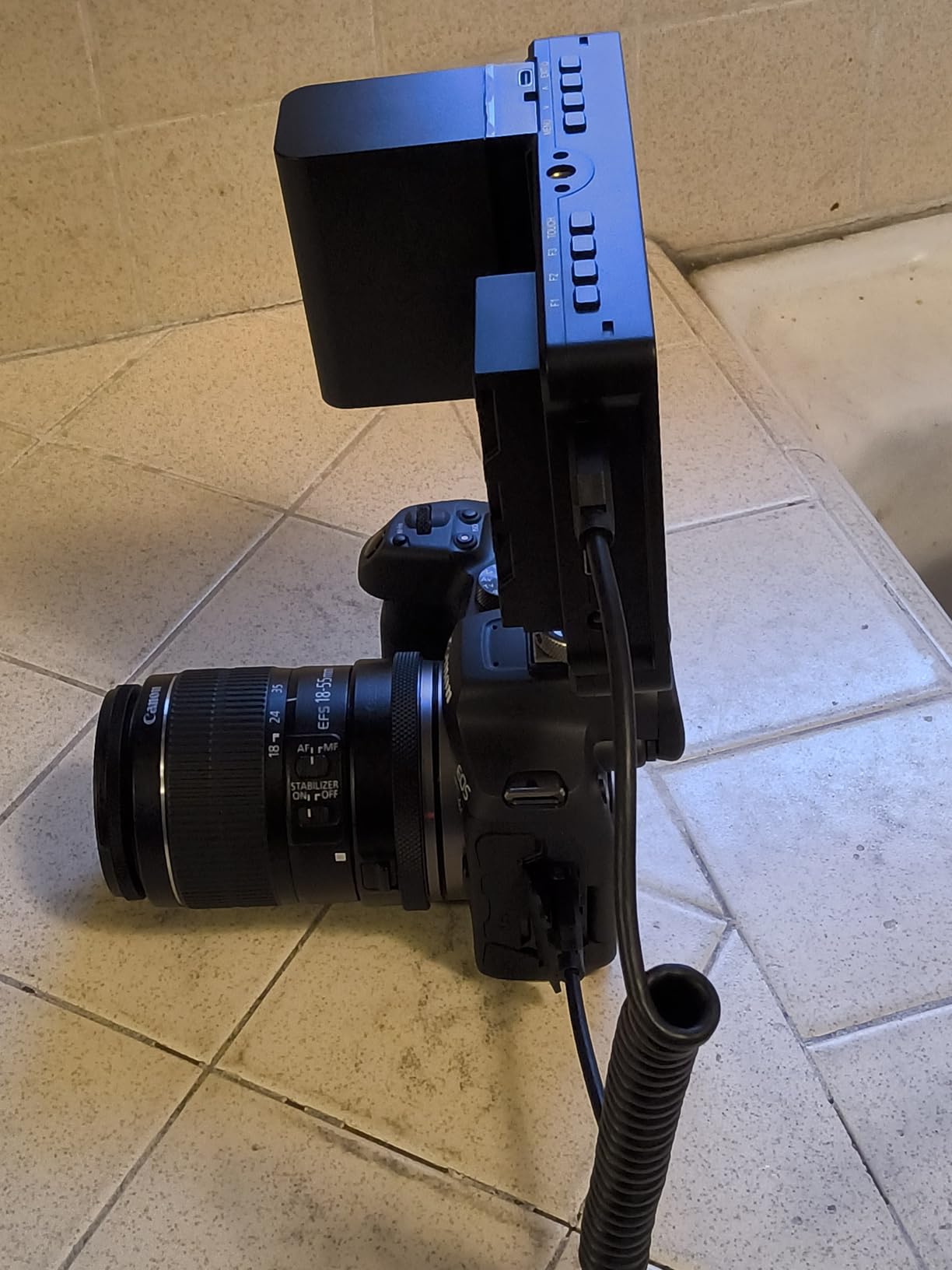
The F5 Prox answers a question most roundups skip: what should you mount on a gimbal? At 5.5 inches it is small enough not to fight the camera for balance, and 1600 nits means you are not forced to shade it with a hand every time the sun comes out.
It mounts on standard rig points, cages, gimbals and tripods, and it is designed for the kind of fast-moving work where a 7-inch screen is simply in the way. Weight and footprint matter more than panel size when the camera is moving.
Focus peaking, waveform, histogram and false colour are all present, which means you are not giving up judgement tools by going small. The LUT preview is genuinely useful for framing shots when shooting a Log profile, because it shows you roughly where the finished contrast will sit.
It suits wedding work, commercials, interviews and social content, all of which are shot on light, handheld or gimbal builds. For those jobs the small screen is an advantage rather than a compromise.
When size beats resolution
There is a point where a bigger screen on a moving camera stops helping. The F5 Prox keeps the tools, drops the footprint, and that trade is correct for gimbal operators, vehicle mounts and any rig where weight and centre of gravity decide whether a shot is usable.
At 1600 nits it is also one of the brighter small monitors available, so you are not trading daylight visibility for the smaller body.
When to choose something else
Waveform reading needs pixels. On a 5.5-inch panel, tracing individual detail in a waveform is awkward, and if your process depends on precise exposure reading you will want more screen.
The touchscreen-heavy layout is also harder to operate one-handed on a moving gimbal or with gloves in the cold, so check that before you buy. For static tripod and handheld work, the FEELWORLD FW703 or NEEWER F700 give you more room to read.
6. VILTROX DC-550 Pro II – Sharp 5.5-Inch With Full Scopes
VILTROX DC-550 Touch Screen DSLR Camera Field Monitor 1200 Nits High-Bright 5.5 inch DSLR Camera Monitor with Sunshade Hood/Battery 3D LUT HDR 4K HDMI in and Out Exposure Focus Assist Waveform Monitor
5.5-inch 1920x1080 IPS at 1200 nits
Rec.709 calibrated with 1200:1 contrast
4K HDMI in and out plus headphone jack
Pros
- REC-709 calibrated 1080p panel with rich colour
- Full parade waveform
- vectorscope and false colour
- HDMI in and out for director and operator viewing
- Complete accessory package with sun hood
- battery and carry case
Cons
- 5.5-inch screen is small for detailed scope reading
- Headphone jack only with no embedded audio recording
- SD card needed for LUT import is not included
The DC-550 Pro II is the sharpest small monitor in this group and one of the better specified per pound. A Rec.709 calibrated 1920×1080 IPS panel at 1200 nits gives you a clean, colour-accurate image with a 1200:1 contrast ratio and a viewing angle listed at 178 degrees, so the picture holds up even off-axis.
It accepts 4K input at 30Hz along with 3840x2160p and 4096x2160p at 30, 25 and 24Hz, and it has HDMI input and output plus a 3.5mm headphone jack. You can hand the same feed to a director and monitor audio at the same time, which is more than most 5.5-inch monitors manage.
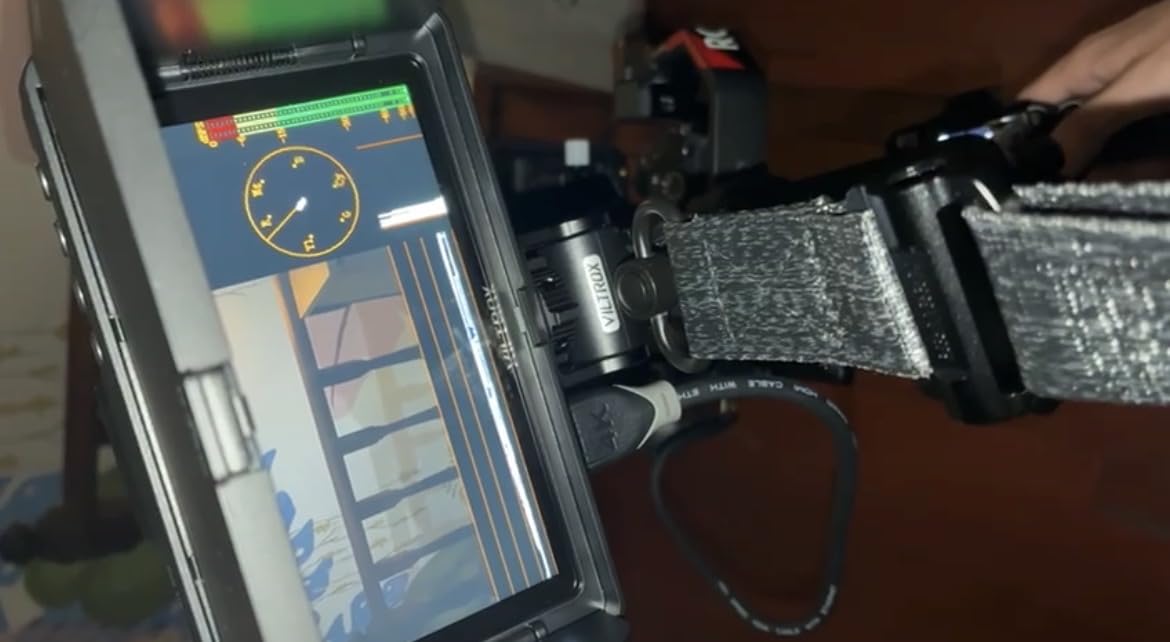
For instruments you get parade waveform, vectorscope, brightness histogram, focus assist, an audio column, image flip and false colour. Custom 3D LUTs import from an SD card for Log workflows, and power comes from an included NP-F550, DC 12-18V or a Type-C power bank.
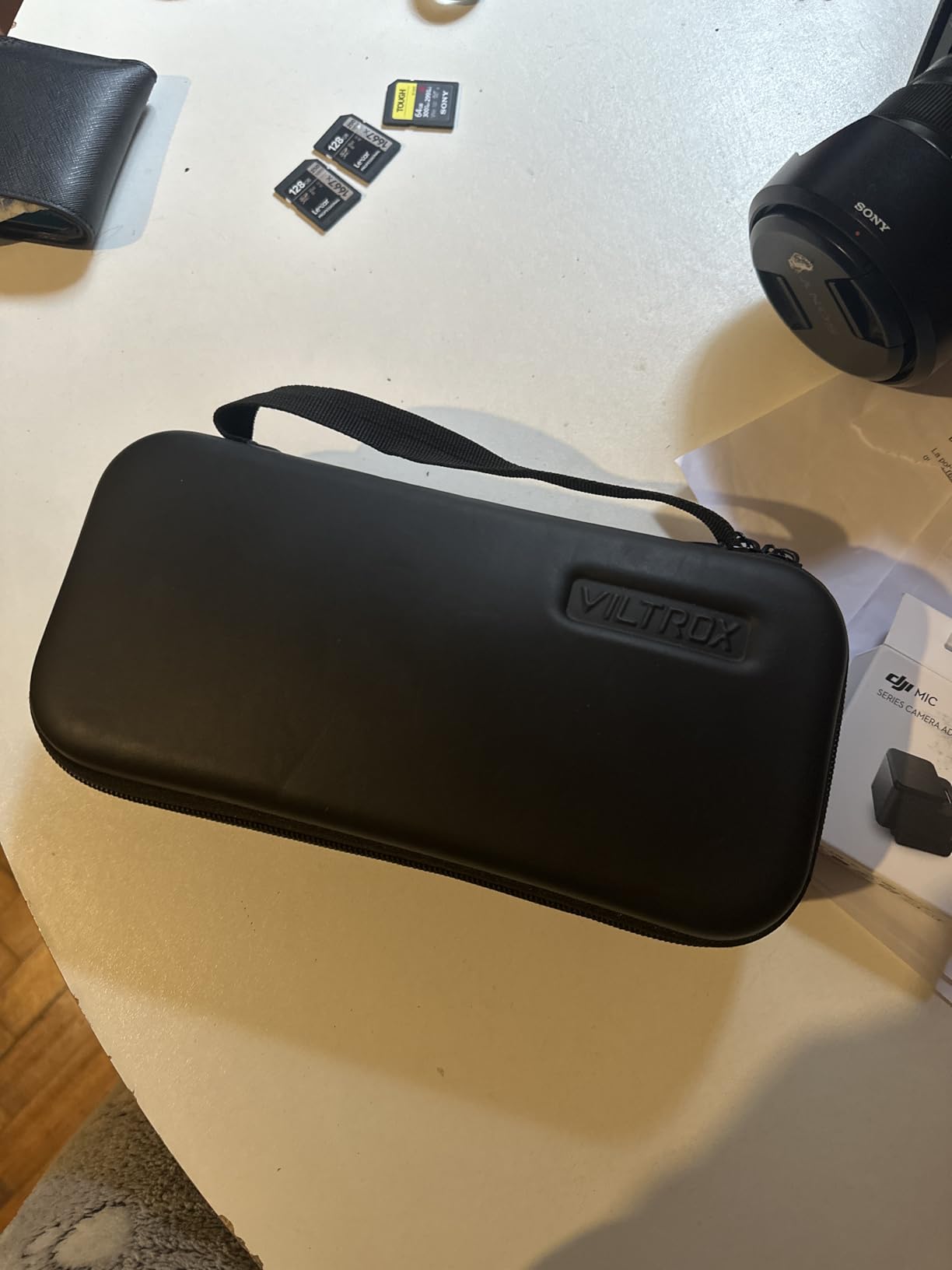
The box is unusually complete: monitor, sunshade hood, NP-F550 battery, VL-550 cold shoe adapter, Type-C cable, HDMI and mini HDMI cables, plus a carry case. Nothing else this size arrives with a case and a hood together.
Why the panel quality stands out
Rec.709 calibration matters more than raw brightness on an interior shoot. It means what you see on the monitor is closer to how the image will look delivered, so clients watching alongside you see the same picture rather than a monitor-specific version of it.
The VILTROX also handles the practicalities well. Tripod, sun, batteries and cables in the box means it is usable immediately, and a carry case makes it the easiest of the small monitors to keep in a bag.
Where the size bites
At 5.5 inches, reading a waveform in detail is cramped. If you plan to build exposure judgement around scopes rather than eyeballing, give yourself more screen or accept a slower process.
There is also no embedded audio recording, so the headphone jack monitors but does not capture sound. And LUT import needs an SD card that is not included, which is an easy thing to miss when you open the box.
7. FEELWORLD S55 V3 6-Inch – A Sharp Screen For Controlled Light
FEELWORLD S55 V3 6″ 500nit 1920×1080 IPS Screen Field DSLR Camera Monitor
6-inch 1920x1080 IPS display
450 nits brightness with sun hood
Waveform, vectorscope and RGB histogram
Pros
- Sharp 1080p IPS panel for the money
- Includes a battery
- sun hood and micro HDMI cable
- Waveform
- vectorscope and RGB histogram included
- Type-C
- DC and NP-F or LP-E6 power options
Cons
- 450 nits is weak in direct sunlight
- Button-driven interface with no touchscreen
- 4K input limited to 30Hz
- SD card for LUTs not included
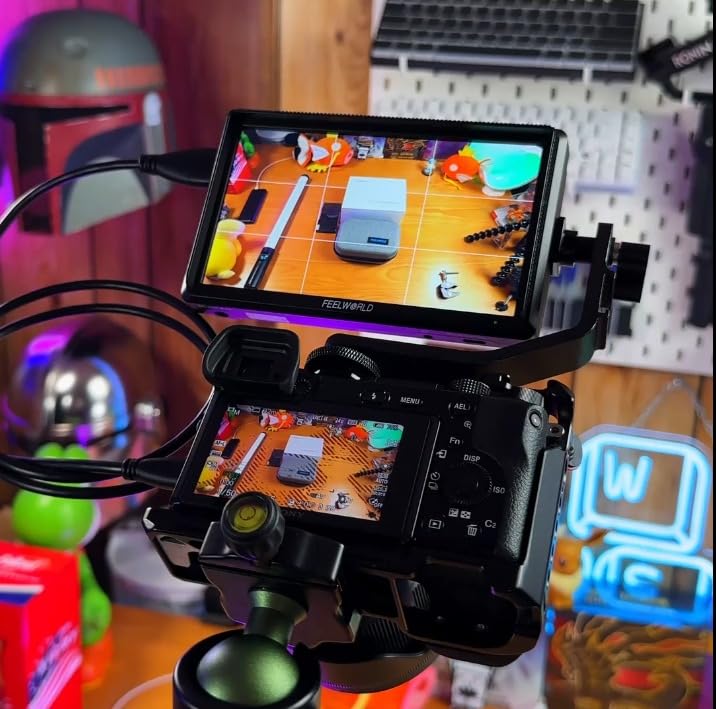
The S55 V3 is the odd-sized option here, and for studio and interior work the 6-inch 1080p IPS panel is a sensible middle ground. It sits between the small rig-friendly monitors and the 7-inch screens, and it costs less than either.
For exposure work you get waveform, vectorscope, RGB histogram, focus assist, false colour and 3D LUT support, which is a full instrument set rather than the basics. Custom LUTs let you preview a graded look while shooting Log.
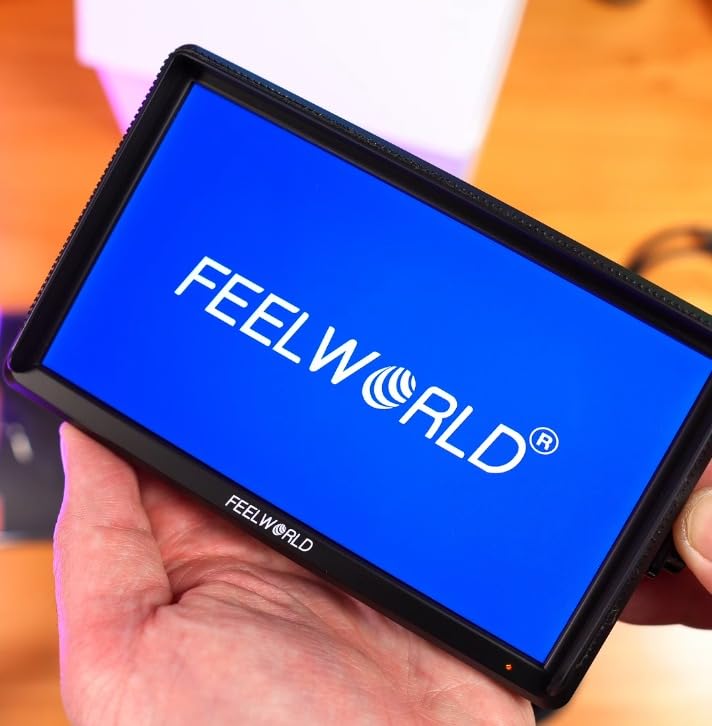
It handles 4K HDMI input and output up to 30Hz, mounts via a 1/4-inch thread or a hotshoe tilt arm, and takes power from Type-C, DC or NP-F and LP-E6 batteries. The package includes an F550 battery, a micro HDMI cable and a sun hood.
Where it fits is studio work, interviews, tutorial content, livestreams and indoor corporate video. Anywhere you control the light, a 450-nit panel with a sun hood is more than enough, and the scope set lets an operator build a repeatable exposure baseline.
When this is the sensible buy
Not every shoot needs a bright panel. If you work in a controlled environment, the money you do not spend on nits goes into build quality and accessories instead, and the S55 V3 arrives with the essentials already in the box.
The button-driven interface is also worth considering on its own merits. Physical buttons work reliably with gloves and do not smudge, which matters more in cold or dusty conditions than a slick touchscreen.
Where it falls short
450 nits is the ceiling outdoors, and the sun hood only takes the edge off. The interface has no touchscreen, so every tool takes more button presses than it would on the VILTROX or the F700.
4K input stops at 30Hz, so it will not accept a 4K 60p feed from a modern mirrorless body, and 3D LUT workflows need an SD card that is not supplied.
8. osee T5+ 5.5-Inch – Fastest Workflow Switching
osee T5+ 5.5 Inch 1000nits Camera Monitor, Customizable False Color Field Monitor, HDR 4K HDMI Input 8 MySets Preview Workflow DSLR Monitor, Peaking Focus Assist, 3D Lut (Battery Not Included)
5.5-inch 1920x1080 LCD at 1000 nits
8 MySets profiles via joystick
4K HDMI input with per-camera false colour
Pros
- 1000 nits works outdoors without a sun hood
- MySets switch framing
- exposure and focus views in one press
- False colour presets are customisable per camera model
- Light at 0.45 kg and joystick avoids a smudgy screen
Cons
- Battery not included
- DC out uses a non-standard 4mm barrel in a tight spot
- Bundled cables are short and low quality
The osee T5+ is built around a simple idea: the fastest monitor is the one where you do not have to navigate menus to change what you are looking at. Up to eight MySets profiles hold complete monitoring setups, and a joystick switches between them in one press. Three ship preloaded for frame, exposure and focus work.
That single feature changes how fast you can work. Instead of rebuilding a waveform-plus-false-colour layout between setups, you press once and the screen shows what you need for framing, then once again for exposure, then once for focus.
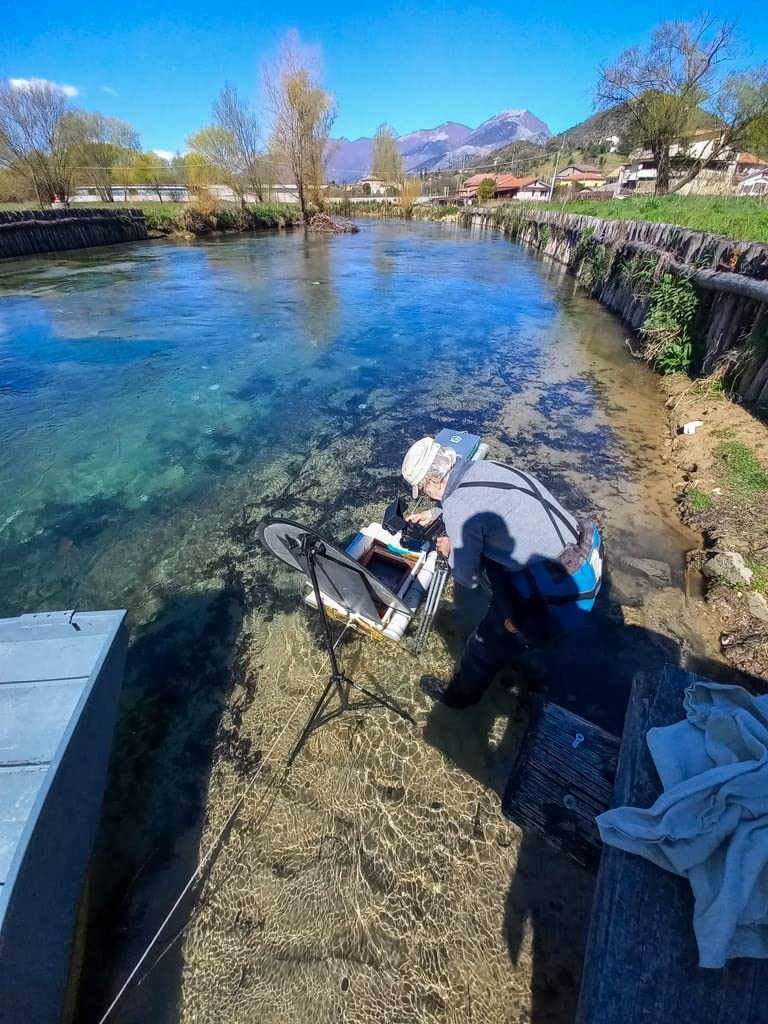
False colour is the other headline. You can customise the false colour presets per camera model, which means your exposure thresholds can reflect how your particular body maps its Log profile rather than a generic scale. For a 1.06B colour 1000-nit panel with 1000:1 contrast, that is a thoughtful level of control.
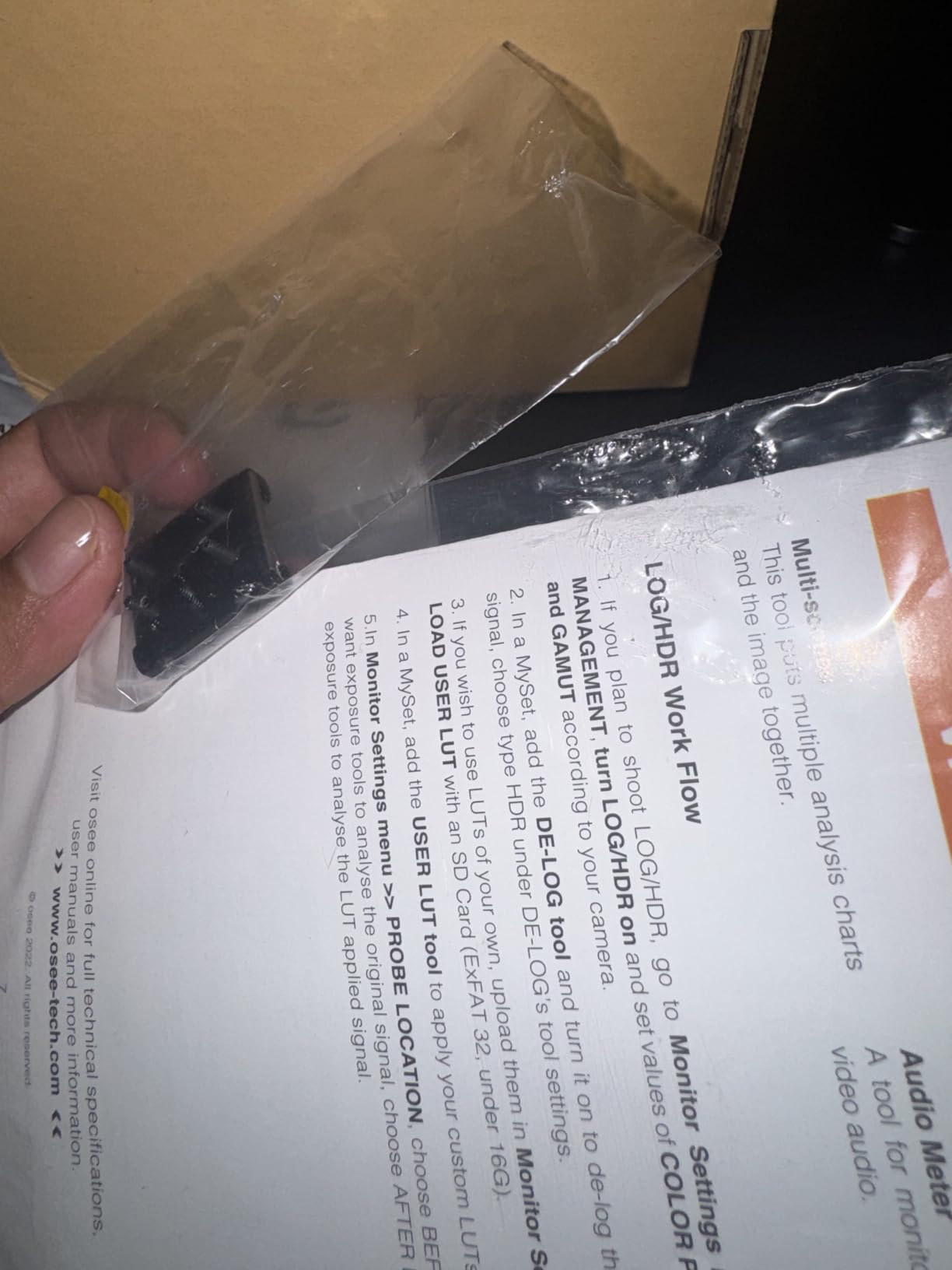
The panel takes 4K HDMI input, offers live LOG and HDR preview with a de-log transform, and accepts custom LUT uploads from an SD card. At 0.45 kg it suits small rigs, and the joystick control means you are not relying on a touchscreen with cold or gloved hands.
Why the MySets workflow matters
Most monitor complaints are about time, not accuracy. Anything that removes menu navigation during a take buys you more frames of attention on the actual subject, and the joystick plus MySets design does that more directly than any menu simplification on a touchscreen.
The auto-flip display also rotates the image when you turn the monitor upside down, which saves a menu trip every time you reorient a rig.
What you will need to buy anyway
The battery is not included, so budget for NP-F or an LP-E6 style battery before this leaves your bag. The DC out also uses a non-standard 4mm barrel tucked in a tight spot, which complicates dummy battery powering of a camera.
The bundled cables are short and thin, and the tilt arm bracket is reported as slightly out of square. The plastic build also feels a step below metal-bodied competitors at a similar price.
9. SEETEC ATEM156 15.6-Inch – A Director Monitor, Not A Rig Monitor
SEETEC ATEM156 15.6 Inch 250nit 4 HDMI in Out Director Broadcast Monitor
15.6-inch IPS LCD at 1920x1080
4 x 4K HDMI inputs and outputs
250 cd/m2 with 170-degree viewing angle
Pros
- Large 1080p panel for director and client viewing
- Four HDMI inputs allow true multiview with a switcher
- 170-degree viewing angle with minimal colour shift
- Peaking
- false colour and pixel-to-pixel assist
- V-mount battery plate for untethered use
Cons
- 250 cd/m2 is dim outdoors
- Too large and heavy to mount on a camera
- No audio monitoring or speakers listed
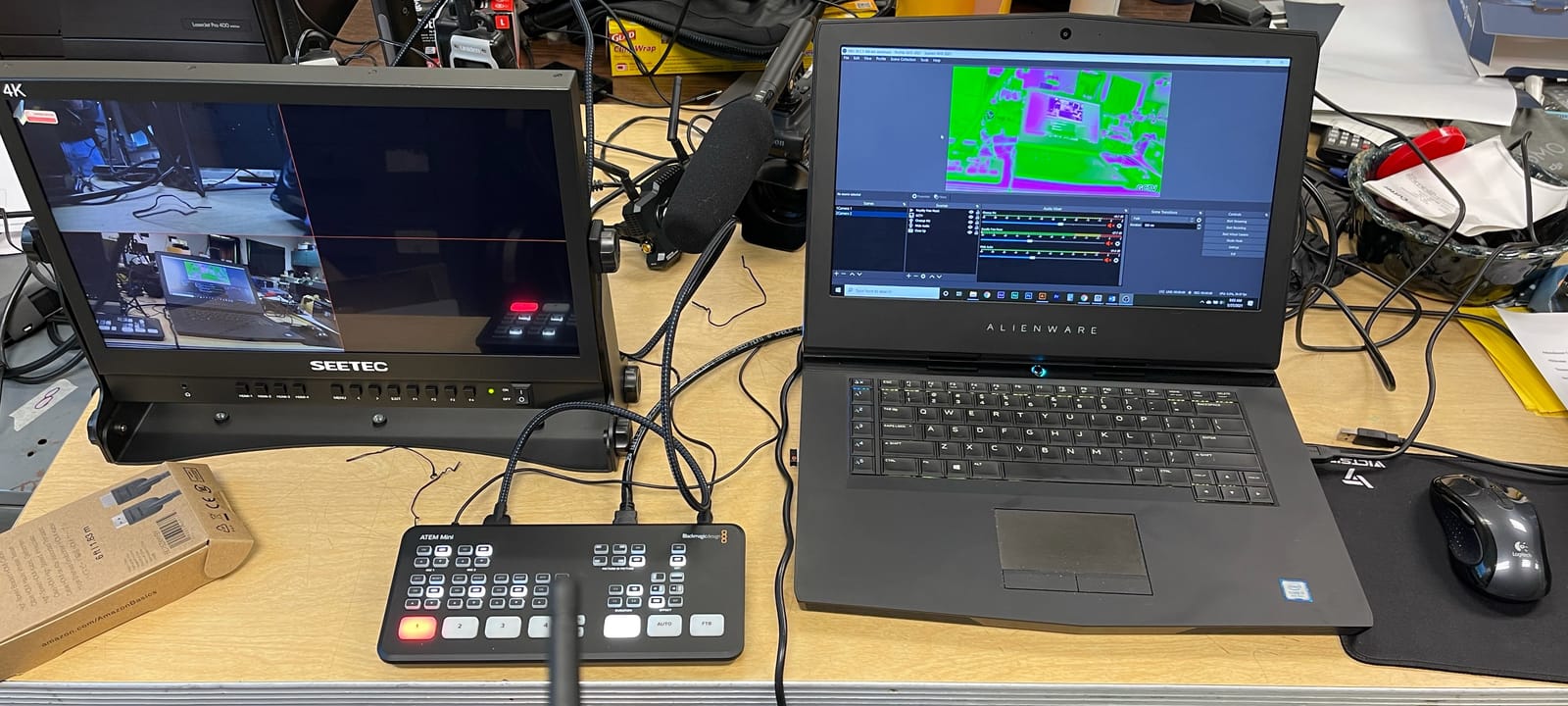
The ATEM156 solves a different problem. It is not something you mount on a camera, it is the screen the director and client look at. Fifteen and a half inches of 1080p is a large enough image to judge framing, wardrobe and skin tones with several people standing around it.
Four 4K HDMI inputs and four outputs mean you can build a multiview around an ATEM Mini switcher and see every camera at once. That turns it into a small control centre for a small set, which is exactly what a commercial or interview shoot needs.
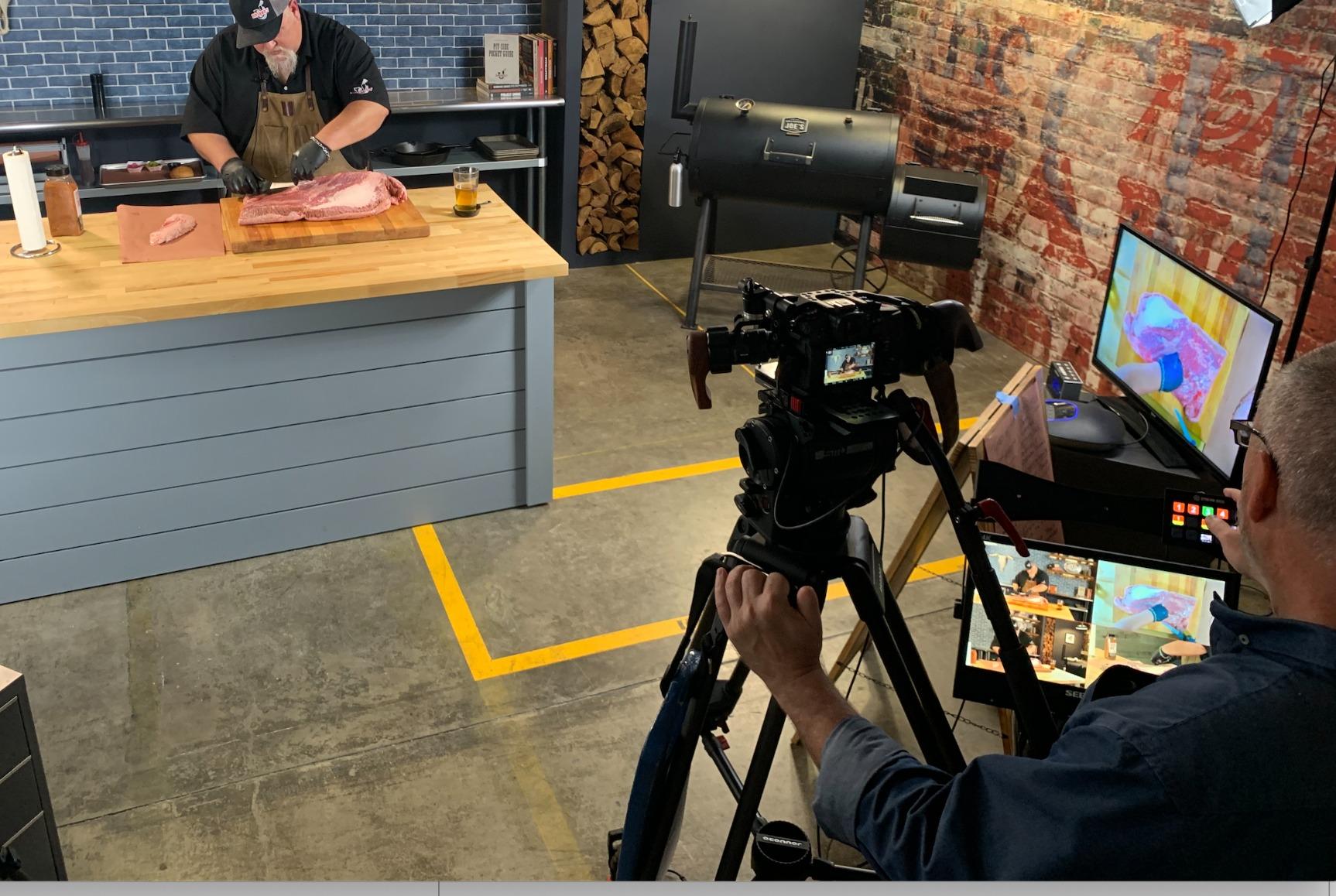
The 170-degree viewing angle is the detail that matters most here. Off-axis crew positions still see a similar image, so nobody on the side of the set is looking at a different colour from the person dead centre. Focus peaking, false colour and pixel-to-pixel help confirm sharpness when the director calls it.
Power comes from 12V DC or a V-mount battery plate, and shortcut keys on the control panel can be mapped to your most-used tools. The package includes a V-mount plate, power adapter, bracket and HDMI cables, though not a battery.
Where a director monitor earns its place
Anyone who has tried to huddle around a camera LCD will tell you what a large reference screen changes. Compositions get approved in minutes instead of being argued about from a thumbnail later, and clients stop guessing.
Four inputs plus wide viewing angles also make it the cheapest way to build a real multiview on a small production, which is why it pairs naturally with a switcher.
When it is the wrong purchase
At 3.18 kg this is a table or stand monitor. On-camera it is unworkable, and the four HDMI inputs are wasted if you only have one camera.
Brightness is the other issue. At 250 cd/m2 it is dim outdoors, so it belongs in a shaded basecamp, a studio or an interior location where the light is controlled. For full reference work on grading, our guides to the best reference monitors and the best nearfield monitors cover what that job actually needs.
10. FEELWORLD FW703 7-Inch – The Budget Monitor With SDI
FEELWORLD FW703 7 Inch 450nit FHD 3G SDI Field DSLR Camera Monitor
7-inch 1920x1200 IPS in Rec.709
450 nits with 3G-SDI and HDMI
Custom 3D LUT with Log preview
Pros
- 3G-SDI input and output alongside HDMI
- Rec.709 1920x1200 panel is sharp and accurate
- Full assist set with waveform
- vectorscope and RGB histogram
- Works with cinema cameras
- switchers and multi-camera rigs
Cons
- 450 nits is weak for daylight
- Heavier and older body design than newer models
- No touchscreen
- Older menu system by current standards
HDMI is the limit of most budget monitors. The FW703 removes it, with 3G-SDI input and output alongside HDMI, which makes it the only option here that drops into a cinema or multi-camera rig without an HDMI-to-SDI converter in the chain.
The 1920×1200 IPS panel in Rec.709 is sharp and colour-accurate, and the aspect ratio gives you a little more vertical room than a 16:9 screen, which helps when you are framing 16:9 content with guides.
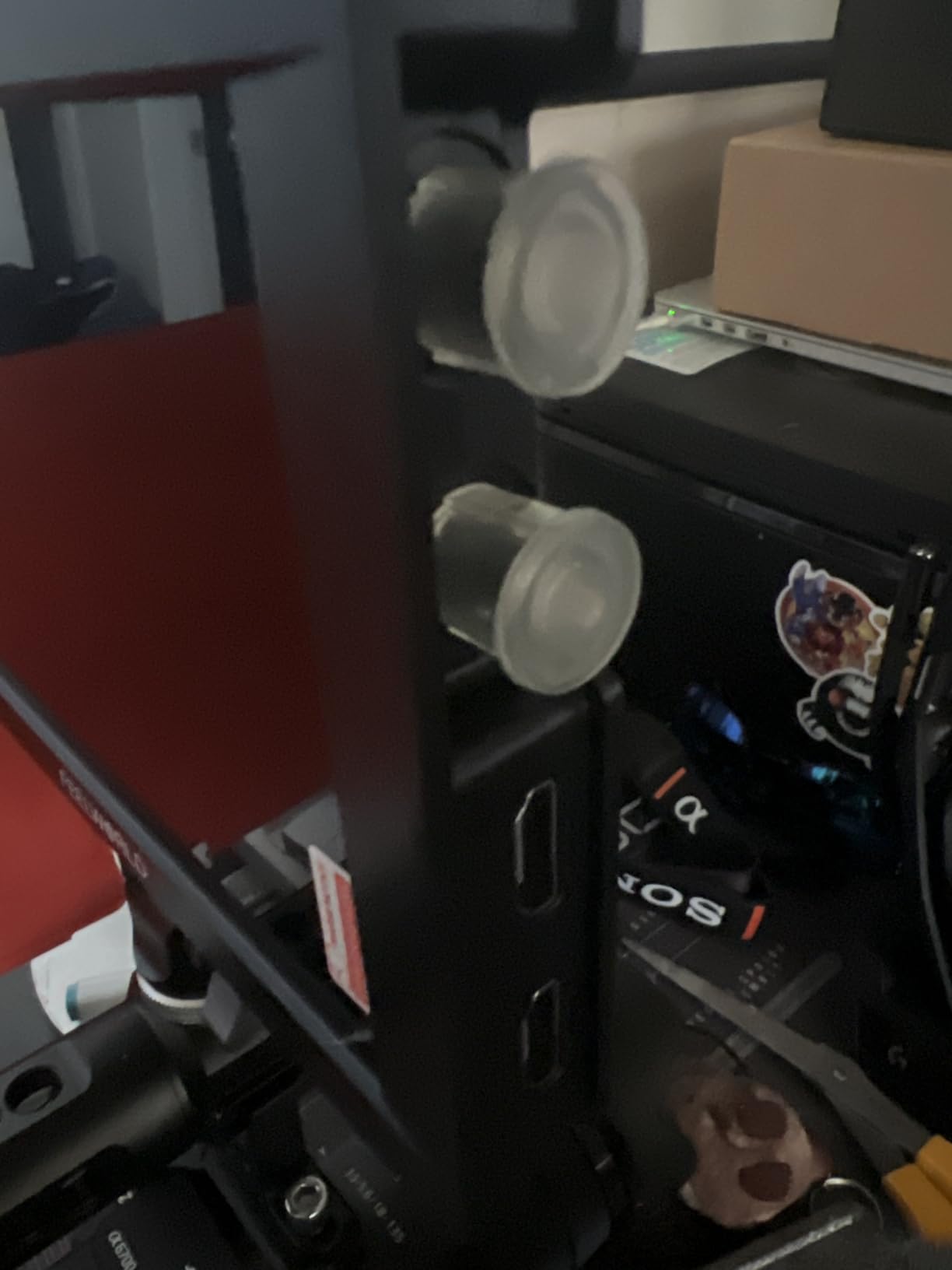
Assist tools cover the professional set: waveform, vector scope, RGB histogram, focus peaking and false colour, plus custom 3D LUT support so you can preview a Log look while shooting. It also works with switchers and video systems, not just cameras, which widens what it can do on a small set.
If your camera has SDI and you have been planning to work around an HDMI limitation, this solves a specific problem cleanly. Cinema bodies, multi-camera shoots and any rig where SDI is the only clean signal path are the ideal case.
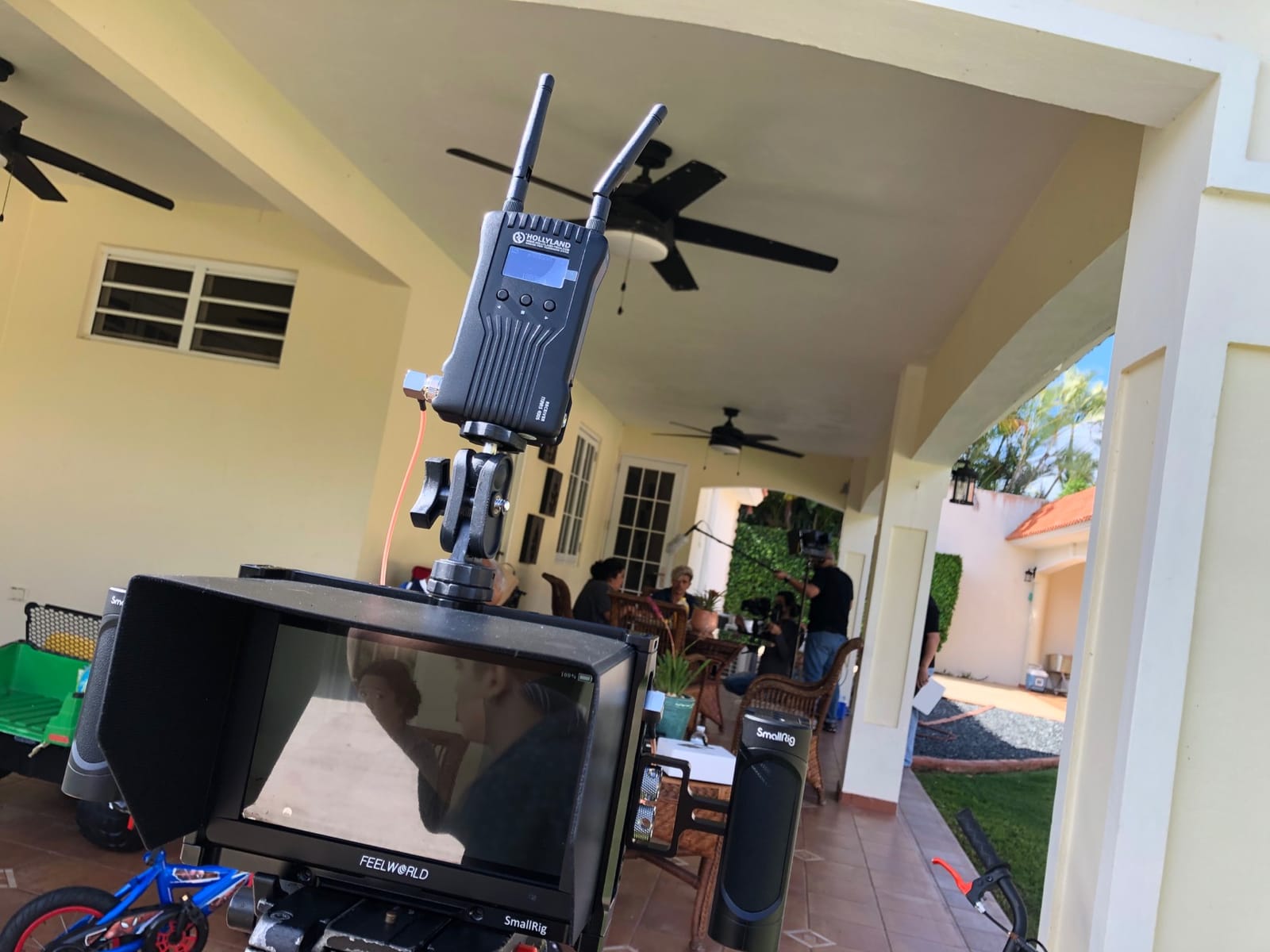
Why SDI still matters
SDI carries uncompressed video over a locking connector, which means no dropped frames from a loose cable and no needing a converter that adds latency. For a rig that moves, that reliability is the point rather than any image quality difference.
Having SDI in and out also means you can feed another monitor or a switcher without a splitter, which HDMI-only monitors in this price band cannot do.
The compromises you accept
Brightness is 450 nits, so this is an indoor and shade monitor. It also weighs 1.85 pounds and carries an older body design compared with newer FEELWORLD models.
There is no touchscreen and the menu system is a generation behind, so the tools take more presses to reach. If you spend your day in scope work rather than quick framing checks, budget up to the NEEWER F700 instead.
11. Atomos Ninja 5.2-Inch – When You Want A ProRes File
Atomos Ninja 5.2″ 4K HDMI Recording Monitor
5.2-inch 1000 nit LED at 1920x1080
Records 4Kp60 ProRes and DNxHD
ProRes RAW up to 6Kp30
Pros
- Turns an HDMI camera into a ProRes or H.265 recorder
- Files far easier to grade than in-camera codecs
- Light at 210 g and built for movement
- RemoteView shares the screen to other devices
- ARRI false color and SegmentPro scopes
Cons
- Runs hot and drains batteries on long takes
- Codec activation can need registration tokens
- SSD
- batteries and adapters sold separately
The Ninja is on this list for one reason: it is a recorder. Everything else here is a screen, but this one takes an HDMI feed from a camera that cannot record ProRes internally and writes high-bitrate files to an external SSD. Records run to 4Kp60 in ProRes, DNxHD and H.265 HEVC, with ProRes RAW up to 6Kp30.
That changes your post workflow. Files written in ProRes or DNxHR are far easier to grade and much less compressed than internal camera codecs, and a dual-system approach means the recorder keeps rolling even if a camera card fails.
The 5.2-inch 1000-nit LED display at 1920×1080 native is visible in bright sunlight, and at 210 grams it is the lightest item here. AtomOS 11 improved memory management and responsiveness, and the zoom control is useful on a 4K feed where you need to check focus.
RemoteView shares the Atomos screen with other Atomos Connect users, Shogun Connect devices, iPads, Macs and Apple TVs, which lets a director watch the same feed from another device. RecordAssist and PlayBackAssist let you arrange recording and playback in advance rather than during a take. ARRI false colour and SegmentPro scopes are also included.
When recording beats monitoring
If your camera outputs 10-bit 4:2:2 over HDMI but compresses it internally, this captures the full signal. That is the difference between a soft, graded-up file and something that holds up in a broadcast or commercial deliverable.
It also works as a bridge for switchers and podcast setups, recording a clean feed while the switcher handles the live mix.
What the ecosystem costs you
Nothing is included. The SSD, batteries and adapters are all separate purchases, and codec activation for ProRes RAW and H.265 can require registration tokens that owners report being difficult to obtain. That friction matters if you need those formats on day one.
Newer units also run hot during extended use and drain batteries faster than expected, and documentation is thin. Some owners report blown-out highlights against the camera own monitor, so check the brightness mapping against your body before a shoot.
12. Blackmagic Design Video Assist 5-Inch – Four Tools In One
Blackmagic Design Video Assist 5” 3G Portable Monitor, Recorder, Scope, and Viewfinder
5-inch LCD touchscreen at 2500 nits
Monitor, recorder, scope and viewfinder
3G-SDI and HDMI with loop-through
Pros
- Monitoring
- recording
- scoping and viewfinder in one 5-inch unit
- 2500 nits in a compact body
- Broadcast-quality files that are easy to edit
- HDMI and SDI inputs plus loop-through output
- Two-year warranty
Cons
- Runs very hot during long recordings
- No full-size SDI ports so BNC adapters are needed
- Records very large files with no MP4 option
- Menu system has a learning curve
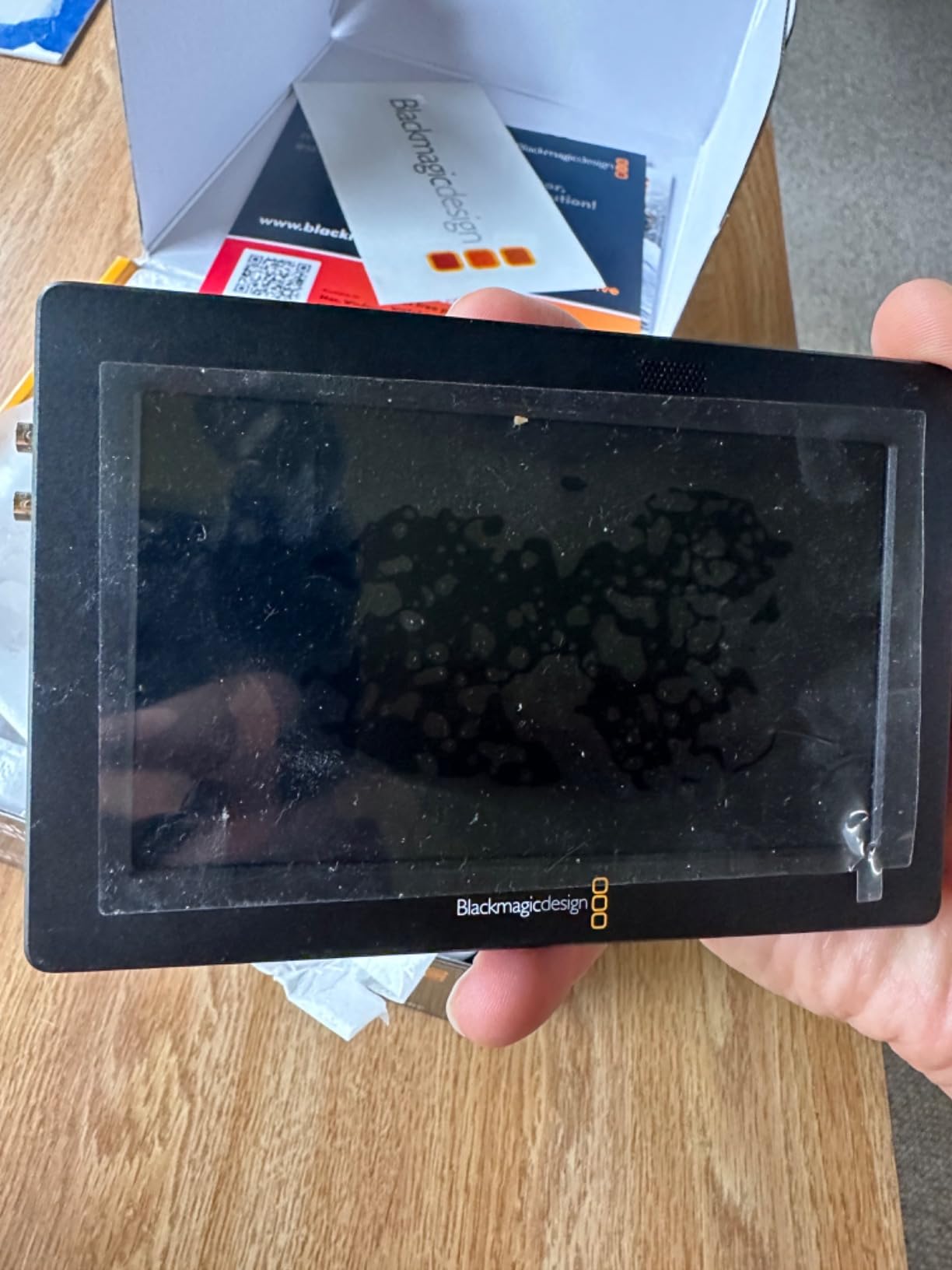
The 5-inch Video Assist is the most compact recorder here, and the only one that works as a viewfinder rather than just an on-camera screen. Its 2500-nit rating in a 5-inch package is unusual and makes it readable outdoors even at this size.
As well as monitoring, it records and it scopes. That makes it useful as a diagnostic tool for live production, because the scopes give you real information about an input signal rather than just an image to look at.
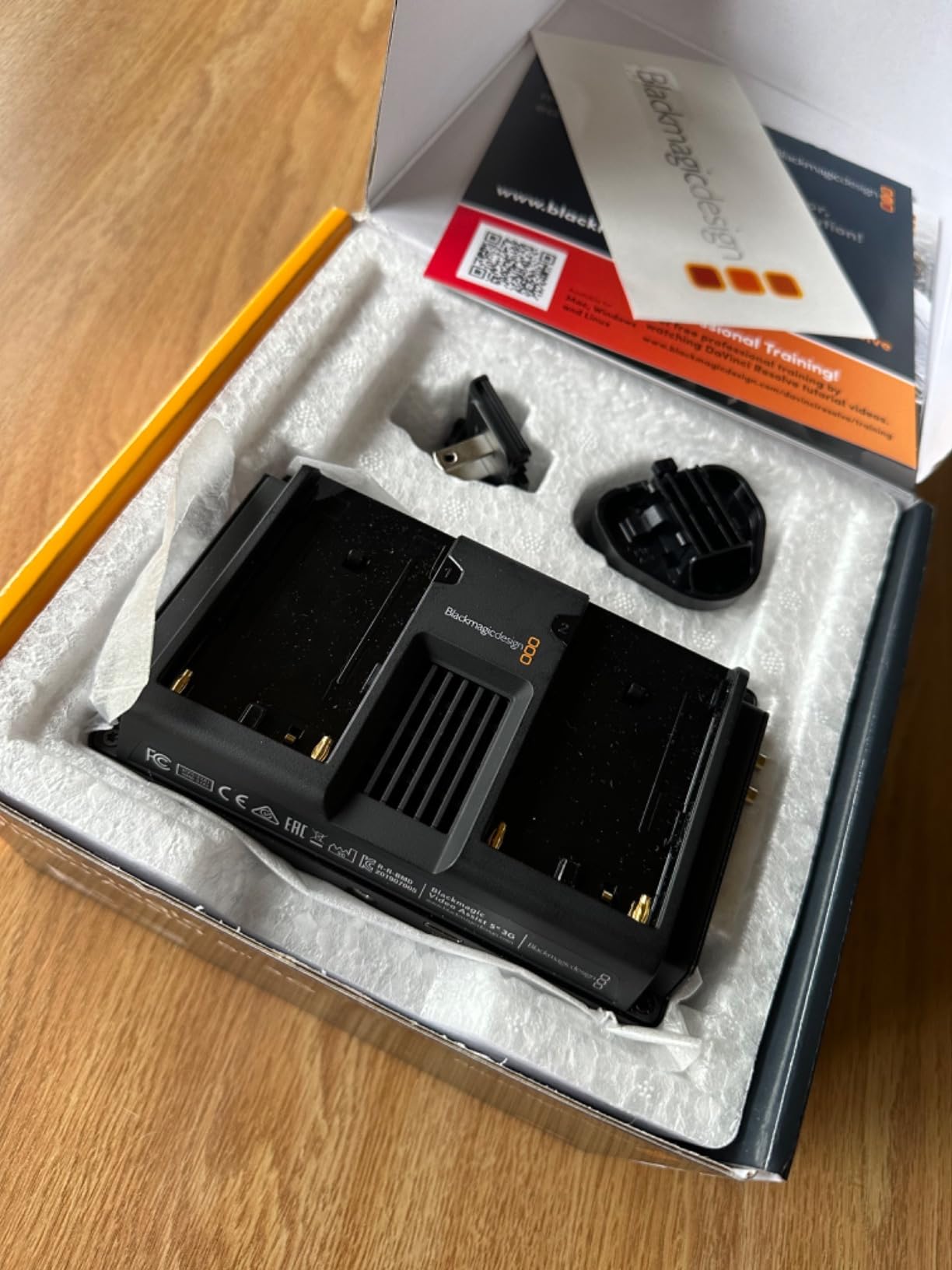
It records to SD and to external storage over USB, with 3G-SDI and HDMI inputs and a loop-through output for a flexible signal chain. The touchscreen is bright and responsive, and the form factor is easy to carry and set up quickly on a moving job.
At 771 grams it is portable without being pocket-sized, which suits an operator who wants a second screen for a client view or a director feed rather than a permanently mounted rig monitor.
When one box beats two
Monitor, recorder, scope and viewfinder in a single unit means fewer boxes, fewer cables and fewer failure points. For a small crew that already trusts Blackmagic gear, that consolidation is the main argument.
The recorded files are broadcast-quality and edit easily, which means a client can be shown a real file rather than a compressed camera preview.
What you trade for the compact size
Newer units run extremely hot to the touch during long recordings, and that is the complaint that comes up most often. There are no full-size SDI ports, so you need BNC adapters for SDI work, which adds bulk and another connection to fail.
There is also no MP4 option, so files are large and need proper storage planning, and it relies on camera batteries with no USB-C charging path. Budget for the media and the batteries before you commit.
How to Choose a Camera Monitor for Filmmaking
How many nits do you actually need?
Nits, or cd/m2, measure how much light the screen pushes out. The rule of thumb is simple: interiors sit comfortably around 400 to 600 nits, overcast exteriors want 800 to 1000, and direct sunlight needs 1600 or above. Below about 400 you will be shading the panel with your hand most of the day.
That is why the two Blackmagic units here carry 2500 nits and sit comfortably in sun, while the NEEWER F100 at 450 nits is an indoor screen. If your work is outside, treat brightness as a requirement rather than a preference, and accept a heavier or older body as the price.
5-inch vs 7-inch: the decision nobody explains properly
A 5.5-inch monitor is roughly 445g with no battery, and it keeps a gimbal or a small handheld rig balanced. A 7-inch monitor with two batteries can approach 900g, which changes how the camera sits in your hand and how long you can hold it comfortably.
The trade is screen real estate against rig weight. If you read waveforms and false colour all day, take the 7-inch. If you move, or mount on a gimbal, take the 5.5-inch and accept that detailed scope reading is cramped.
Do you need a recorder or just a monitor?
Monitor-recorders capture your camera feed to an external drive in ProRes, DNxHR or BRAW. That is worth it when your camera compresses internally, when you want a backup of every take, or when you need a codec your body cannot produce.
Everything else in this list is monitoring only. If you do not need a master file, a recorder adds cost, heat and a media workflow you have to manage for no gain.
Match the monitor to your camera output
Check what your camera actually outputs. Most mirrorless bodies send 8-bit 4:2:0 or 10-bit 4:2:2 over HDMI, and some will drop to 8-bit when a monitor is attached. A monitor with 4K input at 30Hz will not accept a 4K 60p feed, so confirm the frame rate you shoot at is supported.
For cinema bodies, SDI is the cleaner path. Only the Blackmagic units here and the FEELWORLD FW703 have SDI, and they are the right choice for those rigs.
Test the false colour before you commit
False colour and IRE mapping are the most cited trust issue among working filmmakers, and for good reason. A monitor that maps a stop too high will have you underexposing every shot. Before you commit to any of these, put it in a flat grey scene, raise the camera exposure a third of a stop and confirm the monitor’s reading matches what you know the exposure is doing.
Do the same with the waveform. A false-colour mode that cannot be disabled is useless for checking whether a grey card lands on the right IRE.
Budget for the system, not the monitor
Batteries, a cage or tilt arm, a sun hood and HDMI cables are where the real money goes. Several monitors here ship without a battery or without cables, and an SD card is needed for LUT workflows on some models.
Budget an extra 15 to 20 percent on top of the monitor for a complete working setup, and bring your own cables rather than trusting the bundled ones.
Why phone monitoring looks wrong on playback
Plenty of people monitor on a phone because it is free. The mismatch you see is a colour space difference: phone screens are wide-gamut and your delivery is Rec.709, so the image looks different on the phone than it will in the edit.
A Rec.709 calibrated monitor shows you closer to the delivered image. The VILTROX DC-550 Pro II and the FEELWORLD FW703 both carry Rec.709 calibration for exactly this reason.
Frequently Asked Questions
What monitors do filmmakers use?
Most working filmmakers use a Rec.709 field monitor with waveform, false colour, zebras and focus peaking, and the most common sizes are 5.5 inch for gimbal work and 7 inch for handheld and cage rigs. Broadcast and multi-camera crews use larger director monitors instead. Recorders such as the Atomos Ninja or Blackmagic Video Assist add ProRes or DNxHR capture on top of monitoring.
What is the best monitor for filming?
For most filmmakers, the NEEWER F100 is the best starting point because it includes a battery, ball head and sun hood. If you shoot outdoors, brightness matters more, so a 1600-nit or brighter screen such as the NEEWER F700 or the Blackmagic Video Assist 7-inch 12G HDR will serve you far better on an exterior.
Which monitor is best for a camera?
Match the monitor to the job. A 7-inch Rec.709 screen with full scopes suits most mirrorless shooting, a 5.5-inch model suits gimbals and light rigs, and an SDI-equipped monitor is the right choice for cinema bodies and multi-camera work. Confirm your camera frame rate is supported before you buy, because several budget models cap 4K input at 30Hz.
What is the best budget camera monitor?
The NEEWER F100 is the strongest budget choice because the box includes a 4400mAh battery, a 360-degree ball head, a sun hood and HDMI cables. If you want real scopes and more brightness, the VILTROX DC-550 Pro II gives you a 1920×1080 Rec.709 panel at 1200 nits with waveform, vectorscope and false colour included.
What are the best external monitors for cameras?
For a full-range field monitor, the NEEWER F700 offers a 2000-nit 1920×1080 touchscreen with waveform, vectorscope, oscillogram, false colour and LUT loading. For SDI rigs, the FEELWORLD FW703 adds 3G-SDI alongside HDMI. For a director or client view, the SEETEC ATEM156 gives a 15.6-inch panel with four HDMI inputs.
What is the best camera monitor for a photographer?
A photographer shooting video on a stills body mostly wants brightness, colour accuracy and somewhere to judge framing, so a Rec.709 calibrated panel with peaking and a histogram is enough. The VILTROX DC-550 Pro II or the FEELWORLD S55 V3 cover that need well, while a brighter model only matters if you shoot outdoors.
Conclusion
The NEEWER F100 remains our pick for the best camera monitors for filmmaking in 2026, because it is the only screen here that arrives complete: battery, mount, sun hood and cables, with a 7-inch panel that suits most mirrorless bodies. It is an indoor-first screen, and that is the one thing to understand before you commit.
Shoot outdoors and the NEEWER F700 becomes the pick, with 2000 nits and a full instrument set for exposure. Work on cinema bodies or multi-camera rigs and the FEELWORLD FW703 handles SDI on a budget, while the Blackmagic Design Video Assist 7-inch 12G HDR takes brightness to 2500 nits and adds ProRes backup recording.
Move on gimbals and the FEELWORLD F5 Prox or the VILTROX DC-550 Pro II keep the footprint down, and if you need a master file rather than a picture, the Atomos Ninja records ProRes RAW straight from an HDMI camera. Whatever you pick, budget for batteries, cables and a mount on top, and test the false colour in a flat grey scene before the first paid shoot.