
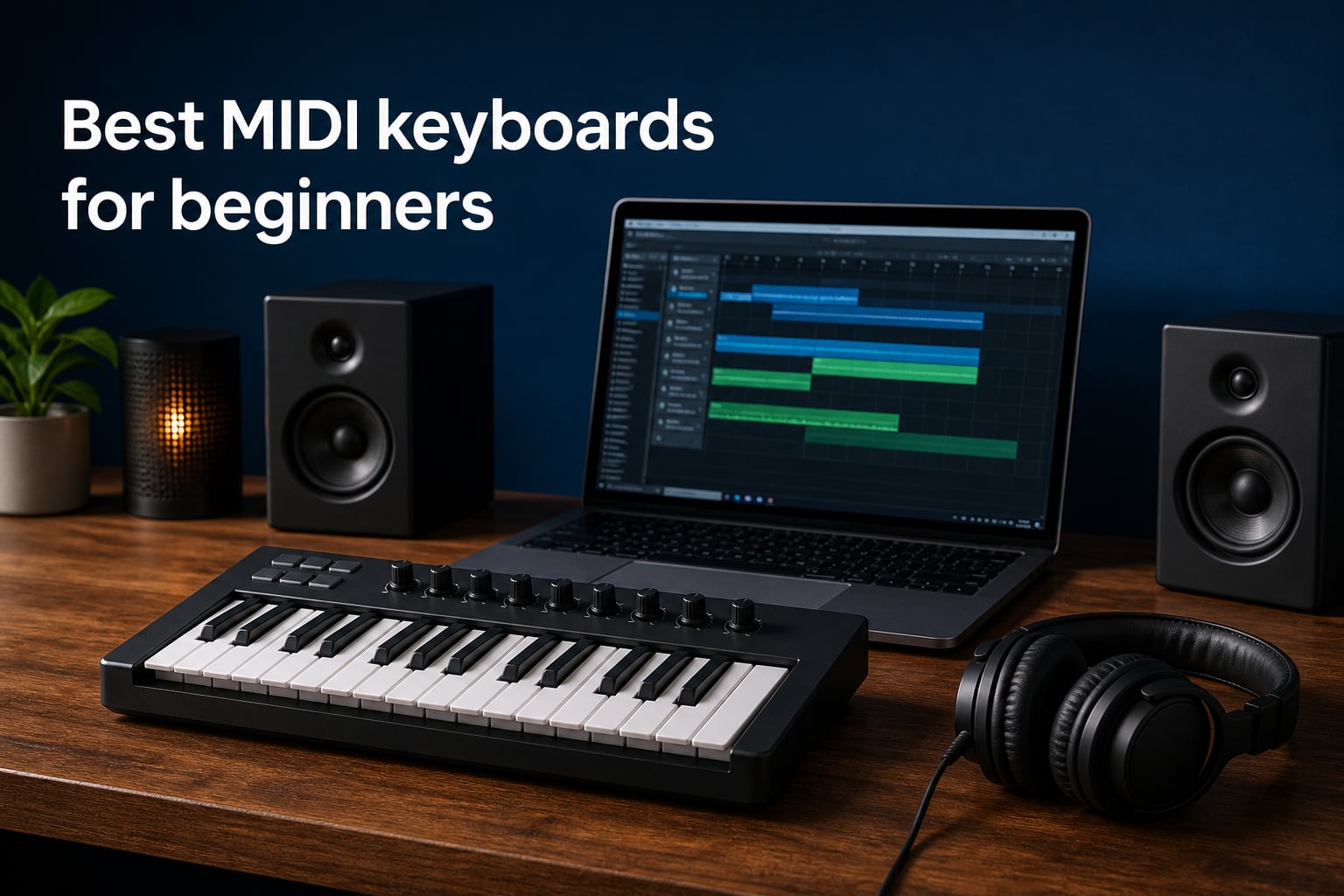
I remember the first time I plugged a MIDI keyboard into my laptop and heard an actual piano sound come out of my headphones. That moment changed everything for me. Suddenly I could record ideas at midnight without waking anyone, try different instrument sounds without buying gear, and compose music on a schedule that worked for my life.
If you are searching for the best MIDI keyboards for beginners, you have probably noticed the market is crowded. There are tiny 25-key controllers that fit in a backpack and full 61-key workstations that dominate a desk. Some come loaded with software, others are bare-bones. The right choice depends on how you plan to make music, and that is exactly what this guide will help you figure out.
Our team spent weeks researching and comparing the most popular options on the market right now. We looked at real user feedback, tested specifications, software bundles, and how each keyboard performs with the DAWs beginners actually use. Whether you want to produce beats, compose classical pieces, or learn piano basics, there is a controller here that fits your workflow and your budget.
One quick note before we start: a MIDI keyboard does not make sound on its own. It sends note data to your computer, which then triggers sounds from software instruments. This makes MIDI keyboards incredibly versatile and affordable, since all the sound generation happens in your DAW. You can switch from piano to strings to synthesizer without touching your hardware.
Table of Contents
Top 3 Picks for Best MIDI Keyboards for Beginners 2026
These three keyboards cover the most common beginner situations. The Akai MPK Mini MK3 is the safest all-around choice with its massive user base and complete feature set. The Arturia MiniLab 3 offers the best key feel and software bundle for those who want a more premium experience. The Donner N-25 is our budget pick for anyone who wants to test the waters without a big commitment.

Akai Professional MPK Mini MK3
- 25 velocity-sensitive mini keys
- 8 MPC-style drum pads
- 8 assignable knobs
- Complete software suite included

Arturia MiniLab 3
- 25 premium velocity-sensitive keys
- 8 RGB pads with pressure sensitivity
- Real 5-pin MIDI output
- Ableton Live Lite and Analog Lab included

Donner Mini MIDI Keyboard N-25
- 25 velocity-sensitive mini keys
- 40 teaching courses included
- Arpeggiator and tap tempo
- Works with iOS and Android
Best MIDI Keyboards for Beginners in (October 2026)
Here is a quick comparison of all 10 keyboards we cover in this guide. Each one earned its place through strong user ratings, beginner-friendly features, and reliable performance with major DAWs.
| Product | Specifications | Action |
|---|---|---|
| Akai MPK Mini MK3 |
|
Check Latest Price |
| Arturia MiniLab 3 |
|
Check Latest Price |
 M-Audio Keystation 49 MK3 M-Audio Keystation 49 MK3 |
|
Check Latest Price |
 Akai MPK Mini Play MK3 Akai MPK Mini Play MK3 |
|
Check Latest Price |
 Nektar SE49 Nektar SE49 |
|
Check Latest Price |
 M-Audio Keystation Mini 32 MK3 M-Audio Keystation Mini 32 MK3 |
|
Check Latest Price |
| Donner Mini MIDI N-25 |
|
Check Latest Price |
 M-VAVE 25 Key MIDI Keyboard M-VAVE 25 Key MIDI Keyboard |
|
Check Latest Price |
 Arturia KeyLab Essential 49 mk3 Arturia KeyLab Essential 49 mk3 |
|
Check Latest Price |
 Novation Launchkey 61 MK4 Novation Launchkey 61 MK4 |
|
Check Latest Price |
1. Akai Professional MPK Mini MK3 – The All-Around Beginner Favorite
Akai Professional MPK Mini MK3 25-Key USB MIDI Keyboard Controller
25 velocity-sensitive mini keys
8 MPC-style drum pads
8 assignable knobs
Built-in arpeggiator
MPC Beats software included
Pros
- Compact and highly portable design
- Velocity-sensitive keys and pads
- Excellent included software suite
- NKS integration with Native Instruments
- Easy plug-and-play setup
Cons
- Only 25 keys may feel limiting
- Keys are small for larger hands
- Software activation process can be cumbersome
The Akai MPK Mini MK3 is the keyboard I recommend most often to people just starting out. It has over 30,000 reviews and holds the number one spot in its category, which tells you something about how well it works for beginners. The first time I used one, I was recording a beat within ten minutes of opening the box.
The 25 mini keys are velocity-sensitive, meaning they respond to how hard you press them. This gives your playing dynamics and expression right from the start. The 4-way thumbstick for pitch bend and modulation takes some getting used to if you have played piano before, but it becomes second nature quickly.
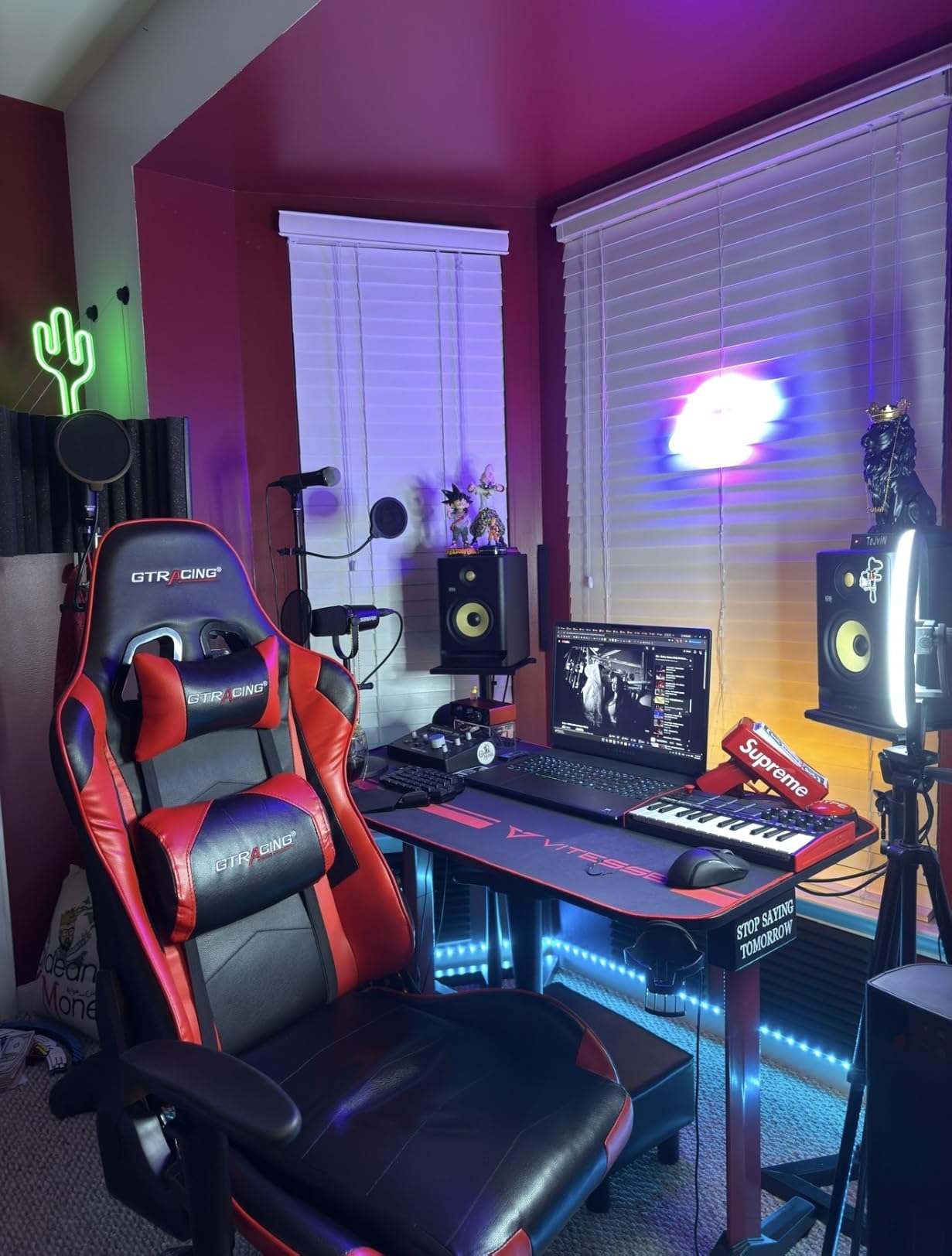
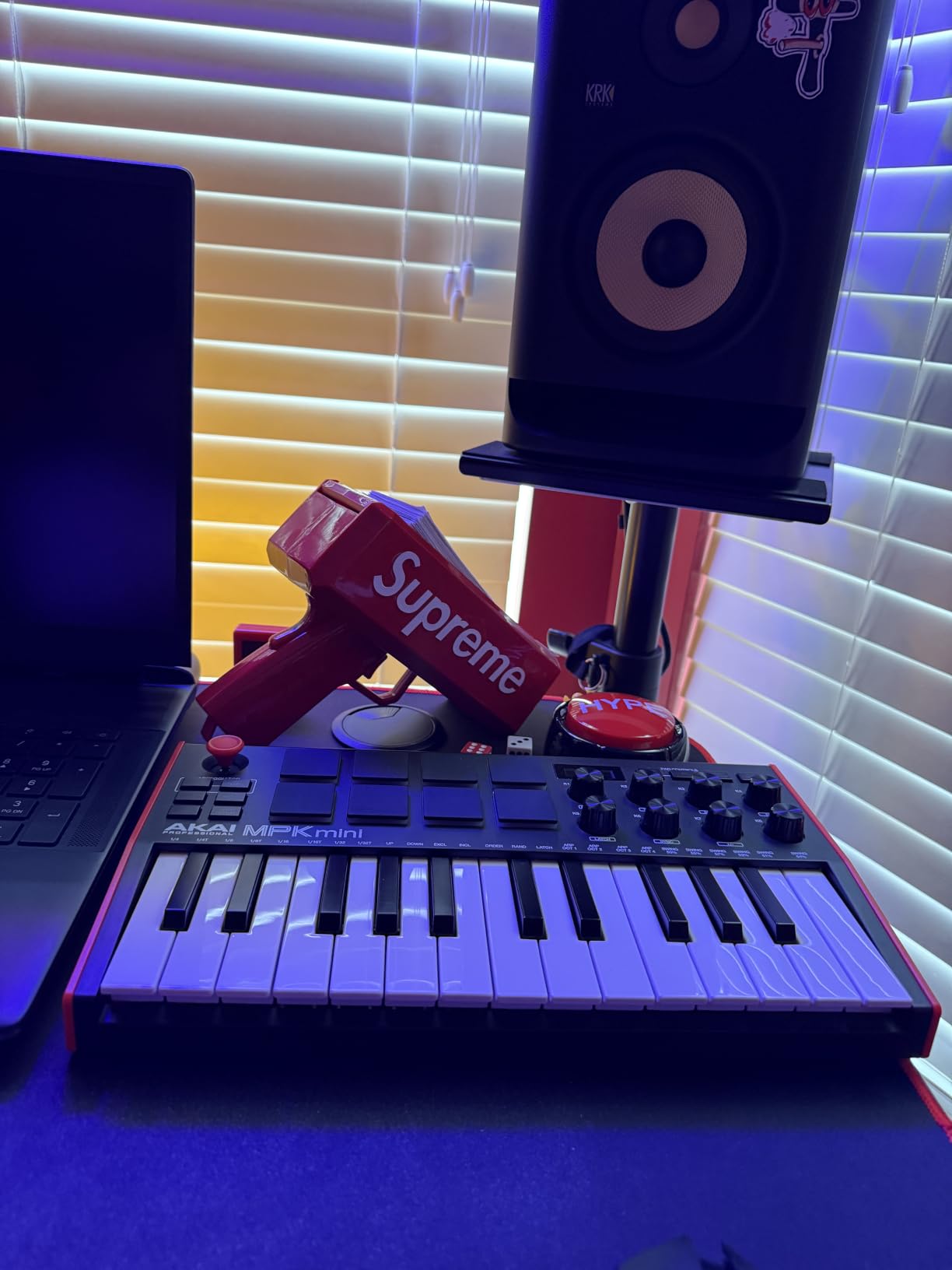
What really sets the MPK Mini MK3 apart is the complete package. You get 8 backlit MPC-style drum pads that feel great for beat making, 8 knobs you can assign to control any parameter in your DAW, and a built-in arpeggiator for creating melodic patterns. The MPC Beats software plus three virtual instruments and 2GB of sound content means you can start producing immediately.
The pads support Note Repeat and Full Level features borrowed from Akai’s professional MPC line. These are tools you will not outgrow as your skills improve. The NKS integration also means it works seamlessly with Native Instruments plugins if you go down that path later.
Who Is This Keyboard For?
This is the best MIDI keyboard for beginners who want to make beats, produce electronic music, or compose with virtual instruments. It works especially well if you are not sure yet what kind of music you want to make. The compact size fits any desk, and it draws power from USB so there is no extra cable.
If you already play piano and want to practice two-handed pieces, the 25 mini keys will frustrate you. But for production, sound design, and learning the basics of MIDI, it is hard to beat.
Software and DAW Setup
Setup is genuinely plug-and-play on both Windows and Mac. I connected it to Ableton Live Lite and everything worked without installing drivers. The software bundle requires creating accounts on a few different websites, which is the most tedious part of the experience.
Once everything is activated, you have MPC Beats for beat making, three virtual instruments covering drums, bass, and keys, plus a solid library of sounds to explore. The downloadable editor lets you customize every control if you want deeper integration with your workflow.
2. Arturia MiniLab 3 – Premium Feel in a Compact Package
Arturia MiniLab 3 Universal MIDI Controller, White
25 premium velocity-sensitive keys
8 RGB pressure-sensitive pads
8 rotary encoders and 4 faders
Real 5-pin MIDI output
Ableton Live Lite included
Pros
- Exceptional key feel for this size
- Sturdy build quality with solid controls
- Real 5-pin MIDI output included
- Excellent bundled software
- 5-year warranty
Cons
- Only 25 keys may feel limiting
- Pads can feel wobbly at edges
- Transport controls shared with pads
- Minimal labeling on device face
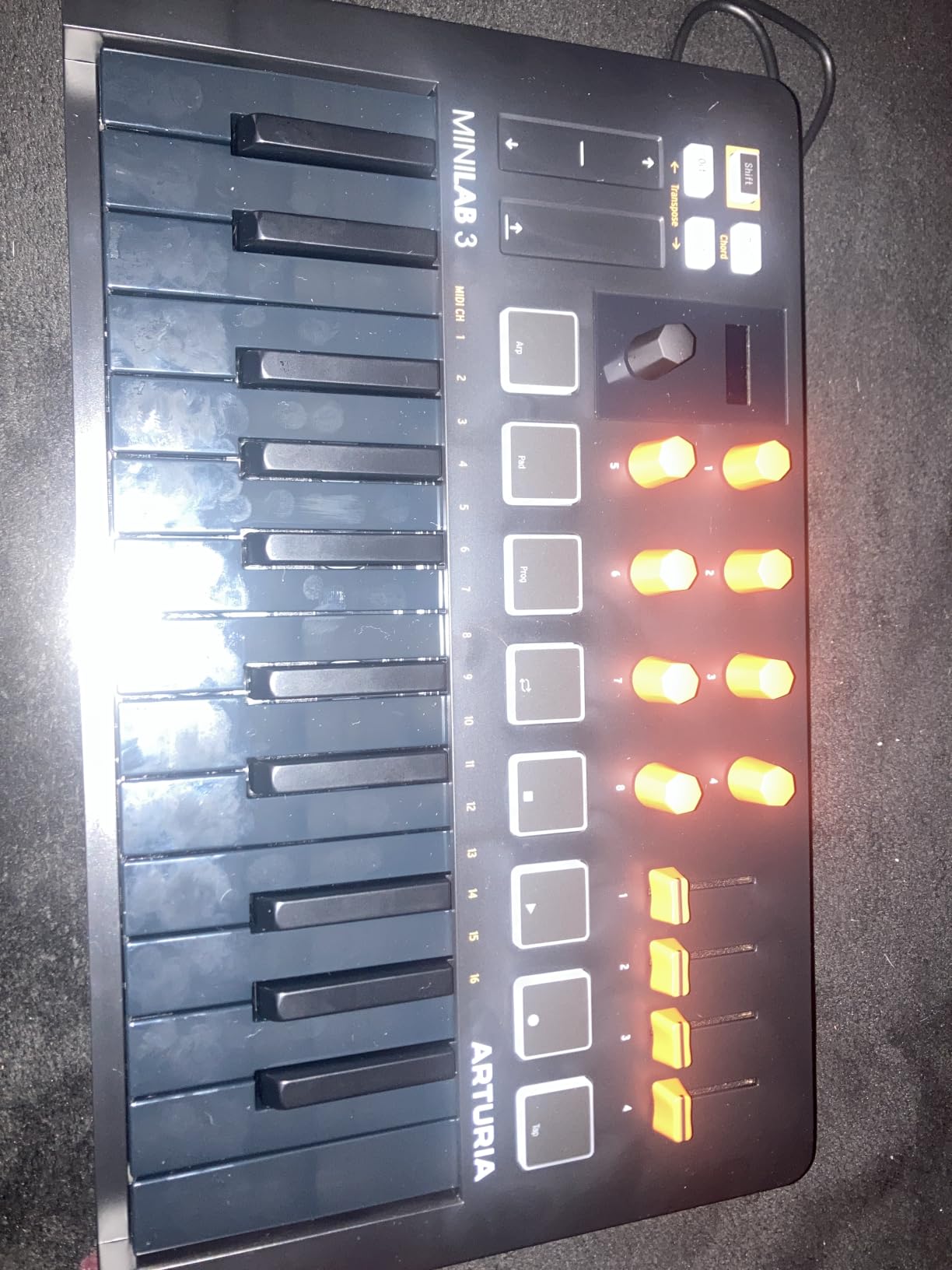
The Arturia MiniLab 3 is the keyboard I reach for when I want something that feels genuinely good to play. The keys have a responsiveness that most controllers in this size category cannot match. Arturia has a reputation for building quality hardware, and the MiniLab 3 lives up to it.
The capacitive touch sensors for pitch bend and modulation are a nice touch. They respond instantly and feel more modern than traditional wheels. The mini display and clickable browsing knob let you navigate presets without touching your computer.
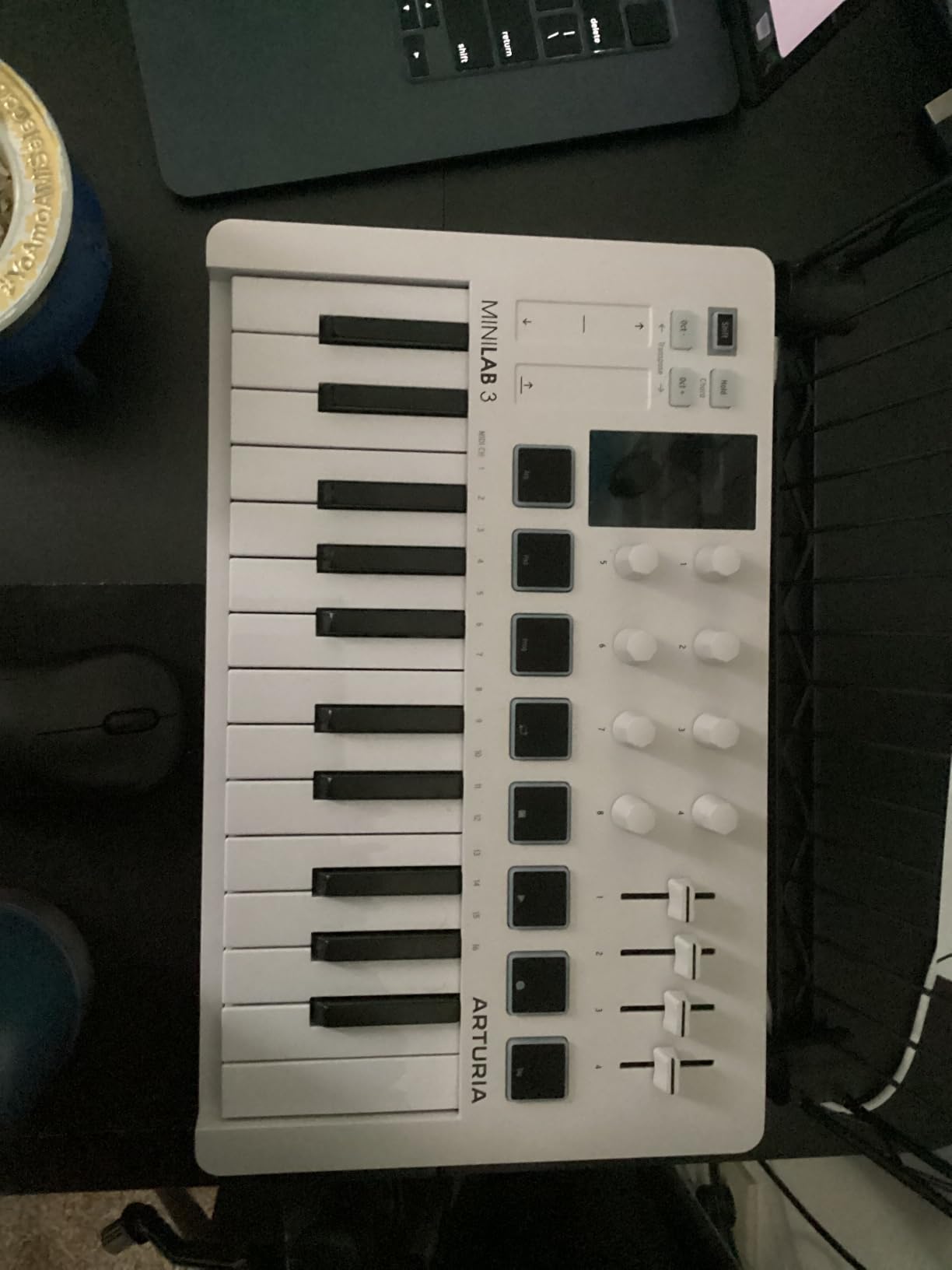
What impressed me most is the real 5-pin MIDI output on the back. This means you can connect the MiniLab 3 directly to hardware synths and sound modules without a computer in between. Most compact controllers skip this feature entirely, so having it here adds serious long-term value.
The included software is where this package shines. You get Ableton Live Lite, Analog Lab Intro with hundreds of preset sounds, and UVI Model D which is a detailed recreation of a classic grand piano. The 5-year warranty also suggests Arturia stands behind their build quality.
Who Is This Keyboard For?
The MiniLab 3 suits beginners who care about how keys feel under their fingers. If you have some piano background or plan to develop your playing skills, the superior key action makes a real difference. It is also the right choice if you think you might buy a hardware synth someday.
The 8 RGB pads work fine for basic beat making, but dedicated finger drummers might prefer the Akai. This is a keyboard first and a pad controller second.
Build Quality and Long-Term Value
The faux wood side panels give it a distinctive look that stands out from typical black plastic controllers. More importantly, the faders and encoders feel solid and precise. After months of regular use, nothing has developed any wobble or noise.
The 5-year warranty is among the longest in this price range. Combined with the real MIDI output and professional-grade software bundle, this is a controller you could realistically use for years as your skills grow.
3. M-Audio Keystation 49 MK3 – Full-Size Keys Without the Complexity
M-AUDIO Keystation 49 MK3 USB MIDI Controller
49 full-size velocity-sensitive keys
Volume fader and transport buttons
Pitch and modulation wheels
Sustain pedal input
Plug-and-play USB connection
Pros
- 49 full-size keys feel natural
- Zero-latency plug-and-play connection
- Generous software bundle included
- Free online piano lessons from Skoove
- Great value for the price
Cons
- No MIDI output port
- Limited controls compared to advanced controllers
- Some Windows setup issues reported
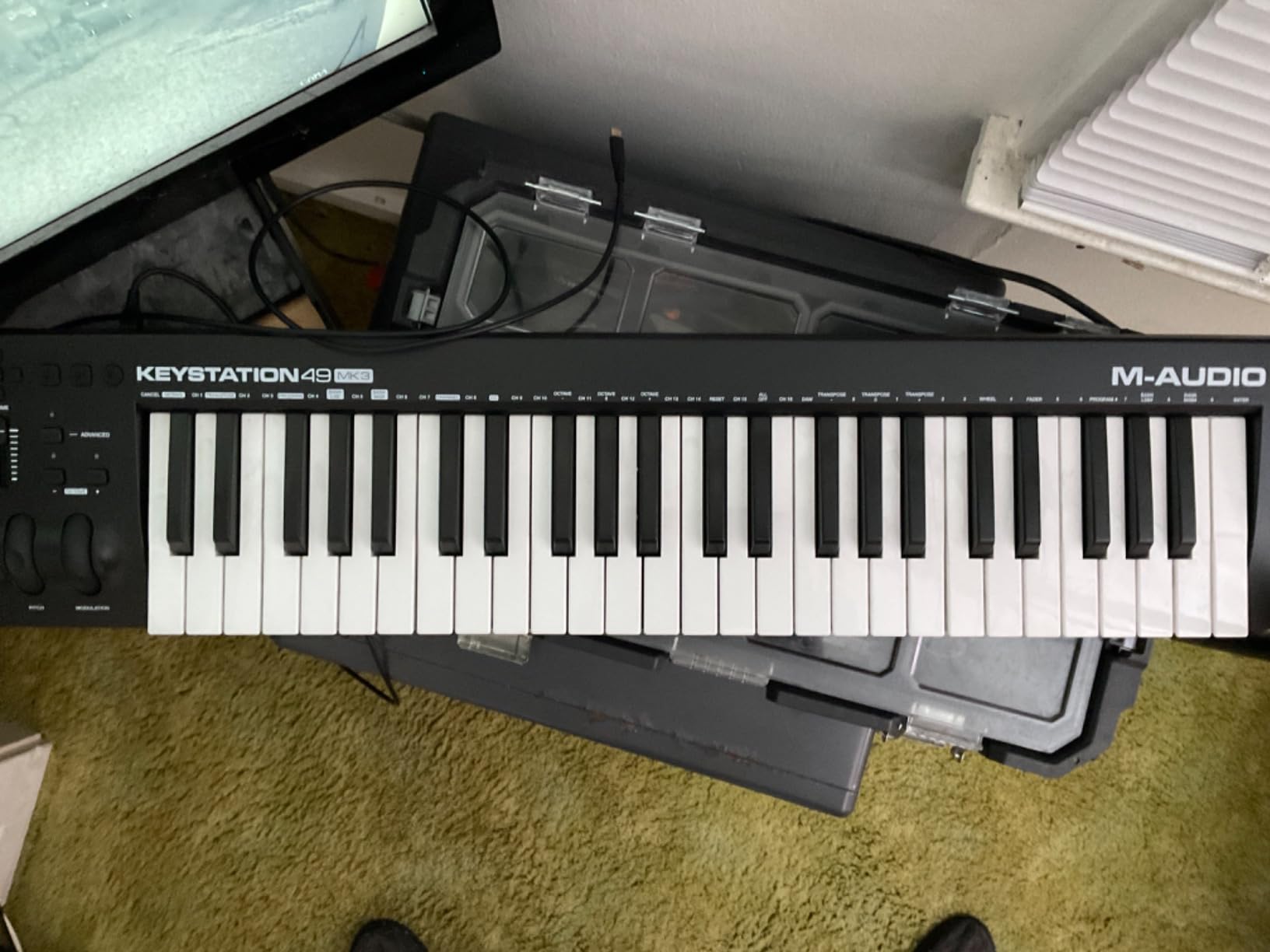
The M-Audio Keystation 49 MK3 is what I recommend when someone tells me they want to learn piano alongside music production. The 49 full-size keys give you enough range for two-handed playing, and the synth action feels responsive without being mushy. It strikes a balance that works for both composing and practicing.
Setting it up took me less than five minutes. Plug in the USB cable, open your DAW, and the keyboard appears immediately. No drivers, no configuration, no frustration. This kind of simplicity matters when you are new and just want to make music.
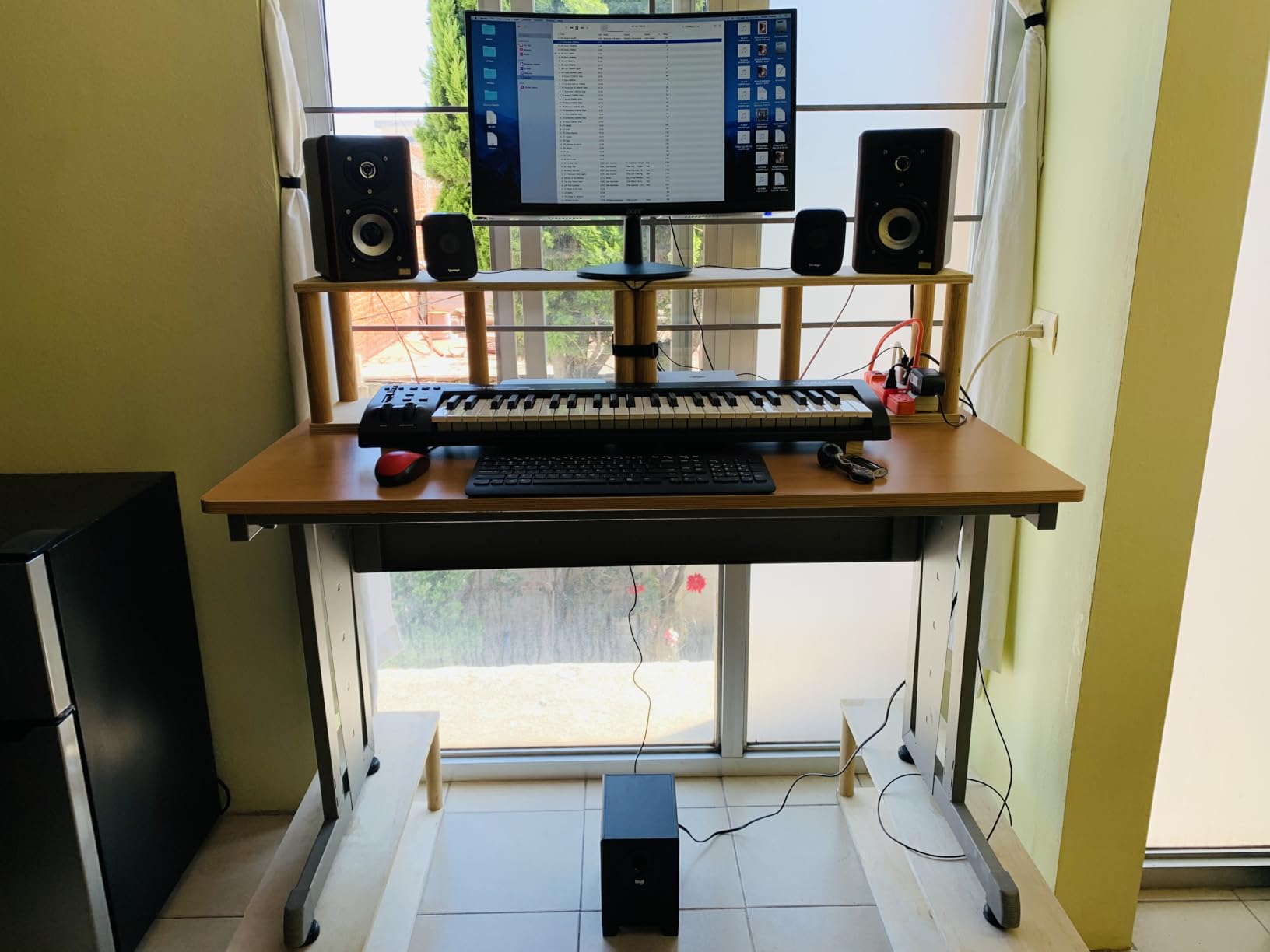
The pitch and modulation wheels are the traditional type, which many players prefer over thumbsticks. The sustain pedal input lets you add a pedal later for more expressive piano playing. The volume fader and transport buttons give you basic control over your DAW without reaching for the mouse.
The software bundle includes MPC Beats, Ableton Live Lite, and several virtual instruments covering pianos, electric pianos, and orchestral sounds. You also get free online lessons from Skoove, which is genuinely useful if you are starting from zero piano experience.
Who Is This Keyboard For?
This is one of the best MIDI keyboards for beginners who want to develop actual piano skills. The 49 full-size keys let you practice scales, chords, and simple pieces with proper hand positioning. If your goal is composing orchestral or classical music, the extra key range matters.
It is not the right choice if your focus is beat making. There are no drum pads, and the control surface is minimal by design.
Software Bundle and Learning Tools
The included Skoove lessons are a real highlight. They walk you through piano fundamentals interactively, adjusting to your pace. Combined with the Melodics lessons also included, you get structured learning alongside your production software.
The virtual instruments cover a useful range. Mini Grand and Velvet give you acoustic and electric pianos, while XPand!2 provides a broad palette of sounds for sketching ideas. It is enough to keep you busy for months.
4. Akai Professional MPK Mini Play MK3 – Standalone Freedom
Akai Professional MPK Mini Play MK3 25-Key USB MIDI Keyboard Controller
25 Gen 2 dynamic mini keys
8 backlit MPC drum pads
Over 100 internal sounds
Built-in speaker
Battery or USB powered
Pros
- Built-in sounds and speaker for standalone use
- Battery powered for true portability
- Compact and lightweight
- Good key feel for the size
- Includes MPC Beats and AIR plugins
Cons
- Built-in speaker volume is low
- Pads require firm hits to trigger
- Only 25 keys
- Joystick less intuitive than separate wheels
The Akai MPK Mini Play MK3 solves a problem I did not know I had: wanting to sketch musical ideas without booting up a computer. The built-in speaker and over 100 internal sounds mean you can play it anywhere. I have used mine on the couch, on a porch, and during a lunch break at work.
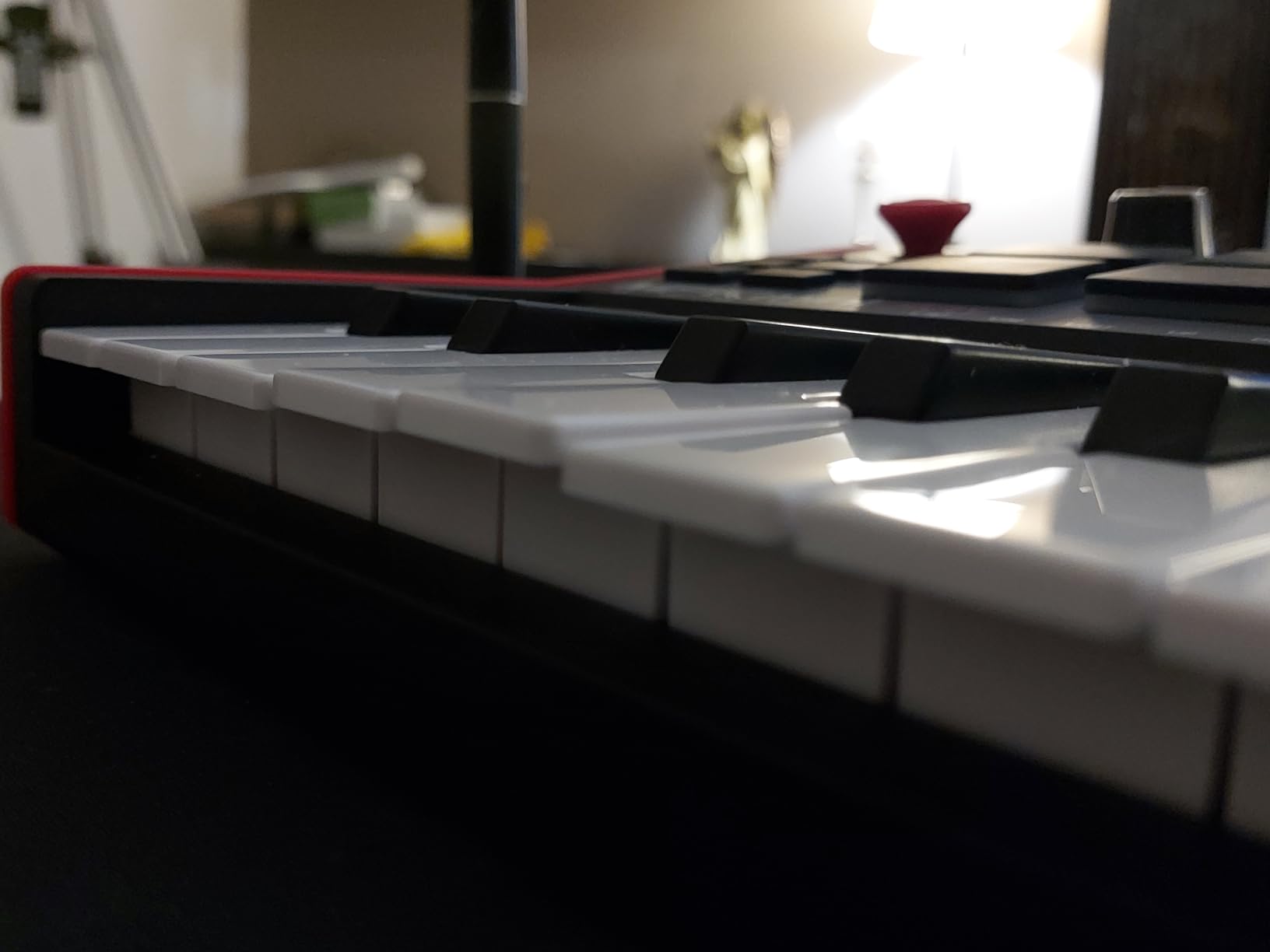
The Gen 2 keybed is a noticeable improvement over the standard MPK Mini. The keys feel slightly more substantial and responsive. The OLED display makes it easy to see which sound you have selected, even in bright light.
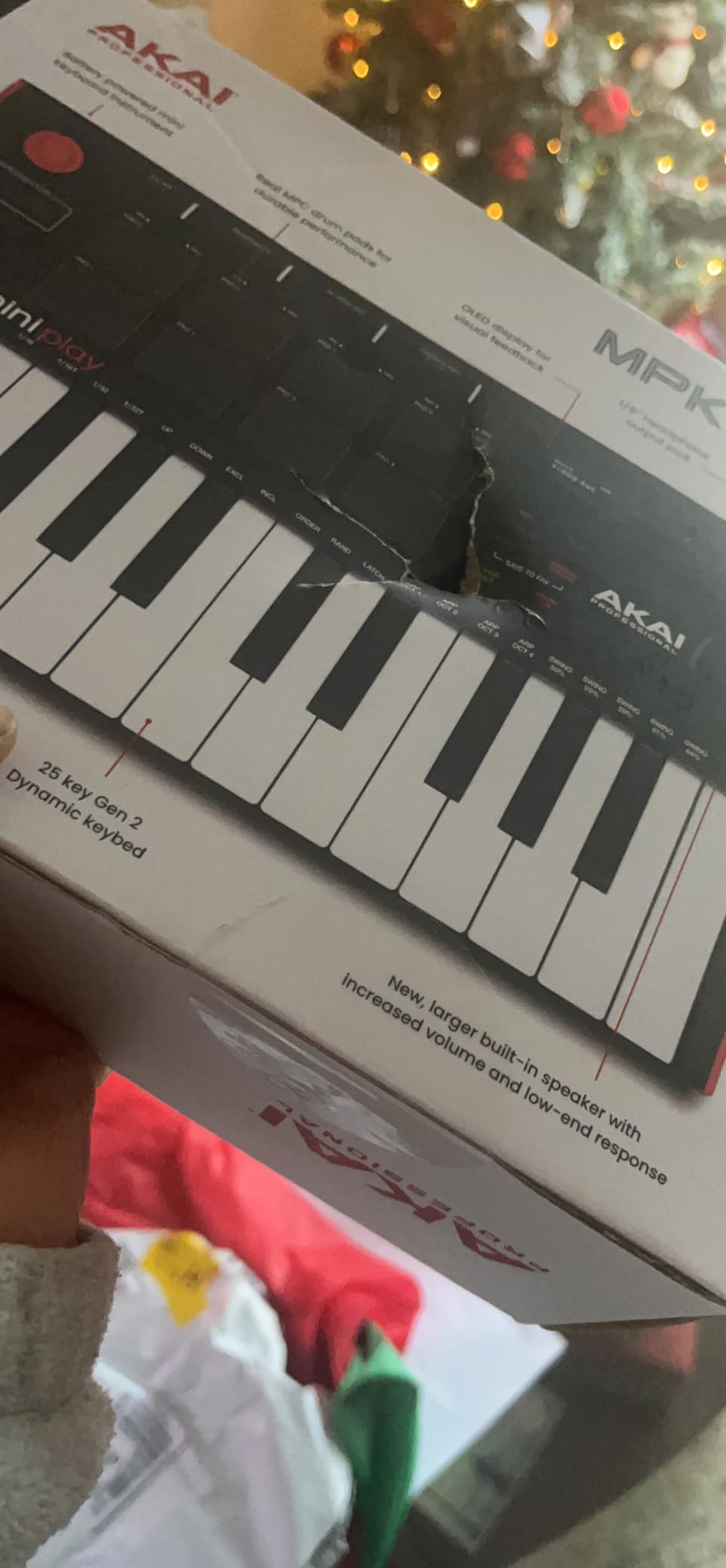
When you do connect it to a computer, it functions as a full MIDI controller with all the features you expect. The 8 MPC pads, arpeggiator, and note repeat work exactly like the standard MPK Mini MK3. The 4 encoder knobs give you hands-on control over your software.
The battery power option is what makes this keyboard special. Three AA batteries give you hours of playing time away from an outlet. It is the kind of feature you will either use constantly or never touch, but if you travel or like composing away from your desk, it is invaluable.
Who Is This Keyboard For?
This is ideal for beginners who want flexibility. If you sometimes want to practice away from your computer or travel regularly, the standalone capability is a genuine advantage. It also works well as a first keyboard for younger students who can use it without being tied to a screen.
If you will only ever use it at your desk connected to a DAW, the standard MPK Mini MK3 makes more sense.
Standalone vs Computer Use
In standalone mode, you are limited to the internal sounds, which are serviceable but not spectacular. The built-in speaker is quiet, so headphones are almost necessary for serious listening. Think of standalone mode as a sketchpad for ideas rather than a performance instrument.
Connected to a computer, it becomes a capable MIDI controller indistinguishable from its sibling. The transition between modes is seamless, and you can even use the internal sounds alongside your DAW if you route the audio output into your interface.
5. Nektar SE49 – DAW Integration Done Right
Nektar, 49-Key Midi Controller (SE49),Black white Grey
49 full-size velocity-sensitive keys
Deep DAW integration
Bitwig Studio 8-Track included
Mac, PC and iOS compatible
Sustain pedal input
Pros
- 49 full-size velocity-sensitive keys
- Nektar DAW integration works seamlessly
- Includes Bitwig Studio 8-track DAW
- Compatible with Mac
- PC
- and iOS
- Great value with included software
Cons
- Not Prime eligible
- Lower market visibility than competitors
- Fewer dedicated controls than some rivals
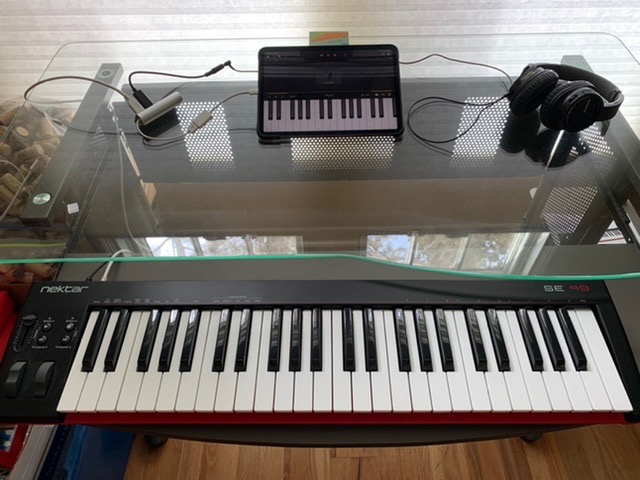
The Nektar SE49 is the sleeper pick on this list. Nektar has built their reputation on DAW integration, and it shows. When I connected the SE49 to Reaper, the transport controls, track navigation, and parameter adjustments all worked immediately without any manual mapping.
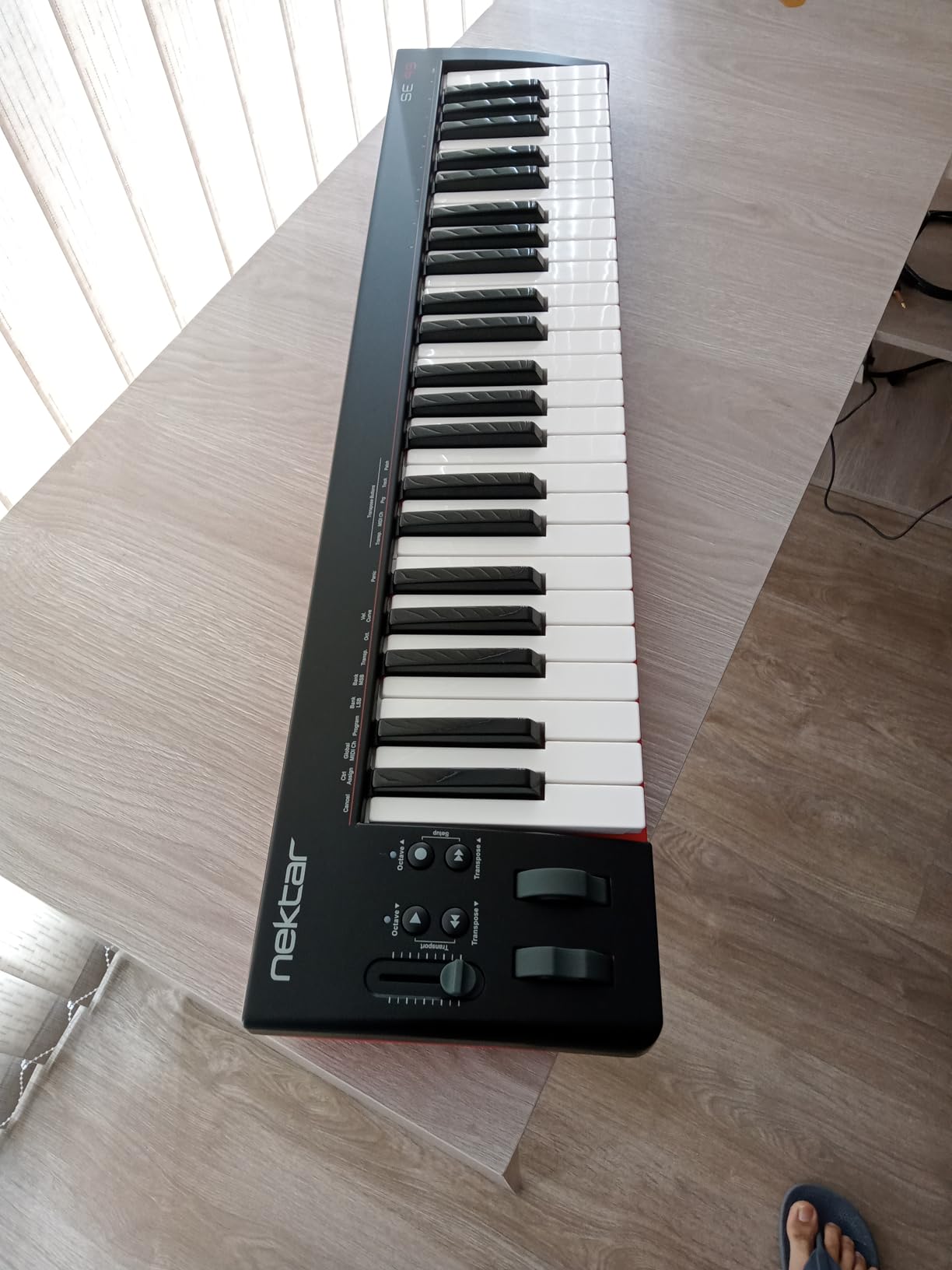
The 49 full-size keys have a decent synth action that works well for both playing and programming. The keybed is not as refined as more expensive controllers, but it is consistent and reliable. For a first keyboard, that is what matters most.
What makes the SE49 compelling is the included Bitwig Studio 8-Track license. Bitwig is a modern, capable DAW that competes with Ableton Live. Getting a full DAW bundled with a keyboard at this level is a genuine value that most manufacturers cannot match.
The Nektar integration extends across most major DAWs including Bitwig, Cubase, GarageBand, Logic, Nuendo, Digital Performer, Mixcraft, Reason, Reaper, Sonar, and Studio One. Wherever you end up working, this keyboard will connect intelligently.
Who Is This Keyboard For?
The SE49 suits beginners who want a straightforward 49-key controller that integrates deeply with their DAW. If you already know you will use Reaper, Cubase, or Studio One rather than Ableton, the Nektar integration is a real advantage over more generic controllers.
It is less suitable if you need drum pads for beat making or if you want the smallest possible footprint on your desk.
DAW Integration Details
Nektar controllers are known for their deep DAW control, and the SE49 delivers on that promise. The fader and buttons can be mapped to control your mixer, transport, and plugin parameters. This reduces your dependence on the mouse and makes your workflow faster.
The included Bitwig license is particularly valuable because Bitwig supports CLAP plugins and has excellent built-in instruments. Starting with a capable DAW from day one means you will not outgrow your software as quickly.
6. M-Audio Keystation Mini 32 MK3 – Ultra-Portable Simplicity
M-AUDIO Keystation Mini 32 MK3 USB MIDI Controller
32 velocity-sensitive mini keys
Pitch bend and modulation buttons
Octave up and down controls
Selectable velocity curves
Melodics lessons included
Pros
- Extremely portable compact design
- Velocity-sensitive keys for expression
- Easy plug-and-play USB connection
- Includes MPC Beats and Melodics lessons
- Selectable velocity curves
Cons
- Mini keys require adjustment period
- No pitch or mod wheels
- Not ideal for two-handed playing
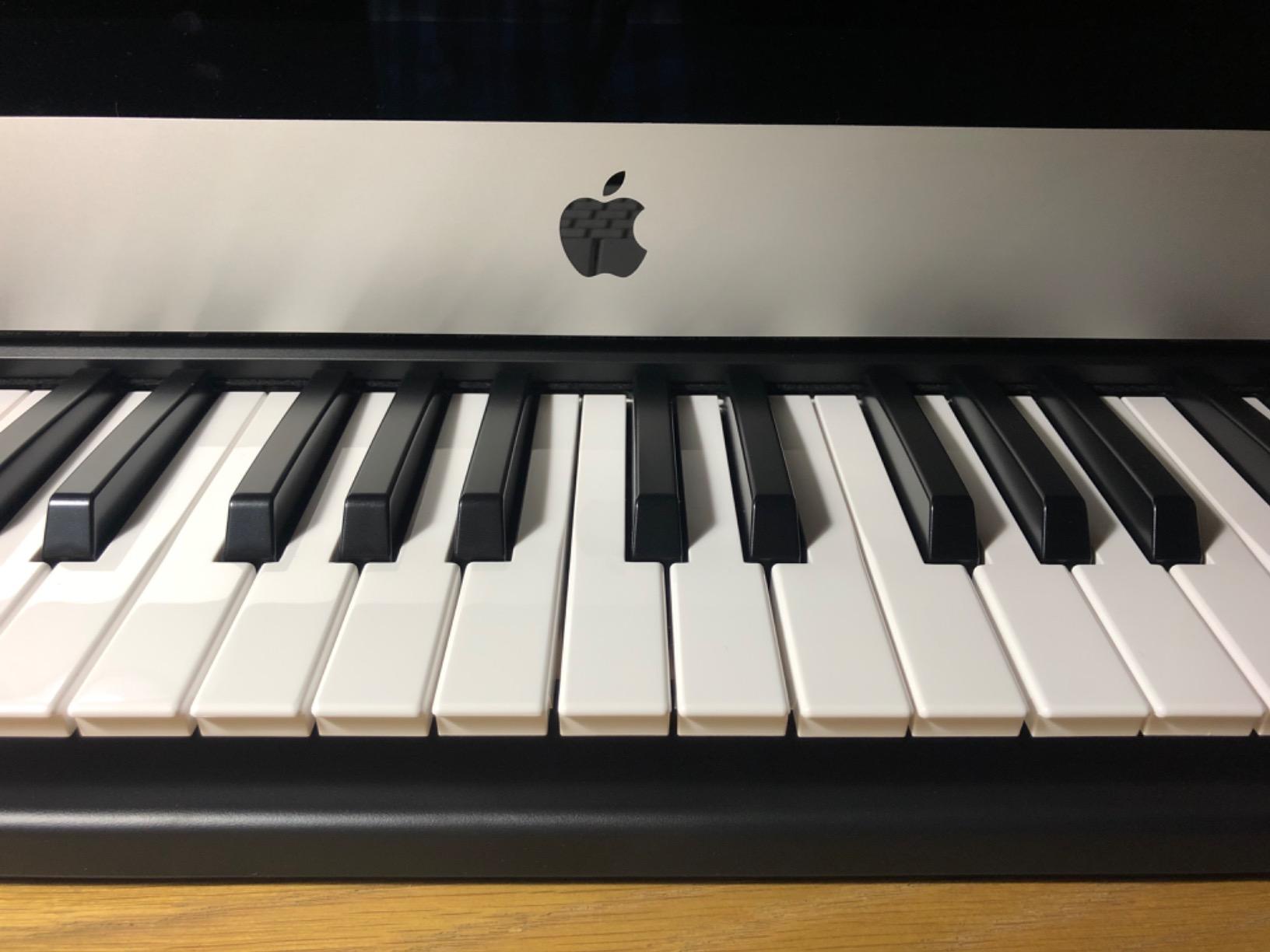
The M-Audio Keystation Mini 32 MK3 is the keyboard I toss in a bag when I need to travel light. At just 454 grams and thinner than most laptops, it disappears into a backpack. Despite the size, the 32 velocity-sensitive keys give you enough range for melodies and chord progressions without constant octave shifting.
This is a deliberately simple controller. There are no pads, no faders, no displays. Just keys, a few buttons for pitch bend, modulation, and octave shifting, and a volume knob. That simplicity is a feature when you are starting out and do not want to be overwhelmed.
The selectable velocity curves are a thoughtful addition. If the default response feels too sensitive or too stiff, you can adjust it to match your playing style. This kind of customization is rare at this level and shows M-Audio thought about real users.
The included MPC Beats software and 60 interactive Melodics lessons give you everything you need to start learning. Melodics in particular is excellent for building rhythm and coordination through game-like practice sessions.
Who Is This Keyboard For?
The Keystation Mini 32 is for beginners who prioritize portability above all else. If you make music on a laptop in different locations, or you have very limited desk space, this solves that problem completely. It is also a good choice if you want a second controller for travel while keeping a larger one at home.
If you have larger hands or any piano training, the mini keys will feel cramped. Test your tolerance for small keys before committing.
Portability and Travel Use
This keyboard truly shines when you are mobile. It draws power from USB, so there is nothing to charge and no adapter to carry. The slim profile means it fits in laptop bags that would not accommodate a 49-key controller.
The build quality is adequate rather than exceptional. It survives careful travel fine, but you would not want to check it in luggage without protection. A padded sleeve is a worthwhile accessory if you plan to move it regularly.
7. Donner Mini MIDI Keyboard N-25 – The Budget Entry Point
Donner Mini MIDI Keyboard N-25, 25 Key MIDI Controller Gifts for Beginners with Velocity-Sensitive Mini Keys Light-up Rocker Music Production Software, Small USB Controlador with 40 Teaching Courses
25 velocity-sensitive mini keys
4 user programmable banks
Arpeggiator and tap tempo
Pitch-bend joystick
40 teaching courses included
Pros
- Compact and portable design
- Beginner-friendly with 40 teaching courses
- Plug and play with Mac and PC
- Works with smartphone apps via OTG
- Arpeggiator and tap tempo functions
Cons
- Cannot change MIDI channel
- Springy key action typical of budget boards
- Narrow keys require adjustment
The Donner N-25 is the least expensive keyboard on our list, and it makes this guide accessible to absolutely anyone. For the cost of a few guitar lessons, you get a functional 25-key MIDI controller with an arpeggiator, tap tempo, and a surprising number of programmable features.
Donner has built their brand on making decent instruments at aggressive prices, and the N-25 fits that pattern. The light-up buttons give you visual feedback, which is genuinely helpful when you are learning what each control does. The pitch-bend joystick works smoothly for adding expression to melodies.
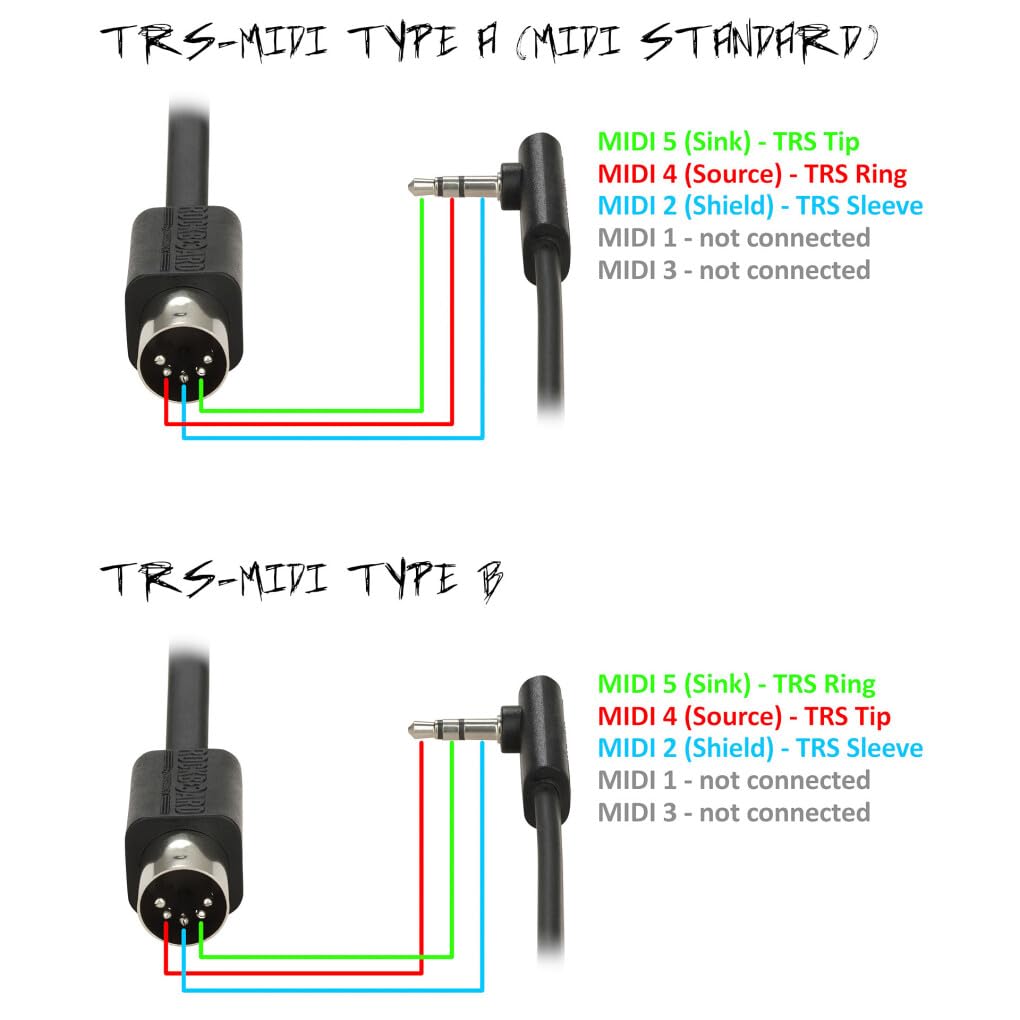
The 40 included teaching courses are the standout feature at this level. Most budget controllers include little or no instructional content. Having structured lessons bundled in means you can start learning immediately without additional purchases.
The keyboard connects via USB and works with Cubase LE, Ableton Live, Logic Pro, Pro Tools, and Studio One. It also connects to iOS and Android devices with an OTG adapter, which opens up mobile music-making apps.
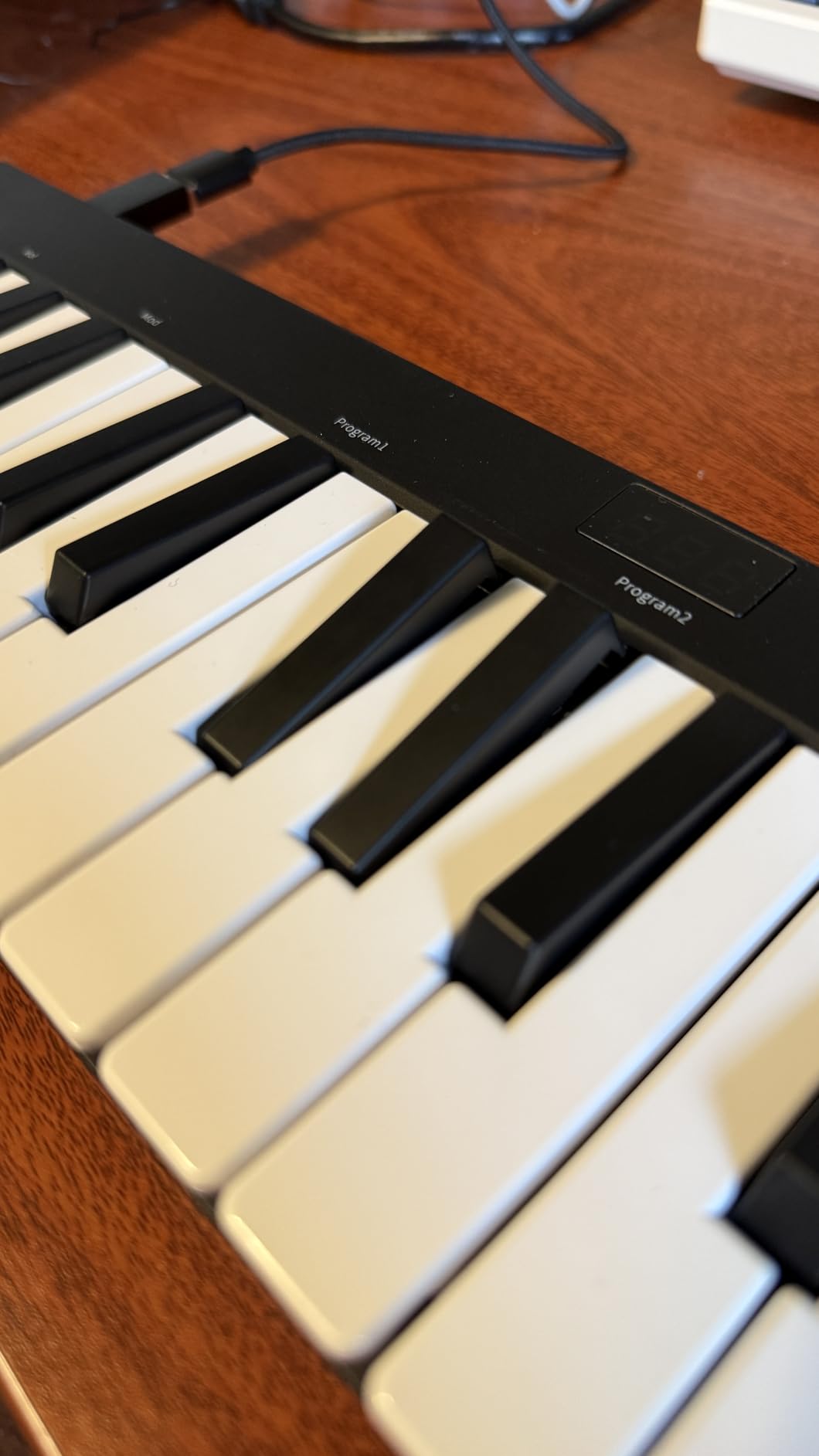
Who Is This Keyboard For?
The N-25 is for beginners who want to spend the absolute minimum to find out if MIDI production interests them. It is also a reasonable choice for a child or teenager who has shown interest in making music but is not ready for a serious investment.
If you know you are committed to learning production, spending more upfront will get you noticeably better key feel and build quality.
Setup and Learning Curve
Setup is straightforward plug-and-play on both Mac and Windows. The included software downloads without complications. The teaching courses are accessible through a simple web interface rather than a full application, which keeps things approachable.
The main limitation to understand before buying is that you cannot change the MIDI channel. This does not matter for most beginner setups, but if you later want to use multiple controllers simultaneously, this becomes a constraint. For a first keyboard used alone, it is a non-issue.
8. M-VAVE 25 Key MIDI Keyboard – Wireless Freedom
M-VAVE 25 Key USB MIDI Keyboard Controller With 8 Backlit Drum Pads, Bluetooth Semi Weighted Professional dynamic keybed 8 Knobs and Music Production,Software Included (Black)
25 velocity-sensitive keys
8 RGB backlit drum pads
8 assignable rotary encoders
Bluetooth wireless connectivity
2000 mAh battery for 16 hours
Pros
- Wireless Bluetooth connectivity with long battery
- Compact and portable design
- Semi-weighted keybed with velocity sensitivity
- 8 RGB backlit velocity-sensitive pads
- Customizable via CubeSuite software
Cons
- Manual and documentation could be improved
- Software editor has Mac compatibility issues
- Configuration requires companion app
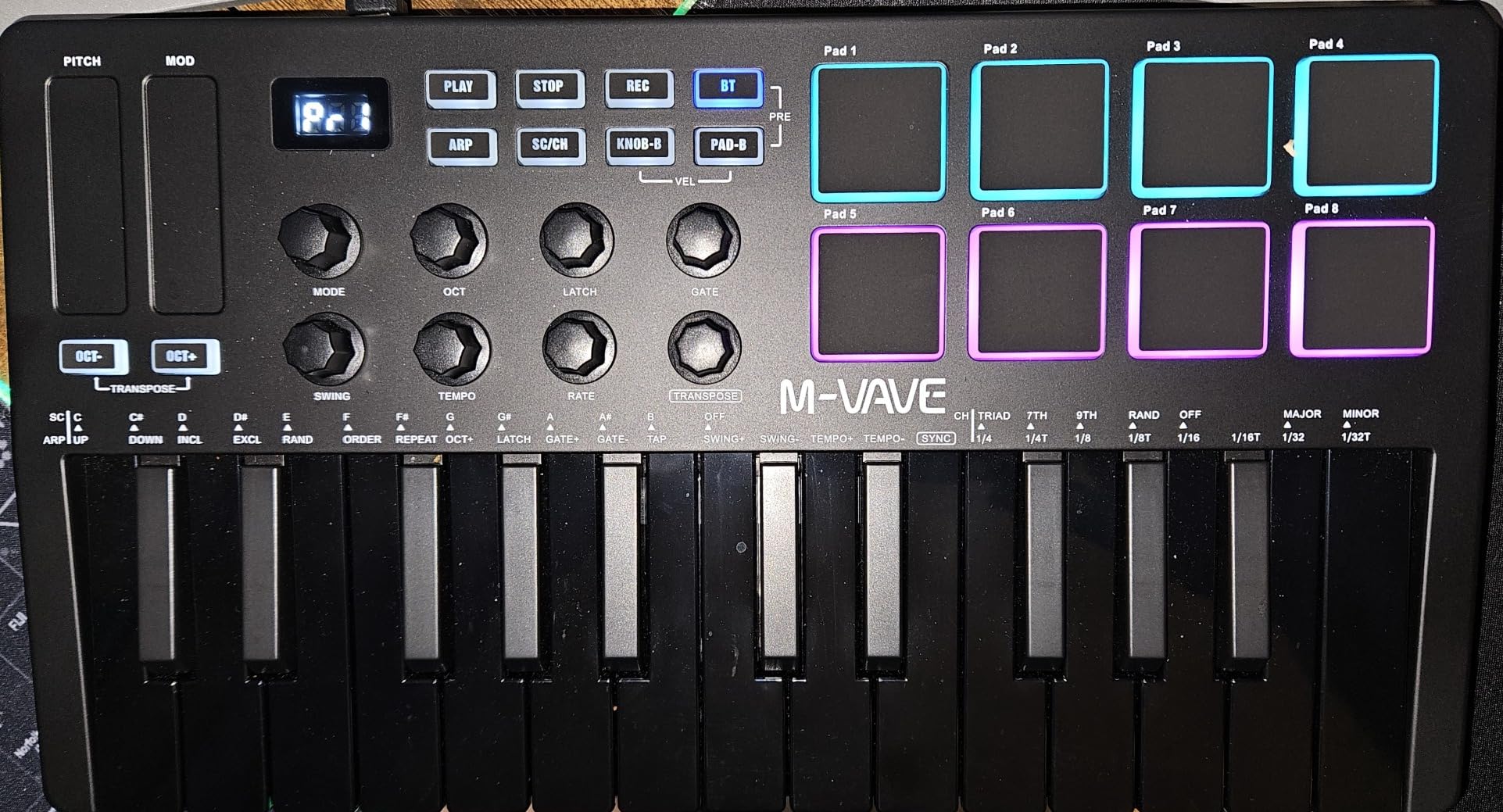
The M-VAVE 25 Key controller brings something genuinely different to this list: wireless Bluetooth connectivity. Being able to sit on your couch with the keyboard on your lap while your computer sits across the room changes how you interact with your setup. The 2,000 mAh battery provides around 16 hours of playing per charge.
The semi-weighted keybed is a step up from typical mini keyboard actions. Keys have a slight resistance that makes dynamics easier to control. For a 25-key controller at this size, the playability is impressive.
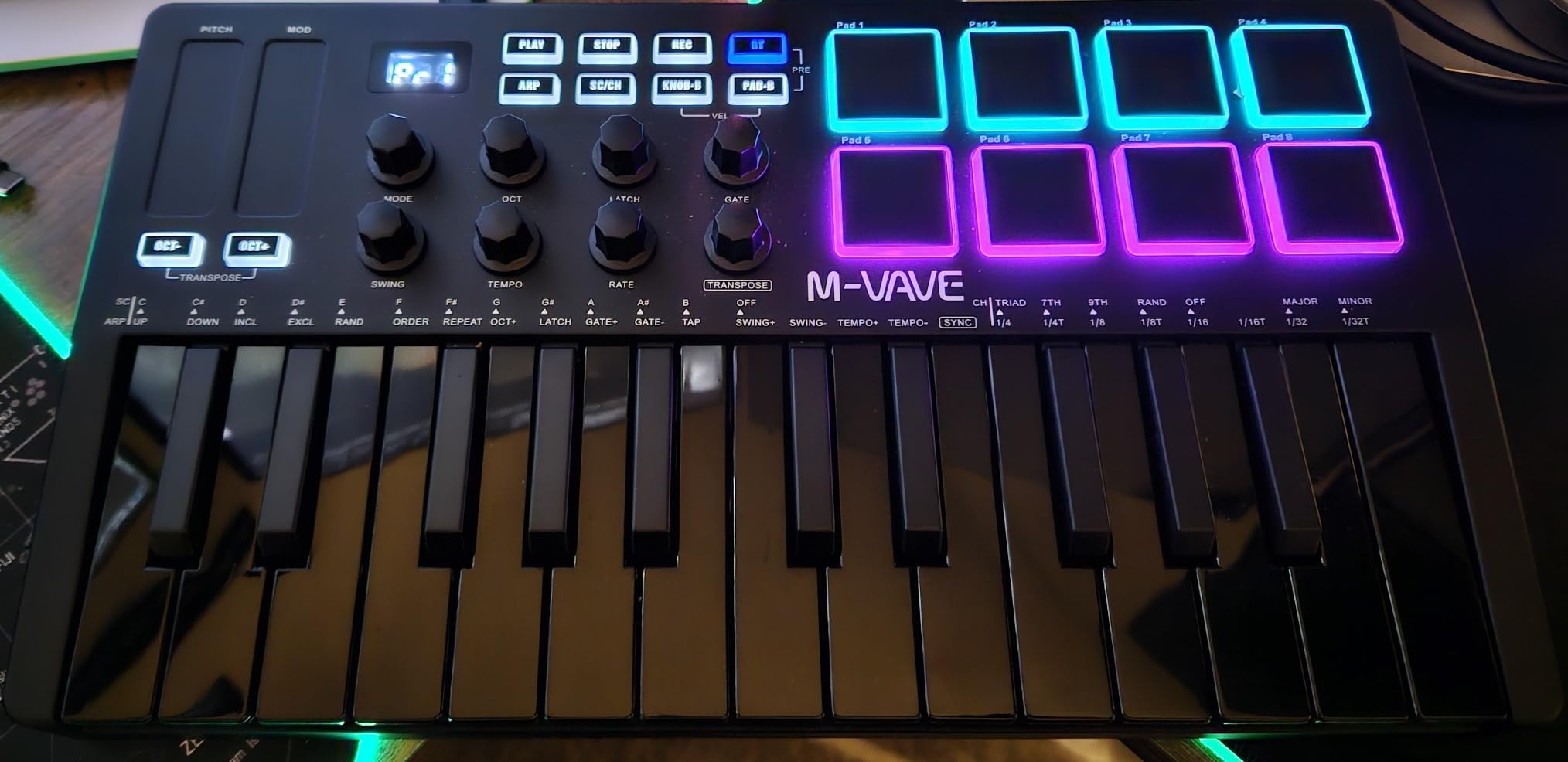
The 8 RGB backlit pads respond to both velocity and pressure, giving you expressive control over drum sounds and samples. The 8 rotary encoders are the infinite type, meaning they keep spinning without stops, which works well for filter sweeps and gradual parameter changes.
Smart chord and smart sound functions help beginners play musical material that would otherwise require more technique. The scale and chord features are particularly useful if you are still learning music theory.
Who Is This Keyboard For?
The M-VAVE is for beginners who value flexibility in their physical setup. If your computer connects to a TV, if you like playing from a distance, or if you simply hate cables, the Bluetooth connection is liberating. It is also solid for mobile setups with tablets.
If you mainly work at a desk with your computer within arm’s reach, a wired controller will serve you equally well with less complexity.
Wireless vs USB Performance
Bluetooth MIDI adds a small amount of latency compared to USB. For most playing and composing, this is barely noticeable. For precision recording where timing matters greatly, you may want to connect via USB to eliminate any delay.
The companion CubeSuite software is required for deeper customization of the pads and encoders. It works well on Windows, but some users report compatibility issues with older Mac operating systems. Check your system version before purchasing if customization matters to you.
9. Arturia KeyLab Essential 49 mk3 – The Step-Up Choice
Arturia KeyLab Essential mk3 — 49 Key USB MIDI Keyboard Controller with Analog Lab V Software Included
49 synth-action velocity-sensitive keys
9 faders and 9 encoders
2.5-inch LCD display
Scale, Chord and Arpeggiator modes
2000 presets from Analog Lab V
Pros
- High-quality Fatar keybed
- Extensive bundled software worth over 400 dollars
- Custom DAW integration for major platforms
- RGB-backlit pads with pressure sensitivity
- Bright LCD display for feedback
Cons
- Software installation can be daunting
- Plastic wood-look sides feel cheap to some users
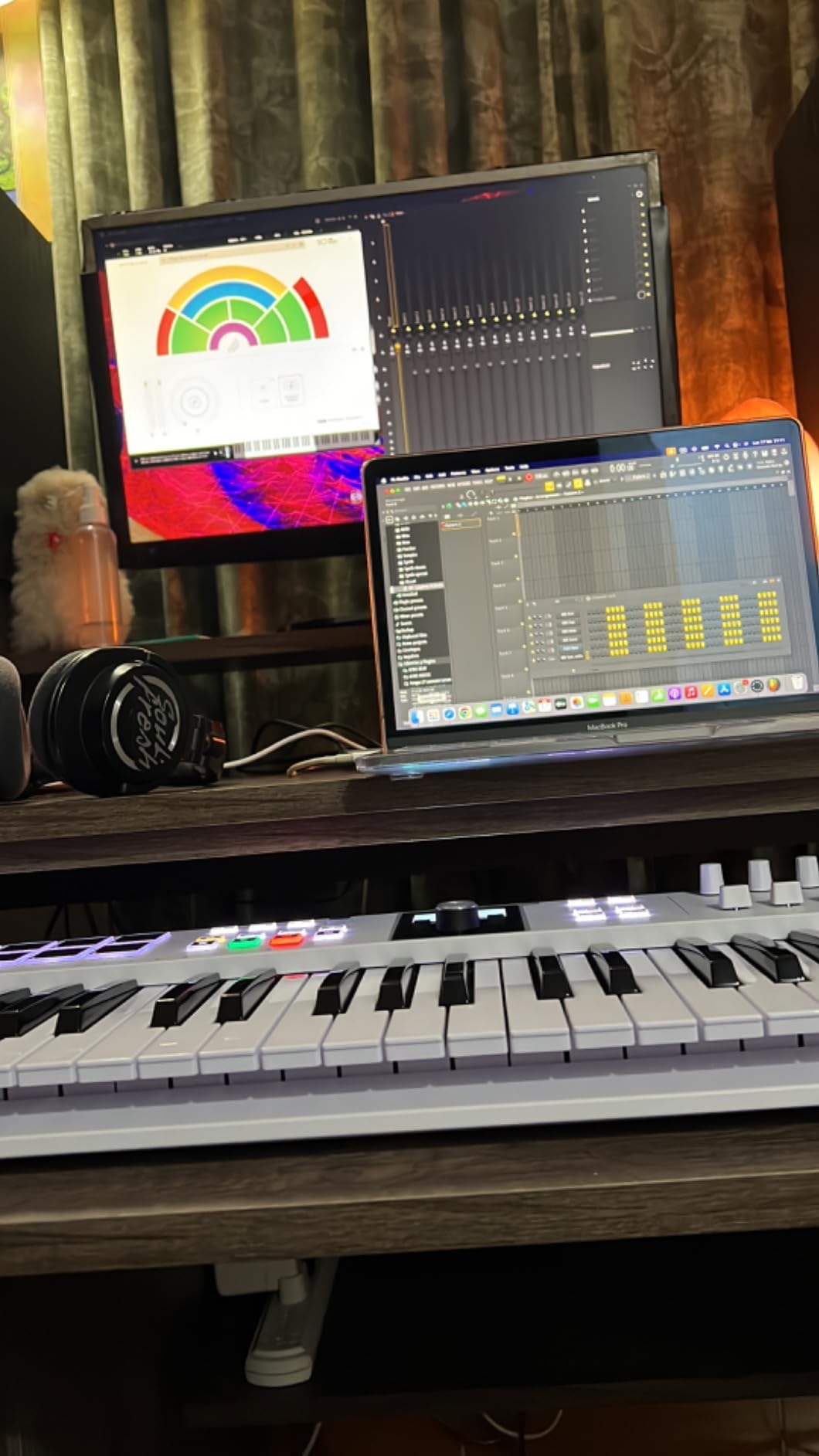
The Arturia KeyLab Essential 49 mk3 is what I recommend when a beginner is confident they will stick with music production and wants to buy once. The Fatar keybed is the same type used in professional instruments, and the difference is immediately noticeable when you play it.
The control surface is extensive. You get 9 faders, 9 encoders, and 8 RGB-backlit pads, which is enough to mix a track and perform simultaneously. The 2.5-inch LCD screen shows you what each control is doing in real time, eliminating the guesswork of unlabeled controllers.
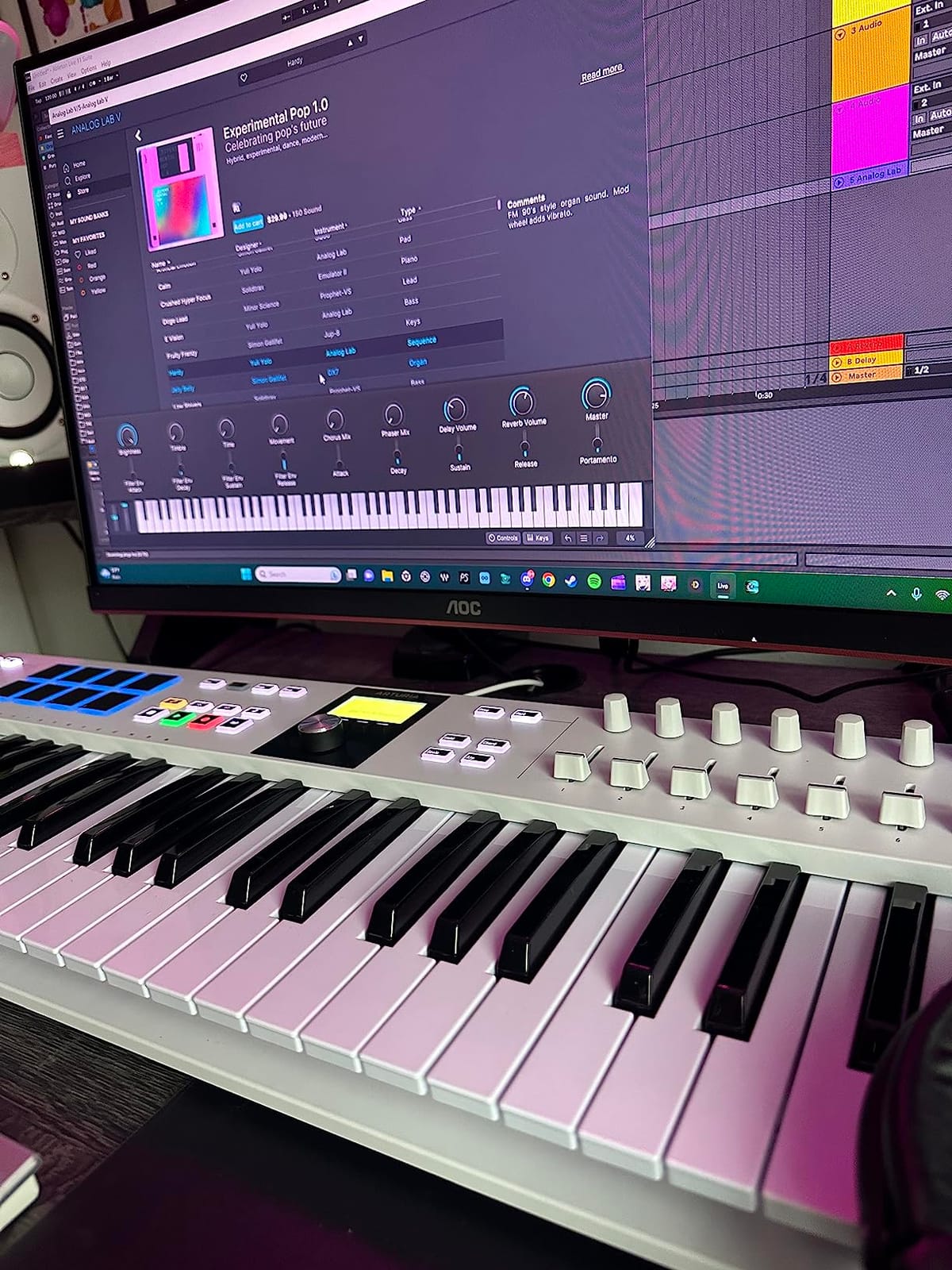
The Scale Mode, Chord Mode, and Arpeggiator are genuinely useful creative tools. Scale Mode restricts the keys to notes within your chosen scale, so you literally cannot play a wrong note. Chord Mode lets you trigger full chords from single keys. These features accelerate composition dramatically.
The software bundle is arguably the best in this entire guide. Analog Lab V with 2000 presets, UVI Model D piano, Native Instruments The Gentleman piano, plus Loopcloud and Melodics subscriptions. The total value exceeds what you pay for the keyboard itself.
Who Is This Keyboard For?
The KeyLab Essential 49 mk3 is for the committed beginner who wants professional-grade tools from the start. If you know you will produce music regularly and want a controller that will serve you for years, this is a smart investment. The 49 keys plus deep control surface cover both playing and mixing.
If you are genuinely uncertain whether music production will hold your interest, start smaller and upgrade later. This keyboard rewards commitment.
Software and Sound Library
Analog Lab V alone justifies attention here. It contains thousands of presets drawn from Arturia’s acclaimed software instrument collection, covering analog synths, digital synths, pianos, organs, and orchestral sounds. For a beginner, having this palette available immediately is inspiring.
The two included piano instruments, UVI Model D and NI The Gentleman, are detailed and expressive. If classical or cinematic music interests you, these instruments provide realistic piano tones that respond to your playing dynamics. The initial software setup takes patience, but the payoff is substantial.
10. Novation Launchkey 61 MK4 – The Serious Beginner’s Keyboard
Novation Launchkey 61 MK4 USB MIDI Keyboard Controller
61 semi-weighted waterfall keys
16 FSR pads with polyphonic aftertouch
Scale and Chord modes
Generative arpeggiator
Step sequencer and clip launcher
Pros
- High-quality semi-weighted 61-key keybed
- 16 FSR pads with polyphonic aftertouch
- Excellent DAW integration across platforms
- Scale and Chord modes prevent wrong notes
- NKS compatibility with Native Instruments
Cons
- Higher price point than competitors
- USB cable may not be included in all listings
The Novation Launchkey 61 MK4 is the most capable keyboard in this guide, and it earns its place because some beginners genuinely need 61 keys. If you are learning piano seriously, composing complex arrangements, or performing live, the extra range matters. Novation built this controller to be the last one many people will need.
The semi-weighted waterfall keys provide a playing experience that bridges synthesizer and piano feel. They respond dynamically without the heaviness of a fully weighted action. For long playing sessions, this balance reduces fatigue while maintaining expressiveness.
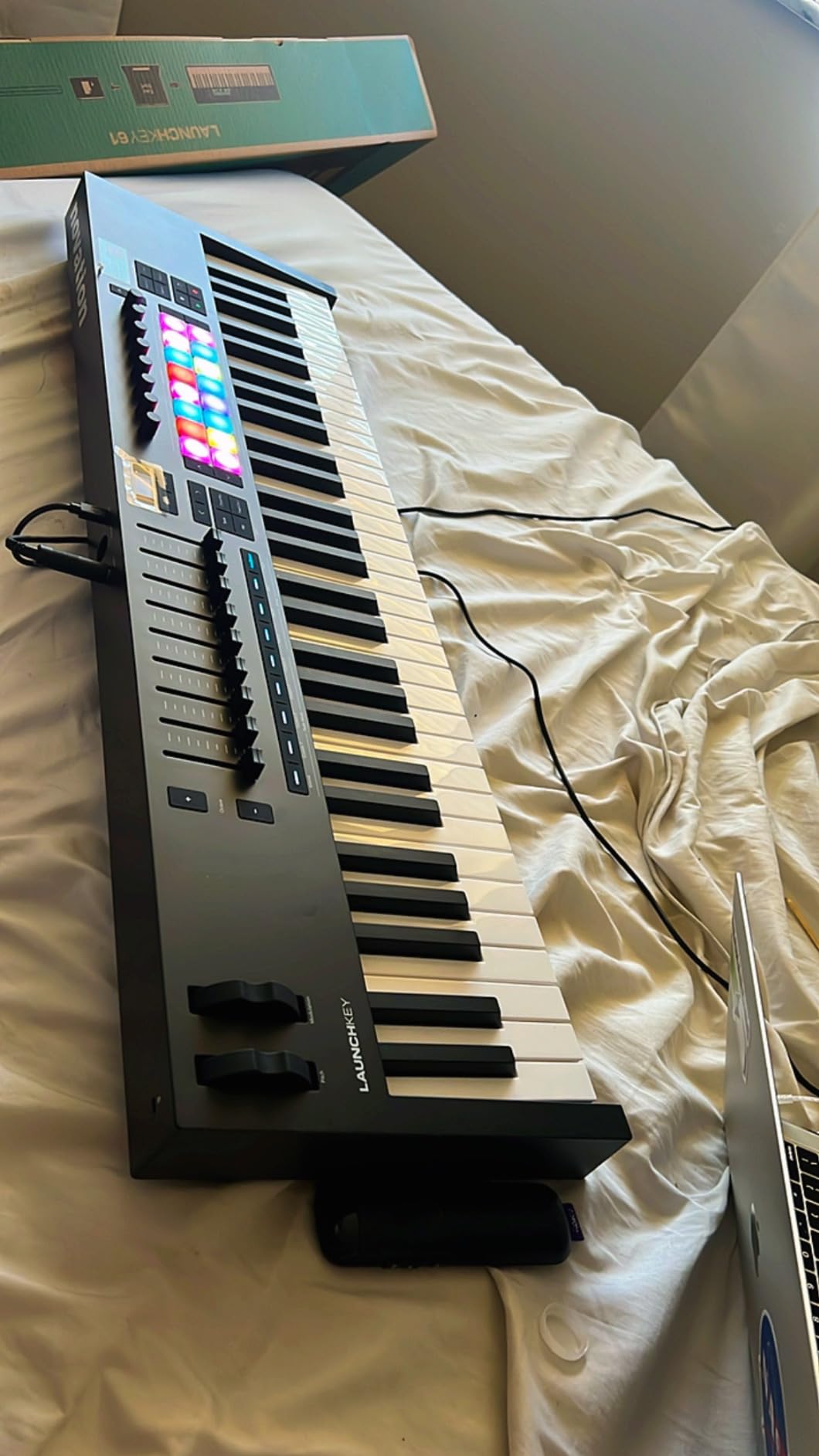
The 16 FSR pads with polyphonic aftertouch are a professional feature rarely seen in beginner-focused gear. Aftertouch lets you add expression to sustained notes by pressing harder after the initial strike. Polyphonic aftertouch means each note responds independently, which opens advanced expressive possibilities.
Scale Mode and Chord Mode work exactly as you would hope, keeping your playing in key and letting you build harmonic content quickly. The generative arpeggiator with per-step editing creates evolving patterns from simple inputs. These are creative tools that grow with you.
Who Is This Keyboard For?
The Launchkey 61 MK4 is for the beginner who is certain about their commitment and wants room to grow. If you plan to learn two-handed piano, compose orchestral arrangements, or perform live within a few years, 61 keys prevents an upgrade cycle. It is also the best choice here for Ableton Live users.
If you mainly want to make beats or sketch ideas, this is more keyboard than you need. The size requires a dedicated space in your setup.
Ableton and DAW Integration
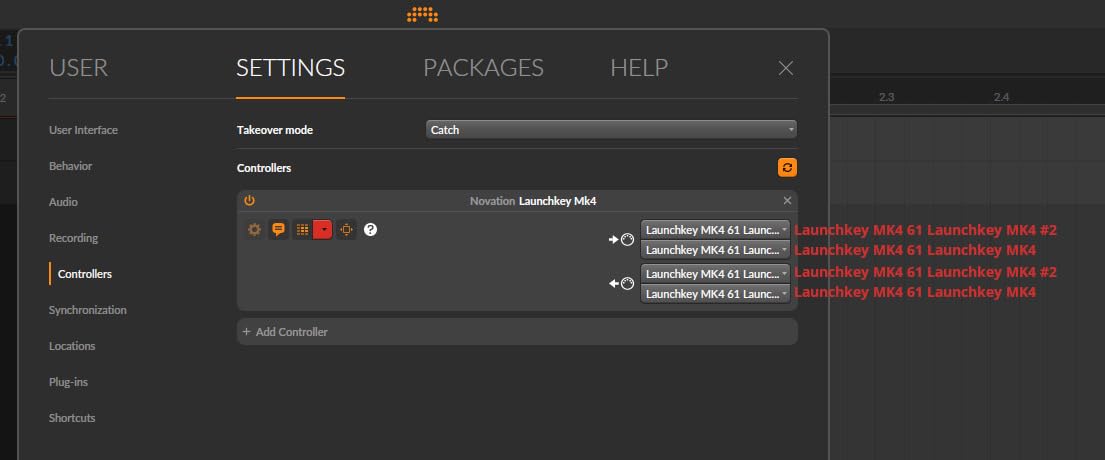
Novation is owned by Focusrite, the same company behind Ableton Live distribution partnerships, and the integration shows. The clip launcher pads map directly to Ableton’s session view, letting you trigger and stop clips without touching your mouse. This transforms live performance and arrangement workflows.
Beyond Ableton, the Launchkey integrates well with Logic Pro, Cubase, Reason, Reaper, and FL Studio. The included software bundle provides Ableton Live Lite, Cubase LE, sounds from GForce, Klevgrand, Orchestral Tools, and Native Instruments, plus Melodics lessons. It is a complete production environment out of the box.
How to Choose the Best MIDI Keyboard for Beginners
Choosing your first MIDI keyboard comes down to a few practical questions. Answer these honestly and the right option usually becomes obvious.
How Many Keys Do You Actually Need?
Key count is the biggest factor affecting both price and usability. Here is a straightforward breakdown based on how you plan to play.
A 25-key controller works well for beat making, bass lines, and single-hand melodies. You will use the octave buttons to reach higher or lower notes. This size fits on almost any desk and travels easily.
A 32 or 37-key controller gives slightly more range before needing to shift octaves. This reduces interruption when you are playing melodic lines that span more than two octaves.
A 49-key controller lets you play with both hands simultaneously. This is the minimum for practicing actual piano pieces and composing arrangements with independent bass and melody lines. If learning piano is part of your goal, start at 49 keys.
A 61-key controller provides the range of most real piano music minus the extreme top and bottom octaves. Serious piano students and arrangers benefit from this. Only the Novation Launchkey 61 in our list offers this range.
Key Size and Action Type
Mini keys are smaller than piano keys and take adjustment if you have any piano experience. They work fine for programming notes and playing simple parts, but complex passages become harder. Full-size keys match the spacing and dimensions of a real piano.
Synth action keys are light and springy, returning quickly after you release them. These suit fast playing and electronic music styles. Semi-weighted keys add slight resistance that mimics acoustic instruments somewhat. Fully weighted or hammer action keys replicate piano feel most closely, though none of the keyboards in this beginner list have full hammer action.
Velocity Sensitivity and Expression
Velocity sensitivity means the keyboard detects how hard you press each key and translates that into volume or timbre changes. Every keyboard on our list has this feature, and it is essential for expressive playing. Without it, every note sounds identical regardless of your touch.
Aftertouch is an additional layer of expression where pressing harder after a note starts can add vibrato, filter changes, or other effects. The Novation Launchkey 61 MK4 offers the most advanced version with polyphonic aftertouch.
DAW Compatibility
Your DAW is the software where your music actually lives. Popular options include Ableton Live, FL Studio, Logic Pro, GarageBand, Cubase, Reaper, and Studio One. Every keyboard in this guide works with all major DAWs at a basic level.
Some controllers offer deeper integration where knobs and faders automatically control your specific DAW’s mixer and transport. Nektar excels at this across many platforms. Novation dominates for Ableton Live specifically. Arturia provides custom scripts for several DAWs.
Connectivity Options
USB is the standard connection for all beginner controllers. You plug into your computer and everything works. USB also powers the keyboard in most cases, eliminating the need for batteries or adapters.
5-pin MIDI ports let you connect directly to hardware synthesizers and sound modules without a computer. The Arturia MiniLab 3 and KeyLab Essential both include this. Consider it if you might add hardware instruments later.
Bluetooth wireless connectivity, available on the M-VAVE, removes the cable entirely. This adds convenience at the cost of slight latency and the need to charge batteries.
Software Bundles
The software included with your keyboard often represents significant value. A DAW like Ableton Live Lite or Bitwig Studio lets you start producing immediately. Virtual instruments expand your sound palette beyond what free software offers.
Learning resources matter equally for beginners. Skoove and Melodics provide structured lessons that build real skills. The Donner N-25 includes 40 teaching courses, while the M-Audio keyboards include Melodics lessons. These can save you the cost of months of private instruction.
Portability Considerations
Think about where you will actually use your keyboard. If you have a permanent desk setup, size matters less. If you plan to produce in different locations or have limited space, a compact controller makes your life easier.
The M-Audio Keystation Mini 32 at 454 grams and the Akai MPK Mini at 0.9 kg are the most portable options here. The Novation Launchkey 61 at 10.5 pounds requires a dedicated stationary setup.
Budget Strategy for Beginners
My honest advice after watching many people start this hobby: buy the least expensive keyboard that meets your core needs, then upgrade if you stick with it. The Donner N-25 or M-Audio Keystation Mini 32 will teach you whether MIDI production engages you.
If you already have some musical experience and strong commitment, investing more upfront in something like the Arturia KeyLab Essential or Novation Launchkey saves you from buying twice. Only you can assess your own likelihood of continued interest.
Frequently Asked Questions
Which MIDI keyboard is best for beginners?
The Akai Professional MPK Mini MK3 is the most popular choice for beginners, with over 30,000 reviews and a 4.6 rating. It combines 25 velocity-sensitive keys, 8 drum pads, 8 knobs, and a complete software suite at an accessible level. For full-size keys, the M-Audio Keystation 49 MK3 is equally well-regarded.
Should I get a 25 or 49 key MIDI keyboard?
Choose 25 keys if you mainly want to make beats, play bass lines, or write melodies one hand at a time, and if portability matters to you. Choose 49 keys if you want to play with both hands, practice piano pieces, or compose arrangements with independent bass and melody parts. Most beginners who stick with music production eventually appreciate having at least 49 keys.
Can I learn to play piano with a MIDI keyboard?
Yes, you can learn piano fundamentals on a MIDI keyboard. You will need at least 49 full-size keys to practice proper hand positioning and two-handed pieces. Pair the keyboard with a piano plugin or virtual instrument for sound, and consider sustain pedal input for expressive playing. A MIDI keyboard will not fully replace an acoustic piano for advanced technique, but it works well for beginner through intermediate study.
Is a MIDI keyboard good for beginners?
A MIDI keyboard is one of the best first purchases for anyone interested in music production. It provides a natural, tactile way to play virtual instruments, record ideas, and learn music fundamentals. Unlike a regular keyboard or piano, a MIDI controller works with your computer to access thousands of sounds, making it extremely versatile for the investment.
Does a beginner need 88 keys?
No, a beginner does not need 88 keys. Most beginner music production and learning happens well within a 49 or 61 key range. A 25 or 32 key controller covers beat making and melody writing. Only pianists pursuing advanced classical repertoire truly need the full 88 keys, and even then, many start on smaller instruments and upgrade later.
What is the most popular MIDI keyboard?
The Akai Professional MPK Mini MK3 is the best-selling MIDI controller, ranked number one in its Amazon category with over 30,000 reviews. The Novation Launchkey series and Arturia MiniLab line are also extremely popular among both beginners and professionals.
Final Thoughts on MIDI Keyboards for Beginners
The best MIDI keyboard for beginners depends entirely on how you plan to make music. For beat making and general production, the Akai MPK Mini MK3 is the proven choice with an enormous user community. For the best playing experience in a compact size, the Arturia MiniLab 3 offers superior key feel and a generous software bundle. For learning piano alongside production, the M-Audio Keystation 49 MK3 provides full-size keys and structured lessons.
My strongest advice is to pick one and start making music this week. The perfect keyboard that sits unopened helps no one, while an imperfect keyboard you play daily teaches you everything. Every single option in this guide is capable of producing professional results in the right hands.
Start with your budget, be honest about whether you need full-size keys, and choose the bundle that matches the DAW you want to learn. Any of these ten keyboards will serve you well as you take your first steps into music production in 2026.
1 thought on “10 Best MIDI Keyboards for Beginners (October 2026) Top Reviews”