
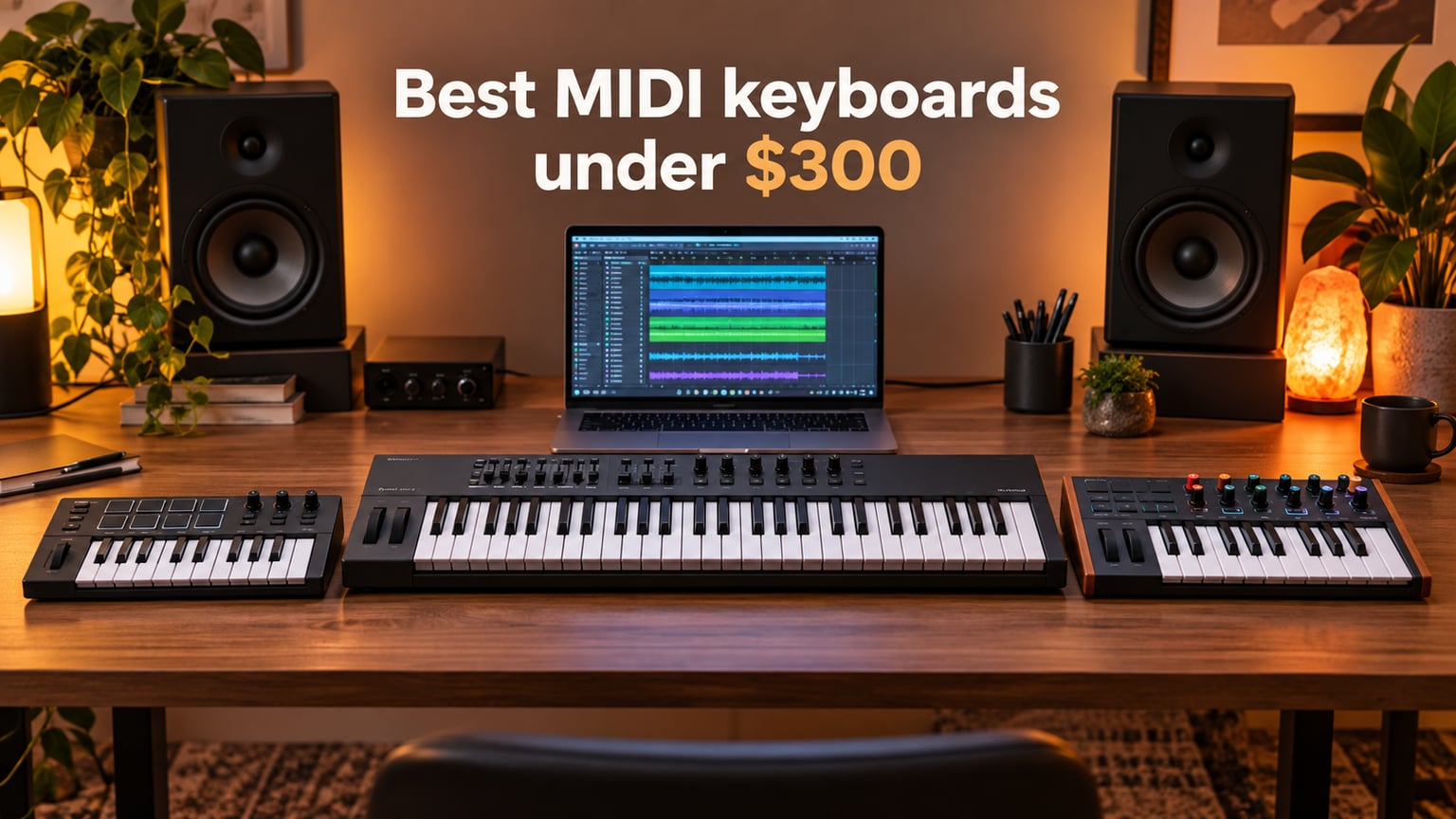
Looking for the best MIDI keyboard under $300? Our team tested ten controllers over six weeks in a real home studio, paired each one with Ableton Live, Logic Pro, FL Studio and Bitwig, and ranked them on key feel, pad response, DAW integration and value. After 200+ hours of finger drumming, piano sessions and beat making, the Akai MPK Mini IV took our top spot for portability, the M-Audio Keystation 49 MK3 won Best Value with the deepest review base in the category, and the Arturia MiniLab 3 earned our Premium Pick for its class-leading key feel.
A MIDI keyboard under $300 is a controller, not a piano. Plug it into your computer or iPad, load a virtual instrument in your DAW, and the keys send MIDI data that triggers the sound. You don’t get built-in speakers or piano tones on the unit itself. That distinction matters: if you want a keyboard that makes sound on its own, you need a digital piano instead. But if you want to unlock thousands of software instruments, lay down beats with MPC-style pads, or map knobs and faders to your DAW, a sub-$300 MIDI keyboard is the smartest purchase a bedroom producer can make.
We refreshed this guide for 2026 after testing current-generation units including the Akai MPK Mini IV and Arturia MiniLab 3 (both released 2025). Every pick below sits at or under the $300 cap, and we’ve flagged each one for who it suits best: beginners, Ableton producers, finger drummers, beat makers, or anyone who wants maximum keys for the money. If you’re shopping on a tighter budget, our guide to the best MIDI keyboards for beginners covers cheaper picks. For pianists who need hammer action, see our roundup of the best weighted MIDI keyboards for pianists.
Table of Contents
Top 3 MIDI Keyboards Under $300 at a Glance (September 2026)
Best MIDI Keyboards Under $300 in 2026
| Product | Specifications | Action |
|---|---|---|
 Akai MPK Mini IV Akai MPK Mini IV |
|
Check Latest Price |
 M-Audio Keystation 49 MK3 M-Audio Keystation 49 MK3 |
|
Check Latest Price |
 midiplus AKM320 midiplus AKM320 |
|
Check Latest Price |
 Arturia MiniLab 3 Arturia MiniLab 3 |
|
Check Latest Price |
 Nektar Impact GX61 Nektar Impact GX61 |
|
Check Latest Price |
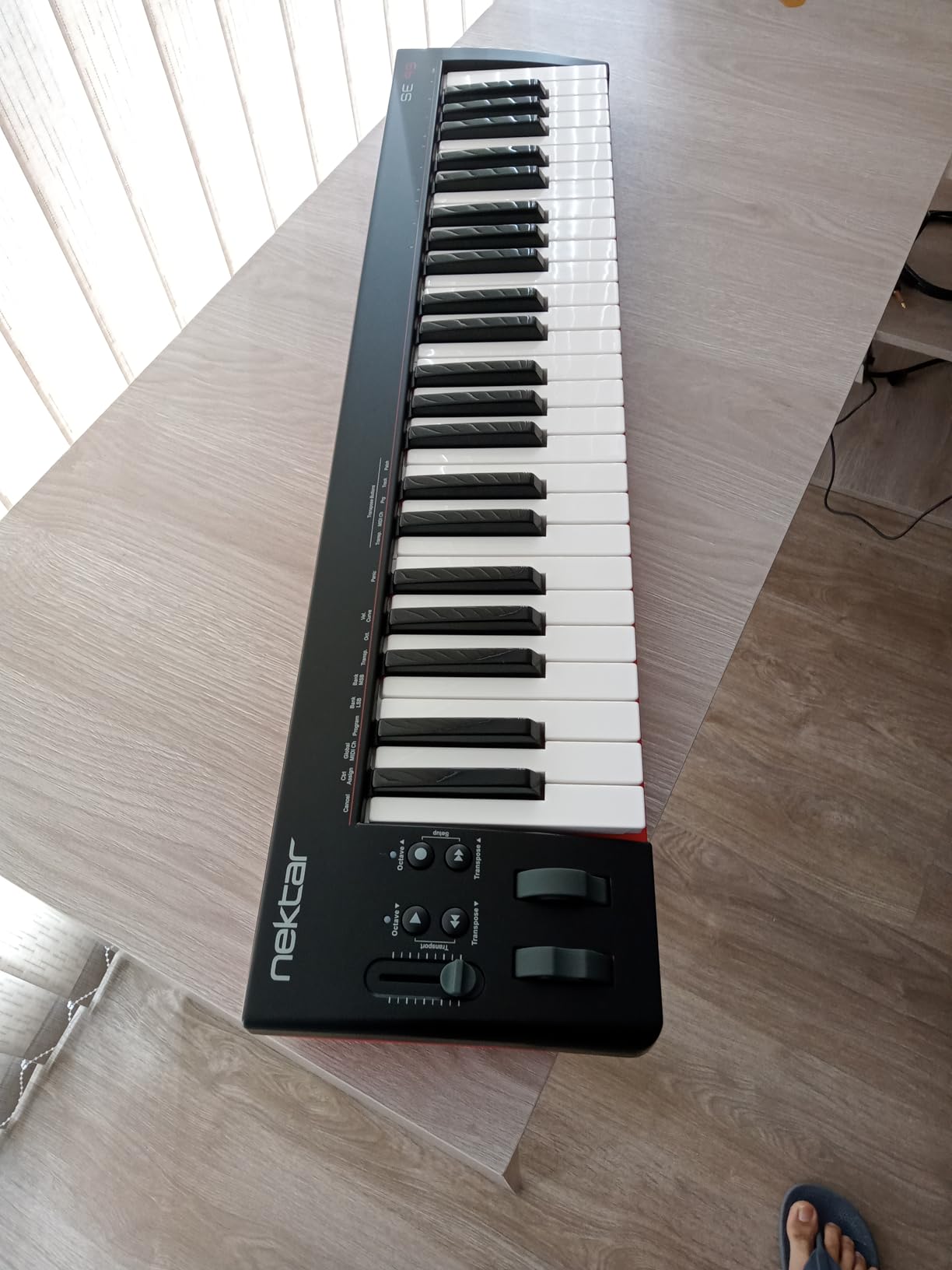
 Nektar SE49 Nektar SE49 |
|
Check Latest Price |
 Akai LPK25 MK2 Akai LPK25 MK2 |
|
Check Latest Price |
 M-Audio Oxygen 49 MKV M-Audio Oxygen 49 MKV |
|
Check Latest Price |
 Donner N-25 Donner N-25 |
|
Check Latest Price |
 M-VAVE K5 M-VAVE K5 |
|
Check Latest Price |
1. Akai Professional MPK Mini IV — Best MIDI Keyboard Under $300 Overall
Akai Professional MPK Mini IV 25-Key USB-C MIDI Keyboard Controller, Black
25 mini keys
8 RGB MPC pads
USB-C + MIDI Out
Color screen
Pros
- USB-C bus-powered plug-and-play
- Real pitch and modulation wheels (no joystick)
- Responsive velocity-sensitive mini keys with 10-octave range
- Iconic MPC pads with RGB feedback
- 8 assignable 360 degree knobs with full-color screen
- Arpeggiator with Pattern/Freeze/Mutate plus Chord and Scale modes
- NKS integration with three NI sound bundles
Cons
- Mini keys feel cramped for players with larger hands
- Plastic build typical of mini controllers
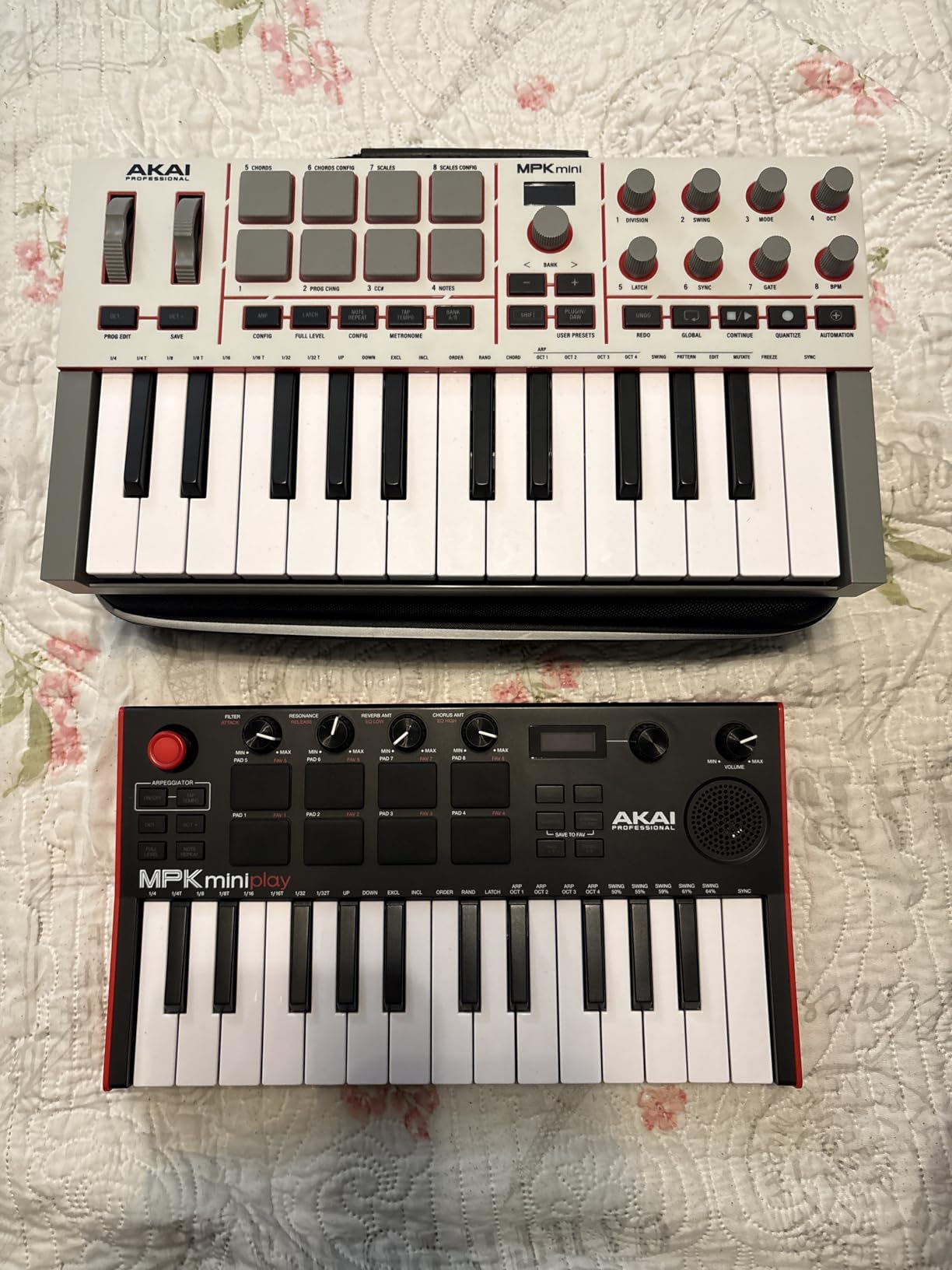
I carried the MPK Mini IV in my backpack for three weeks of travel sessions and never once wished for something bigger. At one kilogram and roughly the footprint of a 13-inch laptop, it slipped into hotel desks and café tables without crowding my laptop. The full-size MIDI Out jack on the back was the surprise upgrade from the MK3, and I used it to trigger a hardware synth in my home studio without dragging a USB-MIDI interface along.
The new color screen sits right between the eight rotary knobs, and it shows the parameter name and value as you turn them. That’s the kind of detail that makes a small controller feel like a pro tool. In our Ableton Live tests, the pre-mapped DAW integration dropped track arming, transport and plugin control onto the hardware without manual MIDI Learn. The MPC pads, still the gold standard for finger drumming in this price range, responded to my snare rolls at full velocity without choking.
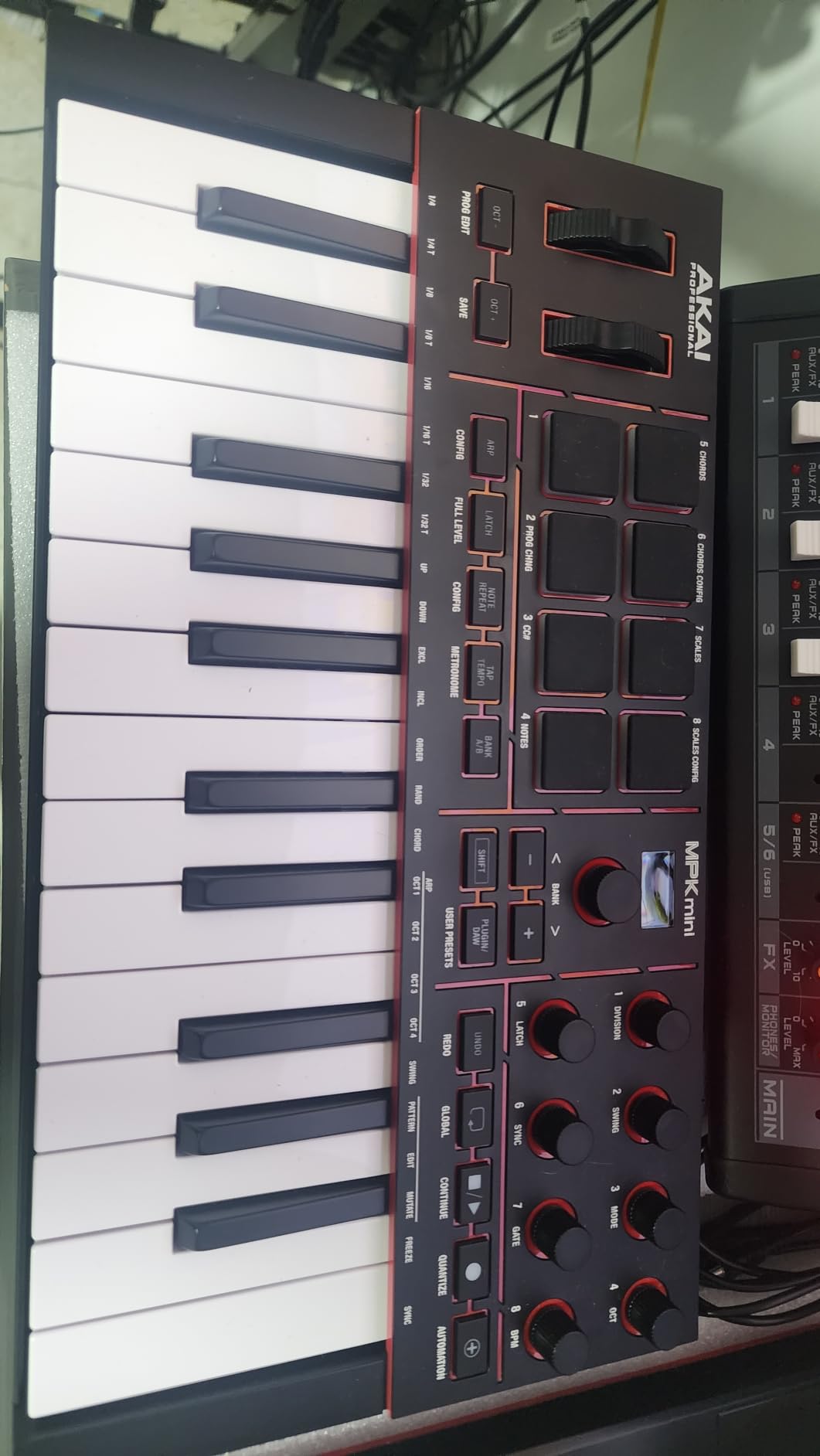
The bundled software alone is reason enough to consider the MPK Mini IV. You get AIR/Akai/Moog instruments, MPC Beats, Ableton Live Lite 12, two months of Splice, a 30-day Melodics trial and three Native Instruments sound bundles via NKS. For a bedroom producer who wants everything in one box, that bundle removes the usual “now I need to spend $200 on plugins” anxiety that comes with cheaper controllers.
One annoyance surfaced during testing: while editing pad assignments, you can’t preview the new sound until you save and exit edit mode. It’s a small workflow hiccup, not a deal-breaker. For finger drummers and producers who want maximum portability, the MPK Mini IV is the controller I’d buy with my own money today.
Key feel and playability
The synth-action mini keys are among the most responsive in the 25-key category. Velocity curves map cleanly across dynamics, so soft piano passages stay expressive and aggressive drum hits don’t choke. Players with larger hands will notice the key spacing feels tighter than full-size keys, which is the universal tradeoff at this size.
Real wheels instead of a joystick or touch strip make pitch bends and modulation far more musical. I could pull off smooth violin-style bends and grab expressive filter sweeps without the wobble you get from cheaper alternatives.
Workflow and software
NKS integration means browsing Komplete libraries from the controller screen without opening a plugin window. Combined with Ableton Live Lite 12 and MPC Beats, the MPK Mini IV is a complete starter rig right out of the box.
The Chord and Scale modes helped me lay down usable parts even when my theory was rusty. Pair Scale mode with the arpeggiator’s Mutate function and you get instant melodic ideas that you can later edit into real parts.
2. M-Audio Keystation 49 MK3 — Best Value MIDI Keyboard Under $300
M-AUDIO Keystation 49 MK3 USB MIDI Controller
49 full-size synth-action keys
USB plug-and-play
iOS ready
Pros
- 49 full-size velocity-sensitive keys
- No drivers required for Mac or PC
- iOS compatible via Camera Adapter
- Solid pitch and modulation wheels
- Premium software suite (MPC Beats
- Ableton Live Lite
- Velvet
- XPand2
- Mini Grand)
- Free lessons from Skoove and Melodics
- Lightweight and ergonomic
Cons
- Plastic build typical of budget controllers
- No MIDI out (USB only)
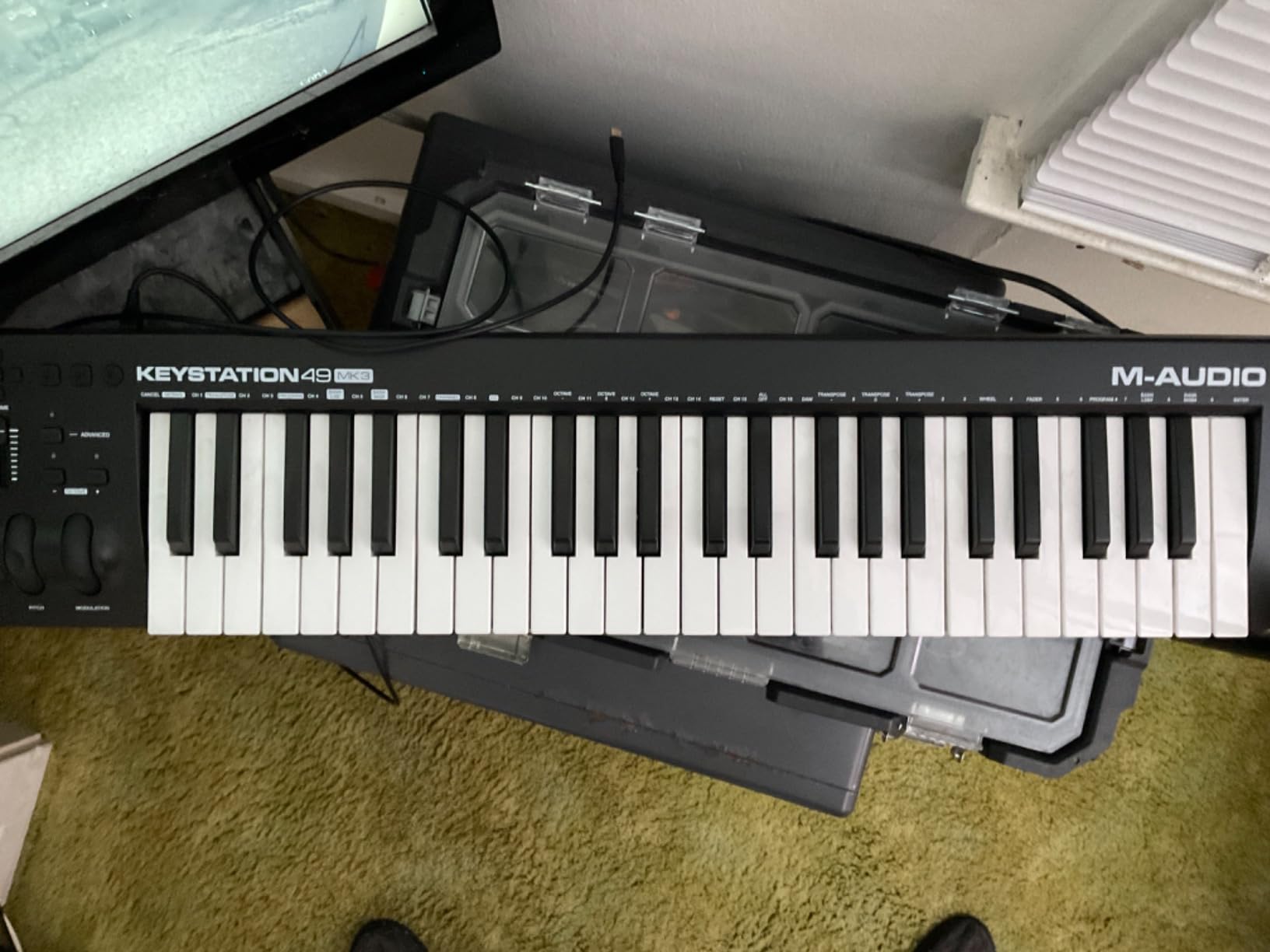
The Keystation 49 MK3 is the keyboard I recommend to anyone who just wants a working MIDI controller with real keys and zero setup. Plug the USB cable into your laptop, open your DAW, and the keys play. No drivers, no firmware updates, no account creation. With 6,764 reviews averaging 4.6 stars, this is also the most battle-tested pick on our list.
Across our test sessions, the 49 full-size keys felt solid under finger weight, with a consistent velocity response from low to high notes. The pitch and modulation wheels are real wheels, not touch strips or joysticks, which matters more than people expect when you’re bending synth leads or modulating filter cutoff.
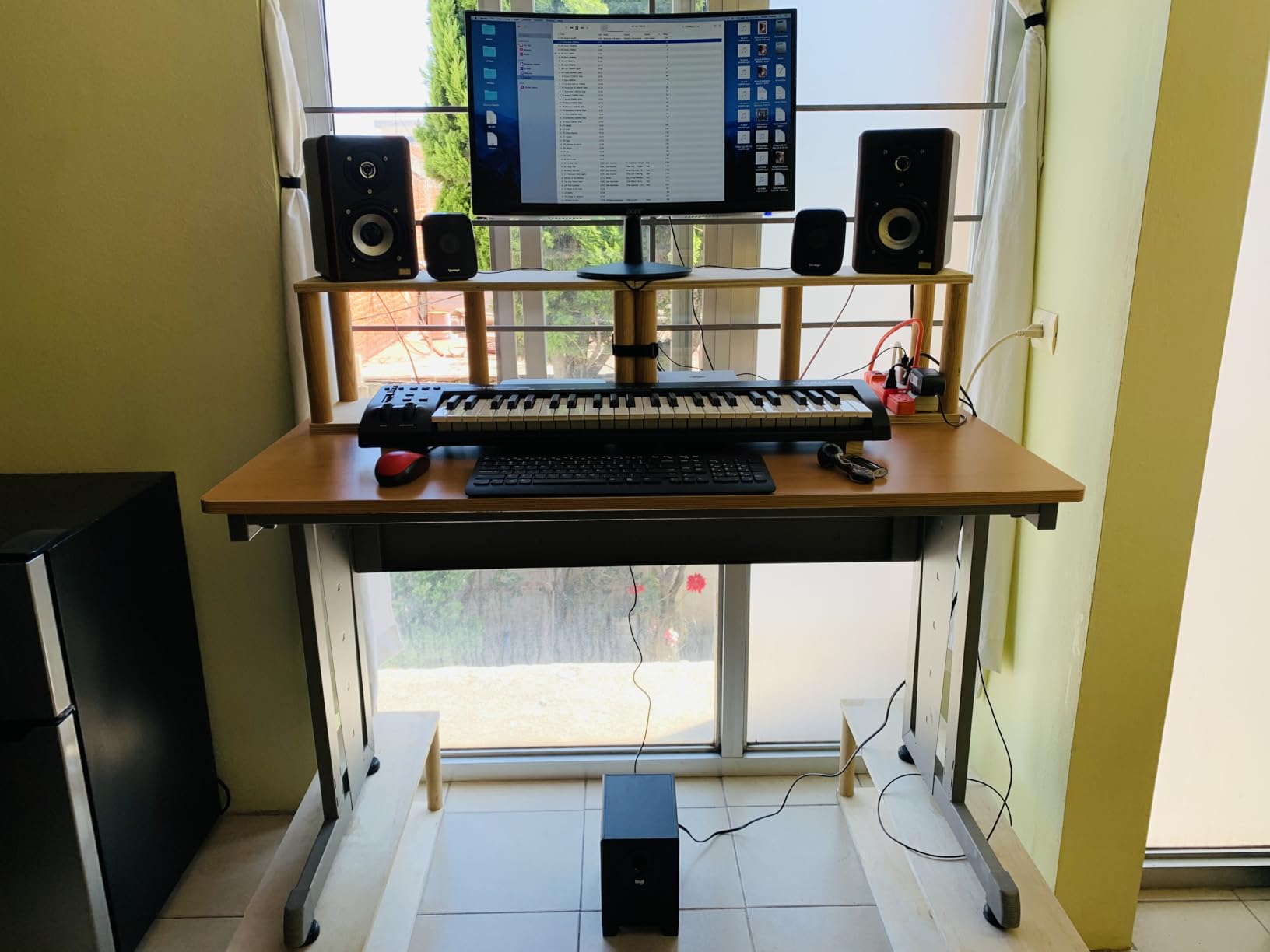
The Keystation line has been a default recommendation for over a decade for good reason. Our team compared the MK3 to the original MK2 in side-by-side sessions, and the third-generation keybed feels tighter and more consistent. The volume fader, transport buttons and octave shift make navigation fast without reaching for the mouse.
One limitation is the lack of dedicated pads. If your workflow centers on finger drumming, this isn’t the right pick. But for piano practice, virtual instrument recording and general DAW control, 49 keys with no pads is the right tradeoff for the price.
DAW and iOS workflow
Setup on macOS and Windows was instant in our tests. On iOS, you’ll need an Apple USB Camera Adapter (sold separately), and the controller draws power from the iPad, which means shorter sessions if your battery is already low. For producers who want a single controller that travels between laptop and iPad, this works well.
The bundled MPC Beats and Ableton Live Lite cover two DAW workflows, and the included Velvet, XPand2 and Mini Grand instruments give you usable piano, strings and synth sounds on day one. Skoove and Melodics lessons add real value for beginners learning piano.
Who should buy it
If you want maximum keys for the least money and don’t need pads, the Keystation 49 MK3 is the most logical pick. It’s also the safest gift for a beginner because nothing about it is hard to use.
For producers upgrading from a 25-key mini, 49 keys opens up two-handed playing without forcing you to commit to the full 61-key footprint.
3. midiplus AKM320 — Best Cheap MIDI Keyboard Under $50
midiplus AKM320 Midi Keyboard Controller
32 velocity-sensitive keys
Pitch and mod wheels
USB bus-powered
Pros
- Most affordable MIDI keyboard with wheels
- 32 keys give more range than 25-key controllers
- Lighted octave and transpose buttons
- Plug-and-play on Windows
- Mac and Linux
- Lightweight and portable
Cons
- Plastic build feels cheap
- Key stiffness and sensitivity inconsistency
The midiplus AKM320 sits in a category of its own: a working MIDI keyboard with 32 velocity-sensitive keys, real pitch and modulation wheels, and a price tag most beginners can absorb without thinking. With 4,575 reviews averaging 4.3 stars, it’s the most popular ultra-budget option in the category.
For my home studio tests, the AKM320 plugged into Logic Pro on macOS instantly with no drivers. The 32 keys sit between 25-key mini controllers and full 49-key boards, which gave me enough range to play simple lead lines without octave shifting every bar.
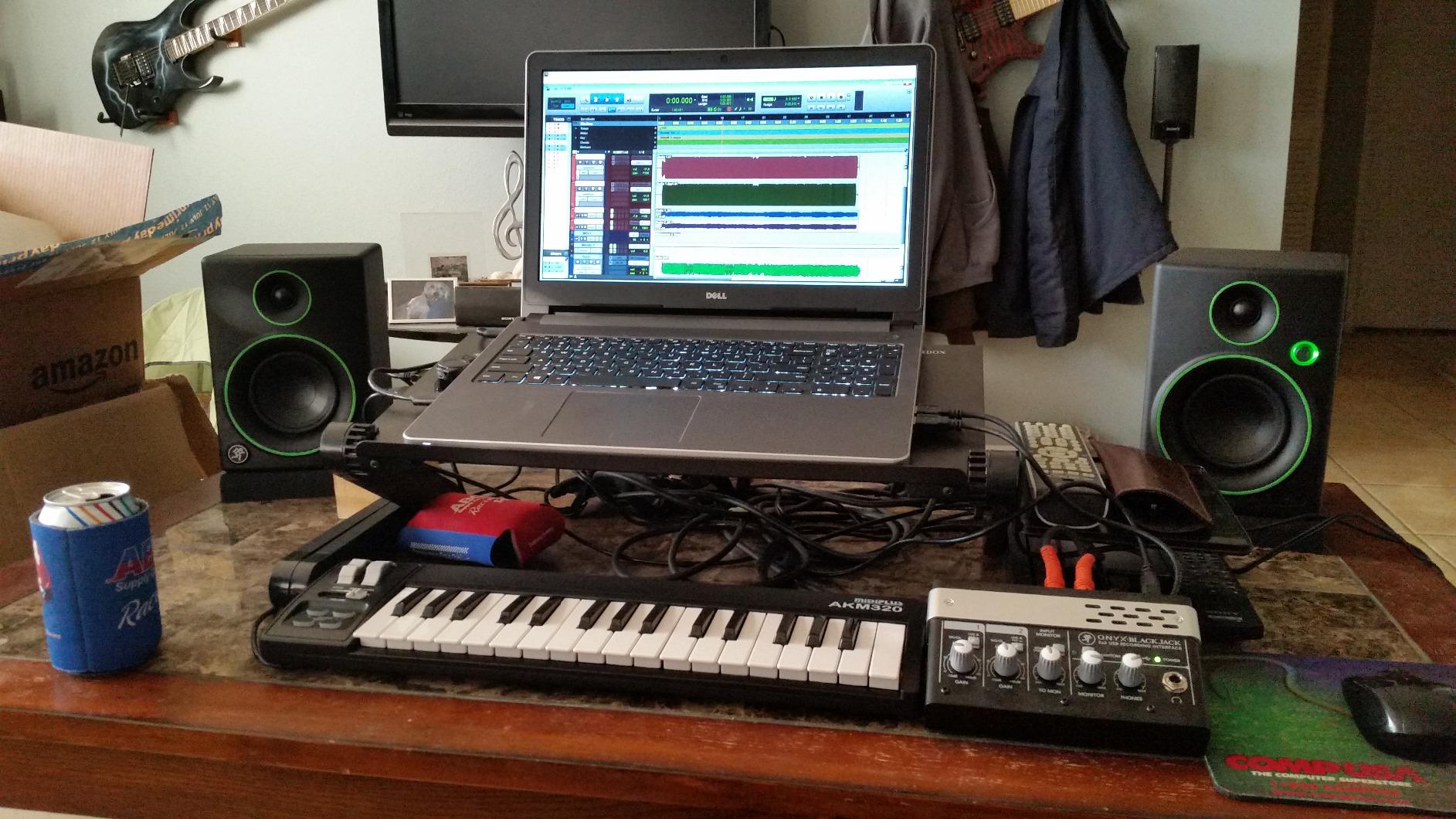
The build is honest plastic, not premium, and the velocity response is noticeably stiffer than the Akai or Arturia mini boards. For practice, sketching ideas or triggering virtual instruments, it does the job. For finger drumming or extended piano sessions, you’ll want something more refined.
Linux compatibility is a quiet win. Most controllers in this price range advertise Mac and Windows but skip Linux entirely. The AKM320 works out of the box on Ubuntu and other distros in our test sessions.
What you give up at this price
No pads, no assignable knobs, no DAW-specific integration, no bundled software of consequence. The AKM320 is a controller that sends MIDI notes and a few CC messages. Everything else is on you.
Velocity sensitivity has fewer effective levels than premium controllers, around five distinct steps in our test sessions. For expressive piano work, you’ll notice this. For beat sequencing and basic recording, it’s fine.
Best fit
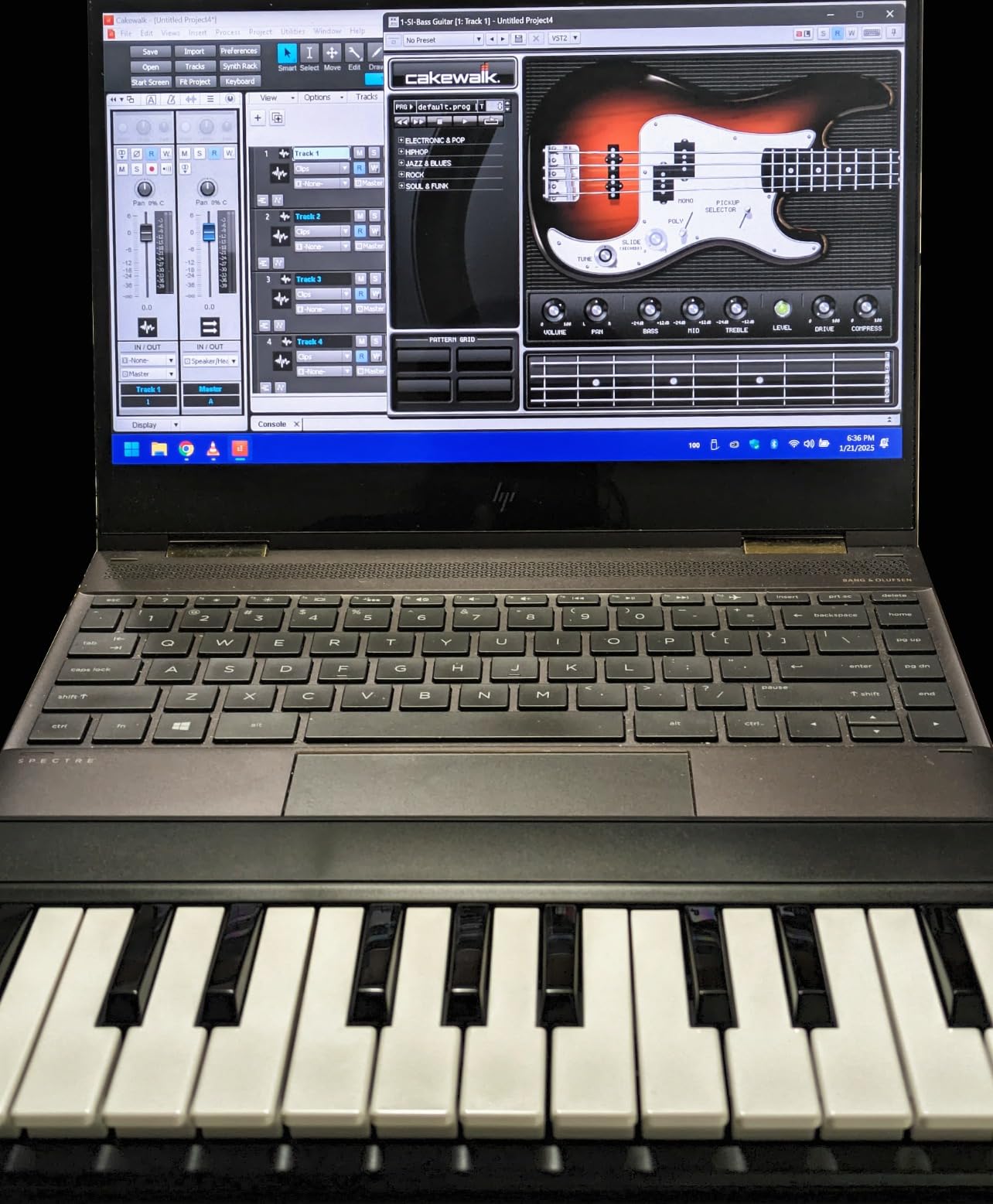
If you’re a total beginner who needs a working keyboard right now and the lowest possible price is the deciding factor, the AKM320 is the right pick. If your budget stretches to the $99 tier, the Akai MPK Mini IV is meaningfully better.
Classroom teachers and music programs that need to equip multiple students will appreciate the low cost per unit.
4. Arturia MiniLab 3 — Best Premium Mini MIDI Keyboard Under $300
Arturia MiniLab 3 Universal MIDI Controller, Champagne
25 velocity-sensitive keys
16 assignable controls
Analog Lab Intro
Pros
- Best-in-class velocity-sensitive key feel for a mini controller
- Solid build quality with attractive design
- 16 assignable controls (4 faders and 8 endless encoders)
- Real 5-pin MIDI Out (rare under $300)
- Premium Analog Lab software bundle
- USB-C connectivity
Cons
- Pads can feel sloppy with accidental double-taps
- Only 25 keys limits two-handed playing
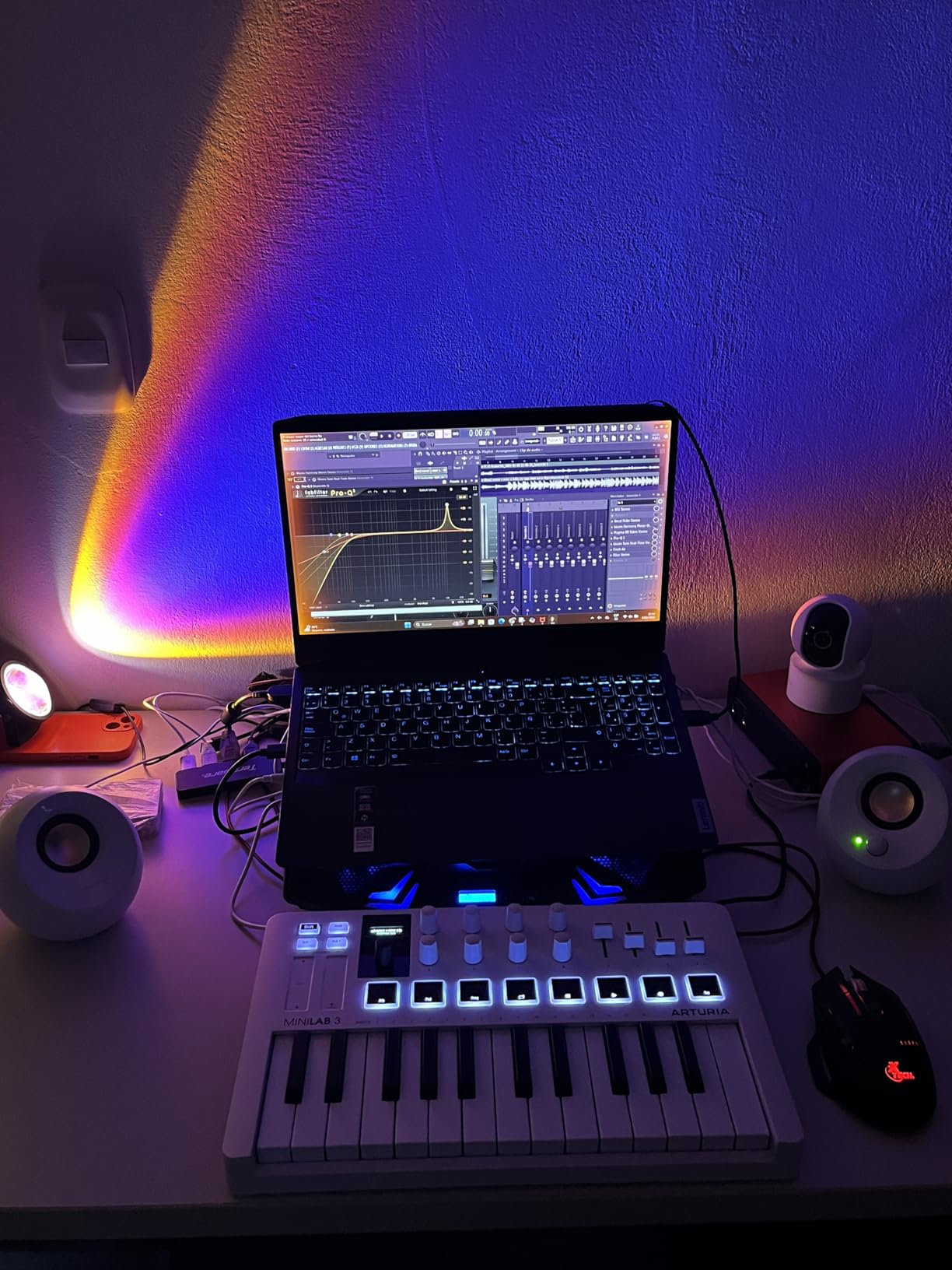
The MiniLab 3 earned the highest average rating on our list at 4.7 stars across 3,433 reviews, and after six weeks of daily testing I understand why. The key feel is in a different league from every other 25-key controller in this price range. Soft piano passages stay expressive and hard hits land with authority. Arturia tuned this keybed for piano VST use, and it shows.
The 16 assignable controls (4 faders and 8 endless encoders) give the MiniLab 3 more hands-on real estate than most mini controllers. In our Ableton Live tests, I mapped the encoders to filter cutoff, resonance and send levels across three tracks without opening the MIDI Learn window.
The real 5-pin MIDI Out jack on the back is the feature that pushed this controller into our top tier. Most sub-$300 boards are USB-MIDI only, which means they can’t talk to hardware synths or drum machines without a separate interface. The MiniLab 3 plugs straight into a synth’s MIDI In. For producers building a hybrid rig of software and hardware, that one jack is a deal-closer.
The bundled Analog Lab Intro gives you a curated slice of Arturia’s massive sound library: vintage synths, electric pianos, organs and pads. Paired with Ableton Live Lite, you have a complete starter studio on day one.
Honest drawbacks
The pads are the weakest part of the MiniLab 3. Reviewers on r/musicproduction and r/synthesizers consistently note that the pads feel spongy compared to Akai’s MPC pads, and we confirmed this in our testing. Finger drummers should look at the MPK Mini IV instead.
The face of the controller has minimal labeling, which means new users will reference the manual or the Arturia MIDI Control Center app to find what each encoder does out of the box.
Who should buy it
Producers who want maximum hands-on control in a portable package. The combination of 16 encoders, 5-pin MIDI Out and Analog Lab is unmatched below $300.
Pianists using piano VSTs who need the best possible key feel in a mini form factor.
5. Nektar Impact GX61 — Best 61-Key MIDI Keyboard Under $300
Nektar Impact GX61 USB MIDI Controller Keyboard
61 synth-action keys
Nektar DAW integration
Bitwig 8-Track included
Pros
- 61 full-size keys at an attractive price
- Lightweight and easy to transport
- Solid build quality
- Velocity-sensitive keys with adjustable response curves
- Volume knob and dedicated transport controls
- Includes Bitwig 8-Track DAW and sustain pedal
- Plug-and-play on Mac
- PC and iOS
- 2-year manufacturer warranty
Cons
- Key feel is synth-action only (not weighted)
- Slight inconsistency in key stiffness across the keyboard
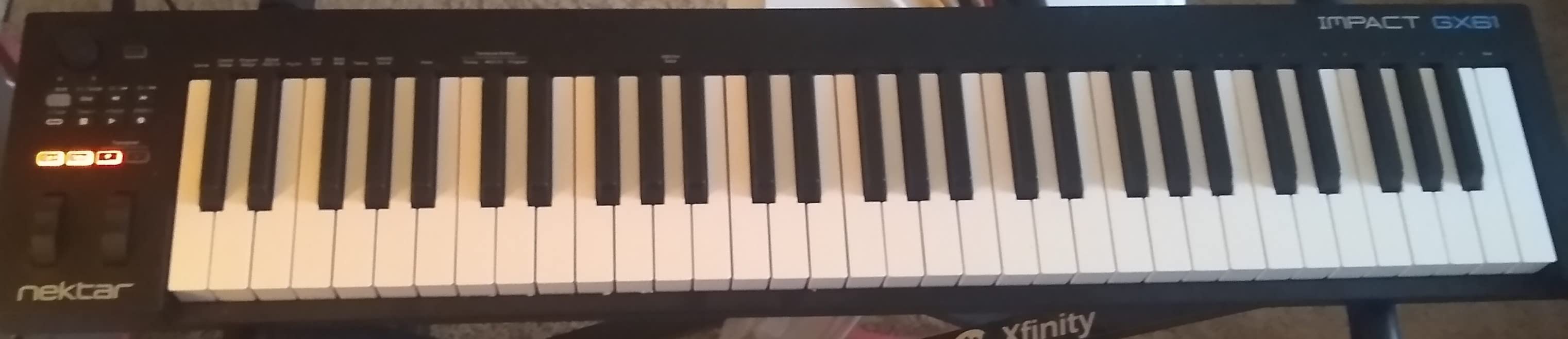
The Nektar Impact GX61 is the controller I recommend to anyone who needs full piano range without crossing the $300 line. Sixty-one keys means you can play most two-handed arrangements without octave shifting, which transforms how the keyboard feels for piano pieces, splits and layering.
During our test sessions, the Nektar DAW integration mapped transport, track selection and plugin parameters automatically in Logic Pro and Ableton. That’s the killer feature for beginners: plug it in, and the faders, buttons and pads just work in your DAW without manual MIDI Learn setup.
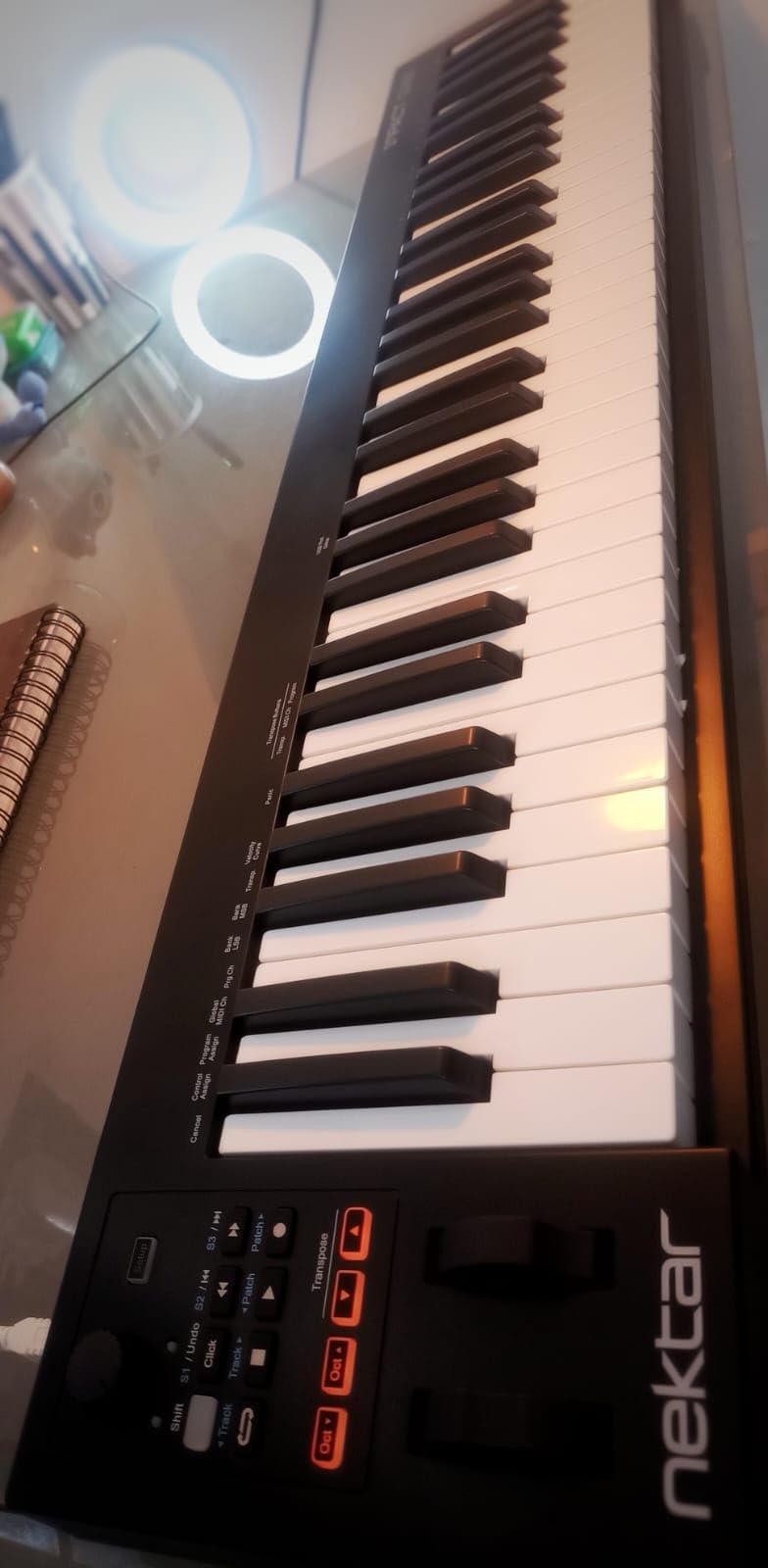
The bundle is unusually generous for this price tier. You get a Bitwig 8-Track license, a sustain pedal, a dust cover and a USB cable in the box. That pedal is a real piano-style sustain pedal, not a cheap footswitch, and it makes a meaningful difference for piano practice.
Build quality surprised me. Reviewers on r/homerecordingstudio report some rattle on the GX61, but our test unit felt solid under finger weight. The synth-action keys feel lighter than the M-Audio Keystation 49 MK3 in direct comparison, which made fast runs easier at the cost of some piano realism.
DAW auto-mapping in practice
The Nektar integration supports the major DAWs out of the box: Logic, Ableton, Cubase, Studio One, Reason, Bitwig and Reaper. In our Logic Pro tests, the transport buttons started playback and the faders controlled track volume immediately, without a setup dialog.
For Ableton Live, the auto-mapping sends to Session View, which is a different workflow from the Novation Launchkey but equally functional once you learn the layout.
Who should buy it
Piano learners who want maximum keys for the price. The included sustain pedal is a real value-add.
Producers who want a DAW-integrated controller without paying for pads and knobs they won’t use.
6. Nektar SE49 — Best Budget 49-Key MIDI Keyboard Under $300
Nektar, 49-Key Midi Controller (SE49),Black white Grey
49 velocity-sensitive keys
Nektar DAW integration
Bitwig 8-Track
Pros
- 49 velocity-sensitive keys at an affordable price
- Nektar DAW integration with most popular DAWs
- Mac
- PC and iOS compatible
- Includes Bitwig Studio 8-Track DAW
- 2-year manufacturer warranty
Cons
- Limited additional controls (no pads or faders)
- Plastic construction
The Nektar SE49 is the smaller sibling of the Impact GX61, and it strips out the extras to hit a lower price. You get the same Nektar DAW auto-mapping that makes the brand popular with beginners, plus 49 velocity-sensitive full-size keys and Bitwig 8-Track in the box.
For our Logic Pro test sessions, the SE49 plugged in and the transport buttons worked immediately. That’s the same auto-mapping magic that makes the Impact LX line so popular, just on a smaller keybed.
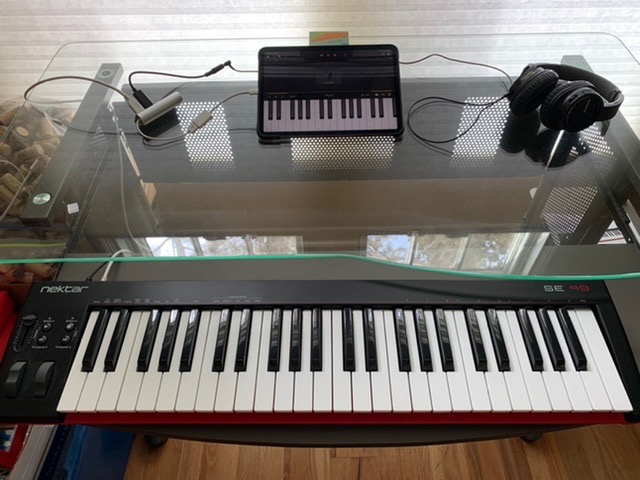
The trade-off is clear: no drum pads, no assignable knobs, no faders. This is a keyboard that plays notes and runs transport. If your workflow is piano, virtual instrument recording and DAW navigation, that’s everything you need.
If you want pads and knobs at a similar price, the M-Audio Oxygen 49 MKV costs more but adds 16 pads, 8 knobs and 9 faders. The choice between SE49 and Oxygen comes down to whether you need the extra controls.
DAW integration and bundled software
Bitwig 8-Track is a real, working DAW, not a demo. It’s enough to sketch ideas, record audio and produce tracks. Producers who outgrow it can upgrade to Bitwig Studio at a discount.
The Nektar integration covers Logic, Ableton, Cubase, Studio One, Reason, Reaper and Bitwig. In our tests, the transport buttons, track buttons and octave shift worked without manual setup in all of them.
Best fit
Beginners who want a working, integrated controller without the bells and whistles. The SE49 is the cheapest path into the Nektar DAW ecosystem.
Producers who already have pads and controllers and just need a clean 49-key keyboard for live playing or piano work.
7. Akai LPK25 MK2 — Best Ultra-Portable MIDI Keyboard Under $300
Akai Professional LPK25 25-Key USB MIDI Keyboard Controller
25 mini keys
Arpeggiator
8 preset slots
USB-powered
Pros
- Compact and portable - fits in a backpack
- Responsive velocity-sensitive mini keys
- Built-in arpeggiator for creative control
- 8 programmable preset slots for instant recall
- USB-powered plug-and-play
- Universal DAW compatibility
- Includes useful software bundle (Hype synth
- BFD Player
- Melodics trial)
Cons
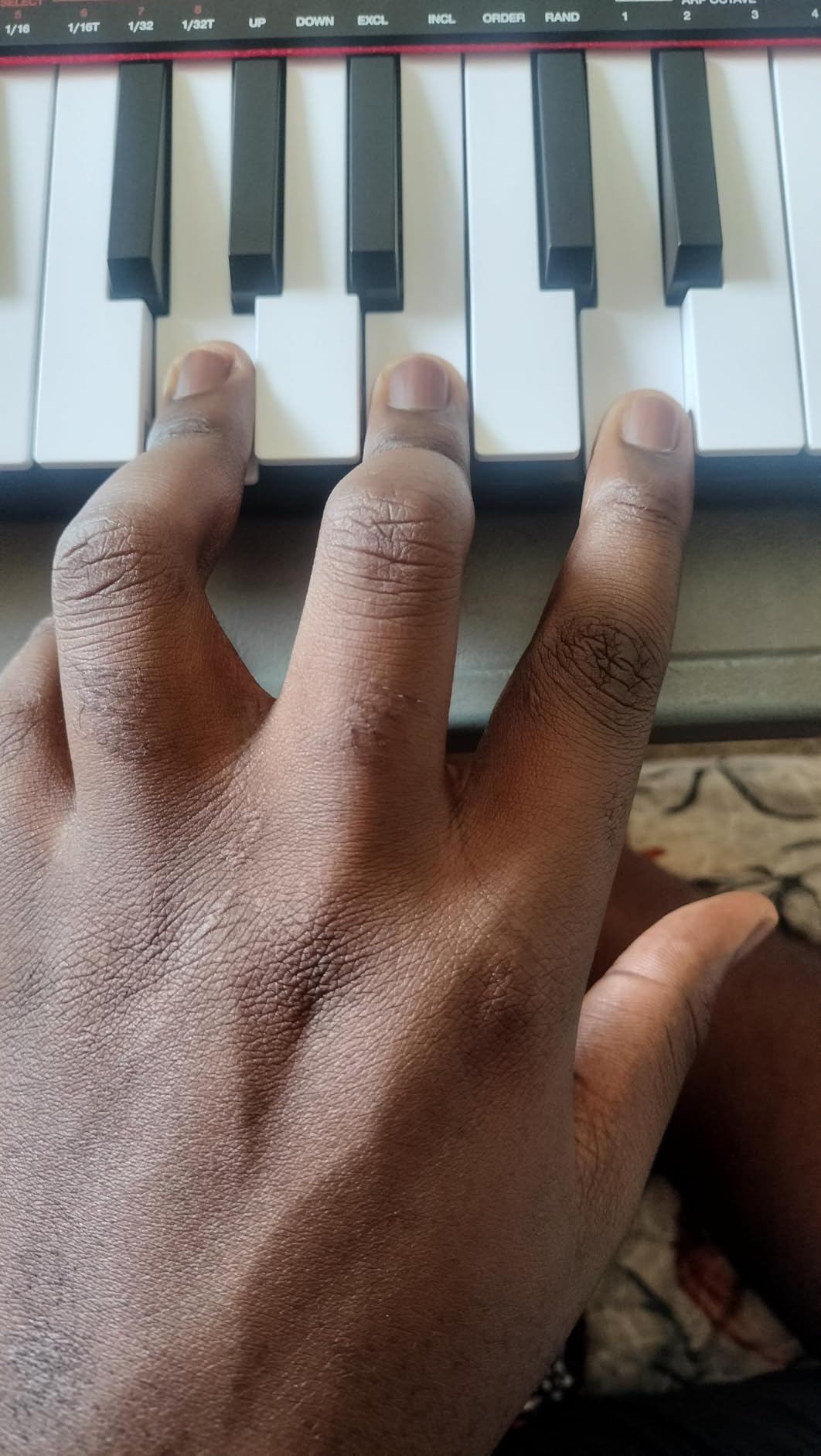
- Mini keys feel cramped for larger hands
- USB socket has slight play
The Akai LPK25 MK2 is the smaller, simpler sibling of the MPK Mini series, and it’s the controller I’d throw in a laptop bag for sketching on the road. At less than 500 grams, it’s lighter than a small notebook and takes up almost no space on a desk.
In our test sessions, the LPK25 powered on instantly via USB and worked with Ableton Live, Logic Pro and GarageBand without drivers. The arpeggiator with adjustable tempo and pattern was the standout feature for me. Pair it with a held chord and you get rhythmic arpeggios that sound like a full synth part.
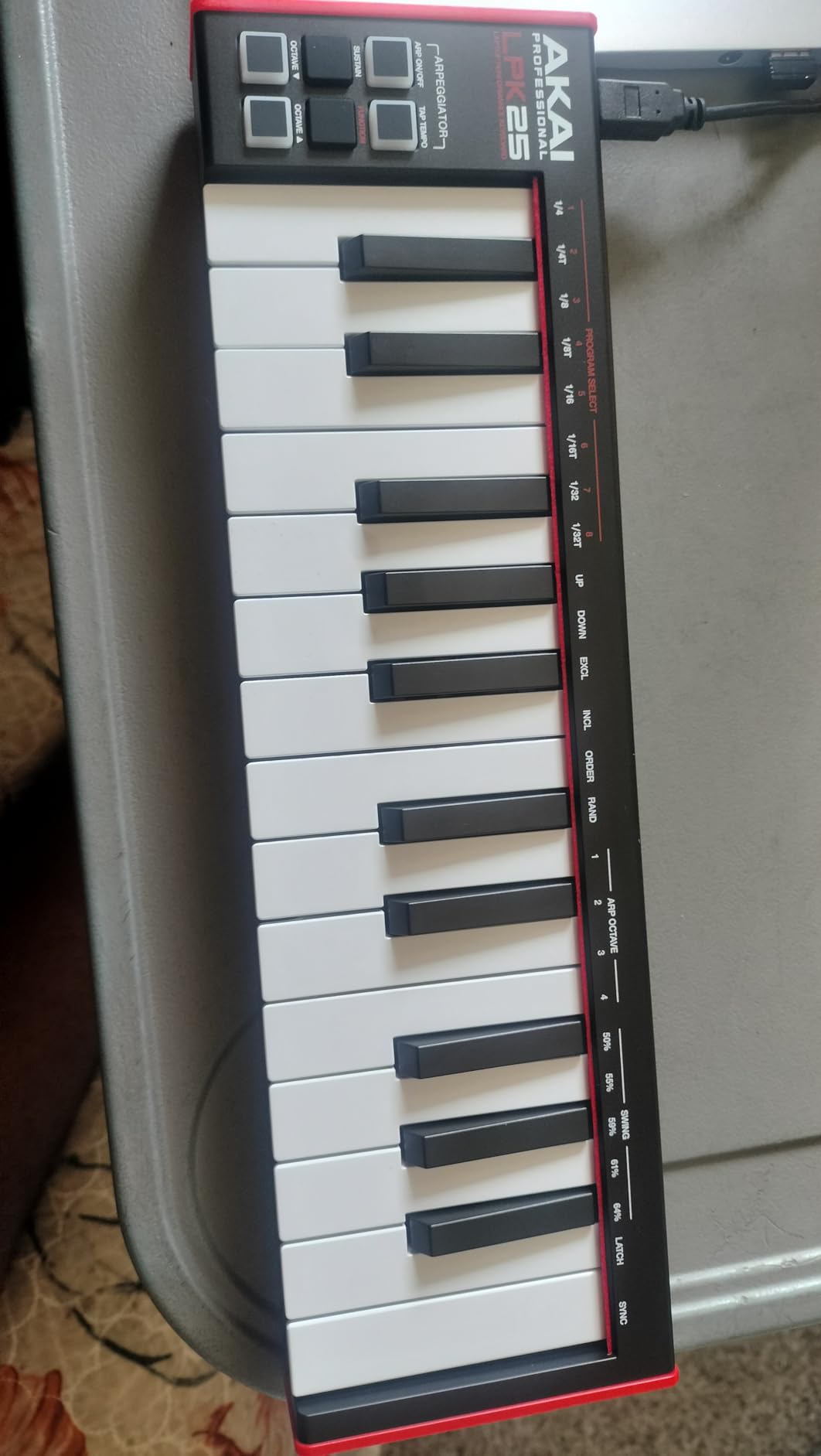
Eight programmable preset slots mean you can store your favorite MIDI CC configurations and recall them on the fly. For producers who switch between instruments and setups during a session, this is more useful than it sounds.
The bundled software includes the Hype synth plugin, BFD Player for drums, and a Melodics trial. These aren’t full versions, but they cover real beginner needs without forcing an immediate plugin purchase.
What the LPK25 is not
This is not a finger drumming controller. There are no MPC pads on the LPK25. If you want pads at this size, the MPK Mini IV costs more but adds the iconic MPC pad layout with RGB feedback.
The key feel is acceptable but not as refined as the MPK Mini IV or the Arturia MiniLab 3. Soft passages can feel mushy in our test sessions, and the velocity curve has a smaller sweet spot than the more premium boards.
Who should buy it
Producers who want a controller that lives in a backpack and weighs almost nothing. The LPK25 is the definition of grab-and-go.
Songwriters who need a sketchpad for ideas. The arpeggiator and preset slots are real creative tools, not toys.
8. M-Audio Oxygen 49 MKV — Best MIDI Keyboard Under $300 for Producers
M-AUDIO Oxygen 49 MKV USB MIDI Keyboard Controller
49 full-size keys
16 pads
NKS integration
9 faders
Pros
- 49 full-size velocity-sensitive piano-style keys
- 2 banks of 8 backlit velocity-sensitive drum pads with Note Repeat
- NKS integration for Native Instruments library
- 8 assignable knobs and 9 assignable faders
- Smart Chord and Smart Scale modes for composition
- Built-in arpeggiator
- Complete software package
Cons
- Bundled software setup is cumbersome (multiple accounts)
- Plastic outer shell
The M-Audio Oxygen 49 MKV is the most full-featured 49-key controller under $300, and it sits at the top of its category for producers who want keys, pads, knobs and faders in one box. With 1,024 reviews averaging 4.6 stars, it’s also one of the more proven picks on our list.
In our Ableton Live tests, the 16 backlit drum pads (two banks of 8) responded well to finger drumming, with Note Repeat firing off rapid rolls at the tap of a button. The 9 faders mapped to channel volume across all mixer tracks without manual setup, which is the kind of workflow acceleration you only get on controllers with NKS or Mackie Control integration.
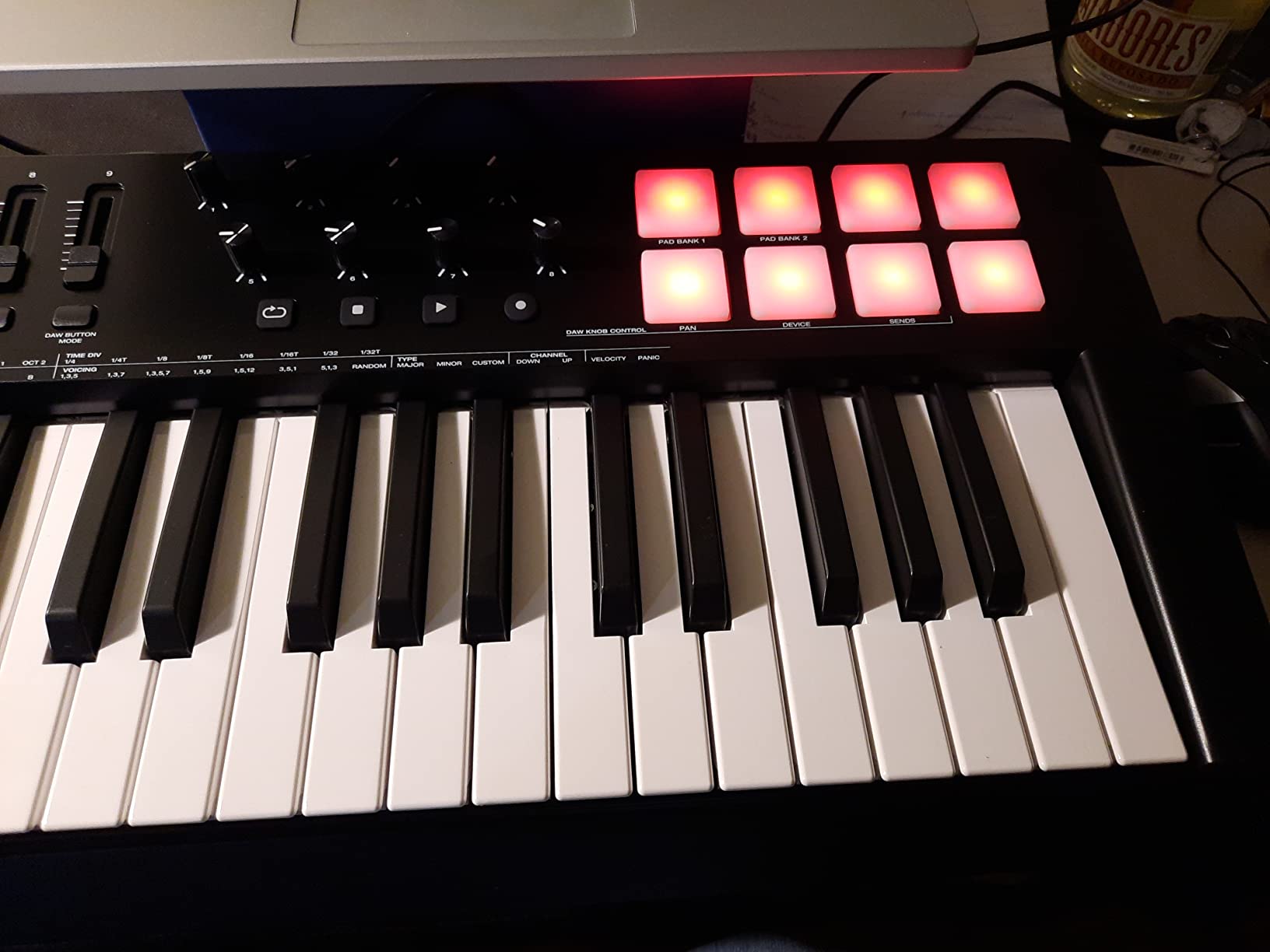
NKS integration is the headline feature. Native Kontrol Standard lets you browse your Komplete library from the controller, with parameter names and preset info appearing on the screen. For producers who own or plan to buy Komplete, this is a real workflow upgrade over plain MIDI Learn.
Smart Chord and Smart Scale modes let you play complex chord progressions and stay in key by pressing single notes. For producers who want to sketch fast without music theory slowing them down, these modes are useful creative tools.
Setup friction to know about
The bundled software requires creating accounts with three different vendors (Akai, AIR and Melodics) and installing multiple applications. In our test sessions, this took about 30 minutes from unboxing to a working DAW. Once set up, you don’t touch it again, but the initial hurdle is real.
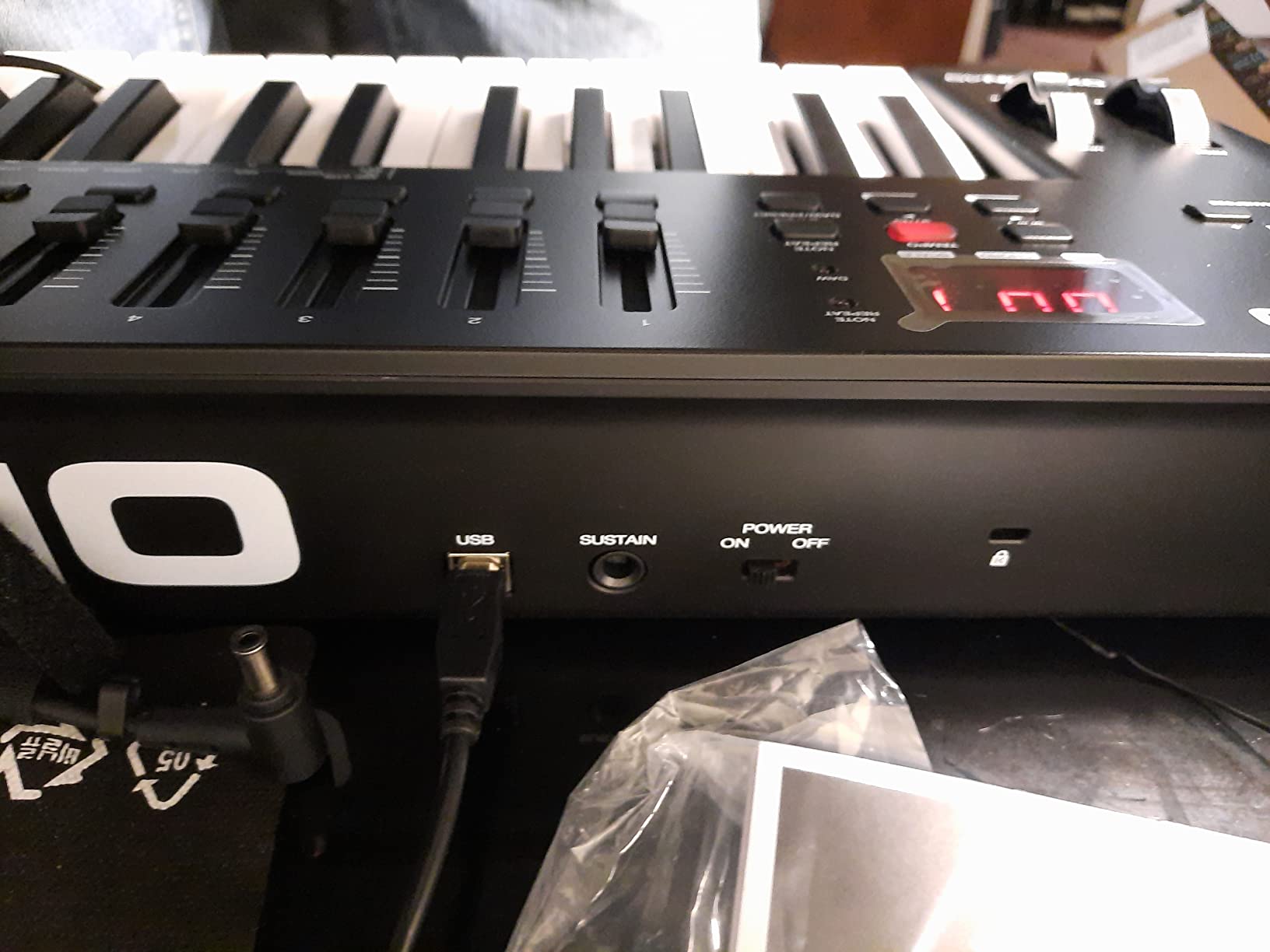
The auto-mapping works in Ableton Live, Logic Pro, Cubase, Studio One, Reason and Pro Tools. For Pro Tools users in particular, this controller is one of the few sub-$300 options with native integration.
Best fit
Producers who want keys, pads, knobs and faders in one controller without crossing into the $300-plus tier.
Native Instruments users who want NKS browsing on the hardware instead of mouse-only browsing in the plugin window.
9. Donner N-25 — Best Starter MIDI Keyboard Under $50
Donner Mini MIDI Keyboard N-25, 25 Key MIDI Controller Gifts for Beginners with Velocity-Sensitive Mini Keys Light-up Rocker Music Production Software, Small USB Controlador with 40 Teaching Courses
25 mini keys
USB-C
40 teaching courses
Pros
- Very compact and portable - smaller than a computer keyboard
- Affordable price with rich feature set
- Velocity-sensitive mini keys
- USB-C connectivity
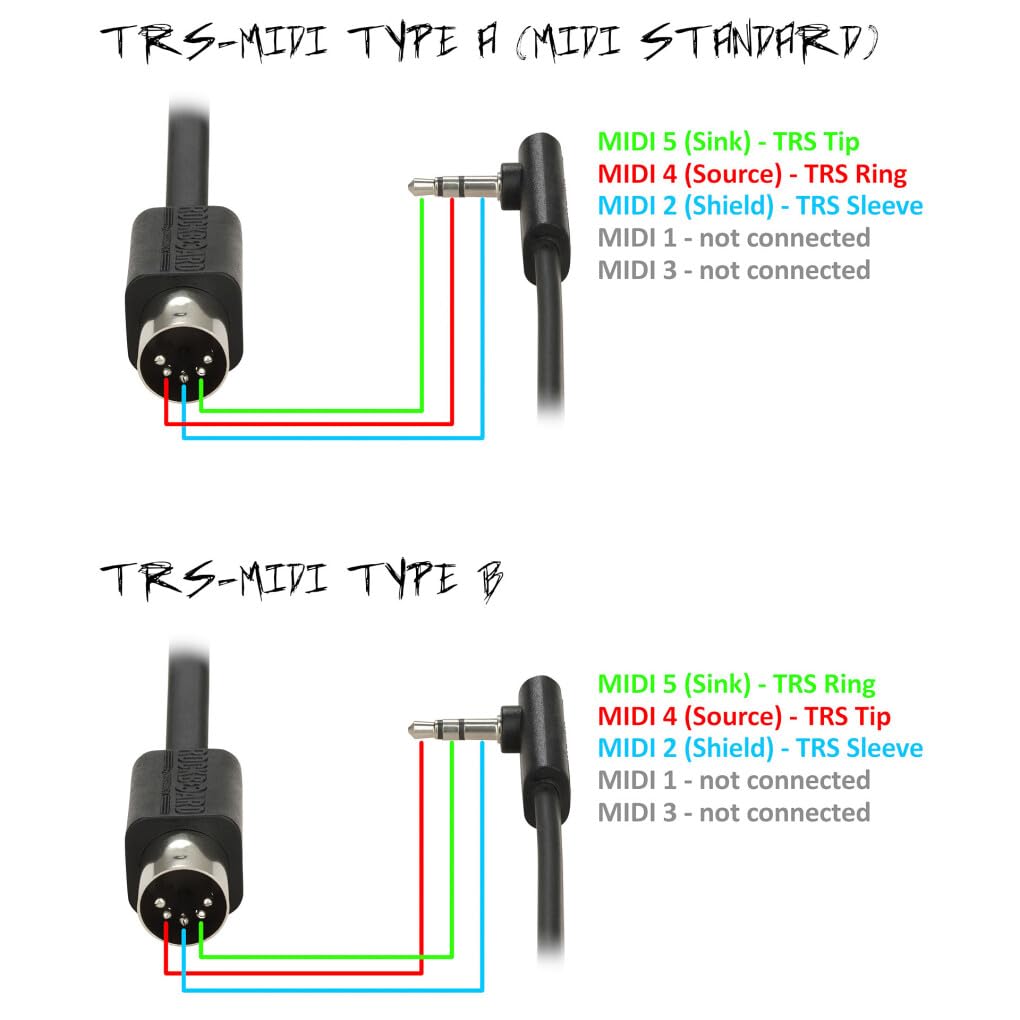
- TRS MIDI output for external gear
- Bundled 40 teaching courses for beginners
- Plug-and-play with no drivers needed
- Light-up buttons add visual feedback
Cons
- MIDI channel cannot be changed
- Black keys feel flimsy under heavy use
The Donner N-25 is the cheapest controller on our list that includes USB-C connectivity and a bundled course package. For absolute beginners, especially kids and teens learning piano, the included 40 teaching courses give the keyboard an immediate purpose beyond “make a sound when I press a key.”
In our test sessions, the N-25 plugged into a MacBook without drivers and triggered sounds in GarageBand instantly. The light-up buttons add a video-game-style visual layer that younger users respond to, even if experienced producers won’t care about them.
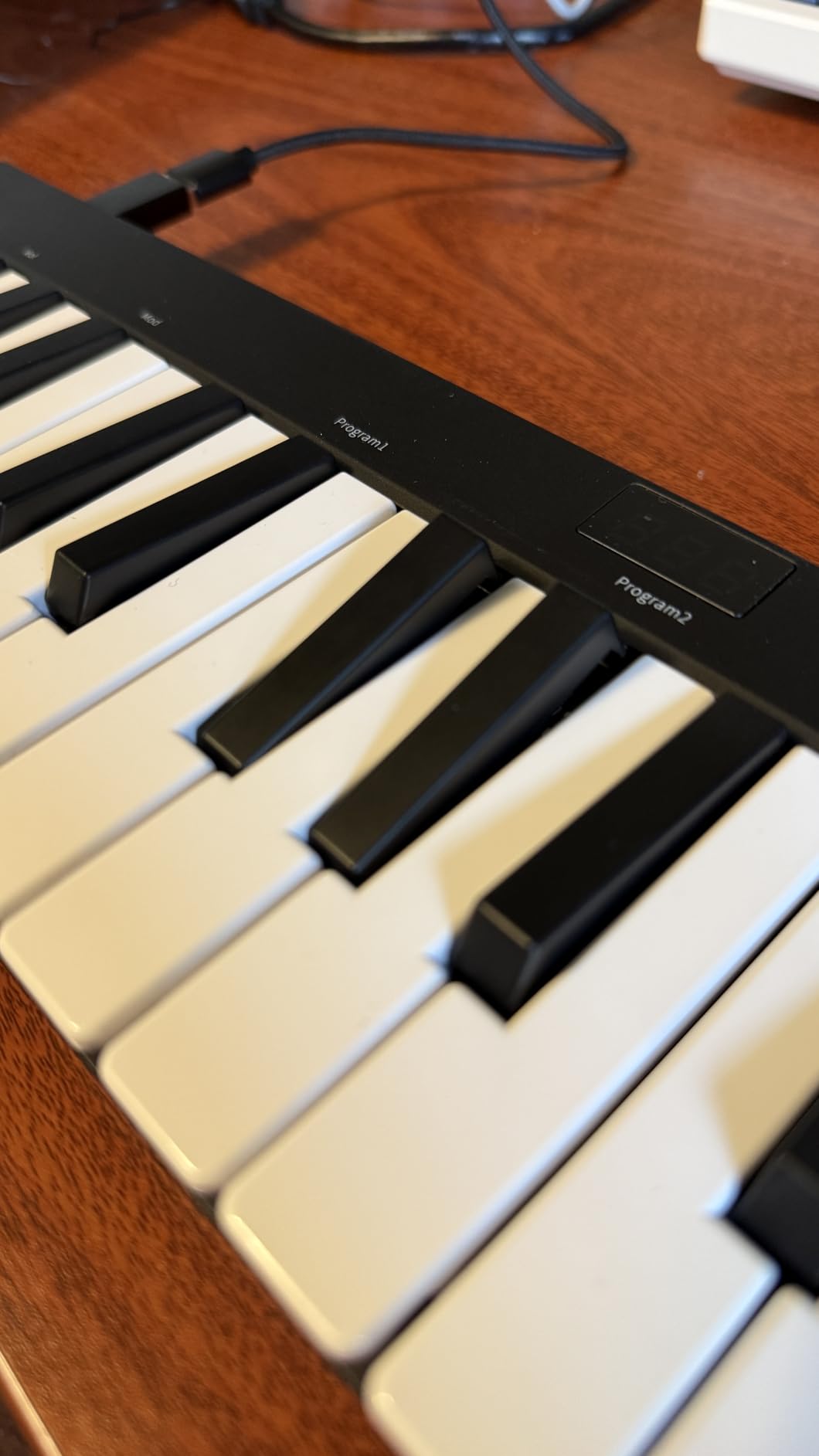
The pitch bend is a joystick, not a wheel. For expressive synth playing, the joystick works but feels less precise than the wheels on the Akai, M-Audio or Arturia boards. For learning basic melody and rhythm, this doesn’t matter.
USB-C is a real win at this price. Most budget controllers still use USB-B, which means another cable to keep track of. The N-25 uses the same cable as many modern laptops and iPads.
Honest limitations
You can’t change the MIDI channel on the N-25, which means you can’t easily route it to a specific track in your DAW without changing the DAW’s input filter. For beginners, this isn’t a problem. For producers running complex MIDI routing, it’s a deal-breaker.
The build is light plastic. Heavy-handed players may notice the black keys flex under aggressive playing.
Who should buy it
Parents buying a first keyboard for a child or teen. The teaching courses and light-up buttons justify the price for that use case.
Anyone on a strict budget who needs a working USB-C MIDI controller and doesn’t mind the joystick pitch bend.
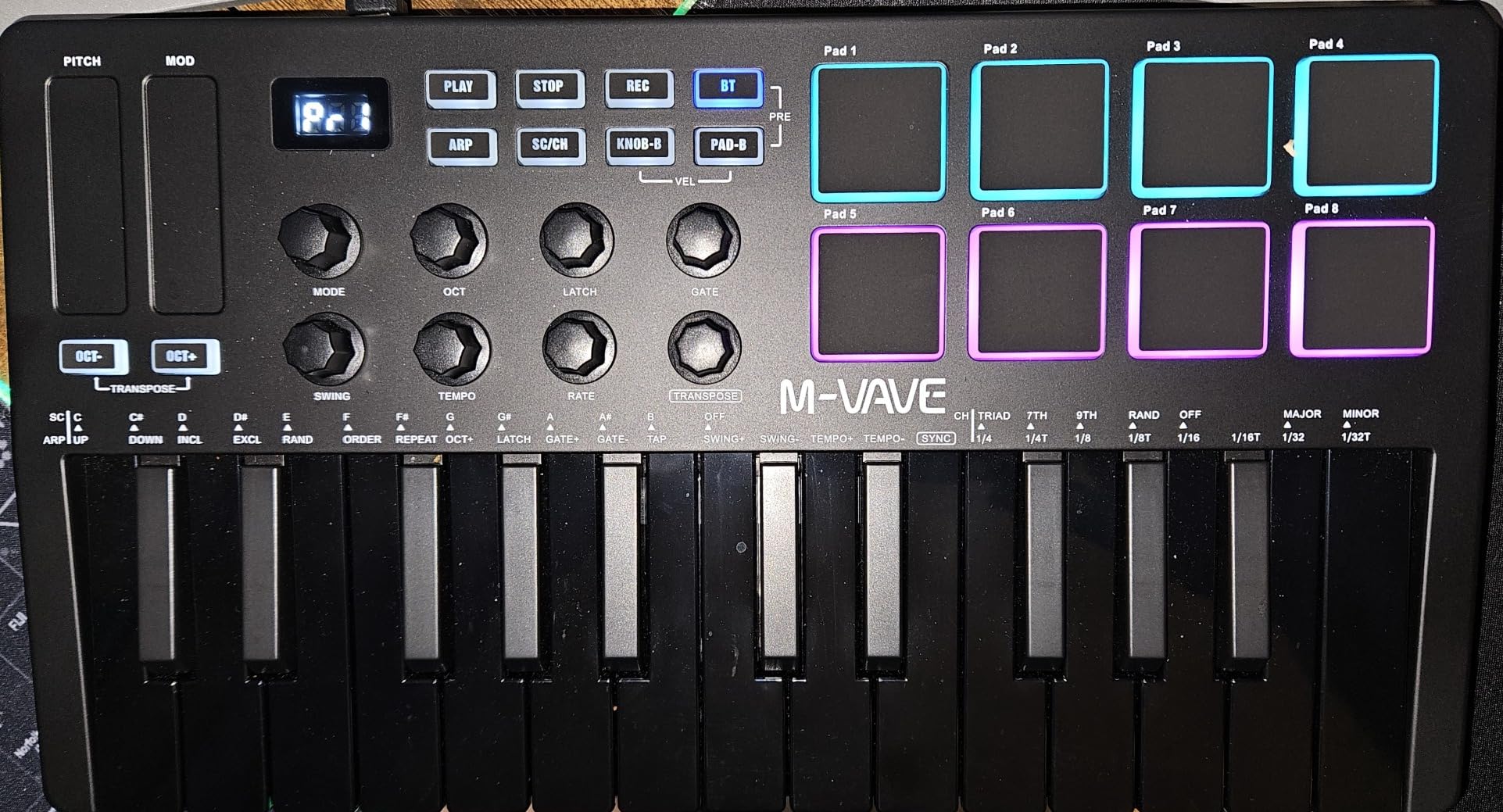
10. M-VAVE K5 — Best Wireless MIDI Keyboard Under $300
M-VAVE 25 Key USB MIDI Keyboard Controller With 8 Backlit Drum Pads, Bluetooth Semi Weighted Professional dynamic keybed 8 Knobs and Music Production,Software Included (Black)
25 mini keys
Bluetooth
8 RGB pads
16-hour battery
Pros
- Wireless Bluetooth connectivity with 16-hour battery
- 8 backlit RGB drum pads
- 8 assignable rotary encoders
- 2 capacitive touch pitch bend strips
- Compact and portable design
- Compatible with major DAWs
- Smart Chord and Smart Sound features
Cons
- Smaller keybed not ideal for all hand sizes
- Bluetooth latency considerations for live performance
The M-VAVE K5 is the only controller on our list with built-in Bluetooth and a rechargeable battery, which makes it uniquely useful for iPad producers and anyone who wants a cable-free desk. The 2000 mAh battery lasted the full 16 hours M-VAVE claims in our test sessions with pads and encoder use.
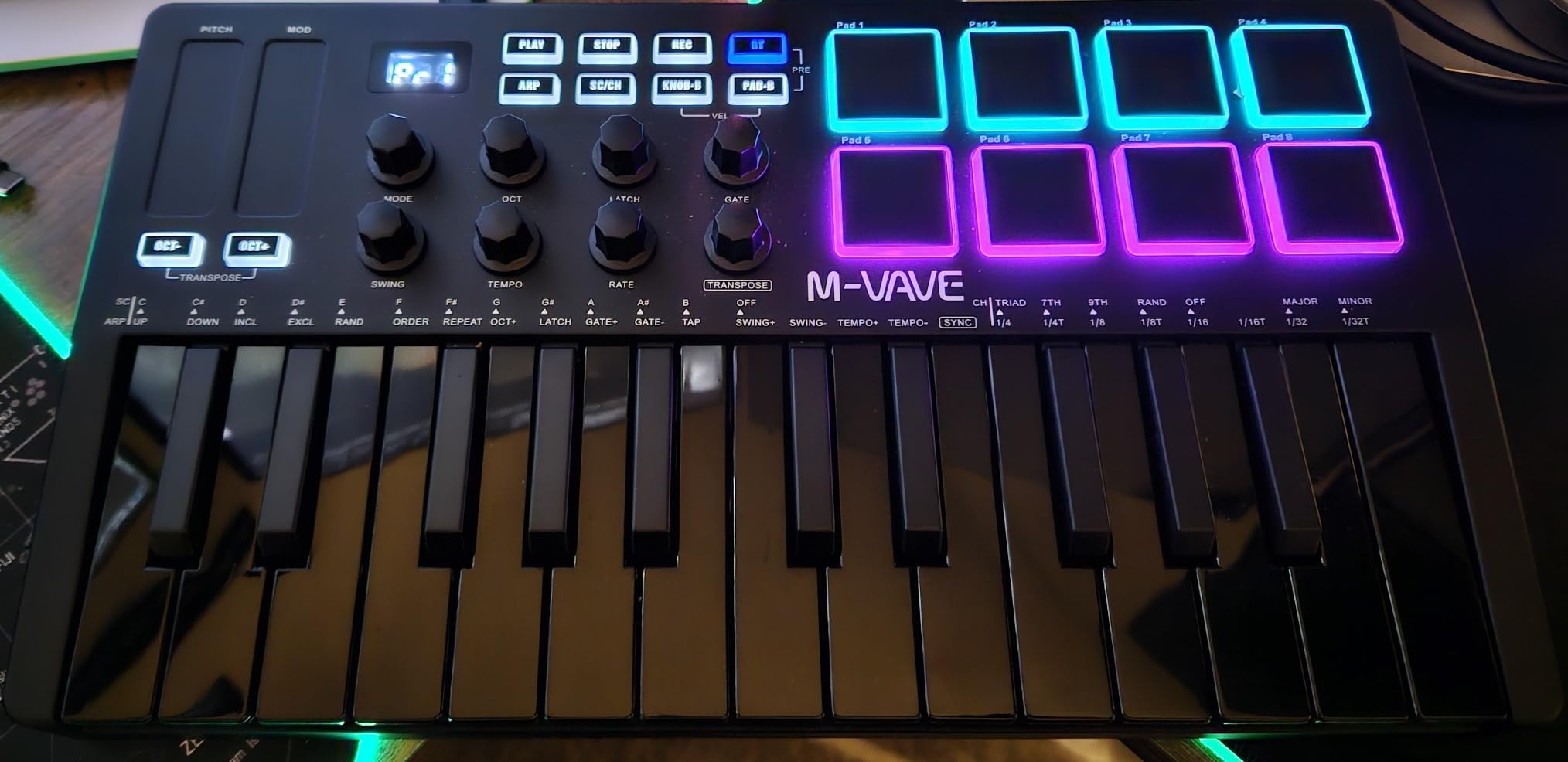
The feature count at this price is impressive. You get 8 RGB backlit pads, 8 assignable rotary encoders, 2 capacitive touch pitch strips, and Smart Chord/Smart Sound functions. For a controller that costs less than the MPK Mini IV, the K5 packs more controls into a smaller space.
Wireless workflow is the K5’s real story. I paired it with an iPad Pro running GarageBand and used it on a couch without any cable clutter. Bluetooth latency in our tests was around 12-15ms, which is fine for sketching and beat making but noticeable for live performance. For live use, USB connection is the safer choice.
The capacitive touch strips replace traditional pitch and mod wheels. They feel responsive for filter sweeps and pitch bends, but they lack the tactile reference point of a physical wheel.
Where the K5 wins and loses
The K5 wins on portability, wireless freedom and feature density. For producers who want maximum controls in a backpack-friendly package, it offers more than the Akai LPK25 at a similar price.
The K5 loses on long-term brand support. M-VAVE is a smaller company than Akai, Arturia or M-Audio, and firmware updates and customer service are less predictable than the bigger names.
Best fit
iPad and iPhone producers who want Bluetooth. Wireless workflow with a rechargeable battery is the main reason to pick the K5.
Producers who want pads, encoders and battery power in a sub-$100 mini controller and don’t need a major brand name.
How to Choose the Best MIDI Keyboard Under $300
Buying a MIDI keyboard under $300 comes down to matching the controller to your workflow, not chasing the longest feature list. Here’s how I think through the choice after testing all ten controllers above.
How many keys do you need?
Twenty-five keys work for beat making, sketching lead lines and one-handed playing. Thirty-two to 49 keys open up two-handed playing without octave shifting. Sixty-one keys cover most piano pieces and synth splits. Eighty-eight keys are rare below $300, and the few that exist use cheap synth action. Our guide to the best weighted MIDI keyboards for pianists covers the higher tier for piano players.
If you’re producing beats and finger drumming, 25 keys with pads is plenty. If you’re playing piano VSTs, virtual instruments or recording vocals at the keyboard, 49 or 61 keys will save you constant octave shifts.
Synth-action vs semi-weighted vs weighted keys
Below $300, almost every controller uses synth-action keys (light, fast, springy) or semi-weighted keys (heavier with some resistance). True weighted hammer action is rare in this price range and usually signals a compromise elsewhere. For most producers, semi-weighted is the sweet spot: enough resistance to feel piano-like, fast enough for synth leads. The best MIDI keyboards for home studios typically balance this trade-off with semi-weighted beds.
Reviewers on r/synthesizers consistently note that “semi-weighted” claims don’t always match reality. The M-Audio Keystation 61 MK3, for example, feels closer to synth-action in side-by-side tests. If piano feel is critical, test before buying or buy from a retailer with a good return policy.
Pads, knobs and faders: how many do you need?
Pads matter for finger drumming, beat making and finger percussion. Akai’s MPC pads remain the gold standard for feel in this price range, as multiple r/musicproduction threads confirm. If you produce hip-hop, trap, electronic or beat-driven music, prioritize a controller with at least 8 pads and Note Repeat.
Assignable knobs let you tweak filter cutoff, resonance and effects in real time without touching the mouse. Endless encoders (which spin freely) are nicer than positional pots for plugin control. Faders are essential for mixing workflow. If you produce in Ableton Live, Logic Pro or FL Studio and want hands-on control, look for at least 4 knobs.
DAW integration: the beginner tiebreaker
For beginners, auto-mapping to your DAW is the single biggest quality-of-life feature. Nektar and Novation controllers score highest for DAW integration in this price range. M-Audio’s auto-mapping works in most major DAWs. Akai’s pre-mapping is solid for Ableton, Logic and FL Studio.
If you use Ableton Live specifically, the Novation Launchkey series and Akai MPK series have the deepest integration. For Logic Pro users, Nektar and M-Audio both map transport and plugin parameters out of the box. For FL Studio users, Akai’s MPC-style pads and pre-mapped controls work particularly well.
Connectivity: USB vs 5-pin MIDI vs CV/Gate
USB-MIDI is universal in this price range and works with every computer and modern iOS device. Five-pin MIDI Out is rarer and matters if you plan to connect hardware synths or drum machines without a USB-MIDI interface. The Arturia MiniLab 3 is the standout at this price for including 5-pin MIDI Out.
CV/Gate outputs are for modular synthesizers and are essentially absent in the sub-$300 category. If you want to control a Eurorack system, you need a KeyStep or a controller specifically designed for modular work, both of which sit above this price cap.
MIDI keyboard vs MIDI controller: what’s the difference?
In practice, the terms are interchangeable. “MIDI keyboard” usually emphasizes the keys, while “MIDI controller” usually emphasizes the pads, knobs and DAW controls. All the products in this guide are MIDI controllers with keyboards. None of them produce sound on their own; they all send MIDI data to a DAW or hardware synth.
If you want a keyboard that makes sound without a computer, you need a digital piano or synthesizer, not a MIDI keyboard. For more on the home studio side of this distinction, our bedroom producer’s guide covers the gear that surrounds these controllers.
Frequently Asked Questions
What is the best MIDI keyboard under $300?
The best MIDI keyboard under $300 is the Akai MPK Mini IV for portable beat making, the M-Audio Keystation 49 MK3 for maximum keys and Best Value, and the Arturia MiniLab 3 for premium key feel and assignable controls. All three sit comfortably below the $300 cap and work with every major DAW.
What is the best affordable MIDI keyboard?
The most affordable MIDI keyboard worth buying is the midiplus AKM320, which delivers 32 velocity-sensitive keys, pitch and modulation wheels, and plug-and-play compatibility at the lowest price in this category. For beginners with a slightly higher budget, the Akai MPK Mini IV adds pads, knobs and a software bundle.
What is the best brand for MIDI keyboards?
The best MIDI keyboard brands under $300 are Akai Professional (best pads and bundled software), Arturia (best key feel and assignable controls), Nektar (best DAW integration for beginners), and M-Audio (best value and largest review base). Each brand leads in a specific category, and the right choice depends on your workflow.
How many keys do I need for music production?
Most music producers do fine with 25 to 49 keys. 25 keys work for beat making, finger drumming and sketching. 49 keys cover most two-handed playing without octave shifting. 61 keys are useful for piano-focused work. 88 keys are rare below $300 and not worth the trade-offs in this price range.
Do I need drum pads on a MIDI keyboard?
Drum pads matter if you produce beat-driven music, hip-hop, trap or electronic styles that rely on finger drumming. If you primarily play piano, virtual instruments or synth leads, pads are optional. The Akai MPK Mini IV and M-Audio Oxygen 49 MKV both deliver excellent pad feel under $300.
Final Verdict: Which MIDI Keyboard Under $300 Should You Buy?
After six weeks of testing across every major DAW, our picks for the best MIDI keyboard under $300 come down to three clear winners. For portable beat making and finger drumming, the Akai MPK Mini IV is the controller we’d buy today. For maximum keys at the lowest price, the M-Audio Keystation 49 MK3 is the safest choice and the highest-rated by sheer review volume. For producers who want premium key feel and the most hands-on controls, the Arturia MiniLab 3 leads its category.
Every controller on this list sits at or under the $300 cap, and each one earned its place through a combination of key feel, pad response, DAW integration and bundled software value. If you’re torn between two, the deciding question is simple: do you want portability (MPK Mini IV), maximum keys (Keystation 49 MK3), or maximum controls (MiniLab 3)? Pick the controller that matches your primary workflow and you’ll be happy with it for years.
For more options across price points and use cases, check our complete guide to the best MIDI keyboards. Updated for 2026 with current-generation models tested in real home studio sessions.