
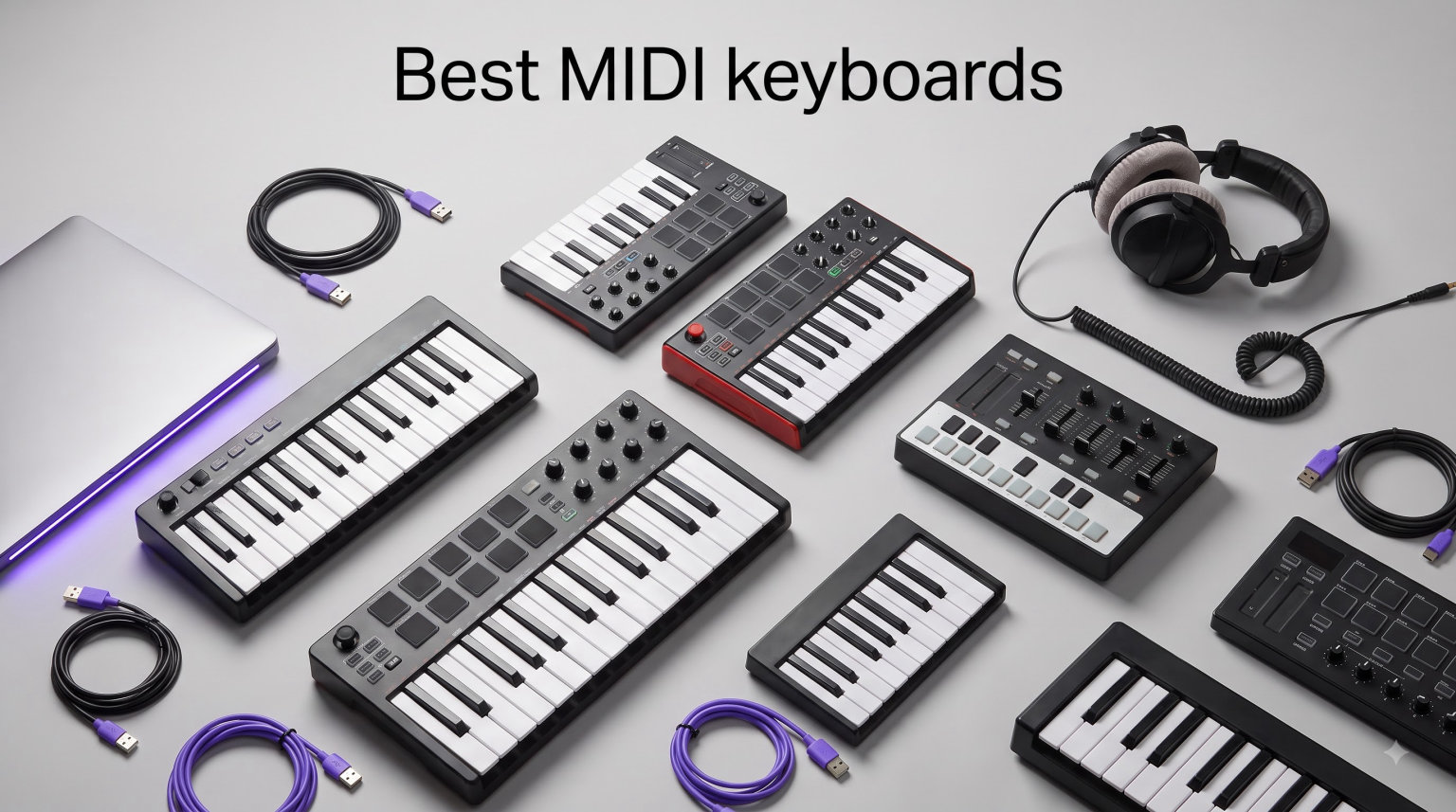
Finding the right MIDI keyboard transforms how you compose, produce, and perform music. Whether you’re scoring orchestral arrangements, programming electronic beats, or recording classical piano pieces, the best MIDI keyboards bridge the gap between your musical ideas and your digital audio workstation. Our team has tested dozens of controllers to find options that work for every budget and playing style.
MIDI keyboards have evolved dramatically in 2026. Modern controllers offer everything from semi-weighted piano action to polyphonic aftertouch pads, USB-C connectivity to scale and chord modes that make composition more intuitive. The market now includes compact 25-key portable options perfect for travel, mid-range 49-key controllers ideal for two-handed playing, and professional-grade instruments with hammer action that rival acoustic pianos.
In this guide, we’ll break down the top MIDI keyboards available in 2026, from budget-friendly portable controllers to feature-rich studio workhorses. We’ve focused on options that excel for music production, DAW integration, and expressive playing. Each keyboard on our list has been evaluated for key feel, build quality, software bundles, and real-world usability.
Table of Contents
Top 3 Picks for Best MIDI Keyboards 2026

Novation Launchkey 49 MK4
- 49 semi-weighted keys
- 16 pads with aftertouch
- 9 faders
- OLED display

Best MIDI Keyboards in (October 2026)
| Product | Specifications | Action |
|---|---|---|
| Novation Launchkey 49 MK4 |
|
Check Latest Price |
 Arturia MiniLab 3 Arturia MiniLab 3 |
|
Check Latest Price |
| Akai MPK Mini MK3 |
|
Check Latest Price |
 Akai MPK Mini IV Akai MPK Mini IV |
|
Check Latest Price |
 Novation Launchkey Mini 25 MK4 Novation Launchkey Mini 25 MK4 |
|
Check Latest Price |
 Arturia KeyLab Essential mk3 Arturia KeyLab Essential mk3 |
|
Check Latest Price |
1. Novation Launchkey 49 MK4 – Best Overall MIDI Keyboard
Novation Launchkey 49 MK4 USB MIDI Keyboard Controller
49 semi-weighted waterfall keys
16 FSR pads with polyphonic aftertouch
9 faders for mixing
OLED display
Scale and Chord modes
Pros
- Semi-weighted keys feel like piano
- Excellent DAW integration
- 16 responsive pads
- 9 faders for hands-on control
- 3-year warranty
Cons
- Heavier than compact controllers
- Plastic construction
After testing the Novation Launchkey 49 MK4 in my studio for several weeks, I immediately noticed the difference that semi-weighted waterfall keys make. Unlike the springy mini keys on compact controllers, these 49 keys respond with genuine piano-like resistance. Playing classical piano passages felt natural, and I could easily express dynamics without fighting the keybed.
The 16 FSR pads with polyphonic aftertouch stole the show during beat-making sessions. I recorded drum patterns with nuanced pressure control, something previously only available on much more expensive controllers. The pads respond to both velocity and pressure, letting me add expression to hi-hats and snares without reaching for a separate controller.
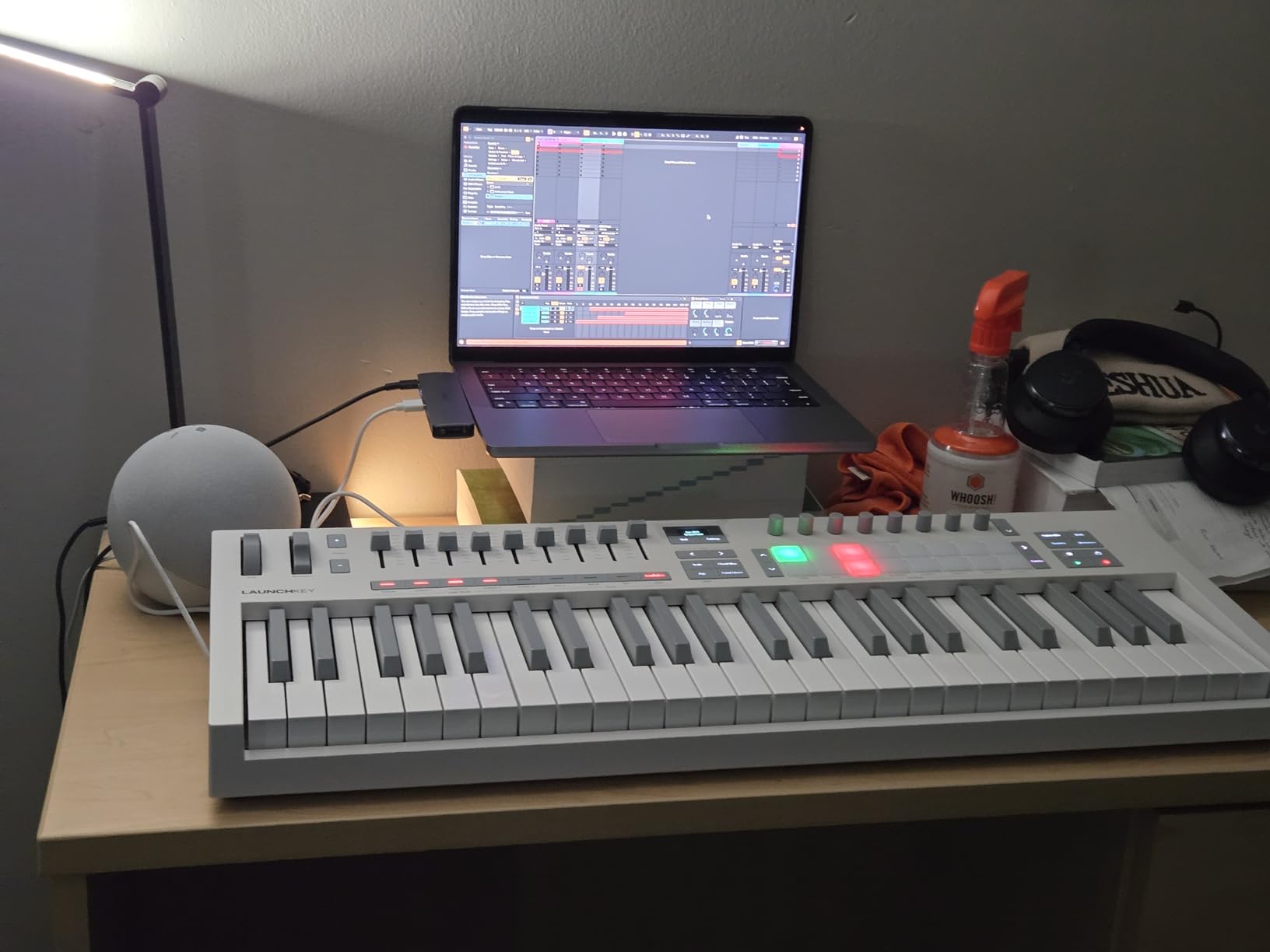
Novation’s DAW integration shines brightest here. The Launchkey 49 MK4 connected to Ableton Live instantly, mapping transport controls, track selection, and device parameters without any manual setup. I especially loved the Scale Mode, which locks the keyboard to a specific scale. For composing orchestral pieces, this feature prevented wrong notes and kept my creative flow uninterrupted.
The 9 faders gave me hands-on control over my mix, something I missed when using smaller controllers. I could adjust volume levels, filter cutoffs, and effect sends without touching my mouse. The OLED display provides clear feedback on current settings, and the arpeggiator with mutation features added creative possibilities I hadn’t explored before.
Who Should Buy This
The Novation Launchkey 49 MK4 is perfect for producers who want a balance between piano feel and production features. If you compose two-handed parts, need proper mixing control, or want polyphonic aftertouch for expressive playing, this controller delivers professional features at a mid-range price point.
Who Should Look Elsewhere
Producers who need maximum portability should consider the 25-key alternatives on this list. The Launchkey 49 MK4 weighs about 9 pounds and measures over 31 inches wide, making it less suitable for backpack travel or cramped desk setups. If you already own a full-size digital piano with MIDI output, you might prefer a smaller pad controller instead.
2. Arturia MiniLab 3 – Best Value Compact MIDI Controller
Arturia MiniLab 3 Universal MIDI Controller, White
25 slim velocity-sensitive keys
8 RGB pads
8 rotary encoders
4 faders
MIDI Out
5-year warranty
Pros
- Exceptional build quality
- RGB pads are highly responsive
- 5-year warranty
- Great software bundle
- MIDI Out for external gear
Cons
- Slim keys feel different from piano
- Limited to 25 keys
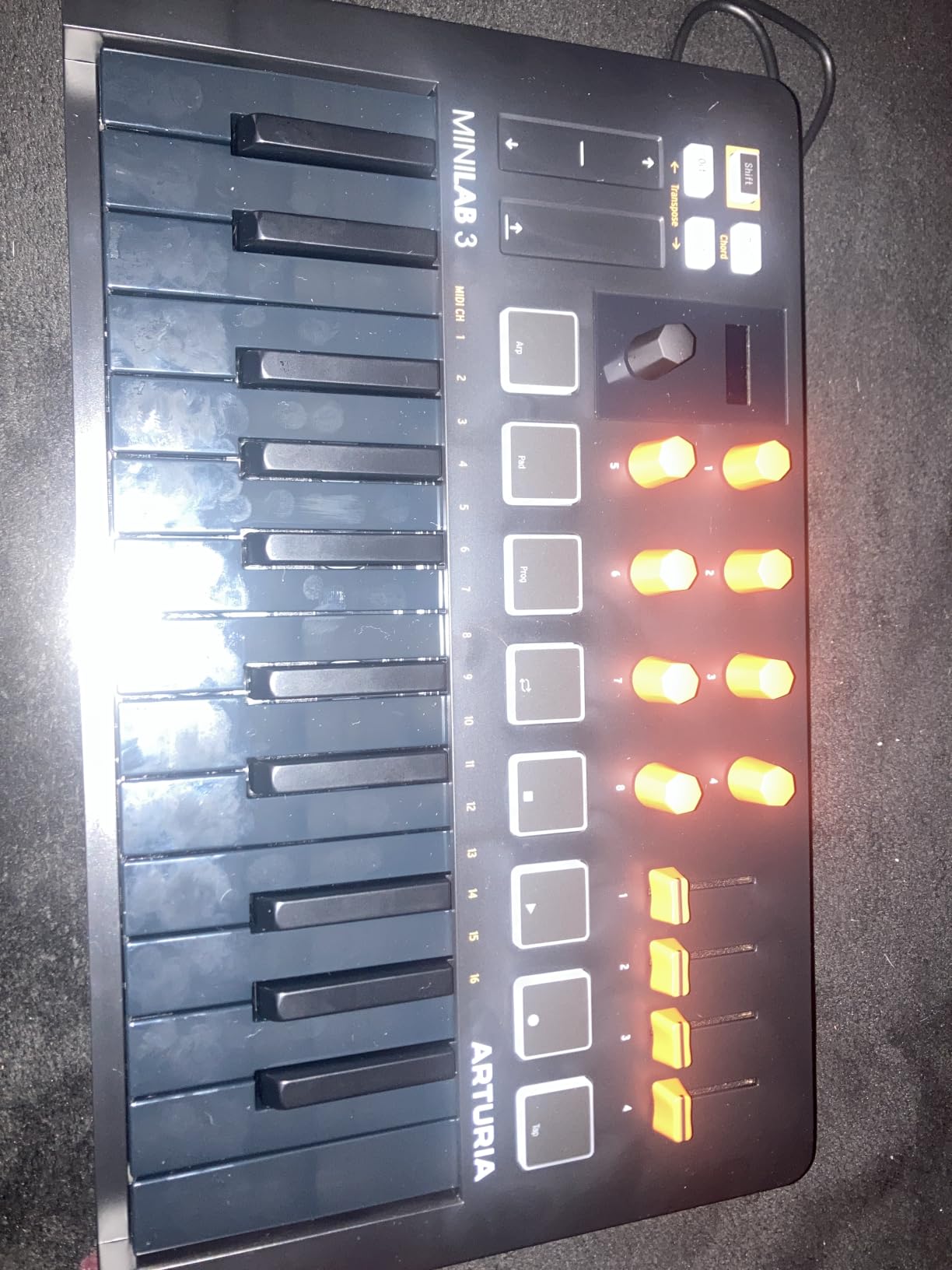
The Arturia MiniLab 3 surprised me with its premium feel despite the compact size. The 25 slim keys use synth action with velocity sensitivity, offering a playing experience that differs from traditional piano but works beautifully for synth parts and melodic lines. I found the keys responsive enough for expressive performances, especially when layering orchestral parts in my DAW.
What sets the MiniLab 3 apart is the 5-year warranty, which speaks volumes about Arturia’s confidence in their build quality. After months of regular use, the keys and pads maintained their responsiveness without any signs of wear. The RGB pads light up in different colors for various pad banks, making it easy to navigate between drum kits and note modes.
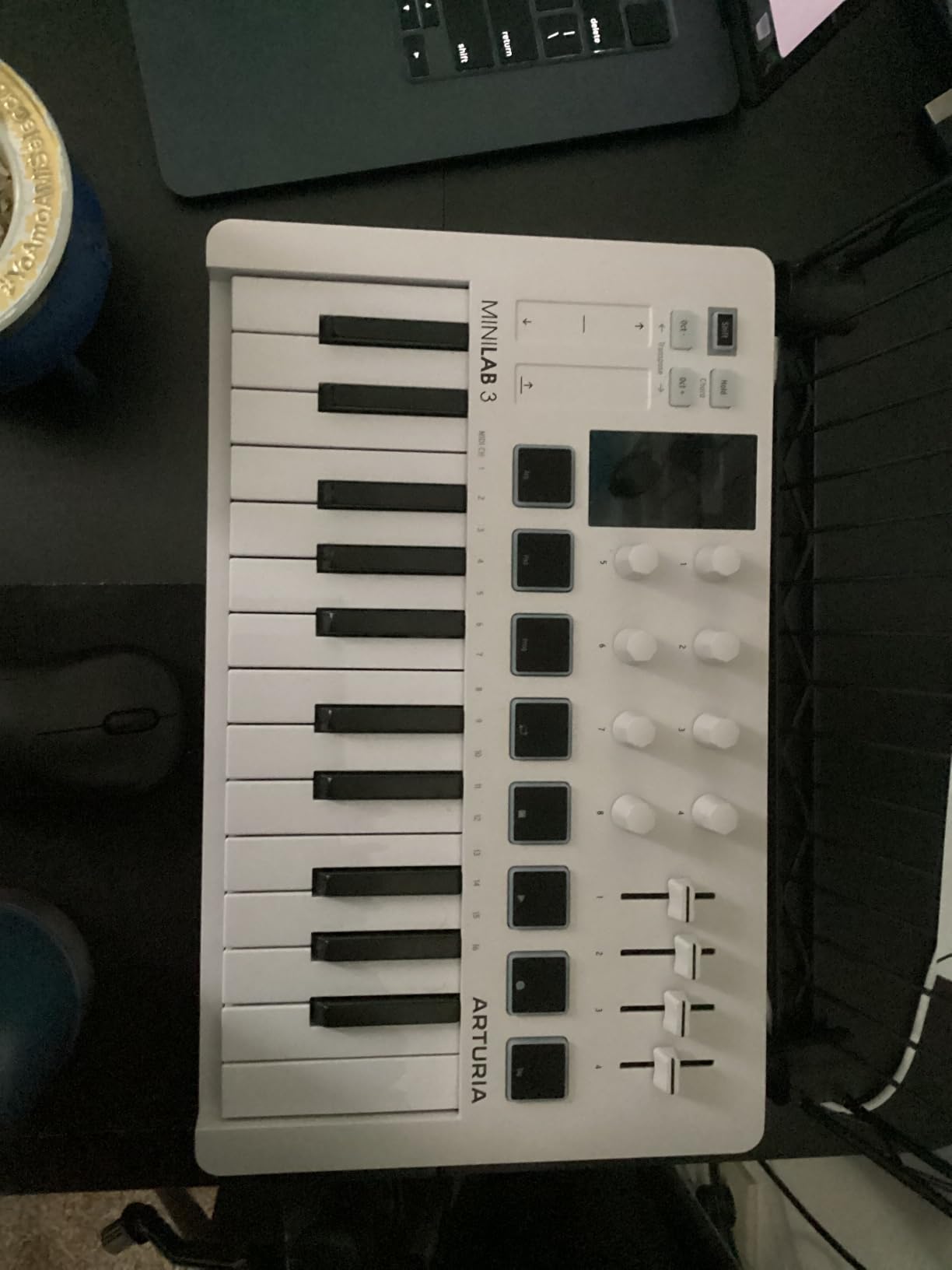
The software bundle adds tremendous value. Arturia includes Analog Lab Intro with hundreds of classic synth sounds, plus Ableton Live Lite for getting started with production. I particularly enjoyed the UVI Model D piano, which sounded surprisingly authentic for a bundled instrument. The capacitive touch sensors for pitch bend and modulation worked smoothly for adding expression to string and brass parts.
MIDI Out on the back panel opens possibilities for controlling external hardware. I connected the MiniLab 3 to my analog synth module and played it without a computer, something not all compact controllers offer. The built-in arpeggiator and clickable knob for navigation make standalone use practical for live performances and improvisation sessions.
Who Should Buy This
The Arturia MiniLab 3 suits beginners and producers who need a reliable, portable controller with premium build quality. If you value warranty coverage, want to control external hardware, or appreciate a comprehensive software bundle, this controller delivers exceptional value at the price point.
Who Should Look Elsewhere
Players who prefer traditional piano key width should test the slim keys before committing. The reduced key size works well for synth playing but may feel cramped for pianists accustomed to full-size keys. If you need more than 25 keys for two-handed compositions, consider the 49-key options on this list.
3. Akai Professional MPK Mini MK3 – Best Budget MIDI Keyboard
Akai Professional MPK Mini MK3 25-Key USB MIDI Keyboard Controller
25 mini velocity-sensitive keys
8 MPC-style pads
8 assignable knobs
Built-in arpeggiator
USB-powered
2GB sound content
Pros
- Compact and portable
- Excellent value
- Plug-and-play functionality
- Comprehensive software bundle
- Proven reliability with 30k+ reviews
Cons
- Small keys may feel cramped
- Documentation could be better
- Limited to 25 keys
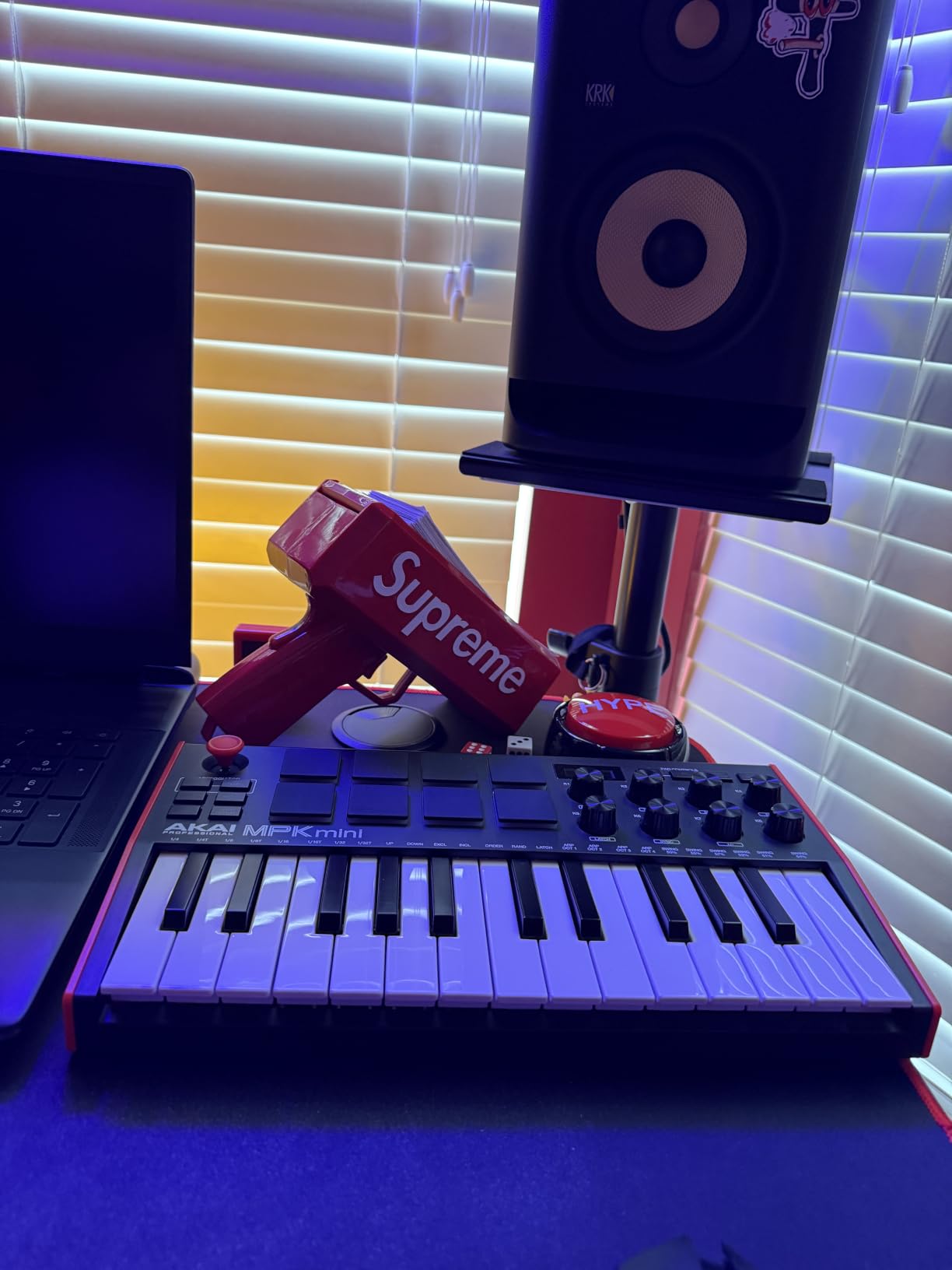
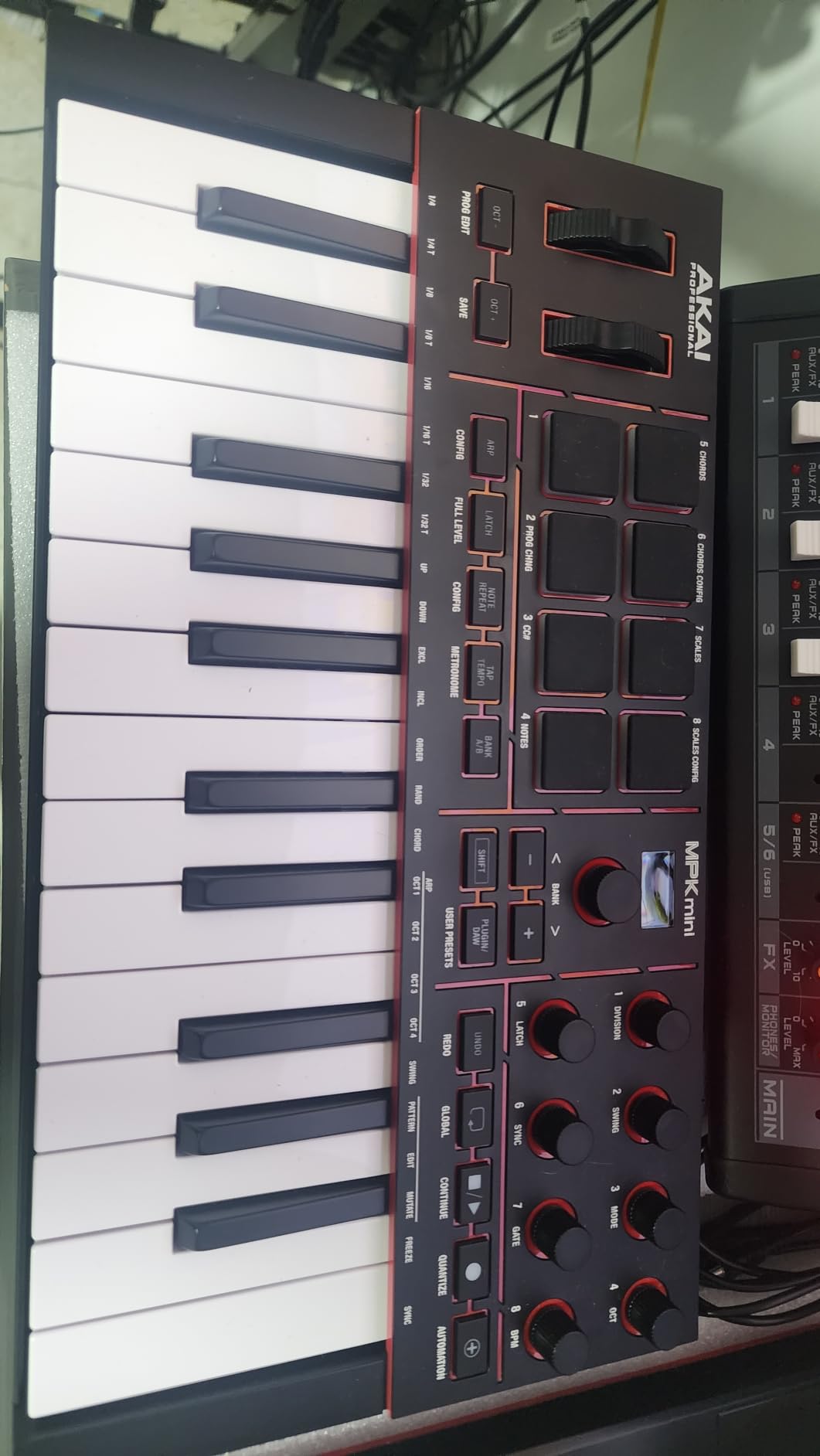
The Akai MPK Mini MK3 has earned its reputation as the go-to budget MIDI keyboard, and my testing confirmed why over 30,000 reviewers have given it high marks. The compact design fits perfectly on my desk alongside my monitors and mouse, taking up minimal space while providing full control over my DAW. I’ve carried it in a laptop bag to recording sessions without any hassle.
The 8 MPC-style pads deliver the legendary Akai drum pad feel that producers have trusted for decades. I programmed finger drumming patterns with precision, thanks to the responsive velocity sensitivity and Note Repeat function. The pads glow red when hit, providing visual feedback that helps maintain timing during intense beat-making sessions.
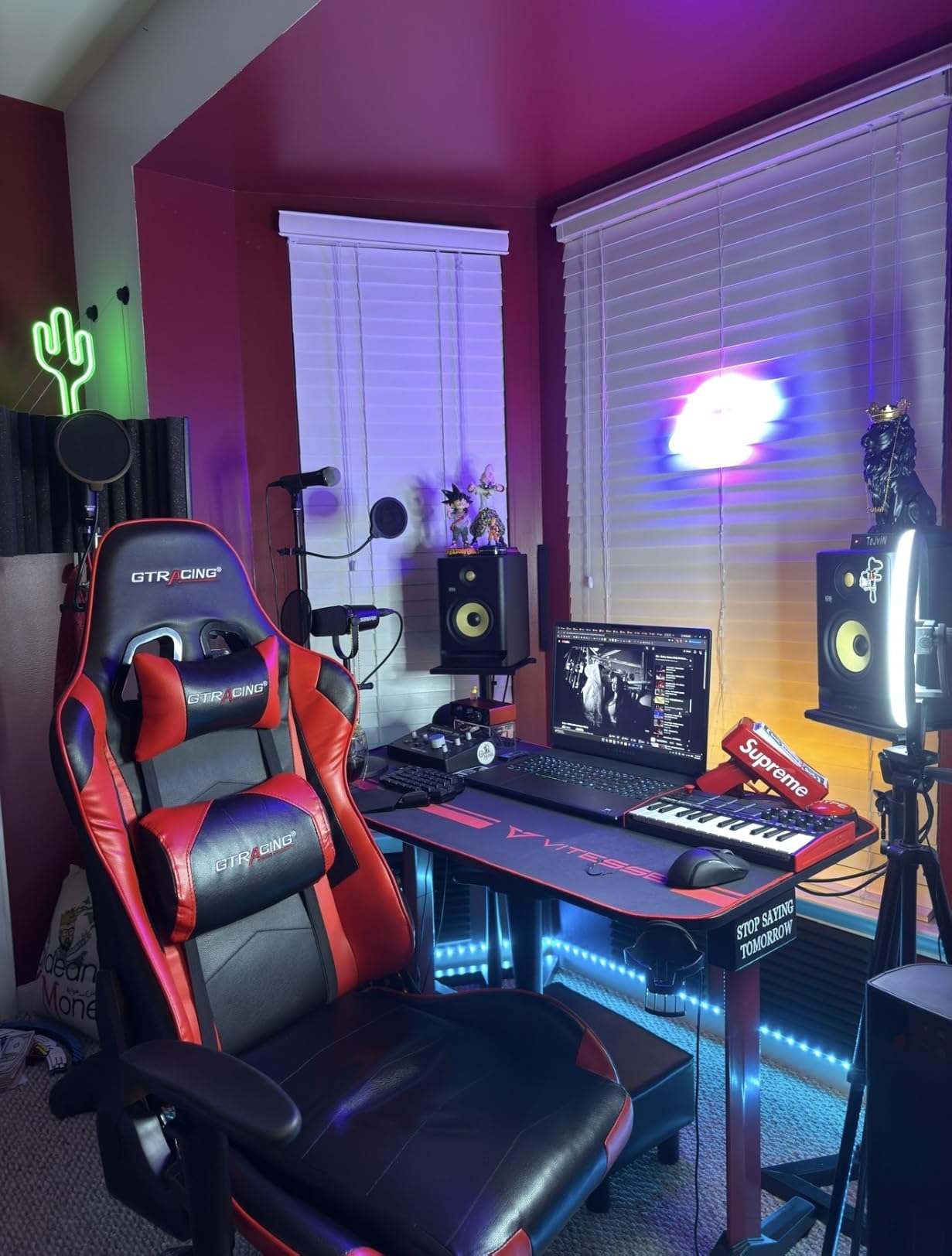
Setup was truly plug-and-play on both Mac and Windows. I connected the USB cable, and my DAW recognized the MPK Mini MK3 immediately. The included software suite impressed me with MPC Beats and three virtual instruments delivering over 1500 sounds. For beginners starting from scratch, this bundle provides everything needed to begin producing music right away.
The built-in arpeggiator became my favorite feature for creating melodic sequences. I could adjust the resolution, range, and mode directly from the hardware without diving into software menus. The 4-way thumbstick for pitch and modulation worked well for adding expression, though it lacks the traditional wheel feel some players prefer.
Who Should Buy This
The Akai MPK Mini MK3 is ideal for beginners, bedroom producers, and musicians who need an affordable, portable controller. If you’re just starting with music production, want proven reliability, or need something that fits in a backpack, this keyboard delivers excellent value at an entry-level price.
Who Should Look Elsewhere
Producers who play piano-style passages may find the mini keys limiting. The reduced size makes certain chord voicings difficult and can feel cramped for larger hands. If you plan to perform live regularly or need robust aftertouch features, investing in a higher-tier controller would serve you better long-term.
4. Akai Professional MPK Mini IV – Best Portable Upgrade
Akai Professional MPK Mini IV 25-Key USB-C MIDI Keyboard Controller, Black
25 velocity-sensitive mini keys
8 RGB MPC pads
Full-color screen
USB-C connectivity
MIDI Out port
Chord and Scale modes
Pros
- USB-C connectivity
- Full-color screen for clear feedback
- RGB pads look professional
- Advanced arpeggiator features
- MIDI Out for external devices
Cons
- Higher price than MK3
- Still limited to 25 keys
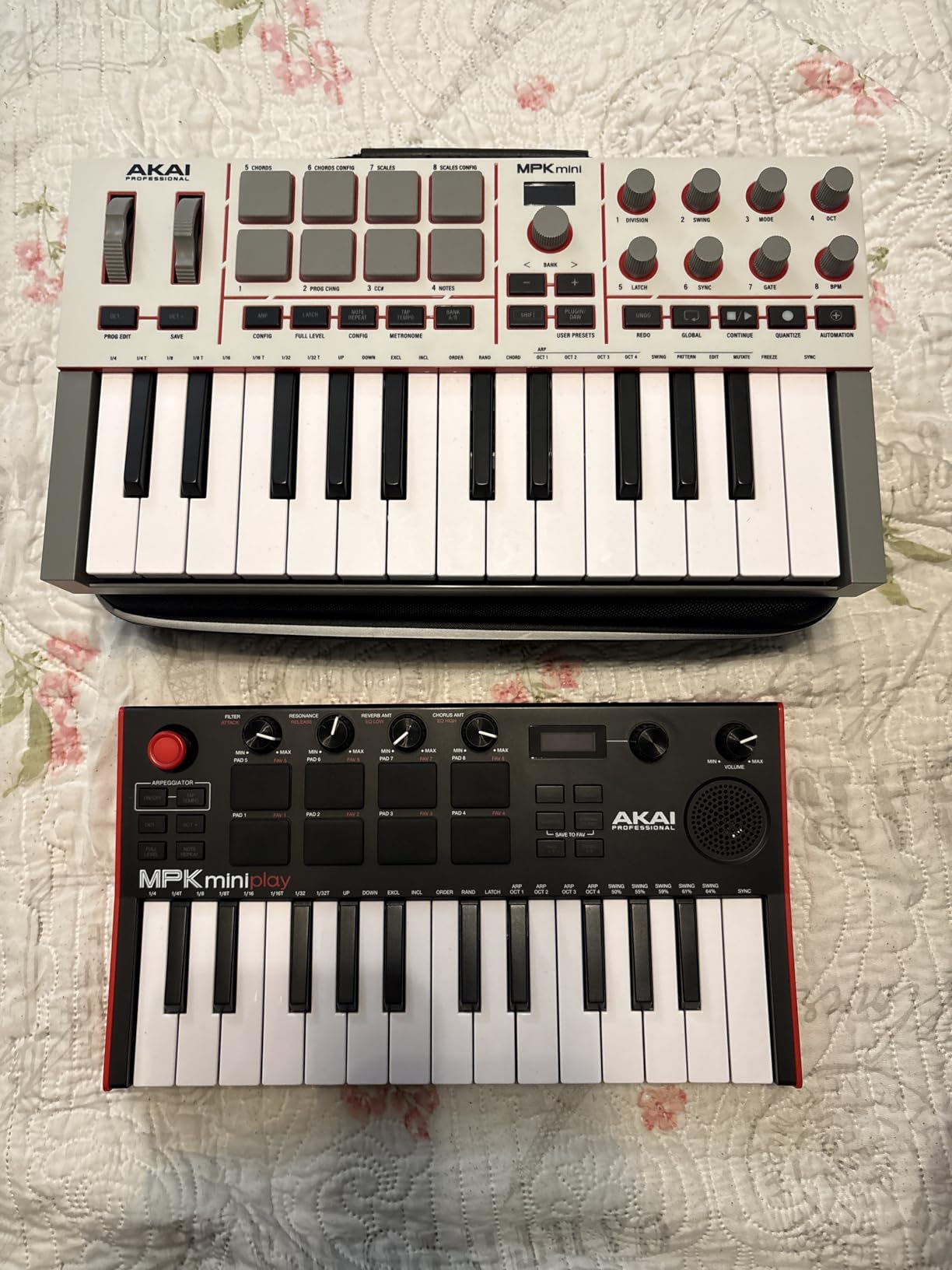
The Akai MPK Mini IV represents a significant upgrade over its predecessor, and the full-color screen immediately caught my attention. Unlike the MK3’s minimal indicator lights, this display shows exactly which parameters I’m adjusting in real-time. I could see knob assignments, pad modes, and arpeggiator settings without guessing or memorizing button combinations.
USB-C connectivity modernizes the connection experience. The reversible connector works with my modern laptop without dongles, and the USB 3.0 protocol ensures reliable data transmission. I appreciate having a full-size MIDI Out port on the back, which let me control my external sound module without needing a separate interface.
The 8 RGB MPC pads with pressure sensitivity felt more refined than previous versions. The lighting responds to velocity and pressure, creating a visual connection to my playing that I didn’t expect to appreciate as much as I did. Chord Mode and Scale Mode made composition more accessible, especially when I wanted to stay in key while improvising melodic ideas.
Pre-mapped DAW integration worked seamlessly with Ableton Live Lite 12, which is included in the software bundle. I also tested it with Logic Pro and FL Studio, and the controller automatically mapped transport controls and device parameters without manual configuration. The arpeggiator gained new Pattern, Freeze, and Mutate functions that added creative possibilities beyond basic rhythmic patterns.
Who Should Buy This
The Akai MPK Mini IV suits producers who want modern features like USB-C and a full-color screen in a portable package. If you’re upgrading from an older MPK Mini or need MIDI Out for external hardware, this controller justifies the premium over the MK3 with significant quality-of-life improvements.
Who Should Look Elsewhere
If budget is your primary concern and you don’t need the screen or USB-C, the MPK Mini MK3 offers similar core functionality at a lower price. Producers wanting more than 25 keys should consider 49-key alternatives for two-handed playing and wider note range.
5. Novation Launchkey Mini 25 MK4 – Best for Ableton Live
Novation Launchkey Mini 25 MK4 USB MIDI Keyboard Controller
25 mini synth-action keys
16 FSR pads with polyphonic aftertouch
OLED display
Scale and Chord modes
Arpeggiator
MIDI 3.5mm output
Pros
- Excellent DAW integration
- Polyphonic aftertouch on pads
- Scale and Chord modes work flawlessly
- Compact and portable
- 3-year warranty
Cons
- Mini keys feel small for piano players
- Software requires multiple account signups
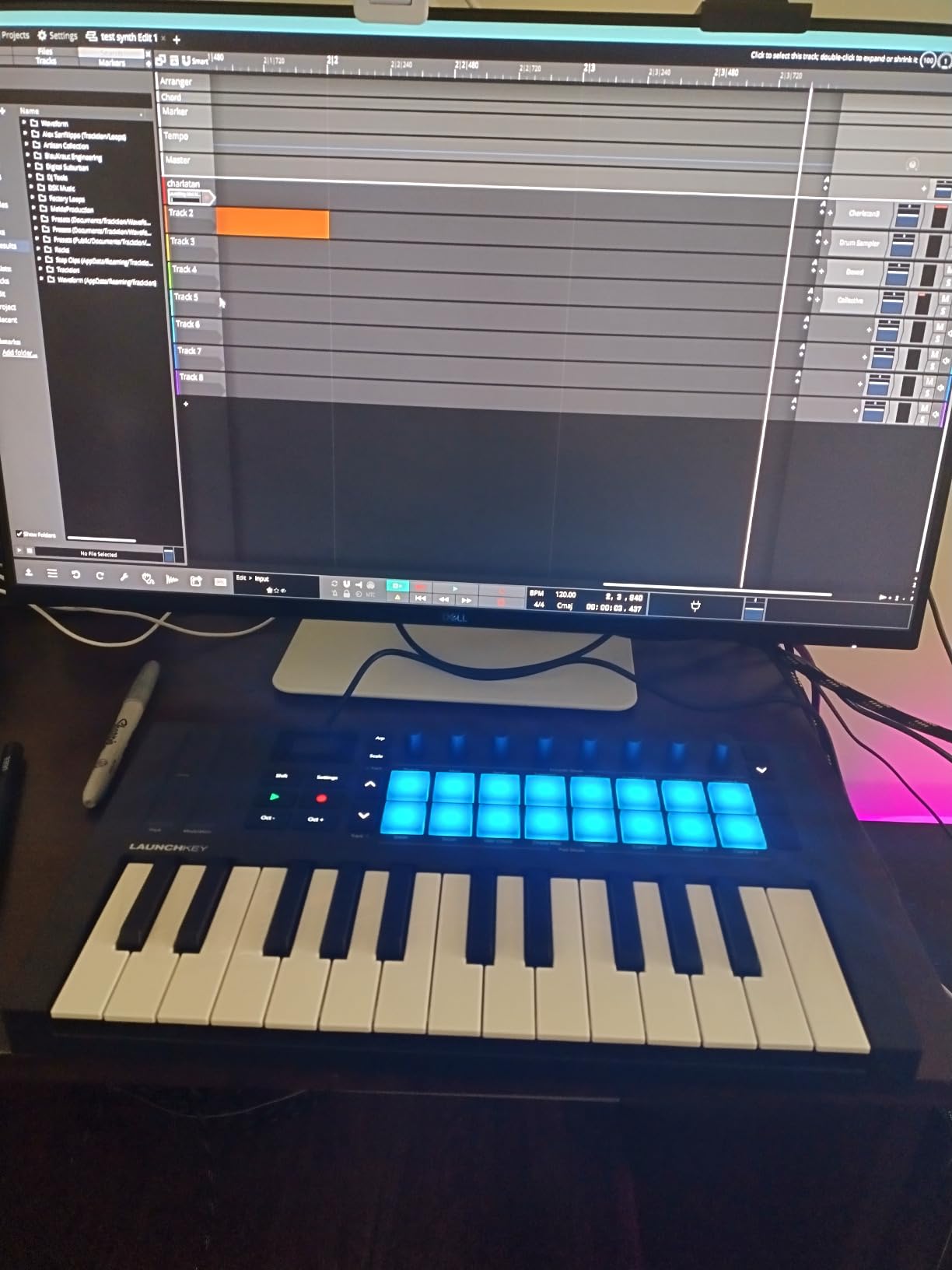
Novation designed the Launchkey Mini 25 MK4 specifically for Ableton Live users, and my testing confirmed this focus. The moment I connected it to my Mac, Ableton recognized the controller and mapped all transport controls, track navigation, and clip launching automatically. The 16 pads function perfectly as clip launch buttons in Session View, making this a dual-purpose performance and production tool.
The polyphonic aftertouch on the 16 FSR pads sets this controller apart from other compact options. I could add expression to drum hits by pressing into the pads after the initial strike, creating nuanced performances that felt more organic than standard velocity-only pads. For producers working with orchestral VSTs, this capability opens creative possibilities for dynamic swells and fades.
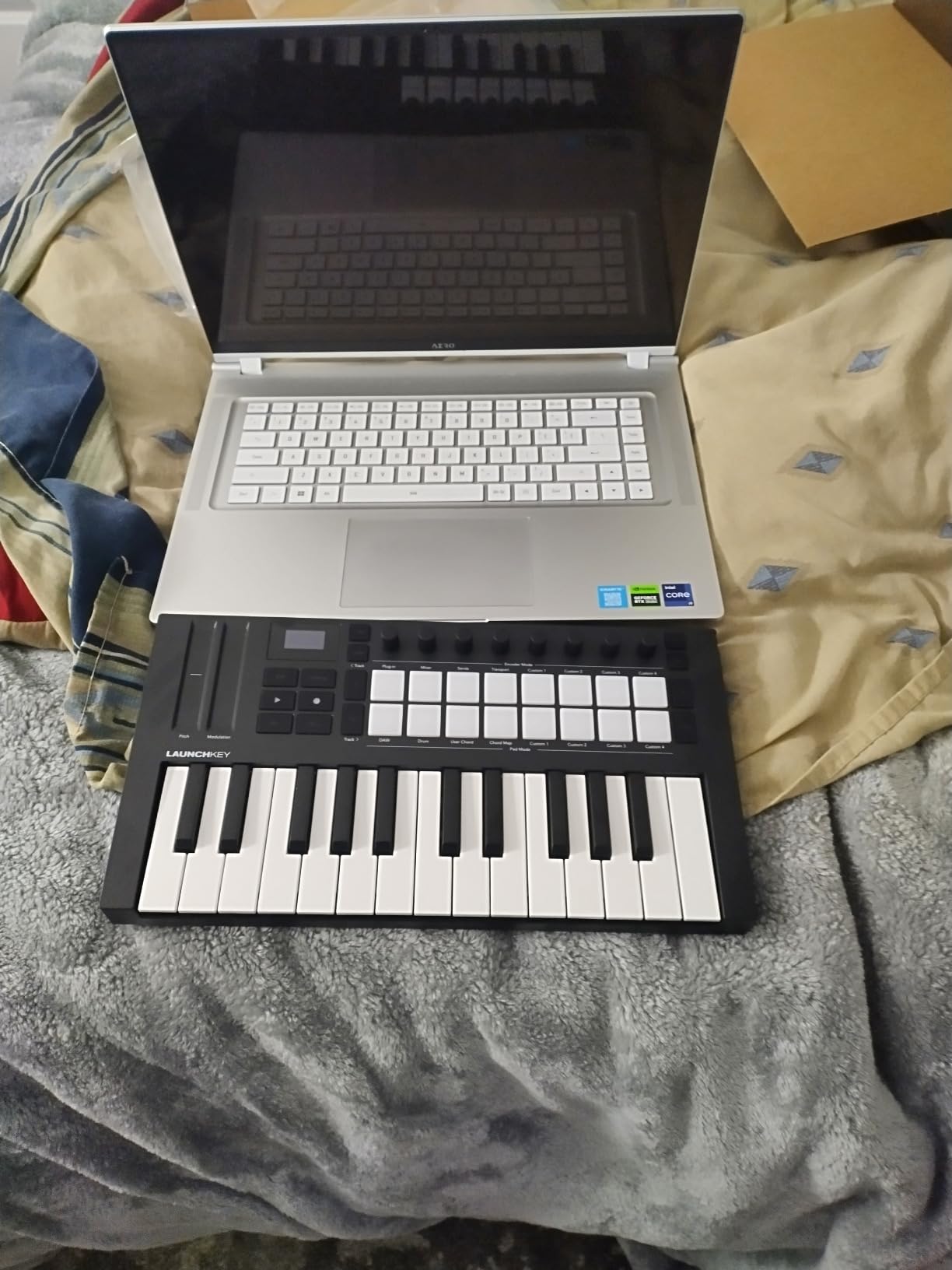
Scale Mode became my go-to feature for composing melodies without music theory expertise. Once activated, the keyboard locks to a selected scale, preventing wrong notes during recording. I found this especially useful when layering parts over existing chord progressions, as I could confidently improvise without worrying about clashing notes.
The OLED display provides clear feedback despite its small size. I could see current settings, scale selections, and arpeggiator modes without referring to my computer screen. The 3.5mm MIDI output enabled connection to external devices, though I wish it offered a full 5-pin DIN port for compatibility with older hardware.
Who Should Buy This
The Novation Launchkey Mini 25 MK4 is perfect for Ableton Live users who want seamless integration in a compact format. If you prioritize DAW control, need polyphonic aftertouch for expressive pad playing, or want Scale and Chord modes for composition assistance, this controller excels at its intended purpose.
Who Should Look Elsewhere
Producers who primarily use other DAWs may find the Ableton-focused features less compelling. The mini keys won’t satisfy pianists who want authentic key feel, and the software bundle requires creating accounts on multiple platforms to access all included instruments.
6. Arturia KeyLab Essential mk3 – Best Mid-Range 49-Key Controller
Arturia KeyLab Essential mk3 — 49 Key USB MIDI Keyboard Controller with Analog Lab V Software Included
49 synth-action keys with aftertouch
8 RGB pressure-sensitive pads
9 encoders and 9 faders
2.5-inch LCD screen
MIDI DIN output
Analog Lab V
Pros
- 49 keys with aftertouch
- Excellent DAW integration
- 2000+ preset software bundle
- RGB pads feel professional
- Clear LCD display
- 9 faders for mixing
Cons
- Plastic build feels less premium
- Faders could be smoother
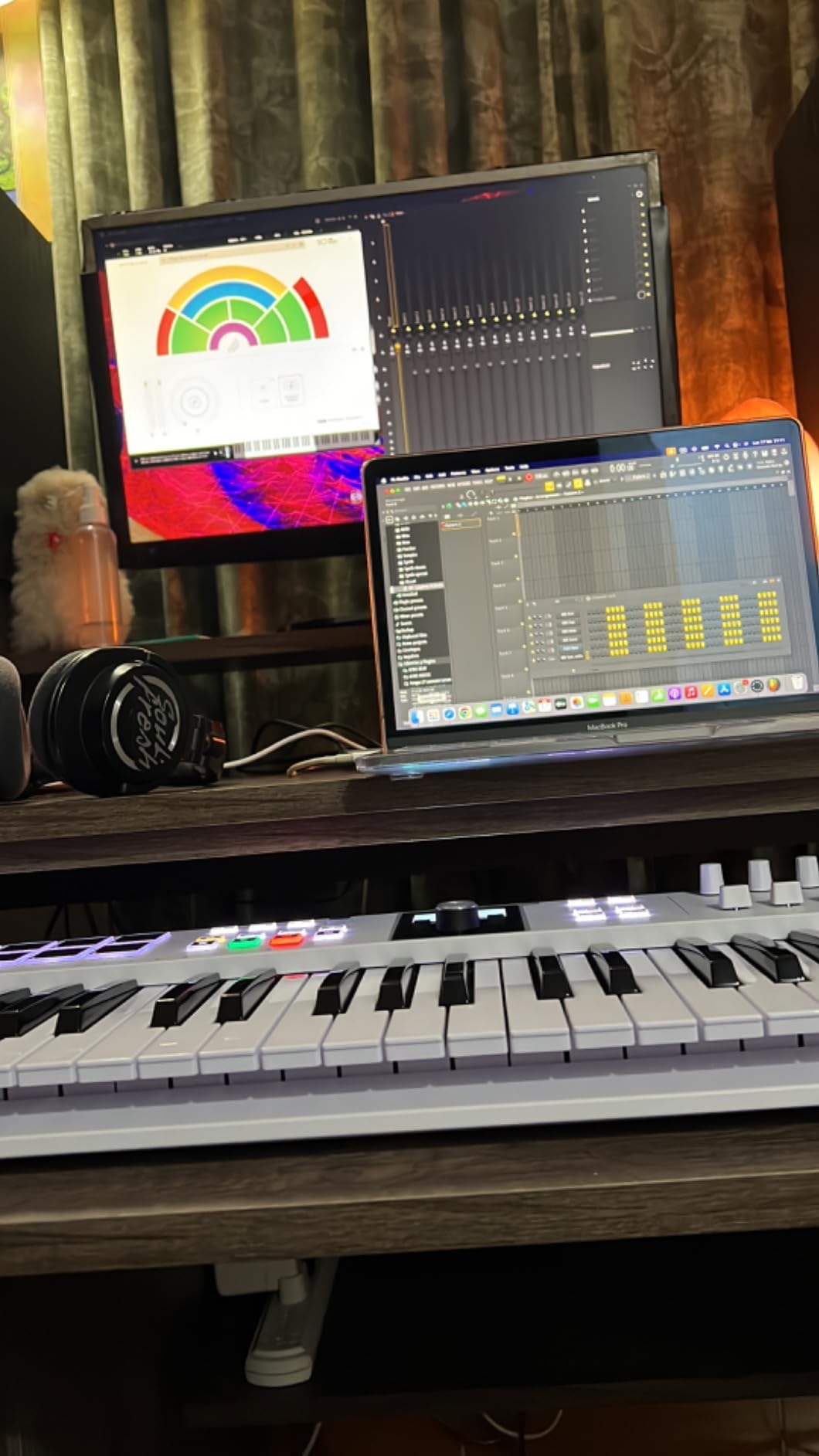
The Arturia KeyLab Essential mk3 bridges the gap between budget compact controllers and professional-grade instruments. With 49 synth-action keys featuring aftertouch, I could play two-handed parts while adding expressive pressure to sustained notes. The keybed doesn’t match a weighted piano, but the synth action feels responsive and musical for most production tasks.
Nine faders along the top panel transformed my mixing workflow. Instead of clicking and dragging with my mouse, I could adjust volume levels, filter cutoffs, and effect sends with physical controls. For orchestral arranging, this hands-on approach felt more intuitive and helped me make faster decisions about dynamic balance between instrument groups.
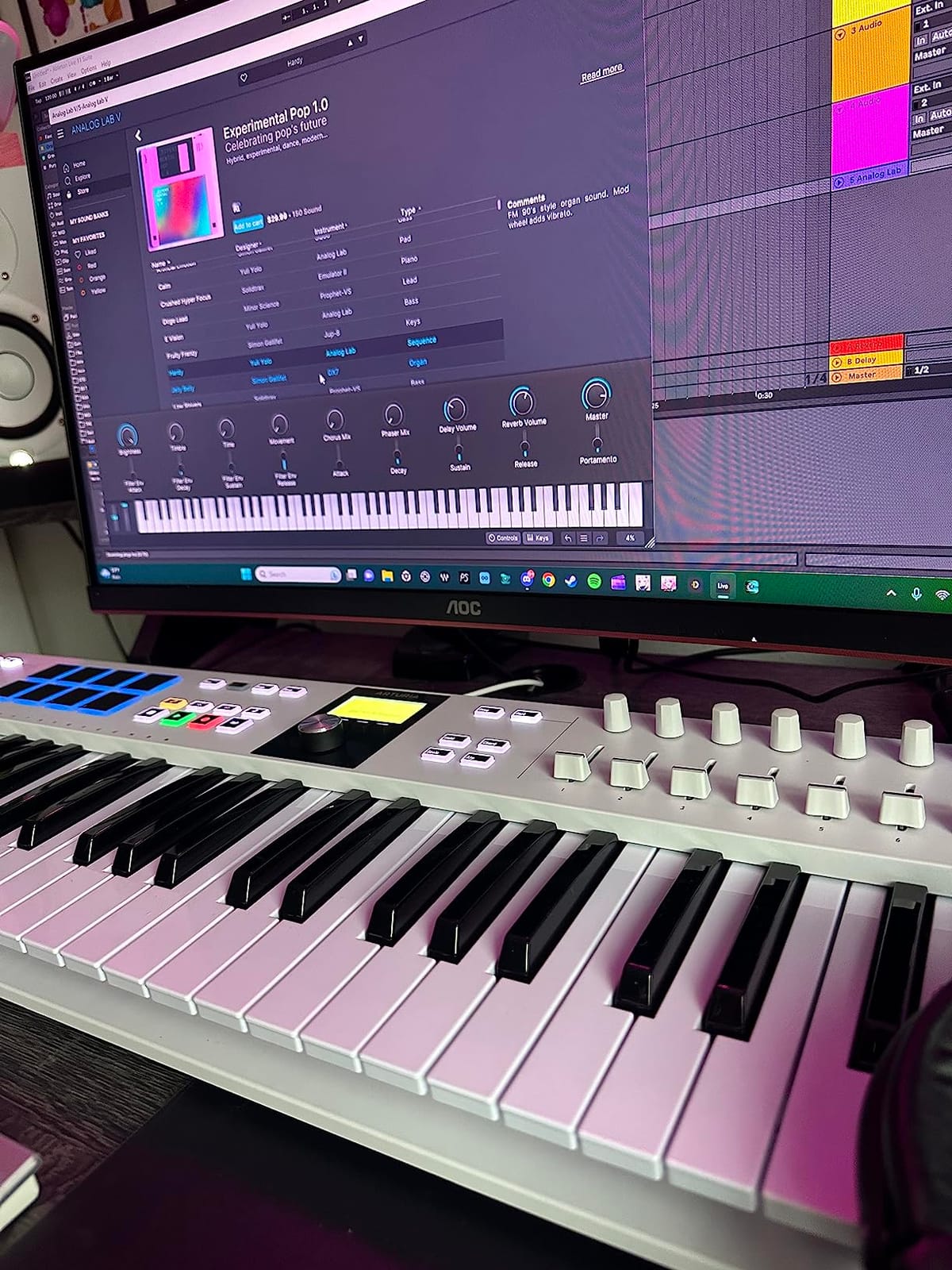
The 2.5-inch LCD screen displays current settings, preset names, and parameter values clearly. Unlike controllers that require constant reference to the computer screen, I could navigate sounds and adjust settings while keeping my focus on the music. The clickable encoder knob made browsing through the 2000+ presets in Analog Lab V efficient and pleasant.
Analog Lab V software delivers exceptional value, offering thousands of presets from Arturia’s legendary synth emulations. I accessed classic Minimoog, Prophet-5, and CS-80 sounds without purchasing separate plugins. The bundle also includes UVI Model D and NI The Gentleman pianos, providing realistic grand and upright piano tones for classical composition work.
Who Should Buy This
The Arturia KeyLab Essential mk3 suits producers who want 49 keys and mixing controls without spending on a professional-grade controller. If you need aftertouch expression, hands-on fader control, or value the extensive Analog Lab V software bundle, this mid-range option delivers features typically found on more expensive instruments.
Who Should Look Elsewhere
Producers wanting authentic piano feel should consider the Novation Launchkey 49 MK4 with its semi-weighted keys instead. The plastic construction on the KeyLab Essential mk3, while functional, lacks the premium feel of metal-bodied alternatives. If portability matters most, a 25-key compact controller would better suit your needs.
Buying Guide: How to Choose the Best MIDI Keyboard
Selecting the right MIDI keyboard involves understanding your production workflow, available space, and musical goals. Our team has identified the key factors that matter most when making this decision.
Key Count: How Many Keys Do You Need?
The number of keys directly impacts both playability and portability. Here’s what to expect from each configuration:
25 keys work well for bass lines, melodies, and drum programming in compact spaces. These controllers fit in backpacks and on crowded desks, making them ideal for travel producers and bedroom studios. However, you’ll need to use octave shift buttons for accessing the full keyboard range, which interrupts flow during two-handed playing.
49 keys represent the sweet spot for most producers. You can play two-handed parts, reach a comfortable range without constant octave shifting, and still fit the controller on most desks. This size works well for composers who need to play both melody and accompaniment simultaneously.
61 to 88 keys suit pianists and composers who want full keyboard coverage. These larger controllers support proper hand positioning for classical pieces and eliminate octave shifting entirely. Be prepared for significant desk space requirements and reduced portability.
Keyboard Action Types Explained
The feel of the keys affects your playing experience and expression capability:
Synth action uses springs and plastic keys for a light, bouncy feel. This action type responds quickly to rapid playing and suits electronic music production, synth parts, and drum programming. Most compact controllers use synth action.
Semi-weighted keys add resistance that mimics acoustic piano feel without the full weight of hammer action. These keys provide better dynamic control for expressive playing and work well for pianists transitioning to MIDI controllers. The Novation Launchkey 49 MK4 offers excellent semi-weighted action.
Hammer action uses weighted keys that replicate the feel of an acoustic piano. Professional 88-key controllers often feature graded hammer action, where lower notes feel heavier than higher notes. This action type best serves classical pianists and those seeking authentic piano response.
DAW Integration and Compatibility
Modern MIDI keyboards offer varying levels of DAW integration. Some controllers, like the Novation Launchkey series, provide pre-mapped controls for specific DAWs. Others require manual mapping through your software’s MIDI settings.
Consider your primary DAW when choosing. Ableton Live users benefit from Novation’s tight integration, while Logic Pro users often appreciate controllers with Apple-specific mappings. Check manufacturer specifications for compatibility with your preferred software before purchasing.
Connectivity Options
Most modern MIDI keyboards connect via USB and draw power from your computer. However, consider these additional connectivity features:
USB-C offers faster connection and works with modern laptops without dongles. Controllers like the Akai MPK Mini IV use USB-C for reliable data transmission.
MIDI DIN output lets you control external hardware synthesizers and sound modules without a computer. The Arturia KeyLab Essential mk3 and MiniLab 3 both offer this capability.
CV/Gate outputs enable connection to modular synthesizers and vintage equipment. This feature appears on specialized controllers designed for hardware integration.
Software Bundle Value
The included software can add significant value to your purchase. Consider what instruments and DAW software come bundled with your controller:
Arturia includes Analog Lab with thousands of synth presets, while Akai offers MPC Beats and virtual instruments. Novation bundles Ableton Live Lite with most controllers. Calculate the value of these software packages when comparing prices between options.
Frequently Asked Questions
What is the best MIDI keyboard on the market?
The best MIDI keyboard overall is the Novation Launchkey 49 MK4, offering semi-weighted keys, 16 pads with polyphonic aftertouch, 9 faders, and seamless DAW integration. It balances professional features with mid-range pricing, making it suitable for both studio production and live performance.
Should I get a 25 or 49 key MIDI keyboard?
Choose 25 keys for maximum portability and limited desk space. Choose 49 keys for two-handed playing and reduced octave shifting. Most producers find 49 keys offer the best balance between playability and size, while 25-key controllers suit travel and compact setups.
What is the best brand for a MIDI keyboard?
Top MIDI keyboard brands include Novation, Arturia, Akai Professional, Native Instruments, and M-Audio. Each brand excels in different areas: Novation for DAW integration, Arturia for build quality and software bundles, and Akai for pad feel and beat-making features.
What is the best MIDI keyboard for beginners?
The Akai MPK Mini MK3 is the best MIDI keyboard for beginners, offering compact size, comprehensive software bundle, proven reliability, and affordable pricing. Its plug-and-play functionality and included MPC Beats software help newcomers start producing immediately.
What MIDI keyboard feels like a piano?
MIDI keyboards with semi-weighted or hammer action keys feel most like a piano. The Novation Launchkey 49 MK4 offers semi-weighted waterfall-style keys that approximate piano feel. For authentic acoustic piano response, consider 88-key controllers with graded hammer action.
Conclusion
Finding the best MIDI keyboard for your needs depends on balancing key count, action type, and workflow requirements. The Novation Launchkey 49 MK4 stands out as our top pick for producers who want semi-weighted keys and comprehensive production features. For budget-conscious beginners, the Akai MPK Mini MK3 delivers exceptional value with proven reliability. Compact controller seekers should consider the Arturia MiniLab 3 for its premium build quality and 5-year warranty.
Each controller on this list serves different production styles and budgets. Consider how much desk space you have, whether you need piano-like key feel, and which DAW integration features matter most to your workflow. With any of these best MIDI keyboards in 2026, you’ll have the foundation for expressive music production and composition.
4 thoughts on “Best MIDI Keyboards (October 2026) Trusted Reviews”