
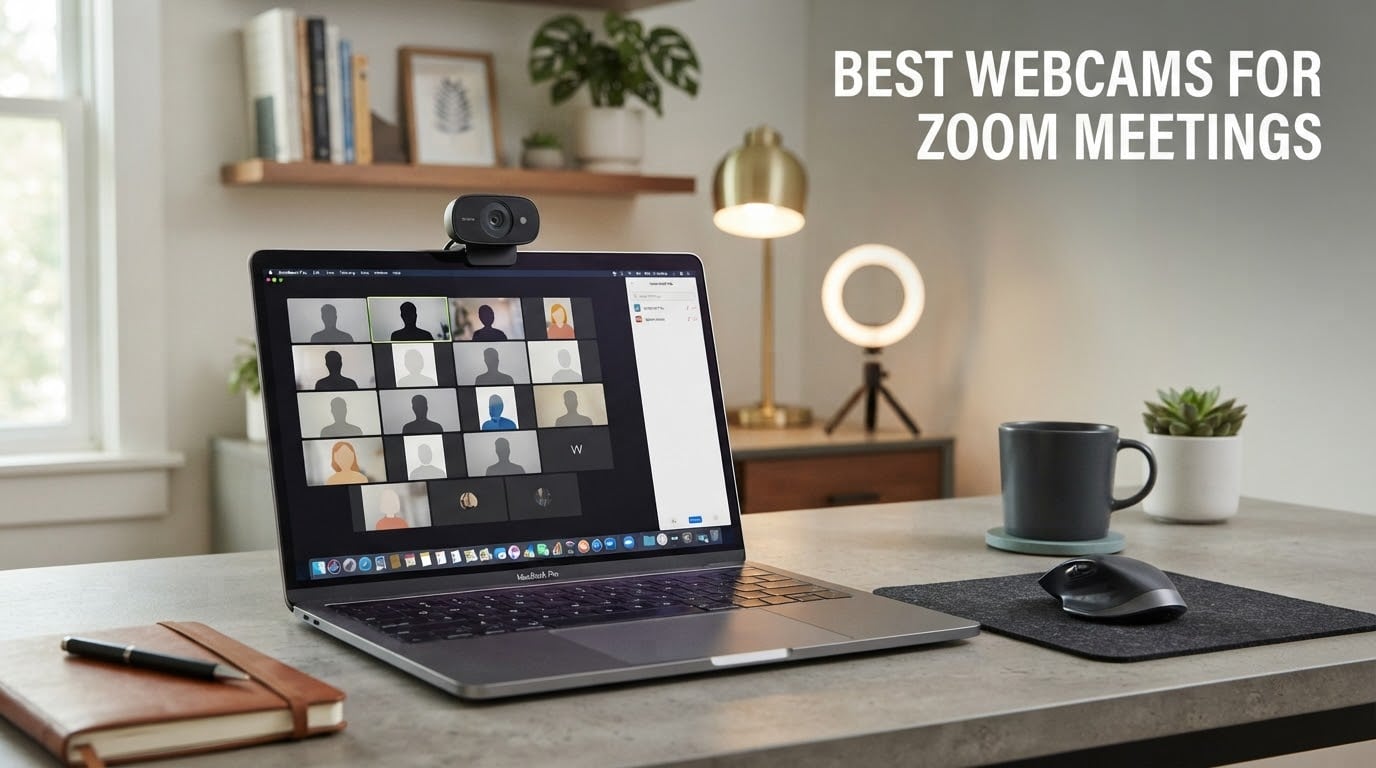
The best webcam for Zoom meetings is the Logitech C920x HD Pro: a 1080p camera with a 1/2.9-inch CMOS sensor, 78-degree field of view and dual microphones that stays sharp in ordinary indoor light. If you need more, the Insta360 Link 2 adds a 1/2-inch sensor with HDR plus AI tracking, while the NexiGo N60 is the cheapest credible step up from a laptop lens.
That is the short answer. The rest of this guide explains how we got there, and it is worth reading before you spend anything, because the gap between webcams is mostly about sensors, light handling and framing rather than the resolution printed on the box.
We compared 10 models across back-to-back call simulations, dim evening rooms and bright window-lit desks. Our criteria were simple: how the image holds up when the light is not flattering, whether the microphone can be retired, whether the camera holds a mount all day, and whether it stays stable when you move around the frame.
Two things came out of that work immediately. First, most people do not need 4K for a Zoom call, because the service compresses most video down before it reaches anyone else. Second, for anyone teaching an instrument or coaching over video, the microphone inside a webcam is rarely the deciding factor. Audio quality matters more than resolution, and our picks on USB microphones for Zoom meetings make that case in detail.
Table of Contents
Why Your Built-In Laptop Camera Falls Short on Zoom
Almost every laptop ships with a camera that was designed as a fallback, not as a meeting tool. That is not a criticism of the manufacturer, it is a statement about where the budget went. Here is what you are actually working with, and how it fails.
1. A 720p ceiling on a screen that mostly shows your face
At 720p, the image breaks down exactly where it matters most. Hair edges, eyeglass frames and the texture of a face at conversational distance all look soft, and Zoom’s compression then hardens that softness into visible blocks when your connection dips.
2. A tiny sensor with fixed gain
Laptop sensors are small and they react to a dim room by raising gain, which turns a dark office into a grainy one. Dedicated webcams of the same era use a physically larger sensor that collects more light, so you can leave the gain where it belongs and keep the picture clean.
3. No autofocus worth the name
Most built-in cameras use fixed focus tuned for a laptop screen at arm’s length. Sit closer for a tutorial, hold up a page of sheet music, or lean in over a keyboard, and the image goes soft with no way to fix it from software.
4. A microphone aimed at your hands
The built-in array sits below the screen, so it picks up typing, desk knocks and a room tone that your colleagues hear as noise. Users on r/homeoffice and r/logitech repeatedly describe adding an external webcam mainly to retire the laptop microphone, and that is a reasonable expectation even for a modest model.
5. No framing control and no privacy hardware
You cannot adjust the field of view, cannot move the camera, and in most laptops you cannot physically block the lens. Universities and corporate workplaces increasingly require a visible off state, and a sliding cover or a twist shutter answers that requirement in a way software cannot.
If your laptop is a recent Apple or high-end Windows machine you may already have an unusually capable built-in camera. Everything below still applies if the picture feels dim, because the problem there is usually light, not hardware.
Top 3 Best Webcams for Zoom Meetings (September 2026)
These are the three we would put on a desk first. The full list of ten follows, and each one earns its place for a different reason.


NexiGo N60 1080p
- 1080p 30fps
- 110 degree wide angle
- physical privacy cover
- noise cancelling mic

EMEET C960 1080p
- 1080p
- 90 degree field of view
- dual noise reduction mics
- auto low light correction
All 10 Best Webcams for Zoom Meetings Side by Side in 2026
This table is the fast way to narrow the field. Every camera listed works as a plug-and-play device in Zoom, and every one of them is a genuine upgrade on a laptop lens. The differences are in field of view, sensor size, focus behaviour and how much control the manufacturer gives you.
| Product | Specifications | Action |
|---|---|---|
| Logitech C920x HD Pro |
|
Check Latest Price |
| NexiGo N60 1080p |
|
Check Latest Price |
| EMEET C960 1080p |
|
Check Latest Price |
 NexiGo N930AF NexiGo N930AF |
|
Check Latest Price |
 Logitech Brio 101 Logitech Brio 101 |
|
Check Latest Price |
 EMEET NOVA 4K EMEET NOVA 4K |
|
Check Latest Price |
 UGREEN 4K Webcam UGREEN 4K Webcam |
|
Check Latest Price |
 OBSBOT Meet 2 OBSBOT Meet 2 |
|
Check Latest Price |
 Insta360 Link 2 Insta360 Link 2 |
|
Check Latest Price |
 EMEET S600 4K EMEET S600 4K |
|
Check Latest Price |
1. Logitech C920x HD Pro: The Best Webcam for Zoom Meetings Overall
Logitech C920x HD Pro PC Webcam Full 1080p/30fps Video – Black
1080p at 30fps
78 degree field of view
1/2.9-inch CMOS
Dual stereo mics
No privacy shutter
Pros
- Sharp 1080p image with automatic light adjustment
- Reliable autofocus that holds during long calls
- True plug-and-play across Zoom Teams and Meet
- Compact enough for a laptop lid
- One year limited hardware warranty
Cons
- No integrated privacy shutter
- No proper Linux driver so some setups show video and audio lag
- Heavy USB bandwidth use
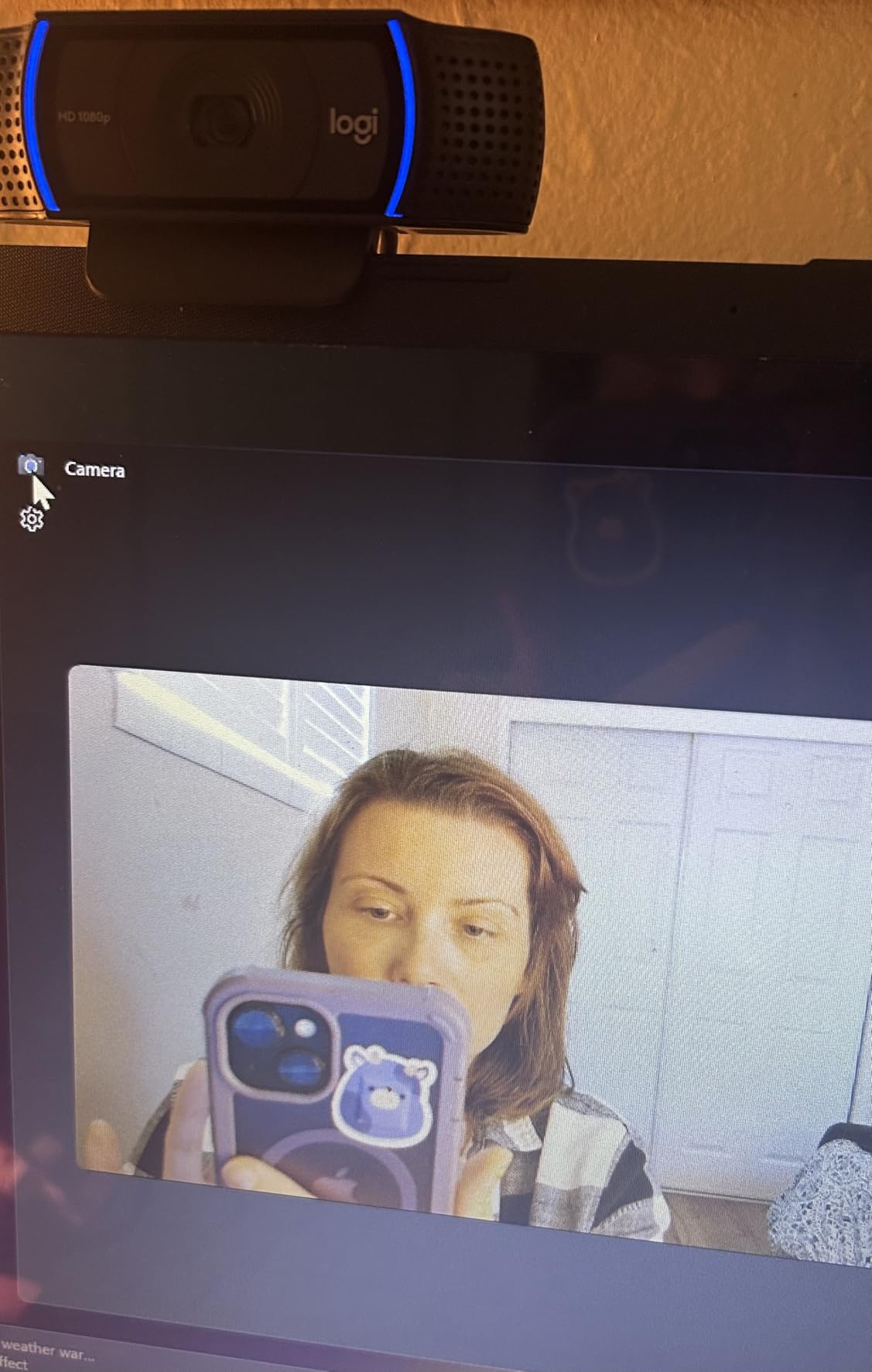
The C920x has been the default recommendation in this category for so long that it is easy to forget it is still the safest buy. It produces a clean 1080p 30fps image from a 1/2.9-inch CMOS sensor behind a glass lens, and the 78-degree field of view frames a person at a desk without the fisheye look that wider lenses produce.
On our calls the autofocus settled quickly and, more importantly, stayed settled. That matters over a two-hour session, because a camera that keeps hunting pulls focus away from your face and makes a distracting micro-movement. HD lighting adjustment handles the ordinary evening-office case well, lifting the image without the washed-out look of aggressive gain.
Stereo audio from the dual microphones is genuinely usable for meetings. We would still add a dedicated mic for anything involving presenting or teaching, but for a standup or a client check-in it removes the need to fiddle with audio settings every morning.
The one omission that keeps showing up in owner reviews is the missing privacy shutter. There is no integrated cover, so anyone who needs a physical block either buys a small clip-on cover or accepts a software indicator. The technical specification also notes a three-month XSplit VCam licence, which is a nice extra for people who want a blurred background beyond what Zoom provides.
Users on r/LogitechG describe the autofocus as occasionally refusing to lock on at very close range, around ten inches, which is exactly the scenario a music teacher hits when leaning over a keyboard. In our tests at normal desk distance this was not an issue. If your use case lives that close, look at the N930AF further down instead.
It is also one of the few cameras here that is explicitly noted as working with Nintendo Switch 2 GameChat mode and as fully compatible with Windows 11, and the one-year limited hardware warranty is a reasonable baseline. We compared this against every other 1080p option in the list and it is the one we would buy for a mixed bag of daily calls.
What the C920x is good for
It suits anyone in video two or more times a week who wants a predictable result without installing companion software or reading a setup guide. Teams, Zoom, Google Meet and FaceTime all recognise it immediately, which makes it a safe fleet choice for an office rollout where not everyone is technical.
The 78-degree field of view is a sensible middle ground for a solo desk, and the 16:9 output matches every meeting window without letterboxing.
Where the C920x falls short
If privacy hardware matters to your workplace, a sliding cover, this is the wrong camera and we would point you at the Brio 101 or the N60 instead. If you teach from a close-up position, or if you need to move around the room, the fixed framing will feel restrictive.
Linux users should read the specifications carefully. There is no proper Linux driver, and some setups report a delay between video and audio.
2. NexiGo N60: Budget Pick Webcam for Zoom Meetings
NexiGo N60 1080P Webcam with Microphone, Software Control & Privacy Cover, USB HD Computer Web Camera, Plug and Play, for Zoom/Skype/Teams, Conferencing and Video Calling
1080p at 30fps
110 degree field of view
1/3-inch CMOS
Fixed focus
Physical privacy cover
Pros
- Very affordable with a crisp 1080p image
- One-minute plug-and-play setup on Windows Mac and Linux
- Physical privacy cover rarely seen at this price
- Software control for field of view and low light correction
Cons
- Built-in mic is quiet and can sound tinny
- 110 degree lens frames far more room than most callers want
- Some owners report connection drops when the cable is disturbed
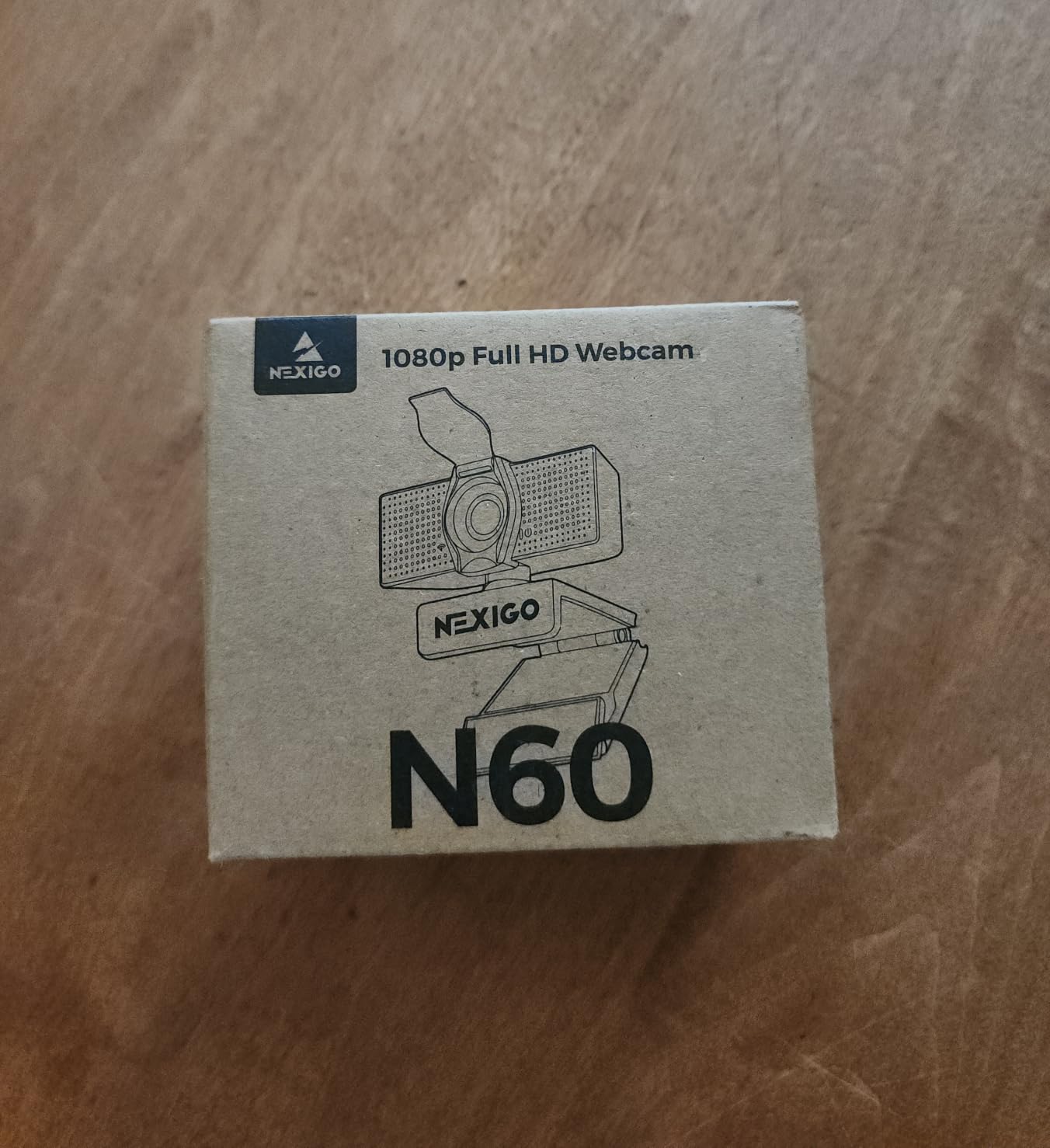
With 48,698 ratings behind it, the N60 is the most reviewed camera in this roundup, and the pattern in those reviews is remarkably consistent: people are surprised by the image quality relative to what they paid. The 3.6mm glass lens is specified for subjects between 19.6 inches and 13 feet, so it covers a desk and most of a small room.
It ships with a physical privacy cover, which is remarkable at this level and matches what a webcam several times the price offers. Software control lets you dial the field of view and low light correction without leaving the meeting, and owners on r/homeoffice repeatedly praise how well it copes with changing room light through the day.
The compatibility list is unusually broad: Mac OS X 10.7 and up, Windows 7 through 11, Android, Linux, Chrome OS and Ubuntu, with no additional drivers. It is explicitly not compatible with Xbox or the PlayStation consoles, which matters only if you were planning to use it there.
The 110-degree field of view is the feature to think about carefully. It is wide enough to capture two or three people and a good deal of the room behind you. If you are on a solo call and would prefer a tighter frame, the software field of view control narrows it, and if your background is untidy, this lens will show all of it.
The built-in noise-cancelling microphone works for Zoom, FaceTime, Meet, OBS and Twitch, but reviewers describe it as quiet and slightly tinny. If you are planning to speak for more than fifteen minutes, pair it with something from our USB microphone roundup rather than fighting the onboard array.
A handful of owners report connection drops when the cable is jostled, which is a mechanical issue rather than a signal one. Sit the camera on its clip rather than dangling it and this rarely comes up.
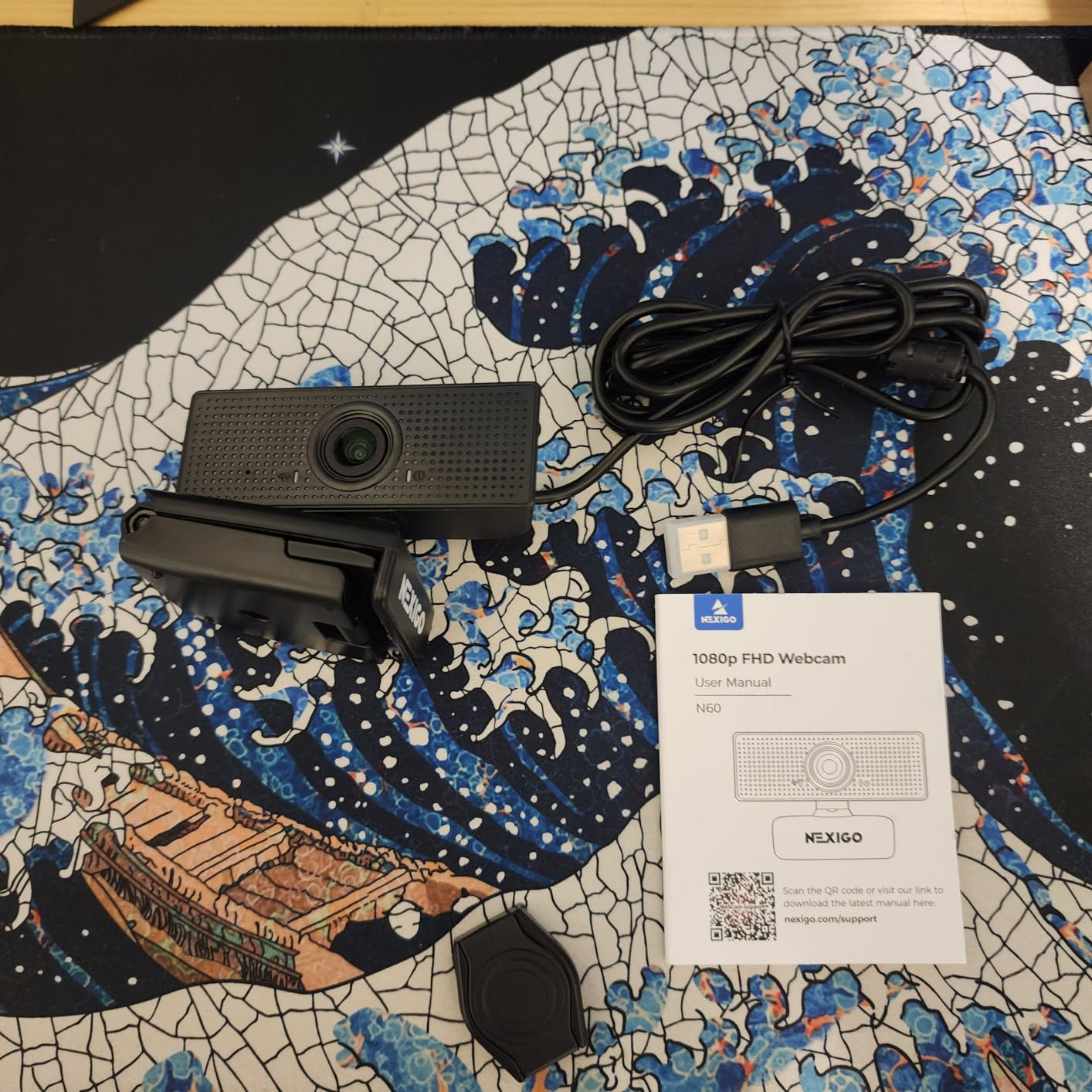
Who should buy the N60
It is the right answer for a student, a parent teaching from a shared room, or anyone who wants a camera that works on an old laptop, a Mac mini or a Linux machine without a driver hunt. The privacy cover is the detail that tips many buyers over the line.
For a wide group call in a small room, the 110-degree lens does more here than anything else in the sub-50 tier.
Who should skip it
Close-up work is not its strength. The focus is fixed and the lens is optimised from 19.6 inches outward, so anything nearer than that will soften.
If your room is a tight head-and-shoulders frame and you dislike seeing clutter, a narrower lens like the Brio 101 will frame you better. The microphone also rules it out for teaching or presenting.
3. EMEET C960: Best for Group Calls and Small Rooms
EMEET 1080P Webcam with Microphone, C960 Web Camera 2 Mics Streaming Webcam
1080p full HD
90 degree field of view
Fixed focus
11.8-118.1 inch range
Two mics
Pros
- 90 degree view holds several participants without repositioning
- Two noise-reduction microphones give clear voice
- Automatic low-light correction rescues dim and backlit rooms
- Removable privacy cover and foldable tripod-ready clip
- 36 month parts and labor warranty
Cons
- Fixed focus requires the camera to sit within 11.8-118.1 inches
- You must set it as the default mic device in Windows for best audio
- Not compatible with Windows Hello
The C960 answers a question most roundups ignore: what happens when two people share a desk on a call. Its 90-degree field of view covers more of the room than the C920x without going as wide as the N60, and the 5-layer anti-glare lens keeps the image from picking up the sheen of a monitor or a bright ceiling.
Automatic low-light correction is the feature that owners single out. In a dim home office, or when a window behind you is the brightest thing in the room, the exposure handling is forgiving in a way fixed-focus budget cameras rarely are. That is exactly the complaint forum users raise about laptop lenses, and the C960 largely answers it.
Two built-in omnidirectional noise-reduction microphones pick up voice from across a desk. One setup note appears often enough to repeat: set the webcam as the default microphone in Windows, because the operating system will otherwise keep routing your audio to the laptop array.
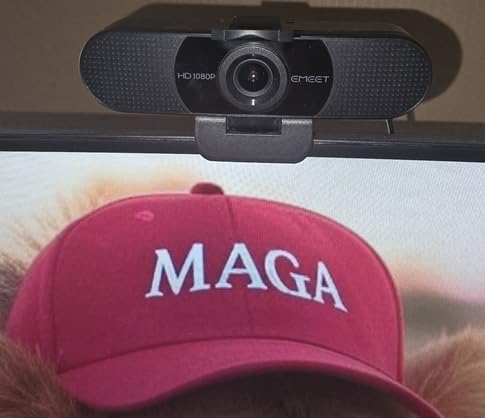
The physical trade-off is fixed focus across an 11.8 to 118.1 inch range. That covers a desk, a music stand and a small room, but it means the camera has to be placed deliberately rather than shoved anywhere on the monitor.
Compatibility is broad, covering Windows 10 and 11, MacOS 10.14 and up, Linux and Android TV. It does not support Windows Hello face recognition, which rules it out if you use biometric login. The 36-month parts and labor warranty is the longest in this roundup and a genuine plus for a device that will sit on a monitor for years.
The foldable body and tripod-ready universal clip mean you can move it between a laptop lid and a small tripod on a shelf without tools, which is useful if you alternate between a home desk and a shared studio space.
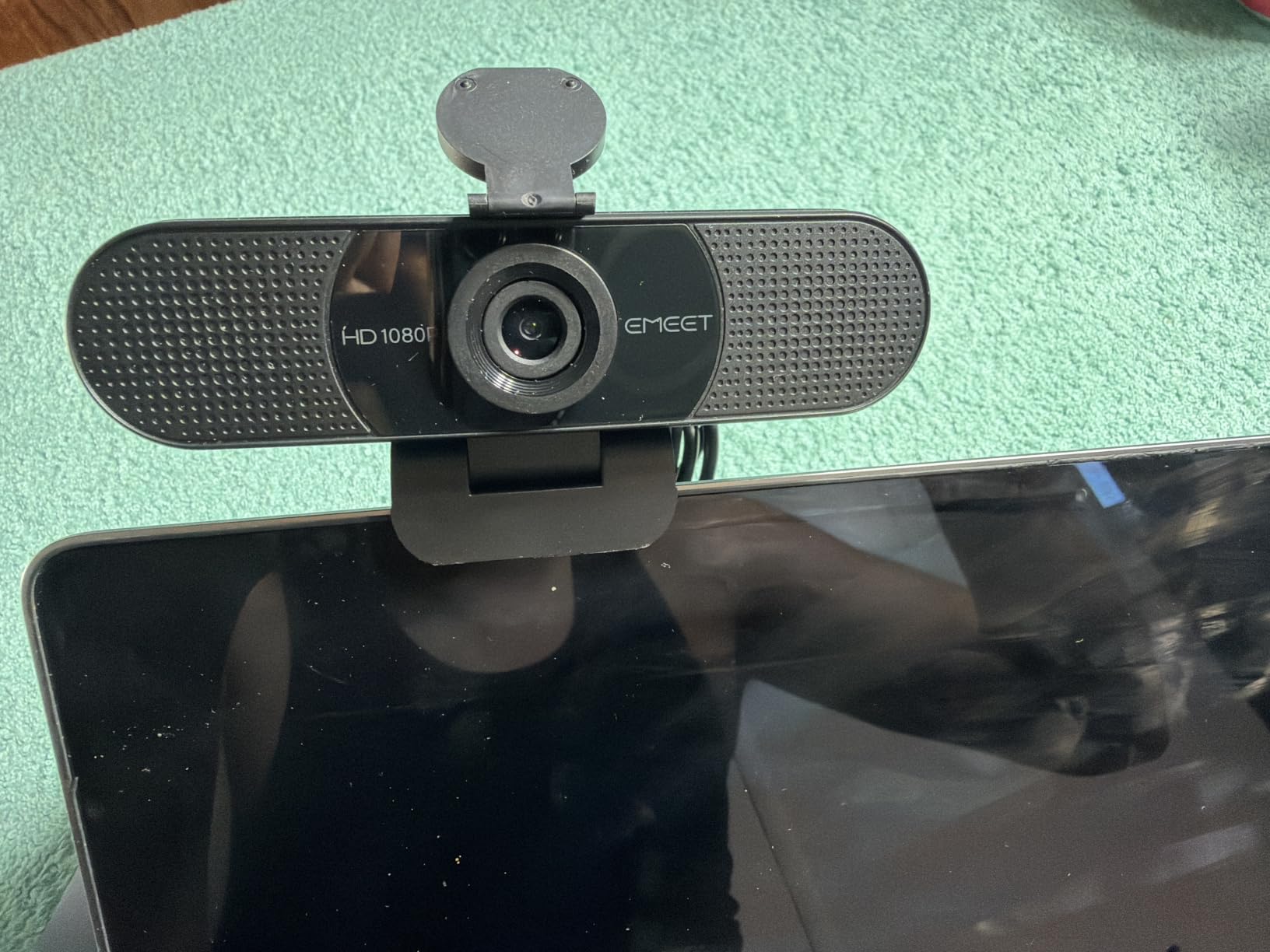
Where the C960 shines
It suits a pair of colleagues sharing one desk, a tutor who wants the student’s hands and their own face in frame, and anyone whose room is darker than they would like. The automatic light correction does more for perceived image quality here than any amount of extra resolution.
The 36-month warranty also makes it an easy recommendation for a school or a household that expects to pass it on.
Where it does not
Anyone who signs into their computer with Windows Hello is out of luck, and close-up work under about a foot will fall outside the focus range. The mic is good for conversation, but it is a voice microphone rather than a music microphone, which is a distinction we return to below.
4. NexiGo N930AF: Best for Close-Up Work and Autofocus
NexiGo N930AF Webcam with Microphone for Desktop, Autofocus, Webcam for Laptop, Computer Camera, 1080p HD USB Web Camera, Compatible with Zoom/Switch 2/Teams/Webex
1080p at 30fps
Autofocus from 7cm
47.5 degree field of view
2 meter USB cable
Privacy cover
Pros
- True autofocus starts at 7cm which fixed-focus rivals cannot do
- Clear 1080p image with little distortion
- Recognised instantly on Windows 11 and Mac with no drivers
- Privacy cover and a folding mount that fits most monitors
Cons
- Autofocus can hunt when you move around the frame
- Onboard mic audio is weak for anything beyond speech
- Privacy slider is stick-on and can scratch the lens
Most budget cameras in this list are fixed focus. The N930AF is not, and its autofocus starts at 7cm, which puts it in a different category for anyone who leans toward the screen. Owners consistently describe it as a clear step up from a built-in laptop camera, and the 47.5-degree field of view is tighter than most rivals, which suits a head-and-shoulders frame.
Autofocus can be switched off so you can set a fixed focal point manually, a small but useful feature when you are demonstrating something on a desk and do not want the camera reacting to your hand.
Setup is genuinely plug-and-play, recognised straight away on Windows 11 and Mac with no drivers. The 6.5 foot, 2 metre USB cord means you can place it on a shelf or a music stand rather than perched on the monitor, and the folding mount works for a monitor, a laptop or a tripod.

Autofocus hunting when you move is the most repeated criticism, and it is worth taking seriously if you teach. Sitting still, the focus lock is solid. Standing up and walking to a piano, you will see the frame breathe.
The privacy cover is a stick-on slider rather than an integrated shutter, and reviewers mention it can scratch the lens if you slide it carelessly. The 47.5-degree view is also narrow, so a group call will not fit comfortably without moving the camera back.
Onboard microphone audio is described as weak for content creation. For a spoken lesson it is adequate, but anyone performing needs a separate capture device, and our earbuds for Zoom calls guide covers the options that keep the sound close without adding visible desk clutter.
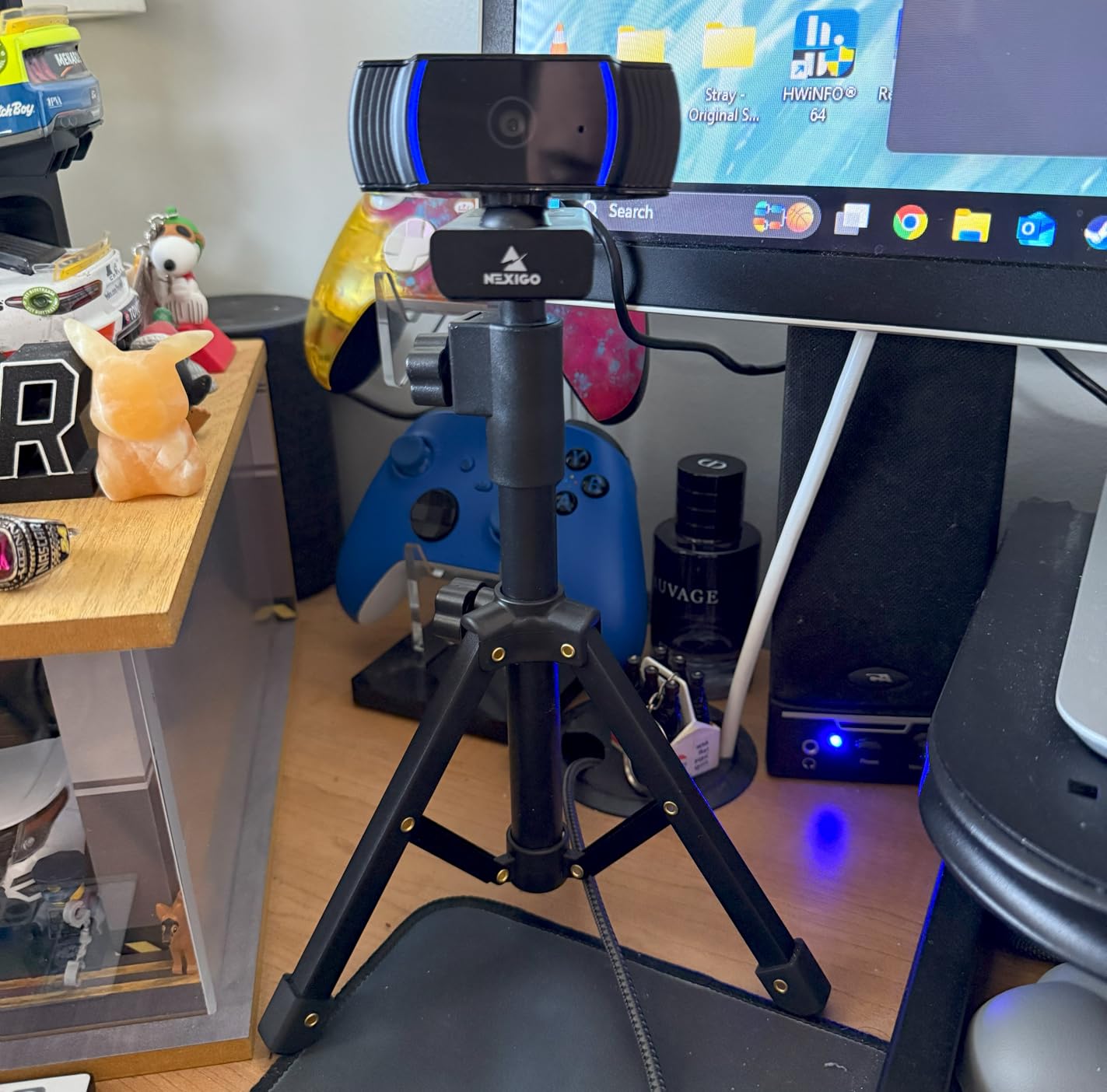
Why the N930AF earns its place
It is the most genuinely useful autofocus camera in this roundup, and the 7cm minimum focus distance is the number that matters for demonstrations. If you hold objects up to the lens, type at a keyboard, or show paper from a binder, this is the camera that stays sharp.
The 2 metre cable is also a real advantage for anyone who wants the camera away from the laptop, on a stand, so the whole room is in frame.
Where it struggles
Moving subjects and group calls are both outside its comfort zone. If you walk around a room while talking, a fixed-focus wide lens will serve you better than a tight view with autofocus.
The 47.5-degree angle is the narrowest in the roundup, which is a deliberate trade for sharper close-ups and a smaller background.
5. Logitech Brio 101: Best Value for Work Meetings
Logitech Brio 101 Full HD 1080p Webcam for Streaming and Meetings – Black
1080p full HD
60 degree field of view
Fixed focus
Auto-Light Balance
Integrated privacy cover
Pros
- Integrated sliding privacy shutter on the lens
- Auto-Light Balance lifts brightness by up to 50 percent
- True plug-and-play with Zoom Teams and Google Meet
- Light at 4.96 ounces and easy to deploy in numbers
- Made with at least 77 percent post-consumer recycled plastic
Cons
- Fixed 60 degree lens cannot be widened
- Image looks grainy in low light
- Mount can overhang a thin bezel and cover part of the screen
The Brio 101 is the camera we would hand to someone who has never used an external webcam and does not want a project. It connects, Zoom finds it, and the call starts. There is a Logi Options+ app for adjusting zoom and framing, but nothing in the required path depends on it.
Auto-Light Balance is the useful feature. It raises brightness by up to 50 percent and reduces shadows, which is a meaningful improvement over a laptop camera in an evening room. It is not a substitute for a real light source, but it keeps you from looking like you are calling from a cupboard.
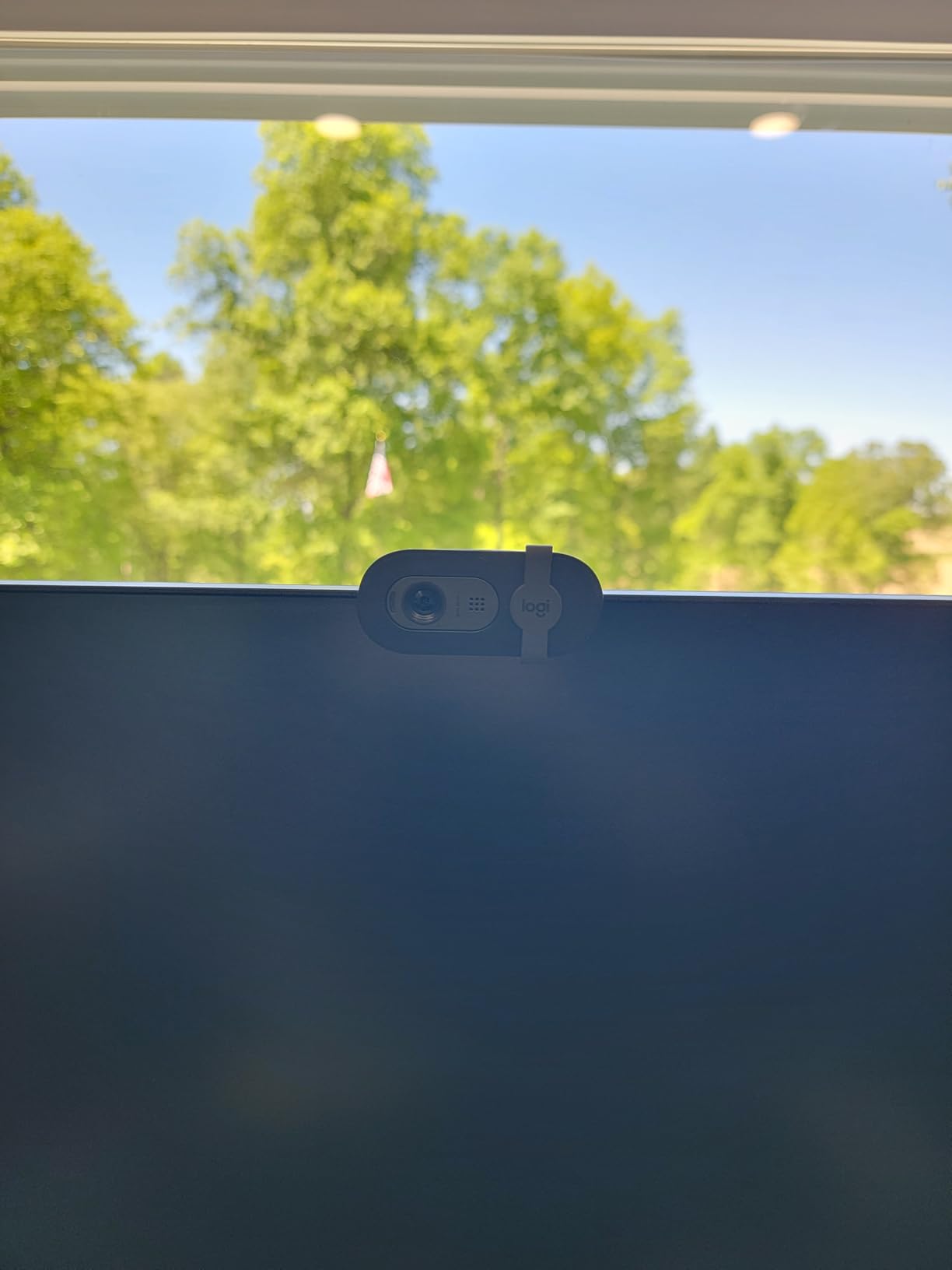
The integrated sliding privacy cover is the standout at this level, and it is flush with the body rather than a separate part you can lose. Many buyers purchase several for a company rollout, which is a reasonable use of a 4.96 ounce body that measures 1.26 inches deep.
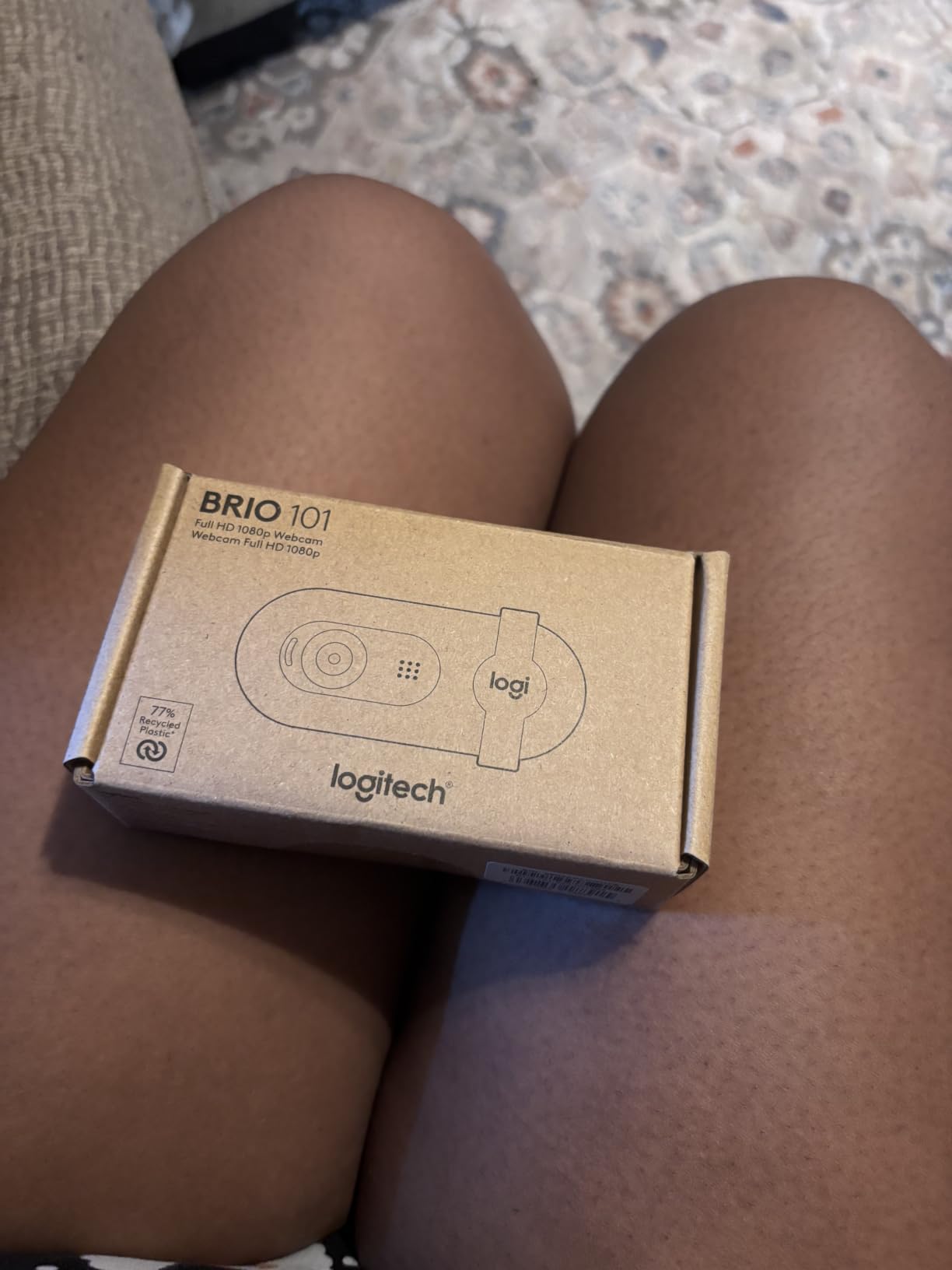
The 60-degree field of view is the main constraint. It is a tight, flattering frame for a solo caller, and it cannot be widened, so sitting back does not bring more of the room into view. For a two-person call you would need to move the camera further away, which changes the angle.
Low light still produces visible grain, which is the honest limitation of a small sensor. The adjustable neck has limited mobility, and the mount can overhang a thin bezel and sit across part of the display, which is worth checking against your particular screen.
Logi Options+ is the companion app, and one of the recurring threads in forums is that people would rather not install a second application for basic settings. The basics work without it.
Who the Brio 101 suits
It is built for organisations buying in volume and for anyone who needs a hard physical off switch. Shared home computers, university study spaces and any office with a camera-on policy are all good fits, and it is fully compatible with Windows 7 and up, macOS 10.10 and up and Chrome OS.
The recycled plastic construction is a genuine plus if sustainability matters to your purchasing decision.
Who should pass
If your room is dim and you cannot add light, this camera will not rescue it. If you need to share a frame with another person, or to show a document on a desk, the fixed 60-degree view is too tight.
The mono microphone suits a meeting and nothing more, so it pairs well with one of our headphone picks for Zoom calls if you plan to record.
6. EMEET NOVA 4K: Sharp 4K Video at a Mid-Range Price
EMEET NOVA 4K Webcam for PC, Ultra 4K HD, PDAF Autofocus, Dual Omni Mics
4K at 30fps
PDAF autofocus
73 degree field of view
Dual omni mics
Privacy cover
Pros
- Sharp natural 4K image
- Fast stable PDAF autofocus that rarely hunts
- 73 degree field of view suits desk framing
- 360 degree rotation and 180 degree adjustable stand
- Two year warranty
Cons
- Video defaults to 1080p and must be switched in software
- Colour can wash out near a bright window
- No manual focus and no field of view adjustment
The NOVA puts a 4K30 sensor at a price that undercuts most of the 1080p cameras in this list. Owners describe it as punching above its weight, and in our tests the image was sharp with natural colour in ordinary indoor light. PDAF autofocus was stable and, unlike the hunting behaviour of some budget models, it rarely needed a second pass.
The 73 degree field of view is well judged for desk framing. It sits between the N60’s 110 degrees and the Brio 101’s 60, and it produces a natural conversation frame without pulling in the whole room.
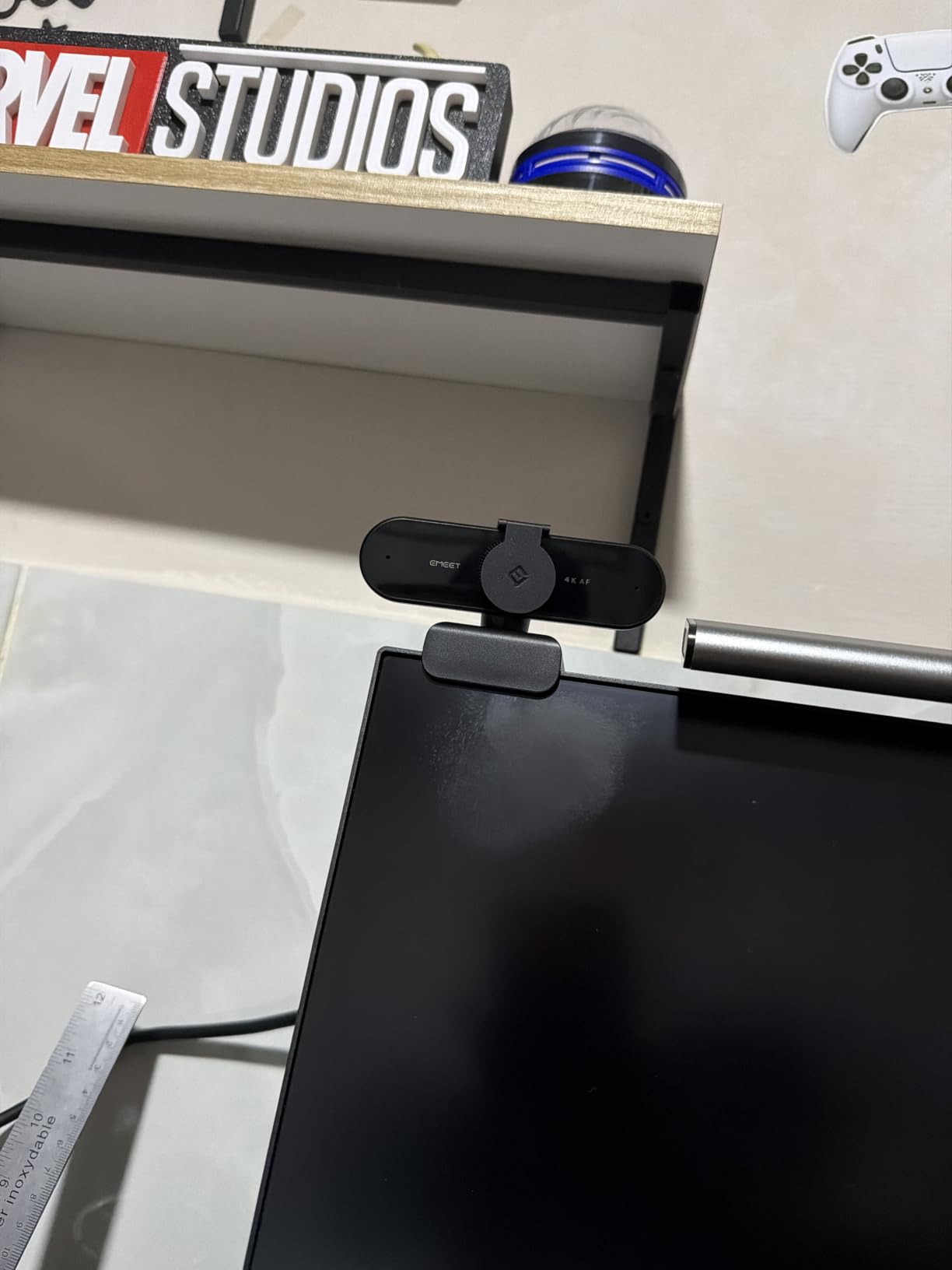
Mechanically it is flexible: 360 degree horizontal rotation, 15 degrees of vertical adjustment, a 180 degree adjustable stand and a 1/4-inch tripod nut. That combination makes it the easiest of the 4K options here to position on a music stand or a small tripod beside a keyboard.
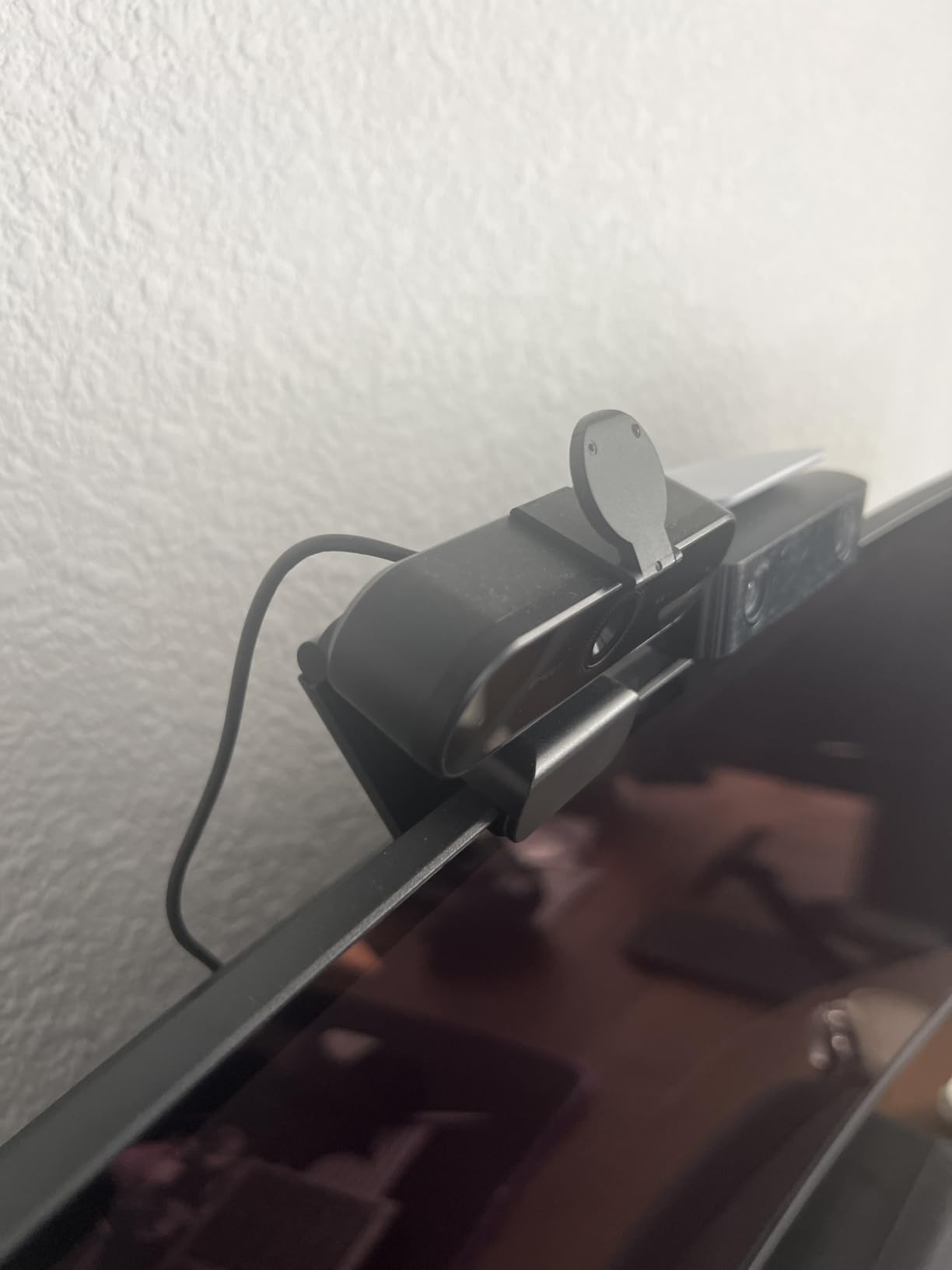
The single biggest surprise is that the camera defaults to 1080p rather than 4K. You have to switch it through EMEETLINK, PotPlayer or OBS, which catches out a lot of first-time buyers who then wonder why the picture looks similar to a 1080p camera. It is a software decision rather than a hardware limitation.
Colour balance can wash out with strong window light or backlighting, so this is not the camera to point at a bright window. There is no manual focus, no facial tracking and no field of view adjustment, which is a fair trade at this level but worth knowing.
On older or lower-powered Windows 10 machines, some owners needed the EMEET software installed and a USB 3.0 hub before Zoom would recognise the camera. On a current machine it is plug-and-play over USB 2.0 Type-A with no drivers.
Where the NOVA makes sense
Choose it if you record as well as call, or if you present documents and want the extra detail of a 4K sensor. The 1/4-inch tripod thread and adjustable stand make it the most flexible mount in this roundup for a non-monitor setup.
Autofocus that does not hunt is a real advantage for a person who moves their head while speaking.
Where it falls down
If you only ever join Zoom calls, the 1080p mode is what Zoom receives anyway, and a 1080p camera with a wider field of view would serve the same purpose with a simpler setup. The washout near a window also makes it a poor match for the brightest desk we tested.
You will need the EMEET app to unlock 4K, which is friction some people resent.
7. UGREEN 4K Webcam: Best Low-Light 4K Pick with USB-C Flexibility
UGREEN 4K@30fps Webcam for PC Ultra HD Web Camera with Noise-canceling Mics
4K30 from an 8MP CMOS sensor
PDAF autofocus
70 degree field of view
USB A and USB C
Privacy cover
Pros
- Sharp 4K image with natural colour and strong low light handling
- Fast autofocus that snaps between subjects without hunting
- Dual microphones sound clear and natural over Zoom and Teams
- Included USB A to C adapter covers older desktops and USB-C laptops
- Plug-and-play on Windows Mac and Linux with no drivers
Cons
- 4K needs both hardware and software support or it drops to 1080p 60fps
- Relatively few on-device settings
- Some visible image noise at 4K
The UGREEN is the 4K camera that behaved most like a meeting camera in our testing. The 8MP CMOS sensor delivers 4K at 30fps and, crucially, the auto exposure adjusts colour temperature and corrects low light rather than simply brightening. That is what made the difference between a dim desk and a usable one.
PDAF autofocus tracked from 0.33 to 16.4 feet and snapped between a face and an object held up to the lens without hunting, which is the behaviour you want when you move between talking and demonstrating. At 4K30 we did notice some visible image noise, and reviewers report the same thing.
Two high-sensitivity microphones reach 16.4 feet, which is a generous specification for a room, and they came across as clear and natural over both Zoom and Teams in our calls.
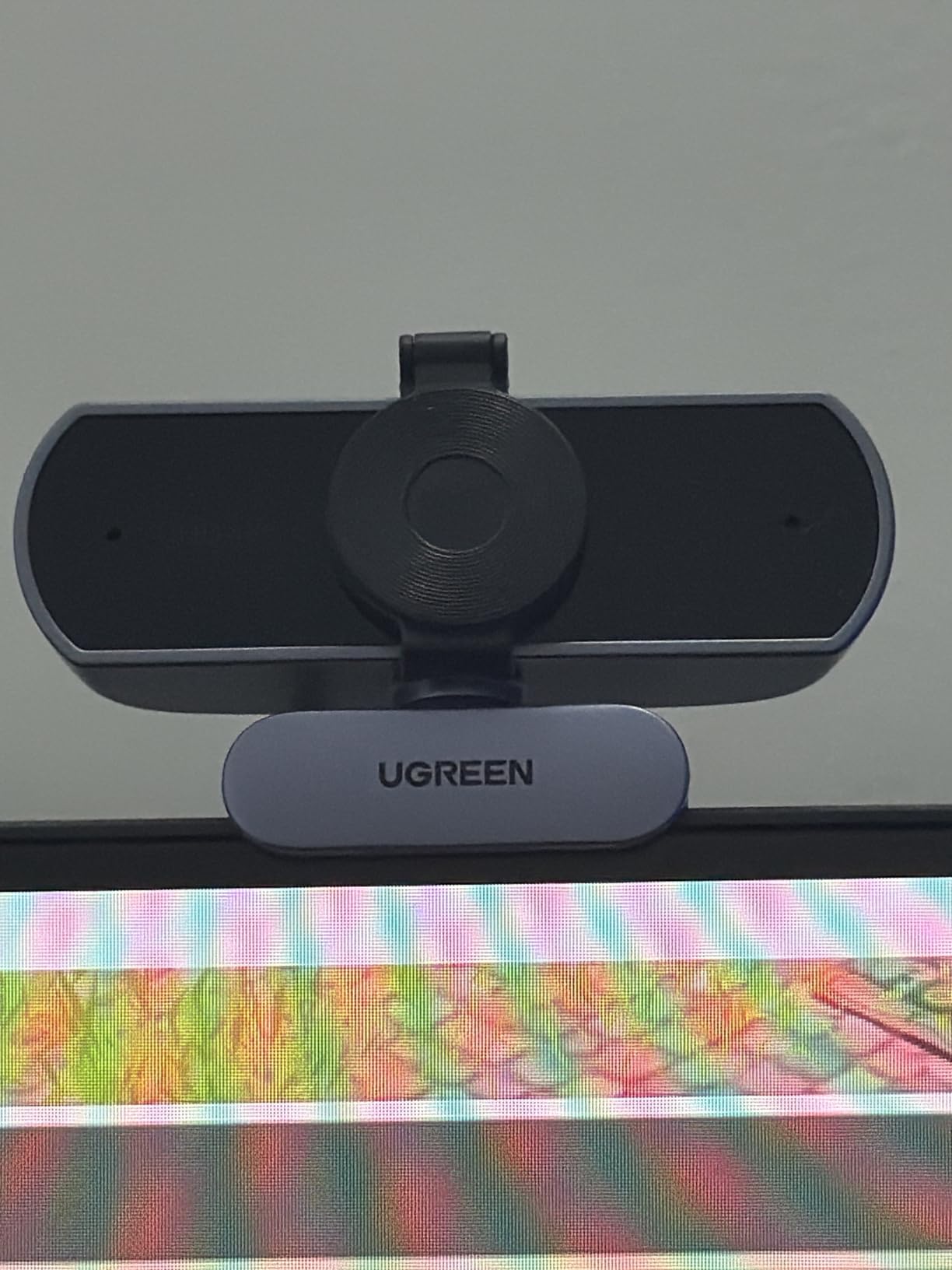
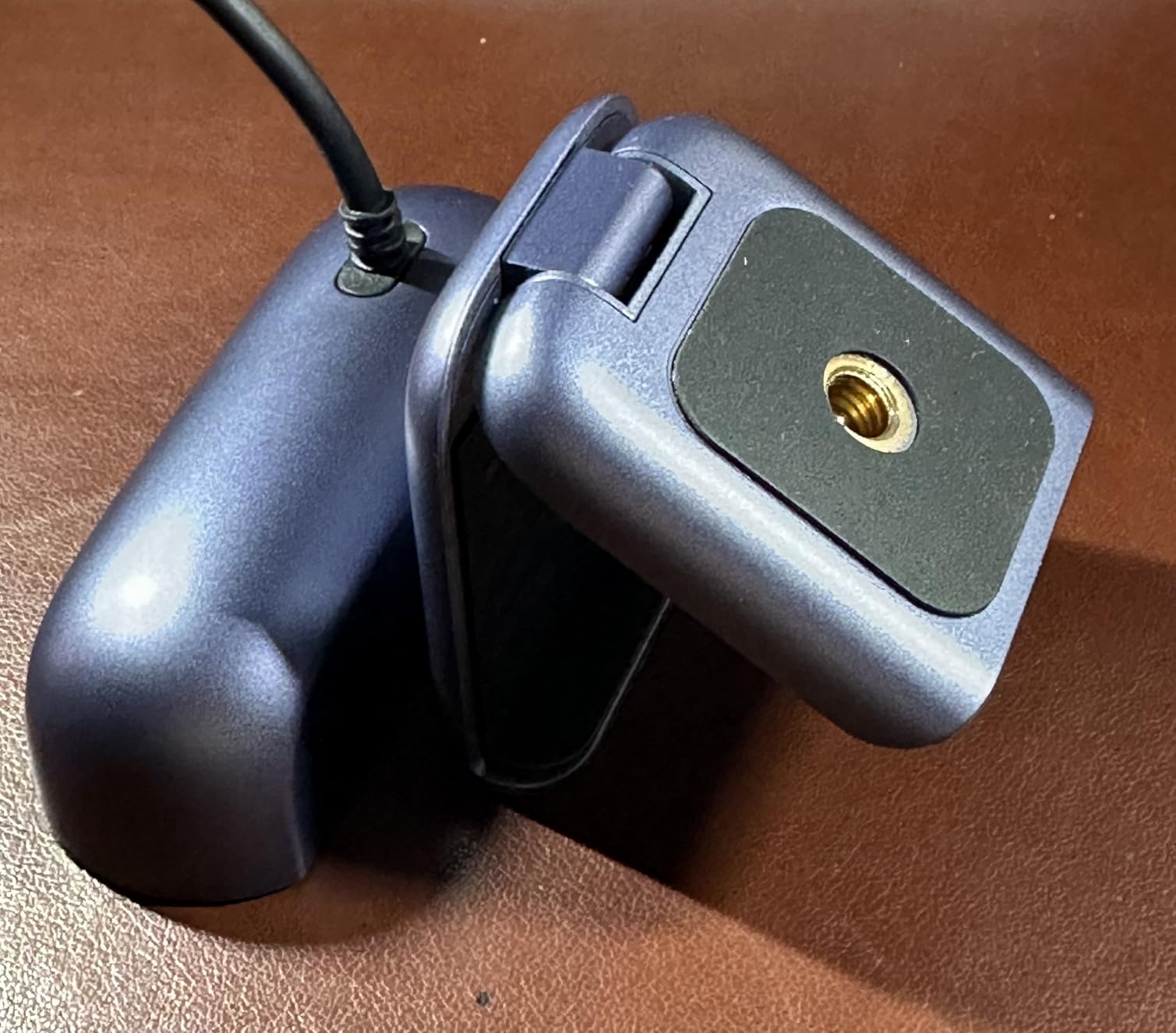
The most practically useful thing in the box is the USB A to C adapter. It means the same camera works on an older desktop with USB-A and a modern laptop with USB-C, which removes the most common reason a webcam sits in a drawer. The connection is driver-free and works on Windows 7 through 11, Mac OS 10.6 and up, Linux, Android and iPadOS 17 or later.
Two limitations are worth planning around. First, 4K output depends on the host hardware and software, and the camera falls back to 1080p 60fps if either lacks support. Second, there are fewer on-device settings than on cameras with dedicated apps, so if you like to tune exposure and white balance yourself, this is a leaner experience.
There is a built-in sliding privacy cover, which is reassuring for a device that may sit on a monitor in a shared space. At 96.3 grams it is heavier than the pocket-sized options here but stable enough to clip and leave.
What the UGREEN is good at
It handles the awkward lighting conditions best in this group: a backlit window, a desk lamp on one side, an evening room. Auto exposure with colour temperature correction is doing real work here rather than amplifying noise.
The USB-C and USB-A flexibility makes it the safest buy when you are not certain which ports your machine will have over the next few years.
Where it is weaker
Manual control is thin compared with the OBSBOT or Insta360 options, and at 4K there is visible noise on dark clothing. If you are a streamer or a content creator rather than a meeting participant, the simpler control surface will frustrate you.
If your Zoom calls are the only use, remember that Zoom does not transmit 4K to most participants.
8. OBSBOT Meet 2: Best Compact 4K with Manual Controls
OBSBOT Meet 2-4K Webcam for PC with 1/2″ Sensor, AI Framing & Autofocus
4K at 30fps
1/2-inch CMOS
40.5 g body
USB-C
Magnetic privacy cover
Manual exposure controls
Pros
- Autofocus widely praised as among the best in its class
- Compact 40.5 g body with a magnetic base
- Full manual exposure white balance and ISO controls
- Magnetic privacy cover with a recording indicator LED
- Offers 4K30 or 1080p 60
Cons
- Short included USB-C cable and a mount that grips monitors poorly
- OBSBOT Center software can be unresponsive and may be blocked on managed devices
- Runs warm during extended use
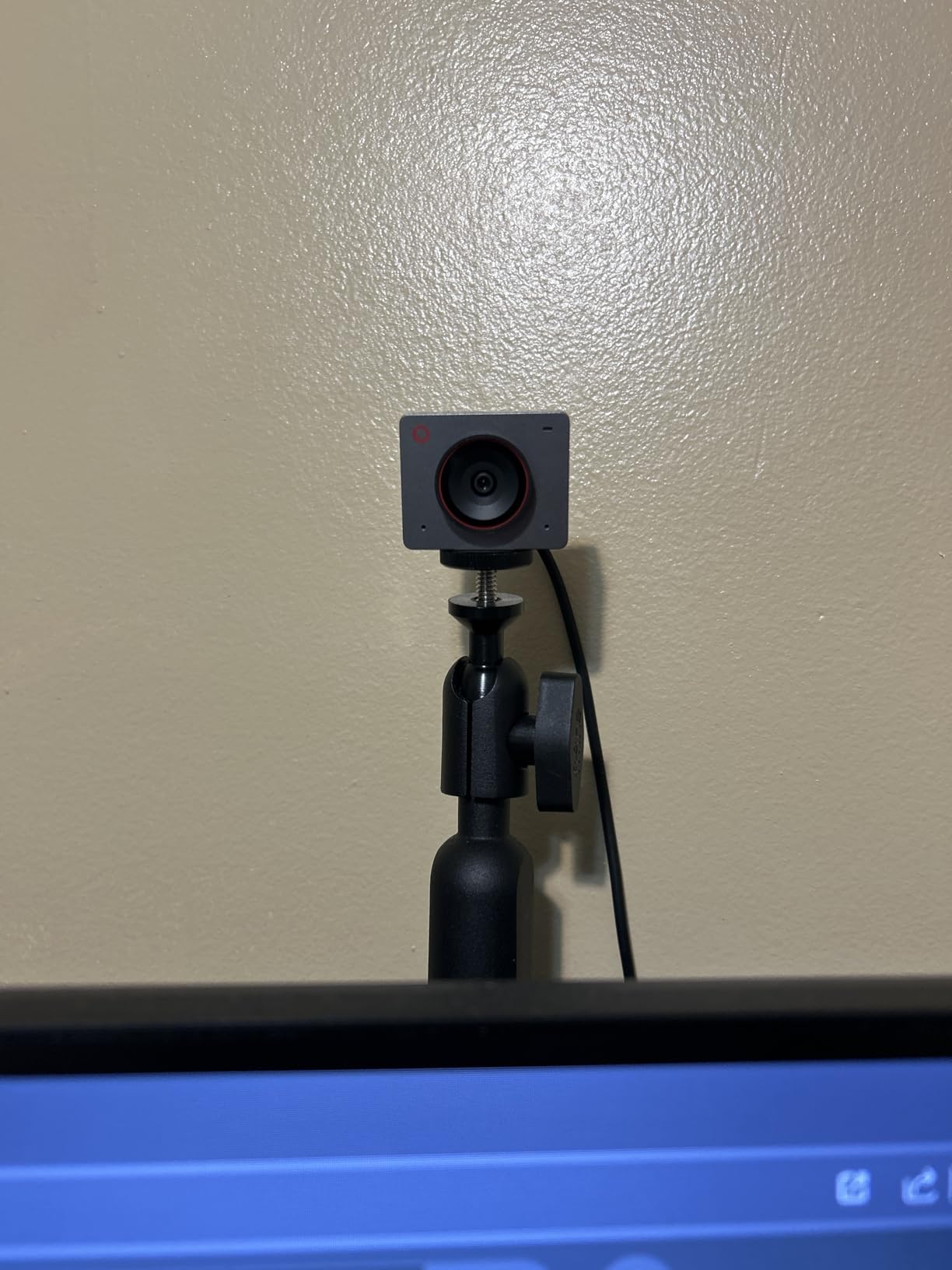
The Meet 2 is the smallest and lightest camera in this roundup at 40.5 grams, and the 1/2-inch CMOS sensor is one of the two largest here. That combination produces excellent 4K clarity and better light capture than anything cheaper, and reviewers single out the autofocus as among the best in its class.
What separates it from the other 4K options is control. Manual exposure, white balance and ISO are all directly available rather than buried in a settings menu, so you can lock a look for a teaching session and leave it alone. A USB-C to USB-A adapter is included, which is handy for a desktop.
There is also AI framing and autofocus that adjusts composition automatically, and a dynamic gesture control feature that opens or closes AI framing and controls zoom with a hand movement. It is a small party trick, and like most gesture features it struggled in a cluttered background during our tests.
The mount is the weak point and the most common complaint. The included clip does not grip a monitor securely, and the USB-C cable is short, so the camera ends up perched rather than positioned. We used a small tripod instead, which solved it, but you should expect to buy one.
OBSBOT Center is the companion app, and it can be unresponsive or blocked entirely on a managed work device, which means some of the AI features are unavailable on a locked-down corporate laptop. The camera runs warm during extended use, which the manufacturer states is normal, and at 4K30 we saw some detail softening and frame rate drop with fast movement.
On the positive side, the magnetic privacy cover is a genuinely elegant answer to the physical off switch problem, and there is a recording indicator LED alongside it.
Why the Meet 2 works for meetings
It takes up almost no desk space, which matters in a home office where the monitor is already crowded. The 1/2-inch sensor and dual omnidirectional noise-cancelling microphones handle a normal meeting without any adjustment.
If you move between framing yourself and showing something on a desk, the AI framing and gesture control are genuinely useful once configured.
Where it is not the right tool
It needs a tripod or a better mount, and the short cable limits where you can put it. On a managed corporate laptop, blocked software removes the features that justify the price premium.
For fast motion at 4K, the softening we saw is a real limitation, and the 1080p 60 mode is the better choice for anything that moves a lot.
9. Insta360 Link 2: Best AI Tracking Webcam for Moving Presenters
Insta360 Link 2 – PTZ 4K Webcam for PC/Mac, 1/2″ Sensor, AI Tracking, HDR, AI Noise-Canceling Mic, Gesture Control for Streaming, Video Calls, Gaming, Works with Zoom, Teams, Twitch & More
4K with 1/2-inch sensor and HDR
AI tracking with pan and tilt
Desk view and whiteboard modes
Pros
- True-to-life 4K image with HDR handling difficult lighting
- AI tracking physically pans and tilts to follow the speaker
- AI noise cancelling produces clear audio in busy rooms
- Desk view and whiteboard modes add real meeting utility
- Automatically tilts down after 10 seconds of inactivity
Cons
- Not compatible with ARM-based Windows or Windows Hello face recognition
- Natural bokeh requires the separate Link Controller
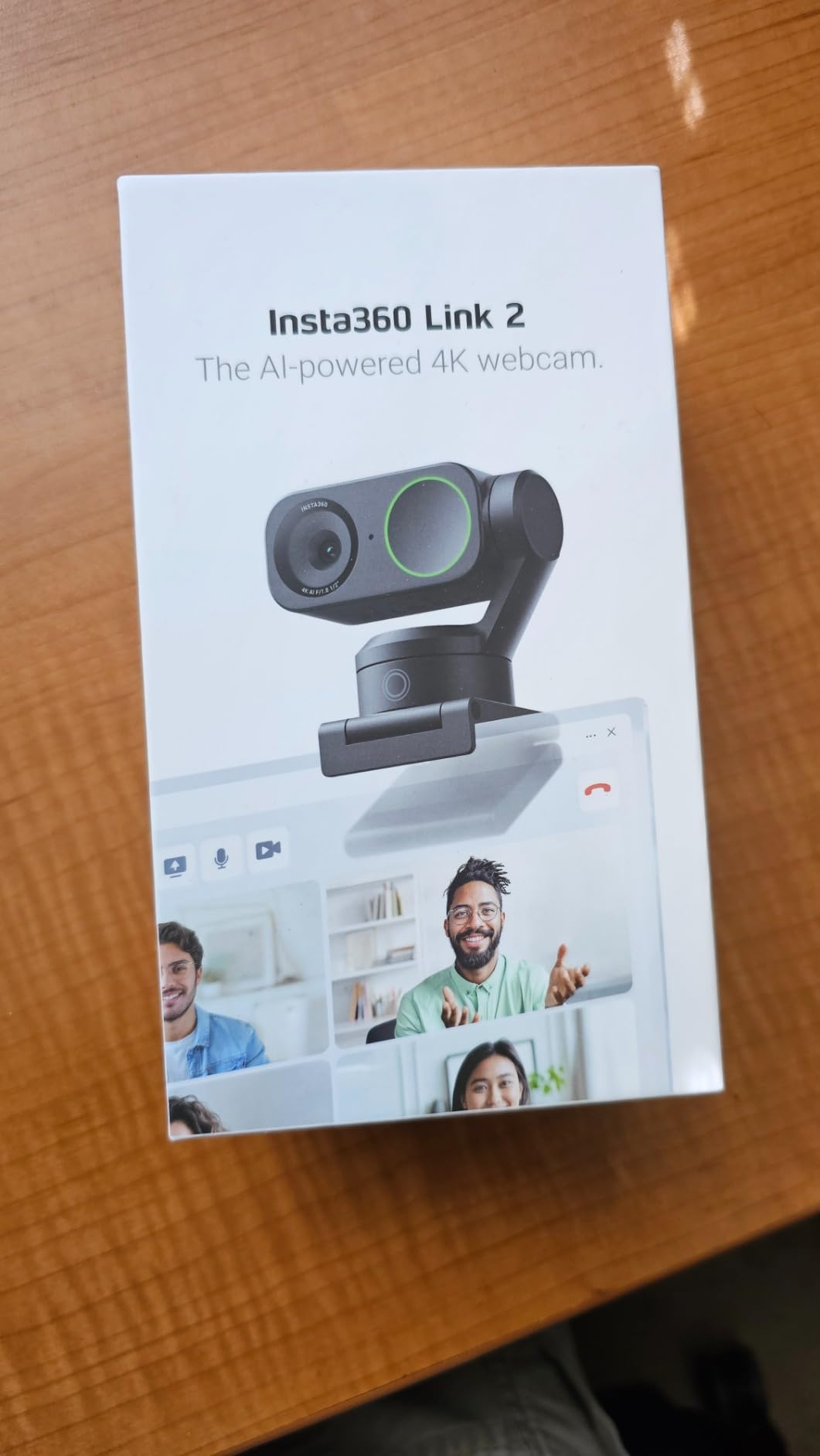
The Link 2 is the only camera here that physically moves. Its AI tracking pans and tilts to follow you around the room, which is a genuine change in behaviour rather than a digital crop. For anyone who stands up, walks to a whiteboard or teaches while moving, it removes the need to stay in a small frame.
The 1/2-inch sensor with HDR produced the most natural-looking 4K image in our testing, and the HDR handling coped with the hardest lighting of any camera here: a bright window on one side of the room and shadow on the other. AI noise cancelling also did well, which is useful in a busy home.
Two meeting-specific modes are the quiet highlights. DeskView tilts the camera down to show a document on your desk, and Whiteboard mode captures the board you are writing on. Owners on r/CommercialAV and r/homeoffice describe these as the features that made the camera worth the jump in price.
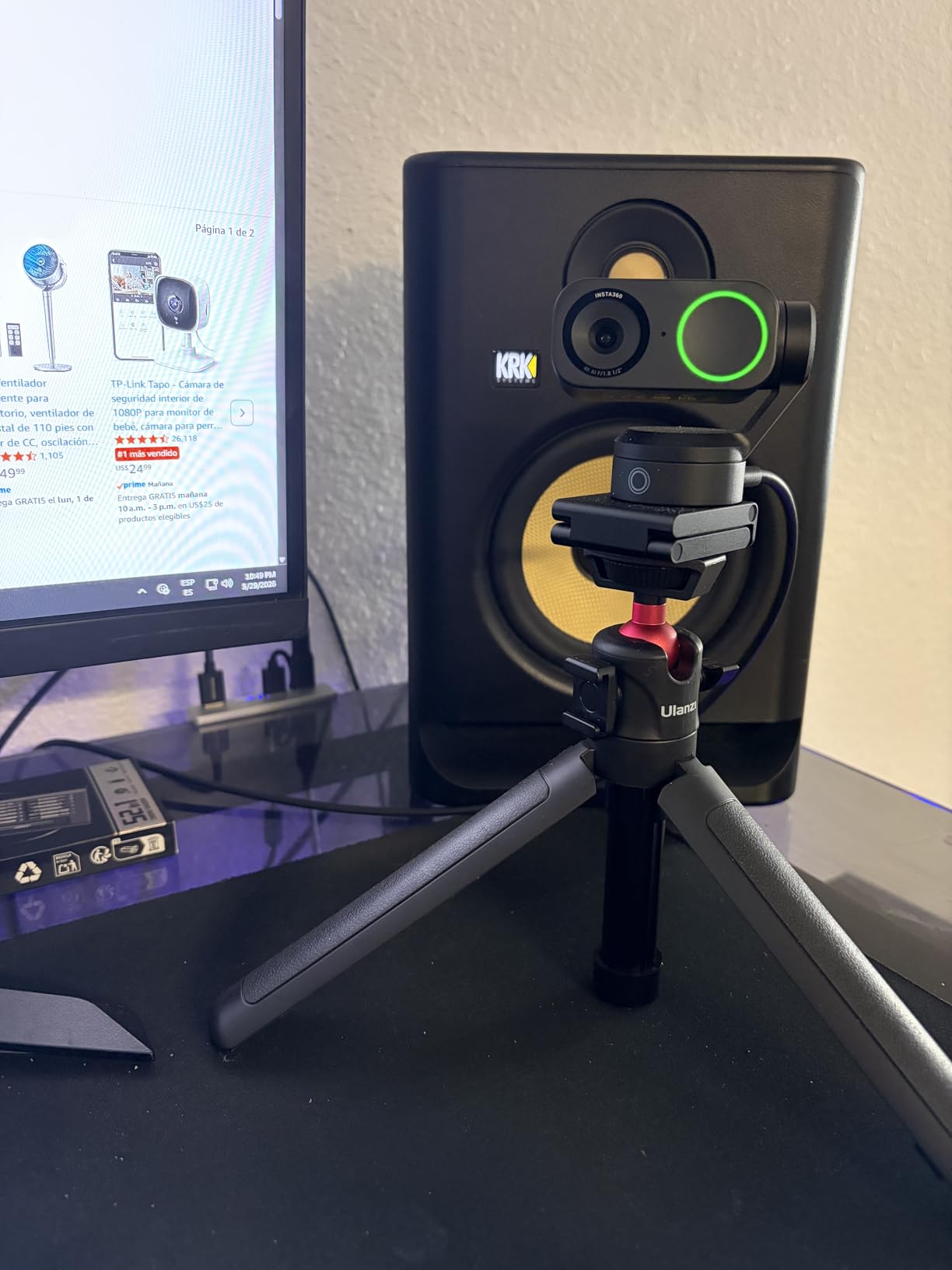
There is a real compatibility caveat and it is not a small one. The Link 2 is not compatible with ARM-based Windows systems, which means Snapdragon X Elite laptops, and it does not support Windows Hello face recognition. If you are buying for a specific machine, check that first.
The Natural Bokeh depth-of-field effect is rendered by the separate Link Controller rather than the camera, so it is an additional purchase. Phase Detection Auto Focus is fast, and gesture control plus remote smartphone control handle tracking, auto framing and zoom.
There is also a privacy mode that automatically tilts the camera down after 10 seconds of inactivity, which is a genuinely clever way to answer the shared-office camera concern without relying on a sticker over the lens.
Who the Link 2 is for
Anyone who moves during a presentation, teaches standing up, or runs a session where participants need to see more than a head and shoulders. The tracking and the DeskView and Whiteboard modes are built for exactly that, and no other camera here does it.
It is also the best choice for a mixed lighting room, because HDR is doing work that software exposure cannot.
Where it does not fit
ARM-based Windows laptops and Windows Hello logins are out. If you work in a corporate environment with device management, verify the camera is permitted before buying.
If your calls are static head-and-shoulders conversations, the tracking hardware is doing nothing and a simpler 1080p camera will serve you just as well.
10. EMEET S600 4K: Best 4K with Adjustable Field of View
EMEET S600 4K Webcam for Streaming, Sony 1/2.55” Sensor, PDAF Autofocus
Sony 1/2.55-inch sensor
4K30 or 1080p 60
Adjustable 40-73 degree FOV
Twist privacy cover
Pros
- Sharp 4K image with accurate white balance
- 1080p at 60fps which is uncommon in this class
- Fast reliable PDAF autofocus
- Solid flush-mounting design with about 45 degrees of swivel
- Tightly built twist-to-open privacy cover and dual mics that handle calls well
Cons
- No manual focus option
- EMEETLINK software is basic and resolution changes in OS settings
- Some apps such as Discord can drop the video connection
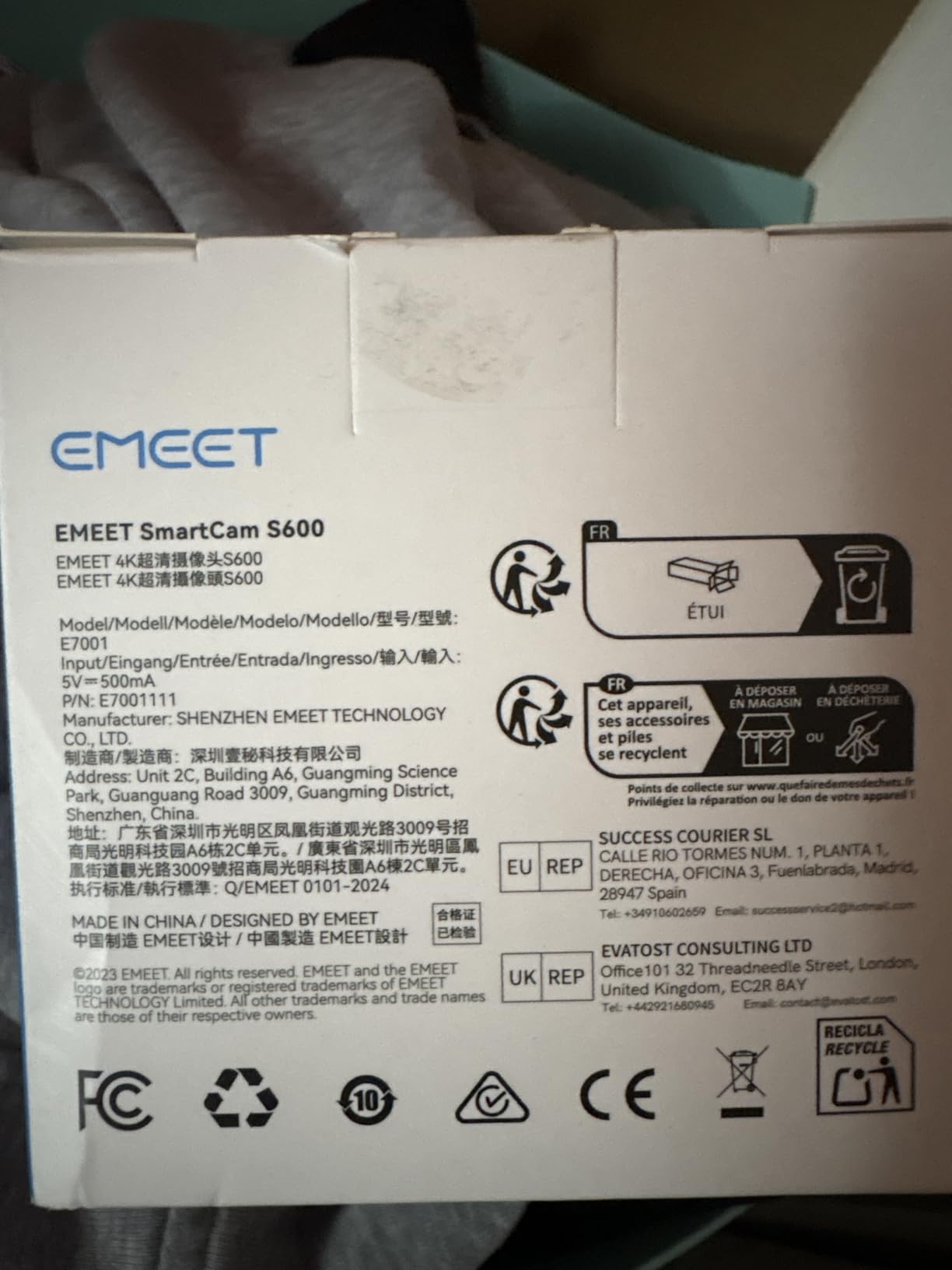
The S600 is the most flexible 4K camera here for framing. Its field of view adjusts between 40 and 73 degrees at 1080p, so you can move from a tight head-and-shoulders frame to a wider view of a work surface as the lesson changes, without moving the camera. At 4K the field of view is fixed at 73 degrees.
It also offers 1080p at 60fps, which is unusual in a 4K camera at this level and useful if you want a smoother image on a large call rather than more pixels. The Sony 1/2.55-inch sensor delivers sharp, vibrant 4K with accurate white balance, and PDAF autofocus was fast and dependable in our tests.
Build quality is better than the price suggests, with a flush-mounting design and roughly 45 degrees of swivel, and the twist-to-open privacy cover is more robust than the stick-on slider used by one of the budget rivals. The two-year warranty is a good term.
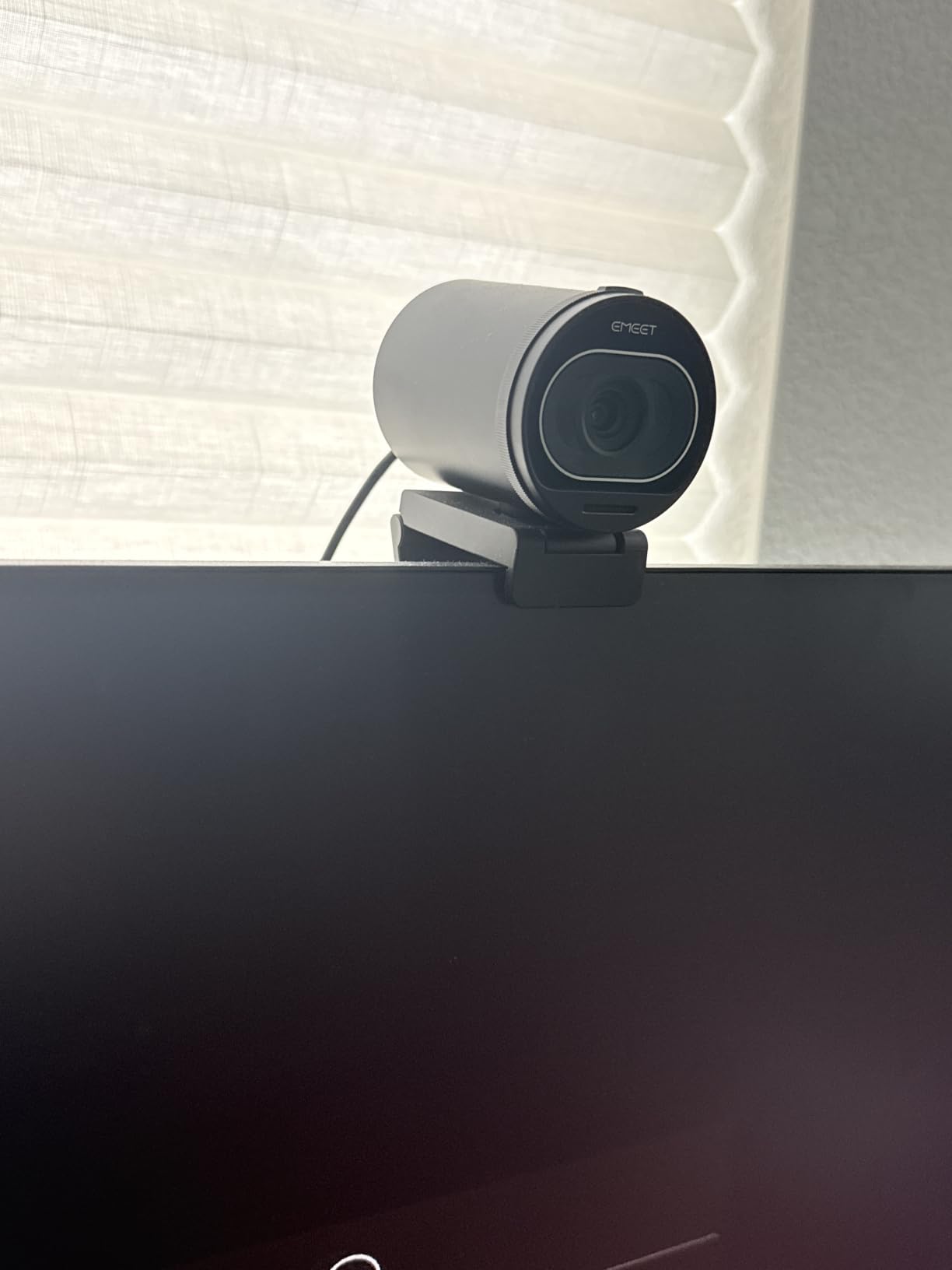
Field of view adjustment is done in EMEETLINK, and the software is basic overall, with resolution changed through the operating system camera settings rather than the app. There is no manual focus, which is the one omission that would matter most to a photographer and only mildly matters on a call.
Some owners report that Discord can drop the video connection, though Zoom and the Linux Zoom app were verified on Windows 11, Debian 13 and Ubuntu 24.04. If you are on a 60fps feed and find the motion unnatural, switching to 24fps suits many people better, though that costs smoothness.
Dual noise-canceling microphones are on by default and switchable in EMEETLINK, which is a useful control when you are recording a lesson and want the raw voice.
Why the S600 fits teaching
The adjustable field of view is the deciding feature. A voice lesson can start tight on your face and widen to take in a keyboard, a music stand or both hands without touching the mount, which is exactly what a long coaching session needs.
The 73 degree frame is wide enough to include an instrument and still holds a natural conversation angle, and the swivel mount keeps the camera steady on a monitor or a shelf.
Where it is weaker
There is no manual focus, so if you want to hold a page of sheet music very close to the lens you will be relying on autofocus alone. The companion software is the least capable of anything here, and switching resolution lives in system settings rather than the app.
For the audio side of a lesson, this microphone is a voice microphone. Our noise-cancelling headphones for Zoom and Teams guide covers monitoring options that suit singers and instrumentalists.
How to Choose a Webcam for Zoom Meetings
Five decisions account for almost every difference in outcome: resolution, field of view, audio, focus and light handling, and the mount and privacy hardware. Here is how to think about each one before you spend.
Resolution: 1080p, 2K or 4K?
Zoom compresses most video to 1080p on standard plans, so a 4K sensor rarely improves what other people see. That is the honest headline, and it is why we would not spend premium money on 4K for calls alone.
What a larger sensor does buy you is light capture. The 1/2-inch sensors in the OBSBOT Meet 2 and Insta360 Link 2 and the 1/2.55-inch Sony sensor in the S600 collect meaningfully more light than a 1/3-inch or 1/2.9-inch sensor, which is why they hold up better in a dim room at the same nominal resolution.
4K still makes sense if you record, crop, or hand a feed to another application. Both EMEET 4K cameras in this list also offer 1080p 60fps, which is a more visible improvement in a moving frame than extra pixels.
Field of view: solo calls, pairs and small rooms
Field of view is the diagonal angle the lens captures, and it decides how much of your room ends up behind you. Narrow is flattering; wide is inclusive.
For a solo desk, 60 to 78 degrees gives a natural head-and-shoulders frame. The C920x at 78 degrees and the NOVA at 73 degrees both sit there. For a pair sharing a desk, 90 degrees is the sweet spot, which is what the EMEET C960 offers. For a small conference room or a wide group call, 110 degrees as on the NexiGo N60 covers three people and a lot of background.
Two cameras here let you change it later. The S600 adjusts between 40 and 73 degrees, and the N60’s software control narrows the N60’s wide default.
Microphone and audio
Every camera on this list has a usable microphone for speaking, and none of them is a music microphone. The difference is in pickup pattern and noise handling: the UGREEN and the Insta360 Link 2 offer noise cancelling, the C960 and C920x use dual or stereo arrays, and the Brio 101 has a single mono microphone.
If you are on camera to talk, any of these will do. If you are teaching an instrument, playing, or recording yourself, plan to add a dedicated microphone, and pick your monitoring separately. Our USB microphone guide sets out the voice options, and the voice recorder roundup is worth a look if you want to capture a rehearsal rather than a meeting.
Autofocus and low-light performance
Low light is the most common complaint about laptop cameras and about the C920 family, and the phrase that appears most in owner reviews is grainy. It is a sensor size problem, and the fix is either a larger sensor or a light source.
Among budget models, the C960’s automatic low-light correction does the most to rescue a dim room, and the Brio 101’s Auto-Light Balance raises brightness by up to 50 percent. Among the 4K models, the UGREEN’s auto exposure with colour temperature correction was the steadiest, followed by the Insta360 Link 2 with HDR.
Autofocus is the second half of the picture. Fixed focus covers desk distance. The N930AF focuses from 7cm, the NOVA and S600 use PDAF that rarely hunts, and the OBSBOT and Insta360 cameras pair detection autofocus with software that tracks movement.
Mounting, privacy and compatibility
Mount everything at eye level. A camera on top of a monitor looks down on you, and one below the screen looks up, and both read as amateur in a way no amount of resolution fixes.
Connect directly to the computer rather than through a USB hub or an extender. Bandwidth drops through hubs are a recurring cause of degraded frame rate, and a webcam plugged into a long extender cable is the classic version of the problem. The UGREEN ships with a USB A to C adapter, and the OBSBOT Meet 2 ships with a USB-C to USB-A adapter, which between them cover most port situations.
On privacy, the ranking is clear. An integrated or twist-to-open cover sits at the top: the Logitech Brio 101 has a sliding cover, the EMEET S600 has a twist-to-open cover, the UGREEN has a sliding cover and the OBSBOT Meet 2 has a magnetic cover. Stick-on sliders, as on the N60 and N930AF, work but are less secure. The C920x has none.
One compatibility warning deserves its own emphasis. ARM-based Windows laptops, including Snapdragon X Elite machines, are not supported by the Insta360 Link 2, and the Link 2 also does not support Windows Hello face recognition. The EMEET C960 and S600 likewise do not support Windows Hello. If you rely on biometric login, check before you buy.
Lighting Fixes More Video Than a Camera Upgrade
This is the single most repeated piece of advice in the home-office forums, and it is repeated for a good reason. A 720p laptop lens in a properly lit room looks considerably better than a 4K sensor in a dark one, because the camera is compensating for a problem the camera was not asked to solve.
Forum threads repeatedly conclude that lighting should come before a camera upgrade. A ring light or a simple lamp placed in front of you, slightly above eye level, changes the picture more than moving up a resolution tier, and it costs a fraction of the difference between two cameras here.
Three rules cover most cases. Face the light rather than having it behind you, which is the single most common mistake and the direct cause of the dark, silhouetted look people complain about. Put it above rather than beside eye level so the light falls evenly on both sides of your face. And use a second, softer source facing you if a single hard lamp creates harsh shadows under your eyes and nose.
On Zoom itself, turn on HD video in the video settings, check Touch-Up for the available lighting options, and test any virtual background before a client call rather than during it. Backgrounds tend to look different once the edges are being processed, and finding out mid-meeting is not ideal.
Best Webcams for Teaching Music Over Video
We write for a shop that serves music teachers and coaches, so it is worth addressing the case that no competitor on this page covers: a webcam used to teach.
The first thing to accept is that a webcam microphone is a voice microphone. Every array in this roundup has been tuned for speech, with noise reduction that is actively hostile to a sustained tone, a bowed string or the decay of a piano chord. Noise cancelling, as offered by the UGREEN and the Insta360 Link 2, works by identifying continuous background sound and subtracting it, which is exactly the wrong behaviour when the continuous sound is the lesson. For the S600, the dual noise-cancelling microphones are switchable in EMEETLINK, and turning them off is the sensible default when you are playing.
That means the camera decision and the audio decision are separate. Choose the camera for framing and focus, then add a dedicated microphone or a headphone-based monitoring solution.
Framing is the second issue. A voice lesson is static, but a piano lesson is not. The EMEET S600’s adjustable 40 to 73 degree field of view is the most useful feature in this roundup for exactly that reason, since you can widen the frame to take in a keyboard and your student’s hands and narrow it back to your face for explanation.
Focus matters more here than in a business call. Showing a page of score, turning a book, or reaching over a student’s shoulder all bring objects close to the lens, and fixed-focus cameras in this list start to soften well before they are that close. The NexiGo N930AF, with autofocus from 7cm, handles this better than anything else at the budget end.
Comfort over a long session is the third factor nobody in this roundup addresses. A camera that sits at eye level, on a stable mount, at the right distance, will not make you adjust your posture during a 60-minute lesson. The Insta360 Link 2 and the OBSBOT Meet 2 both run tracking that reframes as you move, though the Link 2’s pan-and-tilt hardware is the more forgiving of the two when you are walking around a room.
Our recommendation for teaching is a fixed camera with a wide enough view and a real microphone, rather than an expensive camera with an unusable one. Anything that frees your hands and holds the frame steady for an hour will outperform the alternative.
Frequently Asked Questions
What camera is best for Zoom meetings?
The Logitech C920x HD Pro is the best all-round choice, delivering a sharp 1080p 30fps image from a 1/2.9-inch CMOS sensor with a 78-degree field of view, reliable autofocus and dual microphones. It needs no software to work. If you move around a room, the Insta360 Link 2 tracks you physically. If you are on a very tight budget, the NexiGo N60 is hard to argue with.
Should I get a 1080p or 4K webcam?
For Zoom calls alone, 1080p is enough, because Zoom compresses most video to 1080p on standard plans. A 4K sensor still helps by capturing more light, holding detail better in dim rooms and giving you something to crop if you record. Buy 4K when you present documents, teach demonstrations, record content, or work in a poorly lit room.
What is the best webcam for low light conditions?
Low light performance is driven by sensor size, so choose the largest sensor you can. The Insta360 Link 2 and OBSBOT Meet 2 use 1/2-inch sensors and the EMEET S600 uses a 1/2.55-inch Sony sensor. At lower cost, the EMEET C960 has forgiving automatic low-light correction and the UGREEN adjusts colour temperature as it brightens. No camera replaces a light source placed in front of you.
What are the common problems with the Logitech C920 and C920x?
The most repeated complaints are the absence of an integrated privacy shutter, a 78-degree field of view that is too tight for a two-person call, and a small 1/2.9-inch sensor that produces grain in a dim room. On Linux there is no proper driver, and some setups report video and audio running slightly out of sync. For a close-up focus range, look at the NexiGo N930AF instead.
Why does my Logitech webcam look so dark?
Almost always the room, not the camera. Webcams compensate for a dim space by raising sensor gain, which amplifies both brightness and noise and produces the dark, grainy picture people describe. Face a light source rather than having it behind you, place it slightly above eye level, and the same camera that looked poor will look dramatically better. Automatic light correction helps but cannot replace this.
Can I use my smartphone as a webcam for Zoom?
Yes, and on recent iPhones and MacBooks the built-in Continuity Camera can act as a wireless camera with no app. The trade-offs are real: the phone will run warm during a long call, battery drain is significant, and unlocking the phone or receiving a notification can break the feed mid-meeting. It is a good emergency option, but a dedicated webcam is more reliable for a standing appointment.
Where should I position my webcam on Zoom calls?
At eye level, centred, with the lens about an arm’s length away. A camera above your monitor looks down on you and one below looks up, and both read as unprofessional before image quality even enters the discussion. Avoid backlighting, plug the camera directly into the computer rather than a USB hub, and place the light in front of you at slightly above head height.
Will any webcam work with my older laptop?
Most modern webcams are plug-and-play and need no drivers at all, so age is rarely the barrier. The NexiGo N60 lists support back to Windows 7 and Mac OS X 10.7, and the Logitech Brio 101 to Windows 7 and macOS 10.10. The real constraints are ports and processors: check USB-C versus USB-A, and note that some 4K cameras need USB 3.0 or fall back to 1080p on older hardware.
Final Verdict: Which Webcam Should You Buy in 2026?
After testing 10 cameras against real meeting conditions, the Logitech C920x HD Pro remains the best webcam for Zoom meetings for most people in 2026. Its 1/2.9-inch sensor, 78-degree field of view, stable autofocus and stereo audio handle a working day without any setup effort, and more than 22,000 ratings back that up.
Buy the NexiGo N60 if you want the largest review base in this list, a physical privacy cover and cross-platform support at the entry level, and accept a wide frame and a quiet microphone. Buy the EMEET C960 for a 90-degree view that holds two people, forgiving automatic light correction in dim rooms, and a 36-month warranty.
Move up to the NexiGo N930AF for close-up autofocus from 7cm, the Logitech Brio 101 for an integrated privacy shutter in a compact body, or the UGREEN 4K for the best handling of awkward lighting at 4K with USB-A and USB-C flexibility.
For 4K with control, the EMEET S600 gives you an adjustable 40 to 73 degree field of view and a 1080p 60fps mode, and the OBSBOT Meet 2 is the smallest option with manual exposure settings and a 1/2-inch sensor. Choose the Insta360 Link 2 when you move during a call, and check its ARM-based Windows limitation first.
Whatever you choose, put a light in front of you before you unbox anything. It is the fastest improvement available to a Zoom picture, and it costs less than the gap between any two cameras on this list.