
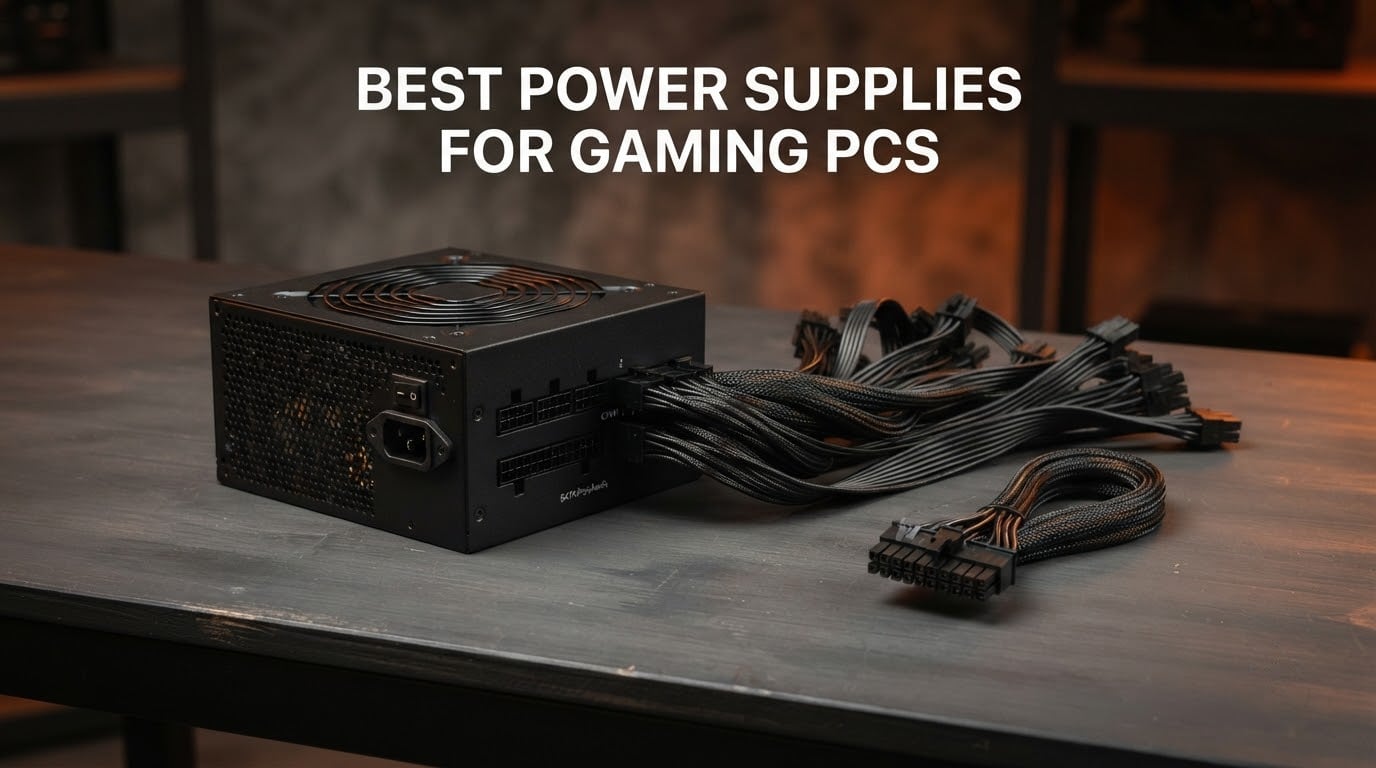
If you read nothing else in this guide, buy the Corsair RM850e (2025). At 850W with a native 12V-2×6 cable, full ATX 3.1 compliance and a 4.7-star rating across more than 800 owner reviews, it covers the widest range of gaming PCs in this list without wasting money on capacity you will never touch.
That matters because the power supply is the one component in a gaming PC where saving money is a bad bet. A graphics card costs several times more than the supply feeding it, and a unit that cannot hold its rails steady under load causes exactly the shutdowns, black screens and reboot loops that people blame on the GPU. Builders on r/buildapc say the same thing repeatedly: get a reputable 850W and stop thinking about it.
These are the best power supplies for gaming PCs in 2026 we would put in a build. We compared 10 mainstream ATX units from 750W to 1000W, weighing the four things that actually decide whether a supply ages well: independent efficiency and noise data, the ATX standard version, the protection circuitry, and warranty length. Owner review patterns are the second filter, because fan noise and coil whine are the two complaints that turn up again and again on real builds.
Table of Contents
Top 3 Picks Best Power Supplies for Gaming PCs (September 2026)

Corsair RM850e 850W
- ATX 3.1 and PCIe 5.1 ready
- Native 12V-2x6 cable
- Silent 120mm rifle bearing fan
- 105C rated capacitors

MSI MAG A850GL PCIE5 850W
- 80 PLUS Gold
- ATX 3.1 and PCIe 5.1
- Native dual-color 12V-2x6
- 10 year warranty

Corsair RM1000e 1000W
- 1000W on a single 12V rail
- ATX 3.1 with native 12V-2x6
- Modern Standby support
- Cybenetics Gold
10 Best Power Supplies for Gaming PCs in 2026
| Product | Specifications | Action |
|---|---|---|
| Corsair RM850e 850W |
|
Check Latest Price |
| MSI MAG A850GL PCIE5 850W |
|
Check Latest Price |
| Corsair RM1000e 1000W |
|
Check Latest Price |
 Seasonic Focus GX-850 850W Seasonic Focus GX-850 850W |
|
Check Latest Price |
 ASUS TUF Gaming 850G 850W ASUS TUF Gaming 850G 850W |
|
Check Latest Price |
 be quiet! Pure Power 13 M 1000W be quiet! Pure Power 13 M 1000W |
|
Check Latest Price |
 Thermaltake Toughpower GT 850W Thermaltake Toughpower GT 850W |
|
Check Latest Price |
 ASUS Prime 750W Gold ASUS Prime 750W Gold |
|
Check Latest Price |
 Thermaltake GF1 750W Thermaltake GF1 750W |
|
Check Latest Price |
 NZXT C850 Gold Core 850W NZXT C850 Gold Core 850W |
|
Check Latest Price |
1. Corsair RM850e (2025) 850W – The Best Power Supply for Most Gaming PCs
CORSAIR RM850e (2025) ATX 3.1 PCIe 5.1 Ready 850W Power Supply – Black
850W
ATX 3.1 and PCIe 5.1
Native 12V-2x6
120mm rifle bearing fan
7 year warranty
Pros
- Silent at idle with a fan-off mode
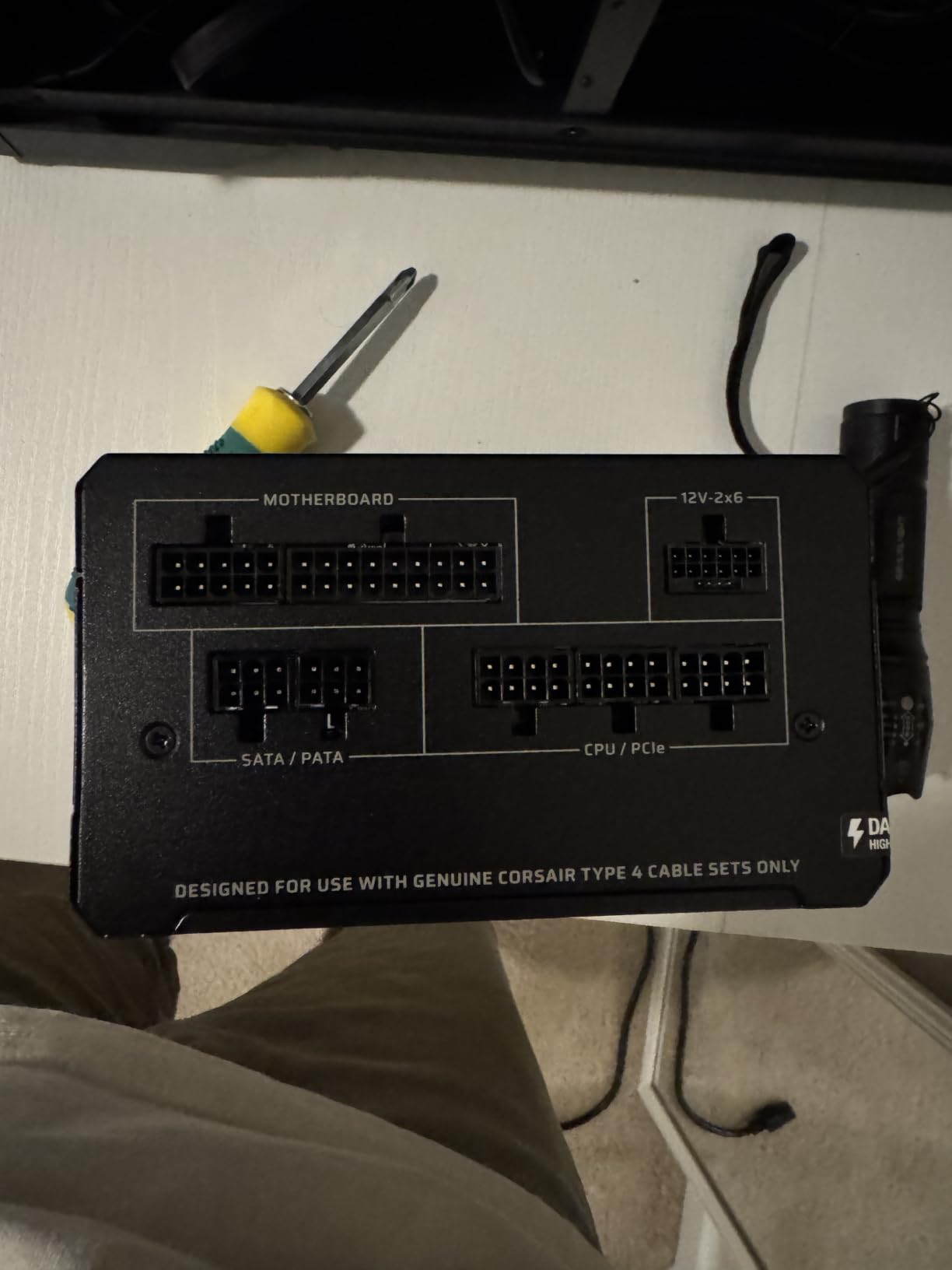
- Native 12V-2x6 cable removes the bulky GPU adapter
- 105C rated capacitors for long term use
- Rails stay stable in stress tests on power hungry CPUs and GPUs
- Compact 140mm class footprint
Cons
- Slight coil whine reported by some under sustained load
- Runs warm despite the quiet fan curve
This is the unit we end up recommending because it does the ordinary thing exceptionally well. 850W is the sweet spot for a 1440p or 4K build with a single mid-to-high-end card, and the included 12V-2×6 cable means you are not routing a daisy-chained adapter through your case. Eighty-eight percent of its owner reviews are five stars, and the complaints that do appear are minor.
The thermal design is the quiet story here. A 120mm rifle bearing fan with a deliberately shallow curve stays off at light load and blends into case fan noise when the system is working hard, which is why reviewers pairing it with an RTX 3090 or an i9-12900KS report a system that simply disappears in the room.
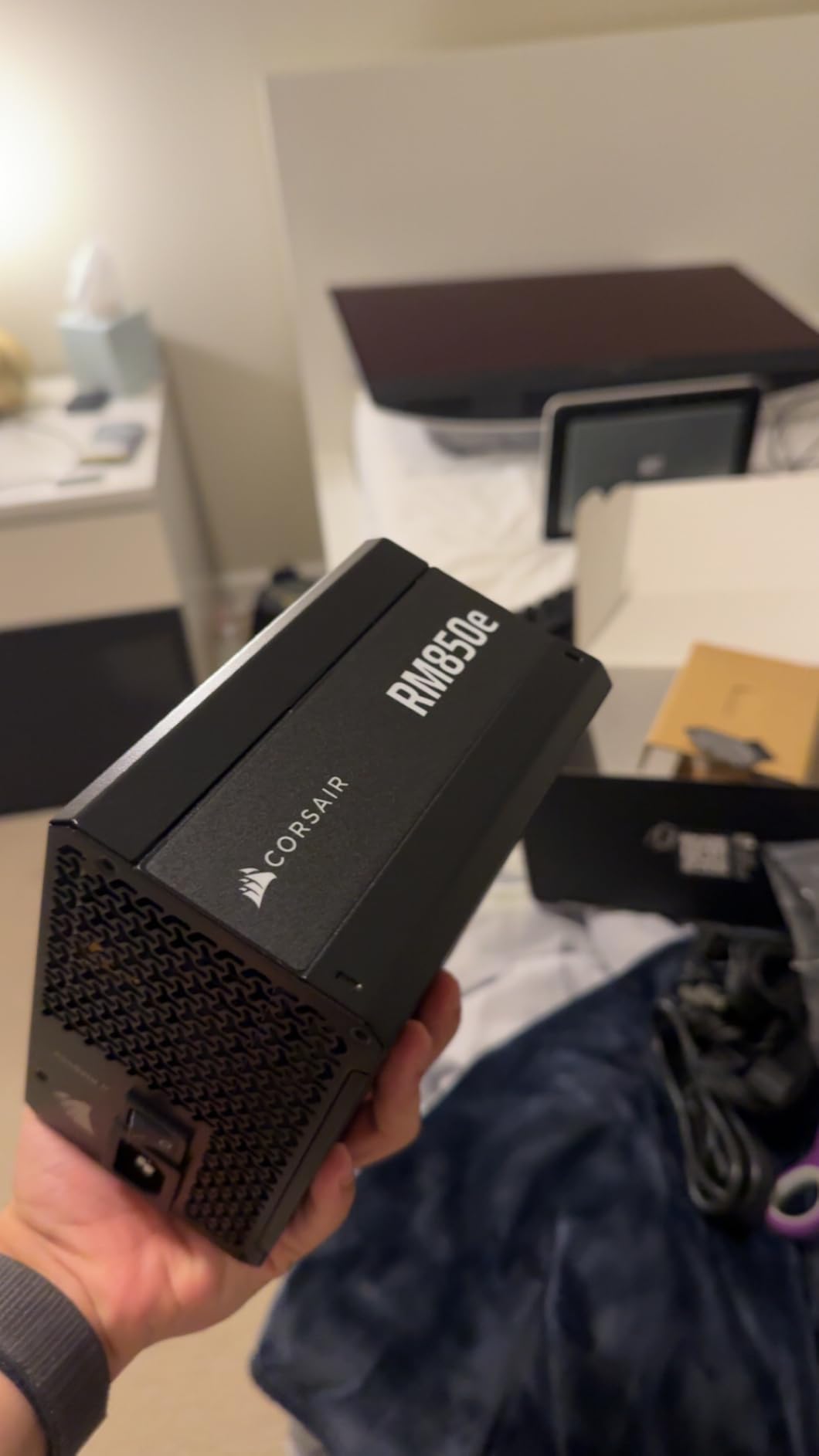
Corsair rates the internal capacitors at 105°C, and the unit carries full ATX 3.1 certification, meaning it is tested against the transient power excursions a modern GPU throws at it during things like shader compilation or a texture-heavy loading screen. Seven years of warranty is a little shorter than the ten-year commitments some rivals make, and that is the one specification we would nudge up if we could.
On paper it is also pleasantly small for an 850W supply. The listed dimensions are 5.91 by 5.51 by 3.35 inches, which clears the bottom of most mid-towers and leaves real room for cable routing behind the motherboard tray. Modular flat black cables route cleanly and none of the slack ends up jammed against a front intake.
Who the RM850e suits
Anyone pairing a single discrete GPU up to the high-end mainstream tier, at stock or with mild tuning, will not come close to its limit. It is the safe answer to “is 850W enough” for nearly every single-GPU build that is not running a flagship card, and it is the one we would hand to a friend who wanted to stop worrying about power.
It is also a good match for a future GPU upgrade within the same wattage class. Buy it now with an 850W card and you still have meaningful headroom when you move to a bigger card later, which answers the “will 850W still work after I upgrade” question that comes up constantly in build forums.
Where it falls short
Some owners report a faint coil whine when the supply is under sustained heavy load, and a few note that it runs warmer than they expected even with the fan barely turning. Neither issue shows up as instability, but in a completely silent build you can hear both.
If your graphics card is a true flagship class part, or you plan to overclock the CPU hard, step up to a 1000W model instead. The headroom will do more for your peace of mind than any efficiency tier above Gold.
2. MSI MAG A850GL PCIE5 850W – Best Value for a Mainstream Gaming Build
MSI MAG A850GL PCIE5, Fully Modular Compact Gaming 850W Power Supply, 80+ Gold, ATX 3.1 & PCIe 5.1 Ready, Native Dual-Color 12V-2×6 Cable, 10 Year Warranty
850W
80 PLUS Gold
ATX 3.1 and PCIe 5.1
Native dual-color 12V-2x6
10 year warranty
Pros
- Fully modular cabling makes installation and routing straightforward
- Quiet in most builds including RTX 5070 Ti and 9800X3D systems
- 850W stops shutdowns on max settings with high-end cards
- Includes a cable pouch and a wide range of labeled connectors
- 10 year warranty at a budget tier price
Cons
- Several owners report the included fan becoming noisy or failing within 6-9 months
- Coil whine reported by some users
- Basic rubber sleeving rather than premium braid
With more than 2,000 owner reviews and the number one spot in its category, the A850GL is the most widely owned supply on this list, and that volume is itself a useful signal. It is also the one we would hand to a builder on a strict budget who still wants a native 12V-2×6 cable and full modularity rather than a stripped-down non-modular box.
Reviewers consistently pair it with strong components. RTX 5070 Ti and Ryzen 9800X3D builds are the two setups that come up most often in the reviews, and the pattern is the same: fully modular cabling that makes installation easy, low noise, and enough headroom that maximum graphical settings do not trigger shutdowns. The included cable pouch and labeled connectors are the kind of small detail that saves an hour on a first build.
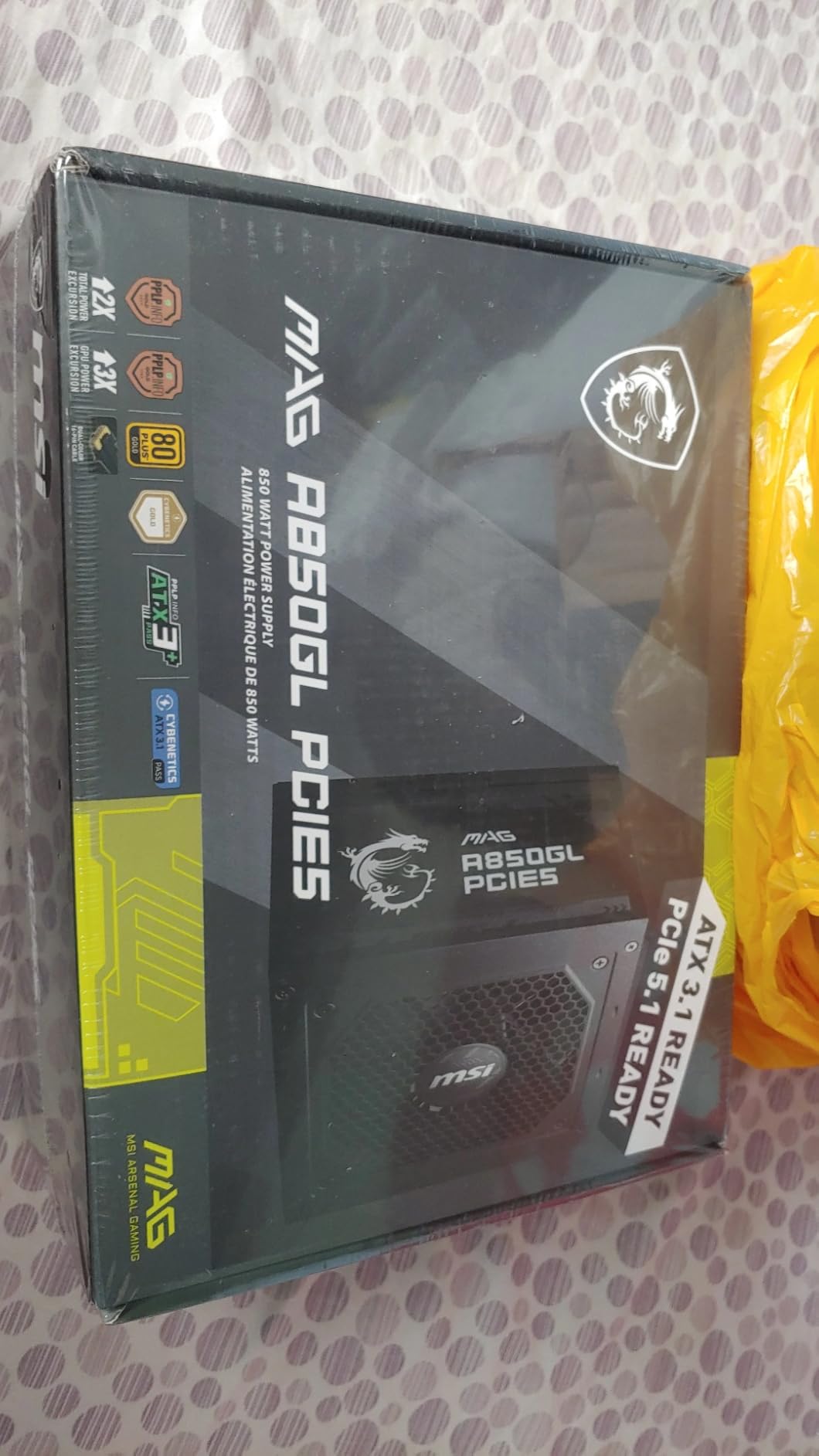
There are two cooling fans listed for this unit, which is unusual in a class where one large fan is the norm, and it shows in the thermal behaviour. Owners report it running cool rather than merely quiet, and the 80 PLUS Gold certification keeps waste heat down at typical gaming loads.
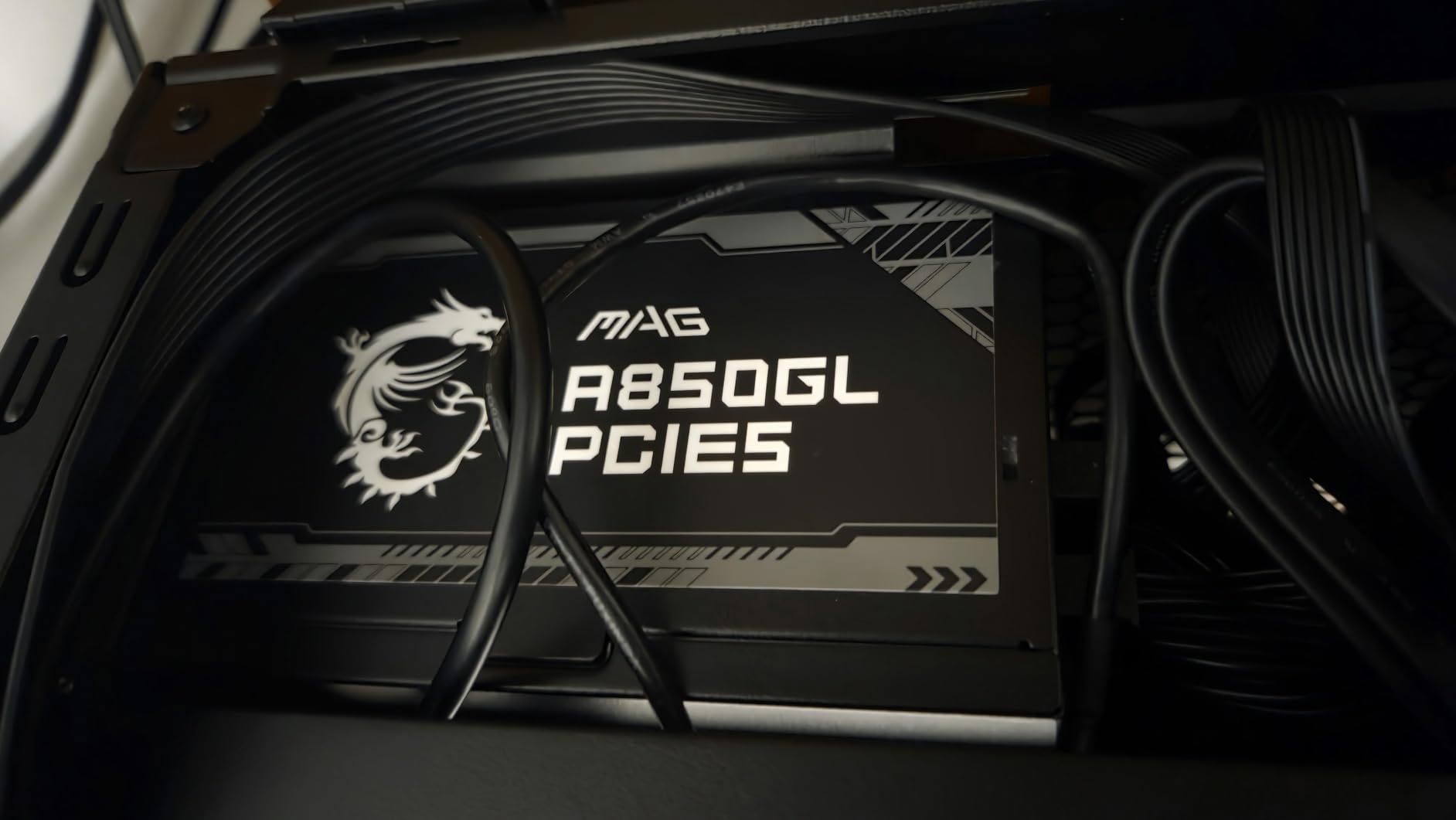
Ten years matches the longest warranty commitment in this group, and it covers a component you might keep for the life of two or three GPU upgrades. The case is a plain black box without lighting or a display, which is exactly what you want if the PSU sits behind a plain panel or under a desk.
Who the MAG A850GL suits
It is the pick for a first serious gaming PC built on a budget, or an upgrade from a non-modular box that came with a lower-end machine. Full modularity and a native 16-pin cable at this level of owner feedback is unusual, and the ten-year warranty means it can stay in the system indefinitely.
It also suits anyone who wants a straightforward install with no decision fatigue. Plug in the cables you need, seat the 12V-2×6 connector fully, and you are done.
Where it falls short
The recurring criticism is the fan. A meaningful number of owners report the stock cooling fan becoming noisy or failing within roughly six to nine months, which is worth factoring in if you run your machine hot for years at a stretch.
Coil whine is also reported by some users after pairing it with an RTX 5070 Ti and a 9800X3D, and the sleeving is basic rubber rather than the braided cable you get on premium units. None of that affects power delivery, but it is visible in a glass-side-panel case.
3. Corsair RM1000e (2025) 1000W – Best Power Supply for Flagship GPUs
CORSAIR RM1000e (2025) ATX 3.1 PCIe 5.1 Ready 1000W Power Supply – Black
1000W
ATX 3.1 and PCIe 5.1
Native 12V-2x6
Cybenetics Gold
Modern Standby
Pros
- Fully modular cabling keeps builds tidy and improves airflow
- 120mm rifle bearing fan with a tuned fan curve stays quiet at full load
- 105C rated capacitors suit long term future proof builds
- Modern Standby gives fast wake from sleep
Cons
- Seven year warranty is shorter than the ten year rivals offer
- 1000W is more capacity than a mid-range build will ever draw
When a question is about whether 1000W is overkill, this is the answer: it is exactly right for a flagship graphics card and completely unnecessary for a mid-range one. Eighty-nine percent of its owner reviews are five stars, with no recurring negative theme surfaced in the feedback for this listing, which is rare in a category where fan noise is usually the top complaint.
The specification sheet mirrors the RM850e platform, scaled up. Intel ATX 3.1 certification means the platform is built to withstand transient power excursions from the GPU, which is precisely the scenario that trips up older supplies on a high-end card. Modern Standby support improves wake-from-sleep times and low-load efficiency, a small quality-of-life gain for a machine that gets suspended and resumed daily.
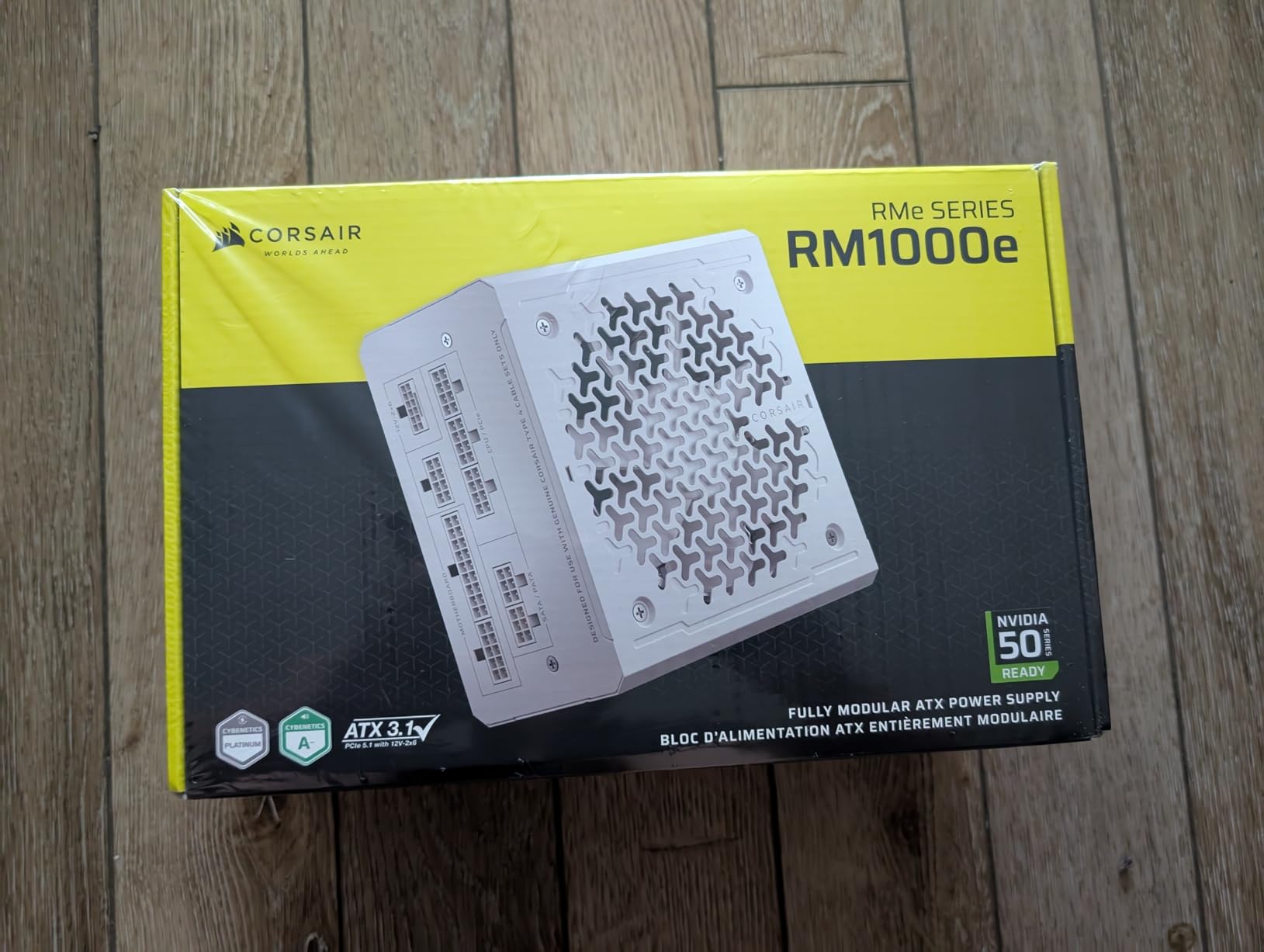
Cybenetics Gold certification is a meaningful signal here, because that independent lab measures efficiency and noise under real loads rather than at a single nominal point. Seeing a lab badge rather than only a marketing efficiency number is one of the faster ways to separate a well-built platform from a well-packaged one.
At 5.91 by 5.51 by 3.35 inches and 3.6 pounds, it is not a physically large unit for the capacity, and the fully modular cabling means you can run a clean build in a mid-tower without a single unused cable in the airflow path.
Who the RM1000e suits
This is the one to buy if your graphics card is the top of the current generation, if you overclock both CPU and GPU, or if you want to install one flagship card today and a bigger one in three years. ATX 3.1 transient handling gives you the option, which is the whole point of paying for the headroom.
It is equally suited to a streaming or rendering workstation that runs the GPU hard for long stretches, since sustained-load behaviour is where the platform rating earns its keep.
Where it falls short
The warranty is seven years, not the ten you get from Seasonic, MSI or ASUS. That is a real difference on a component with a design life measured in decades, and it is the main reason this does not take the top spot.
Second, it is the wrong tool for a mainstream build. A 650W to 850W supply handles most gaming PCs comfortably, and buying 1000W means paying for capacity that sits idle. Efficient units also run hardest to cool at partial load, so an oversized supply is not a quieter one.
4. Seasonic Focus GX-850 850W – Best for Compact Cases and Quiet Builds
Seasonic Focus GX-850 850W Power Supply ATX 3.1 & PCIe 5.1 Ready
850W
80 PLUS Gold and Cybenetics Platinum
135mm FDB fan
10 year warranty
Pros
- Exceptionally quiet with a hybrid 135mm FDB fan and OptiSink design
- Compact 140mm depth frees room for cable routing
- Japanese 105C capacitors and a 10 year warranty
- Native 12V-2x6 cable and ATX 3.1 compliance
- All modular cables included and clearly labeled
Cons
- Ten year warranty but a shorter track record for this specific ATX 3.1 refresh
- No recurring negative themes in owner feedback
Seasonic is the brand builders name most often as a choice that cannot go wrong, and this unit is the reason that reputation has survived a decade of platform changes. Reviewers describe it consistently as quiet, stable and well made, with several replacing older EVGA or Corsair supplies after years of service. Eighty-five percent of its ratings are five stars.
Two specifications stand out. The first is the dual certification, 80 PLUS Gold alongside Cybenetics Platinum, which means an independent lab has verified both efficiency and acoustics. The second is the thermal design: hybrid fan control with a 135mm fluid dynamic bearing fan and an OptiSink heatsink surface, which is why the unit is described as exceptionally quiet rather than merely quiet at idle.
It is also among the most compact options at full 850W. The listed dimensions are 5.5 by 5.9 by 3.4 inches, and reviewers specifically call out the 140mm-class depth freeing up room for cable management in smaller cases. For a small form factor adjacent build where the supply sits tight against the side panel, that is a meaningful advantage.
Native 12V-2×6 and ATX 3.1 compliance make it ready for RTX 5080 and RX 9000 class cards, and every modular cable is included and clearly labeled, which reduces the most common cause of first-build mistakes.
Who the Focus GX-850 suits
Buy this one if silence is a priority, if your case is on the small side, or if you simply want the brand with the strongest build-quality reputation. Its 10-year warranty is among the longest in this group and the Japanese 105°C capacitors are the parts most likely to dictate how long the unit actually lasts.
It is a natural fit for a 1440p or 4K single-GPU build, and for anyone moving a working machine forward several times rather than replacing it every few years.
Where it falls short
Its rating is a shade below the Corsair units at 4.6 stars, and its owner review count is lower, so the long-term evidence base is thinner even though the brand track record is longer. If you weight raw review volume heavily, that is worth knowing.
There is also no dedicated overclocking mode or multi-rail toggle in the feature set, which enthusiasts sometimes expect at this level. For anyone who wants manual fan control or deliberate overclocking headroom, a model with those switches may suit better.
5. ASUS TUF Gaming 850G 850W – Best for Long-Term Durability
ASUS TUF Gaming 850W Gold (850 Watt, ATX 3.1 Compatible, Fully Modular Power Supply, 80+ Gold, Military-Grade Components, Dual Ball Bearing, Axial-tech Fan, PCB Coating, 10 Year Warranty)
850W
ATX 3.1
16 pin cable up to 600W
Dual ball bearing fan
10 year warranty
Pros
- Military-grade certified capacitors and chokes for durability
- Dual ball bearing fan rated for up to twice the life of sleeve bearings
- Protective PCB coating against moisture dust and temperature
- 16 pin cable delivers up to 600W to PCIe Gen 5 cards
- Braided cables and a modular layout that routes simply
Cons
- Fan develops an audible hum as it warms with no low noise mode
- Cables arrive as separate strands rather than a bundled strip
- Included PCIe splitter is not favored by some AMD GPU owners
This is the most aggressively engineered option in the group, and the design choices all point in one direction: survive a decade. ASUS has put military-grade certified capacitors and chokes in the platform, coated the PCB against moisture, dust and temperature extremes, and specified a dual ball bearing fan rated to last up to twice as long as a sleeve-bearing design. Eighty-eight percent of owner reviews are five stars.
ATX 3.1 compliance comes with a bundled 16-pin PCIe cable capable of delivering up to 600W to a PCIe Gen 5 graphics card, so the flagship-GPU path is covered without an adapter chain. The braided cable set is also the best-looking in this roundup, which matters in a build with a glass panel.
The build quality is the theme reviewers return to, alongside cable quality and quiet everyday operation. It is a heavier unit at 5.5 pounds, but the mass comes from the larger capacitor set and coating rather than a bloated chassis, and the listed dimensions of 5.9 by 5.9 by 3.4 inches are compact for the capacity.
Protection features go beyond the usual set as well. The coating and the component certification both exist to slow down the failure modes that kill supplies slowly in a hot case, rather than only the short-circuit events the standard protections catch.
Who the TUF Gaming 850G suits
Pick it if you want a supply that stays in the machine through multiple GPU generations, or if your case runs warm and you want components built to survive that. The ten-year warranty matches the longest in this group and sits alongside the most conservative component choices.
It is also a good match for a build where the power supply will eventually be transplanted into a heavier system, since the extra headroom in the platform is real even at 850W.
Where it falls short
The dominant negative is acoustic. The fan develops an audible hum once the unit warms up, and there is no low-decibel mode to fall back on. Some buyers work around it by setting case fans to DC mode, but if your tolerance for fan noise is low, this is not the model.
Secondary issues are cosmetic and practical. The cables arrive as separate strands rather than a pre-bundled strip, so they sprawl unless you route them carefully, and the included PCIe splitter is not well liked by some AMD GPU owners.
6. be quiet! Pure Power 13 M 1000W – Best for Silent High-End Builds
be quiet! Pure Power 13 M 1000W, ATX 3.1, Fully Modular PSU, 80+ Gold
1000W
Up to 94.4% efficiency
LLC topology
Semi passive 120mm fan
10 year warranty
Pros
- Exceptionally quiet with a fan that stops entirely at low load
- Up to 94.4% efficiency keeps the unit cool
- Native 12V-2x6 600W cable plus four 6+2 pin connectors
- LLC topology gives best in class voltage regulation
- Compact size comparable to lower wattage units
Cons
- 12V-2x6 and top panel CPU cables can be short in some layouts
- 1000W is more than most mid-range builds need
If your build is a 1000W build, this is the one to look at first, because the efficiency figure is the highest in the group. Up to 94.4% efficiency means less of your draw is converted to heat inside the chassis, and reviewers repeatedly single out silence and build quality as the standout traits. Eighty-eight percent of owner reviews are five stars.
The electrical platform is LLC topology, which is the part serious builders care about most. LLC converters hold voltage regulation tighter than cheaper topologies, so the rails stay closer to nominal as load changes, and that shows up as a stable system under stress rather than as a number on a box. The 120mm semi-passive fan turns off completely under low load.
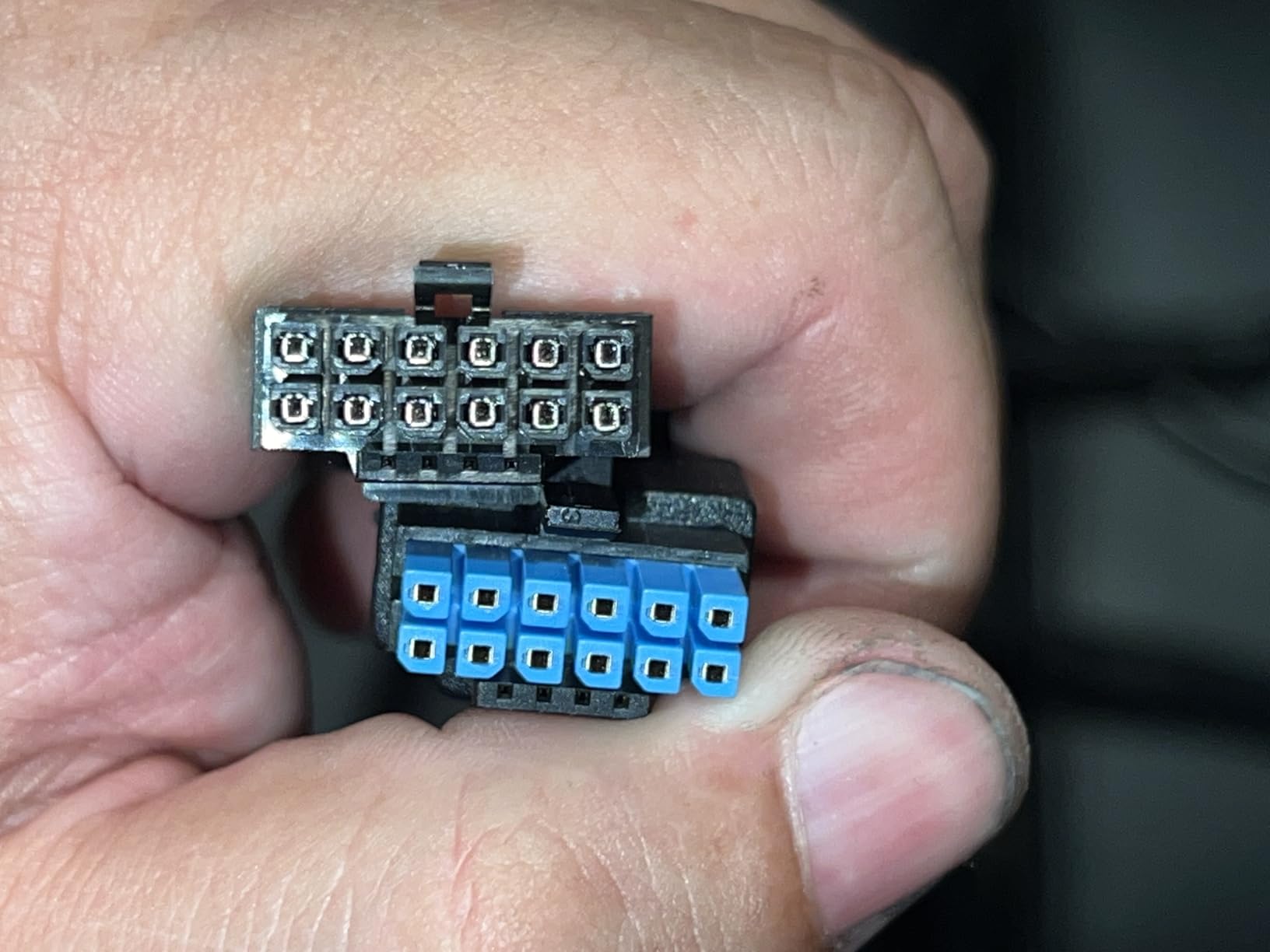
Connectivity is generous for a 1000W unit: a native 12V-2×6 cable rated to 600W plus four 6+2-pin connectors, which covers current and next-generation cards, and the listed dimensions of 6.3 by 5.91 by 3.39 inches keep it compact for the capacity. A ten-year warranty closes the package.
Owners report it paired with RTX 5080 and RTX 5070 Ti systems without coil whine, and the 1000W of continuous power on a single 12V rail handles transient loads up to double its rated power, which is what makes it a sensible flagship-card partner.
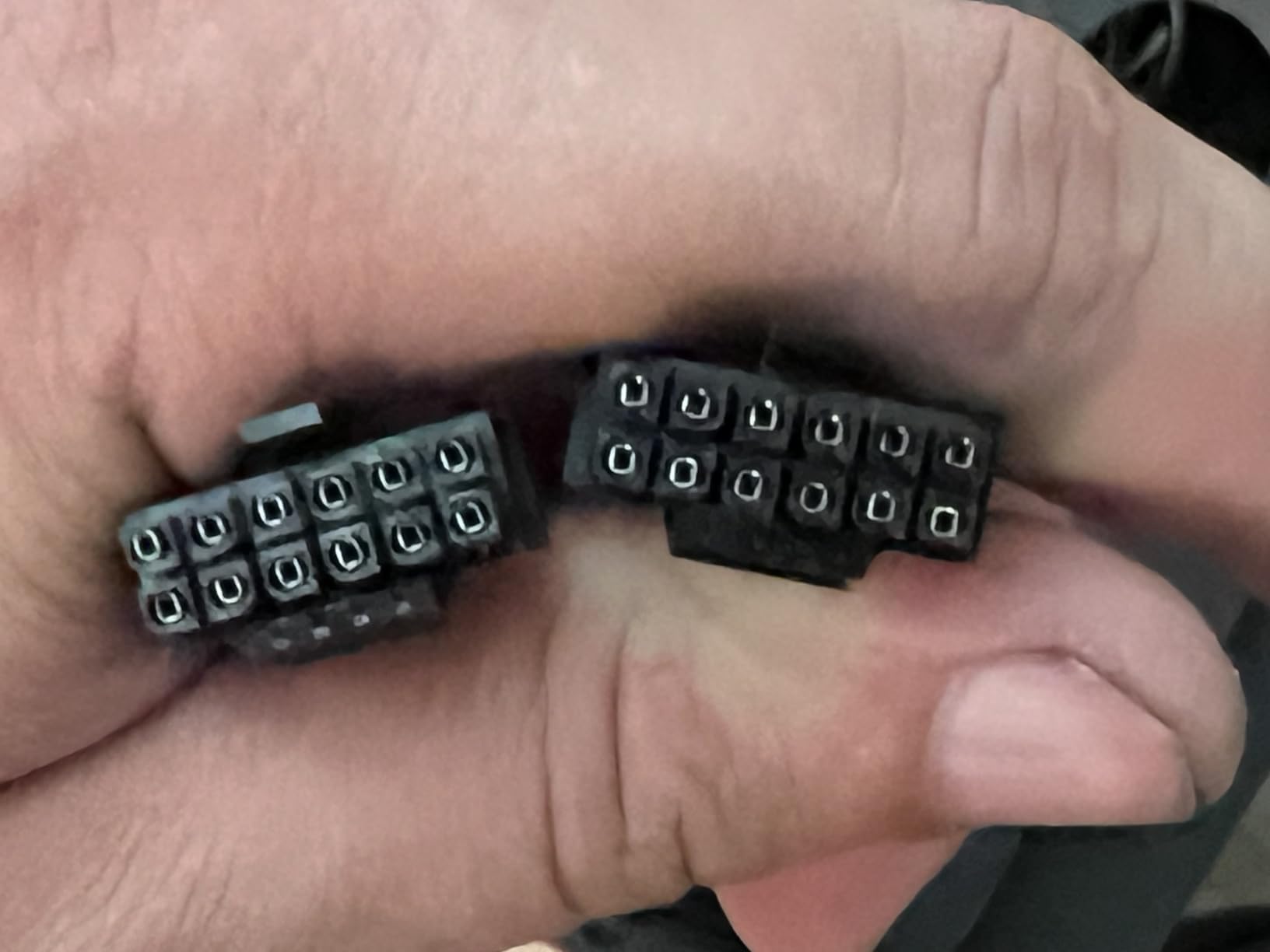
Who the Pure Power 13 M suits
It is for the builder who has a high-draw card, cares about the noise floor more than the budget, and wants a supply that adds as little heat as possible to an already hot chassis. The semi-passive fan means an idle desktop makes no PSU noise at all.
It also makes sense for a machine that will be upgraded to a larger GPU later, since the 1000W capacity and the native 12V-2×6 connection cover the next step without another purchase.
Where it falls short
Cable length is the most repeated complaint. The 12V-2×6 cable and the top-panel CPU cable can be too short in some case layouts, particularly where the power supply mounts away from the top of the chassis, so measure before you commit.
And like any 1000W supply, it is over-provisioned for a mainstream build. A 750W or 850W unit is the more sensible purchase unless you genuinely need the headroom, since higher efficiency units also load hardest at partial draw.
7. Thermaltake Toughpower GT 850W – Budget Pick for a First ATX 3.1 Build
Thermaltake Toughpower GT 850W ATX 3.1 Standard Power Supply; 80 Plus Gold Efficiency; Smart Zero Fan; Native 450W PCIe 5.1 Connector; PS-TPT-0850FNFAGU-3; 5 Year Warranty
850W
80 PLUS Gold up to 90%
Native 450W PCIe 5.1
ATX 3.1
5 year warranty
Pros
- Fully modular low-profile flat cables simplify routing and airflow
- 80 PLUS Gold efficiency reduces heat output
- Smart Zero Fan keeps noise low at light loads
- Native 12V-2x6 connector avoids adapters
- High amperage single 12V rail for stable delivery
Cons
- Fan speed reportedly ramps unpredictably at idle
- One owner reports a shutdown after roughly three weeks
- One owner received a unit without an AC power cord
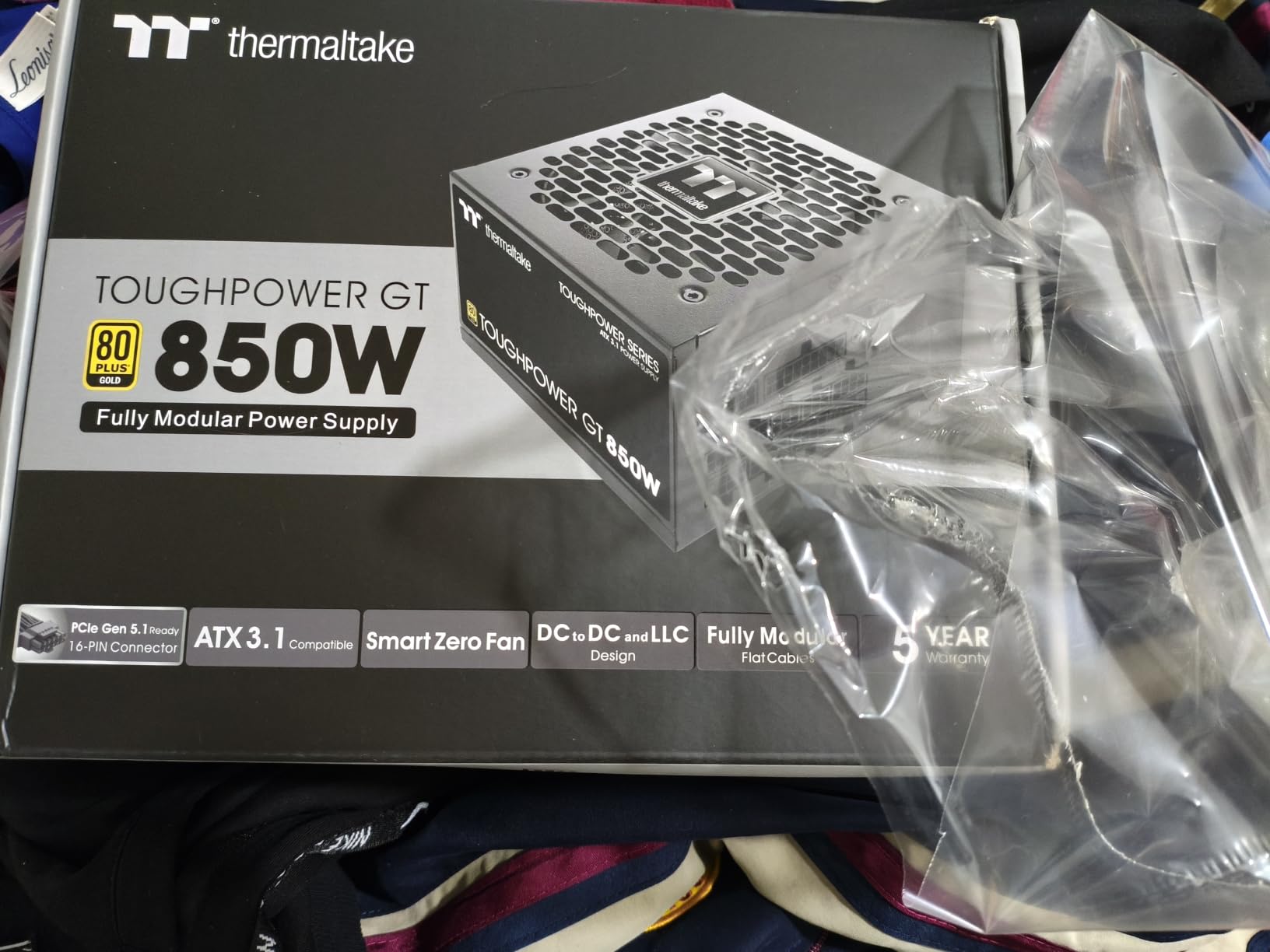
This is the entry point for a builder who wants a modern ATX 3.1 supply without paying for a premium chassis or a long warranty. Eighty percent of owner reviews are five stars, and the recurring picture is a quiet, reliable unit powering RTX 5070 Ti and Ryzen 9700X builds without whine or cutouts.
It brings the things that matter structurally. Full ATX 3.1 compliance with a native PCIe 12V-2×6 connector rated to 450W means no adapter on a modern card, and 80 PLUS Gold efficiency up to 90% keeps waste heat down. The fully modular design includes low-profile flat black cables, which is the single biggest help for airflow in a tight case.
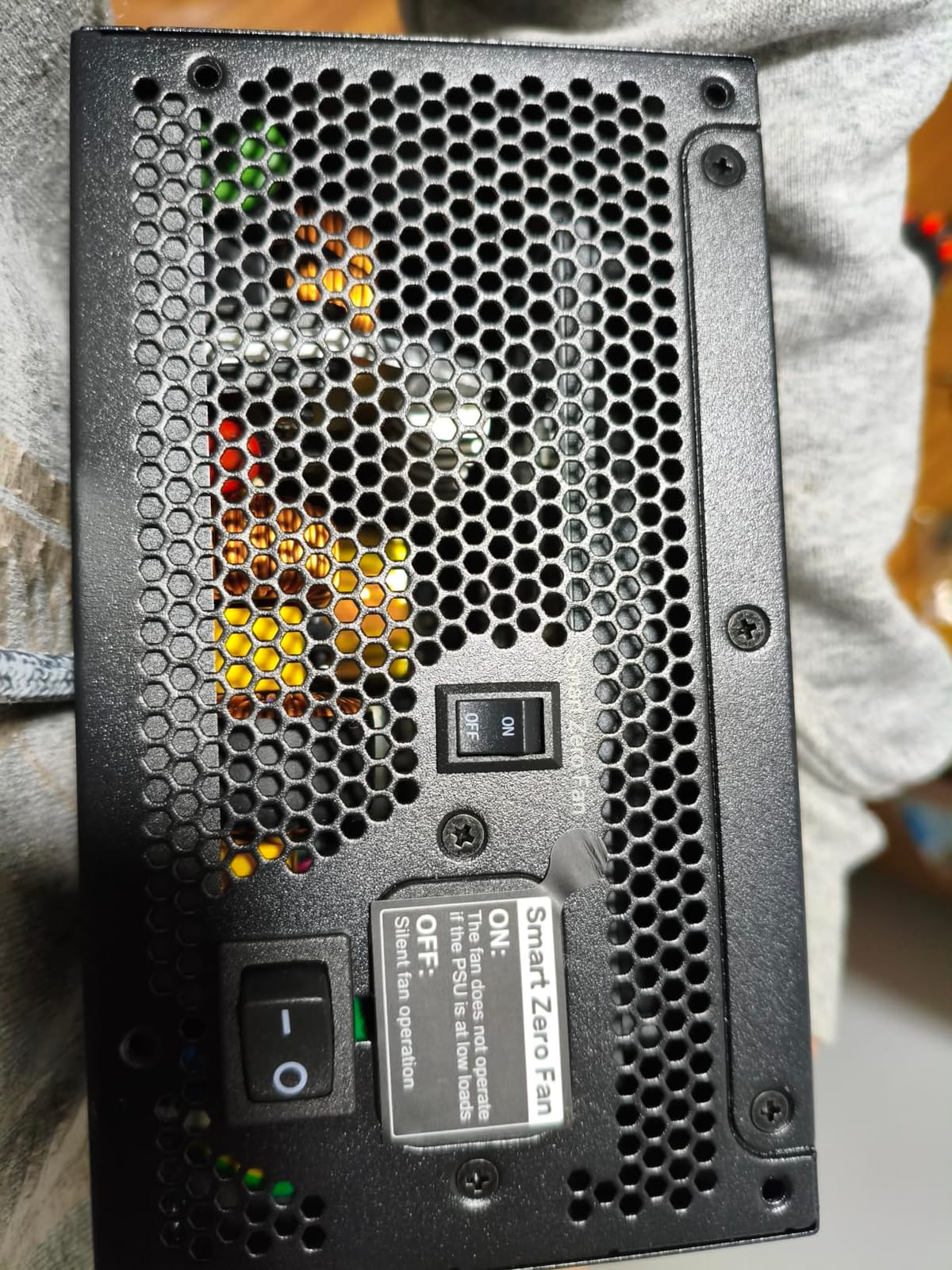
The power delivery is a single high-amperage 12V rail, which is what you want for modern GPUs, and Smart Zero Fan stops the fan at light loads so the system is silent on the desktop. Most of the box is a stated input range of 100 to 240 volts, so it works across regions without a transformer.
Where it diverges from the other picks here is longevity. The warranty is five years, half of what Seasonic, MSI and ASUS offer, and a five-year term is a fair signal that this is a different tier of component sourcing than the models above it.
Who the Toughpower GT suits
It fits a first build on a budget, a mid-range 1440p system, or a secondary machine such as a home theatre PC or a console-adjacent build that still needs proper protection circuits. You get a native 16-pin cable and modular cabling at a tier where those are usually optional extras.
It is also a reasonable stop-gap for someone who expects to move to a bigger GPU within a year, provided they keep an eye on the wattage headroom afterward.
Where it falls short
Fan behaviour is the main gripe. Owners report the fan ramping up unpredictably at idle, producing noticeable noise at moments when the system should be silent, which undercuts the Smart Zero Fan feature it advertises.
There are also isolated durability reports, including one owner whose supply shut off after roughly three weeks, and one unit that arrived without an AC power cord. Neither is a pattern, but both are reasons to buy from a seller with an easy return window.
8. ASUS Prime 750W Gold 750W – Best for 1080p and 1440p Gaming
ASUS Prime 750W Gold (750 Watt, ATX 3.1 Compatible, Fully Modular Power Supply, 80+ Gold Certified, Dual Ball Bearings, Two Color Options in One, 8-Year Warranty)
750W
80 PLUS Gold
ATX 3.1 with 16 pin cable
Dual ball bearing fan
8 year warranty
Pros
- Highest rated model in this group at 4.8 stars
- 93 percent of owner feedback is five stars
- Dual ball bearing fan for roughly twice the life of sleeve bearings
- ATX 3.1 compliant with a bundled 16 pin PCIe cable
- Axial-tech fan with a smaller hub and longer blades
- Two chassis color options in the same unit
Cons
- 750W is tight for the hungriest GPU and CPU combinations when overclocked
- No semi-modular or non-modular budget alternative in this line
This ties for the highest rating in the group at 4.8 stars, with 93 percent of its owner feedback at five stars. That consistency is the argument for it: when a unit has that little disagreement about it, the risk of an unpleasant surprise drops accordingly.
It is also current-generation rather than legacy. ATX 3.1 compliance comes with a bundled 16-pin PCIe cable compatible with PCIe Gen 5.0 graphics cards, so you are not relying on an adapter even at 750W. 80 PLUS Gold efficiency comes from low-ESR capacitors, and the dual ball bearing fan is specified for roughly twice the lifespan of a sleeve-bearing design.
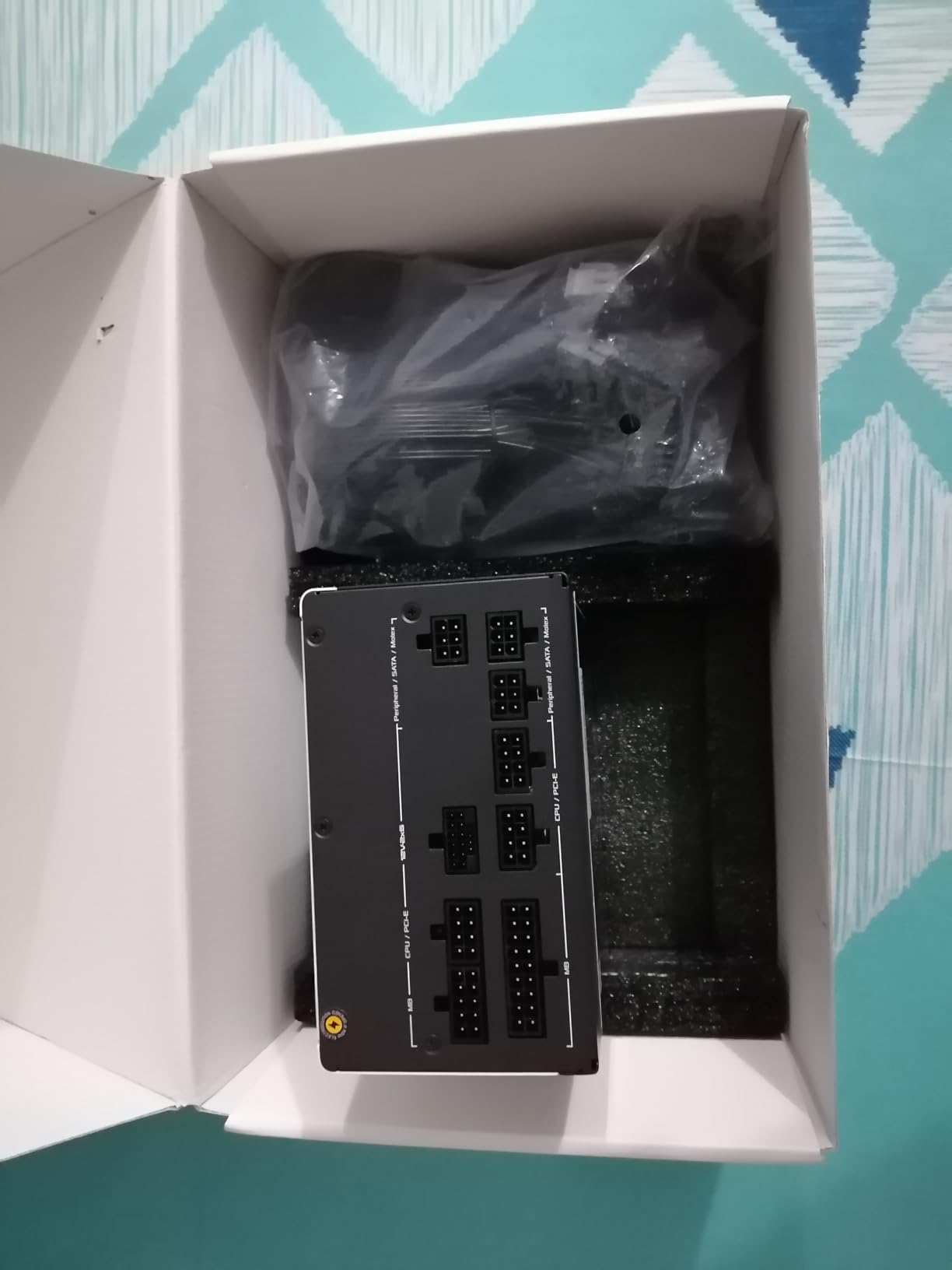
The Axial-tech fan uses a smaller hub and longer blades with a barrier ring to push more air downward onto the components, which is a meaningful detail in a supply that sits in the warmest corner of the case. Buyers also like that two chassis colors are offered for the same unit, which is easier to match than buying a different model.
It is a compact package at 5.9 by 5.9 by 3.3 inches and 3.2 pounds, and its eight-year warranty sits just above the middle of the group, ahead of the five- and seven-year units and behind the ten-year models.
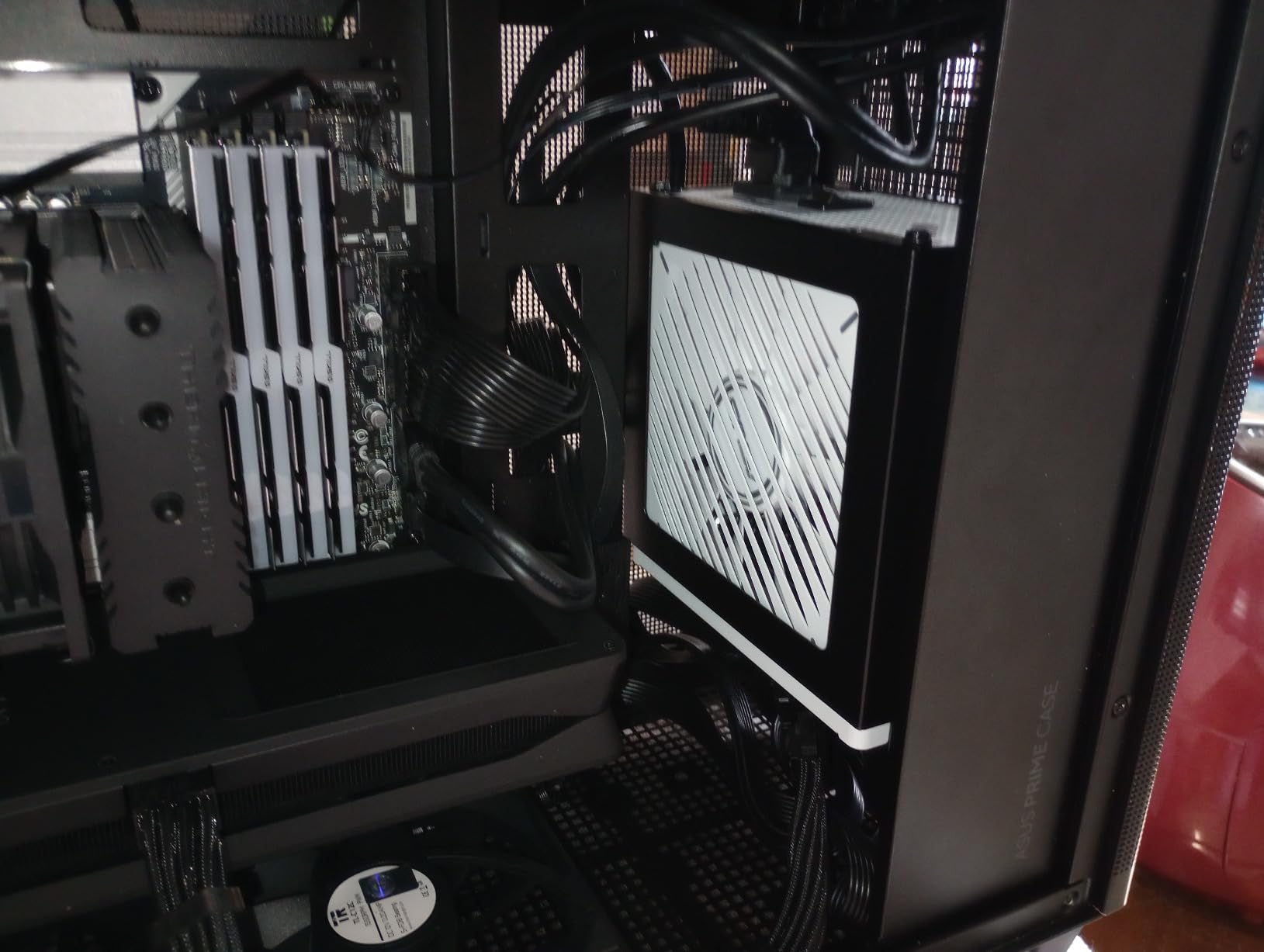
Who the ASUS Prime 750W suits
This is the right capacity for a 1080p or 1440p gaming PC with a mid-range card, and it is the sensible pick for someone who has already decided not to overspend on the power supply. It is also a good first upgrade from a non-modular factory unit, because full modularity immediately tidies the case.
Anyone who wants a modern connector standard on a smaller budget will appreciate that the 16-pin cable is bundled rather than sold as an accessory.
Where it falls short
750W is the constraint. It is tight for the most power-hungry GPU and CPU combinations, particularly with either one overclocked, and the headroom shrinks further if you plan to add a second card or heavy expansion later.
The other limitation is evidence volume. At under 200 owner reviews it has the thinnest feedback base of the well-rated units here, so the 4.8 figure is less well tested than the 4.7 on a model with three times the reviews.
9. Thermaltake GF1 750W – Quiet 750W for 1440p Gaming
Thermaltake GF1 Fully Modular ATX 750W Power Supply – 80 Plus Gold – Ultra Quiet – Zero RPM, PS-TPD-0750FNFAGU-P
750W
80 PLUS Gold
Smart Zero Fan
140mm fluid bearing fan
10 year warranty
Pros
- Smart Zero Fan stops the 140mm fluid bearing fan until load demands it
- Fully modular design keeps unused cables out of the case
- 80 PLUS Gold with Intel C6/C7 state and ErP Ready support
- High amperage single 12V rail with DC to DC design
- Built-in industrial grade protections
Cons
- No native 12V-2x6 cable for the newest GPUs
- 750W leaves less headroom than an 850W unit on power hungry parts
At 750W this covers the most common gaming PC in the world, a mid-range card at 1440p, and it does so with a 10-year warranty that matches the longest commitment in this roundup. Eighty-four percent of its owner reviews are five stars, and the recurring praise is about the fan staying stopped.
Smart Zero Fan holds the 140mm fluid dynamic bearing fan off until load demands it, and 80 PLUS Gold certification with Intel C6/C7 state and ErP Ready support means the unit draws very little at idle. Those two features together are why it disappears from a normal desktop, which is the number one acoustic complaint people have about new builds.
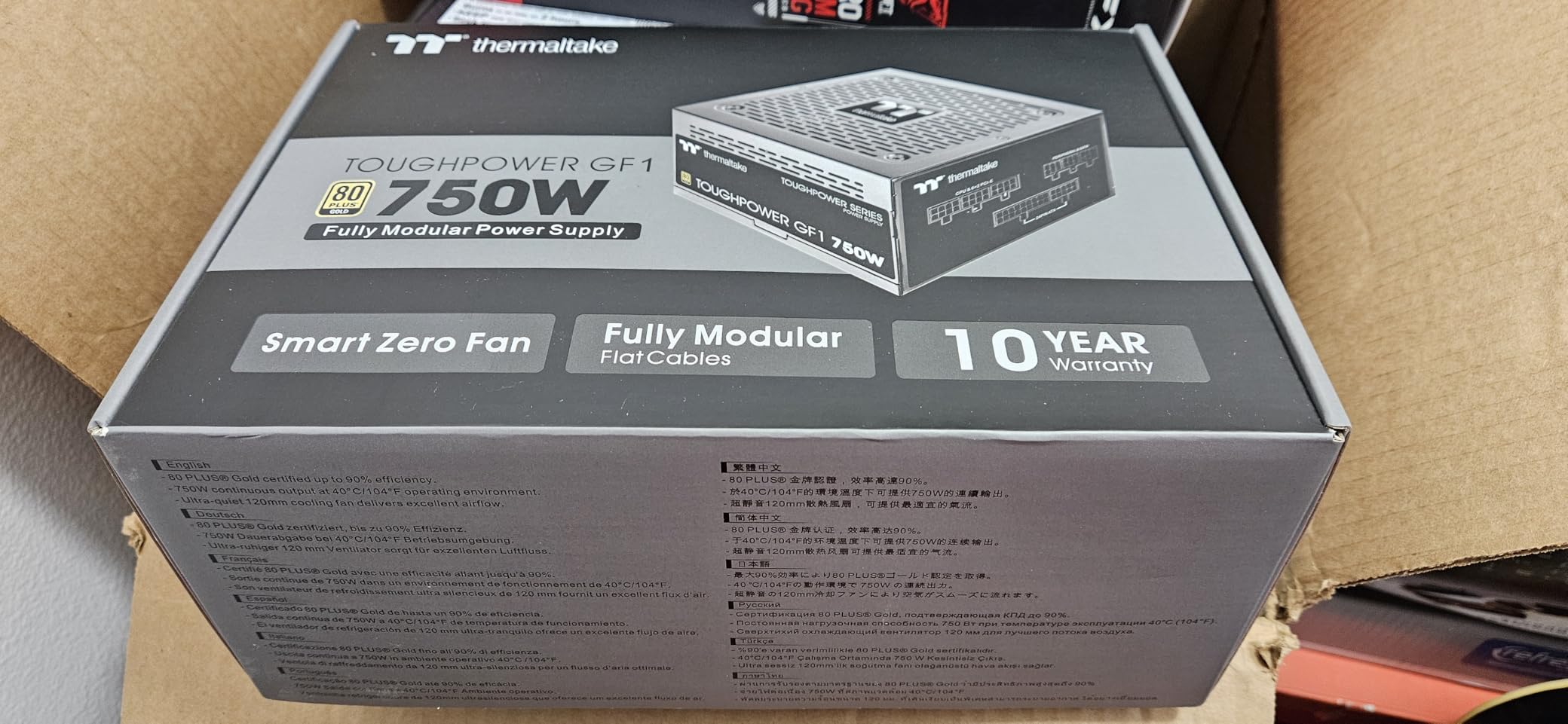
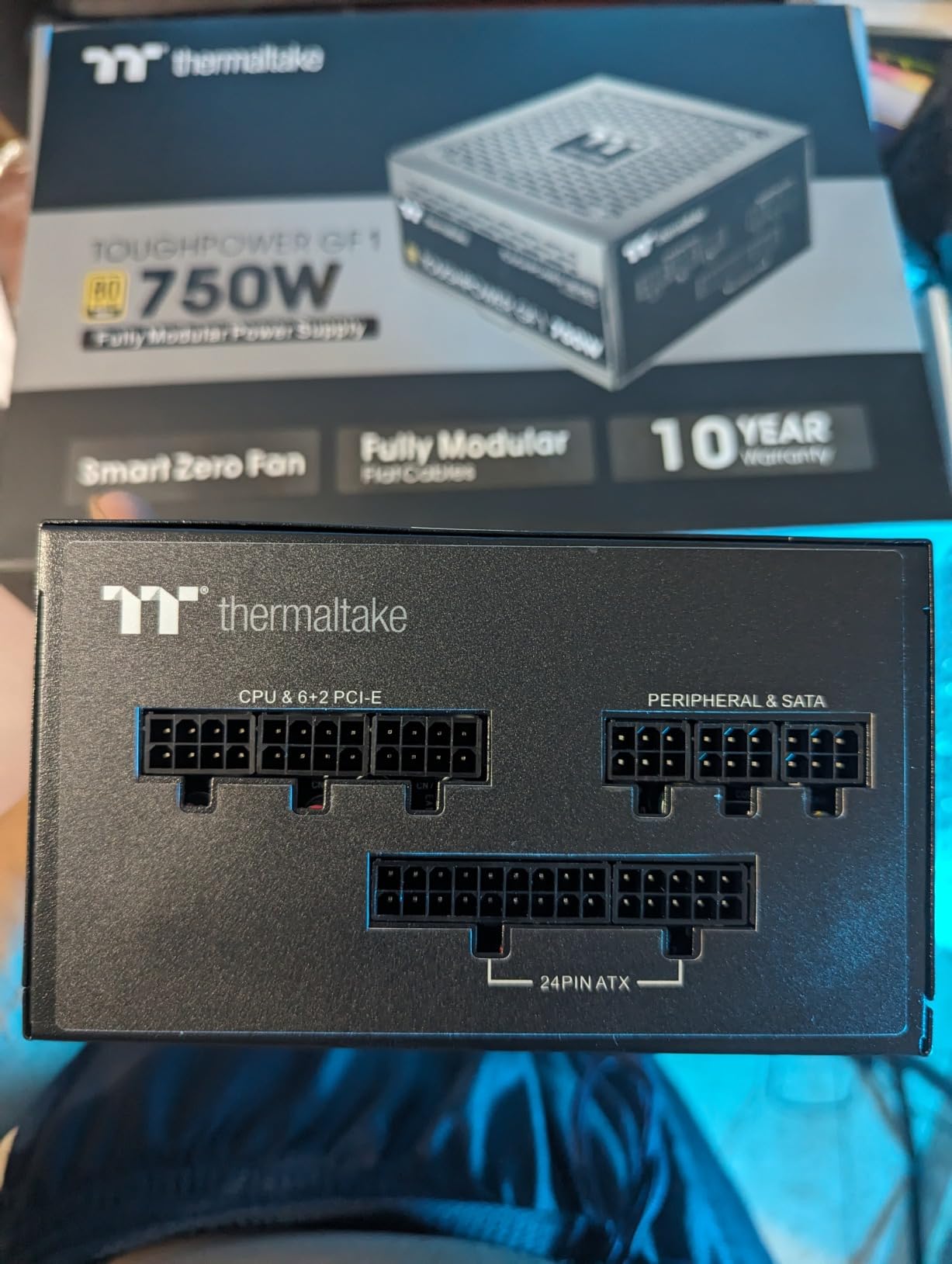
Electrically it uses a high-amperage single 12V rail with a DC-to-DC design, which is the layout that delivers stable modern GPU power, and it includes built-in industrial grade protections for failure safety. The listed dimensions of 5.9 by 5.5 by 3.4 inches are among the most compact in the group at this wattage.
Fully modular cabling keeps unused cables out of the case entirely, so airflow is unobstructed and the build looks finished rather than assembled.
Who the GF1 suits
It is a strong match for a 1440p gaming PC on a mid-range or upper-mid-range card where the total system draw stays comfortably below 750W. The 10-year warranty and the quiet fan behaviour are the two reasons to choose it over a cheaper Gold unit.
It also works well in a case with limited room, since the chassis is short and the modular design keeps the cable volume down. Just confirm the case is ATX rather than SFX before you buy.
Where it falls short
The platform predates the newest 16-pin GPU connector standard, so there is no native 12V-2×6 cable. On the newest high-end cards you will be relying on multi-8-pin adapters, which is exactly the setup that causes the connector problems buyers worry about.
And 750W is simply less headroom than 850W. If your CPU is a high-power part, or you plan to upgrade the GPU within a couple of years, the extra 100W is cheap insurance.
10. NZXT C850 Gold Core 850W – Best for Quiet Builds With Clean Cables
NZXT C850 Gold Core – 850W ATX 3.1 Power Supply, 80+ Gold
850W
80 PLUS Gold and Cybenetics Platinum
Cybenetics A++ noise
135mm FDB fan
7 year warranty
Pros
- Near silent operation with a Cybenetics A++ noise rating under 15 dBA
- Dual-color 12V-2x6 connector rated to 105C for modern cards
- Fully modular with a clean minimal design for tempered glass builds
- Enough cables and connectors for a high-end setup without adapters
- 135mm FDB fan with Zero RPM mode at light load
Cons
- Cables arrive loose with few separators so routing is harder
- NZXT does not clearly explain how the Gold Core differs from the regular C series
- Cables are not mesh sleeved
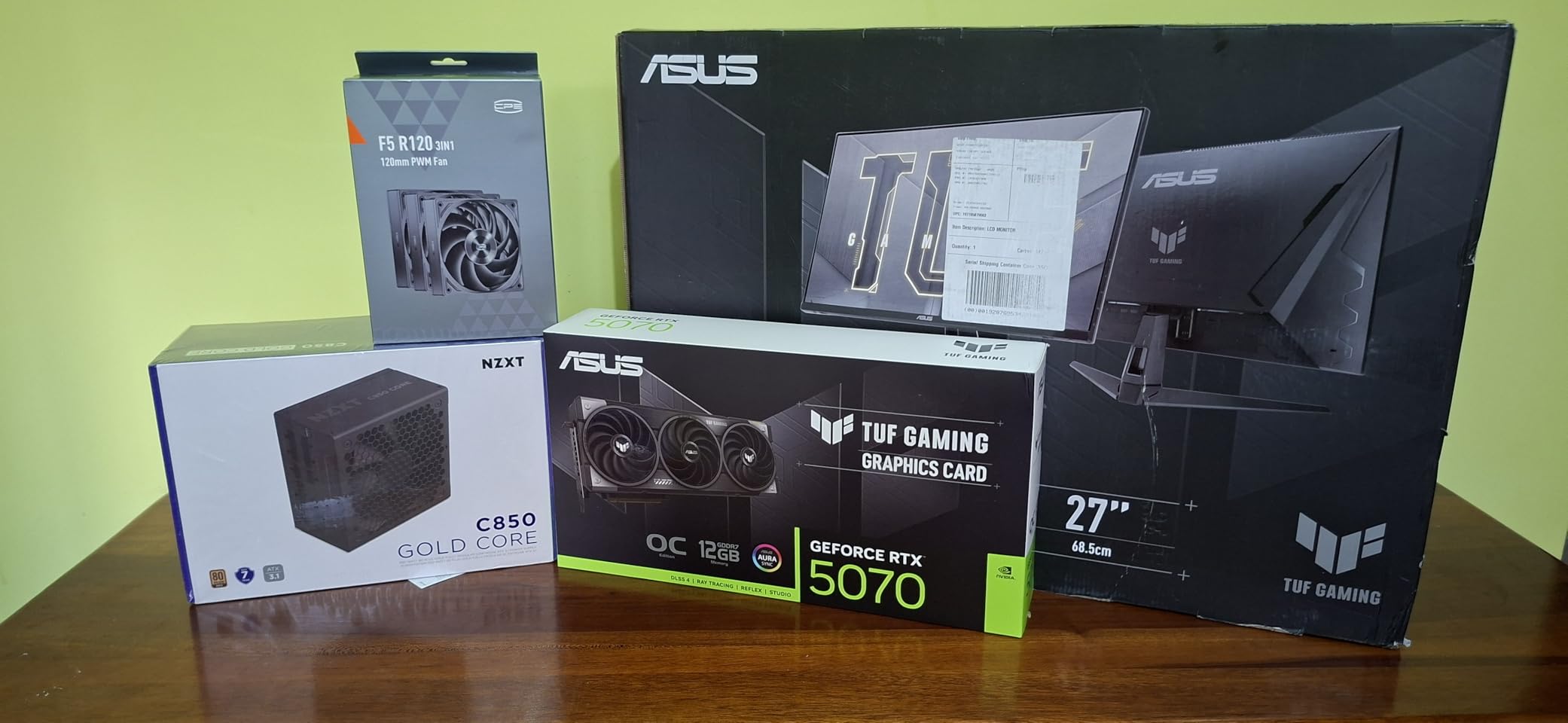
The NZXT C850 Gold Core is the only unit in this roundup with a measured noise score, and that distinction matters. It carries a Cybenetics noise certification of A++, which is under 15 dBA, alongside 80 PLUS Gold and Cybenetics Platinum efficiency. An independent lab has verified both acoustics and efficiency, which is the single best predictor of how a supply will sound in your case.
Connectivity is current-generation. The dual-color 12V-2×6 connector is rated to 105°C for modern NVIDIA cards, and the unit also supports GPUs using up to three 8-pin PCIe cables, so either side of the current generation is covered without an adapter. A 135mm fluid dynamic bearing fan with Zero RPM mode handles light loads in silence.
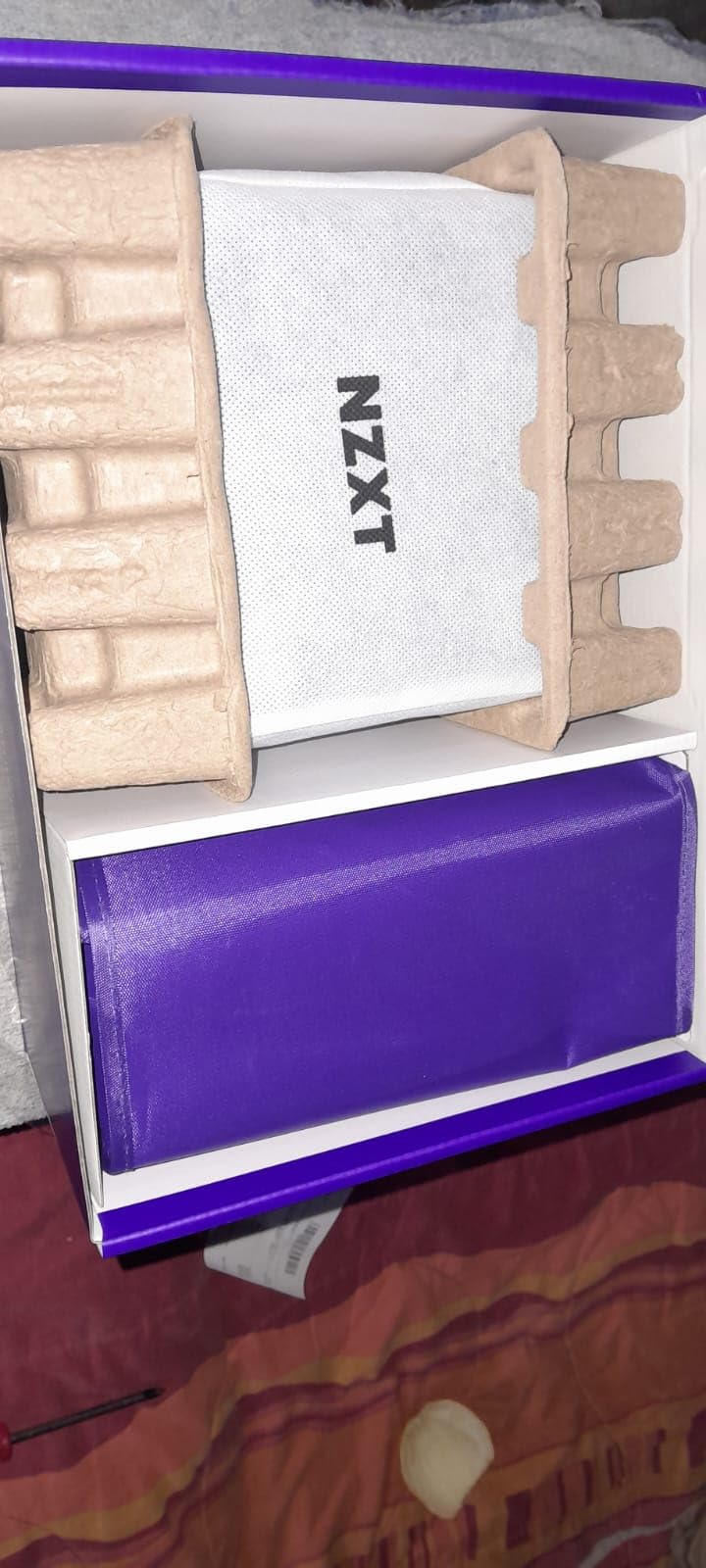
Ninety percent of owner reviews are five stars, and the reports cover RTX 5080, RX 7900 XT and RTX 4070 builds with quiet, stable power delivery and a clean aesthetic that suits tempered glass cases. The cables are embossed rather than mesh sleeved, and the unit carries a seven-year warranty with built-in protections.
It is also a complete package for a high-end setup: the review consensus is that the included cables and connectors are sufficient for a high-end configuration without needing extras.
Who the C850 Gold Core suits
It is for the builder who measures noise in decibels rather than impressions, or who is running a machine in a quiet room or a recording setup where fan tone is audible. The A++ rating is a concrete answer to the best quiet power supply question.
The clean, minimal styling also makes it the pick for a tempered glass build where the power supply is visible, and 850W covers a high-end single-GPU configuration comfortably.
Where it falls short
Routing is the practical complaint. Cables arrive loose with few separators, so keeping a tidy build takes more effort than with a pre-bundled strip, and the lack of mesh sleeving makes them look less premium next to a braided competitor.
NZXT also does not clearly explain how the Gold Core differs from the regular C-series, which makes value comparisons harder, and with 122 owner reviews this is the thinnest evidence base in the roundup despite the strong rating.
How to Choose a Power Supply for a Gaming PC
Everything above comes down to four decisions: how much wattage you need, which efficiency tier is worth the premium, what connector standard your GPU requires, and whether the physical unit fits your case. Get those right and the brand matters less than buyers think.
How much wattage do you actually need?
Add up the power your components can draw, then add 30 to 50 percent headroom for transients. The arithmetic is simple, and the margin is not optional: modern GPUs do not draw a flat line. They spike sharply during shader compilation, asset streaming and heavy particle effects, and a supply with no margin will trip over protection circuits during the loading screen rather than during gameplay.
Add your CPU at its rated power plus about a third for boost behaviour, add your graphics card at its rated board power plus its transient headroom, add roughly 100W for the motherboard, memory, storage and fans, and round up to the next standard capacity. Overclocking adds more, typically 150W for a heavily tuned CPU.
If you are wondering whether you can skip the power supply when upgrading, the answer from experienced builders is consistent: if your current supply is running your system stably and is from a reputable brand, there is no reason to replace it. Upgrade the parts you actually wanted to upgrade.
Wattage by GPU tier: a five-second answer
This is the lookup most buyers actually need, without the spreadsheets.
550W to 650W – entry-level cards, or a build with no discrete GPU at all. A modern mid-range CPU plus a mainstream card fits comfortably.
650W to 750W – the 1080p and 1440p sweet spot with a mid-range card. This is where most gaming PCs land.
750W to 850W – upper-mid-range and high-end cards at 1440p or 4K, including a power-hungry CPU. The most common recommendation in build forums.
850W to 1000W – flagship graphics cards, an overclocked CPU, or a system you intend to upgrade the GPU in within a few years.
1000W and above – flagship cards under sustained heavy load, multi-GPU configurations, or a workstation that is not primarily a gaming PC.
Is 1000W overkill? For a mid-range build, yes, and you would be paying for capacity that never runs. For a flagship card that draws hard and spikes, it is the minimum that lets you stop thinking about it. A 750W supply is plenty for gaming as long as your CPU is not also a power-hungry part, and choosing between 750W and 850W comes down to whether you want headroom today or headroom after your next GPU upgrade.
What 80 PLUS tiers actually save you
An 80 PLUS rating tells you how much of the power drawn from the wall survives as usable DC power; the rest becomes heat. The tiers are efficiency thresholds tested at specific loads, and the practical difference is a combination of electricity cost, heat inside the case, and fan noise.
80 PLUS Bronze – 85 percent efficiency at 50 percent load. Acceptable for entry builds, and the least efficient tier worth considering.
80 PLUS Gold – 90 percent at 50 percent load. The sensible default for a gaming PC and what most of the units in this roundup carry.
80 PLUS Platinum – 92 percent at 50 percent load. Worth it for high-load machines and always-on systems.
80 PLUS Titanium – 94 percent at 50 percent load. The most efficient tier, and the hardest to justify purely on electricity bills.
The honest arithmetic: on a 500W gaming PC running four hours a day, moving from Bronze to Gold saves roughly 20 to 25 watts at the wall, which is a few dollars a year. Nobody should buy a worse supply to save a few dollars a year. The real reasons to pay up are lower case temperature, a quieter fan, and better behaviour at partial load, and Gold is the point where those benefits become obvious.
Cybenetics ratings, which several units here carry, run on a separate and generally stricter scale that also measures noise, and they are a better guide than the certification sticker alone.
ATX 3.0 vs ATX 3.1 and the 12V-2×6 cable
ATX 3.0 introduced the requirement to withstand transient power excursions from the GPU, and added the 16-pin connector. ATX 3.1 refined the same connector, adding a fully inserted sensor contact so the GPU can detect whether the cable is seated all the way, which is what reduced the connector overheating reports that made the original 12VHPWR design notorious.
That distinction is the whole story behind the connector anxiety. The earlier 12VHPWR connector was not fully inserted by design at the last few millimetres, which meant a cable that felt seated might not have been, and the resulting heat at the contact could discolour the plastic. The revised 12V-2×6 connector in ATX 3.1 supplies is designed to be pushed in fully with no partial insertion, and the sensor contact lets the card warn you if it is not.
Practical rule: if your GPU takes a 16-pin connection, buy an ATX 3.1 supply with the native cable included rather than an adapter, and check the wattage rating of the connector. The 450W and 600W figures printed on cables and supplies are the ones to match against your card.
Seat the 12V-2×6 cable properly
This is the highest-anxiety item in the whole category, and a TechPowerUp thread about a burned cable on a flagship card drew close to 900 reactions, so it is not an abstract problem.
Push the connector in until it is fully seated with firm hand pressure. Do not accept a partial insertion that still looks close.
Avoid a sharp bend within roughly 35mm of the connector. Route the cable straight out for a short distance before turning it toward the PSU.
Leave slack so the connector is not carrying the weight of the cable, and do not route it tight against a sharp case edge or a drive cage.
Do not leave a partly used adapter plugged into an unused port. Cap it or remove it.
If the connector or the cable near it discolours, softens, or smells faintly of burnt plastic, stop using it immediately. That is a failure that gets worse, not better.
Check the routing after any dust clean or component swap, since a cable that was routed carefully can shift later.
Modular, semi-modular and non-modular cabling
Modularity is purely about cables, never about power quality. A fully modular supply lets you plug in only the cables your build needs, which keeps unused cables out of the case entirely and gives you the best airflow and the cleanest look. Every unit in this roundup is fully modular.
Semi-modular supplies ship with the essential motherboard and CPU cables permanently attached, with the peripheral cables removable. They cost less and route nearly as well. Non-modular supplies have every cable hard-wired, and the unused bundle has to be stuffed somewhere out of the airflow path, which is why builders in the forums avoid them now unless the budget is very tight.
The one thing modularity does not do is change what the supply can deliver. Buy on capacity, standard and protections first, and treat modular cabling as the tiebreaker.
ATX vs SFX vs SFX-L: check the case first
Physical fit invalidates a recommendation faster than any other factor, so check it before anything else. Standard ATX supplies are 150mm wide and 140mm deep in the most common layout, and fit most mid-towers and full towers. The units in this roundup sit at the compact end of that range, around 150mm wide and 140mm deep, which helps in tighter chassis.
SFX supplies are 125mm square and fit small form factor cases, at the cost of lower capacity for the same platform quality. SFX-L units are longer and can carry more power while still fitting an SFX mounting pattern, and they are the right answer for a small case with a high-end card. Some SFX-L units are also ATX 3.1 compliant with a native 12V-2×6 cable, so you are not trading away the connector standard for the smaller size.
One more measurement worth doing: the clearance to the side panel and to the front intake. A 140mm-deep unit that clears the screws is not the same as one that clears the cable bend radius behind the panel.
How to verify a PSU before you buy
Independent test data is the single most useful thing a buyer can check, and it takes about five minutes. Forum users ask for it constantly because nothing else in the listing tells you how the unit behaves under load.
Search the exact model name on the Cybenetics database. It publishes efficiency and noise reports for tested units, including A to A++ noise tiers, which is the closest thing to an independent acoustic score.
Search the model on the 80 PLUS certification database to confirm the tier is real and to see the certified efficiency curves at low, medium and high loads.
Look for a review from a lab you recognise that measured load regulation, ripple noise, hold-up time and temperature rather than just listing the specifications.
Check the warranty length as a durability proxy. Ten or twelve years signals longer-lived component sourcing; five years signals a different tier.
Check that protection circuitry is present. OVP, OCP, SCP, UVP, OTP and OPP are the standard set, and their absence is a reason to walk away.
Read the one-star and two-star reviews specifically. Fan failures, coil whine and missing cables all show up there before anywhere else.
Brands to trust, and what to check on any model
Seasonic and Corsair are the two names that come up most often as cannot-go-wrong choices in build forums, and MSI, ASUS and Thermaltake appear constantly once you include budget tiers. Rather than telling you what to avoid, which is a claim nobody can verify for you, here is the checklist that works on any brand at any price.
Does the exact model have an independent efficiency or noise report, rather than only a certification sticker?
Does it list protection circuitry, and Japanese 105°C-rated capacitors?
Is the warranty ten years or more?
Does it ship the native 12V-2×6 cable if your GPU needs one, and what wattage is that cable rated to?
Does the review pattern for the exact model show any recurring hardware failure rather than one isolated report?
Is the unit from a brand with a published, consistent support and RMA process?
One more piece of practical context. A quiet PSU only helps if the rest of the machine is quiet too, and if you are still using an open-back headset picked up years ago, our gaming headset roundup is the other half of a genuinely silent build. If you are also buying power management hardware for audio or home theatre equipment alongside your PC, our guide to home theatre power conditioners covers the filtering side of the topic, which is a different problem from supplying clean DC to a graphics card. For the amplifier side of a setup, the professional power amplifiers guide covers that separately, and our home power amplifier picks cover the single-room case. None of them substitutes for a good internal supply, but they solve different problems in the same room.
Frequently Asked Questions
Which power supply is best for a gaming PC?
For most single-GPU gaming PCs, the Corsair RM850e (2025) is the best overall choice. It delivers 850W, carries a native 12V-2×6 cable, is fully ATX 3.1 and PCIe 5.1 compliant, and holds a 4.7-star rating across more than 800 owner reviews. Step up to a 1000W model only if your graphics card is a flagship part or you overclock both CPU and GPU.
Which brand of power supply is best for gaming?
Seasonic and Corsair are the two names that appear most often as cannot-go-wrong choices in build forums, and both appear in this roundup. MSI, ASUS and Thermaltake are also well represented at lower tiers, with ten-year and seven-year warranty terms respectively. Rather than trusting a brand name alone, check the exact model for independent efficiency or noise data, full protection circuitry, Japanese 105C capacitors, and a warranty of ten years or more.
Is a 1000W power supply overkill?
For a mid-range build, yes. A 650W to 850W supply handles the vast majority of gaming PCs, and buying 1000W means paying for capacity that sits idle. It is the right capacity for a flagship graphics card under sustained load, for a heavily overclocked CPU, or if you plan to upgrade the GPU in the next few years. Efficient units also run hardest to cool at partial load, so an oversized supply is not automatically a quieter one.
Is a 750W PSU enough for gaming?
Yes, for a 1080p or 1440p gaming PC with a mid-range graphics card, provided your CPU is not a high-power part. A 750W Gold supply is the sweet spot for that class of machine. Choose 850W instead if your card is upper-mid-range or high-end, if you overclock, or if you want headroom for a future GPU upgrade, and choose 1000W only for flagship cards.
Which is better for my PC, a 750W or 850W power supply?
Pick 850W if your graphics card is upper-mid-range or high-end, if your CPU is a power-hungry part, or if you plan to upgrade the GPU later. Pick 750W if you are running a mid-range card and want to spend the difference on a better GPU. The extra 100W is cheap insurance, because modern GPUs spike well above their sustained draw during shader compilation and asset loading.
How do I pick the right power supply for my PC?
Start by adding your CPU at its rated power plus a third for boost, your graphics card at its board power plus transient headroom, and about 100W for the motherboard, memory, storage and fans. Add 30 to 50 percent total headroom, then round up to the next standard capacity. Next check efficiency tier, ATX 3.1 compliance with a native 12V-2×6 cable, and finally confirm the unit physically fits your case before you buy.
The Verdict on the Best Power Supplies for Gaming PCs
The best power supplies for gaming PCs in 2026 come down to capacity matched to your card, a current connector standard, and a brand with a track record. The Corsair RM850e (2025) is the default answer because 850W with a native 12V-2×6 cable covers the widest range of single-GPU builds and carries the deepest owner feedback in this group.
Take the MSI MAG A850GL PCIE5 if you want the same capacity and connector standard with a 10-year warranty. Take the Seasonic Focus GX-850 for the quietest build in a compact case, the ASUS TUF Gaming 850G for maximum component longevity, and the Corsair RM1000e or be quiet! Pure Power 13 M if you are pairing a flagship card or overclocking hard.
Check the Cybenetics and 80 PLUS databases for the exact model before you buy, seat the 12V-2×6 connector fully, and stop worrying about power for the next decade.