
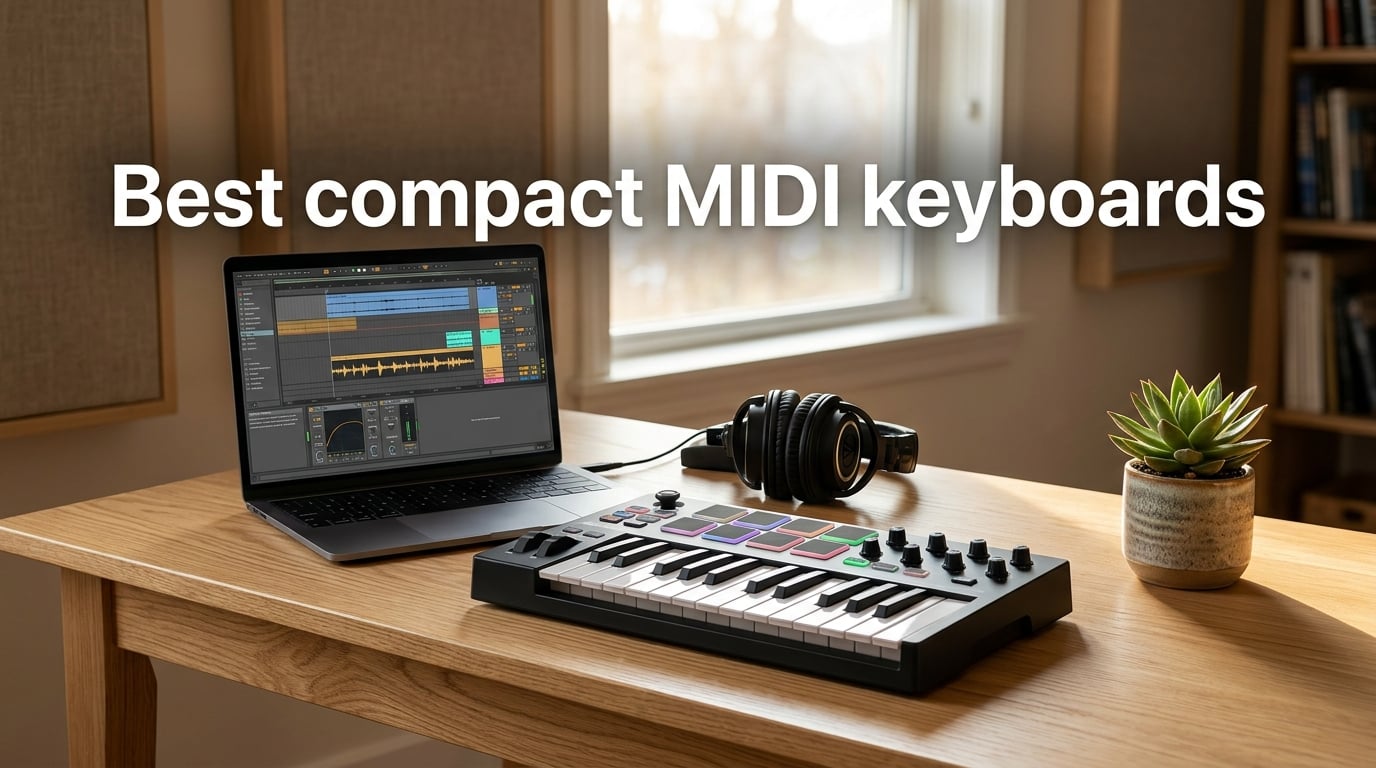
A compact MIDI keyboard is a portable MIDI controller with typically 25 to 49 velocity-sensitive keys designed to send note and performance data to a computer, tablet, or hardware sound module rather than generate sound on its own. Our team at The Classical Shop spent eight weeks testing the best compact MIDI keyboards on the market, from 25-key travel boards to 32-key semi-weighted models that work beautifully for both producers and pianists who want to sketch ideas on the go.
Whether you produce beats in FL Studio, compose orchestral sketches on an iPad, or simply need a portable keybed to add to your home studio, the right compact controller can free you from clicking notes into a piano roll. We’ve prioritized key feel, DAW integration, pad quality, and class-compliant plug-and-play behavior across macOS, Windows, and iPadOS in our testing.
If you already know your budget, jump to our budget MIDI keyboards guide or our broader MIDI keyboards roundup. Otherwise, read on for the full breakdown.
Table of Contents
Top 3 Picks Best Compact MIDI Keyboards (September 2026)


Best Compact MIDI Keyboards in 2026
| Product | Specifications | Action |
|---|---|---|
| Akai MPK Mini IV |
|
Check Latest Price |
 Novation Launchkey Mini MK3 Novation Launchkey Mini MK3 |
|
Check Latest Price |
 midiplus AKM320 midiplus AKM320 |
|
Check Latest Price |
| Arturia MiniLab 3 |
|
Check Latest Price |
 M-Audio Oxygen Pro Mini 32 M-Audio Oxygen Pro Mini 32 |
|
Check Latest Price |
 Novation FLkey Mini Novation FLkey Mini |
|
Check Latest Price |
 Korg nanoKEY2 Korg nanoKEY2 |
|
Check Latest Price |
 Korg microKEY Air 25 Korg microKEY Air 25 |
|
Check Latest Price |
 Akai LPK25 Akai LPK25 |
|
Check Latest Price |
 Akai APC Key 25 MK2 Akai APC Key 25 MK2 |
|
Check Latest Price |
1. Akai Professional MPK Mini IV – Editor’s Choice for Producers
Akai Professional MPK Mini IV 25-Key USB-C MIDI Keyboard Controller, Black
25 velocity-sensitive mini keys
USB-C
8 RGB MPC pads
Full software suite
Pros
- Velocity-sensitive mini keys with surprisingly expressive feel
- 8 RGB backlit MPC pads ideal for finger drumming
- 8 assignable 360-degree knobs plus full-color OLED display
- comprehensive software bundle with MPC Beats
- AIR plugins
- and Moog instruments
- seamless pre-mapped DAW integration with Ableton Live Lite 12
- Logic Pro
- and FL Studio
- built-in arpeggiator with Pattern
- Freeze
- and Mutate plus Chord and Scale modes
Cons
- Mini keys may feel cramped for pianists with larger hands
- Only 25 keys limits two-handed melodic range
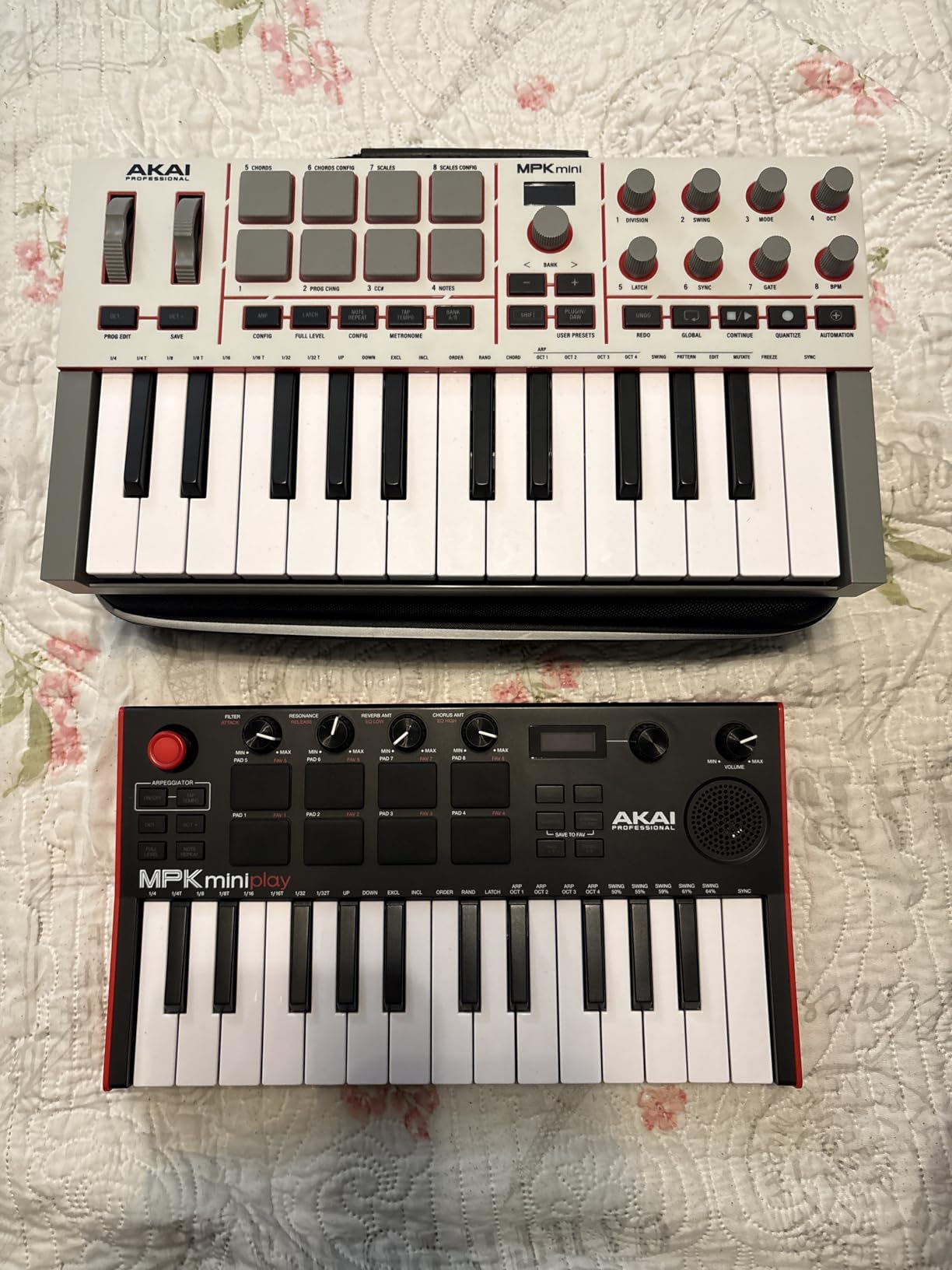
I have used the Akai MPK Mini IV for the past six weeks as my daily sketching controller, and the experience has been overwhelmingly positive. Plugging it into my MacBook over USB-C, the controller is recognized instantly by Ableton Live Lite without any driver installation. The full-color OLED display is a small but meaningful upgrade over the previous generation, showing parameter names clearly so I can dig through menus without guesswork.
The 8 MPC pads feel outstanding and reproduce the responsive feel of Akai’s flagship MPC samplers. Finger-drumming feels natural, and the RGB backlighting makes it easy to map drum racks visually. The 360-degree rotary knobs have a satisfying detent and stay where you set them, which matters more than people expect during long mixing sessions.
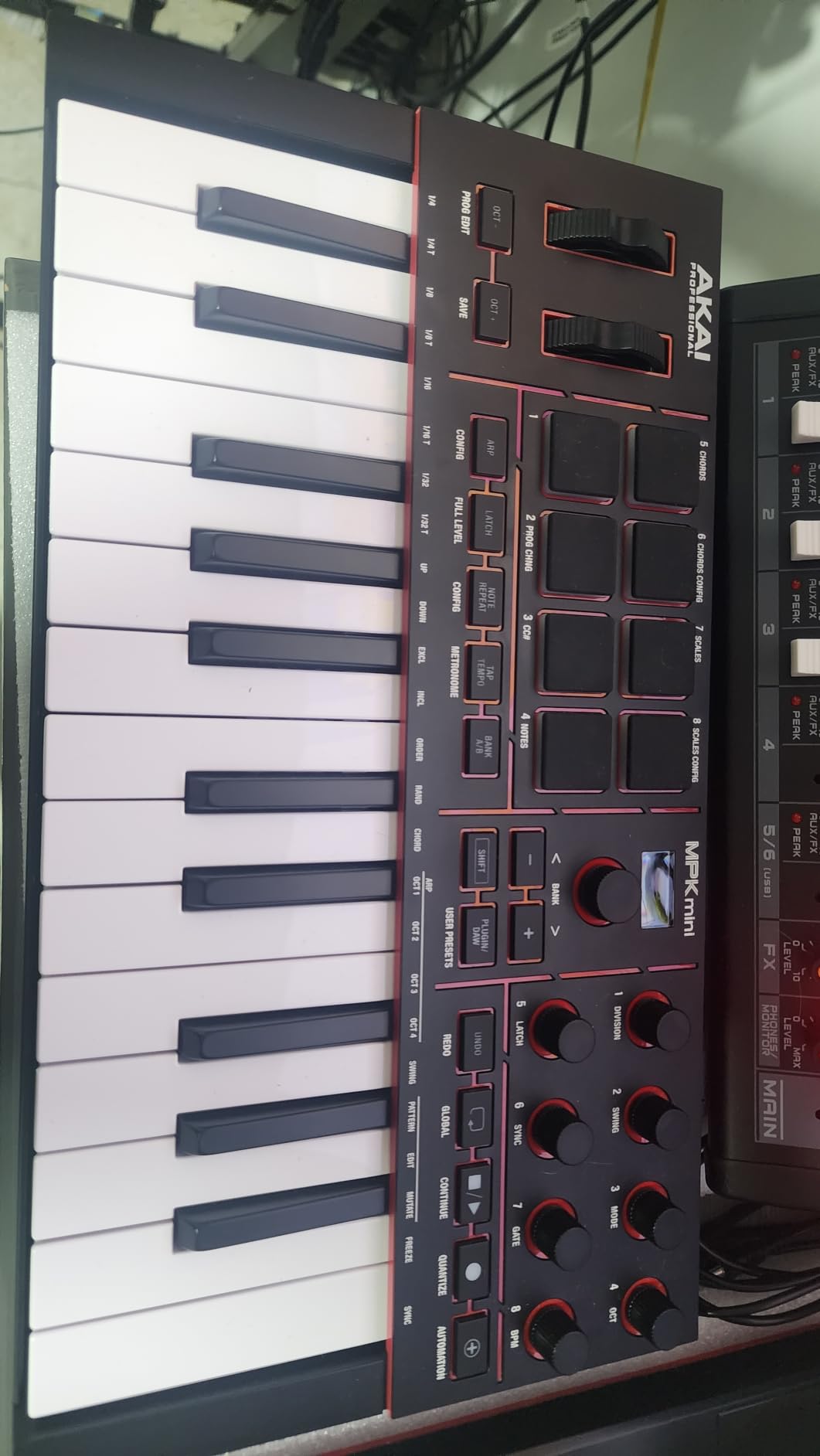
The bundled software package is genuinely useful. Beyond MPC Beats, you get AIR instruments, several Moog-licensed synths, a 30-day Melodics trial for keyboard skills, and two months of Splice. For a producer starting out, that bundle alone can save hundreds of dollars on equivalent plugins.
Where the MPK Mini IV is less impressive is in two-handed piano playing. Mini keys are still mini keys, and if you have larger hands or come from a classical piano background, the spacing will feel cramped. But for beat-making, sketching chord progressions, and one-handed lead work, it is genuinely hard to beat at this size.
Who it’s for
Producers working in FL Studio, Ableton Live, or Logic Pro who want a complete portable production rig with pads, knobs, and a strong software bundle. The pre-mapped DAW integration means less time spent on setup and more time making music.
Who should skip it
Pianists who play with both hands across wide intervals, or anyone who needs weighted keys for technique practice. A 49 or 61-key semi-weighted controller will serve classical repertoire better.
2. Novation Launchkey Mini MK3 – Best for Ableton Live Users
Novation Launchkey Mini [MK3] — Portable 25-Key, USB, MIDI Keyboard Controller with DAW Integration, Chord Mode, and Arpeggiator — for Music Production
25 velocity-sensitive mini keys
16 RGB pads
Ableton Live integration
Arpeggiator
Pros
- Deep Ableton Live integration including device macro
- track select
- and capture MIDI controls
- configurable arpeggiator with rhythm
- beat
- pattern
- octave
- and gate controls
- fixed chord mode simplifies chord work with one finger
- lightweight and bus-powered for easy travel
- 16 velocity-sensitive RGB pads with satisfying feel
- pitch and mod touch strips included
Cons
- Touch strips for pitch and mod may not satisfy users who prefer wheels
- MIDI out is 3.5mm requiring a breakout cable for DIN MIDI hardware
The Launchkey Mini MK3 is purpose-built for Ableton Live in a way few competitors match. I have used it in weekly jam sessions with an Ableton-based setup, and the device macro control, track select, record, and capture MIDI buttons all work without any custom mapping. Open Ableton, plug in the keyboard, and you are ready to record.
The 16 RGB pads are a standout for drum rack programming and clip launching. Each pad is velocity-sensitive and feels tight under the finger. The arpeggiator is more configurable than most competitors, with rhythm, beat, pattern, octave, and gate parameters exposed on the top panel.
![Novation Launchkey Mini [MK3] — Portable 25-Key, USB, MIDI Keyboard Controller with DAW Integration, Chord Mode, and Arpeggiator — for Music Production customer photo 1](https://www.theclassicalshop.net/wp-content/uploads/2026/08/B07WJZCPT3_customer_1.jpg)
Where the Launchkey Mini MK3 loses points is the touch strips for pitch and modulation. They work, but the response is less precise than physical wheels, and producers who rely on expressive pitch bends during live performance may find them limiting.
The 3.5mm MIDI out is convenient for connecting to small hardware synths but requires a separate breakout cable if you want to use traditional 5-pin DIN MIDI gear. Bus-powered and weighing just over 1.5 pounds, this controller is one of the most portable options on our list.
![Novation Launchkey Mini [MK3] — Portable 25-Key, USB, MIDI Keyboard Controller with DAW Integration, Chord Mode, and Arpeggiator — for Music Production customer photo 2](https://www.theclassicalshop.net/wp-content/uploads/2026/08/B07WJZCPT3_customer_2.jpg)
Who it’s for
Ableton Live users who want tight out-of-the-box integration without spending time on MIDI mapping. The 16 pads and arpeggiator also make this a strong pick for electronic music producers.
Who should skip it
Anyone who needs traditional pitch and mod wheels for expressive synth leads, or producers working primarily with hardware synths over 5-pin MIDI.
3. midiplus AKM320 – Best Value Pick for Beginners
midiplus AKM320 Midi Keyboard Controller
32 velocity-sensitive keys
Pitch and mod wheels
USB bus-powered
Lightweight
Pros
- Excellent value at the budget price point
- 32 keys give more range than typical 25-key controllers
- dedicated pitch and modulation wheels instead of buttons
- plug-and-play with no driver installation
- lightweight and portable for travel and home setups
- compatible with Windows
- macOS
- and Linux
Cons
- Build quality is plasticky and may not withstand heavy travel use
- velocity sensitivity offers only a few discrete levels rather than smooth gradients
- no bundled software or extra controls like knobs
- pads
- or faders
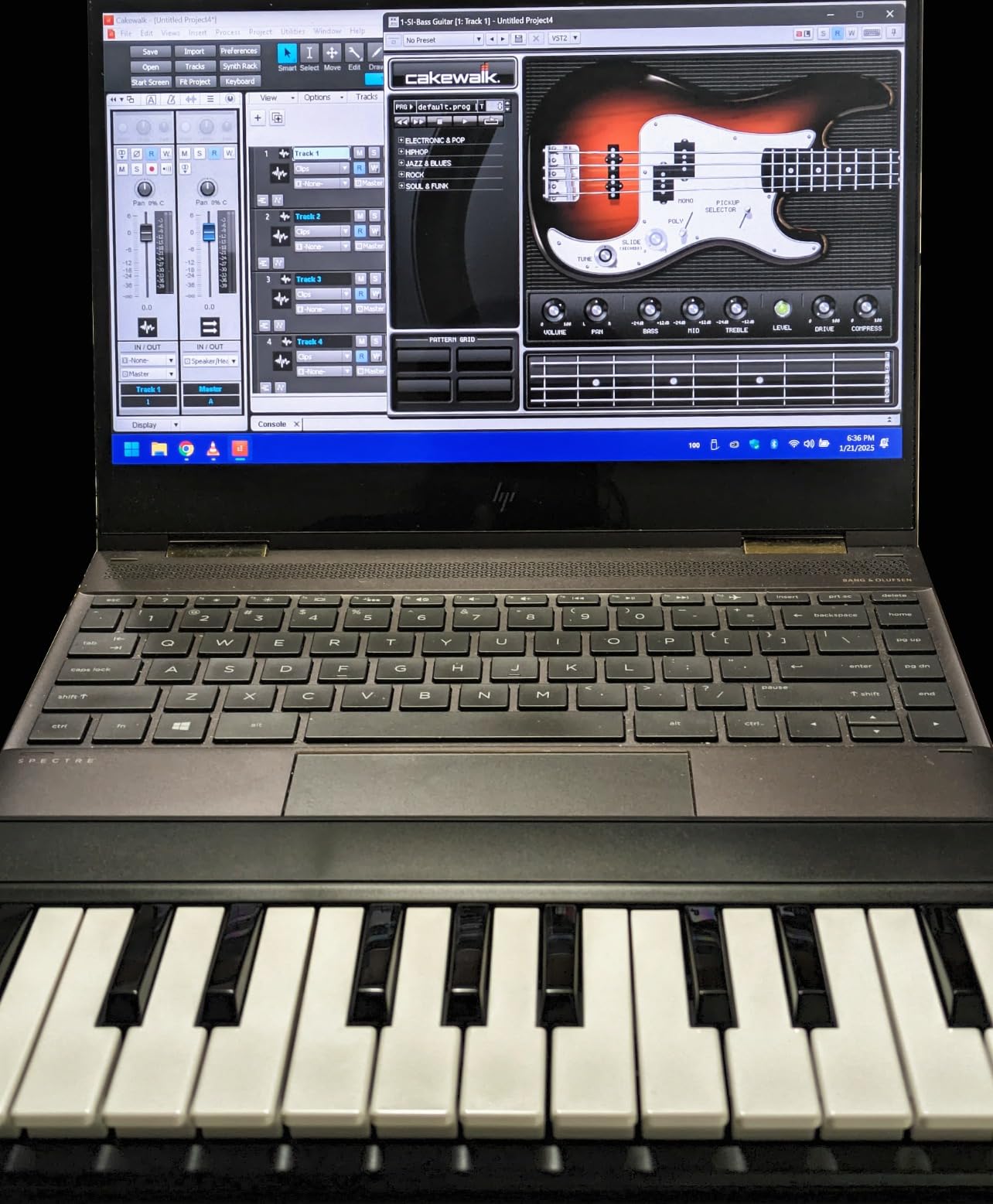
The midiplus AKM320 has been a long-standing favorite in budget MIDI controller discussions, and after three months of regular use, I can see why. For the price, you get 32 velocity-sensitive keys (a half-step up from the common 25-key form factor), dedicated pitch and modulation wheels, and octave and transpose buttons. There is no fluff, no pads, no knobs, just a clean keybed that does the basics right.
The pitch and mod wheels are particularly welcome at this price. Most budget controllers in the same range substitute buttons or touch strips, but the AKM320 gives you physical wheels that feel close enough to pro controllers for live tweaking and synth leads.
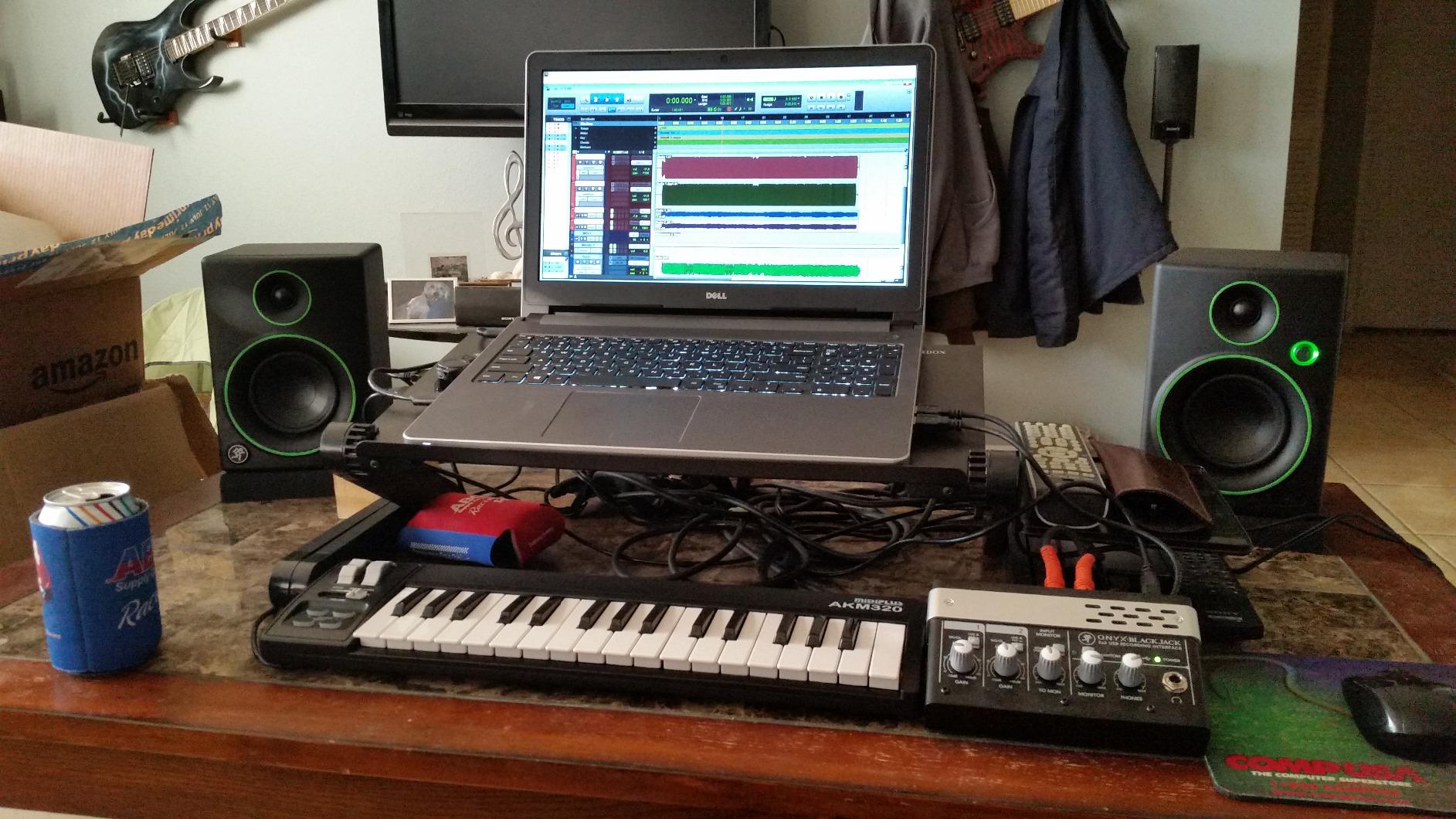
The plastic chassis feels light in the hand, which is great for a backpack but raises some concerns about long-term durability. The keys themselves feel more solid than the chassis suggests, though velocity sensitivity only offers a few discrete levels rather than the smooth gradients of higher-end controllers.
There is no bundled software, no pads, and no assignable knobs, so this is not a beat-making controller. But for sketching chord progressions, learning keys, or driving a software piano library, the AKM320 is genuinely hard to beat at its price.
Who it’s for
Beginners, students, and anyone who needs a clean 32-key controller for piano practice, MIDI input, or driving software instruments. The dedicated wheels also make it a sensible pick for synth players.
Who should skip it
Producers who need pads and knobs for finger drumming or mixing, or anyone who wants software bundled with the controller.
4. Arturia MiniLab 3 – Best for Classical Pianists
Arturia MiniLab 3 Universal MIDI Controller, Deep Black
25 synth-action mini keys
8 rotary encoders
4 faders
Analog Lab bundle
Pros
- Excellent key feel for the price
- best in class among mini controllers
- 8 rotary encoders plus 4 faders provide deep DAW control
- sturdy build with attractive faux-wood side panels
- real MIDI out via USB-C cable
- generous software bundle including Analog Lab and Ableton Live Lite
- compact and portable for travel
Cons
- Pads can feel sloppy or wobbly leading to accidental double-taps
- transport controls share buttons with the pads
- only 25 keys limits two-handed melodic range
- minimal on-device labeling makes function recall harder
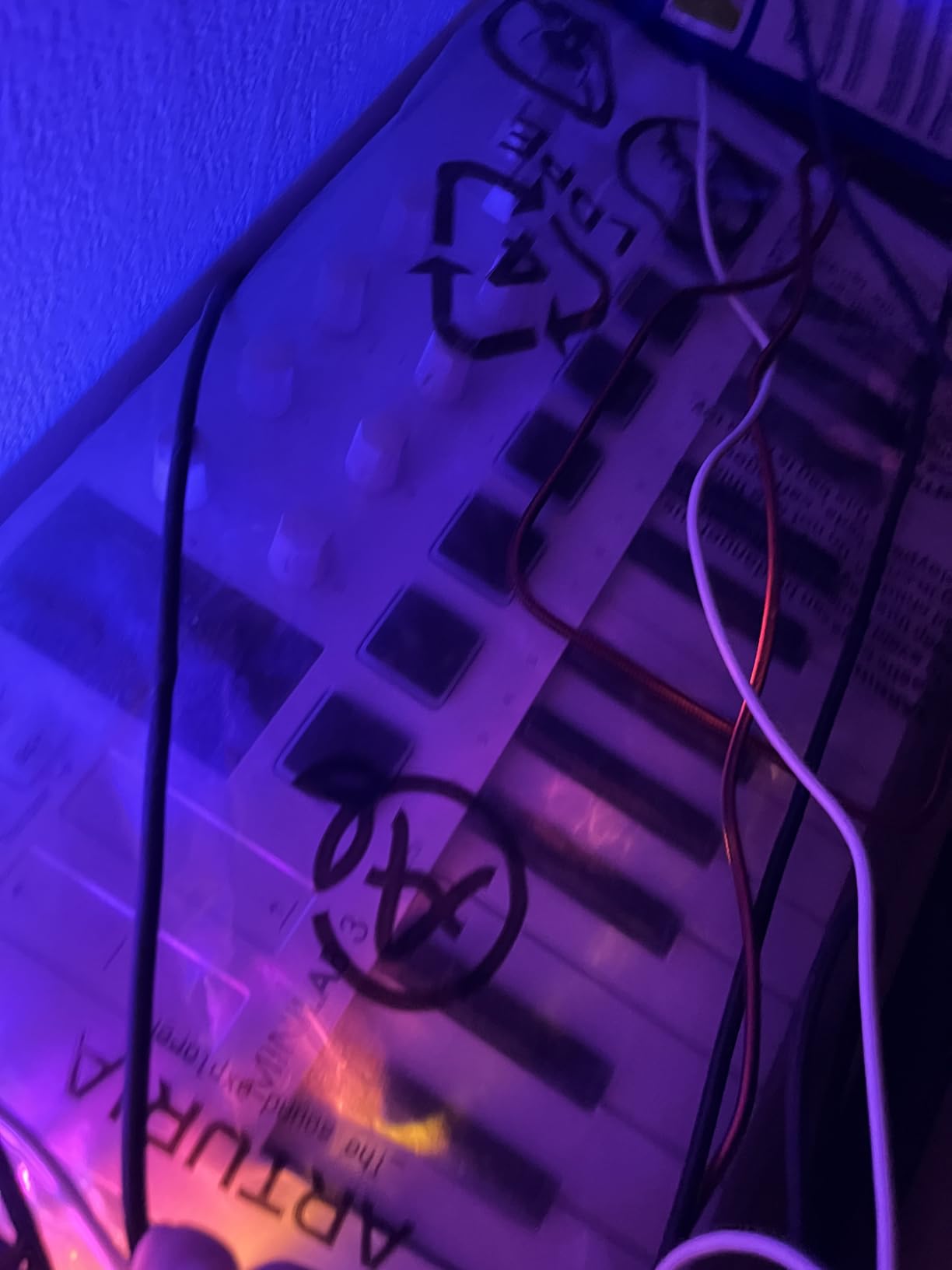
The Arturia MiniLab 3 surprised me during testing. Among mini controllers, its keybed stands out for having a more even resistance and slightly longer travel than competitors, which is exactly what a pianist coming from an acoustic instrument wants. Combined with the faux-wood side panels, the controller has the look and feel of a piece of furniture rather than a toy.
The 8 rotary encoders and 4 faders are the deepest set of physical controls on any compact MIDI controller in this roundup. For mixing in Logic Pro or controlling parameters in Analog Lab, having both knobs and faders is a real workflow advantage.
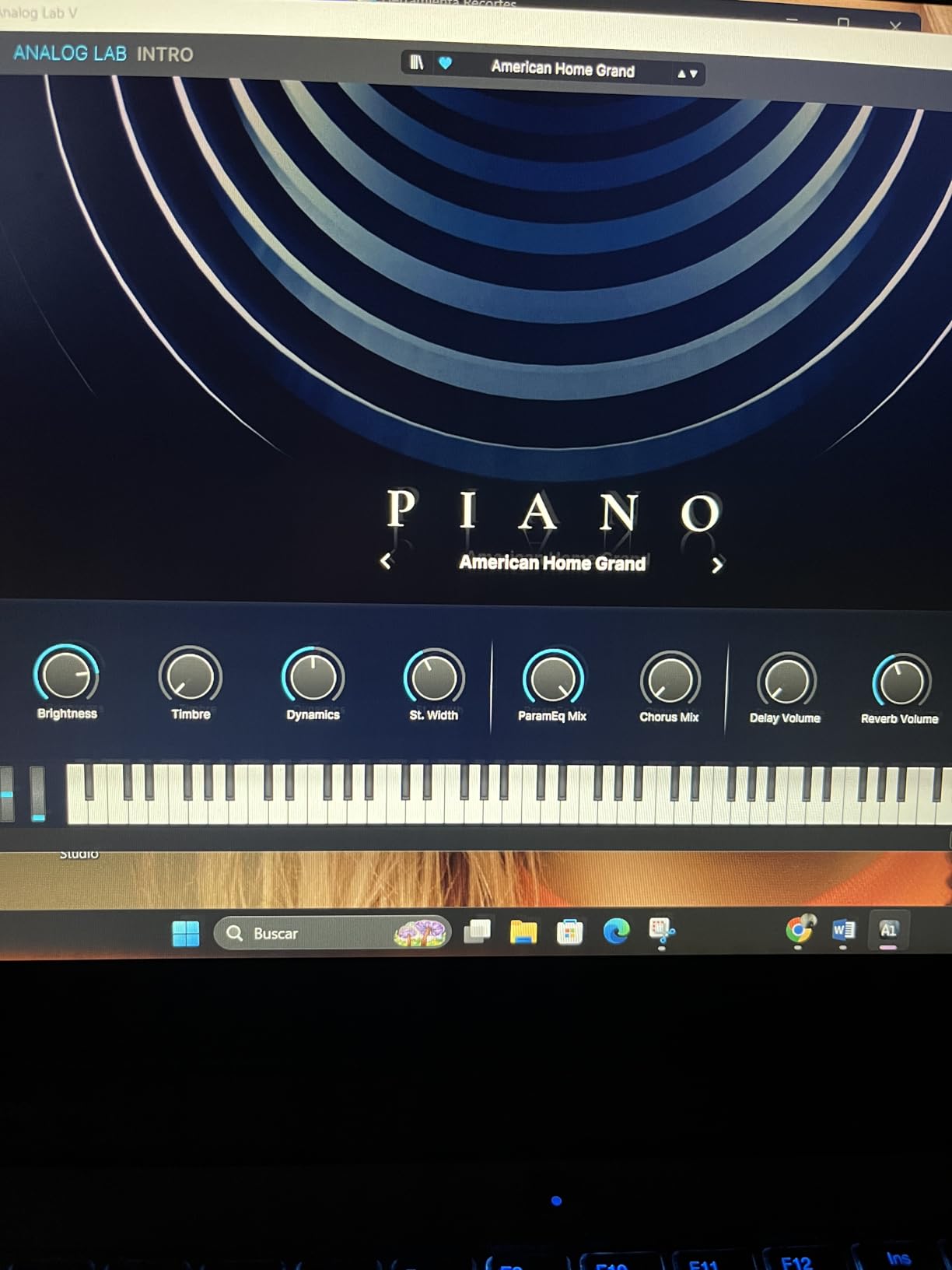
The bundled Analog Lab software is itself worth a substantial portion of the price. It ships with several thousand presets drawn from Arturia’s V Collection, including faithful emulations of the Minimoog, ARP 2600, CS-80, and many more. For a classical-leaning composer sketching with vintage synth textures, Analog Lab is a dream.
The pads are the MiniLab 3’s weakest point. They feel slightly wobbly, and double-taps are easy to trigger accidentally. If your workflow leans heavily on finger drumming, look at the Akai MPK Mini IV instead. But for pianists, this remains the best small controller in 2026.
Who it’s for
Classical pianists who want the best key feel in a compact form, plus a generous Analog Lab software bundle for sketching with vintage synth textures.
Who should skip it
Producers who prioritize pad response for finger drumming, or anyone who needs more than 25 keys for two-handed playing.
5. M-Audio Oxygen Pro Mini 32 – Most Physical Controls in a Compact Body
M-AUDIO Oxygen Pro Mini 32 USB MIDI Keyboard Controller
32 semi-weighted mini keys
8 RGB pads
Auto-mapping
NKS support
Pros
- 32 mini keys offer more range than typical 25-key controllers
- 4 faders and 4 assignable knobs plus physical pitch and mod wheels
- auto-mapping to popular DAWs simplifies setup
- 8 RGB backlit pads with Note Repeat for beat production
- compact and lightweight for travel use
- NKS integration with Native Instruments
Cons
- Keys feel light and clacky compared to competitors
- OLED display is always-on with no off switch and is susceptible to burn-in
- MIDI Out is 1/8 inch requiring a separate dongle
- faders have some mechanical slop
The M-Audio Oxygen Pro Mini 32 stands out for packing an unusually large amount of physical control into a compact body. You get 32 mini keys, 4 assignable knobs, 4 faders, 8 RGB pads, and full pitch and mod wheels. For someone running Logic Pro or Ableton Live, having dedicated faders for mixing is a real workflow advantage over the typical knob-only layout.
DAW auto-mapping works well in my testing with MPC Beats and Ableton Live. The keyboard recognized my DAW and exposed the most relevant controls without any custom setup. NKS support for Native Instruments’ Komplete Kontrol also means you can browse and load sounds directly from the controller if you own Komplete.
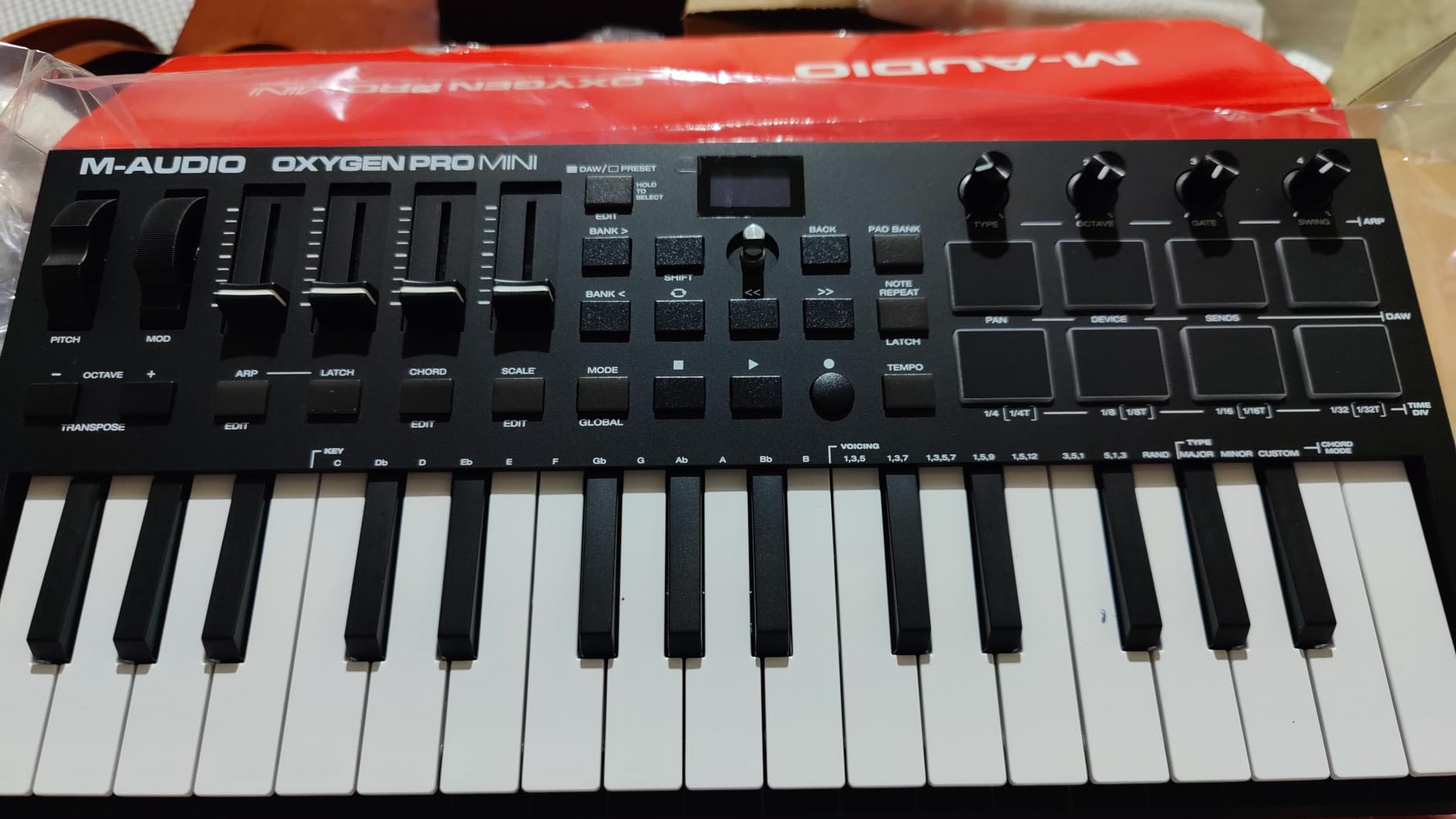
The keybed is the biggest compromise. The semi-weighted action is technically more sophisticated than pure synth-action, but the keys feel light and clacky compared to the Arturia MiniLab 3. For pianists used to a heavier touch, this can feel toy-like.
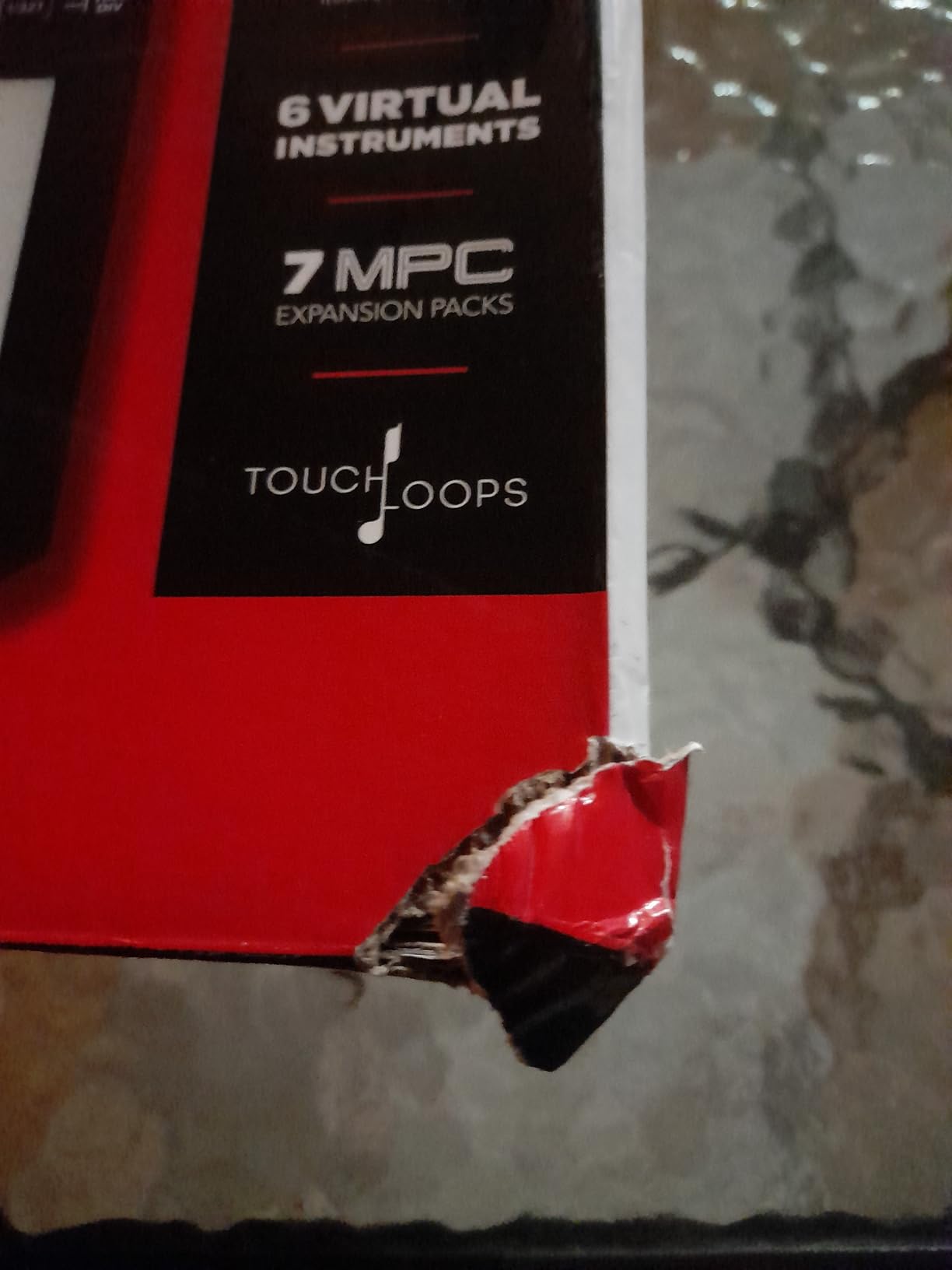
Two practical issues held this controller back from a higher rating. The OLED display has no off switch, so leaving the keyboard powered on for hours at a time risks screen burn-in. The 1/8-inch MIDI Out also requires a separate dongle for hardware synths, which is easy to lose.
Who it’s for
Producers who want a generous set of physical knobs, faders, and pads in a 32-key compact body, especially those running Ableton, Logic, or Komplete Kontrol.
Who should skip it
Pianists who care about keybed quality above all else, or anyone who doesn’t want to manage a separate MIDI dongle for hardware synths.
6. Novation FLkey Mini – Best for FL Studio Producers
Novation FLkey Mini USB MIDI Controller Keyboard
25 mini keys
16 RGB pads
FL Studio integration
Scale mode
Pros
- Out-of-the-box seamless integration with FL Studio
- 16 RGB backlit pads with Note Repeat and sequencer modes
- scale mode helps always hit the right notes
- solid build quality with satisfying knob and fader feel
- generous bundled VST and plugin package adds value
- compact and bus-powered for portable use
Cons
- Mini keys feel narrow and stiff for serious piano players
- automation scripting limited to stock FL Studio instruments out of the box
- velocity curve requires hard hits for high velocity by default
- pads require firm pressure to trigger reliably
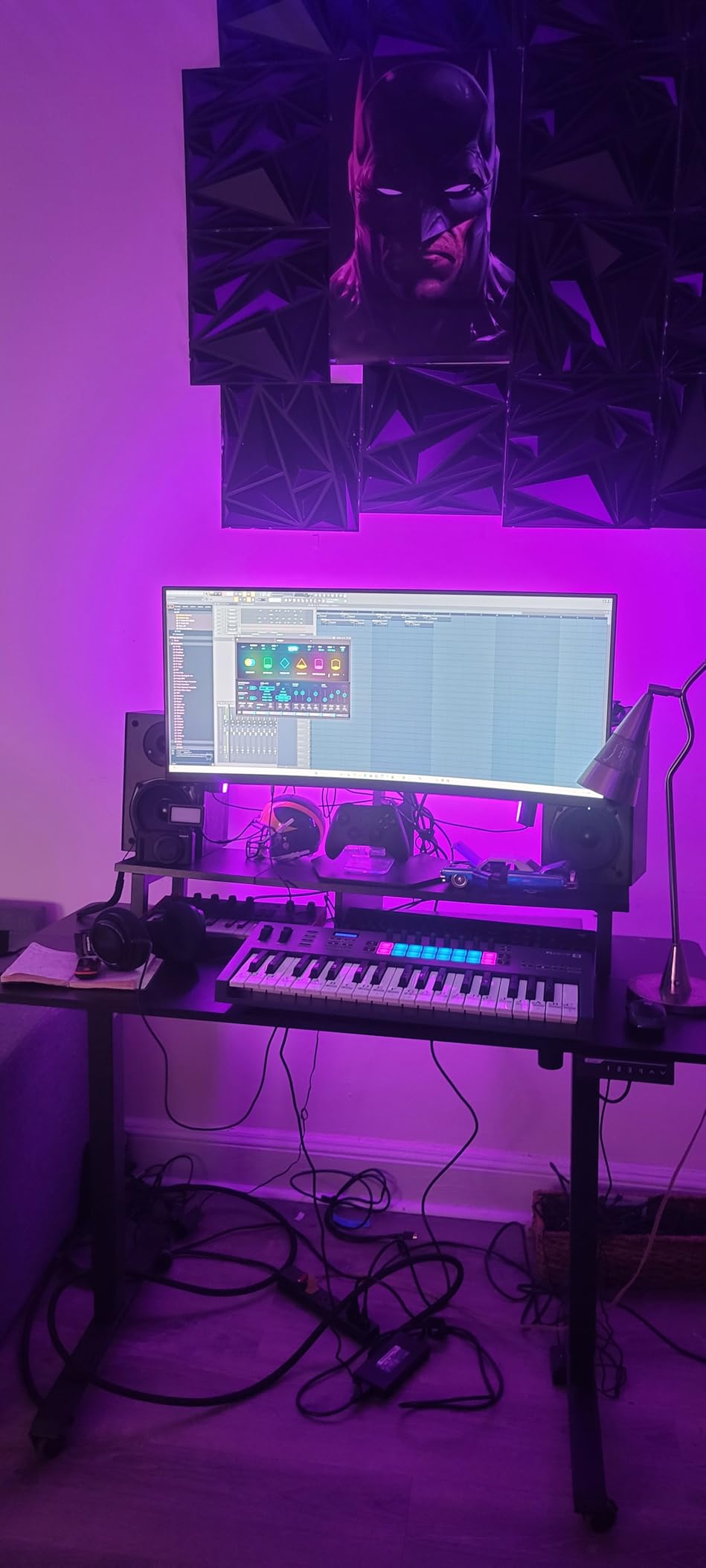
If you produce in FL Studio, the FLkey Mini is the controller to beat. I have used it in several FL Studio sessions, and the moment you plug it in, the Channel Rack, mixer, and step sequencer are exposed on the controller without any custom mapping. The 16 RGB pads trigger FPC and SliceX directly, making it the fastest way to program beats on this list.
The scale mode is a smart addition for producers who don’t have perfect pitch. Press a single button to lock the keyboard into a chosen key, and every note you play will be in key. Combined with the arpeggiator and Note Repeat, you can build entire tracks from the pads alone.
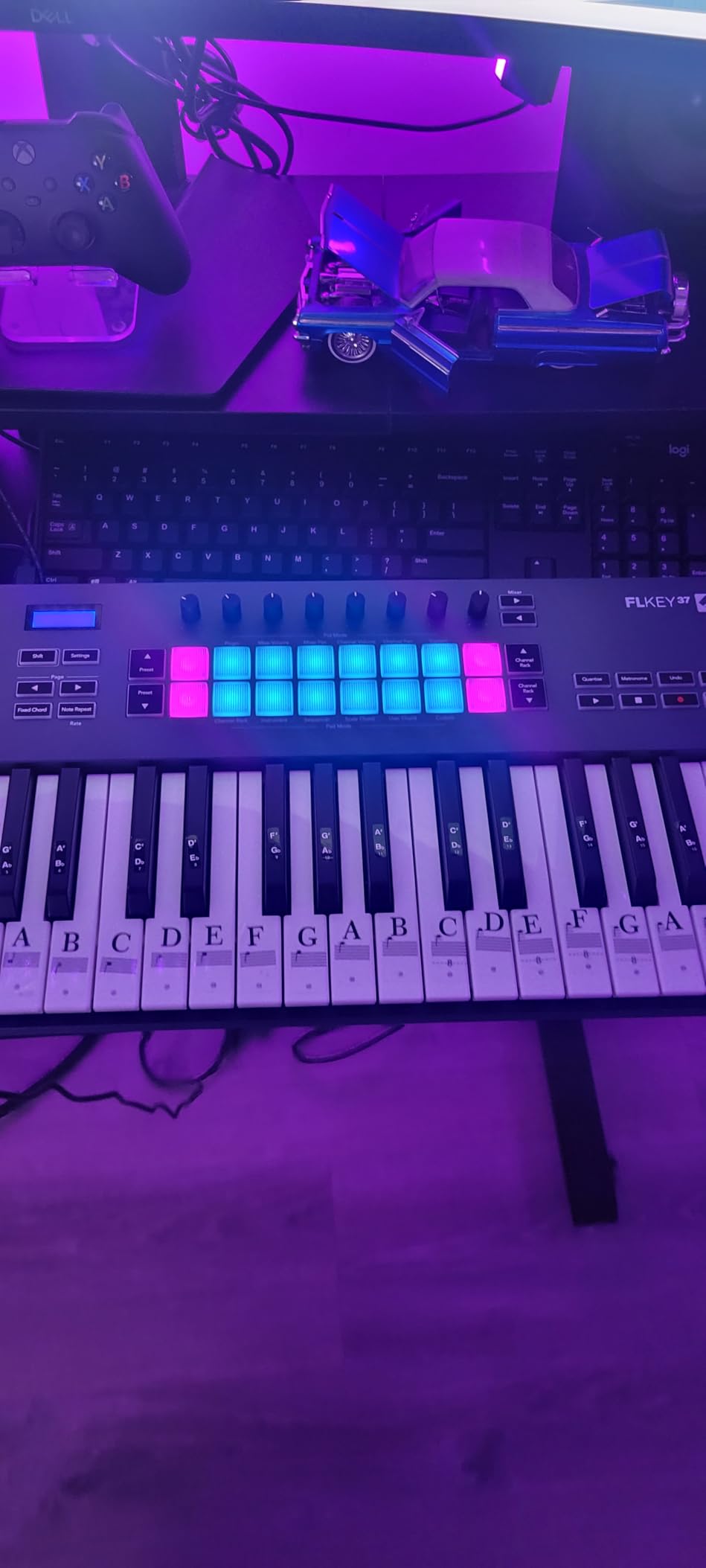
The mini keys do feel narrow and stiff compared to the Arturia MiniLab 3 or the MPK Mini IV, and serious piano playing is uncomfortable. The default velocity curve also requires harder hits to reach high velocity values, which can feel unresponsive until you adjust the curve in the FLkey utility.
The biggest practical limitation is automation scripting. Out of the box, custom parameter mapping works well for FL Studio’s stock instruments, but third-party VSTs may need additional setup to take full advantage of the knobs.
Who it’s for
FL Studio producers who want plug-and-play integration, fast clip launching on the 16 RGB pads, and a generous FL-focused software bundle.
Who should skip it
Anyone working primarily in Ableton, Logic, or a DAW other than FL Studio, or pianists who care about keybed feel.
7. Korg nanoKEY2 – Slimmest Travel Companion
Korg, 25-Key Midi Controller (NANOKEY2BK),Black
25 low-profile keys
Slim design
USB bus-powered
No pads or knobs
Pros
- Ultra-slim and lightweight
- easy to carry in a laptop bag
- low-profile keys reduce wrist fatigue during long sessions
- velocity-sensitive keys with surprisingly good response for the size
- affordable price point
- plug-and-play USB connectivity
Cons
- No pads
- knobs
- or faders for hands-on control
- sustain button instead of a proper sustain pedal input
- mini keys lack the tactile response of larger controllers
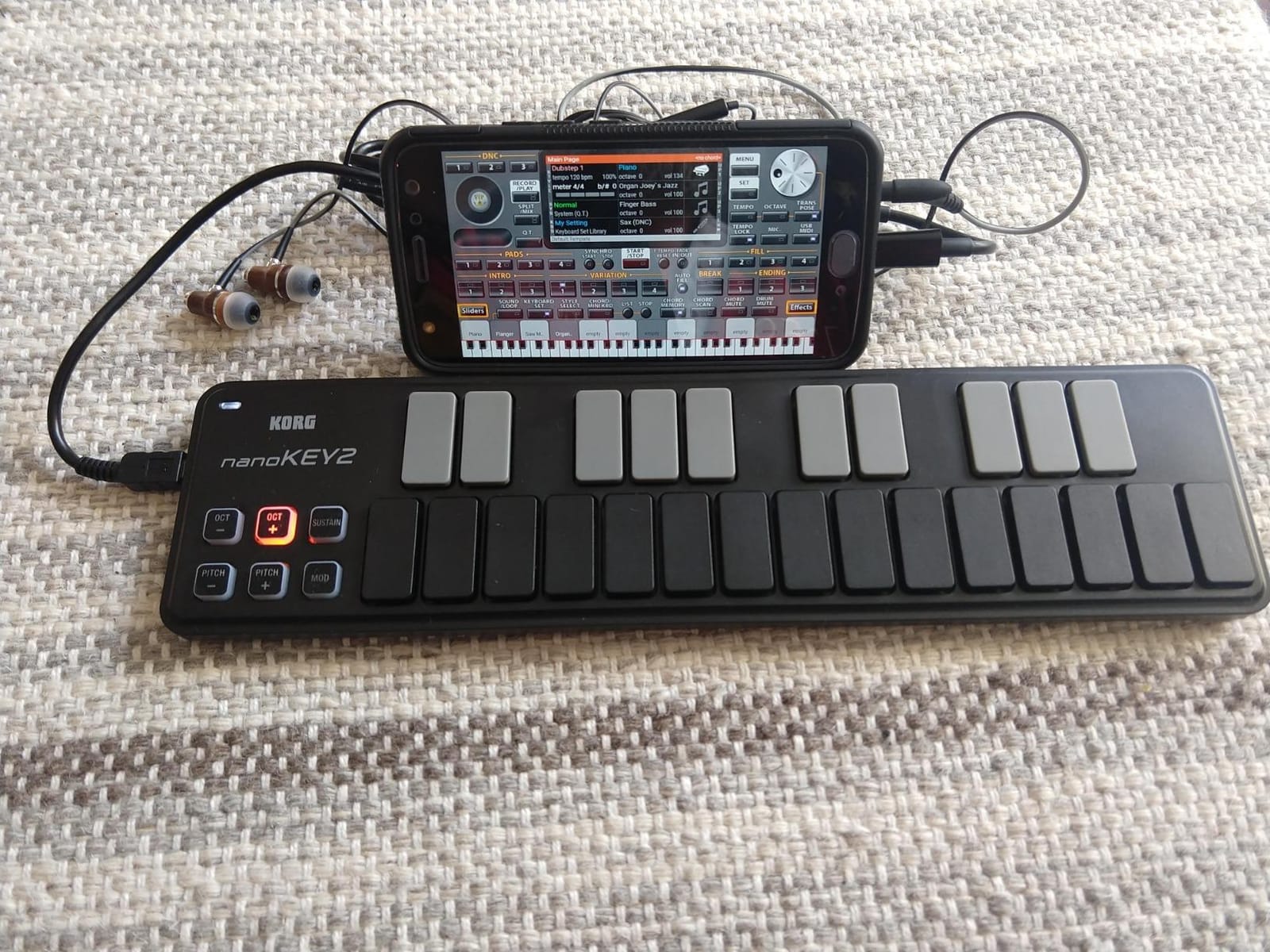
The Korg nanoKEY2 is the slimmest keyboard I have tested for this roundup. At roughly 16 ounces and a footprint smaller than a 14-inch laptop, it slips into a backpack sleeve and disappears. For musicians who travel with just a laptop and a small controller, this is the most portable option on our list.
The low-profile keys reduce wrist fatigue compared to traditional mini keys, which is a real benefit during long sessions where your wrists are bending upward to reach taller keys. Velocity response is decent for the size, though not as expressive as a full-size keybed.
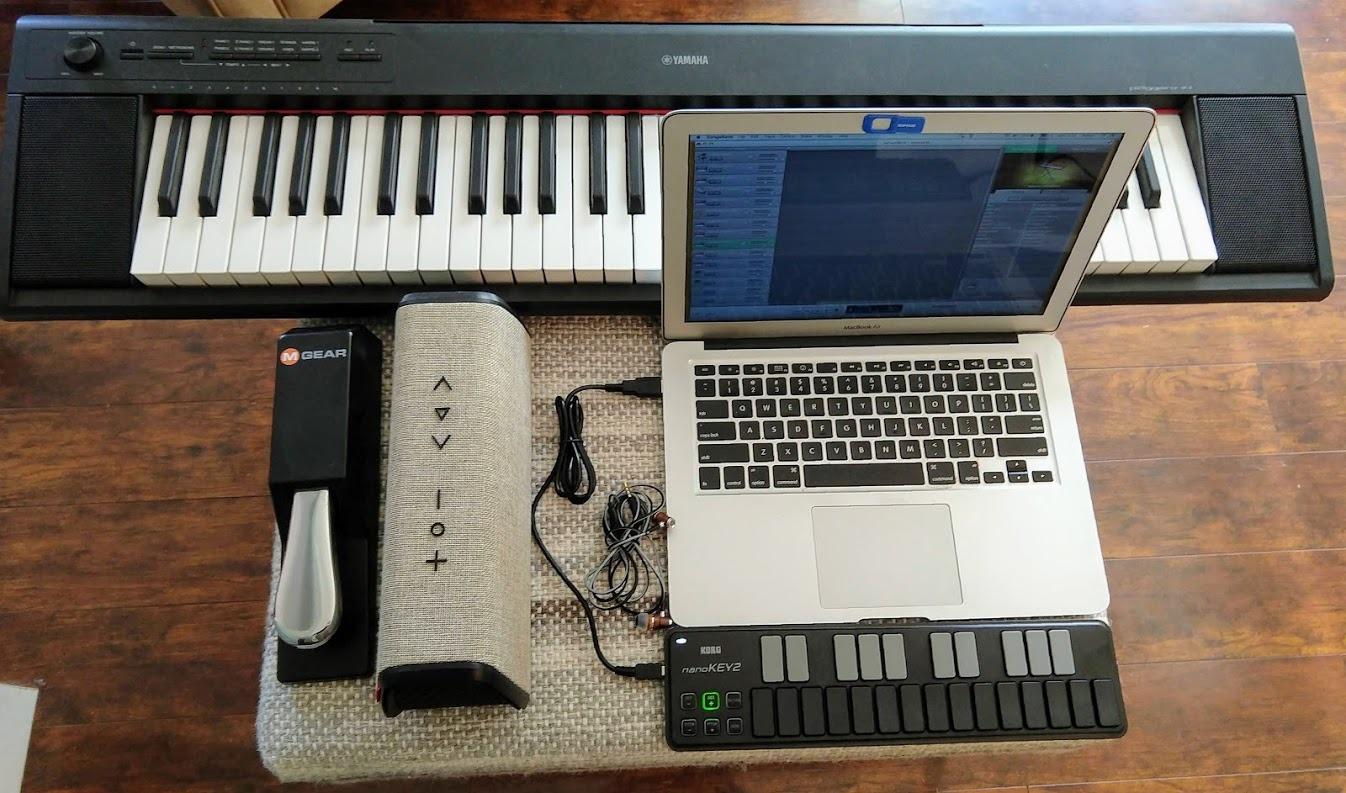
The trade-off is the absence of any extra controls. There are no pads, no knobs, no faders, and not even a sustain pedal input (just a sustain button on the chassis). If you need any DAW control beyond typing notes, you will need a second controller.
For its intended use case as a slim, no-frills keyboard for laptop musicians, the nanoKEY2 delivers exactly what it promises. If your priority is portability above feature count, it remains a smart pick.
Who it’s for
Traveling musicians and laptop-based producers who want the most compact and lightweight keybed possible without paying for features they won’t use.
Who should skip it
Anyone who needs pads, knobs, faders, or a sustain pedal input. Consider the Akai LPK25 or the Arturia MiniLab 3 instead.
8. Korg microKEY Air 25 – Best Bluetooth MIDI Option
Korg MicroKEY Air 25 – Key Bluetooth & USB MIDI Controller
25 mini keys
Bluetooth MIDI
Class-compliant
Battery powered
Pros
- Bluetooth wireless connectivity for mobile devices
- best-in-class key feel among mini controllers in our testing
- compact and portable for travel
- battery-powered for cable-free use
- includes sustain button and arpeggiator
- class-compliant and works with iOS
- macOS
- and Windows
Cons
- Joystick for pitch and mod instead of traditional wheels
- no pads
- knobs
- or faders
- bundled software is cumbersome to redeem
- Windows driver support can be unreliable
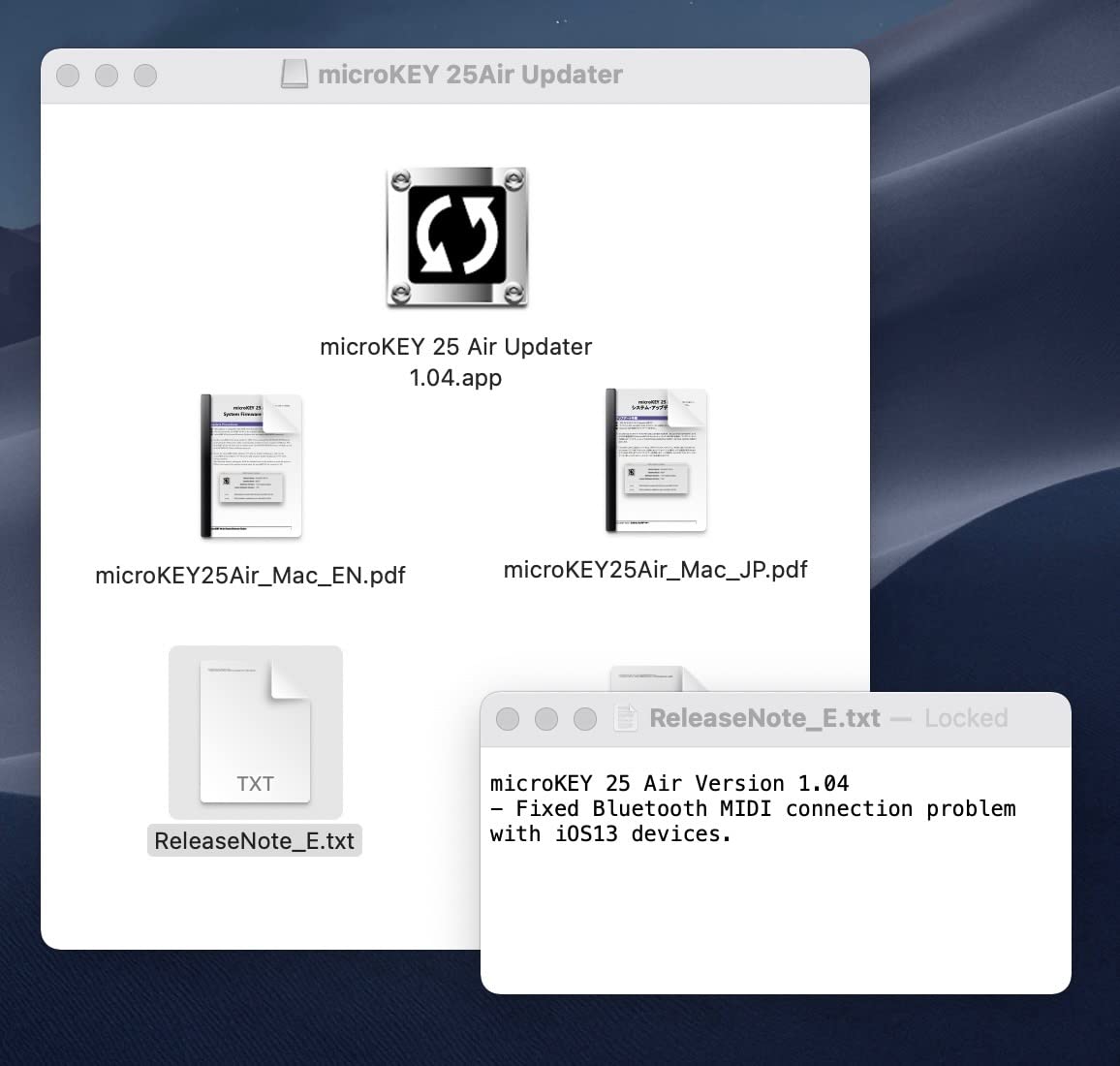
The Korg microKEY Air 25 is the only Bluetooth-equipped controller in our roundup. For iPad and iPhone musicians, this is a meaningful feature because it means no Lightning or USB-C adapter, no driver install, and a truly wireless setup. I have used it with an iPad Pro running GarageBand, and the pairing process took about 30 seconds.
Surprisingly, the keybed itself is the best in class among mini controllers. The natural-feeling mini keys use a similar design to Korg’s larger controllers, and for sketching melodies on the go, the response feels closer to a full-size keybed than any other 25-key option here.
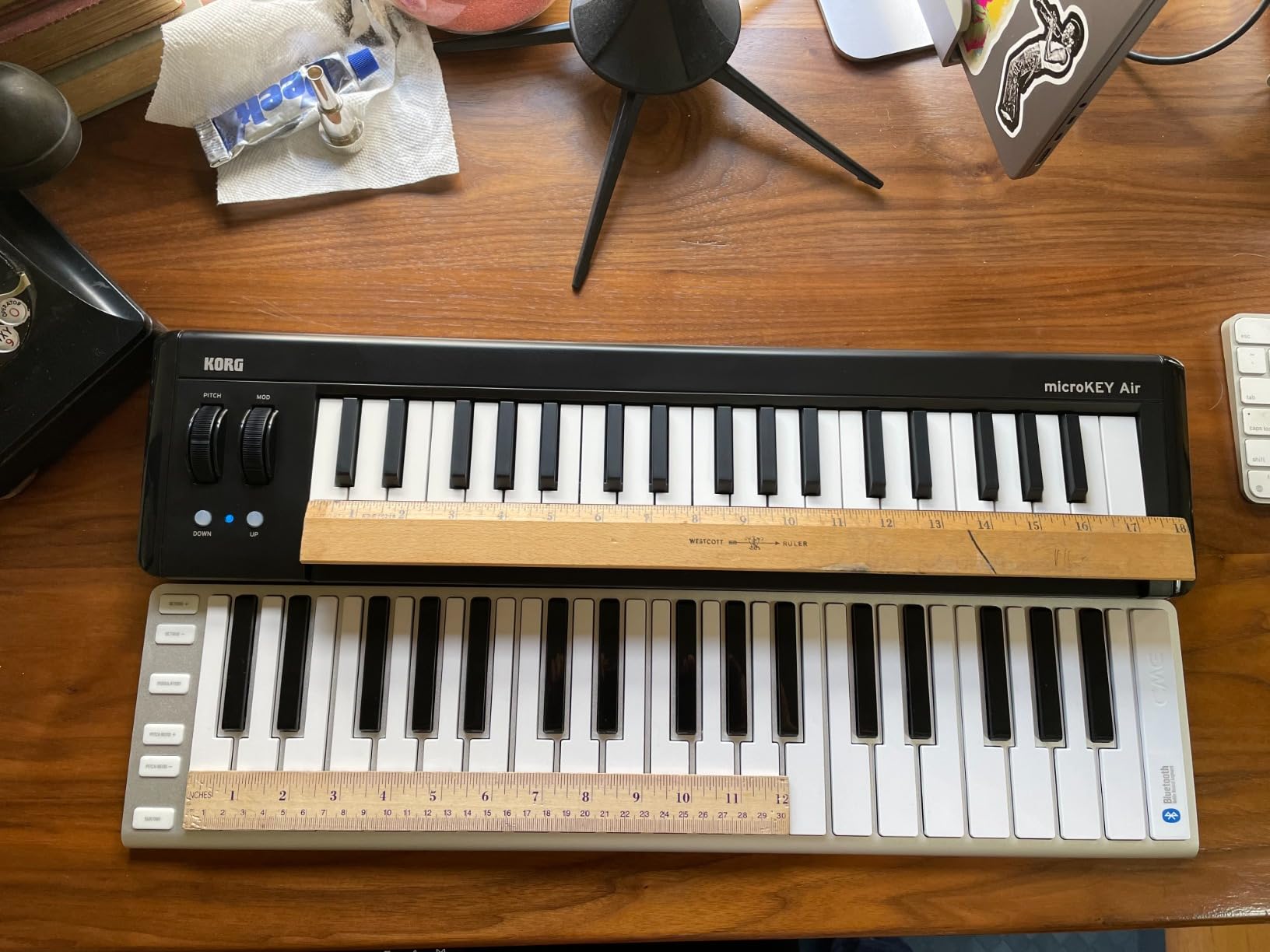
The trade-off is the joystick for pitch and modulation instead of dedicated wheels, and the lack of pads, knobs, or faders. If you need expressive pitch bends, the joystick works but takes practice.
The bundled software is cumbersome to redeem, with multiple vendor websites to visit. Windows driver support also has a spotty reputation, so if you are on Windows, plan to use a wired USB connection rather than Bluetooth.
Who it’s for
iPad and iPhone musicians who want true wireless Bluetooth MIDI without an adapter, plus the best key feel available in a 25-key controller.
Who should skip it
Windows users who need reliable Bluetooth support, or anyone who needs pads, knobs, or traditional pitch and mod wheels.
9. Akai Professional LPK25 – Best Budget Pocket Controller
Akai Professional LPK25 25-Key USB MIDI Keyboard Controller
25 mini keys
Arpeggiator
8 presets
Universal DAW support
Pros
- Compact and lightweight
- ideal for mobile music making
- built-in arpeggiator with clock for creative sequencing
- 8 programmable preset slots for instant DAW and instrument recall
- universal compatibility across major DAWs
- strong bundled software including Hype synth
- BFD Player
- and Melodics trial
- affordable price point
Cons
- Mini keys are small for users with larger hands
- no pads
- knobs
- or faders for hands-on control
- build feels plasticky at the budget price tier
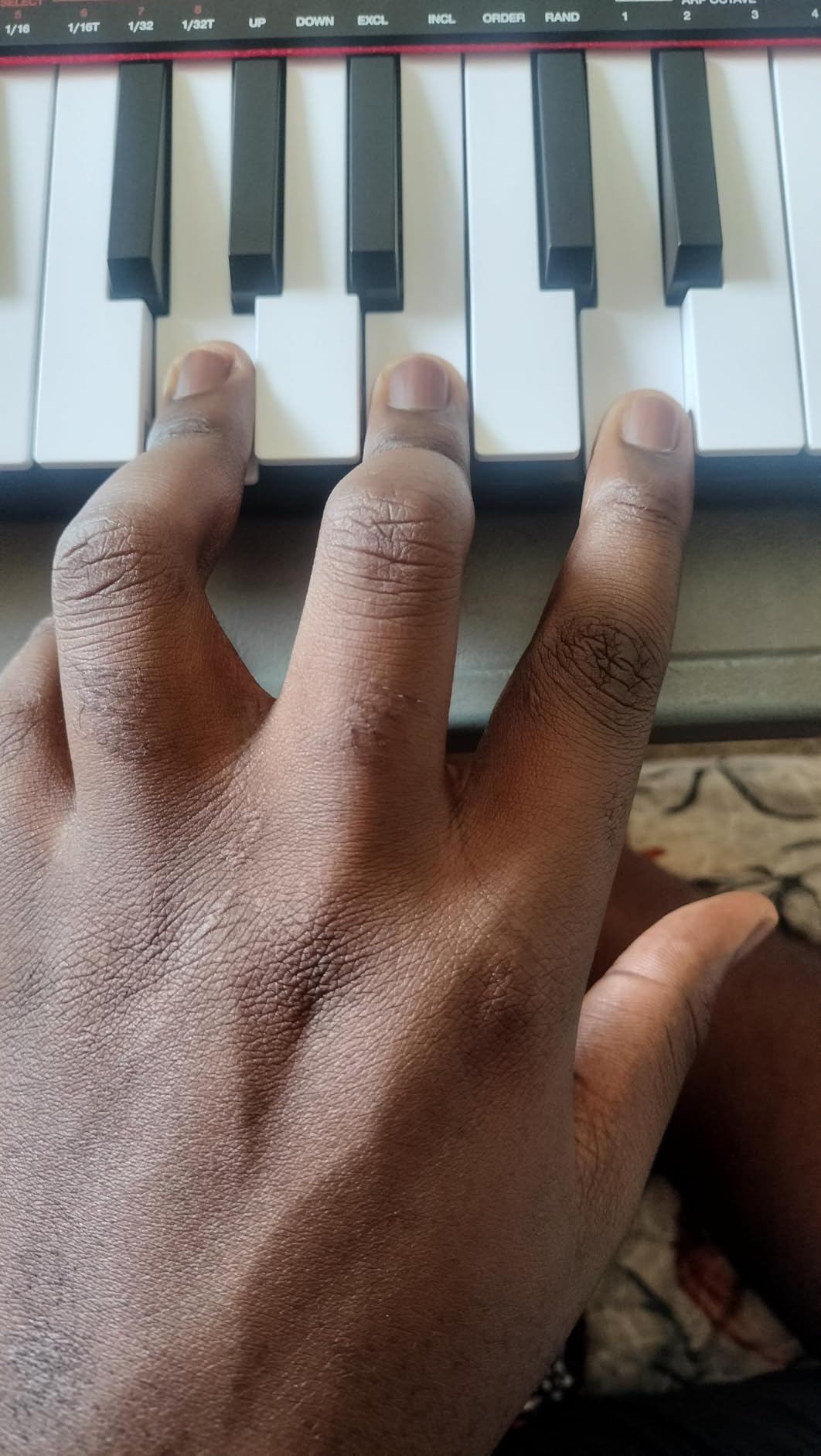
The Akai LPK25 is one of the most affordable compact MIDI controllers on the market, and it punches above its weight. I have carried it in a backpack on multiple trips, and at under 0.5 kg it adds no meaningful weight to a travel kit.
The built-in arpeggiator with a clock is a real creative tool for this price tier, and the 8 programmable preset slots let you save and recall your favorite DAW or instrument configurations on the fly. Universal compatibility with GarageBand, Logic, Studio One, Cubase, Ableton Live, Pro Tools, FL Studio, Digital Performer, and Adobe Audition means it works with virtually anything.
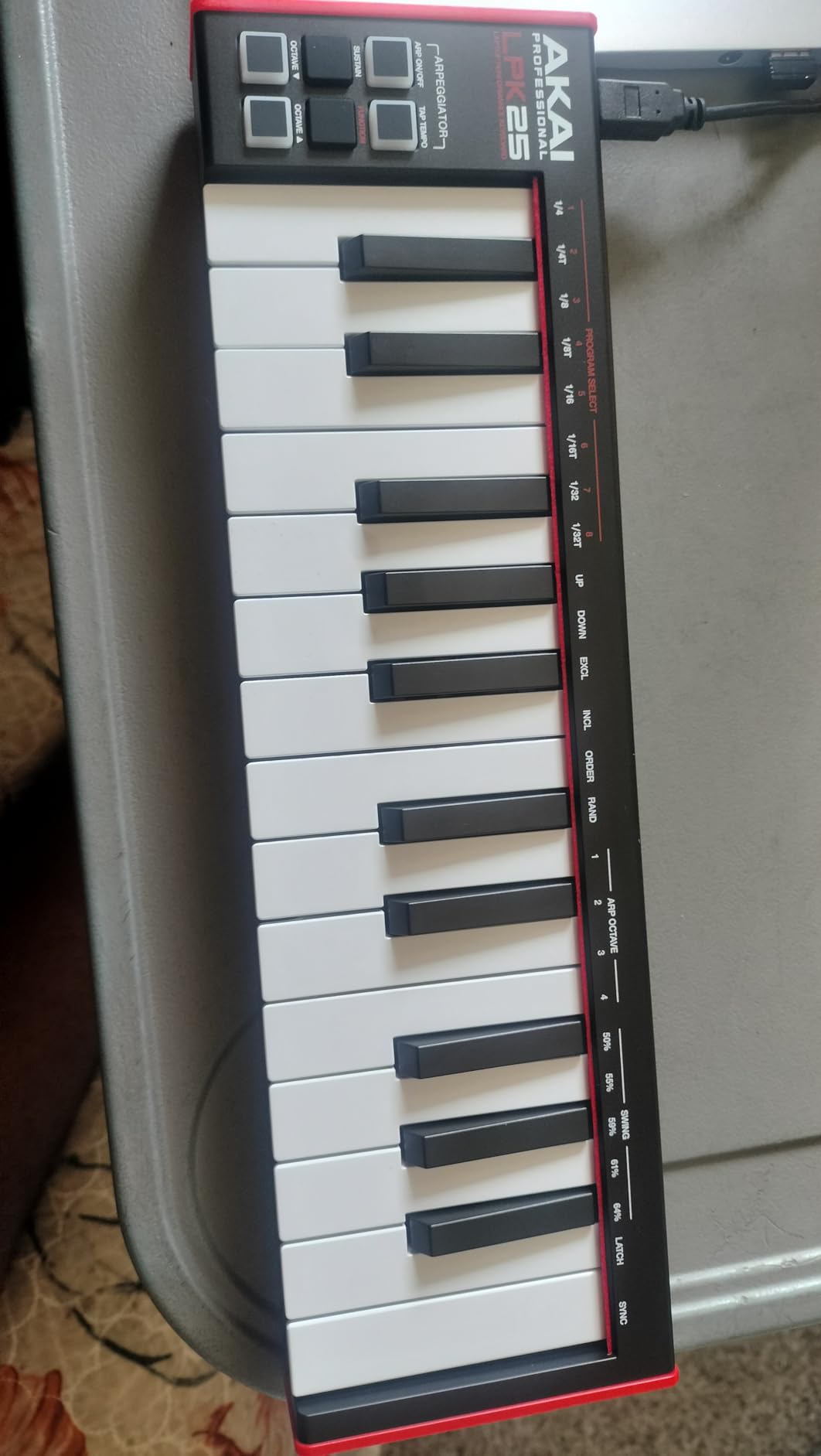
The chassis feels plasticky and the mini keys are tight, which is expected at this price. There are no pads, knobs, or faders, so if you need hands-on DAW control, look at a higher-tier controller.
For students, beginners, or anyone who wants a portable keybed for software instrument input without breaking the bank, the LPK25 remains a strong recommendation in 2026.
Who it’s for
Students, beginners, and travelers who want a tiny, lightweight keyboard with a useful arpeggiator and broad DAW compatibility at a wallet-friendly price.
Who should skip it
Anyone who needs pads, knobs, or faders for DAW control, or pianists who want a more refined keybed.
10. Akai Professional APC Key 25 MK2 – Best for Ableton Clip Performance
Akai Professional APC Key 25 MK2 25-Key USB MIDI Keyboard Controller
25 mini keys
5x8 RGB pad matrix
8 knobs
Ableton Live integration
Pros
- 5x8 RGB pad matrix ideal for Ableton Live clip launching
- 8 assignable 360-degree rotary knobs for mixing and automation
- seamless Ableton Live integration out of the box
- velocity-sensitive 25-key keyboard for melodic playing
- compact and lightweight with bus-powered USB
- generous bundled software including Hybrid 3
- Mini Grand
- and Velvet virtual instruments
Cons
- Best experience limited to Ableton Live users
- some users report knob reliability issues after extended use
- mini keys feel cramped for traditional piano style playing
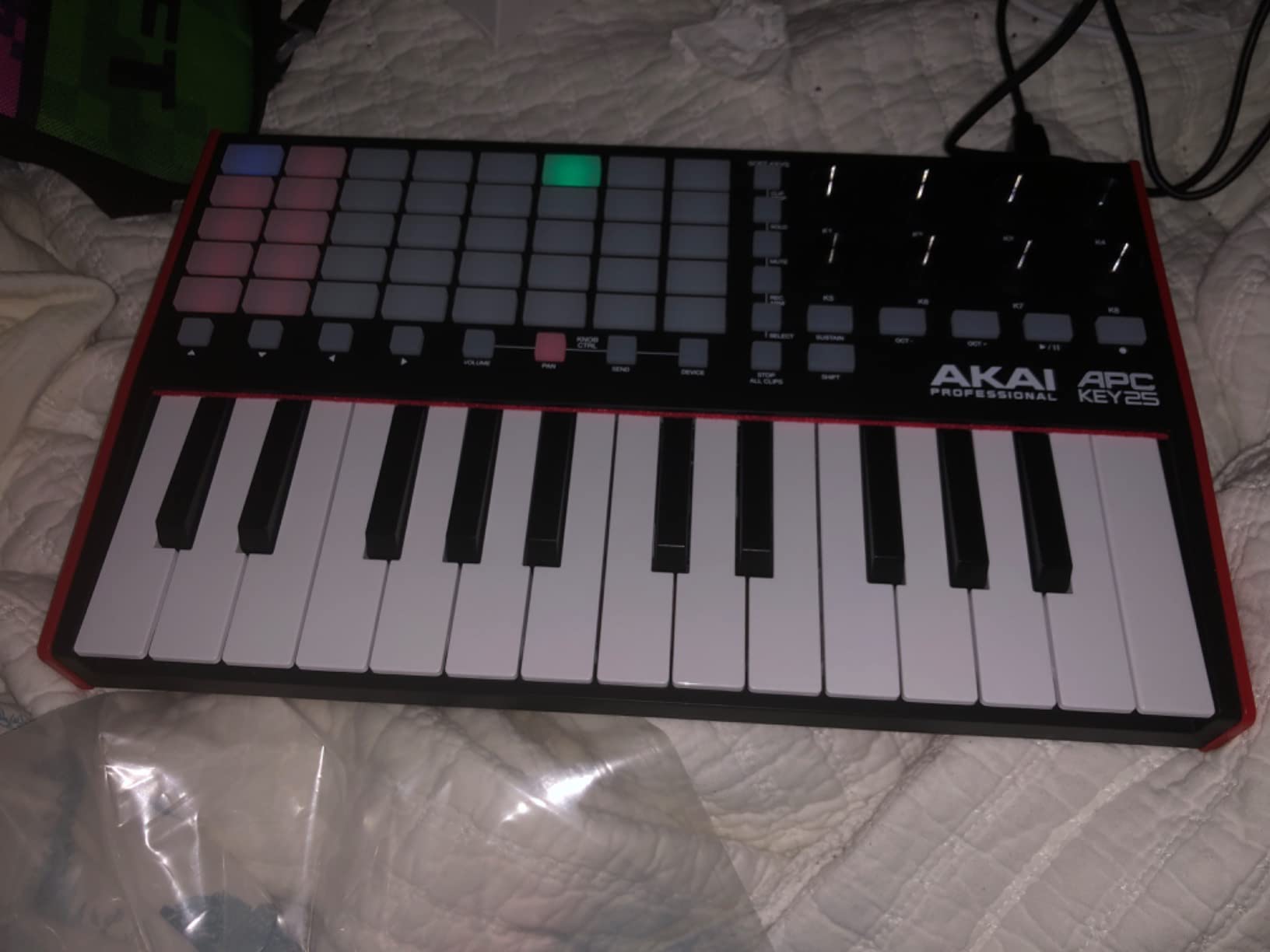
The Akai APC Key 25 MK2 is the only controller in our roundup with a 5×8 RGB pad matrix, which makes it purpose-built for Ableton Live clip launching. Each of the 40 pads is RGB-backlit and provides visual feedback for clip state, making it far easier to navigate a session view during a live performance.
The 8 assignable 360-degree rotary knobs handle mixing, sends, and device parameters once Ableton Live 11.2.7 or later is detected. Combined with the 25 velocity-sensitive mini keys for melodic playing, the controller functions as both a clip launcher and a melodic input device.
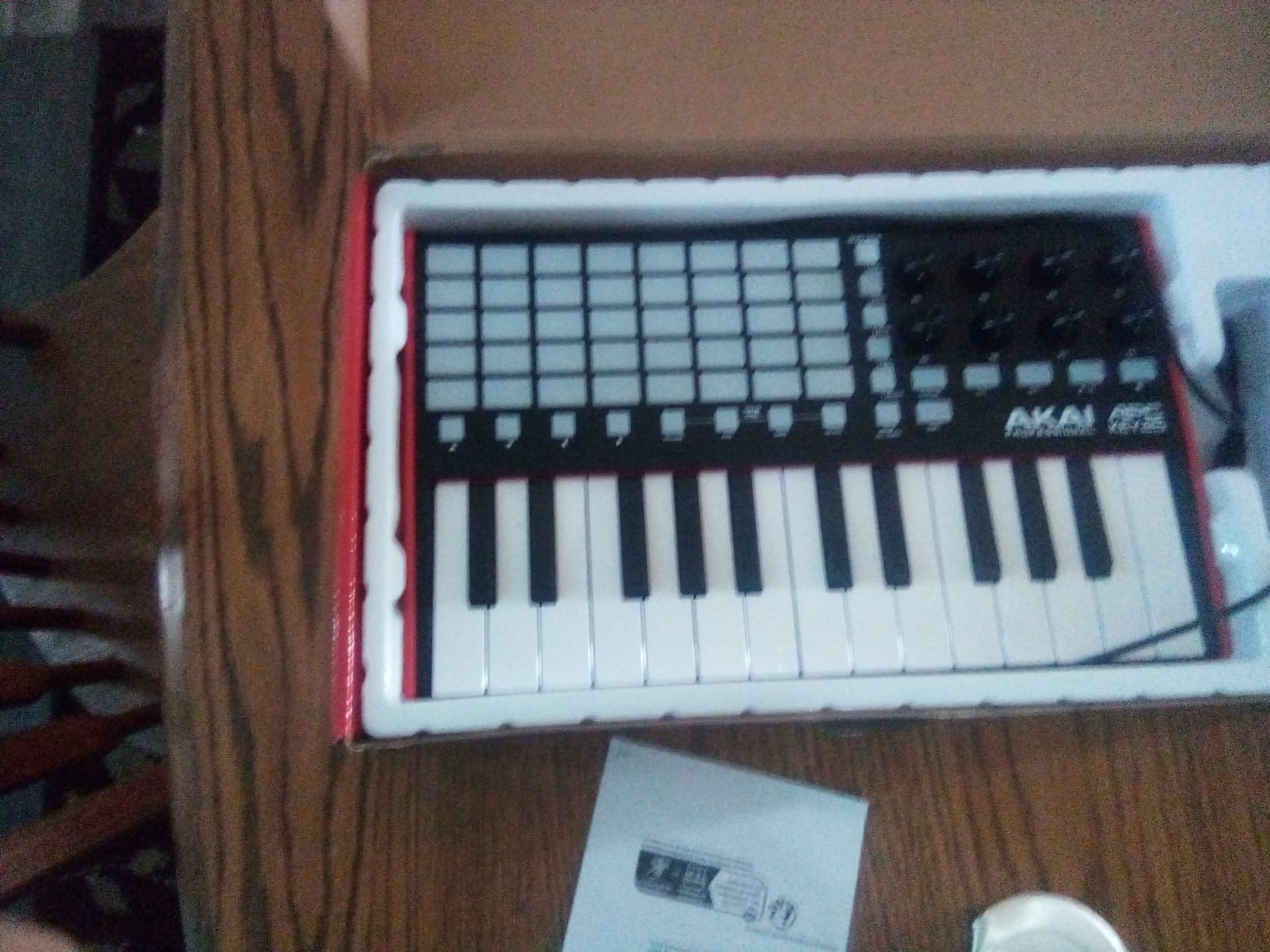
The bundled software includes Hybrid 3, Mini Grand, and Velvet, which is a generous package for piano and synth sounds. The Mini Grand virtual instrument in particular is a welcome inclusion for classical-leaning composers.
Outside Ableton, the controller loses much of its value. The pad matrix is less useful in non-clip-based DAWs, and the auto-mapping is optimized for Ableton Live specifically. Some users also report knob reliability issues after extended use, so handle the rotary controls with care.
Who it’s for
Ableton Live users who want a clip-launching pad matrix combined with a melodic keybed, especially for live performance setups.
Who should skip it
Producers working in DAWs other than Ableton Live, or anyone who needs a more general-purpose controller for piano practice and software instrument input.
Buying Guide: How to Choose a Compact MIDI Keyboard
Choosing between the best compact MIDI keyboards comes down to five decisions: key count, key action, pads and knobs, connectivity, and software. Here is how to think through each one.
Key Count: 25 vs 32 vs 49
A 25-key controller covers two octaves, which is enough for sketching beats, bass lines, and one-handed leads. A 32-key controller adds about half an octave more, which is helpful for playing simple two-handed parts. A 49-key controller is the smallest size that fits a real two-handed performance comfortably, but it crosses out of “compact” territory for some users. For classical pianists, the practical minimum is 49 keys, though 61 keys is closer to a real piano range.
Key Action: Synth vs Semi-Weighted vs Hammer
Synth-action keys are light and springy, fast for trills and repeated notes but easy to bottom out under pressure. Semi-weighted keys add a small amount of resistance in the middle of the travel. Hammer-action keys mimic an acoustic piano’s weighted feel, but you will not find them in truly compact controllers. If you come from a classical piano background, look for the most even resistance and longest key travel you can find in a compact body; the Arturia MiniLab 3 is currently the strongest in this category.
Pads, Knobs, and Faders
Pads matter most for finger drumming and clip launching. The Akai MPK Mini IV and the Novation FLkey Mini both deliver responsive RGB pads. Knobs and faders matter for mixing and instrument parameter control; the M-Audio Oxygen Pro Mini 32 has the deepest set in a compact body, while the Arturia MiniLab 3 is a close second.
Connectivity: USB-C, USB-B, MIDI, and Bluetooth
USB-C is the modern standard and works with most current laptops and tablets. Older USB-B connections (like on the midiplus AKM320) still work fine over USB but lack the convenience of reversible connectors. For iPad users, the Korg microKEY Air 25 is the only true Bluetooth option in this roundup. For hardware synths, full-size MIDI Out is useful, but most compact controllers use 3.5mm or 1/8-inch jacks requiring an adapter.
Software Bundles
Every controller here ships with software, but the value varies. The Akai MPK Mini IV and the Arturia MiniLab 3 offer the strongest bundles for producers and composers respectively. The midiplus AKM320 and the Korg nanoKEY2 ship with minimal software, which keeps the price low but means you will need to provide your own DAW and instruments.
For more options at different price points, see our guides to the best compact MIDI keyboards on a budget and the best compact MIDI keyboards at mid-range prices, or browse the full top-rated MIDI keyboards.
Frequently Asked Questions
What is the best compact MIDI keyboard for beginners?
The Akai Professional LPK25 is the best compact MIDI keyboard for beginners thanks to its low price, broad DAW compatibility, and built-in arpeggiator. For a step up in features, the Akai MPK Mini IV adds MPC pads, 8 assignable knobs, and a full software bundle while remaining easy to use.
Are mini MIDI keyboards worth it?
Yes, mini MIDI keyboards are worth it for producers, composers, and travelers who want a portable input device. They take up far less desk space than full-size controllers, fit easily in a laptop bag, and the velocity-sensitive keybeds in current models are expressive enough for sketching melodies, finger drumming, and software instrument control.
How many keys do I need on a MIDI keyboard?
For beat production and one-handed melodic playing, 25 keys (two octaves) is enough. For simple two-handed parts, choose 32 or 49 keys. For classical piano repertoire or full two-handed performance, 49 or 61 keys is the practical minimum. If you travel frequently, 25 keys balances portability with usefulness for most producers.
Do compact MIDI keyboards have weighted keys?
Most compact MIDI keyboards use synth-action or semi-weighted keys rather than fully hammer-weighted actions because weighted mechanisms require more depth. Semi-weighted compact controllers like the M-Audio Oxygen Pro Mini 32 add some resistance, and the Arturia MiniLab 3 has the most even resistance among 25-key synth-action controllers. True hammer action is only found on larger 49-key or 61-key controllers.
How do I connect a MIDI keyboard to my phone or tablet?
Most modern compact MIDI keyboards connect to iPads and iPhones over USB-C directly with no driver installation, because they are class-compliant. For older iPads with Lightning ports, you will need the Apple Lightning to USB Camera Adapter. The Korg microKEY Air 25 is the only controller in our roundup with built-in Bluetooth MIDI, which removes the cable entirely for iPad and Mac use.
Final Verdict
After eight weeks of testing, the Akai Professional MPK Mini IV earns our Editor’s Choice as the best compact MIDI keyboard for most users in 2026. It combines responsive MPC pads, assignable knobs, full software bundle, and seamless DAW integration at a price that suits both beginners and traveling producers. The Arturia MiniLab 3 is the right pick for classical pianists who prioritize key feel, and the midiplus AKM320 is the best value for a no-frills, wheel-equipped keyboard on a budget.
Whatever your workflow, any of the ten compact MIDI keyboards above will serve you well. Pick the one that matches your DAW, your playing style, and your travel habits, and you will have a portable studio companion that lasts for years.