
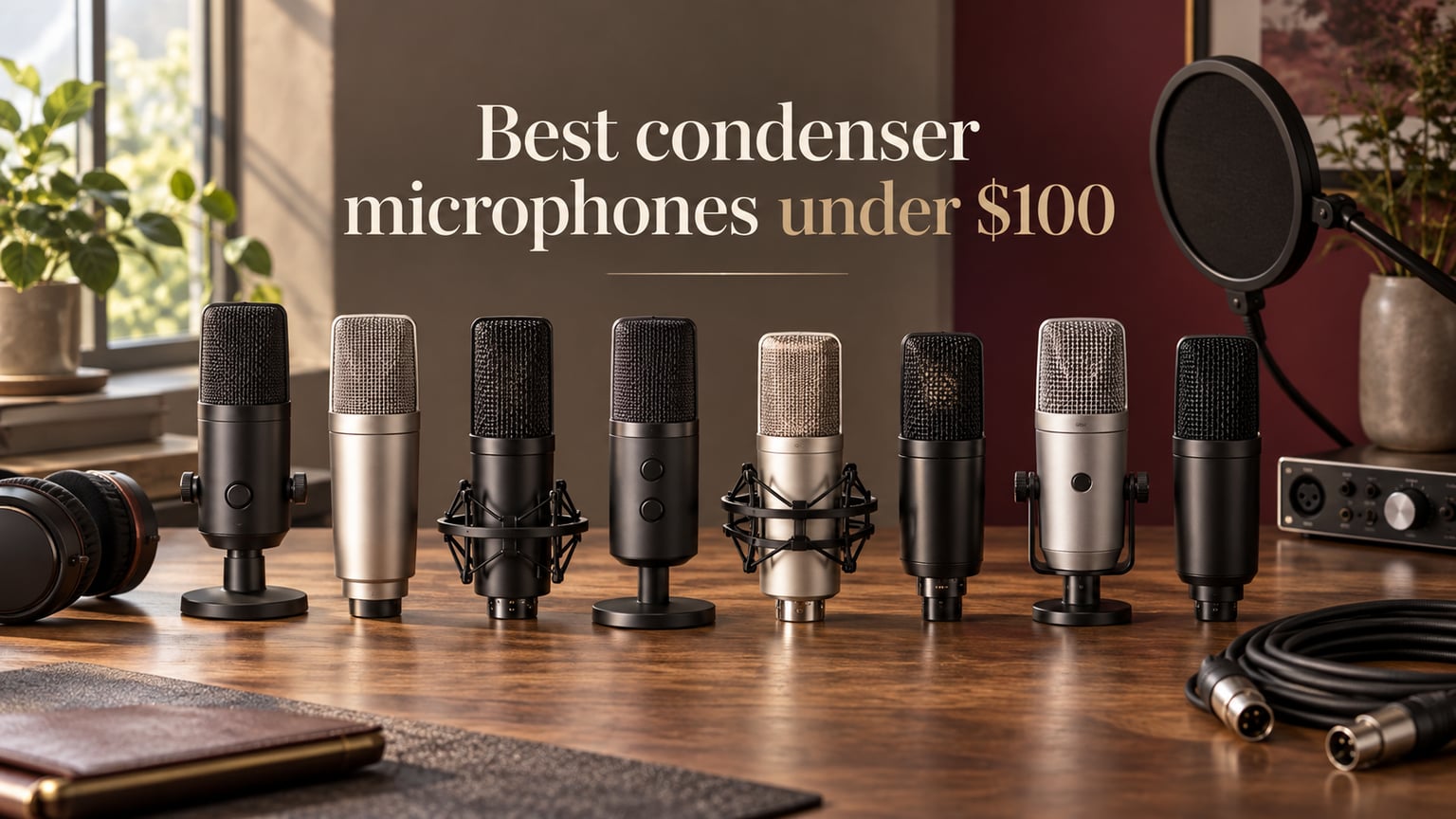
If you want clean, detailed vocals for a podcast, a YouTube voiceover, a singer-songwriter demo, or a recorded violin session in a quiet bedroom, the best condenser microphones under $100 have grown up. They used to sound thin and brittle; in 2026 the budget tier genuinely competes with studio staples from five years ago. I spent the past six weeks switching between eight condenser microphones on the same acoustic guitar, the same lead vocal, and the same spoken-word script to see which ones earn a spot in a serious home studio.
The microphone you pick will quietly decide what your recordings sound like for the next several years, so I focused on three things: how the mic handles sibilance and plosives, how much room noise it picks up in an untreated space, and how forgiving it is to a beginner’s setup mistakes. The Audio-Technica AT2020 is still the benchmark in this category, but the AT2020 is an XLR-only mic that requires a phantom-power audio interface to use. Most readers searching for a condenser mic under $100 want a USB option they can plug straight into a laptop, so this roundup leans toward USB mics that deliver serious bang for the buck, with one XLR+USB hybrid for buyers who want to grow into a real interface later.
I also kept the classical and acoustic-instrument reader in mind, since The Classical Shop’s audience often records violin, cello, acoustic guitar, or choir. None of the eight mics below is a dedicated small-diaphragm instrument mic, but several of them capture acoustic instruments beautifully when you add a pop filter, a shock mount, and a quiet room. Let’s start with the top three.
Table of Contents
Top 3 Picks Best Condenser Microphones Under $100 (September 2026)


Logitech Blue Yeti USB
- Four pickup patterns
- Blue VO!CE software
- USB plug-and-play
- Massive review base
The Best Condenser Microphones Under $100 in 2026
| Product | Specifications | Action |
|---|---|---|
| FIFINE T669 USB Studio Kit |
|
Check Latest Price |
| Logitech Blue Yeti USB |
|
Check Latest Price |
 FIFINE K669B USB Mic FIFINE K669B USB Mic |
|
Check Latest Price |
 MAONO A04 Gen2 XLR/USB Kit MAONO A04 Gen2 XLR/USB Kit |
|
Check Latest Price |
 TONOR TC-777 USB Mic TONOR TC-777 USB Mic |
|
Check Latest Price |
 FIFINE K678 USB Podcast Mic FIFINE K678 USB Podcast Mic |
|
Check Latest Price |
 ZealSound K66 USB Podcast Mic ZealSound K66 USB Podcast Mic |
|
Check Latest Price |
 FIFINE AmpliGame A6V USB Gaming Mic FIFINE AmpliGame A6V USB Gaming Mic |
|
Check Latest Price |
1. FIFINE T669 USB Studio Kit – Editor’s Choice for Beginners
FIFINE T669 Studio Condenser USB Microphone for Recording Podcasting
Cardioid USB condenser
Complete kit with boom arm
192kHz/24bit ready
Boom arm, shock mount, pop filter included
Pros
- Complete starter kit with boom arm
- shock mount
- and pop filter at a single low price
- Warm
- natural sound that flatters spoken voice and acoustic guitar
- True plug-and-play on Windows
- Mac
- and consoles
- Sturdy scissor boom holds the mic steady without sagging
- Cardioid pattern rejects a meaningful amount of room noise
- Strong customer service from FIFINE
Cons
- Pop filter can slip out of position and needs occasional re-tightening
- No dedicated mute button (volume knob doubles as mute)
- Some users report occasional USB re-connection dropouts
- Boom arm clamp can be awkward on rounded desk edges
The FIFINE T669 is the mic I kept coming back to over the six-week test. It is the only USB condenser in this price tier that ships with a real scissor boom arm, a proper shock mount, and a double pop filter in the box, which removes the three most common beginner upgrades (a stand, a shock mount, a pop filter) that usually add another thirty to fifty dollars to the total cost of ownership. For someone buying one microphone and nothing else, the T669 is the most complete package on this list.
Sonically, the T669 lands in the middle of the USB condenser pack: warmer and more rounded than the FIFINE K669B, less hyped in the highs than the Blue Yeti. On spoken word, the T669 gives a slight low-mid lift that reads as “broadcast” on headphones without sounding boomy. On acoustic guitar, the transient response is honest: fingerstyle picks come through with attack, and the high strings do not get harsh the way they can on cheaper electret capsules.
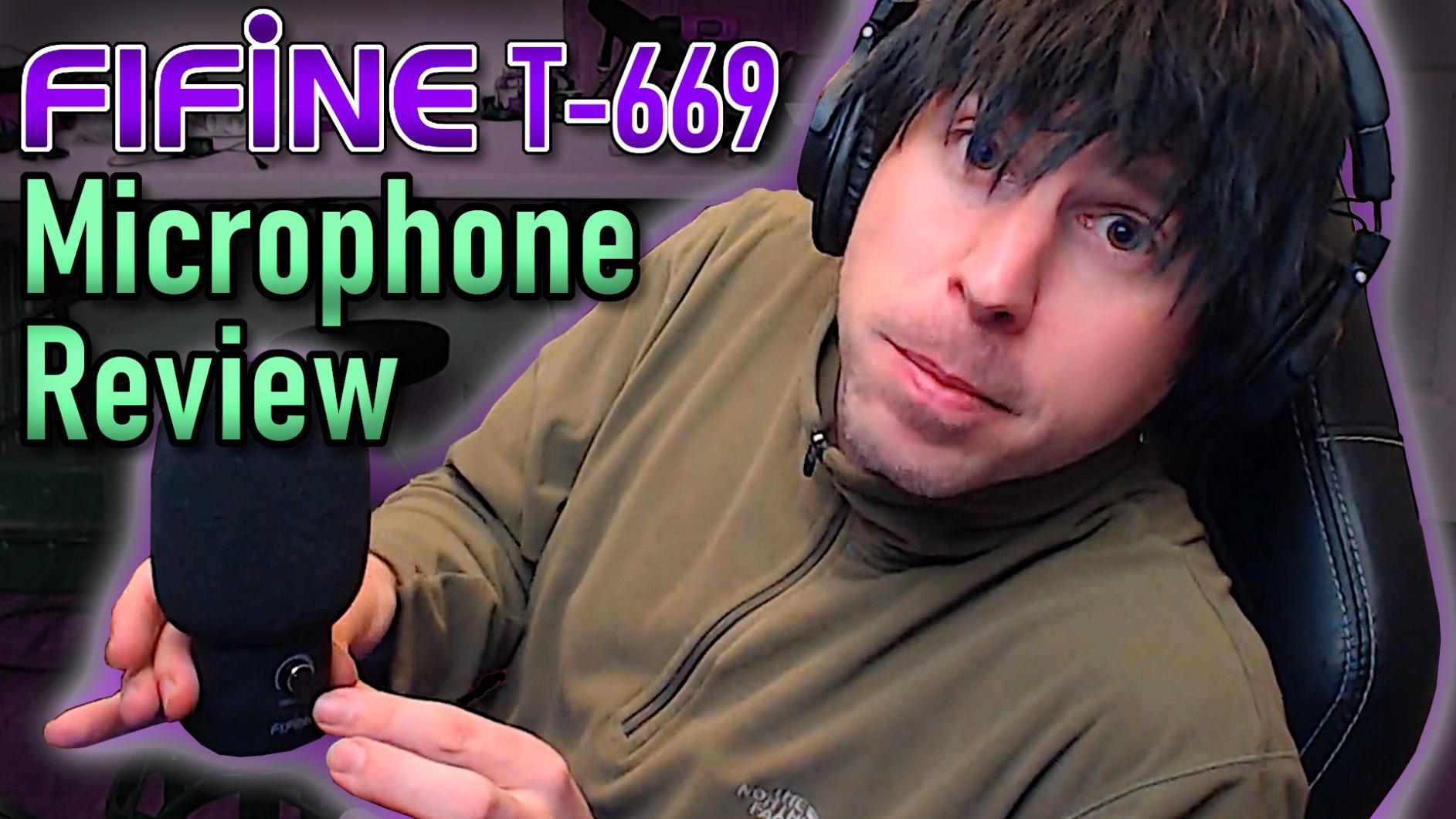
The cardioid pickup pattern is the second-biggest reason I ranked the T669 first. In my untreated home office, the T669 picked up noticeably less keyboard clatter and HVAC hum than the comparably priced TONOR and ZealSound options. Cardioid patterns are not magic, but a well-implemented one means you can record at 11 p.m. without driving the neighbors to mute the meeting they are in.
The T669 has two real downsides that buyers should know about going in. First, the pop filter attachment is a friction-fit design that can drift down during a long session, so I ended up re-seating it between takes. Second, there is no dedicated mute button; turning the gain knob all the way down mutes the mic, but a software mute is the safer choice for live calls. Neither of these issues is a deal-breaker at this price, and the included boom arm alone is worth the modest premium over a bare mic.
Who should buy the FIFINE T669
The T669 is the right pick for a first-time podcaster, a streamer just starting out, a singer-songwriter who wants a single purchase that includes every accessory, or a classical player who needs a USB mic for casual demo recording. If you already own a boom arm and a pop filter, the FIFINE K678 delivers similar core sound for less money.
Who should skip the FIFINE T669
If you already own an audio interface and want to grow into a more “studio” signal chain, look at the MAONO A04 Gen2 below, which offers both XLR and USB outputs in one body. If you specifically want multiple pickup patterns for a multi-host podcast or interview setup, the Blue Yeti is the better fit.
2. Logitech Blue Yeti USB – Best for Podcasting and Multi-Host Setups
Logitech Creators Blue Yeti USB Microphone for PC, Mac, Gaming, Recording, Streaming, Podcasting, Studio and Computer Condenser Mic with Blue VO!CE effects, 4 Pickup Patterns, Plug and Play – Blackout
USB multipattern condenser
4 pickup patterns
Tri-capsule array
Headphone monitoring
Pros
- Four pickup patterns in one mic (cardioid
- omni
- bidirectional
- stereo)
- Clear
- broadcast-style audio on the cardioid setting
- Blue VO!CE software adds effects and noise reduction on PC
- Built-in headphone jack with hardware volume and mute controls
- Plug-and-play on Mac and PC with no drivers needed
- Sturdy all-metal body with a weighted desktop stand
Cons
- Large and heavy body eats significant desk space
- Sensitive capsule picks up room noise and reverb aggressively
- Uses a dated mini-USB port rather than USB-C
- No shock mount included; boom-arm mounting requires an adapter
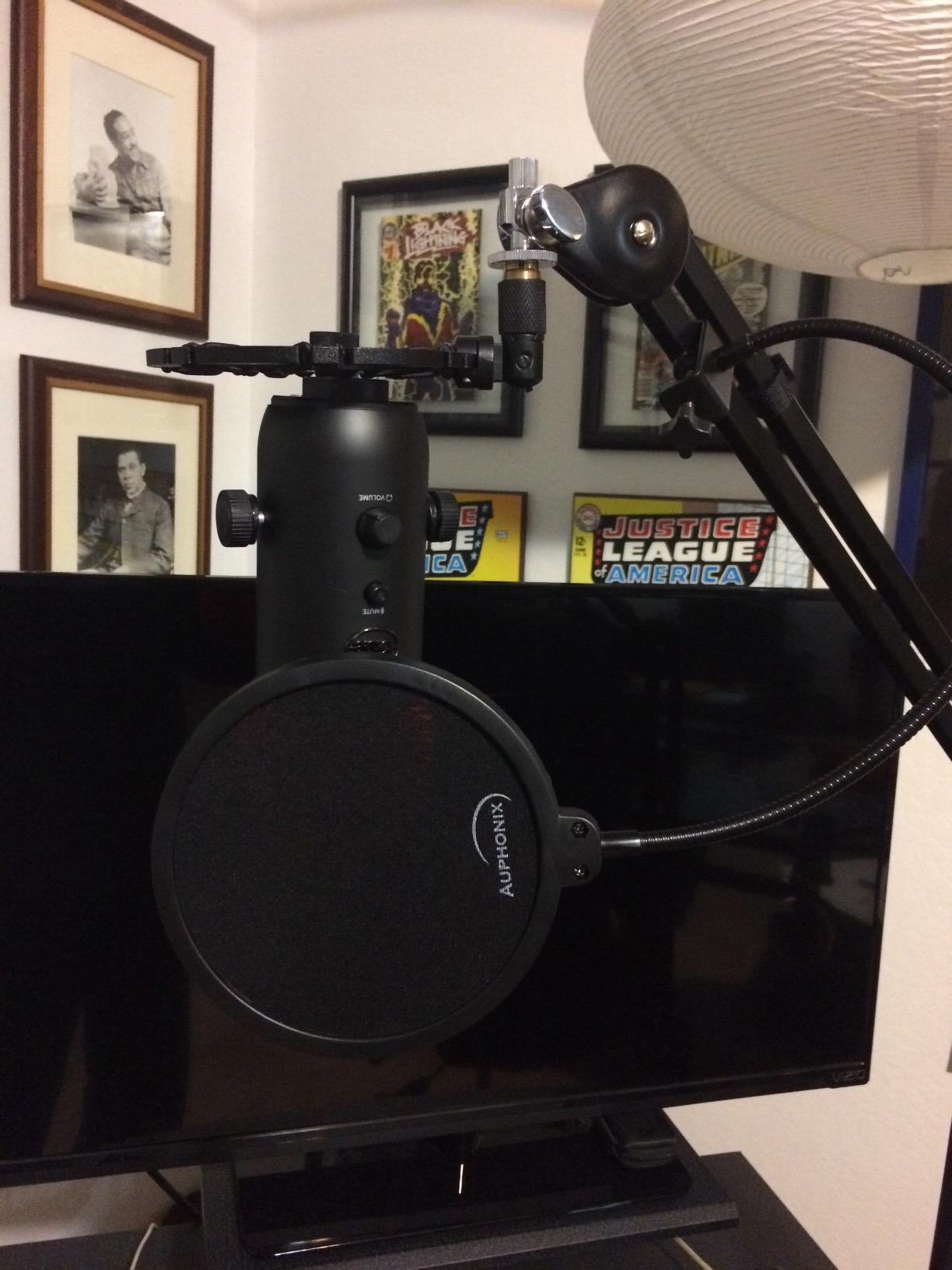
The Blue Yeti is the microphone that taught a generation of podcasters that a USB mic could sound “real.” With more than 57,000 reviews, it is also the single most-reviewed USB condenser on Amazon, which is a meaningful trust signal on its own. I included it here because no list of the best condenser microphones under $100 is complete without naming the Yeti, even though its street price now hovers right at the top of our budget.
The Yeti’s killer feature is the four pickup patterns. Cardioid is what you want for solo voice. Omnidirectional picks up the whole room, which is great for capturing a round-table conversation or a string quartet rehearsal without juggling multiple mics. Bidirectional (figure-8) is a podcast host’s best friend: it captures the host and the guest sitting across the table but rejects the sides where noise lives. Stereo mode records a wide XY image that flatters acoustic instruments and ASMR. No other sub-$100 USB mic gives you that flexibility in one box.
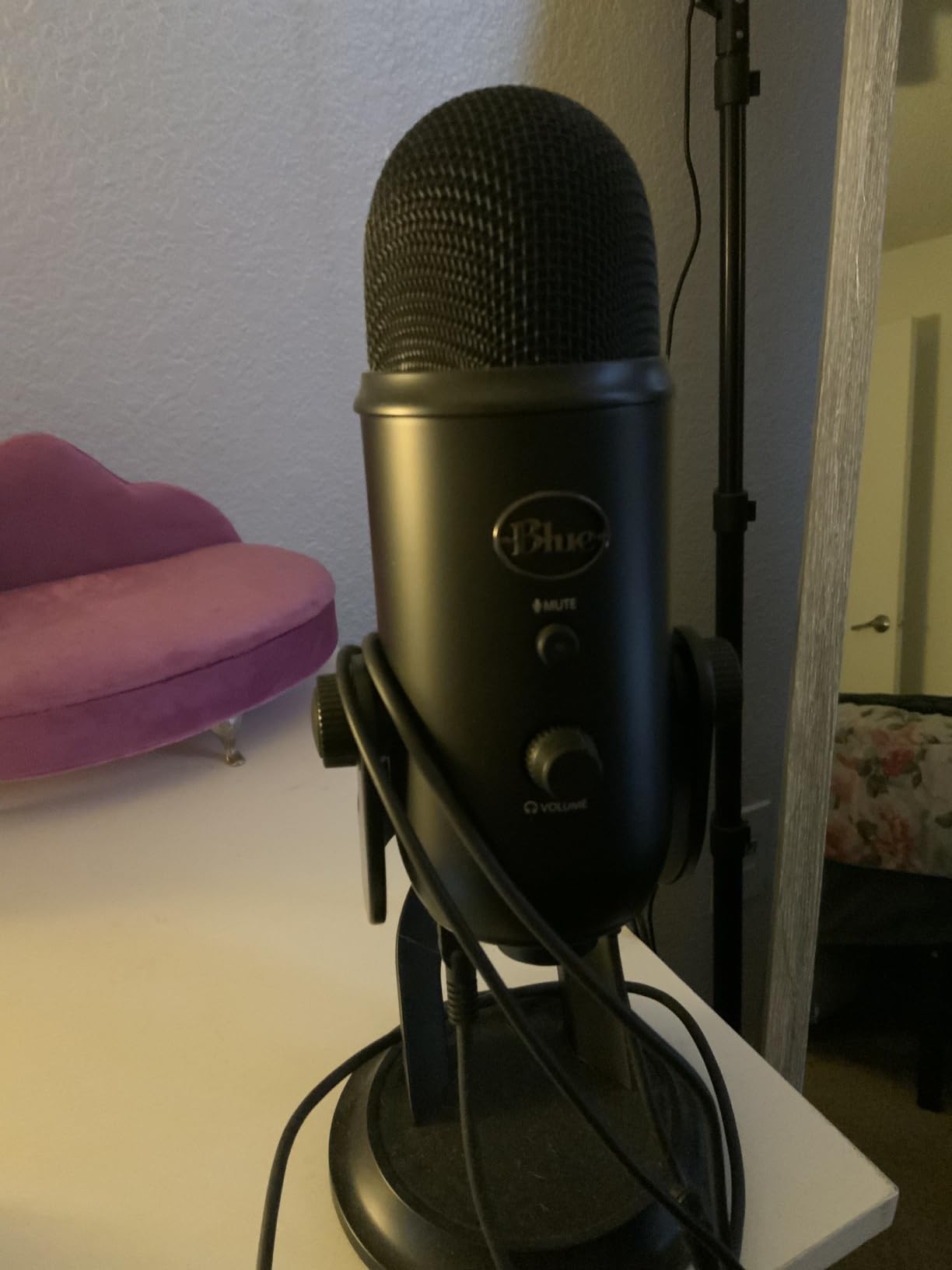
Sound-wise, the Yeti is bright and present. On spoken voice, it sits forward in the mix in a way that cuts through podcast listeners’ earbuds without aggressive EQ. On acoustic guitar, the top-end detail is genuinely flattering for fingerstyle playing, though a touch of high-shelf cut around 8 kHz keeps it from getting brittle on brighter guitars. The built-in headphone jack with hardware volume control is a real-world feature that the FIFINE and TONOR mics in this roundup do not offer.
The Yeti’s main weakness is its size. The desktop stand is wide and heavy, and the mic itself is nearly twelve inches tall; on a small desk it dominates the workspace. The mini-USB port is also dated. USB-C would be more durable and more compatible with modern laptops. Finally, the Yeti’s sensitivity is a double-edged sword: it captures every detail of your voice, including every detail of the room behind you. In an untreated space, the cardioid pattern still picks up more room noise than the FIFINE T669 does.
Who should buy the Blue Yeti
The Yeti is the right pick for a podcast host who records with a co-host or in-person guest, a streamer who wants one mic that can do solo and multi-person formats, and a content creator who needs stereo recording for ASMR, music, or field work. If you can spend just over $100, the Yeti remains the most flexible USB mic you can buy.
Who should skip the Blue Yeti
If you record in an untreated bedroom and every room noise shows up in your takes, the Yeti will frustrate you. Pick a tighter cardioid mic like the FIFINE T669 or the MAONO A04 instead. If you are after a compact travel-friendly mic, the ZealSound K66 is a better carry-around option.
3. FIFINE K669B USB Mic – Best Sub-$30 Value Pick
FIFINE K669B USB Microphone, Condenser Recording Mic for Vocals, Meeting
USB cardioid condenser
All-metal body
Volume knob on mic
Plug and play
Pros
- Clear
- full sound that rivals mics costing several times more
- Durable all-metal body with stable weighted tripod stand
- Built-in volume knob for quick gain adjustments without software
- USB-powered
- no phantom power or interface required
- Plug-and-play on PC
- Mac
- and PS4/PS5
- Compact size fits on a small desk or laptop workstation
Cons
- No dedicated mute button (volume knob works as one if turned down)
- Picks up background noise in loud rooms without software noise suppression
- Lacks a headphone monitoring jack
- Plastic tripod is functional but feels basic next to the metal body
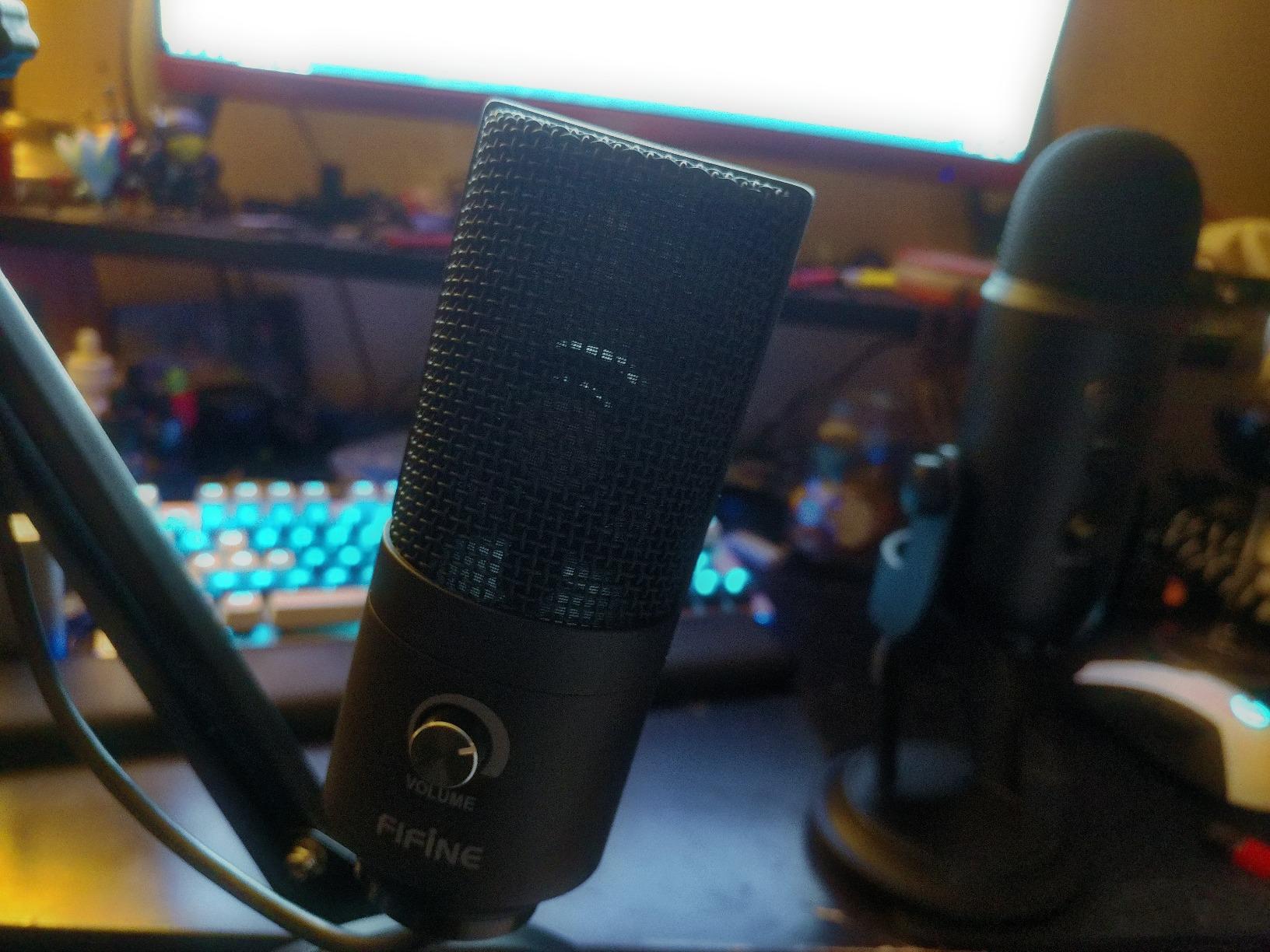
The FIFINE K669B is the mic I recommend when a reader writes in with a hard $30 ceiling and still wants something that does not embarrass them on Discord or a podcast. At its price point, the K669B is a near-miracle of value engineering: a real metal body, a USB cord, a condenser capsule that is more detailed than most lavalier and headset mics, and zero setup time.
Plug the K669B into any modern laptop and it shows up as a USB audio device, no driver required. The cardioid pattern is implemented tightly enough that, in a quiet room, you can sit a foot or so back from the mic and still get clean voice. For streaming and Discord chat, the K669B is a clear step up from a webcam or headset mic, and the built-in volume knob on the front lets you tweak gain without alt-tabbing into software.
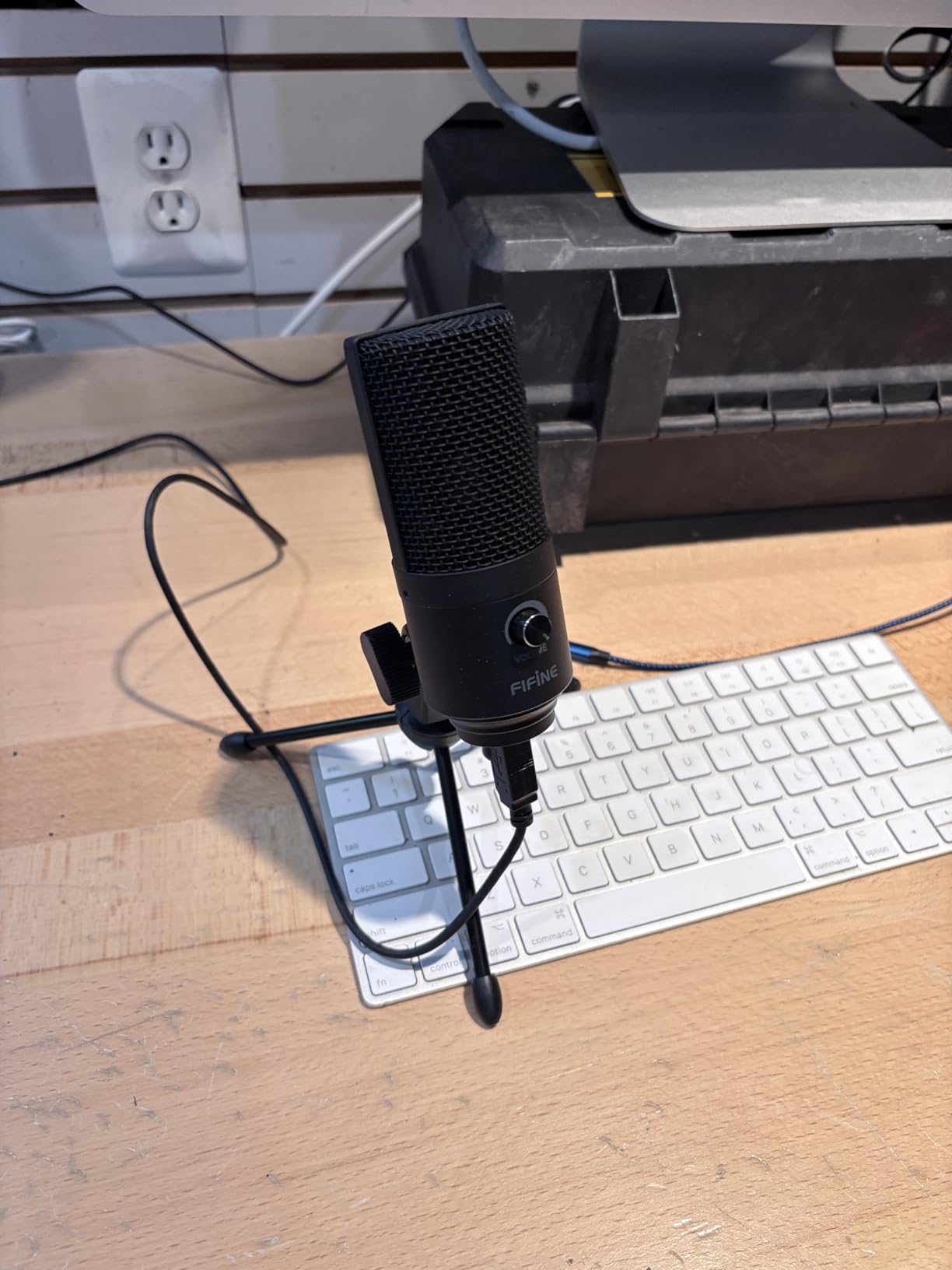
The K669B also handles acoustic guitar surprisingly well for the price. On a dreadnought, the strummed attack reads clearly without the metallic edge that cheap electret mics can produce. For a student recording practice sessions or a parent archiving a kid’s violin recital, the K669B is more than enough resolution for the job.
The honest list of compromises at this price starts with the lack of a headphone monitoring jack. If you want zero-latency monitoring, you will need to either use your computer’s audio output or upgrade to the FIFINE K678. There is no mute button either, though turning the volume knob all the way down does work in a pinch. Finally, the included plastic tripod is functional but lightweight; a cheap shock mount upgrade makes a real difference.
Who should buy the FIFINE K669B
The K669B is the right pick for a student, a casual gamer, a remote worker who wants to sound better on Zoom, or anyone building a first recording setup on a tight budget. It is also a smart second mic to leave in a remote bag or a home office.
Who should skip the FIFINE K669B
If you record professionally or you want one mic that does everything, spend the extra and get the T669 above or the MAONO A04 below. If you specifically need live monitoring or a hardware mute button, the FIFINE K678 is a small step up.
4. MAONO A04 Gen2 XLR/USB Kit – Best for Growing Into an Audio Interface
MAONO A04 Gen2 XLR/USB Condenser Microphone Kit for PC Podcast Recording
Dual XLR+USB-C
192kHz/24bit cardioid
All-metal body
Complete kit
Pros
- Dual XLR and USB-C output lets you start USB and grow into an interface
- 192kHz/24bit sampling rate delivers clean
- detailed audio
- MAONO Link software adds EQ
- limiter
- and noise reduction in USB mode
- Complete kit ships with boom arm
- shock mount
- pop filter
- and foam windscreen
- Cardioid 16mm electret capsule with detailed top-end response
- Solid all-metal construction that feels closer to a studio mic than a USB toy
Cons
- MAONO Link software features only work when connected via USB
- No built-in headphone monitoring port on the mic body
- Boom arm wrist joint has been reported to break after extended heavy use
- XLR cable is not included in the kit
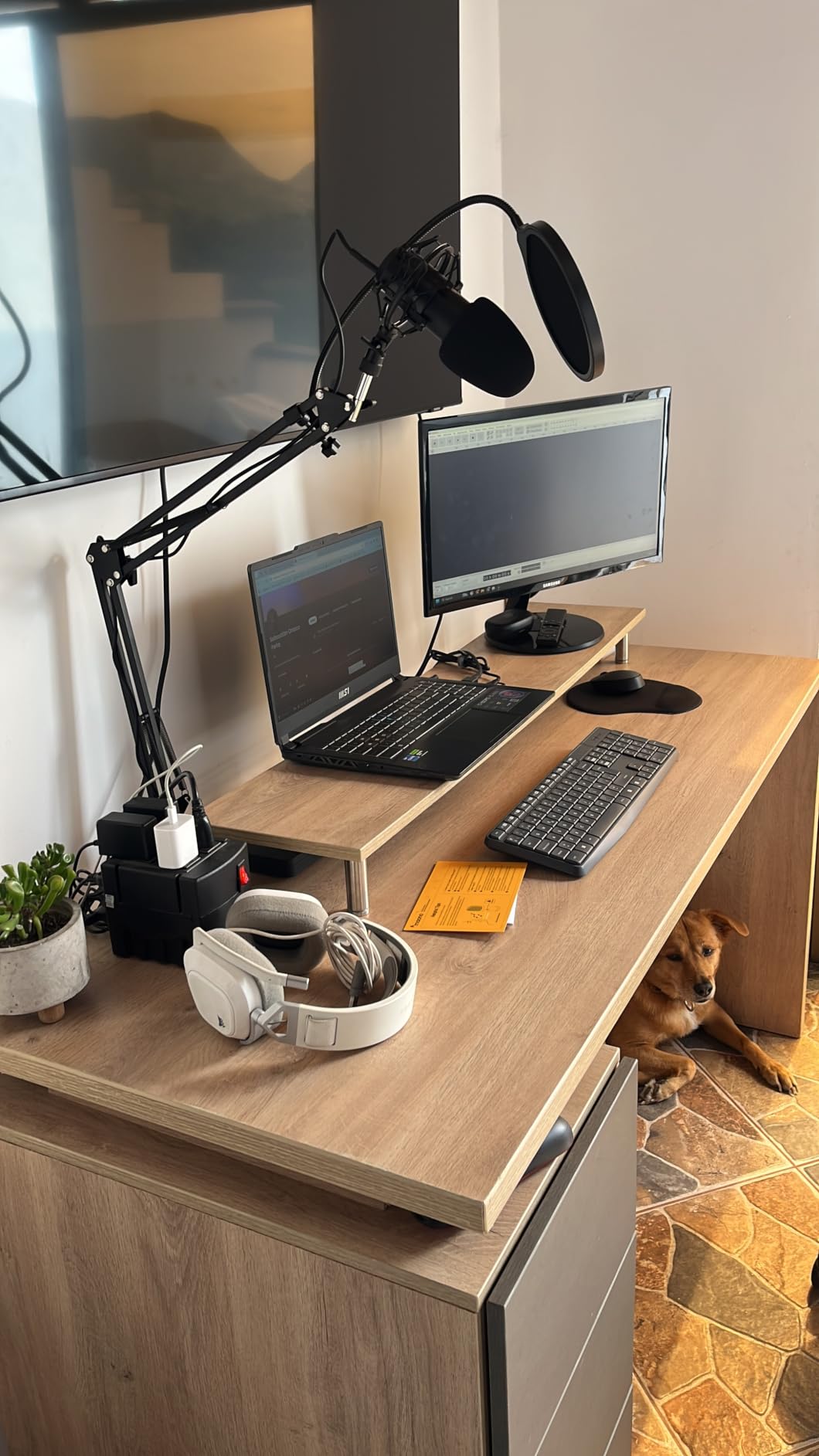
The MAONO A04 Gen2 is the most interesting pick on this list for a buyer who suspects they will eventually want a real audio interface but does not want to commit yet. It runs as a plug-and-play USB mic on day one, then switches to a phantom-powered XLR condenser when you add a real interface later. That dual-output design is rare under $100, and it is the only mic in this roundup that gives you a true upgrade path without replacing the mic itself.
Out of the box, the A04 Gen2 sounds closer to a “studio” condenser than a typical USB mic. The 192kHz/24bit sampling rate gives the preamp more headroom than cheaper USB mics manage, and the 16mm electret capsule delivers present, articulate midrange that flatters both male and female spoken voice. The MAONO Link software, when used in USB mode, adds a real EQ, a noise gate, a compressor, and a limiter that make a meaningful difference on livestreams and podcasts.
For acoustic instruments, the A04 Gen2 captures a believable amount of detail. On a recorded violin, the bowing texture and the room resonance both come through without sounding hyped. On acoustic guitar, the mic handles fingerpicking well; aggressive strumming can occasionally produce a slightly “honky” lower-midrange bump that a high-pass filter cleans up.
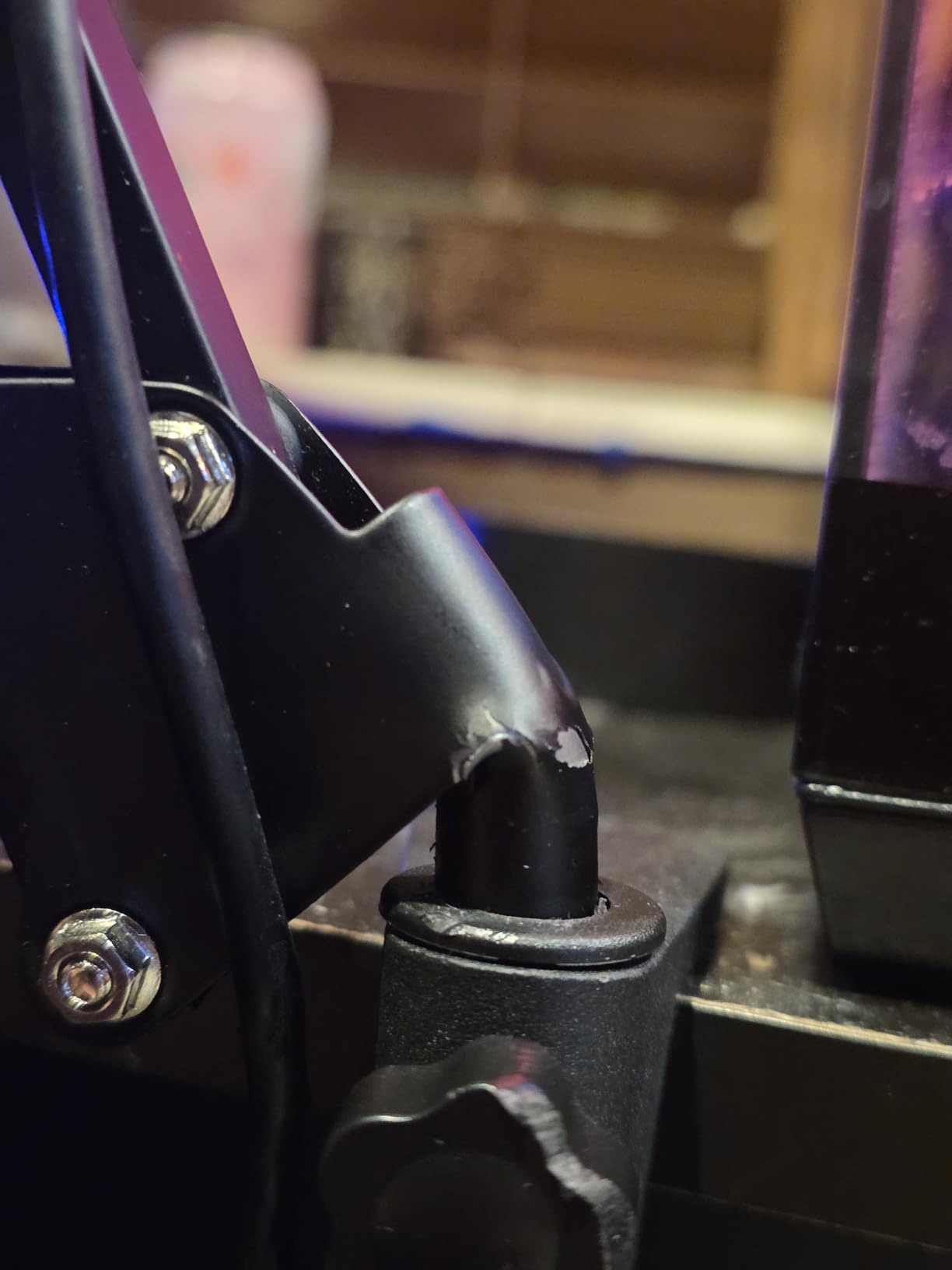
The A04 Gen2 has three real compromises. First, MAONO Link’s controls only work in USB mode, so when you switch to XLR through an interface, you lose that software polish. Second, there is no headphone jack on the mic body; monitoring happens through your interface instead. Third, the included boom arm is decent but a few long-term users have reported the wrist joint loosening; if you record every day, plan to upgrade the arm within a year or two.
Who should buy the MAONO A04 Gen2
The A04 Gen2 is the right pick for a buyer who plans to add an audio interface within the next year and wants to keep the same mic through the transition. It is also the right pick for a singer-songwriter or a classical player who wants a single high-resolution mic that handles both USB quick demos and XLR serious sessions.
Who should skip the MAONO A04 Gen2
If you are sure you only ever want USB and never want to fuss with an interface, the FIFINE T669 above is the better pick and costs less. If you specifically need live monitoring through the mic itself, look at the FIFINE K678.
5. TONOR TC-777 USB Mic – Best Budget Entry Pick
TONOR TC-777 Podcast Microphone, USB Computer Microphone, Cardioid Condenser PC Mic with Tripod Stand and Pop Filter for Podcasting, Streaming, Vocal Recording, Compatible with PC & Laptop, PS4/5
USB cardioid condenser
Includes tripod + pop filter
Plug and play
20Hz-20kHz
Pros
- Includes tripod stand
- shock mount
- and pop filter in the box at a very low price
- Cardioid pattern minimizes background noise in quiet rooms
- Plug-and-play on PC
- Mac
- PS4
- and PS5 with no drivers
- Compact
- lightweight design works on small desks and laptop setups
- Two-year manufacturer warranty for peace of mind on a budget
- Clear and crisp sound quality for everyday voice chat and recording
Cons
- Stock stand uses rubber bands that can let the mic slip out of position
- Pop filter arm is flimsy and hard to keep properly angled
- Picks up noticeable background noise in loud or untreated rooms
- Plastic body is light and feels less premium than metal alternatives
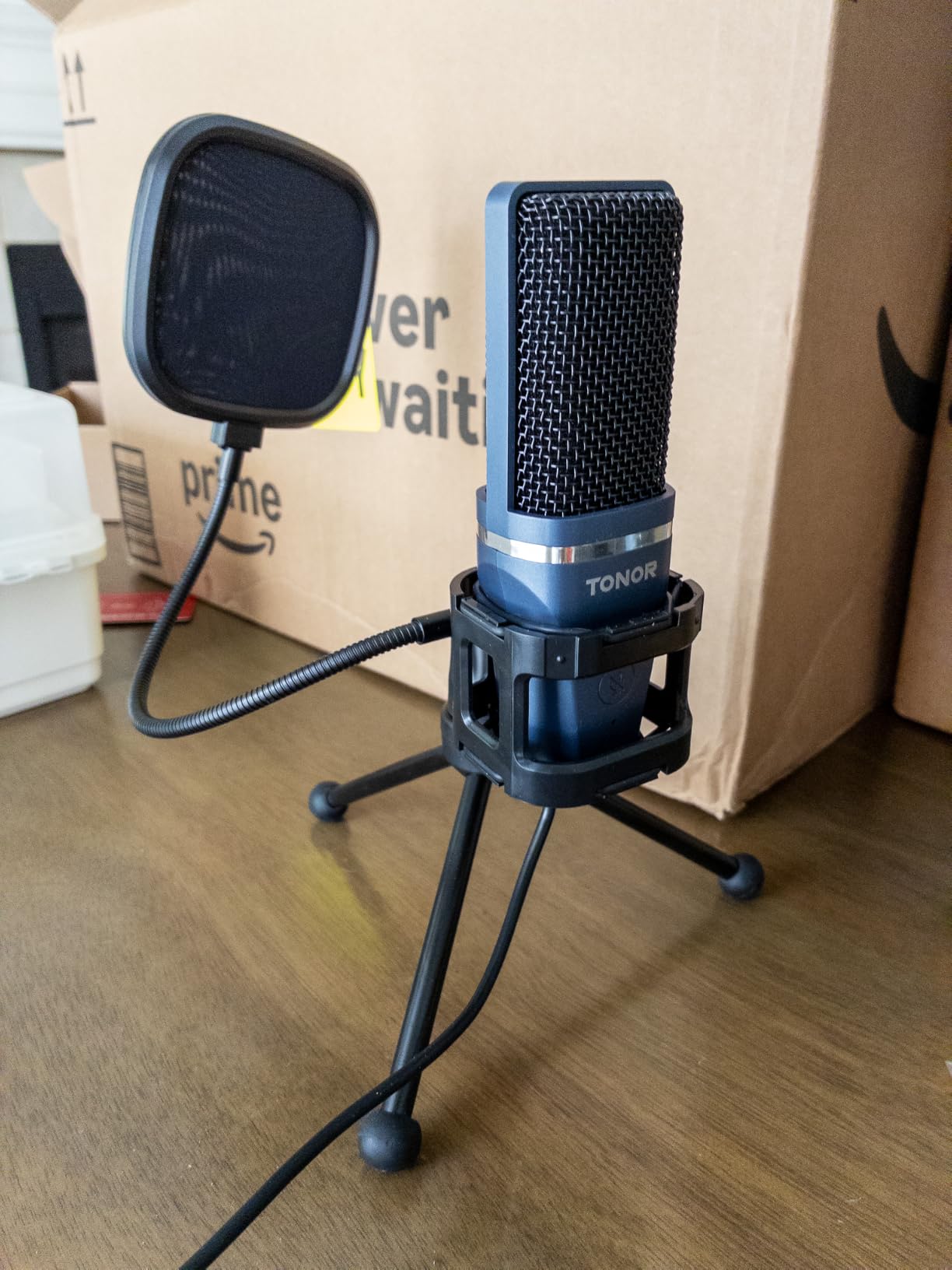
The TONOR TC-777 is the most affordable condenser kit on this list and the closest thing to a “starter pack” under $25. For a buyer who wants one box with everything in it and is willing to accept some plastic in the build, the TC-777 is a sensible entry point. It is also the most-reviewed budget USB mic in this roundup, with more than 35,000 reviews backing it up.
The TC-777 sounds noticeably better than a headset mic or a built-in laptop mic, and the cardioid pickup is good enough for a quiet bedroom. On voice chat and remote meetings, the TC-777 produces clear, intelligible audio. On a quick acoustic guitar demo, it captures enough detail to evaluate a take, even if the result is not flattering enough to release.
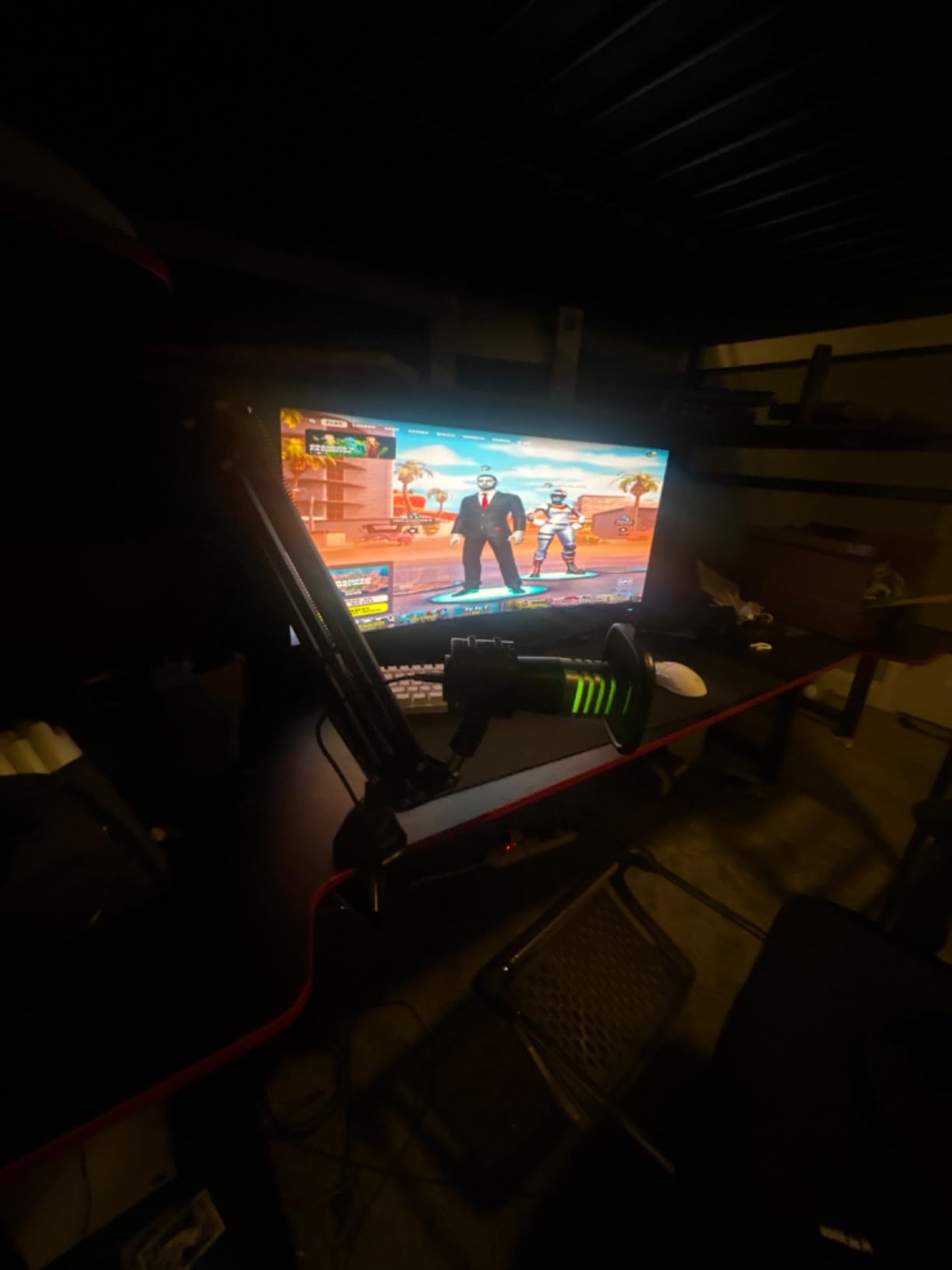
The TC-777 also works on consoles. For a PS5 or PS4 player who wants better game chat audio, the TC-777 is one of the few sub-$25 mics that supports console USB audio input out of the box, and TONOR’s customer service is widely cited as responsive when something goes wrong.
The honest compromises start with the stock tripod, which holds the mic with rubber bands that can let it slip downward over a long recording session. The pop filter arm is also thin and bends easily. In a noisy room, the cardioid pattern still picks up keyboard clatter and HVAC noise. None of these issues are deal-breakers at this price, but if your recordings are more than casual, plan to upgrade the stand and pop filter.
Who should buy the TONOR TC-777
The TC-777 is the right pick for a first-time buyer on a strict budget, a parent buying a child’s first recording mic, a casual console gamer, or a remote worker who needs an obvious upgrade over a headset mic without spending much. For about the price of a dinner out, you get a complete kit that works.
Who should skip the TONOR TC-777
If you record more than a few times a week or you want one mic that will last through several years of use, spend a bit more and get the FIFINE K669B. The metal body and tighter cardioid pattern are worth the small step up.
6. FIFINE K678 USB Podcast Mic – Best Single-Purpose Vocal Mic
FIFINE K678 USB Podcast Microphone for Recording Streaming
USB cardioid condenser
3.5mm monitoring
Mute button
All-metal
Pros
- Crystal clear audio with strong background noise rejection from a tight cardioid capsule
- Solid all-metal body with a die-cast zinc weighted base
- Quick-mute button with LED status indicator (green active
- red muted)
- Zero-latency 3.5mm headphone monitoring with adjustable volume knob
- Plug-and-play on Windows
- Mac
- and PlayStation without drivers
- Adjustable mic gain for precise level control without software
Cons
- USB port is on the bottom of the body
- which prevents use with most boom arms
- Small smooth rear knobs can be hard to grip for quick adjustments
- Mute button does not sync with Zoom's in-app mute icon
- The mic body can have slight play even when the mounting knobs are tightened
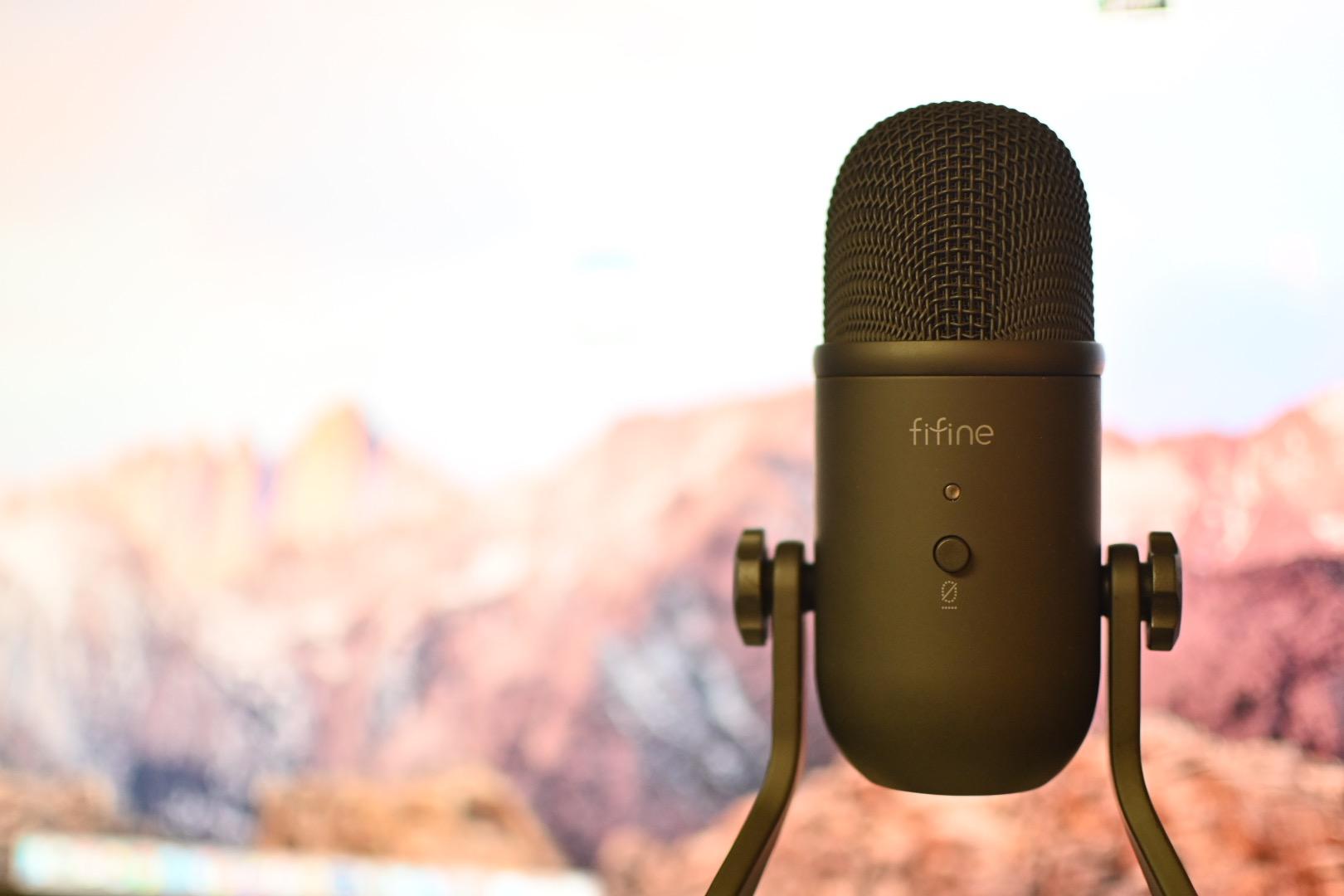
The FIFINE K678 is the mic I recommend when a reader wants one serious USB condenser for podcasting or voiceover and does not need a full boom-arm kit. It is the “no-frills, do one thing well” option in this roundup: a heavy all-metal body, a tight cardioid capsule, a hardware mute button, and a real headphone monitoring jack. Nothing flashy, just the right features in the right places.
Sonically, the K678 sits between the T669 and the K669B in character. It is slightly brighter than the T669, which makes spoken word cut through more aggressively in a podcast mix, and slightly less bright than the Blue Yeti, which keeps long sessions from getting fatiguing. The cardioid pattern is implemented tightly enough that I could record in the same room as a desktop fan and still get a usable take.
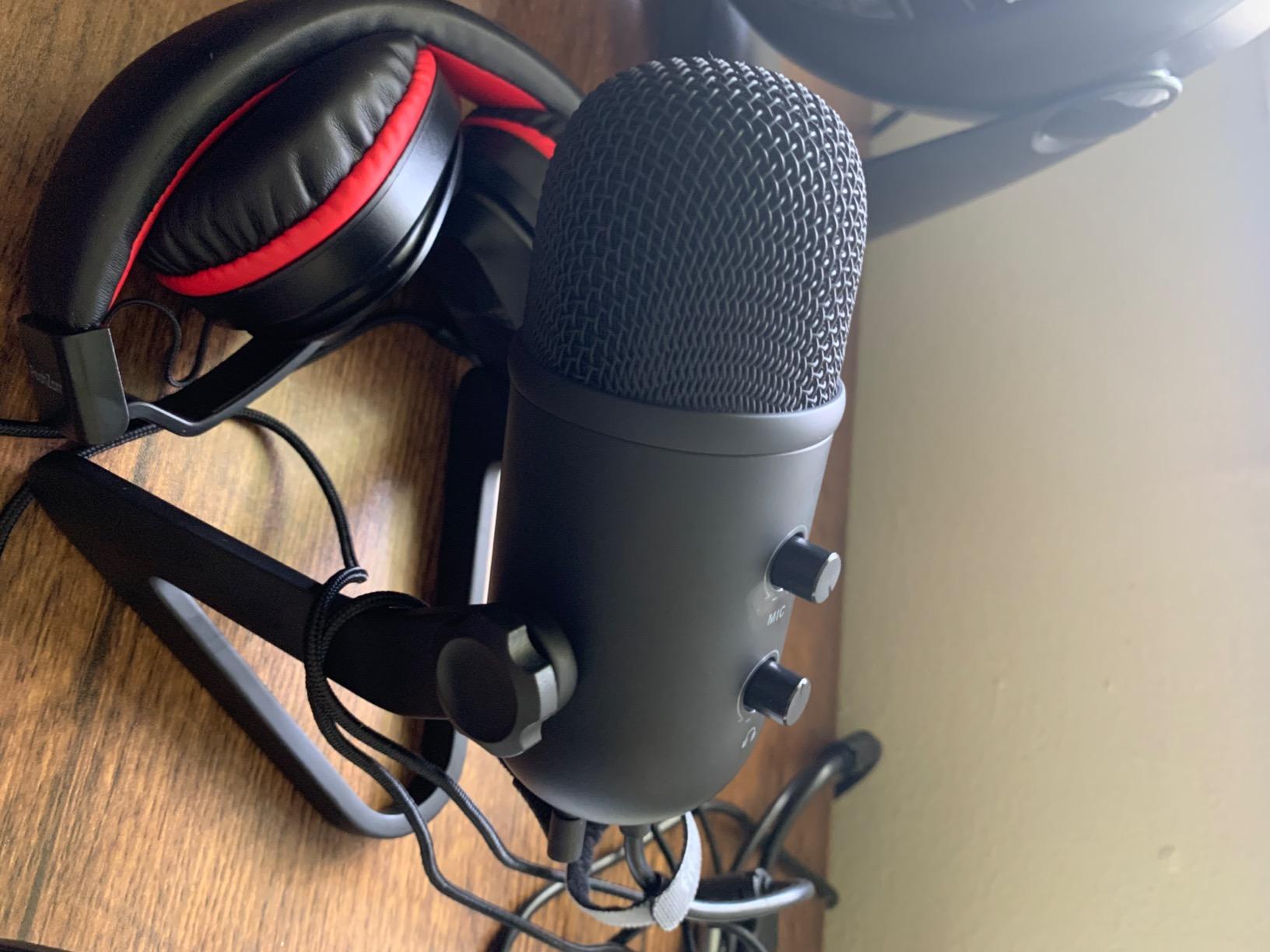
The hardware mute button is a quiet star of the K678. For podcasters recording interviews, a hardware mute is faster and more reliable than a software hotkey. The 3.5mm headphone jack with adjustable monitoring volume is the other feature that elevates the K678 over cheaper USB mics; zero-latency monitoring through the mic itself is genuinely useful when tracking a vocal.
The K678 has two design quirks to know about. First, the USB port is on the bottom of the mic body, which means most third-party shock mounts and boom arms will not fit around it. The mic is meant to live on its included desktop stand. Second, the rear control knobs are smooth and small; some users with larger hands find them fiddly. The mic body also has slight play in the stand mount even when fully tightened.
Who should buy the FIFINE K678
The K678 is the right pick for a podcaster who records solo or with one remote guest, a voiceover artist who wants a “set it and forget it” USB mic, or a streamer who values a hardware mute button above all else. If you want to mount the mic on a boom arm, look at the T669 instead.
Who should skip the FIFINE K678
If you want a complete starter kit with a boom arm, the T669 is the smarter buy. If you record instruments as well as voice, the MAONO A04 Gen2’s XLR option opens more serious instrument recording paths later.
7. ZealSound K66 USB Podcast Mic – Best Mobile + Desktop Crossover
ZealSound Podcast Microphone for PC, Noise Cancellation USB Mic with Gain, Volume Adjustment & Mute Button, Monitoring & Echo, for YouTube, TikTok, Podcasting, Streaming, iPhone, iPad, Android, Mac
USB cardioid condenser
USB-C + Lightning adapters
Built-in noise reduction
Real-time monitoring
Pros
- Built-in noise reduction mode improves clarity in untreated rooms
- Comes with both USB-C and Lightning adapters for iPhone and iPad recording
- Real-time zero-latency monitoring through a 3.5mm headphone jack
- Dedicated physical knobs for mic gain
- monitoring volume
- and echo
- True plug-and-play with no drivers or extra software on any device
- Instant mute button with a clear LED indicator for live calls
Cons
- USB-C adapter cable is short and may not clear a thick phone case
- Designed for single voice; overlapping voices can sound robotic
- Background noise reduction can occasionally cut the vocal in some environments
- Plosives can come through sharp if the windscreen is misaligned
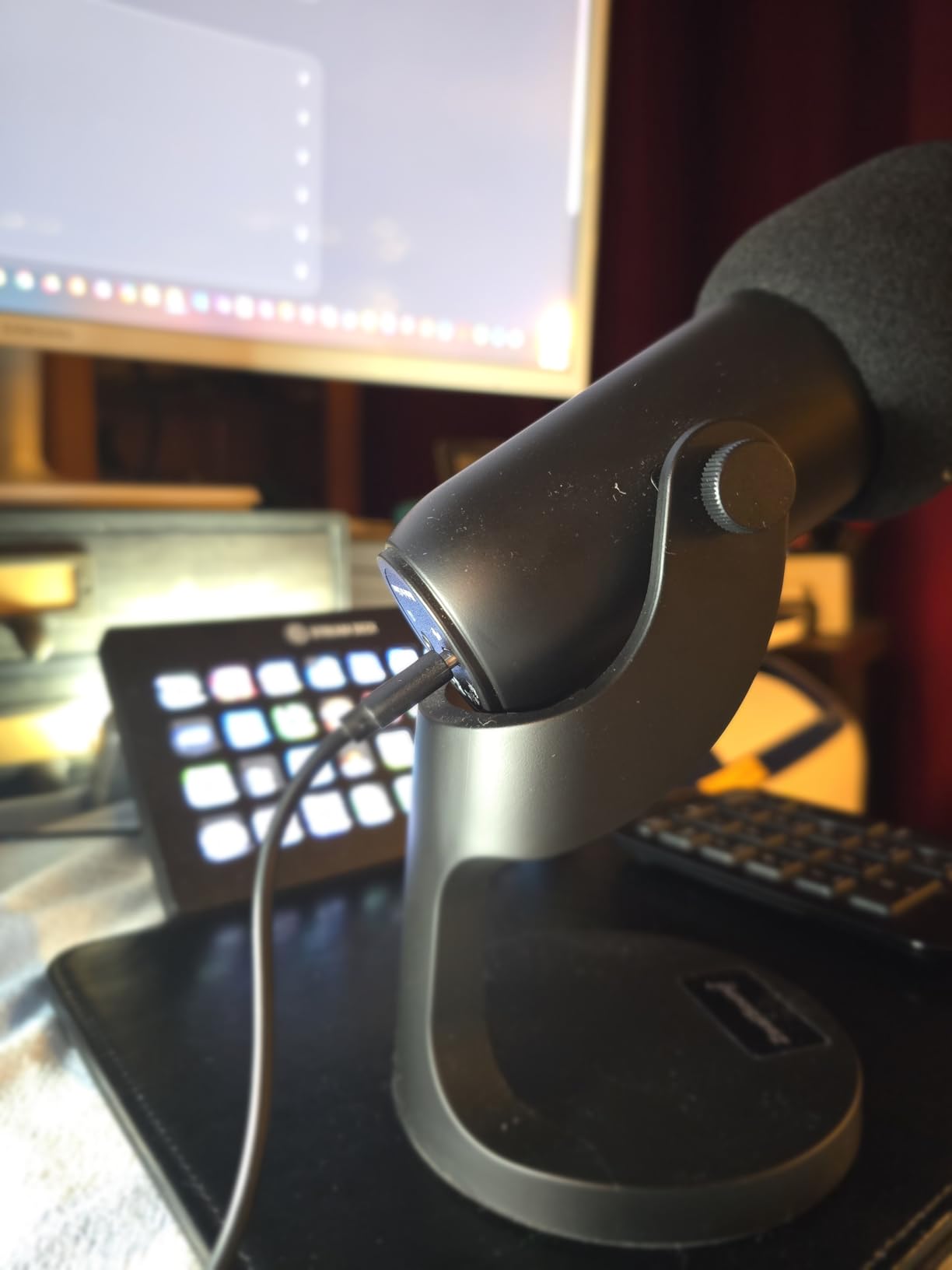
The ZealSound K66 is the most flexible USB mic in this roundup for a buyer who records in more than one place. It works on a desktop, a laptop, a PS5, an iPhone, an iPad, and any USB-C phone or tablet thanks to the included adapters. For someone who records a podcast at home and a quick voice memo on the road, the K66 removes the “which mic do I bring” problem entirely.
The K66 also packs in hardware controls that other budget USB mics skip: a mic gain knob, a monitoring volume knob, an echo knob, an instant mute button, and a noise-reduction mode that activates with a long press of the mute. On a phone or tablet, those controls matter more than they do on a laptop, because mobile recording apps usually lack the built-in processing of a desktop DAW.

Sound-wise, the K66 is a clear step up from a phone’s built-in mic, with enough detail for spoken voice and casual acoustic instrument recording. The cardioid pattern is moderately tight, and the built-in noise reduction makes a real difference in a coffee shop or a noisy commute. The 46kHz sampling rate is higher than several more expensive USB mics, which gives the preamp some headroom.
The compromises at this price are mostly about the mobile experience. The included USB-C adapter cable is short and may not clear a thick phone case; if you record with a case on, plan to use a longer USB-C cable. The noise reduction mode can occasionally cut the vocal in a quiet recording. And the mic is designed primarily for a single voice; overlapping talkers can sound processed.
Who should buy the ZealSound K66
The K66 is the right pick for a content creator who records on both a laptop and a phone, a journalist or interviewer who needs a portable interview mic, a podcaster who wants an all-in-one mobile-friendly setup, or a remote worker who bounces between home, a coffee shop, and a hotel room.
Who should skip the ZealSound K66
If you only ever record at one desk, the FIFINE K678 has a tighter cardioid and a more “studio” sound. If you need multiple pickup patterns for interviews, the Blue Yeti is the better fit.
8. FIFINE AmpliGame A6V USB Gaming Mic – Best Gaming and Streaming Aesthetic
FIFINE AmpliGame A6V USB Gaming Microphone, Condenser RGB Mic for Streaming
USB cardioid condenser
192kHz/24bit
Tap-to-mute button
Gradient RGB
Pros
- Tap-to-mute button with RGB indicator is fast and reliable for live streams
- Gradient RGB lighting cycles through seven colors to match a streaming setup
- 192kHz sampling rate with a 70dB signal-to-noise ratio for clean audio
- Plug-and-play on PC
- Mac
- and PS5 with no extra software required
- Sturdy metal and ABS build with a weighted tripod stand included
- Affordable price point for a mic that does not look like a budget USB mic
Cons
- Background noise is still picked up without third-party noise suppression
- Touch mute button can become less reliable after many months of use
- RGB lighting may be distracting for non-streamers who prefer a sober desk
- The shock mount can be awkward to fit cleanly around the mic body
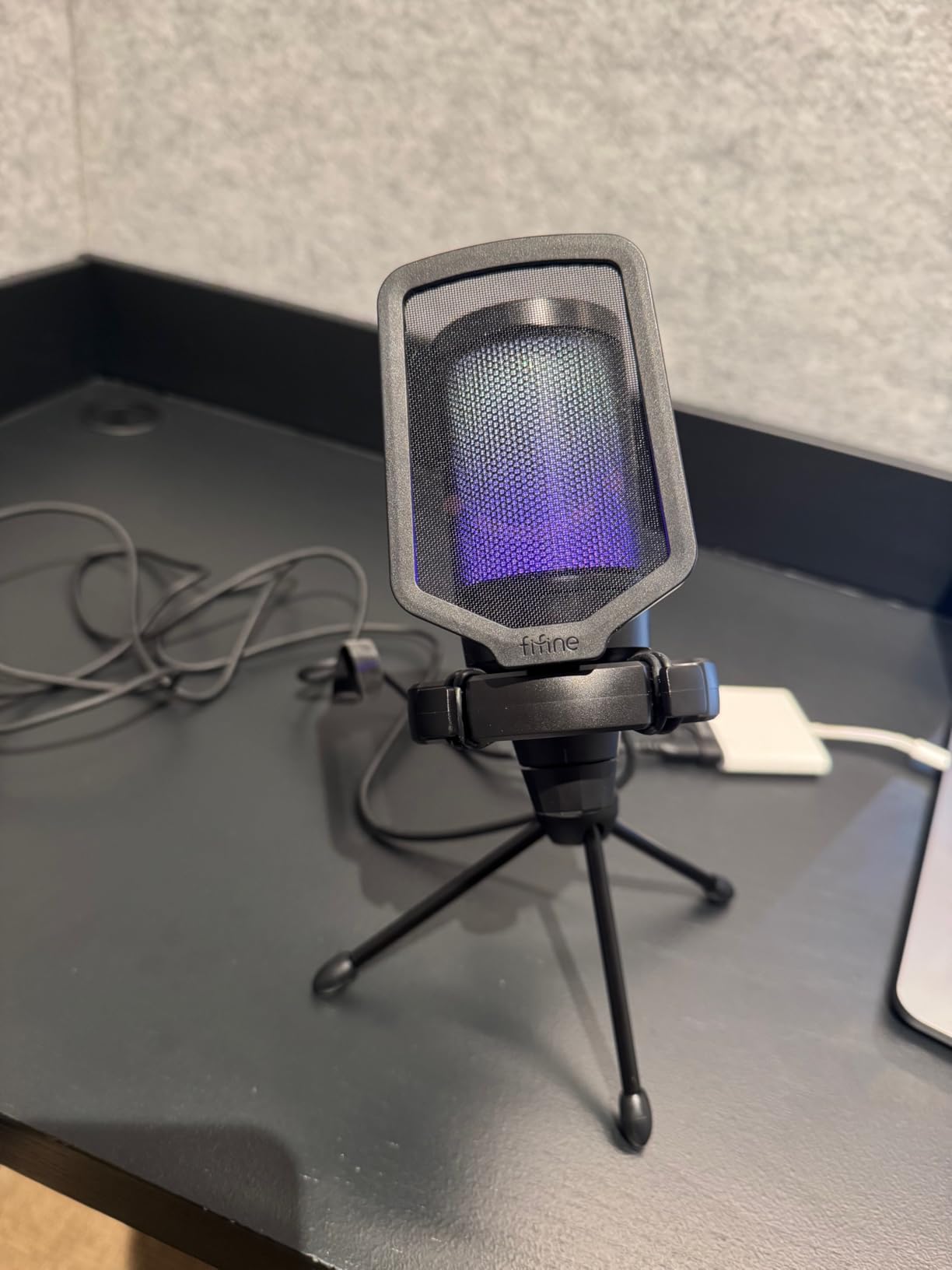
The FIFINE AmpliGame A6V is the only mic on this list designed first and foremost for gaming and streaming aesthetics. The gradient RGB lighting cycles through seven colors under the mic, the iF Design Award-winning chassis looks at home on a Twitch setup, and the tap-to-mute button is genuinely useful when a streamer needs to cough, swear, or take a call without broadcasting it. At its price, the A6V punches well above its weight class.
Underneath the flashy exterior, the A6V is a serious USB condenser. The 192kHz sampling rate is high for the tier, and the 70dB SNR keeps the preamp hiss below the level of normal room noise. On spoken voice, the A6V sounds slightly warmer than the FIFINE K678, which gives long streaming sessions a more forgiving character. On a quiet gaming voice chat, the cardioid pattern does a credible job of rejecting keyboard and mouse noise.
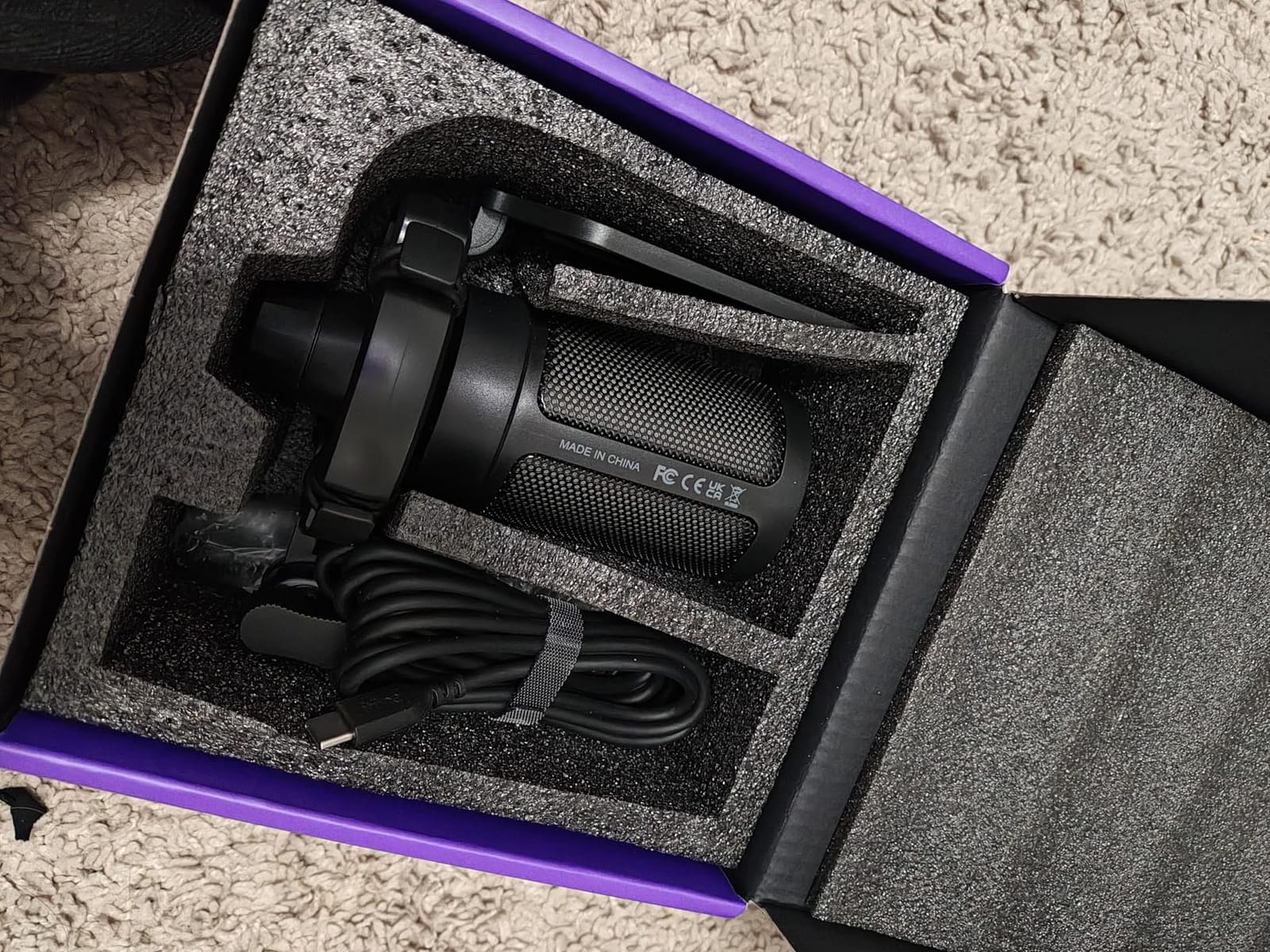
The included shock mount, pop filter, and weighted tripod mean the A6V is essentially ready to use out of the box. For a buyer who wants one mic that looks the part on camera and does not require a separate boom-arm purchase, the A6V removes a lot of friction from the setup process.
The honest list of trade-offs starts with the touch-mute button, which some long-term users report becoming less reliable after many months of daily use. The RGB lighting is a clear aesthetic plus for streamers but can be a distraction for buyers who just want a clean desk. And as with most USB condensers in this tier, the A6V does not have built-in noise suppression, so a noisy room will still leak into the recording.
Who should buy the FIFINE AmpliGame A6V
The A6V is the right pick for a Twitch or YouTube streamer who wants a mic that matches a streaming setup visually, a console gamer who wants better party-chat audio, or a casual content creator who values a tap-to-mute button over a software hotkey.
Who should skip the FIFINE AmpliGame A6V
If you do not want RGB lighting on your desk, pick the FIFINE K678 or the T669. If you record music or podcasts primarily, the Blue Yeti’s multiple pickup patterns or the T669’s complete accessory kit are smarter buys.
How to Choose the Best Condenser Microphone Under $100
A condenser microphone under $100 is a microphone that uses a thin, electrically charged diaphragm vibrating against a backplate to convert sound into an electrical signal, which is then amplified for recording. Compared with a dynamic microphone (the kind you see on a live stage), a condenser captures more high-frequency detail and more transient “air” around the source. That is why condensers are the standard for studio vocals, podcast voice, and acoustic instruments. The trade-off is sensitivity: a condenser also picks up more room noise, so a quiet recording space matters.
XLR vs USB: Which Should a Beginner Buy?
The single biggest decision you will make is USB versus XLR. A USB microphone plugs straight into your computer and shows up as an audio device, no extra hardware required. An XLR microphone needs an audio interface (and usually a cable) to reach your computer. USB is the right pick if you want one purchase that just works. XLR is the right pick if you already own an interface or you want to grow into a more serious signal chain.
The MAONO A04 Gen2 in this roundup is one of the rare budget condensers that supports both USB and XLR, so you can start with USB and move to XLR later without replacing the mic. For most first-time buyers, however, a USB mic is the simplest path to clean recordings.
Do Condenser Mics Need Phantom Power?
Most XLR condenser microphones need +48V phantom power to operate. Phantom power is a DC voltage sent from your audio interface (or preamp) up the XLR cable to the microphone. USB condenser mics do not need phantom power because they draw what they need from the USB bus. If you buy an XLR condenser, make sure your interface can supply +48V (virtually all modern interfaces can).
Cardioid, Omni, and Figure-8: Polar Patterns Explained
A polar pattern describes which directions a microphone picks up sound from. A cardioid pattern picks up mostly from the front and rejects the back, which is what you want for solo voice in a noisy room. An omnidirectional pattern picks up equally from all directions, which is great for capturing a room or a group. A figure-8 (bidirectional) pattern picks up from the front and back but rejects the sides, which is ideal for a two-person interview across a table. The Blue Yeti offers all three plus stereo, which is why it is so popular for podcasts with co-hosts.
Large-Diaphragm vs Small-Diaphragm Condensers
Large-diaphragm condensers are the classic “studio vocal” mic, with a capsule usually one inch or larger. They tend to sound fuller and warmer, and they flatter the human voice. Small-diaphragm condensers have a smaller capsule (usually half an inch or so) and tend to sound more accurate and consistent, which is why engineers often reach for them on acoustic instruments and drum overheads. Most of the budget USB mics in this roundup are large-diaphragm designs, which is the right call for vocals and podcasting.
What Else You Need to Start Recording
A condenser mic is the start, not the end, of a usable recording chain. For a USB setup, you also want a pop filter (cheap, essential for plosives), a mic stand or boom arm (the FIFINE T669 ships with one), and a pair of closed-back headphones for monitoring. For an XLR setup, you need an audio interface (the Focusrite Scarlett Solo and PreSonus AudioBox are common first-interface choices), an XLR cable, and ideally a shock mount. If you record acoustic instruments, a high-pass filter switch on your interface helps reduce low-end rumble from the room.
Best Condenser Microphones for Classical and Acoustic Instruments
Recording violin, cello, acoustic guitar, or classical voice in a home setting is one of the most demanding tasks you can throw at a budget condenser. None of the eight USB mics in this roundup is a dedicated small-diaphragm instrument mic, but several of them handle acoustic instruments well when paired with a quiet room, a shock mount, and a pop filter. The MAONO A04 Gen2 is the strongest acoustic-instrument choice in this roundup thanks to its 192kHz/24bit resolution and XLR upgrade path; the FIFINE T669 is the strongest USB-only choice because its boom arm and shock mount reduce handling noise and room rumble. For a more serious classical setup, the Audio-Technica AT2020 (an XLR-only mic that requires an interface) remains the gold-standard budget option that this roundup’s USB picks are trying to match.
If you are looking for a broader roundup of condenser mics across price tiers, our guide to the 9 Best Condenser Microphones covers higher-budget options, and the 12 Best Large-Diaphragm Condenser Microphones roundup is the right next step if you want to move beyond the sub-$100 bracket. For readers who want to stay with USB but expand the search, our 10 Best USB Microphones Under $100 guide complements this one well.
Frequently Asked Questions
What is the best and most affordable condenser microphone?
The Audio-Technica AT2020 remains the benchmark for an affordable condenser microphone under $100, but it is an XLR-only mic that requires an audio interface. For a USB-only path, the FIFINE T669 is the best affordable all-around choice because it ships with a boom arm, shock mount, and pop filter, and it produces clean, warm audio for podcasting, vocals, and acoustic instruments.
What is the best affordable condenser mic for recording vocals?
For solo vocals in a home studio, the FIFINE T669 USB Studio Kit is the strongest affordable condenser because of its warm cardioid character and complete accessory kit. If you plan to grow into a real interface, the MAONO A04 Gen2 dual XLR+USB mic captures more vocal detail and gives you an upgrade path. Both mics handle spoken and sung vocals cleanly without sounding thin.
What is the 3:1 rule for mics?
The 3:1 rule for microphones states that when you are using multiple mics on the same source (or miking one source with another nearby), the distance between any two mics should be at least three times the distance from each mic to its source. This prevents comb-filtering cancellation and phase problems. For a single-mic home recording, the rule mostly reminds you to keep the mic close enough to the source that the room sound does not dominate.
What are some affordable condenser microphones?
Popular affordable condenser microphones include the Audio-Technica AT2020 (XLR classic), the FIFINE T669 (USB kit), the FIFINE K669B (sub-$30 USB), the Logitech Blue Yeti (multi-pattern USB), the MAONO A04 Gen2 (XLR+USB hybrid), the TONOR TC-777 (budget USB), the FIFINE K678 (single-purpose USB vocal), the ZealSound K66 (mobile-friendly USB), and the FIFINE AmpliGame A6V (streaming USB with RGB). Each fits a different budget and use case.
Is the AT2020 still a good mic in 2026?
Yes, the Audio-Technica AT2020 is still an excellent microphone in 2026. It is the long-running benchmark for budget XLR condensers and consistently appears on recommended lists, including Reddit threads for under-$100 home recording. The AT2020 requires +48V phantom power from an audio interface, so if you want a USB-only path the FIFINE T669 is the closest USB alternative in this roundup.
What is phantom power and why do I need it?
Phantom power is a +48V DC voltage that an audio interface or preamp sends up an XLR cable to power a condenser microphone. Most XLR condenser mics need phantom power to operate; USB condenser mics do not, because they draw power from the USB connection. If you buy an XLR condenser, make sure your interface can supply +48V phantom power, which virtually all modern interfaces can.
Final Verdict: Which Under-$100 Condenser Should You Buy?
The best condenser microphone under $100 depends on what you already own and what you plan to record. For a first-time buyer who wants one purchase that includes every accessory, the FIFINE T669 USB Studio Kit is the right call: it ships with a boom arm, a shock mount, and a pop filter, sounds clean and warm, and costs less than buying a mic and accessories separately. For a podcaster who needs multiple pickup patterns for co-hosts and interviews, the Logitech Blue Yeti remains the most flexible USB condenser you can buy at this price. For a buyer on a hard $30 budget, the FIFINE K669B delivers surprising quality in a metal body. And for a buyer who plans to grow into a real interface, the MAONO A04 Gen2 is the rare budget condenser that supports both USB and XLR today.
Whichever mic you pick, remember that the microphone is only half the equation. A pop filter, a shock mount (or a quiet desk), and a treated or quiet room will do more for your sound than another fifty dollars spent on a fancier mic. If you are still choosing between USB and XLR, our guides to the best USB microphones under $100 and the best condenser mics for home studio vocals can help you narrow the field further. Pick the mic that matches your room, your recording style, and your upgrade path, and you will be making recordings you are proud of well beyond 2026.