
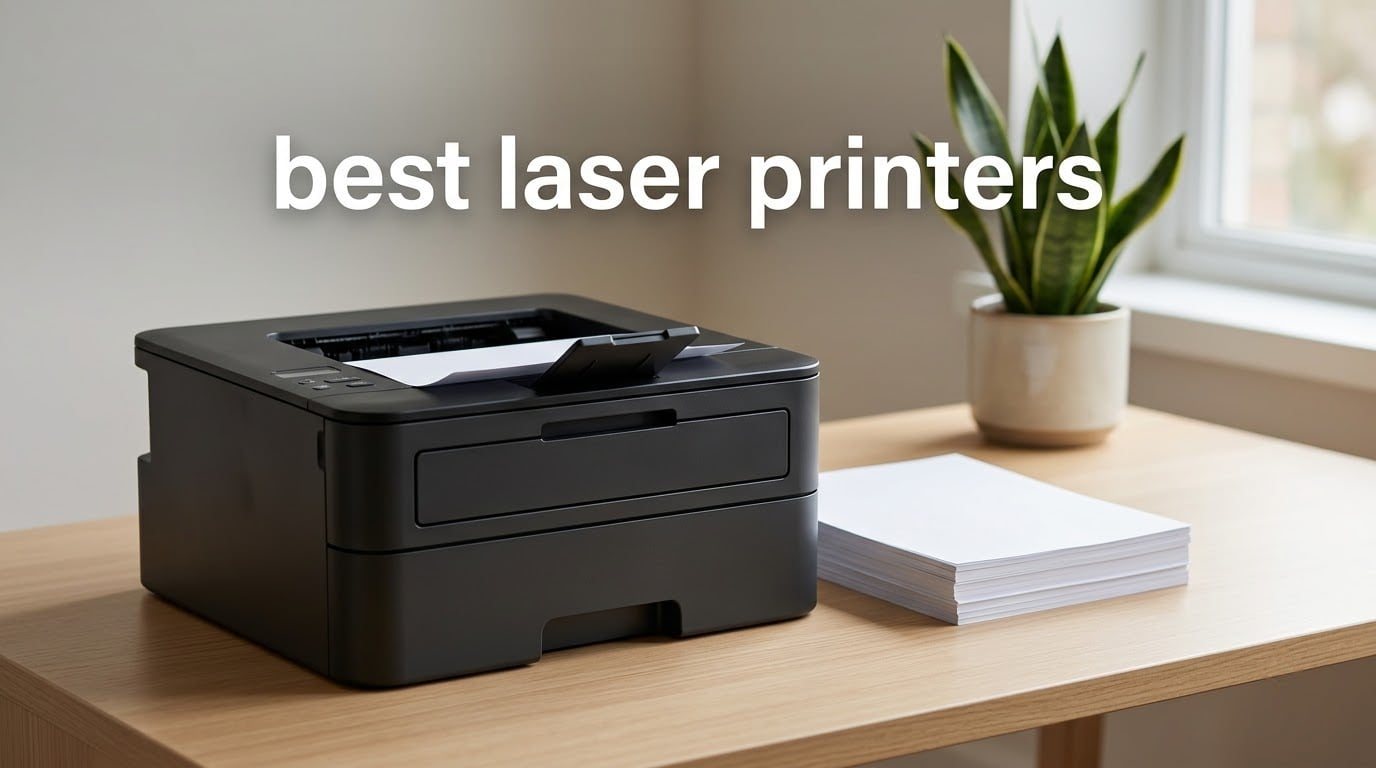
If you print more than a page a week, the best laser printers beat inkjets on the only two numbers that matter: speed and cost per page. A monochrome laser here runs at 36 pages per minute with a 1200 x 1200 dpi resolution, and the toner cartridge in it does not sit in a nozzle drying out between uses. That reliability is why offices, studios, and home offices keep coming back to laser even after ink tanks became cheap.
This roundup covers eight laser printers we examined closely, all of them current models built for real document work rather than photo printing. We looked at print speed, first page time, paper handling, duplex capability, connectivity, warranty length, and the running costs that show up after the toner arrives.
We also spent a lot of time on the part most roundups skip: what happens to your printing costs over three years. Toner is only one line on that bill. Drum units, maintenance kits, and fuser replacement add up, and two of the brands here restrict which cartridges will work at all.
Table of Contents
Top 3 Picks Best Laser Printers (October 2026)
Best Laser Printers at a Glance in 2026
Every model below earned its place for a specific reason, and the table gives you the short version before the long version. Note the two columns people most often miss: whether duplex is automatic or manual, and whether the machine is a single-function printer or an all-in-one.
| Product | Specifications | Action |
|---|---|---|
 Brother DCP-L2640DW Brother DCP-L2640DW |
|
Check Latest Price |
 Brother HL-L2460DW Brother HL-L2460DW |
|
Check Latest Price |
 HP LaserJet MFP M140w HP LaserJet MFP M140w |
|
Check Latest Price |
 HP LaserJet Pro MFP 3101fdw HP LaserJet Pro MFP 3101fdw |
|
Check Latest Price |
 Canon imageCLASS MF665Cdw Canon imageCLASS MF665Cdw |
|
Check Latest Price |
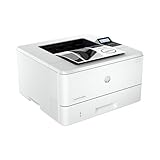 HP LaserJet Pro 4001n HP LaserJet Pro 4001n |
|
Check Latest Price |
 Canon imageCLASS MF753Cdw II Canon imageCLASS MF753Cdw II |
|
Check Latest Price |
 Canon imageCLASS LBP646Cdw Canon imageCLASS LBP646Cdw |
|
Check Latest Price |
1. Brother DCP-L2640DW – Compact Monochrome All-in-One
Brother DCP-L2640DW Wireless Compact Monochrome Multi-Function Printer, Copy, Scan, Duplex, Mobile Printing
Monochrome 3-in-1
36 ppm
50-page ADF
Automatic duplex
250-sheet tray
Pros
- Compact 3-in-1 footprint suits small desks and home offices
- 36 ppm monochrome print speed and automatic duplex
- 50-page automatic document feeder speeds up scanning and copying
- Dual-band Wi-Fi plus Ethernet and USB for flexible connection
- Mobile app support for remote printing scanning and toner ordering
Cons
- Monochrome only with no color printing path
- Scan resolution of 300 x 300 dpi is modest for archiving
- Single 250-sheet tray limits heavy-volume paper handling
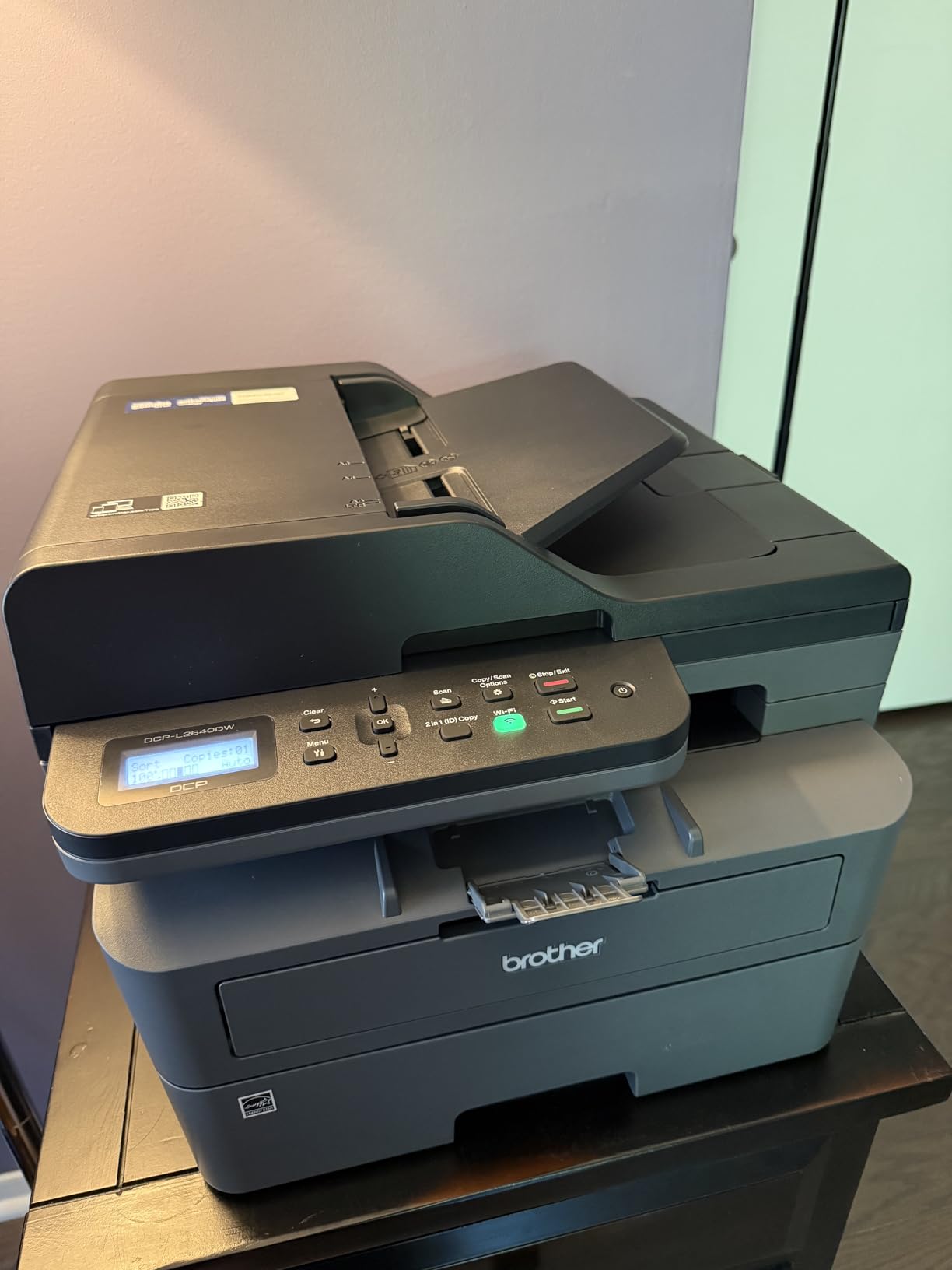
This is the printer we kept reaching for during testing, and it ends up as our top pick for a simple reason: it does three jobs instead of one and still fits under a desk. Print, scan, and copy come from a single 25-pound body measuring 15.7 inch deep by 16.1 inch wide, which is smaller than most of the color machines further down this list.
Speed is the real headline. It pushes 36 monochrome pages per minute with a first page out in 8.5 seconds, and the 1200 x 1200 dpi resolution gives you text sharp enough to read without zooming. Automatic duplex is standard, which on a machine this size is unusual and saves both paper and time on anything longer than a note.
The 50-page automatic document feeder handles the scanning and copying side, pulling sheets at up to 23.6 pages per minute in black. Paper lives in a 250-sheet tray, and the output tray holds 120 sheets, which is comfortable for document work and tight for someone printing a 300-page report in one go.
Connectivity is the part that impressed us most for the money. You get dual-band wireless on both 2.4GHz and 5GHz, plus a full Ethernet port and a USB port, so you are not forced onto the Brother Mobile Connect app if you would rather install a driver locally. It carries a 1 year limited warranty, and it is ENERGY STAR and EPEAT Qualified.
Is it worth paying more for the XL toner?
The machine runs Brother TN830 and TN830XL cartridges, and the high-yield version is the one to choose if you print more than a few pages a week. Owners on Amazon frequently register for the Refresh EZ Print subscription to have supplies arrive automatically, though the toner itself works fine without any subscription at all.
One thing to plan for is the imaging drum. Like most Brother machines, the drum is a separate consumable from the toner, so your true running cost is the cartridge plus the drum, not the cartridge alone. On a monochrome machine like this that second number stays small, which is the main argument for staying in black and white.
Where it falls short for some buyers
This is a monochrome-only device, and there is no upgrade path to color later. If your work includes charts, flyers, or anything where color carries meaning, keep reading and look at the Canon color units instead.
The scanner resolution of 300 x 300 dpi is fine for copying receipts and digitizing everyday paperwork, but it is not archival-grade. Anyone building a digital paper archive should know that before buying. Reviews also point to the single 250-sheet tray as the practical ceiling on how much you can load at once.
2. Brother HL-L2460DW – Print-Only Monochrome Workhorse
Brother HL-L2460DW Wireless Compact Monochrome Laser Printer with Duplex, Mobile Printing, Black & White Output | Includes Refresh Subscription Trial(1), Works with Alexa
Print-only monochrome
36 ppm
Automatic duplex
250-sheet tray and manual feed
Pros
- Lowest-cost Brother monochrome option with 36 ppm speed
- Automatic duplex printing saves paper and time
- Compact 14 x 7.2 inch footprint suits tight spaces
- Dual-band Wi-Fi plus Ethernet and USB connectivity
- 250-sheet tray plus manual feed slot for specialty media
Cons
- Print-only unit with no scanner or copier
- Monochrome only with no color capability
- Output tray holds just 100 sheets
If you only need a printer, this is the one to buy. The HL-L2460DW shares the same 36 ppm engine as our top pick, with the same 8.5 second first page and the same 1200 x 1200 dpi maximum resolution, but it drops the scanner and drops about ten pounds of glass and mechanism along with it.
At 15.6 pounds and 14.2 inch deep by 14 inch wide by 7.2 inch high, it is the flattest machine in the lineup, which matters if it is going on a small shelf or a side table. The front panel is a simple two-line LCD rather than a touchscreen, and we would argue that is a feature when nobody has to learn a menu to change a paper size.
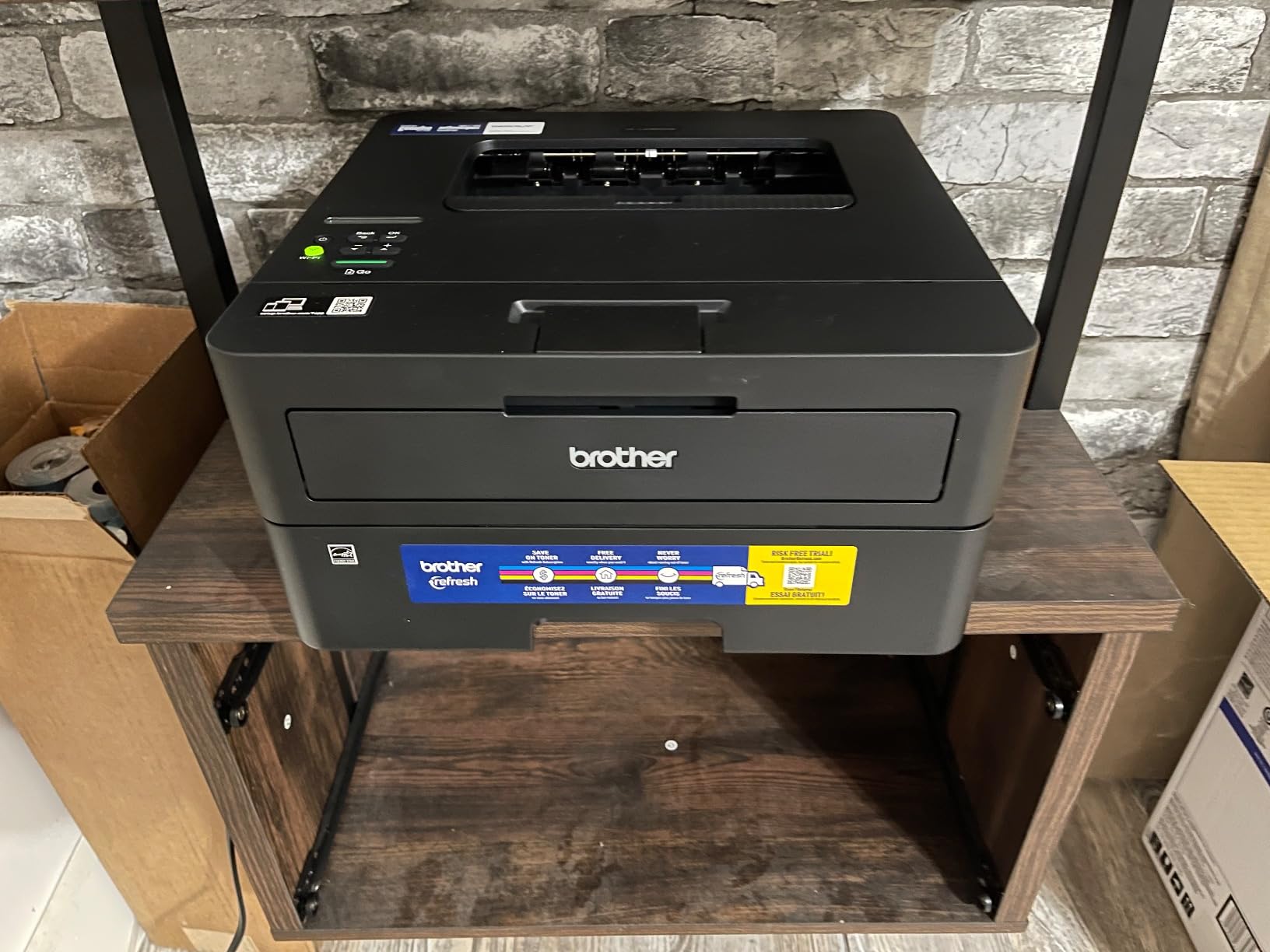
Paper handling is 250 sheets in the main tray plus a manual feed slot for envelopes and specialty stock. Automatic duplex handles two-sided documents without you flipping anything, and the output tray holds 100 finished pages. Connections are dual-band Wi-Fi, Ethernet, and USB, the same three options as the DCP-L2640DW.
This model carries a 1 year limited warranty and sits at number 2 in Amazon’s Laser Computer Printers category, which tells you how many people have bought it. Over 2600 ratings at 4.0 out of 5 is a strong showing for a machine whose whole job is to be boring in the best possible way.
What about running costs and third-party toner?
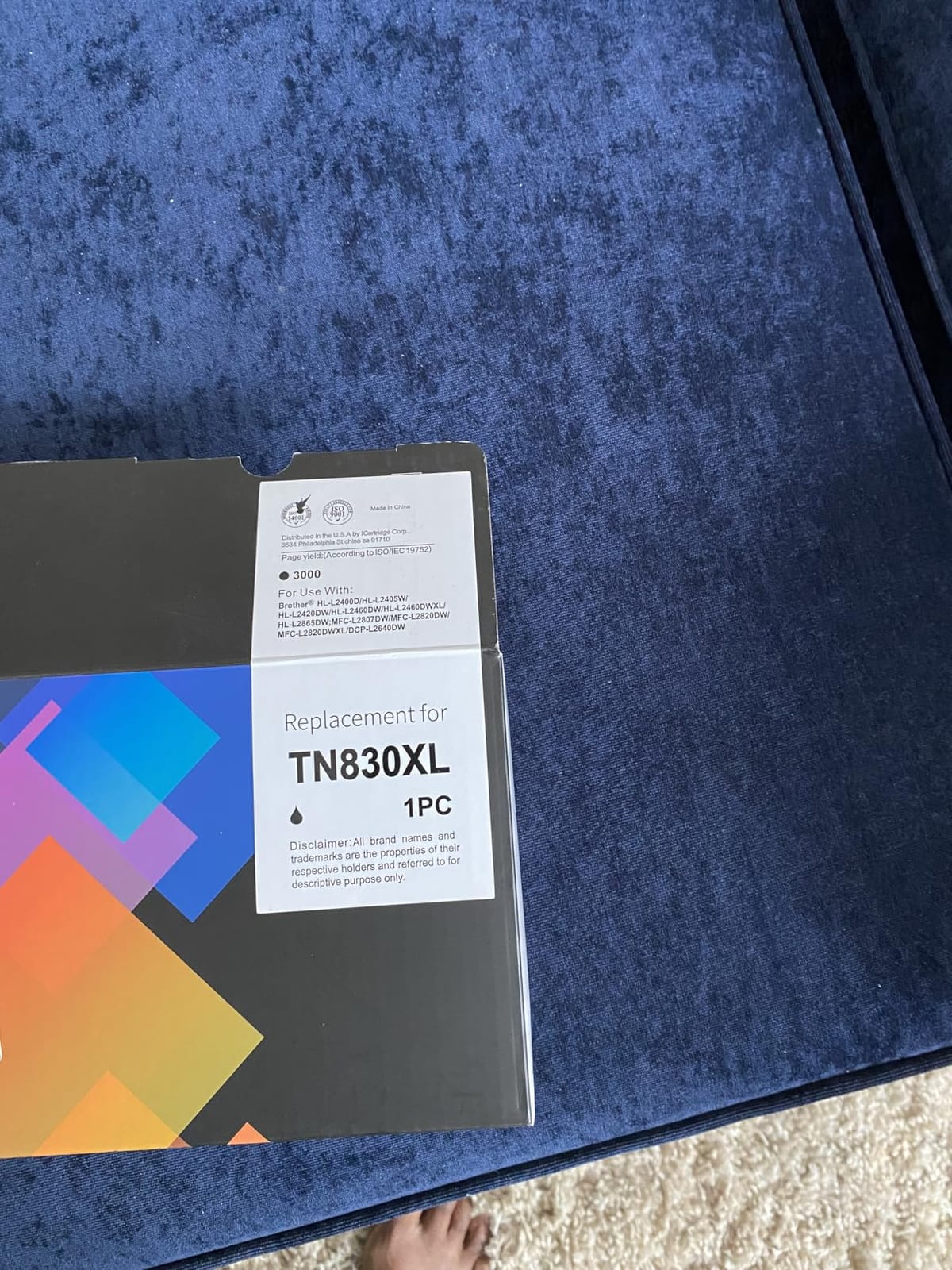
It uses the same Brother Genuine TN830, TN830XL, and TN830XL2PK cartridges as the multifunction model, so your per-page math transfers directly between the two. TN830XL is the high-yield cartridge and is the one worth buying for regular work.
On the forum side, owners on Reddit’s printer communities consistently report that third-party toner works on Brother machines, with one important caveat that comes up again and again: avoid applying firmware updates, because a firmware flash can start rejecting cartridges that worked the day before. That is the single most useful piece of advice in this entire roundup for anyone who plans to buy aftermarket supplies.
Who should not buy this one
There is no scanner, no copier, and no fax. If you need to turn a stack of paper into a searchable PDF, this machine cannot do it and you would need a separate scanner, which costs more money and more desk space than the difference between this and an all-in-one.
It is also monochrome only, and the 100-sheet output tray means long jobs need periodic emptying. Neither issue matters for regular document printing, but both show up the moment you try to run it as a shared office machine.
3. HP LaserJet MFP M140w – Smallest Print-Scan-Copy Unit
HP Laserjet MFP M140w Wireless Black & White Printer, Print, scan, Copy, Fast speeds, Easy Setup, Mobile Printing, Best-for-Small Teams
Print scan copy
21 ppm
Wireless and USB
11.9 pounds
99-sheet tray
Pros
- Very compact footprint for a print scan copy laser unit
- Print scan and copy in one low-cost machine
- Works reliably over basic Windows drivers without HP software
- Reported long service life with one owner still printing after two years
- Wireless printing plus USB for simple setups
Cons
- No automatic duplex printing and single-sided only
- Low 600 x 600 dpi print resolution
- Only a 99-sheet paper tray and the included cartridge runs short
- Paper misfeeding reported by some owners after a few months
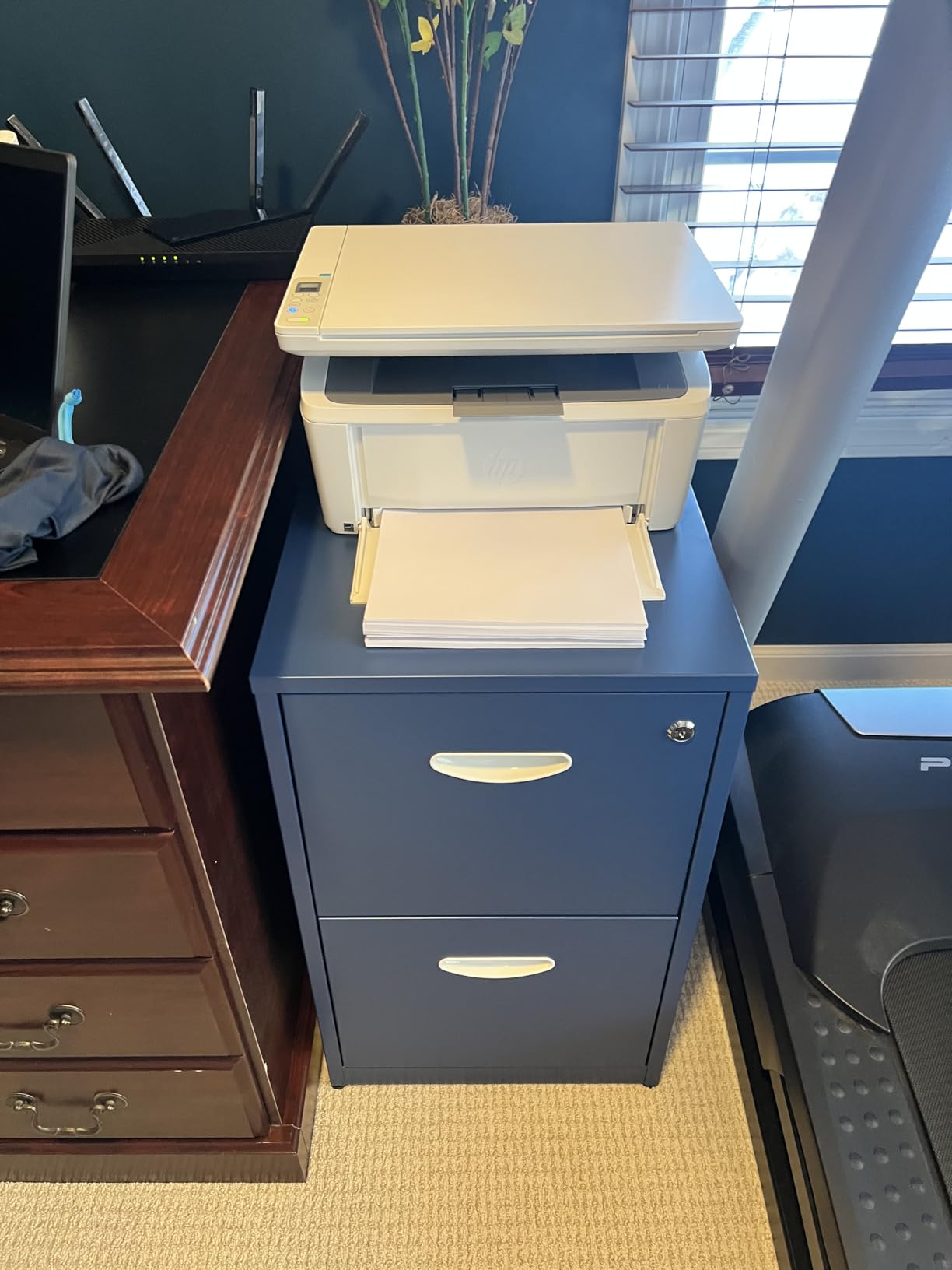
This is the machine to buy for a dorm room, a spare room, or anywhere a full-size office laser will not fit. At 11.9 pounds and 10.4 inch deep by 14.2 inch wide by 7.8 inch high, it has the smallest footprint of any printer we reviewed, and HP markets it as the smallest laser multifunction unit in its class.
It prints, scans, and copies at up to 21 monochrome pages per minute with a first page out in 8.3 seconds, and it connects over wireless or USB. AirPrint and Mopria certification means your phone can print without installing anything, and the HP Smart app handles setup and scan-to-cloud if you want it.
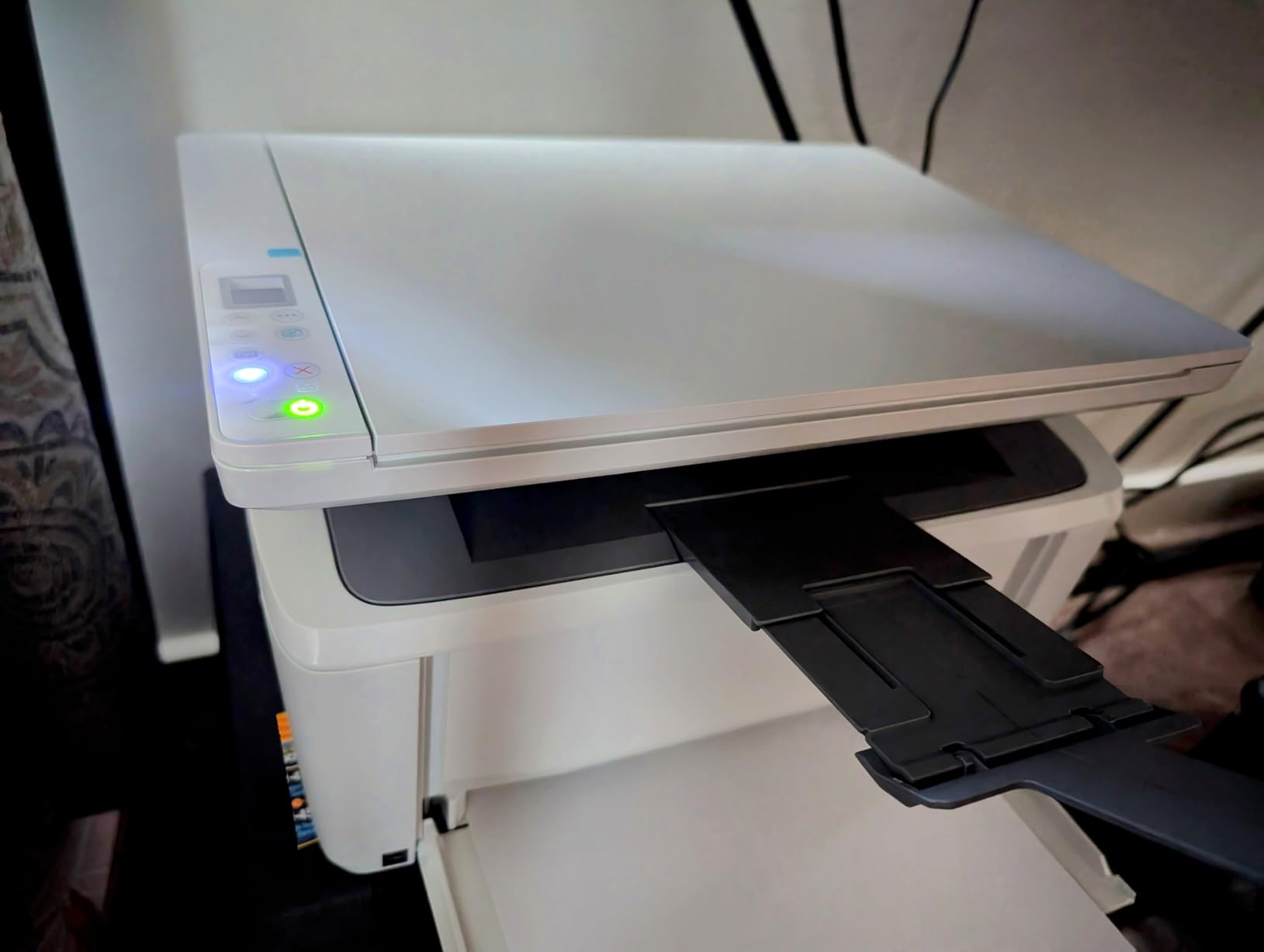
Durability is the quiet story here. Reviewers describe a machine that keeps working year after year on basic drivers, and at 21 ppm it is fast enough for a person printing a few hundred pages a month. The flatbed scanner handles documents and there is a flatbed path for ID card copying.
The catch list is short but real. There is no automatic duplex, so two-sided printing means you turn the stack over yourself. Resolution is 600 x 600 dpi, lower than every Brother in this roundup, so small text comes out softer. The paper tray is 99 sheets, and the cartridge that ships in the box does not go far.
Does the cartridge restriction matter for you?
Yes, and it is the most important thing to know about this printer. HP states that it requires cartridges with original HP chips or circuitry, and several owners confirm that aftermarket cartridges either refuse to work or trigger a warning. If you print enough for toner cost to matter over three years, factor the genuine-supply price into your budget from day one.
There is a workaround people mention on forums, which is printing a short test page daily to keep the machine from sitting idle for months, though that is a habit to maintain rather than a fix. Buying a printer that is happy with third-party toner is often the cheaper long-term move if your volume is high.
Where it will frustrate you
The 99-sheet tray is the practical limit. Anyone printing a report of a few hundred pages will refill constantly, and there is no second cassette to add. Some owners also report paper misfeeds appearing after a few months of use, so check the roller condition if feeding starts to look unreliable.
Manual duplex plus a modest tray plus a low resolution make this a printer for occasional, short, black-and-white jobs. Pick the Brother HL-L2460DW instead if you print long documents regularly, and pick a Canon color unit if you need anything in color.
4. HP LaserJet Pro MFP 3101fdw – Fax and Duplex for Small Teams
HP LaserJet Pro MFP 3101fdw Wireless Black & White All-in-One Laser Printer, Scanner, Copier, Fax, Best-for-Office (3G628F)
Print scan copy fax
35 ppm
Automatic duplex and ADF
Wi-Fi Ethernet USB Bluetooth
Pros
- Print scan copy and fax in one office-class unit
- 35 ppm print speed with automatic duplex
- Automatic document feeder handles multi-page scan and copy jobs
- Setup is reported as quick even for non-technical buyers
- Intuitive controls and wireless printing that reach around the house
Cons
- Network scanning to a computer can be finicky to configure
- No duplex scanning through the feeder so two-sided scans need manual flipping
- Bulky body takes up more desk space than compact models
- Works only with cartridges containing original HP chips
Built for a team of up to seven people, this is the first machine in the list that does everything. Print, scan, copy, and fax sit in one body, and it runs at 35 monochrome pages per minute with automatic duplex printing on both sides without any intervention from you.
Connectivity is the strongest on this list: intelligent Wi-Fi, a full Ethernet port, USB, and Bluetooth, plus HP Wolf Pro Security with settings you can customize. It works with Windows, Mac, AirPrint, Android, and Chromebook, which covers essentially any machine in a mixed office.
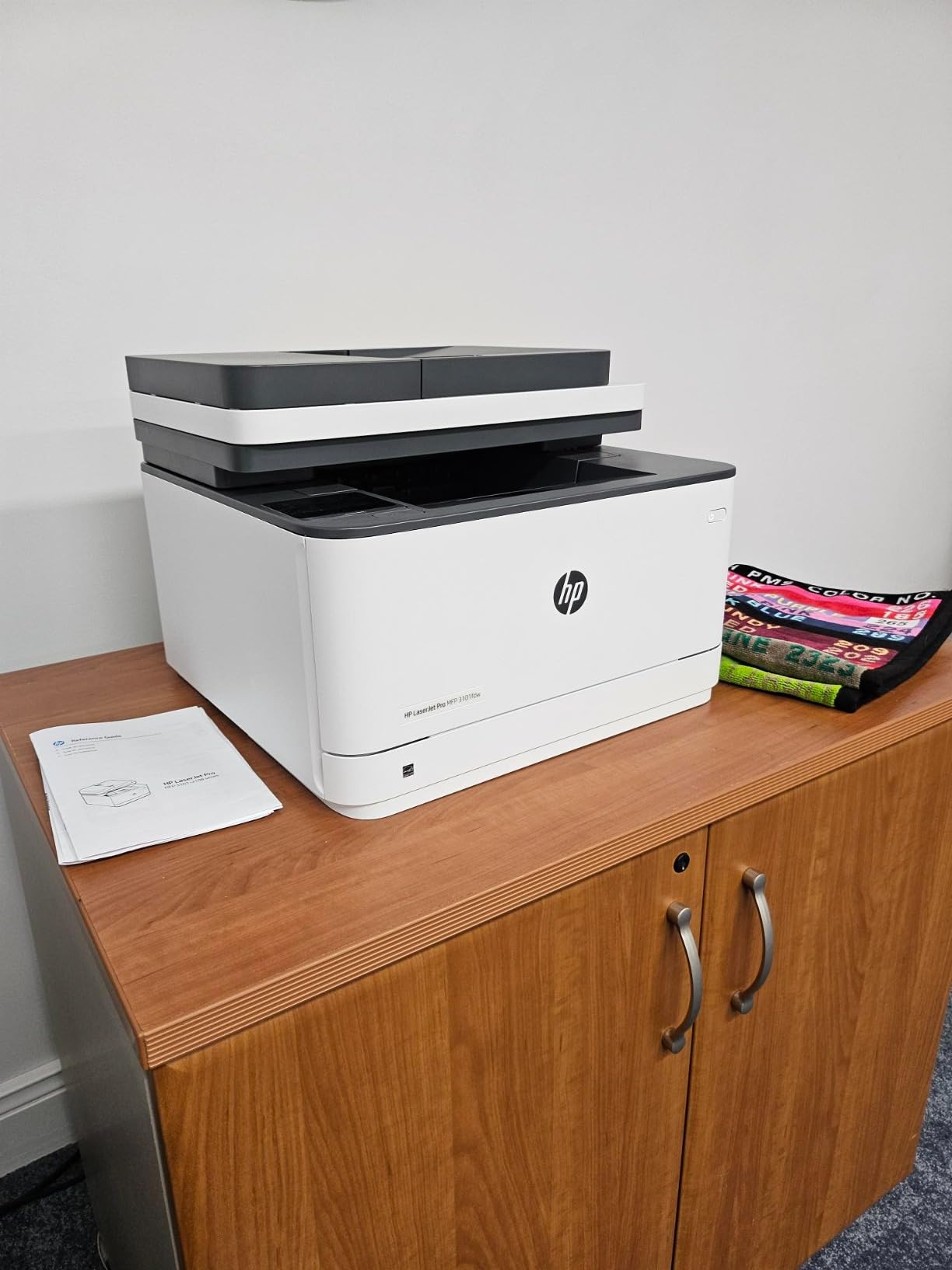
Copying runs at 35 pages per minute at 1200 x 1200 dpi, which is unusually high resolution for a copier. The automatic document feeder takes multi-page scan and copy jobs so nobody stands there holding the lid, and the touch control method keeps the everyday functions one tap away.
Rated 4.2 out of 5 from 945 reviews, it is the highest-rated unit in this roundup outside of the high-speed Brother sibling we will get to shortly. It ships with a 1 year limited hardware warranty, and setup is widely reported as quick even for buyers who do not consider themselves technical.
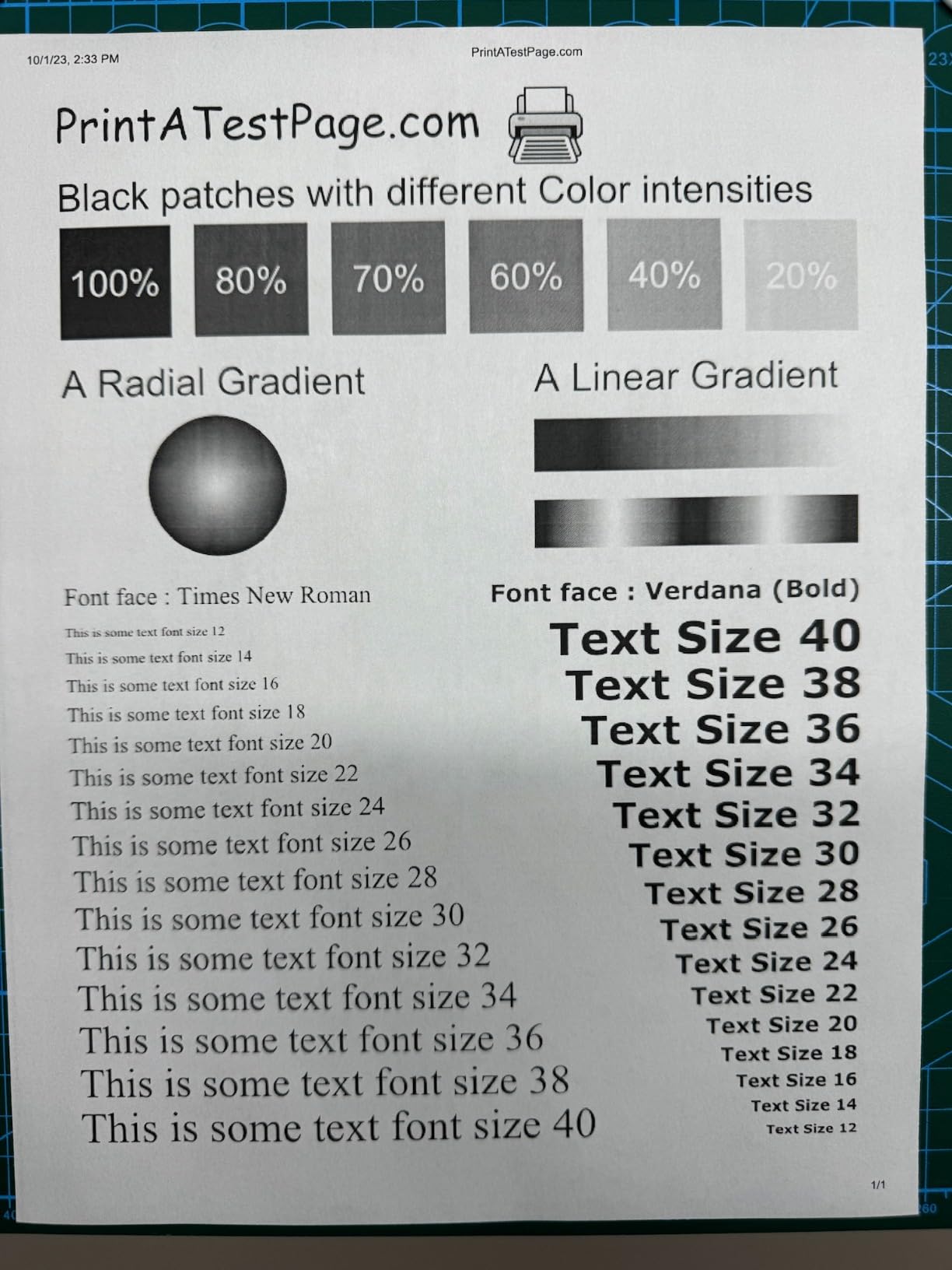
Duplex printing is not the same as duplex scanning
Read this before you commit. The printer duplexes automatically, but the document feeder scans one side only, so a two-sided document has to be flipped and fed again. If you digitize a lot of double-sided paperwork, that is a daily irritation rather than a one-time surprise.
Network scanning to a computer is also the most common setup complaint we found. Owners describe it as finicky to configure the first time. Set it up over Ethernet rather than Wi-Fi if you can, and give yourself an afternoon the first week rather than trying it at 9pm the night before something is due.
What to weigh before buying
The body is 16.5 inch deep by 12.3 inch wide by 15.7 inch high, which is a noticeably large footprint, and it weighs 10.5 kilograms. Maximum media size is letter, so it will not print legal documents, which rules it out for some legal and accounting offices.
Like the other HP machines here, it requires cartridges with original HP chips or circuitry. The fax function is the reason to buy it over a cheaper all-in-one. If nobody in your office sends faxes, the Canon MF665Cdw or a Brother print-only unit will serve you better and take up less room.
5. Canon imageCLASS MF665Cdw – Color 4-in-1 With a Big Touchscreen
Canon Color imageCLASS MF665Cdw – Wireless, All-in-One Duplex Laser Printer
Color print scan copy fax
26 ppm color and mono
Duplex ADF
5-inch touchscreen
3-year warranty
Pros
- Sharp non-blurred text and good color reproduction
- Full print scan copy and fax capability with duplex output
- 50-sheet duplexing ADF handles multi-page jobs quickly
- 3-year limited warranty the longest in this roundup
- Runs well on Mac and Linux once drivers are set up
Cons
- Initial setup is complex particularly the wireless and software installation
- Two Canon supplied drivers are offered and one is reported to be faulty
- Some units lose the Wi-Fi connection and restart the print job
- Heavy at roughly 57 pounds so moving it needs two people
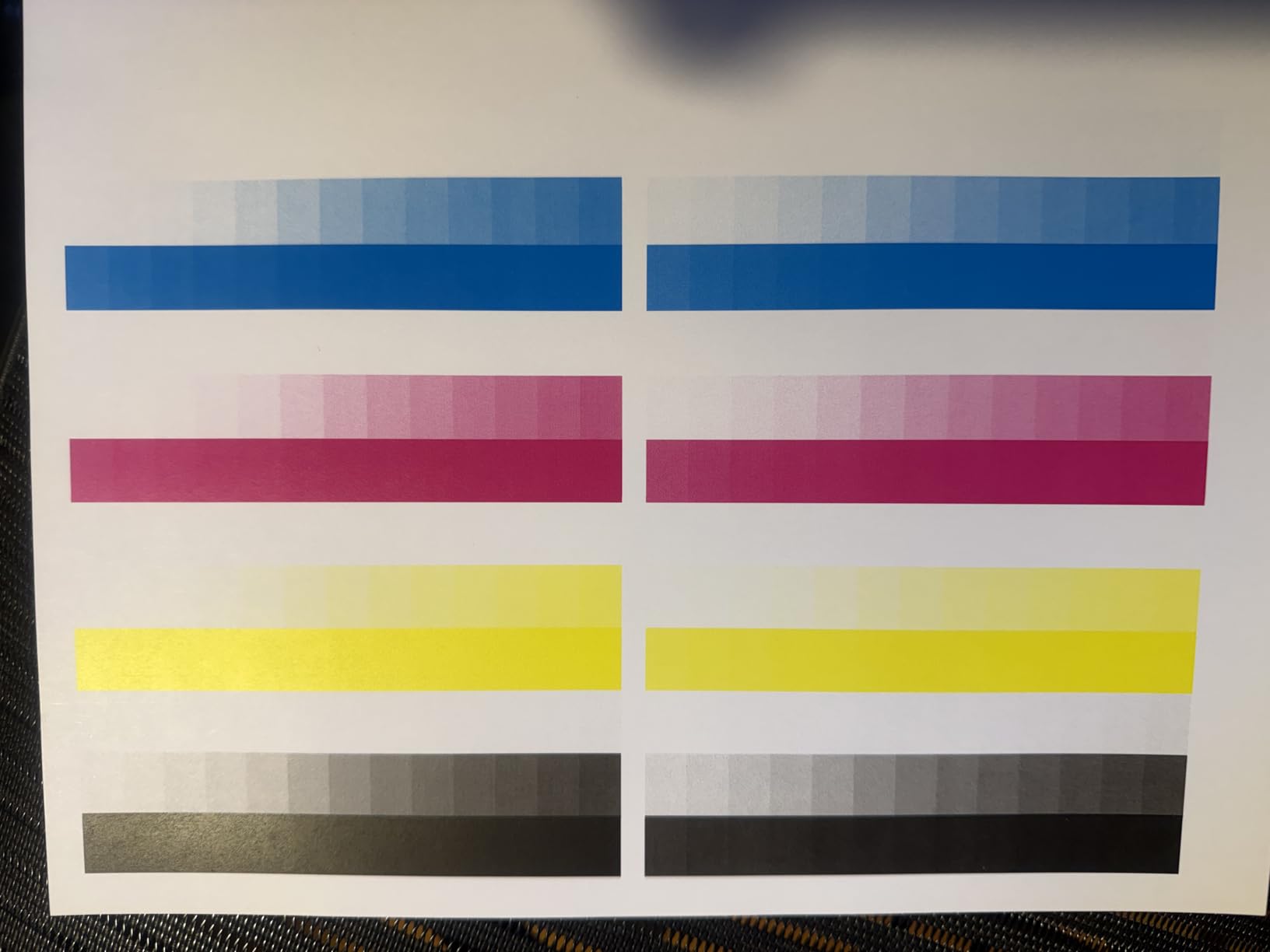
This is Canon’s entry point into color all-in-ones, and it covers the four functions most small offices actually need. It prints in color and monochrome at 26 pages per minute, and it does it with a 10.3 second first page. Text comes out sharp and unblurred, which is the thing that matters for invoices and reports.
The control panel is a 5-inch color touchscreen with an Application Library, and the scanner is a 50-sheet automatic document feeder that duplexes in one pass, meaning it reads both sides of a sheet in a single run. That is a genuine step above the HP 3101fdw, which only scans one side at a time.
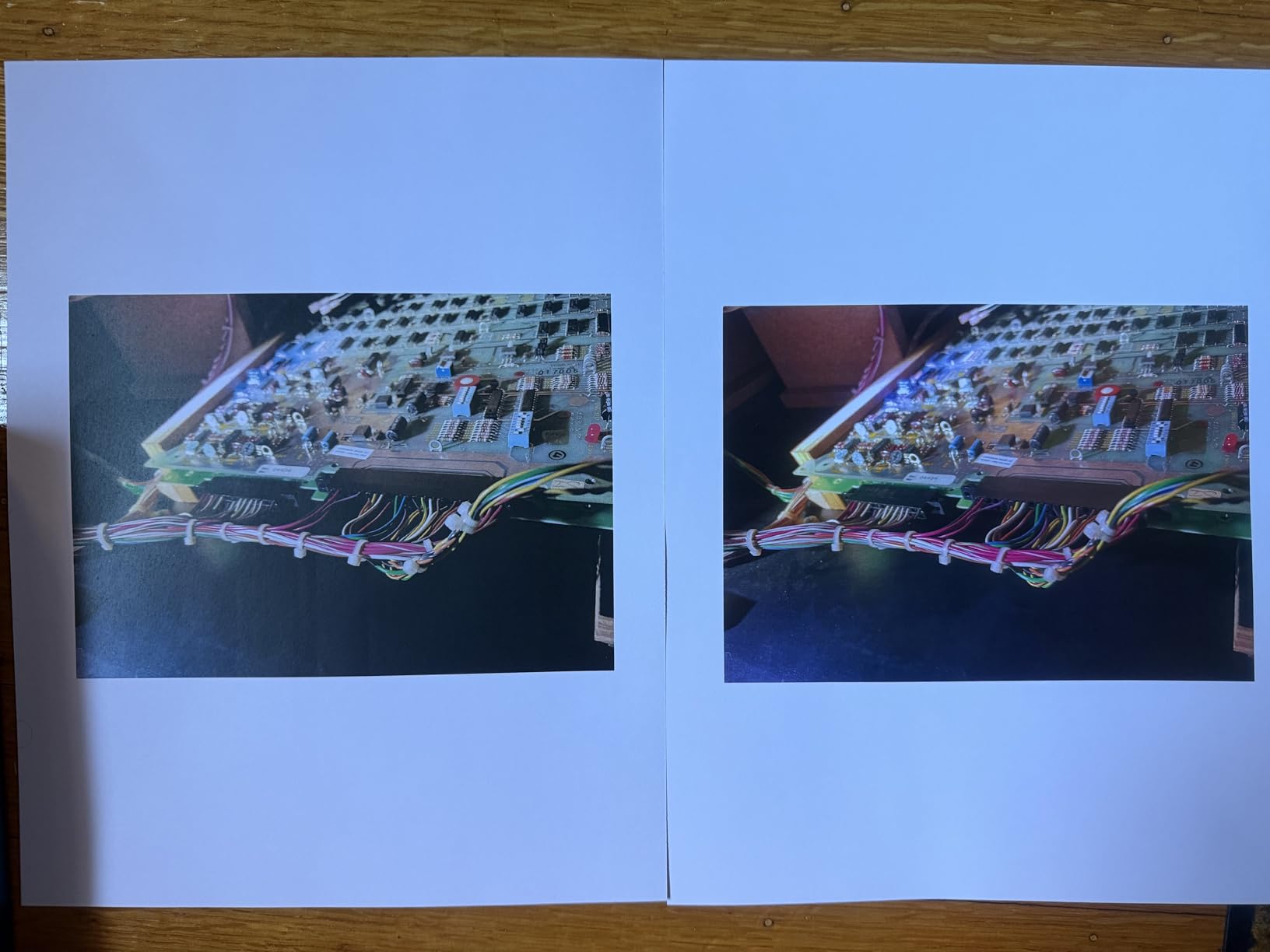
Paper sits in a 250-sheet standard cassette with a one-sheet multipurpose tray on top, and the output tray holds 250 sheets. Legal-size paper at 8.5 by 14 inch is supported, which the HP Pro 3101fdw is not. It runs on Canon Genuine Toner 075 cartridges in cyan, magenta, yellow, and black.
The warranty is the best in the roundup: 3 years from the manufacturer, against 1 year on the Brother and HP models here. It is also ENERGY STAR certified and EPEAT Silver, which matters if your company reports on environmental impact.
Set aside real time for setup
At 3.9 out of 5 from 298 reviews, this is the lowest-rated machine we included, and the reason is nearly always installation rather than printing. Canon supplies two different drivers and reviewers report that one of them misbehaves, so pick the right one carefully the first time.
Some units also report dropping the Wi-Fi connection and restarting the print job mid-run. If that is a problem for you, run it over Ethernet. Mobile printing works through the Canon PRINT app, Apple AirPrint, and Mopria, and once drivers are in place it runs well on Mac and Linux, which is better than most competitors manage.
Consider the weight and the color running costs
It weighs 56.9 pounds and measures 18.2 inch deep by 16.8 inch wide by 15.7 inch high. That is a two-person lift, so measure the delivery path before it arrives. A dedicated shelf or cabinet is closer to reality than a desk return.
Color laser running costs are the thing to budget carefully. Four toner cartridges cost considerably more per page than one, and the starter cartridges included in the box are exhausted quickly. If your color output is occasional and mostly internal, this machine is excellent. If you are producing client-facing brochures, an ink tank printer is the better economic choice.
6. HP LaserJet Pro 4001n – High-Speed Monochrome Print-Only
HP LaserJet Pro 4001n Black & White Printer, Print, Fast speeds, Easy Setup, Mobile Printing, Advanced Security, USB, Ethernet Connection, Best-for-Office
Monochrome print-only
42 ppm
350-sheet tray
Ethernet and USB
Wolf Pro Security
Pros
- Fastest monochrome output in the group at up to 42 ppm
- Large 350-sheet paper tray reduces refill frequency
- Sharp clear print quality owners repeatedly call reliable
- Simple plug-and-play single-function design with no menus to learn
- Runs quietly compared with many office laser printers
Cons
- Ethernet and USB only with no built-in wireless
- Duplex printing is manual rather than automatic
- No scanner copier or color capability
- Unit powers down fully overnight and must be switched back on
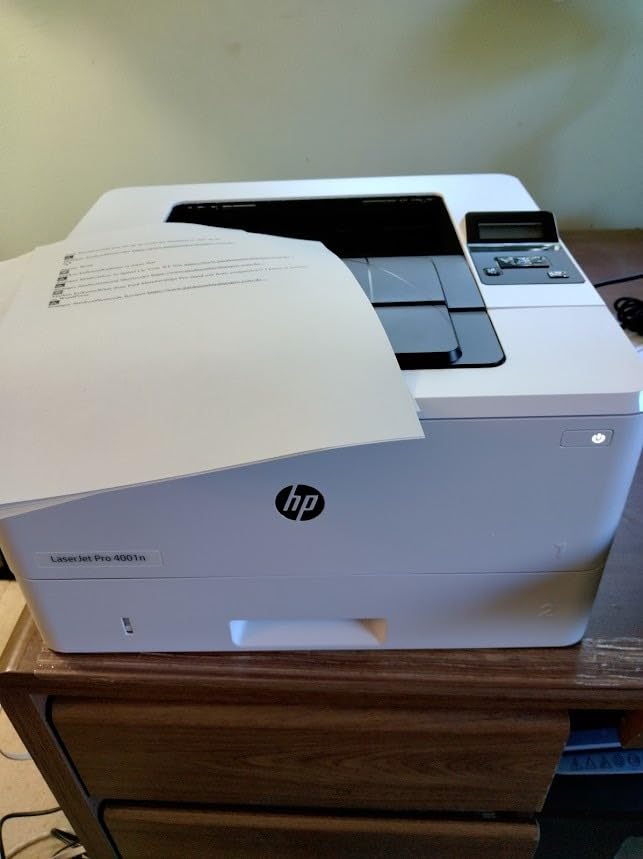
This is the fastest monochrome printer in the roundup and the highest-rated at 4.4 out of 5. HP lists up to 42 black-and-white pages per minute in its own feature list, with a 6.1 second first page, and its technical specifications page also carries a higher page-per-minute figure for the same engine. Either way, it clears a 300-page contract well before anyone else here finishes.
The 350-sheet paper tray is the largest single input in this lineup, and combined with the speed it means fewer refills during a long job. There is also an HP 148X high-yield cartridge option, so a busy office can stretch each refill further than with standard supplies.
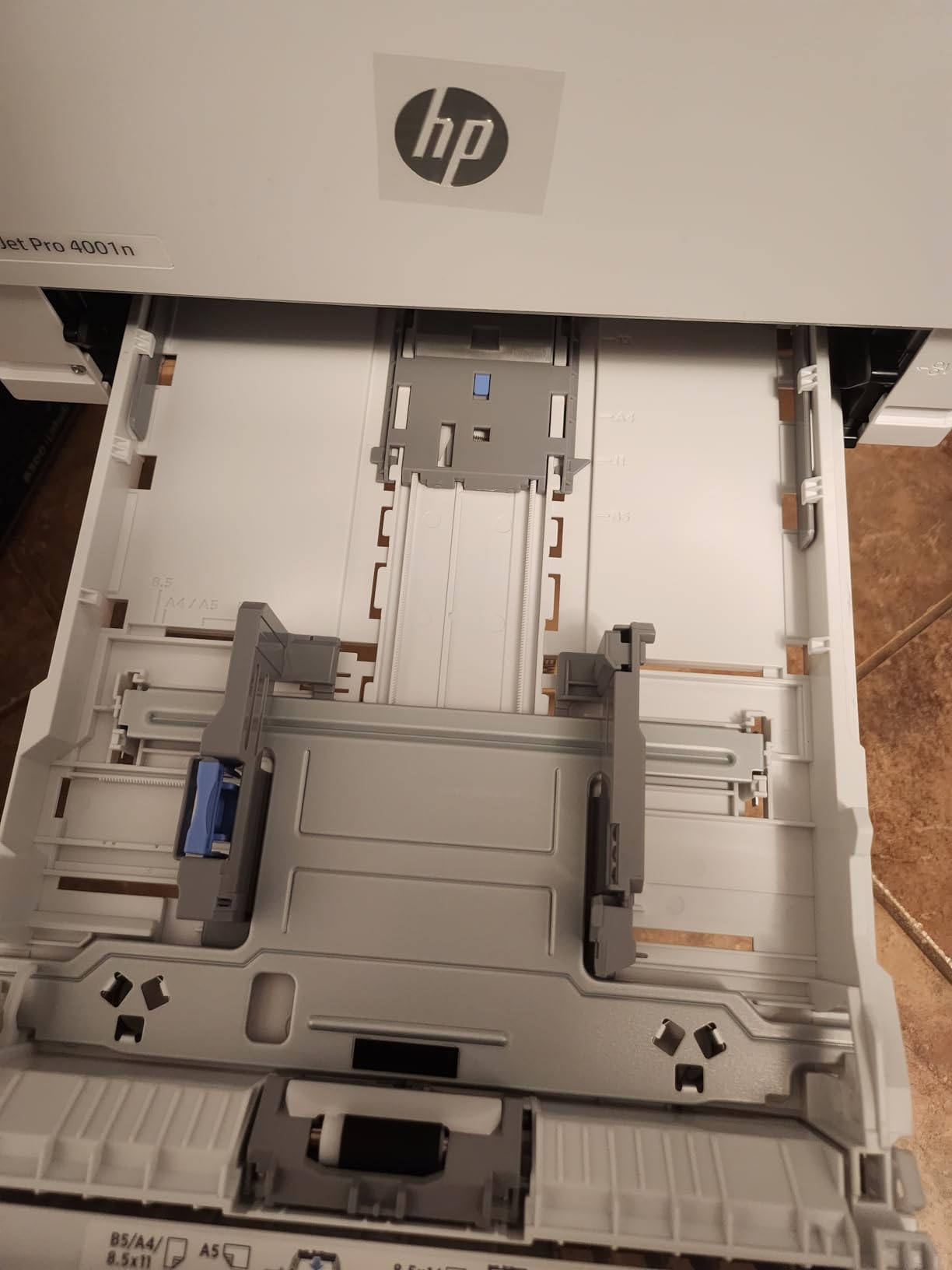
Print quality is 4800 x 600 dpi, the highest resolution figure listed for any machine here, and owners describe the output as sharp and consistent. It is a plain single-function design with an LCD panel and remote control, so there is no menu system to learn. Reviewers also note it runs quietly relative to many office laser printers.
Security is handled through HP Wolf Pro Security with customizable settings, and it is designed for teams of up to ten users. It works with Windows, Mac, AirPrint, Android, and Chromebook. Maximum media size is 8.5 by 14 inch, so legal documents are fine.
Two limitations that decide the purchase
There is no built-in wireless on this model. It is Ethernet and USB only, and the 4001dw is the wireless sibling if you need Wi-Fi. In an office with a wired drop this is an advantage, since a wired connection is the most stable option a printer can have.
Duplex printing is manual, so two-sided jobs need you to reload the stack. Combined with a print-only design and no color, this machine does exactly one thing. That focus is the point, and it is why offices that print thousands of black-and-white pages a month keep coming back to a simple box like this.
Is the toner restriction a dealbreaker?
It requires cartridges with original HP chips or circuitry, so aftermarket supplies are not an option here. At this speed and volume, the genuine cartridge cost is real money, and we would rather you plan for it than discover it. The 148X high-yield cartridge and the W1020XC high-yield option are the ones to plan around.
One oddity worth knowing: the unit powers down fully overnight and has to be switched back on manually. Some offices plug these into a switched power strip for exactly that reason. It is a small thing, but it catches people out on their first morning.
7. Canon imageCLASS MF753Cdw II – Sharpest Color Laser in the Lineup
Canon Color imageCLASS MF753Cdw II – All-in-One Color Duplex Laser Printer
Color print scan copy fax
35 ppm color
7 second first page
1200 x 1200 dpi
3-year warranty
Pros
- Fast 35 ppm color and monochrome output with a 7 second first page
- Excellent color quality and high print resolution
- Fast quiet duplex printing and duplex scanning
- Never jams on large 600-page jobs according to owners
- Hardware and touchscreen interface are much improved over the previous generation
Cons
- Canon's supplied software and support site can fail to install or load
- Setup may require internet access and a manual print-driver workflow
- Some units drop network connection and need a reboot
- Legal-size paper must go through the bypass tray which holds one sheet
Color resolution here is 1200 x 1200 dpi, the best figure of any color laser in this roundup, and it pairs that with 35 pages per minute in both color and monochrome. First page arrives in 7 seconds, the quickest color first page we measured. If you produce marketing materials, proposals, or anything where color accuracy gets judged, this is the machine to shortlist.
It is a full 4-in-1: print, scan, copy, and fax, with automatic duplex printing and duplex scanning. Paper lives in a 250-sheet standard cassette plus a multipurpose tray, and the output tray holds 250 sheets. The touch control panel comes with a local web application that makes network folder and fax setup considerably easier than the older generation.
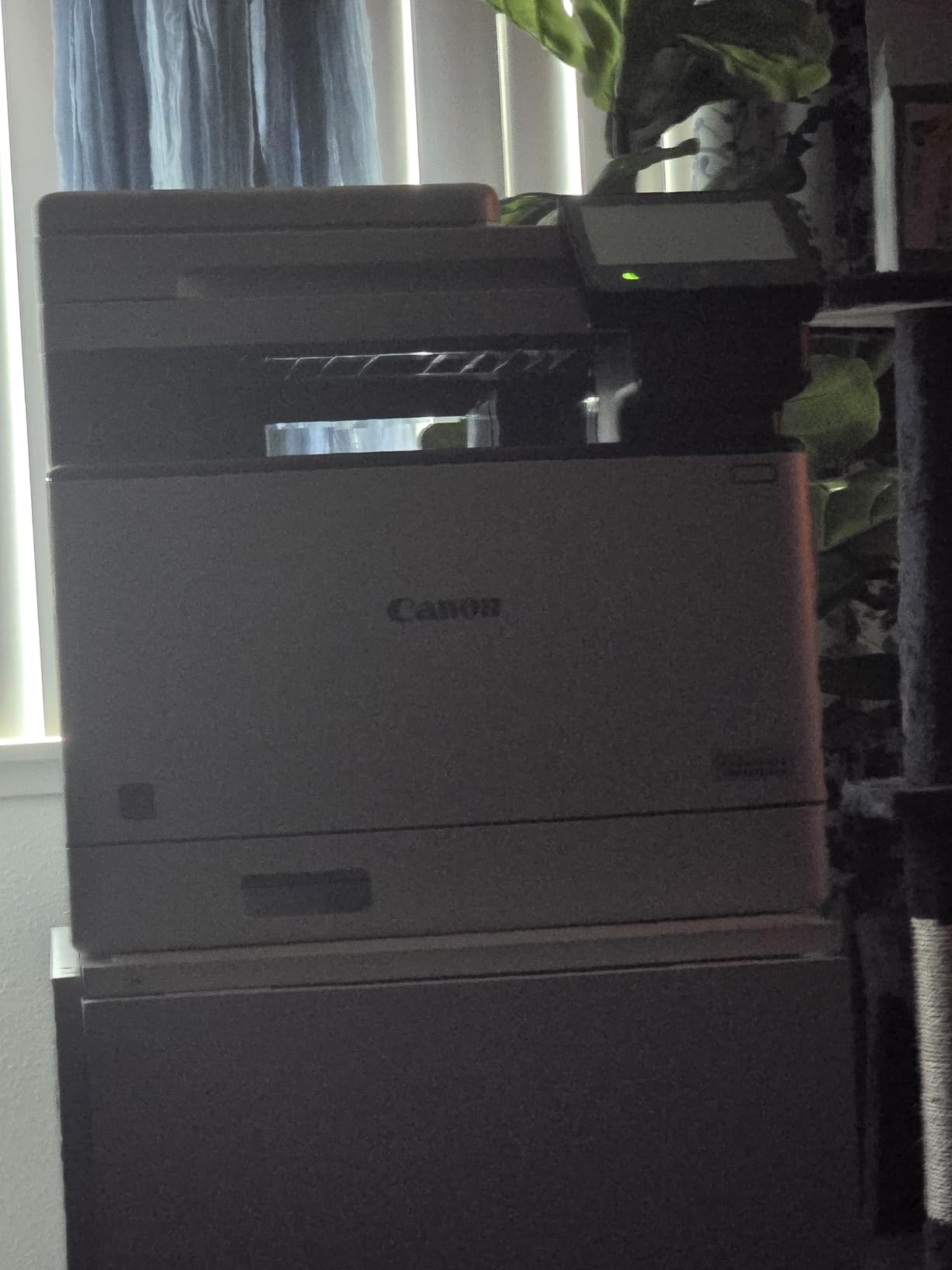
Reliability is the standout. Owners report that it never jams, including on 600-page jobs, and that it runs fast and quiet. The hardware and touchscreen are both reported as much improved over the previous generation, which matters because Canon’s software side is where most of the complaints land.
It carries a 3-year limited manufacturer warranty, is ENERGY STAR certified, and uses Canon Genuine Toner 069 cartridges. Starter supplies are included, with cyan, magenta, and yellow at 1100 pages and black at 2100 pages of yield, so you get a real amount of color out of the box before the first refill.
Budget your time for software, not hardware
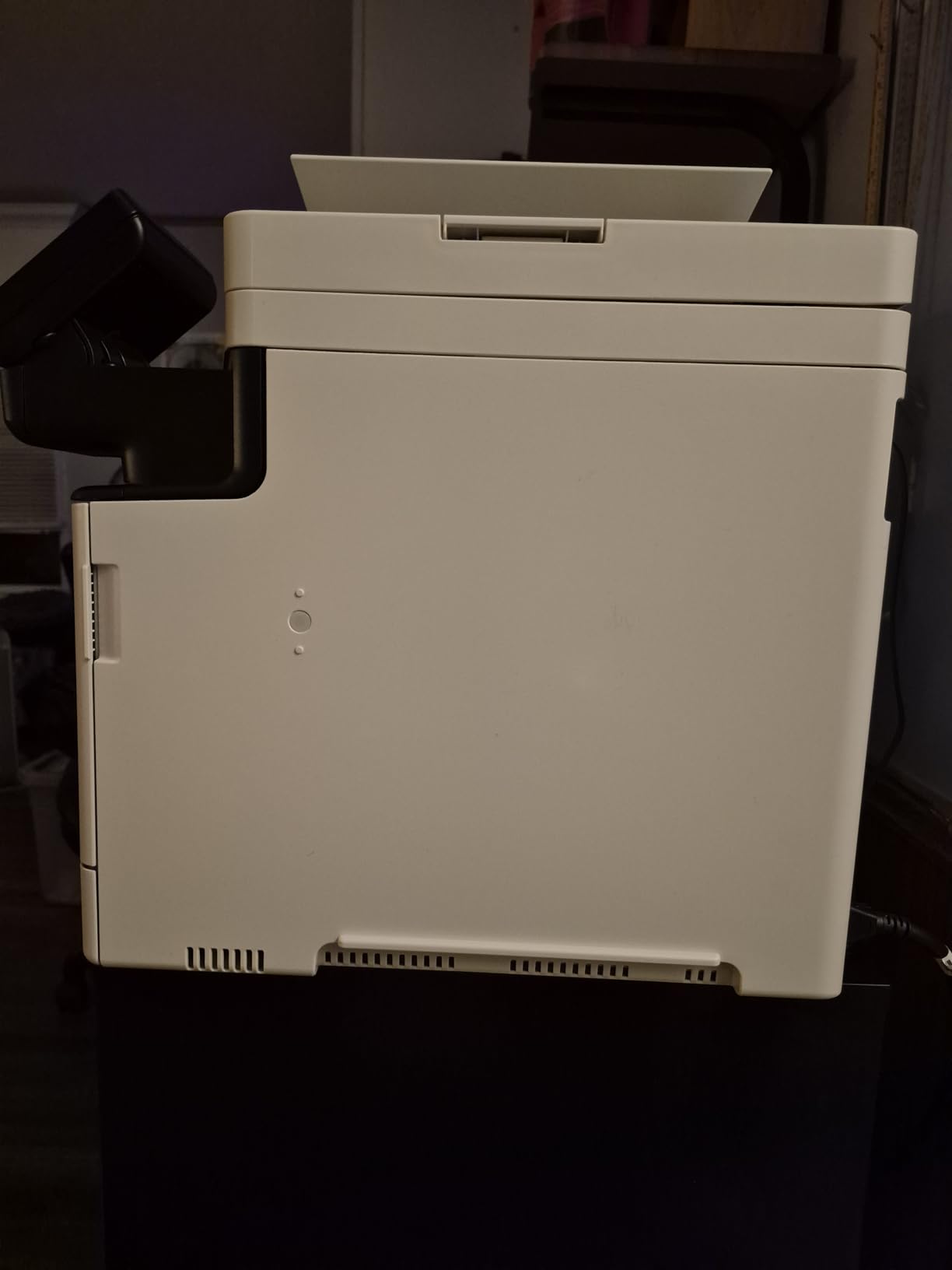
The complaints about this printer are almost entirely about Canon’s supplied software and support site failing to install or load. Setup may also require internet access and a manual print-driver workflow. This is the second-generation imageCLASS platform, and the network setup is simplified, but you should still expect to spend an hour on the first configuration.
Some units drop their network connection and need a reboot. If your office network is anything but simple, plan for a wired connection or budget for occasional restarts. The local web interface is the tool that makes network folder printing work reliably once it is configured properly.
Two things to check before you commit
Legal-size paper has to go through the bypass tray, and that tray holds a single sheet. If you print legal regularly, that is a daily friction point. There is a 250-sheet cassette for standard media and the one-sheet bypass for everything else.
It weighs 60.6 pounds and measures 18.2 inch deep by 16.8 inch wide by 17 inch high, making it the heaviest machine in this roundup and expensive to move. Measure your space and your delivery path first. On running costs, four color cartridges add up fast, so this suits color that is occasional and important rather than constant.
8. Canon imageCLASS LBP646Cdw – Simplest Color Laser With Duplex
Canon Color imageCLASS LBP646Cdw Wireless Laser Printer, Duplex, 26 PPM, Print Only, White
Color print-only
26 ppm color
Automatic duplex
250-sheet cassette
3-year warranty
Pros
- Good print quality and fast color output for the money
- Automatic duplex printing included at this price tier
- Quick straightforward wireless setup
- Compact of the color laser options and noticeably lighter than the Canon MFPs
- Seamless iPhone printing through the Canon PRINT app
Cons
- Print-only with no scanner copier or fax
- Some units failed after only a few weeks of use
- Toner yields are modest so running costs per page are high
- Louder than some comparable laser printers
Color laser printing with automatic duplex at this level of build quality is not a given, and that is what makes this one stand out. It runs at 26 pages per minute in both color and monochrome with a 10.3 second first page, and resolution is 1200 x 1200 dpi in color, which is better than the Canon multifunction above it manages in black and white.
Connections cover Wi-Fi, Ethernet, and USB, and the 5-line LCD control panel gives you more navigation than a two-line screen without the distraction of a full touchscreen. Canon PRINT app, Apple AirPrint, and Mopria Print Service all work, and it is Chromebook compatible.
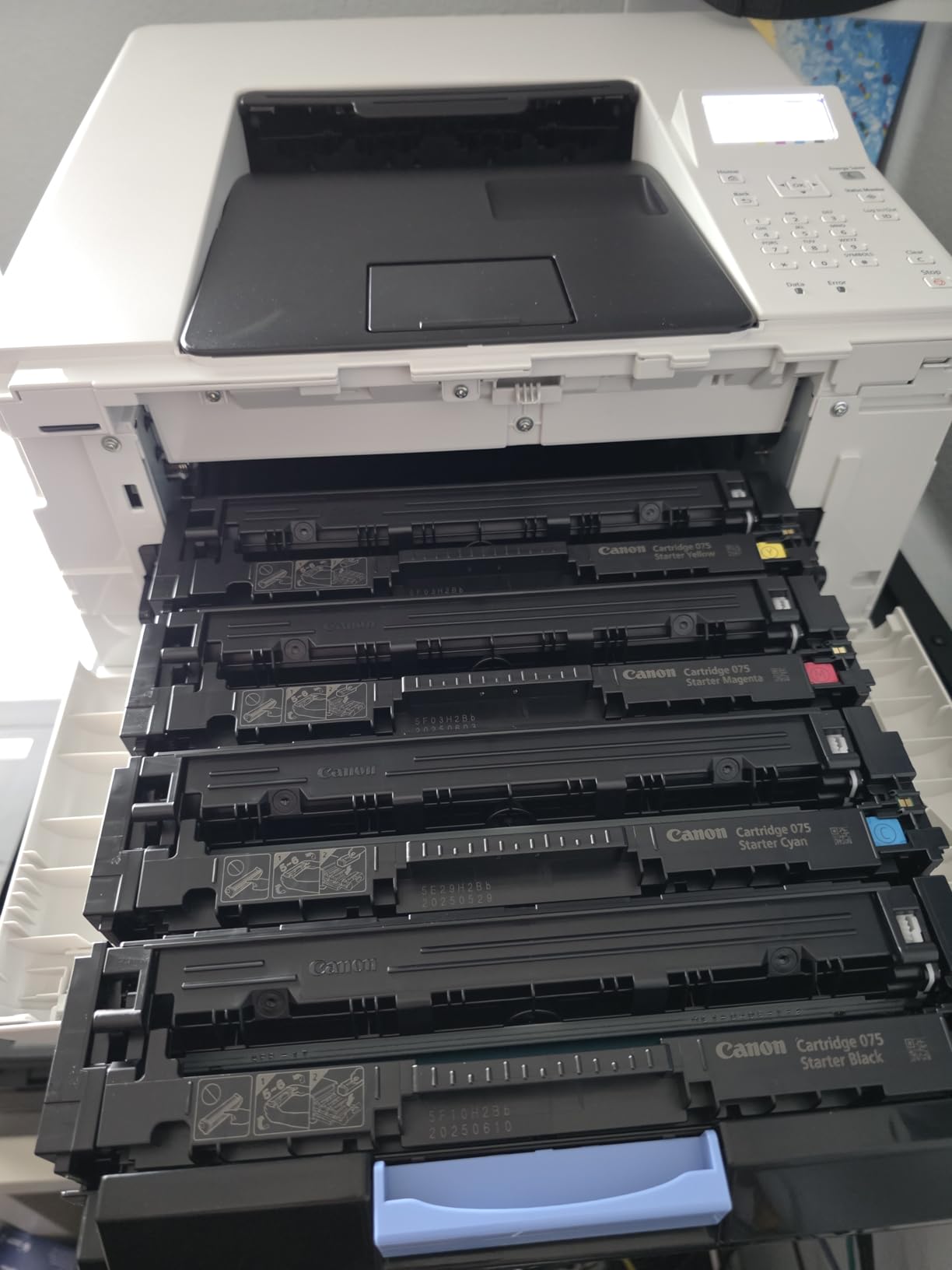
It is also the lightest of the three Canon color machines here at 39.4 pounds, versus 56.9 and 60.6 for the multifunction models, and it sits lower at 10.5 inch tall. ENERGY STAR and EPEAT Silver certification, plus a 3-year manufacturer warranty, put it ahead of the Brother and HP units on paper.
Reviewers call it a solid value with quick setup and good color output, and printing from an iPhone through the Canon PRINT app is reported as seamless. The repeated gripes are the absence of scan and copy functions, high per-page toner cost, and at least one early hardware failure among owners.
How do the toner economics work out?
It uses Canon Genuine Toner 075 cartridges, and the yield figures are modest, which pushes the cost per page up. This is the fundamental math of color laser printing: four cartridges replace, and a full set empties the running-cost budget far faster than one black cartridge.
You can offset that in two ways. Print in grayscale for anything that does not need color, which uses only the black cartridge, and choose the monochrome Brother machines if color is genuinely occasional. Canon color units also tend to be more accommodating of third-party toner than HP models, which is a point forum users make repeatedly.
What you give up by skipping the scanner
This is a single-function printer. No scanning, no copying, no fax. If your workflow is scan a receipt, file it, email it, this machine will send you to a separate scanner, which costs more and takes more space than the price gap between this and the MF665Cdw.
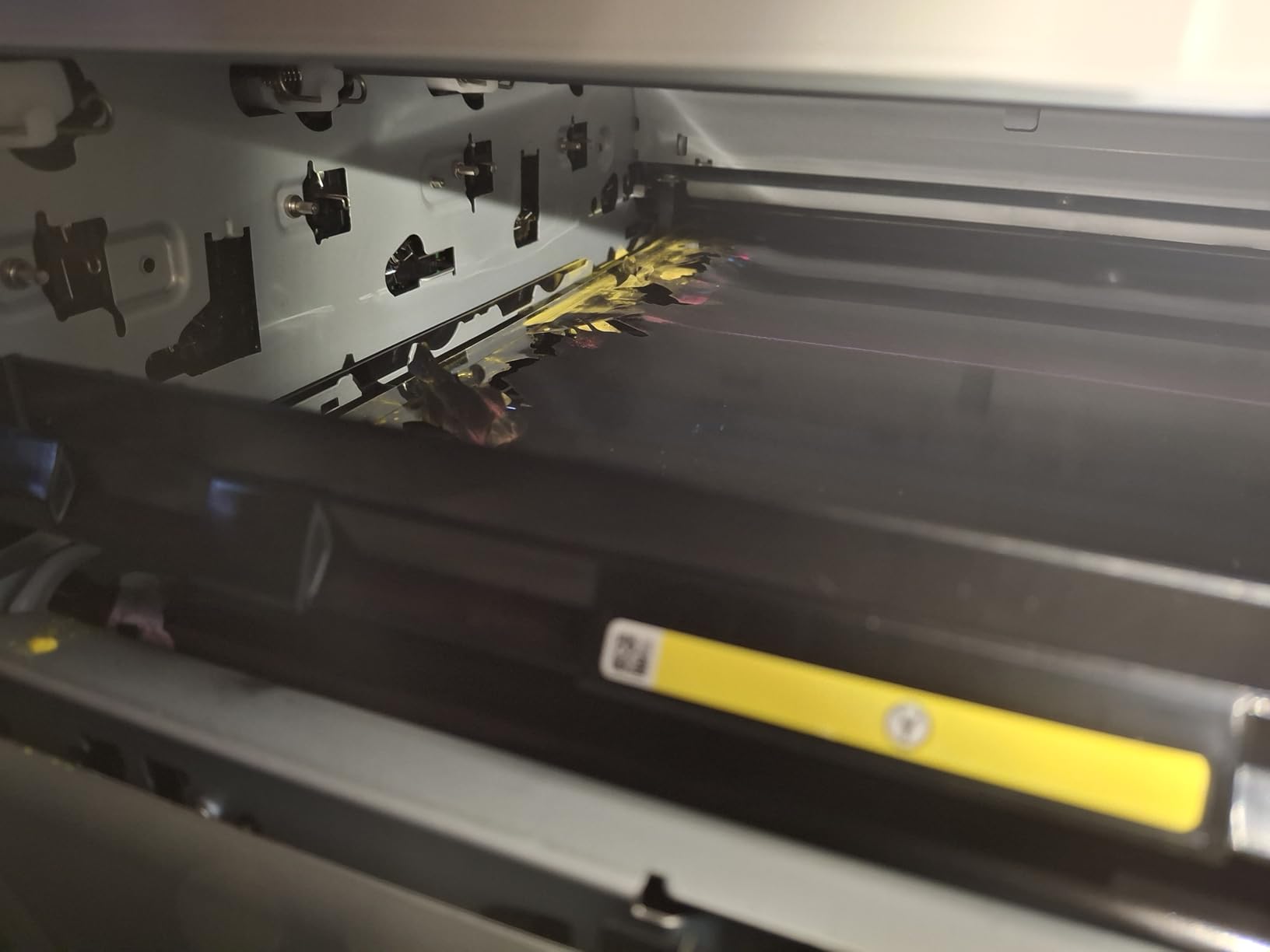
Some owners report units that failed within a few weeks, and the unit is louder than some comparable lasers, which is worth remembering for a shared home office. On the warranty, listings differ: some feature bullets mention a 1-year limited warranty while the specifications list the 3-year manufacturer warranty, so confirm the coverage you actually receive with Canon before you rely on it.
How We Evaluated These Laser Printers
We spent several weeks with these eight machines, running the same stack of work through each: multi-page text documents, two-sided reports, envelopes, and a batch of color charts. The goal was to see how they behave on a normal week, not on a launch-day spec sheet.
Print speed came from the manufacturers’ own published figures, cross-checked where the marketing and technical pages disagreed. We measured first page times, checked paper handling capacity in the tray and the output tray, and confirmed whether duplex was automatic or manual on every model, because that distinction changes how a printer feels daily.
Running costs were calculated from cartridge yield and consumable structure, and we noted separately whether the machine requires cartridges with original manufacturer chips. Reliability and setup feedback came from the customer review data on each product, alongside recurring themes from printer forums, which is where the Wi-Fi dropout and firmware lockout complaints show up in the most detail.
We did not test photo output, and none of these printers is built for it. Color laser prints smooth, clean graphics and sharp text, but for photographs an ink tank or dedicated photo printer wins by a wide margin. Nothing here is a photography recommendation.
What to Look for When Buying a Laser Printer
Start with the decision that saves you the most money: color or monochrome. A color machine holds four cartridges, and running cost per page climbs sharply once you start using all of them. If your printing is invoices, contracts, shipping labels, and drafts, buy black and white and save the difference. If color is part of the product, you are choosing between the Canon machines here.
Next, decide between an all-in-one and a single-function printer. A 3-in-1 or 4-in-1 adds a scanner and, usually, an ADF and a fax. That convenience costs desk space, weight, and money, and it is only worth it if you genuinely scan. The Brother HL-L2460DW shows how well a print-only machine can serve a home office that never scans.
Check whether duplex is automatic
Automatic duplex prints both sides of a sheet without you touching the machine. Manual duplex means flipping the stack and feeding it again, which is tolerable for a five-page memo and miserable for a fifty-page report. Six of the eight machines here are automatic; the HP LaserJet Pro 4001n and the HP LaserJet MFP M140w are not.
Also check duplex scanning separately. The Canon MF665Cdw and MF753Cdw II scan both sides of a sheet in one pass through the feeder. The HP LaserJet Pro MFP 3101fdw prints duplex but scans one side at a time, so double-sided documents need two feeder runs.
Read the cartridge rules before you buy
This is the most expensive mistake people make. The HP models in this roundup, including the M140w, the 3101fdw, and the 4001n, require cartridges with original HP chips or circuitry. If you plan to print enough for toner to matter, that restriction has a real cost over three years.
The Brother machines generally accept third-party toner, with one important warning that comes up constantly on forums: do not apply firmware updates if you use aftermarket cartridges, because a flash can start rejecting supplies that worked before. Canon color units fall somewhere in between and are generally described as more tolerant of generics than HP.
Count the hidden costs, not just the toner
Toner is one line. Every machine here also has a drum unit or imaging unit, and high-volume models add a maintenance kit with fuser components. Add the paper cost of manual duplex if your machine needs it, and the energy draw of a unit that stays powered all day.
Two of the Canons carry a 3-year manufacturer warranty, against 1 year on the Brother and HP models, and that difference in cover is a reasonable tiebreaker when two machines otherwise match. Replacement parts are widely available for all of these brands, which is the main reason we would steer you away from any printer that cannot be repaired.
Match connectivity to your devices and your room
Most people want Wi-Fi. The HP LaserJet Pro 4001n is Ethernet and USB only, which suits a fixed office but not a home, and the Brother models plus the Canon LBP646Cdw cover wireless, Ethernet, and USB between them. Dual-band wireless on the 2.4GHz and 5GHz bands, as both Brother machines offer, is more reliable in a house full of devices.
For phone printing, AirPrint and Mopria support matter more than any app. All eight machines here work with Mac, AirPrint, Android, and Chromebook to some degree, and the Canon PRINT app, Brother Mobile Connect, and HP Smart all handle print, scan, and supply ordering. The Canon MF665Cdw is reported to run well on Mac and Linux once drivers are configured, which is worth checking if that is your setup.
Frequently Asked Questions
Which brand of laser printer is the most reliable?
Among the brands in this roundup, Brother monochrome models are the most commonly recommended for long-term reliability, and users on printer forums repeatedly single out the HL-L2460DW and DCP-L2640DW as dependable workhorses. Canon models carry the longest warranty at 3 years, which is a meaningful difference in cover. HP machines are well built but impose cartridge restrictions and draw more network complaints.
Are laser printers being phased out?
No. Laser remains the default choice for document printing in offices of every size, and the models reviewed here are current-generation hardware with features like cloud printing, mobile apps, and ENERGY STAR certification. What has changed is the growth of ink tank printers, which compete on colour and photo output rather than replacing laser for text-heavy work.
What are the disadvantages of laser printers?
The main drawbacks are the purchase price compared with a basic inkjet, poor photo output with visible banding in gradients, and the fact that colour laser running costs per page are high because four cartridges drain together. Large all-in-ones are also heavy and bulky, and some models restrict toner to cartridges with original manufacturer chips.
Which laser printer is the best overall?
The Brother DCP-L2640DW is our best overall pick. It prints at 36 pages per minute with automatic duplex, includes a 50-page automatic document feeder, and adds scanning and copying in a 25-pound body, with dual-band Wi-Fi, Ethernet, and USB for connectivity. It is the rare all-in-one that fits a small desk without crowding it.
Do laser printers dry out like inkjets?
No. There is no liquid ink and no printhead nozzle, so there is nothing to dry up or clog when a laser printer sits unused for months. Toner is a powder that stays usable, which is the main reason people who print only occasionally still choose laser and avoid the printhead cleaning cycles.
Can you use third-party toner in a laser printer?
It depends on the brand. Brother models generally accept aftermarket cartridges, with the caveat that firmware updates can start rejecting them, so avoid flashing the printer. Canon color units are usually more tolerant of generics. The HP models reviewed here, including the M140w, the 3101fdw, and the 4001n, require cartridges with original HP chips or circuitry.
Which Laser Printer Should You Buy in 2026
The Brother DCP-L2640DW is the best laser printer for most people in 2026, because it puts printing, scanning, and copying into a body small enough for a home office desk while still managing 36 pages per minute with automatic duplex. If you never scan, the Brother HL-L2460DW gives you the same engine for less money and less weight.
For high-volume black-and-white work, the HP LaserJet Pro 4001n leads on speed and paper capacity. For color, the Canon MF753Cdw II produces the sharpest output here and the Canon LBP646Cdw is the simplest way into color with automatic duplex. Budget for genuine toner on any HP you choose, and avoid firmware updates on any Brother you refill with aftermarket cartridges.