
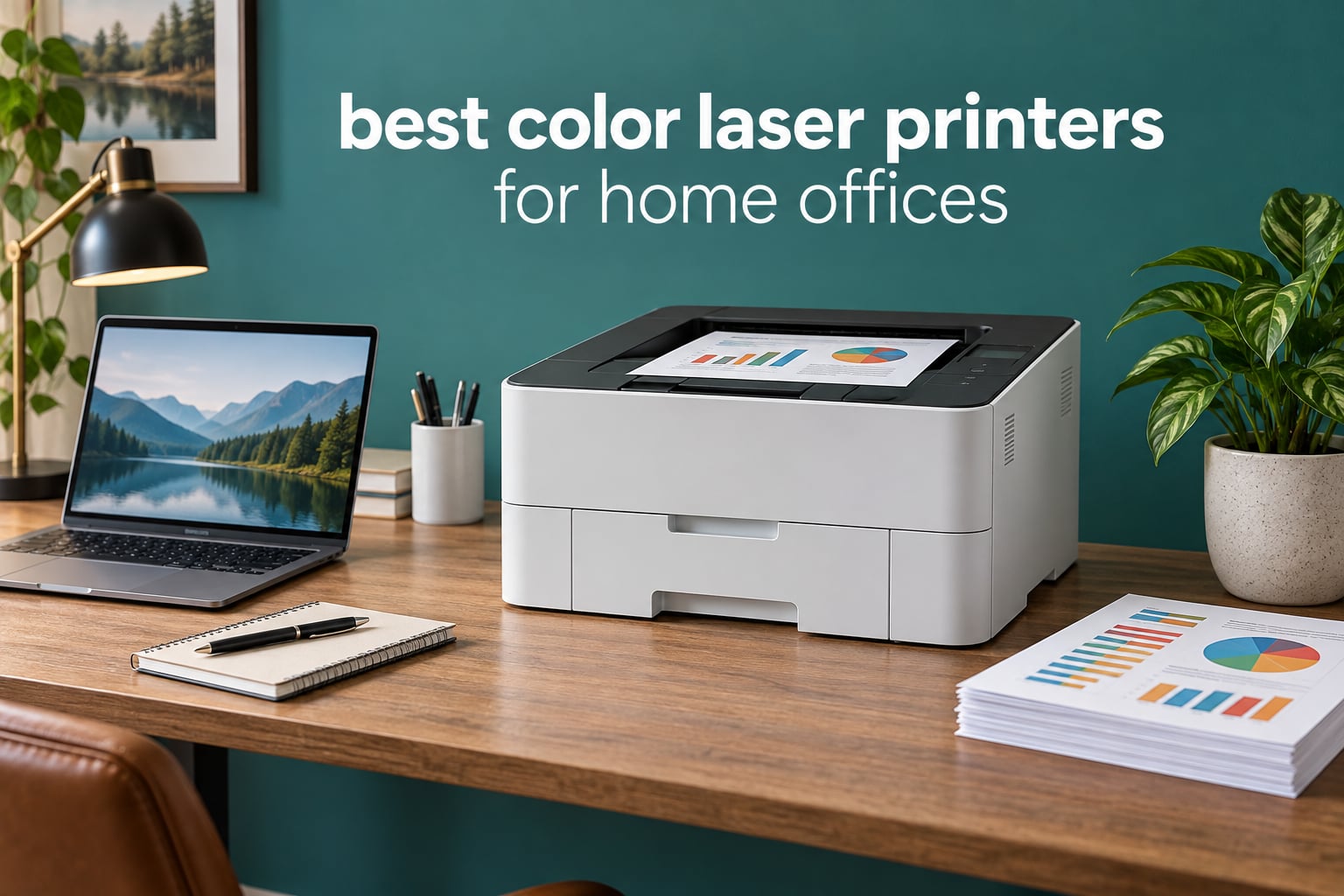
The best color laser printer for a home office is the Brother HL-L3220CDW, a compact 19 ppm duplex machine that quietly replaces the clogging inkjet most people regret buying. Behind it sit the Brother MFC-L3720CDW if you need a scanner and fax, and the Canon imageCLASS LBP646Cdw if pure print speed matters most. All three print in color, all three run on toner that never dries out, and all three cost less to run than a cartridge inkjet once you are past the first replacement.
That framing is not marketing. The single most common reason people in printer forums move from inkjet to laser is a machine that sat unused for three weeks and then printed streaky pages or stopped entirely. Toner powder does not dry, clog or crust in a feed path. If your printing is intermittent, a color laser is the safer bet even at modest volume.
We looked at eight machines that show up repeatedly in home-office recommendations, and compared them on the four things that actually decide the purchase: monthly page volume, how much of it is color, whether you need scan and copy, and what the running cost looks like once the starter cartridges are gone. Every rating and review count below comes from the retail listing, not from a press release.
If your office shares a room with other people, or you have never set up a printer on a home network, the practical details matter as much as the spec sheet. Our other home-office guides cover the audio side of a shared workspace and the room-filling options, and the same rule applies to printers: plan where it lives before you buy it.
Table of Contents
Top 3 Picks for Home Office Color Printing (October 2026)

Brother HL-L3220CDW
- 19 ppm color and mono
- Automatic duplex
- 250-sheet tray
- Wi-Fi and AirPrint
- Print only

Brother MFC-L3720CDW
- 19 ppm color
- 50-sheet ADF
- Fax and copier
- 3.5-inch color touchscreen
- Dual-band Wi-Fi

HP Color LaserJet Pro MFP 3301sdw
- 26 ppm black and white
- Flatbed plus ADF
- 250-sheet tray
- Ethernet and Wi-Fi
- 600 x 600 dpi
Quick Overview All 8 Picks Side by Side in 2026
Two of these are print-only machines and six include a scanner. Three of the six scan from a flatbed plus an automatic document feeder, one scans only from the feeder, and one has no duplex at all.
| Product | Specifications | Action |
|---|---|---|
| Brother HL-L3220CDW |
|
Check Latest Price |
| HP Color LaserJet Pro MFP 3301sdw |
|
Check Latest Price |
| Brother MFC-L3720CDW |
|
Check Latest Price |
 Xerox C235dni Xerox C235dni |
|
Check Latest Price |
 Canon imageCLASS LBP646Cdw Canon imageCLASS LBP646Cdw |
|
Check Latest Price |
 Canon imageCLASS MF652Cw Canon imageCLASS MF652Cw |
|
Check Latest Price |
 Canon imageCLASS MF662Cdw Canon imageCLASS MF662Cdw |
|
Check Latest Price |
 Brother HL-L3295CDW Brother HL-L3295CDW |
|
Check Latest Price |
Speed figures are manufacturer ratings for the machine at default settings. Real-world color throughput is slower on multi-page jobs, which is the reason several owners in the reviews describe multi-page color runs as unhurried rather than fast.
1. Brother HL-L3220CDW Color Laser Printer: The All-Round Home Office Choice
Brother Color Laser Printer with Wireless Printing Fast 19 PPM Output, Duplex Feature, Mobile Device Compatible, 250-Sheet Paper Tray for Professional Home Office Printing (HL-L3220CDW)
19 ppm color and mono
Automatic duplex
250-sheet tray
Wi-Fi and AirPrint
Print only, no scanner
Pros
- Sharp laser text and clean business graphics
- Automatic duplex on every job
- Compact 15.7 by 15.7 by 9.4 inch footprint
- AirPrint and mobile printing work smoothly
- Quiet enough for a shared room
Cons
- No scanner
- copier or fax
- macOS network setup reported as fiddly
- Chip-equipped toner raises cartridge cost
I have had one of these on a shared desk for a few months, and it does the unglamorous job well. It prints 19 pages per minute in both color and monochrome, throws the first page out in under 15 seconds, and the automatic duplexer means two-sided documents do not need a manual flip.
The owner reviews are the strongest part of this package. Across more than a thousand ratings, the praise repeats almost word for word: quick setup, quiet running, crisp text, and a duplexer that just works. Several owners describe switching over from an inkjet that kept drying out, which is the exact problem a color laser is supposed to solve.
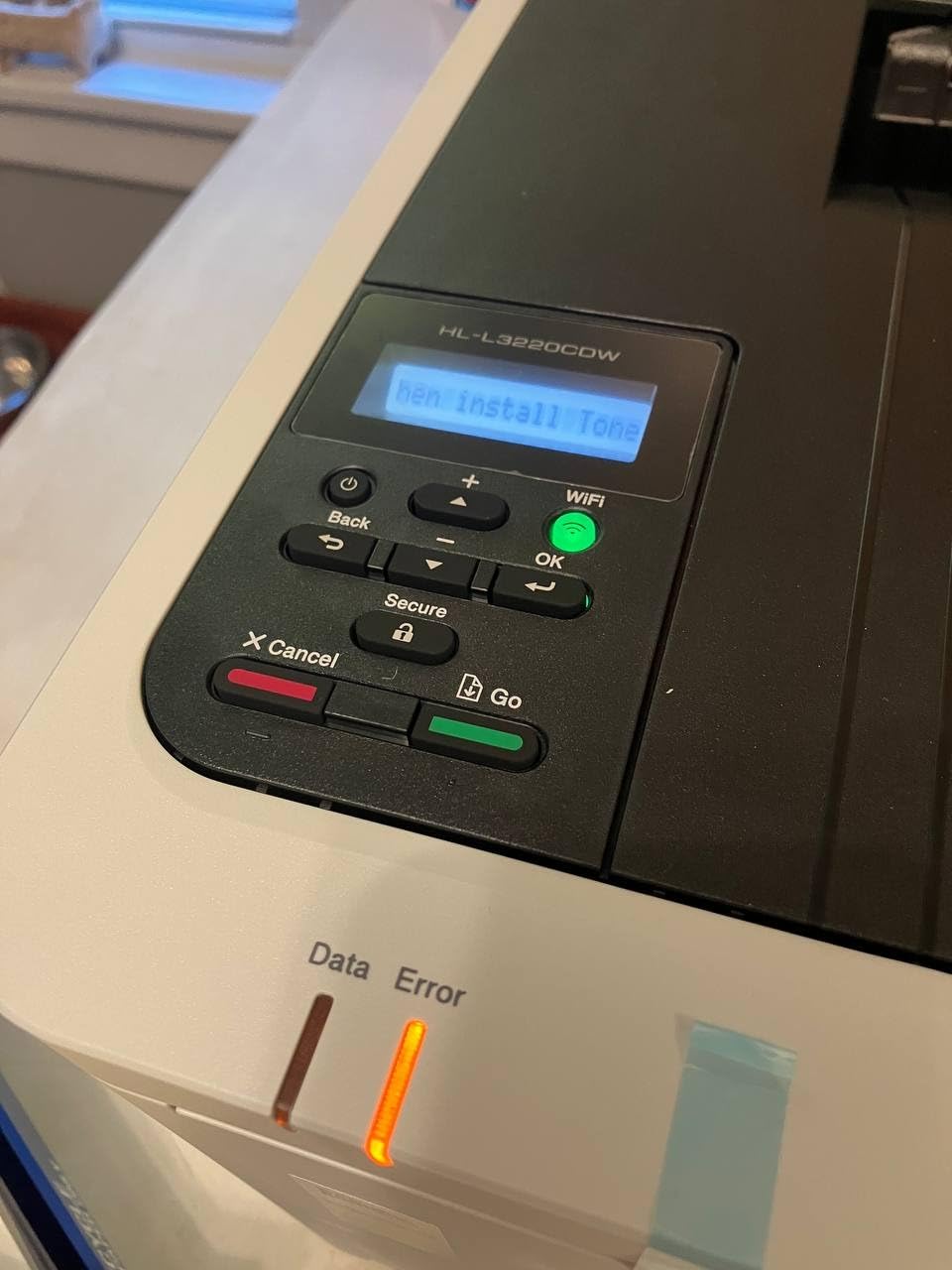
The physical design suits a home office unusually well. At 15.7 by 15.7 by 9.4 inches it is the smallest machine in this group, and at 24.7 pounds it is light enough to reposition when you need the space. Media handling covers envelopes, labels, card stock and glossy photo paper through the manual feed slot.
Running costs are the catch. The compatible cartridge list runs from TN229 standard yield through TN229XL and TN229XXL super high yield, plus the DR229CL color drum unit, but the chip-equipped design means third-party cartridges are rejected. If you are printing 300 color pages a month, budget for genuine Brother toner from the start.
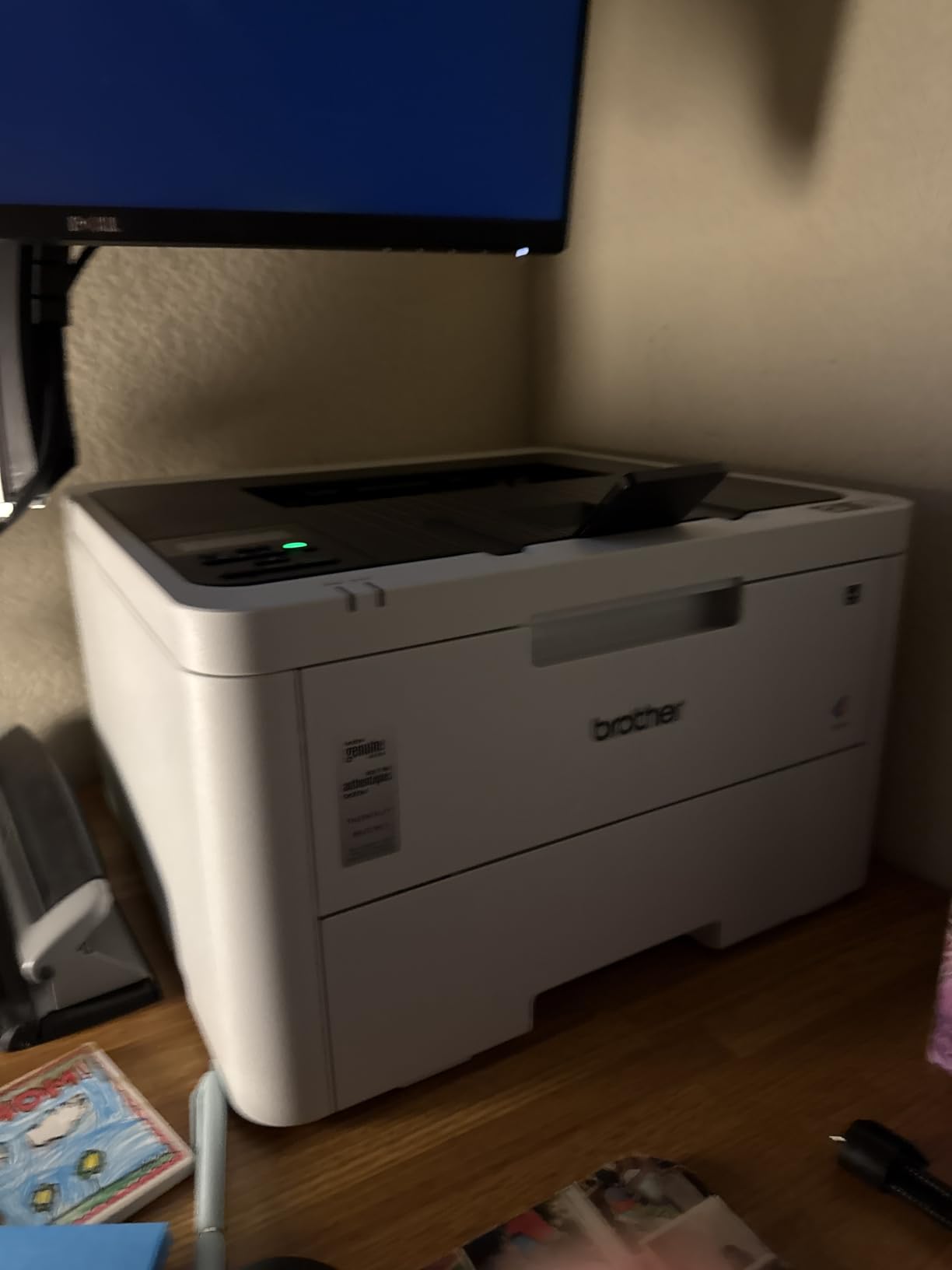
The HL-L3220CDW is the right pick when scanning happens somewhere else
Plenty of home offices already own a flatbed scanner or a phone camera app, and plenty of people only ever print. For them this machine removes roughly a third of the cost and a chunk of desk space, and you keep the features that matter: duplex, Wi-Fi, a 250-sheet tray and AirPrint.
One r/printers commenter describes it as satisfying an occasional home color need without fuss, which is a fair summary of the consensus among owners. The weakness named most often is macOS network configuration, where certificate and driver issues have caused real frustration.
The HL-L3220CDW is the wrong pick if you scan or fax
There is no flatbed glass, no feeder and no fax line. If you routinely scan signed contracts, copy a document or send a fax, this machine becomes a printer you work around rather than one you work with, and the money you saved comes back in a separate scanner purchase.
It is also not a photo printer. Color graphics and charts look good, but borderless photo output is not what this class of machine is built for, and reviewers consistently place its color sharpness well below an inkjet.
2. HP Color LaserJet Pro MFP 3301sdw: The Full-Featured All-in-One
HP Color LaserJet Pro MFP 3301sdw Wireless All-in-One Color Laser Printer, Office Printer, Scanner, Copier, ADF, Duplex, Best-for-Office (499Q3F)
26 ppm black and white
Flatbed plus ADF copier
250-sheet tray, two trays
Ethernet, Wi-Fi, USB
TerraJet 218A and 218X toner
Pros
- Scanner
- copier and ADF in one box
- Fast black and white output
- Two input trays for mixed media
- Wired and wireless networking
Cons
- 600 x 600 dpi maximum print resolution
- HP chip circuitry blocks third-party toner
- Bulky at 37.7 pounds
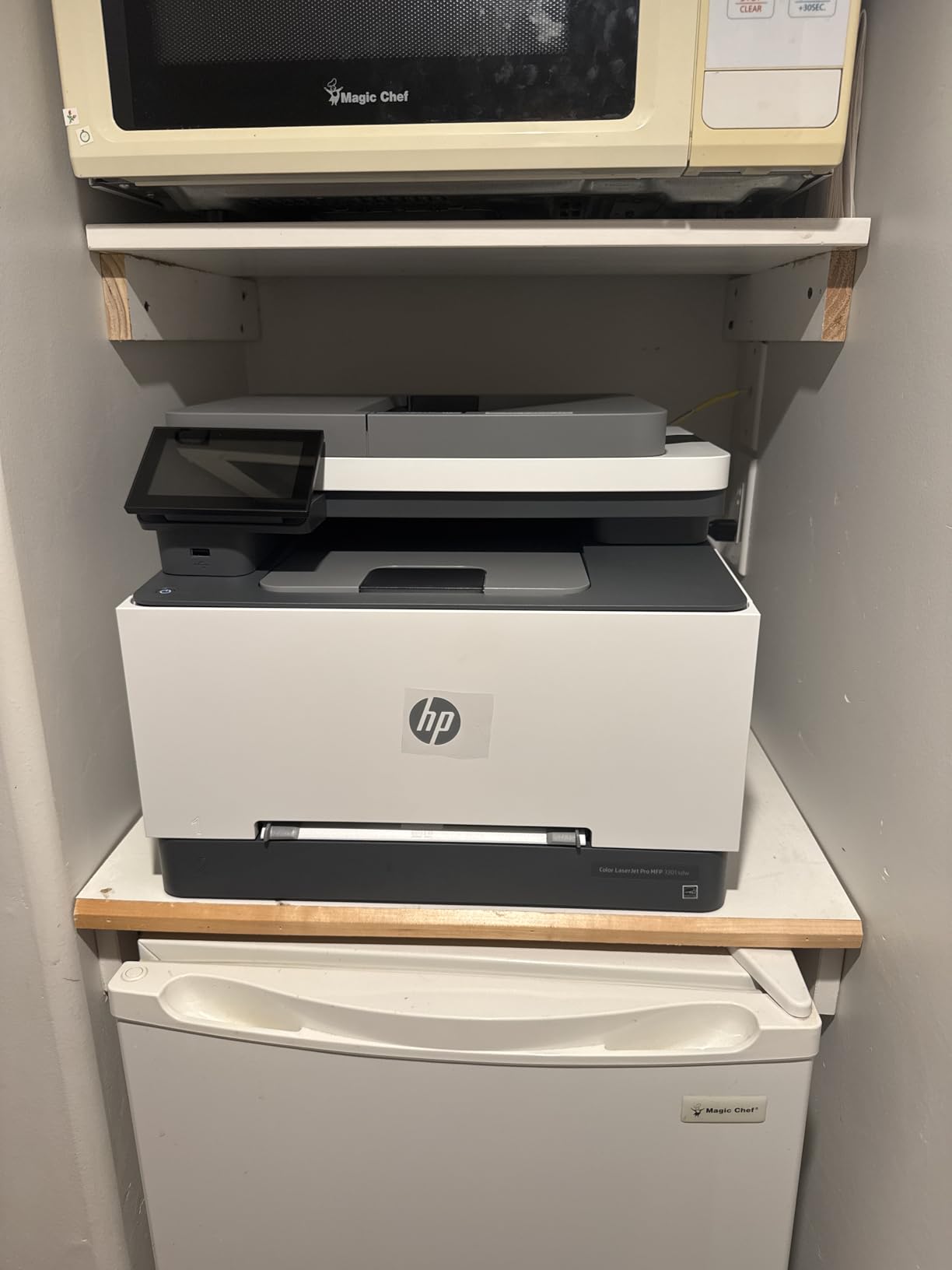
This is the machine you buy when printing is only half of the job. The flatbed scanner, the copier and the automatic document feeder cover the routine admin work of a home office, and the second input tray handles envelopes and specialty stock without monopolizing the main cassette.
Speed is a genuine strength. It is rated at 26 pages per minute for black-and-white output with automatic two-sided printing, which is faster than several smaller machines here, and the TerraJet toner family is specified in both 218A standard and 218X high-yield versions.
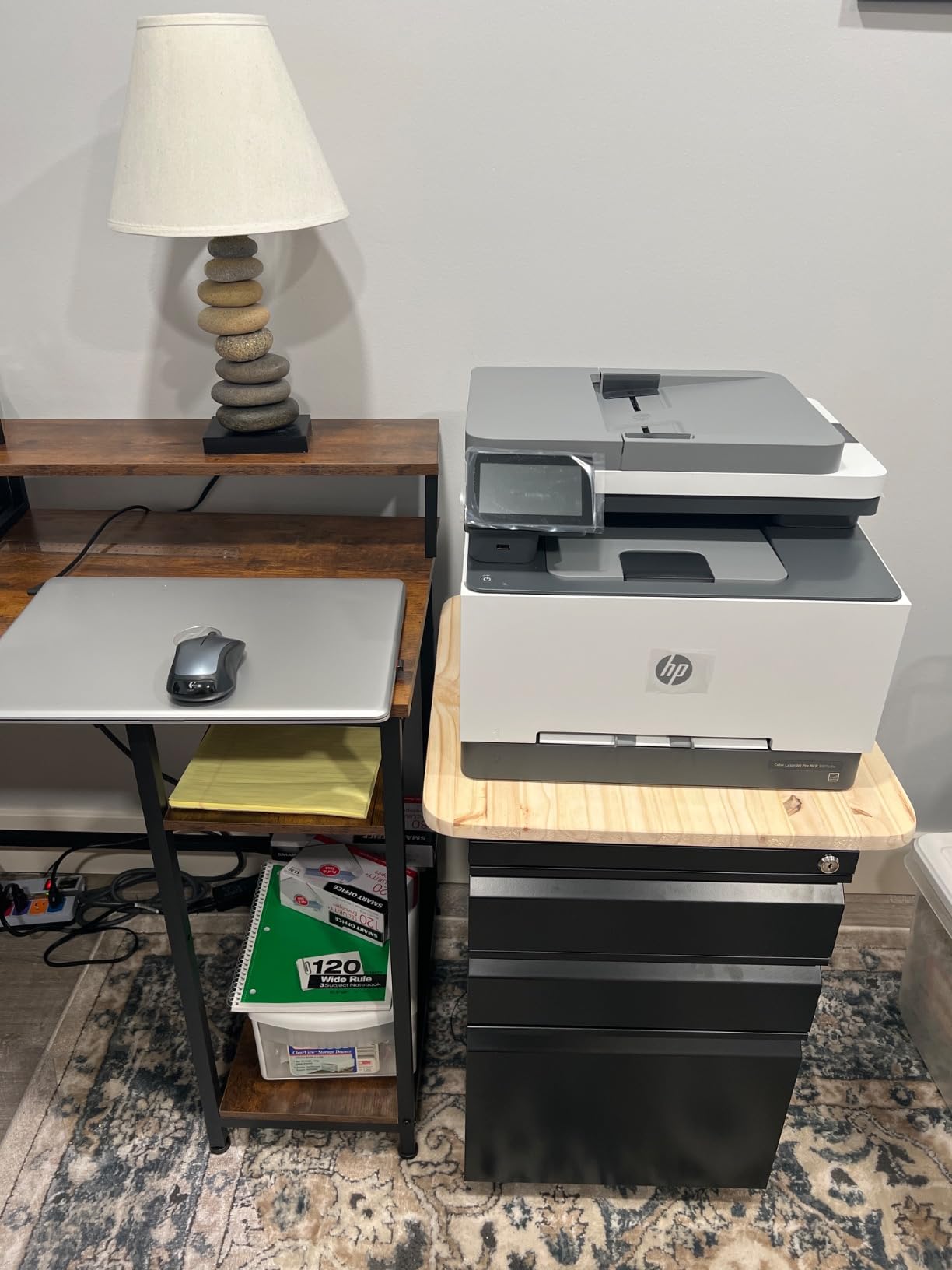
It is also the lowest-rated model in this roundup, at 3.7 stars across more than 1,200 ratings, with 24 percent of reviews landing at one star. That is not a rounding error, and the complaints are specific: locked-in genuine HP toner, basic 600 x 600 dpi color resolution, and a 37.7-pound chassis on a home desk.
Measuring the machine at 16.46 by 13.44 by 16.5 inches, the height is the surprise. It is a floor-adjacent shelf printer, not a desk-side printer, and that should factor into the decision before anything else.
The 3301sdw suits an office that scans, copies and prints daily
Owners who need a feeder and a flatbed in the same box consistently rate it well, and the ADF turns a stack of signed forms or receipts into a single job rather than a series of manual scans. Ethernet, Wi-Fi and USB give you a fallback if the wireless network in a back room is unreliable.
The honest counterpoint is that the same reviewers report the toner lock-in as the top recurring complaint. The machine is built to work with HP chips or circuitry, and periodic firmware updates maintain that, so a third-party cartridge is not a realistic cost-saving route.
The 3301sdw is the wrong pick for small spaces or photo-quality color
A dedicated surface is non-negotiable here. If your printer has to live next to a laptop on a credenza, the footprint and weight work against you, and the same goes for anyone who prints a lot of graphics where 600 x 600 dpi becomes visible.
Color-heavy work is where this unit shows its age most clearly. Sharp monochrome text is fine, but there is no borderless photo mode, and the resolution ceiling keeps fine gradients from rendering the way an inkjet can.
3. Brother MFC-L3720CDW: The Best All-in-One with a Fax and a Touchscreen
Brother MFC-L3720CDW Wireless Color Laser Printer, Scanner, Copier, Fax, Auto Duplex, 250-Sheet Capacity
19 ppm color laser
50-sheet ADF
Scanner, copier, fax
3.5-inch color touchscreen
Dual-band 2.4 and 5 GHz Wi-Fi
Pros
- Only machine here with a 50-sheet document feeder and fax
- Color touchscreen with 48 shortcuts
- Cloud access to Google Drive and Dropbox
- Dual-band wireless plus Wi-Fi Direct
Cons
- 19 ppm is slow for its feature set
- 44 pounds needs a dedicated surface
- Copy resolution limited to 600 x 600 dpi
This is the do-everything option in the group, and the 4.0-star rating across more than a thousand reviews reflects a machine that does its job without drama. Print, scan, copy and fax sit in one 16.1 by 17.5 by 15.8 inch body, fed by a 50-sheet automatic document feeder and a 250-sheet adjustable tray.
The control panel is where this one separates itself. A 3.5-inch color touchscreen carries 48 customizable shortcuts, so the documents you actually use, a scan to cloud folder or a copy preset, sit one tap away instead of several menus deep.
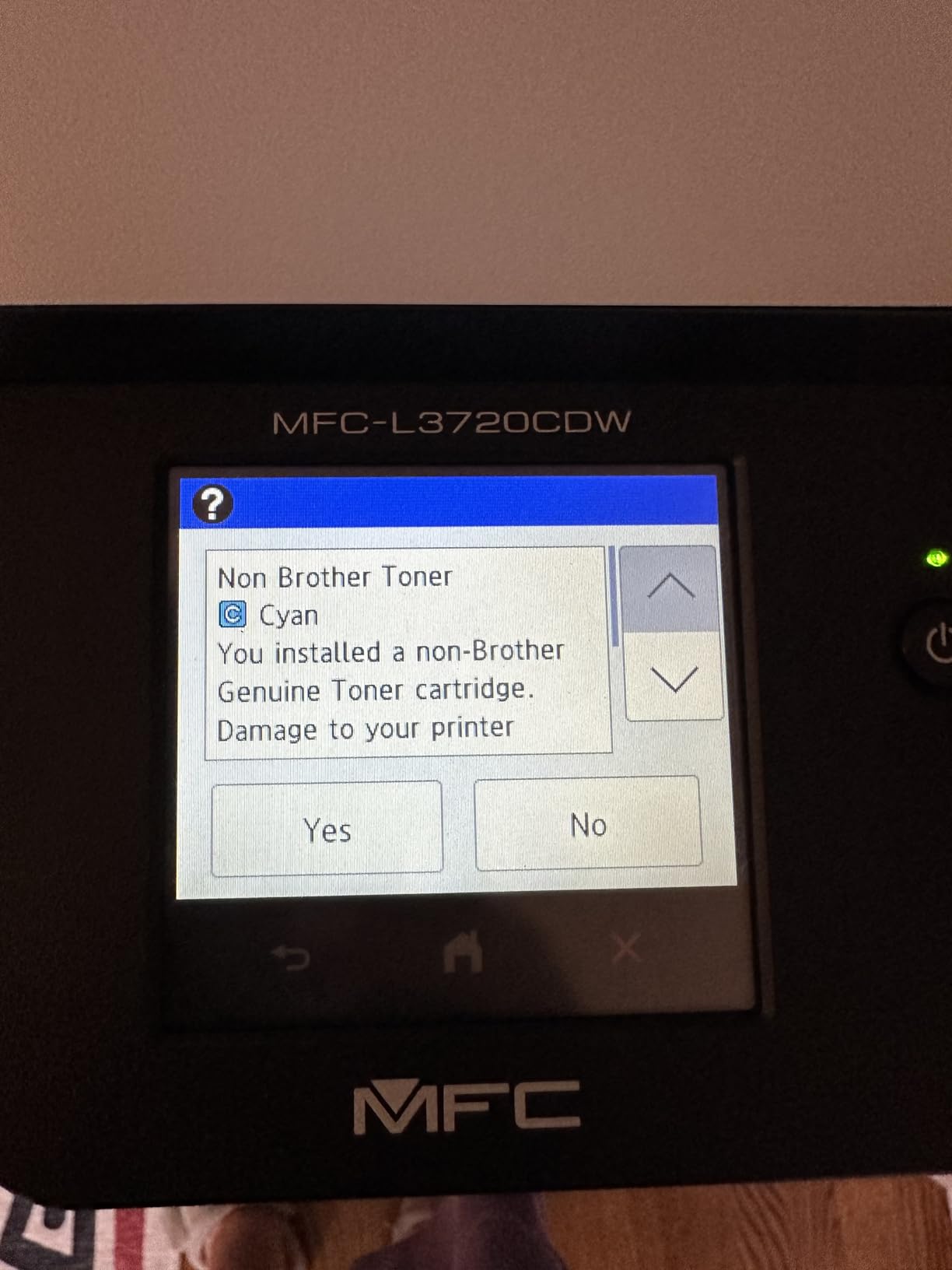
Connectivity is unusually thorough for a home-office machine: dual-band 2.4 GHz and 5 GHz wireless, Wi-Fi Direct, and USB 2.0. The companion mobile app adds remote management and toner level monitoring, which is genuinely useful when the printer lives in another room.
First page out is under 15 seconds, print resolution is 2400 x 600 dpi, and toner runs across the TN229 family from standard yield to XXL super high yield, with a DR229CL drum unit listed as well.
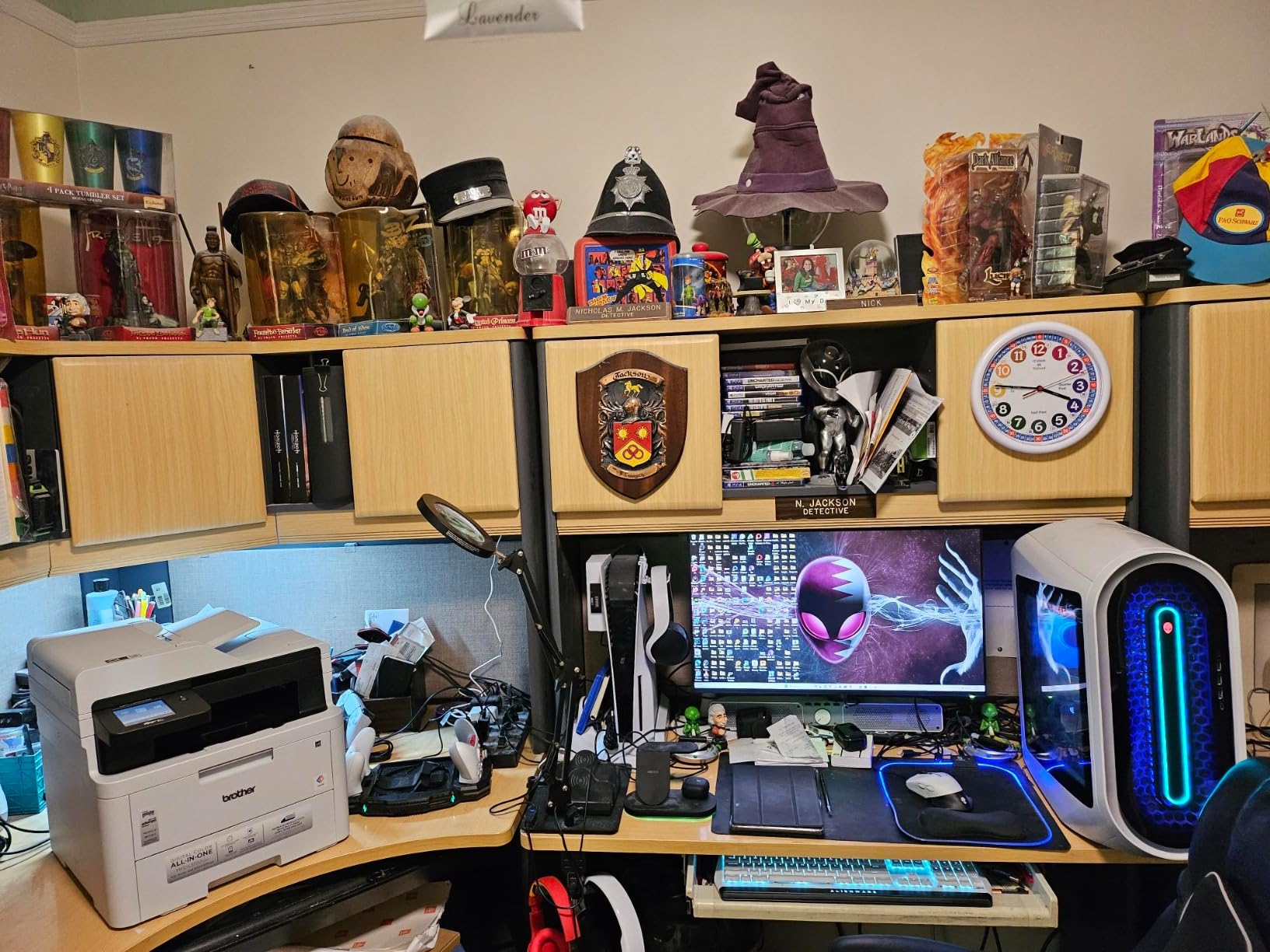
The MFC-L3720CDW fits a solo office that handles paperwork end to end
For a bookkeeper, an attorney working from home or a consultant who signs and scans documents constantly, the feeder and fax are not extras. A 50-sheet ADF handles a signed contract without babysitting, and the cloud shortcuts remove a step from every filing task.
That same audience is also comfortable with a 44-pound machine on a dedicated shelf. If you can give it real estate, the feature set is the most complete here at a comparable size class.
The MFC-L3720CDW is the wrong pick for tight quarters or burst color printing
At 44 pounds and 16.1 inches deep, this is the heaviest machine in the roundup. It is fine on a printer stand and a problem on a small desk, and the same footprint is the reason one owner reviewer describes it as needing a dedicated surface.
The 19 ppm engine is also modest against machines here that print at 26 or 31 ppm, so a stack of 20 color pages takes noticeably longer. The copy path is capped at 600 x 600 dpi even though print resolution reaches 2400 x 600 dpi.
4. Xerox C235dni: The Smallest Color All-in-One Here
Xerox C235dni Wireless Color Laser All-in-One Printer
24 ppm color
500-yield starter toner
Sheetfed scanner only
Built-in Wi-Fi, AirPrint, Mopria
1200 dpi color
Pros
- Compact for a color all-in-one
- Low running cost with high-yield cartridges
- Wi-Fi
- AirPrint and Mopria built in
- Guided setup through the Xerox Easy Assist app
Cons
- Sheetfed-only scanner with no flatbed
- QR-code setup hangs on some networks
- Noticeably loud during operation
- Faint color reported by some owners
At 15.5 by 16.2 by 13.6 inches and 35 pounds, this is the smallest all-in-one color laser in the group, and that is the headline. The MFPs it competes with are consistently taller and heavier, which matters when the printer has to share a room with a desk.
It prints 24 pages per minute in color with automatic duplex, handles up to 1,500 pages per month on high-yield cartridges, and ships with 500-yield starter toner. That combination of starter yield and high-yield support is the reason the running cost lands where it does.
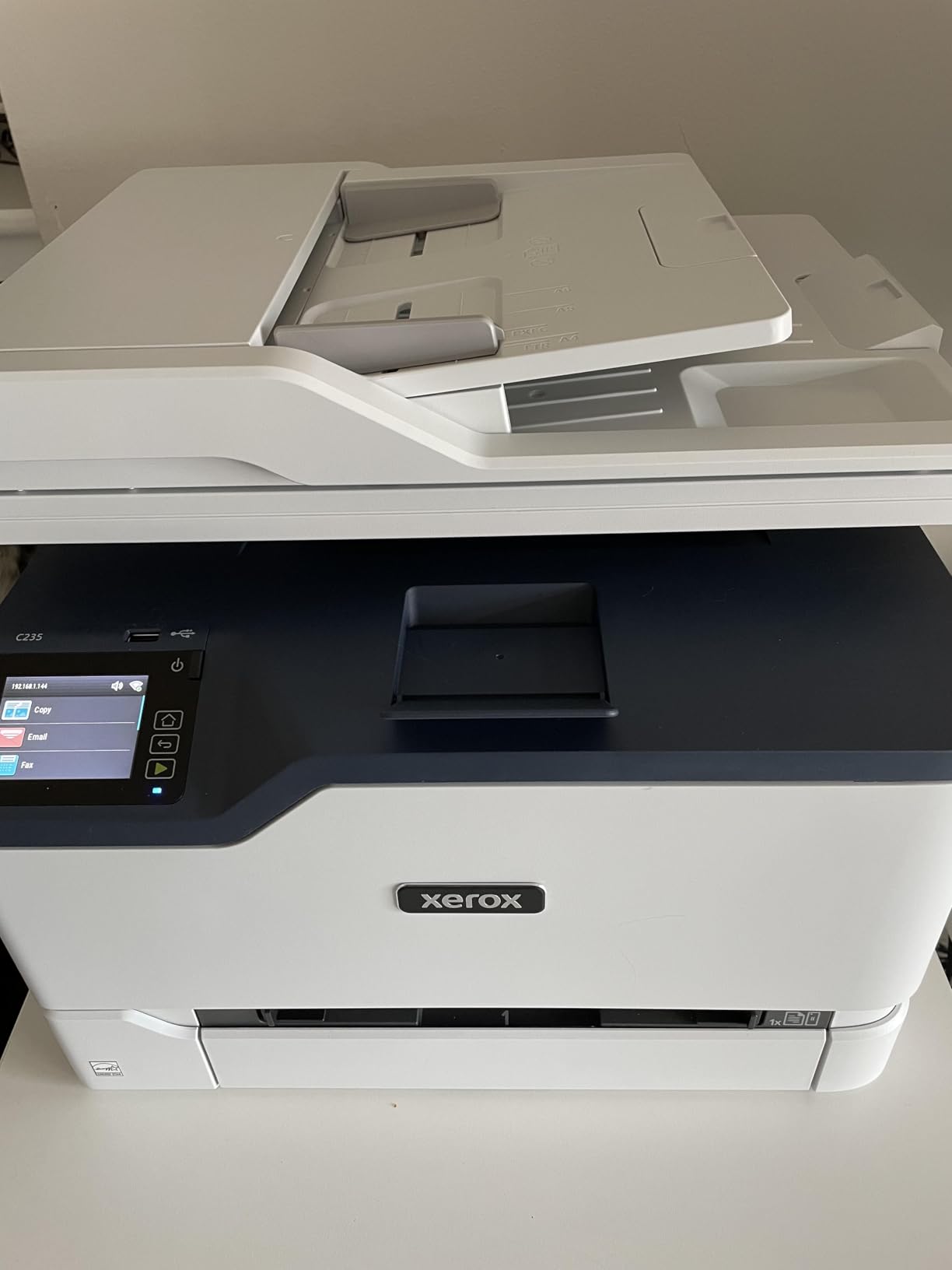
Setup is guided through the Xerox Easy Assist app on a 2.4 GHz network, and AirPrint and Mopria are supported natively. Several owners report having the machine printing within seconds of finishing the guided flow, which is exactly the experience a first-time buyer wants.
Color quality is rated at up to 1200 dpi, and reviewers describe sharp text with bright color graphics. The copier path, however, is listed at 600 dpi, and scanning is sheetfed only, which is the specification that matters if you scan photographs or anything fragile.
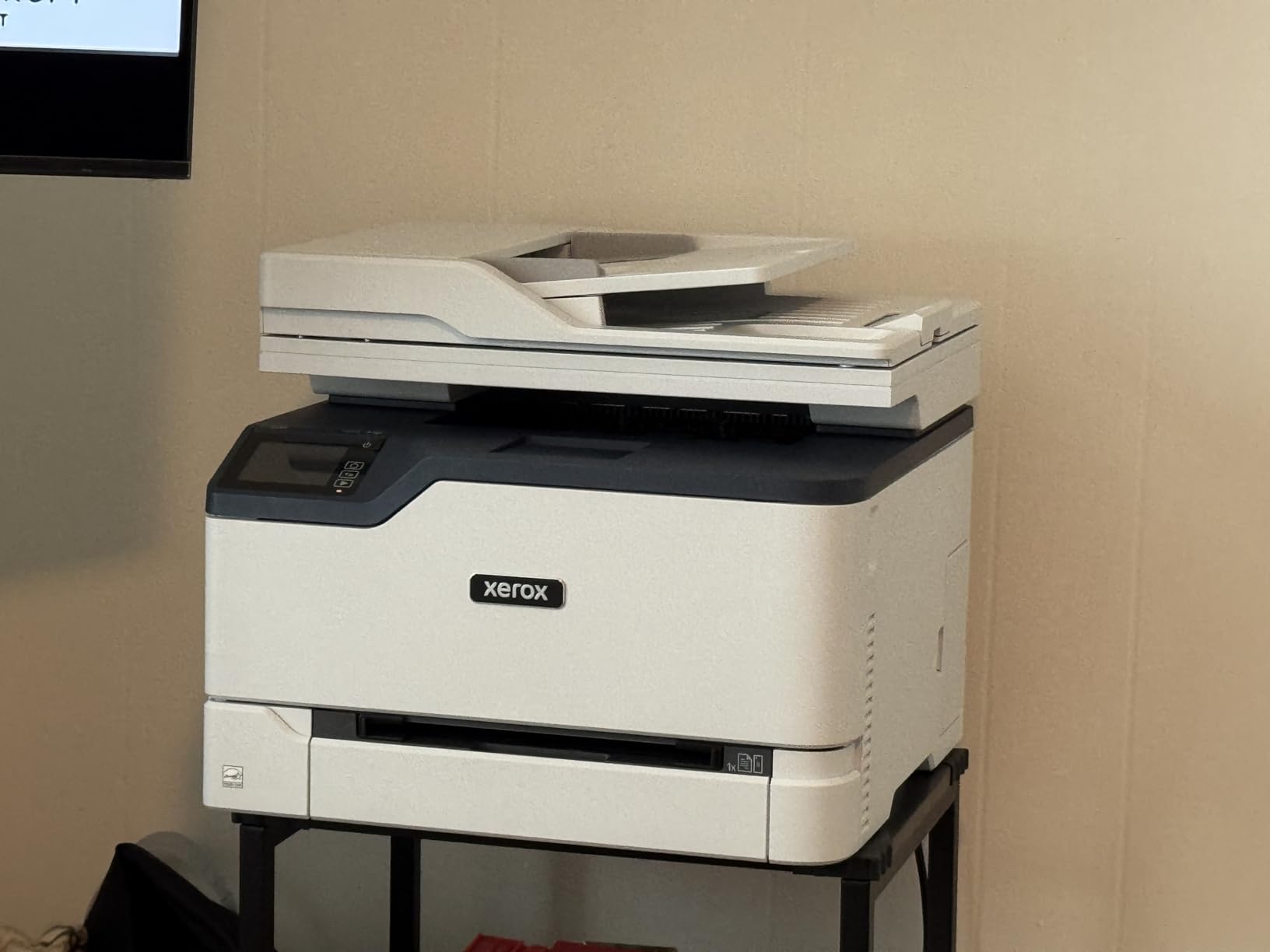
The C235dni is the right pick when space and running cost beat scanning flexibility
A home office that mostly prints and occasionally scans a document, and that has limited shelf or desk room, gets more here than from a taller flatbed machine. Two trays, duplex printing and mobile printing are all present in a smaller box.
The cost story is the real argument. A 500-yield starter cartridge plus readily available high-yield options keeps the ongoing spend down at the moderate volumes a home office actually runs.
The C235dni is the wrong pick for setup-sensitive networks or flatbed scanning
Wi-Fi is the recurring weak spot. Owners report QR-code based setup hanging on some networks, confusing driver download paths following the corporate change, and admin password friction. In a home where the router is in another room, budget time for this or plan on Ethernet.
There is no flatbed glass, so scanning is feeder-only, and some users cannot start a scan from the panel at all. A few owners also report faint color output and a noticeably loud operating noise in a shared room.
5. Canon imageCLASS LBP646Cdw: The Fastest Print-Only Option
Canon Color imageCLASS LBP646Cdw Wireless Laser Printer, Duplex, 26 PPM, Print Only, White
26 ppm color and mono
10.3 second first page
Automatic duplex
250-sheet cassette
3-year limited warranty
Pros
- 26 ppm in both color and monochrome
- Fastest first-page time in the group
- Wireless setup typically under 30 minutes
- ENERGY STAR and EPEAT Silver
- Sharp output on laser-rated paper
Cons
- Print only
- no scan or copy or fax
- Heavy 39.4 pound chassis
- Canon 075 genuine toner is pricey
This is the speed pick for anyone whose printing is genuinely just printing. Twenty-six pages per minute in color and monochrome, a 10.3 second first page, automatic two-sided output, and a 5-line LCD for basic navigation with no touchscreen to learn.
Wireless setup is repeatedly described as painless, typically about 30 minutes including unboxing, and mobile printing works through the Canon PRINT app, Apple AirPrint and Mopria. Several owners note that it replaced an inkjet which kept drying out, which is the migration story we hear most.
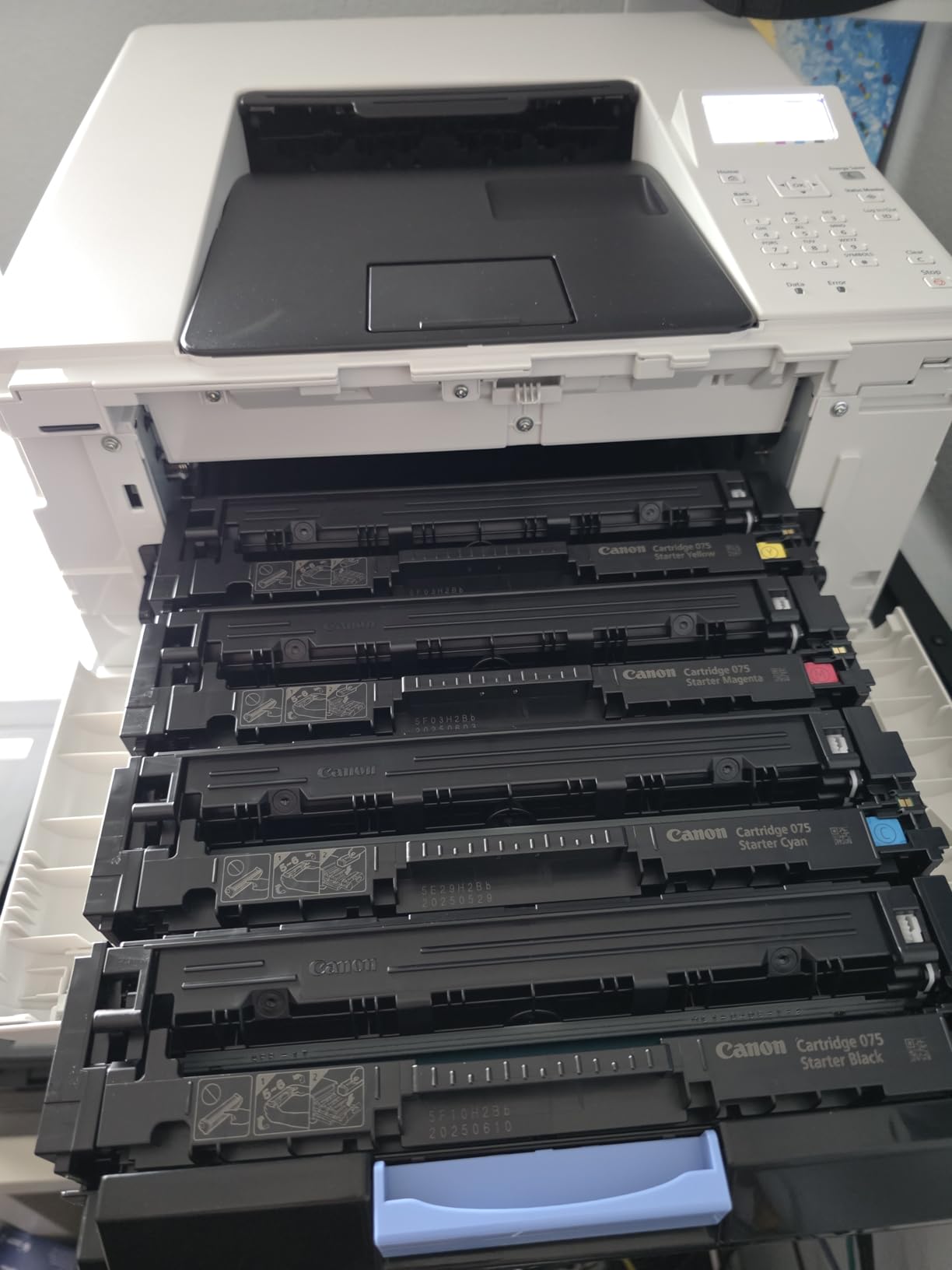
The 3-year manufacturer limited warranty is longer than the 1-year cover on the Brother machines in this group, and it is ENERGY STAR certified, EPEAT Silver and Chromebook compatible. Print resolution reaches 1200 x 1200 dpi in color, the best figure on a print-only unit here.
Paper handling is a 250-sheet standard cassette plus a 1-sheet multipurpose tray, and Canon Genuine Toner 075 in standard or high capacity does the work. Envelopes and specialty media go through the multipurpose tray.
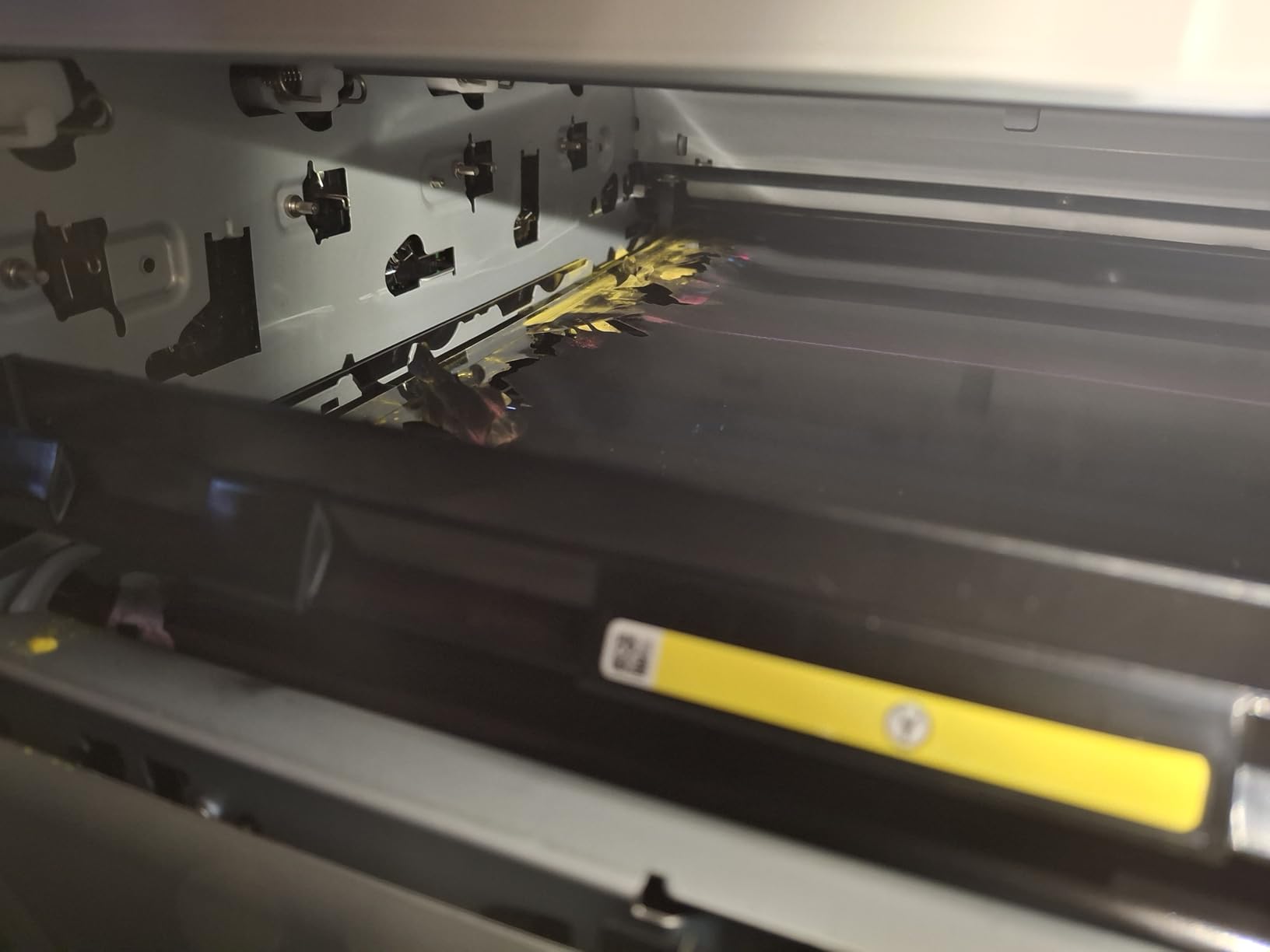
The LBP646Cdw is the right pick for high print volume and no scanning
If your week is packed with color reports, charts or proposals and you already own a scanner, nothing else in this list prints faster in color. The 10.3 second first page changes the feel of one-off jobs, which is where home offices feel every second.
The three-year warranty also reduces the risk of a first-year failure on a machine that will sit between jobs for weeks at a time, which is precisely the usage pattern that causes problems in lesser hardware.
The LBP646Cdw is the wrong pick for small rooms or tight budgets on toner
At 39.4 pounds and 16.5 by 16.8 inches, this is not the compact option its category suggests. It is also loud compared with some peers, which matters if the office shares walls with a living space.
Canon 075 genuine toner is expensive, and one owner reported a unit failing after roughly two weeks. With no scanner, copier or fax, the machine only earns its place if you genuinely do not need them.
6. Canon imageCLASS MF652Cw: The Best-Rated Printer in the Group
Canon Color imageCLASS MF652Cw – Wireless Laser Printer, Multifunction with Scanner, Copier, Mobile Ready, 3 Year Limited Warranty, 22 PPM Color, White
22 ppm color
3-in-1 print, scan, copy
LCD touchscreen
1200 x 1200 dpi
3-year limited warranty
Pros
- Highest rating in the roundup at 4.3 stars
- Reliable scan and copy with an easy touchscreen
- Sharp color and strong monochrome output
- Owners report 4000-plus pages per cartridge
- Quiet and consistent over Wi-Fi
Cons
- No automatic duplex
- AirPrint wake issues on some mesh networks
- USB cable not included
- Web-only admin console
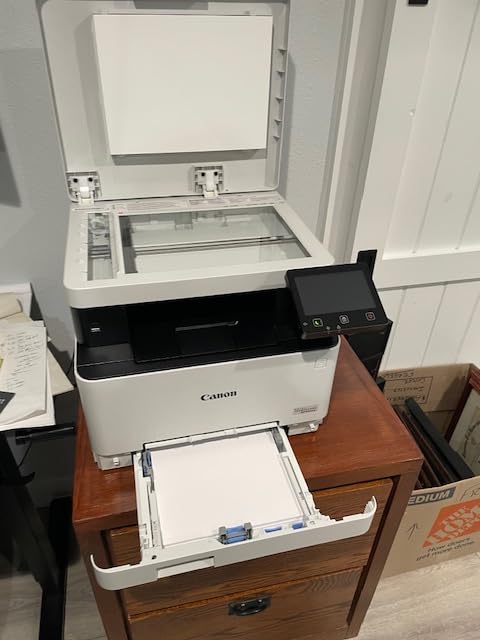
This is the highest-rated machine we reviewed, at 4.3 stars across more than 250 ratings, and the star distribution backs it up: 69 percent five-star and 7 percent one-star. Owners describe dependable Wi-Fi printing, easy installation, clear output and toner that lasts, with one reporting 4,000-plus pages per cartridge.
It is a 3-in-1 rather than a 4-in-1. Print, scan and copy run at 22 pages per minute, with a 10.3 second first page, and the LCD touchscreen handles the routine jobs without a menu dive. Poster Artist Online is included for banners, posters and signage.
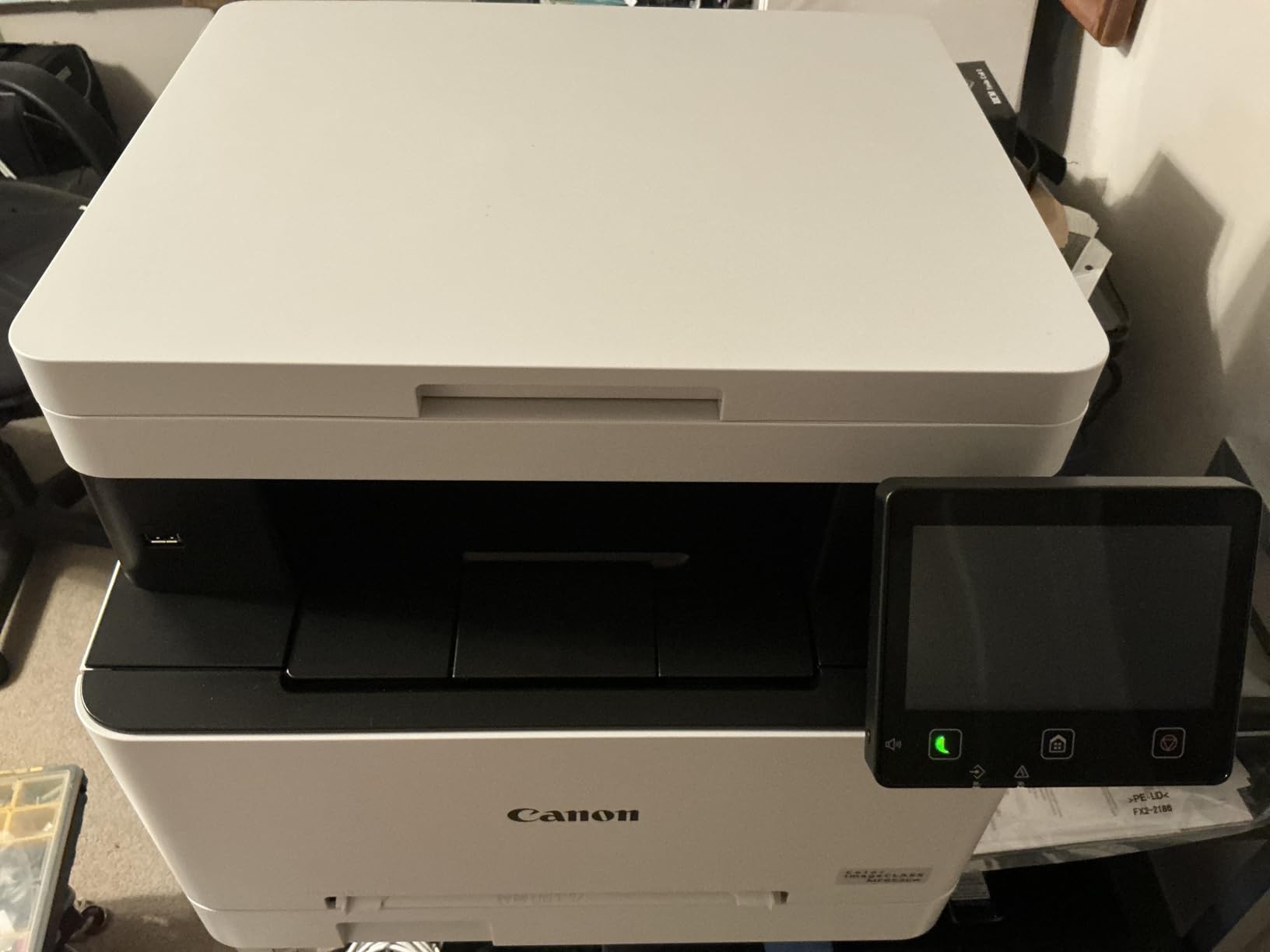
Paper handling is a 250-sheet standard cassette plus a 1-sheet multipurpose tray, and it uses Canon Genuine Toner 067 in standard or high capacity. Maximum media size is 8.5 by 14 inches, and it is ENERGY STAR certified and EPEAT Silver.
The weight is 39.7 pounds across 18.2 by 17.8 by 14.2 inches, which makes it one of the larger boxes here. The color resolution of 1200 x 1200 dpi is a real step up for graphs and marketing one-pagers.
The MF652Cw is the right pick for owners who value quiet reliability over duplex
If you print, scan and copy in modest bursts and rarely need two-sided output, this machine does those three things consistently. The touchscreen workflow and long cartridge life are what owners actually praise, and quiet operation suits a room where someone else is working or sleeping nearby.
It is also the pick for anyone who wants color output that looks genuinely good on a chart or a one-page flyer, because 1200 x 1200 dpi is the best resolution among the multifunction units here.
The MF652Cw is the wrong pick if duplex or mesh-network Wi-Fi is non-negotiable
There is no automatic duplex, so every two-sided job is a manual flip. That single omission rules it out for anyone who prints contracts or reports that run long.
There is also a well-documented AirPrint wake problem on some Netgear Orbi mesh systems when the printer is asleep, which one owner worked around with a smart plug. The USB cable is not included, and the admin console is web-only, which matters if you manage the network yourself.
7. Canon imageCLASS MF662Cdw: Fast Duplex with a Big Touchscreen
Canon Color imageCLASS MF662Cdw – Wireless Duplex Laser Printer with Copier, Scanner, 3 Year Limited Warranty, 26 PPM
26 ppm color
Automatic duplex
5-inch color touchscreen
Flatbed scanner
Ethernet, USB and Wi-Fi
Pros
- 26 ppm color with automatic two-sided printing
- Bright
- crisp color on laser and photo paper
- 5-inch touchscreen with Application Library
- Straightforward cloud scanning
- Ethernet option for a wired network
Cons
- Falls off Wi-Fi after sleep and needs a reboot
- 55.1 pounds needs dedicated space
- Canon 075 toner cartridges are expensive
- Canon PRINT app is basic
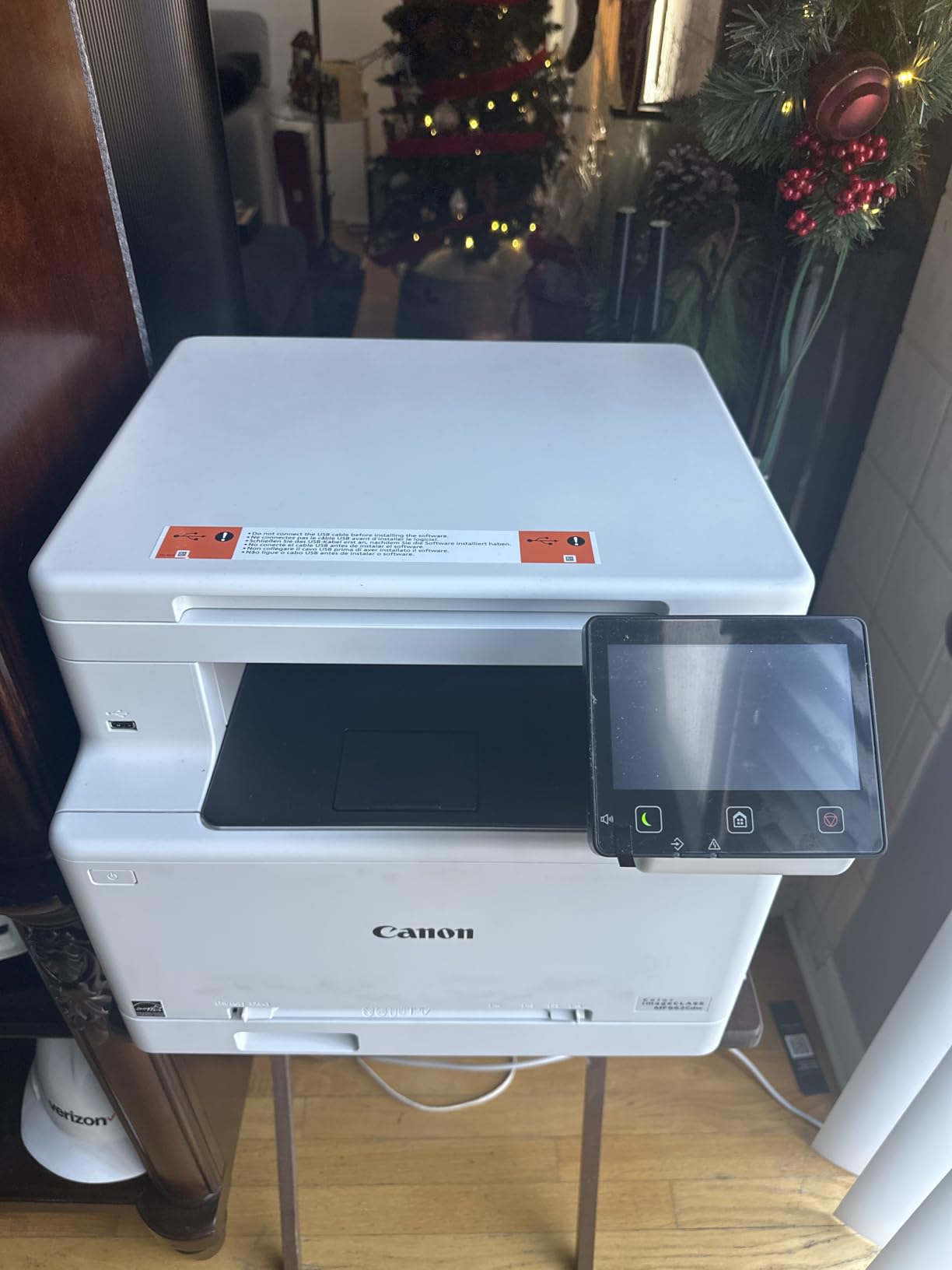
The MF662Cdw pairs a 26 ppm color engine with automatic duplex and a flatbed scanner, which is the most complete print-and-scan combination on a Canon unit in this list. First page out is 10.3 seconds, and the 5-inch color touchscreen includes an Application Library for arranging frequently used features.
Color quality is a highlight. Owners report bright, crisp contrast on both laser-rated paper and photo paper, and print resolution of 1200 x 1200 dpi in color sits at the top of this group. Scanning to cloud is described as straightforward through the Canon app.
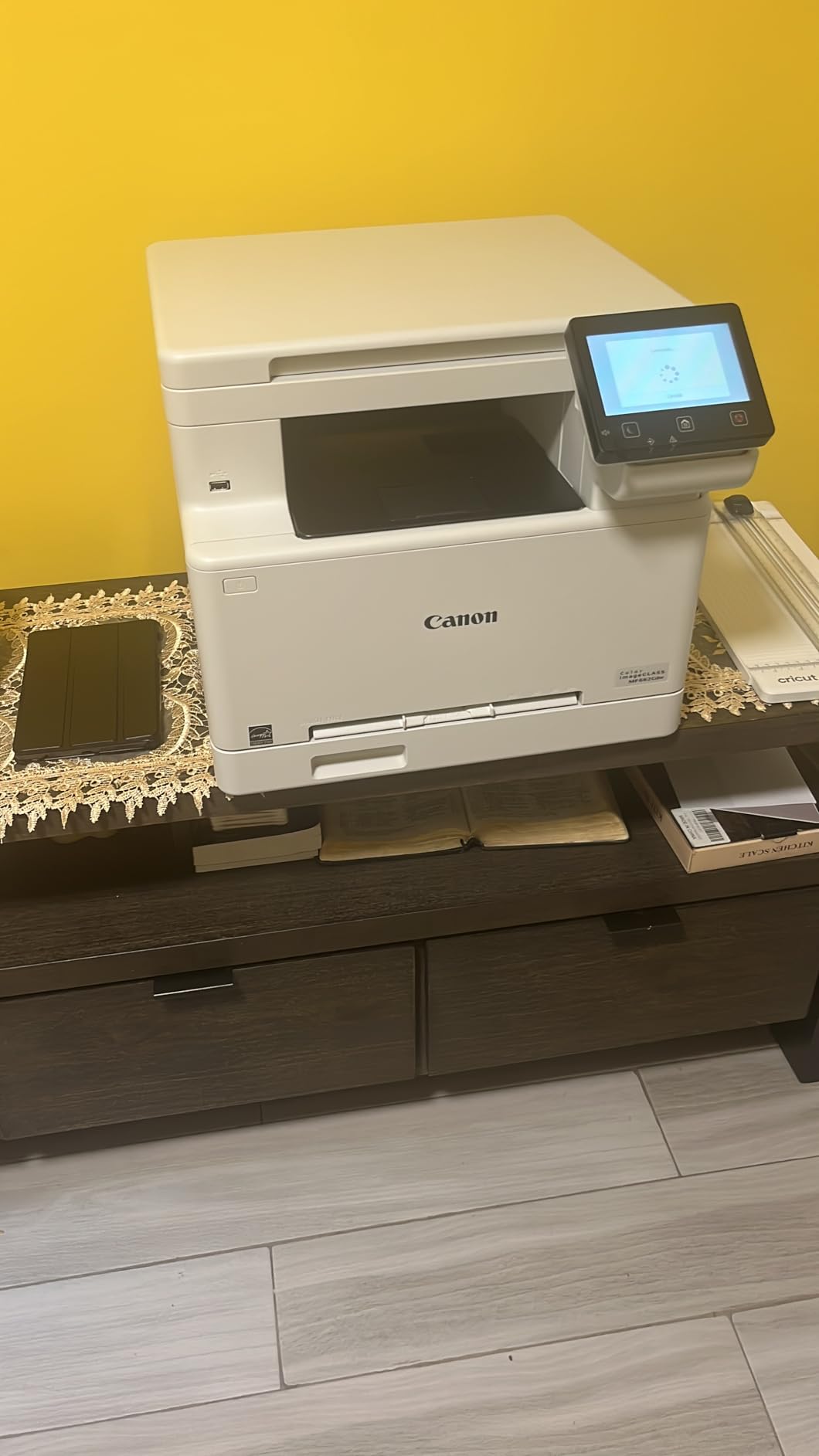
Networking is the widest here: Ethernet, USB and Wi-Fi together, with AirPrint and Mopria support and a 250-sheet standard cassette plus a 1-sheet multipurpose tray. It is ENERGY STAR certified, EPEAT Silver and carries a 3-year limited warranty.
Connectivity is also its defining weakness, and it dominates the negative reviews. Multiple users report the printer dropping off the Wi-Fi network after sleep and needing a full reboot to reconnect. One changed the IP address manually, another wired it to a nearby router, and a third used a smart plug to power-cycle it.
The MF662Cdw is the right pick for duplex-heavy work with a wired option
Automatic duplex at 26 ppm in color is the best print-and-scan throughput in this roundup, and it matters most for the person printing a 40-page proposal every Friday or a stack of monthly statements.
The Ethernet port is the reason to consider it at all given the wireless complaints. A wired connection removes the sleep-and-drop problem entirely, and on a home network with one dead zone, cable is often the faster fix than fighting firmware.
The MF662Cdw is the wrong pick for a small room or a wireless-only network
At 55.1 pounds, this is the heaviest machine in the group, and the 18.2 by 16.8 by 15.7 inch body needs a dedicated surface. It is not a desk printer under any arrangement.
If you plan to print purely over Wi-Fi, the repeated sleep-and-reconnect reports are a real risk you would be accepting, and the dated Canon PRINT app is missing basic functions that make resizing images awkward.
8. Brother HL-L3295CDW: The Fastest Engine and NFC Tap-to-Print
Brother HL-L3295CDW Wireless Compact Digital Color Printer with Laser Quality Output, Duplex, NFC, Mobile & Ethernet | Includes 2 Month Refresh Subscription Trial ¹, Amazon Dash Replenishment Ready
31 ppm color and mono
Automatic duplex
NFC touch to print
2.7-inch color touchscreen
2400 x 600 dpi
Pros
- Fastest print speed in the group at 31 ppm
- Quiet operation with a polite deep-sleep
- Flat paper tray with easy size sliders
- Reliable phone and tablet printing
- Brother toner costs less than HP or Canon
Cons
- Muted color
- not for photos
- Firmware updates have interrupted printing
- Streaky early output and drum complaints
- Touchscreen keyboard is too small
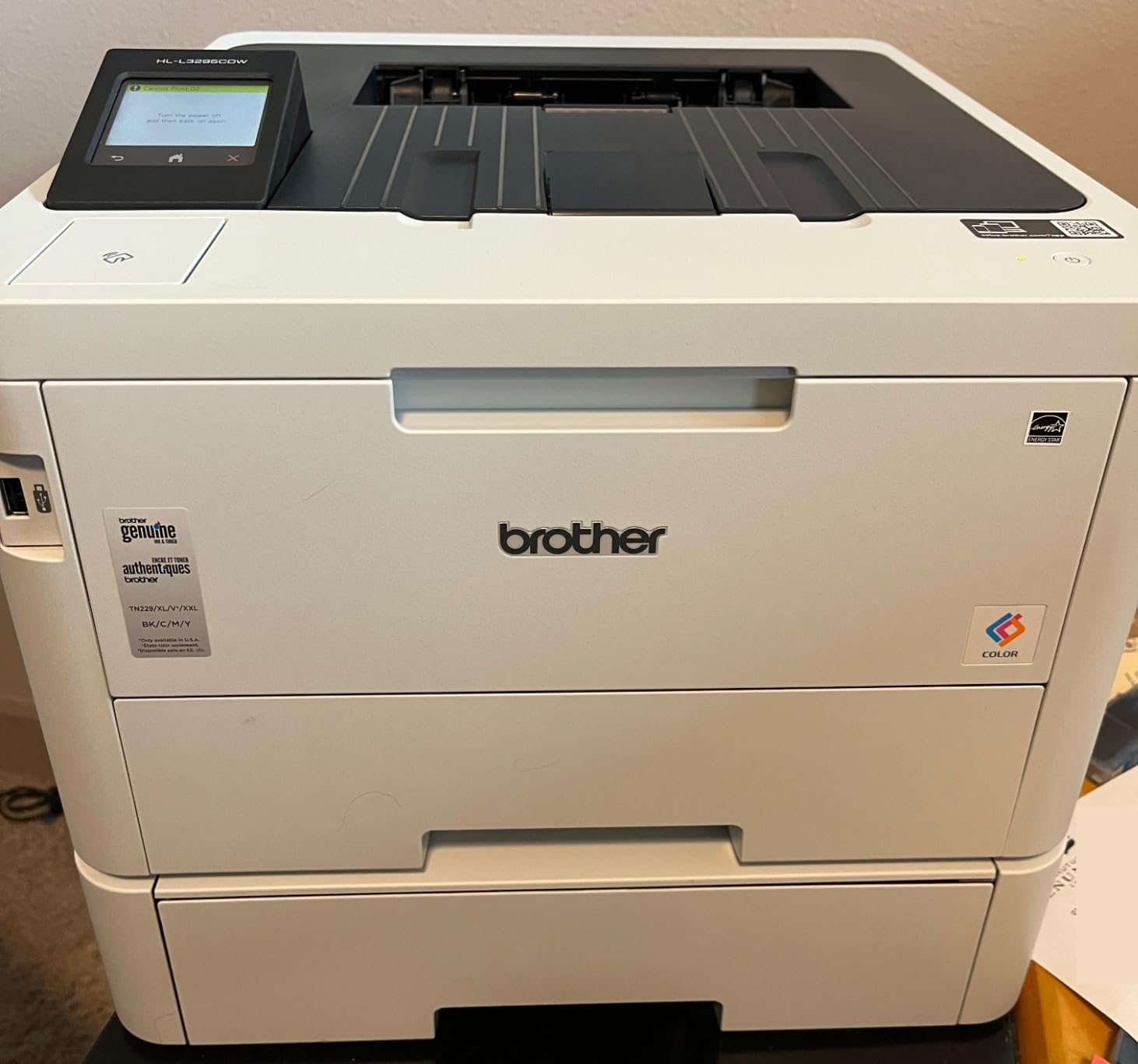
On paper this is the quickest machine here, rated at 31 pages per minute in both color and monochrome with automatic duplex, and the touchscreen display is larger than the 2.7 inches its size class suggests. It also brings NFC touch-to-print, which lets staff or family members send a job by tapping a card without setting up an account.
Long-time owners single out two things: it is quiet, with a deep-sleep mode that avoids a jarring startup noise, and the TN229 toner family costs noticeably less per page than HP or Canon equivalents. Both are exactly what a shared-room home office cares about.
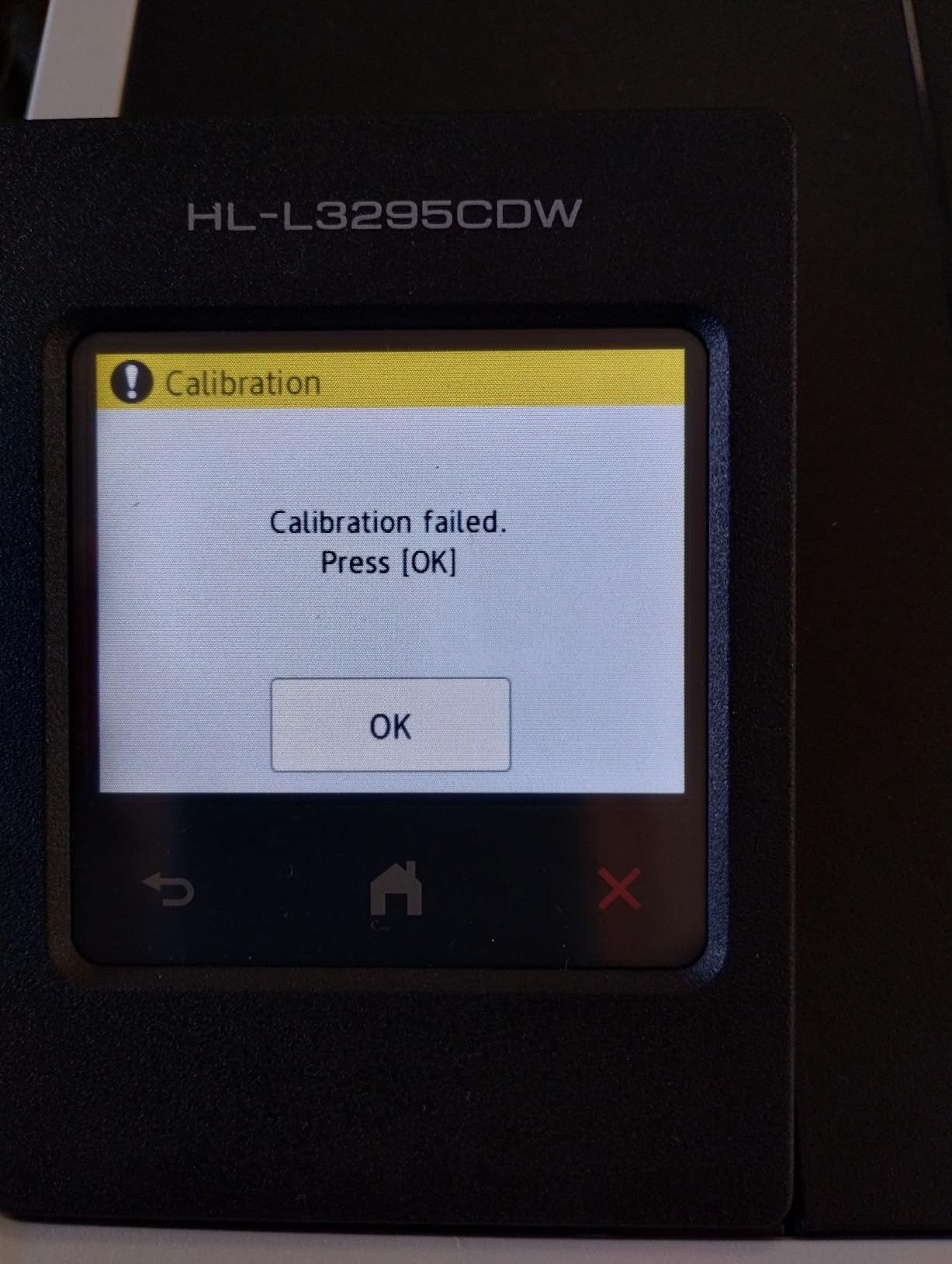
Print resolution is 2400 x 600 dpi, maximum media size is 8.5 by 14 inches, and it takes the full TN229 range from standard yield to XXL super high yield. A Refresh EZ Print subscription trial is included, and the listing notes Amazon Dash Replenishment support.
Connectivity is the broadest Brother offering in this list, with Wi-Fi, NFC, Ethernet and USB together, and cloud printing from Google Drive, Dropbox and EverNote through the touchscreen.
The HL-L3295CDW is the right pick for a busy shared room and cheaper toner
A home office that prints heavily, or one where the machine shares a room with someone who is sensitive to noise, gets a lot from this unit. The deep-sleep behaviour and the 31 ppm engine mean it clears a job quickly and then goes quiet, rather than idling noisily between prints.
Cheaper consumables compound the benefit over a year. If your color volume is real, the difference between Brother TN229 toner and HP or Canon equivalents is the number that shows up in your running cost.
The HL-L3295CDW is the wrong pick for vivid photos or a small desk
Color output is muted by laser standards and is not suited to photo or high-saturation printing. The compact label also undersells the footprint at 15.7 by 17.8 by 10.8 inches and 36.8 pounds, which is desk-depth heavy rather than shelf-light.
Firmware updates are the loudest negative theme, with some users reporting computer and USB printing interrupted by an update. Early streaky output and drum quality complaints also appear, and the on-screen keyboard is too small for comfortable password entry.
How to Choose a Color Laser Printer for a Home Office in 2026
Single-function or all-in-one: decide this first
Buy a print-only machine if you already have a scanner or simply never scan. Two of the eight here are print-only, and both are lighter on the wallet and lighter on the desk. Buy a multifunction model if you scan, copy or fax more than a few times a month; the flatbed plus feeder combination saves a separate device and a separate power outlet.
The question keyword searches keep asking is whether a single-function or all-in-one color laser is better for home. The honest answer: for most home offices the all-in-one wins on flexibility, and the print-only machine wins on desk space and price. Neither is wrong.
Laser or inkjet: the volume crossover
The crossover is a monthly page count, not a purchase price. At very low intermittent use, an inkjet’s low entry cost can look better, but the moment an inkjet sits unused it risks drying out, and replacement ink cartridges are the expensive part of ownership. A color laser at roughly 150 pages a month starts to justify itself, and by 500 pages a month the toner economics are usually ahead.
Laser also wins on the things a home office actually prints. Text is sharper, pages are not smudge-prone, duplex output is fast, and there are no nozzles to keep clean. The one place a laser cannot compete is photographs, so keep a photo route for anything you care about seeing at full size.
Toner economics: the costs people underestimate
Two numbers matter. The yield of the cartridge you buy, and whether the printer accepts third-party toner. Every machine here uses a chip-locked platform in some form, from Brother TN229 series and HP 218A and 218X to Canon 075 and 067. The Xerox C235dni is the clearest case for planning ahead, with 500-yield starter toner and high-yield support for up to 1,500 pages a month.
Watch the starter cartridge effect. Color units and imaging drums wear down whether or not you print color, so a printer that sits idle for a month still ages internally. Buying a high-yield cartridge the first time avoids the yield cliff that makes a cheap printer expensive in month three.
Third-party toner is a real saving and a real risk. In printer communities, owners running compatible cartridges report lower ongoing cost, while others worry about warranty cover. The practical compromise is to keep OEM toner in the machine and accept a small risk, or check the vendor warranty terms for consumables before committing.
Duplex, ADF and what the paperwork actually needs
Automatic duplex printing is not a luxury in a home office. It roughly halves paper use on contracts, statements and reports, and every machine in this list offers it except the Canon imageCLASS MF652Cw, which requires a manual flip.
For the ADF, count the difference between a flatbed plus feeder and a feeder only. A flatbed handles books, photos and anything awkward. A reversing versus single-pass duplex ADF decides whether a two-sided stack is scanned in one pass or flipped, which matters when you are filing contracts rather than receipts.
Connectivity, footprint and the room it lives in
Wi-Fi setup reliability is the most common source of buyer regret in the owner reviews we read, ahead of print quality. Machines here offer dual-band wireless, Wi-Fi Direct, AirPrint and Mopria, but a router in another room or a crowded 2.4 GHz network is where setup stalls. If the printer is in a dead zone, Ethernet is the faster fix than any amount of firmware.
Measure before ordering. The lightest print-only unit here is 24.7 pounds and 9.4 inches tall; the heaviest multifunction is 55.1 pounds and 15.7 inches tall. Noise matters too, and the Canon LBP646Cdw and Xerox C235dni are both reported as loud compared with the quietest units. If a soundbar or speakers in the same room is your solution for background noise, the printer needs the same consideration.
Two smaller things catch people out. Print on laser-rated paper, because wrong media causes jams and curl, and store paper away from a damp exterior wall, since humidity is the usual cause of curled edges in a home.
Check the emissions class before buying commercial hardware
Some larger office laser models are rated for commercial use and are not appropriate for a residential room. Look for a home or small-office rating in the documentation, and treat anything sold explicitly as commercial or workgroup equipment as a different category of purchase.
Troubleshooting: what to do when a color laser misbehaves
Streaking or banding usually means the drum or imaging unit is worn, not that the toner is low. Fading color across a page points to an aging color unit that needs replacing regardless of remaining toner. A printer that will not wake for AirPrint after sleep is a network power-state problem, and a smart plug is the workaround several owners used. Queue jams on heavier stock almost always trace back to paper type set incorrectly. And a machine that only appears on the network intermittently is usually a 2.4 GHz congestion issue rather than a hardware fault.
Frequently Asked Questions
What is the best color laser printer for home office use?
The Brother HL-L3220CDW is our top pick for most home offices: 19 ppm in color and monochrome, automatic duplex, a 250-sheet tray, Wi-Fi and AirPrint, and a 15.7 by 15.7 by 9.4 inch footprint. If you need scanning and faxing, the Brother MFC-L3720CDW adds a 50-sheet feeder, a 3.5-inch touchscreen and dual-band wireless.
Which is the best laser printer for home office?
For color work the Canon imageCLASS LBP646Cdw is the fastest print-only option at 26 ppm with a 10.3 second first page and a 3-year warranty. The Brother HL-L3295CDW runs at 31 ppm with automatic duplex and NFC tap-to-print. For an all-in-one with the smallest footprint, the Xerox C235dni measures 15.5 by 16.2 by 13.6 inches.
What is the best color laser printer for office use?
For a small office rather than a home office, the Brother MFC-L3720CDW is the stronger fit: a 50-sheet automatic document feeder, fax, a 3.5-inch color touchscreen with 48 shortcuts and a 250-sheet tray cover routine paperwork at volume. The Xerox C235dni also scales well, with high-yield cartridges rated for up to 1,500 pages per month.
Are laser printers being phased out?
No. Laser remains the standard for office documents because text is sharper, pages resist smudging and toner does not dry out during idle periods. What has grown is ink-tank and inkjet technology, which competes on low-volume color and photos. For a home office printing text, charts and forms, laser is still the safer long-term choice.
What are some common problems with laser printers?
The most reported issues are streaking or banding from a worn drum unit, faded color from an aging color unit, wireless setup failures and printers that drop off the network after sleep, low 600 x 600 dpi resolution on some models, and running costs that rise once low-yield starter cartridges run out. Paper type mismatches cause most jams and curled edges.
Do I need a color laser printer for home use?
You need one if you print charts, proposals, invoices, labels or anything in color regularly and you want output that does not dry out between jobs. If you mostly print plain documents and only occasionally need a photo, a monochrome laser plus occasional photo printing elsewhere is the cheaper route.
Can you use third-party toner in a color laser printer?
It depends on the model. Several machines here are built to work only with manufacturer chips or circuitry, including the HP units using 218A and 218X cartridges, which will reject third-party cartridges. Check whether the vendor warranty covers consumables before you commit, since the saving is real but so is the risk.
Which Color Laser Printer Should You Buy in 2026?
For most home offices, the Brother HL-L3220CDW is the right first purchase: it is small, quiet, fast enough at 19 ppm, doubles automatically, and carries the largest base of owner ratings in this group. If your work includes scanning signed paperwork or faxing, the Brother MFC-L3720CDW adds the feeder, the touchscreen and the fax in a package that still fits a home office.
Reach for the Canon imageCLASS LBP646Cdw when printing is the only job and volume is high, for 26 ppm and a 10.3 second first page with a 3-year warranty. The Canon imageCLASS MF662Cdw is the duplex-and-scan option, wired over Ethernet if your wireless network is unreliable. The Brother HL-L3295CDW wins on speed, quiet running and cheaper toner, and the Xerox C235dni is the choice when desk space and running cost outrank scanning flexibility.
Whatever you pick, check the emissions class for residential suitability, measure the shelf before you order, and buy a high-yield cartridge the first time so the running cost does not jump in month three. Then set up duplex as the default and let the toner handle the rest.