
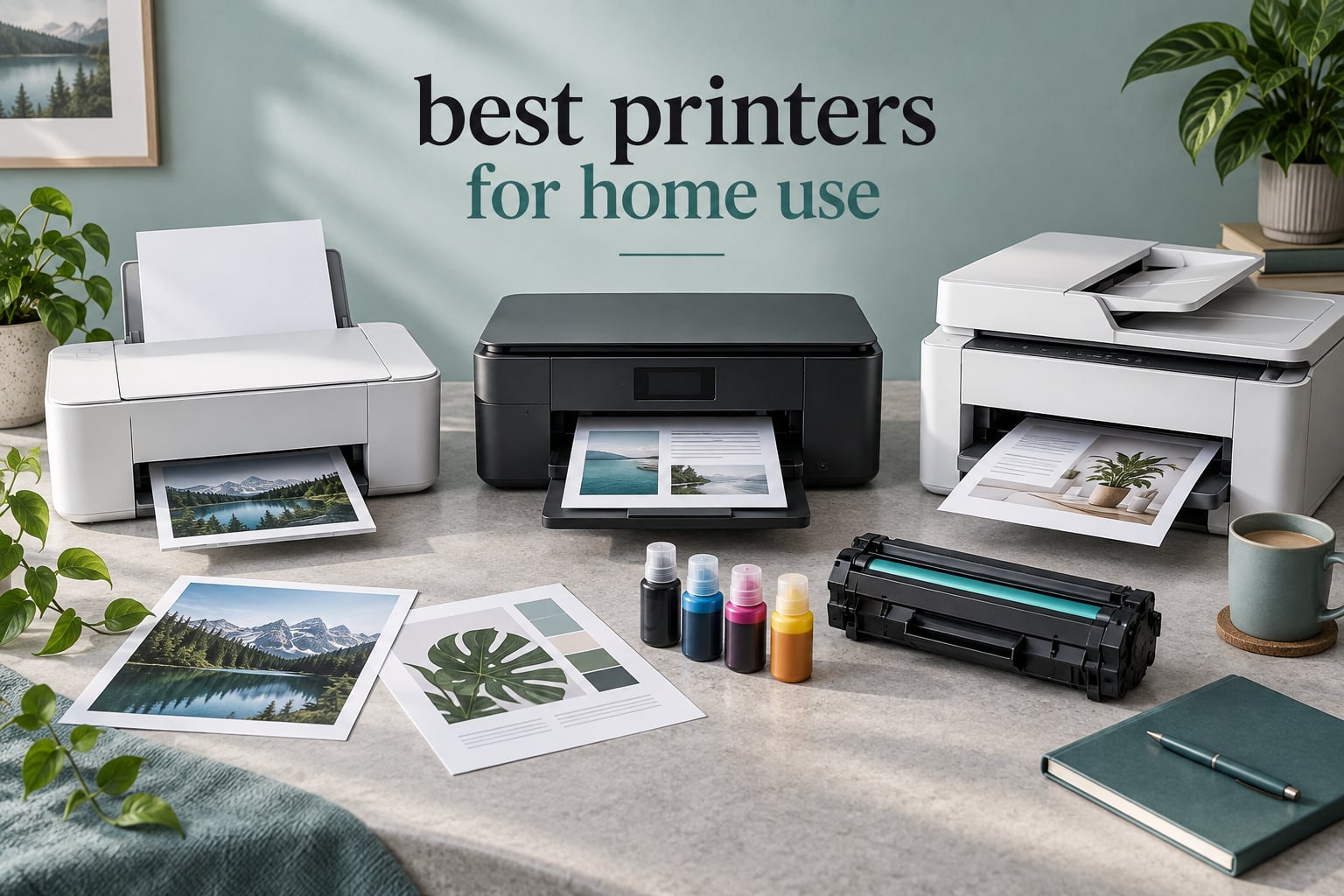
Most households end up buying the wrong printer, and it usually shows up two years later when the ink budget is larger than the machine. The best printers for home use in 2026 split cleanly into two families: refillable ink tank models for families that print colour, photos and school projects, and monochrome laser machines for anyone printing documents that sit idle for weeks between jobs. If you want one answer, the Epson EcoTank ET-2800 is the best overall pick here, with 10005 owner reviews backing it.
That is not the only defensible answer, though. Households differ enormously: one person printing a shipping label twice a month has completely different needs from a family of four running off colouring sheets, craft projects and a colour photo every weekend. This roundup covers 12 current-generation machines from Epson, Canon, HP and Brother, organised so you can find the one that matches your actual printing profile rather than a generic ranking.
Last updated October 2026. Our approach is spec-sheet first and owner-review second: we compare the stated paper capacity, page speeds, duplex and feeder specifications against the recurring complaints in thousands of buyer reviews, and we favour machines whose running cost can be reasoned about in plain numbers. No manufacturer page pulled all twelve picks, and no brand dominates the list.
One quick note on our other home-office recommendations: if the printer is going to live on a desk rather than a shelf, our picks for the best arranger keyboards for home use and the headphone amps for studio use are worth a look for the rest of the setup.
Table of Contents
Top 3 Picks for Best Printers for Home Use (October 2026)
Three machines cover most households. The EcoTank ET-2800 wins on ink economics and footprint, the Brother DCP-L2640DW wins on reliability and features for a home office, and the Canon MegaTank G3270 wins on value for colour-heavy families.


Best Printers for Home Use at a Glance in 2026
Here is the short version, grouped the way buyers actually shop.
Best overall: Epson EcoTank ET-2800 — refillable tanks printing up to 4500 black pages, Wi-Fi, flatbed scanner, 100-sheet tray. Acknowledged drawback: no automatic duplex.
Best for a home office that needs scanning: Brother DCP-L2640DW — 36 ppm monochrome laser, automatic duplex, 50-page document feeder, dual-band Wi-Fi. Acknowledged drawback: monochrome only.
Best value tank printer: Canon MegaTank G3270 — 6000 black and 7700 colour pages per ink set, reliable paper feed, very few reported jams. Acknowledged drawback: single-sided printing only.
Best monochrome laser for occasional users: Canon imageCLASS LBP6030w — 19 ppm, 150-sheet tray, toner that never dries out. Acknowledged drawback: print-only, no scanner.
Best budget all-in-one with duplex: Canon PIXMA TS4320 — automatic two-sided printing, dual-band Wi-Fi, three-year manufacturer warranty. Acknowledged drawback: no document feeder.
Best for lowest ink cost over time: HP Smart Tank 5003 — cartridge-free refills, up to 6000 pages out of the box, borderless printing. Acknowledged drawback: manual duplex, no ADF.
The full comparison of all 12 machines sits below, with the headline specification of each one.
| Product | Specifications | Action |
|---|---|---|
| Epson EcoTank ET-2800 |
|
Check Latest Price |
 Epson EcoTank ET-4800 Epson EcoTank ET-4800 |
|
Check Latest Price |
| Canon MegaTank G3270 |
|
Check Latest Price |
 Canon imageCLASS LBP6030w Canon imageCLASS LBP6030w |
|
Check Latest Price |
 Brother DCP-L2640DW Brother DCP-L2640DW |
|
Check Latest Price |
 Brother Work Smart 1360 Brother Work Smart 1360 |
|
Check Latest Price |
 Brother HL-L2460DW Brother HL-L2460DW |
|
Check Latest Price |
 Canon PIXMA TS4320 Canon PIXMA TS4320 |
|
Check Latest Price |
 Epson WorkForce Pro WF-4820 Epson WorkForce Pro WF-4820 |
|
Check Latest Price |
 HP DeskJet 2955 HP DeskJet 2955 |
|
Check Latest Price |
 HP Envy 6155 HP Envy 6155 |
|
Check Latest Price |
 HP Smart Tank 5003 HP Smart Tank 5003 |
|
Check Latest Price |
1. Epson EcoTank ET-2800 – The Best All-Rounder With Refillable Ink Tanks
Epson EcoTank ET-2800 Wireless Color All-in-One Supertank Printer – Black
Inkjet all-in-one
Refillable ink tanks
10 ppm black, 5 ppm colour
Wi-Fi
100-sheet tray
Pros
- Ink cost per page far below cartridge models
- up to 4500 black and 7500 colour pages per fill
- compact 11.4 pound body
- vivid borderless colour photos
- flatbed scanner and copier included
Cons
- Simplex only
- no automatic duplex
- Epson app connection throws recurring paper-mismatch errors
The ET-2800 is the machine I keep recommending to families who print a bit of everything. Epson quotes up to 4500 black and 7500 colour pages from one bottle set, and in practice owners report their first fill lasting years of normal household use. That single fact changes the economics more than any specification on the sheet.
It is also a genuinely small machine at 11.4 pounds and 22.8 inches wide, so it does not dominate a spare room the way some all-in-ones do. The flatbed scanner handles the odd photocopy or a signed form scanned to email, and the LCD keeps navigation simple.
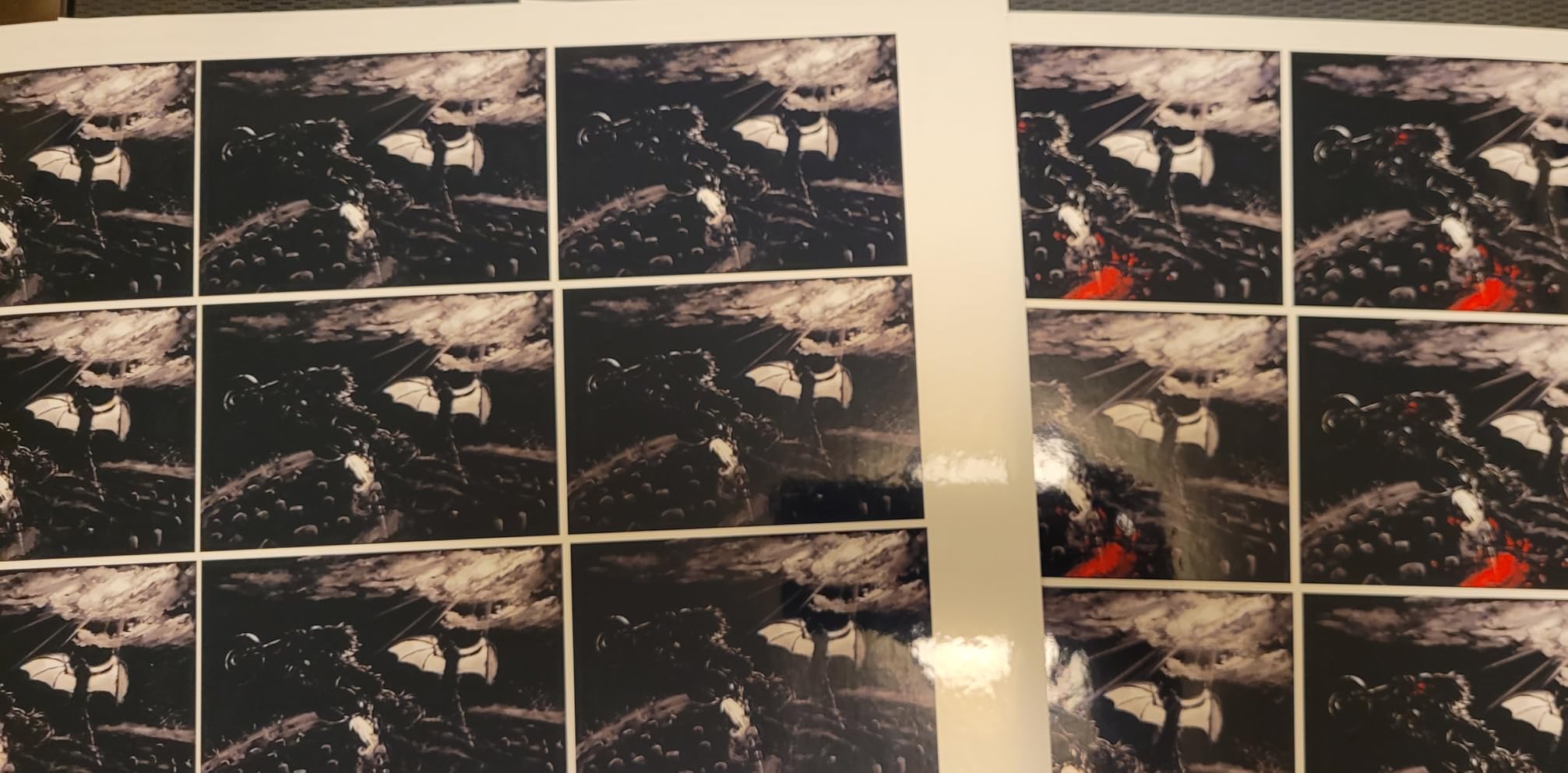
Colour output is where this model separates from cheaper cartridge machines. Owners consistently describe saturated photos with no smudging, and the density is adjustable, so it handles craft paper and photo stock as well as plain documents. Borderless printing works at 4×6 inches, which is the size most people actually print photos at.
Speed is 10 ppm black and 5 ppm colour, which is fine for homework and recipes but slow for a stack of forty-page documents. The tray holds 100 sheets, so refills are frequent on big jobs. The 1-year limited warranty is standard for the class.
Check the running cost before you look at anything else
Refillable tanks change the maths. A cartridge printer charges a premium per page precisely because it must fund the cartridge shell, the chip and the retail margin. Epson’s bottle system removes all three, which is why this model ranks near the top of every ink tank category on Amazon despite costing more up front than a basic cartridge unit.
Compare the page yields, not the sticker: 4500 black and 7500 colour pages per set is the number that matters when you are doing a two-year total cost calculation.
Know what you give up by skipping duplex
This is simplex only. Double-sided documents mean flipping the stack by hand and feeding it back, which is tedious on anything longer than a page or two. Households that print reading comprehension sheets, revision cards or anything intended for both sides of the paper should look at the Brother Work Smart 1360 or the Canon PIXMA TS4320, both of which do automatic duplex at a similar tier.
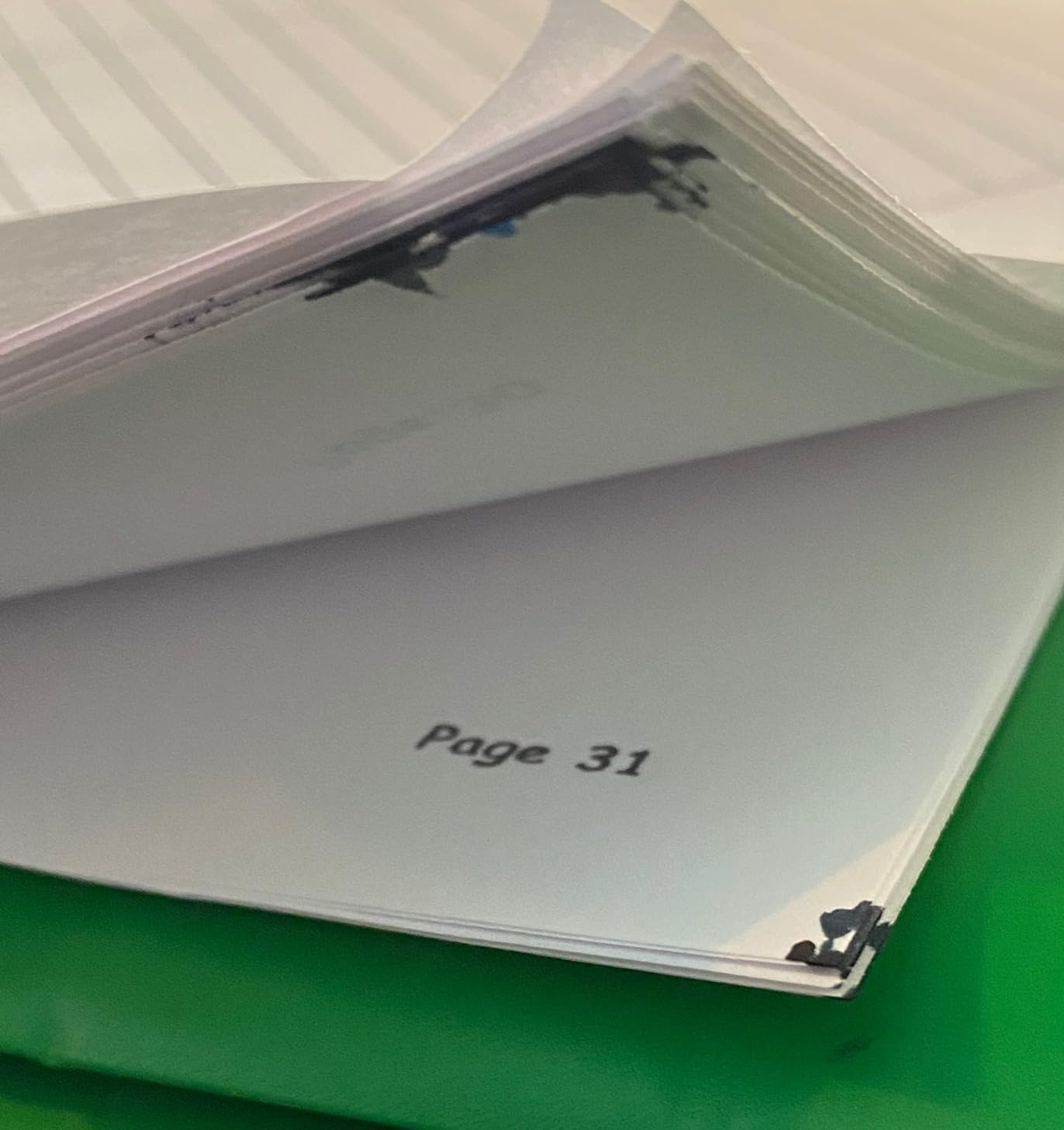
There is also a smaller reliability note worth knowing: some owners report needing repeated nozzle cleaning cycles and occasional horizontal banding, and a few find the waste ink pad counter awkward to reset. None of this is widespread, but it is the reason the rating sits at 4.1 rather than higher.
2. Epson EcoTank ET-4800 – The Tank Printer With Two Paper Trays
Epson EcoTank ET-4800 Wireless Color All-in-One Supertank Printer
Inkjet all-in-one
Refillable EcoTank ink
10 ppm black, 5 ppm colour
Wi-Fi and Ethernet
2 paper trays
Pros
- Large ink capacity with front level gauge
- rear feed handling legal size
- flatbed scanner with colour display
- Ethernet plus Wi-Fi for flexible placement
- compact 11 pound body
Cons
- Manual duplex only
- small dated LCD with slow menu navigation
- ADF feed jams on folded documents
The ET-4800 solves a specific problem the ET-2800 does not: paper. It carries two trays, and the rear feed takes legal size as well as standard sheets, so a household that alternates between plain paper, envelopes and photo stock does not have to keep swapping media mid-job.
Ethernet is the quiet headline here. Plenty of wireless printers on the market are wireless only, and if your router sits in another room or your 2.4GHz band is congested, a wired option simply removes the variable. At 11 pounds and 14.7 inches wide it stays compact on a desk.
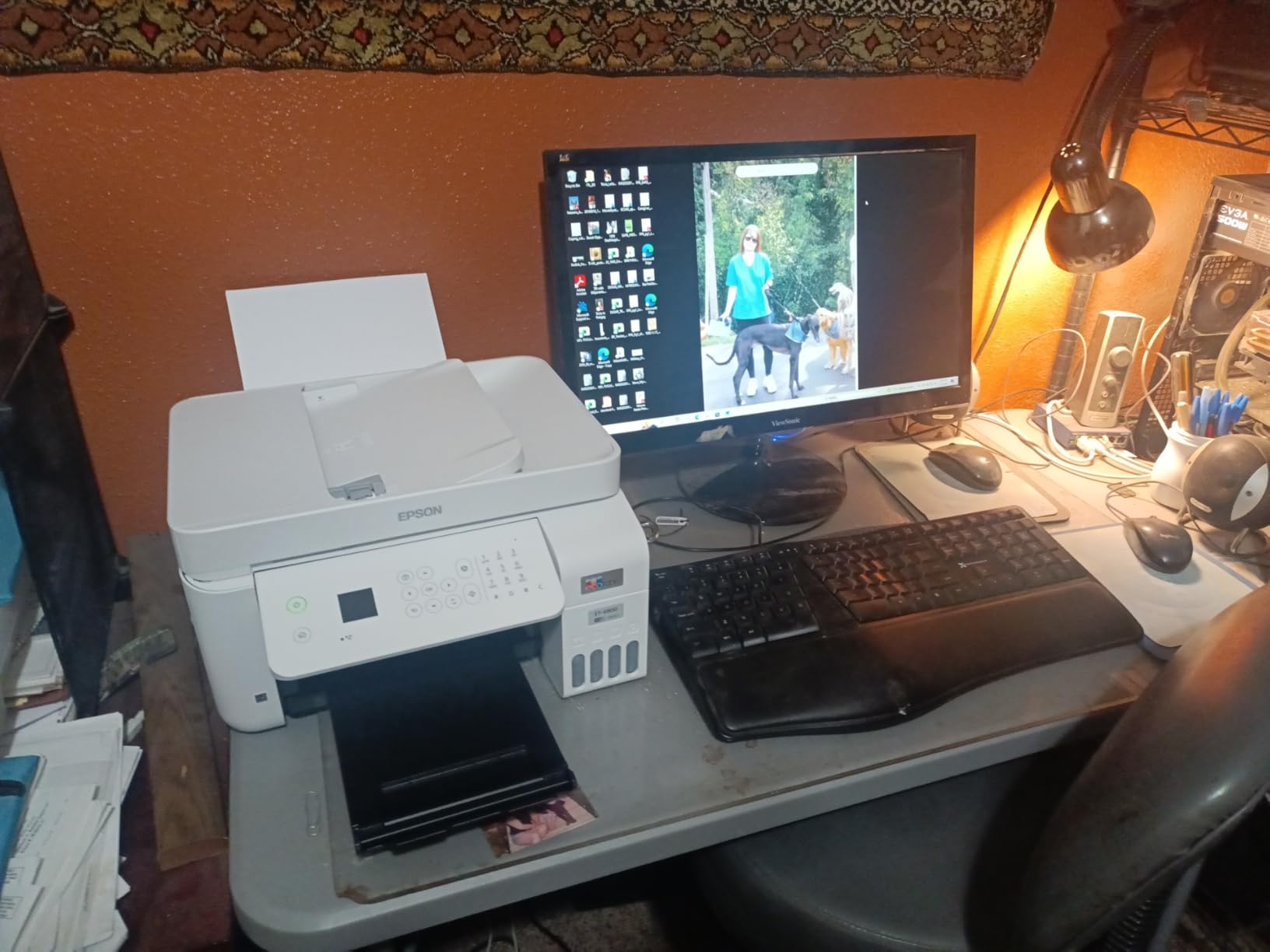
Reviewers are split on this machine in a way that is worth being honest about. The tank economics, the rear feed and the scanner all draw praise. The recurring gripes are the manual duplex workflow, a cramped display with clunky menus, a fragile output tray, and a first-time software and firmware install that adds real time to setup.
At 3.8 across 6376 reviews, it sits below the other EcoTank in this roundup. That rating reflects the software experience and the ADF more than the print quality, which owners describe as sharp text and strong colour on virtually any paper type.
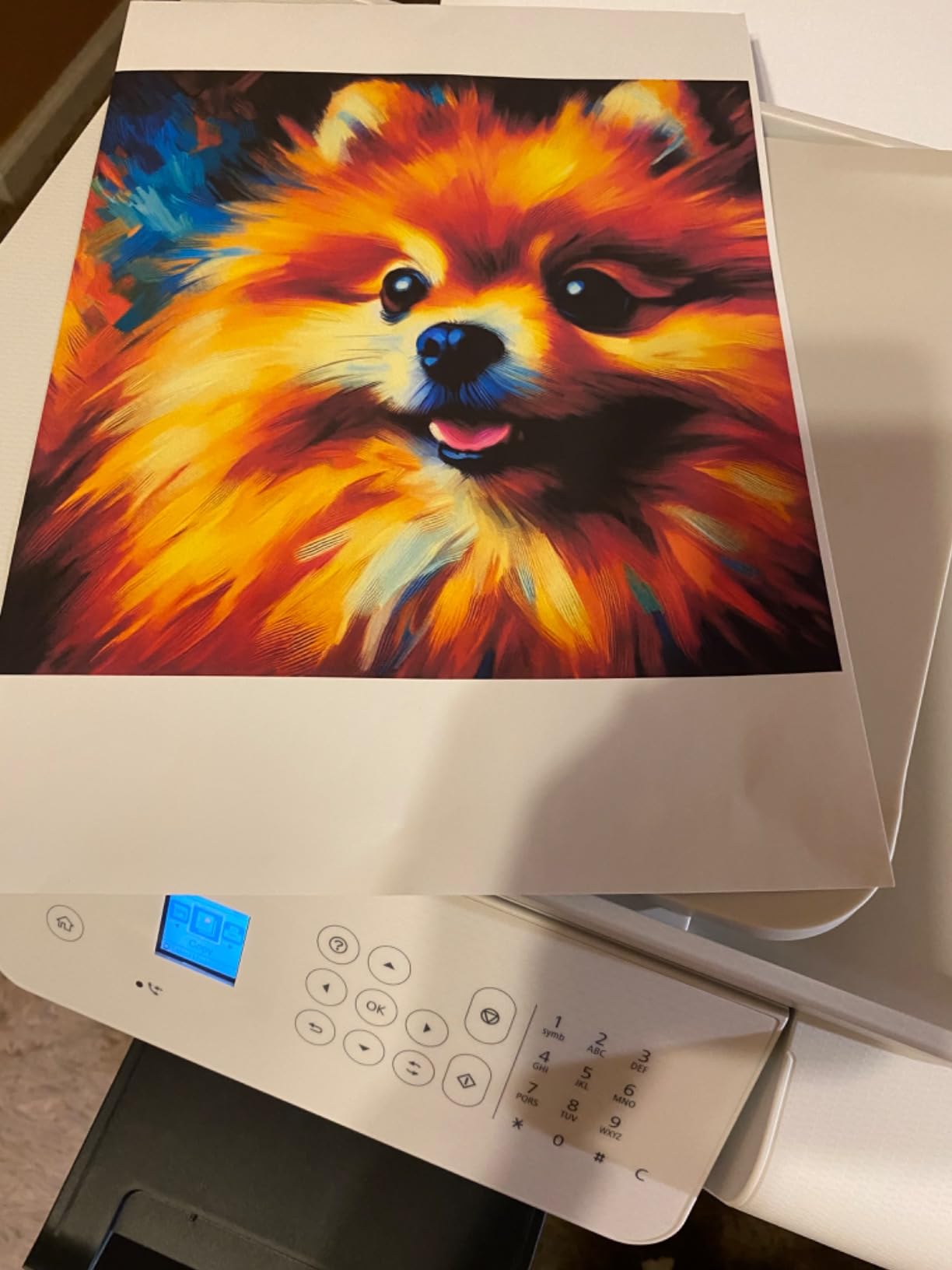
Buy this one if you switch paper types constantly
Two trays plus a rear feed is genuinely useful for anyone printing a mix of cardstock, envelopes and everyday documents. The flatbed scanner and colour display make copying straightforward, and the ink level gauge on the front means you can see when a refill is coming instead of discovering it mid-job.
If your printing is a single paper type and under 50 pages a month, the extra tray is capability you will not use. In that case the ET-2800 or the Canon MegaTank G3270 serve the same need with a simpler workflow.
Budget time for the first setup
Owners consistently report the initial driver and firmware install taking longer than expected, and Wi-Fi password entry on the small LCD is slow. Ink level readings are also reported as occasionally inaccurate, which makes consumption harder to judge precisely.
The ADF is tight and prone to jams on folded or multi-sheet documents, so scan a stack face by face if the pages are creased. This is a print-and-copy machine in practice more than a document-archiving one.
3. Canon MegaTank G3270 – The Best Value Ink Tank For Colour Families
Canon MegaTank G3270 All-in-One Wireless Color Printer
Ink tank all-in-one
6000 black and 7700 colour pages
11 ppm
Wi-Fi and USB
1.35 inch LCD
Pros
- Bottled ink drops cost per page sharply
- up to 6000 black and 7700 colour pages per set
- reliable paper feed with very few jams
- clean everyday document output
- good value at moderate volume
Cons
- Single-sided printing only
- Wi-Fi reported as unreliable between jobs
- no Ethernet port
- inconsistent colour accuracy on some papers
The MegaTank G3270 is the pick for a family that prints colour often enough to notice ink costs but not enough to justify a premium. Canon’s stated yield of 6000 black and 7700 colour pages per ink set is competitive with the EcoTank machines, and owners frequently report their original bottles lasting years.
At 11 ppm black and 6 ppm colour it is the fastest of the tank models in this group on paper, and the paper feed is reported as reliable with very few jams, which matters more day to day than headline speed.
Setup runs through a Windows app and a self-running print alignment, so the first page out is usually correct without manual head alignment. The 1.35-inch square LCD is small but adequate for copying and basic navigation.
Colour accuracy is the honest weak point. Reviewers note inconsistency across papers and settings, with washed-out output when the paper choice is wrong, and the flatbed scan quality is described as mediocre next to entry-level Epson rivals. If you are printing photos, use proper photo paper and expect to adjust settings.
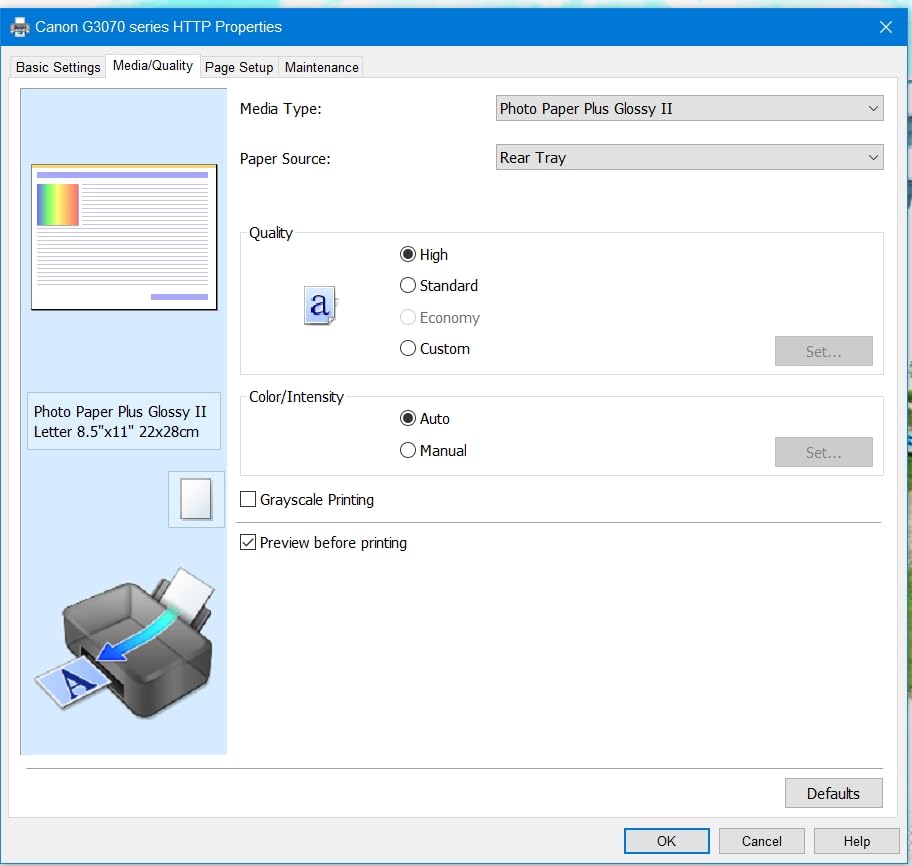
Best fit for a colour-heavy family, not a photo shop
This printer is built for school projects, colouring sheets, reward charts, recipe cards and the occasional colour document. On those jobs the running cost is very low and the feed rarely jams. A family printing a borderless photo every week should look at an Epson with 5760 x 1440 dpi resolution instead, where colour density is adjustable.
Because there is no Ethernet port, some owners need a direct USB printer cable for a stable link. The usual fix is to place the machine where the Wi-Fi signal is strong rather than solving it in software.
The duplex gap is the reason it is not the top pick
Single-sided printing only is a real constraint for a family printing double-sided worksheets, which is exactly what school paperwork tends to be. The wireless connection is also reported as dropping offline between print jobs, a recurring frustration in owner reviews.
If both of those matter to you, the Canon PIXMA TS4320 gives you automatic duplex and dual-band Wi-Fi in a cartridge-based machine, and the Brother Work Smart 1360 adds a document feeder to the same feature set.
4. Canon imageCLASS LBP6030w – The Compact Monochrome Laser For Occasional Users
Canon imageCLASS LBP6030w – Monochrome Single-Function Wireless Compact Wireless Laser Printer, 1 Year Limited Warranty, 19 PPM, White – Print Only
Monochrome laser
Print only
19 ppm
150-sheet tray
Wi-Fi and USB
1 year warranty
Pros
- Toner never dries out during idle months
- compact 11 pound body at 14.3 inches wide
- 150-sheet tray reduces refills
- wireless and app-based mobile printing
- under 2 watts in Energy Saver mode
Cons
- Print-only with no scanner or copier
- no automatic duplex
- monochrome output only
- limited third-party toner options
This is the answer to the most common home printing anxiety: will the machine still work when I actually need it? Laser toner is powder, not liquid, so a printer that sits unused for three months fires straight up. On the r/printers and r/homeoffice forums this is the single most repeated piece of advice for occasional users, and it is why a plain monochrome laser keeps getting recommended years after launch.
It is also small. At 9.8 by 14.3 by 7.8 inches and 11 pounds, the LBP6030w fits on a shelf or a small desk without dominating it, and it draws under 2 watts in Energy Saver mode.
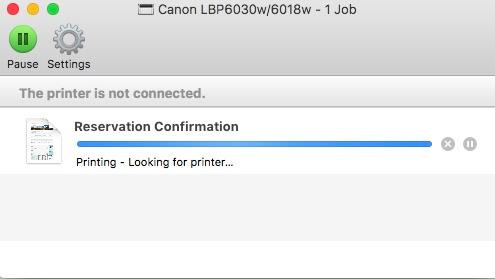
Speed is 19 ppm with an 8-second first page, which is quick enough that nobody waits. The 150-sheet tray is larger than the inkjets in this roundup. Resolution is 600 dpi at 2400 x 600 enhanced, which is sharp for text and irrelevant for photos, because it does not print colour.
Toner is Canon Genuine Toner 125 with a 1600-page yield. The 1-year exchange or carry-in warranty is thinner than the two-year terms some competitors offer, so factor that in if you keep printers long.
The right choice when you only print black and white forms
Shipping labels, invoices, medical forms, permission slips, contracts, board meeting papers. This machine does all of that cleanly and cheaply, and the toner maths beats any inkjet on a per-page basis once you pass a couple of hundred pages.
Refurbished and used examples of this class also come up repeatedly as a sensible value route, since laser printers are simple mechanical devices that keep working for a long time with basic care. Buying used means no warranty, so check the drum and the feed rollers.
Print-only is a genuine limitation
There is no scanner, no copier and no fax, and no automatic duplex. If your household needs to scan a document to email, sign a form and file it, this is the wrong tool. In that case step up to the Brother DCP-L2640DW, which adds a flatbed scanner, a 50-page feeder and automatic duplex for a modest step up.
Third-party toner supply is also more limited than for Brother machines, so factor the genuine Canon cost into any comparison over a two-year horizon.
5. Brother DCP-L2640DW – The Best Home Office Monochrome All-in-One
Brother DCP-L2640DW Wireless Compact Monochrome Multi-Function Printer, Copy, Scan, Duplex, Mobile Printing
Monochrome laser 3-in-1
36 ppm
Automatic duplex
50-page ADF
Wi-Fi and Ethernet
Pros
- Fast 36 ppm monochrome output
- print scan and copy in one unit
- 50-page ADF for multi-page jobs
- automatic duplex cuts paper use
- dual-band Wi-Fi plus Ethernet
- 250-sheet tray
Cons
- Monochrome only with no colour output
- 25 pound body and larger footprint than entry models
- genuine TN830 toner is a recurring cost
The DCP-L2640DW is the machine I suggest for a hybrid worker who prints contracts, scans receipts and copies documents. It does all three at 36 ppm monochrome with automatic duplex, and the 50-page document feeder means a twenty-page stack goes in once instead of twenty times.
Brother’s HL, DCP and MFC lines come up constantly as the go-to monochrome recommendations on printing forums, and this is the one with the feature set a home office actually needs. It ranks first in Amazon’s laser computer printers category for good reason.
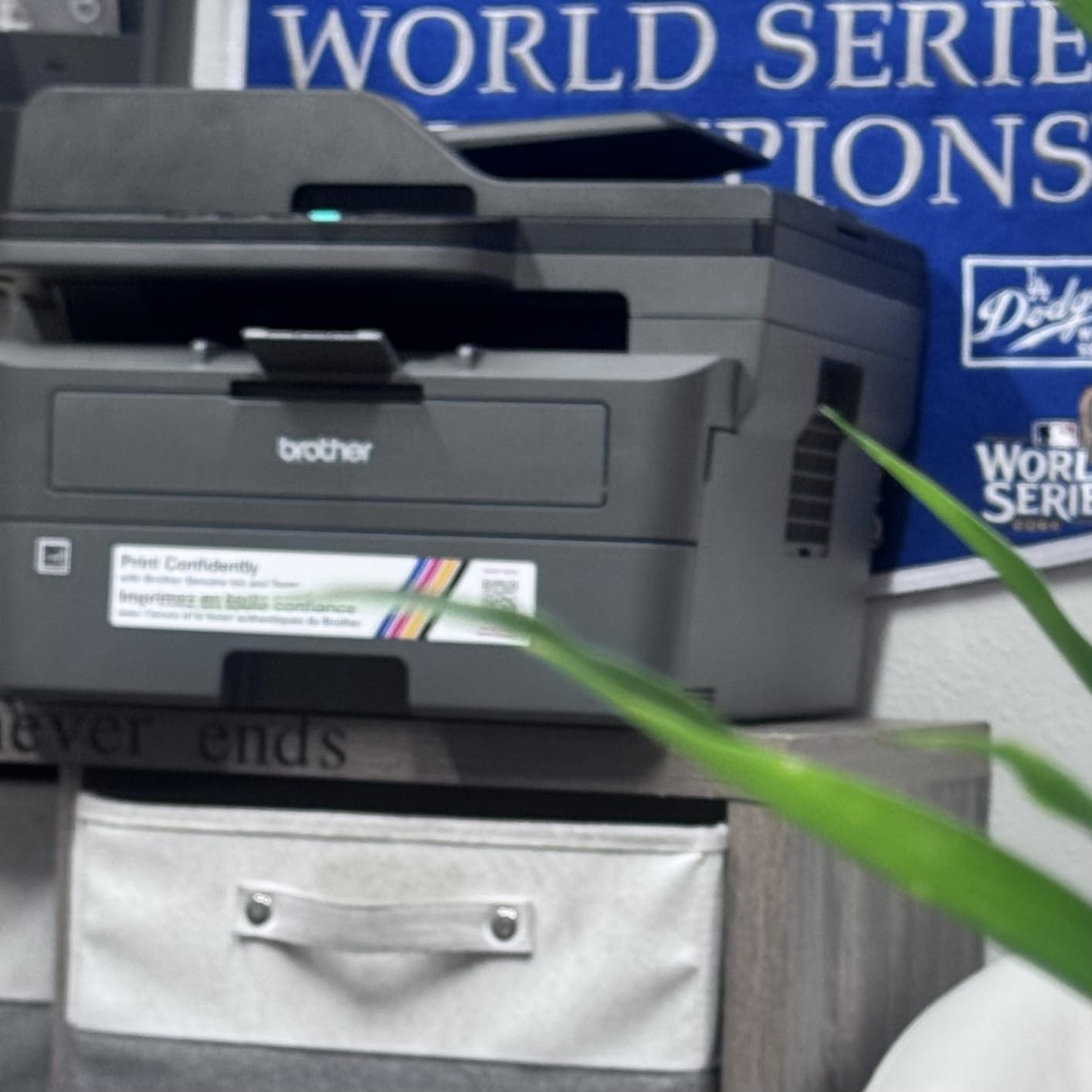
Connectivity is the quiet strength. Built-in dual-band 2.4GHz and 5GHz Wi-Fi plus an Ethernet port covers the two failure points that generate most support calls: congested 2.4GHz bands and routers placed far from the printer. Brother Mobile Connect handles remote printing, supply ordering and toner tracking.
Scanning runs at up to 23.6 ipm black and 7.9 ipm colour, with flatbed and sheetfed options. The 250-sheet tray means fewer refills than the inkjets here. Copy runs cap at 50 per job, which is fine for home use.
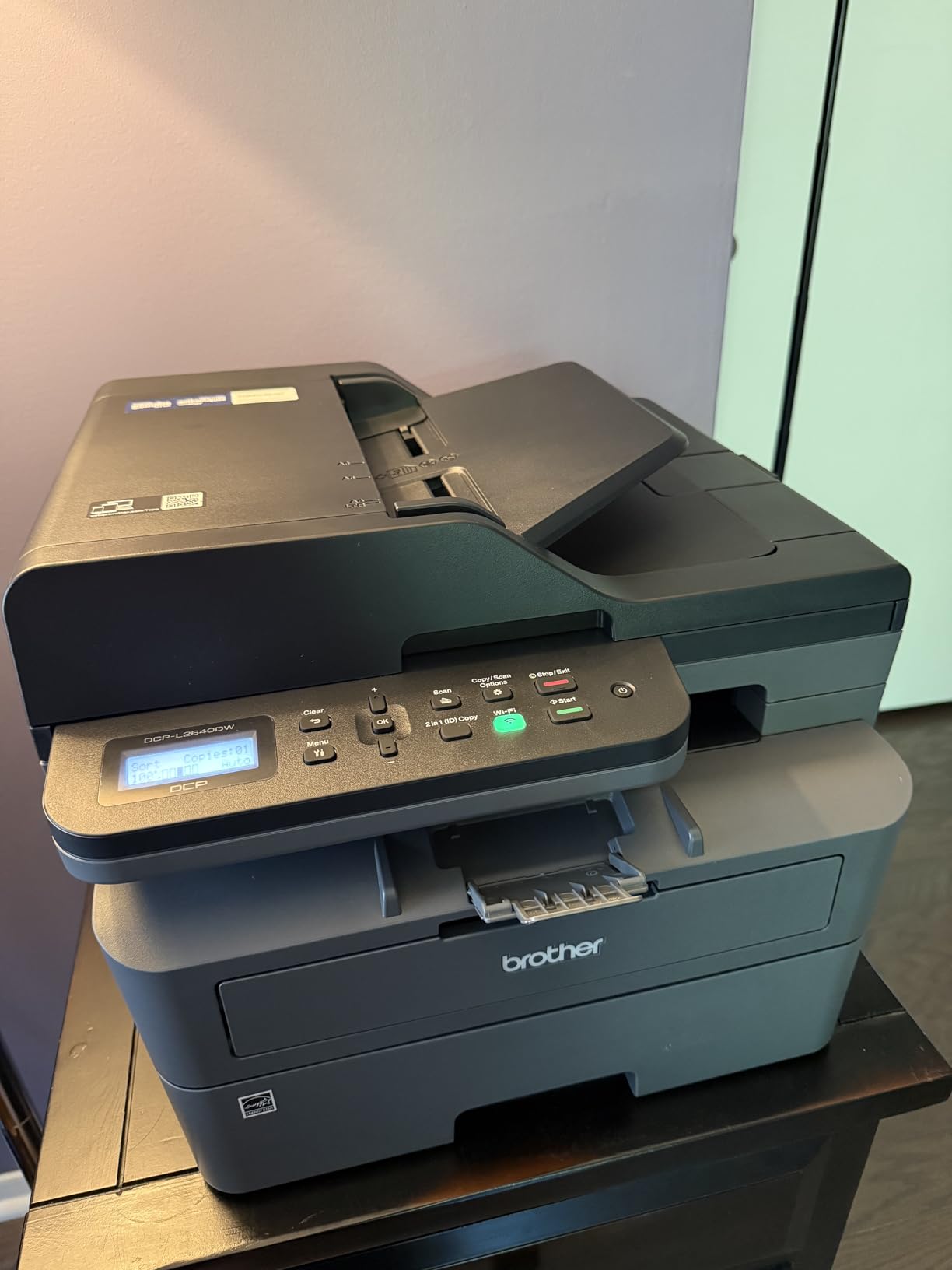
What the automatic duplex and the feeder actually save you
Automatic duplex prints both sides of a sheet in one job. On a household printing double-sided worksheets twice a week, that is roughly half the paper and half the refills, and it removes the single most annoying manual step in home printing. The 50-page feeder does the same for scans and copies of paperwork.
Both features are why this machine earns its place above cheaper monochrome options. A print-only laser at 19 ppm is faster to buy and slower to live with once you start scanning documents regularly.
Heavier, monochrome, and toner is a running cost
At 25 pounds and 15.7 by 16.1 by 12.5 inches it is the biggest machine in this roundup, so measure your shelf. It prints black only, with no colour option at any price, and it uses Brother Genuine TN830 or TN830XL toner. A Refresh EZ Print subscription trial is bundled at purchase, which is worth declining if you prefer to buy supplies outright.
There is no touchscreen, just an LCD with touch control. For most home use that is not a problem, but it is a step back from the Epson WorkForce Pro panel.
6. Brother Work Smart 1360 – The Colour All-in-One With Duplex And A Feeder
Brother Work Smart 1360 Wireless Color Inkjet All-in-One Print, Scan, Copy
Colour inkjet all-in-one
16 ppm black, 9 ppm colour
Automatic duplex
20-sheet ADF
Pros
- Automatic duplex at this price is unusual
- 20-sheet ADF handles multi-page jobs
- 150-sheet tray
- 1.8 inch colour display with direct cloud printing
- 16 ppm black is quick for the class
Cons
- Standard cartridges so running cost exceeds tank models
- only a 20-sheet single-sided ADF
- no fax
- colour yields modest for photo printing
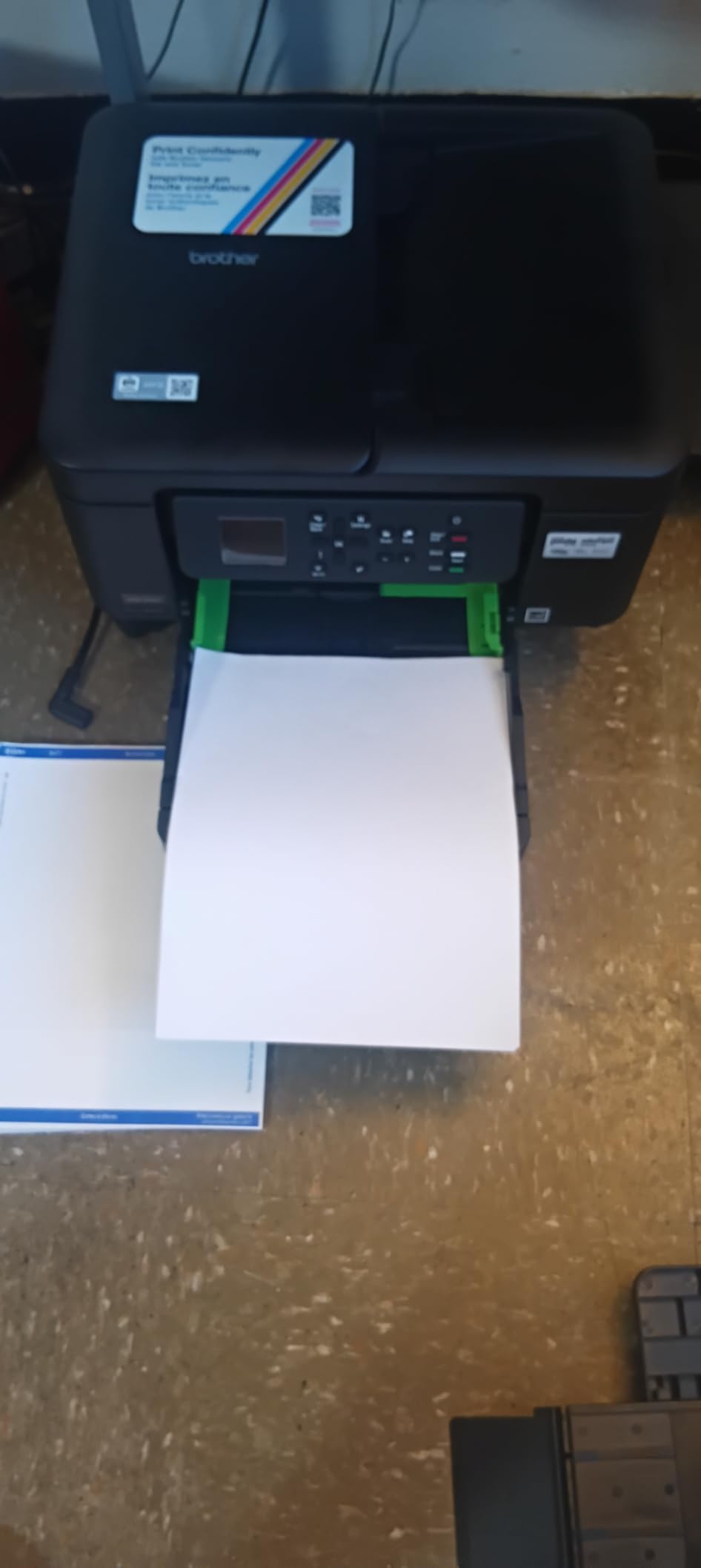
Automatic duplex in a colour all-in-one at this level is genuinely rare, and that single feature is what lifts the Brother Work Smart 1360 above most of the sub-tank inkjets. The 20-sheet document feeder is small but functional, and at 16 ppm black and 9 ppm colour it outruns the other cartridge inkjets here.
The 1.8-inch colour display lets you print and scan directly to Google Drive, Dropbox, Box and OneDrive without opening a laptop, which is more useful than it sounds for a household that organises school paperwork digitally.
Brother Mobile Connect adds onscreen navigation and ink monitoring with the Page Gauge, so you can see what is left before starting a large job. The 150-sheet tray is the second largest in this group and cuts down refills on busy weeks.
It sits at 16.8 pounds and 15.4 inches wide, compact enough for a home office shelf. The 1-year limited warranty is standard.
The feature combination you rarely find together
Print, scan, copy, automatic duplex and a feeder in one unit, at a price point where most competitors give you duplex and nothing else. If your household prints double-sided colour work and scans multi-page paperwork, this is the machine to shortlist alongside the Epson WorkForce Pro WF-4820.
The 20-sheet feeder means scanning a full set of forms takes two loads rather than ten, which is the difference between a feeder that matters and one that does not.
Cartridge running cost is the trade
This printer uses standard ink cartridges, so cost per page is well above any of the tank models in this roundup. That gap is small if you print 20 pages a month and large if you print 500. There is no fax function, and the feeder scans single-sided only.
Like every inkjet, it needs occasional use to stay in good condition. If your printing is genuinely sporadic, a monochrome laser is the more reliable choice.
7. Brother HL-L2460DW – The Fast Monochrome Laser For Document Volumes
Brother HL-L2460DW Wireless Compact Monochrome Laser Printer with Duplex, Mobile Printing, Black & White Output | Includes Refresh Subscription Trial(1), Works with Alexa
Monochrome laser
Print only
36 ppm
Automatic duplex
250-sheet tray
Dual-band Wi-Fi
Pros
- 36 ppm with an 8.5 second first page
- automatic duplex reduces paper use
- compact for a laser of this speed
- 250-sheet tray plus manual feed slot
- dual-band Wi-Fi and Ethernet
Cons
- Print-only with no scanner or copier
- monochrome only
- genuine TN830 toner carries a recurring cost
- specialty media loads one sheet at a time
Where the DCP-L2640DW does three jobs, the HL-L2460DW does one and does it fast. At 36 ppm with an 8.5-second first page, this is the quickest monochrome output here, and automatic duplex means long documents come out finished without you touching the paper.
It is smaller than its multifunction sibling at 15.6 pounds and 14 by 14.2 by 7.2 inches, so the decision between them is really a decision about whether you need a scanner.
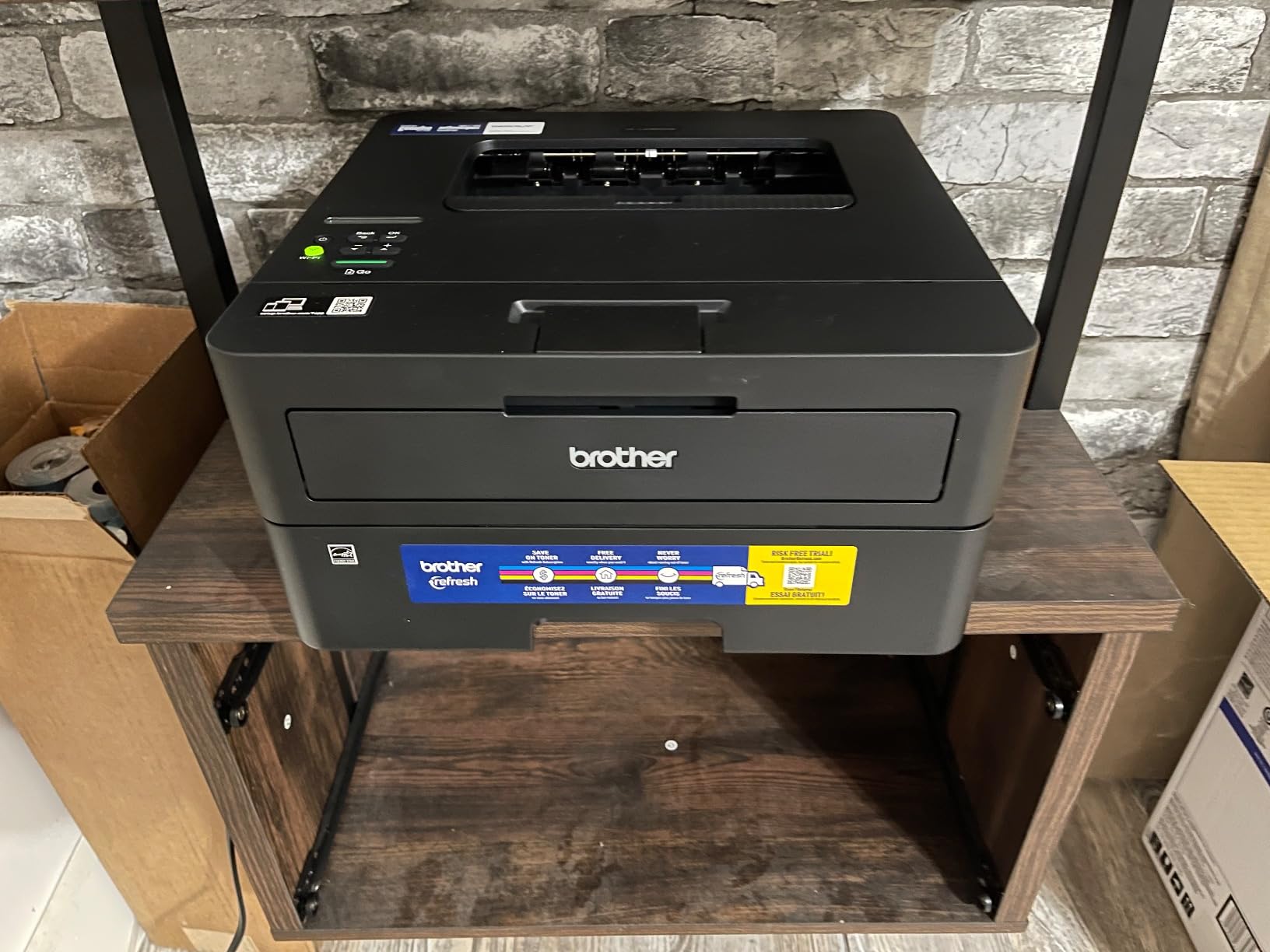
The 250-sheet main tray is the joint largest in this roundup and is paired with a manual feed slot for envelopes and specialty stock. Dual-band Wi-Fi, Ethernet and USB cover every connection style, and Brother Mobile Connect handles remote management and toner tracking.
Text resolution is 1200 x 1200 dpi, which is sharper than the Canon LBP6030w and clean enough for contracts and forms. Output capacity is 100 sheets face down.
Choose this when printing is a work task, not a hobby
Remote work paperwork, invoices, client packs and shipping documents. At 36 ppm duplex, a fifty-page two-sided report is a short wait rather than a coffee break, and the 250-sheet tray means you are not reloading halfway through.
This machine also appears frequently as a used or refurbished recommendation on forums, because laser printers of this type are mechanically simple and age well.
No scanner, no colour, and a subscription prompt
There is no scanner or copier. If you need to digitise paperwork, the DCP-L2640DW adds that capability and a 50-page feeder. Colour is not available at all, and specialty media goes in the manual feed slot one sheet at a time, which makes it a poor choice for a family printing photo paper.
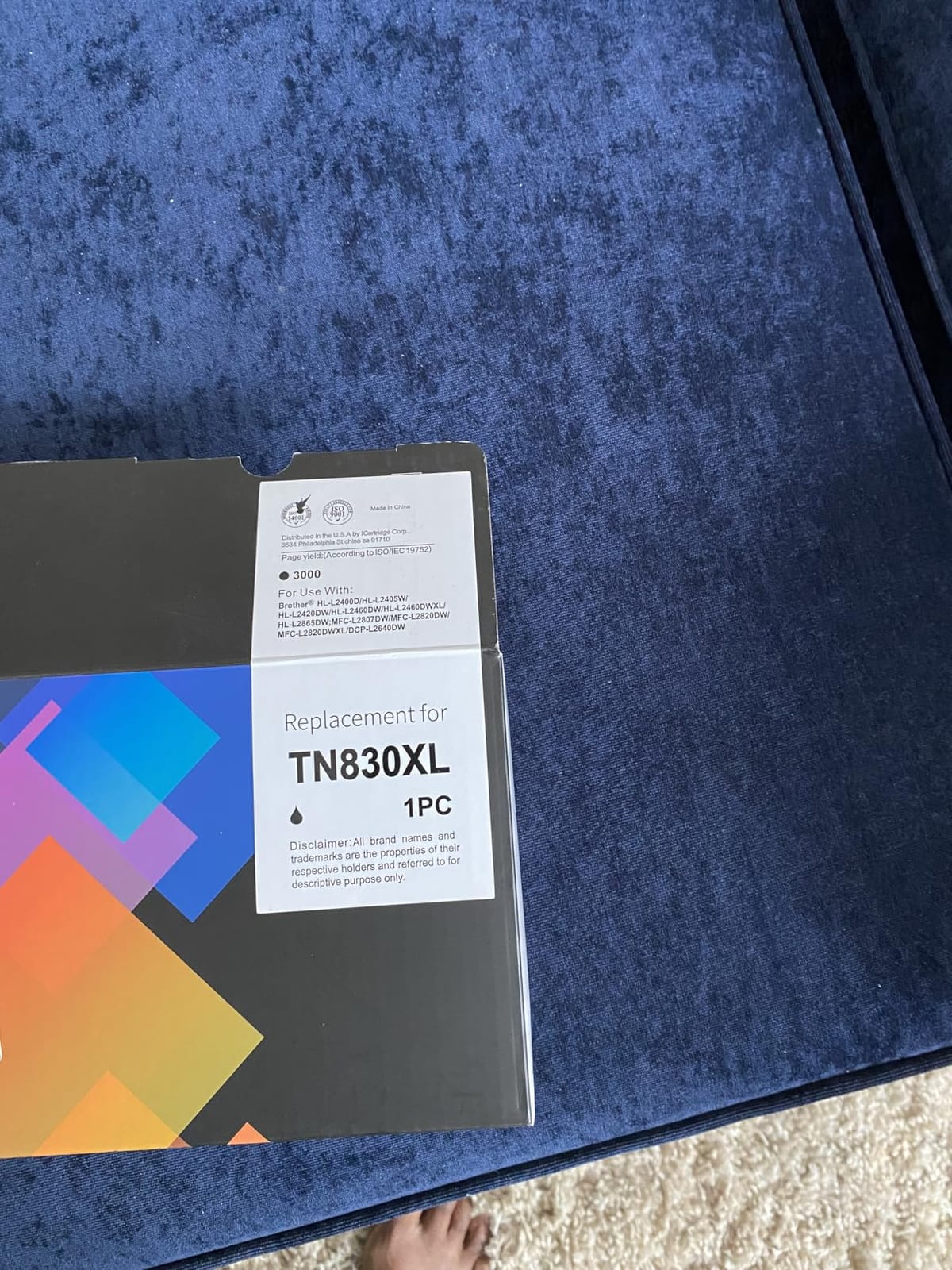
Toner runs on TN830 or TN830XL, and a Refresh EZ Print subscription trial is bundled. Declining it at purchase keeps your supply choices open.
8. Canon PIXMA TS4320 – The Best Budget All-in-One With Automatic Duplex
Canon PIXMA TS4320 – Wireless Color Inkjet Printer with Print, Copy, Scan
Colour inkjet
14 ppm black, 9 ppm colour
Automatic duplex
Dual-band Wi-Fi
Pros
- Automatic two-sided printing at an entry price
- dual-band Wi-Fi for stable wireless printing
- compact 6.7 inch height suits small workspaces
- borderless printing to 8.5 x 11 inches
- three-year manufacturer warranty
Cons
- Two-cartridge system has no separate photo black
- PG-295 and CL-286 running costs add up
- no automatic document feeder
- modest 100-sheet tray
The TS4320 answers a specific question: what is the least you can spend and still get automatic two-sided printing with reliable wireless? It does both, at 14 ppm black and 9 ppm colour, with a three-year manufacturer warranty that is the longest in this roundup.
Dual-band Wi-Fi on both 2.4GHz and 5GHz is the specification most people underrate. It connects to both bands automatically, which removes the most common cause of a printer that will not join a home network.
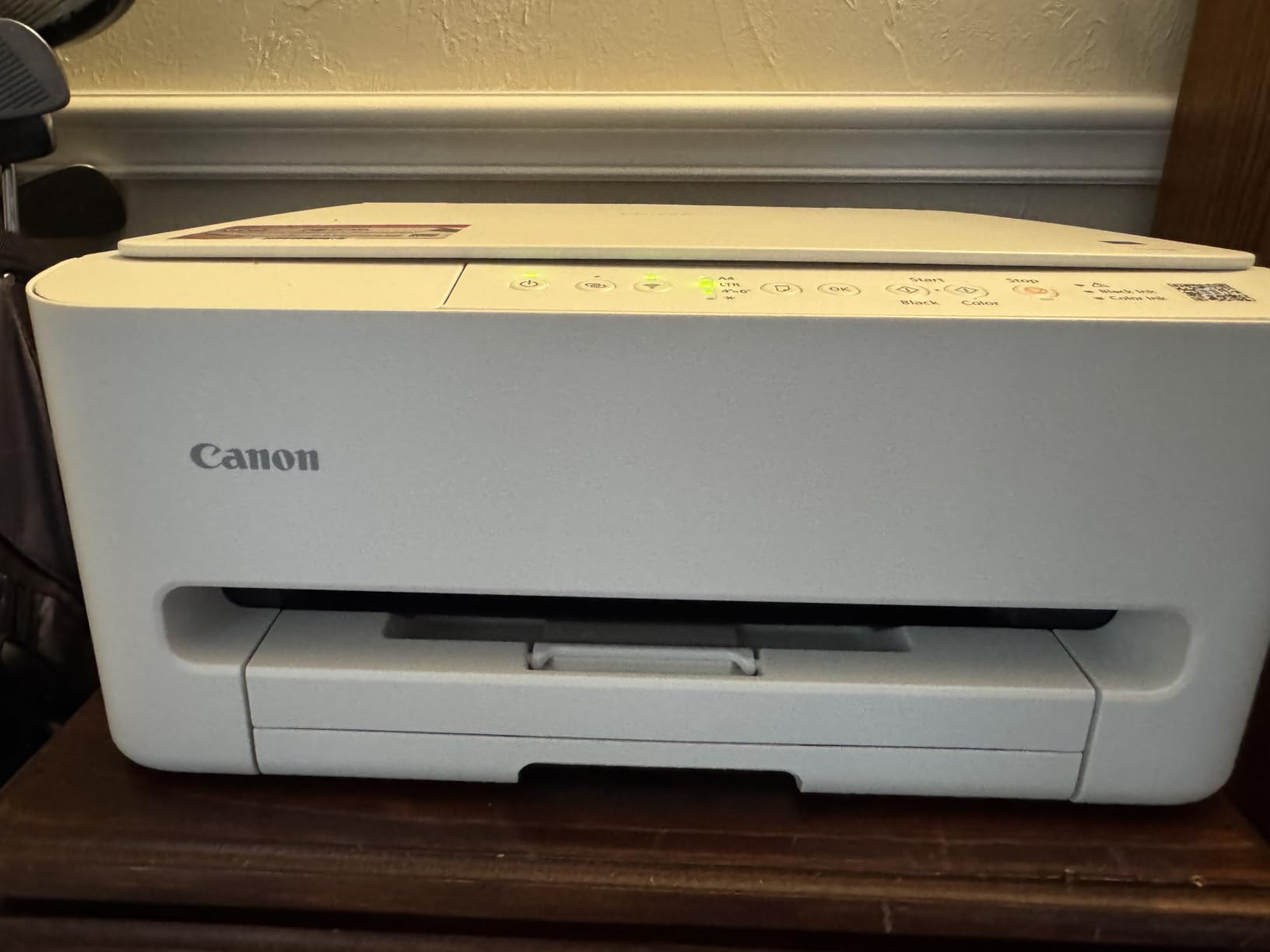
Canon PRINT app, Apple AirPrint and Mopria support are all included, so it prints from an iPhone or Android handset without extra software. The body is compact at 14.8 by 14 by 6.7 inches with a 1.44-inch OLED display.
Borderless printing works up to 8.5 x 11 inches, which is unusually generous at this price. Output resolution is 1200 x 1200 dpi, and colour depth is 24 bits per pixel.
The cheapest route to duplex and borderless colour
If your priority is a printer that handles double-sided homework and full-page photos without a subscription, this is the pick. Borderless at letter size plus automatic duplex is a combination you would normally pay well above this tier for, and the three-year warranty reduces the risk on a first printer.
It is also a sensible starter for a child learning to scan and copy, with a flatbed scanner and a copy function built in.
The two-cartridge system is the limit
There are two cartridges, black and tri-colour, with no separate photo black. That produces clean text and good general colour, but photo quality will not match a three- or four-ink machine, and running one colour means flushing the whole other set.
PG-295 and CL-286 cartridges are also more expensive per page than tank ink, so this machine suits light-to-moderate printing. There is no document feeder, so scanning is manual and single-sheet, and the 100-sheet tray is the second smallest here. There is no fax function.
9. Epson WorkForce Pro WF-4820 – The Colour Inkjet For Document Volumes And A Touchscreen
Epson Workforce Pro WF-4820 Wireless Color All-in-One Inkjet Printer
Colour inkjet
25 ppm black, 12 ppm colour
Automatic duplex
35-page ADF
Pros
- 25 black and 12 colour ISO ppm with fast first page
- automatic duplex plus a 35-page ADF
- 250-sheet paper capacity
- 4.3 inch colour touchscreen
- Bluetooth and Wi-Fi Direct
Cons
- DURABrite Ultra cartridges make running cost high
- Epson cartridges are pricey and third-party options may not register
- loud during operation
- some report failure to power on within a year
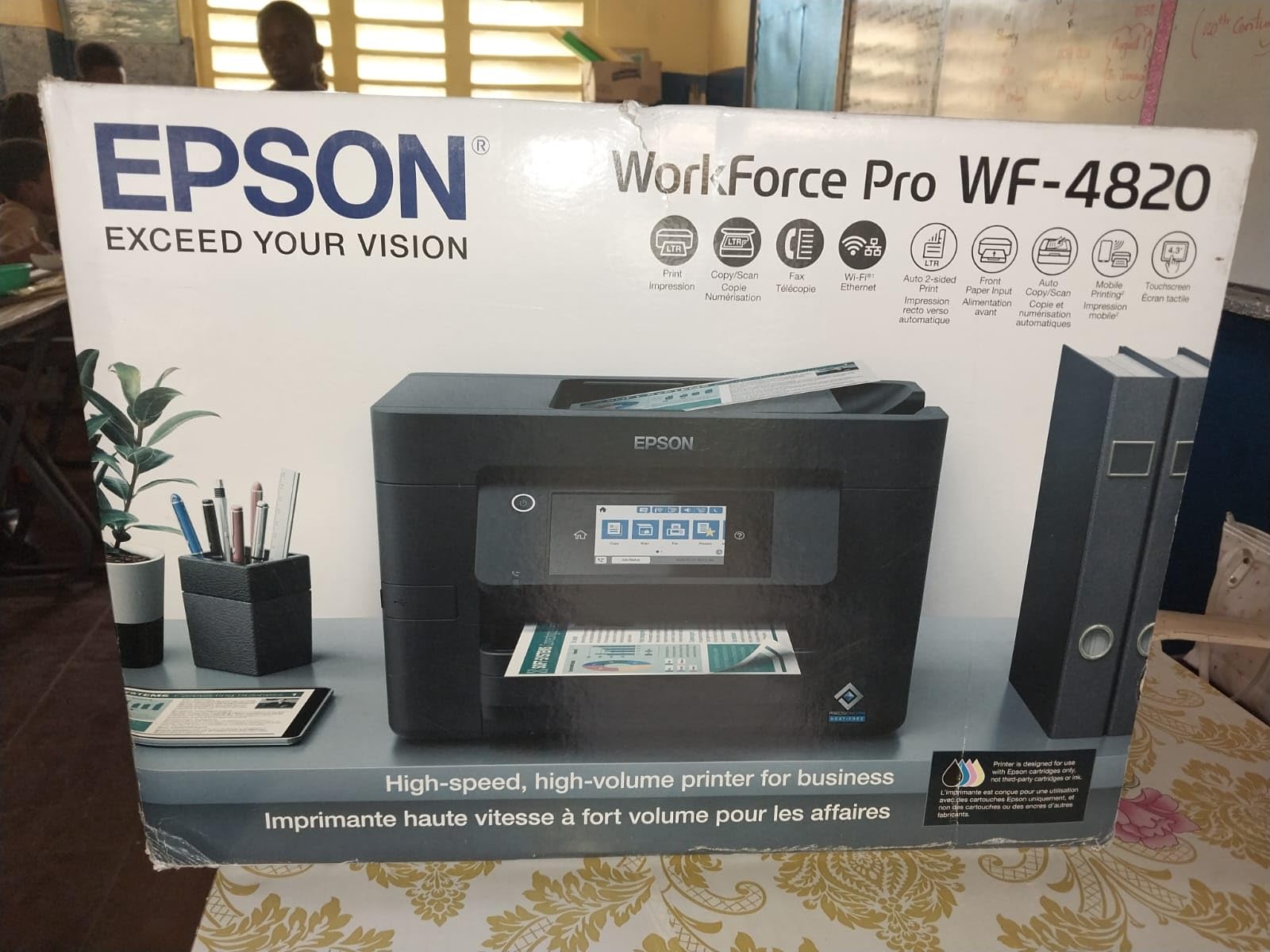
The WF-4820 is the most capable colour inkjet here, and it is the one to buy if you run a home office that still needs colour. At 25 ppm black and 12 ppm colour with a 35-page automatic document feeder, nothing else in this list moves this much paper in colour while also scanning.
PrecisionCore Heat-Free technology drives the speed, and the 4.3-inch colour touchscreen makes on-device control genuinely usable rather than decorative. Bluetooth Low Energy, built-in wireless, Wi-Fi Direct and Ethernet cover every connection style, including printing without a router.
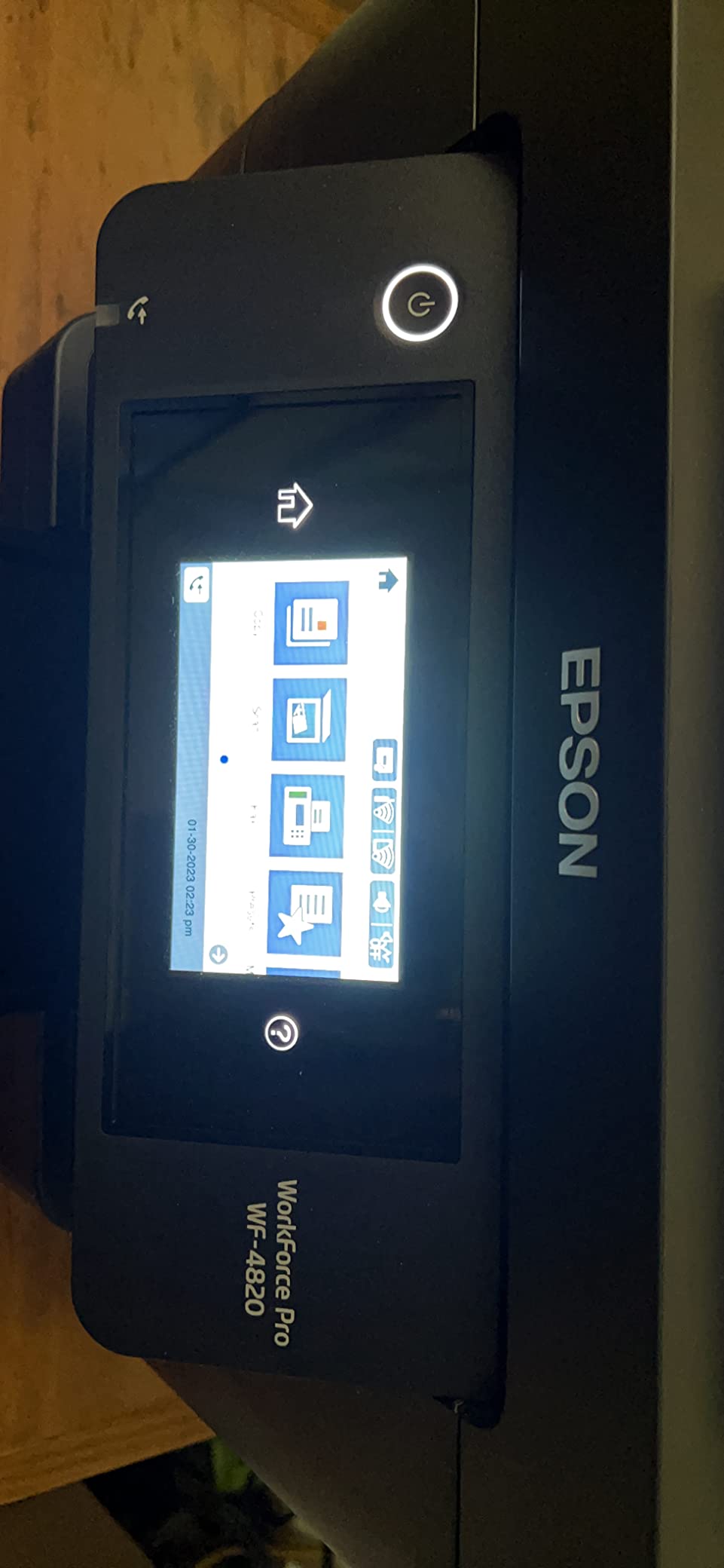
DURABrite Ultra instant-dry pigment inks give sharp, smudge-resistant output, which matters if you handle prints immediately or print on cardstock. The 250-sheet tray ties for the largest in the group.
It is a big machine at 22.5 pounds and 17.1 inches wide, so plan the space before buying. Epson ScanSmart handles scanning, and secure wireless plus Secure Data Erase are included.
When a touchscreen and a 35-page feeder earn their cost
A hybrid worker printing colour proposals, scanning signed paperwork and copying in batches will use every one of these features. The touchscreen removes the app for most jobs, and the 35-page feeder is nearly twice the capacity of the Brother Work Smart 1360’s.
If colour is occasional and monochrome documents dominate, a laser machine is cheaper per page. This is the printer for people who genuinely need colour every week, not occasionally.
Reliability and cartridge cost are the two complaints
Owners report frequent firmware prompts, loud operation, some Wi-Fi drops and paper jams, and a portion describe units failing to power on within a year. Treat the 1-year limited warranty as the real service life when buying one.
The DURABrite Ultra cartridges are expensive, and third-party options may not be recognised. Over a two-year horizon at moderate volume, a tank printer is the cheaper machine to own even though this one is the better one to use.
10. HP DeskJet 2955 – The Light Duty Colour Printer For Occasional Printing
HP DeskJet 2955 Wireless All-in-One Color Inkjet Printer, Scanner, Copier, Best-for-Home, 3 Month Trial of Instant Ink Included, AI-Capable (A24HJA)
Colour inkjet all-in-one
7.5 ppm black
Manual duplex
60-sheet tray
AirPrint
Pros
- Low entry point for basic colour printing
- compact 7.6 pound body
- print copy and scan in one unit
- dual-band Wi-Fi with USB
- AirPrint and Mopria
- at least 70 percent recycled plastics
Cons
- Slow at 7.5 ppm with a 20 second first page
- manual duplex only
- 60-sheet tray is the smallest here
- HP 68 running cost is high and only HP-chipped cartridges work
- some report error-light lockups
At 3.6 stars, this is the lowest-rated machine in the roundup, and it earns that. It is included because a large number of households genuinely only need occasional colour documents, and this does that job for the least money.
Connectivity is better than the rating suggests. Apple AirPrint, USB, Wi-Fi, wireless direct and Mopria are all supported, and HP AI strips out unwanted content from web pages and emails before printing, which solves a real problem with printing from a browser.
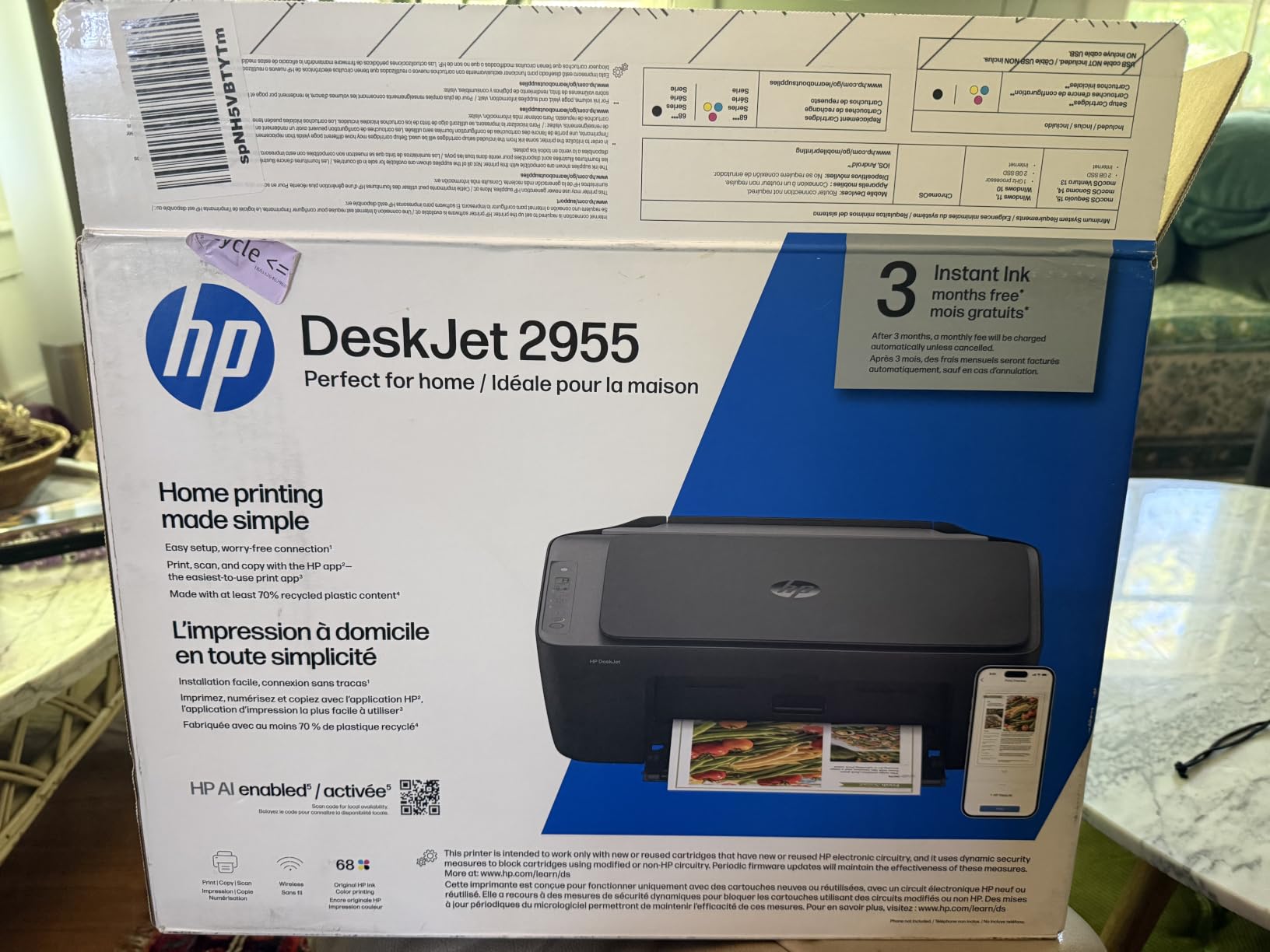
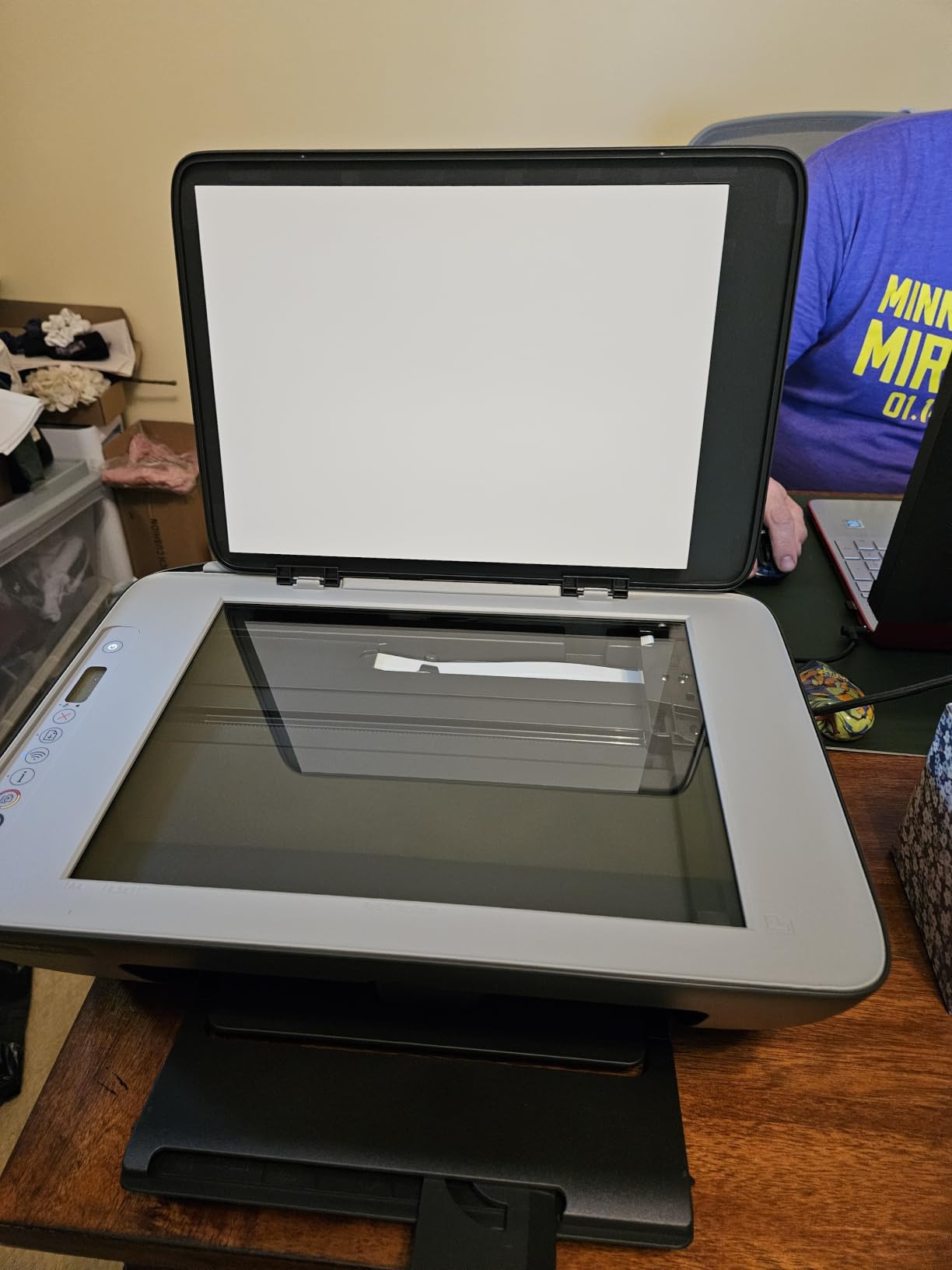
It is the smallest and lightest machine here at 7.6 pounds and 6.06 inches tall, which makes it easy to store away between uses. The body is made with at least 70 percent recycled plastics and carries ENERGY STAR and EPEAT certification.
The 60-sheet input tray means frequent refills even on modest jobs, and the copy limit is nine per run. There is a three-month Instant Ink trial included that converts to a monthly fee unless cancelled.
Who this printer is genuinely right for
Someone who prints a recipe, a permission slip and a colouring page every couple of weeks and does not care about speed or paper capacity. The icon LCD is simple, setup is quick, and it will fit anywhere.
If you print more than a page at a time, 7.5 ppm and a 20-second first page become irritating quickly. The Canon PIXMA TS4320 costs a similar amount and doubles the speed, adds duplex and doubles the tray.
The cartridge restriction is the deal-breaker for many buyers
This printer works only with HP 68 cartridges carrying original HP chips, and HP 68 running costs are among the highest in this group. That is the single most common source of buyer resentment around HP printers, and it shows up repeatedly in owner reviews.
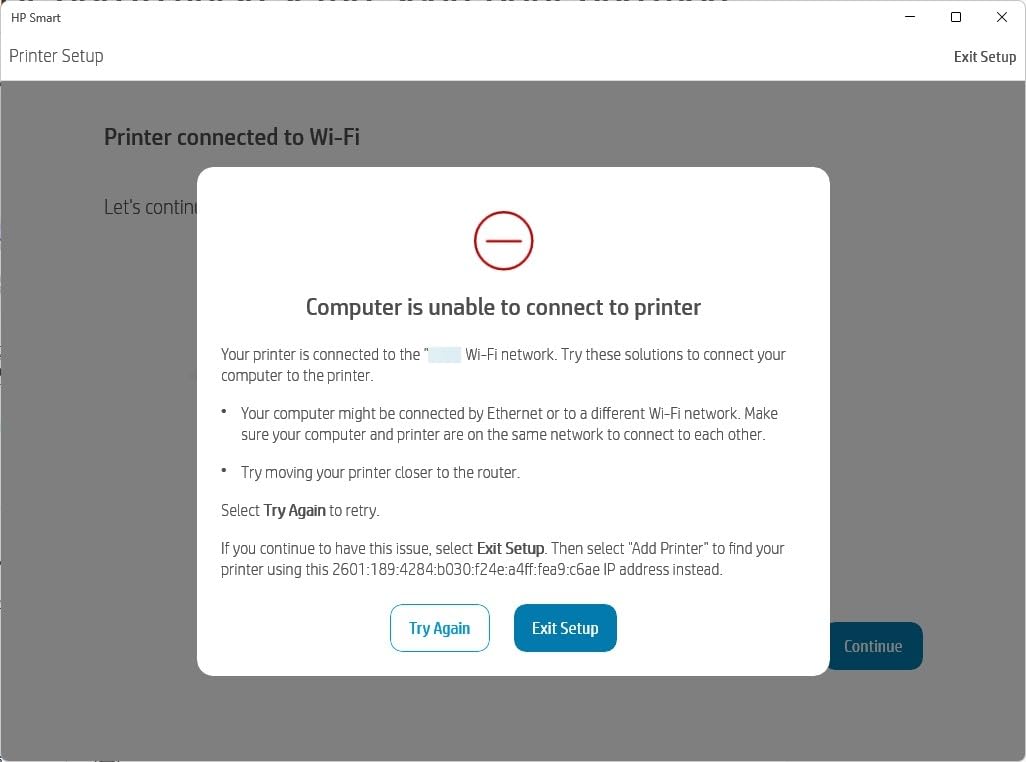
Reported error-light lockups and units that will not power back on without unplugging also feature in reviews, and setup can stall in a connection loop if 5GHz or smart connect is left enabled. If you want low ink cost, choose a tank printer instead.
11. HP Envy 6155 – The Best HP All-in-One With A Touchscreen And Duplex
HP Envy 6155 Wireless All-in-One Color Inkjet Printer, Print, Scan, Copy, Duplex Printing Best-for-Home, 3 Month Trial of Instant Ink Included, AI-Capable (C2WR7A) Portobello
Colour inkjet
10 ppm black, 7 ppm colour
Automatic duplex
2.4 inch screen
Pros
- Automatic two-sided printing at a budget level
- 100-sheet tray is generous for the class
- 2.4 inch colour touchscreen
- dual-band Wi-Fi described as reliable and self-correcting
- borderless photo output
Cons
- Cartridge ink means higher running cost than tank printers
- works only with HP-chipped cartridges and firmware enforces it
- no automatic document feeder
- Instant Ink fee applies after the trial
The Envy 6155 is the highest-rated HP in this roundup at 4.2, and it earns it through hardware rather than software. A 2.4-inch colour touchscreen, automatic duplex and a 100-sheet tray at an entry price point is a genuinely good specification list.
Many owners specifically mention switching away from a previous HP machine, and the touchscreen is the reason. Setting up Wi-Fi, choosing paper and previewing scans on a physical screen is a different experience from an icon LCD.
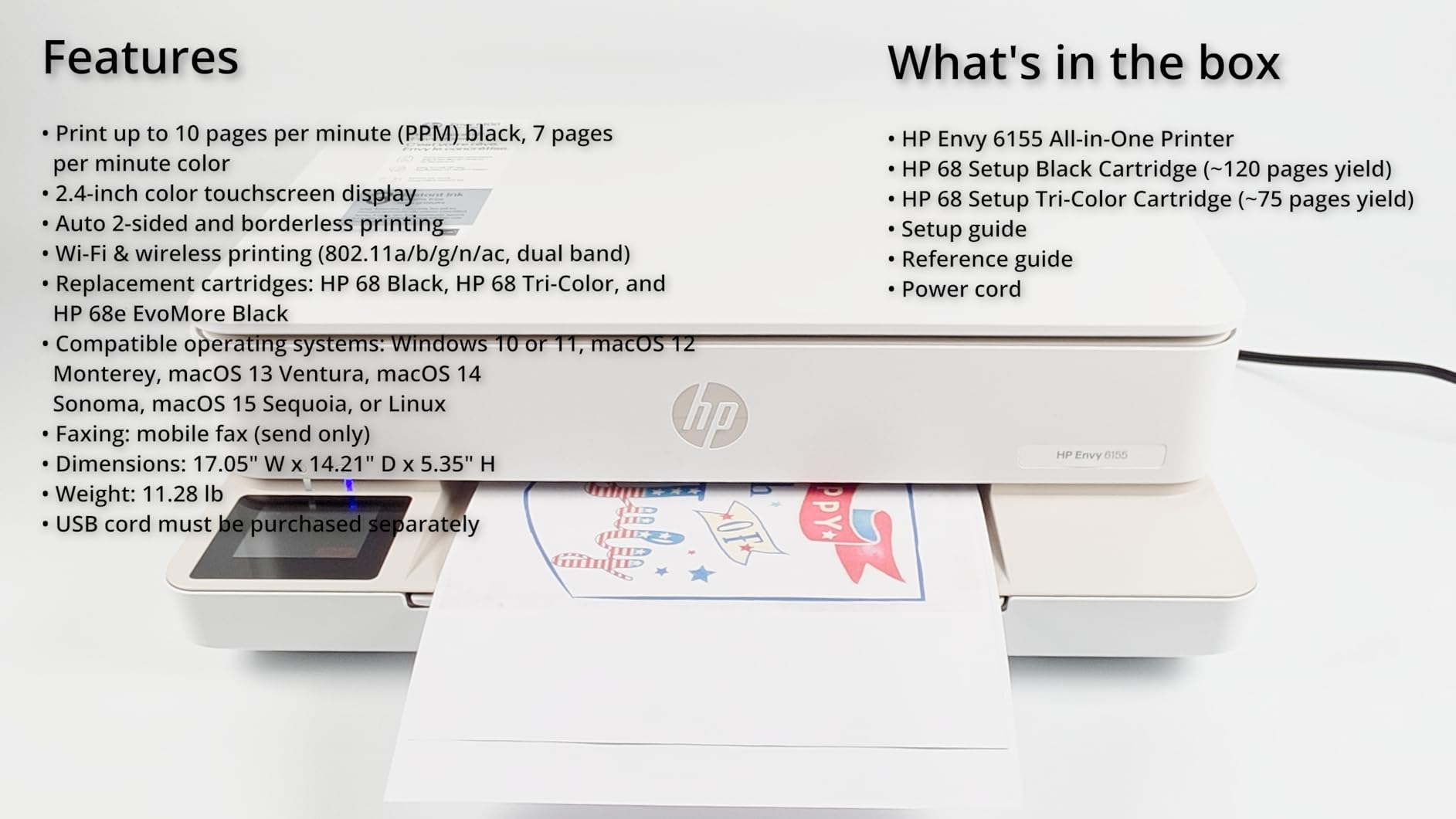
Dual-band Wi-Fi is described as reliable and self-correcting, meaning it resolves connection issues rather than just reporting them. HP P3 technology gives vibrant, screen-accurate colour with borderless photo output, and HP AI cleans up web and email print layouts.
The body is made with at least 60 percent recycled plastic. There is a one-year limited hardware warranty.
Best pick for a home that prints colour homework and photos
Automatic duplex matters for school work, and borderless photo output handles a family photo without a separate photo printer. The 100-sheet tray is more generous than most machines at this level, and 7 ppm colour is quicker than the DeskJet 2955 manages.
If a touchscreen is a priority and you want colour, this is the machine. The 10 ppm black speed is modest, so it is a household printer rather than a workhorse.
HP-chipped cartridges are a deliberate restriction
This printer works only with cartridges containing original HP chips or circuitry, and periodic firmware updates maintain that restriction. Third-party cartridges are blocked. Combined with cartridge-level ink costs, the two-year running total will exceed a tank printer by a wide margin.
There is no automatic document feeder, so scanning is flatbed and manual. A three-month Instant Ink trial is included and converts to a monthly fee unless cancelled, so read the terms before it ends.
12. HP Smart Tank 5003 – The Lowest Ink Cost Per Page
HP Smart Tank 5003 Wireless All-in-One Ink Tank Printer, Scanner, Copier with up to 3 Years of Ink Included, Best-for-Home, Cartridge-Free Refillable, AI-Capable (9B2D3A)
Ink tank all-in-one
10 ppm black, 5 ppm colour
Manual duplex
100-sheet tray
Pros
- Cartridge-free tank with up to 6000 pages out of the box
- mess-free refill where the bottle plugs in and drains
- low running cost suits high-volume home printing
- print copy scan and borderless in one unit
- 11.1 pound body with a 6.19 inch height
Cons
- Manual duplex only
- no automatic document feeder
- 21 second first page
- 100-sheet tray
- small monochrome-style control panel
- replacement limited to HP 31 and 32XL bottles
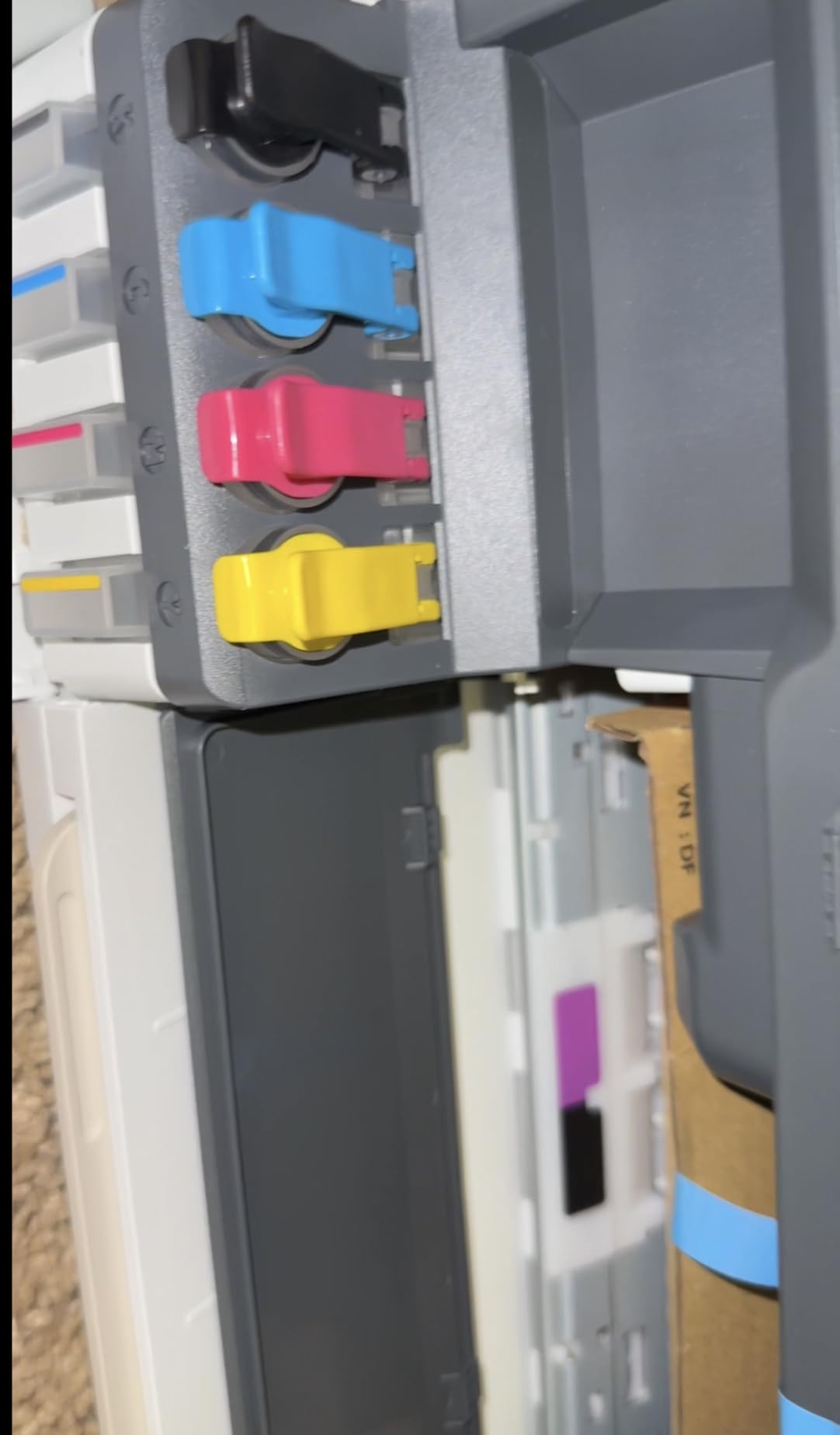
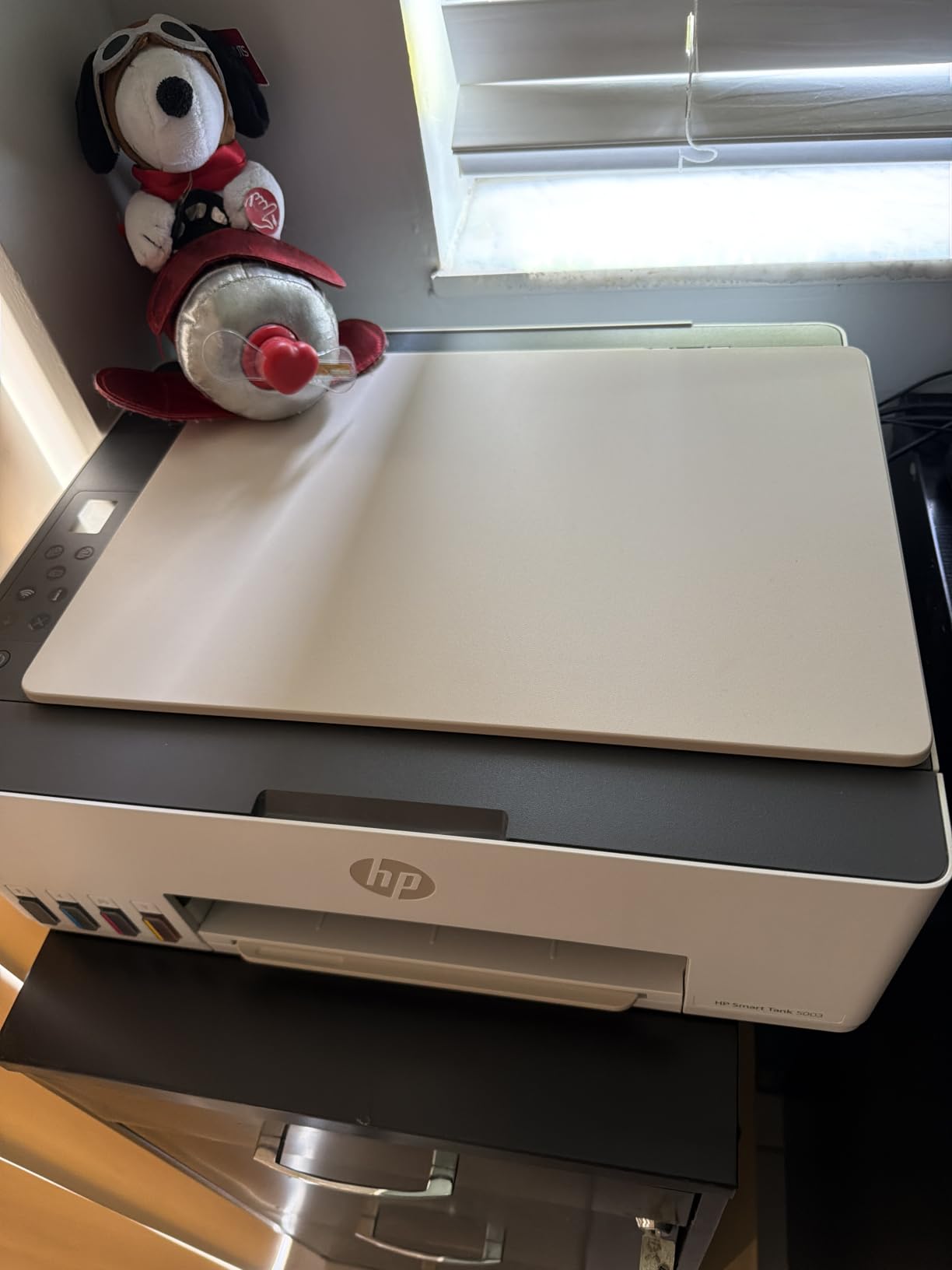
If you print a lot of colour at home, the Smart Tank 5003 is where the running cost maths wins. HP states up to 6000 pages out of the box, and the refill method is the cleanest here: plug the bottle into the tank and let it drain, with no squeezing and no spilling.
That matters more than it sounds. Ink tanks are only cheap to use if refilling is painless, and this is the process most likely to succeed on the first attempt.
Print, copy, scan and borderless printing all live in one unit, and AirPrint, HP ePrint, Mopria, USB, Wi-Fi and Print Anywhere cover mobile and remote printing. The warranty is one year or 30000 pages.
It is slim at 11.1 pounds and 6.19 inches tall, which suits a shelf or a small desk better than most all-in-ones. At 4.1 across 226 reviews, it has the smallest review base in the group, so treat early-owner enthusiasm with some caution.
Why low cost per page wins at high volume
Print economy works on a simple curve. At 30 pages a month, cartridge running costs are a rounding error. At 400 pages a month with colour, the difference between cartridge ink and bottled ink dominates everything else you might spend on the machine.
This printer also ships with up to three years of ink included, so the first year is effectively free to run. For a family printing colouring sheets, craft projects and school projects in volume, that is the entire calculation.
Manual duplex, no feeder, modest speed
Duplex is driver-supported only, so double-sided printing is a manual flip. There is no automatic document feeder and the scanner is flatbed only, which rules it out for anyone scanning paperwork in batches.
Speed is 10 ppm black and 5 ppm colour with a 21-second first page, the slowest start here, and the 100-sheet tray is small. Supply is limited to HP 31 and 32XL bottles, which is less flexible than brands offering third-party bottled ink.
Why Inkjets Clog and When to Buy a Laser Instead
The most common home printer complaint is not about print quality, and it is not about price. It is that a printer stops working after three months of not being used. Every forum thread on this subject reaches the same explanation: inkjet nozzles deposit liquid ink, and liquid ink dries.
When a nozzle dries, the machine runs a cleaning cycle, flushes ink through the head, and often does it several times. That cleaning consumes ink, takes minutes, and does not always fix the problem. On a printer used once a month, the head can be partially blocked more often than it is used, which is a bad long-term arrangement for liquid ink hardware.
Laser printers do not have this failure mode. Toner is a powder fused onto the page with heat. A laser printer left in a cupboard for six months behaves exactly like one used yesterday, which is why monochrome laser is the most common recommendation on printing forums for occasional users.
There is a second reason to run a laser in a quiet household: noise. Inkjet cleaning cycles and high-volume colour output are loud, and a machine that runs for ten minutes on a shared evening is genuinely disruptive. Laser output at 19 to 36 ppm is quicker and steadier.
So the practical rule is simple. If you print black and white documents, forms and labels, and the gaps between print jobs are measured in weeks, buy a laser. The Canon imageCLASS LBP6030w covers light duty, and the Brother HL-L2460DW or DCP-L2640DW cover document volumes and scanning.
If you need colour, photos or craft materials, inkjet is the only option, and the fix is habit rather than avoidance. Print a nozzle check or a single colour page every two to three weeks during periods when the printer is idle. Running the machine’s own maintenance cycle clears the head before it has time to dry, and it uses a fraction of the ink a full clean after a hard blockage does.
Store any inkjet with the lid open and away from direct sunlight, keep it in a room with normal humidity rather than a garage or loft, and do not leave cartridges out of the machine. If your household genuinely prints under 50 pages a month and only in colour occasionally, a laser plus a small inkjet for photos is a workable two-machine split, though most people find one tank printer simpler to live with.
How to Choose a Printer for Home Use
Start with the profile of your household, not the specification list. Occasional users printing forms need reliability. Families printing colour need cheap ink. Hybrid workers need a scanner and a feeder. Photo and craft users need resolution and borderless support. Those four profiles point at four different machines.
It is worth planning the rest of the room at the same time. A printer sharing a desk with a keyboard and a monitor competes for the same space, and the same goes for audio gear: our guides to the best semi-open headphones for home use and the best Focal headphones for studio use cover the listening side of a home office, while the best Bluetooth speakers for outdoor use covers listening in another room entirely.
Inkjet or laser: which type suits a household
Choose laser if your output is black and white, your volume is steady, and your print jobs are long. Text is sharper, speed is higher, cost per page is lower, and nothing dries out.
Choose inkjet if colour, photographs or thicker media matter at all. There is no laser option in this roundup that prints colour, and no inkjet that has laser reliability when left idle for months.
The hybrid answer for many homes is a monochrome laser as the default machine, accepting that colour work goes to a shop or a phone. That is genuinely the lowest total cost if colour is under 20 pages a month.
Cartridge, tank or toner: the running cost decision
Do a two-year calculation, not a purchase-price comparison. Take the stated page yield per ink set, divide your expected two-year page count by it, and multiply by the cost of that ink set. For cartridges the per-page figure is high; for refillable tanks such as the EcoTank ET-2800, the Canon MegaTank G3270 and the HP Smart Tank 5003, it is far lower.
Below roughly 150 pages a month, cartridges are defensible. Above that, a tank printer recovers its higher purchase price quickly. Toner sits at the lowest per-page cost of the three for monochrome, with genuine branded toner as a budget line item worth planning for.
Automatic duplex and the document feeder
Automatic duplex prints both sides in one job. On a household printing double-sided worksheets, it halves paper use and removes the most irritating step in home printing. It is present on the Brother Work Smart 1360, Canon PIXMA TS4320, Epson WorkForce Pro WF-4820, HP Envy 6155, Brother HL-L2460DW and Brother DCP-L2640DW.
An automatic document feeder is a scanner that eats a stack of pages. It is worth paying for the moment you handle multi-page paperwork rather than a single sheet. The Brother DCP-L2640DW takes 50 pages, the Epson WF-4820 takes 35, and the Work Smart 1360 takes 20 single-sided. A flatbed-only scanner is fine if you scan one page at a time.
Connectivity, apps and AirPrint
Dual-band Wi-Fi on both 2.4GHz and 5GHz is the specification that most reduces connection frustration, and it appears on the Canon PIXMA TS4320, HP DeskJet 2955 and HP Envy 6155. A wired Ethernet option matters if your router is far from where the printer will live, and only the Brother laser machines and the Epson ET-4800 offer one.
Apple AirPrint and Mopria support mean you can print from a phone without installing anything, and both HP machines here plus the Canon TS4320 support them. Brother Mobile Connect, Canon PRINT, Epson Smart Panel and HP Smart all handle setup, supply ordering and ink monitoring. Choose whichever you will actually open, because the app is how you reorder ink.
Subscription ink services: who should avoid them
Both HP printers in this list include a three-month Instant Ink trial, and both Brother laser machines bundle a Refresh EZ Print trial. After the trial a monthly fee applies unless cancelled. Cancelling a subscription and then needing ink is a common source of frustration, and forum threads about pop-ups and lock-in are widespread.
Subscriptions can suit one profile: a household that prints a predictable, high volume of colour and never wants to think about supplies again. For everyone else, the trial is better treated as a free demonstration that you decline at the end.
For ink cost specifically, a refillable tank is the simpler answer than a subscription. There is no enrolment, no monthly charge, and you buy ink when the tank runs low. The HP Smart Tank 5003 shows what that looks like with up to 6000 pages included and bottle refills that need no tools.
One more buying check: cartridge-chip restrictions. The HP DeskJet 2955 and HP Envy 6155 work only with HP-chipped cartridges, and HP notes that firmware updates maintain this. If you plan to buy third-party ink, exclude both. The Epson, Canon and Brother machines here accept third-party supplies, though the Epson WorkForce Pro may not recognise all of them.
Frequently Asked Questions
What type of printer is the best for home use?
For most households an inkjet all-in-one is the best type, because it prints colour and scans in one unit. Choose a refillable ink tank model such as the Epson EcoTank ET-2800 if you print colour regularly, and choose a monochrome laser such as the Canon imageCLASS LBP6030w if you only print black and white documents and the printer sits unused for weeks at a time.
Which printer is considered the best for home use?
The Epson EcoTank ET-2800 is the best overall pick in this roundup. It is an inkjet all-in-one with refillable ink tanks that yield up to 4500 black and 7500 colour pages per fill, Wi-Fi, a flatbed scanner and a compact 11.4 pound body. Its main drawback is that it prints single-sided only.
Which printer has the least amount of problems?
Monochrome laser printers have the fewest problems for occasional users, because toner is a powder and never dries out in the print head. The Canon imageCLASS LBP6030w and the Brother HL-L2460DW are the least troublesome choices here. Inkjets need occasional use to keep nozzles clear, so print a test page every few weeks during idle periods.
What are the top 5 printers for home use?
Our top five are the Epson EcoTank ET-2800 for overall use, the Brother DCP-L2640DW for a home office needing scanning and duplex, the Canon MegaTank G3270 for value colour printing, the Canon imageCLASS LBP6030w for monochrome and occasional use, and the Canon PIXMA TS4320 as the budget all-in-one with automatic duplex and a three-year warranty.
Do inkjet printers dry out if not used?
Yes. Inkjet nozzles hold liquid ink, and it dries in the print head when a machine sits unused. The printer then runs cleaning cycles that waste ink and may not clear the blockage. Print a nozzle check page every two to three weeks while the machine is idle, keep the lid open and store it away from heat and direct sunlight, or use a laser printer which has no liquid ink to dry.
Is inkjet or laser better for home use?
Laser is better for black-and-white documents, higher volumes, sharp text and printers that sit idle, and it costs less per page. Inkjet is better for colour, photographs, craft paper and borderless printing, and modern refillable tank models have closed most of the cost gap. Most households that need colour should choose a tank printer such as the Epson EcoTank ET-2800 or Canon MegaTank G3270.
Which Home Printer Should You Buy?
For most homes the Epson EcoTank ET-2800 is the best printer for home use in 2026: refillable tanks that make colour genuinely cheap, a scanner and copier built in, and a footprint small enough for a desk or a shelf. If you only print black and white and the machine will sit idle for weeks at a time, the Canon imageCLASS LBP6030w removes the ink-drying problem entirely.
The other two standouts are the Brother DCP-L2640DW for a home office that needs scanning, automatic duplex and a 50-page feeder, and the Canon MegaTank G3270 for a family where colour volume is high and the budget is tighter. Whatever you choose, work out your cost per page before you buy, and check the duplex and document feeder specifications, because those two features change daily use more than any other.