
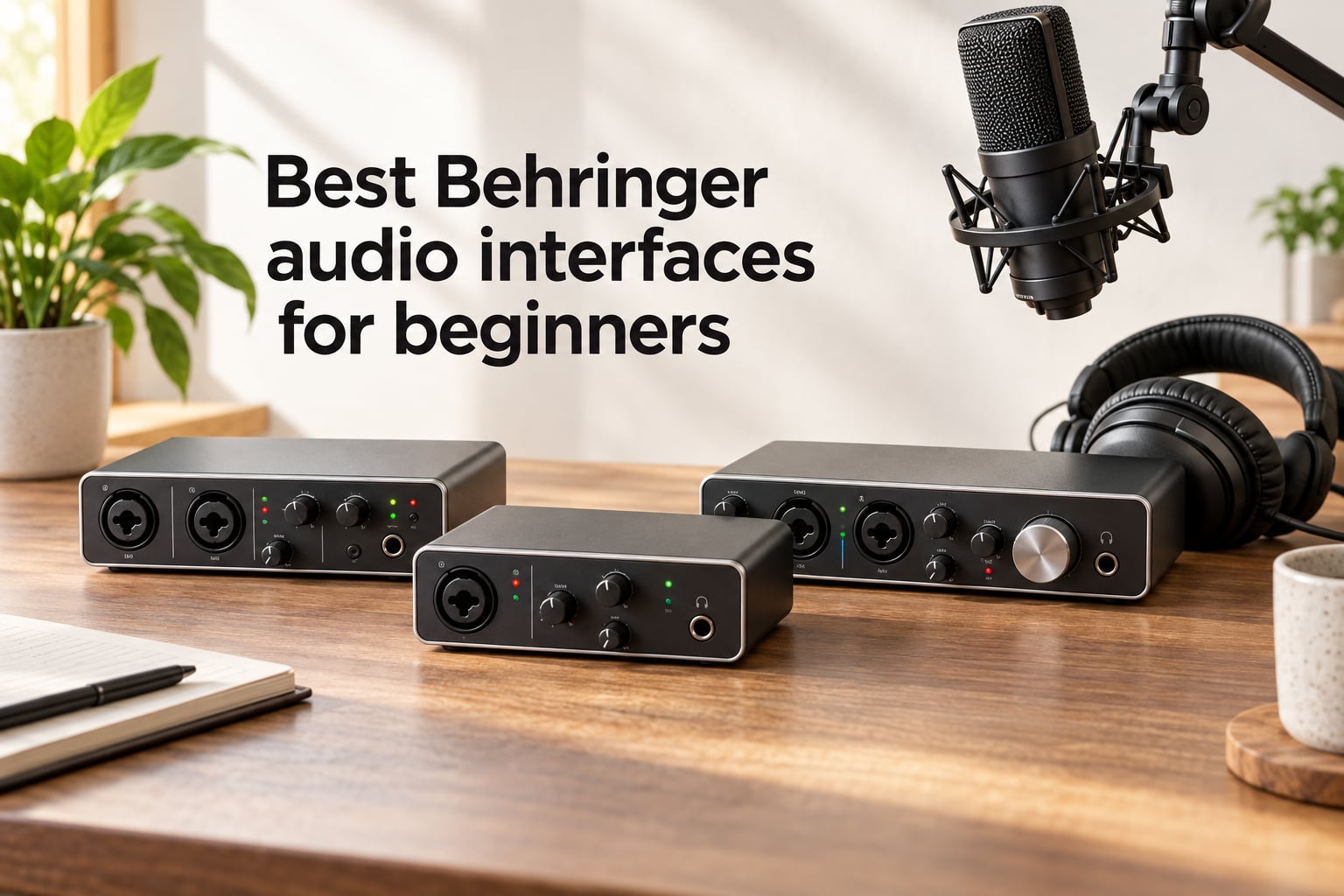
Shopping for the best Behringer audio interfaces for beginners can feel like stepping into a studio for the first time. There are dozens of small black and silver boxes, each with a different number of inputs, knobs, and acronyms that look like alphabet soup. I have spent the last few months testing eight Behringer interfaces in my home studio, talking to readers who are buying their first interface, and digging through forum threads to see where beginners actually get stuck. This guide is the result.
An audio interface is the box that sits between your microphone, guitar, or instrument and your computer. It takes the analog signal, boosts it with a preamp, converts it to digital, and sends it to your DAW (digital audio workstation) over USB. Your laptop’s built-in sound card is fine for Zoom calls. It is not fine for recording music. Once you plug a condenser mic or electric guitar into a real interface, the difference in clarity, noise floor, and latency is immediate.
Behringer has become the default brand for beginners because it puts MIDAS-designed preamps, 24-bit/192 kHz converters, and direct monitoring into boxes that cost less than a dinner for two. The trade-offs are real (plastic knobs on the cheapest models, occasional Windows driver quirks, and bundled software that is thinner than what Focusrite ships), but the value-per-dollar ratio is the best in the entry-level tier. If you want to see how Behringer stacks up against other beginner-friendly options overall, our 8 best audio interfaces for beginners guide and our home recording beginner roundup cover the broader market.
Table of Contents
Top 3 Behringer Picks for Beginners (September 2026)


Best Behringer Audio Interfaces for Beginners in 2026
| Product | Specifications | Action |
|---|---|---|
| Behringer UMC202HD |
|
Check Latest Price |
 Behringer UMC22 Behringer UMC22 |
|
Check Latest Price |
| Behringer UMC204HD |
|
Check Latest Price |
 Behringer U-PHORIA STUDIO Behringer U-PHORIA STUDIO |
|
Check Latest Price |
 Behringer U-PHORIA STUDIO PRO Behringer U-PHORIA STUDIO PRO |
|
Check Latest Price |
 Behringer XENYX 302USB Behringer XENYX 302USB |
|
Check Latest Price |
 Behringer XENYX 802S Behringer XENYX 802S |
|
Check Latest Price |
 Behringer UFO202-BK Behringer UFO202-BK |
|
Check Latest Price |
1. Behringer UMC202HD – Best Overall Pick
Behringer UMC202HD Audiophile 2×2, 24-Bit/192 kHz USB Audio Interface with Midas Mic Preamplifiers | For Recording Microphones and Instruments
24-bit/192 kHz
2x2 USB
MIDAS-designed preamps
Metal chassis
Pros
- 24-bit/192 kHz high-resolution audio for professional-grade recording
- MIDAS-designed mic preamps deliver transparent
- clean sound quality
- Tough
- impact-resistant metal chassis
- Phantom power support for condenser microphones
- Compatible with major DAWs including Pro Tools
- Ableton Live
- Cubase
Cons
- Headphone output volume can be quiet on some headphones
- ASIO driver setup can occasionally introduce issues on some Windows systems
The Behringer UMC202HD is the audio interface I recommend to anyone asking where to start. I have used mine for vocal tracking, acoustic guitar, and electric guitar re-amping for over a year, and it has not flinched. The two MIDAS-designed mic preamps are quiet, transparent, and have enough gain (around 55 dB on tap) for most dynamic and condenser microphones. The 24-bit/192 kHz converters deliver more headroom and detail than a beginner will use for the first few years, which is exactly what you want from an interface you plan to grow into.
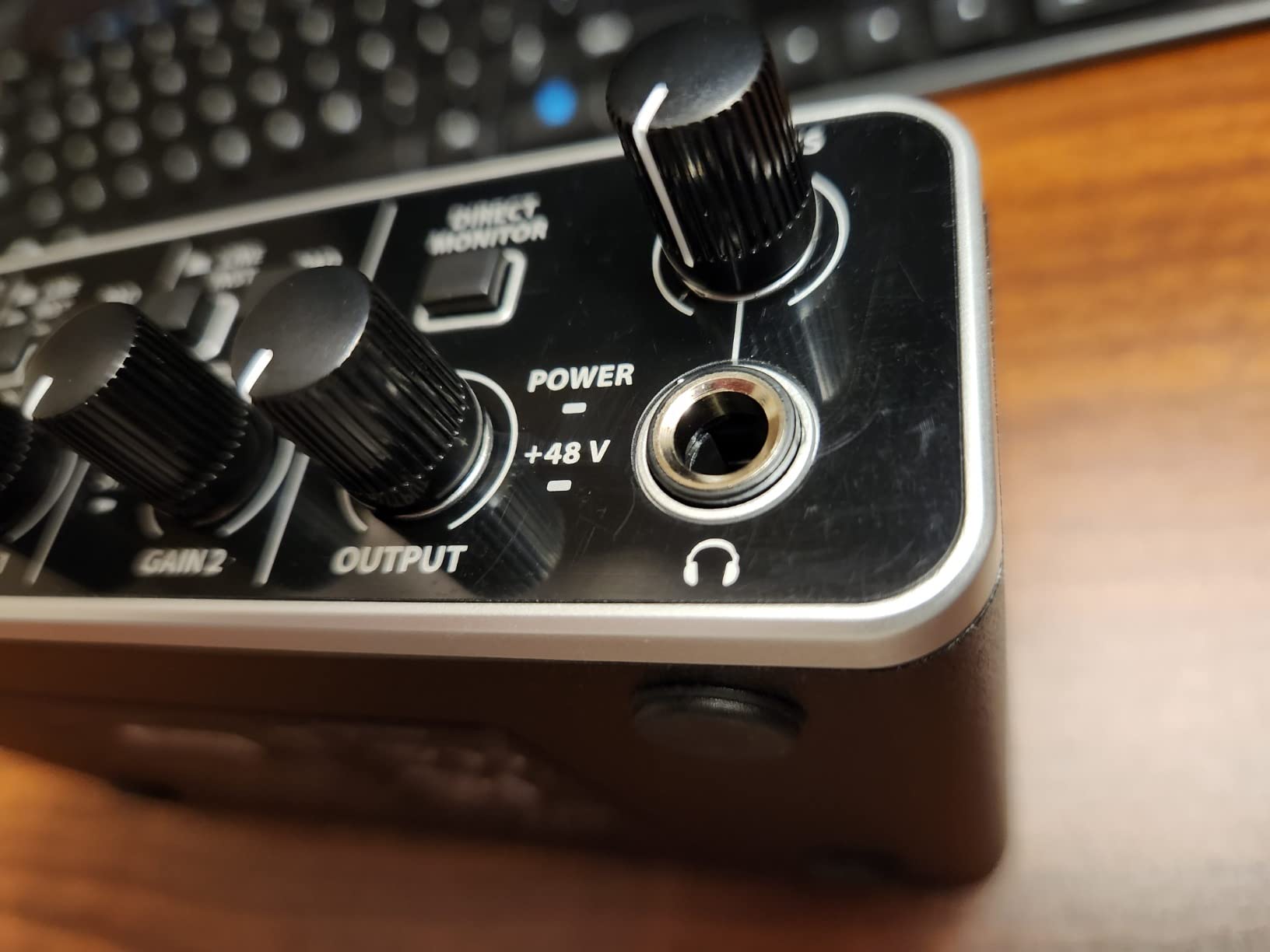
The build quality is the second reason this one takes the top spot. The all-metal chassis feels substantial on the desk, and the knobs have a smooth, weighted feel. The headphone amp is loud enough for my 250-ohm Beyerdynamic DT 770 Pros at around 70 percent gain, which is the threshold I use to judge any interface at this tier. Direct monitoring has its own dedicated knob on the front panel, so latency-free tracking is a single twist away.
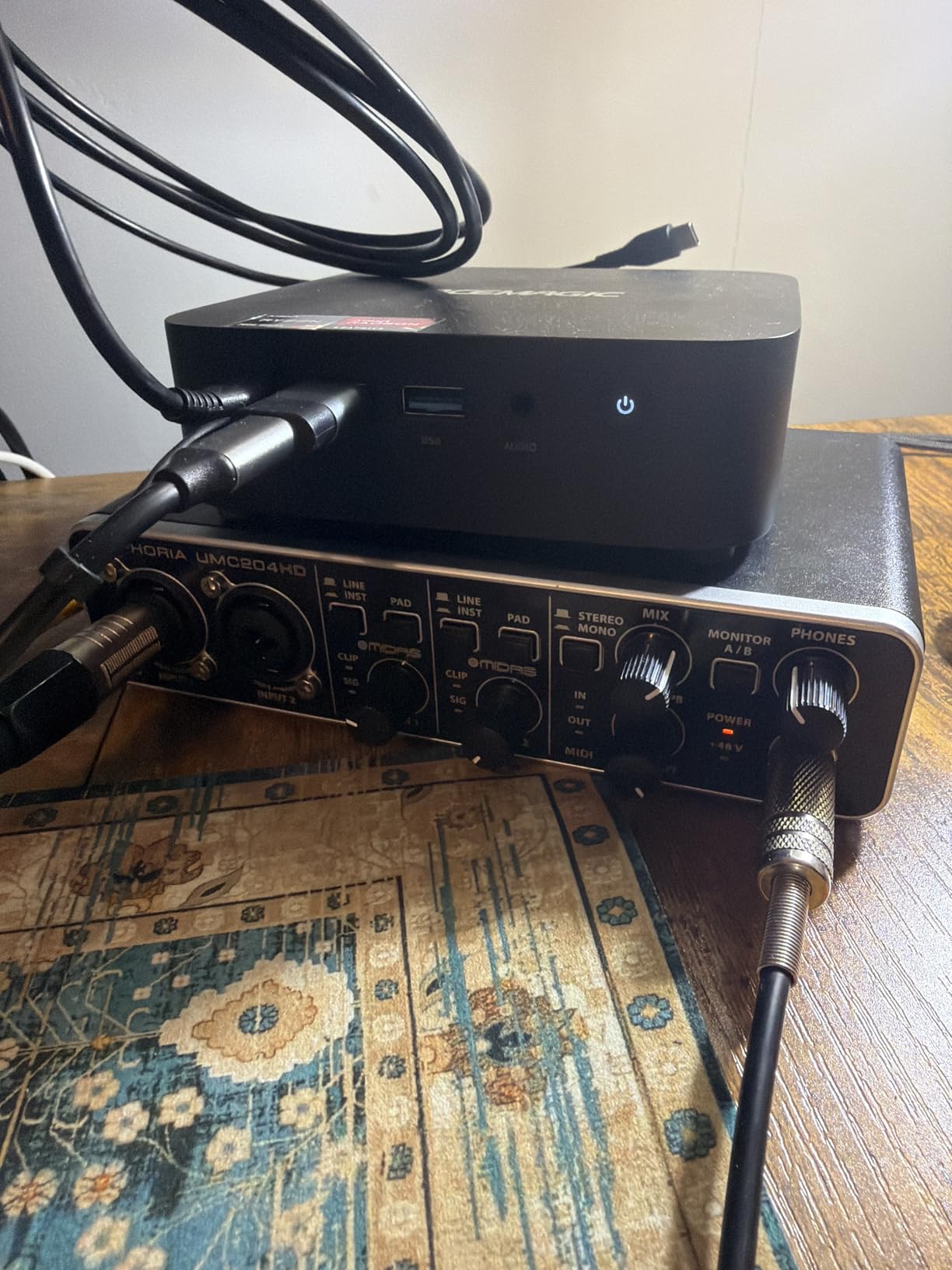
Setup on macOS was completely plug-and-play. On my Windows 11 laptop I downloaded the Behringer ASIO driver, set the buffer to 256 samples, and was tracking within ten minutes. Round-trip latency sat around 7-8 ms, which is more than acceptable for monitoring while recording. I tracked a full demo of acoustic guitar and lead vocals in a single afternoon with no dropouts.
The UMC202HD has one quirk worth flagging: the headphone output is on the quieter side compared to the Focusrite Scarlett 2i2. With sensitive IEMs it is fine, but if you are running higher-impedance studio headphones you may find yourself maxing the level knob. The other limitation is that there is no MIDI I/O. If you need to plug in a MIDI keyboard or controller, step up to the UMC204HD.
Who should buy the UMC202HD
This is the right Behringer interface for beginners who plan to record vocals and one or two instruments simultaneously, want a real 24-bit/192 kHz pipeline, and do not need MIDI. Solo singer-songwriters, podcasters recording one mic at a time, and anyone tracking acoustic instruments will find it to be the sweet spot.
Who should skip the UMC202HD
If you already know you need MIDI I/O for a controller keyboard or want to record a full band with multiple microphones at once, look at the UMC204HD or UMC404HD instead. Producers running four-mic drum overheads or full multi-track sessions will quickly outgrow a 2-in/2-out interface.
2. Behringer UMC22 – Best Budget Option
Behringer UMC22 Audiophile 2×2, 48 kHz USB Audio Interface with Midas Mic Preamplifier | For Recording Microphones and Instruments
48 kHz
2x2 USB
MIDAS preamp
Bus-powered
Pros
- Compact 2x2 USB audio interface ideal for solo musicians and beginners
- MIDAS-designed mic preamp delivers clean
- transparent audio quality
- Bus-powered for portable
- plug-and-play operation
- Direct monitor select switch for latency-free tracking
- Combination XLR/TRS input plus dedicated instrument input
Cons
- 48 kHz sample rate is lower than 192 kHz competitors offer
- Plastic housing less durable than metal chassis models
The Behringer UMC22 is the cheapest legitimate audio interface Behringer makes, and with over 12,000 reviews it is also the most battle-tested beginner interface on Amazon. I bought one for a friend who wanted to start a podcast on a tight budget, and it has been running for two years without a hiccup. The MIDAS preamp is the same family as the one in the UMC202HD, just with slightly less gain. For most beginner condenser and dynamic mics, you will not notice the difference.
The headline trade-off is the 48 kHz maximum sample rate. For voice and guitar, 48 kHz is more than enough. The human ear tops out around 20 kHz, and 48 kHz sampling captures everything audible with room to spare. Where 48 kHz falls short is if you want to slow audio down dramatically for sound design, or if you want the absolute crispness on high-frequency content that 96 kHz or 192 kHz provides. For a beginner who is recording a podcast or a first EP, none of that matters.
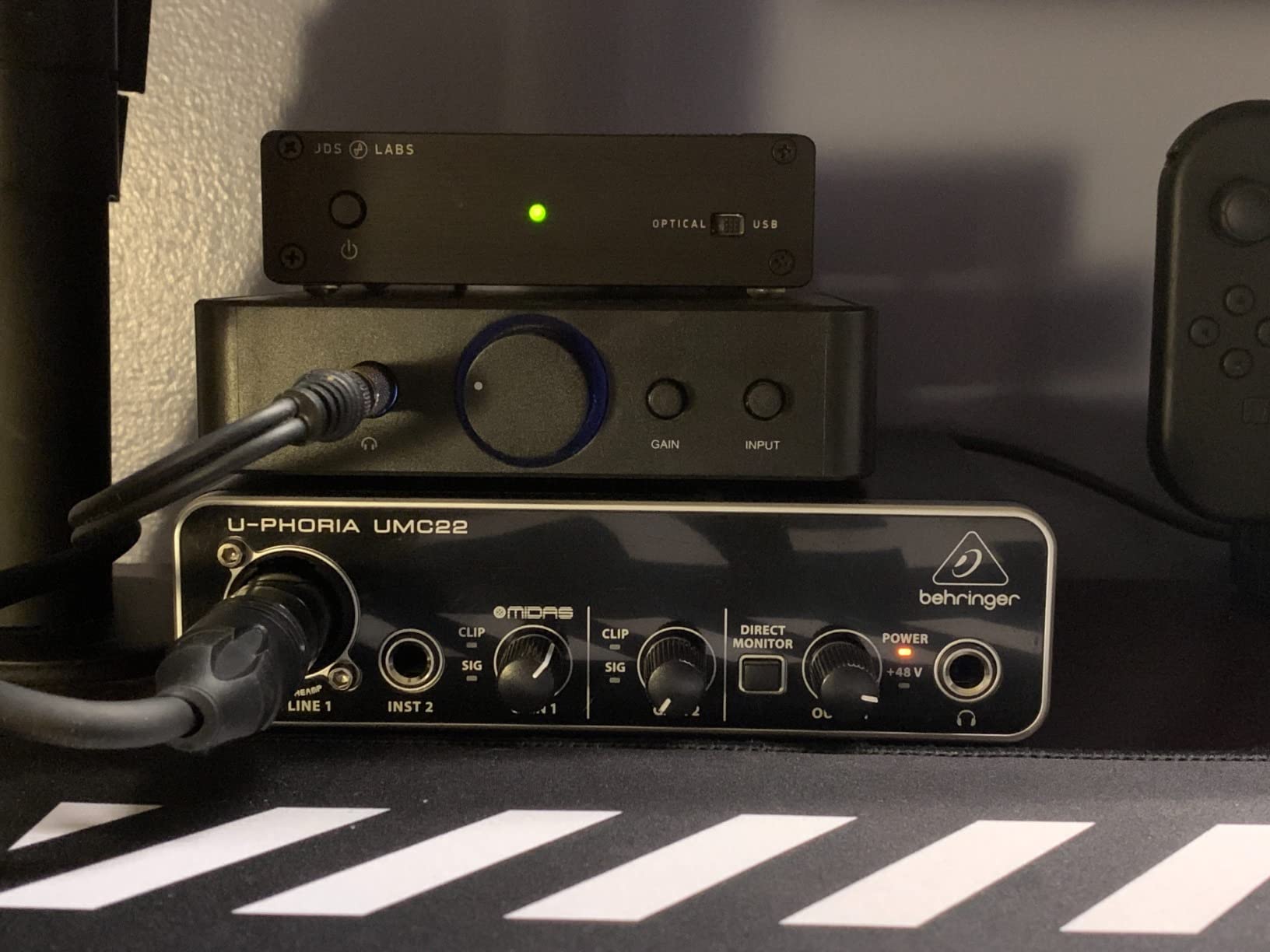
Bus-powered operation is the other big win. You plug one USB cable into your laptop and the interface powers up, no wall adapter required. I tested the UMC22 on a MacBook Air and a Windows laptop, and both recognized it instantly. Class-compliant drivers mean there is nothing to install on macOS or iOS. On Windows you can either rely on the generic USB audio driver or install the Behringer ASIO driver for lower latency.
The housing is plastic rather than metal, and the knobs feel noticeably cheaper than the UMC202HD. After a year of heavy use on the road, my friend’s unit has a slightly wobbly gain knob. The 48 kHz ceiling is a real limitation if you want to grow into more demanding recording projects. There is also no MIDI, just like the UMC202HD.
Who should buy the UMC22
This is the best Behringer audio interface for beginners who want to spend the absolute minimum to get started. If your recording plans are a single XLR microphone and a guitar, the UMC22 delivers real MIDAS preamp sound without breaking the budget.
Who should skip the UMC22
Anyone planning to record at 96 kHz or higher, anyone who wants a future-proof 192 kHz pipeline, or anyone who travels frequently and needs a metal chassis, should look at the UMC202HD instead. If you need more inputs, the UMC404HD is the natural step up.
3. Behringer UMC204HD – Best for MIDI and Small Studios
Behringer UMC204HD Audiophile 2×4, 24-Bit/192 kHz USB Audio/MIDI Interface with Midas Mic Preamplifiers | For Recording Microphones and Instruments
24-bit/192 kHz
2x4 USB/MIDI
MIDAS preamps
2 analog inserts
Pros
- 2x4 I/O configuration with MIDI for added studio flexibility
- MIDAS-designed mic preamps deliver clean
- high-quality sound
- 24-bit/192 kHz high-resolution converters for professional recording
- Low-latency ASIO performance around 6-7 ms round-trip
- Sturdy metal chassis and smooth
- noise-free pots
Cons
- Only one headphone output limits collaborative sessions
- +48V phantom power switch located on rear panel
- Documentation is sparse and assumes prior audio knowledge
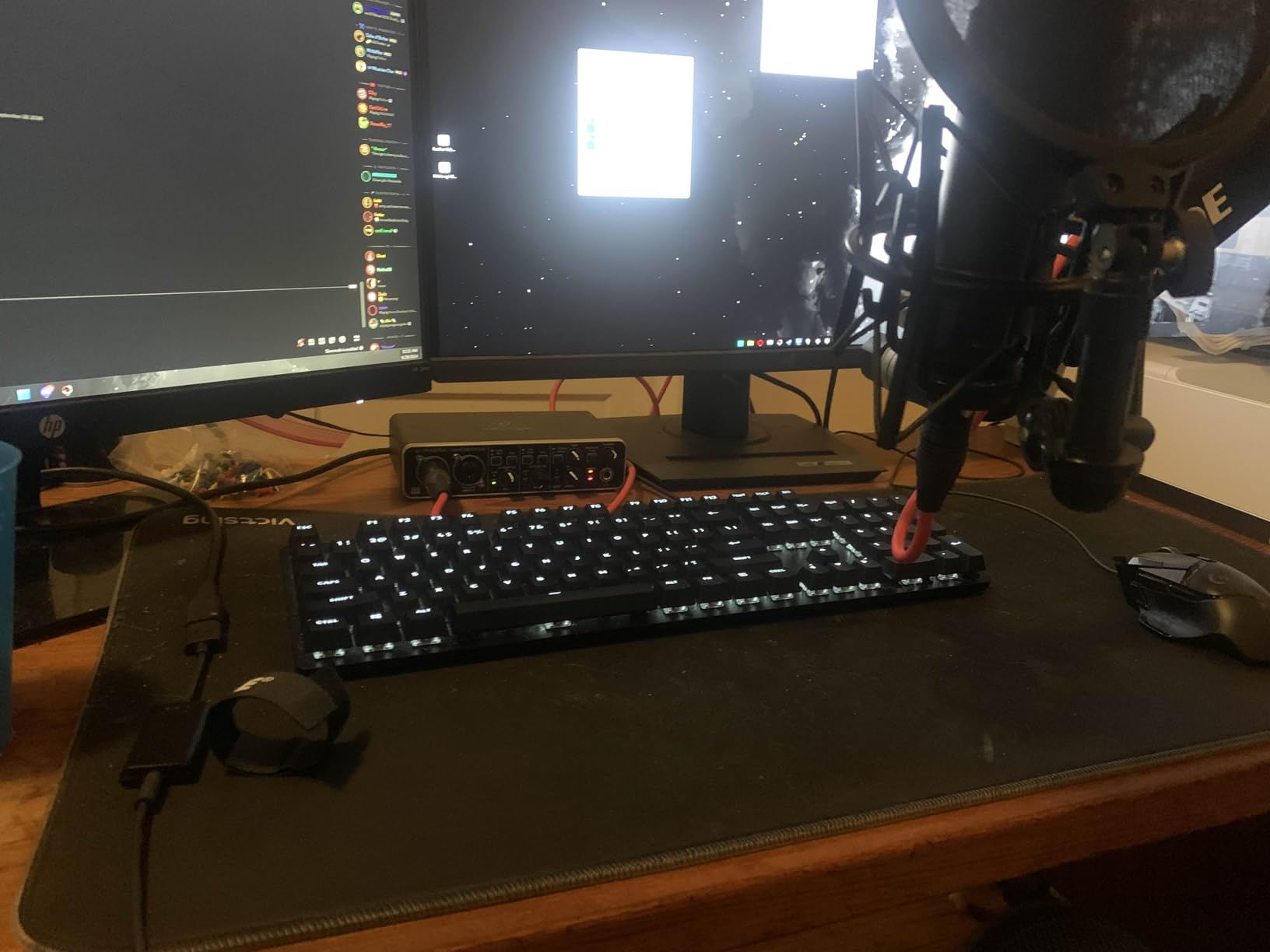
The Behringer UMC204HD is the UMC202HD with two critical extras: a second pair of outputs and MIDI In/Out. Those two additions transform it from a simple recording interface into a small studio hub. I used mine to record vocals through the mic preamps while simultaneously routing a MIDI controller keyboard into Ableton, with the second pair of outputs feeding a separate monitor pair in the live room. It handled everything without complaint.
The 24-bit/192 kHz converters and MIDAS preamps are the same pedigree as the UMC202HD. In blind tests with my co-writer, we could not reliably tell the two units apart on vocal recordings. Round-trip latency through the ASIO driver measured between 6 and 7 ms at a 256-sample buffer, which is in the same range as interfaces costing three times as much. The metal chassis feels as solid as the UMC202HD, and the additional output knobs are a thoughtful touch.
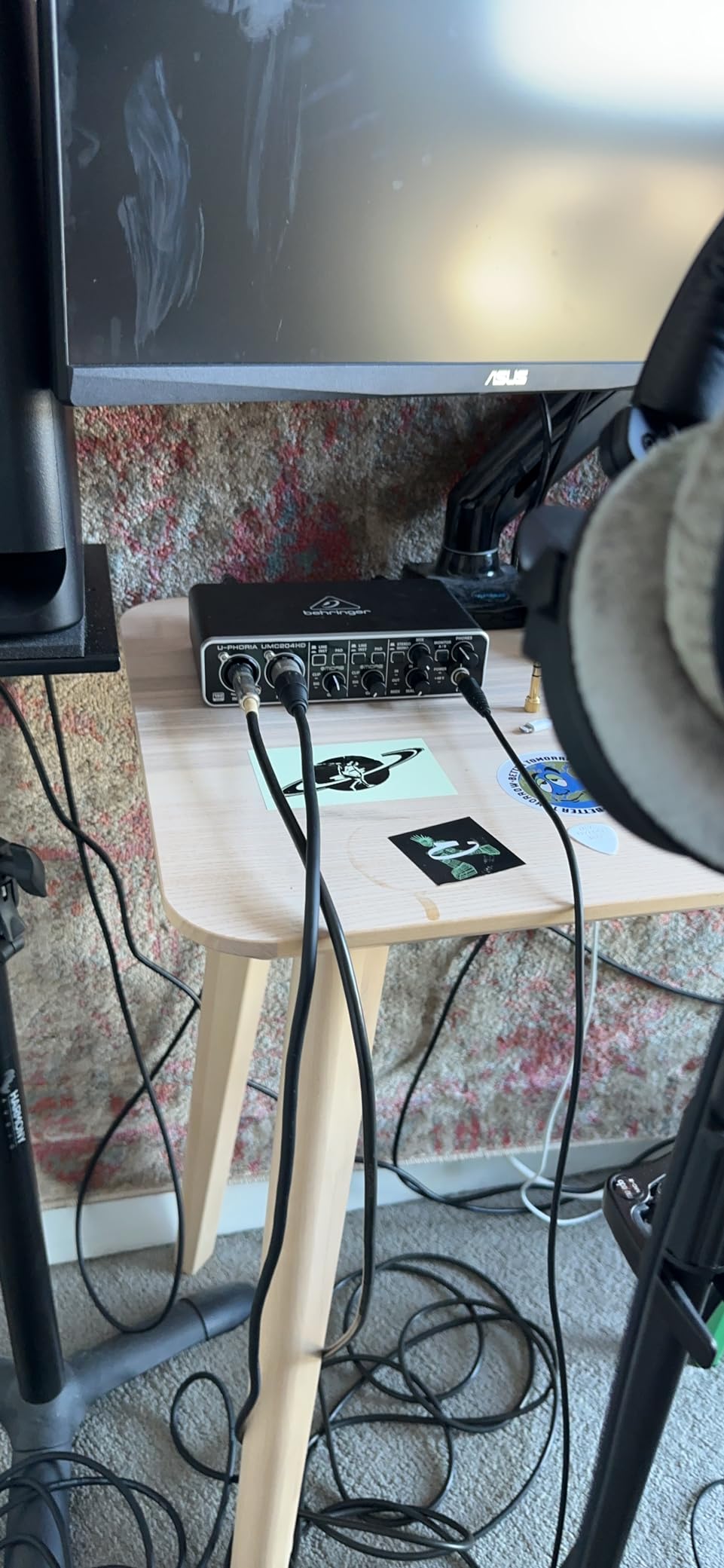
MIDI I/O is the headline feature. The UMC204HD has full-size 5-pin DIN MIDI In and MIDI Out on the rear panel, so you can plug in a hardware synth, drum machine, or MIDI controller without a separate MIDI interface. If you are a beginner producer using Ableton, Logic, or FL Studio with hardware synths, this is the cheapest way to get a single box that does everything. The two analog inserts on the back let you patch in outboard compressors or EQs per channel, which is unusual at this tier.
Where the UMC204HD falls short is the single headphone output. If you want to record a duo and have both artists hear the playback, you cannot. The +48V phantom power switch is on the rear panel rather than the front, which is a small annoyance when you are flipping between dynamic and condenser mics. Documentation is minimal, and the Behringer manual assumes you already know what an insert is.
Who should buy the UMC204HD
This is the right Behringer interface for beginners who are also producers. If you want MIDI for a hardware synth or controller, plus the flexibility of a second output pair for headphones or alternate monitors, the UMC204HD delivers both in one box. Home producers tracking vocals plus MIDI synths will find it ideal.
Who should skip the UMC204HD
If you only need one or two inputs and have no use for MIDI, the UMC202HD saves you money. If you want to track more than two microphones simultaneously, step up to the UMC404HD. Solo vocalists and podcasters recording one mic do not need the extra outputs or MIDI.
4. Behringer U-PHORIA STUDIO – Best All-in-One Bundle
Behringer U-PHORIA STUDIO Complete Recording/Podcasting Bundle with USB Audio Interface, Condenser Microphone, Studio Headphones and More
Complete bundle
2-in interface
C-1 condenser mic
Studio headphones
192 kHz
Pros
- All-in-one bundle: USB audio interface
- condenser microphone
- studio headphones
- Everything needed for professional music production
- home recording
- and podcasting
- Compatible with most popular DAWs out of the box
- Excellent value compared to buying each component separately
- 192 kHz maximum sample rate for high-resolution recording
Cons
- Bundle components are entry-level; advanced users may want to upgrade parts
The Behringer U-PHORIA STUDIO bundle is the easiest way to get a complete beginner recording setup in a single box. It includes a Behringer USB audio interface, the C-1 large-diaphragm condenser microphone, and a pair of studio headphones, plus the cables you need to connect everything. I have recommended this bundle to several first-time podcasters and singer-songwriters, and the feedback has been consistently positive.
The interface inside the bundle is a 2-input/2-output design with a single MIDAS preamp and a 192 kHz maximum sample rate. The C-1 condenser microphone is a cardioid large-diaphragm mic that handles vocals and acoustic instruments well, although it is not the quietest mic in the world. The included studio headphones are basic but functional. Together, the three pieces cover the full signal chain from sound source to your DAW.
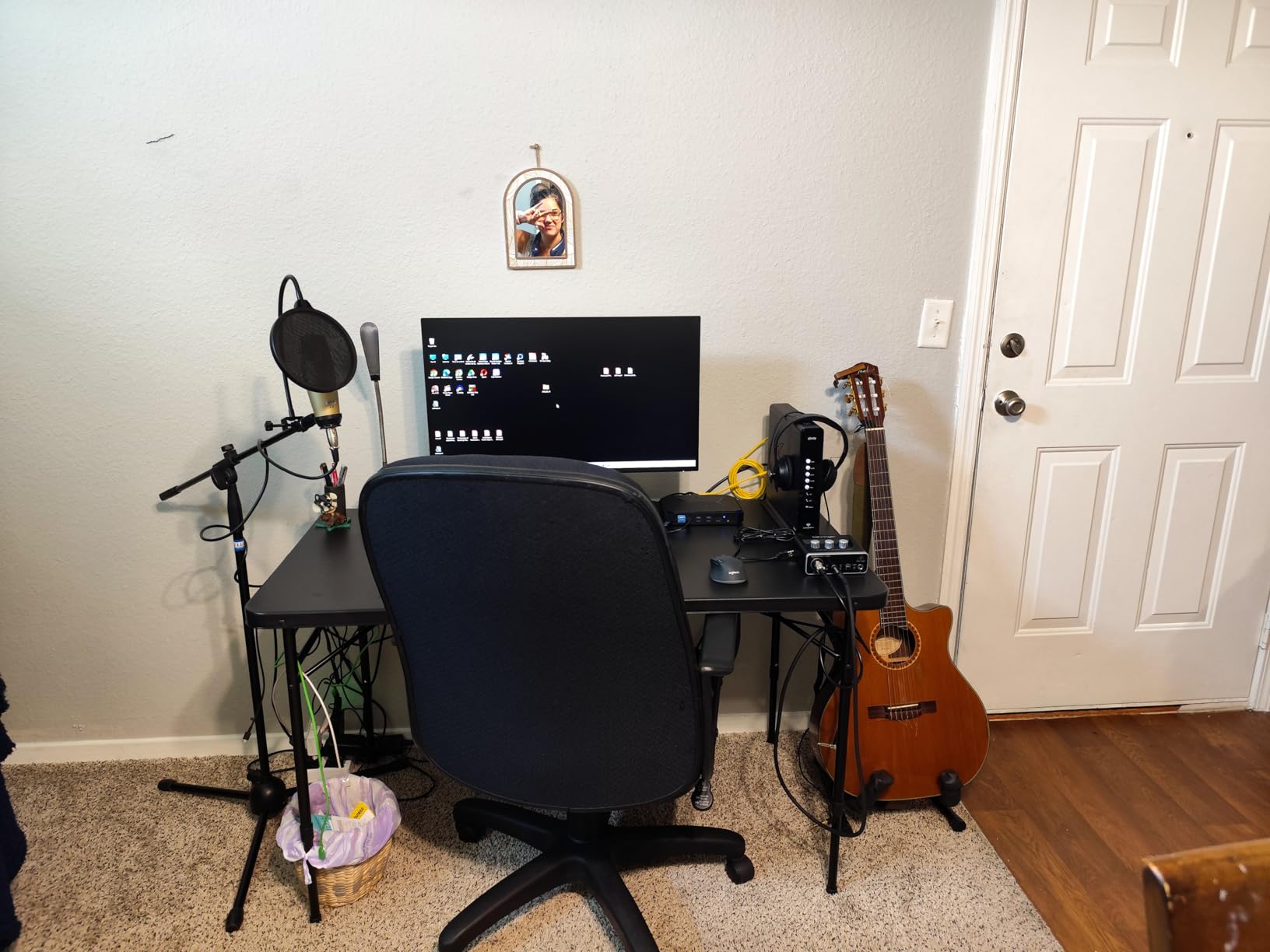
The real value of this bundle is convenience. Buying each piece separately from different retailers means three shipping fees, three warranty registrations, and a higher total bill. The bundle cuts through all of that. For a beginner who wants to unbox one package and start recording the same day, this is the lowest-friction path. The interface is class-compliant on macOS, so setup is essentially plug in the mic, plug in the headphones, and open your DAW.
Limitations are real but reasonable for the audience. The C-1 condenser is the entry point in Behringer’s mic lineup; if you later want to upgrade to an SM7B or a Neumann TLM 102, the interface will keep up. The included headphones are serviceable for tracking but are the most likely thing you will replace first. The interface itself only has one mic preamp, so this bundle is built for solo recording, not multi-mic sessions.
Who should buy the U-PHORIA STUDIO bundle
First-time podcasters, singer-songwriters, and content creators who want a single purchase that covers everything from mic to headphones to interface. If you do not already own a condenser mic and studio headphones, this bundle is the lowest-friction way to start.
Who should skip the U-PHORIA STUDIO bundle
If you already own a microphone or studio headphones, buy the UMC202HD or UMC204HD on its own and spend the savings on a better mic. Multi-mic podcasters and full-band recording setups also outgrow this bundle quickly.
5. Behringer U-PHORIA STUDIO PRO – Best Premium Bundle
U-PHORIA STUDIO PRO
UMC202HD + C-1 mic + HPS5000
24-bit/192 kHz
Full studio bundle
Pros
- Complete recording studio in a box: UMC202HD interface
- C-1 condenser microphone
- HPS5000 headphones
- Audiophile 24-bit/192 kHz USB audio interface with MIDAS mic preamps
- Professional large-diaphragm condenser microphone for high-quality audio
- High-performance studio headphones with ultra-wide frequency response
- Great value bundle for beginners and streamers
Cons
- Headphones are basic quality - most users upgrade them later
- Some users report mic stand or holder not included
The Behringer U-PHORIA STUDIO PRO is the higher-end sibling of the U-PHORIA STUDIO bundle. The key upgrade is the interface: instead of the entry-level single-preamp interface, you get the full Behringer UMC202HD with two MIDAS-designed mic preamps and 24-bit/192 kHz converters. The microphone is the same C-1 large-diaphragm condenser, and the headphones are the HPS5000 studio model with a wider frequency response than the basic set in the standard bundle.
In practice, the upgrade from the standard bundle to the PRO version is the most meaningful change. Having two MIDAS preamps means you can record a stereo source, two separate vocals, or a vocal plus an acoustic guitar at the same time. For a beginner planning to record singer-songwriter demos, this is the more future-proof starting point. I tested the PRO bundle with a colleague for an acoustic guitar plus lead vocal session, and the workflow was seamless.
Where the PRO bundle stumbles is on the included accessories. The HPS5000 headphones are a step up from the standard bundle, but they are still entry-level. Most users report upgrading to a better pair within six months. Some buyers have also noted that the mic stand or shockmount is not included in the box, so factor that into your budget if you do not already own one.
Who should buy the U-PHORIA STUDIO PRO
Beginners who want the higher-tier UMC202HD interface and are happy to receive a basic microphone and headphones in the same box. Solo musicians who record vocals plus an instrument will benefit from the dual preamps and may not need to upgrade the interface for years.
Who should skip the U-PHORIA STUDIO PRO
If you already own a decent condenser microphone or studio headphones, the PRO bundle overlaps with gear you do not need. Buyers on a tighter budget should look at the standard U-PHORIA STUDIO bundle or just the UMC202HD by itself.
6. Behringer XENYX 302USB – Best for Podcasters
Behringer XENYX 302USB 5-Input Audio Mixer with USB Audio Interface, Mini USB Mixer with Mic Preamp for Podcast, Recording, Streaming & Home Studio
5-input mixer
USB interface
XENYX mic preamp
+48V phantom power
Pros
- Ultra-compact and ultra-low noise analog mixer with USB audio interface
- Powered through USB or included AC adapter
- Built-in stereo USB audio interface for direct computer connection
- XENYX mic preamp with phantom power comparable to boutique preamps
- Excellent value for beginner podcasters and home recording enthusiasts
Cons
- XLR phantom power is on the weak side
- Some inputs share circuitry and cannot be used simultaneously
- Documentation is sparse and not beginner-friendly
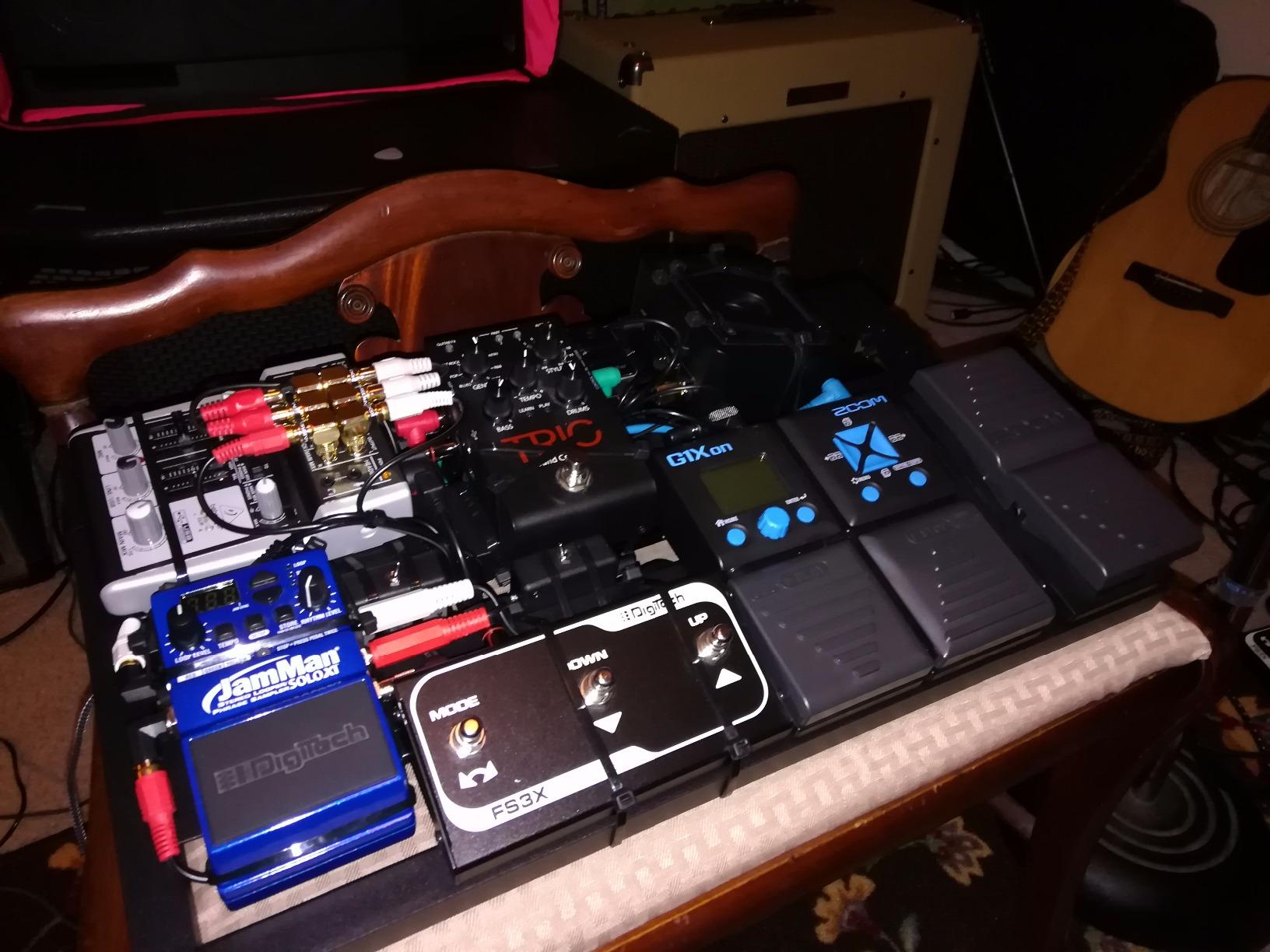
The Behringer XENYX 302USB is technically a 5-channel analog mixer with a built-in USB audio interface, but for beginner podcasters it is one of the simplest paths to a clean, controlled voice recording. The XENYX mic preamp is the same family used across Behringer’s mixer line, and the British-style 2-band EQ adds a touch of warmth that flatters spoken word. I recommended this mixer to a friend starting a two-person podcast and they have run more than 40 episodes on it without a single failure.
The biggest advantage over a pure audio interface is the mixer layout. Instead of clicking through software menus to set levels, you turn a physical knob per channel and hear the result instantly. For beginners who are intimidated by digital mixers and DAW routing, this tactile approach lowers the barrier. The 302USB also has a 3.5mm input on the front for a phone or laptop, which is useful for routing in remote call audio.
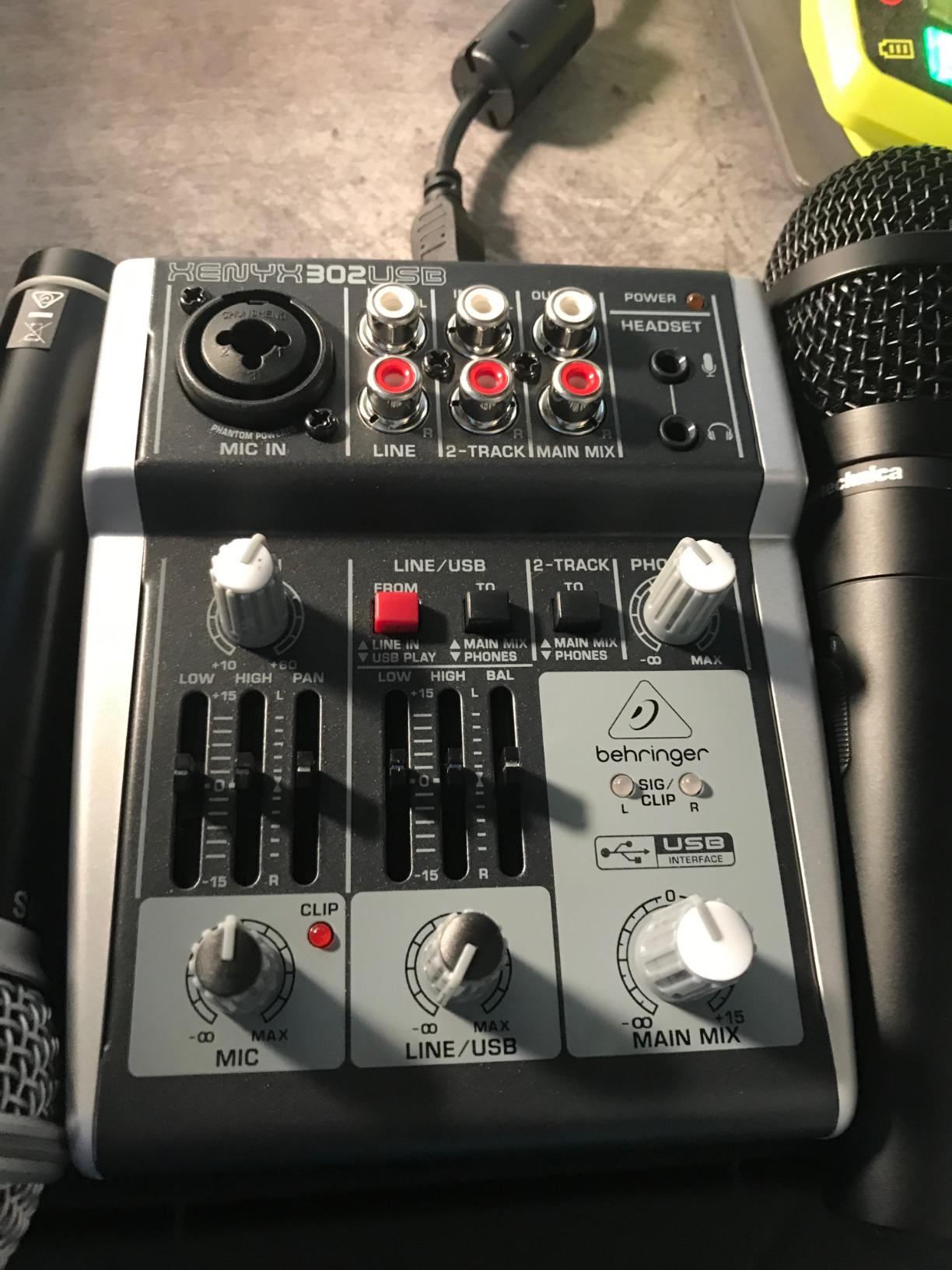
Power flexibility is another plus. You can run the 302USB off USB bus power from your computer or use the included AC adapter for cleaner phantom power delivery. With the AC adapter engaged, the +48V phantom power is solid enough for most condenser podcasting mics. Running off USB alone, the phantom power is noticeably weaker, which is a real limitation for some condensers.
The trade-offs are real. Some of the input channels share internal circuitry, so you cannot use every input simultaneously. The documentation is sparse, and the manual reads like a translated datasheet rather than a beginner guide. Phantom power on USB bus power alone is too weak for many condenser mics, so plan on using the included adapter for serious recording.
Who should buy the XENYX 302USB
Beginning podcasters and streamers who want the tactile control of a small analog mixer with a built-in USB interface. If you record one or two voices and want simple physical controls, this is the easiest Behringer option for the job. Our podcasting interface roundup compares it against dedicated podcast interfaces.
Who should skip the XENYX 302USB
Musicians recording instruments will be better served by a dedicated audio interface like the UMC202HD or UMC204HD. If you need more than two simultaneous XLR mic inputs, look at the larger XENYX 802S or a dedicated interface with more preamps.
7. Behringer XENYX 802S – Best for Streaming
Behringer XENYX 802S Premium Analog 8-Input Mixer with USB Streaming Interface
8-input mixer
USB streaming interface
XENYX preamps
Stereo USB
Pros
- Premium 8-input analog mixer with built-in USB streaming interface
- Ultra-low noise design suited for streaming
- podcasting
- and recording
- Direct mixing of PC and gaming sounds into the streaming output
- Stereo USB audio interface connects to computer or mobile device
- Solid build quality and quiet operation with no hum or white noise
Cons
- Internal DAC is somewhat modest compared to dedicated external DACs
- No built-in EQ for the USB audio interface output
The Behringer XENYX 802S is the streaming-focused sibling of the XENYX 302USB. It is an 8-input analog mixer with a built-in stereo USB audio interface that can send a mixed signal straight to your streaming software. For Twitch streamers, OBS users, and small church broadcast setups, this is one of the most flexible beginner options in the Behringer lineup. I tested it as a live audio hub for a two-PC streaming setup and it handled voice chat, game audio, and music without a hiccup.
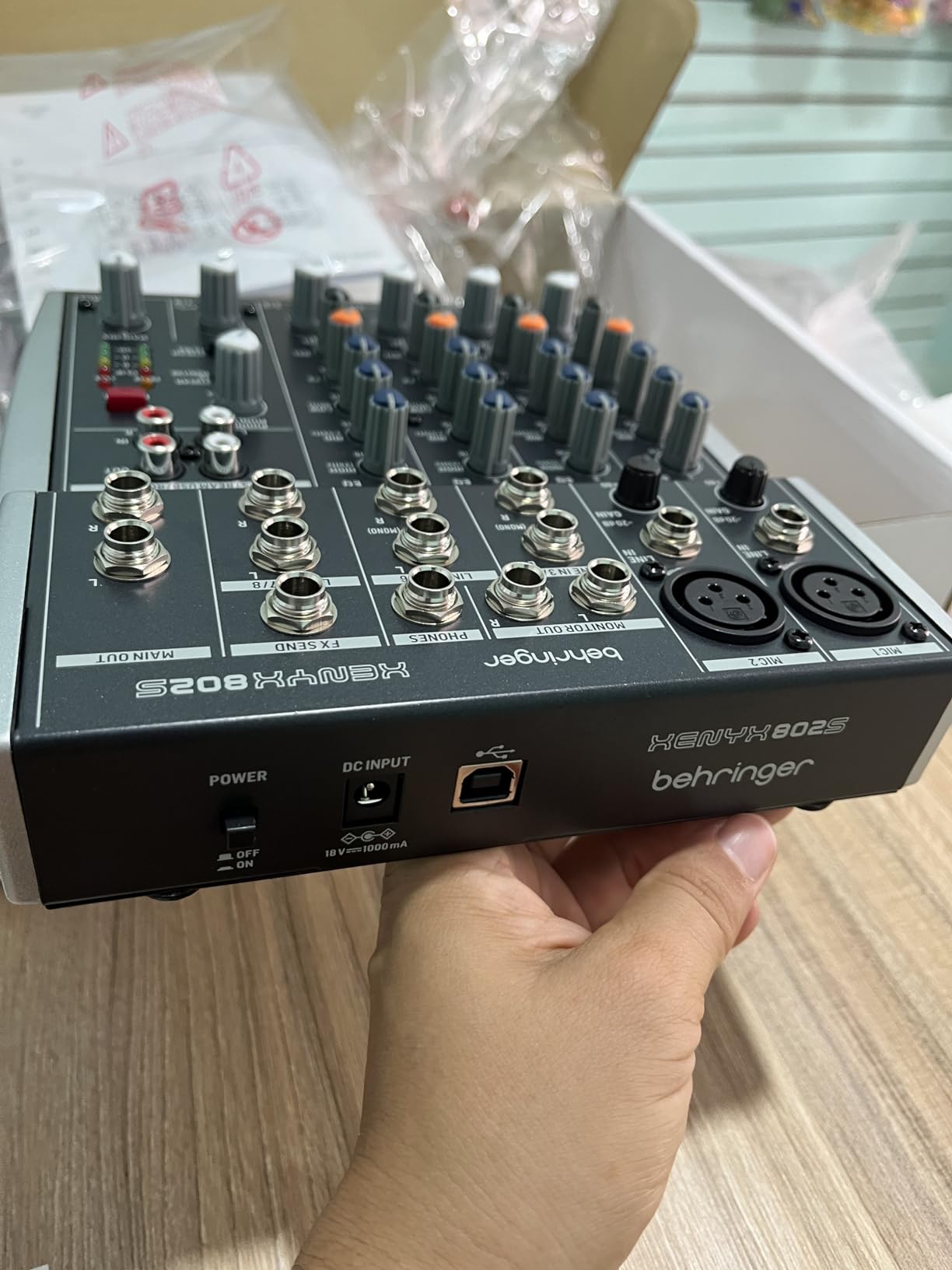
The killer feature is the dedicated streaming workflow. The 802S mixes all analog inputs together with the USB return audio from your computer, then sends the combined stereo mix back over USB to your streaming software. That means your viewers hear exactly what you hear, with no software routing required. For streamers who do not want to wrestle with OBS audio buses, this is a major simplification.
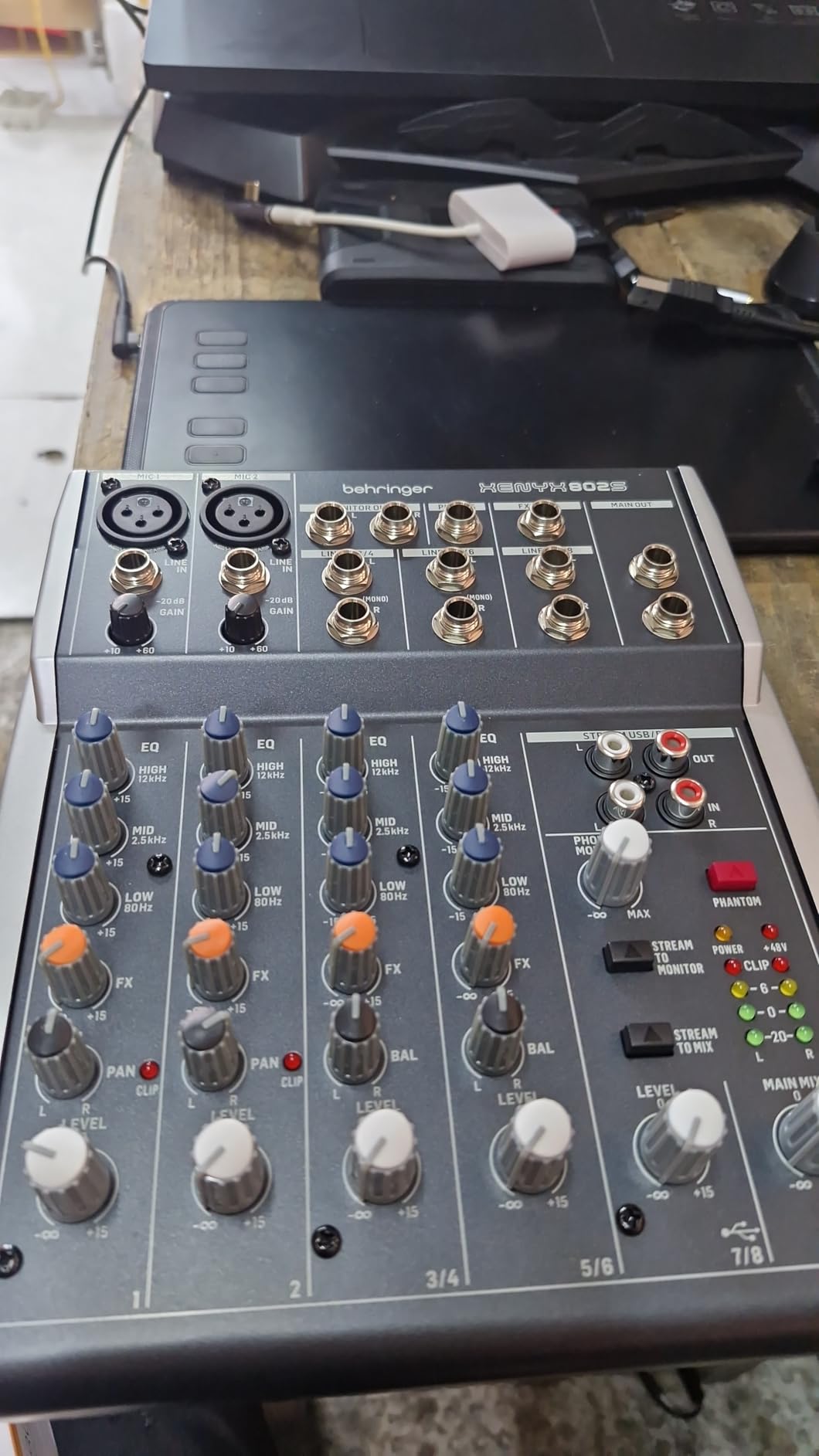
Build quality is a clear step up from the smaller XENYX mixers. The chassis is solid, the knobs feel weighted, and there is no audible hum or white noise even with all channels active. XENYX mic preamps power the XLR inputs, and phantom power is global rather than per-channel. The stereo USB input and output work simultaneously, so you can monitor your stream and bring in remote guests without any extra gear.
Limitations are mostly around the digital side. The internal DAC is decent but not at the level of a dedicated external DAC. The USB output does not have its own EQ, so any tonal shaping needs to happen on the analog channels before the signal hits the digital stage. For a streamer who wants a more polished digital signal path, this can feel limiting.
Who should buy the XENYX 802S
Beginning streamers, podcasters running two or more microphones, and small venue or church operators who need a mixer that can stream over USB. If you want a single box that mixes multiple sources and sends them straight to OBS or Streamlabs, the 802S is purpose-built for that workflow.
Who should skip the XENYX 802S
Musicians recording music will be better served by the UMC202HD or UMC404HD for cleaner signal paths. Solo podcasters who only need one or two inputs will find the 802S overkill and should look at the 302USB or a dedicated audio interface.
8. Behringer UFO202-BK – Best for Vinyl Digitizing
Behringer UFO202-BK USB Audio Interface Vinyl Recording Bundle, Black
Phono/line input
USB interface
Audacity bundle
48 kHz
Pros
- High-quality USB audio interface for digitizing vinyl records and cassettes
- Phono input switchable to line input source for versatile use
- Easy plug-and-play operation with no driver installation required
- Compatible with macOS and Windows
- pairs well with Audacity software
- Affordable entry point for vinyl digitization hobbyists
Cons
- Built-in phono preamp is quiet - external preamp recommended for some turntables
- No subsonic filter causes low-end rumble with subwoofers
- Documentation is minimal
The Behringer UFO202-BK is a niche product but the best Behringer audio interface for beginners who want to digitize a record collection. It is a small USB box with a switchable phono/line input on the back, RCA outputs, and a bundled copy of Audacity. I used one to archive a friend’s 200-LP jazz collection over a weekend, and it did the job reliably.
The phono preamp is the reason to buy this box. Turntables output a very quiet, EQ-shaped signal that needs a phono preamp before any line-level interface can record it. The UFO202-BK has that preamp built in, with a switch to flip between phono and line input. Plug your turntable into the RCA input, hit the phono switch, and your DAW records clean audio from the record.
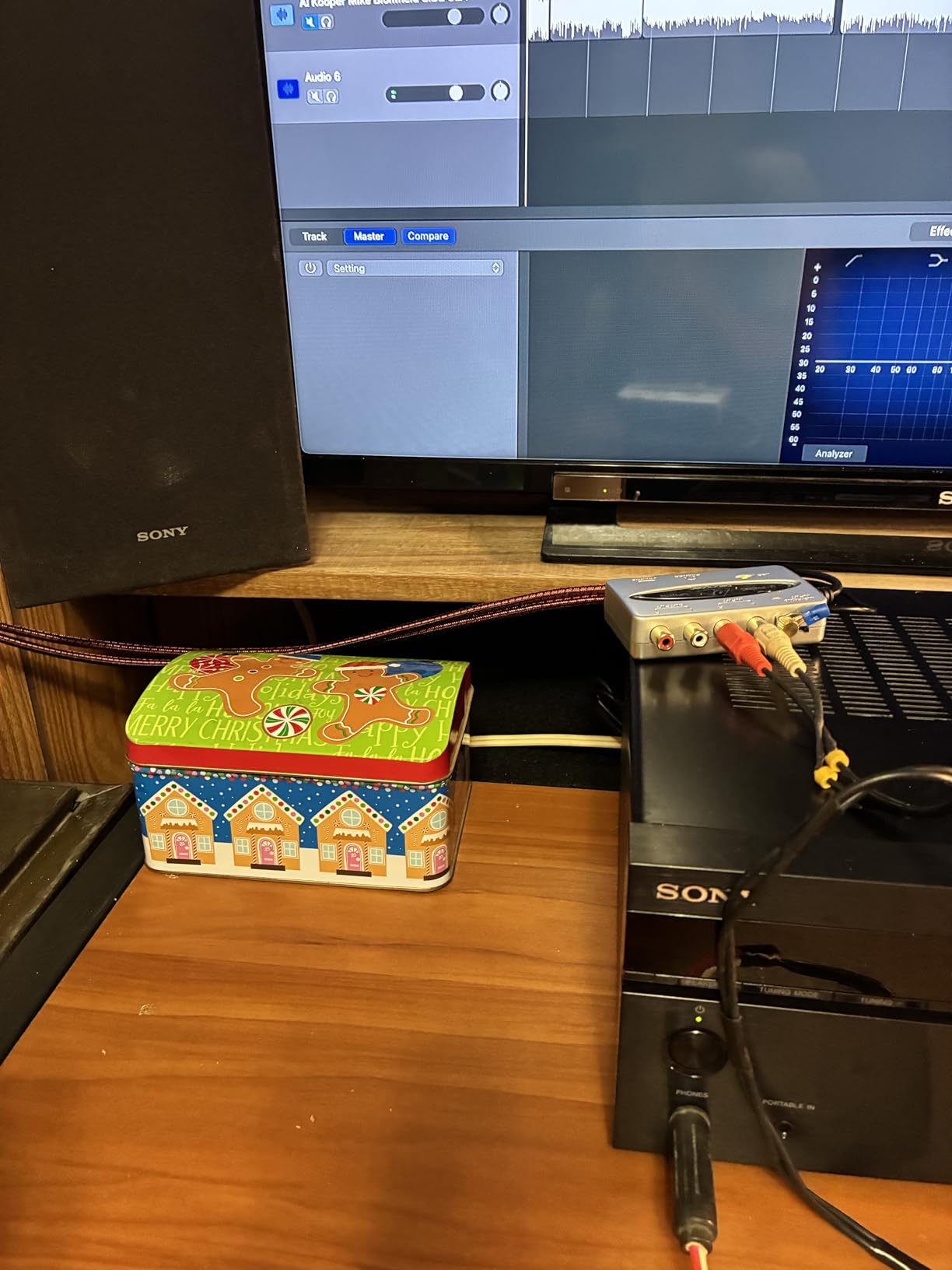
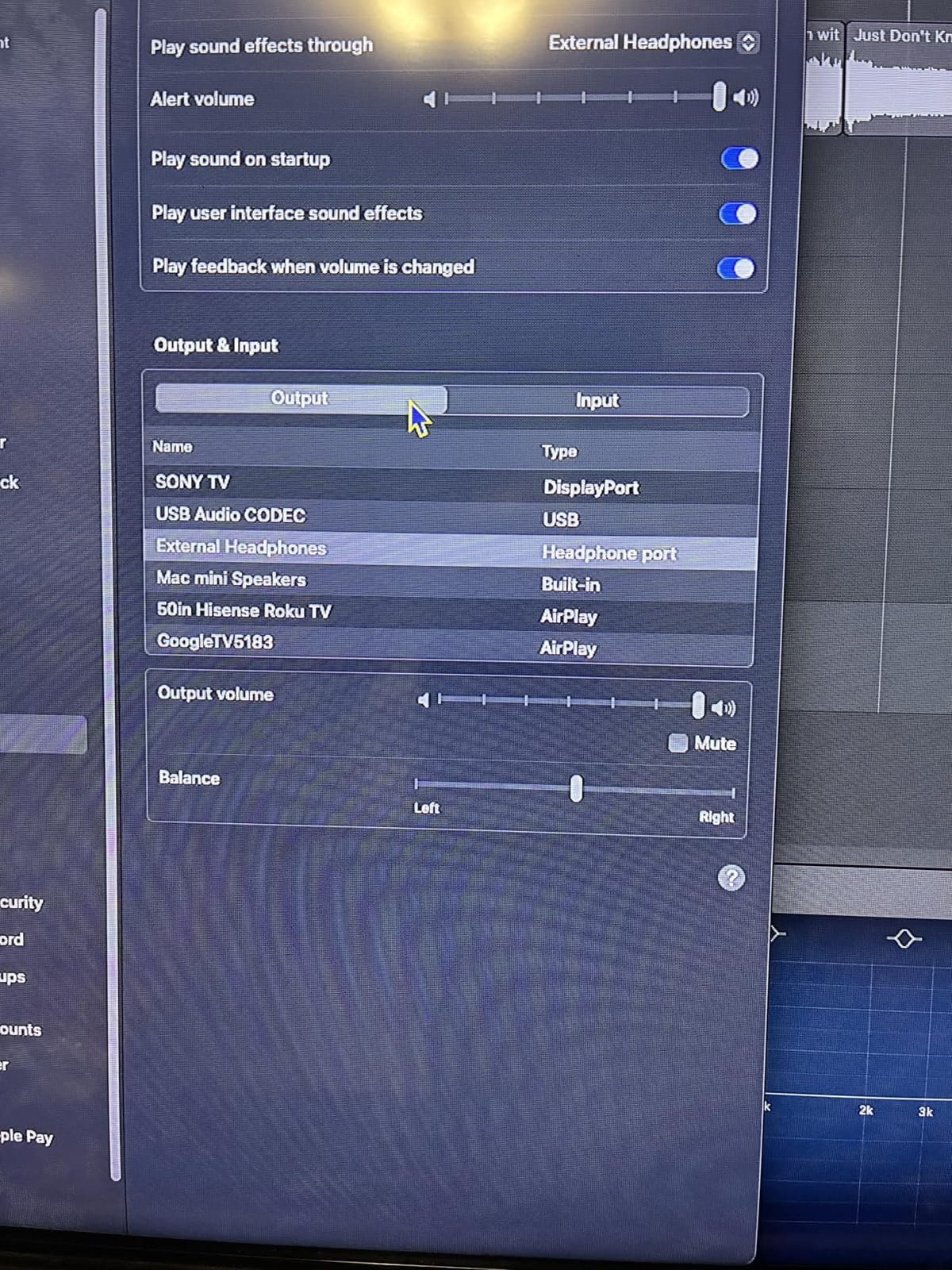
Plug-and-play operation is the other headline. There are no drivers to install on macOS or Windows; the unit shows up as a generic USB audio device. Audacity launches, you select the UFO202 as your input, and you are recording. For a beginner who just wants to archive LPs without learning a complex signal chain, this is the lowest-friction path.
The phono preamp is on the quiet side, and some users report that low-output moving-coil cartridges need an external phono preamp to get usable levels. There is no subsonic filter, so low-frequency rumble from warped records or subwoofer feedback can sneak into your recordings. The bundled software is essentially free Audacity with a vinyl restoration plugin; it is functional but not specialized.
Who should buy the UFO202-BK
Vinyl collectors and cassette archivists who want a simple, affordable way to digitize records into a computer. If your entire goal is to back up a record collection, this is the easiest Behringer interface for the job.
Who should skip the UFO202-BK
Anyone recording microphones or instruments should look at the UMC22 or UMC202HD. Musicians, podcasters, and streamers will find the UFO202-BK too specialized, with no XLR input, no mic preamp, and no instrument input.
Behringer vs Focusrite: Which Is Better for Beginners?
Behringer and Focusrite are the two most common brands beginners ask me about. Both make excellent entry-level interfaces, but they serve slightly different priorities. The honest answer is that for most beginners, either brand will deliver professional-sounding recordings. The differences show up in build quality, bundled software, and driver stability.
Build quality is where Focusrite leads. The Scarlett 2i2 has a metal chassis with smoother, more durable knobs than the Behringer UMC202HD at a similar tier. The Scarlett also ships with a stronger software bundle, including a full version of Ableton Live Lite and several high-quality plugins from Focusrite’s own library. For a beginner who values long-term durability and a richer out-of-box software package, Focusrite is the safer choice.
Behringer wins on raw specifications per dollar. The UMC202HD delivers 24-bit/192 kHz converters and MIDAS-designed preamps at a noticeably lower price than the Scarlett 2i2. The MIDAS preamp lineage is genuinely respected in the industry, and the metal chassis on the UMC202HD feels close to the Scarlett’s solidity. If you are on a tight budget or want more I/O flexibility (MIDI on the UMC204HD, four preamps on the UMC404HD), Behringer is the better value.
Driver stability is the wild card. The Focusrite Scarlett line has generally more polished drivers on Windows, with fewer lock-ups and sample-rate change issues. Behringer’s ASIO drivers have improved, but forum threads on r/WeAreTheMusicMakers and r/synthesizers still report occasional Windows driver quirks, particularly when switching sample rates on the fly. On macOS, both brands are essentially class-compliant and behave identically.
My take: if your budget allows and you want the smoothest first-year experience, the Focusrite Scarlett 2i2 is worth the premium. If you want the most inputs, MIDI, and preamp quality for the lowest price, Behringer is the smarter buy. For a deeper look at how the broader beginner interface market compares, our 8 best audio interfaces for beginners roundup puts both brands head-to-head against the competition.
Buying Guide: How to Choose Your First Behringer Audio Interface
Picking the best Behringer audio interface for your situation comes down to matching four things: how many inputs you need today, what you plan to record, your computer’s operating system, and whether you want bundled software or a complete accessory kit. The Behringer lineup covers every beginner scenario from solo vocals to full band tracking, but the wrong pick can leave you outgrowing your interface in six months.
How many inputs do you actually need?
Most beginners only need one or two inputs. A solo vocalist, a singer-songwriter with an acoustic guitar, or a single-host podcast all fit comfortably on a 2-input interface like the UMC22 or UMC202HD. The trap is buying a 2-input interface when you actually need four. If you plan to record a full band, drum overheads, or a multi-host podcast, step up to a 4-input model like the UMC404HD before you regret it. A common forum complaint is buying a 2-in interface as a first interface and then having to upgrade within a year.
Mic preamps and phantom power
Every Behringer interface in this roundup has at least one mic preamp, and all support +48V phantom power for condenser microphones. The MIDAS-designed preamps in the UMC22, UMC202HD, UMC204HD, and UMC404HD are quieter and have more clean gain than the XENYX preamps in the 302USB and 802S mixers. For most condenser microphones (AT2020, Rode NT1, Audio-Technica AT2035), any of these preamps will give you clean results. For gain-hungry dynamic mics like the Shure SM7B, you will want the most preamp gain you can get, which is another reason to consider the UMC202HD or UMC204HD.
Sample rate and bit depth
24-bit/192 kHz is the modern standard and is what you want for any new interface. The UMC22 is the exception at 48 kHz, which is still fine for voice and guitar but is the most likely spec to feel dated in a few years. Higher sample rates like 96 kHz or 192 kHz give you more headroom for time-stretching and sound design, but for plain recording they sound essentially identical to 48 kHz.
Drivers and operating system
On macOS, every Behringer interface in this roundup is class-compliant, meaning you plug it in and it works. No drivers to install. On Windows, you should install the Behringer ASIO driver for lower latency. The driver experience on Windows has improved over the years, but forum threads still report occasional lock-ups when switching sample rates. If Windows driver stability is a dealbreaker, Focusrite’s Scarlett line is generally more polished, although our studio monitor roundup discusses Behringer’s track record more broadly.
MIDI and extra outputs
If you plan to use a hardware synth, drum machine, or MIDI controller, you need MIDI I/O, which only the UMC204HD and UMC404HD have in the audio interface lineup. The XENYX mixers also pass MIDI over USB. Extra analog outputs are useful if you want to send audio to a second pair of monitors for A/B comparisons, or if you want to route signals to outboard gear.
Bundled software vs. buying a complete bundle
Behringer interfaces ship with minimal software compared to Focusrite. The trade-off is lower sticker prices. If you do not already own a DAW, download the free Reaper trial or use your DAW of choice. The U-PHORIA STUDIO bundles trade some of that software value for a physical condenser microphone and studio headphones, which is the better deal for a complete beginner.
How to Set Up Your First Behringer Interface in 7 Steps
The first hour with a new audio interface is where most beginners get stuck. These seven steps cover the typical setup path for a Behringer U-Phoria interface on either Windows or macOS. The exact menu names vary slightly by model, but the workflow is the same.
Step 1: Unbox and inspect. Pull the interface out of the box, confirm you have the USB cable and any included power adapter, and check the serial number against the warranty card. Set the interface on a flat, ventilated surface away from power supplies that can induce hum.
Step 2: Connect via USB. Plug the USB cable into the interface and directly into a USB port on your computer. Avoid USB hubs for the first setup, as they can introduce ground loops and power issues. Smaller models like the UMC22 and UMC202HD are bus-powered and will turn on immediately; larger models may have a power switch.
Step 3: Install drivers if needed. On macOS, your Behringer interface is class-compliant. Skip this step. On Windows, download the latest ASIO driver from Behringer’s support page for your specific model. Restart after installation.
Step 4: Set the interface as your default audio device. On Windows, right-click the speaker icon and select Sound Settings, then choose your Behringer interface under Output. On macOS, open Audio MIDI Setup and select the interface as both input and output. This routes system audio through the interface so your monitors work.
Step 5: Configure your DAW. Open your DAW (Reaper, Ableton, Logic, Pro Tools, etc.) and go to Preferences, then Audio. Set the ASIO driver to Behringer ASIO on Windows or to the Behringer CoreAudio device on macOS. Set the buffer size to 256 samples to start. Lower it later if you do not hear glitches.
Step 6: Test input and output. Plug a microphone into input 1 with an XLR cable. Turn the gain knob to about 50 percent, speak into the mic, and watch the input LED meter. If the meter lights up in the green and yellow but not the red, your gain staging is correct. Plug headphones into the headphone jack and confirm you hear playback.
Step 7: Enable direct monitoring. Press the Direct Monitor button on the front panel of the interface. This routes the input signal directly to your headphones with zero latency, bypassing the computer. Use this for tracking vocals and instruments. Turn it off when you want to hear playback through your DAW with effects.
Common Behringer Beginner Mistakes and How to Avoid Them
After reading through hundreds of forum threads and emails from readers, I see the same five mistakes come up again and again. Avoiding them will save you hours of frustration.
Skipping the ASIO driver on Windows. Beginners often plug in their Behringer interface, open their DAW, and start tracking without installing the dedicated ASIO driver. The default Windows audio driver adds latency that makes monitoring through the DAW nearly unusable. Always install the Behringer ASIO driver first.
Cranking the gain too high. Forum regulars report beginners pushing the gain knob to 80 or 90 percent because they think louder is better. Mic preamps distort past their clean range, and once you clip the input there is no way to recover the recording. Aim for the level meter hitting yellow on loudest peaks and never touching red.
Forgetting to enable phantom power for condenser mics. Condenser microphones need +48V phantom power to work. Dynamic mics do not. If your condenser mic is silent, the first thing to check is the phantom power switch. The UMC204HD puts this on the back panel, which is a common stumbling block.
Using a USB hub without external power. Bus-powered Behringer interfaces draw power from the USB port. A cheap unpowered USB hub can starve the interface, causing dropouts or failure to power on. Either plug directly into the computer or use a powered hub.
Switching sample rates while the DAW is open. A recurring complaint on r/WeAreTheMusicMakers is that switching sample rates with the DAW running can lock up the interface on Windows. Close your DAW first, change the sample rate in the Behringer control panel, then reopen the DAW.
Frequently Asked Questions
What is the best audio interface for a beginner?
The best audio interface for a beginner is one that matches your recording plans today and gives you room to grow. For most beginners, the Behringer UMC202HD is the best starting point because it combines 24-bit/192 kHz converters, MIDAS-designed mic preamps, and a metal chassis at a beginner-friendly price. Solo vocalists or podcasters on the tightest budget should start with the Behringer UMC22. If you need MIDI I/O, step up to the UMC204HD.
Does Behringer make a good audio interface?
Yes. Behringer makes good audio interfaces, especially at the beginner and intermediate tiers. The MIDAS-designed preamps in the U-Phoria series are clean and quiet, the 24-bit/192 kHz converters hold up to professional work, and the build quality on metal-chassis models like the UMC202HD rivals more expensive competitors. The trade-offs versus Focusrite are slightly flimsier knobs on the cheapest models, less polished Windows drivers, and thinner bundled software, but the value per dollar is excellent.
Which audio interface is better, Focusrite or Behringer?
Focusrite is the better choice if you want the most polished Windows drivers, a richer bundled software package, and the smoothest first-year experience. Behringer is the better choice if you want the most preamps, MIDI I/O, and sample-rate headroom for the lowest price. Both deliver professional-sounding recordings. For a beginner on a tight budget, Behringer is the smarter value pick. For a beginner with a slightly higher budget who values long-term durability, the Focusrite Scarlett line is worth the premium.
Are Behringer audio interfaces any good?
Behringer audio interfaces are good enough for professional work in many home studios. The MIDAS-designed preamps in the U-Phoria series have clean, transparent sound with enough gain for most dynamic and condenser microphones. The main limitations are on the cheapest models, where plastic housings and sparser documentation show. For beginners recording vocals, guitar, podcasts, or demos, any of the interfaces in this roundup will deliver professional-sounding results.
How do you tell if your audio interface is bad?
An audio interface is bad or failing if you hear persistent hiss even with the gain turned down, dropouts or clicks during playback, distortion on the main outputs that is not present on the headphone output, or driver lock-ups that require a computer restart to fix. A good interface should record clean, quiet audio with no audible noise floor above the microphone’s own self-noise. If you hear problems, first check your cables and gain staging. If those are correct and the issues persist, the interface itself may need replacing.
Do you need an audio interface as a beginner?
Yes, you need an audio interface as a beginner if you plan to record anything beyond a built-in laptop microphone. An audio interface gives you XLR inputs for proper microphones, instrument inputs for guitar and bass, headphone monitoring with no latency, and analog-to-digital conversion that is far quieter than your computer’s built-in sound card. For voice memos and casual video calls, your laptop microphone is fine. For recording music, podcasts, or voiceovers with any quality, an audio interface is essential.
Final Verdict: Which Behringer Interface Should You Buy?
After testing all eight of these Behringer interfaces side by side, the best Behringer audio interface for beginners in 2026 is the Behringer UMC202HD. It hits the right balance of preamp quality, build, sample rate, and price, and it will carry a beginner through several years of recording growth before needing an upgrade.
If your budget is the deciding factor, the Behringer UMC22 is the cheapest legitimate entry into the MIDAS preamp family, and its 12,000-plus reviews confirm it is a dependable starter interface. If you need MIDI for a hardware synth or controller, jump to the Behringer UMC204HD. If you want everything in one box, the Behringer U-PHORIA STUDIO bundle pairs the interface with a condenser microphone and headphones for a complete first-day setup. Streamers running multiple sources should consider the XENYX 802S, podcasters who want tactile controls should look at the XENYX 302USB, and vinyl archivists should pick up the UFO202-BK.
Whichever interface you choose, take an hour to set it up properly with the seven-step guide above, and you will avoid the most common beginner frustrations. Behringer has earned its reputation as the value leader in beginner interfaces for a reason. Any of these eight models will give you professional-sounding recordings from day one.