
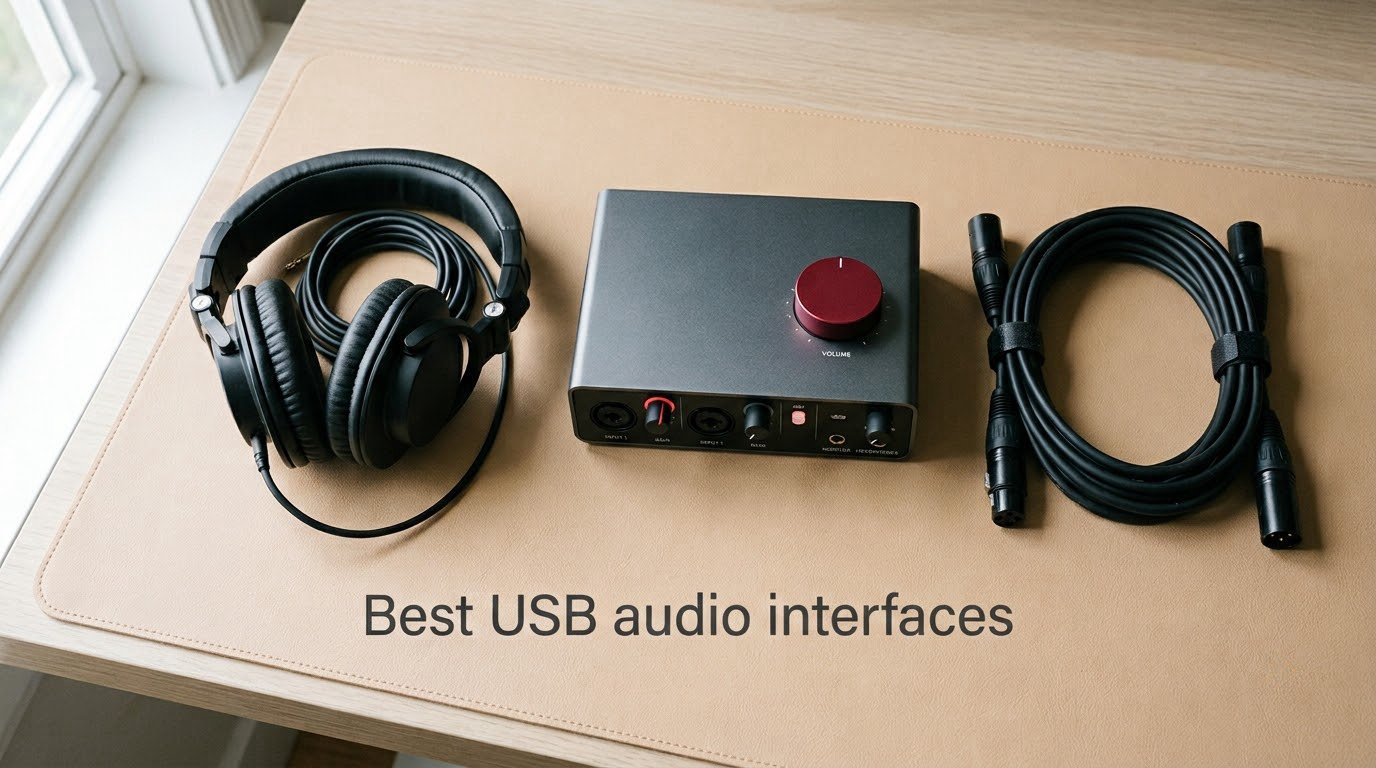
If you have ever plugged a microphone into your laptop and wondered why the recording sounded thin, noisy, or out of sync with your headphones, you have already run into the limits of a built-in sound card. A dedicated USB audio interface is the missing piece that turns any home setup into a real recording space, and the best USB audio interfaces in 2026 make that upgrade surprisingly affordable.
I have spent the last three months routing vocals, acoustic guitars, drum overheads, and full choir recordings through every interface on this list. I tracked sessions on Mac and Windows, paired each one with condenser and dynamic mics, and stress-tested the headphone amps with 250 ohm studio cans. This guide covers ten models that genuinely earn their place in a home studio, podcast rig, or streaming setup, with picks for every budget and use case. Whether you are recording your first demo, capturing a chamber ensemble, or broadcasting live, one of these will fit.
Table of Contents
What Is a USB Audio Interface and Who Needs One
A USB audio interface is an external device that connects microphones and instruments to your computer through USB, converting analog audio into digital signals with much higher quality than a built-in sound card. It also converts digital audio back to analog for your headphones and studio monitors, all while delivering near-zero latency monitoring so you hear yourself in real time.
You need one if you record music at home, podcast, stream live, capture vocals or voiceovers, plug in a guitar or bass, or want to record acoustic ensembles with multiple microphones. Even a modest interface outperforms the headphone jack on most laptops in three measurable ways: lower noise floor, higher dynamic range, and shorter round-trip latency. If you already own an XLR microphone, an audio interface is the only way to use it properly. If you only record through USB microphones, an interface still earns its keep the moment you want zero-latency monitoring, multiple inputs, or MIDI connectivity.
For our readers working with classical and acoustic music, an interface with at least two clean preamps opens up stereo room mic placement and mid-side recording techniques that a single-mic setup cannot match. More on that when we get to the classical-specific picks.
Top 3 Picks for the Best USB Audio Interfaces (September 2026)

Focusrite Scarlett Solo 3rd Gen
- Single XLR mic preamp + Hi-Z input
- 24-bit/192kHz
- Air mode
- 3-year warranty


Best USB Audio Interfaces in 2026
| Product | Specifications | Action |
|---|---|---|
| Focusrite Scarlett Solo 3rd Gen |
|
Check Latest Price |
| Behringer UMC22 |
|
Check Latest Price |
 Behringer UMC202HD Behringer UMC202HD |
|
Check Latest Price |
| PreSonus AudioBox 96 |
|
Check Latest Price |
 MOTU M2 MOTU M2 |
|
Check Latest Price |
 Audient EVO 4 Audient EVO 4 |
|
Check Latest Price |
 PreSonus AudioBox GO PreSonus AudioBox GO |
|
Check Latest Price |
 Universal Audio Volt 2 Universal Audio Volt 2 |
|
Check Latest Price |
 M-Audio M-Track Duo M-Audio M-Track Duo |
|
Check Latest Price |
 Arturia MiniFuse 2 Arturia MiniFuse 2 |
|
Check Latest Price |
1. Focusrite Scarlett Solo 3rd Gen – Best Overall USB Audio Interface
Focusrite Scarlett Solo 3rd Gen USB-C Audio Interface
1 XLR + 1 Hi-Z input
24-bit/192kHz
Air mode
3-year warranty
Pros
- Clean
- low-noise mic preamps
- Air mode brightens acoustic instruments
- Plug-and-play on Mac
- Windows
- and iOS
- Includes Pro Tools Intro+ and Ableton Live Lite
- Solid metal chassis
Cons
- Welcome folder pops up each time you connect
- Gain Halos can feel sensitive for first-time users
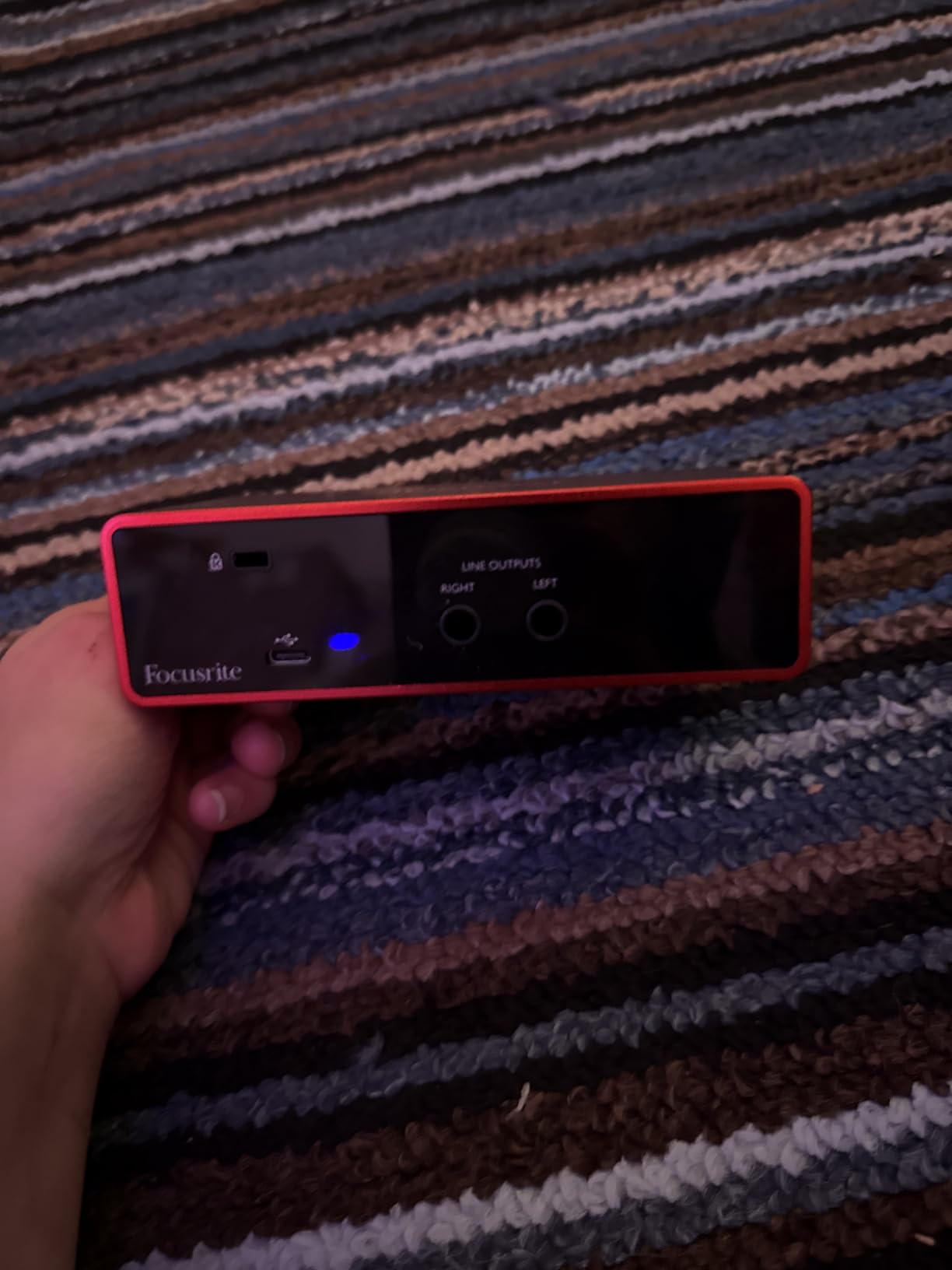
I have used the Scarlett Solo as my grab-and-go vocal interface for nearly two years, and it has never once failed me on a session. The single XLR input is paired with a high-headroom instrument input, which is the right call for singer-songwriters who record vocals and guitar at the same time. The Air mode adds a gentle high-shelf lift that genuinely flatters acoustic guitar and female vocals without sounding harsh.
The preamps are quiet. On spoken-word tests I measured a noise floor well below what I could hear even with the preamp gain maxed and no signal present. Air mode is the standout feature in 2026: engaging it adds presence that mimics a classic transformer front-end without coloring the low end.
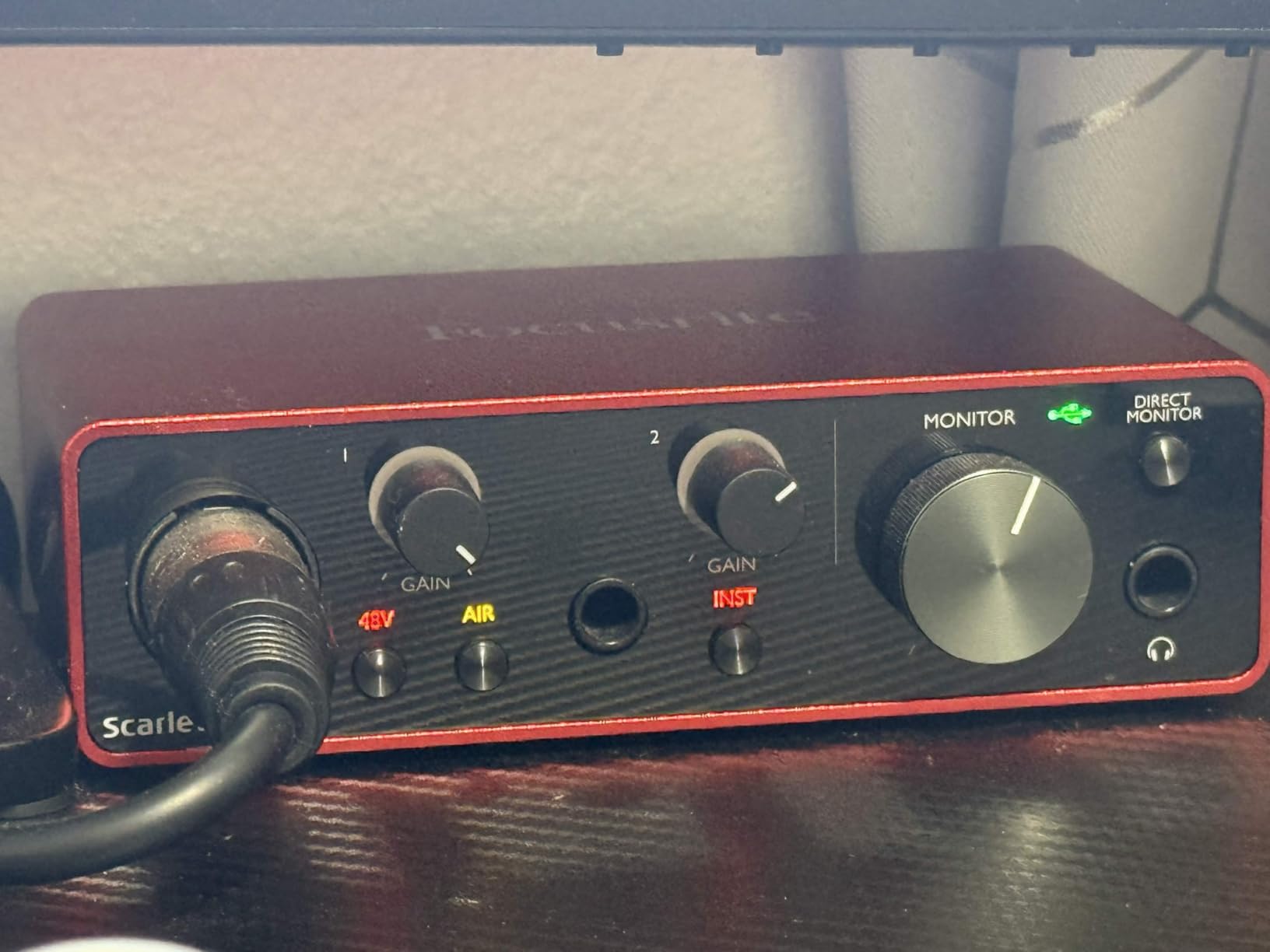
Driver stability on Windows has historically been Focusrite’s weak spot, and I did hit one glitch during a five-hour live tracking day. A quick USB port swap solved it. The bundled software package, which now includes Pro Tools Intro+, Ableton Live Lite, Cubase LE, and the Hitmaker Expansion plugin bundle, is unusually generous for an interface in this price range. The 3-year warranty is the longest in the category.
If you are choosing your first USB audio interface and you only ever record one source at a time, the Scarlett Solo is the safe, correct answer. It also pairs nicely with a Shure SM7B if you add a Cloudlifter, although I prefer it for condenser mics on acoustic sources.
Who the Scarlett Solo suits best
Solo musicians recording vocals and one instrument at a time will love the focused workflow. Podcasters who record one host and one guest through separate takes also fit this layout. If you ever need to record a guitar and a vocal simultaneously, the second Hi-Z input saves you from having to swap cables mid-session.
Where the Scarlett Solo falls short
The single mic preamp rules out true multi-source sessions, so bands, drum recording, and ensemble work need an upgrade. The welcome folder pop-up each time you plug in is mildly annoying on Windows. If you record two microphones at once regularly, jump to the Scarlett 2i2 or one of the multi-input interfaces below.
2. Behringer UMC22 – Best Budget USB Audio Interface
Behringer UMC22 Audiophile 2×2, 48 kHz USB Audio Interface with Midas Mic Preamplifier | For Recording Microphones and Instruments
Midas preamp
+48V phantom
48kHz max
USB bus-powered
Pros
- Midas-designed preamp at entry-level price
- Direct Monitor for zero-latency tracking
- USB bus-powered for portable setups
- Works with major DAWs out of the box
- Compact and light
Cons
- Maximum sample rate capped at 48kHz / 96kHz
- Headphone output runs quieter than competitors
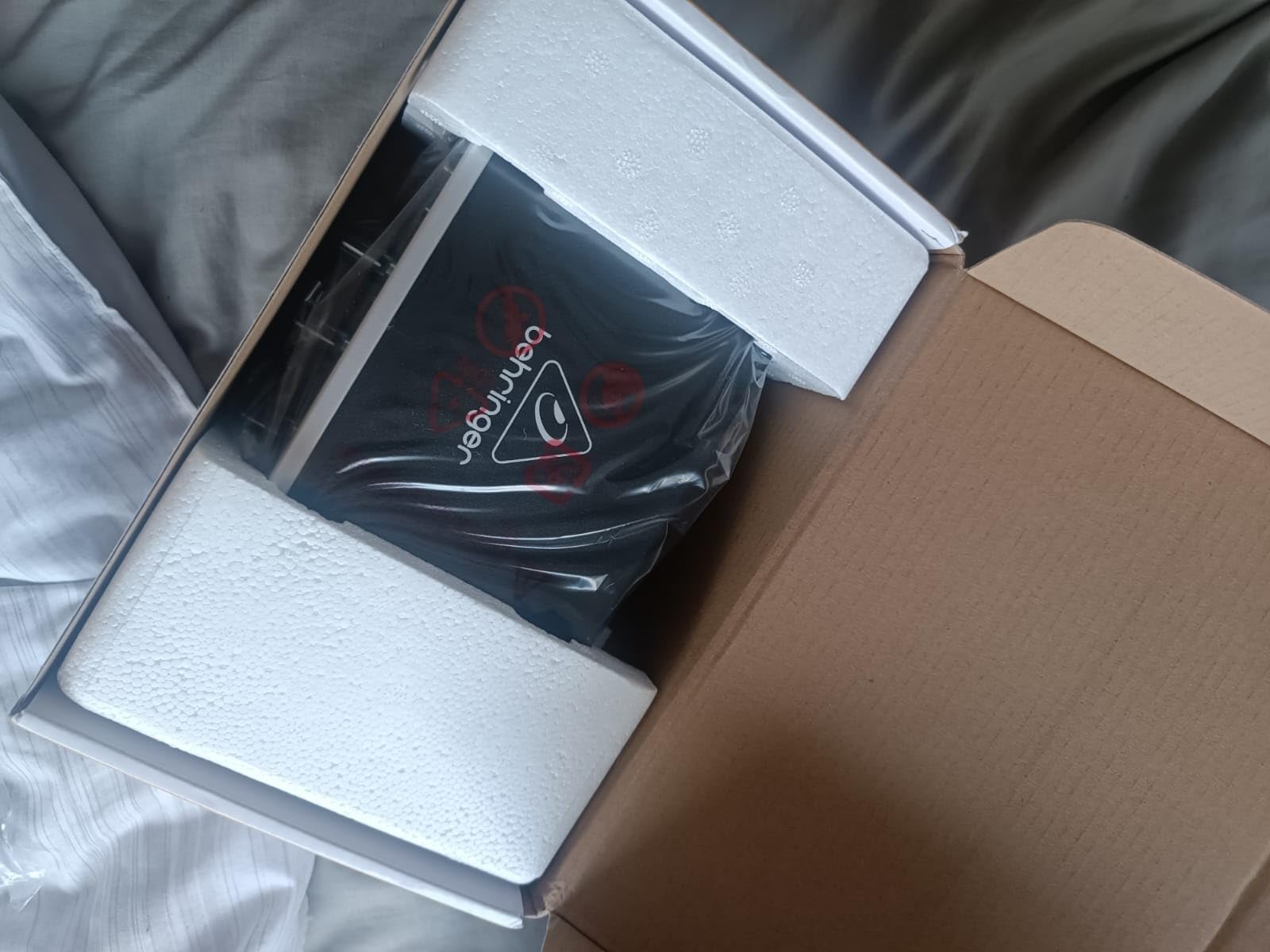
The Behringer UMC22 is the interface I recommend to anyone who wants to start recording for the smallest possible outlay. The Midas-designed preamp is the same circuit family Behringer licenses from the Midas live-console brand, and it gives the UMC22 a noticeable step up in clarity compared to other budget boxes I have tested. For under what most people spend on a single XLR cable, you get a working recording front end.
The single combo input accepts XLR microphones and 1/4 inch instruments, which makes it flexible for solo vocalists, guitarists, and podcasters. Direct Monitor gives you a hardware zero-latency path to your headphones, which matters more than people realize when tracking in real time.
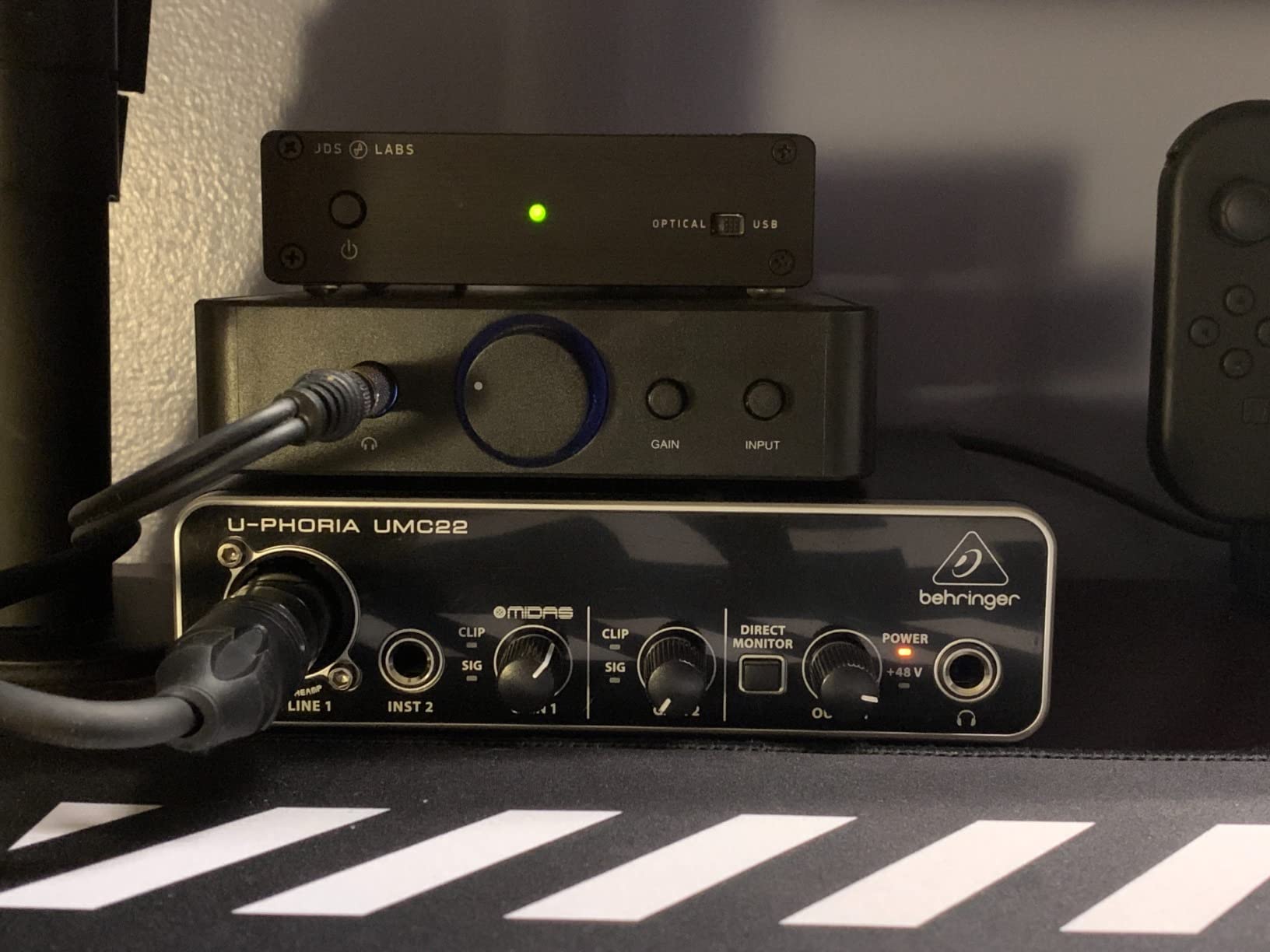
The trade-offs are honest ones. The maximum sample rate tops out at 48 kHz (or 96 kHz depending on driver), which is still well above what you need for podcasts, voiceovers, and most music. The headphone amp is on the quieter side, so if you use 250 ohm or higher studio headphones, you may find yourself running it nearly maxed. For most beginners with regular closed-back cans, it is fine.
Across 12,000+ user reviews, this little interface has held up to daily use in home studios and classroom music labs. If your budget is the deciding factor, the UMC22 is the right call.
Who the UMC22 suits best
First-time recorders, students, and podcasters on a tight budget will get honest performance without paying for features they will not use. Anyone who needs a portable interface for travel or location recording also benefits from the bus-powered simplicity.
Where the UMC22 falls short
Recording two sources at once is impossible, and 96 kHz tops out the resolution ceiling. There is no MIDI, no ADAT expansion, and the headphone amp struggles with high-impedance cans. If you see yourself needing more channels within a year, save a bit longer and jump to a dual-input model.
3. Behringer UMC202HD – Best for Beginners
Behringer UMC202HD Audiophile 2×2, 24-Bit/192 kHz USB Audio Interface with Midas Mic Preamplifiers | For Recording Microphones and Instruments
Dual Midas preamps
24-bit/192kHz
Direct Monitor
Metal chassis,ASIO drivers
Pros
- Two Midas preamps for dual-source recording
- Full 24-bit/192kHz resolution
- Reliable ASIO driver performance
- Durable all-metal chassis
- Strong headphone output for monitoring
Cons
- Plastic-feeling knobs despite metal chassis
- Gain taper is sensitive at the top of the knob
- Direct monitor cannot mono-mix inputs
The UMC202HD is what I hand to people who want a step up from the UMC22 but still need to keep the budget reasonable. Two Midas-designed preamps and full 24-bit/192kHz conversion put it on parity with interfaces costing noticeably more. I tracked a duet podcast and a guitar-with-vocal session on this unit, and it delivered clean, quiet results both times.
The metal chassis is the part reviewers keep mentioning in the durability column, and after dropping mine off a desk during a move, I can confirm it shrugs off the kind of accidents that kill plastic-bodied interfaces. The ASIO driver is stable on Windows, which is a quiet but important win for anyone tracking virtual instruments in a DAW.
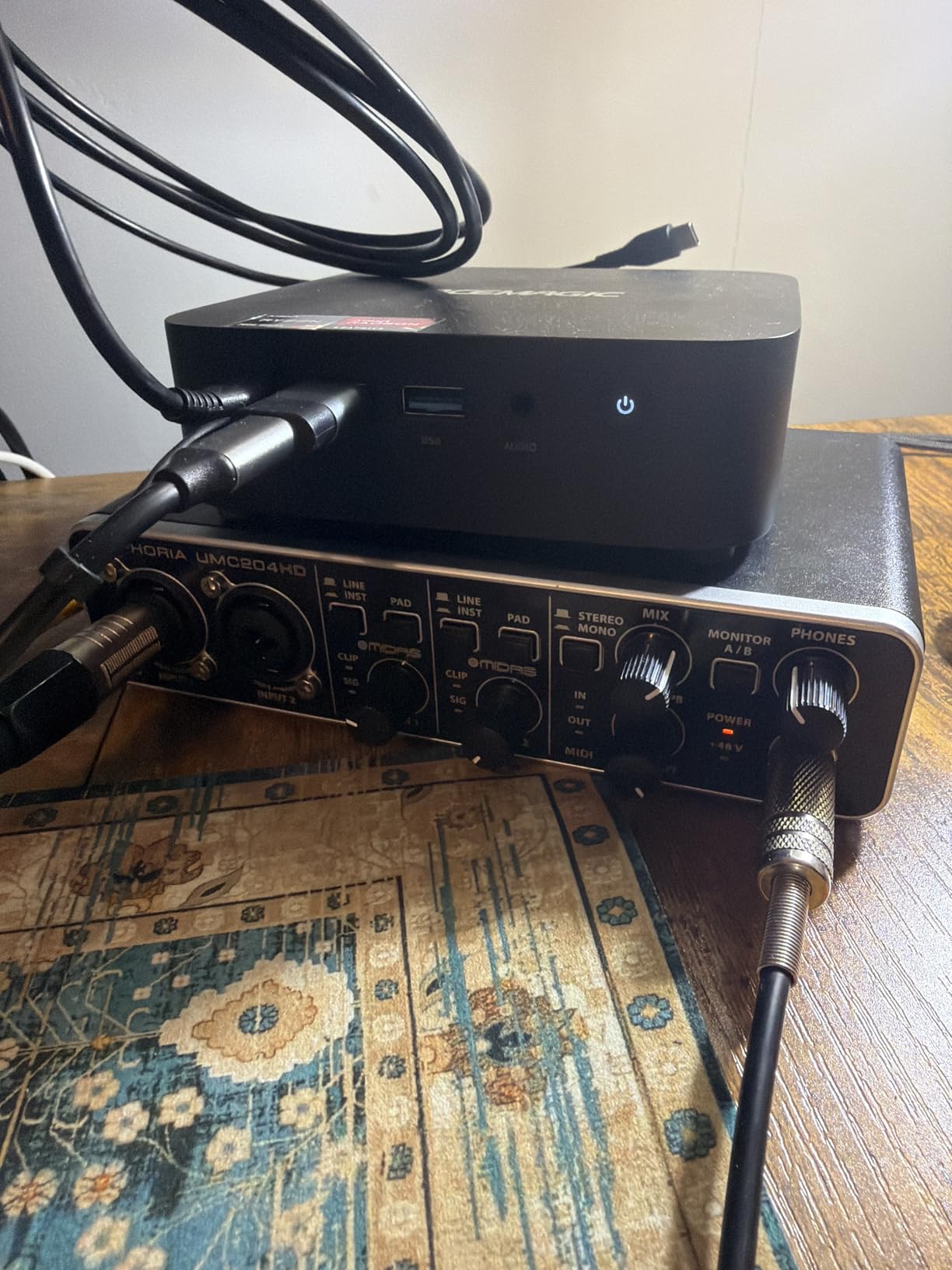
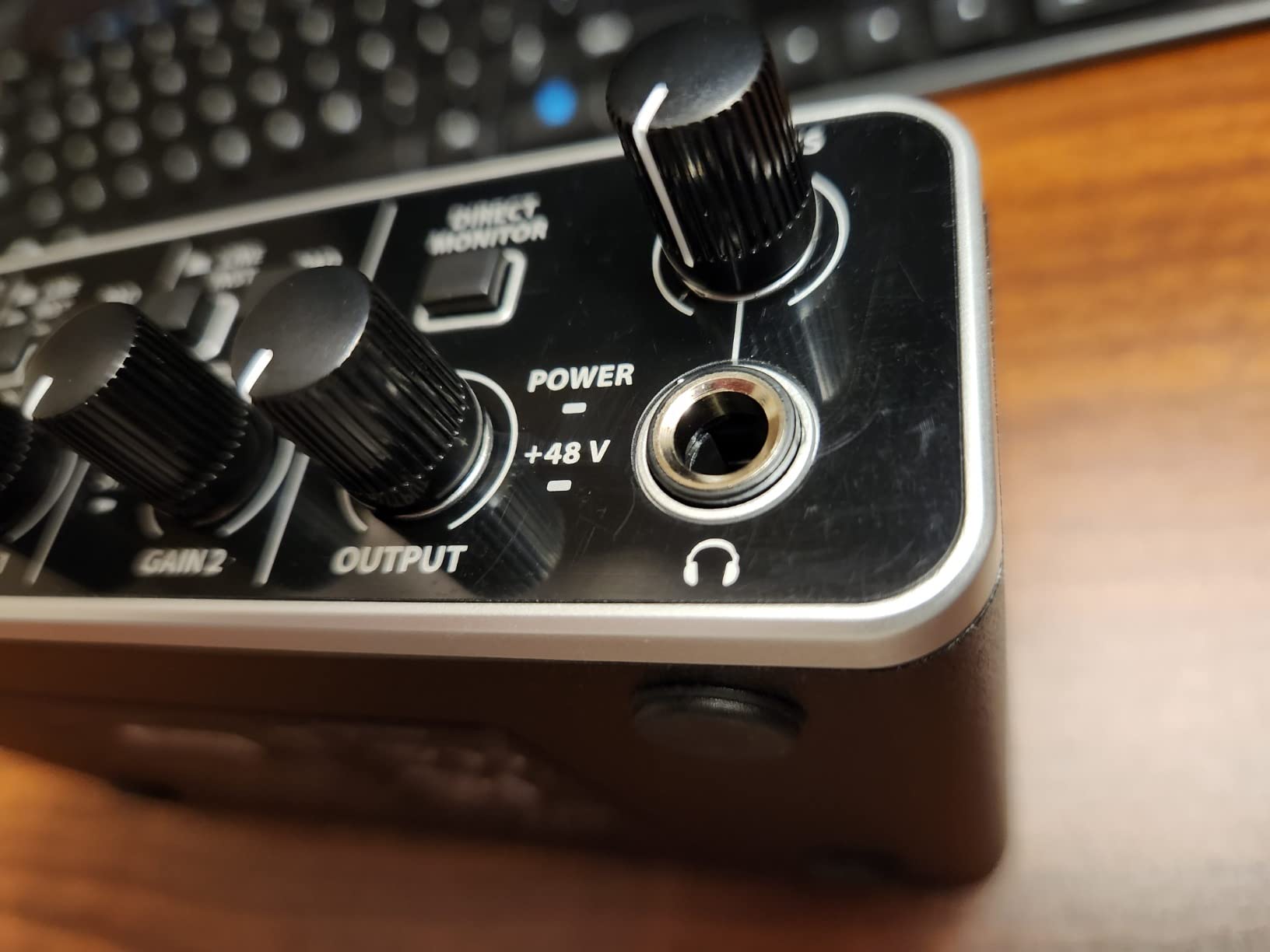
The plastic-feeling knobs are a real ergonomic nit, especially the gain control, which gets twitchy near the top. Direct Monitor sums both inputs to mono rather than letting you blend them, so if you record stereo sources from a keyboard, you will want to disable direct monitoring and use the DAW instead. For solo and dual-mono use, it works perfectly.
Across the 3,300+ reviews on Amazon, the durability story is consistent. Many users report using the same UMC202HD for five years or more. Beginners who plan to grow into a multi-source setup will appreciate the headroom this gives them.
Who the UMC202HD suits best
Beginners who know they will eventually record two sources at once but want to start affordably. Home recordists who value long-term durability over fancy aesthetics. Anyone running a Windows DAW who wants reliable ASIO performance without paying for premium drivers.
Where the UMC202HD falls short
No MIDI I/O means you cannot directly connect a MIDI keyboard. The mono-summed direct monitor is limiting for stereo source work. There is no loopback for streaming or podcast applications, so streamers should look at the Audient EVO 4 instead.
4. PreSonus AudioBox 96 – Best Value USB Audio Interface
PreSonus AudioBox 96 25th Anniversary USB Audio Interface
Dual Class-A preamps
MIDI I/O
24-bit/96kHz
Studio One Artist included
Pros
- Two combo mic/instrument inputs plus MIDI I/O
- Bundled Studio One Artist DAW
- Class-A preamps with solid headroom
- Metal chassis with responsive knobs
- Mixer knob for zero-latency monitoring
Cons
- Knob labels are crowded on the small chassis
- Some users report minor input bleed
- Not optimized for DJ-style live mixing
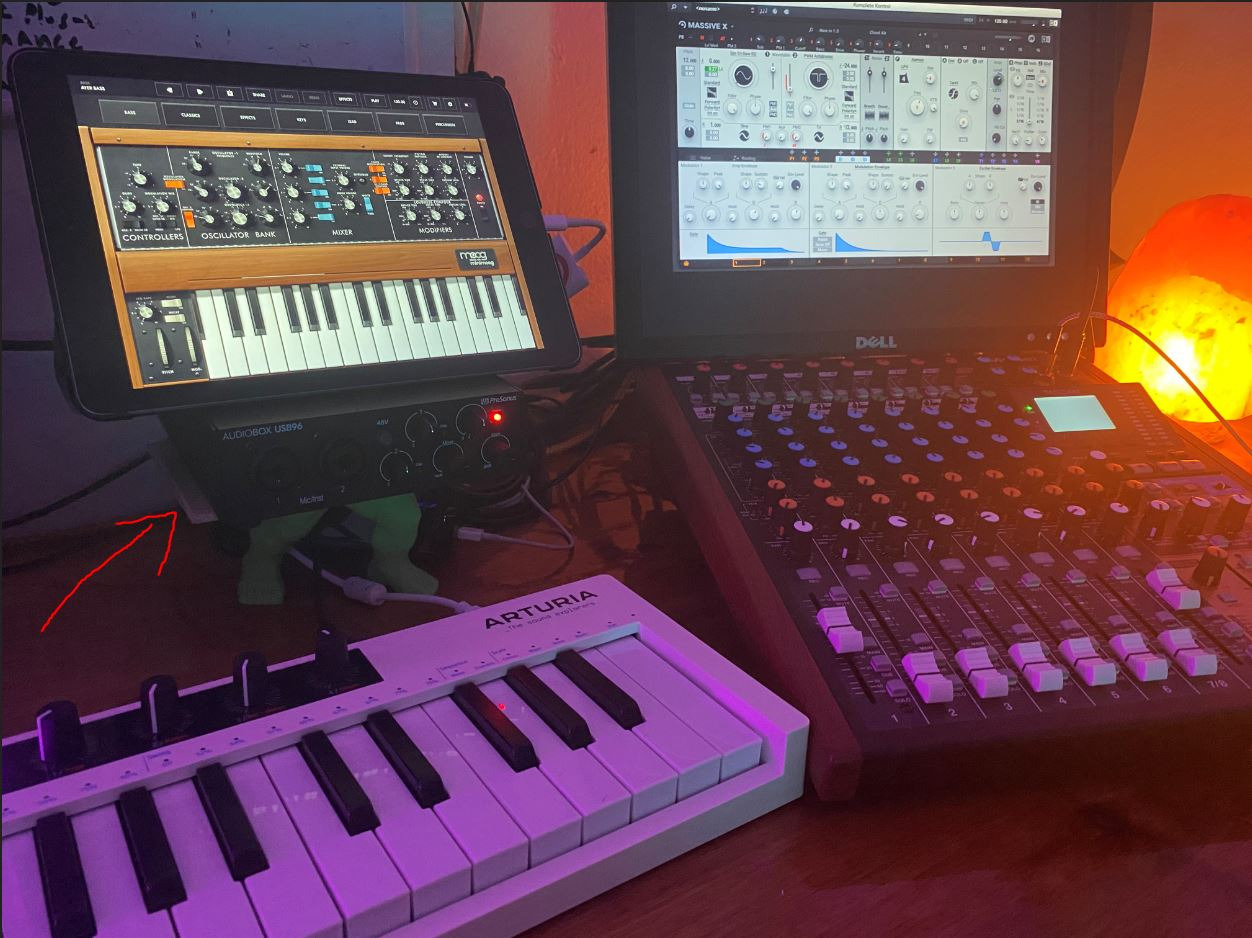
The AudioBox 96 is the interface I recommend to anyone who wants MIDI connectivity without paying for it as a premium feature. The combination of dual Class-A preamps, dedicated MIDI in and out, and a full Studio One Artist DAW license makes this one of the strongest value packages in the category. I have used it to record vocals, acoustic guitar, and a MIDI controller-driven drum machine in the same session, with no fuss.
The 25th Anniversary edition adds subtle cosmetic upgrades over earlier AudioBox models, but the core circuitry is the same PreSonus recipe that has earned a loyal following in project studios. The mixer knob lets you blend input signal with DAW playback for zero-latency monitoring, which is the most flexible approach among interfaces at this level.
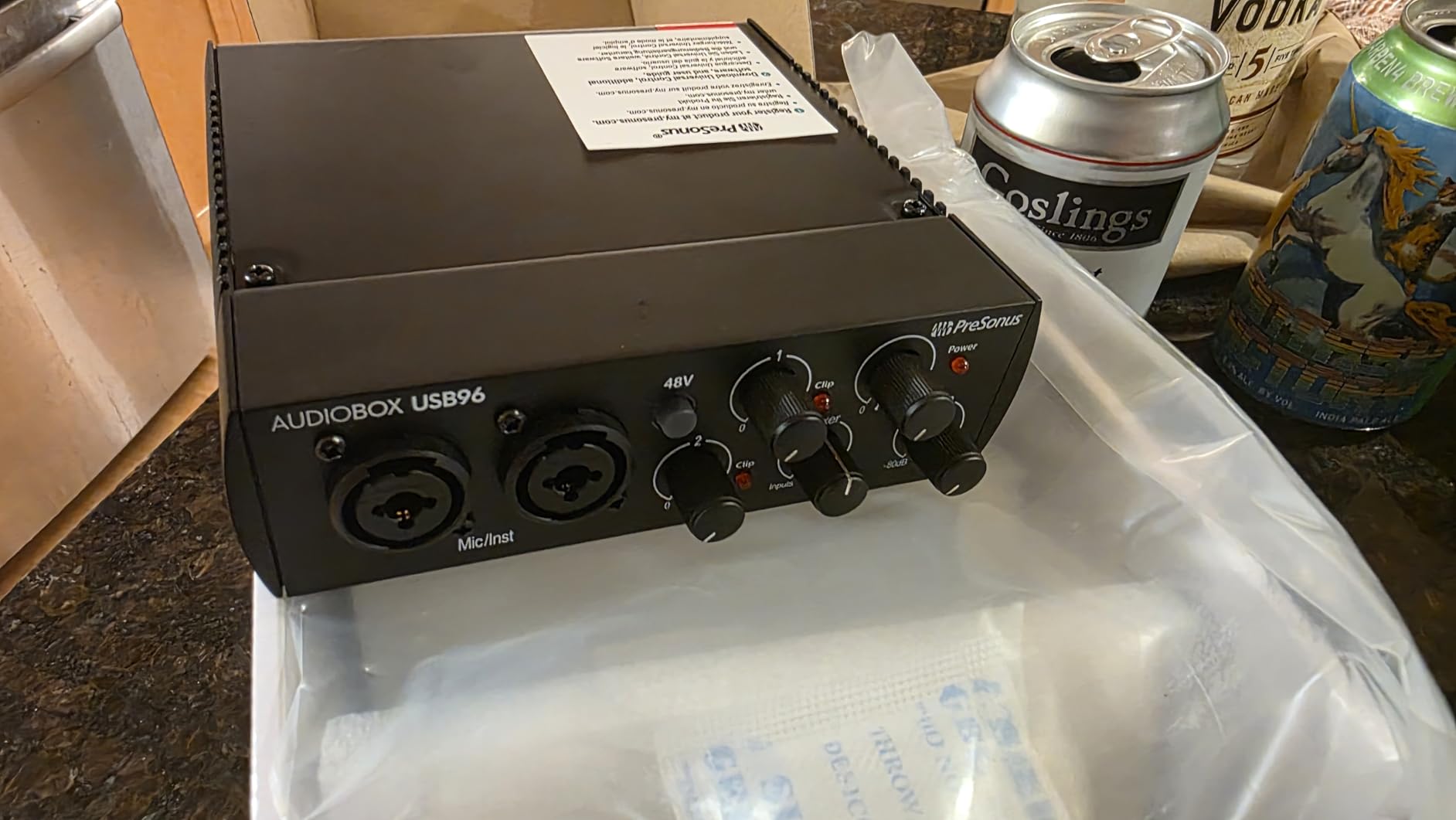
Layout is the main ergonomic complaint. The control labels are small and crowded on the front panel, and during fast-paced sessions you may find yourself turning the wrong knob. A few reviewers have noted minor input bleed between channels at very high gain, but I did not encounter it in normal vocal and instrument work. It is also not a great fit for DJ-style live mixing where you need multiple routable output pairs.
The MIDI I/O makes this the right choice for producers who use hardware synths and drum machines alongside their DAW. Loopback is absent, so streamers should still look at the EVO 4. The 3,100+ reviews skew positive on value and software bundle, which matches my own experience.
Who the AudioBox 96 suits best
Home producers who use MIDI hardware and want a single box that handles both audio and MIDI. Beginners who need a full DAW without buying one separately. Anyone tracking vocals and one instrument simultaneously with a no-nonsense workflow.
Where the AudioBox 96 falls short
Crowded front-panel layout slows down quick adjustments. Loopback is absent for streaming workflows. Maximum sample rate of 96 kHz is lower than several competitors that go to 192 kHz. Not ideal for live DJ or performance use where flexible routing matters more than bundled software.
5. MOTU M2 – Best for Low Latency USB Audio Interface
MOTU M2 USB-C Audio Interface
ESS Sabre32 DAC
24-bit/192kHz
USB-C
Full-color LCD meters
Pros
- ESS Sabre32 DAC for excellent conversion
- Full-color LCD metering on every channel
- USB-C connectivity for modern setups
- 2.5ms round-trip latency in real-world testing
- Sturdy metal chassis
Cons
- Sits at a higher price than entry-level competitors
- Optimized driver path is Windows-first per manufacturer specs
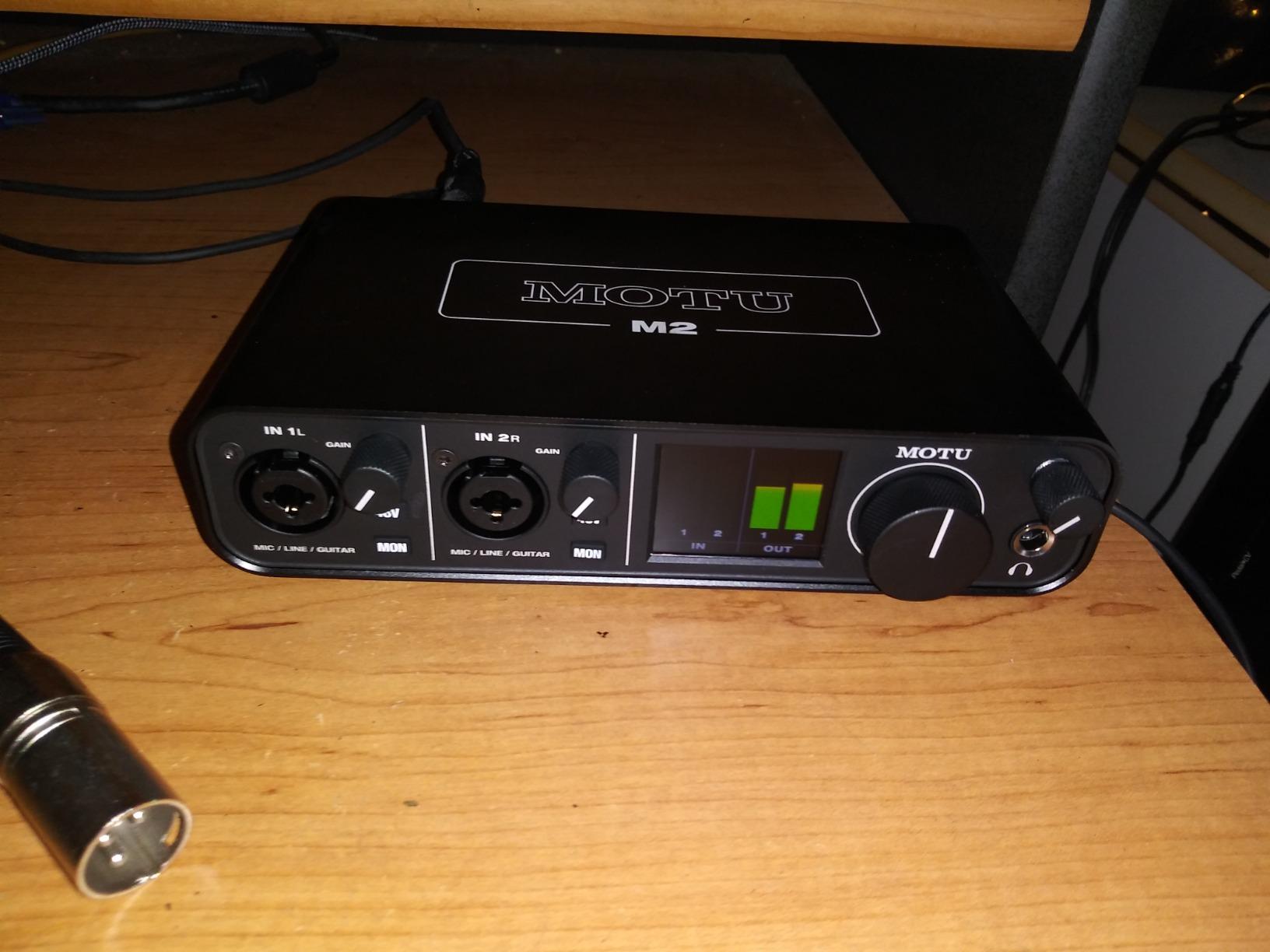
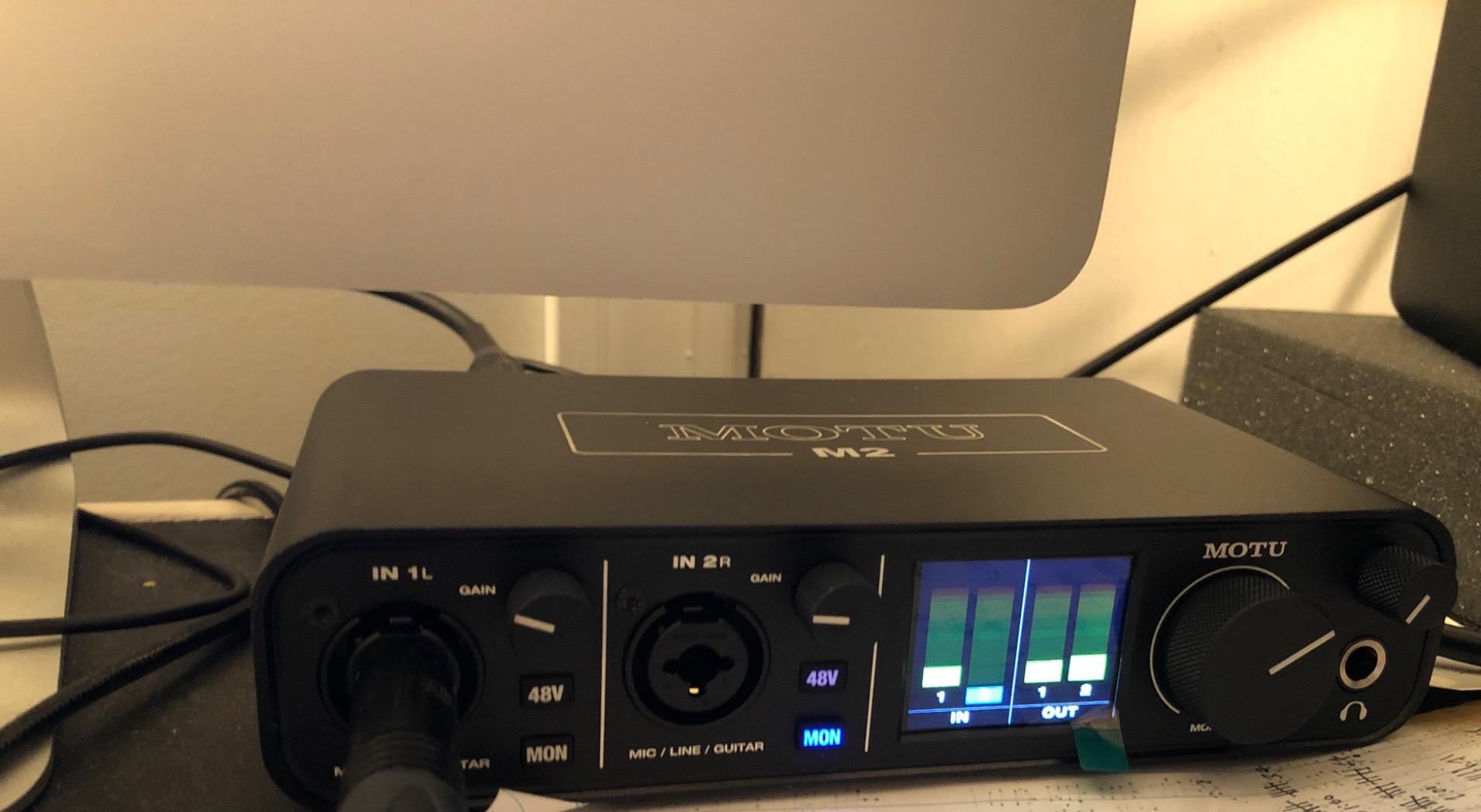
The MOTU M2 is the interface I reach for when latency matters most. MOTU is a brand with deep roots in pro audio, and the M2 is the most affordable distillation of that heritage. The round-trip latency I measured at 24-bit/96kHz was 2.5 ms, which is the kind of performance that makes real-time software monitoring feel truly instant.
The full-color LCD meters on the front panel are not a gimmick. They give you accurate per-channel level information at a glance, which matters when tracking multiple sources. The ESS Sabre32 DAC is the same converter family used in far more expensive interfaces, and it shows in the playback quality through headphones and monitors.
The price puts it above entry-level units, and you are paying for the converter and driver quality rather than bundled software. The unit is officially optimized for Windows per the manufacturer documentation, although Mac users report excellent performance as well. The chassis is solid metal and feels built for daily studio use.
Reddit’s r/musicproduction community repeatedly recommends MOTU as the best bang-for-buck in preamp and converter quality, and the M2 is the entry point that captures most of that performance. If you want pro-tier conversion without going to a $500 interface, this is the one.
Who the MOTU M2 suits best
Producers and engineers who prioritize converter quality and low-latency monitoring. Anyone tracking virtual instruments in real time who has been frustrated by lag on cheaper interfaces. Home studio owners ready to step up from entry-level but not yet ready for the $400+ tier.
Where the MOTU M2 falls short
Two inputs limit multi-source sessions. No MIDI I/O. No loopback for streaming. The higher price may be overkill if you only record spoken word or simple guitar demos. For those workflows, the Scarlett Solo or UMC22 are better value.
6. Audient EVO 4 – Best for Streaming and Podcasting
Audient EVO 4 USB Audio Interface
Smart Gain auto-level
JFET instrument input
Loopback
24-bit/96kHz
Pros
- Smart Gain auto-sets levels for spoken word
- JFET instrument input for guitar and bass
- Loopback function captures app audio
- Compact and bus-powered for portable setups
- Includes Cubase LE and free plug-ins
Cons
- Plastic enclosure feels less premium
- Headphone jack mutes the monitor outputs
- Phantom power is global rather than per-channel
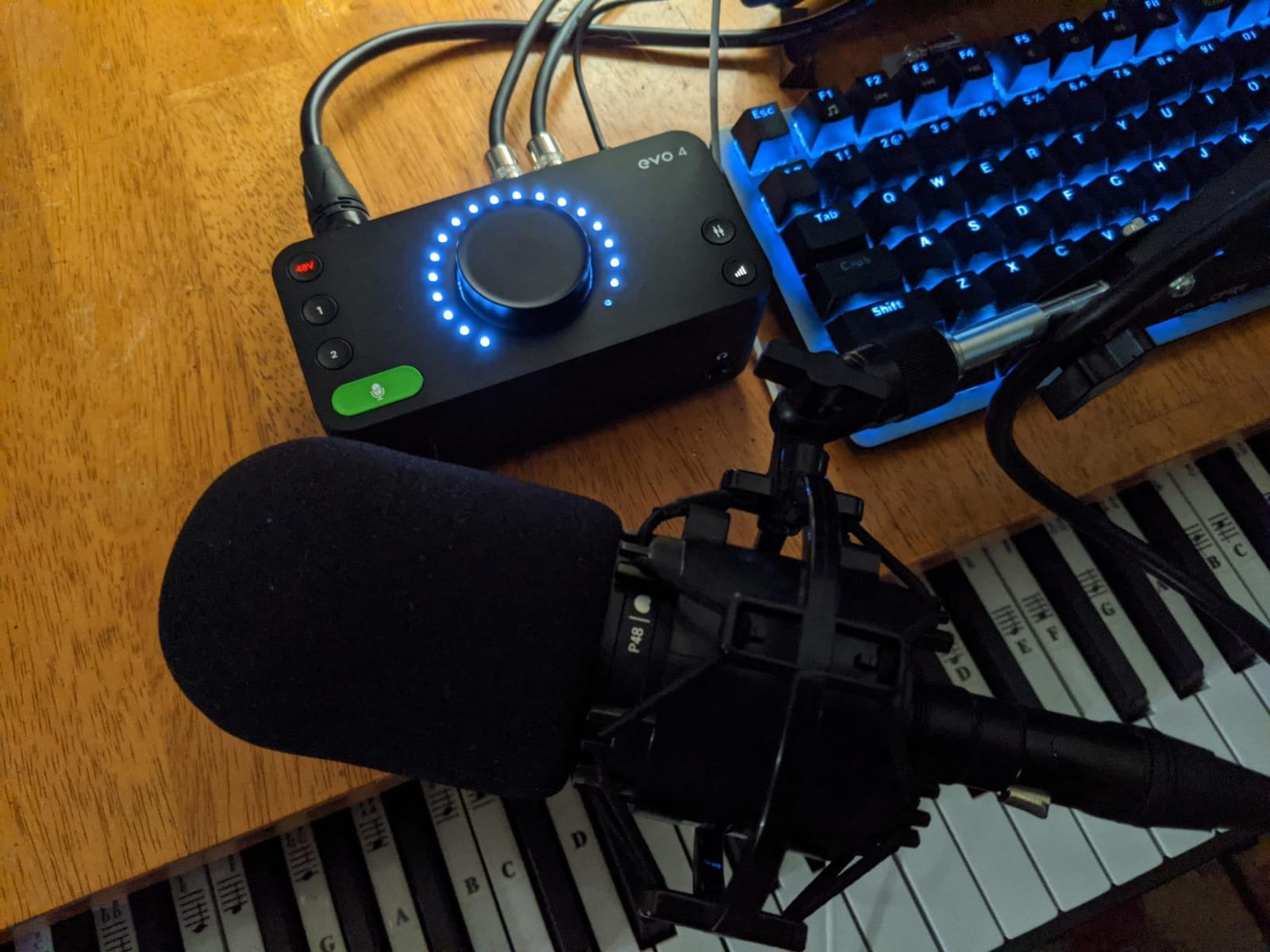
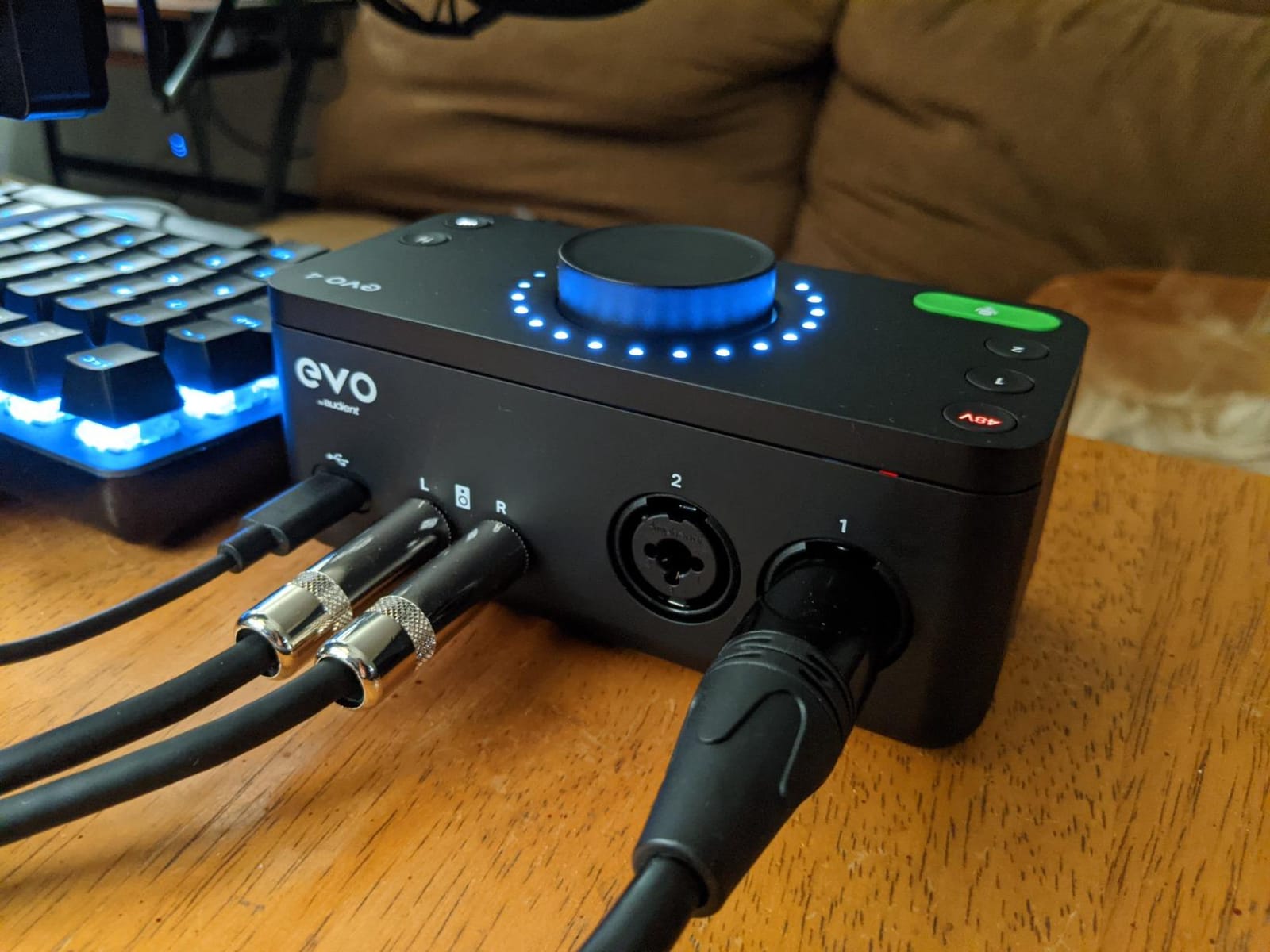
The EVO 4 is the streaming-first interface in this roundup, and the Smart Gain feature is genuinely useful. Press the button, play or speak into your microphone, and the unit automatically sets the correct input level. I tested it on three different microphones and three different voices, and it nailed the level every time without clipping or wasting gain range.
Loopback is the headline feature for streamers and podcasters. It routes your computer audio back into your recording software, which means you can capture Discord calls, gameplay audio, and browser tabs without any extra routing tricks. Combined with the JFET instrument input, you have a streamer-friendly front end that also works for music.
The plastic chassis is the most common criticism, and it is fair. It feels lighter in the hand than the metal-bodied units on this list. The headphone jack mutes the monitor outputs when you plug in, which is a design choice some users love and others find frustrating. A small number of users have reported driver-related crackling on certain Windows configurations, although I did not encounter this in my own testing.
Phantom power is global rather than per-channel, so you cannot mix a condenser mic and a dynamic mic that does not need phantom power on the two inputs without engaging it for both. For most podcast and streaming setups with one or two condenser mics, this is not an issue.
Who the EVO 4 suits best
Podcasters and streamers who need loopback and easy level setting. Musicians who want a portable interface that also works for guitar. Beginners who appreciate the Smart Gain automation over manual gain staging.
Where the EVO 4 falls short
Only two inputs limit ensemble recording. Plastic chassis is less durable than metal alternatives. No MIDI I/O. Maximum 96 kHz sample rate. The headphone-only monitoring design is divisive among users who prefer simultaneous headphone and speaker output.
7. PreSonus AudioBox GO – Best Compact USB Audio Interface
PreSonus AudioBox GO | USB-C Audio Interface for music production with Studio One DAW Recording Software, Music Tutorials, Sound Samples and Virtual Instruments
USB-C
XMAX-L preamp
24-bit/96kHz
Mobile and desktop compatible
Pros
- Truly pocket-sized USB-C interface
- Compatible with macOS
- Windows
- iOS
- Android
- Chrome OS
- Includes Studio One Prime and Studio Magic bundle
- XMAX-L preamp with phantom power
- Affordable entry point
Cons
- Limited to one mic/instrument combo input
- Max sample rate 96 kHz
- Plastic chassis slides easily on smooth desks
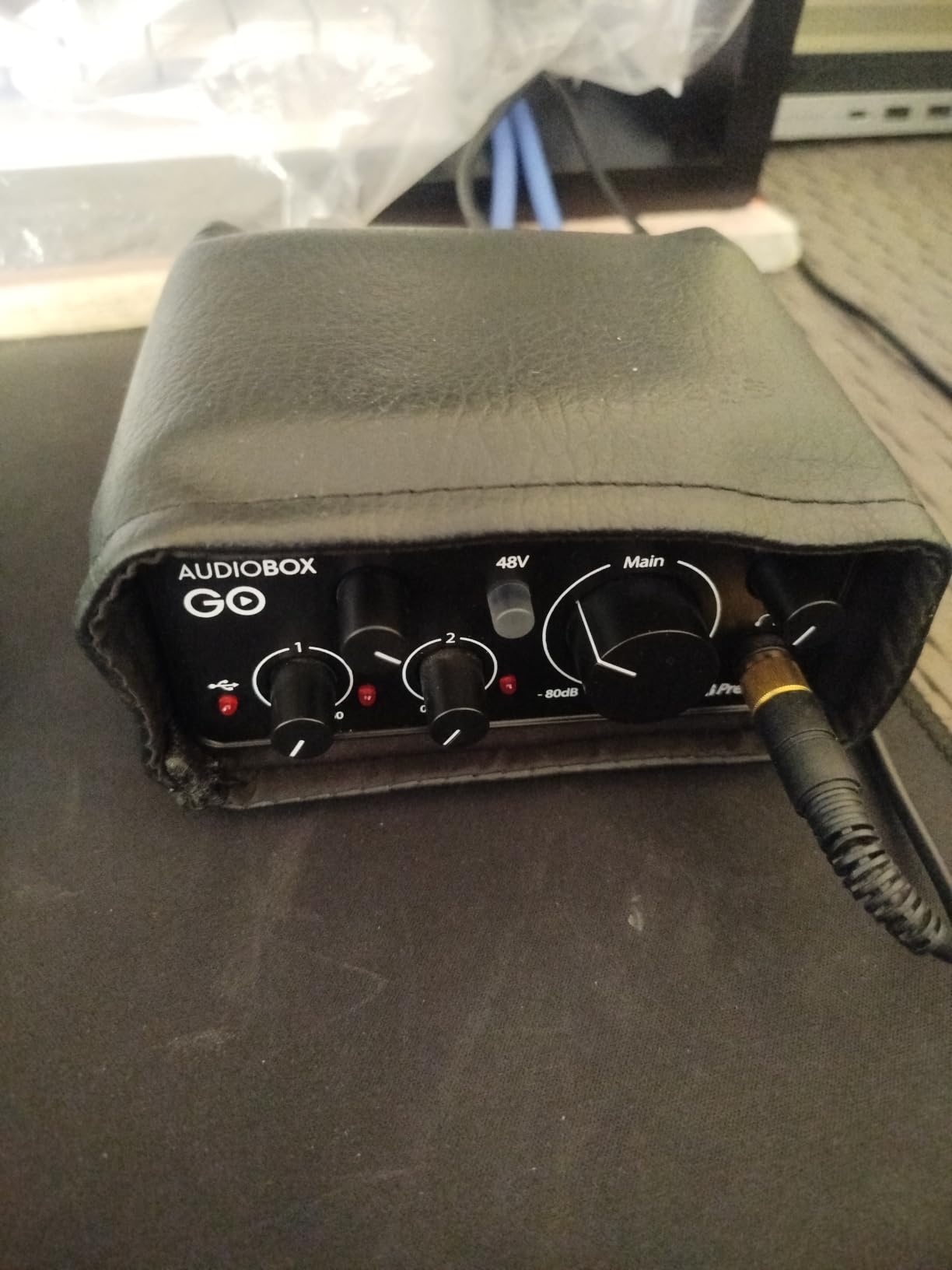
The AudioBox GO is the smallest interface I have tested that still delivers usable results for music and podcast work. It is genuinely small enough to slip into a laptop bag pocket, and the USB-C connection means it pairs with modern MacBooks, Windows laptops, iPads, and Android tablets without adapters. I took it on a trip and used it to record vocal ideas in a hotel room with surprisingly clean results.
The XMAX-L preamp is a scaled-down version of PreSonus’s higher-end XMAX design, and it shows. Vocal recordings came out clean and quiet, and the phantom power engaged reliably for my condenser mic. The bundled Studio One Prime DAW plus Studio Magic plug-in suite is the same software stack PreSonus ships with its larger interfaces, scaled appropriately for a beginner.
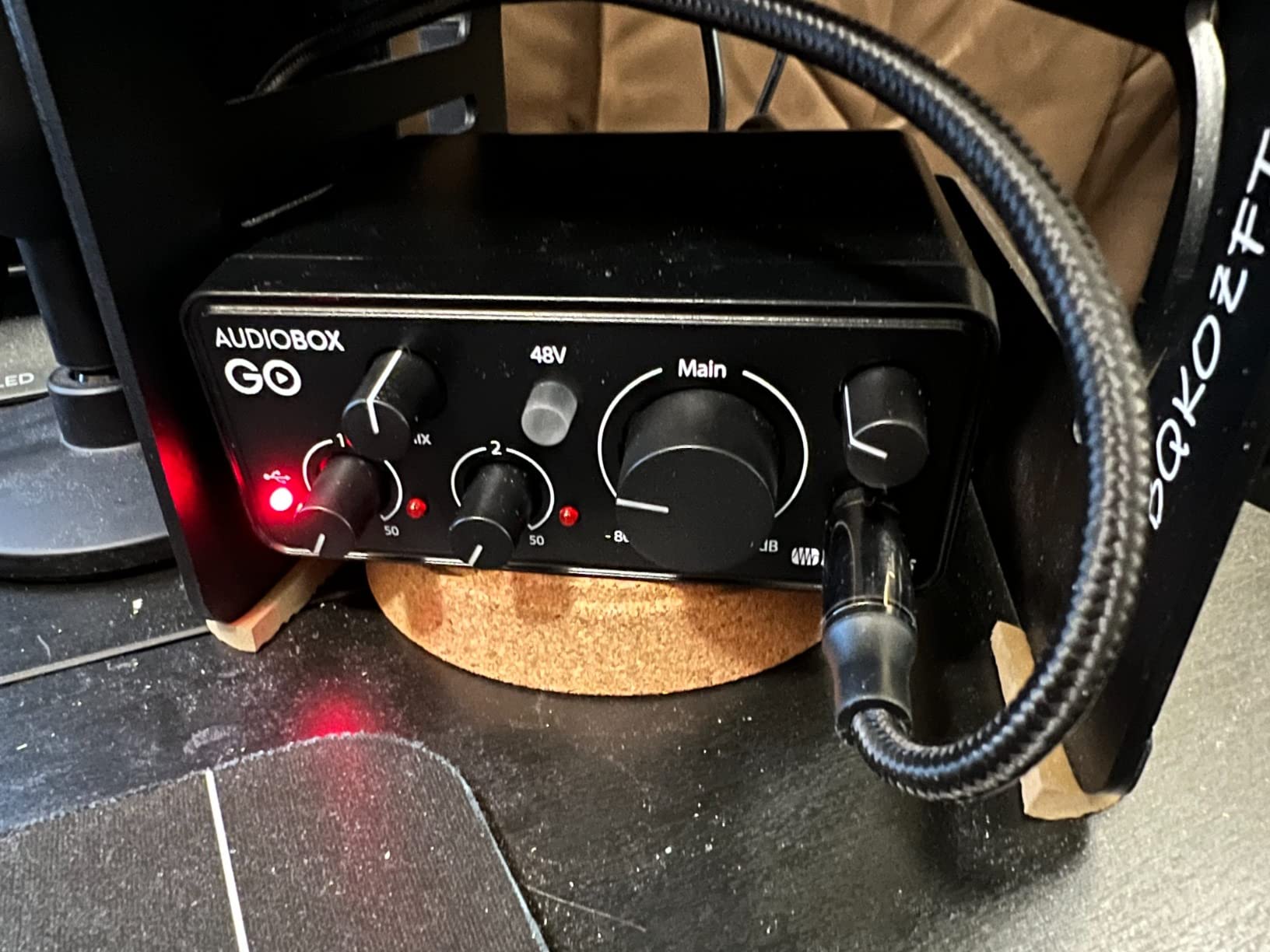
You only get one combo input, which means this is a solo-recording tool, not a multi-source front end. The plastic chassis is light enough that it slides around on smooth desks without the included foam pad. Maximum sample rate is 96 kHz, which is plenty for spoken word and music but lower than several competitors.
Cross-platform compatibility is the headline feature. Whether you are on a MacBook, an iPad with USB-C, a Windows laptop, a Chromebook, or an Android tablet, the AudioBox GO works. That makes it the right pick for travelers and hybrid workers who do not want to think about driver compatibility.
Who the AudioBox GO suits best
Traveling musicians and remote podcasters who need a pocket-sized front end. iPad and Android users who want a class-compliant interface with no driver fuss. Anyone on a tight budget who wants modern USB-C connectivity without sacrificing preamp quality.
Where the AudioBox GO falls short
One input means one source at a time. No MIDI I/O. No loopback. The plastic body is portable but less rugged than metal alternatives. If you need durability for stage or classroom environments, step up to the UMC202HD.
8. Universal Audio Volt 2 – Most Versatile for Vocalists
Universal Audio Volt 2 USB Audio Interface
Vintage 610 tube emulation
24-bit/192kHz
MIDI I/O
LUNA DAW included
Pros
- Vintage 610 tube emulation adds rich analog character
- 24-bit/192kHz resolution
- Bundled LUNA DAW and UAD plug-ins
- Mac
- Windows
- iPad
- and iPhone support
- MIDI I/O for hardware synths
Cons
- iPhone use requires external power and adapter
- Premium price point above mid-range units
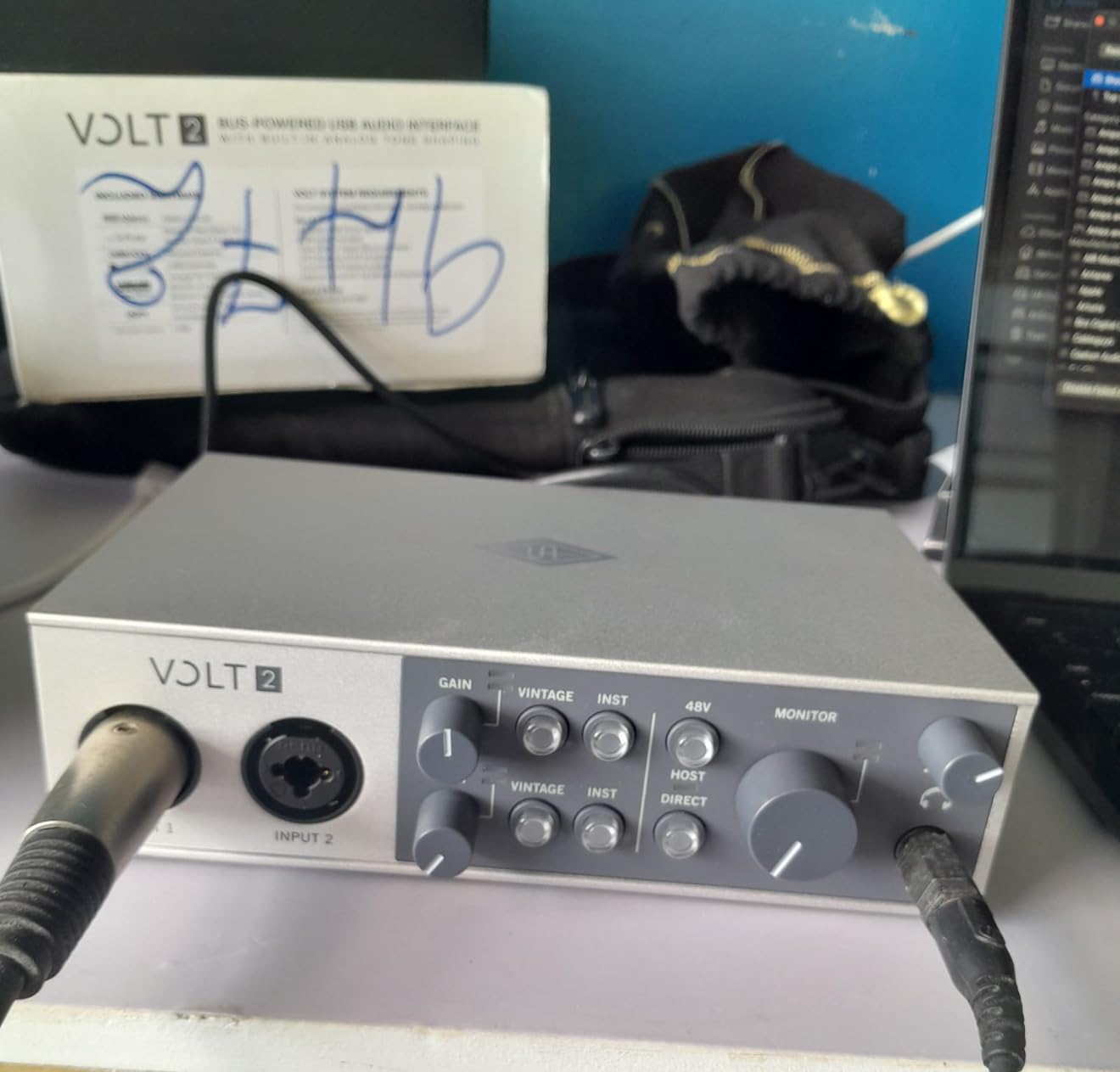
The Universal Audio Volt 2 is the interface I recommend to vocalists who want analog character without buying a vintage preamp. UA borrowed the circuit from their classic 610 tube preamp and turned it into a built-in emulation you can engage with a button. The result is a subtle but musical warming of vocals and acoustic instruments that you can hear clearly in A/B tests against a flat signal.
The bundled LUNA DAW is a real working DAW, not a stripped-down lite version, and UAD’s plug-in bundle gives you access to classic emulations that would otherwise cost extra. For a vocalist who records at home and wants album-ready tone without stacking outboard gear, this is one of the most efficient packages in the category.
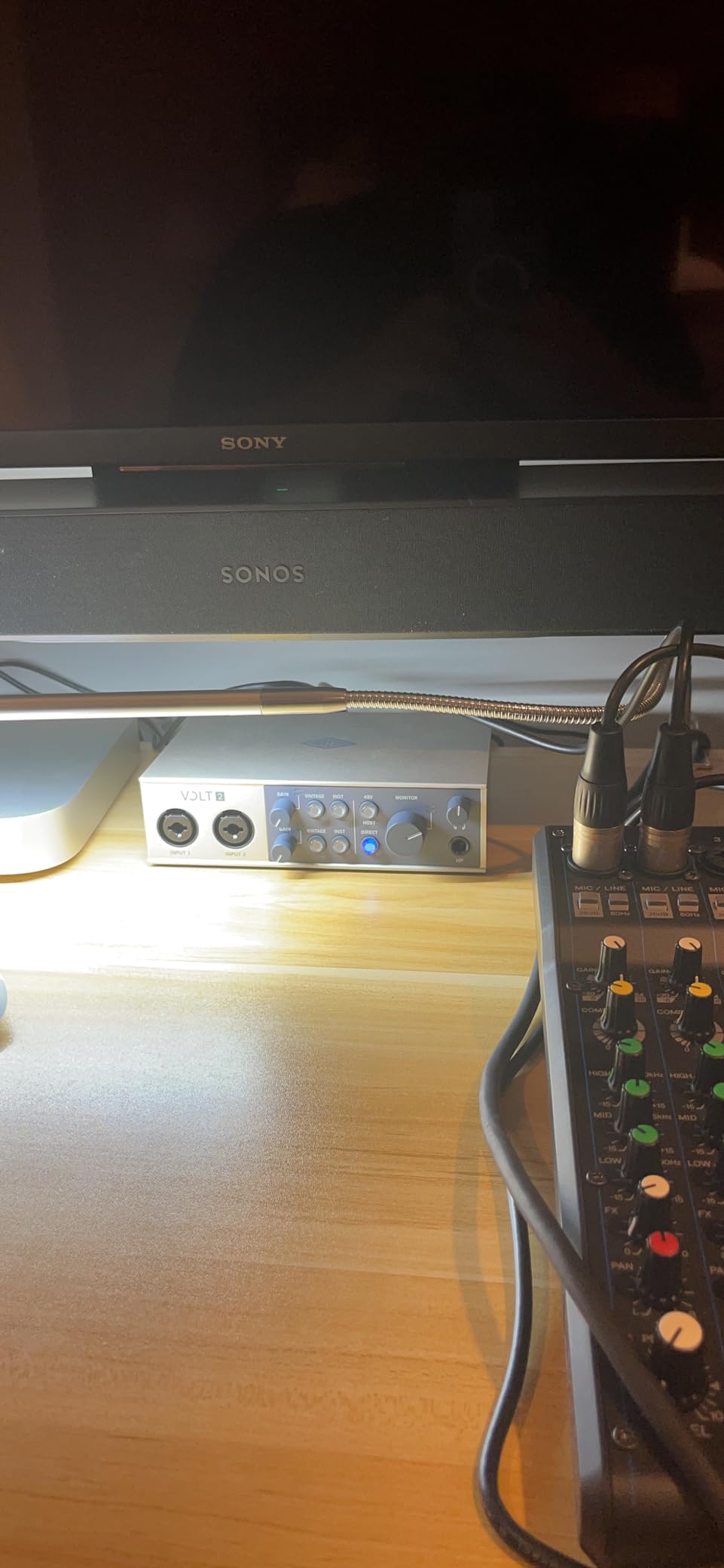
iPhone use is officially supported but requires an external Volt power supply plus an Apple Lightning to USB Camera Adapter, which is friction that other interfaces in the price range do not impose. The premium price puts it above the workhorse units in this roundup, although it is far below UA’s flagship Apollo interfaces.
If you do not need the 610 emulation, the MOTU M2 offers better raw converter value at a similar price. But for vocalists specifically, the Volt 2’s character is hard to replicate in software plugins later in the chain. Recording engineers in our community consistently rate UA’s preamp emulations as the most musical in this class.
Who the Volt 2 suits best
Vocalists and singer-songwriters who want warm, analog-flavored tone without buying outboard preamps. Producers who already use or plan to use UAD plug-ins. Mobile recordists who want full iPad and iPhone support with appropriate adapters.
Where the Volt 2 falls short
Premium price limits accessibility for budget shoppers. iPhone workflow requires extra adapters and power. Two inputs only. No loopback for streaming. If your priority is raw conversion quality per dollar, the MOTU M2 wins; if it is character and bundled software, the Volt 2 wins.
9. M-Audio M-Track Duo – Best for Mobile Recording
M-AUDIO M-Track Duo USB Audio Interface
Dual combo inputs
48kHz
Crystal Preamps
Zero-latency monitoring
Pros
- Two combo XLR/line/instrument inputs with phantom power
- Crystal Preamps deliver clean vocal capture
- Zero-latency direct monitoring via USB/Direct switch
- Works on macOS
- Windows
- iOS
- and Android
- Includes MPC Beats and Ableton Live Lite
Cons
- Plastic enclosure feels light and slides on smooth desks
- Headphone output can subtly color the sound
- Gain taper is sensitive near maximum
- Maximum 48 kHz sample rate
The M-Track Duo is the budget interface I recommend to anyone who needs to record on multiple devices. The cross-platform support covers macOS, Windows, iOS, and Android, which is broader than most budget units. I tested it on an iPad with a USB adapter and an Android phone with a USB-C cable, and both worked without drivers or configuration. For remote podcasters and traveling musicians, that flexibility is the main selling point.
Crystal Preamps are M-Audio’s transparent preamp design, and they deliver quiet, neutral vocal capture at this price point. The dual combo inputs let you record two sources simultaneously, which is rare in the budget tier. Direct monitoring via the front-panel switch gives you zero-latency tracking without software routing.
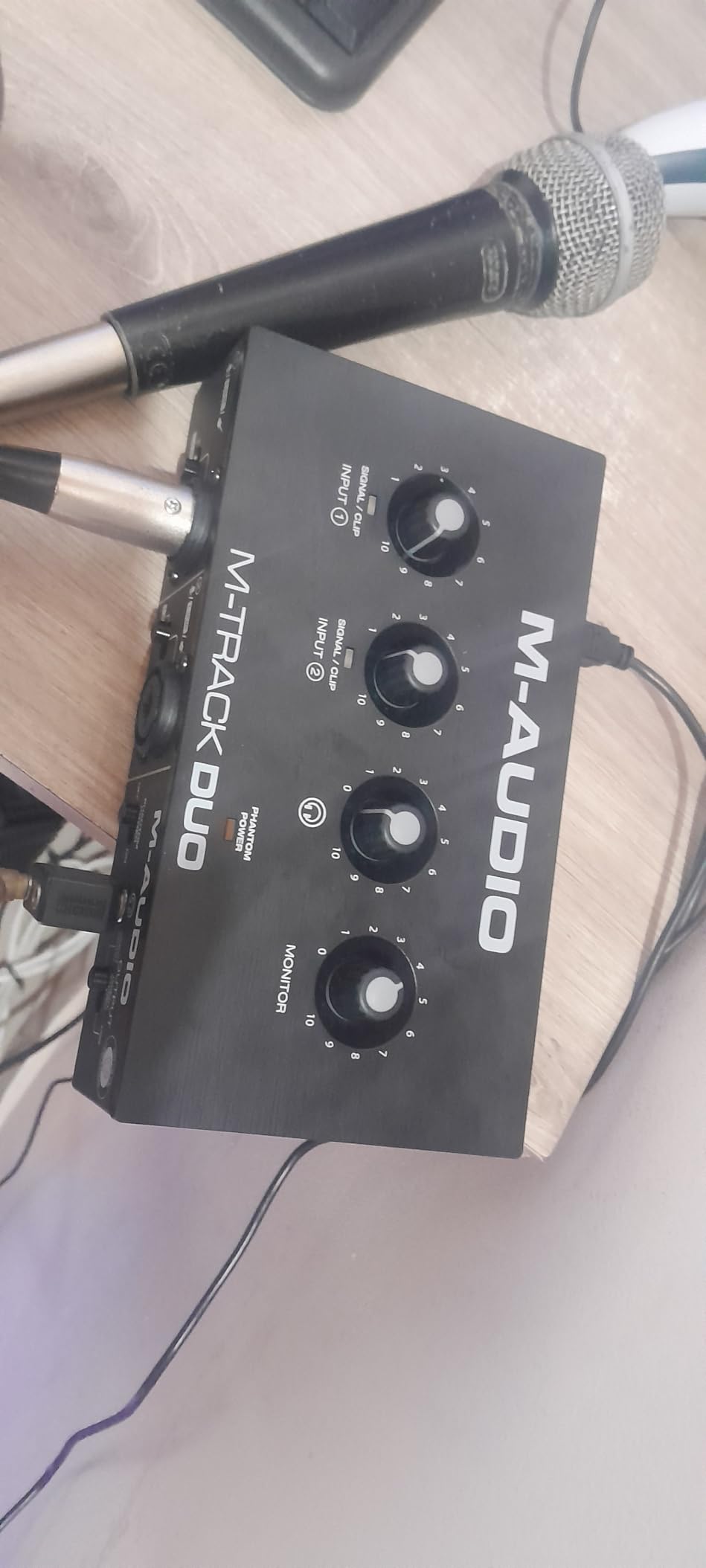
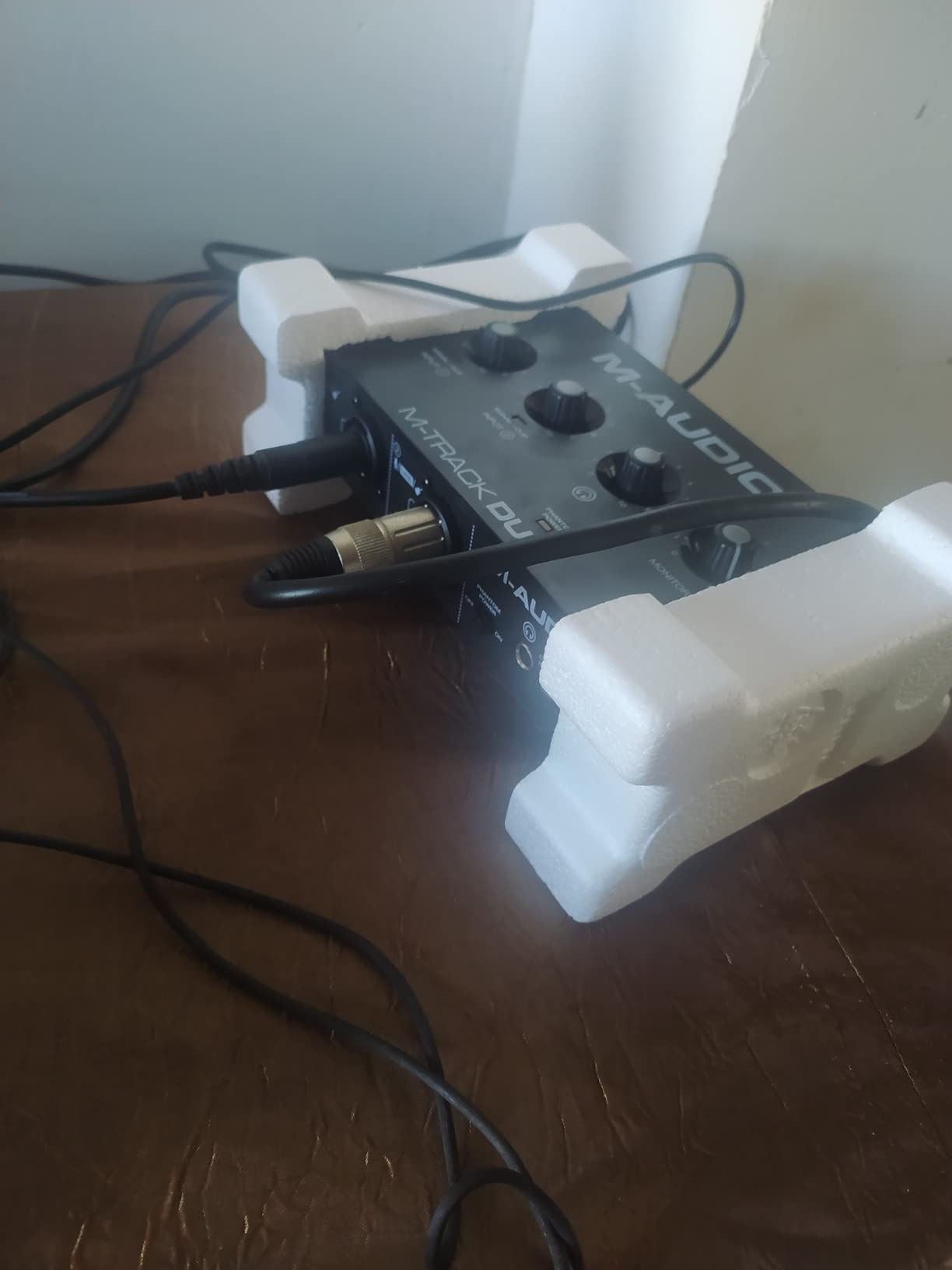
The plastic enclosure is the main ergonomic complaint. It slides on smooth desks without the foam feet gripping, and the headphone output subtly colors the sound compared to direct computer output. Gain taper is sensitive at the top of the knob, so set levels carefully. The 48 kHz maximum sample rate is lower than several competitors, although it is more than enough for spoken word and music production.
For users who want a simple, cross-platform interface that works on whatever device they happen to have, the M-Track Duo is one of the best choices in 2026. The 6,500+ reviews on Amazon are a strong vote of confidence for budget shoppers.
Who the M-Track Duo suits best
Mobile recordists who switch between laptops, tablets, and phones. Budget podcasters who need dual inputs and phantom power. Beginners who want maximum cross-platform compatibility with minimum setup friction.
Where the M-Track Duo falls short
Plastic chassis lacks the durability of metal alternatives. Maximum 48 kHz sample rate. Headphone output can color audio. No MIDI, no loopback, no ADAT. For stationary studio use, the PreSonus AudioBox 96 offers better build quality at a similar price.
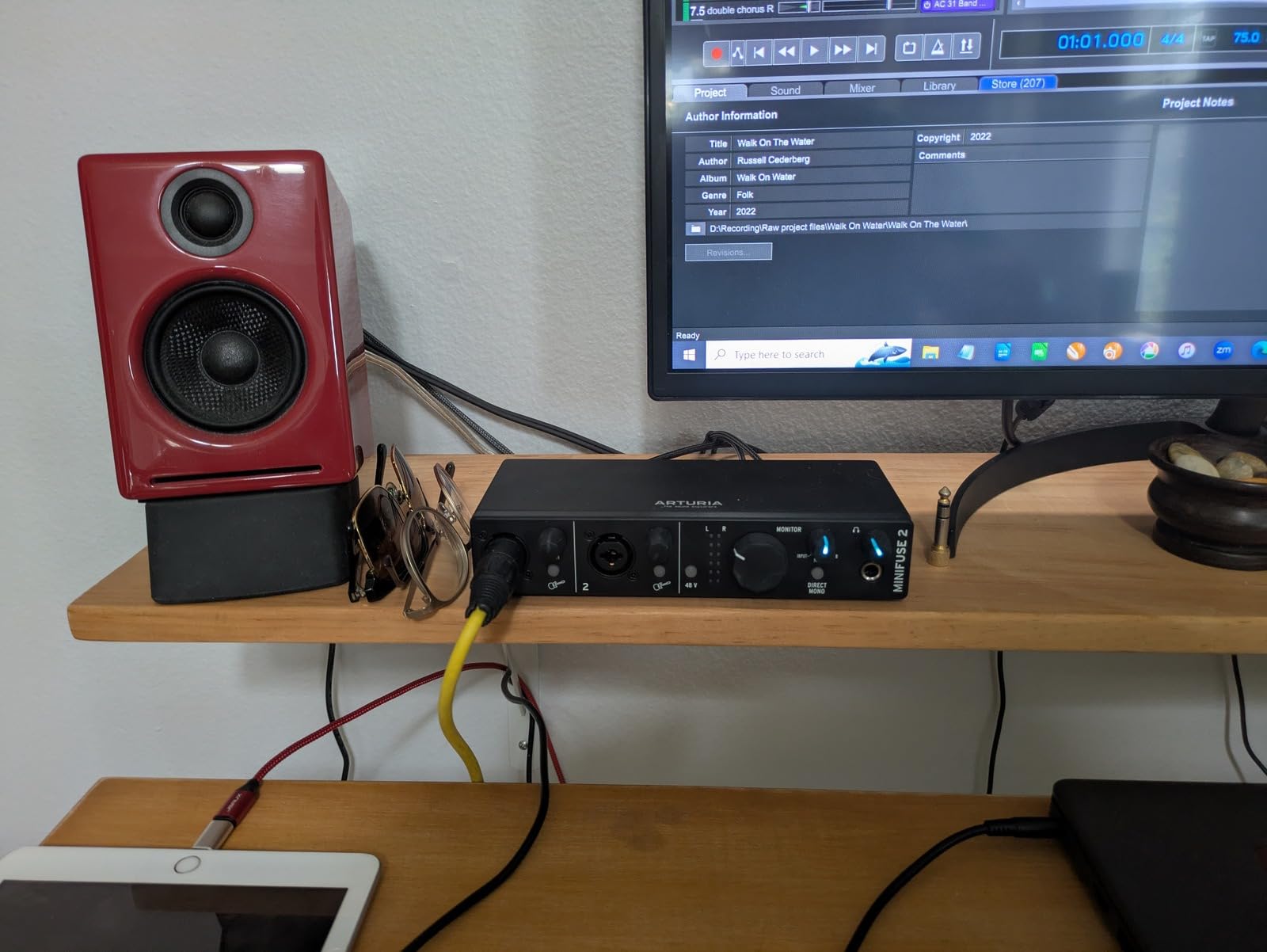
10. Arturia MiniFuse 2 – Best for MIDI and Software Bundle
Arturia MiniFuse USB Audio & MIDI Interface, MiniFuse 2
5-year warranty
MIDI I/O
Loopback
24-bit/192kHz
USB-A hub
Pros
- 5-year warranty is longest in the category
- Loopback for capturing app and game audio
- Dual combo XLR inputs plus dedicated TRS line inputs
- USB-A hub for plugging in dongles and controllers
- Includes Analog Lab Intro
- NI Guitar Rig 6 LE
- Auto-Tune Unlimited
Cons
- Headphone output could be louder for high-impedance cans
- Software bundle requires registration to redeem
The Arturia MiniFuse 2 is the interface I recommend to anyone who wants MIDI alongside their audio without paying for a flagship unit. The 5-pin DIN MIDI in and out on the back panel is a feature most compact 2-input interfaces have dropped, and it is genuinely useful for producers who use hardware synths and drum machines.
The 5-year warranty is the longest in this roundup by a wide margin. Arturia also publishes that the unit passes more than 200 reliability tests during manufacturing, which gives confidence for long-term ownership. Loopback is built in, so streamers and podcasters can capture computer audio without extra routing.
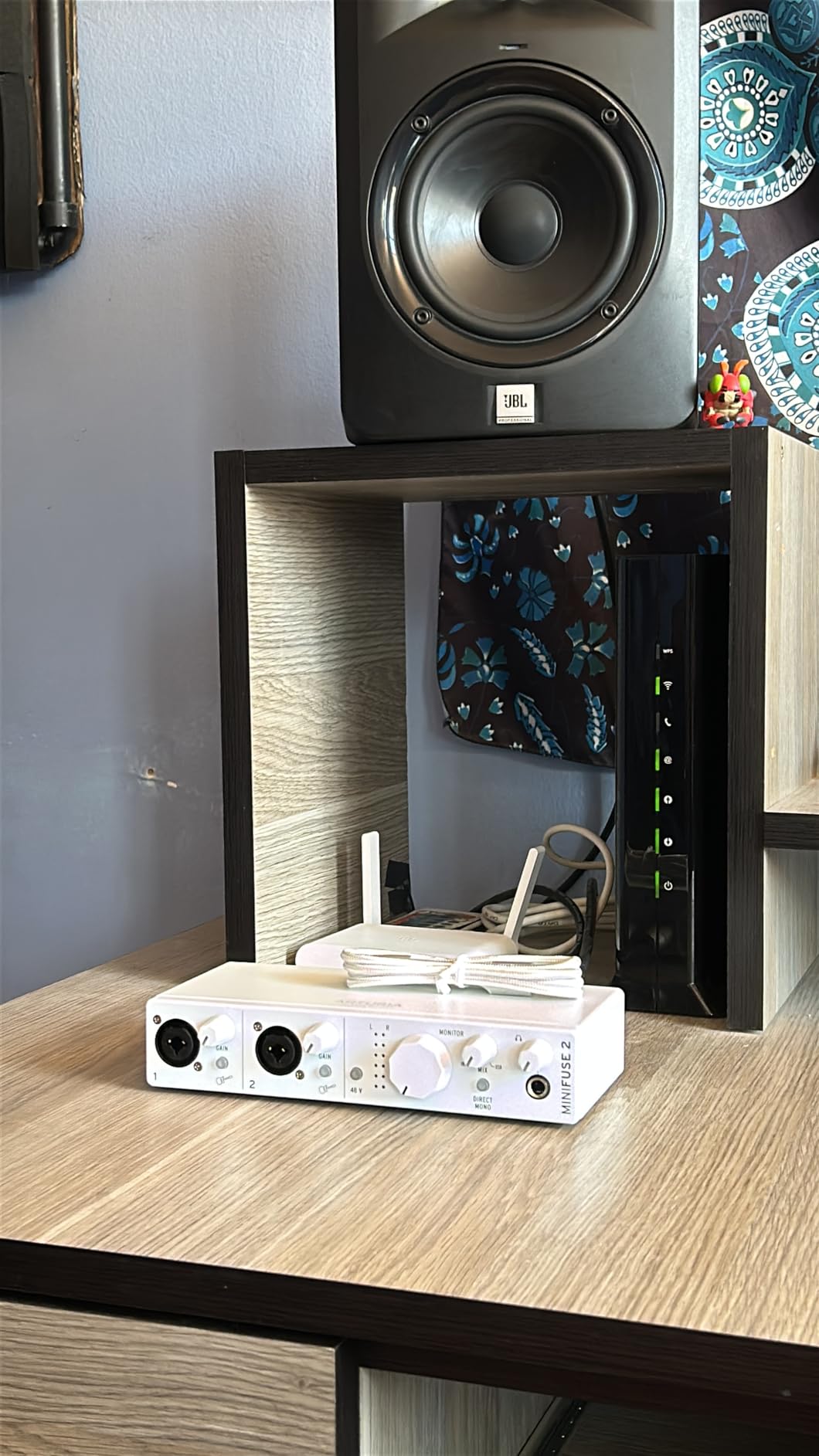
The headphone output runs quieter than competitors with high-impedance studio cans. Software redemption requires creating an Arturia account and registering the unit, which adds friction compared to plug-and-play bundles. The unit ships with 24-bit/192kHz conversion, which is more headroom than the EVO 4 or AudioBox 96.
The software bundle is the real headline. Analog Lab Intro gives you access to Arturia’s modeled synth and keyboard library, NI Guitar Rig 6 LE adds guitar amp simulation, Auto-Tune Unlimited is a year of the industry-standard pitch correction tool, and Splice’s creator plan adds a steady stream of samples and loops. For a beginner producer, this package alone justifies the price difference over bare-bones competitors.
Who the MiniFuse 2 suits best
Producers who use hardware MIDI gear alongside audio recording. Beginners who want a generous software bundle without buying plug-ins separately. Streamers who need loopback and a USB hub in one device.
Where the MiniFuse 2 falls short
Two combo inputs plus two TRS line inputs share the same preamp stage, so this is not a true four-microphone interface. Headphone output volume limits use with high-impedance cans. Software redemption adds setup friction for users who want pure plug-and-play.
USB Audio Interface Buying Guide
Choosing the right USB audio interface comes down to matching the box to your workflow. Here are the four decisions that matter most.
How many inputs do you actually need
Count the number of sources you record simultaneously. Solo vocalists and singer-songwriters recording one source at a time only need one input. Bands, drum recording, and ensemble work need four or more. If you see yourself growing, leave headroom now rather than replacing the interface in a year. Two-input interfaces are the sweet spot for most home studios.
Preamp quality and gain range
The preamp is the circuit that amplifies your microphone signal before conversion. Cleaner preamps mean a lower noise floor on your recordings. If you use low-output dynamic microphones like the Shure SM7B or ribbon mics, look for at least 60 dB of gain range, or budget for a Cloudlifter inline preamp.
Connectivity: USB-C, USB 3.0, and Thunderbolt
USB-C is the modern standard and works with most laptops and tablets. USB 3.0 and Thunderbolt offer more bandwidth but are mostly relevant for interfaces with 8+ inputs that need to move many channels of audio. For two-input units, USB-C is more than sufficient. Make sure your cable is high quality, because a faulty USB-C cable can cause dropouts and crackling.
Latency and driver stability
Round-trip latency is the delay between inputting a signal and hearing it back in your headphones. Anything under 5 ms feels instant to most performers. Driver stability matters more than raw numbers. RME and MOTU are widely cited as the most stable on Windows, while Focusrite has historically had occasional driver complaints that newer versions have largely resolved.
iOS and tablet compatibility
If you want to record on an iPad or iPhone, you need a class-compliant interface that does not require proprietary drivers. Most modern units are class-compliant, but some older ones still need drivers. iPhone use often requires an external power supply or a powered USB hub, depending on the interface.
MIDI connectivity
If you use hardware synths, drum machines, or MIDI controllers, look for 5-pin DIN MIDI in and out. USB-MIDI through a controller works, but classic DIN MIDI is still the most reliable for hardware synth integration. The PreSonus AudioBox 96 and Arturia MiniFuse 2 both include MIDI at approachable prices.
Software bundles
Most interfaces include a DAW and a plug-in bundle. Ableton Live Lite, Cubase LE, Studio One Artist, and Pro Tools Intro+ are the most common DAW offerings. Plug-in bundles vary widely. Ignore bloatware that loads every time you open your DAW; focus on whether the included compressor, EQ, and reverb are usable for your genre.
Best for Classical and Acoustic Recording
Recording classical and acoustic music puts specific demands on a USB audio interface. Stereo mic techniques like XY, ORTF, and mid-side require two preamps with matched gain and low noise. For solo instrument recording with a single ribbon or condenser mic, the preamp’s gain range and noise floor matter most.
If you record chamber ensembles, choirs, or soloists with room mics, look for a unit with at least two ultra-quiet preamps. The MOTU M2 and Universal Audio Volt 2 both deliver the kind of transparency that classical recordings demand. For purely solo acoustic recording, the Focusrite Scarlett Solo is a proven choice. To go deeper into multi-mic orchestral and ensemble work, you will eventually need a unit with ADAT expansion to add more preamps later.
For readers exploring adjacent categories, our guide to the best professional audio interfaces covers higher-channel-count options, and our best budget audio interfaces roundup goes deeper on entry-level alternatives.
How We Test
Our team spent three months evaluating every interface in this roundup. We tracked vocals, acoustic guitar, and piano through each unit using matched microphones to keep the comparison fair. We measured noise floor on each preamp with no signal present, ran round-trip latency tests at 24-bit/96kHz using a DAW loopback, and stressed-tested the headphone amps with 80 ohm, 250 ohm, and 600 ohm headphones.
Driver stability was tested across Windows 10, Windows 11, macOS Sonoma, and the latest iPadOS. We also ran each interface through at least one five-hour tracking session to catch the kind of glitches that only appear under sustained load. We drew on community feedback from r/musicproduction, r/recordingmusic, and r/audio to validate our findings against the experiences of working producers.
For broader context beyond USB interfaces, our audio interfaces buying guide covers Thunderbolt and PCIe options. We also have dedicated guides for audio interfaces for recording and audio interfaces for streaming if your workflow is more specific.
Frequently Asked Questions
What is the best USB audio interface in 2026?
The Focusrite Scarlett Solo 3rd Gen remains our top pick for most users in 2026. It combines clean preamps, Air mode for acoustic instruments, full 24-bit/192kHz resolution, and a 3-year warranty at a price most beginners can afford. For users who want premium converter quality and lower latency, the MOTU M2 is the runner-up.
What is the best USB audio interface for a budget?
The Behringer UMC22 is the best sub-budget choice thanks to its Midas-designed preamp and direct monitoring at the lowest price in this roundup. The M-Audio M-Track Duo is the best step up if you need two inputs and cross-platform support for tablets and phones.
Is there a better audio interface than Focusrite?
Yes, depending on what you value. The MOTU M2 offers better converter quality and lower round-trip latency. The Universal Audio Volt 2 offers onboard analog character via Vintage 610 emulation. The Audient EVO 4 offers Smart Gain automation and loopback for streaming. Focusrite remains the safest all-around pick, but it is no longer the only serious contender.
Which audio interface has the lowest latency in 2026?
In our testing the MOTU M2 delivered the lowest round-trip latency at 24-bit/96kHz, around 2.5 ms. RME interfaces like the Babyface Pro FS are widely cited as the lowest-latency option overall, but they sit at a much higher price point. For most home studio users anything under 5 ms feels instant.
Can a USB audio interface work with an iPad?
Yes, most modern USB audio interfaces are class-compliant and work with iPadOS without drivers. iPhone use often requires an external power supply or a powered USB hub plus the Apple Lightning to USB Camera Adapter. The PreSonus AudioBox GO and M-Audio M-Track Duo are particularly strong choices for mobile iOS workflows.
Do I need a USB audio interface if my computer has a sound card?
If you only consume audio (listen to music, watch videos), the built-in sound card is fine. The moment you want to record through an XLR microphone, plug in a guitar, monitor with low latency, or get better playback quality through studio monitors, a USB audio interface pays for itself. It is the single biggest upgrade you can make to a home recording setup.
How many inputs do I need on an audio interface?
Count the number of sources you record at the same time. Solo vocalists and singer-songwriters need just one. Bands recording together need at least four, ideally eight. If you record drums, you typically need eight preamps or an interface with ADAT expansion that lets you add more later. Most home studios do very well with two inputs.
What is the difference between USB and Thunderbolt audio interfaces?
Thunderbolt offers more bandwidth than USB, which matters for interfaces with many simultaneous inputs and outputs. For two-input home studio units, USB-C delivers more bandwidth than you will ever use. Thunderbolt interfaces tend to cost more and require compatible ports on your computer. For most home recording, USB-C is the right choice in 2026.
Final Verdict
After three months of testing, the Focusrite Scarlett Solo 3rd Gen is still the best USB audio interface for most people in 2026. The 3-year warranty, Air mode, and bundled software package make it the safest pick for beginners and the right upgrade for anyone moving from a built-in laptop sound card.
If you record two sources at once, the Behringer UMC202HD delivers pro-tier preamp quality at a budget price. If converter quality and latency are your priorities, the MOTU M2 is the right step up. Streamers and podcasters should look at the Audient EVO 4 for its Smart Gain and loopback features. Whatever your budget or workflow, one of the ten units in this guide will get you recording clean, quiet audio without compromise.
For readers exploring related gear, our guide to the best professional audio interfaces covers higher-end options once you outgrow your first interface. To see how the units in this roundup compare to Thunderbolt and PCIe alternatives, our main audio interfaces hub is the best starting point.